
ShellyTerrell.com
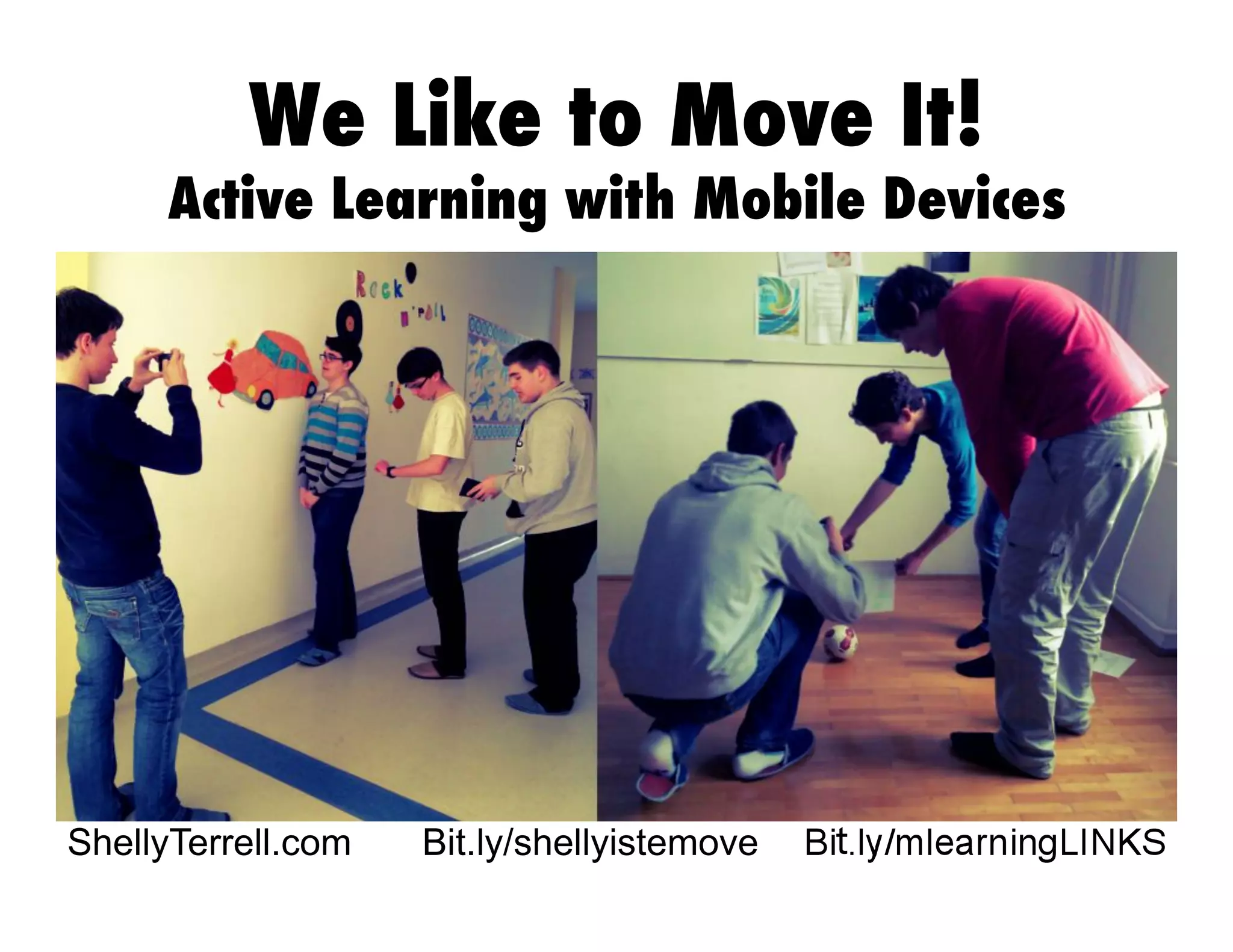
We Like to Move It!
Active Learning with Mobile Devices
Bit.ly/shellyistemove
Download these apps:
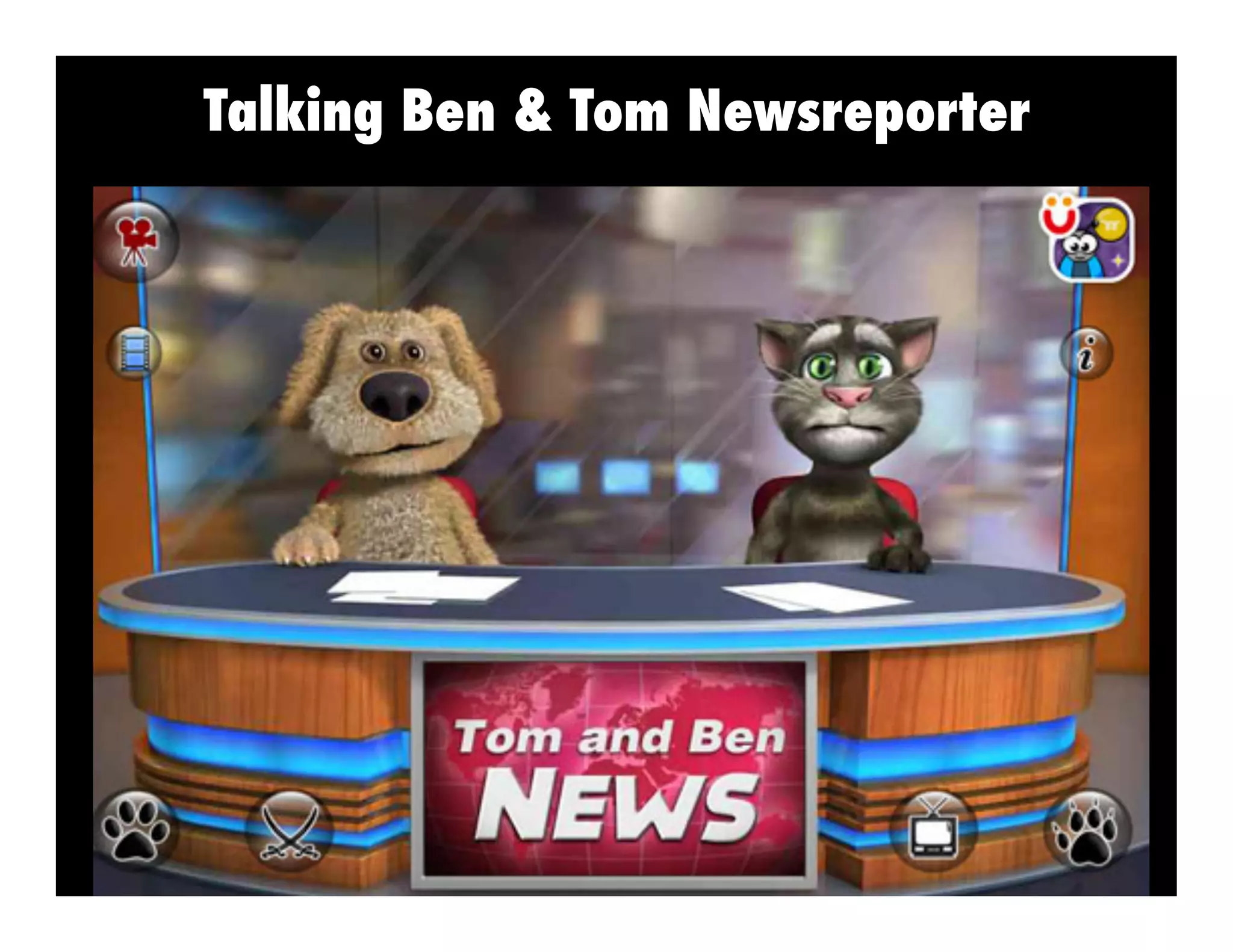
• Tom & Ben News Reporter
• BeFunky
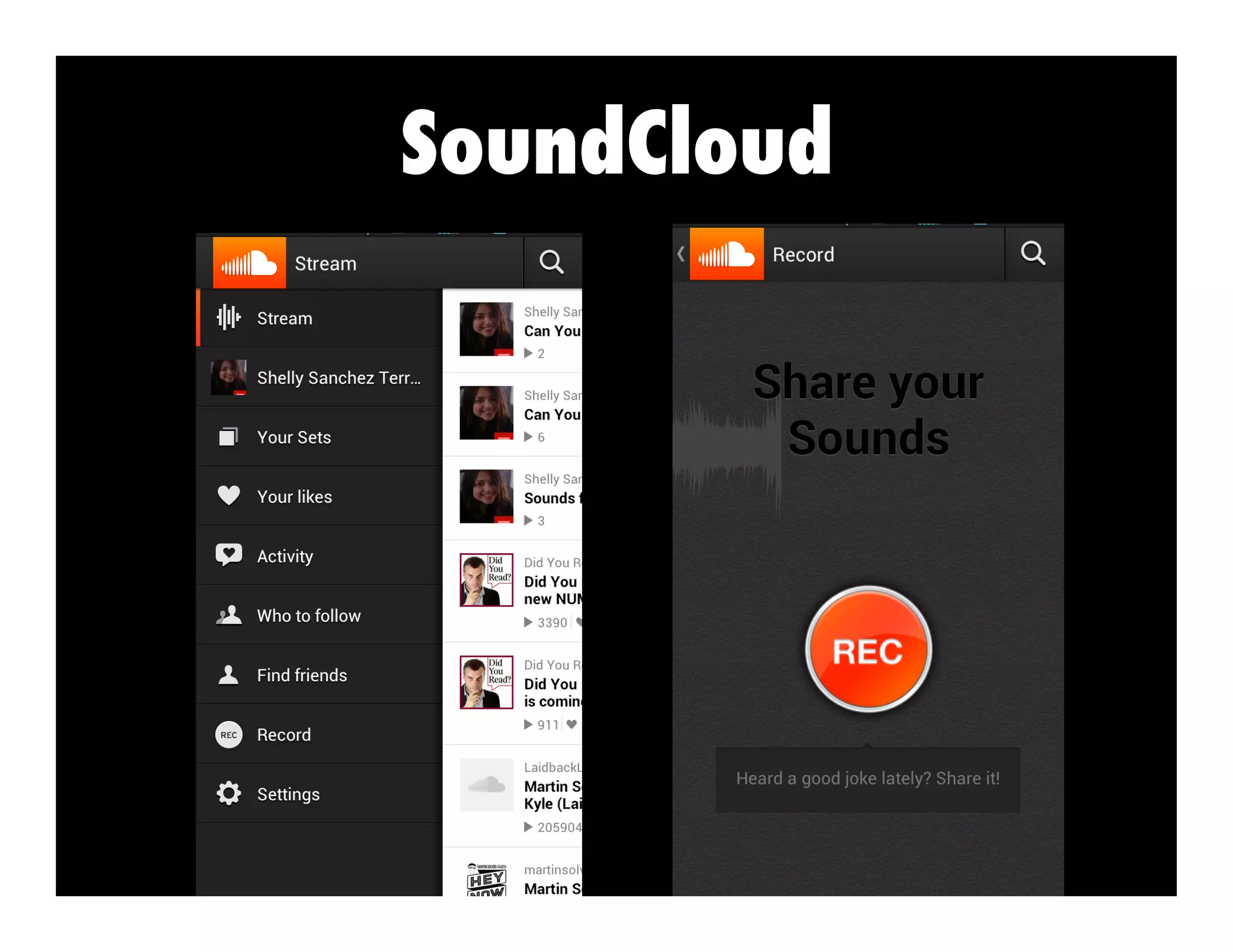
• SoundCloud
• Magisto
• iNigma , Quick Mark, or other
QR code scanner/creator
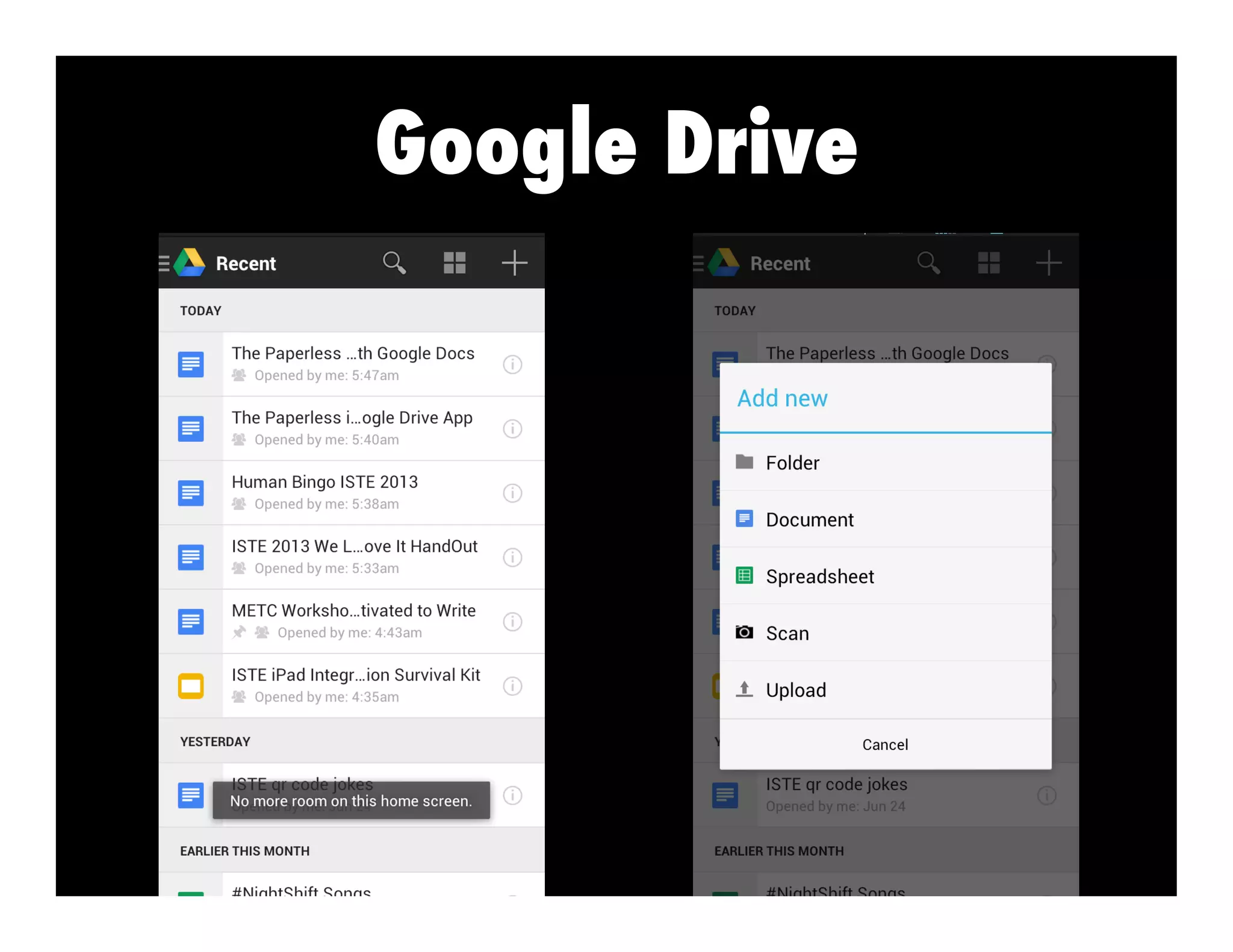
• Google Drive
Visit: http://bit.ly/shellyistemove
“As soon as I saw
you, I knew an
adventure was
going to happen.”
– Winnie The Pooh
I want to
experience
what I learn!
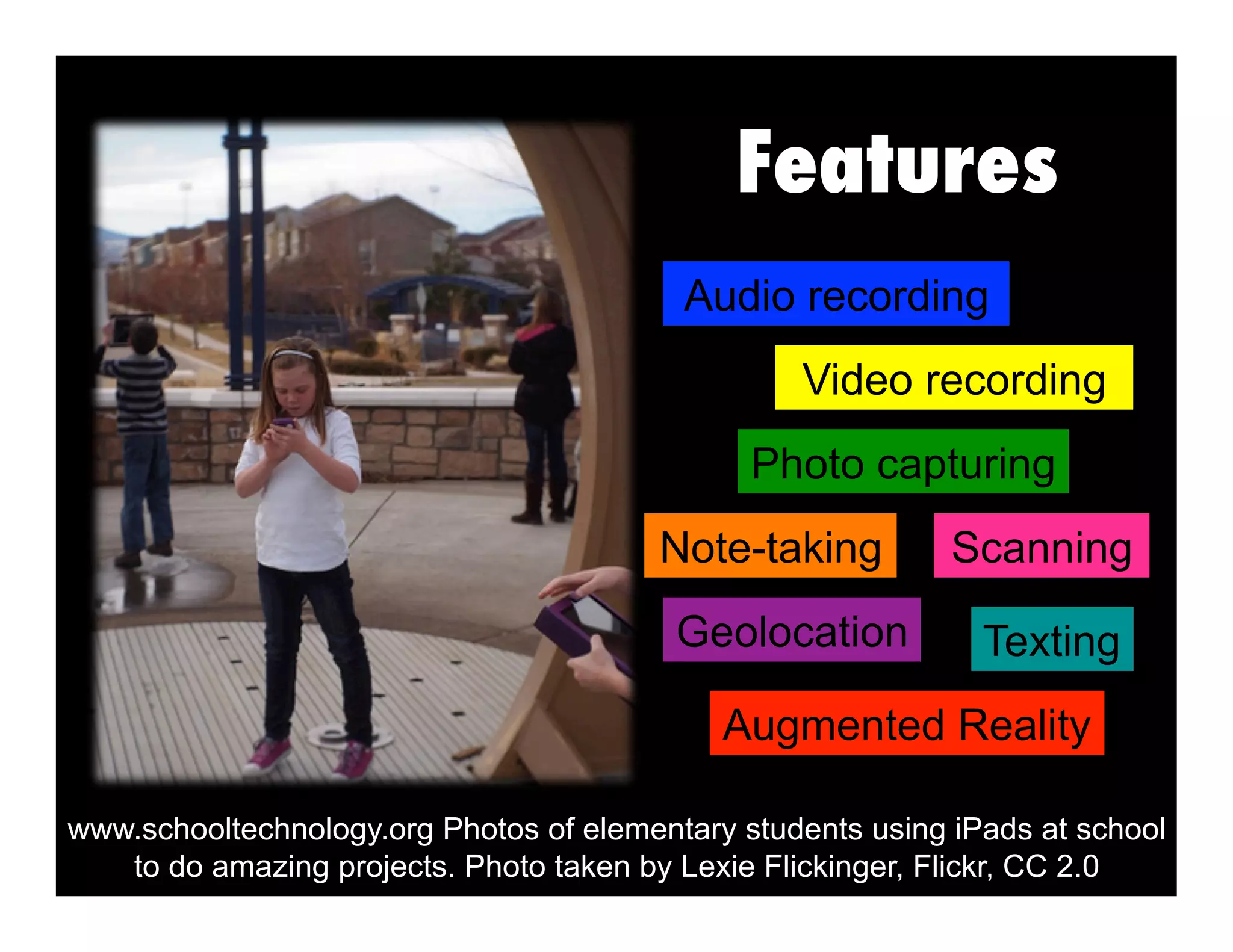
Features
Geolocation Texting
Photo capturing
Augmented Reality
Video recording
Note-taking Scanning
Audio recording
www.schooltechnology.org Photos of elementary students using iPads at school
to do amazing projects. Photo taken by Lexie Flickinger, Flickr, CC 2.0
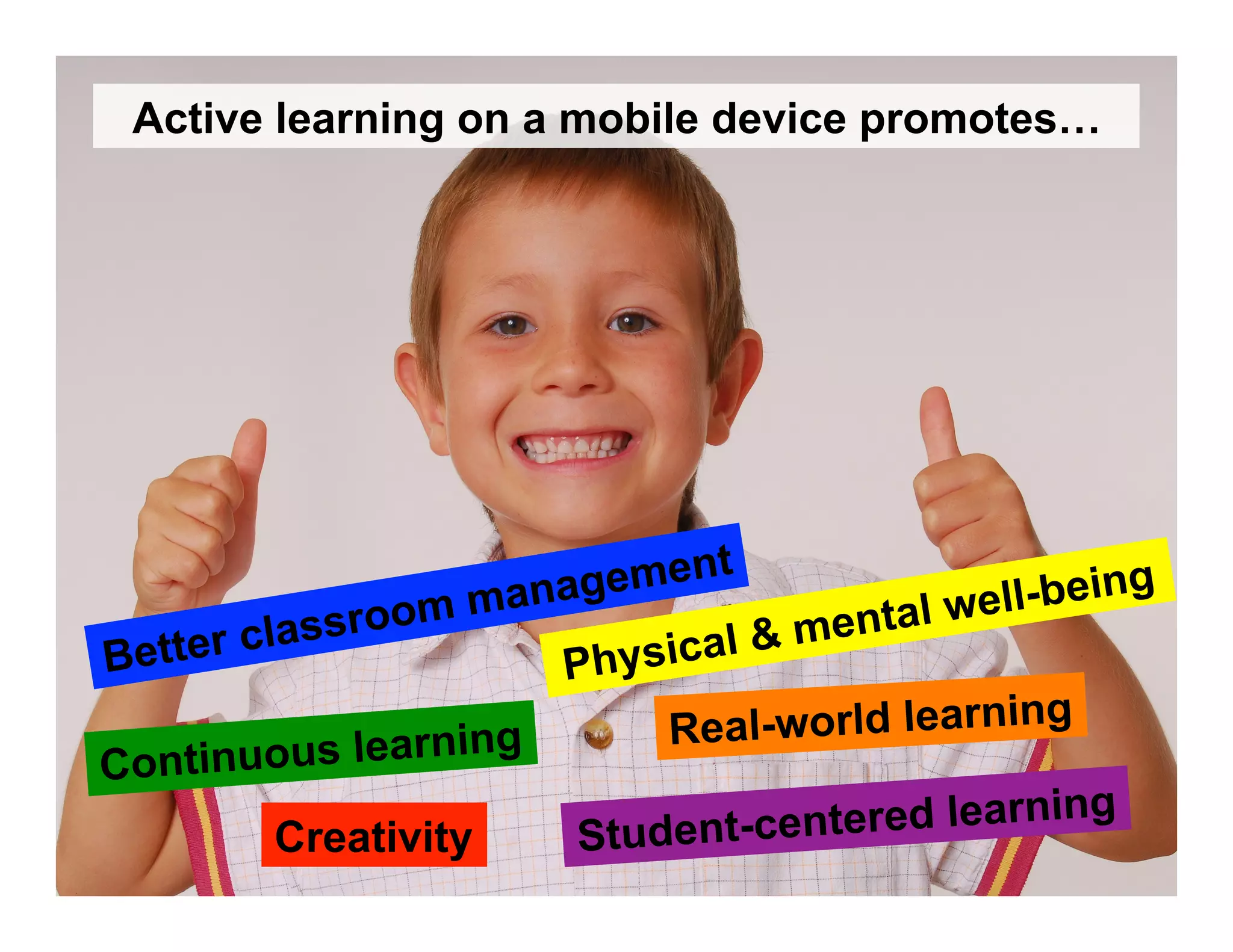
Student-centered learning
Continuous learning Real-world learning
Creativity
Physical & mental well-being
Better classroom management
Active learning on a mobile device promotes…
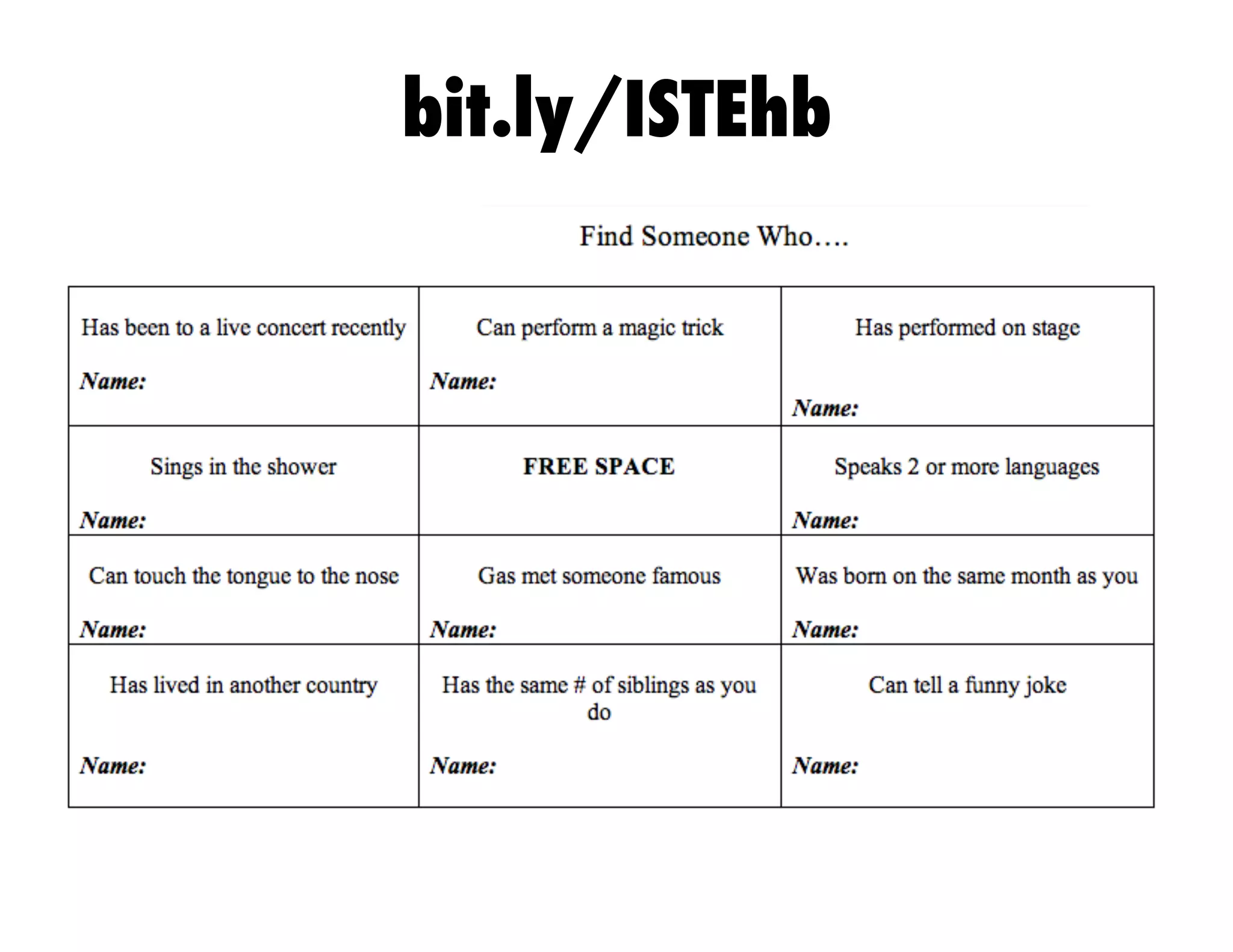
bit.ly/ISTEhb
Google Drive
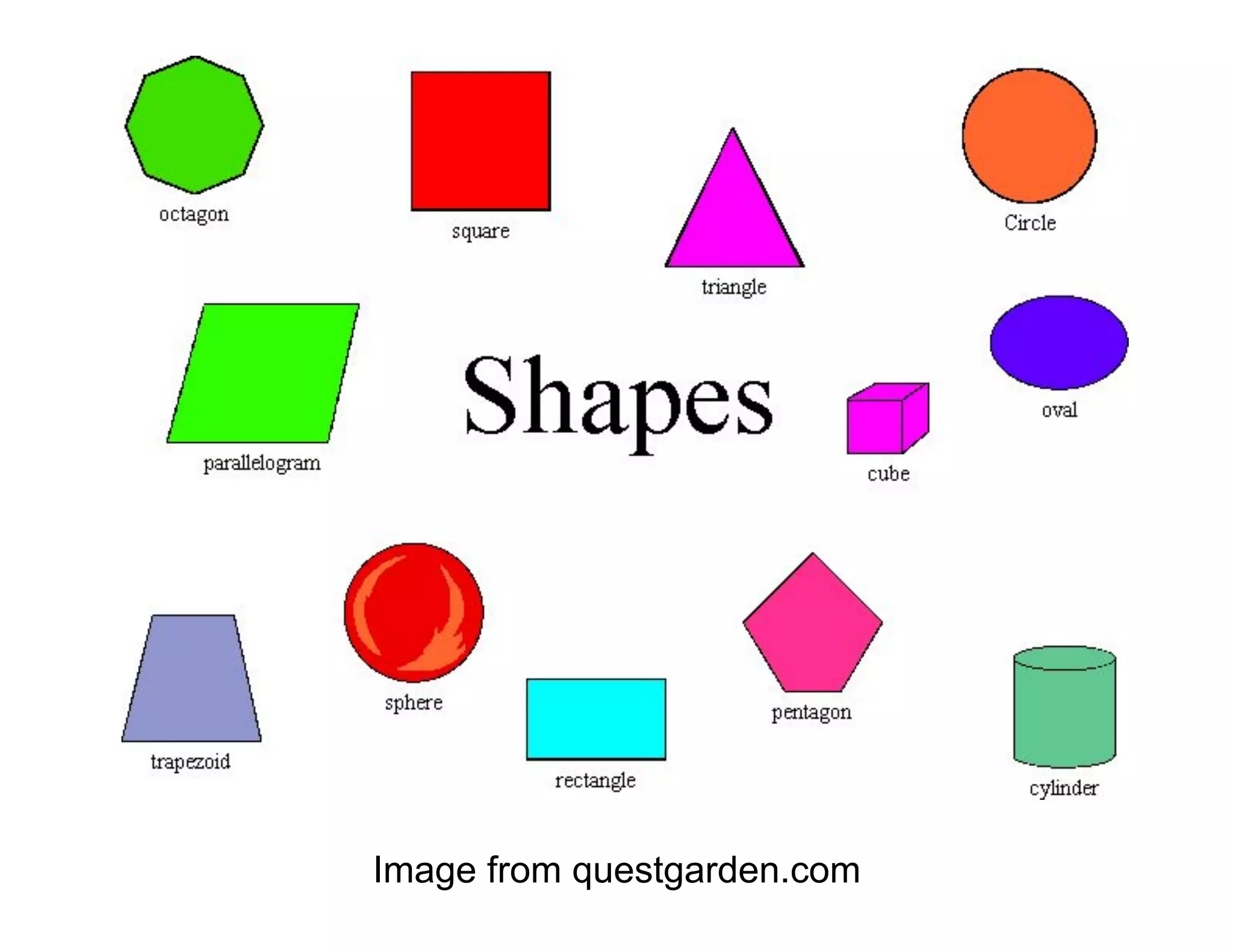
Image from questgarden.com
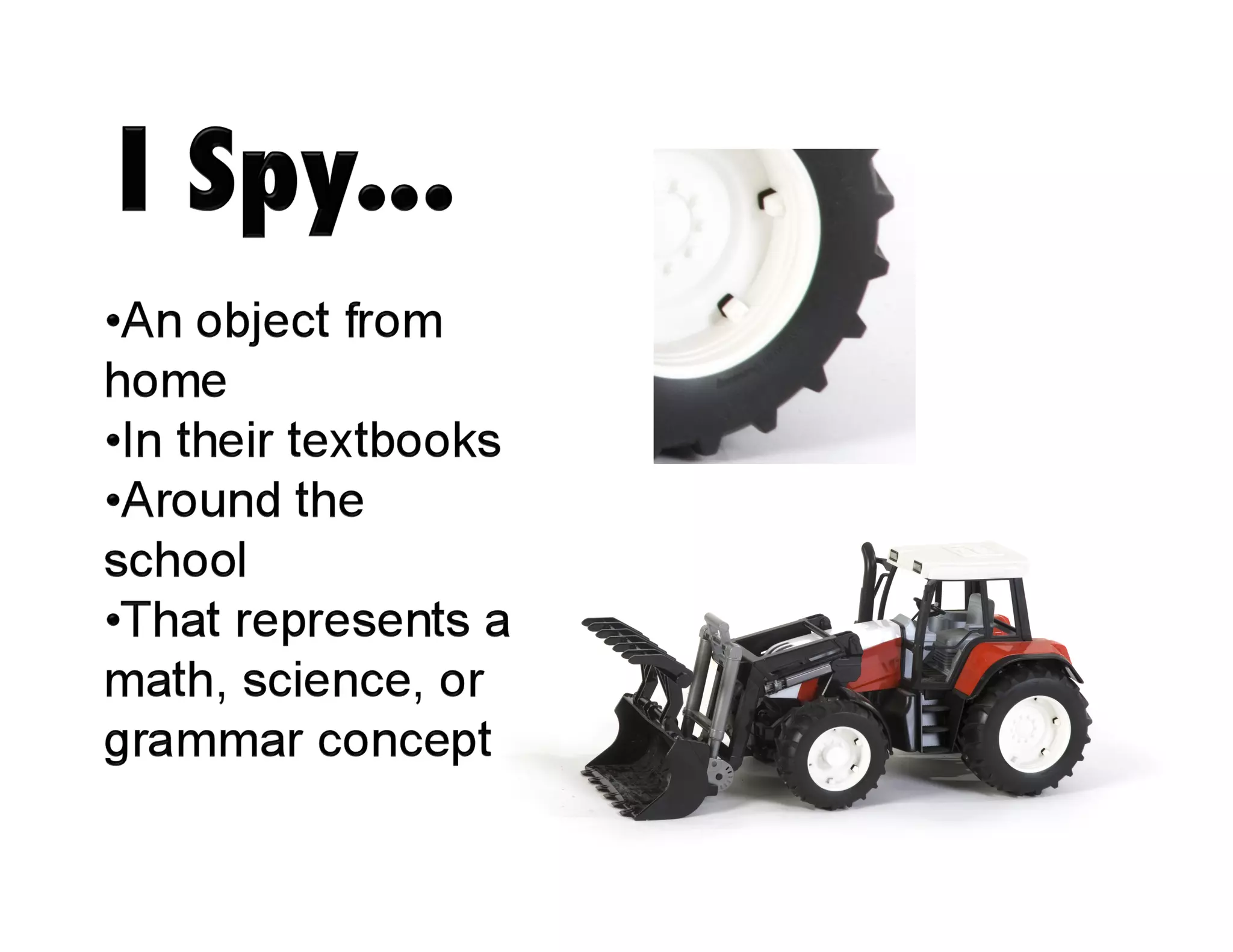
Activity: I Spy Geometry Shapes
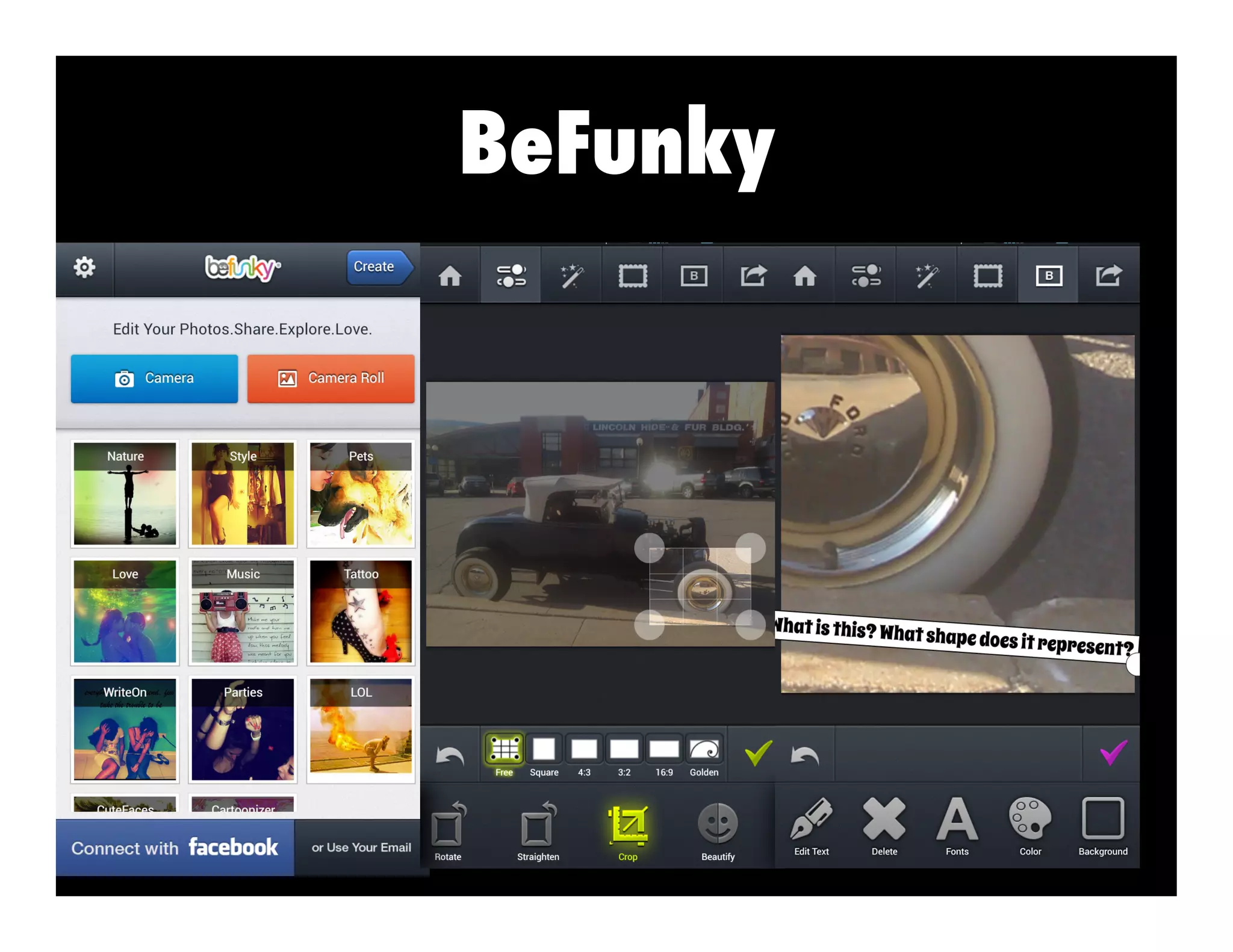
Choose an object around you that represents 1 of
the shapes from the previous slide. Take a picture
of the object. Use BeFunky to create an zoom in
shot for another peer to guess.
Show your object to a person. They will guess
which object you took a picture of.
BeFunky
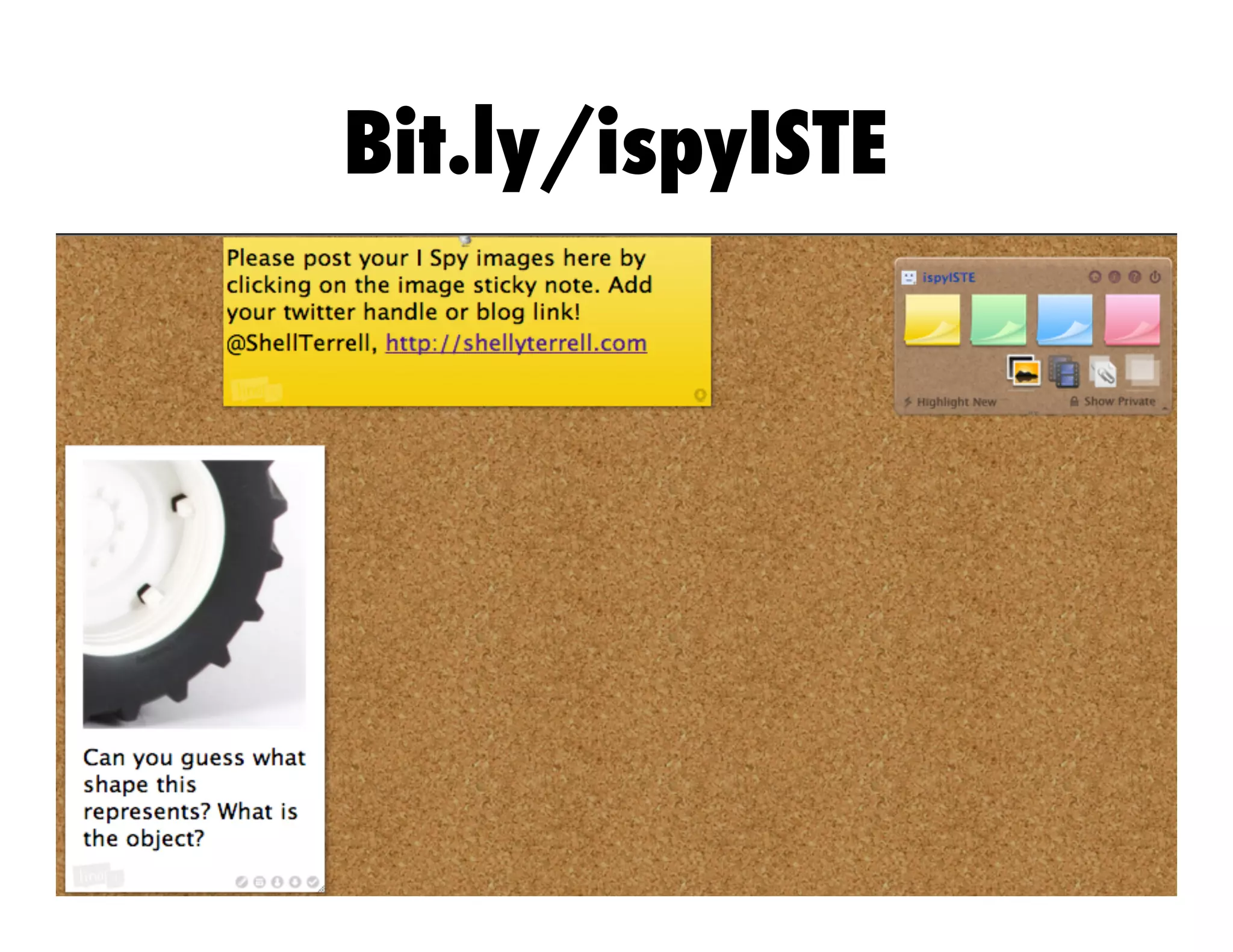
Bit.ly/ispyISTE
Activity: Invent an App
Task: The KLM company
specializes in creating
apps that wow. Your team
is responsible for creating
a prototype of this app that
does extraordinary things.
You will show the board of
directors a 30sec video
commercial of this new
app showcasing its skills.
Use the Magisto app.
Activity: Invent an App
App:
What does it do?
Your commercial must be a minute or less!
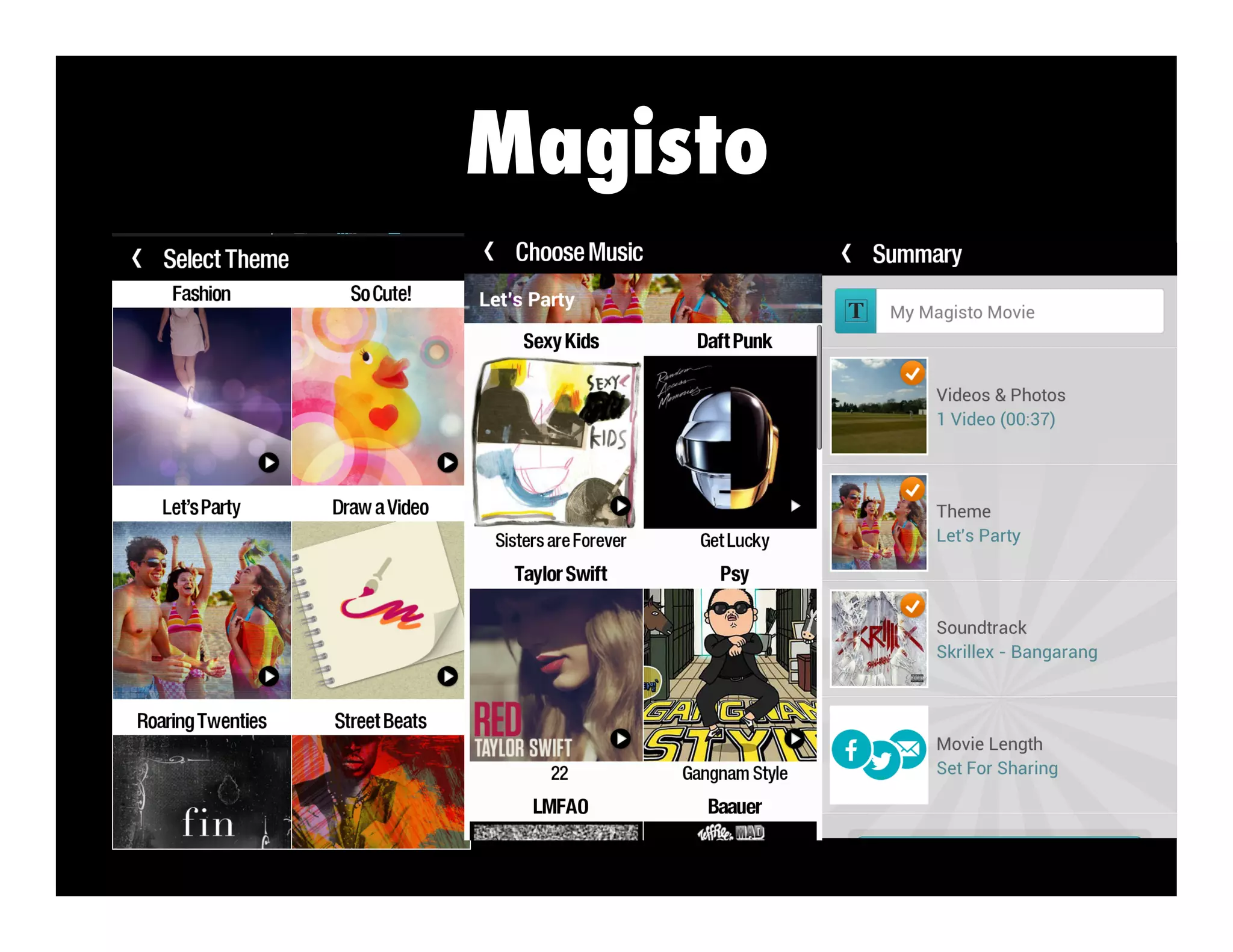
Magisto
Reporting the News
Talking Ben & Tom Newsreporter
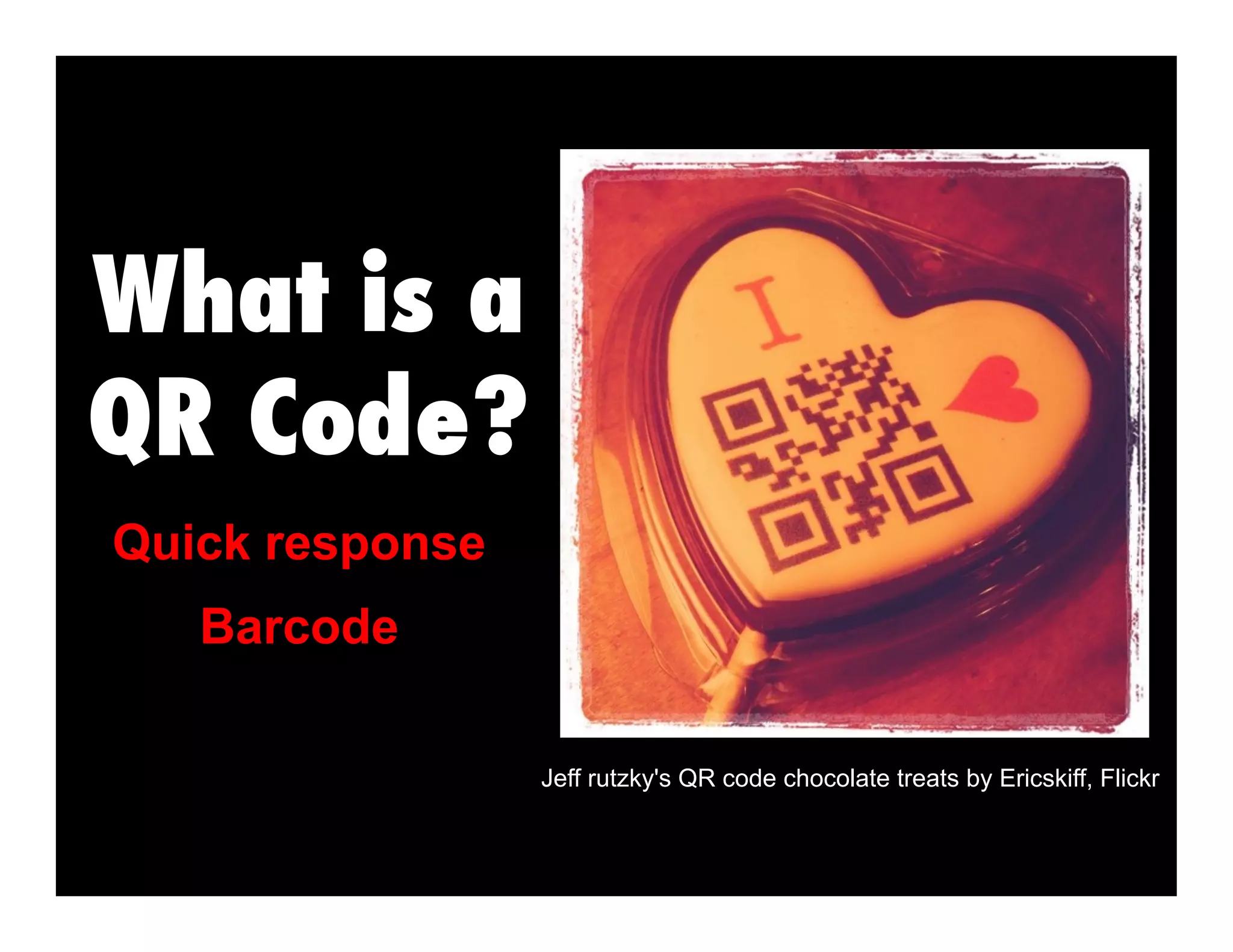
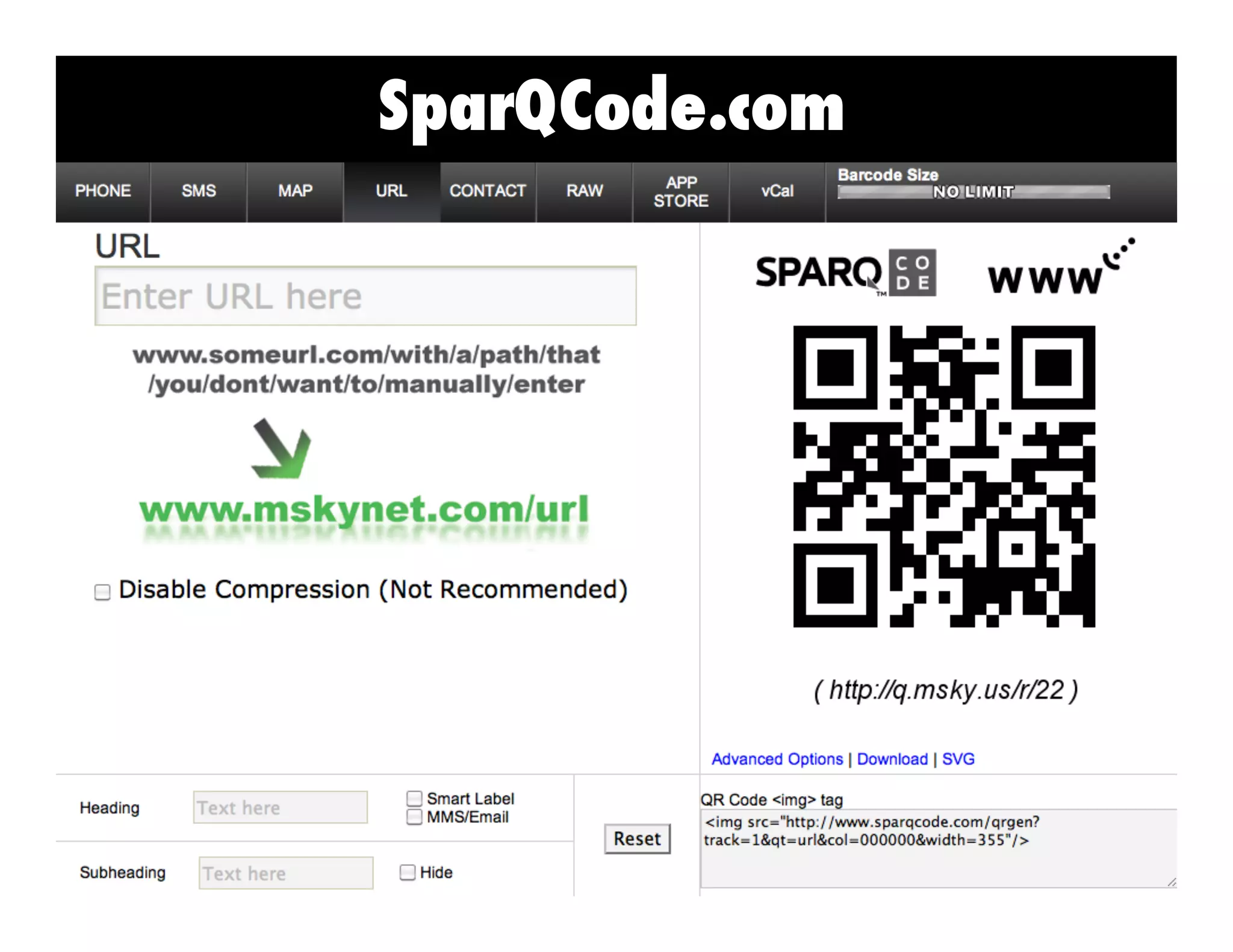
Quick response
Jeff rutzky's QR code chocolate treats by Ericskiff, Flickr
Barcode
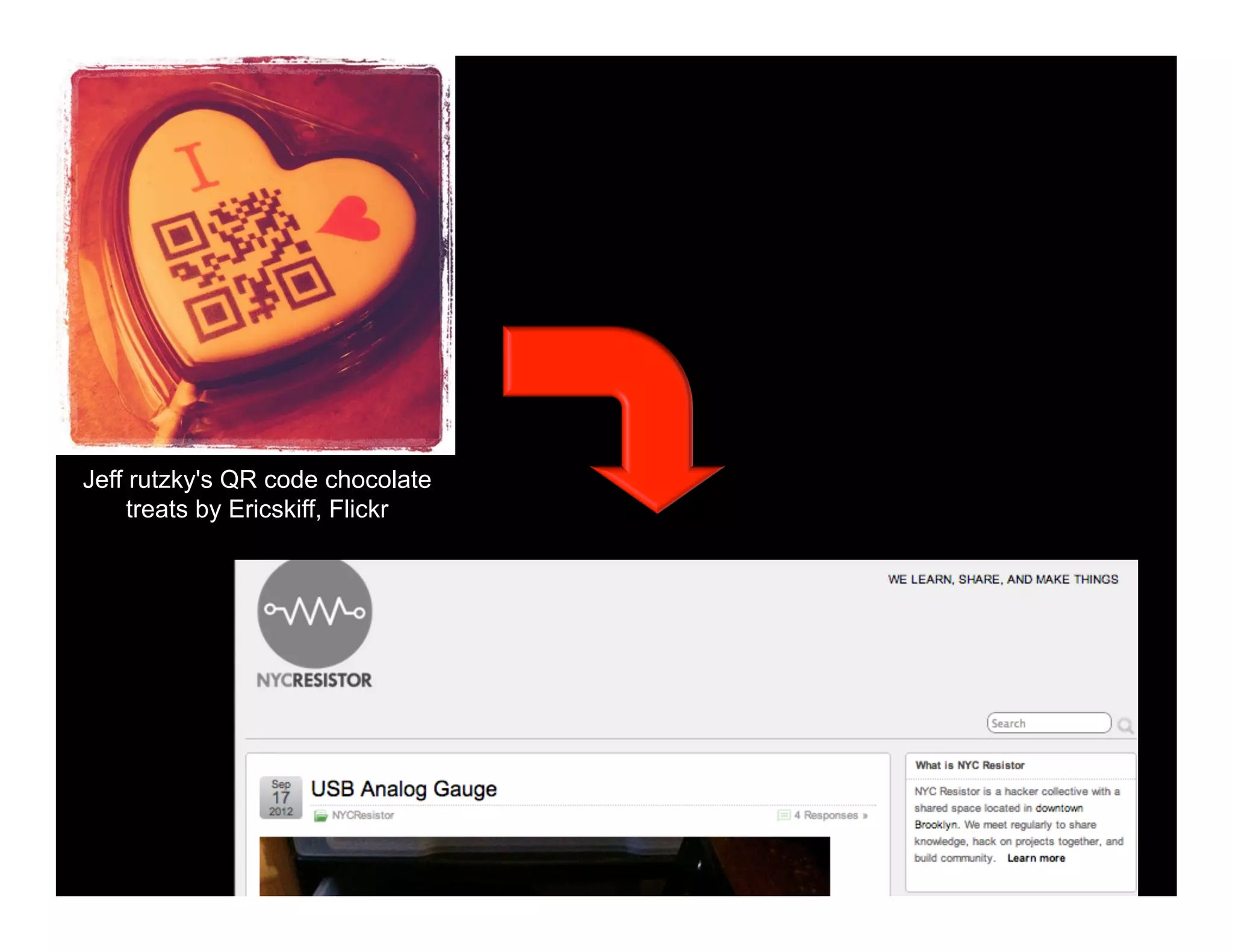
Jeff rutzky's QR code chocolate
treats by Ericskiff, Flickr
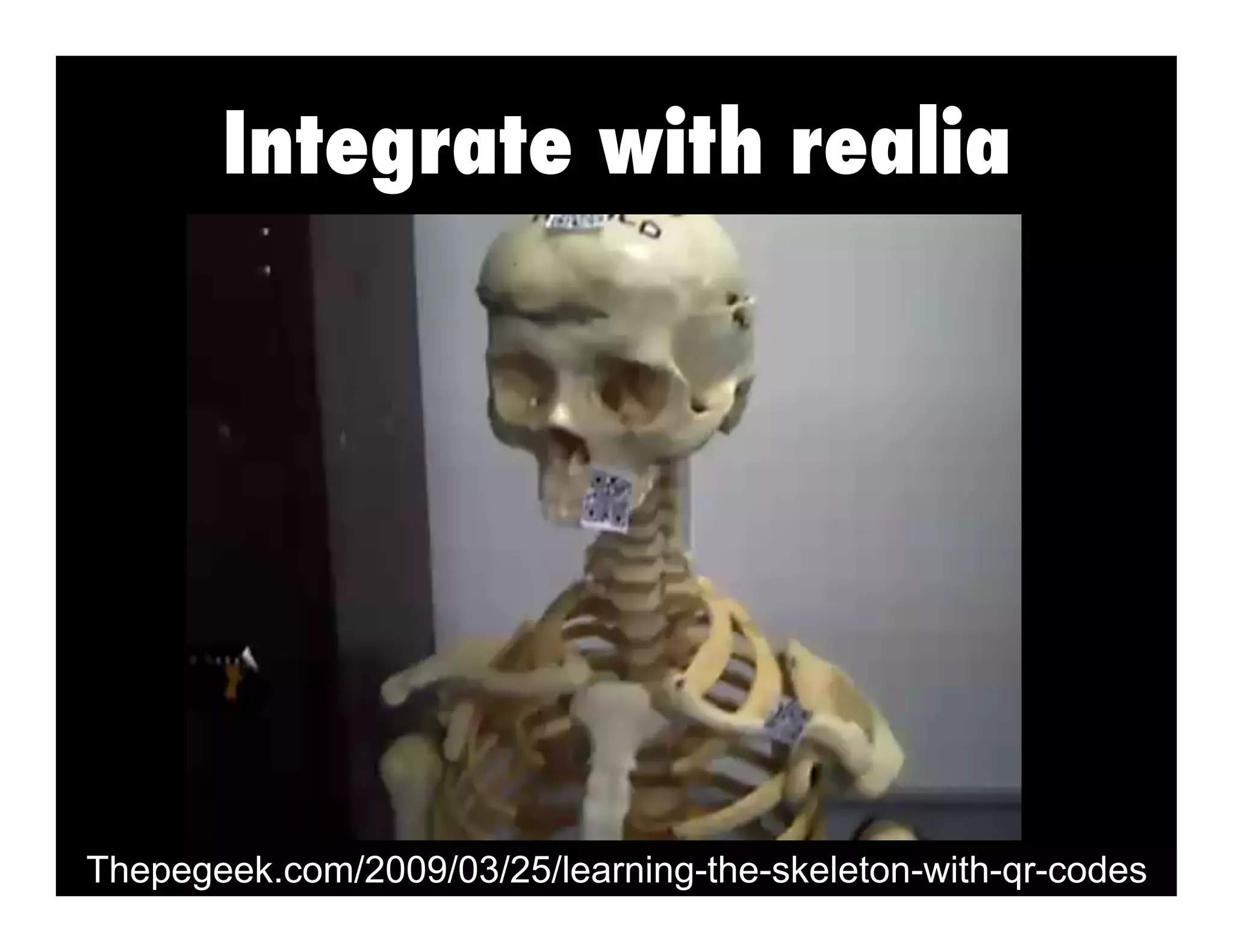
Integrate with realia
Thepegeek.com/2009/03/25/learning-the-skeleton-with-qr-codes
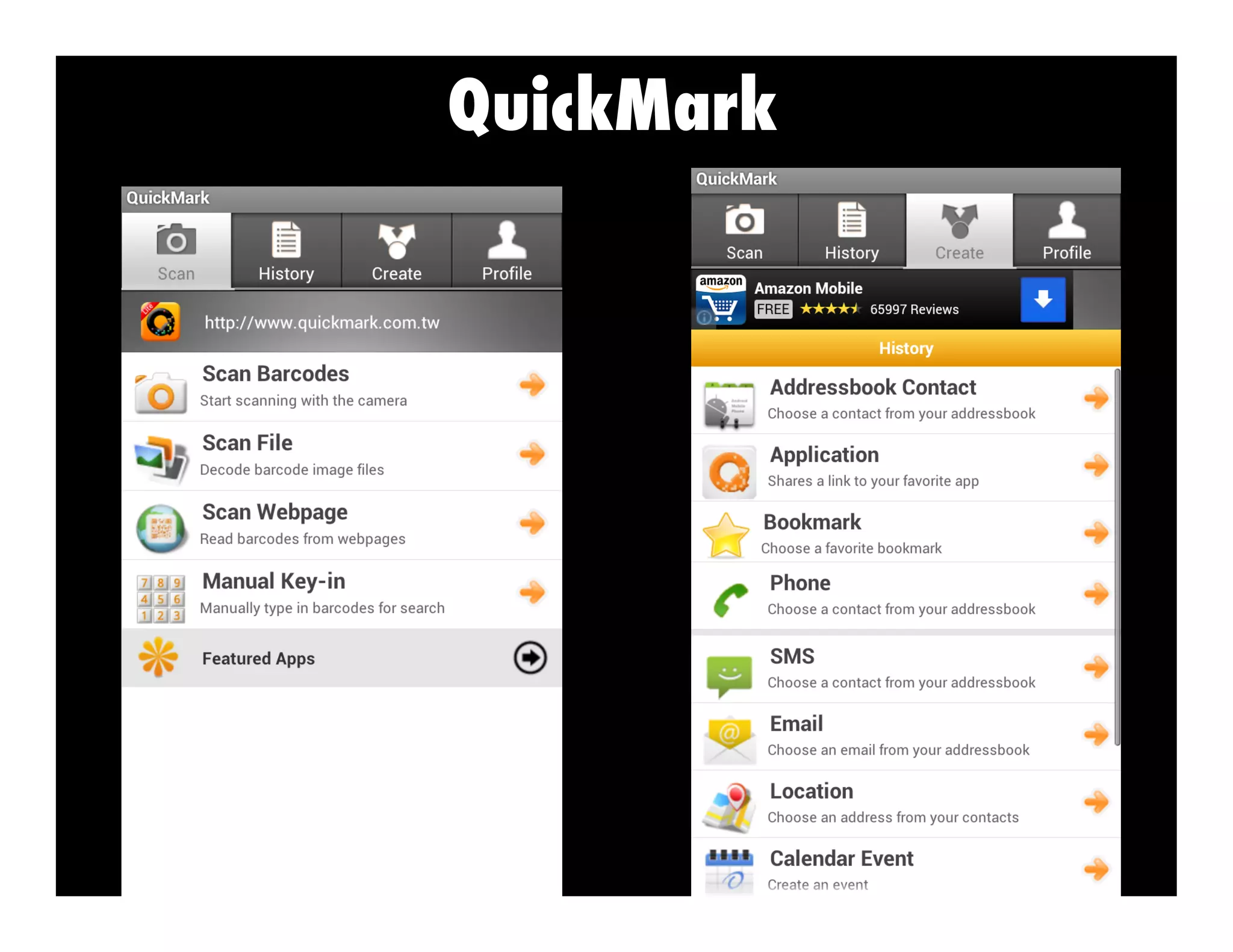
QuickMark
Scan the following?
Match the right qr code!
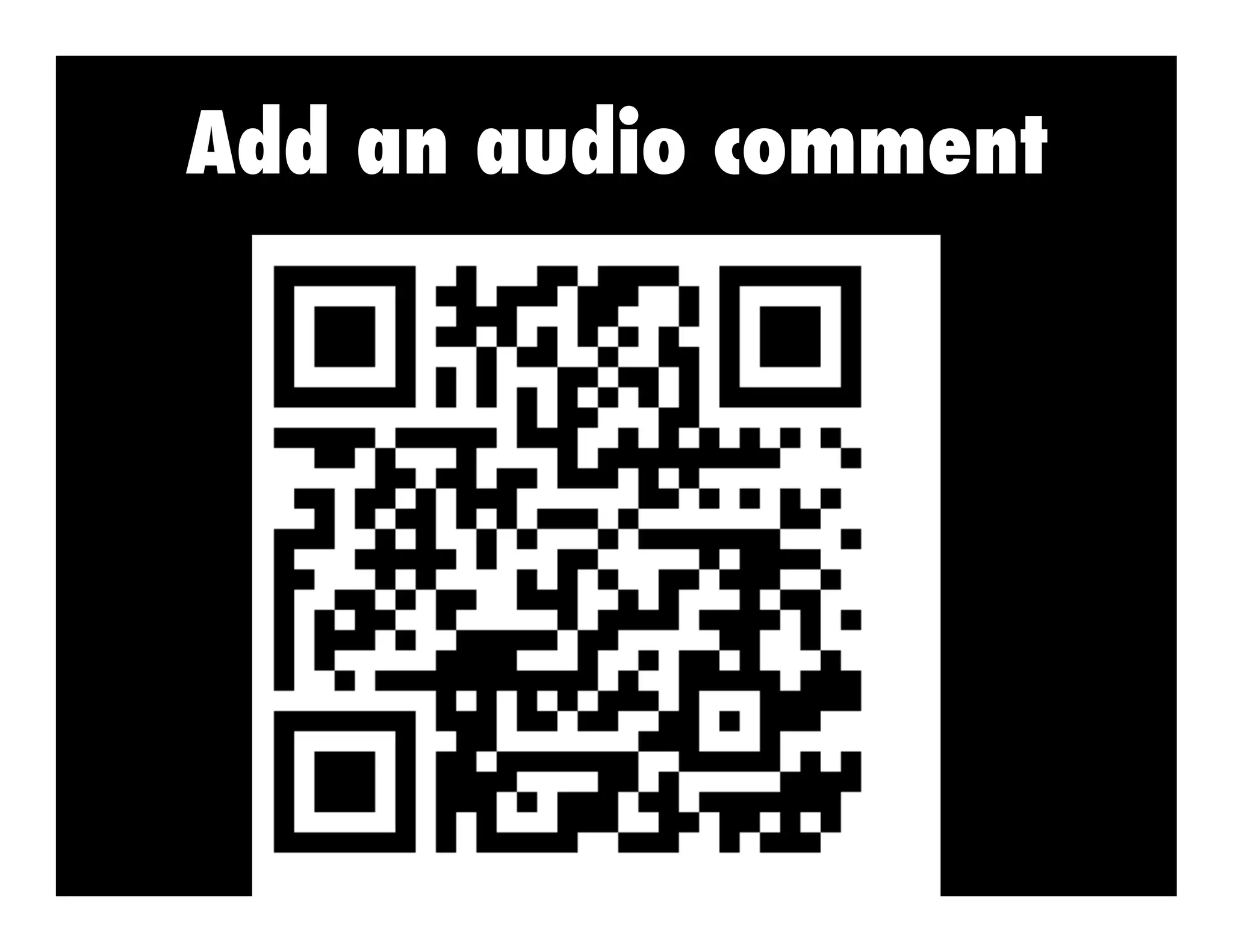
Add an audio comment
SoundCloud
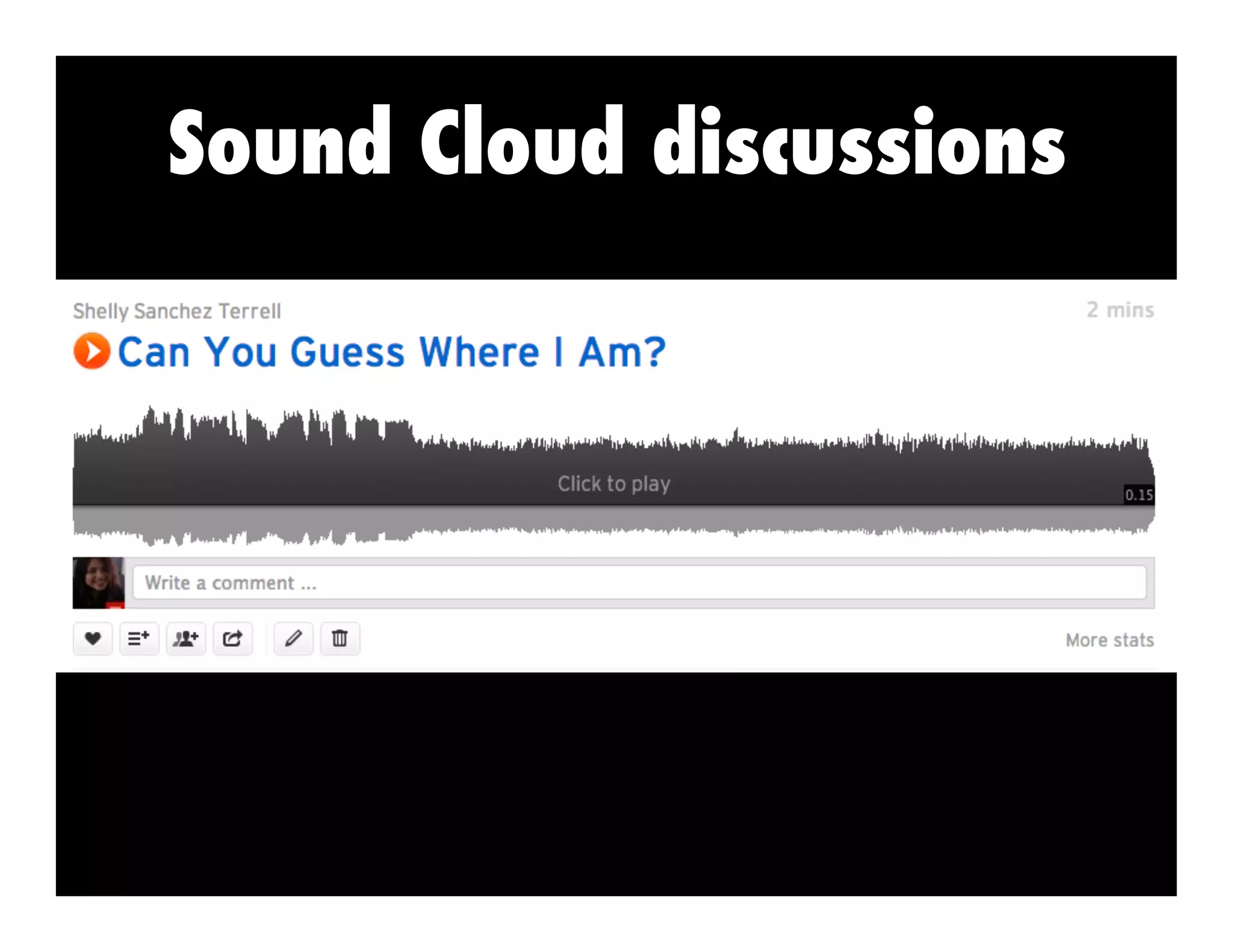
Sound Cloud discussions
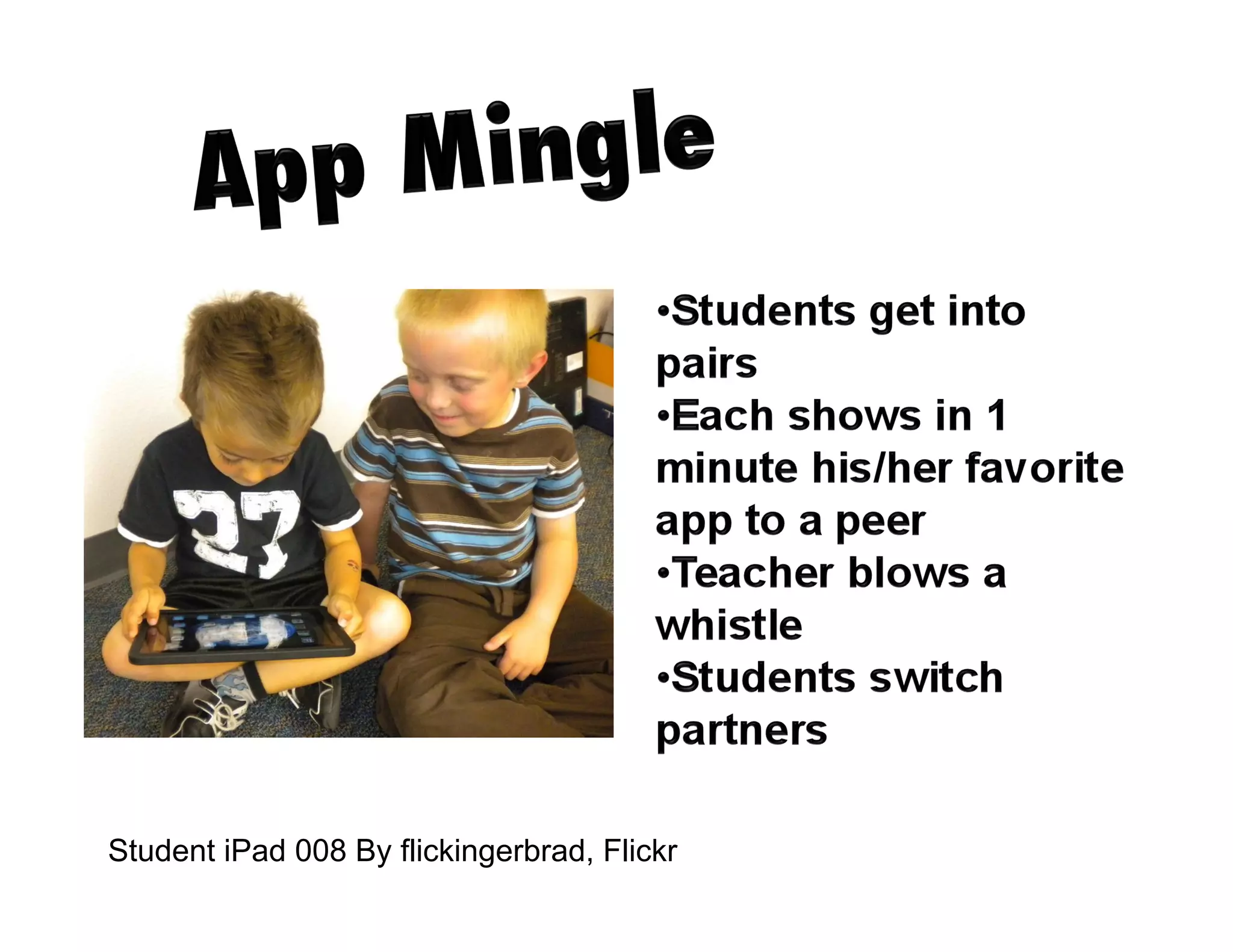
Student iPad 008 By flickingerbrad, Flickr
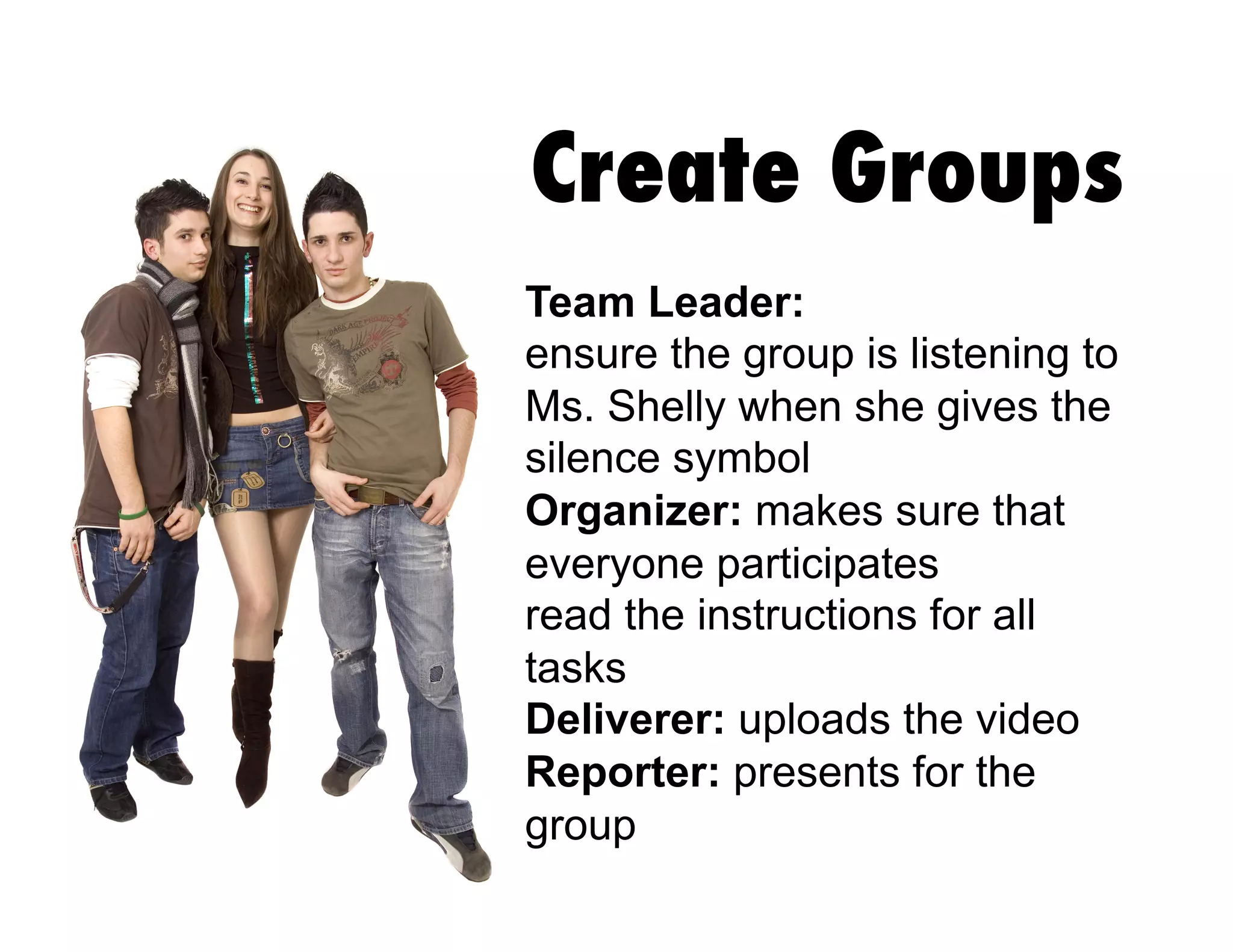
Create Groups
Team Leader:
ensure the group is listening to
Ms. Shelly when she gives the
silence symbol
Organizer: makes sure that
everyone participates
read the instructions for all
tasks
Deliverer: uploads the video
Reporter: presents for the
group
Recommended
apps:
Google Drive
Infusedlearning.com
Polltogo.com
Pearltrees
Padlet
Diigo
Dropbox
Instagram
BeFunky
Edmodo
Idea Sketch
Bump
Tom & Ben News Reporter
Evernote
Animoto
Magisto
Animoto
Mindmeister
Socrative
LinoIt
iNigma
Quizlet
QuickMark
Technology is just a tool. In terms of getting
the kids working together and motivating
them, the teacher is the most important.”
~ Bill Gates
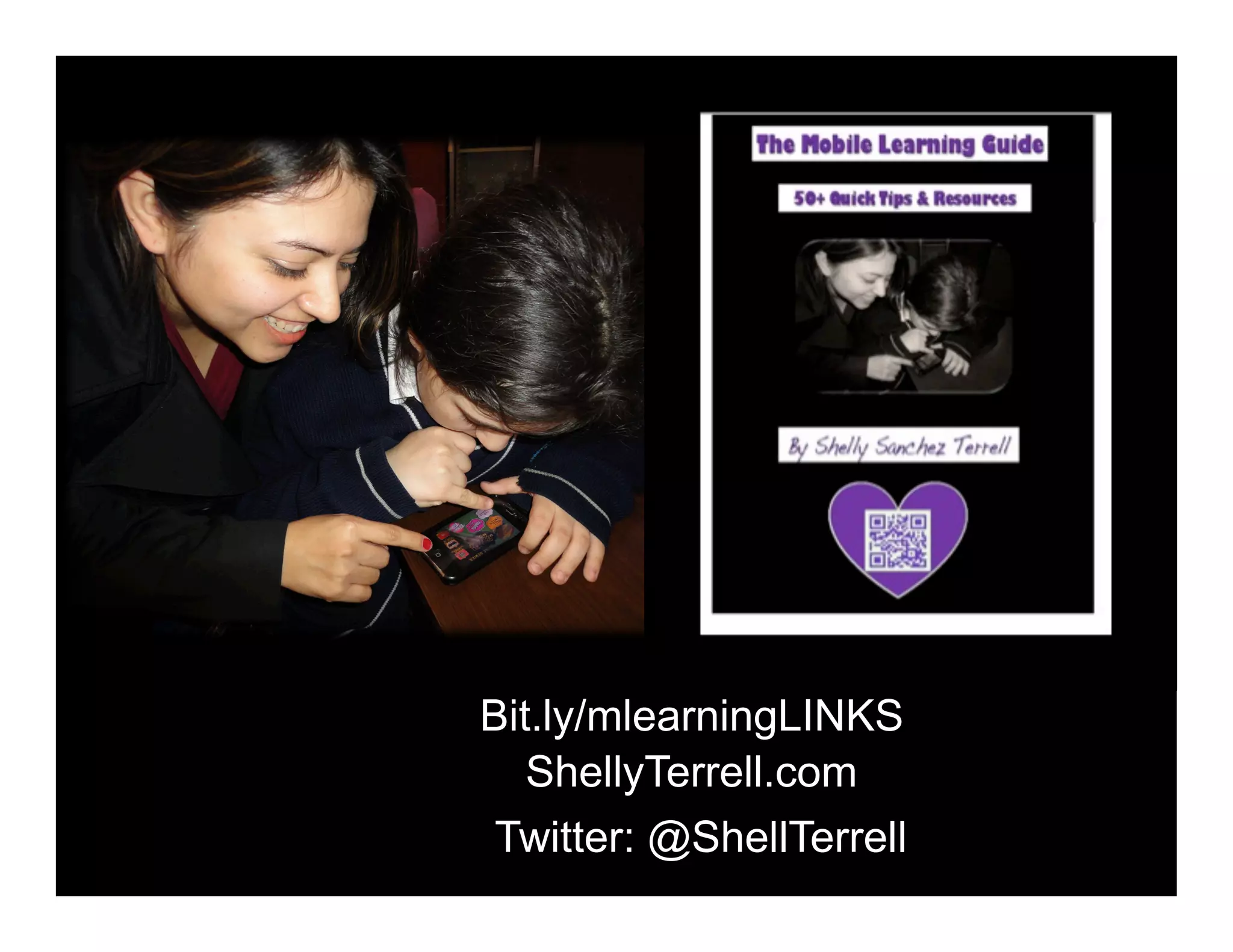
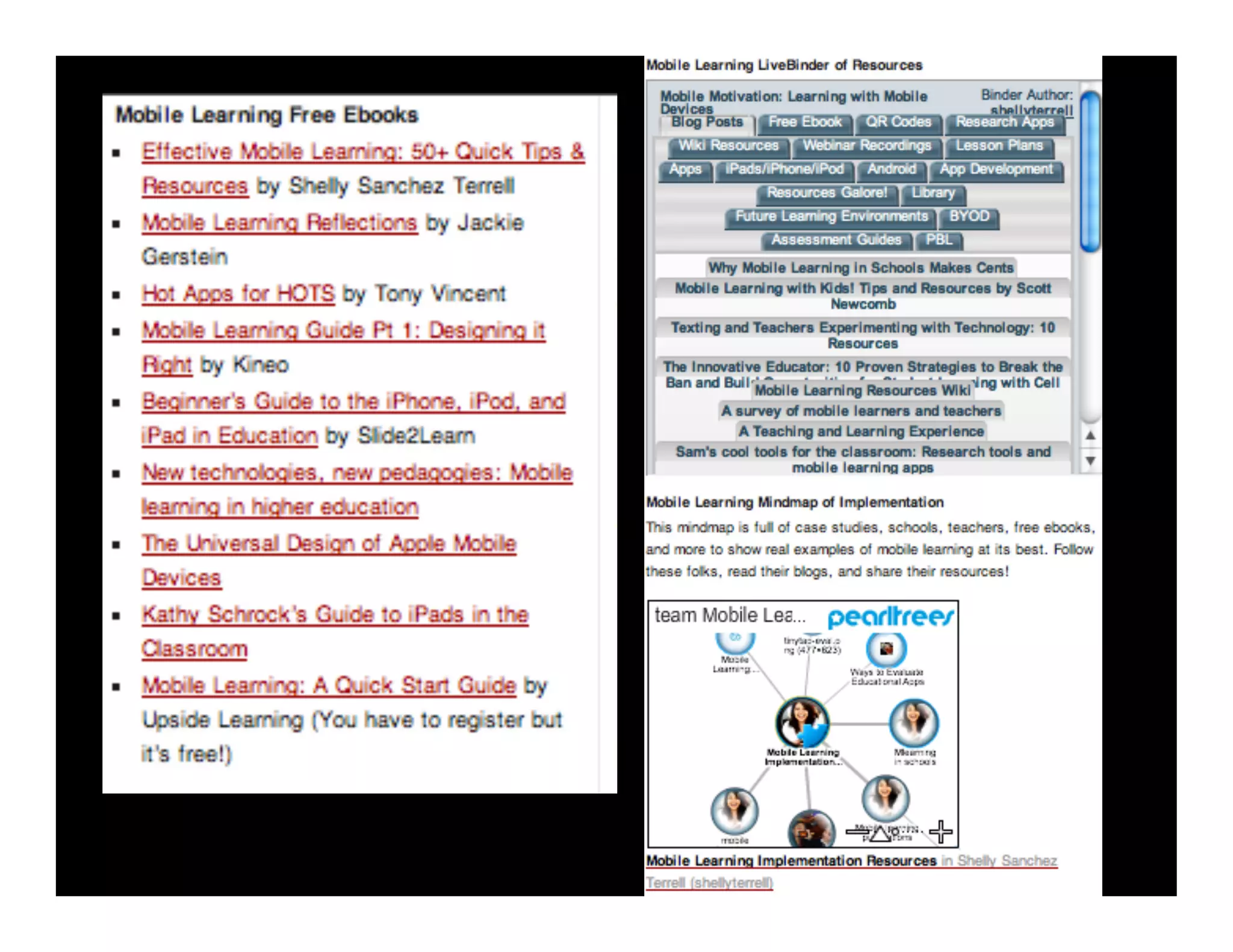
Bit.ly/mlearningLINKS
ShellyTerrell.com
Twitter: @ShellTerrell
We Like to Move It! ISTE 2013

We Like to Move It! ISTE 2013