

UAFTECHFEST
Jennifer Moss, Instructional Designer,
Googleglassineducation
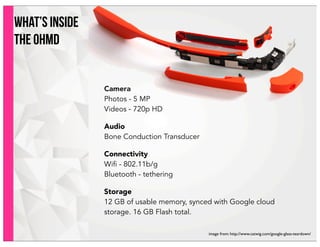
what’s inside
the OHMD
Camera
Photos - 5 MP
Videos - 720p HD
Audio
Bone Conduction Transducer
Connectivity
Wifi - 802.11b/g
Bluetooth - tethering
Storage
12 GB of usable memory, synced with Google cloud
storage. 16 GB Flash total.
image from: http://www.catwig.com/google-glass-teardown/
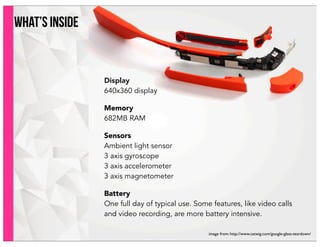
what’s inside
Display
640x360 display
Memory
682MB RAM
Sensors
Ambient light sensor
3 axis gyroscope
3 axis accelerometer
3 axis magnetometer
Battery
One full day of typical use. Some features, like video calls
and video recording, are more battery intensive.
image from: http://www.catwig.com/google-glass-teardown/
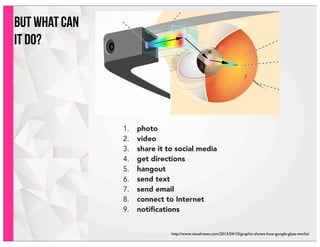
but what can
it do?
1. photo
2. video
3. share it to social media
4. get directions
5. hangout
6. send text
7. send email
8. connect to Internet
9. notifications
http://www.visualnews.com/2013/04/10/graphic-shows-how-google-glass-works/
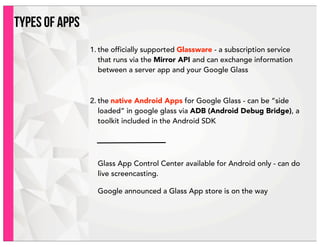
types of apps
1. the officially supported Glassware - a subscription service
that runs via the Mirror API and can exchange information
between a server app and your Google Glass
2. the native Android Apps for Google Glass - can be “side
loaded” in google glass via ADB (Android Debug Bridge), a
toolkit included in the Android SDK
Glass App Control Center available for Android only - can do
live screencasting.
Google announced a Glass App store is on the way
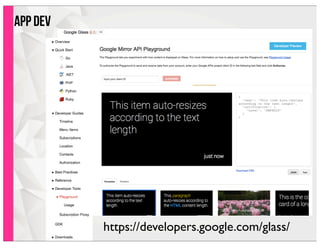
app dev
https://developers.google.com/glass/
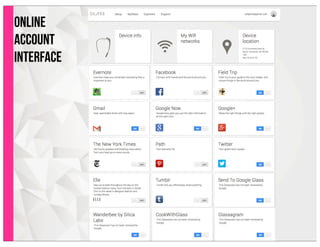
online
account
interface
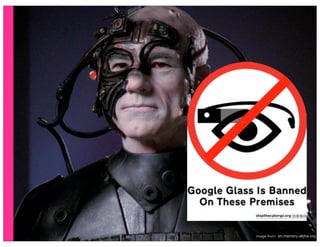
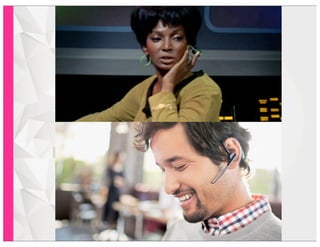
image from: en.memory-alpha.org
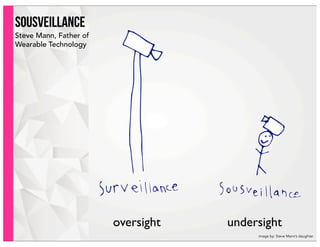
sousveillance
Steve Mann, Father of
Wearable Technology
oversight undersight
image by: Steve Mann’s daughter
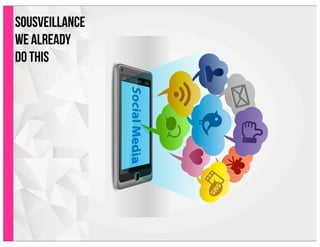
sousveillance
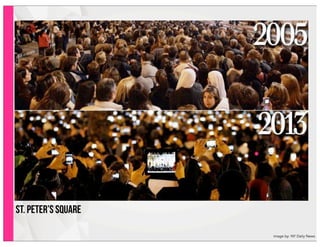
we already
do this
image by: NY Daily News
St. peter’s square
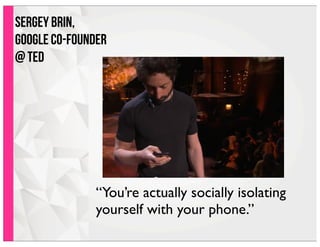
“You’re actually socially isolating
yourself with your phone.”
Sergey Brin,
Google co-founder
@ TED
“The benefit of wearable
technology is that it can
conveniently integrate tools,
devices, power needs, and
connectivity within a user’s
everyday life and
movements.”
(Horizon Report Wiki)
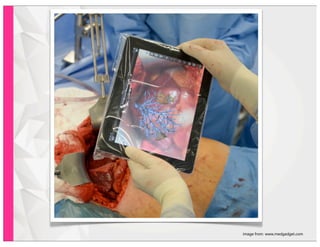
image from: www.medgadget.com
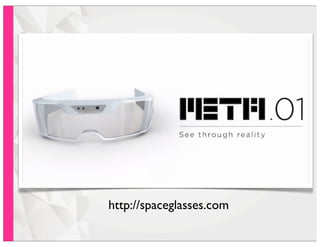
http://spaceglasses.com
teachers
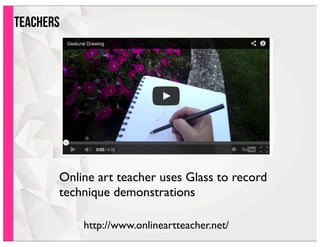
Online art teacher uses Glass to record
technique demonstrations
http://www.onlineartteacher.net/
teachers
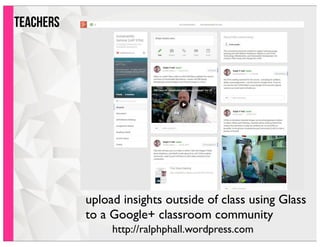
upload insights outside of class using Glass
to a Google+ classroom community
http://ralphphall.wordpress.com
teachersteachers
"What I'm excited by making these videos is not only that
they're filmed with Google Glass, but they're high engagement
videos, so they're meant to be really short and to get kids to
think about how math and science is all around," he said. "I
suppose I could have done that before, but it's just so easy now."
AndrewVanden Heuvel from the Journal article 9/11/13: http://thejournal.com/Articles/2013/09/11/How-Educators-Are-Really-Using-Google-Glass.aspx?Page=1#WPTXm0bxHRV63z2M.99
http://www.youtube.com/user/STEMbite
documentary
filmmaking
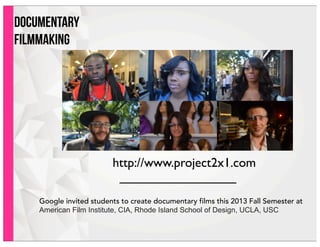
http://www.project2x1.com
Google invited students to create documentary films this 2013 Fall Semester at
American Film Institute, CIA, Rhode Island School of Design, UCLA, USC
students
send instructor lecture notes to Evernote
students
send photos to a WordPress blog
students
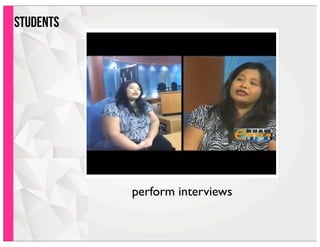
perform interviews
ISSUES
• microphone doesn’t pick up voices far
away or with loud ambient noise
• can’t hang out with more than one
contact at a time
• contacts limited to 10
• prescription glasses
• limited apps to try
• hotspot tethering
• battery life
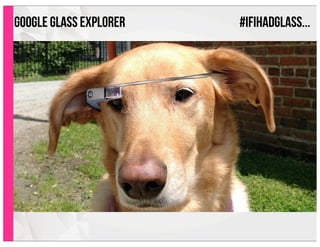
google glass EXPLORER #IFIHADGLASS...
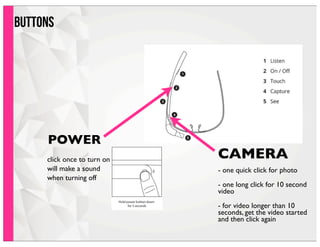
buttons
POWER
CAMERA
- one quick click for photo
- one long click for 10 second
video
- for video longer than 10
seconds, get the video started
and then click again
click once to turn on
will make a sound
when turning off
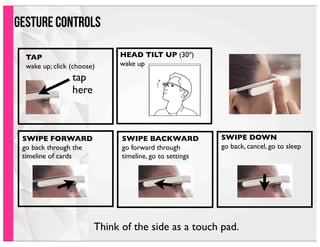
TAP
wake up; click (choose)
tap
here
HEAD TILT UP (30º)
wake up
SWIPE DOWN
go back, cancel, go to sleep
SWIPE BACKWARD
go forward through
timeline, go to settings
SWIPE FORWARD
go back through the
timeline of cards
gesture controls
Think of the side as a touch pad.
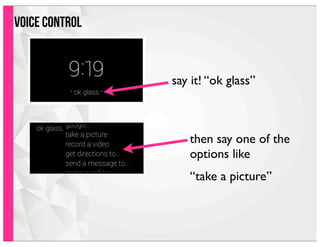
voice control
say it! “ok glass”
then say one of the
options like
“take a picture”
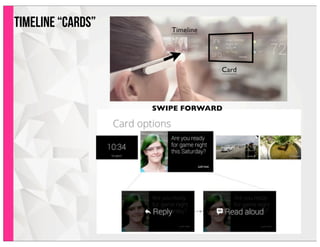
Timeline “Cards”
SWIPE FORWARD
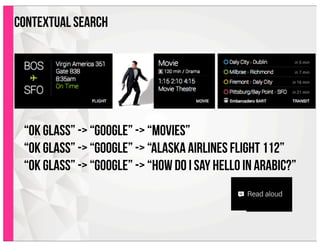
contextual search
“ok glass” -> “google” -> “movies”
“ok glass” -> “google” -> “alaska airlines flight 112”
“ok glass” -> “google” -> “how do i say hello in arabic?”
thanks!
Jennifer Moss
UAF eLearning
j.moss@alaska.edu
907.479.4704

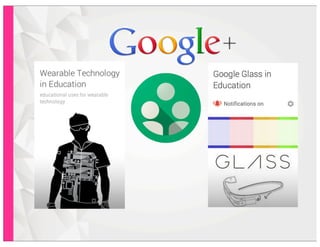
Google Glass in Education