Enhancing Language Learning
through ICT
Workshop by Caroline Campbell

Seminar:
November
2013
What ICT tools are
available for students to use
inside/outside the
classroom?
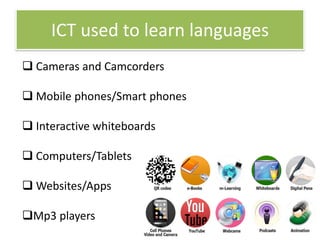
ICT used to learn languages
 Cameras and Camcorders

 Mobile phones/Smart phones
 Interactive whiteboards
 Computers/Tablets
 Websites/Apps
Mp3 players
Is it important to use ICT
tools in the classroom?
Why/Why not?
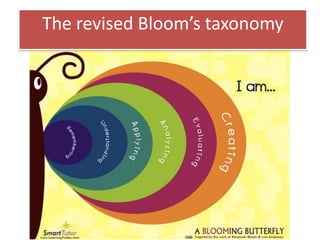
The revised Bloom’s taxonomy
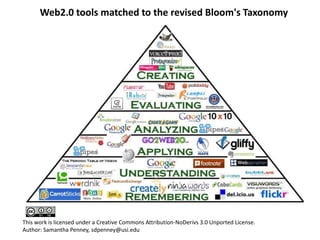
Web2.0 tools matched to the revised Bloom's Taxonomy

This work is licensed under a Creative Commons Attribution-NoDerivs 3.0 Unported License.
Author: Samantha Penney, sdpenney@usi.edu
Creating a Digital Storyboard
 choose a topic e.g. a social problem/a problem at
school/at the workplace etc.
 elicit ideas/vocabulary about the topic.
 create a lively discussion.
 set task – students create a problematic topicrelated situation. Form groups.
 students take pictures.
 students create a digital storyboard…
Activity adapted from article by Peter Fullagar – ETp Issue 88 September 2013
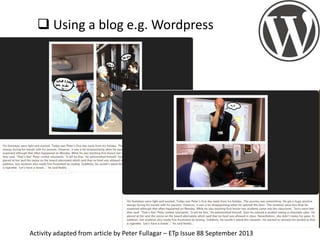
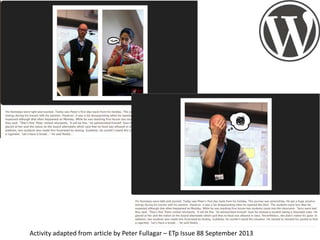
 Using a blog e.g. Wordpress

Activity adapted from article by Peter Fullagar – ETp Issue 88 September 2013
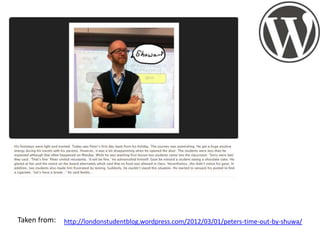
Taken from:

http://londonstudentblog.wordpress.com/2012/03/01/peters-time-out-by-shuwa/
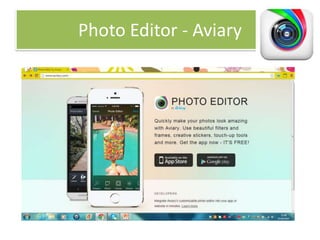
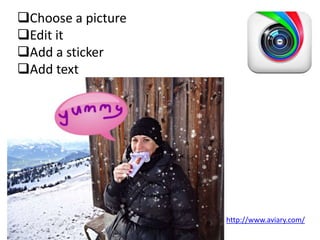
Photo Editor - Aviary
Choose a picture
Edit it
Add a sticker
Add text

http://www.aviary.com/
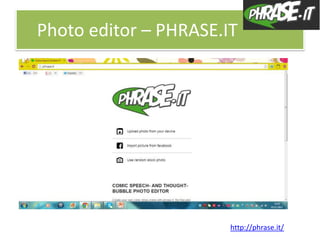
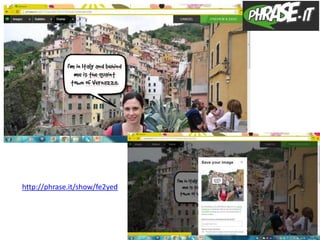
Photo editor – PHRASE.IT

http://phrase.it/
http://phrase.it/show/fe2yed
Which skills are being practised?
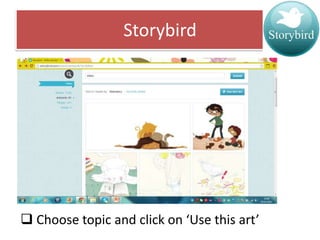
Storybird

 Choose topic and click on ‘Use this art’
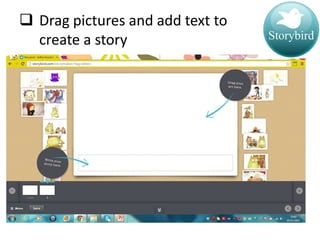
 Drag pictures and add text to
create a story
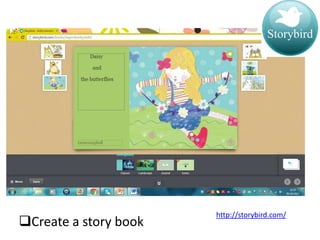
Create a story book

http://storybird.com/
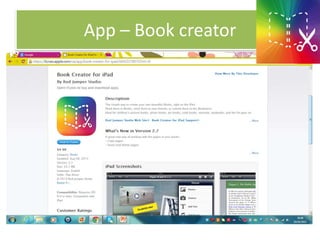
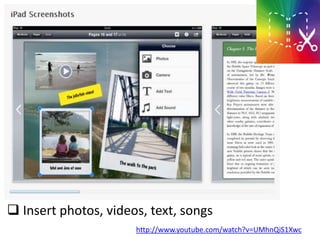
App – Book creator
 Insert photos, videos, text, songs
http://www.youtube.com/watch?v=UMhnQiS1Xwc
How can you use
Storybird and Book Creator
with your students?
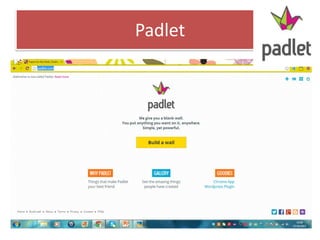
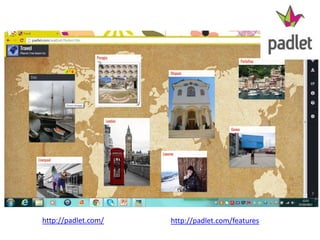
Padlet
http://padlet.com/

http://padlet.com/features
What tasks can your
students do with
Padlet?
Creating Avatars
Why use Avatars ?
 Avatars are easy to create and use.
 Students can use avatars instead of
real pictures for their profiles.

 It is a hands-on activity for identity
building.
 Avatars can be used in projects and
assignments.
 Students can learn on their own!
 It’s fun.

Websites:
http://www.youtub
e.com/embed/ao9K
QltMkP0
http://www.youtub
e.com/watch?v=Y9
gHpIH9RTA&featur
e=player_embedde
d
http://www.voki.c
om/create.php:
http://www.voki.com/
pickup.php?scid=8790
390&height=400&wid
th=300
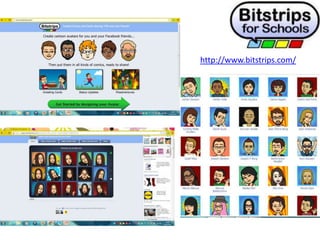
http://www.bitstrips.com/
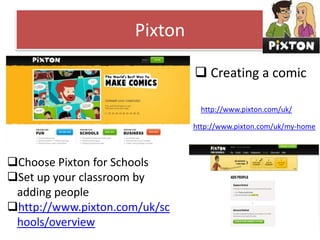
Pixton
 Creating a comic
http://www.pixton.com/uk/
http://www.pixton.com/uk/my-home

Choose Pixton for Schools
Set up your classroom by
adding people
http://www.pixton.com/uk/sc
hools/overview
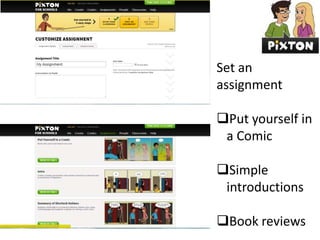
Set an
assignment
Put yourself in
a Comic
Simple
introductions
Book reviews
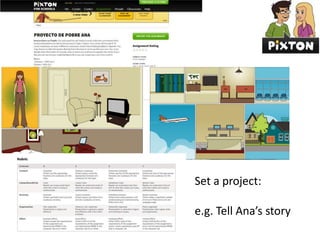
Set a project:
e.g. Tell Ana’s story
Voicethread

https://voicethread.com/?#q.b409.i848804
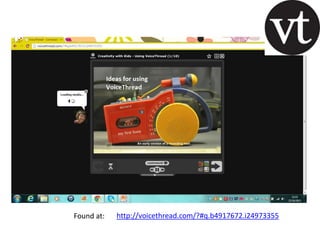
Found at:

http://voicethread.com/?#q.b4917672.i24973355
Vocaroo
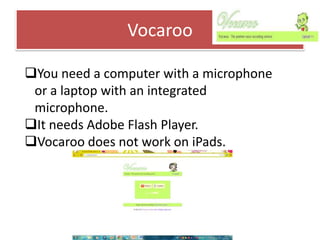
You need a computer with a microphone
or a laptop with an integrated
microphone.
It needs Adobe Flash Player.
Vocaroo does not work on iPads.
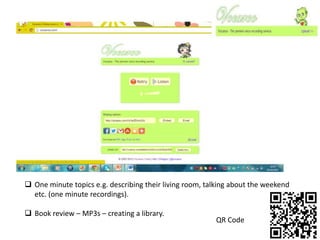
 One minute topics e.g. describing their living room, talking about the weekend
etc. (one minute recordings).
 Book review – MP3s – creating a library.

QR Code
Phone call
Describing pictures and paraphrasing
Interviewing students using recorded
messages
Students read texts and summarize them.
They send them to other students
Students record ancedotes and send them
to students. Students listen to the different
ancedotes and vote the funniest, the most
embarassing etc.
Adapted from ET professional Sept 2012

http://vocaroo.com/
Recording lite
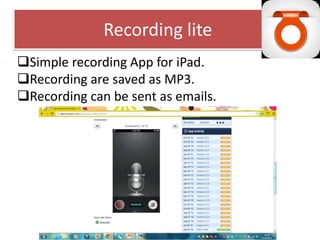
Simple recording App for iPad.
Recording are saved as MP3.
Recording can be sent as emails.
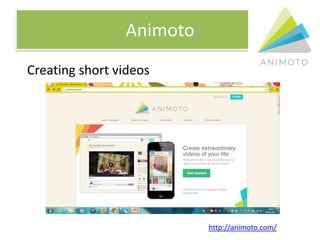
Animoto
Creating short videos

http://animoto.com/
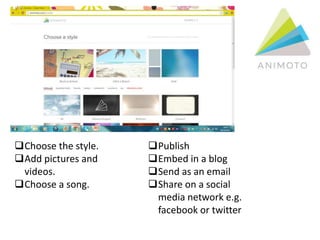
Choose the style.
Add pictures and
videos.
Choose a song.

Publish
Embed in a blog
Send as an email
Share on a social
media network e.g.
facebook or twitter
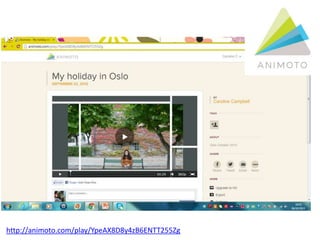
http://animoto.com/play/YpeAX8D8y4zB6ENTT255Zg
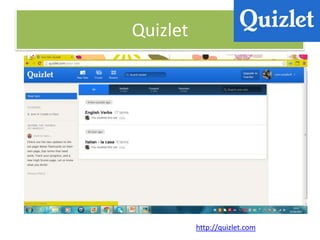
Quizlet

http://quizlet.com
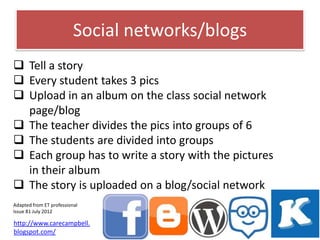
Social networks/blogs
 Tell a story
 Every student takes 3 pics
 Upload in an album on the class social network
page/blog
 The teacher divides the pics into groups of 6
 The students are divided into groups
 Each group has to write a story with the pictures
in their album
 The story is uploaded on a blog/social network
Adapted from ET professional
Issue 81 July 2012

http://www.carecampbell.
blogspot.com/
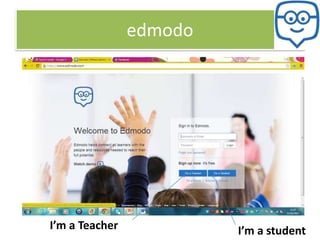
edmodo

I’m a Teacher

I’m a student
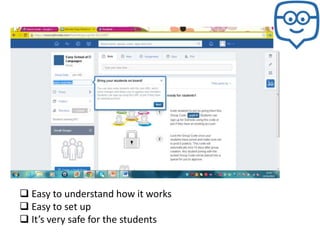
 Easy to understand how it works
 Easy to set up
 It’s very safe for the students
Sign up
Create a class

Set up groups
Post an assignment/quiz/poll for your student
http://www.youtube.com/watch?v=2cP7kFVoG6Q
The flipped classroom
Why flip the classroom?
 Take content out of the classroom and bring
in meaningful activities into the classroom.
 Teachers record their lessons.
 Students watch the lessons at home.
 Students can work at their own pace.
 Students can listen to the lesson again.
 The teacher has more time to deal with
difficulties individually.
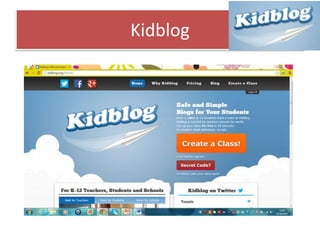
Kidblog
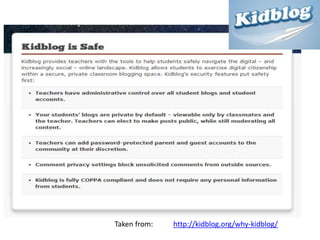
Taken from:

http://kidblog.org/why-kidblog/
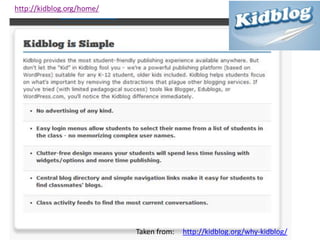
Taken from:

http://kidblog.org/why-kidblog/
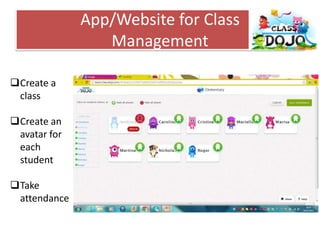
App/Website for Class
Management
Create a
class
Create an
avatar for
each
student

Take
attendance
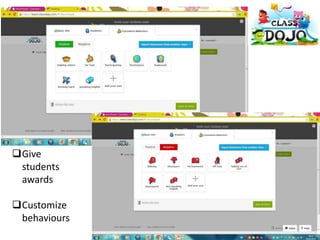
Give
students
awards
Customize
behaviours
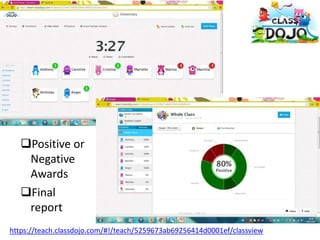
Positive or
Negative
Awards
Final
report
https://teach.classdojo.com/#!/teach/5259673ab69256414d0001ef/classview
Thank you!
Visit my blog:
www.carecampbell.blogspot.com
Contact me at:
carecampbell@gmail.com

Caroline Campbell

Enhancing language learning through ict matefl november 2013