
Google Colab - Introduction
Introduction
• Google is quite aggressive in AI research
• Provided framework called TensorFlow –open sourced
• Provided free Jupyter notebook environment called
Colaboratory or colab
• allows you to write and execute Python in your browser
• Zero configuration required
• Free access to GPUs
• Easy sharing
• supports many popular machine learning libraries
Saravanakumar, AP/CSE 2
What Colab Offers You?
As a programmer, you can perform the following using Google Colab.
• Write and execute code in Python
• Document your code that supports mathematical equations
• Create/Upload/Share notebooks
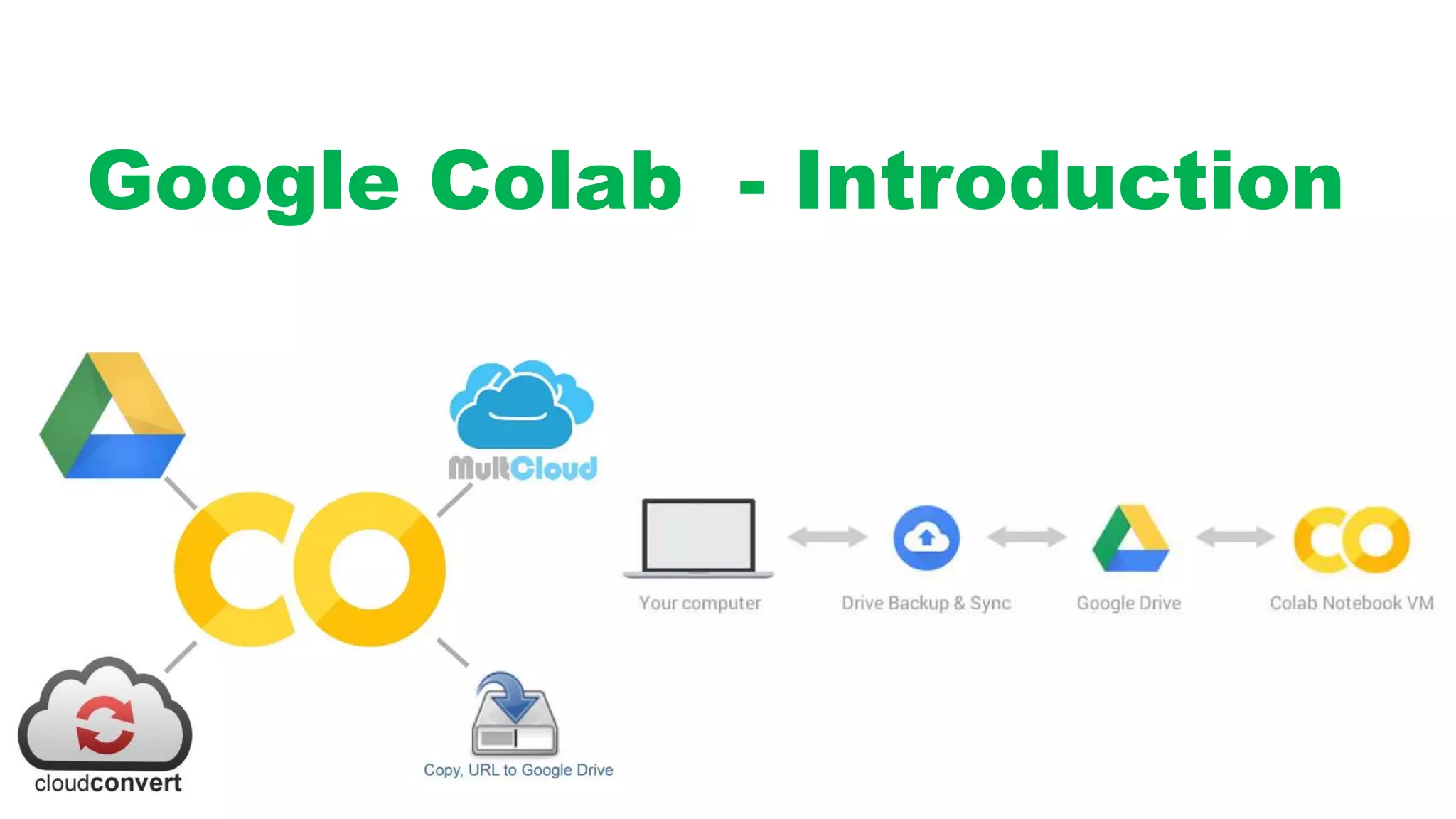
• Import/Save notebooks from/to Google Drive
• Import/Publish notebooks from GitHub
• Import external datasets e.g. from Kaggle
• Integrate PyTorch, TensorFlow, Keras, OpenCV
• Free Cloud service with free GPU
Saravanakumar, AP/CSE 3
Google colab   introduction

Google colab introduction

  • 1.
    Google Colab -Introduction
  • 2.
    Introduction • Google isquite aggressive in AI research • Provided framework called TensorFlow –open sourced • Provided free Jupyter notebook environment called Colaboratory or colab • allows you to write and execute Python in your browser • Zero configuration required • Free access to GPUs • Easy sharing • supports many popular machine learning libraries Saravanakumar, AP/CSE 2
  • 3.
    What Colab OffersYou? As a programmer, you can perform the following using Google Colab. • Write and execute code in Python • Document your code that supports mathematical equations • Create/Upload/Share notebooks • Import/Save notebooks from/to Google Drive • Import/Publish notebooks from GitHub • Import external datasets e.g. from Kaggle • Integrate PyTorch, TensorFlow, Keras, OpenCV • Free Cloud service with free GPU Saravanakumar, AP/CSE 3