What’s New and Where to Find It in V6.2
Q1 2015
What’s new in V6.2
• 3D surface related multiple estimation (3D SRME)
• Ability to revert to original geometry after regularisation
• New shot/receiver basemap plotting tool
• New tool for viewing and comparing seismic
• Better seismic displays with more analysis options
• Improved “angle gather” generation and muting workflows
• Speed ups : swell noise removal, 2D SRME
• Total of 212 bug fixes and updates in 7 months
• Beta releases shipped every 4 weeks
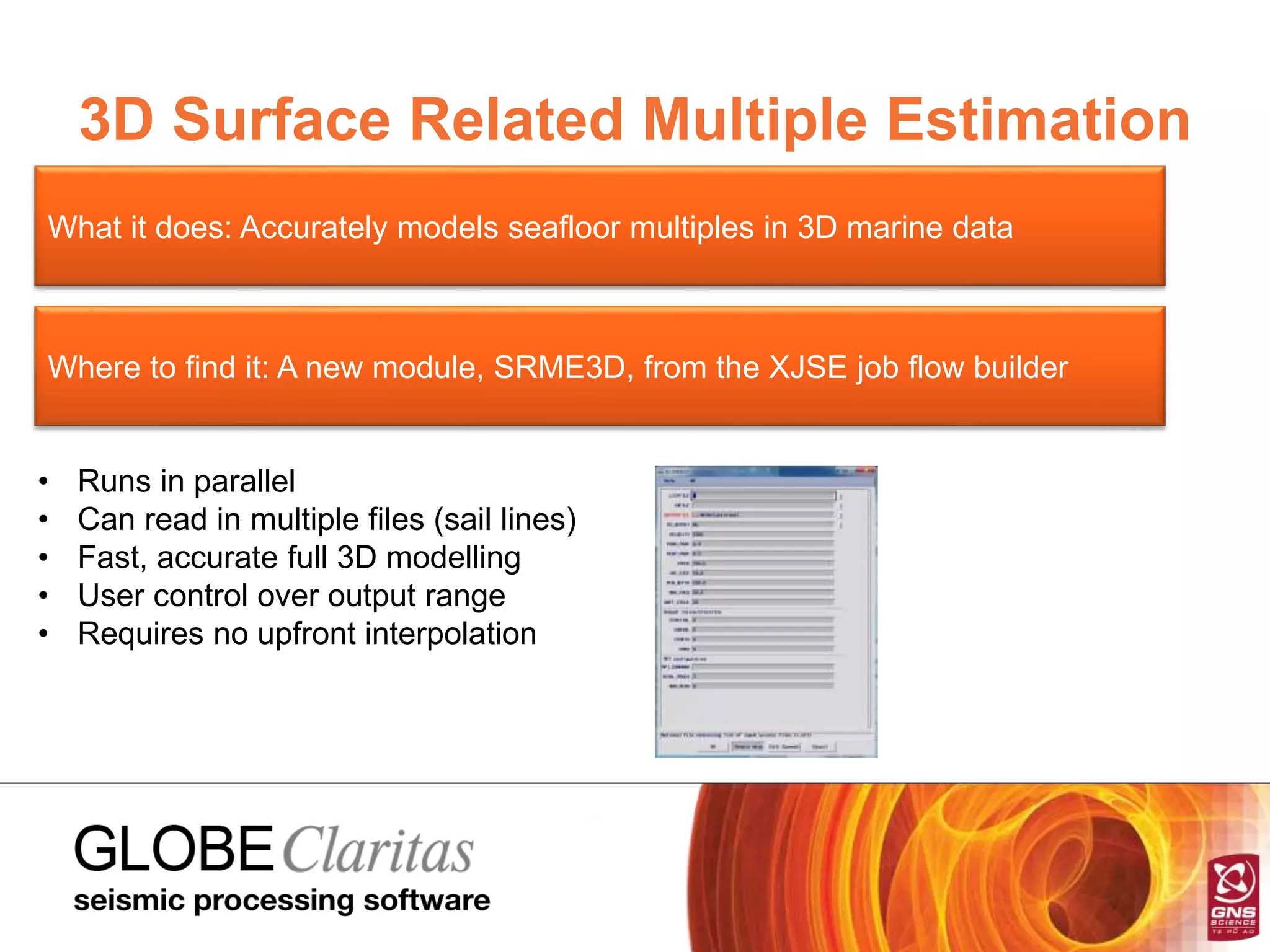
3D Surface Related Multiple Estimation
What it does: Accurately models seafloor multiples in 3D marine data
Where to find it: A new module, SRME3D, from the XJSE job flow builder
• Runs in parallel
• Can read in multiple files (sail lines)
• Fast, accurate full 3D modelling
• User control over output range
• Requires no upfront interpolation
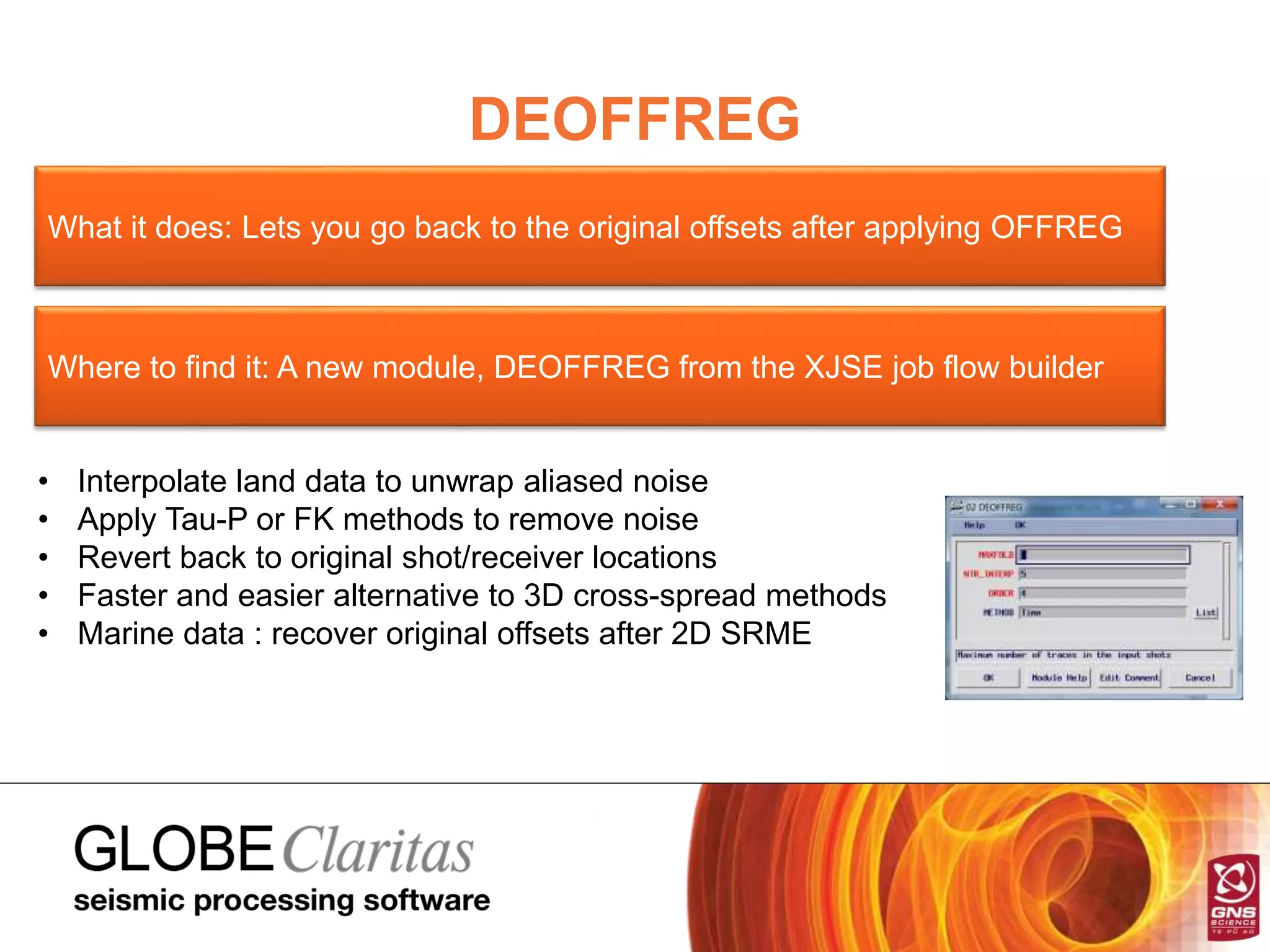
DEOFFREG
What it does: Lets you go back to the original offsets after applying OFFREG
Where to find it: A new module, DEOFFREG from the XJSE job flow builder
• Interpolate land data to unwrap aliased noise
• Apply Tau-P or FK methods to remove noise
• Revert back to original shot/receiver locations
• Faster and easier alternative to 3D cross-spread methods
• Marine data : recover original offsets after 2D SRME
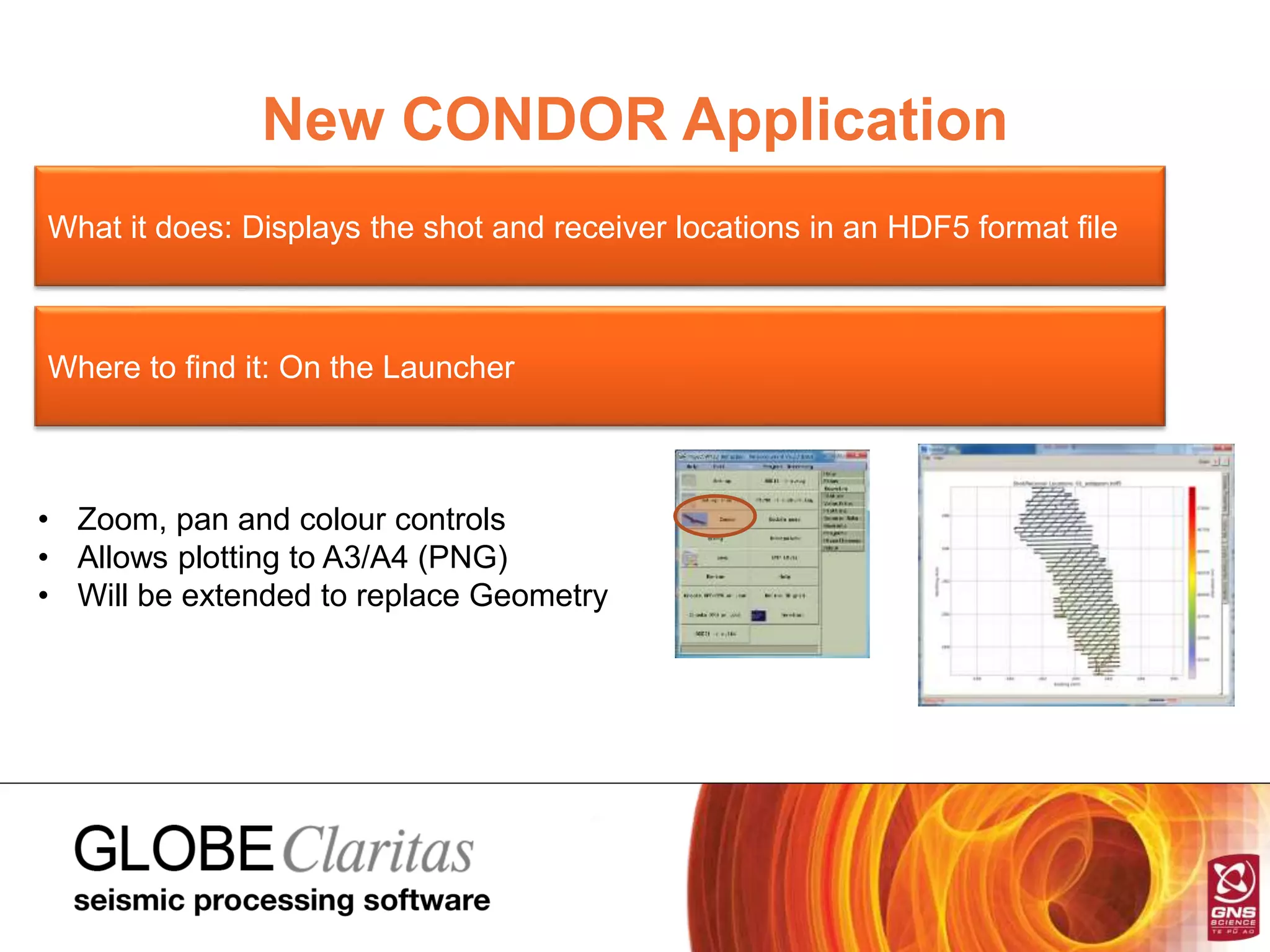
New CONDOR Application
What it does: Displays the shot and receiver locations in an HDF5 format file
Where to find it: On the Launcher
• Zoom, pan and colour controls
• Allows plotting to A3/A4 (PNG)
• Will be extended to replace Geometry
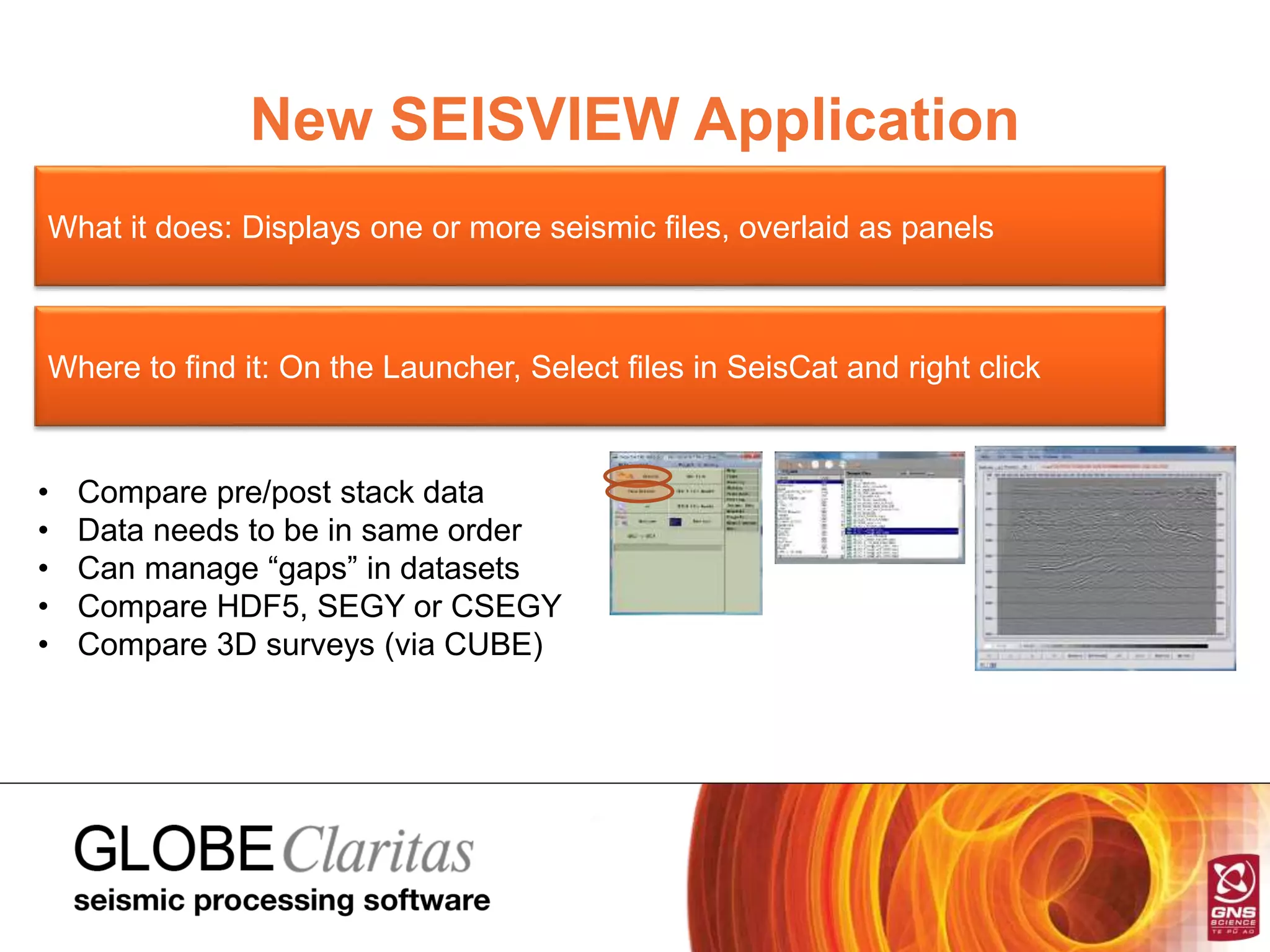
New SEISVIEW Application
What it does: Displays one or more seismic files, overlaid as panels
Where to find it: On the Launcher, Select files in SeisCat and right click
• Compare pre/post stack data
• Data needs to be in same order
• Can manage “gaps” in datasets
• Compare HDF5, SEGY or CSEGY
• Compare 3D surveys (via CUBE)
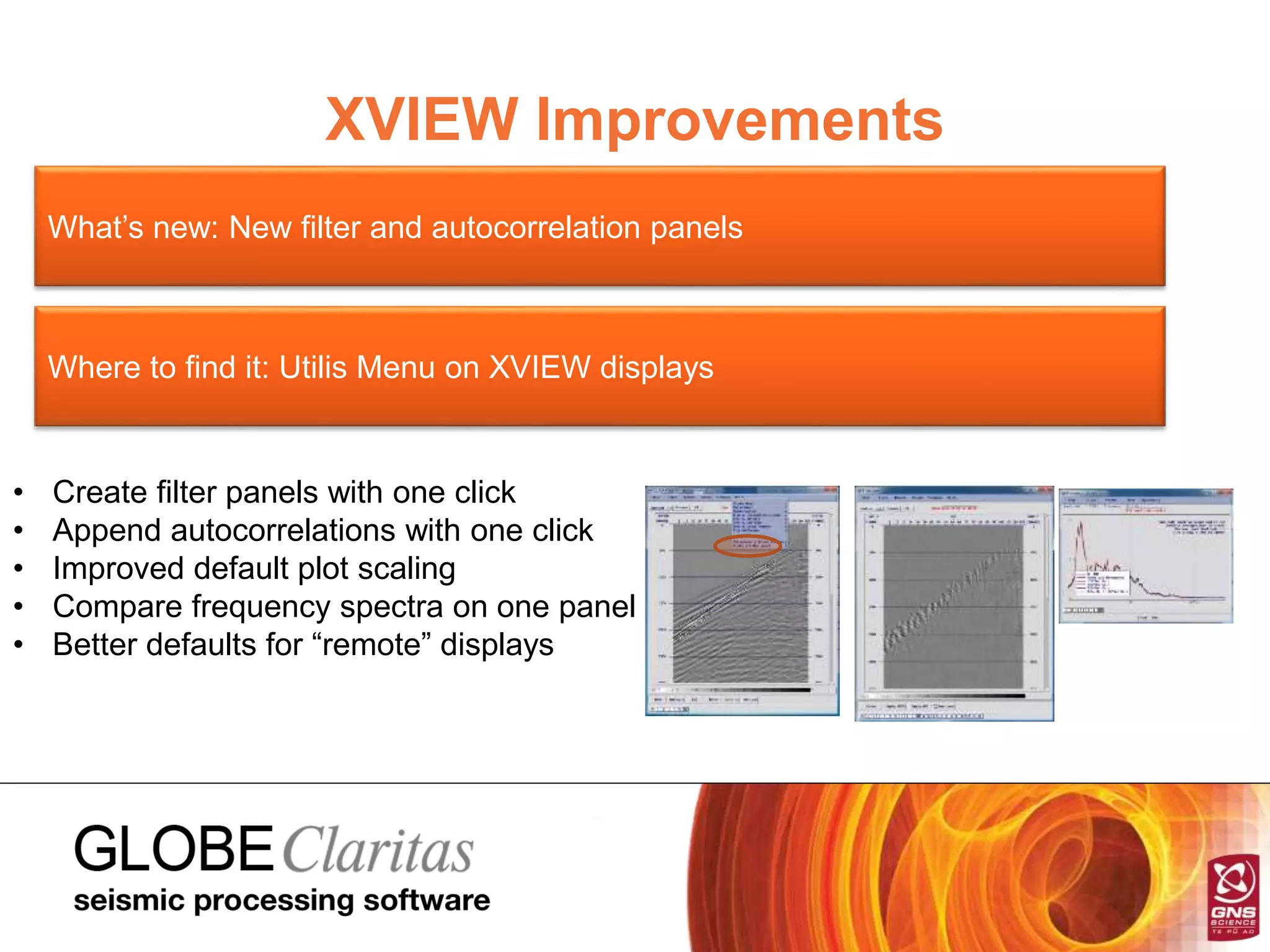
XVIEW Improvements
What’s new: New filter and autocorrelation panels
Where to find it: Utilis Menu on XVIEW displays
• Create filter panels with one click
• Append autocorrelations with one click
• Improved default plot scaling
• Compare frequency spectra on one panel
• Better defaults for “remote” displays
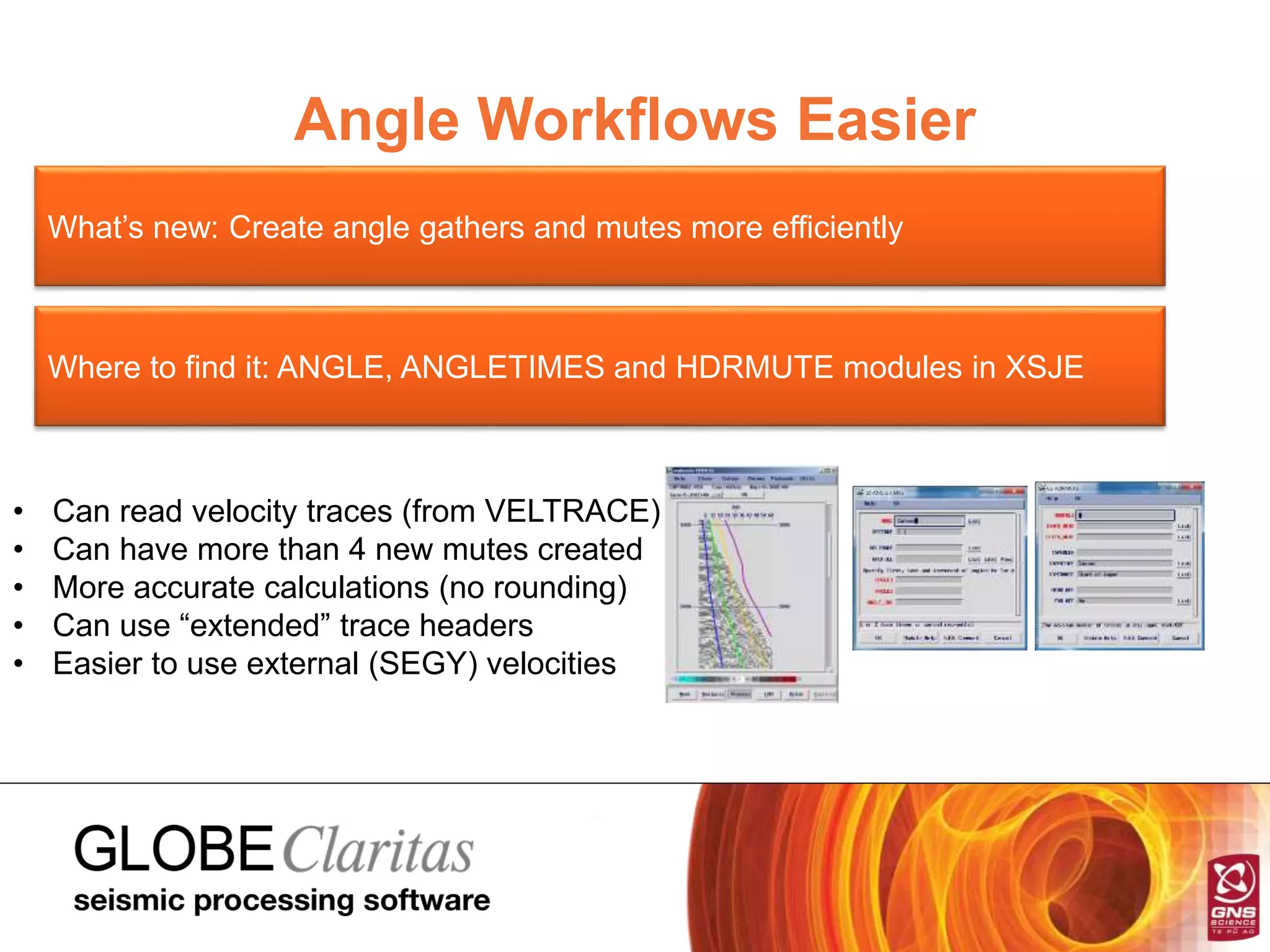
Angle Workflows Easier
What’s new: Create angle gathers and mutes more efficiently
Where to find it: ANGLE, ANGLETIMES and HDRMUTE modules in XSJE
• Can read velocity traces (from VELTRACE)
• Can have more than 4 new mutes created
• More accurate calculations (no rounding)
• Can use “extended” trace headers
• Easier to use external (SEGY) velocities
Marine Workflow Faster
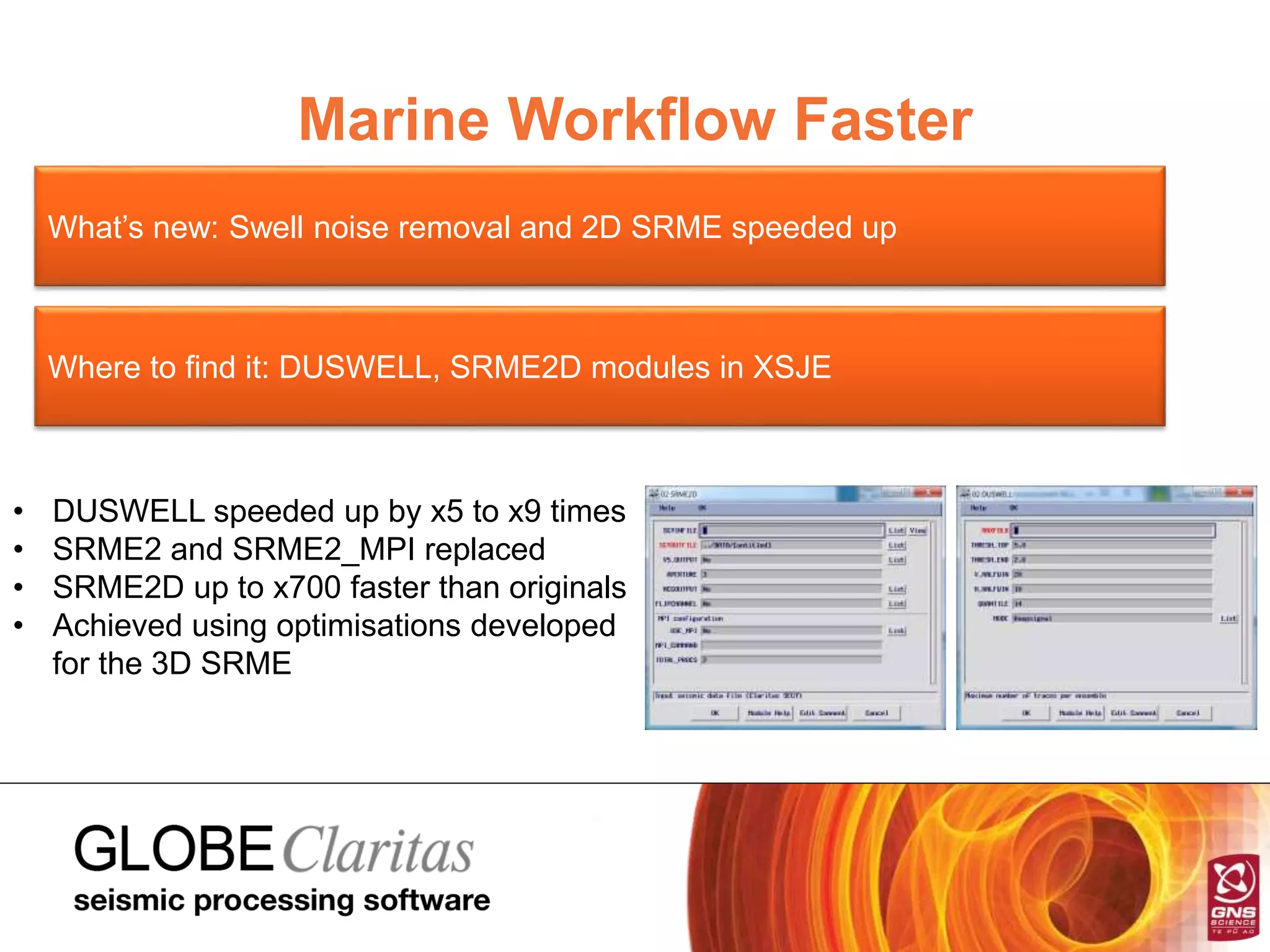
What’s new: Swell noise removal and 2D SRME speeded up
Where to find it: DUSWELL, SRME2D modules in XSJE
• DUSWELL speeded up by x5 to x9 times
• SRME2 and SRME2_MPI replaced
• SRME2D up to x700 faster than originals
• Achieved using optimisations developed
for the 3D SRME

GLOBE Claritas v6.2 at a Glance

  • 1.
    What’s New andWhere to Find It in V6.2 Q1 2015
  • 2.
    What’s new inV6.2 • 3D surface related multiple estimation (3D SRME) • Ability to revert to original geometry after regularisation • New shot/receiver basemap plotting tool • New tool for viewing and comparing seismic • Better seismic displays with more analysis options • Improved “angle gather” generation and muting workflows • Speed ups : swell noise removal, 2D SRME • Total of 212 bug fixes and updates in 7 months • Beta releases shipped every 4 weeks
  • 3.
    3D Surface RelatedMultiple Estimation What it does: Accurately models seafloor multiples in 3D marine data Where to find it: A new module, SRME3D, from the XJSE job flow builder • Runs in parallel • Can read in multiple files (sail lines) • Fast, accurate full 3D modelling • User control over output range • Requires no upfront interpolation
  • 4.
    DEOFFREG What it does:Lets you go back to the original offsets after applying OFFREG Where to find it: A new module, DEOFFREG from the XJSE job flow builder • Interpolate land data to unwrap aliased noise • Apply Tau-P or FK methods to remove noise • Revert back to original shot/receiver locations • Faster and easier alternative to 3D cross-spread methods • Marine data : recover original offsets after 2D SRME
  • 5.
    New CONDOR Application Whatit does: Displays the shot and receiver locations in an HDF5 format file Where to find it: On the Launcher • Zoom, pan and colour controls • Allows plotting to A3/A4 (PNG) • Will be extended to replace Geometry
  • 6.
    New SEISVIEW Application Whatit does: Displays one or more seismic files, overlaid as panels Where to find it: On the Launcher, Select files in SeisCat and right click • Compare pre/post stack data • Data needs to be in same order • Can manage “gaps” in datasets • Compare HDF5, SEGY or CSEGY • Compare 3D surveys (via CUBE)
  • 7.
    XVIEW Improvements What’s new:New filter and autocorrelation panels Where to find it: Utilis Menu on XVIEW displays • Create filter panels with one click • Append autocorrelations with one click • Improved default plot scaling • Compare frequency spectra on one panel • Better defaults for “remote” displays
  • 8.
    Angle Workflows Easier What’snew: Create angle gathers and mutes more efficiently Where to find it: ANGLE, ANGLETIMES and HDRMUTE modules in XSJE • Can read velocity traces (from VELTRACE) • Can have more than 4 new mutes created • More accurate calculations (no rounding) • Can use “extended” trace headers • Easier to use external (SEGY) velocities
  • 9.
    Marine Workflow Faster What’snew: Swell noise removal and 2D SRME speeded up Where to find it: DUSWELL, SRME2D modules in XSJE • DUSWELL speeded up by x5 to x9 times • SRME2 and SRME2_MPI replaced • SRME2D up to x700 faster than originals • Achieved using optimisations developed for the 3D SRME