Git Study Notes
@angusli
What’s Git?
• Git is distributed version control system
focused on speed, effectivity and real-world
usability on large projects. Its highlights
include:
– Distributed development
– Strong support for non-linear development
– Efficient handling of large projects
– Cryptographic authentication of history
– Toolkit design
Who is using Git?
• Git
• Linux Kernel
• Perl
• Gnome
• Qt
• Ruby on Rails
• Android
• PostgreSQL
• Wine
• Fedora
• Debian
• X.org
• …. and you?
Study Notes
• Step 0: Environment setting and help
• Step 1: Init project
• Step 2: Change and modify file
• Step 3: Undo your stuff
• Step 4: View log
• Step 5: Tagging
• Step 6: Branching
• Step 7: Work with remotes
• Step 8: Advanced Git
Step 0: Env setting and help
• git config --list
• git config --global user.name
• git config --global user.email
• <ready to go!>
• git help <verb>
Step 1: Init project
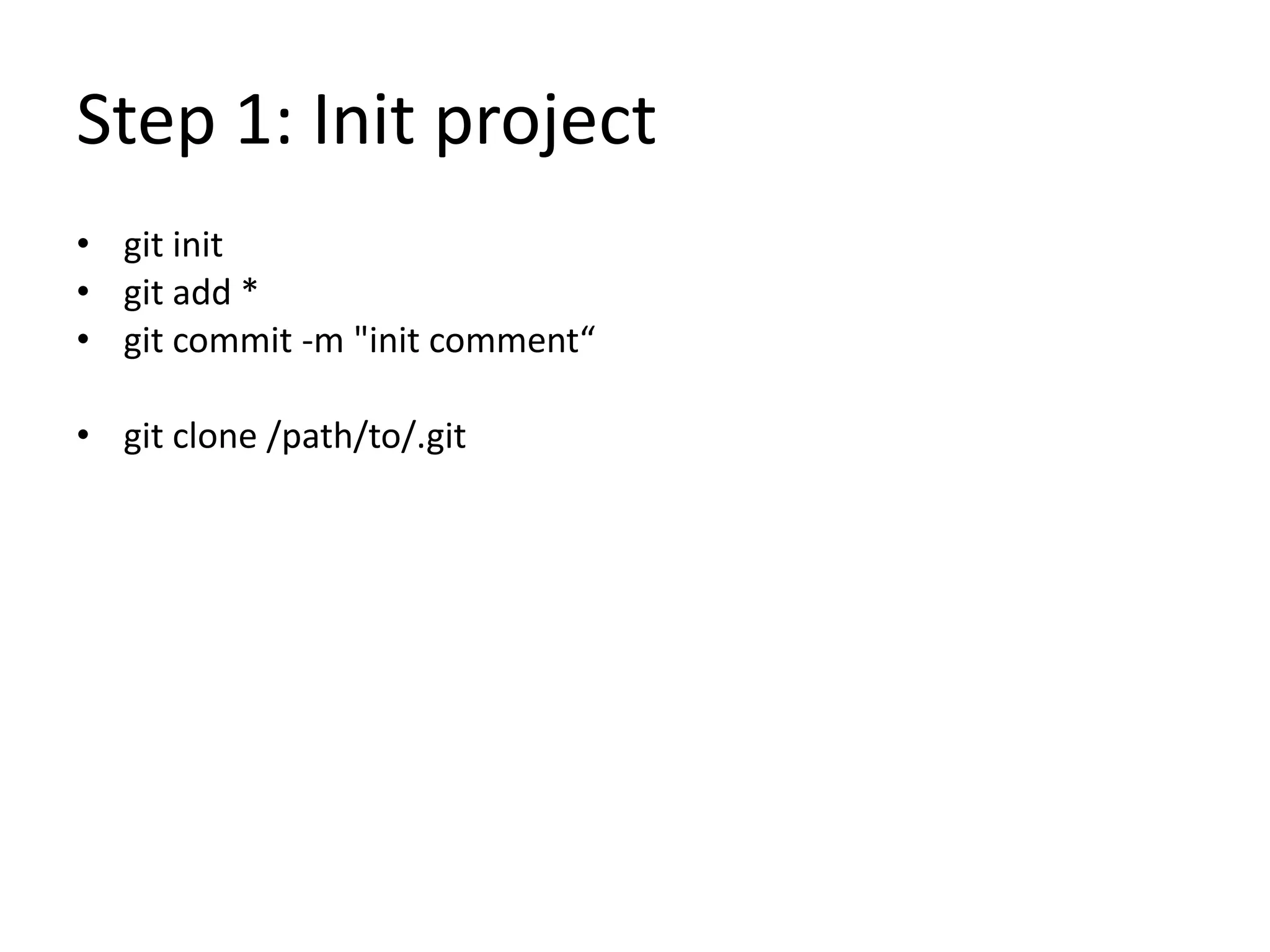
• git init
• git add *
• git commit -m "init comment“
• git clone /path/to/.git
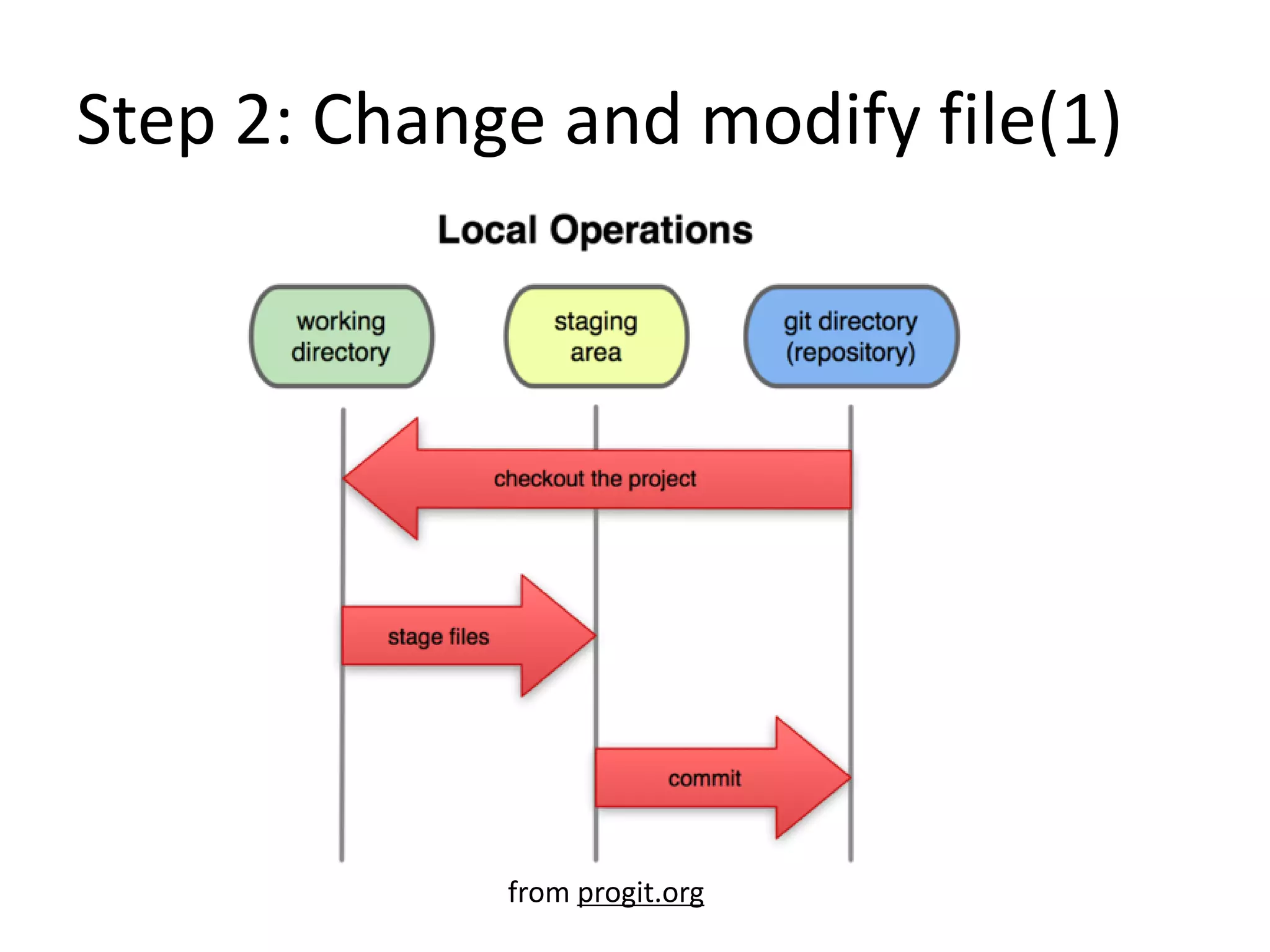
Step 2: Change and modify file(1)
from progit.org
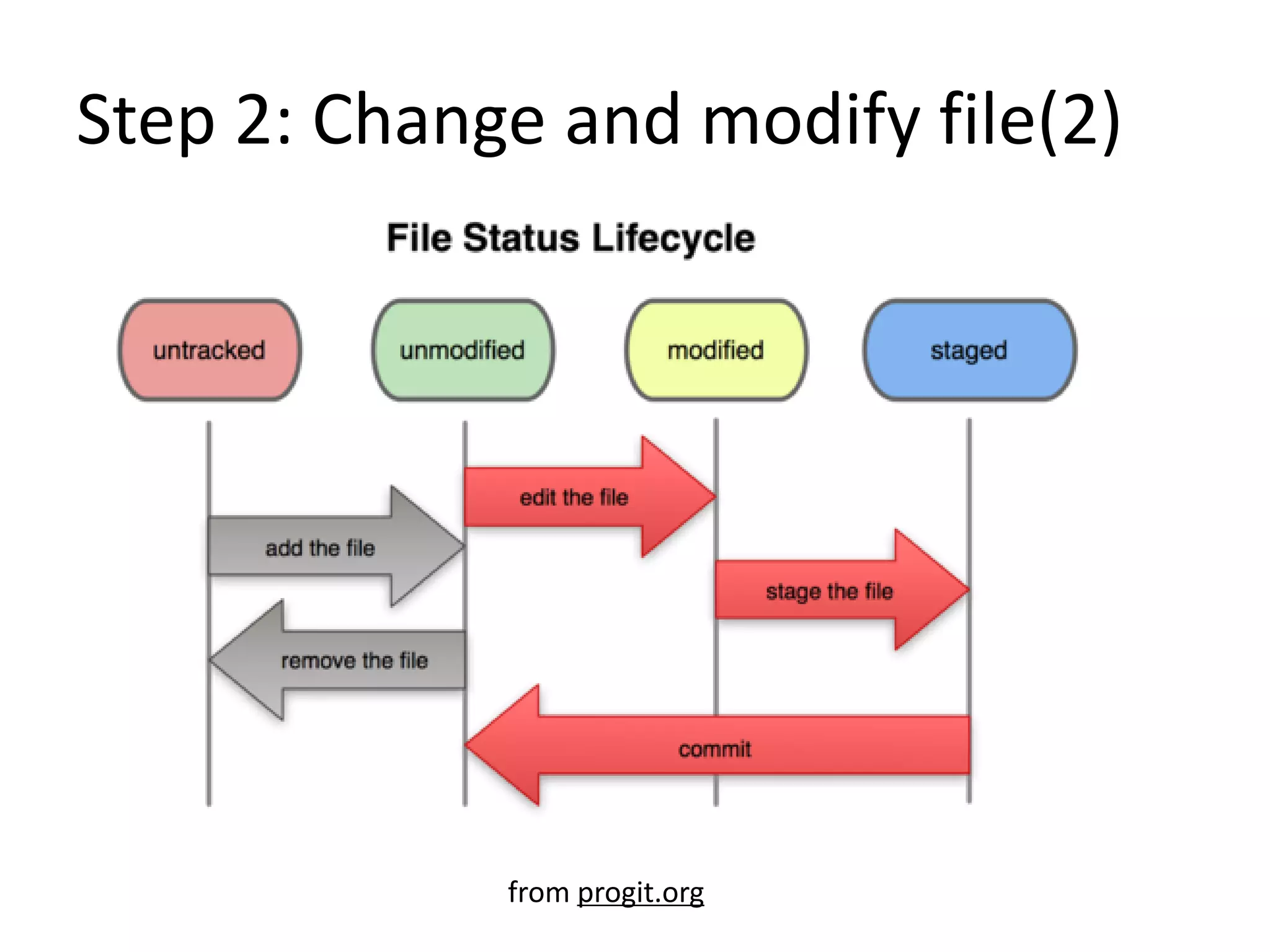
Step 2: Change and modify file(2)
from progit.org
Step 2: Change and modify file(3)
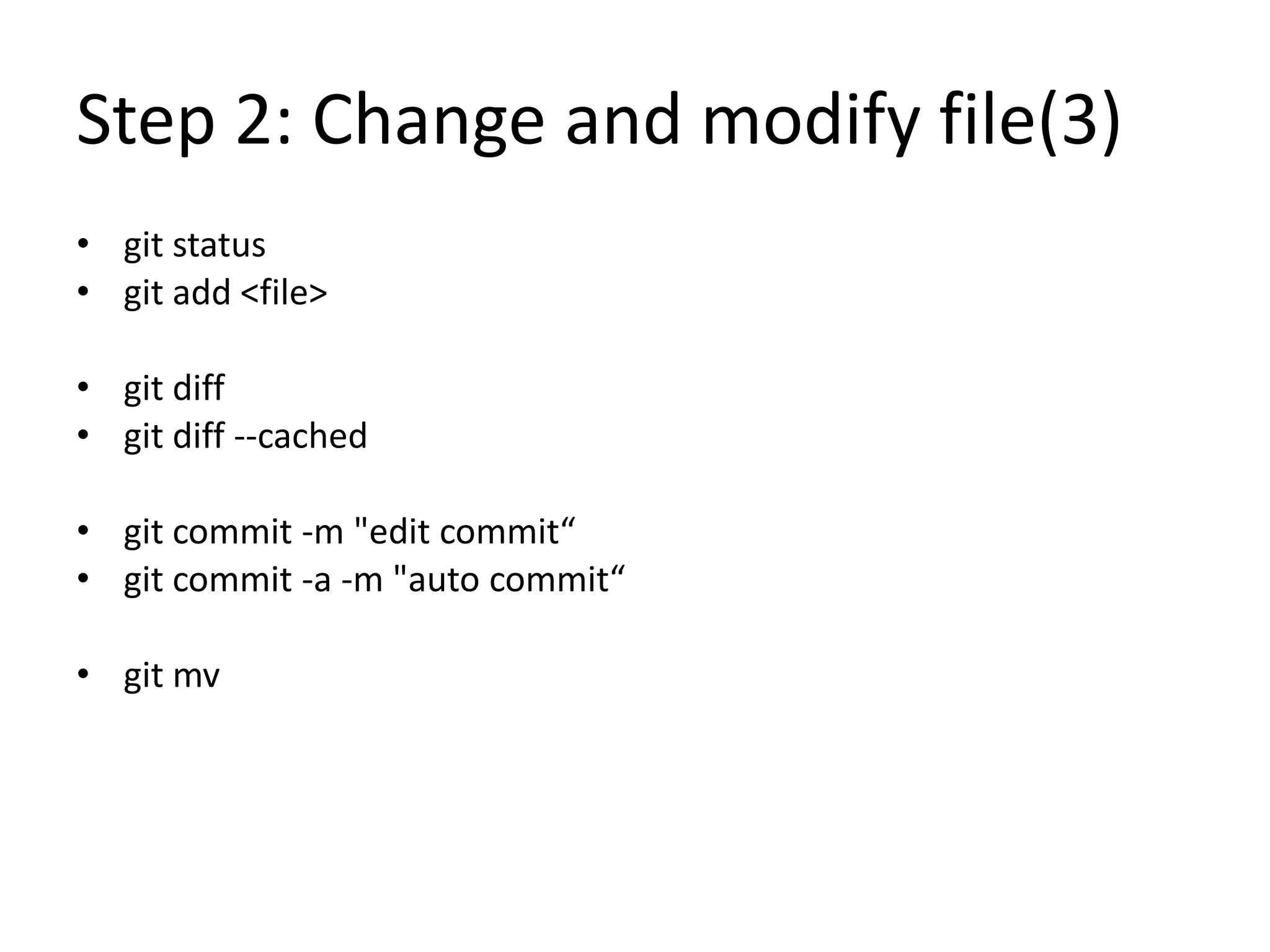
• git status
• git add <file>
• git diff
• git diff --cached
• git commit -m "edit commit“
• git commit -a -m "auto commit“
• git mv
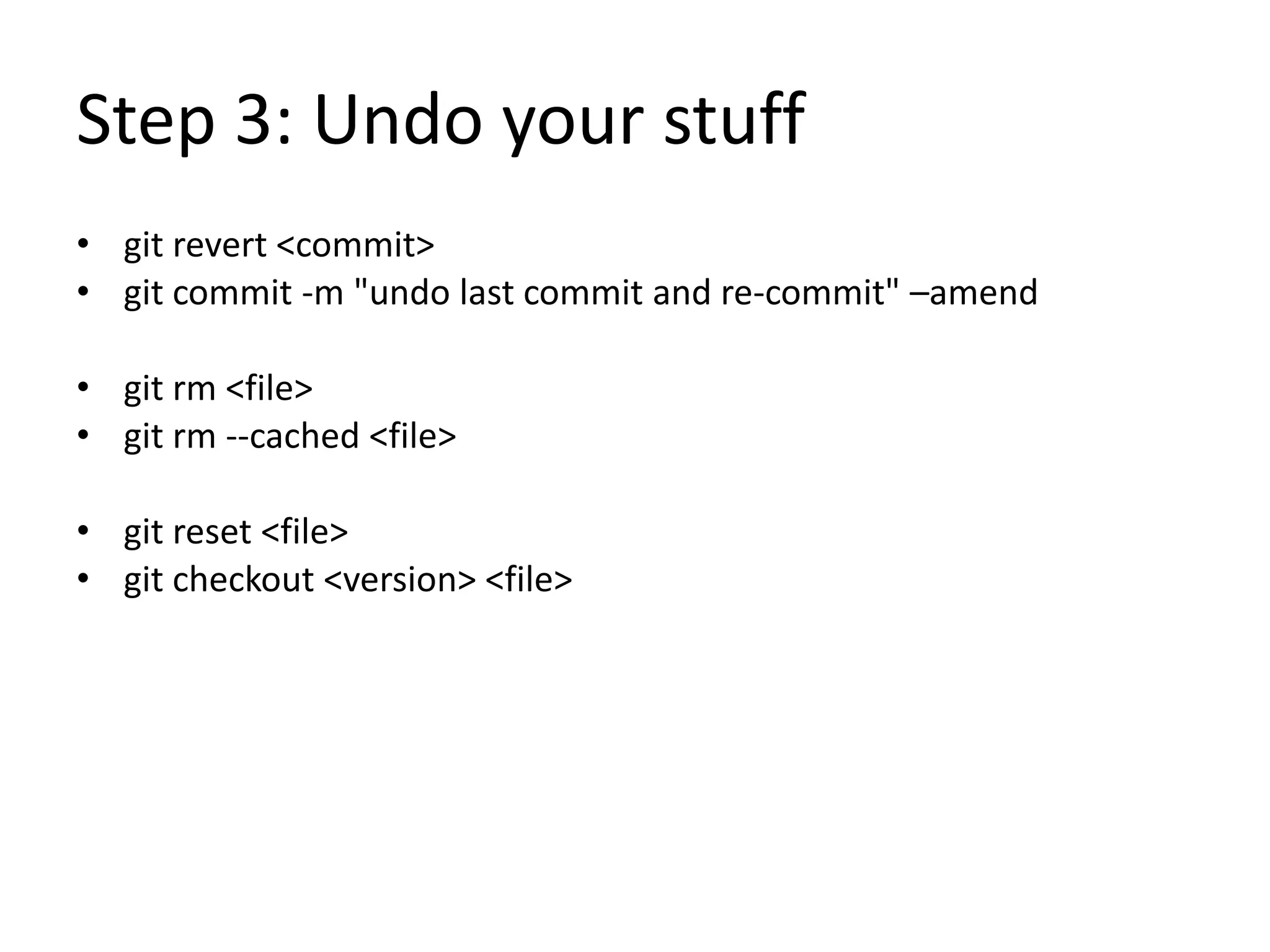
Step 3: Undo your stuff
• git revert <commit>
• git commit -m "undo last commit and re-commit" –amend
• git rm <file>
• git rm --cached <file>
• git reset <file>
• git checkout <version> <file>
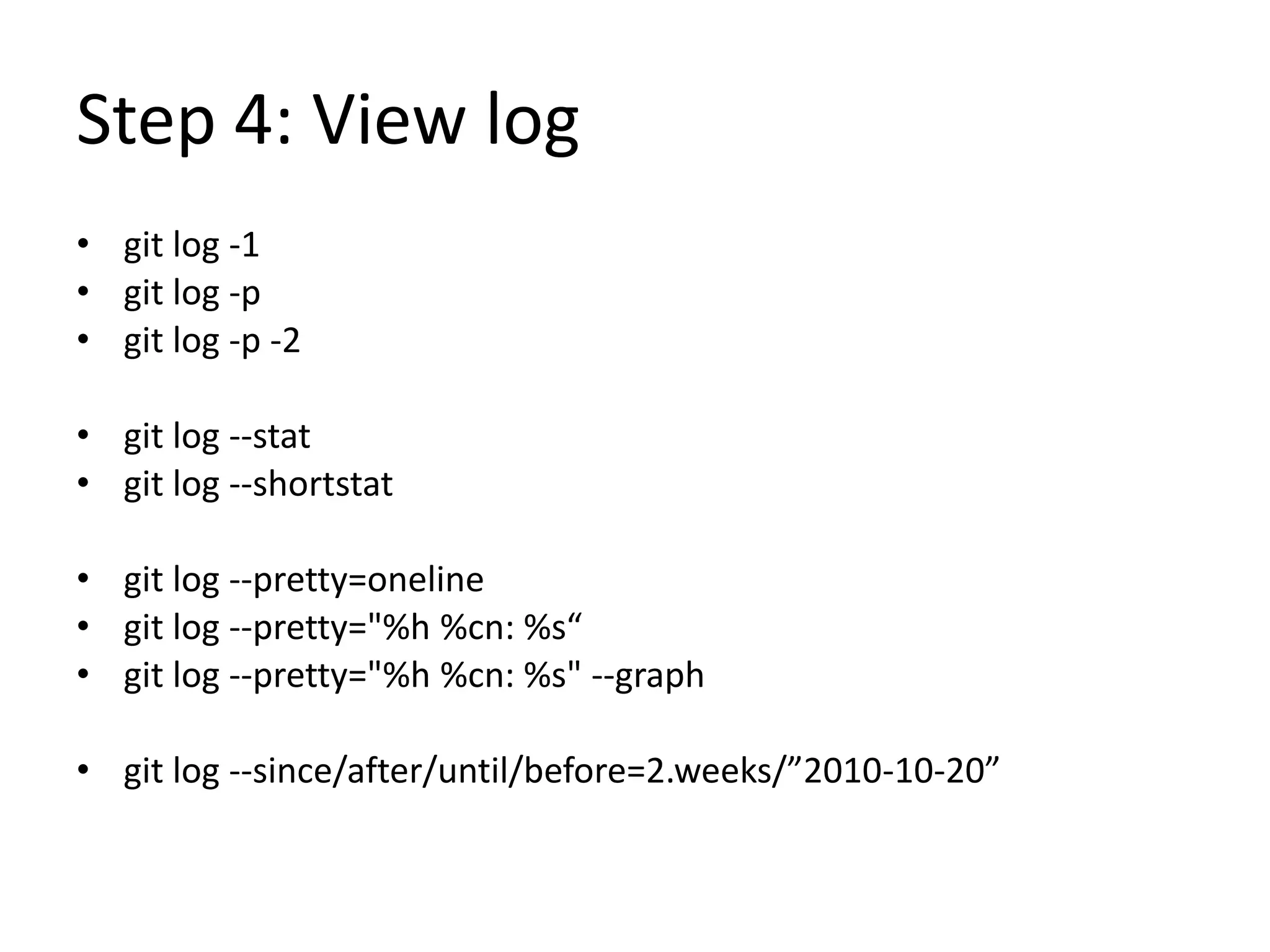
Step 4: View log
• git log -1
• git log -p
• git log -p -2
• git log --stat
• git log --shortstat
• git log --pretty=oneline
• git log --pretty="%h %cn: %s“
• git log --pretty="%h %cn: %s" --graph
• git log --since/after/until/before=2.weeks/”2010-10-20”
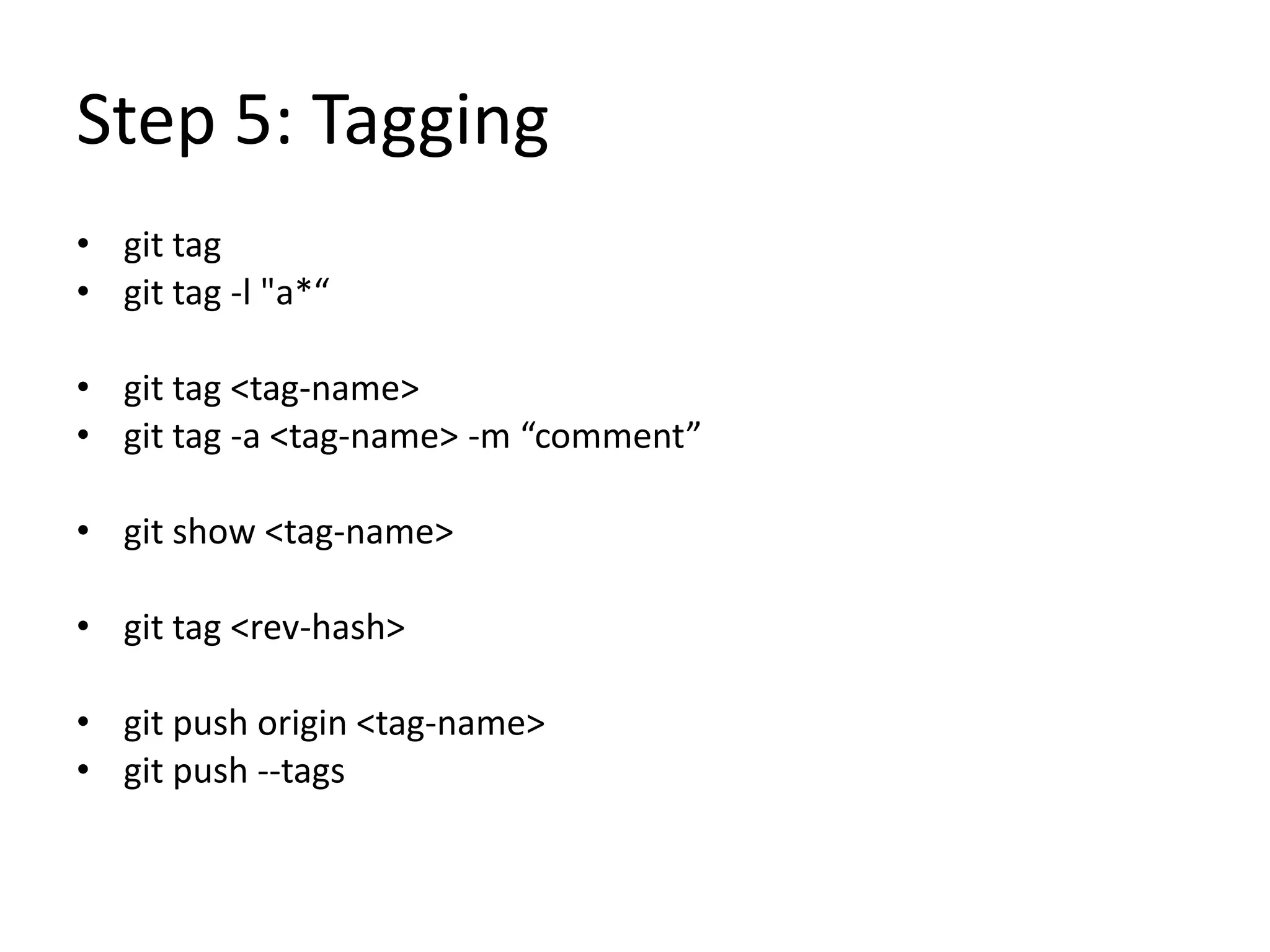
Step 5: Tagging
• git tag
• git tag -l "a*“
• git tag <tag-name>
• git tag -a <tag-name> -m “comment”
• git show <tag-name>
• git tag <rev-hash>
• git push origin <tag-name>
• git push --tags
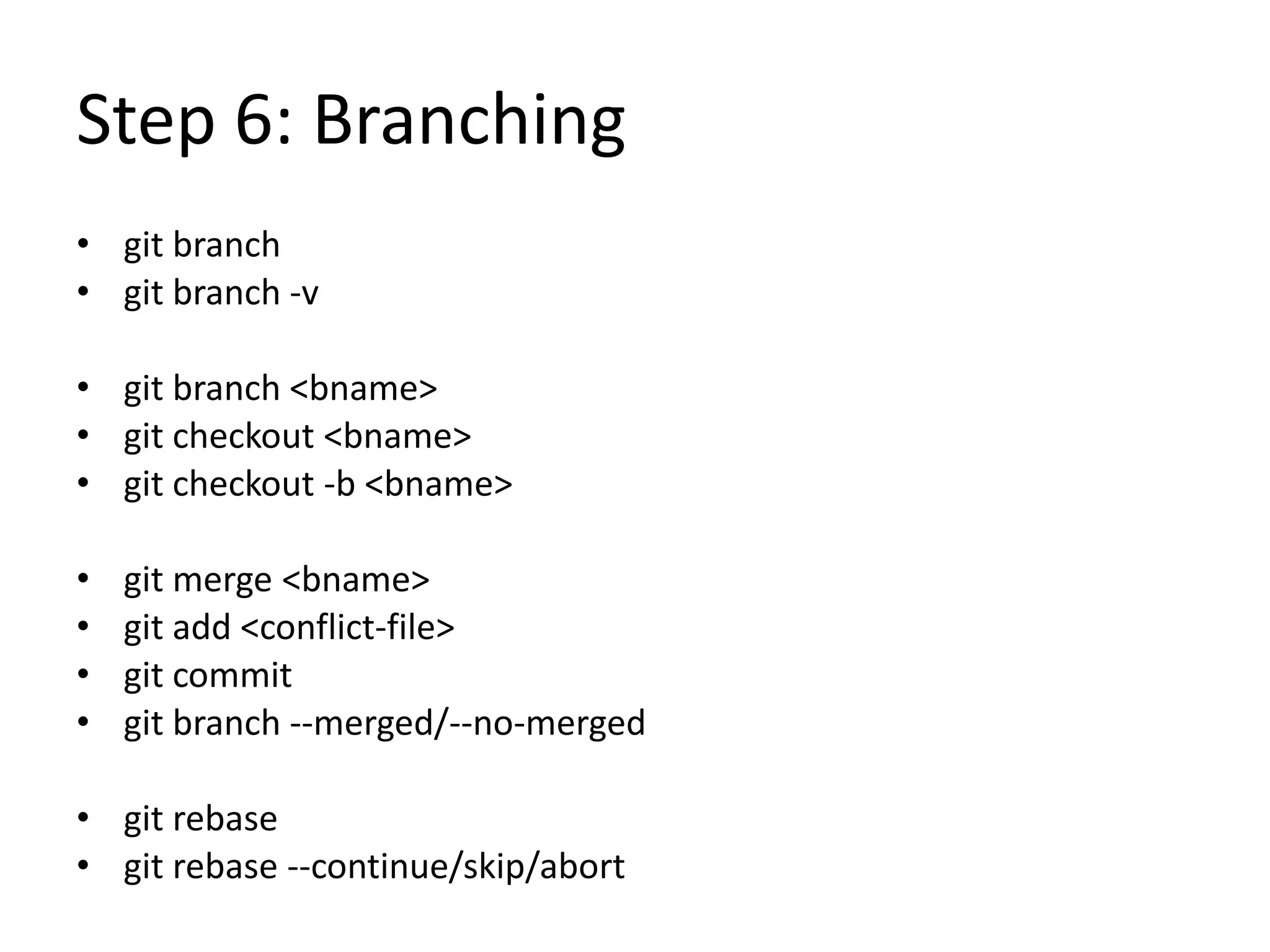
Step 6: Branching
• git branch
• git branch -v
• git branch <bname>
• git checkout <bname>
• git checkout -b <bname>
• git merge <bname>
• git add <conflict-file>
• git commit
• git branch --merged/--no-merged
• git rebase
• git rebase --continue/skip/abort
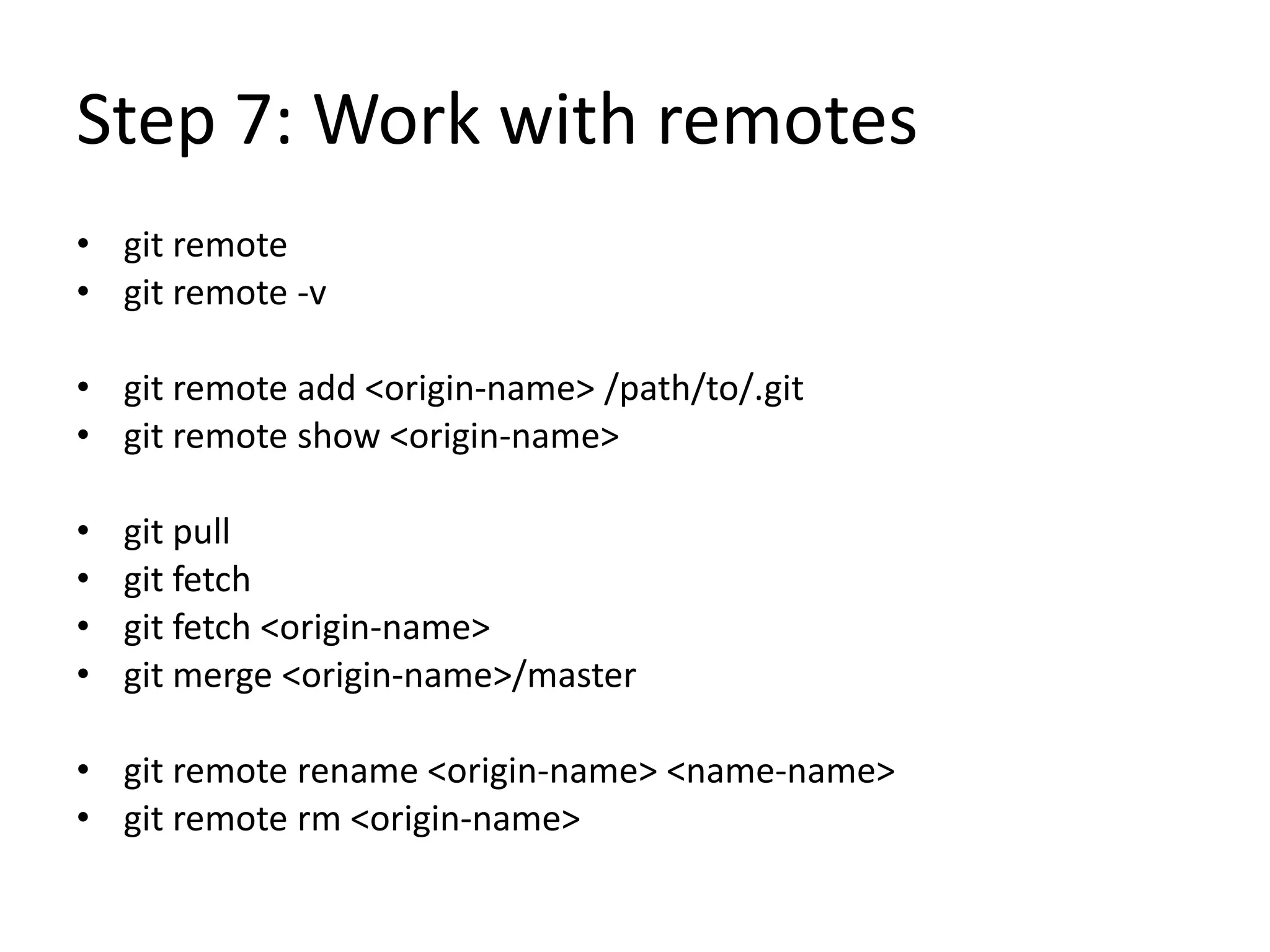
Step 7: Work with remotes
• git remote
• git remote -v
• git remote add <origin-name> /path/to/.git
• git remote show <origin-name>
• git pull
• git fetch
• git fetch <origin-name>
• git merge <origin-name>/master
• git remote rename <origin-name> <name-name>
• git remote rm <origin-name>
Step 8: Advanced Git
• Submodules
• Git servers
• Hosted Git
• Distributed Git
• Git internals
Git resources
• http://git-scm.com/
• http://progit.org/
• http://ktown.kde.org/~zrusin/git/git-cheat-sheet-large.png
• http://www.kernel.org/pub/software/scm/git/docs/
• http://www-cs-students.stanford.edu/~blynn/gitmagic/
• http://stackoverflow.com/questions/315911/git-for-
beginners-the-definitive-practical-guide
End

Git study notes

  • 1.
  • 2.
    What’s Git? • Gitis distributed version control system focused on speed, effectivity and real-world usability on large projects. Its highlights include: – Distributed development – Strong support for non-linear development – Efficient handling of large projects – Cryptographic authentication of history – Toolkit design
  • 3.
    Who is usingGit? • Git • Linux Kernel • Perl • Gnome • Qt • Ruby on Rails • Android • PostgreSQL • Wine • Fedora • Debian • X.org • …. and you?
  • 4.
    Study Notes • Step0: Environment setting and help • Step 1: Init project • Step 2: Change and modify file • Step 3: Undo your stuff • Step 4: View log • Step 5: Tagging • Step 6: Branching • Step 7: Work with remotes • Step 8: Advanced Git
  • 5.
    Step 0: Envsetting and help • git config --list • git config --global user.name • git config --global user.email • <ready to go!> • git help <verb>
  • 6.
    Step 1: Initproject • git init • git add * • git commit -m "init comment“ • git clone /path/to/.git
  • 7.
    Step 2: Changeand modify file(1) from progit.org
  • 8.
    Step 2: Changeand modify file(2) from progit.org
  • 9.
    Step 2: Changeand modify file(3) • git status • git add <file> • git diff • git diff --cached • git commit -m "edit commit“ • git commit -a -m "auto commit“ • git mv
  • 10.
    Step 3: Undoyour stuff • git revert <commit> • git commit -m "undo last commit and re-commit" –amend • git rm <file> • git rm --cached <file> • git reset <file> • git checkout <version> <file>
  • 11.
    Step 4: Viewlog • git log -1 • git log -p • git log -p -2 • git log --stat • git log --shortstat • git log --pretty=oneline • git log --pretty="%h %cn: %s“ • git log --pretty="%h %cn: %s" --graph • git log --since/after/until/before=2.weeks/”2010-10-20”
  • 12.
    Step 5: Tagging •git tag • git tag -l "a*“ • git tag <tag-name> • git tag -a <tag-name> -m “comment” • git show <tag-name> • git tag <rev-hash> • git push origin <tag-name> • git push --tags
  • 13.
    Step 6: Branching •git branch • git branch -v • git branch <bname> • git checkout <bname> • git checkout -b <bname> • git merge <bname> • git add <conflict-file> • git commit • git branch --merged/--no-merged • git rebase • git rebase --continue/skip/abort
  • 14.
    Step 7: Workwith remotes • git remote • git remote -v • git remote add <origin-name> /path/to/.git • git remote show <origin-name> • git pull • git fetch • git fetch <origin-name> • git merge <origin-name>/master • git remote rename <origin-name> <name-name> • git remote rm <origin-name>
  • 15.
    Step 8: AdvancedGit • Submodules • Git servers • Hosted Git • Distributed Git • Git internals
  • 16.
    Git resources • http://git-scm.com/ •http://progit.org/ • http://ktown.kde.org/~zrusin/git/git-cheat-sheet-large.png • http://www.kernel.org/pub/software/scm/git/docs/ • http://www-cs-students.stanford.edu/~blynn/gitmagic/ • http://stackoverflow.com/questions/315911/git-for- beginners-the-definitive-practical-guide
  • 17.