Copyright © 2016 Splunk Inc.
Getting Started with
Splunk Enterprise
Dan Hogland–
Sr. Sales Engineer
Splunk Security SME
Agenda
1. Download Splunk (if you haven’t already)
2. Why Splunk?
3. Using Splunk (Live Demonstration/Walkthrough)
• Installing & Onboard Data
• Searching
• Alerting
• Dashboards
4. Splunk Deployment Architecture
5. Splunk Communities, Q&A
• Pivot Interface
• Field Extraction
• Analytics
4
www.splunk.com
4
5 5
Installing & Using
Splunk
(Live Demonstration &
Walk-along)
7
1.
2.
3.
4.
Getting Started
Download
Install & Start
Forward Data
Search
Databases
Networks
Servers
Virtual
Machines
Smart
phones
and
Devices
Custom
Applications
Security
WebServer
Sensors
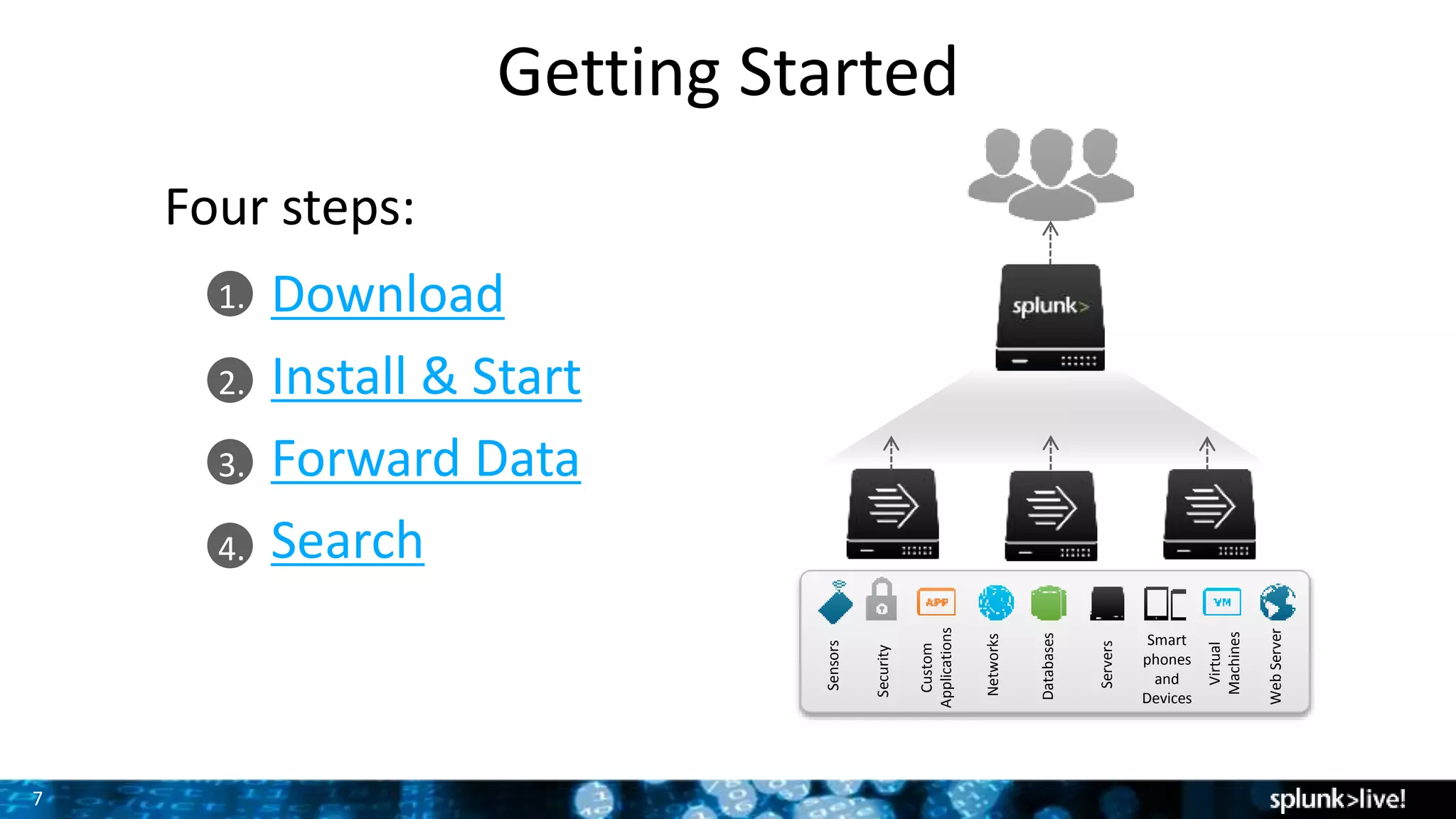
Four steps:
Let’s get our hands dirty!
Install & Initial Setup
9
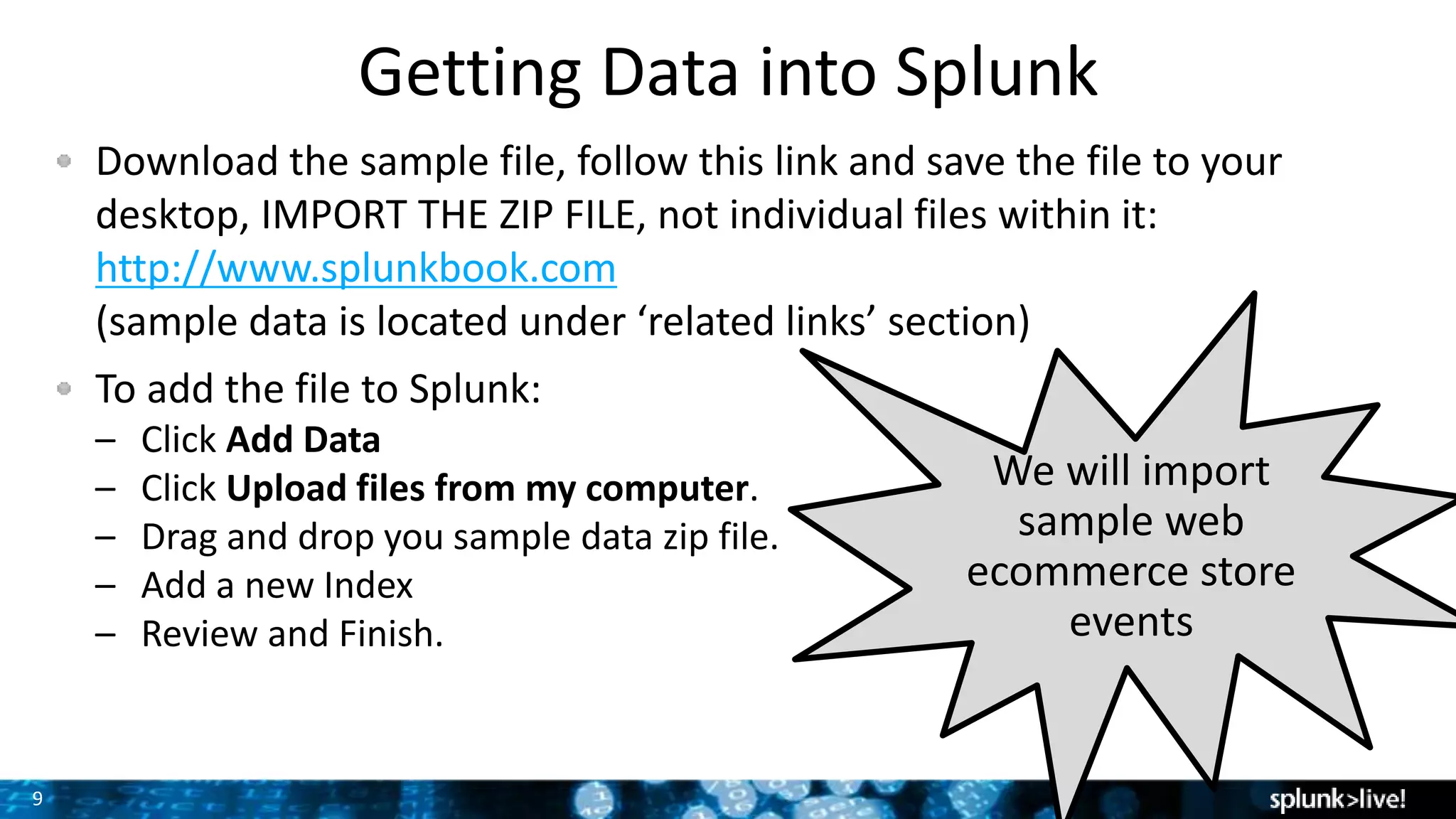
Download the sample file, follow this link and save the file to your
desktop, IMPORT THE ZIP FILE, not individual files within it:
http://www.splunkbook.com
(sample data is located under ‘related links’ section)
To add the file to Splunk:
– Click Add Data
– Click Upload files from my computer.
– Drag and drop you sample data zip file.
– Add a new Index
– Review and Finish.
Getting Data into Splunk
We will import
sample web
ecommerce store
events
10
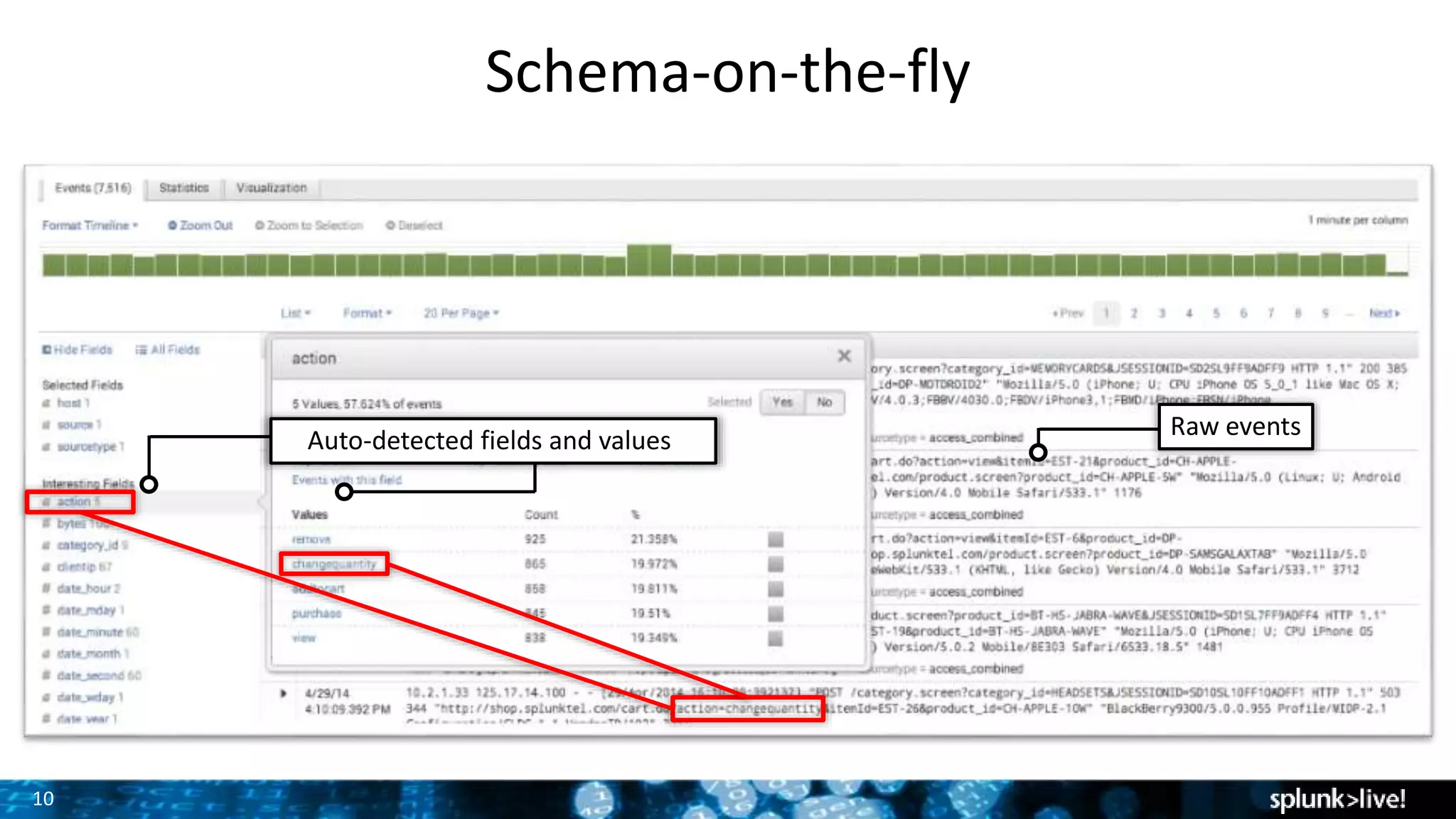
Schema-on-the-fly
Raw events
Auto-detected fields and values
What If I want
to create my
own field
extraction?
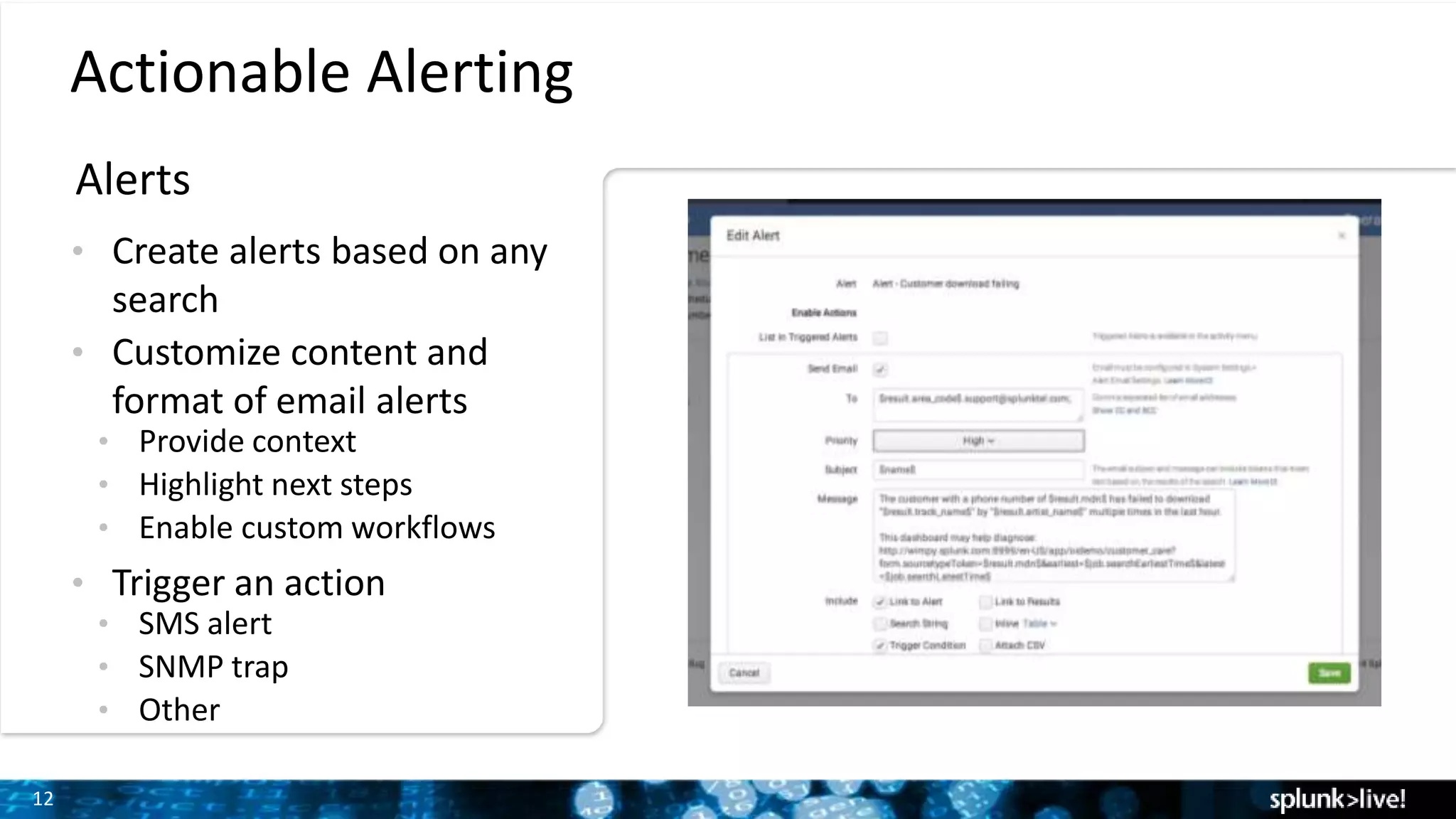
12
Actionable Alerting
Alerts
• Create alerts based on any
search
• Customize content and
format of email alerts
• Provide context
• Highlight next steps
• Enable custom workflows
• Trigger an action
• SMS alert
• SNMP trap
• Other
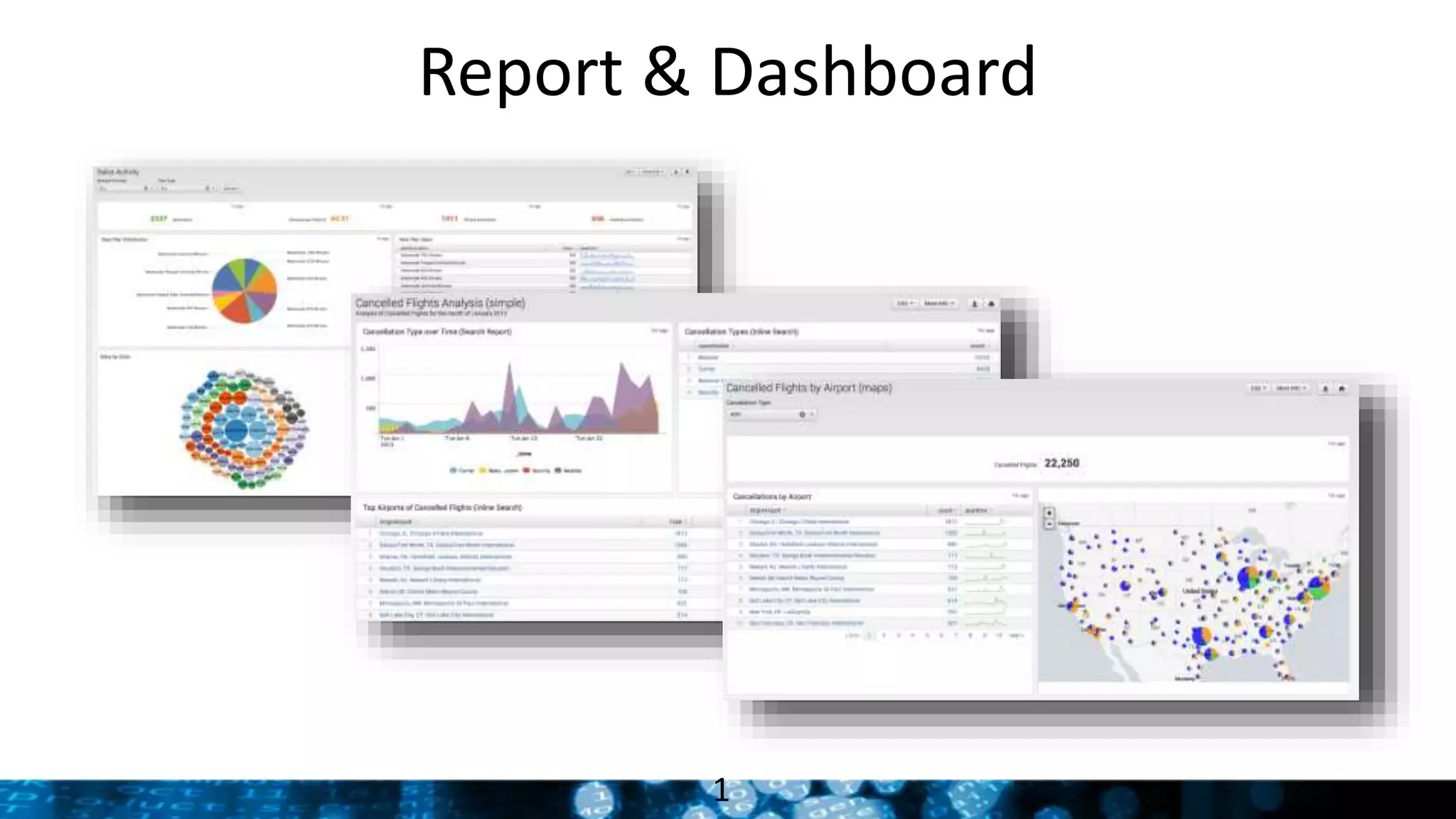
Report & Dashboard
1
14
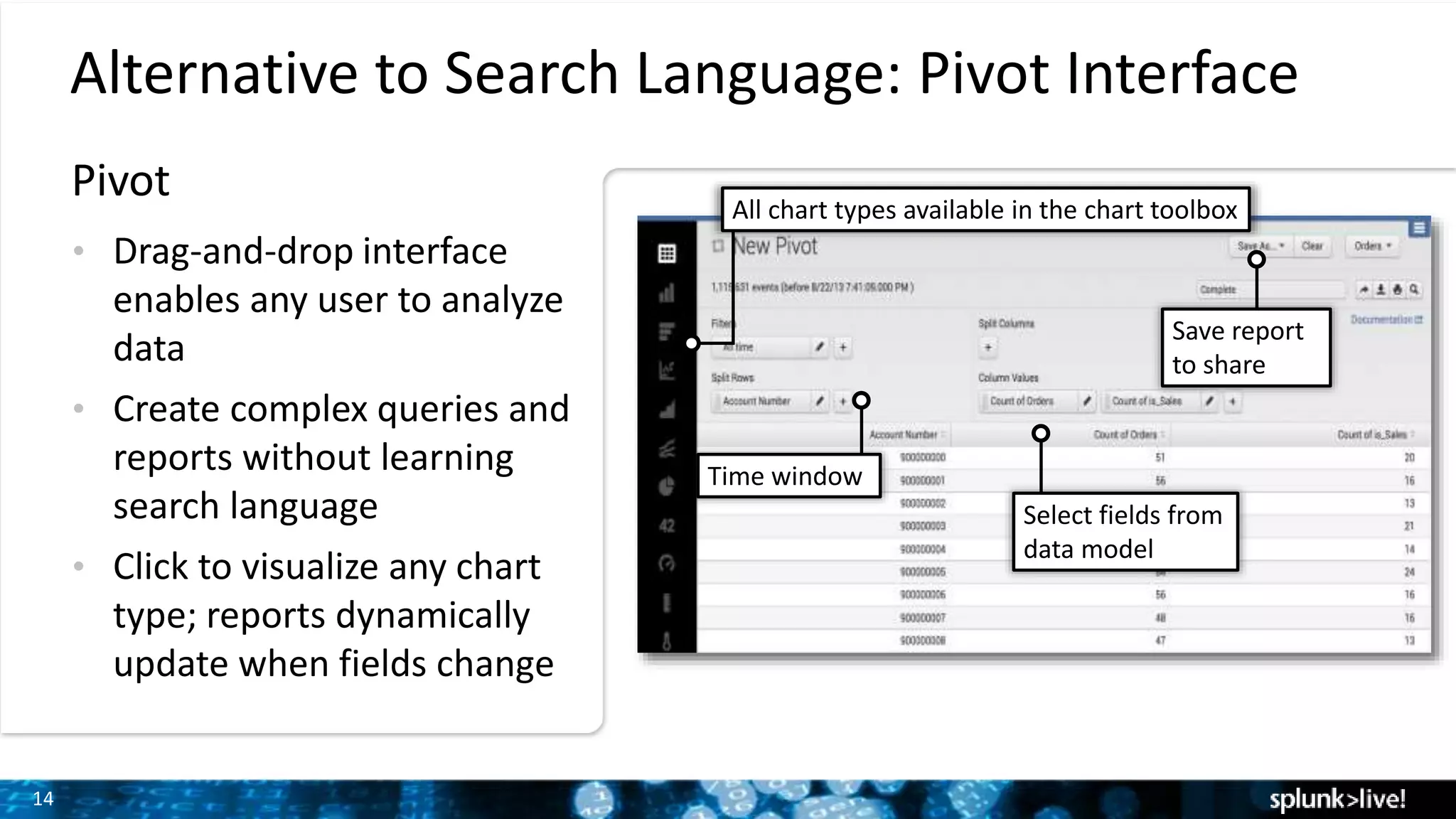
Alternative to Search Language: Pivot Interface
• Drag-and-drop interface
enables any user to analyze
data
• Create complex queries and
reports without learning
search language
• Click to visualize any chart
type; reports dynamically
update when fields change
Select fields from
data model
Time window
All chart types available in the chart toolbox
Save report
to share
Pivot
15
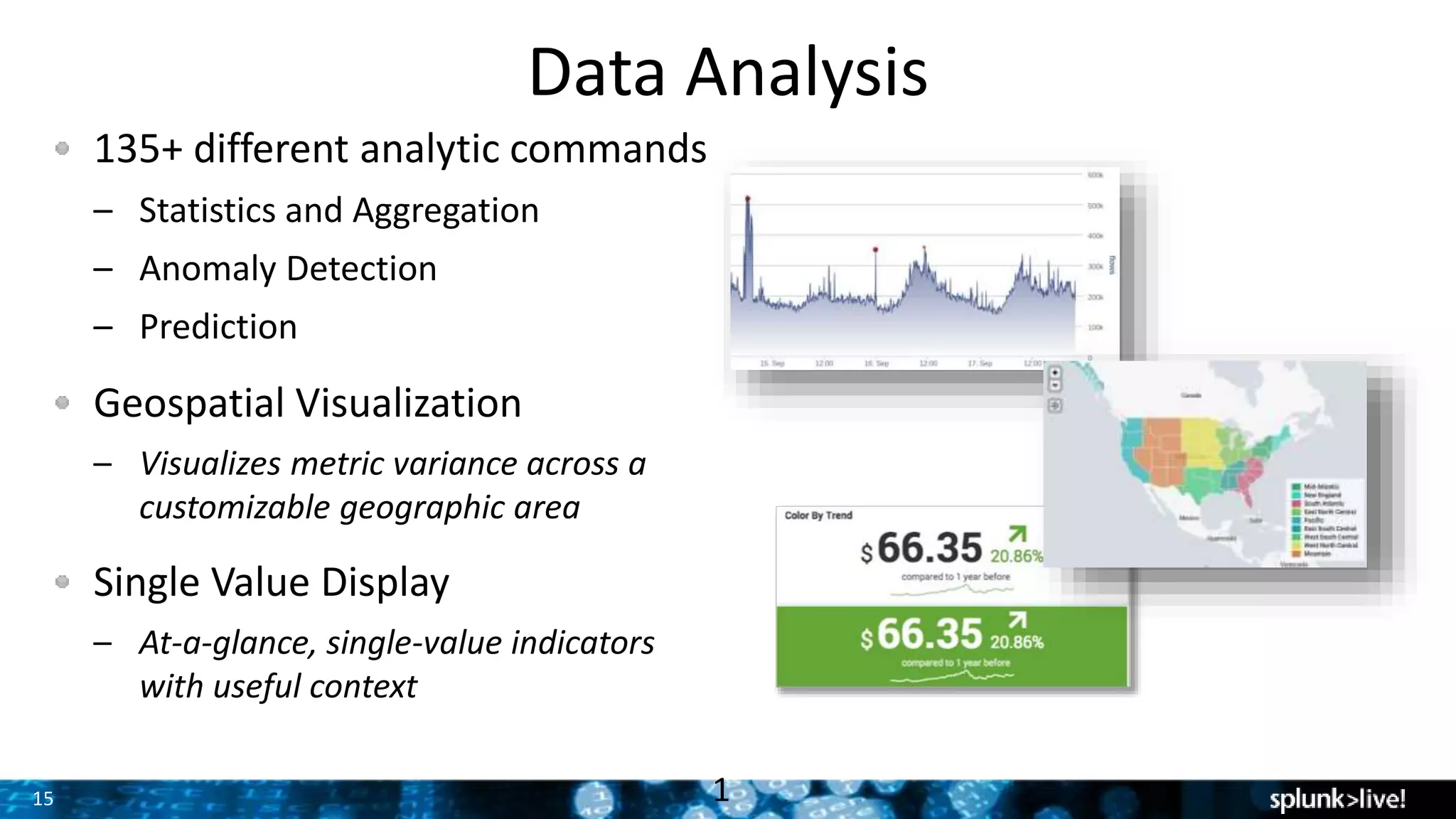
Data Analysis
135+ different analytic commands
– Statistics and Aggregation
– Anomaly Detection
– Prediction
Geospatial Visualization
– Visualizes metric variance across a
customizable geographic area
Single Value Display
– At-a-glance, single-value indicators
with useful context
1
Deployments &
Architecture
17
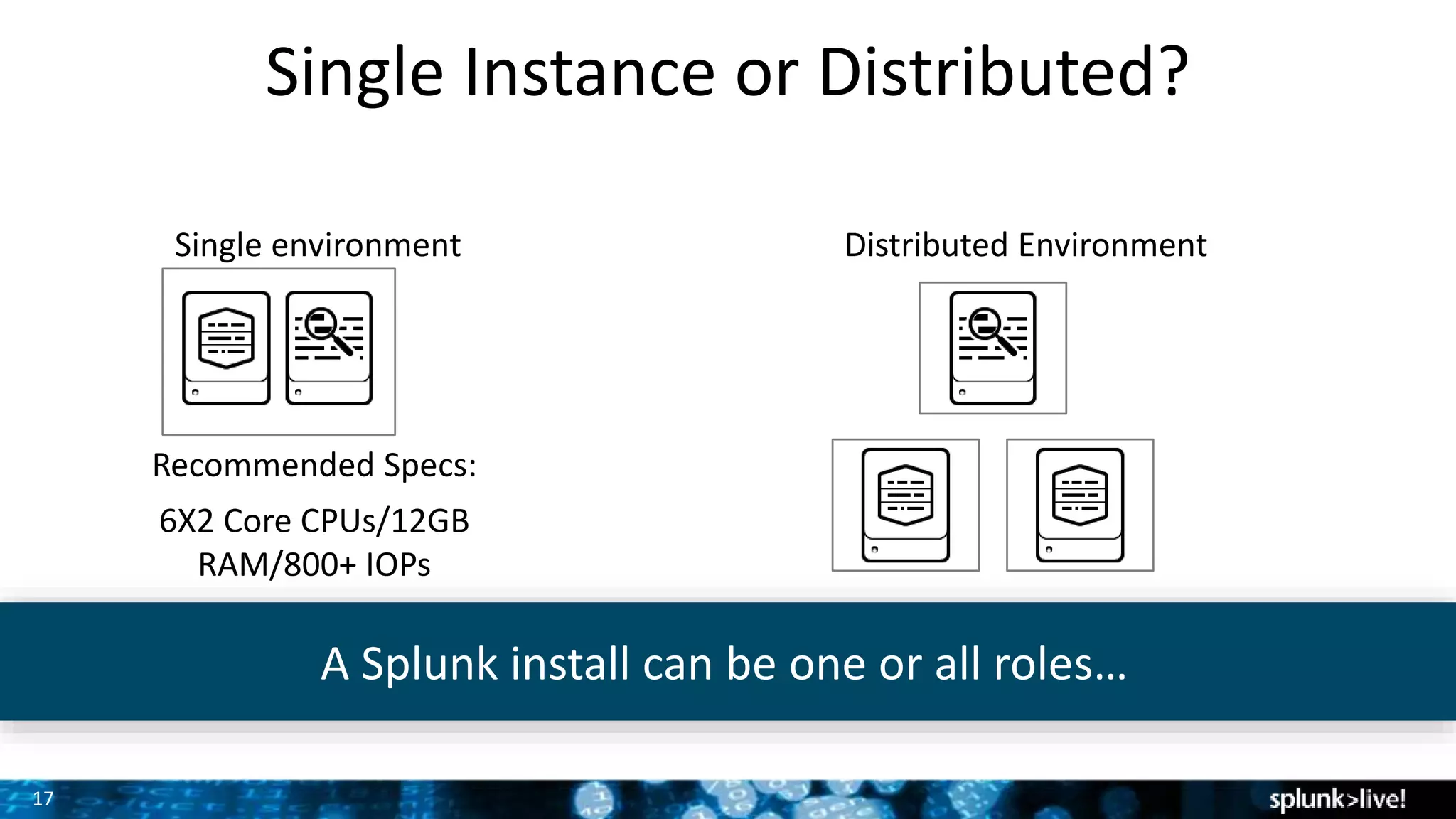
Single Instance or Distributed?
Single environment Distributed Environment
Recommended Specs:
6X2 Core CPUs/12GB
RAM/800+ IOPs
A Splunk install can be one or all roles…
18
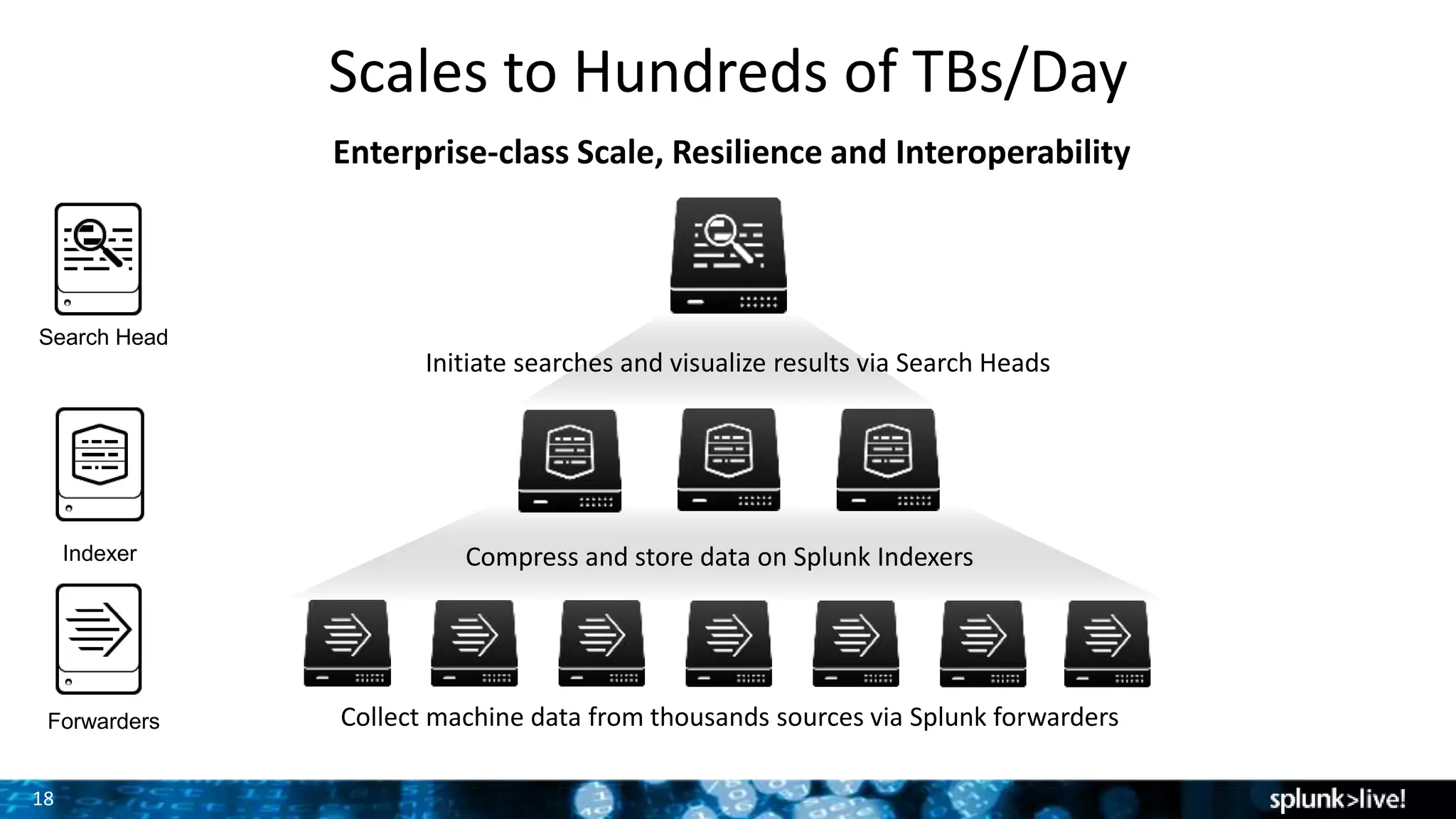
Scales to Hundreds of TBs/Day
Enterprise-class Scale, Resilience and Interoperability
Collect machine data from thousands sources via Splunk forwarders
Compress and store data on Splunk Indexers
Initiate searches and visualize results via Search Heads
Forwarders
Indexer
Search Head
19
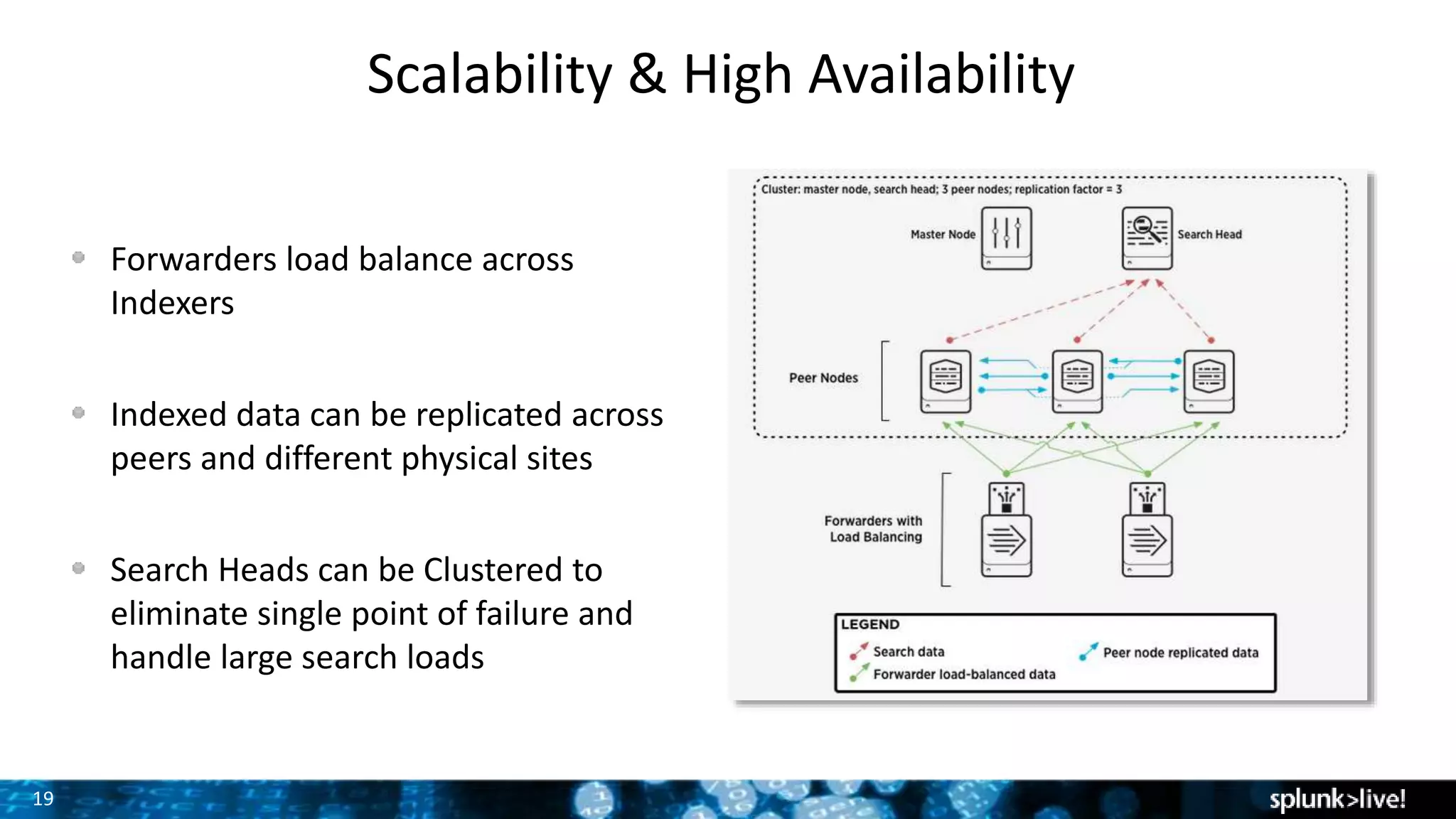
Scalability & High Availability
Forwarders load balance across
Indexers
Indexed data can be replicated across
peers and different physical sites
Search Heads can be Clustered to
eliminate single point of failure and
handle large search loads
20
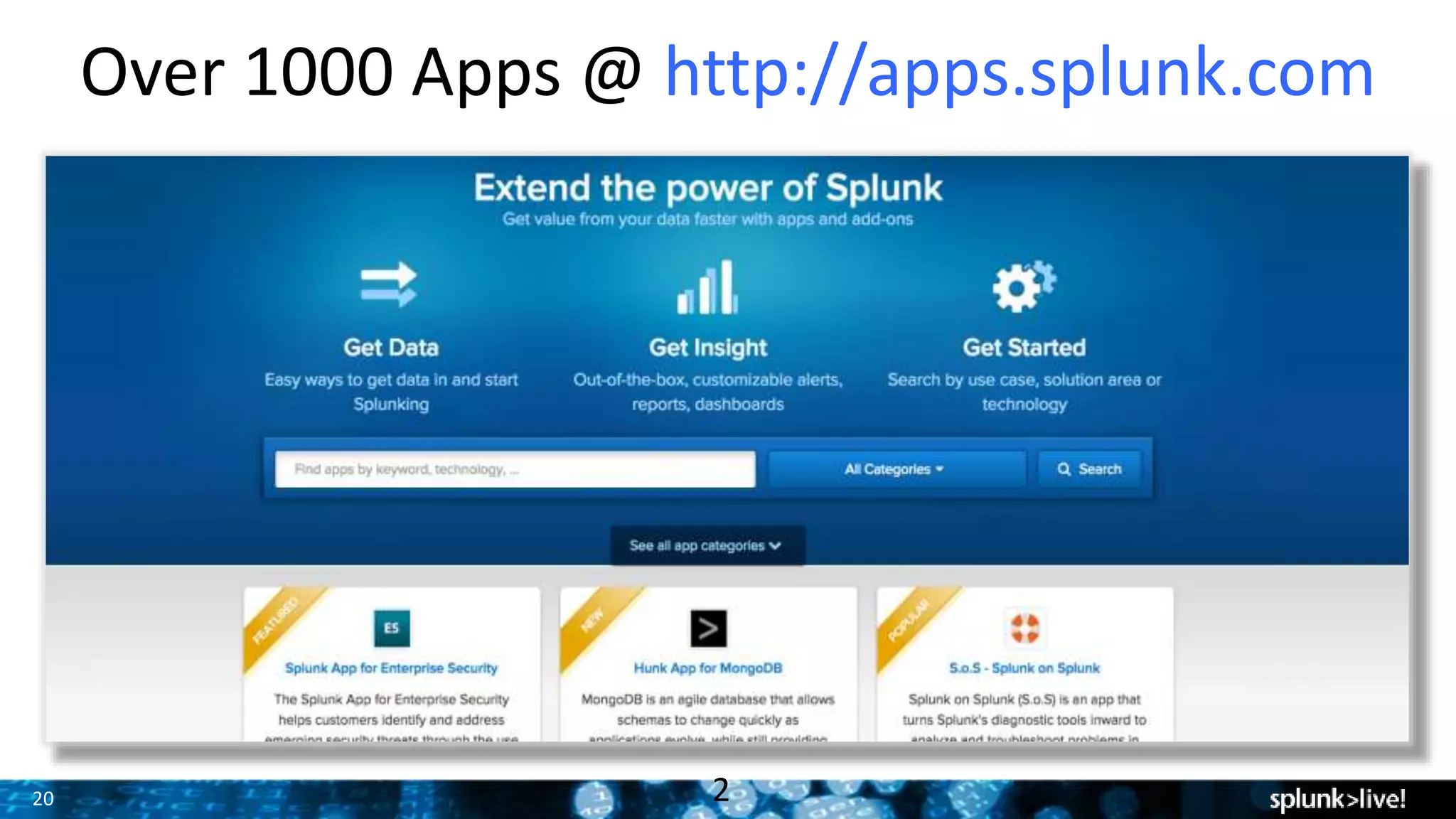
Over 1000 Apps @ http://apps.splunk.com
2
21
Time to start SPLUNKING!!!
Where do I go
for help?
Documentation
– http://www.splunk.com/base/Documentation
Technical Support
– http://www.splunk.com/support
Videos
– http://www.splunk.com/videos
Education
– http://education.splunk.com
Community
– http://answers.splunk.com
• Splunk Book
– http://splunkbook.com
22
SEPT 26-29, 2016
WALT DISNEY WORLD, ORLANDO
SWAN AND DOLPHIN RESORTS
• 5000+ IT & Business Professionals
• 3 days of technical content
• 165+ sessions
• 80+ Customer Speakers
• 35+ Apps in Splunk Apps Showcase
• 75+ Technology Partners
• 1:1 networking: Ask The Experts and Security
Experts, Birds of a Feather and Chalk Talks
• NEW hands-on labs!
• Expanded show floor, Dashboards Control
Room & Clinic, and MORE!
The 7th Annual Splunk Worldwide Users’ Conference
PLUS Splunk University
• Three days: Sept 24-26, 2016
• Get Splunk Certified for FREE!
• Get CPE credits for CISSP, CAP, SSCP
• Save thousands on Splunk education!
2
Thank You

Getting Started with Splunk Enterprise Hands-On

  • 1.
    Copyright © 2016Splunk Inc. Getting Started with Splunk Enterprise Dan Hogland– Sr. Sales Engineer Splunk Security SME
  • 2.
    Agenda 1. Download Splunk(if you haven’t already) 2. Why Splunk? 3. Using Splunk (Live Demonstration/Walkthrough) • Installing & Onboard Data • Searching • Alerting • Dashboards 4. Splunk Deployment Architecture 5. Splunk Communities, Q&A • Pivot Interface • Field Extraction • Analytics
  • 3.
  • 4.
  • 5.
    Installing & Using Splunk (LiveDemonstration & Walk-along)
  • 6.
    7 1. 2. 3. 4. Getting Started Download Install &Start Forward Data Search Databases Networks Servers Virtual Machines Smart phones and Devices Custom Applications Security WebServer Sensors Four steps:
  • 7.
    Let’s get ourhands dirty! Install & Initial Setup
  • 8.
    9 Download the samplefile, follow this link and save the file to your desktop, IMPORT THE ZIP FILE, not individual files within it: http://www.splunkbook.com (sample data is located under ‘related links’ section) To add the file to Splunk: – Click Add Data – Click Upload files from my computer. – Drag and drop you sample data zip file. – Add a new Index – Review and Finish. Getting Data into Splunk We will import sample web ecommerce store events
  • 9.
  • 10.
    What If Iwant to create my own field extraction?
  • 11.
    12 Actionable Alerting Alerts • Createalerts based on any search • Customize content and format of email alerts • Provide context • Highlight next steps • Enable custom workflows • Trigger an action • SMS alert • SNMP trap • Other
  • 12.
  • 13.
    14 Alternative to SearchLanguage: Pivot Interface • Drag-and-drop interface enables any user to analyze data • Create complex queries and reports without learning search language • Click to visualize any chart type; reports dynamically update when fields change Select fields from data model Time window All chart types available in the chart toolbox Save report to share Pivot
  • 14.
    15 Data Analysis 135+ differentanalytic commands – Statistics and Aggregation – Anomaly Detection – Prediction Geospatial Visualization – Visualizes metric variance across a customizable geographic area Single Value Display – At-a-glance, single-value indicators with useful context 1
  • 15.
  • 16.
    17 Single Instance orDistributed? Single environment Distributed Environment Recommended Specs: 6X2 Core CPUs/12GB RAM/800+ IOPs A Splunk install can be one or all roles…
  • 17.
    18 Scales to Hundredsof TBs/Day Enterprise-class Scale, Resilience and Interoperability Collect machine data from thousands sources via Splunk forwarders Compress and store data on Splunk Indexers Initiate searches and visualize results via Search Heads Forwarders Indexer Search Head
  • 18.
    19 Scalability & HighAvailability Forwarders load balance across Indexers Indexed data can be replicated across peers and different physical sites Search Heads can be Clustered to eliminate single point of failure and handle large search loads
  • 19.
    20 Over 1000 Apps@ http://apps.splunk.com 2
  • 20.
    21 Time to startSPLUNKING!!! Where do I go for help? Documentation – http://www.splunk.com/base/Documentation Technical Support – http://www.splunk.com/support Videos – http://www.splunk.com/videos Education – http://education.splunk.com Community – http://answers.splunk.com • Splunk Book – http://splunkbook.com
  • 21.
    22 SEPT 26-29, 2016 WALTDISNEY WORLD, ORLANDO SWAN AND DOLPHIN RESORTS • 5000+ IT & Business Professionals • 3 days of technical content • 165+ sessions • 80+ Customer Speakers • 35+ Apps in Splunk Apps Showcase • 75+ Technology Partners • 1:1 networking: Ask The Experts and Security Experts, Birds of a Feather and Chalk Talks • NEW hands-on labs! • Expanded show floor, Dashboards Control Room & Clinic, and MORE! The 7th Annual Splunk Worldwide Users’ Conference PLUS Splunk University • Three days: Sept 24-26, 2016 • Get Splunk Certified for FREE! • Get CPE credits for CISSP, CAP, SSCP • Save thousands on Splunk education!
  • 22.

Editor's Notes

  • #19 Splunk Forwarders are lightweight components which collect Machine data throughout your environment. Forwarder deployment is highly customizable, you can have the forwarder remotely collect data or place the forwarder locally on hundreds of thousands of devices as some of our customers do. Forwarders automatically load-balance their collected machine data across a pool of Indexers, which scale horizontally on commodity hardware to adjust to your growing pool of Machine Data. Search Heads initiate map-reduced searches across the indexer tier, combine and return the results to the Splunk console or your interface of choice. Like Indexers, Search Heads can scale horizontally to meet your needs on commodity hardware.
  • #23 We’re headed to the East Coast! 2 inspired Keynotes – General Session and Security Keynote + Super Sessions with Splunk Leadership in Cloud, IT Ops, Security and Business Analytics! 165+ Breakout sessions addressing all areas and levels of Operational Intelligence – IT, Business Analytics, Mobile, Cloud, IoT, Security…and MORE! 30+ hours of invaluable networking time with industry thought leaders, technologists, and other Splunk Ninjas and Champions waiting to share their business wins with you! Join the 50%+ of Fortune 100 companies who attended .conf2015 to get hands on with Splunk. You’ll be surrounded by thousands of other like-minded individuals who are ready to share exciting and cutting edge use cases and best practices. You can also deep dive on all things Splunk products together with your favorite Splunkers. Head back to your company with both practical and inspired new uses for Splunk, ready to unlock the unimaginable power of your data! Arrive in Orlando a Splunk user, leave Orlando a Splunk Ninja! REGISTRATION OPENS IN MARCH 2016 – STAY TUNED FOR NEWS ON OUR BEST REGISTRATION RATES – COMING SOON!