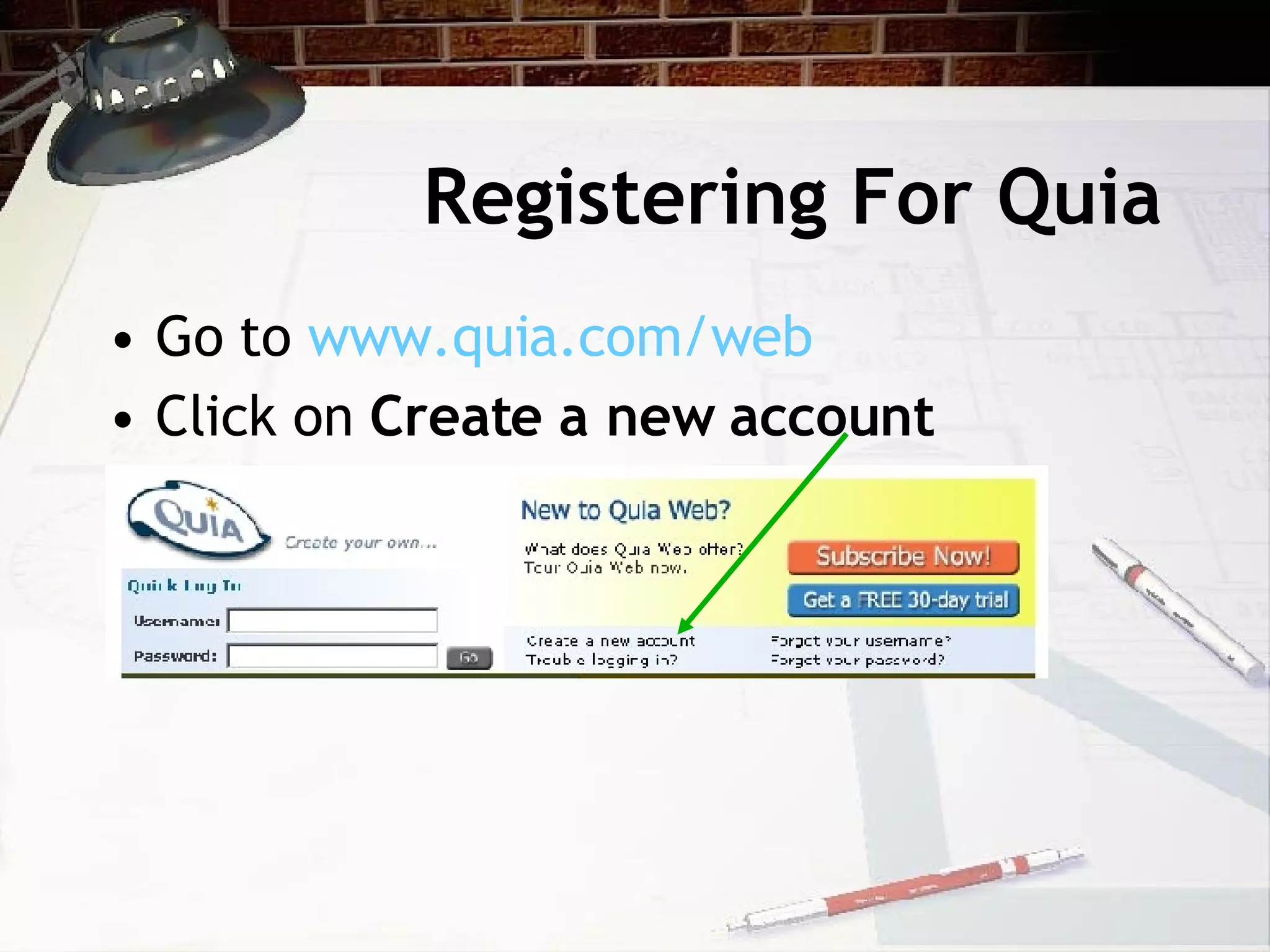
This document provides an introduction and overview of the key features of Quia, an online educational tool for creating activities, quizzes, surveys, and managing student data. It outlines the basic steps for registering an account, creating classes and class pages, adding students to a roster, designing and distributing quizzes and activities, and using other features like the calendar, files, and preferences sections. The document recommends reviewing tutorials to learn more advanced functions for creating quizzes and customizing other elements.