Download to read offline
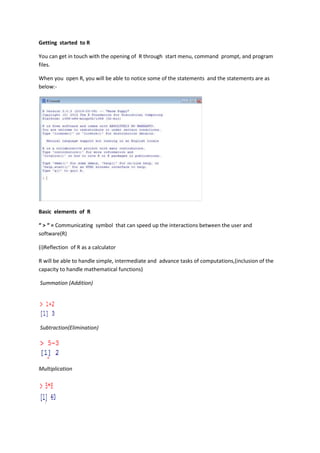
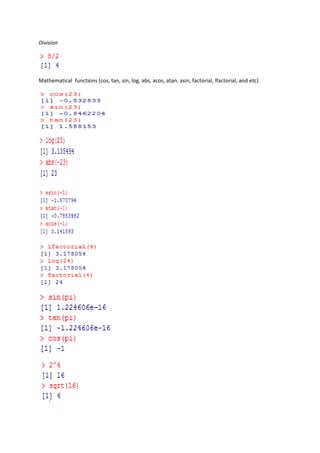
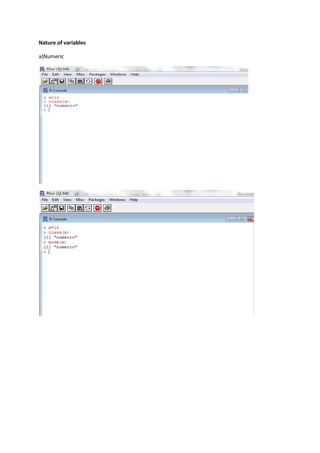
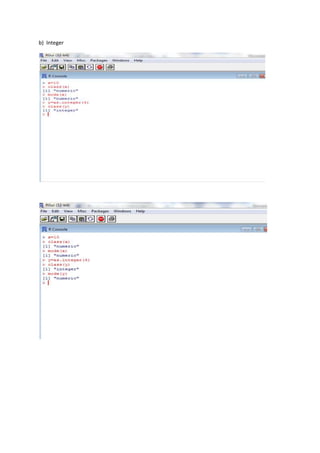
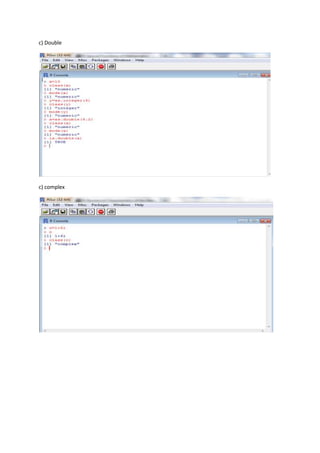
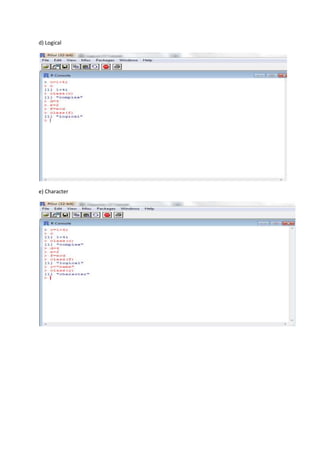
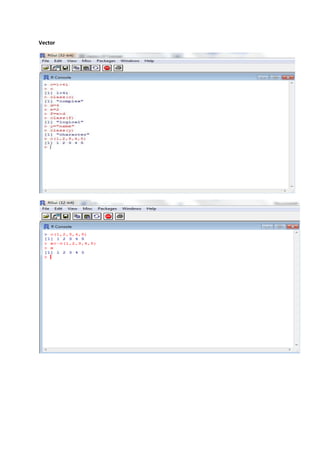
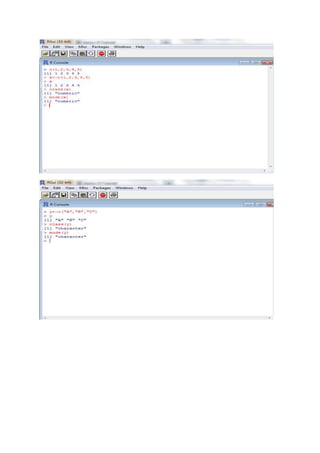
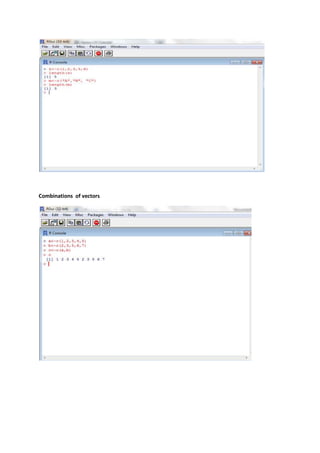
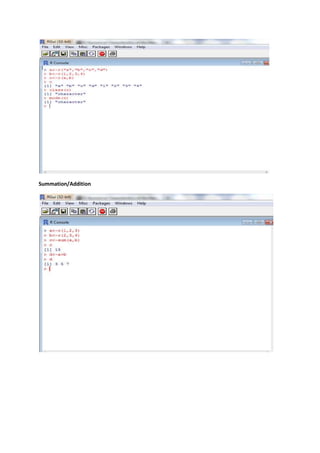
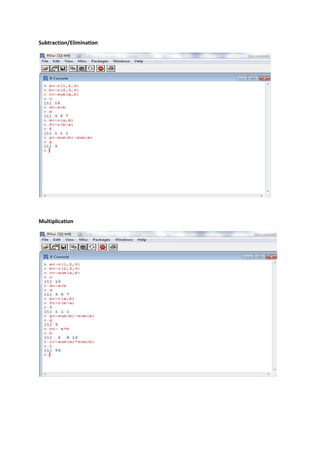
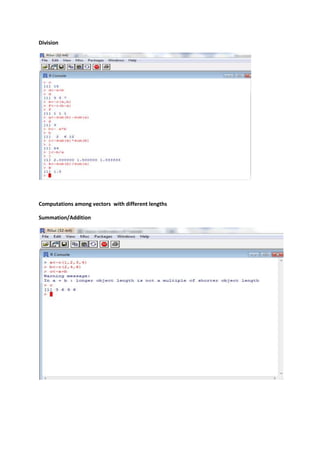
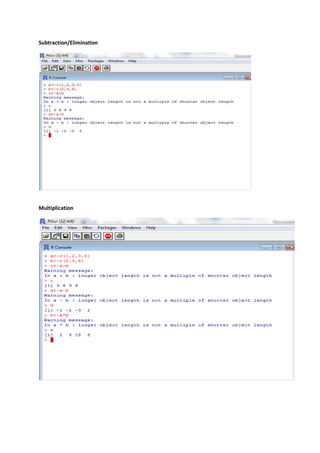
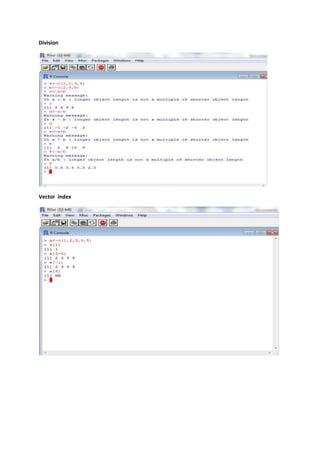
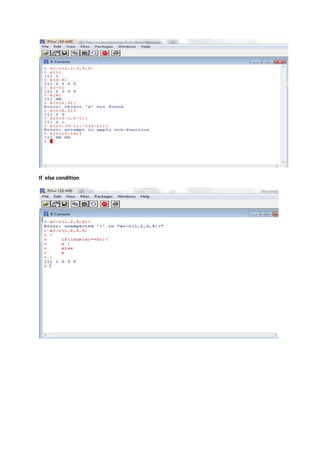
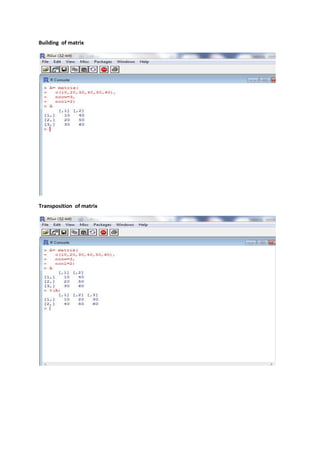
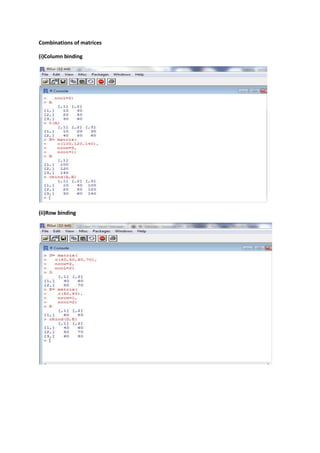
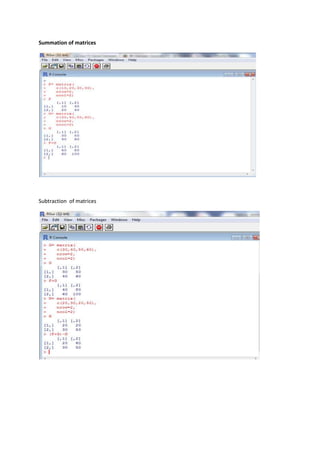
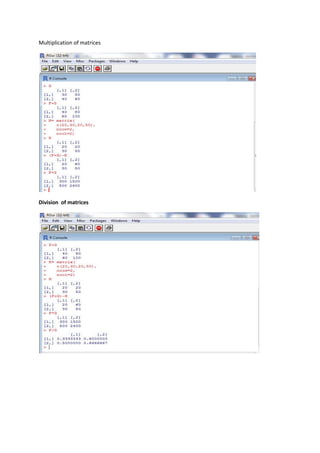
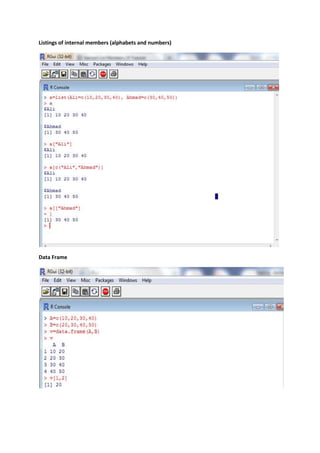
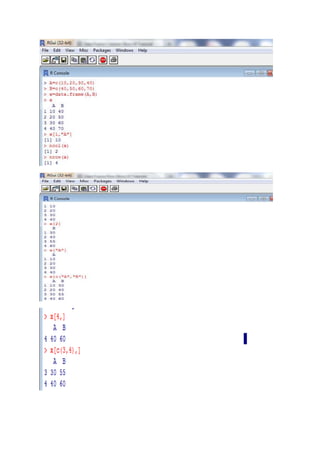


R can be opened through the start menu, command prompt, or program files. The basic elements of R include the ">" communication symbol, capabilities for calculations like summation, subtraction, multiplication and division of numeric, integer, double, complex, and logical variables and vectors. R also allows for combinations of vectors, building and transposition of matrices, and combinations of matrices through column binding, row binding, summation, subtraction, multiplication and division.


![Basics of R programming for analytics [Autosaved] (1).pdf](https://cdn.slidesharecdn.com/ss_thumbnails/basicsofrprogrammingforanalyticsautosaved1-240916080545-0682f8c8-thumbnail.jpg?width=640&height=640&fit=bounds)


![Formula bab2 bab7_mikro___vignes[1]_edited_1](https://cdn.slidesharecdn.com/ss_thumbnails/formulabab2bab7mikrovignes1edited1-140917194344-phpapp01-thumbnail.jpg?width=640&height=640&fit=bounds)


