 @dkeisari
Suitable SaaS solutions for collaboration, project management,
portfolio management and continuous integration
A general intro
to agile tools
#AgilityLab
Sept. 17th
2015
 @dkeisari
About me
●
Dennis Kayser
– CEO & Co-founder Forecast.it
●
I used to work for:
– IBM, Varien, IMT Labs,...
●
I have a degree in:
– M.Sc. Computer Science
●
I'm certified in:
– Kanban, Scrum, PRINCE2
 @dkeisari
 @dkeisari
Tools, tools, tools
 @dkeisari
Tools, why?
●
To start, the Agile Manifesto emphasizes “…individuals and
interactions over process and tools…,” which begs the
question, why are we discussing agile tools? Do
development teams need to use a tool to produce good
software? NO! But in order to be successful, organizations
and teams DO need to deal with the issues that accompany
growing teams and product complexity.
●
Agile is founded on simplicity and the tools used should
reflect this.
●
It is easy to see why the right tool may be the defining
factor for a successful transition to agile.
 @dkeisari
Tools, when?
●
A tool is extremely valuable when
– You have distributed teams and you are finding it difficult to keep in sync
– You want to involve customers, stakeholders or management and they are not in
the room with you
– You would like historical data or archival records of all the past actions in the
project
– You need to keep a record of data for compliance purposes
– You want to calculate certain metrics every day and it is too time consuming to
do it by hand
– You need to coordinate multiple teams together
 @dkeisari
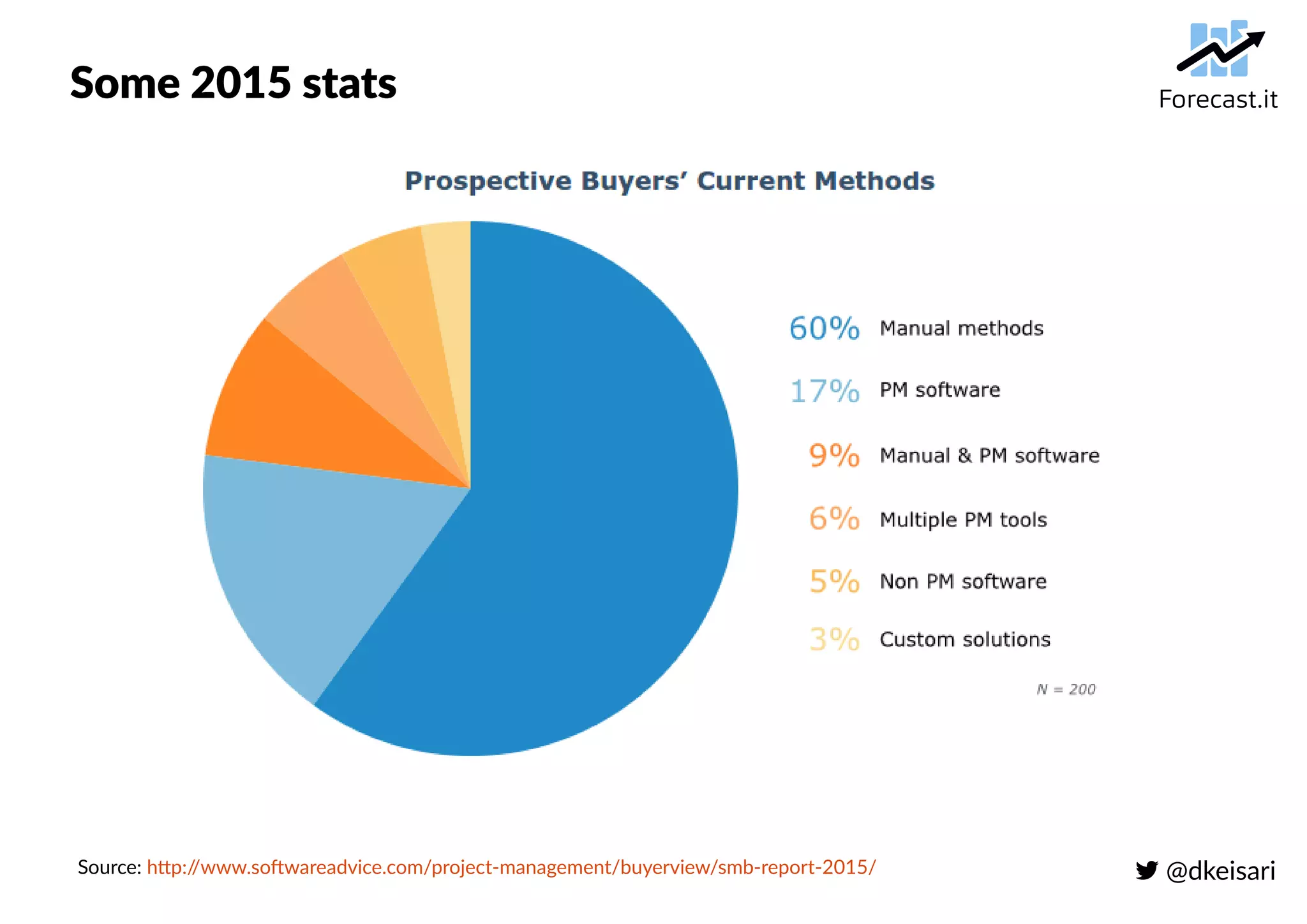
Some 2015 stats
Source: http://www.softwareadvice.com/project-management/buyerview/smb-report-2015/
 @dkeisari
Initial questions for finding suitable tools
●
How large is the team(s)?
●
Is the team(s) distributed in any way?
●
Are we building a product or running projects?
●
Are we running projects for clients or internally?
●
Is time registration important or not?
●
Do we have a portfolio of projects we can/must
prioritize?
●
...
 @dkeisari
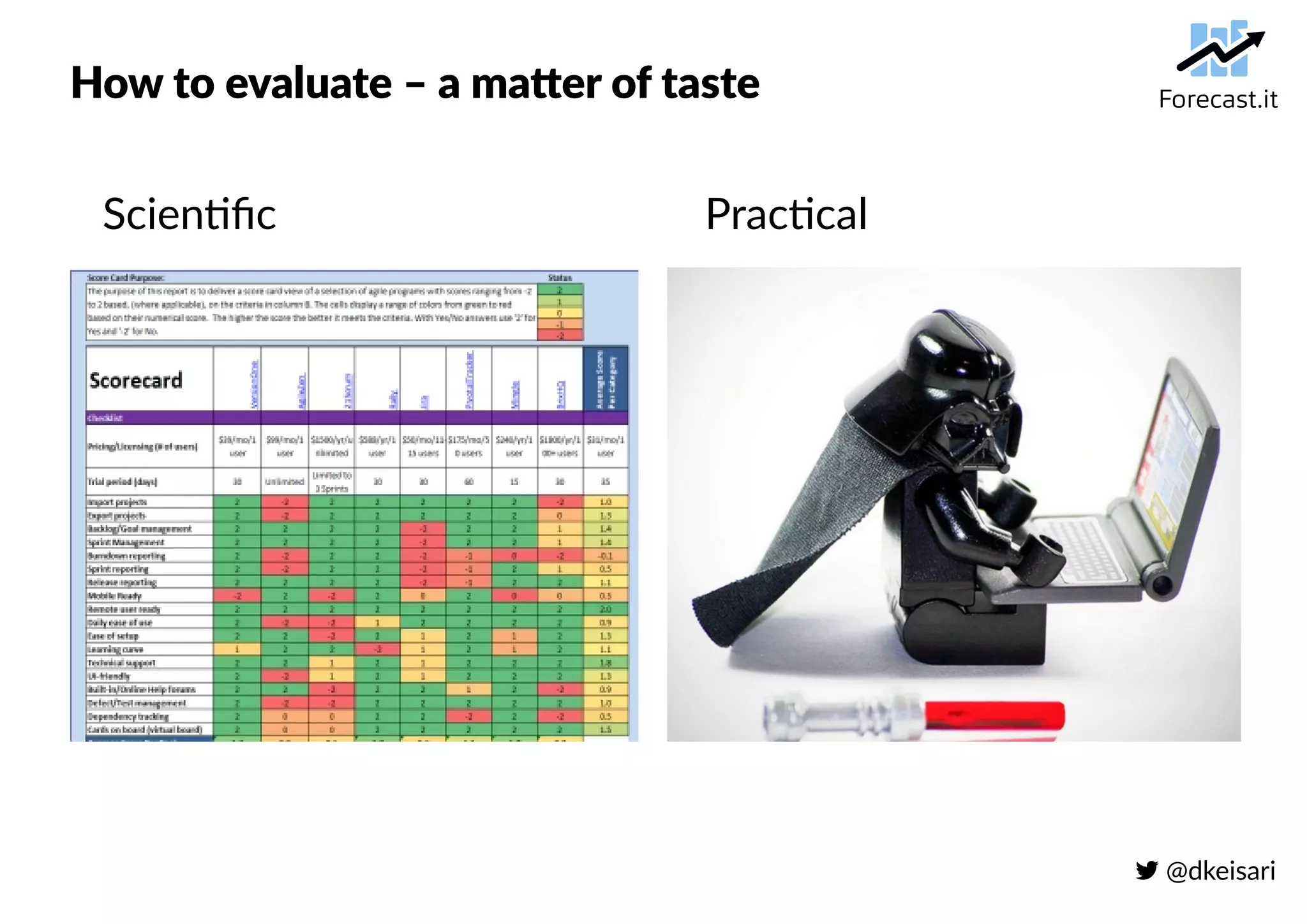
How to evaluate – a matter of taste
Scientific Practical
 @dkeisari
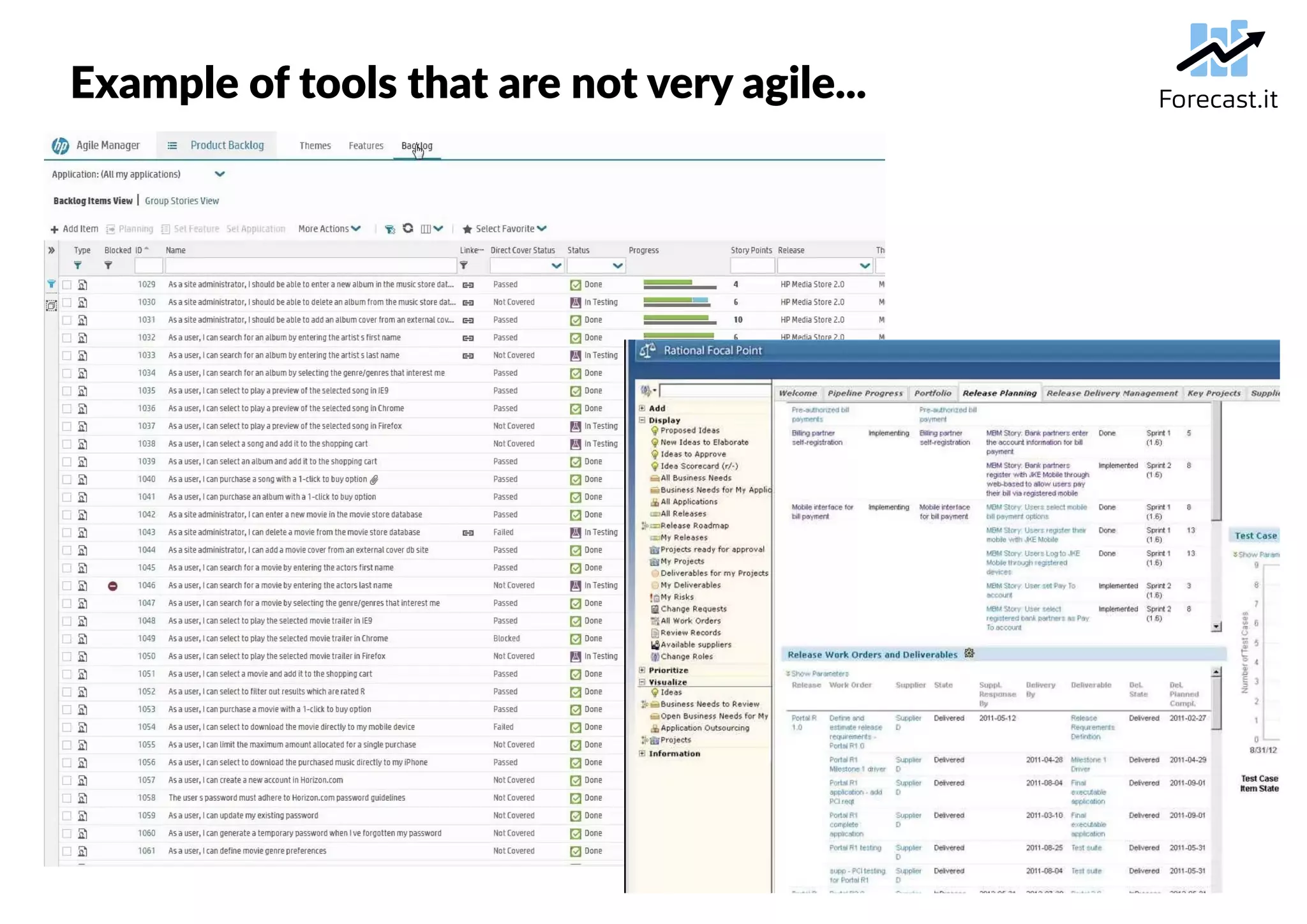
Example of tools that are not very agile...
 @dkeisari
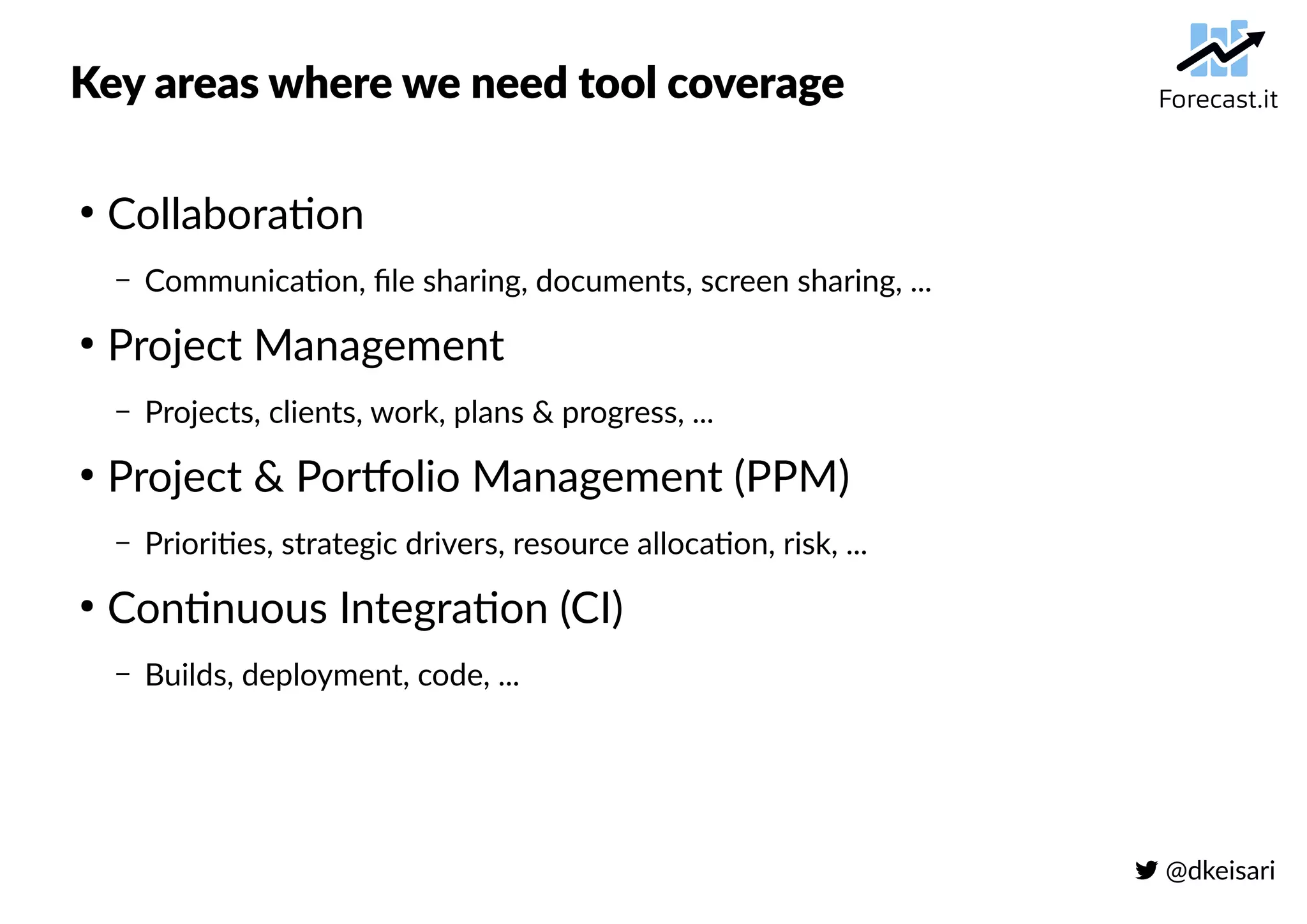
Key areas where we need tool coverage
●
Collaboration
– Communication, file sharing, documents, screen sharing, ...
●
Project Management
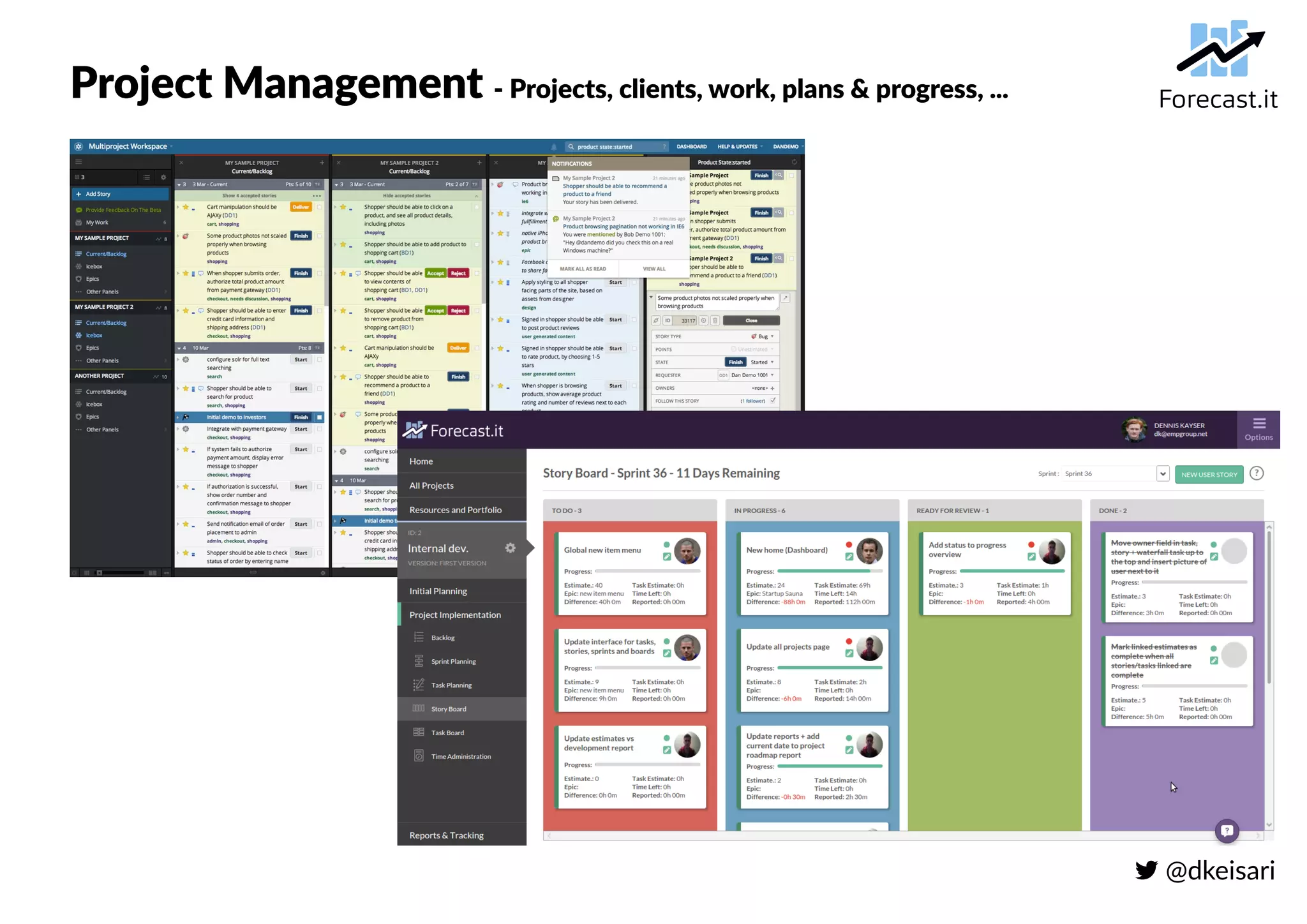
– Projects, clients, work, plans & progress, ...
●
Project & Portfolio Management (PPM)
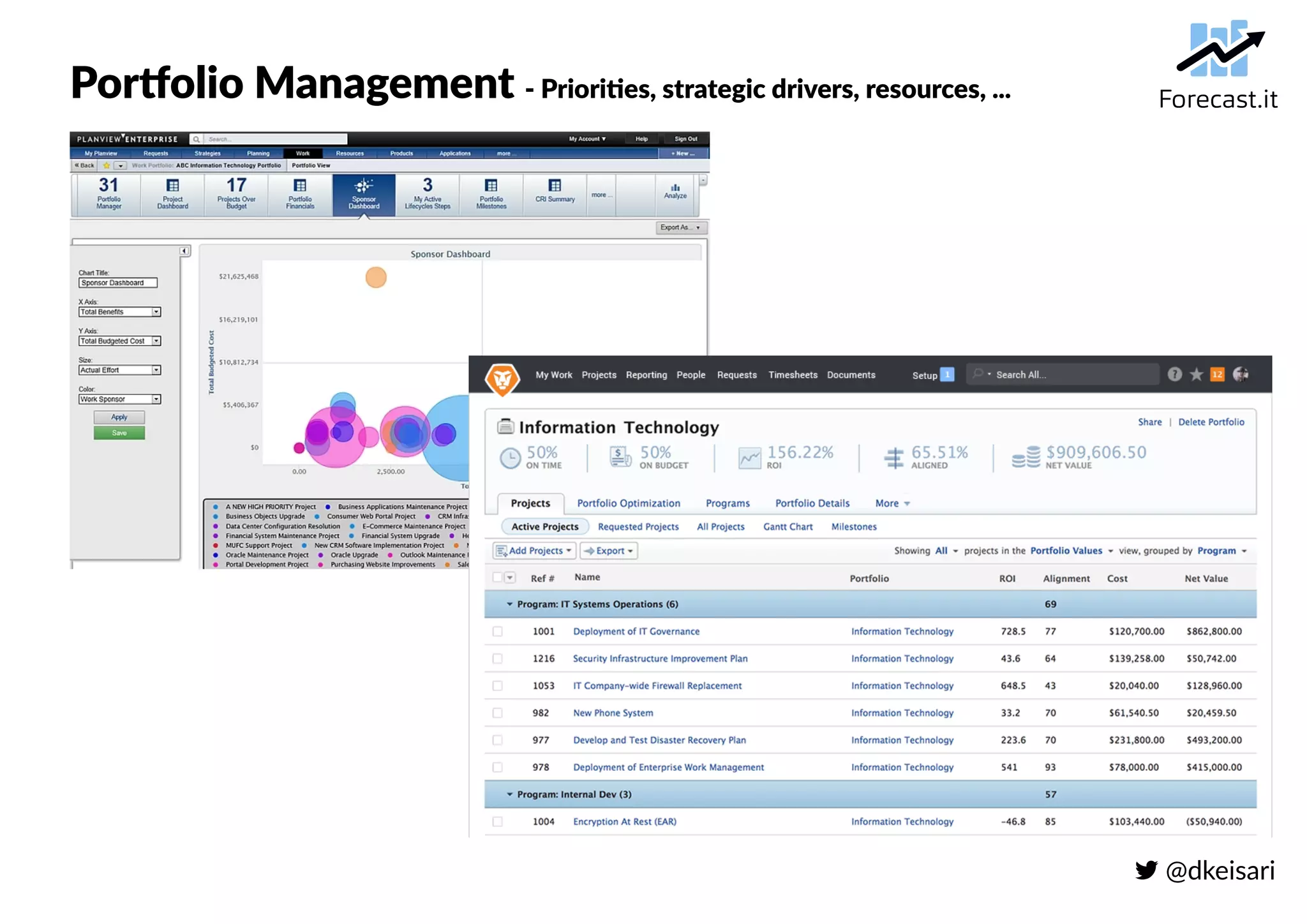
– Priorities, strategic drivers, resource allocation, risk, ...
●
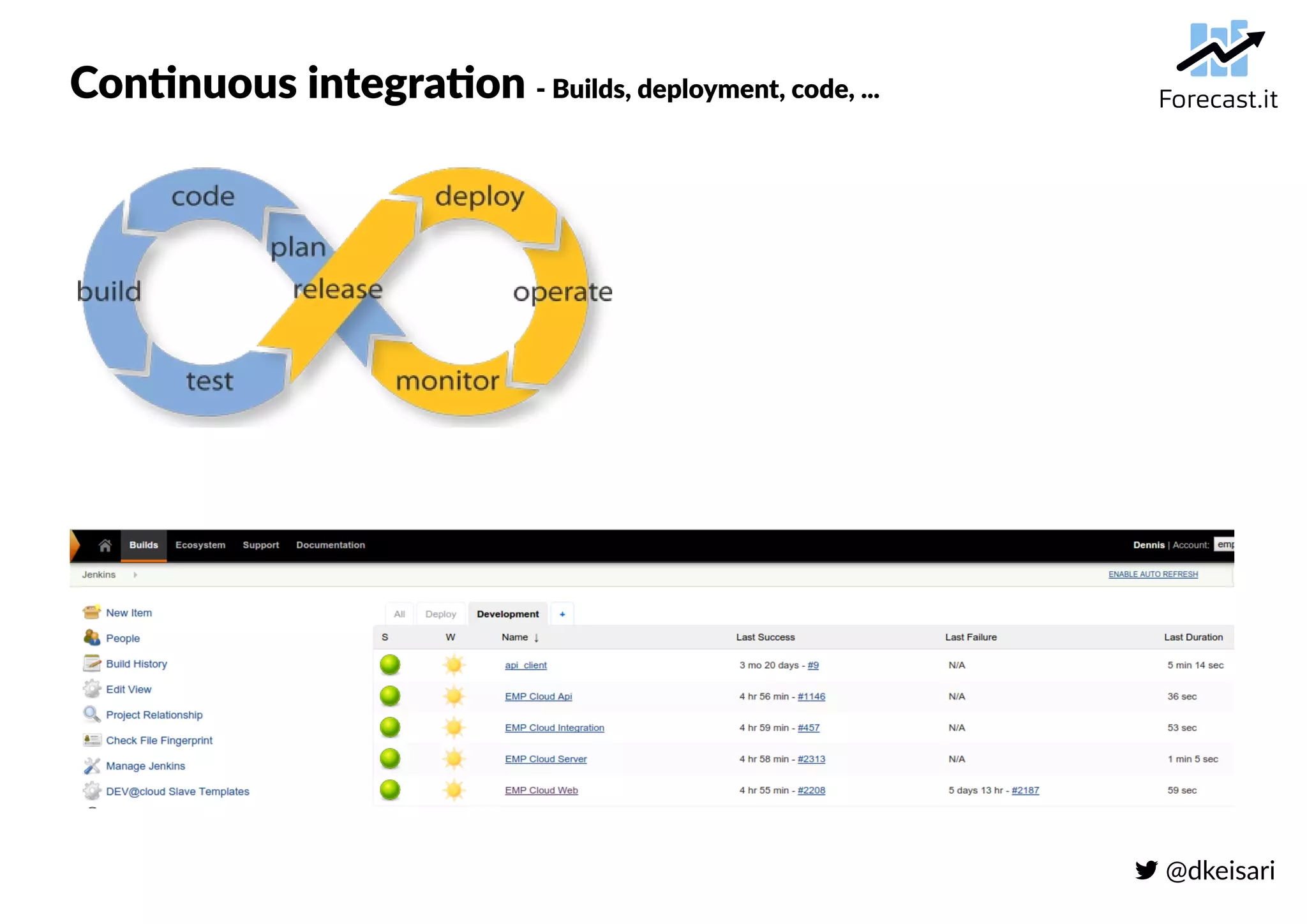
Continuous Integration (CI)
– Builds, deployment, code, ...
 @dkeisari
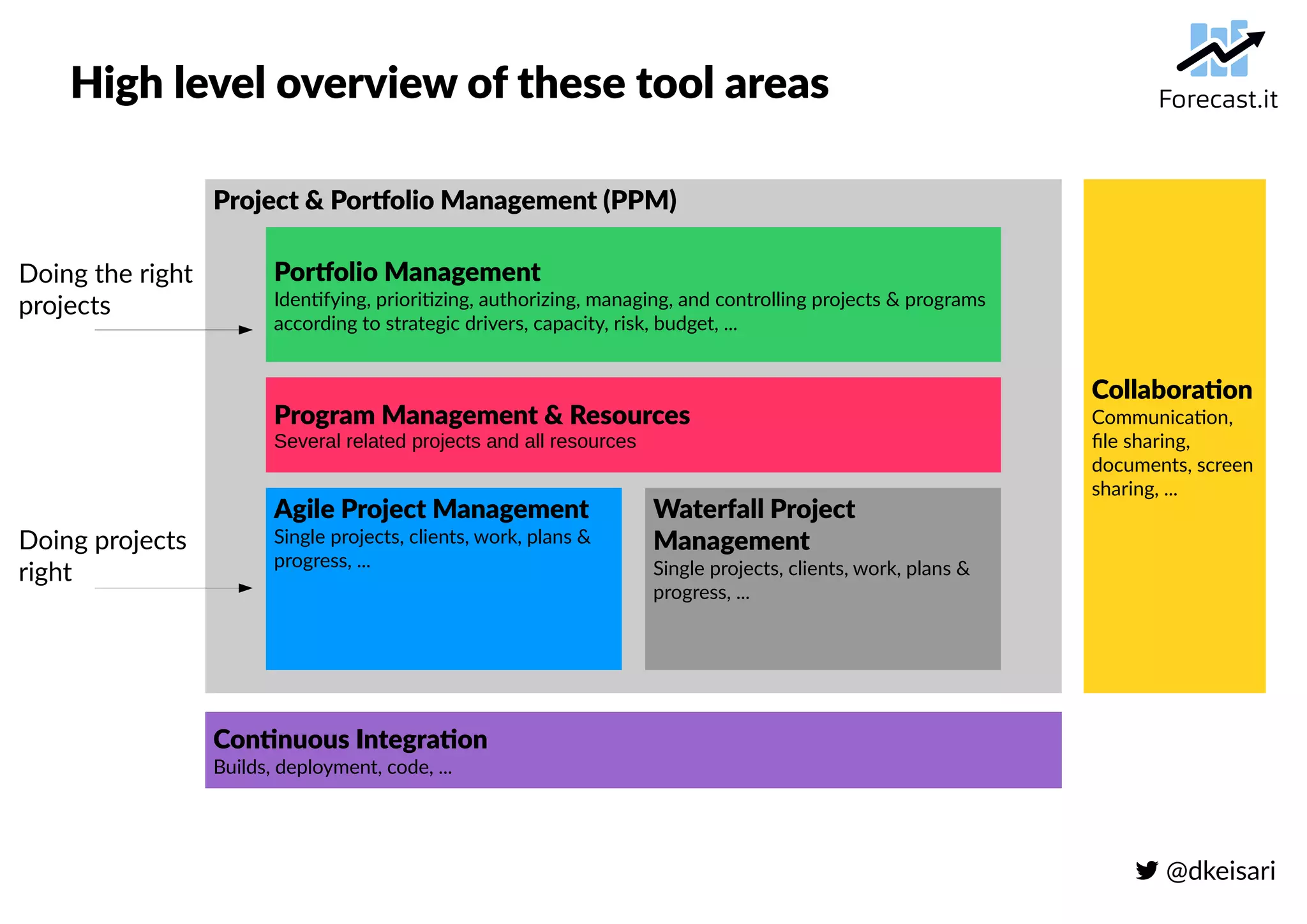
High level overview of these tool areas
Project & Portfolio Management (PPM)
Continuous Integration
Builds, deployment, code, ...
Collaboration
Communication,
file sharing,
documents, screen
sharing, ...
Agile Project Management
Single projects, clients, work, plans &
progress, ...
Waterfall Project
Management
Single projects, clients, work, plans &
progress, ...
Program Management & Resources
Several related projects and all resources
Portfolio Management
Identifying, prioritizing, authorizing, managing, and controlling projects & programs
according to strategic drivers, capacity, risk, budget, ...
Doing the right
projects
Doing projects
right
 @dkeisari
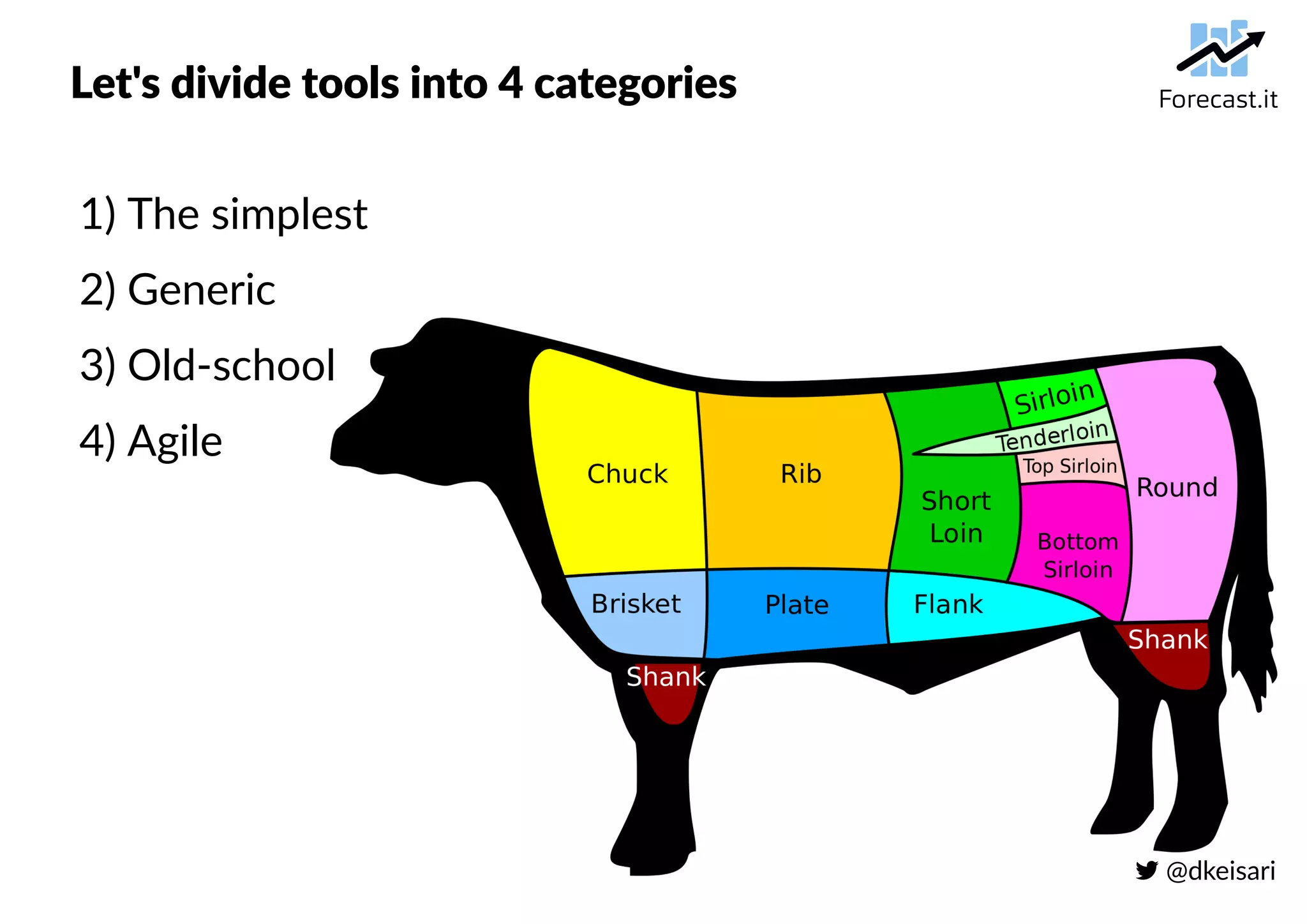
Let's divide tools into 4 categories
1) The simplest
2) Generic
3) Old-school
4) Agile
 @dkeisari
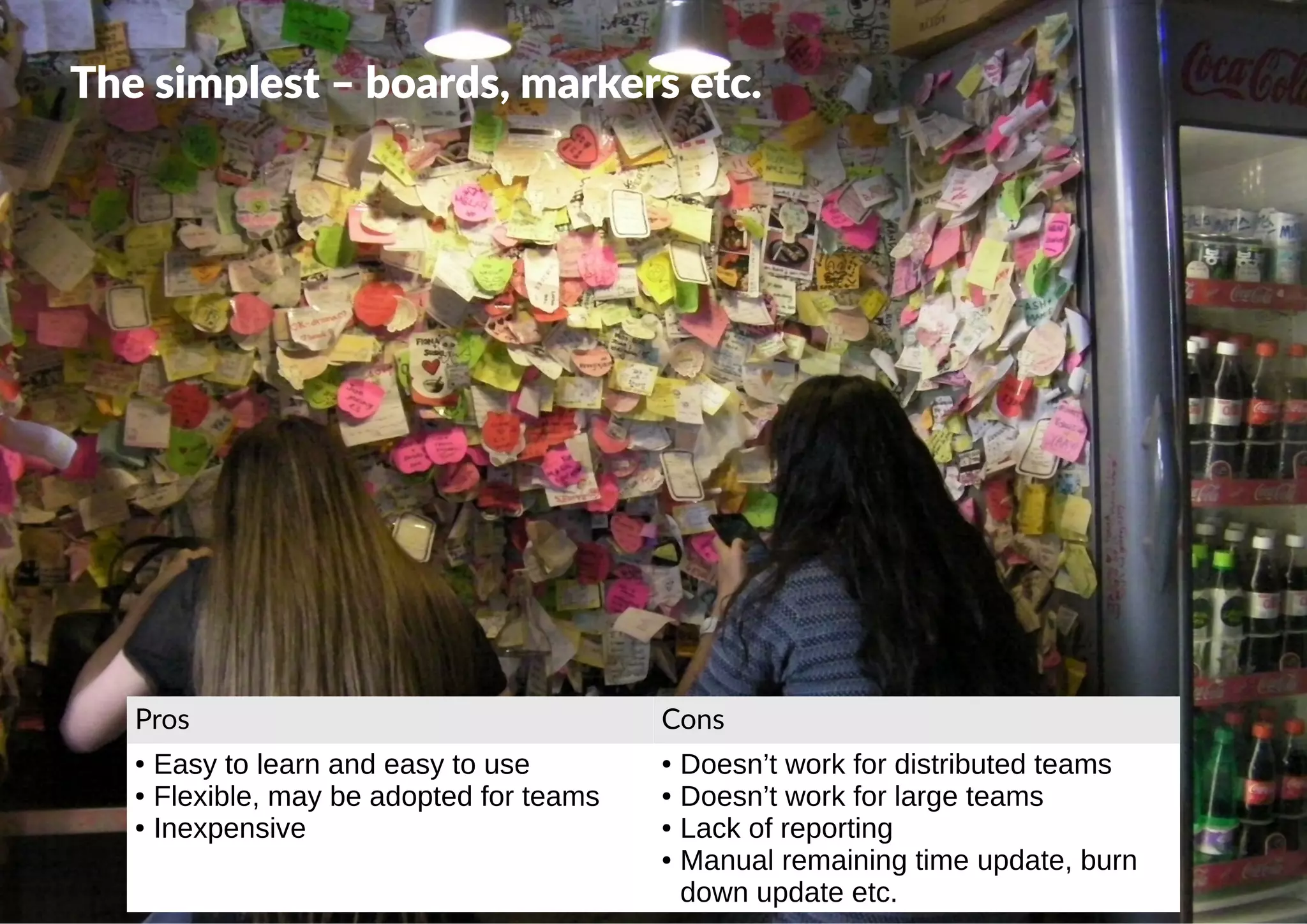
The simplest – boards, markers etc.
Pros Cons
● Easy to learn and easy to use
● Flexible, may be adopted for teams
● Inexpensive
● Doesn’t work for distributed teams
● Doesn’t work for large teams
● Lack of reporting
● Manual remaining time update, burn
down update etc.
 @dkeisari
Generic – spreadsheets, wikis etc.
Pros Cons
● Easy to learn and easy to use
● Flexible, may be adopted for a team
(not too many at the same time)
● Inexpensive
● Doesn’t work for distributed teams
● Doesn’t work for large teams
● Lack of reporting
● Manual, error-prone remaining time,
burn down etc.
 @dkeisari
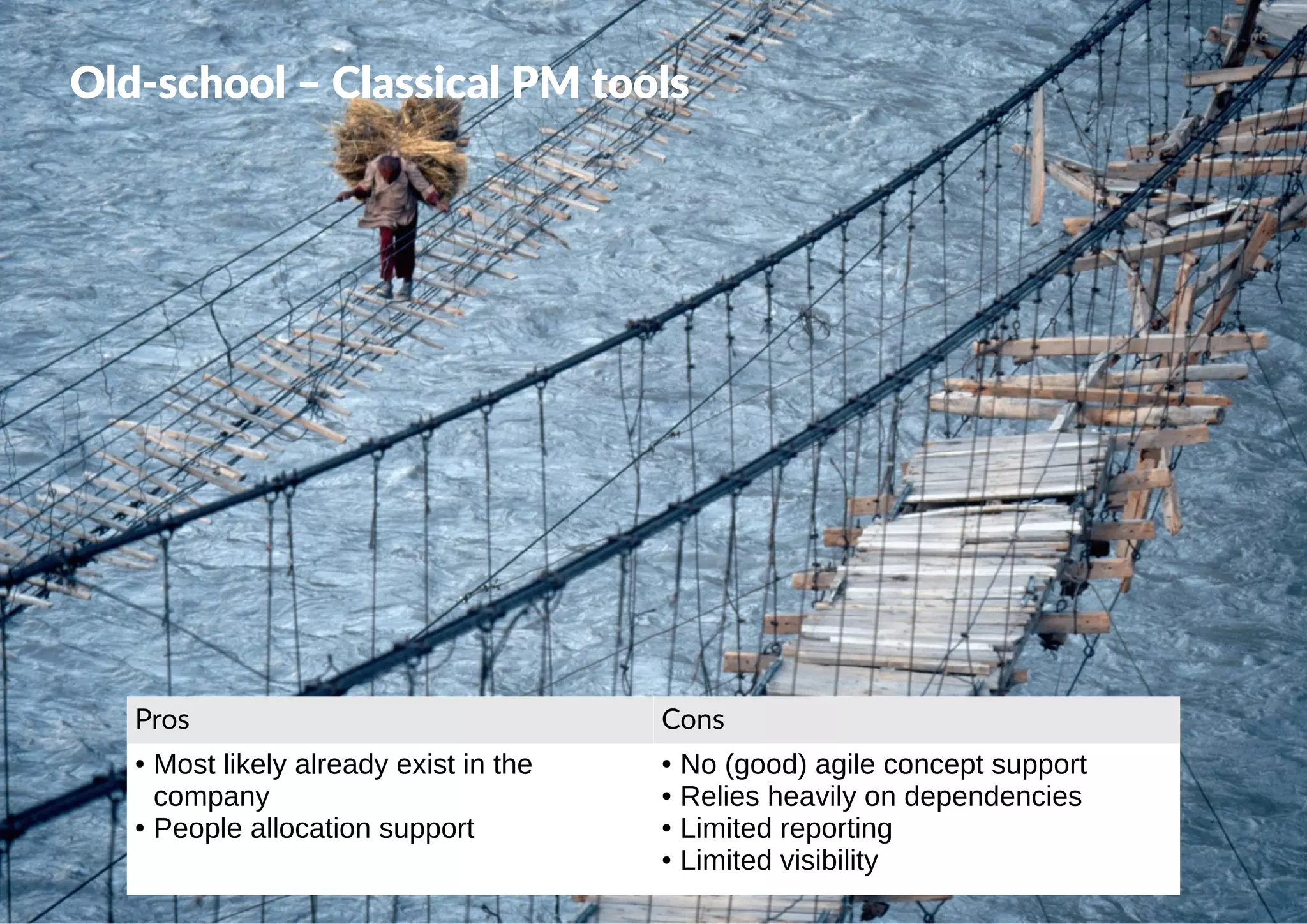
Old-school – Classical PM tools
Pros Cons
● Most likely already exist in the
company
● People allocation support
● No (good) agile concept support
● Relies heavily on dependencies
● Limited reporting
● Limited visibility
 @dkeisari
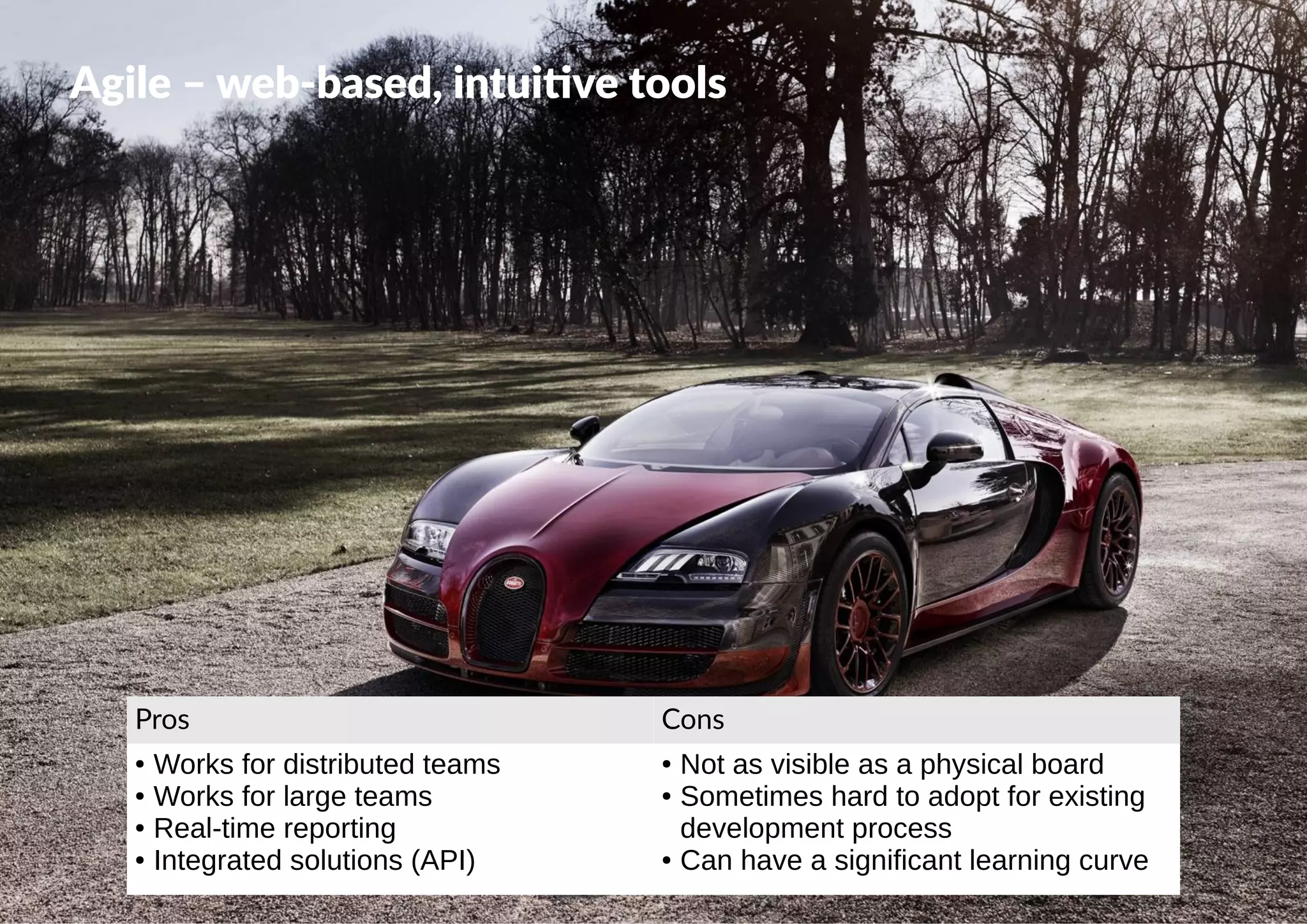
Agile – web-based, intuitive tools
Pros Cons
● Works for distributed teams
● Works for large teams
● Real-time reporting
● Integrated solutions (API)
● Not as visible as a physical board
● Sometimes hard to adopt for existing
development process
● Can have a significant learning curve
 @dkeisari
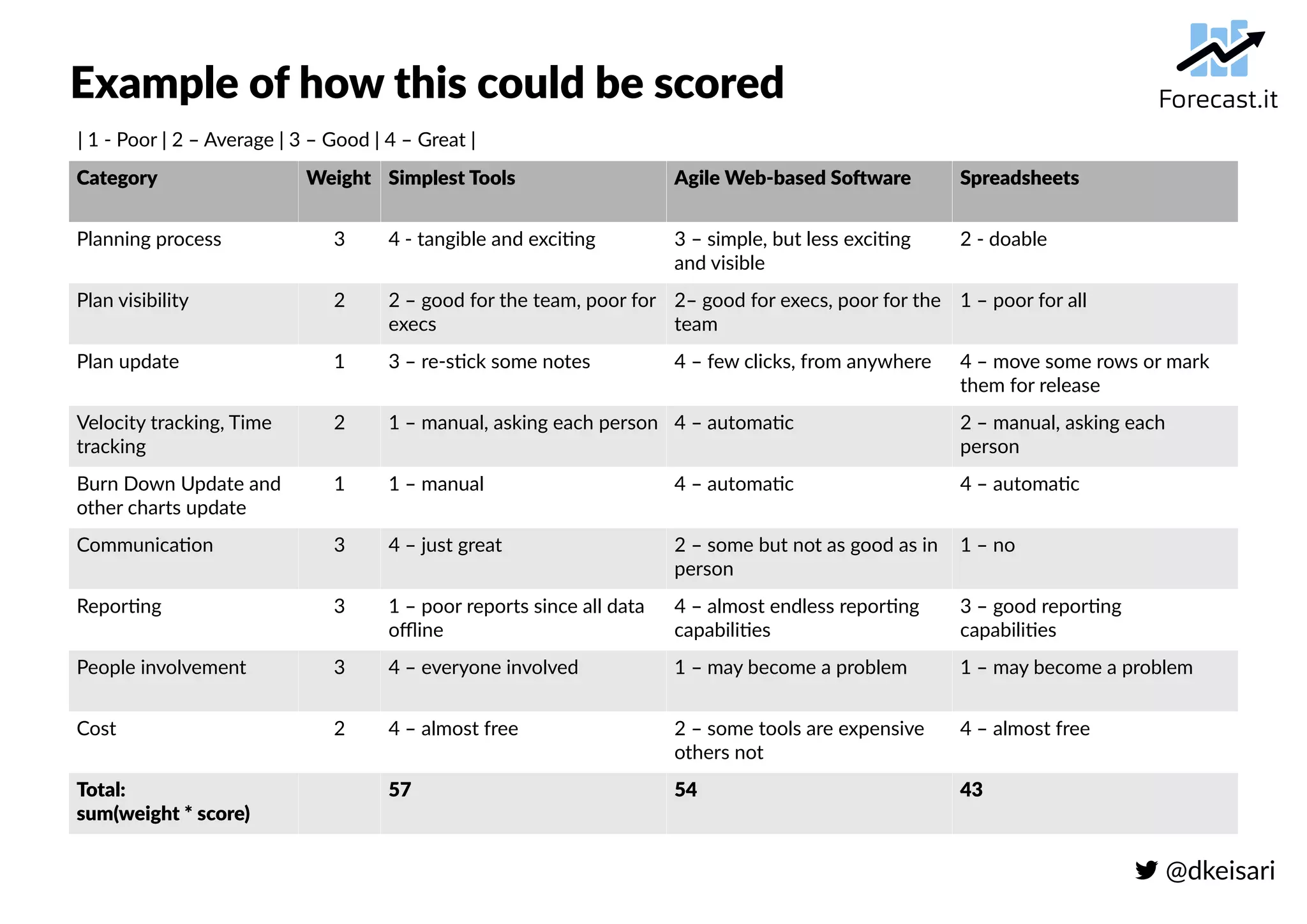
Example of how this could be scored
Category Weight Simplest Tools Agile Web-based Software Spreadsheets
Planning process 3 4 - tangible and exciting 3 – simple, but less exciting
and visible
2 - doable
Plan visibility 2 2 – good for the team, poor for
execs
2– good for execs, poor for the
team
1 – poor for all
Plan update 1 3 – re-stick some notes 4 – few clicks, from anywhere 4 – move some rows or mark
them for release
Velocity tracking, Time
tracking
2 1 – manual, asking each person 4 – automatic 2 – manual, asking each
person
Burn Down Update and
other charts update
1 1 – manual 4 – automatic 4 – automatic
Communication 3 4 – just great 2 – some but not as good as in
person
1 – no
Reporting 3 1 – poor reports since all data
offline
4 – almost endless reporting
capabilities
3 – good reporting
capabilities
People involvement 3 4 – everyone involved 1 – may become a problem 1 – may become a problem
Cost 2 4 – almost free 2 – some tools are expensive
others not
4 – almost free
Total:
sum(weight * score)
57 54 43
| 1 - Poor | 2 – Average | 3 – Good | 4 – Great |
 @dkeisari
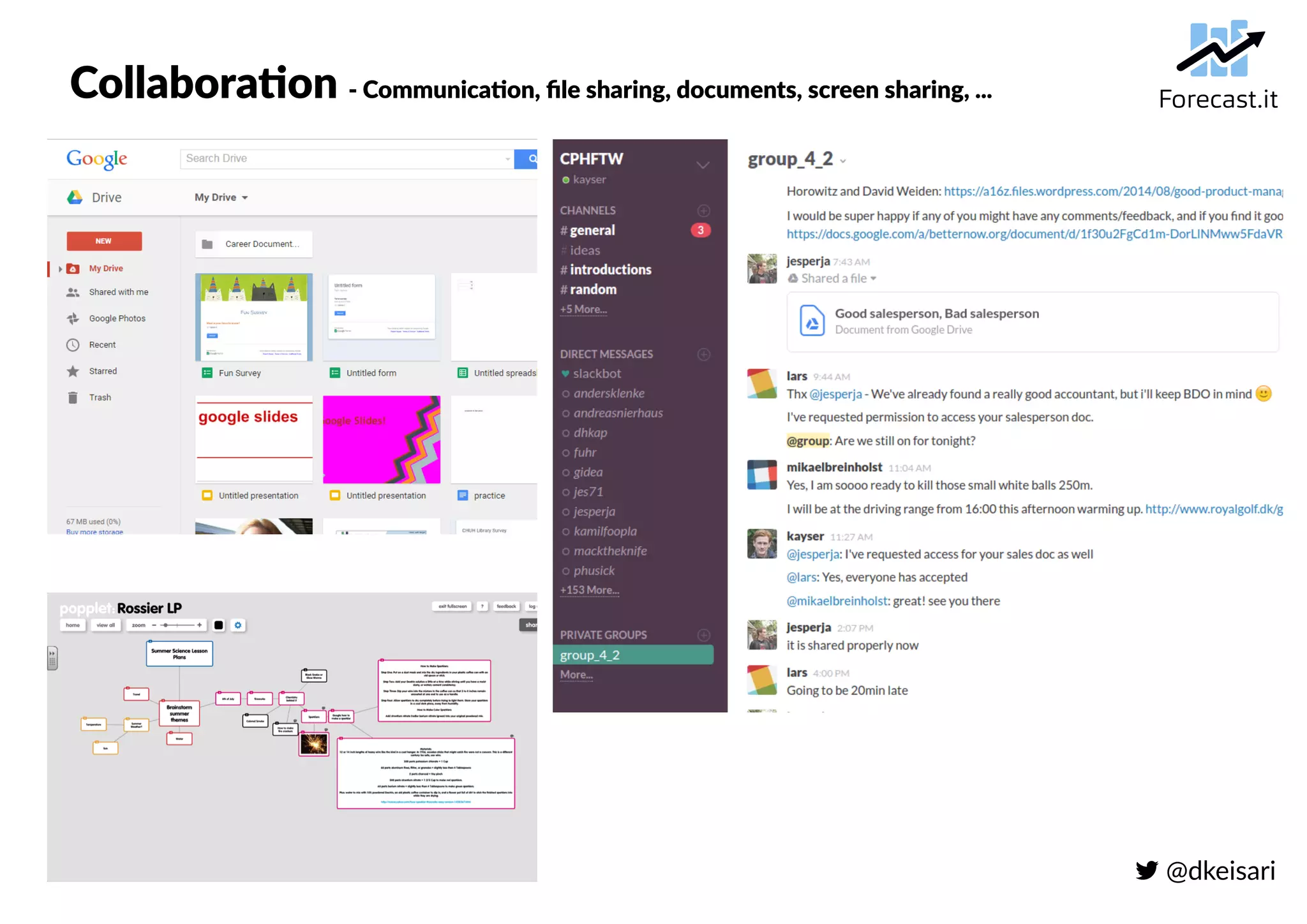
Collaboration - Communication, file sharing, documents, screen sharing, ...
 @dkeisari
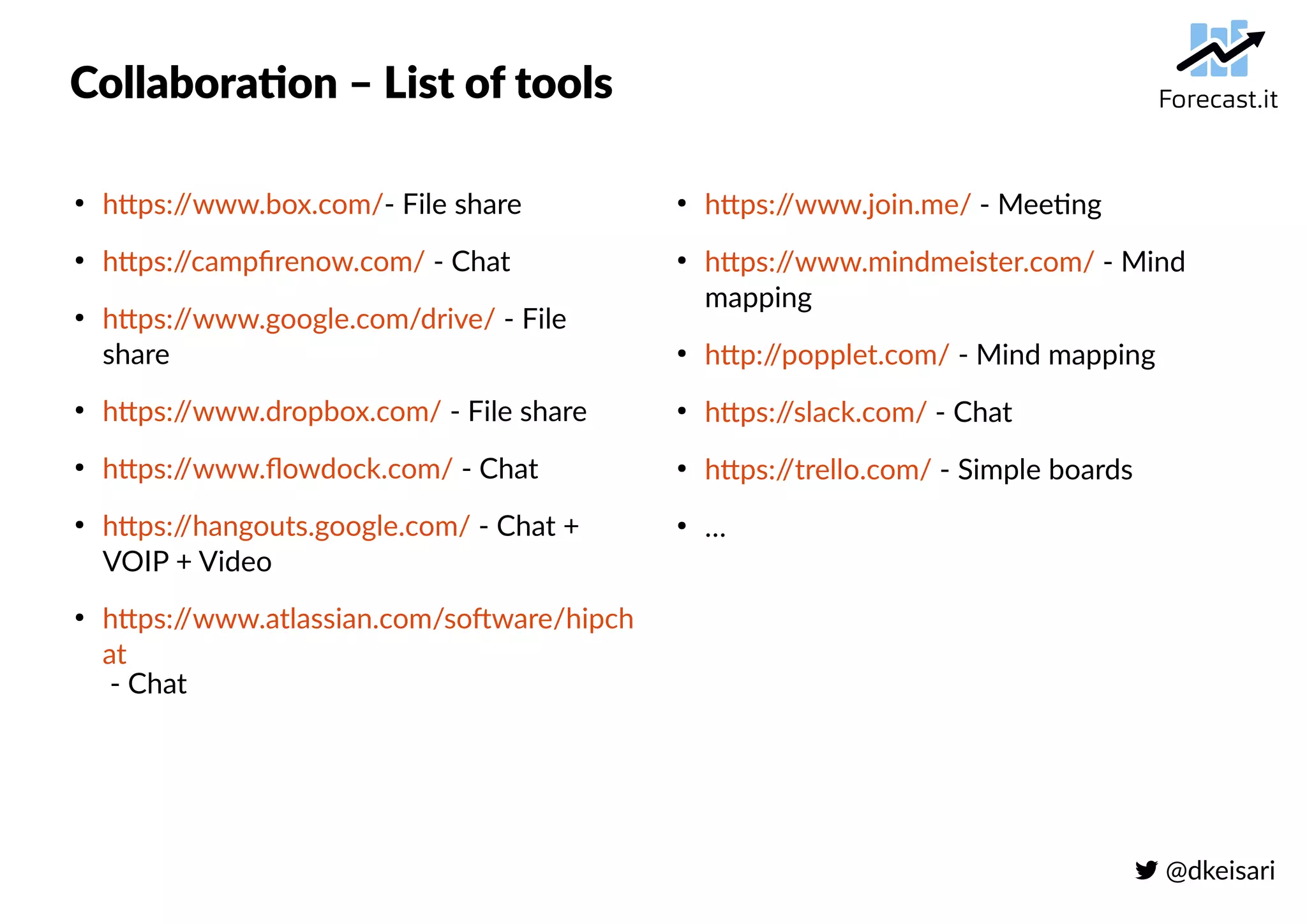
Collaboration – List of tools
●
https://www.box.com/- File share
●
https://campfirenow.com/ - Chat
●
https://www.google.com/drive/ - File
share
●
https://www.dropbox.com/ - File share
●
https://www.flowdock.com/ - Chat
●
https://hangouts.google.com/ - Chat +
VOIP + Video
●
https://www.atlassian.com/software/hipch
at
- Chat
●
https://www.join.me/ - Meeting
●
https://www.mindmeister.com/ - Mind
mapping
●
http://popplet.com/ - Mind mapping
●
https://slack.com/ - Chat
●
https://trello.com/ - Simple boards
●
…
 @dkeisari
Project Management - Projects, clients, work, plans & progress, ...
 @dkeisari
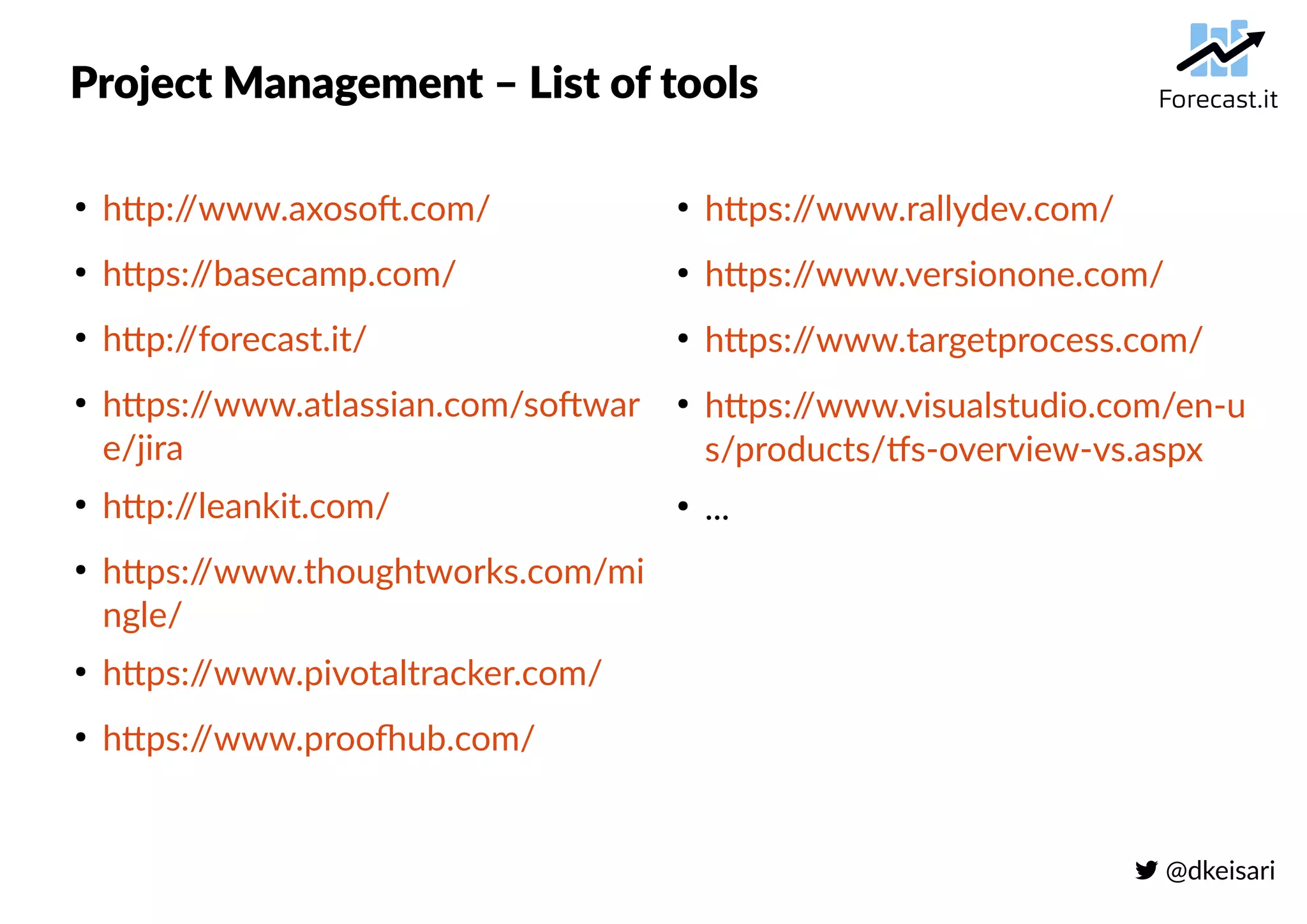
Project Management – List of tools
●
http://www.axosoft.com/
●
https://basecamp.com/
●
http://forecast.it/
●
https://www.atlassian.com/softwar
e/jira
●
http://leankit.com/
●
https://www.thoughtworks.com/mi
ngle/
●
https://www.pivotaltracker.com/
●
https://www.proofhub.com/
●
https://www.rallydev.com/
●
https://www.versionone.com/
●
https://www.targetprocess.com/
●
https://www.visualstudio.com/en-u
s/products/tfs-overview-vs.aspx
●
...
 @dkeisari
Portfolio Management - Priorities, strategic drivers, resources, ...
 @dkeisari
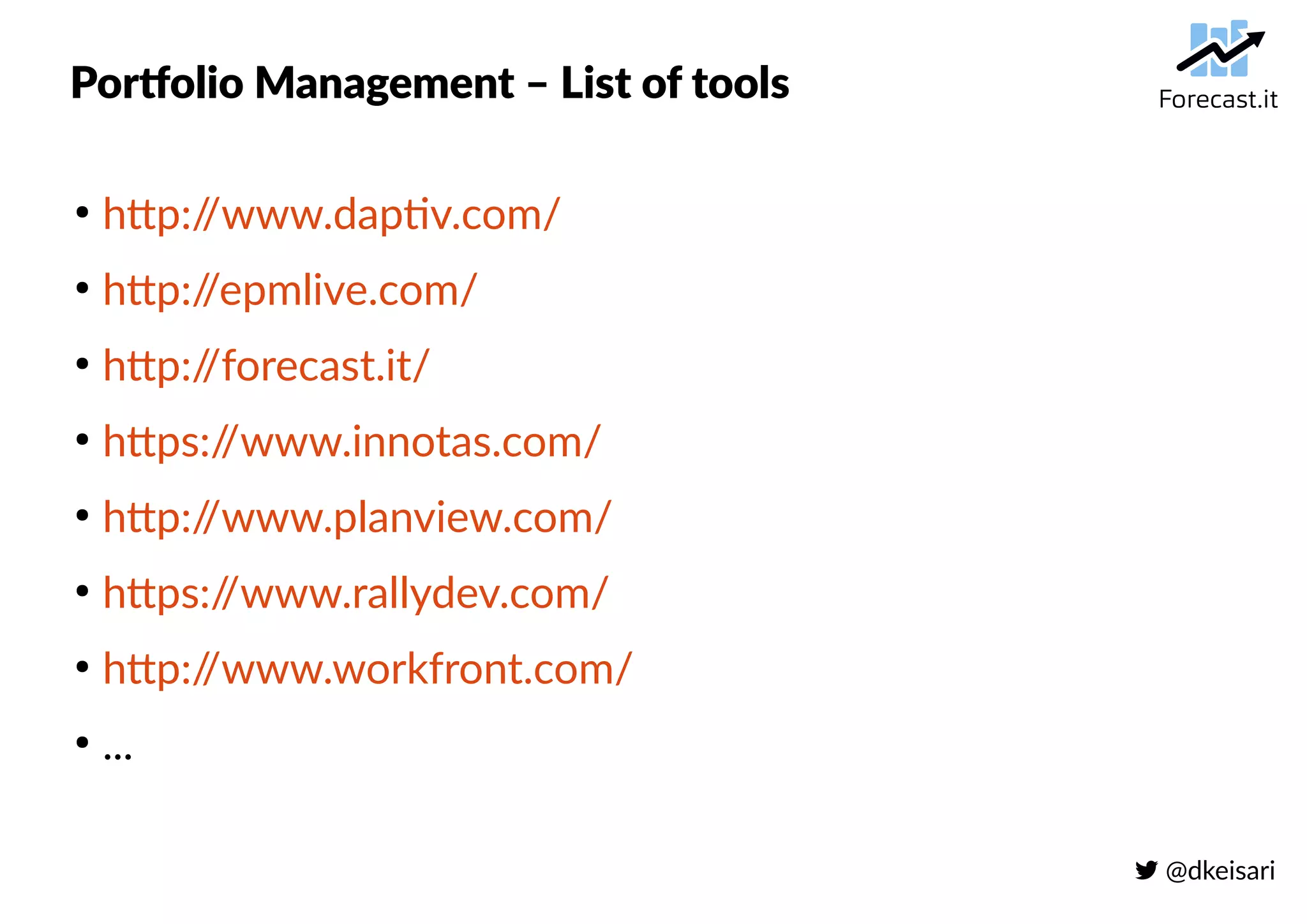
Portfolio Management – List of tools
●
http://www.daptiv.com/
●
http://epmlive.com/
●
http://forecast.it/
●
https://www.innotas.com/
●
http://www.planview.com/
●
https://www.rallydev.com/
●
http://www.workfront.com/
●
...
 @dkeisari
Continuous integration - Builds, deployment, code, ...
 @dkeisari
Continuous integration – List of tools
●
https://circleci.com/
●
https://jenkins-ci.org/
●
https://codeship.com/
●
https://www.jetbrains.com/teamcity/
●
https://drone.io/
●
https://www.atlassian.com/software/bamboo
●
https://travis-ci.org/
●
...
 @dkeisari
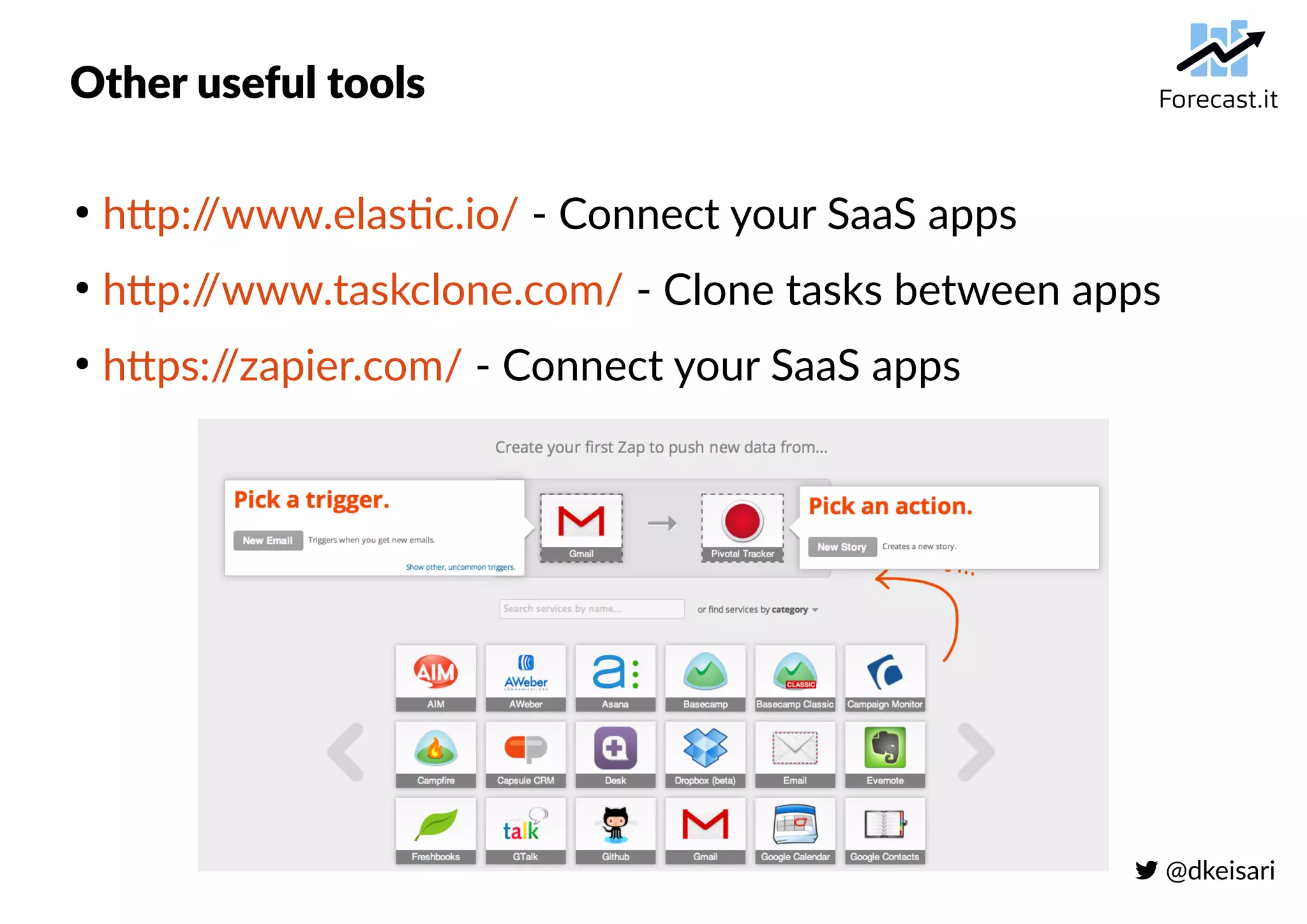
Other useful tools
●
http://www.elastic.io/ - Connect your SaaS apps
●
http://www.taskclone.com/ - Clone tasks between apps
●
https://zapier.com/ - Connect your SaaS apps
 @dkeisari
Which tools do we use? - We eat our own dog food
●
Collaboration
– Google Drive, Mail, Hangouts
– Forecast.it
– Skype
– (Slack)
●
Project Management + (Project & Portfolio Management)
– Forecast.it
●
Continuous Integration
– Jenkins
– Cloudbees
– Maven, ...
 @dkeisari
General recommendations
●
Try to minimize the total number of tools
– Too many tools results in no-one using them
●
Try a few different ones – do not fall for the hype
– All tools have pros and cons
●
Prefer tools that have open APIs
– Easier to move and integrate
●
Avoid legacy enterprise solutions
– Typically the ROI is not there and the implementation + training is gruesome
●
Data is your best weapon to ensure predictability
– If you choose the right tools data is collected for you
 @dkeisari
Thank you!
 @dkeisari
 dennis@forecast.it
 https://dk.linkedin.com/in/denniskayser
 http://forecast.it/
 http://blog.forecast.it/

General intro to agile tools - Forecast.it

  • 1.
     @dkeisari Suitable SaaSsolutions for collaboration, project management, portfolio management and continuous integration A general intro to agile tools #AgilityLab Sept. 17th 2015
  • 2.
     @dkeisari About me ● DennisKayser – CEO & Co-founder Forecast.it ● I used to work for: – IBM, Varien, IMT Labs,... ● I have a degree in: – M.Sc. Computer Science ● I'm certified in: – Kanban, Scrum, PRINCE2
  • 3.
  • 4.
  • 5.
     @dkeisari Tools, why? ● Tostart, the Agile Manifesto emphasizes “…individuals and interactions over process and tools…,” which begs the question, why are we discussing agile tools? Do development teams need to use a tool to produce good software? NO! But in order to be successful, organizations and teams DO need to deal with the issues that accompany growing teams and product complexity. ● Agile is founded on simplicity and the tools used should reflect this. ● It is easy to see why the right tool may be the defining factor for a successful transition to agile.
  • 6.
     @dkeisari Tools, when? ● Atool is extremely valuable when – You have distributed teams and you are finding it difficult to keep in sync – You want to involve customers, stakeholders or management and they are not in the room with you – You would like historical data or archival records of all the past actions in the project – You need to keep a record of data for compliance purposes – You want to calculate certain metrics every day and it is too time consuming to do it by hand – You need to coordinate multiple teams together
  • 7.
     @dkeisari Some 2015stats Source: http://www.softwareadvice.com/project-management/buyerview/smb-report-2015/
  • 8.
     @dkeisari Initial questionsfor finding suitable tools ● How large is the team(s)? ● Is the team(s) distributed in any way? ● Are we building a product or running projects? ● Are we running projects for clients or internally? ● Is time registration important or not? ● Do we have a portfolio of projects we can/must prioritize? ● ...
  • 9.
     @dkeisari How toevaluate – a matter of taste Scientific Practical
  • 10.
     @dkeisari Example oftools that are not very agile...
  • 11.
     @dkeisari Key areaswhere we need tool coverage ● Collaboration – Communication, file sharing, documents, screen sharing, ... ● Project Management – Projects, clients, work, plans & progress, ... ● Project & Portfolio Management (PPM) – Priorities, strategic drivers, resource allocation, risk, ... ● Continuous Integration (CI) – Builds, deployment, code, ...
  • 12.
     @dkeisari High leveloverview of these tool areas Project & Portfolio Management (PPM) Continuous Integration Builds, deployment, code, ... Collaboration Communication, file sharing, documents, screen sharing, ... Agile Project Management Single projects, clients, work, plans & progress, ... Waterfall Project Management Single projects, clients, work, plans & progress, ... Program Management & Resources Several related projects and all resources Portfolio Management Identifying, prioritizing, authorizing, managing, and controlling projects & programs according to strategic drivers, capacity, risk, budget, ... Doing the right projects Doing projects right
  • 13.
     @dkeisari Let's dividetools into 4 categories 1) The simplest 2) Generic 3) Old-school 4) Agile
  • 14.
     @dkeisari The simplest– boards, markers etc. Pros Cons ● Easy to learn and easy to use ● Flexible, may be adopted for teams ● Inexpensive ● Doesn’t work for distributed teams ● Doesn’t work for large teams ● Lack of reporting ● Manual remaining time update, burn down update etc.
  • 15.
     @dkeisari Generic –spreadsheets, wikis etc. Pros Cons ● Easy to learn and easy to use ● Flexible, may be adopted for a team (not too many at the same time) ● Inexpensive ● Doesn’t work for distributed teams ● Doesn’t work for large teams ● Lack of reporting ● Manual, error-prone remaining time, burn down etc.
  • 16.
     @dkeisari Old-school –Classical PM tools Pros Cons ● Most likely already exist in the company ● People allocation support ● No (good) agile concept support ● Relies heavily on dependencies ● Limited reporting ● Limited visibility
  • 17.
     @dkeisari Agile –web-based, intuitive tools Pros Cons ● Works for distributed teams ● Works for large teams ● Real-time reporting ● Integrated solutions (API) ● Not as visible as a physical board ● Sometimes hard to adopt for existing development process ● Can have a significant learning curve
  • 18.
     @dkeisari Example ofhow this could be scored Category Weight Simplest Tools Agile Web-based Software Spreadsheets Planning process 3 4 - tangible and exciting 3 – simple, but less exciting and visible 2 - doable Plan visibility 2 2 – good for the team, poor for execs 2– good for execs, poor for the team 1 – poor for all Plan update 1 3 – re-stick some notes 4 – few clicks, from anywhere 4 – move some rows or mark them for release Velocity tracking, Time tracking 2 1 – manual, asking each person 4 – automatic 2 – manual, asking each person Burn Down Update and other charts update 1 1 – manual 4 – automatic 4 – automatic Communication 3 4 – just great 2 – some but not as good as in person 1 – no Reporting 3 1 – poor reports since all data offline 4 – almost endless reporting capabilities 3 – good reporting capabilities People involvement 3 4 – everyone involved 1 – may become a problem 1 – may become a problem Cost 2 4 – almost free 2 – some tools are expensive others not 4 – almost free Total: sum(weight * score) 57 54 43 | 1 - Poor | 2 – Average | 3 – Good | 4 – Great |
  • 19.
     @dkeisari Collaboration -Communication, file sharing, documents, screen sharing, ...
  • 20.
     @dkeisari Collaboration –List of tools ● https://www.box.com/- File share ● https://campfirenow.com/ - Chat ● https://www.google.com/drive/ - File share ● https://www.dropbox.com/ - File share ● https://www.flowdock.com/ - Chat ● https://hangouts.google.com/ - Chat + VOIP + Video ● https://www.atlassian.com/software/hipch at - Chat ● https://www.join.me/ - Meeting ● https://www.mindmeister.com/ - Mind mapping ● http://popplet.com/ - Mind mapping ● https://slack.com/ - Chat ● https://trello.com/ - Simple boards ● …
  • 21.
     @dkeisari Project Management- Projects, clients, work, plans & progress, ...
  • 22.
     @dkeisari Project Management– List of tools ● http://www.axosoft.com/ ● https://basecamp.com/ ● http://forecast.it/ ● https://www.atlassian.com/softwar e/jira ● http://leankit.com/ ● https://www.thoughtworks.com/mi ngle/ ● https://www.pivotaltracker.com/ ● https://www.proofhub.com/ ● https://www.rallydev.com/ ● https://www.versionone.com/ ● https://www.targetprocess.com/ ● https://www.visualstudio.com/en-u s/products/tfs-overview-vs.aspx ● ...
  • 23.
     @dkeisari Portfolio Management- Priorities, strategic drivers, resources, ...
  • 24.
     @dkeisari Portfolio Management– List of tools ● http://www.daptiv.com/ ● http://epmlive.com/ ● http://forecast.it/ ● https://www.innotas.com/ ● http://www.planview.com/ ● https://www.rallydev.com/ ● http://www.workfront.com/ ● ...
  • 25.
     @dkeisari Continuous integration- Builds, deployment, code, ...
  • 26.
     @dkeisari Continuous integration– List of tools ● https://circleci.com/ ● https://jenkins-ci.org/ ● https://codeship.com/ ● https://www.jetbrains.com/teamcity/ ● https://drone.io/ ● https://www.atlassian.com/software/bamboo ● https://travis-ci.org/ ● ...
  • 27.
     @dkeisari Other usefultools ● http://www.elastic.io/ - Connect your SaaS apps ● http://www.taskclone.com/ - Clone tasks between apps ● https://zapier.com/ - Connect your SaaS apps
  • 28.
     @dkeisari Which toolsdo we use? - We eat our own dog food ● Collaboration – Google Drive, Mail, Hangouts – Forecast.it – Skype – (Slack) ● Project Management + (Project & Portfolio Management) – Forecast.it ● Continuous Integration – Jenkins – Cloudbees – Maven, ...
  • 29.
     @dkeisari General recommendations ● Tryto minimize the total number of tools – Too many tools results in no-one using them ● Try a few different ones – do not fall for the hype – All tools have pros and cons ● Prefer tools that have open APIs – Easier to move and integrate ● Avoid legacy enterprise solutions – Typically the ROI is not there and the implementation + training is gruesome ● Data is your best weapon to ensure predictability – If you choose the right tools data is collected for you
  • 30.
     @dkeisari Thank you! @dkeisari  dennis@forecast.it  https://dk.linkedin.com/in/denniskayser  http://forecast.it/  http://blog.forecast.it/