







FROM IDEATO APP
or how we roll at Small Town Heroes
@bramus | Opleiding Elektronica-ICT, Odisee | 02/12/15
Yo!
@bramus https://www.bram.usBram(us)Van Damme
All work, no and play
#ikdoeict SmallTown Heroes
I’m a former lecturer Web & Mobile, now into breaking builds at Small Town Heroes
So you have this great idea for an app
We all have great ideas!
What now?
So you have this great idea for an app
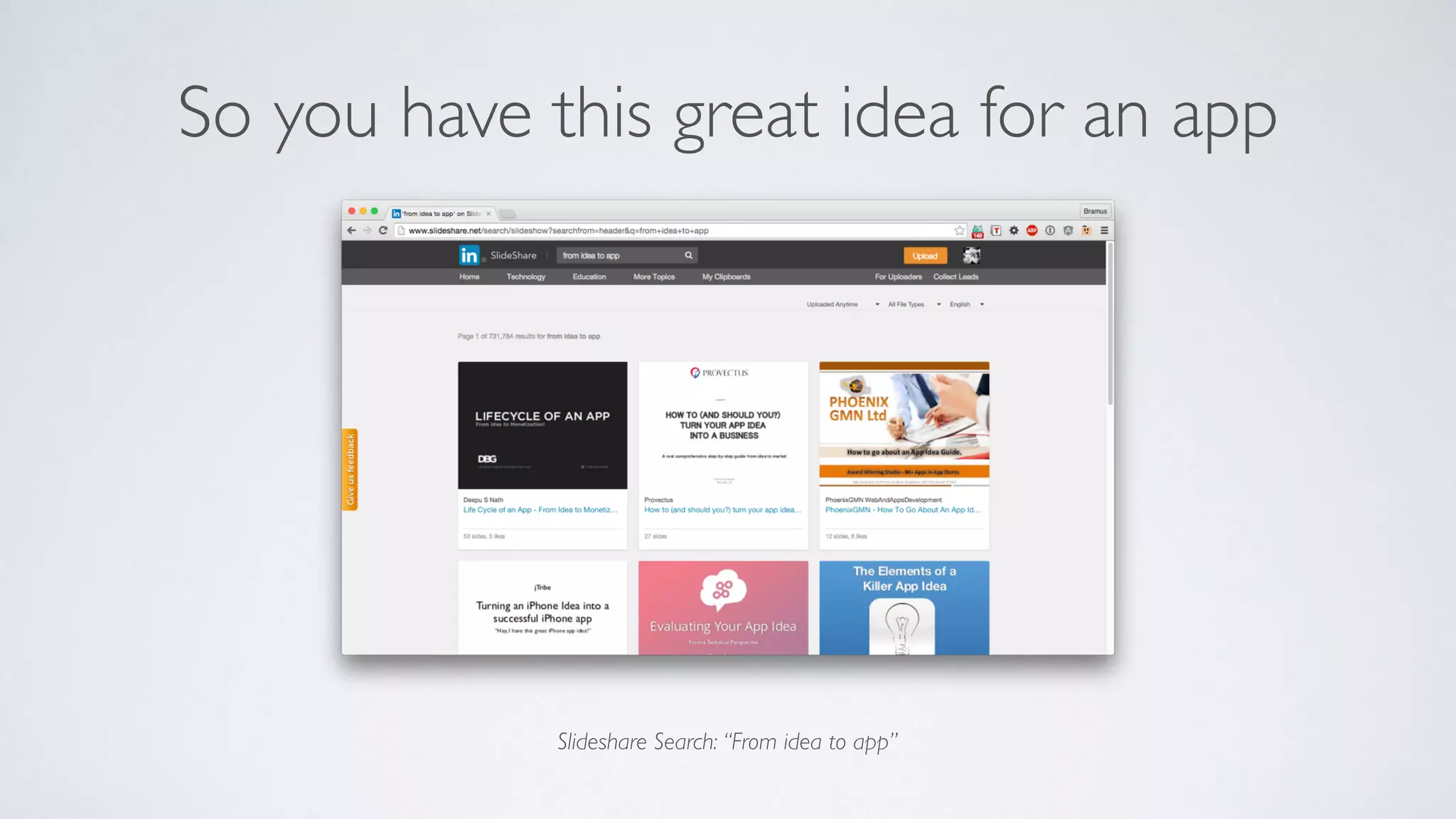
Slideshare Search: “From idea to app”
So you have this great idea for an app
• Evaluate your idea
• Is it a good idea?
• Will it help people?
• How’s the competition doing?
• Is there a market?
• Plan your app
• Features
• Define the MVP
• Design
• App Flow (Wireframes)
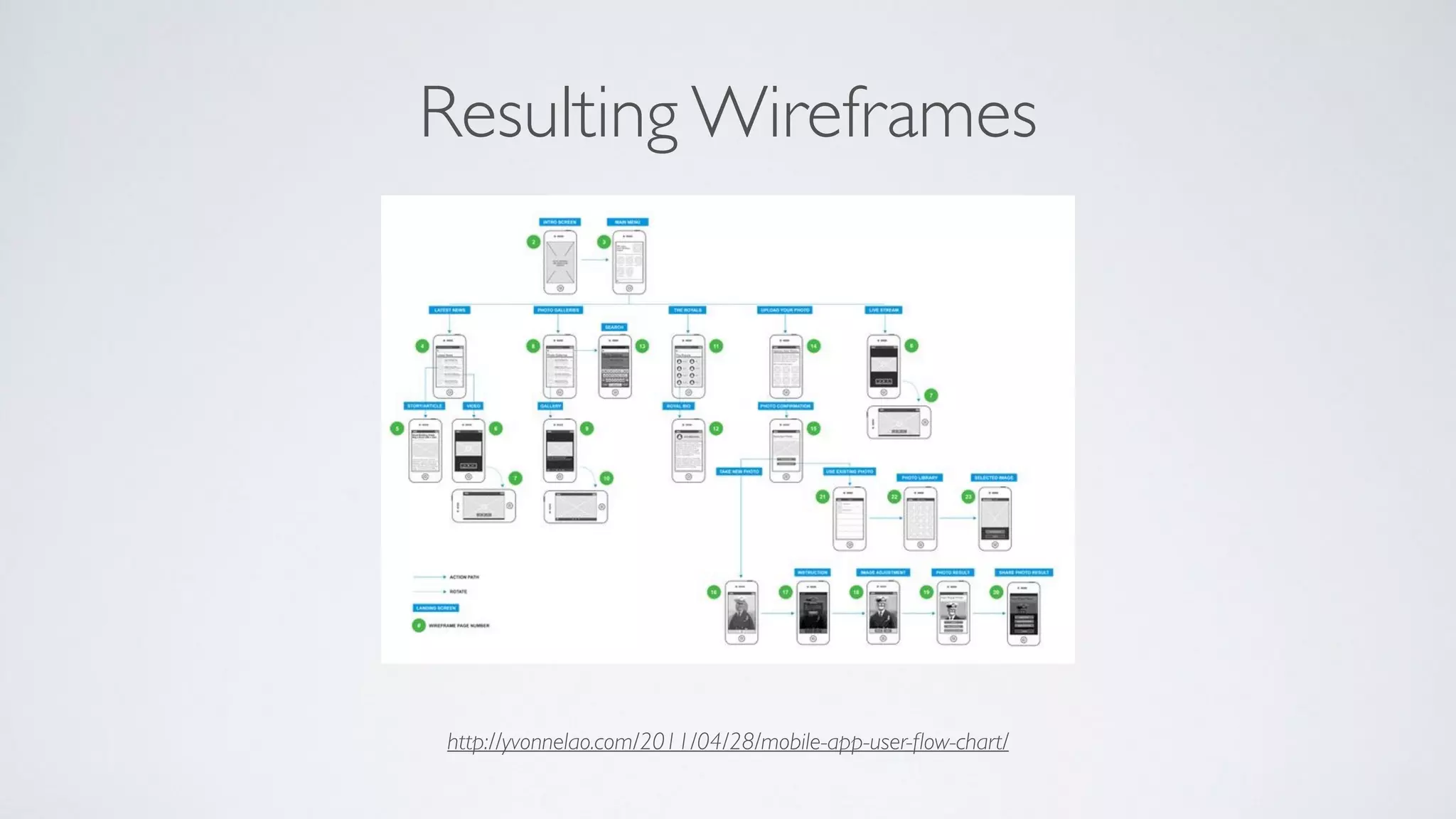
http://yvonnelao.com/2011/04/28/mobile-app-user-flow-chart/
Resulting Wireframes
FROM IDEATO APP
or how we roll at Small Town Heroes
@bramus | Opleiding Elektronica-ICT, Odisee | 02/12/15
FROM IDEATO APP
or how we roll at Small Town Heroes
@bramus | Opleiding Elektronica-ICT, Odisee | 02/12/15
FROM WIREFRAMESTO APP
or how we roll at Small Town Heroes
@bramus | Opleiding Elektronica-ICT, Odisee | 02/12/15
FROM MVPTO APP
or how we roll at Small Town Heroes
@bramus | Opleiding Elektronica-ICT, Odisee | 02/12/15
MVP = Minimal Viable Product
So you want to build your MVP
What now?
https://adactio.com/journal/4437
If you’re looking for the more honest, truthful
answer to pretty much any question on web
design and usability, here it is:
It depends.
It Depends (TM)
https://adactio.com/journal/4437
It Depends (TM)
If you’re looking for the more honest, truthful
answer to pretty much any question on web
design and usability, here it is:
It depends.
XCode, Objective-C / Swift, and the App Store
So you want to build your MVP for iOS
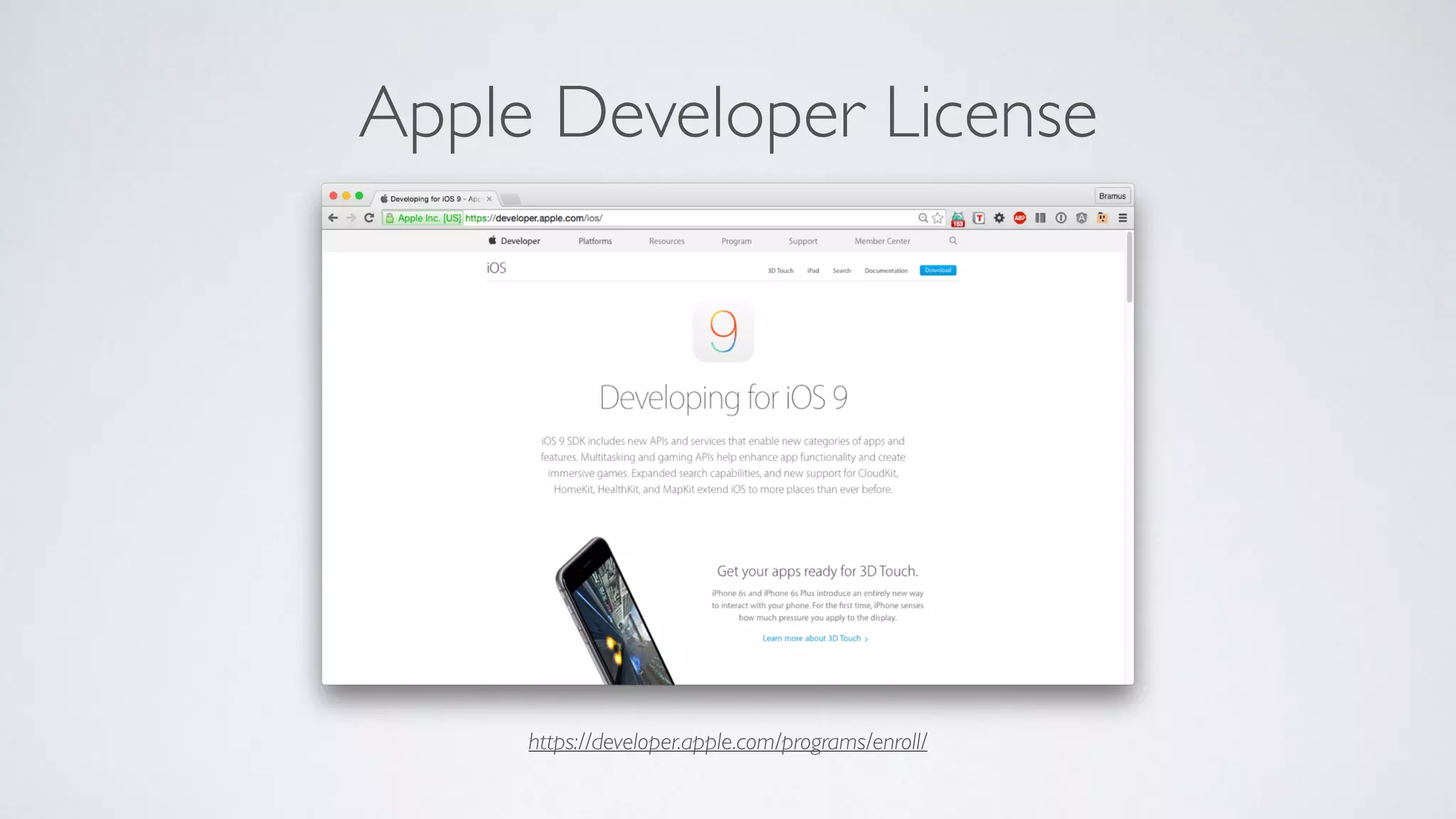
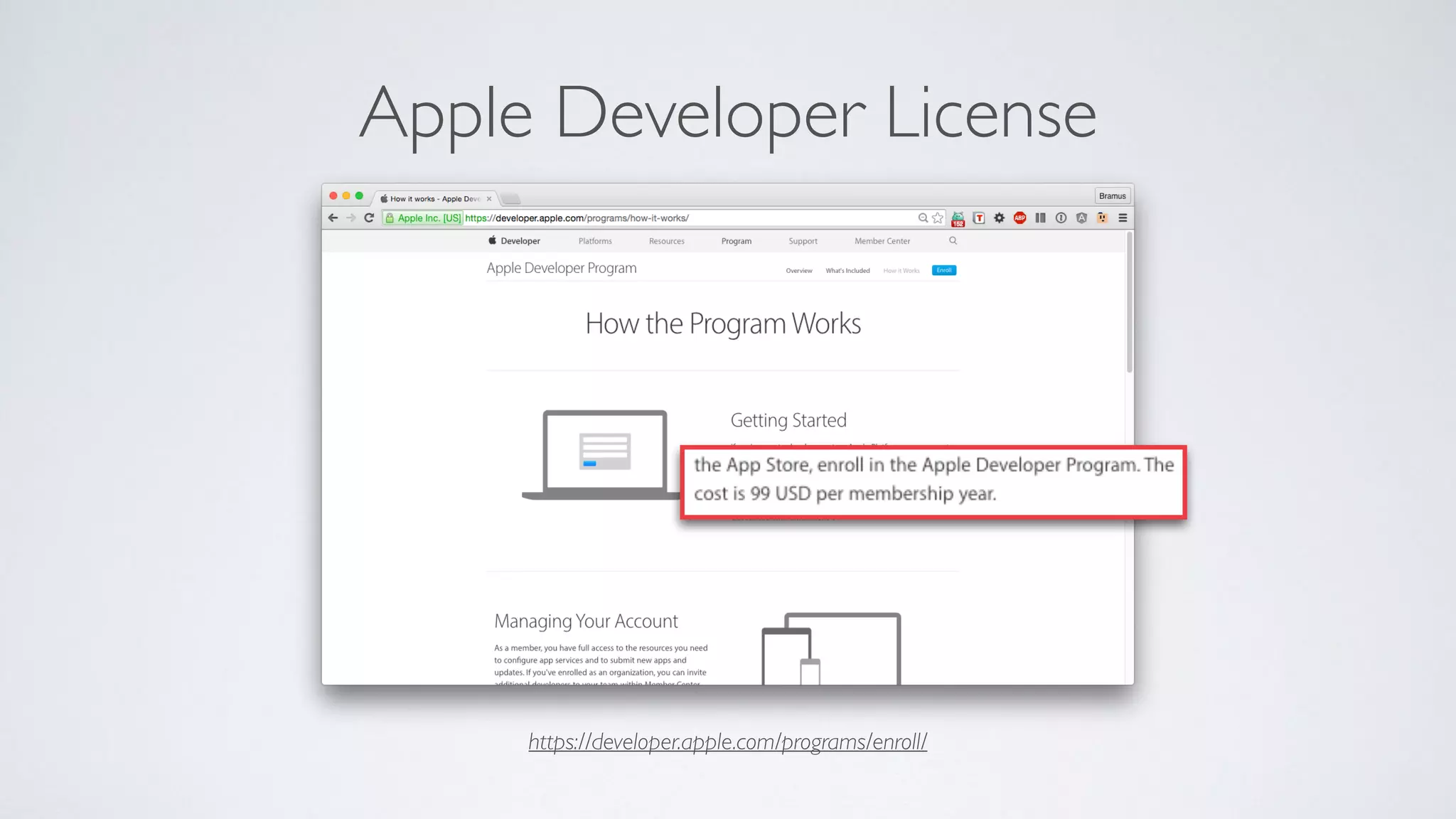
https://developer.apple.com/programs/enroll/
Apple Developer License
https://developer.apple.com/programs/enroll/
Apple Developer License
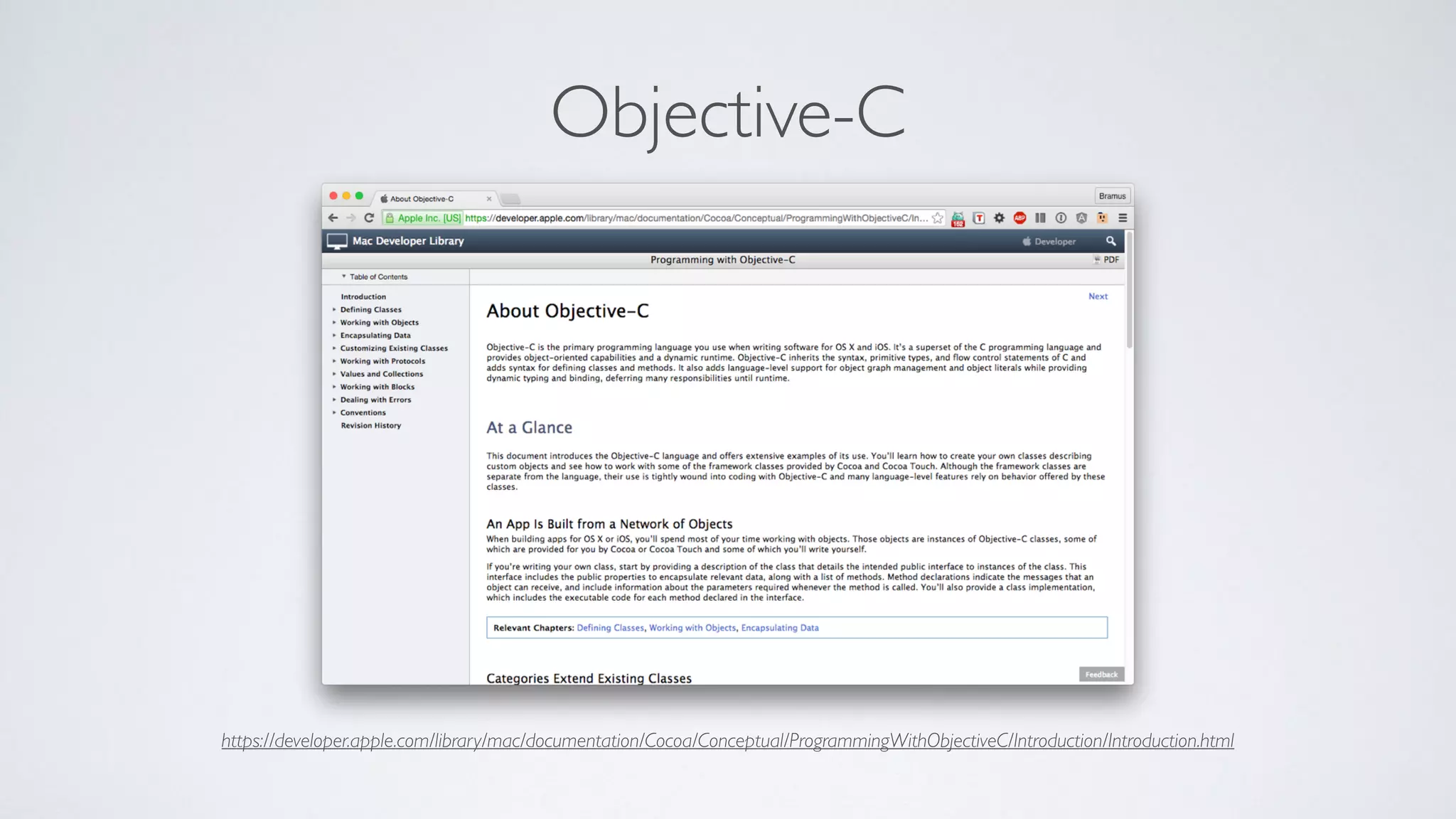
https://developer.apple.com/library/mac/documentation/Cocoa/Conceptual/ProgrammingWithObjectiveC/Introduction/Introduction.html
Objective-C
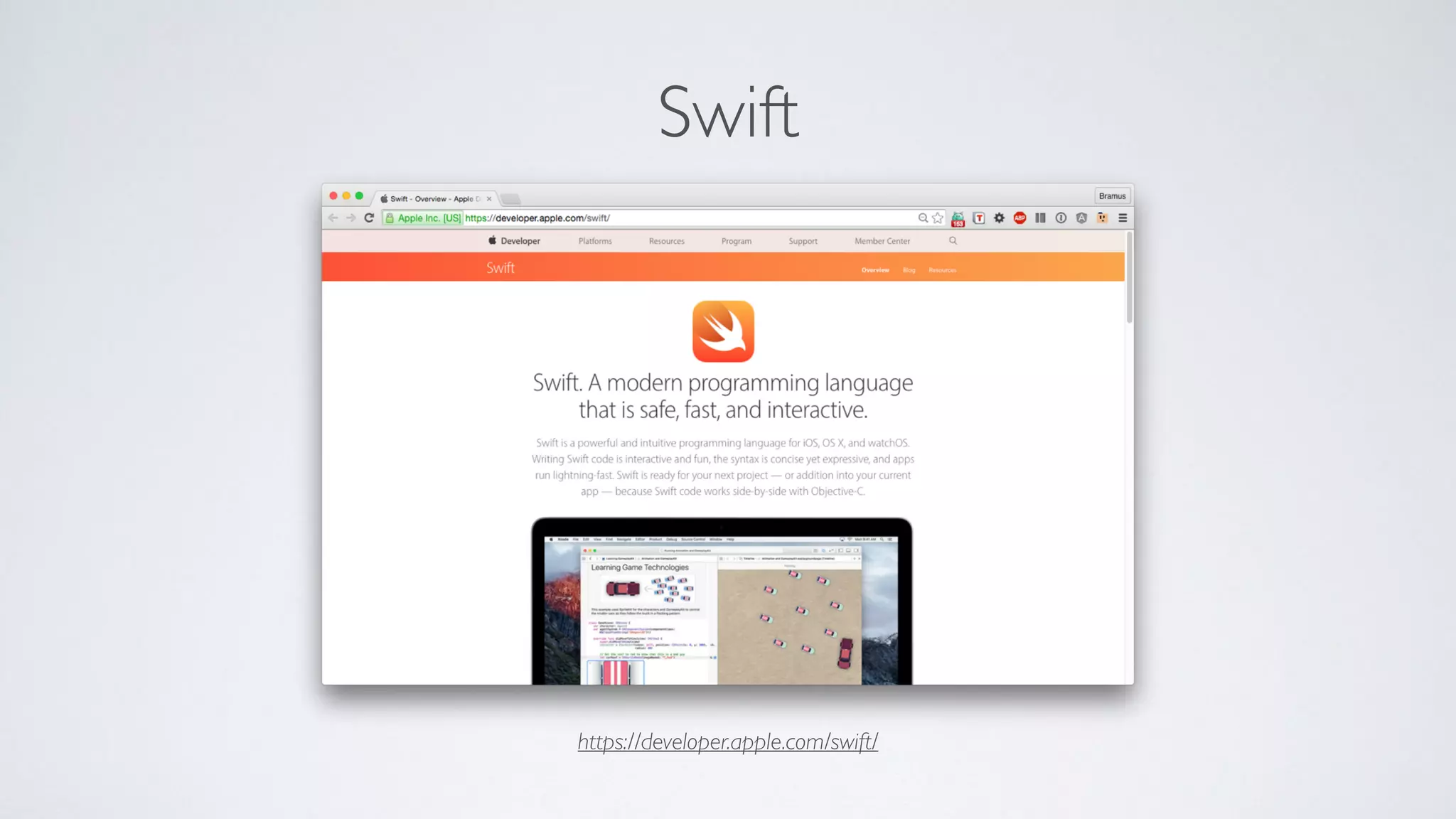
https://developer.apple.com/swift/
Swift
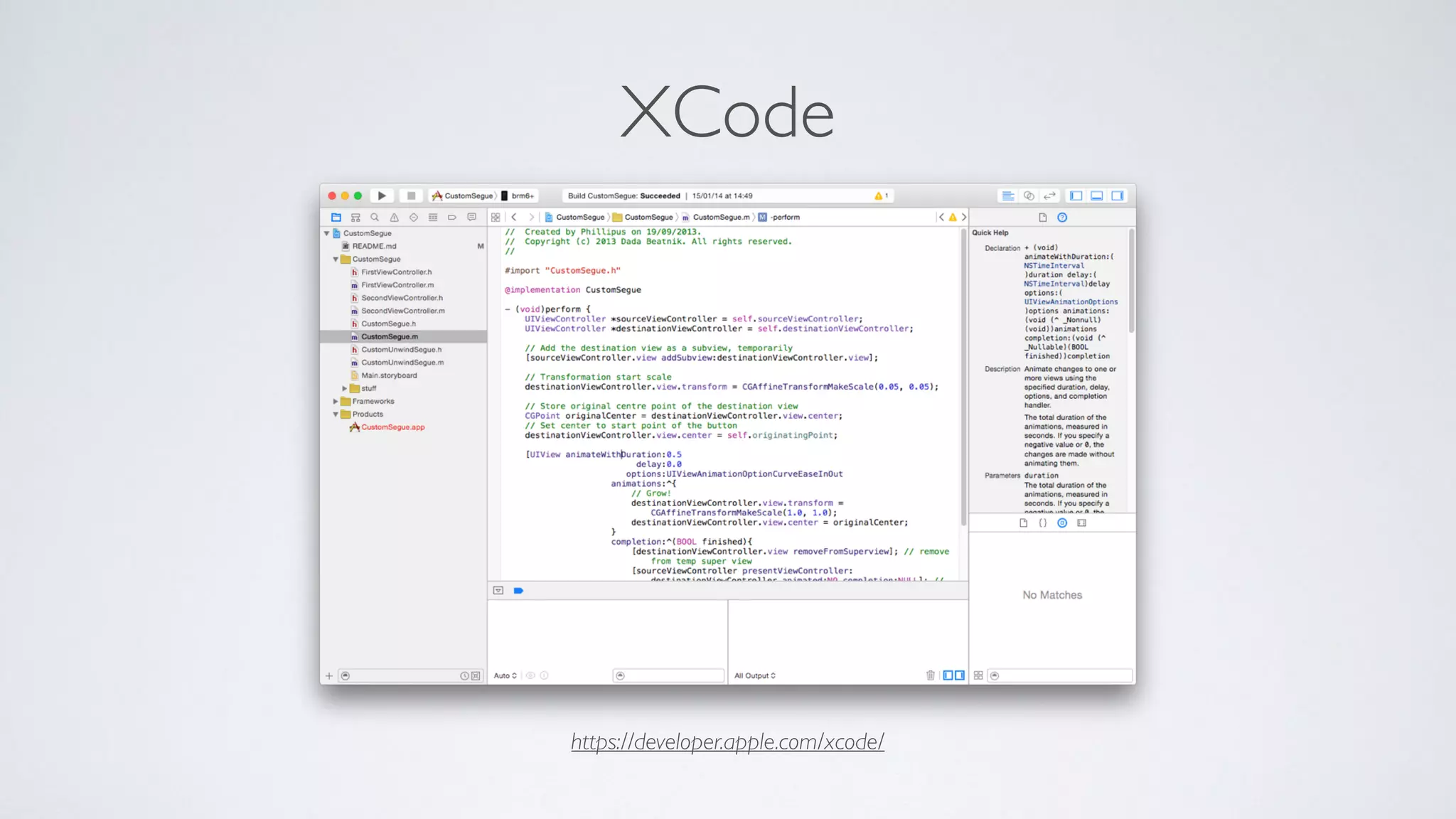
https://developer.apple.com/xcode/
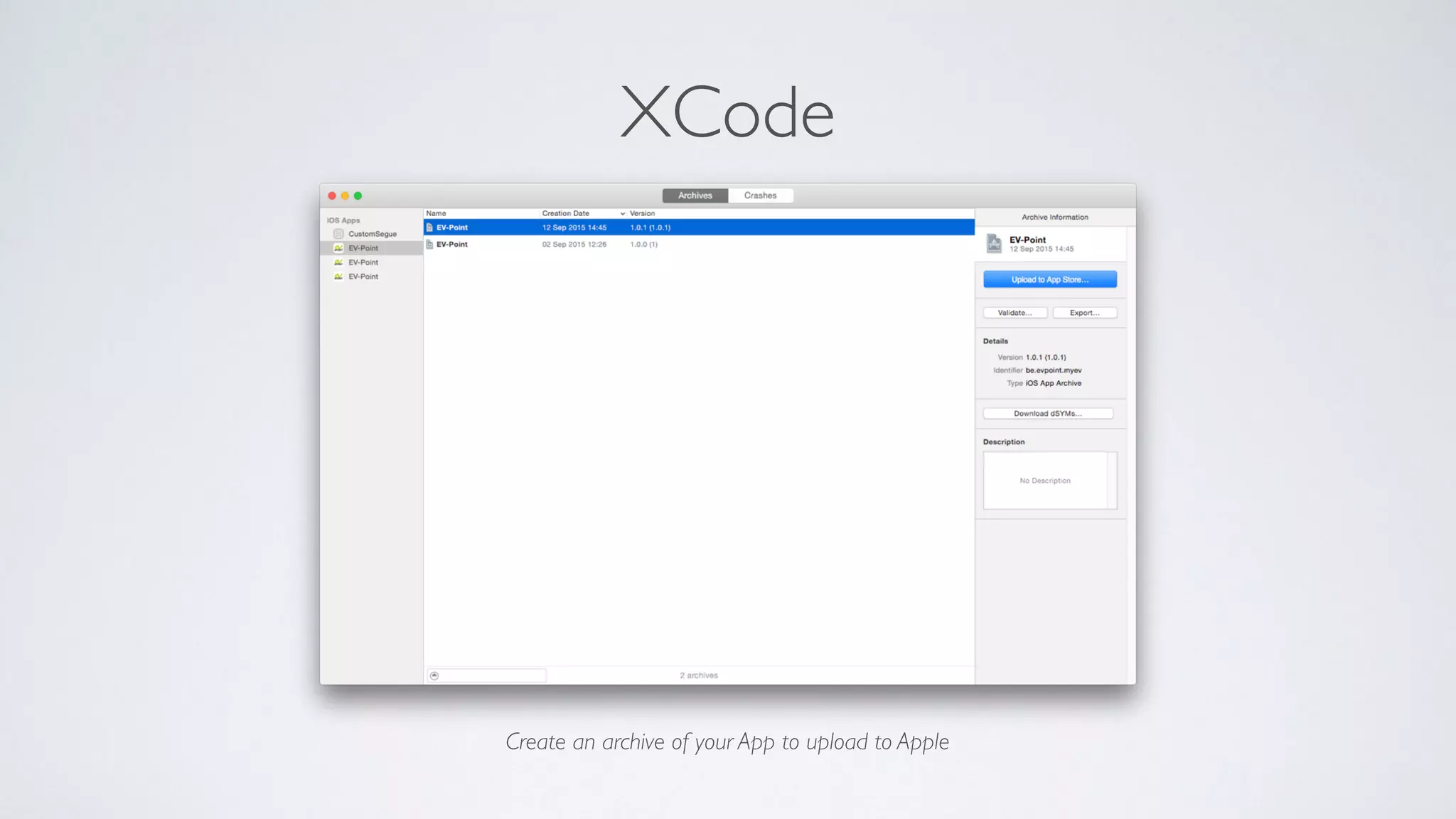
XCode
Create an archive of your App to upload to Apple
XCode
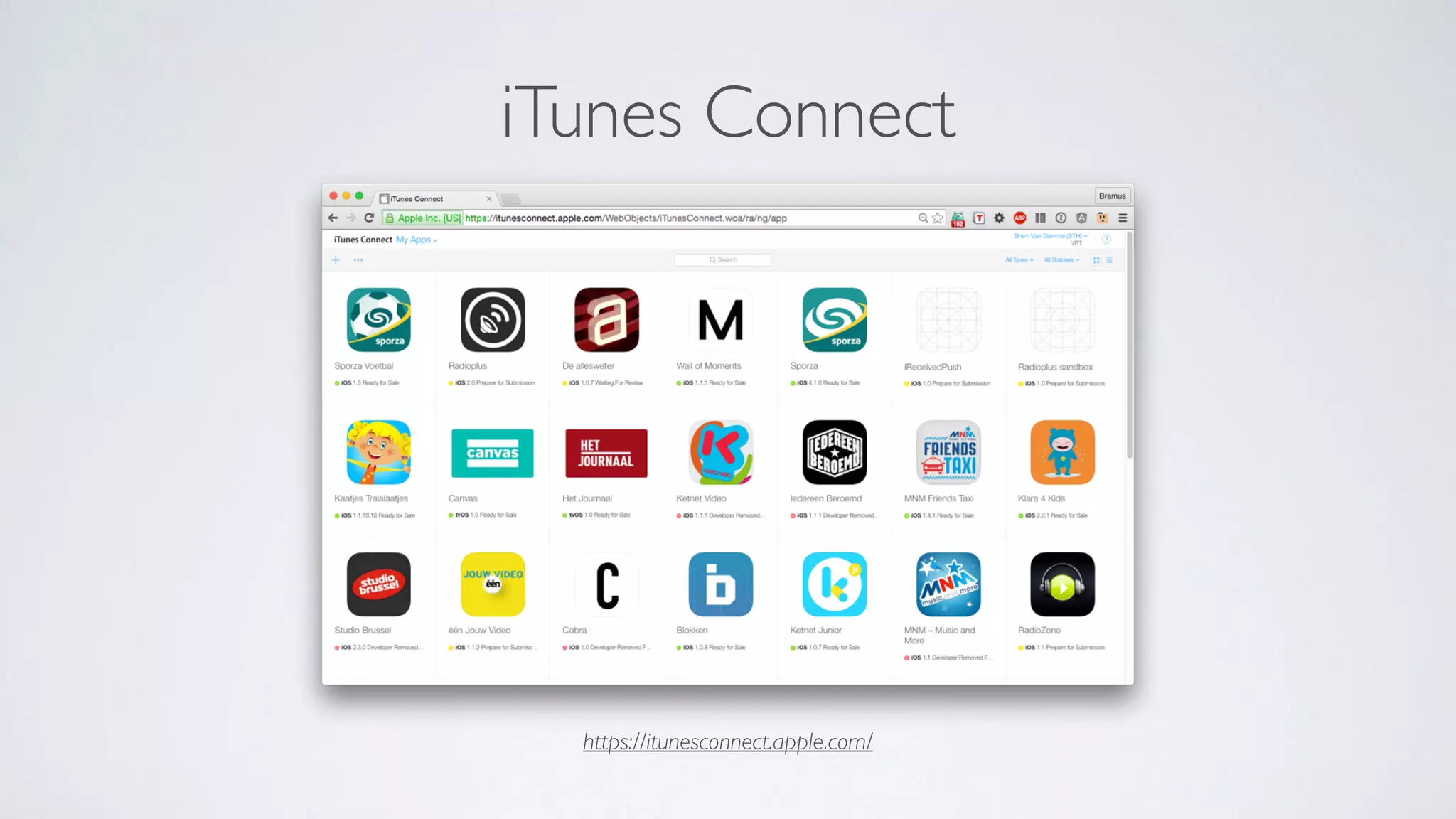
https://itunesconnect.apple.com/
iTunes Connect
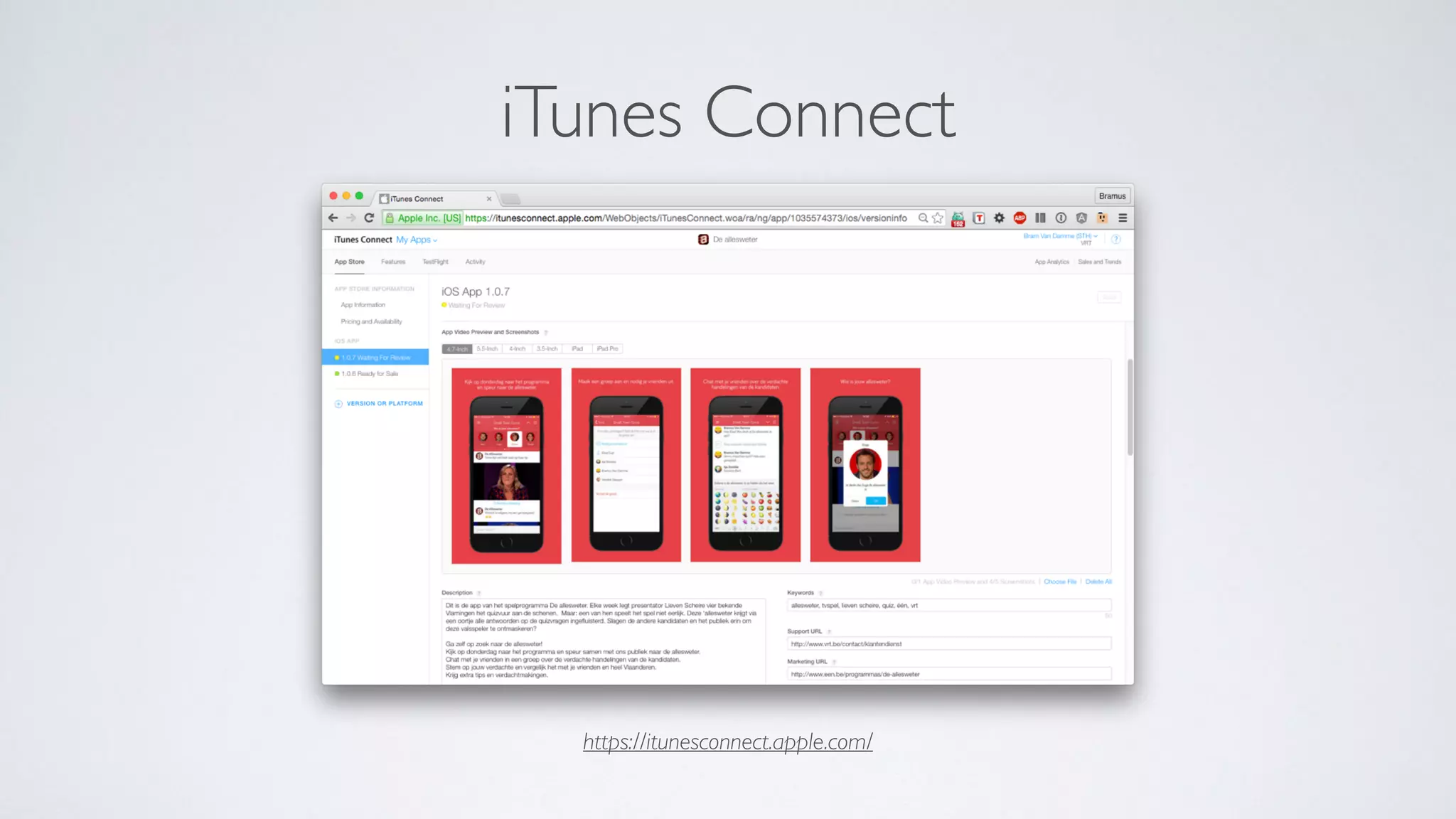
https://itunesconnect.apple.com/
iTunes Connect
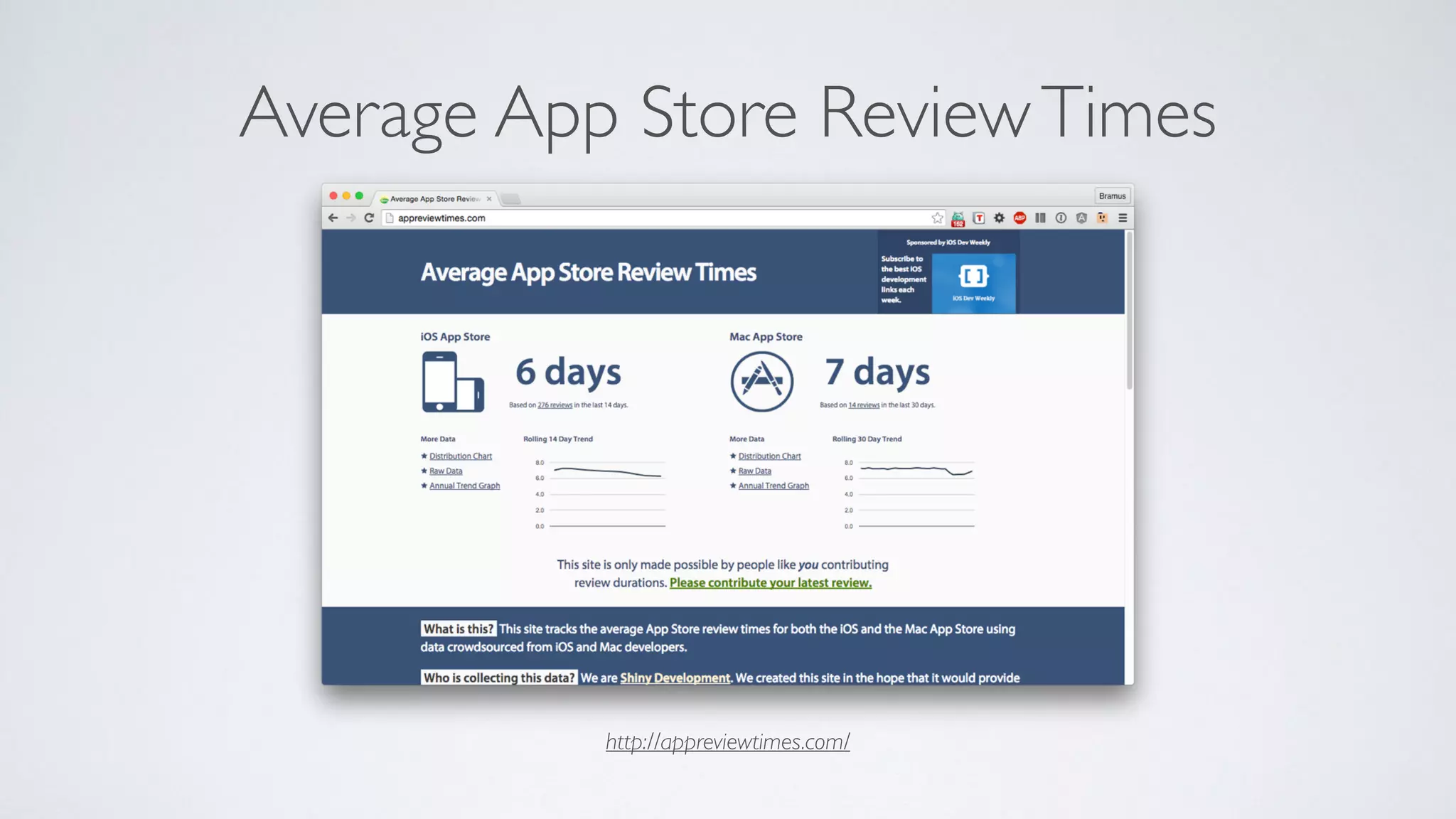
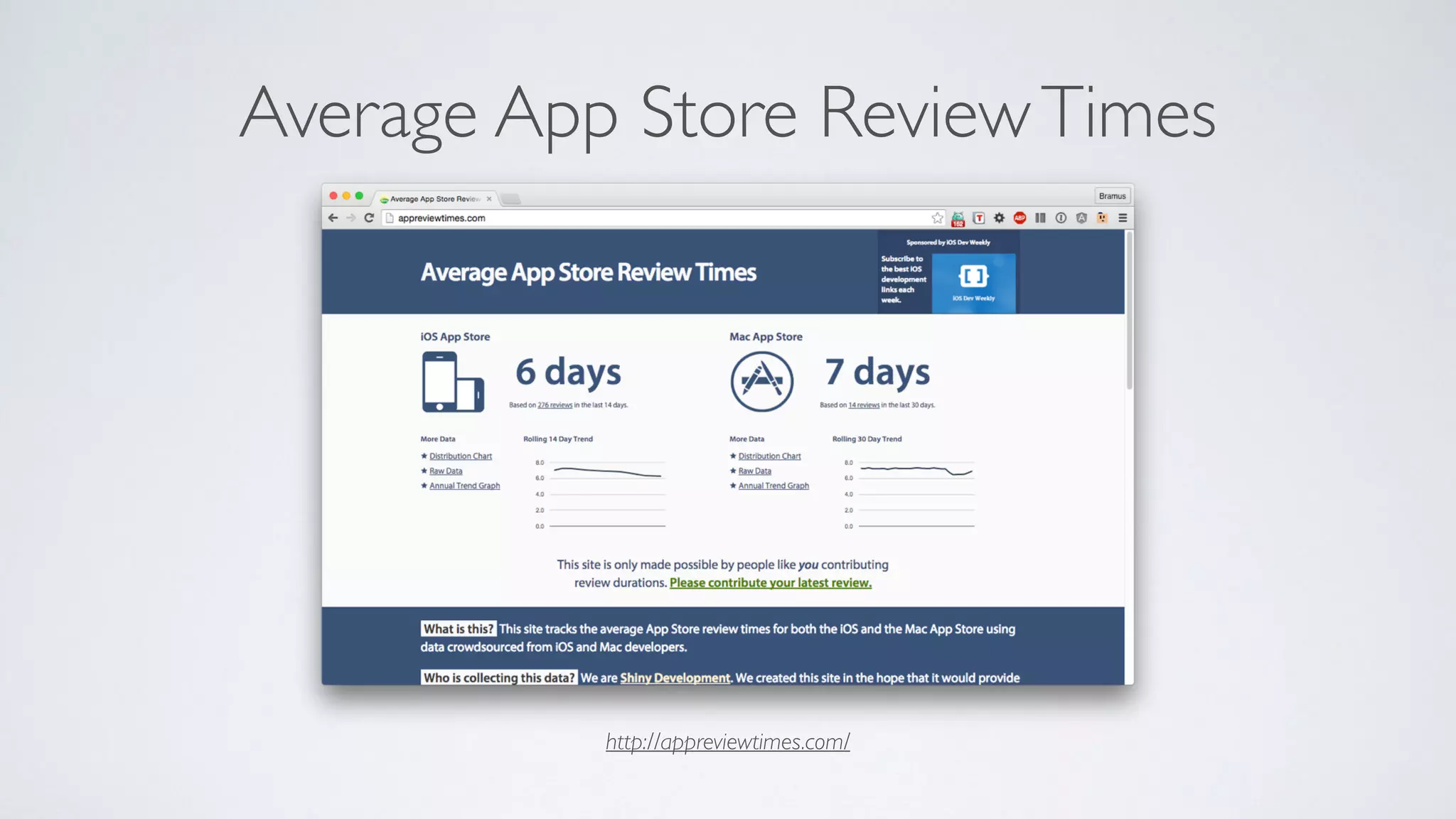
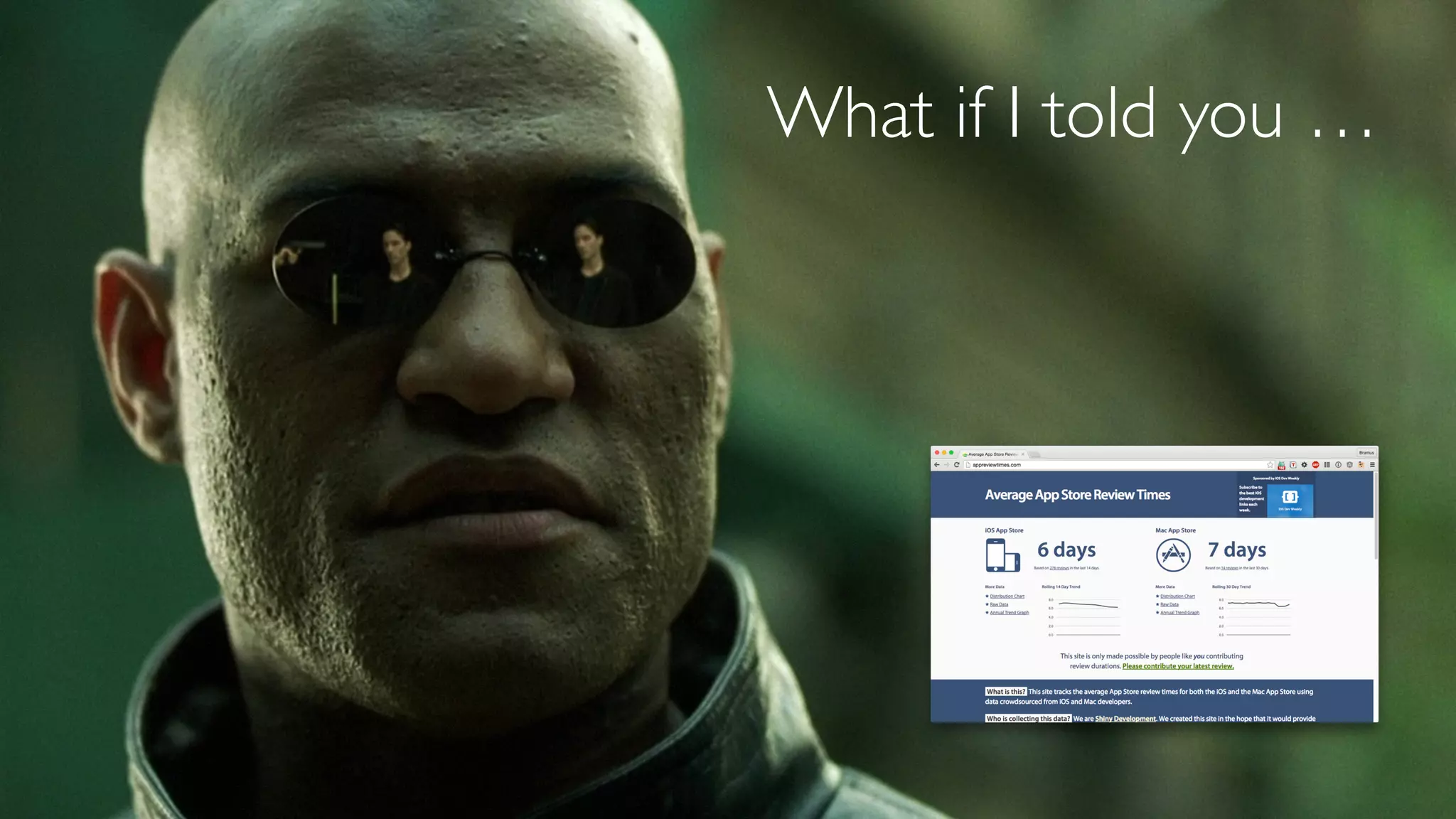
http://appreviewtimes.com/
Average App Store ReviewTimes
Your app in the App Store, after approval.
App Store
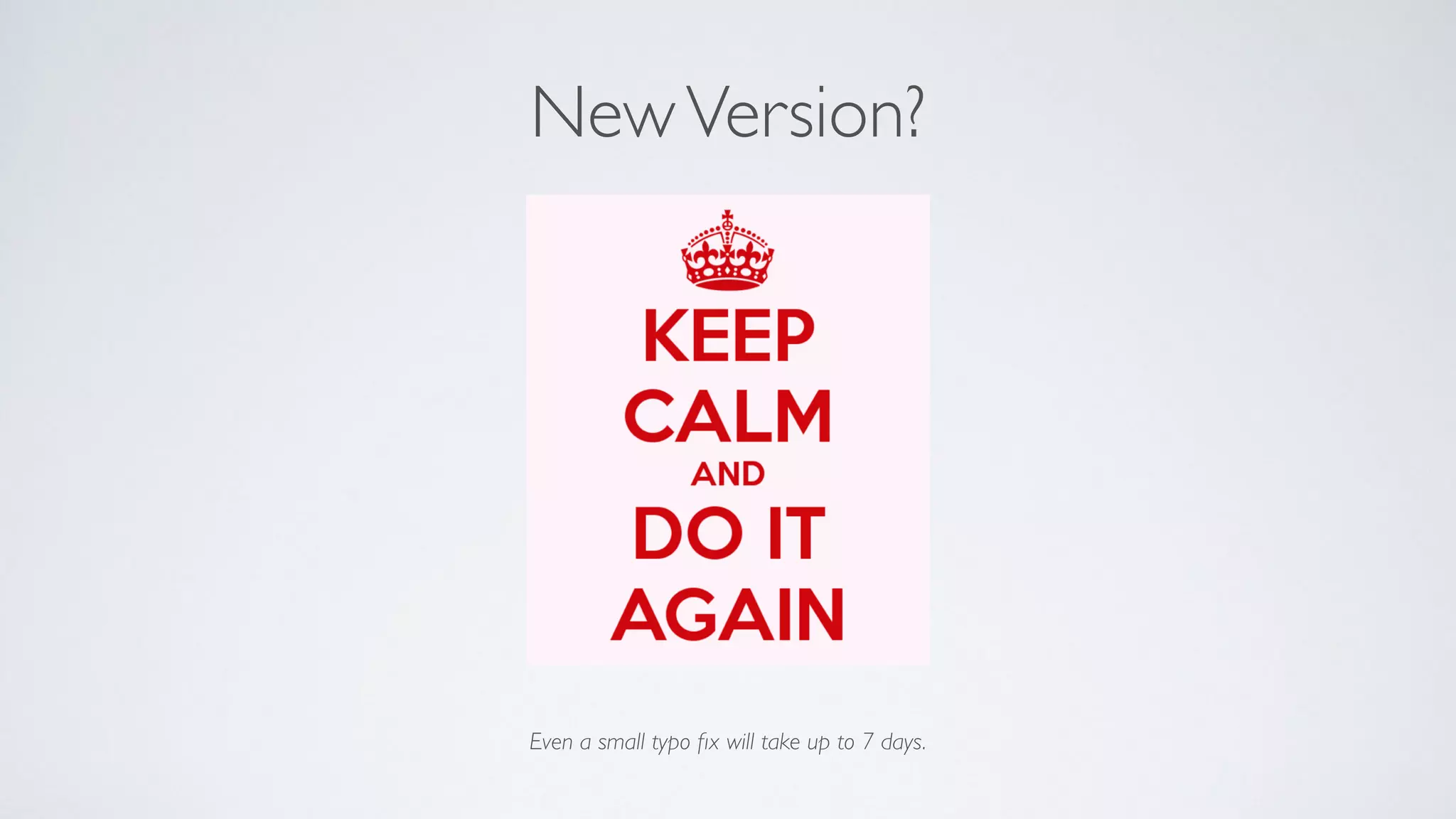
Even a small typo fix will take up to 7 days.
NewVersion?
Android SDK, Java, and the Play Store
So you want to build your MVP for Android
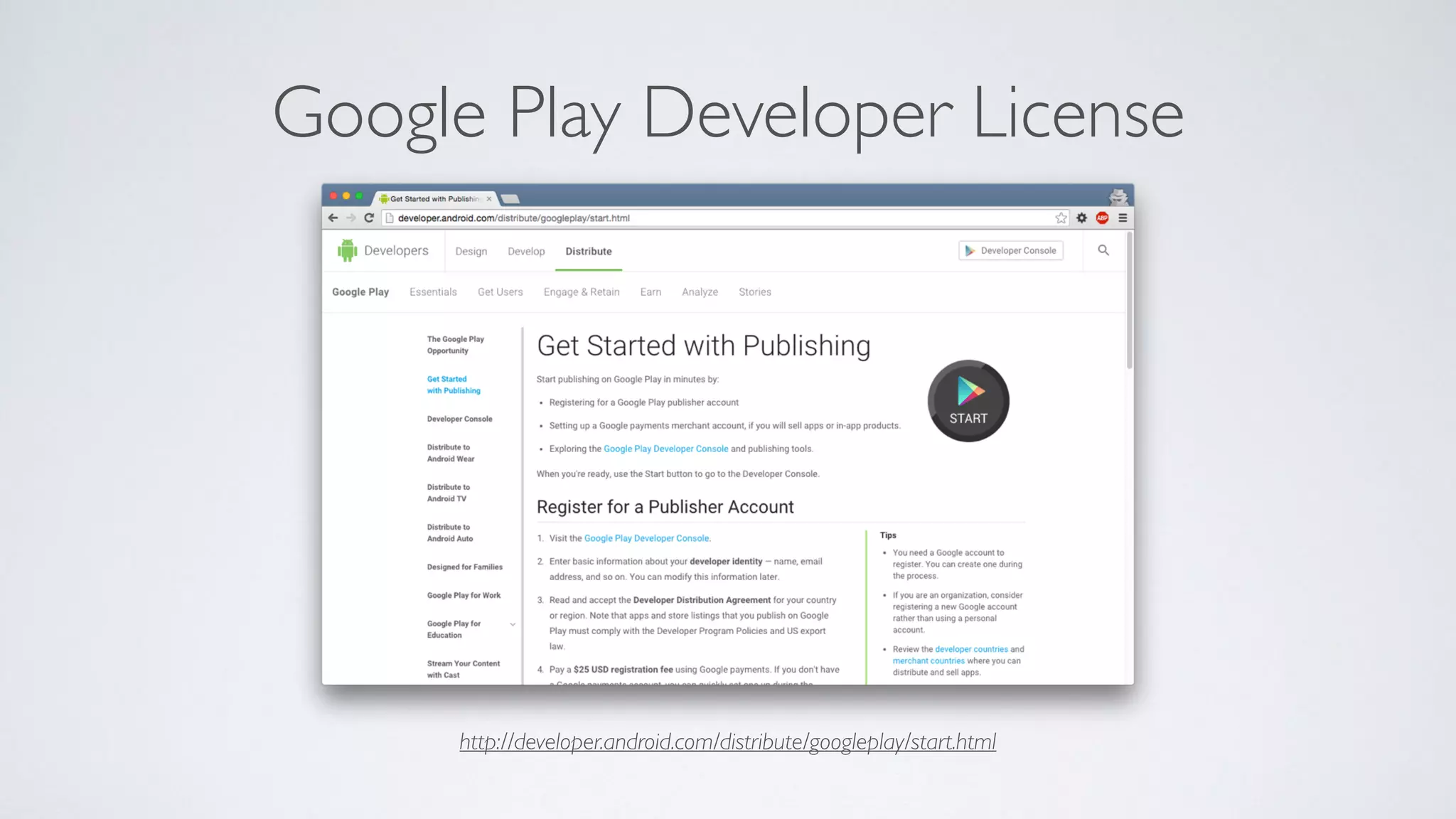
http://developer.android.com/distribute/googleplay/start.html
Google Play Developer License
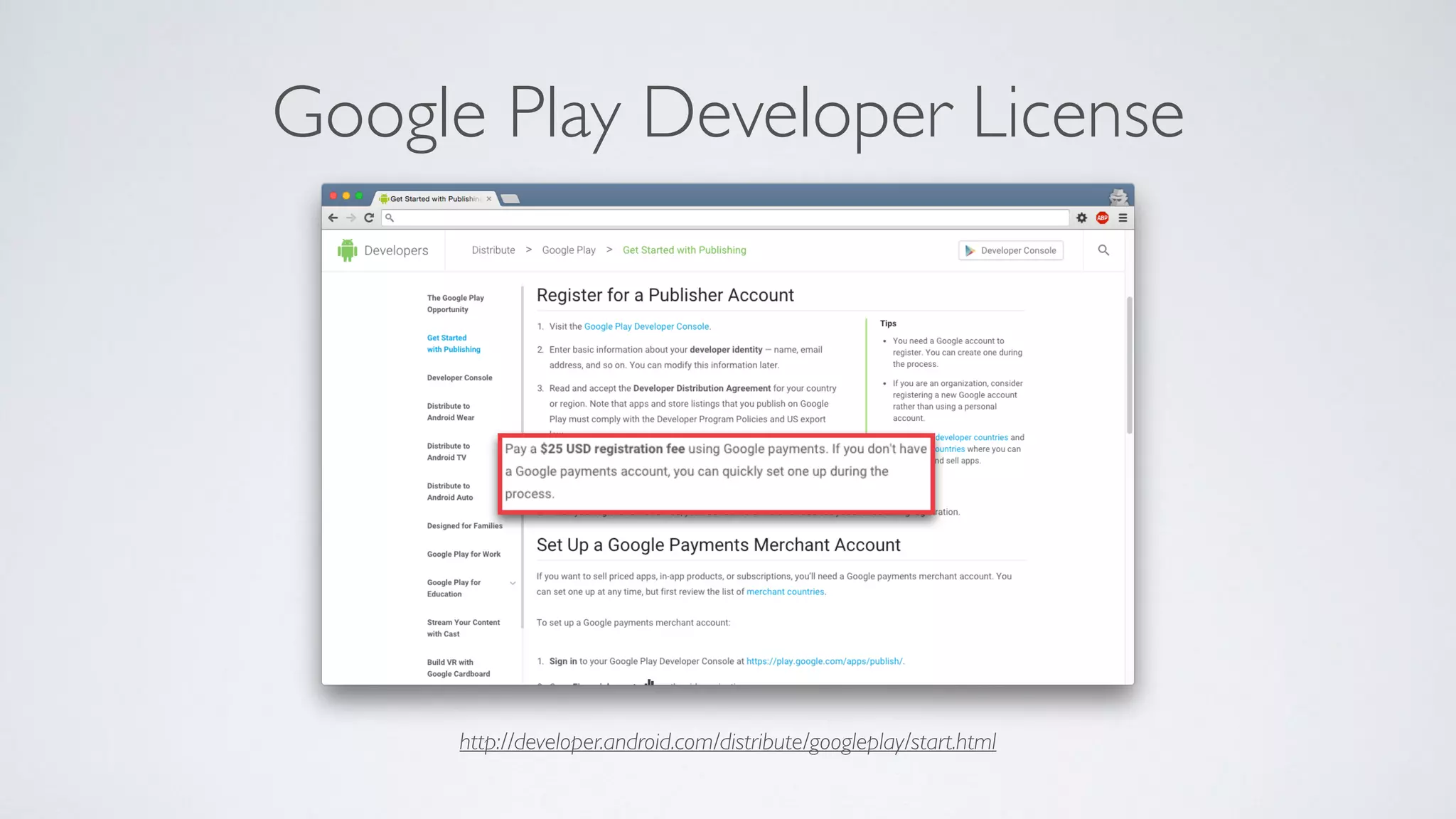
http://developer.android.com/distribute/googleplay/start.html
Google Play Developer License
You know, like in “Programmeren 1”
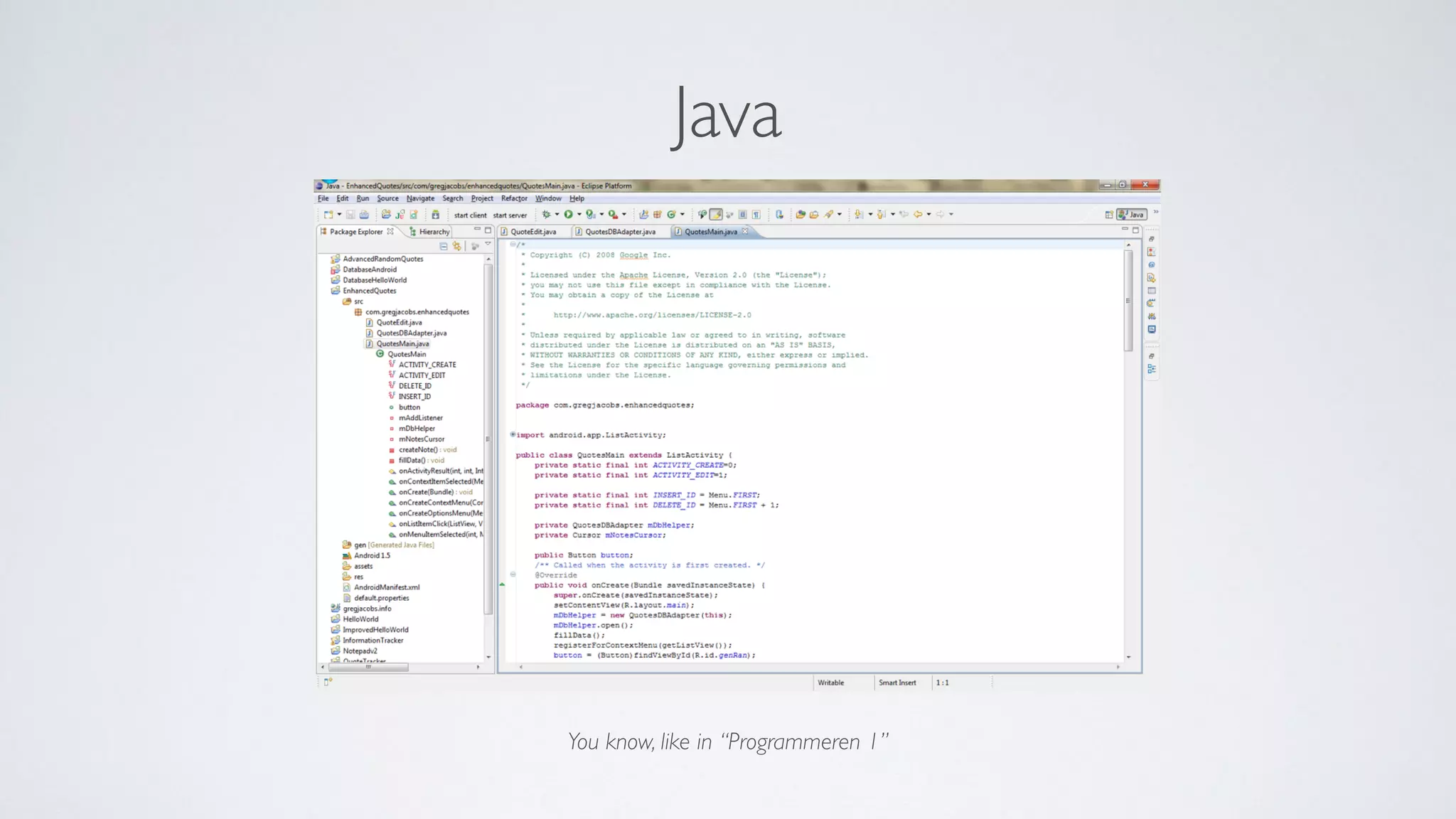
Java
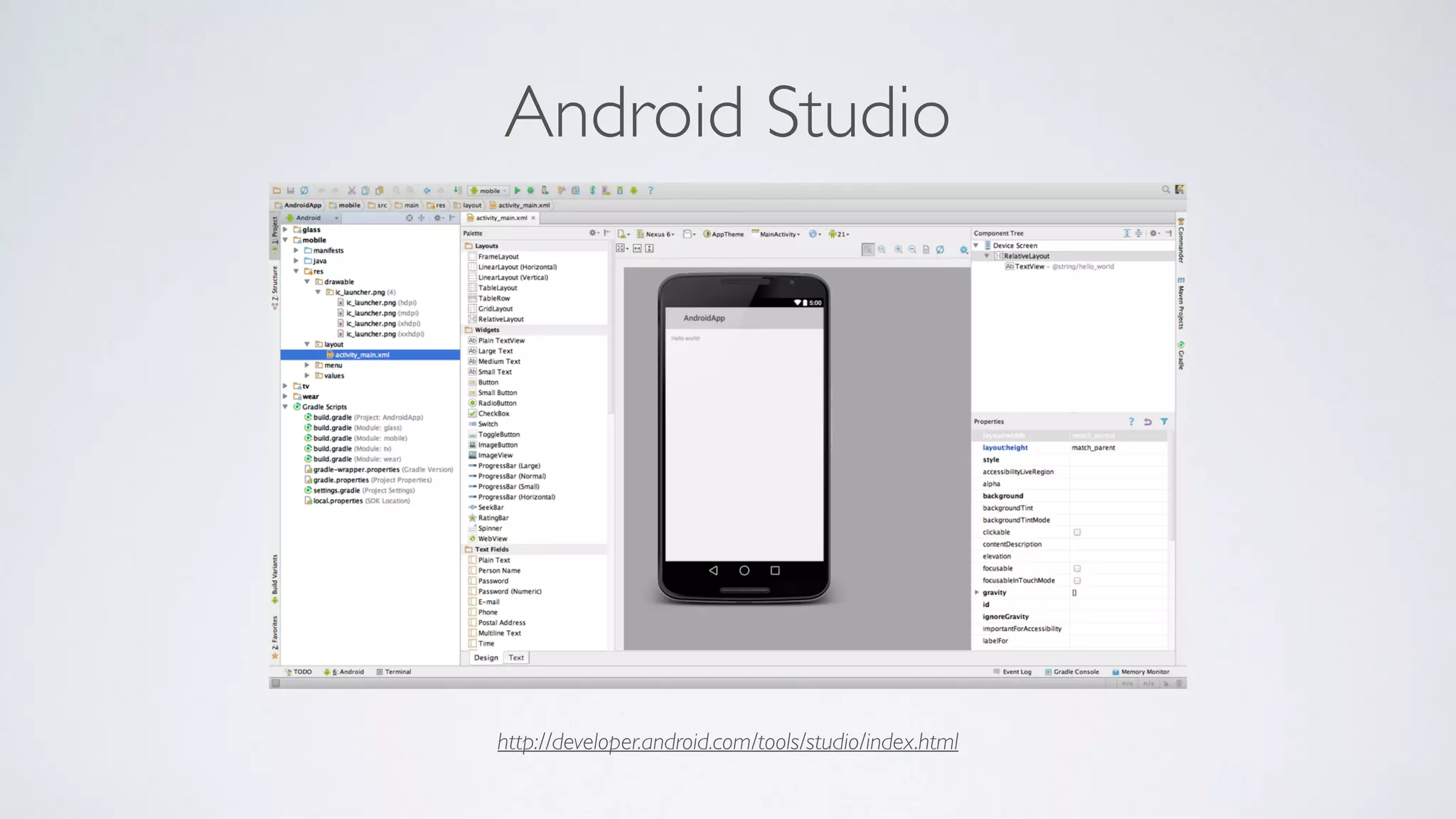
http://developer.android.com/tools/studio/index.html
Android Studio
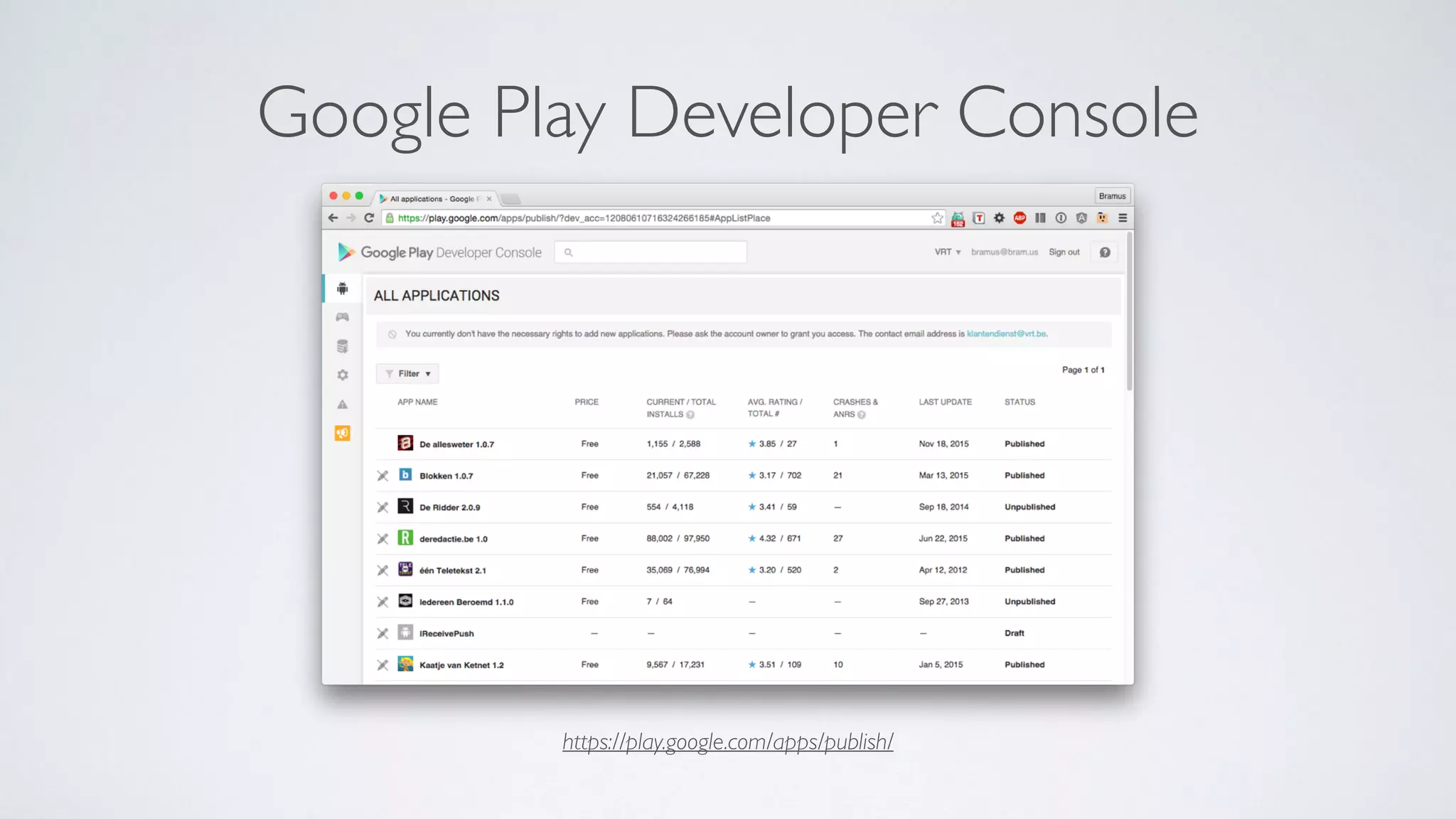
https://play.google.com/apps/publish/
Google Play Developer Console
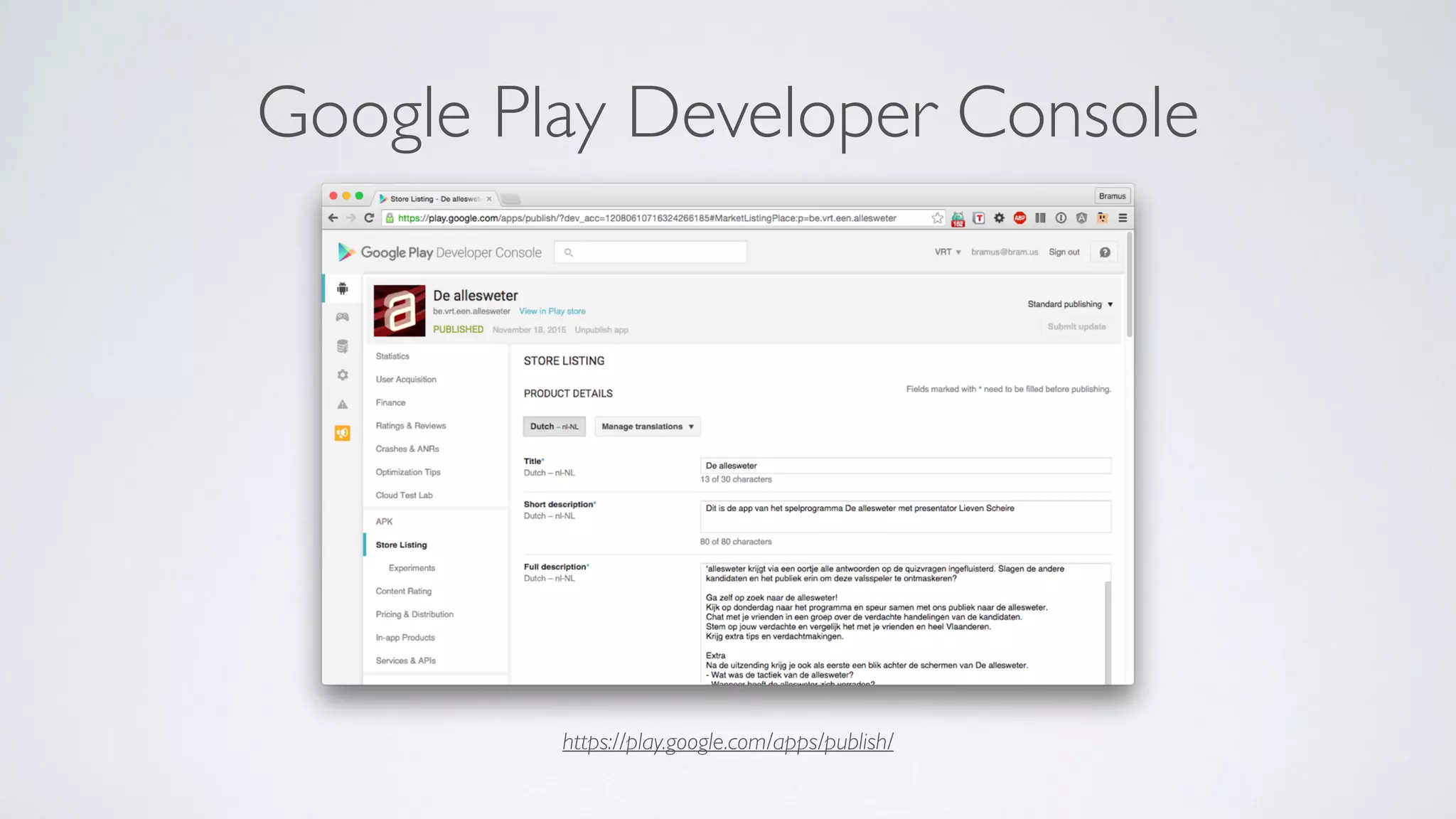
https://play.google.com/apps/publish/
Google Play Developer Console
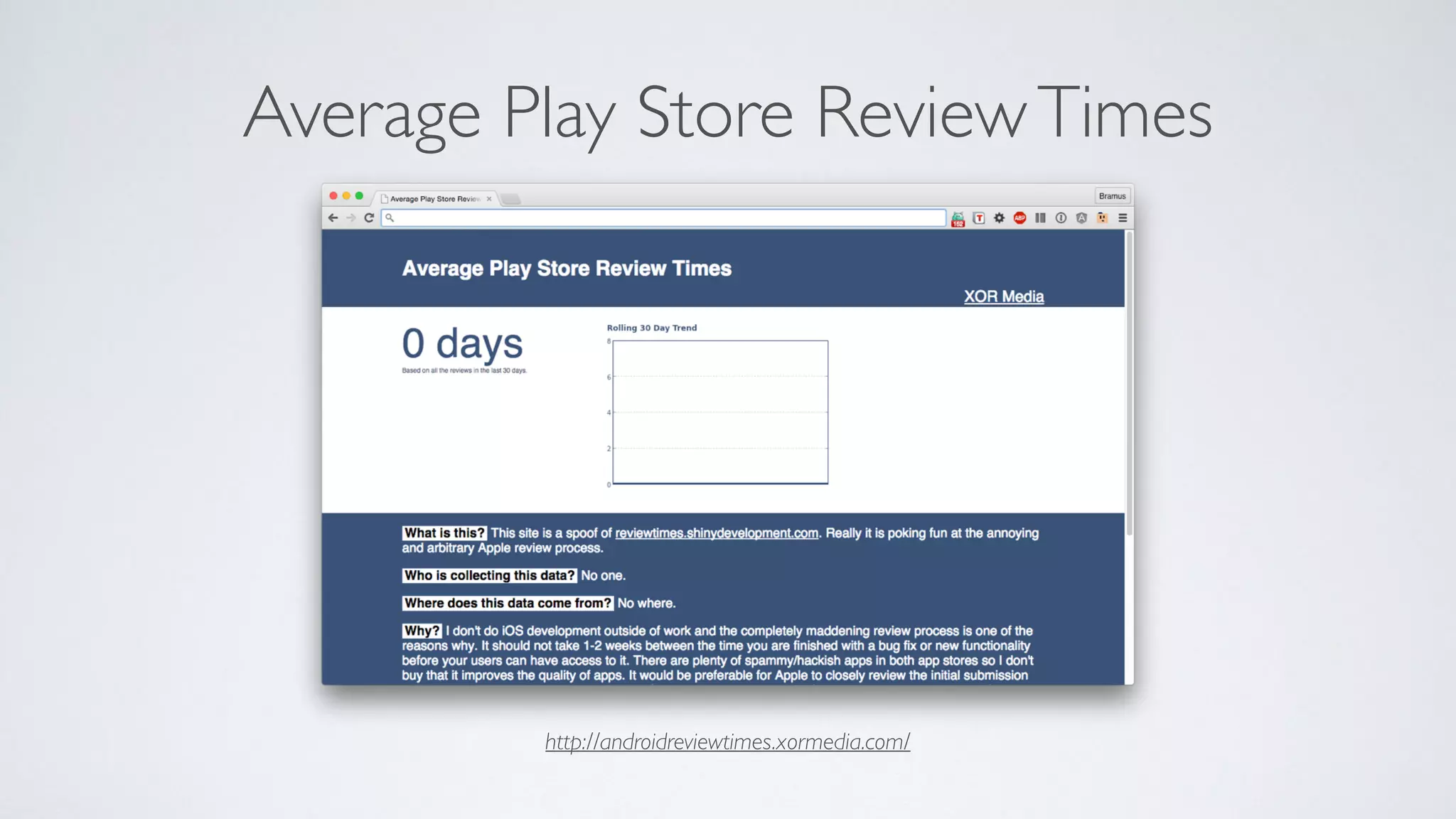
http://androidreviewtimes.xormedia.com/
Average Play Store ReviewTimes
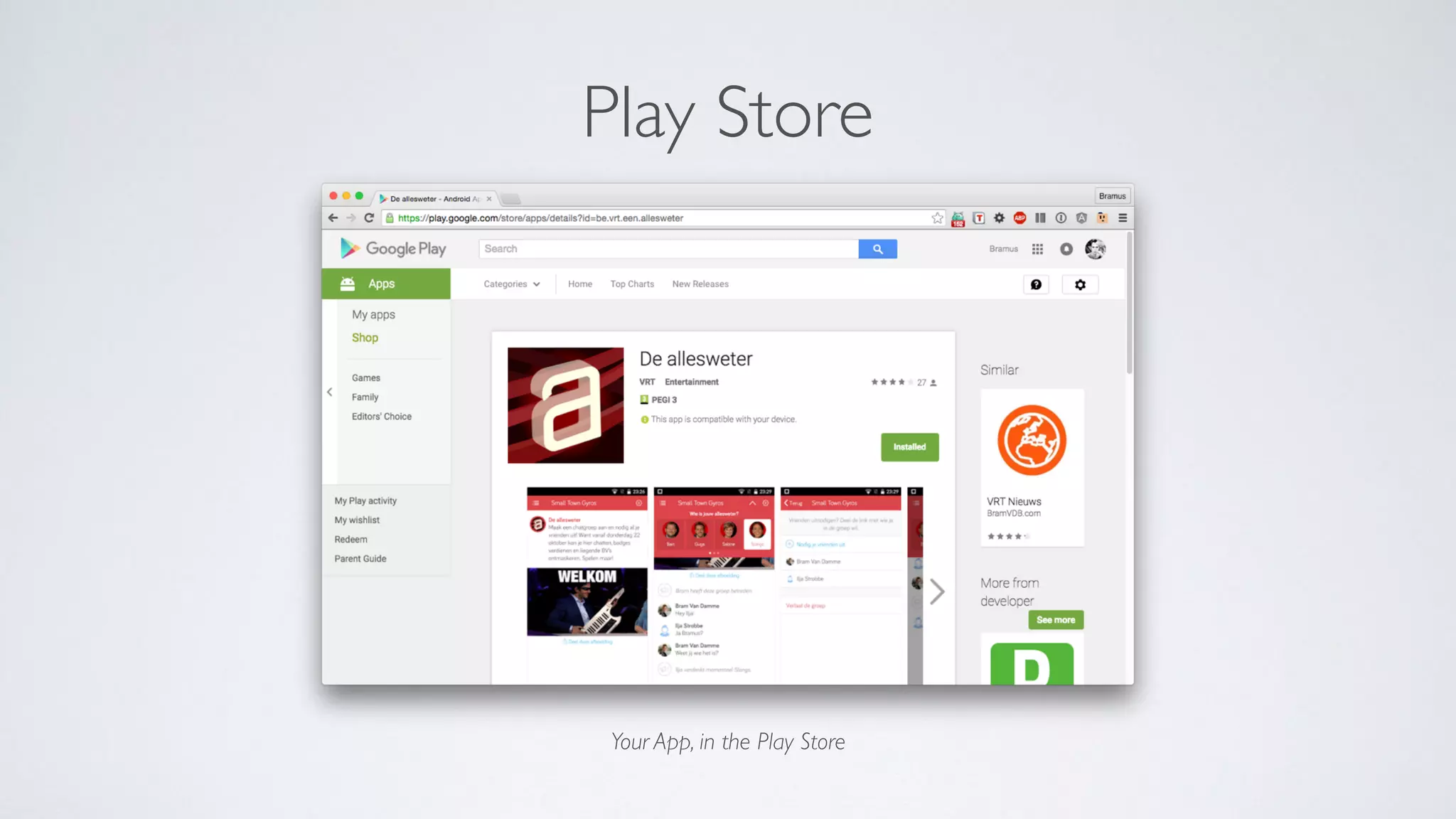
Your App, in the Play Store
Play Store
Lather, Rinse, Repeat
So you want to build your MVP for Platform X
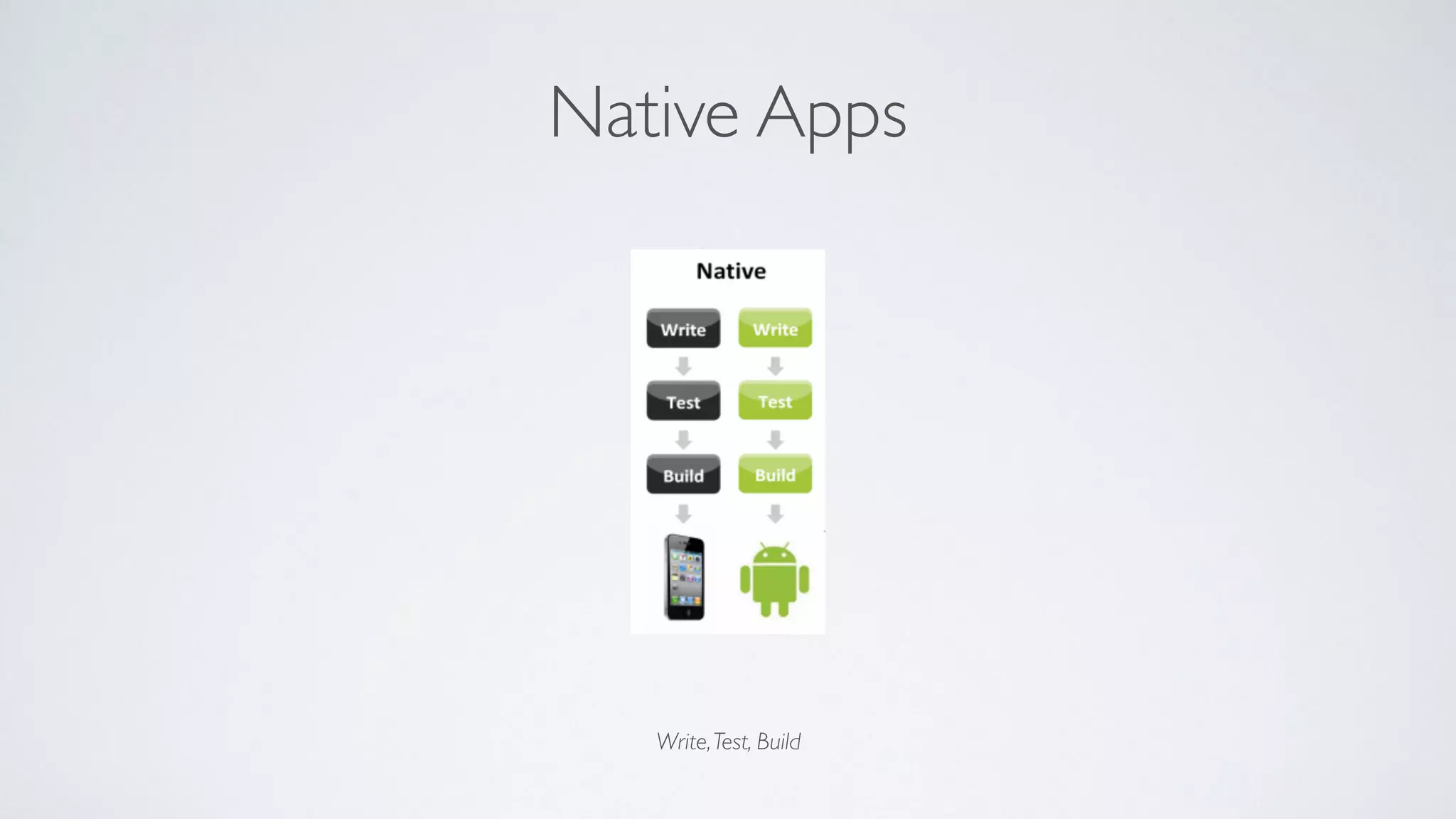
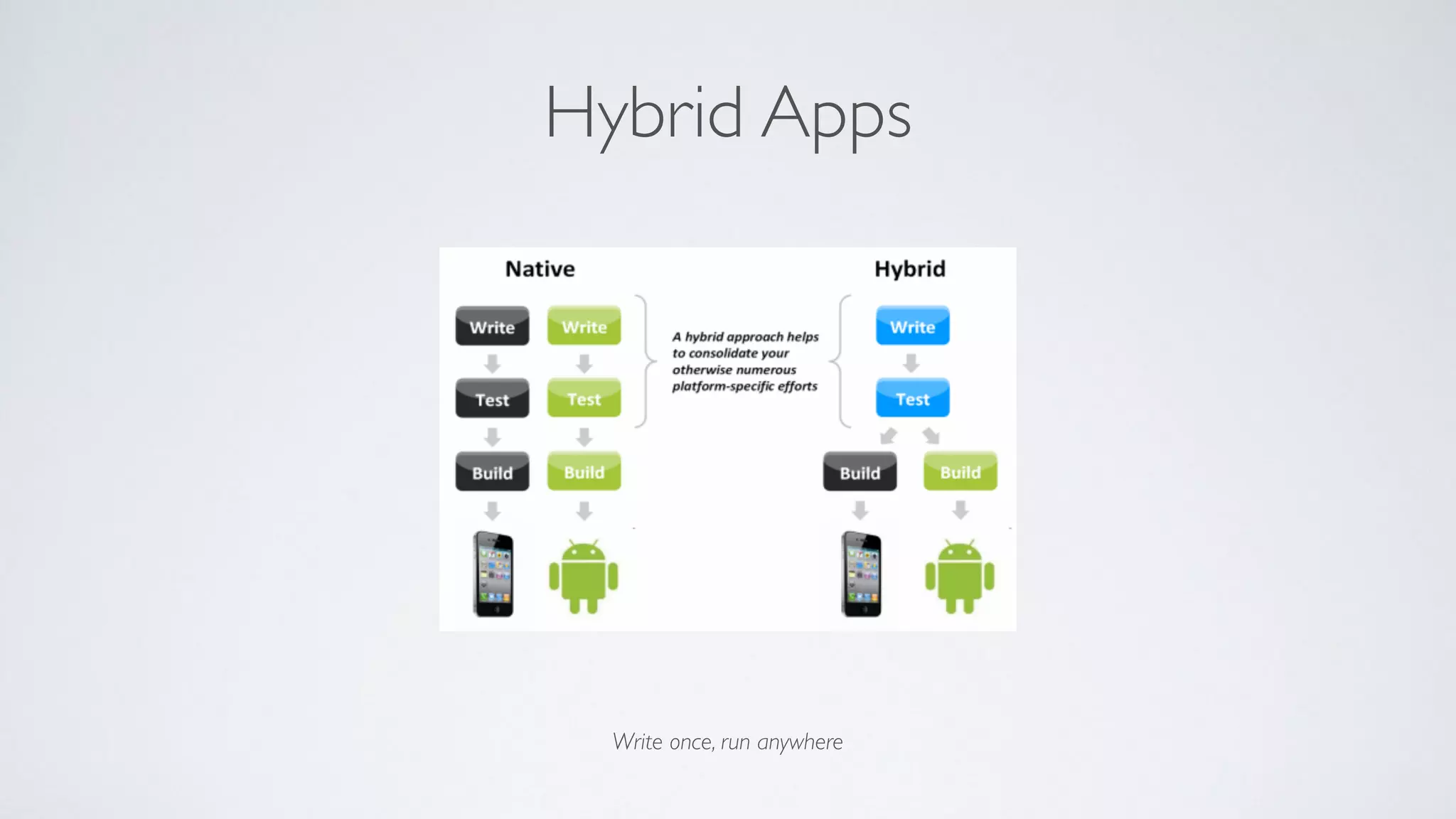
Native Apps
Write,Test, Build
What if I told you …
Hybrid Apps
Write once, run anywhere
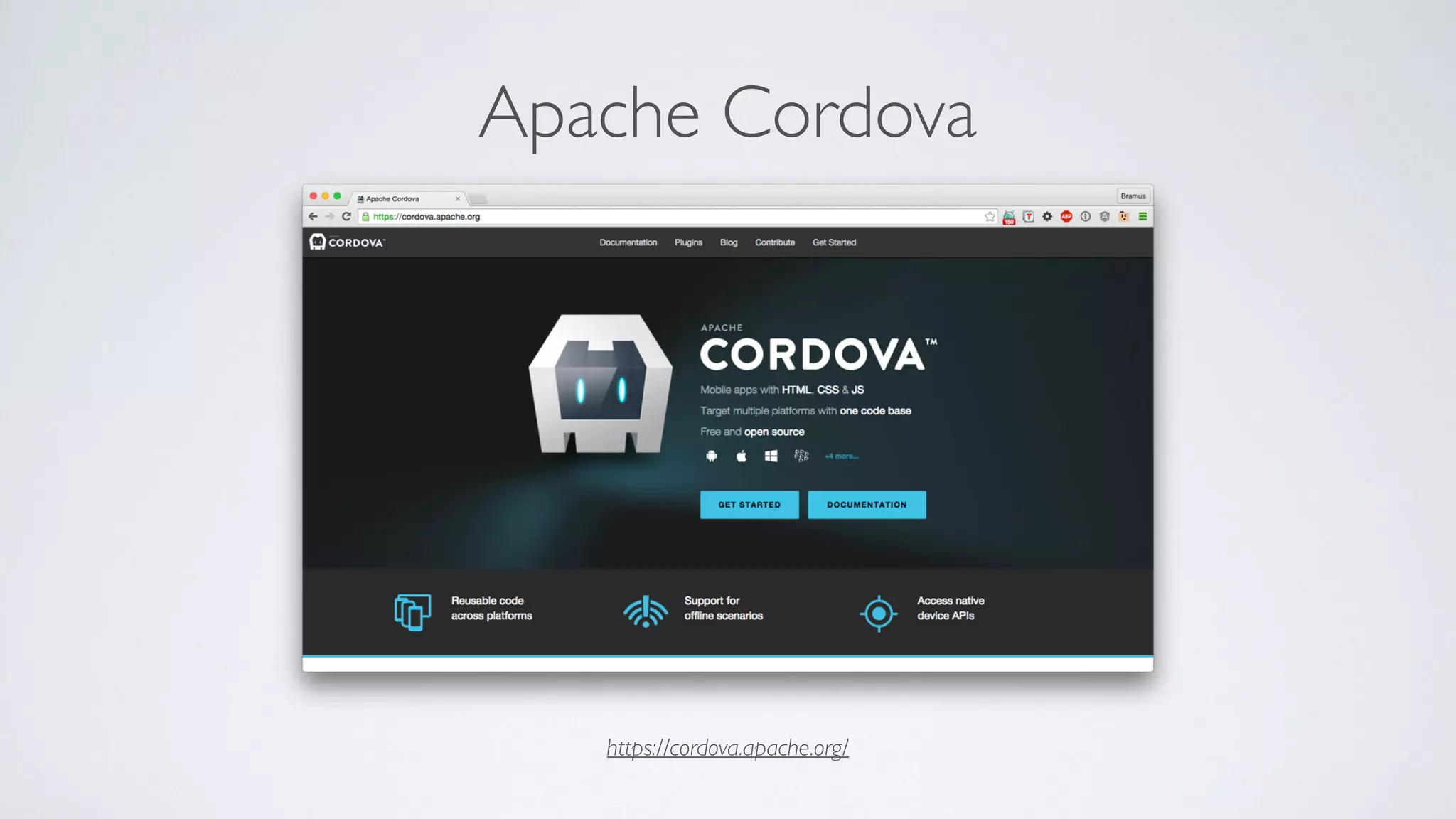
Apache Cordova
https://cordova.apache.org/
→ If you know HTML/CSS/JavaScript, you know how to build a mobile app
HTML
You, after “Webtechnieken”
→ If you know AngularJS, you know how Ionic works
CSS
You, after “Webtechnieken”
→ If you can read, you know Ionic
JavaScript
You, after “Webscripten1”
EV-Point
(3RDS)
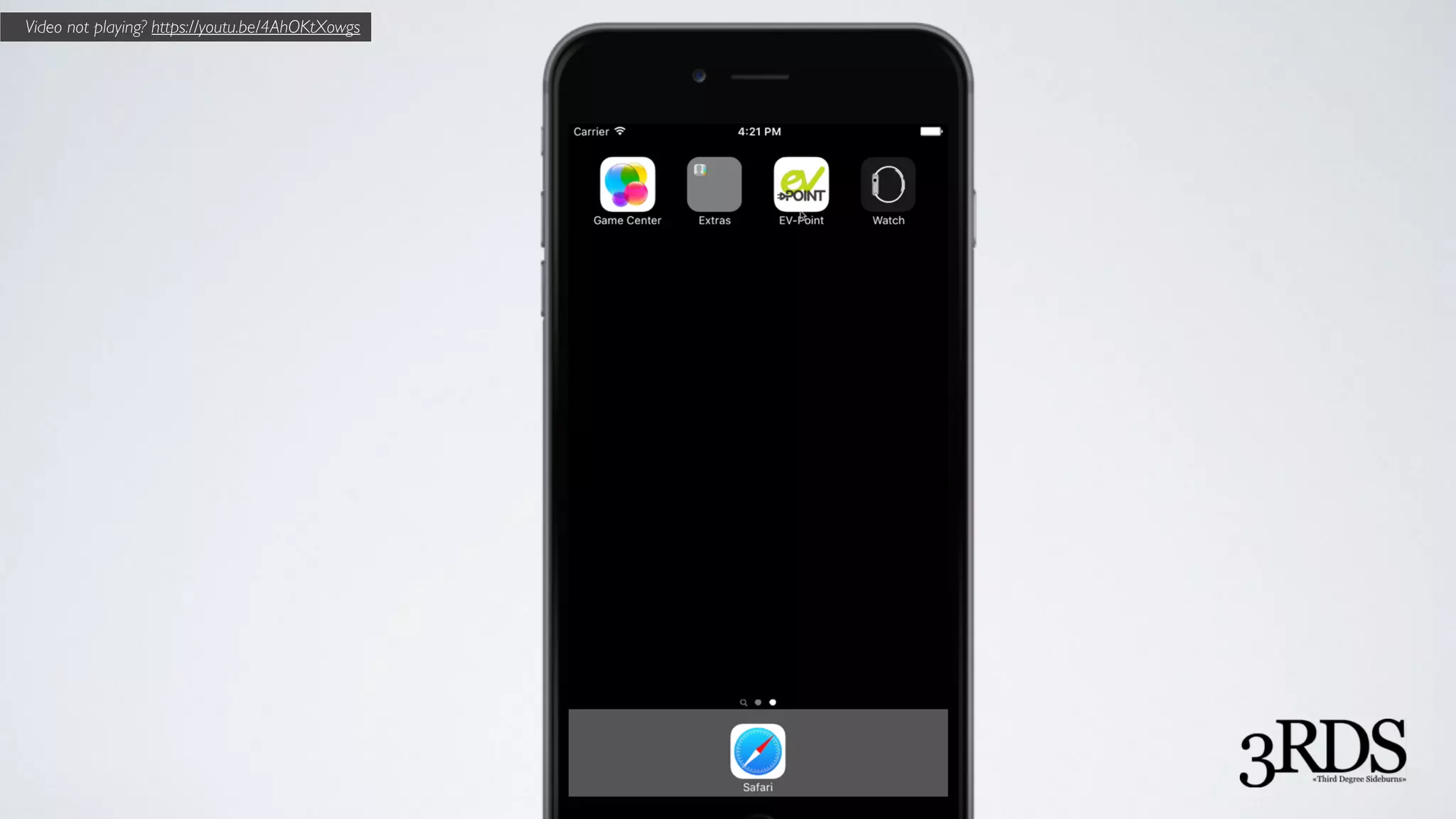
Video not playing? https://youtu.be/4AhOKtXowgs
App development time?
(from no code to working prototype in Simulator)
App development time?
(from no code to working prototype in Simulator)
App development time?
(from no code to working prototype in Simulator)
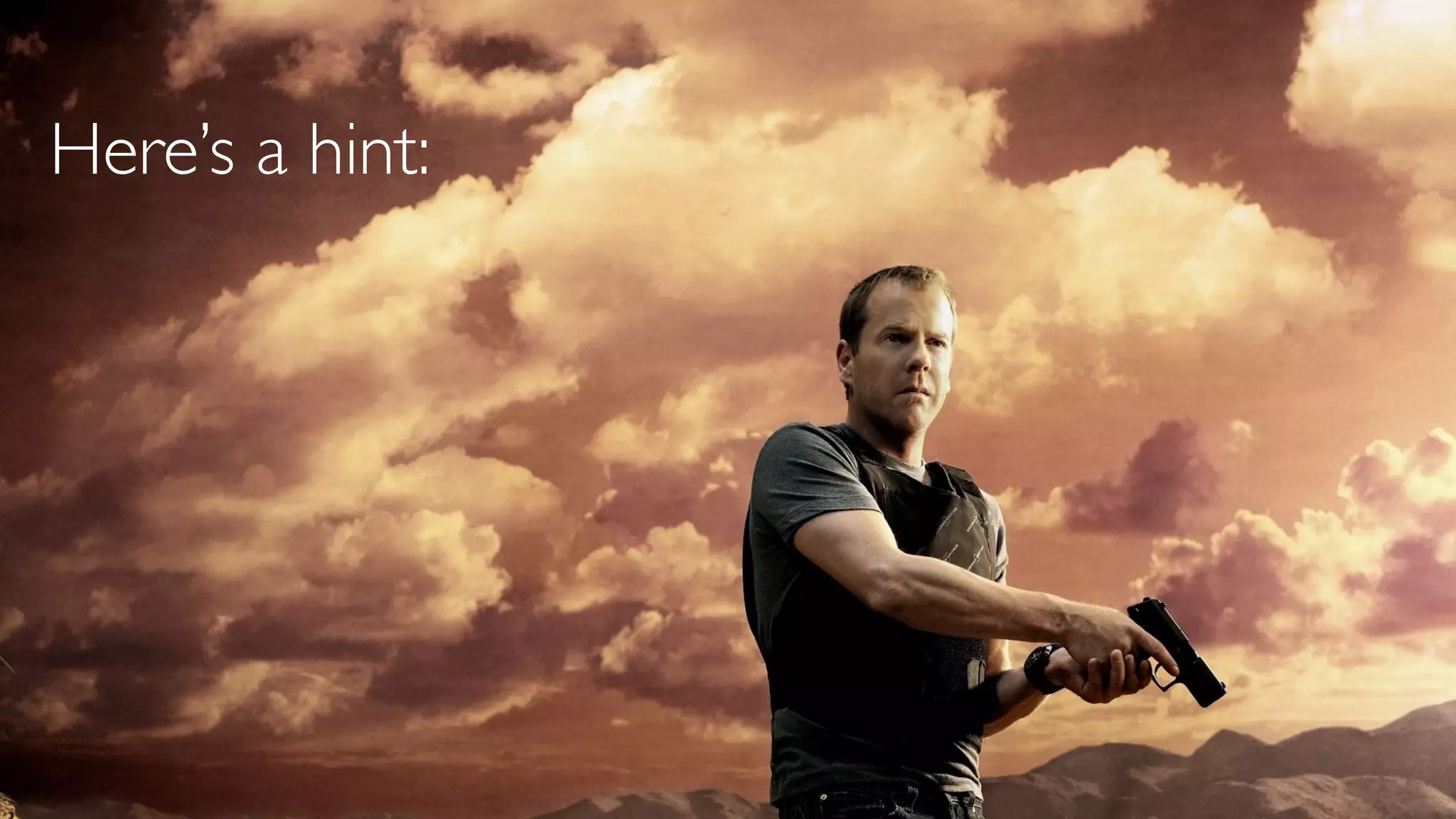
Here’s a hint:
App development time
(in hours)
How is that possible?
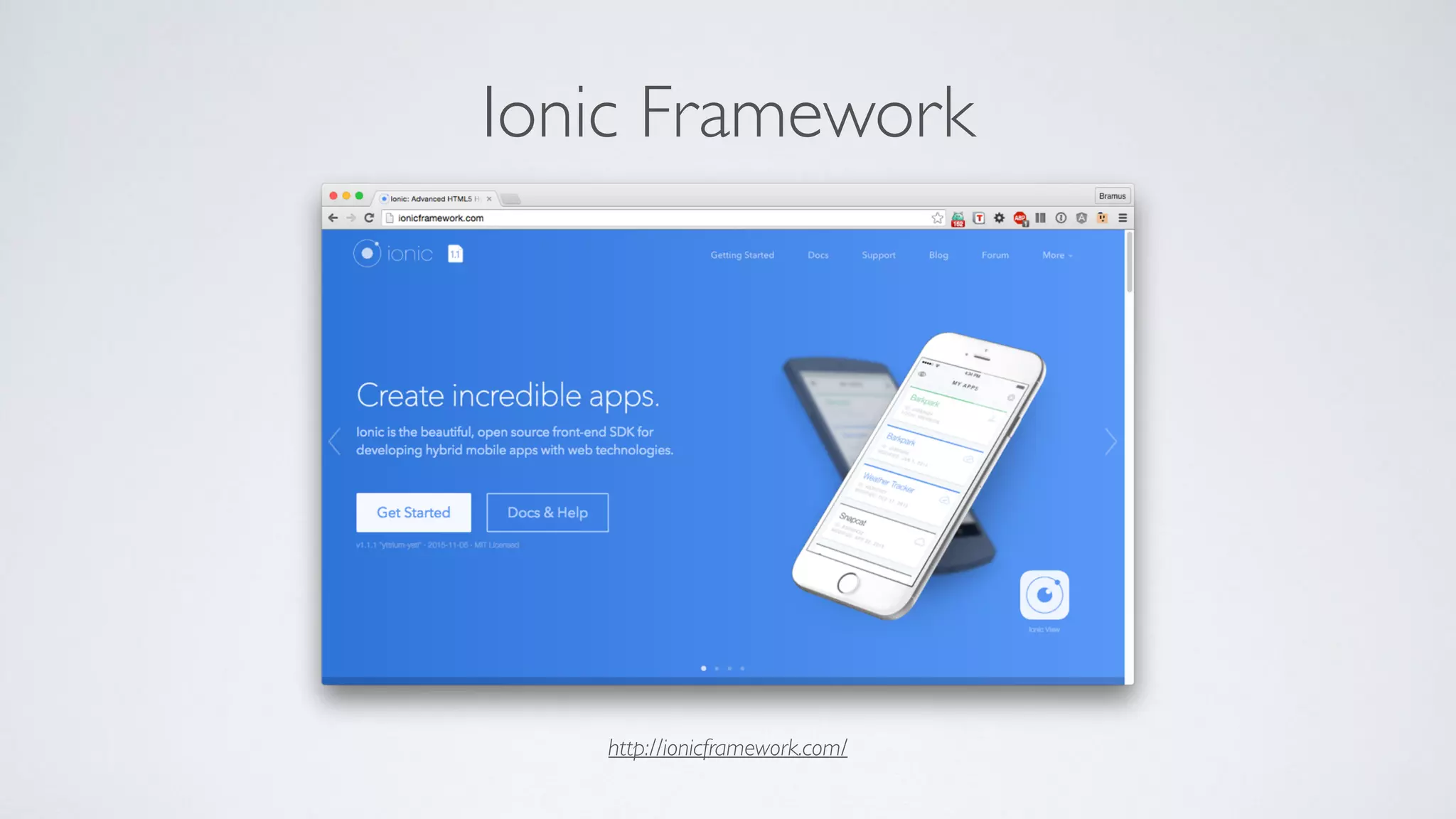
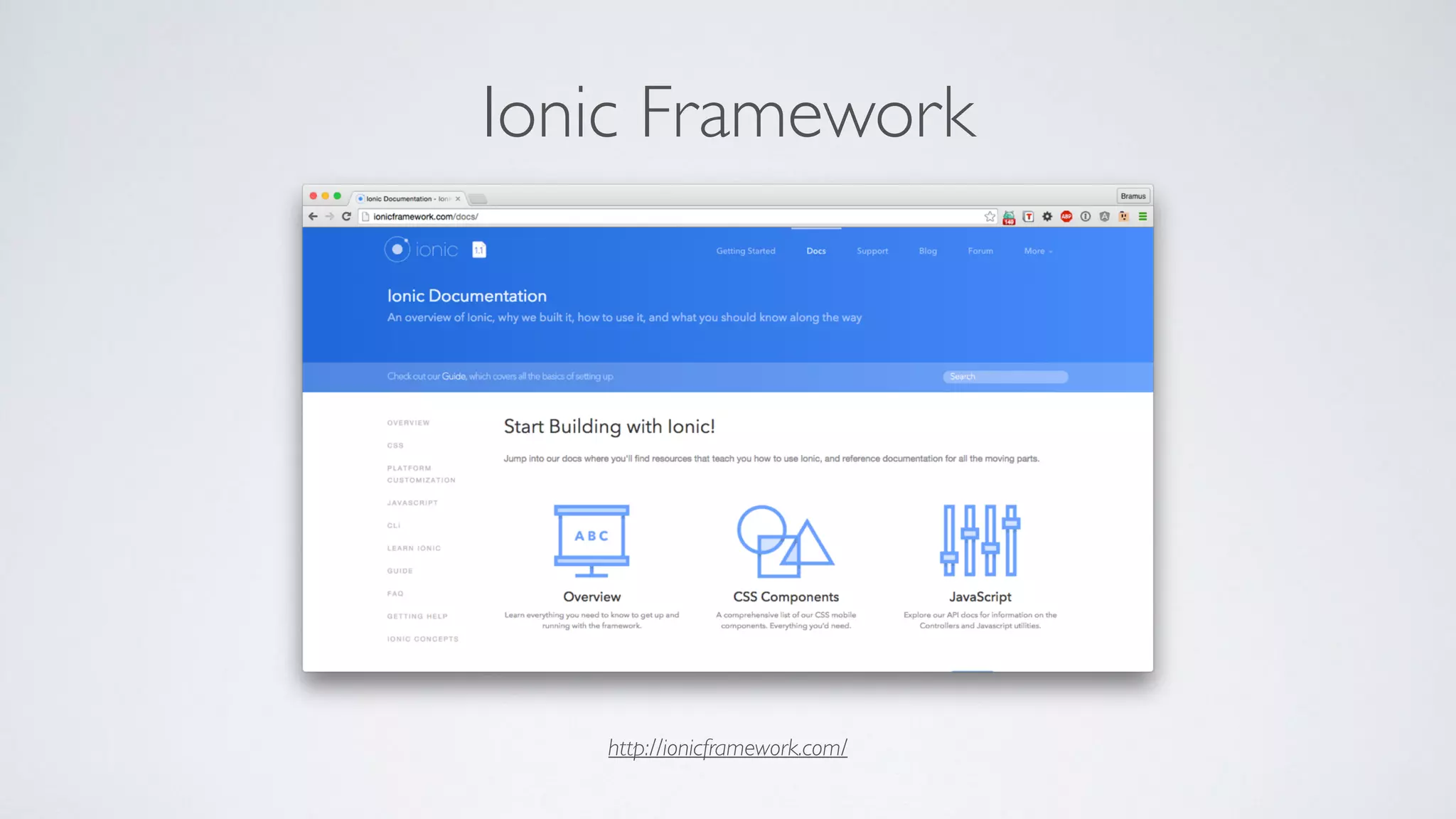
Ionic Framework
http://ionicframework.com/
Ionic Framework
http://ionicframework.com/
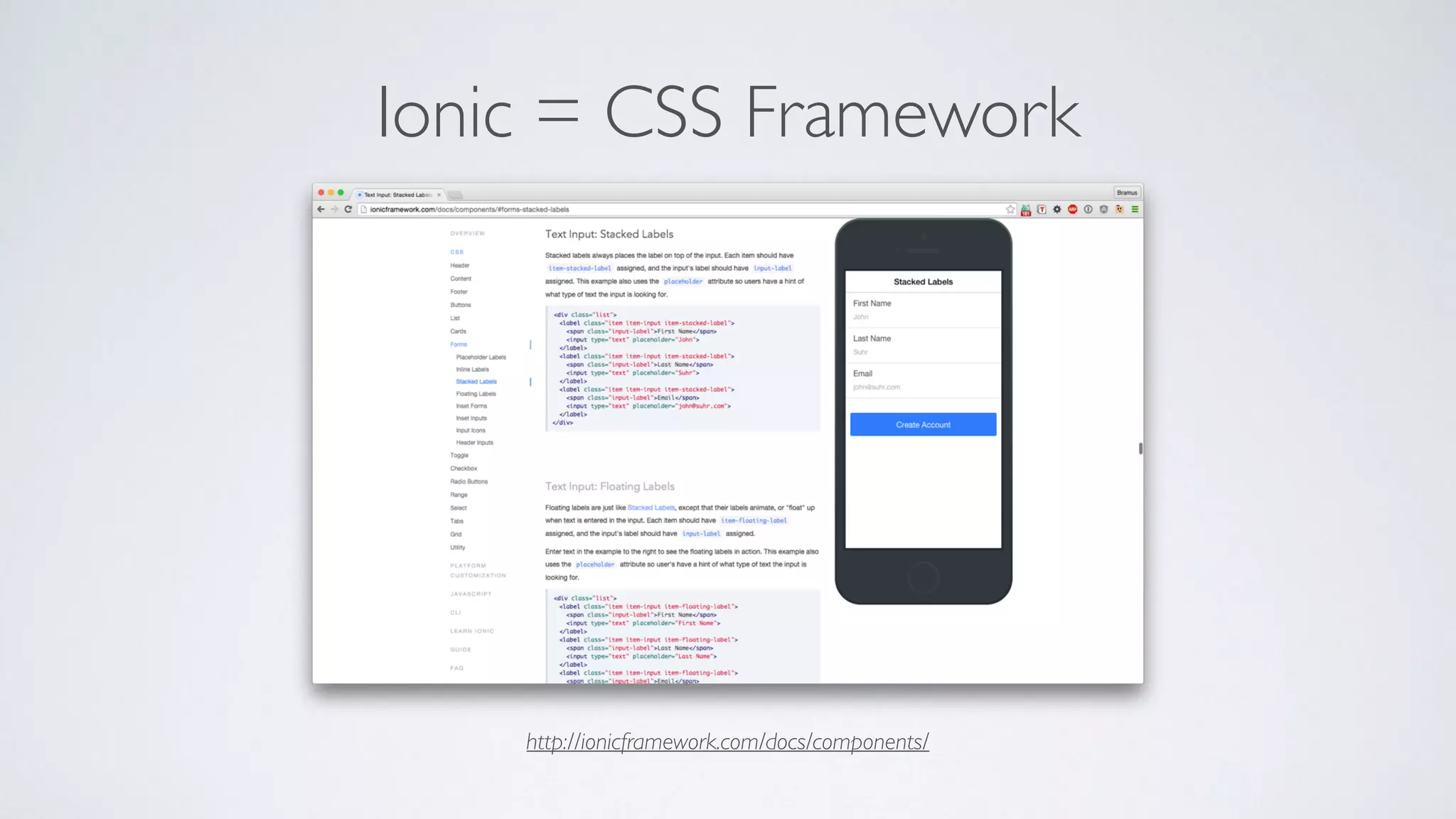
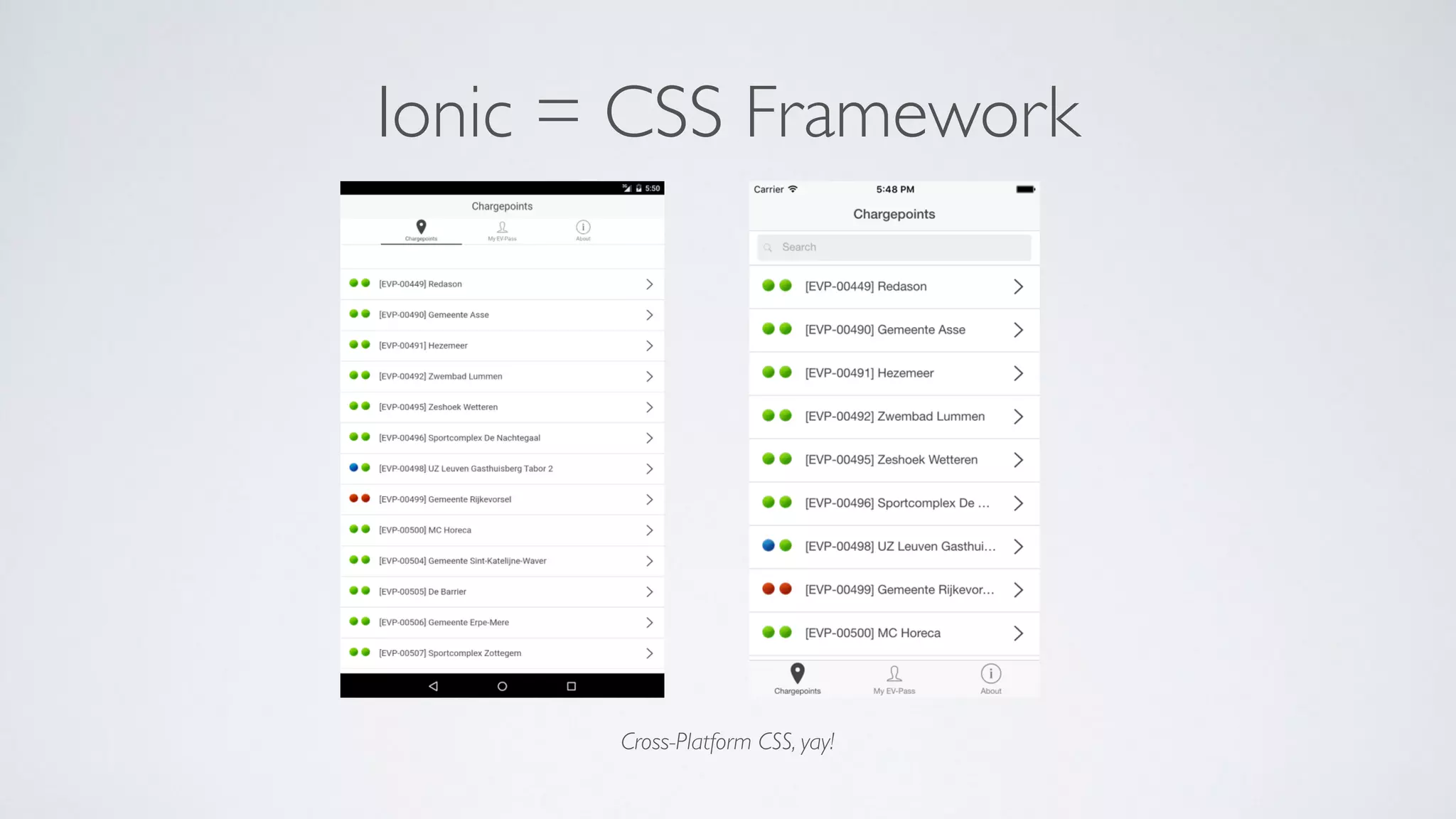
Ionic = CSS Framework
http://ionicframework.com/docs/components/
Ionic = CSS Framework
Cross-Platform CSS, yay!
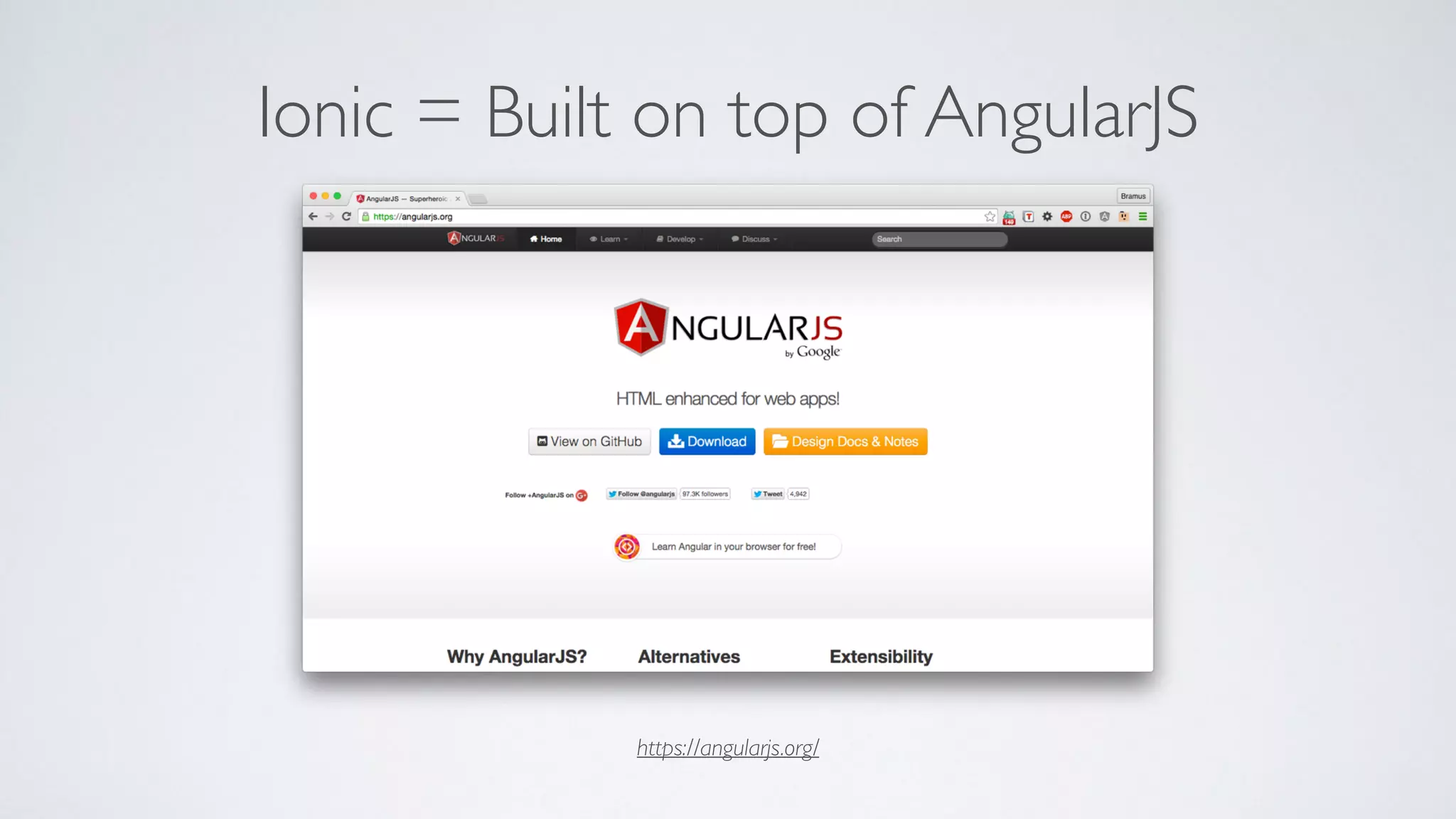
Ionic = Built on top of AngularJS
https://angularjs.org/
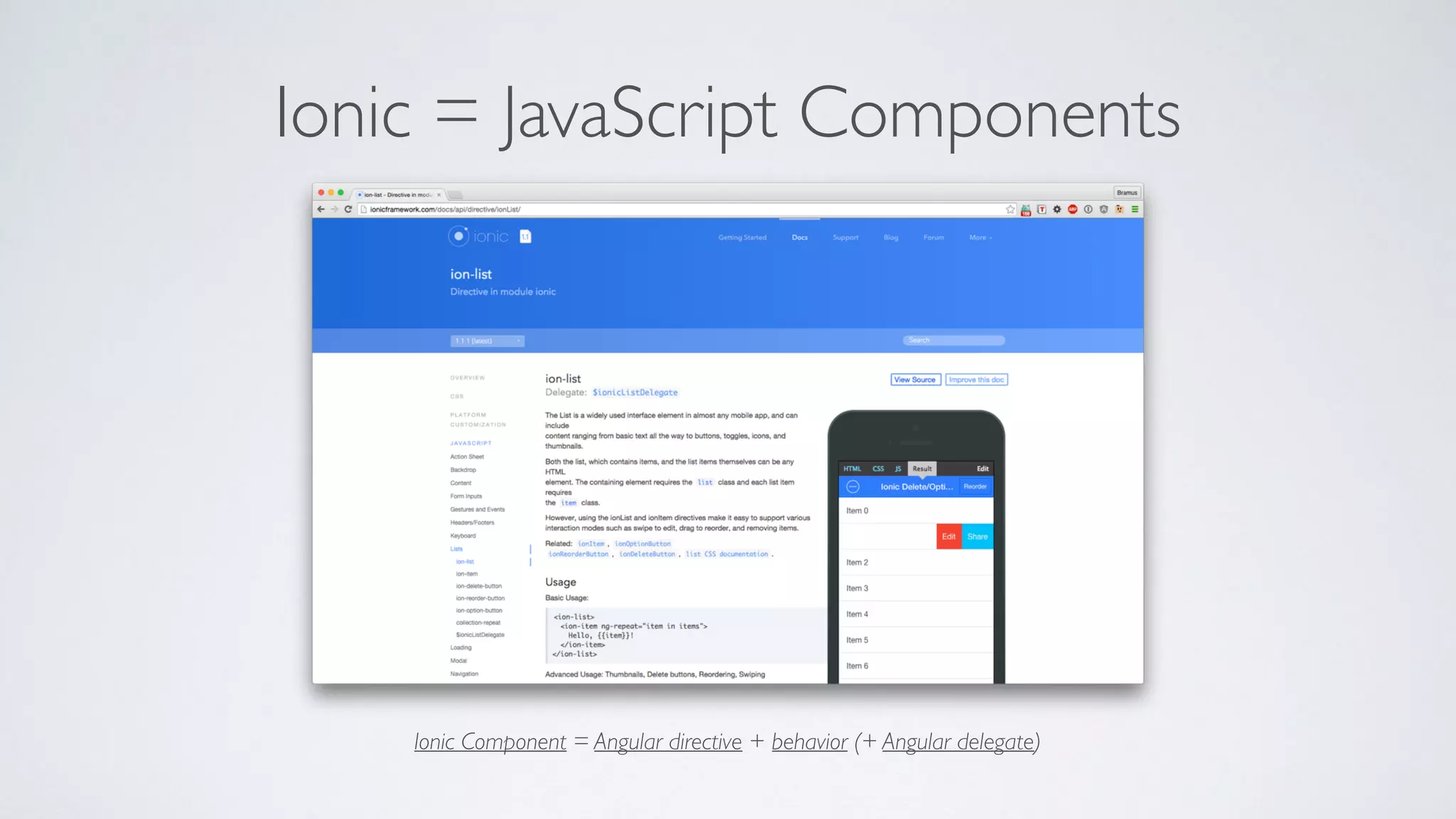
Ionic = JavaScript Components
Ionic Component = Angular directive + behavior (+ Angular delegate)
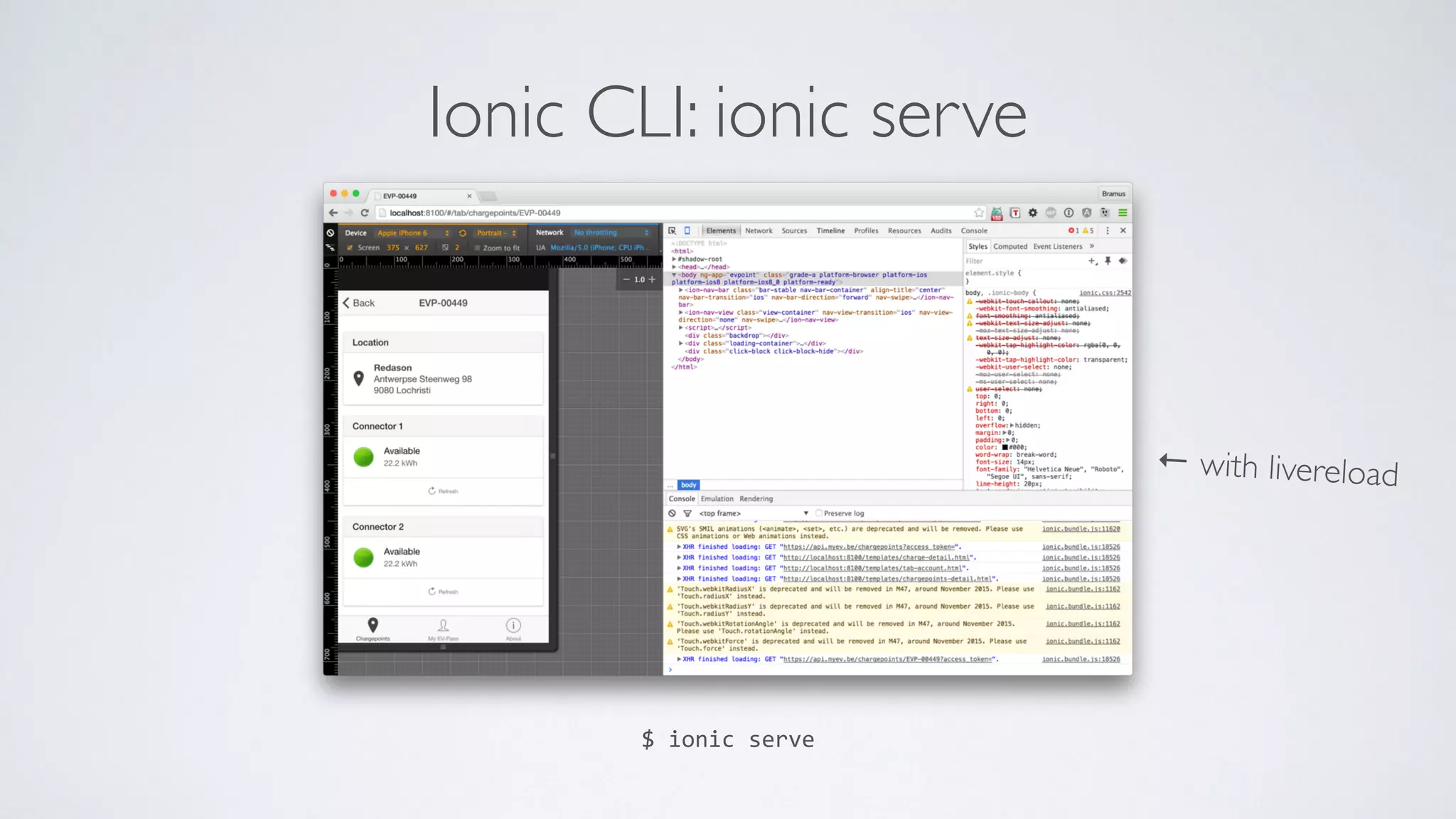
Ionic CLI: ionic serve
$	
  ionic	
  serve
← with livereload
→ If you know HTML/CSS/JavaScript, you know how to build a mobile app
Ionic CLI: ionic serve
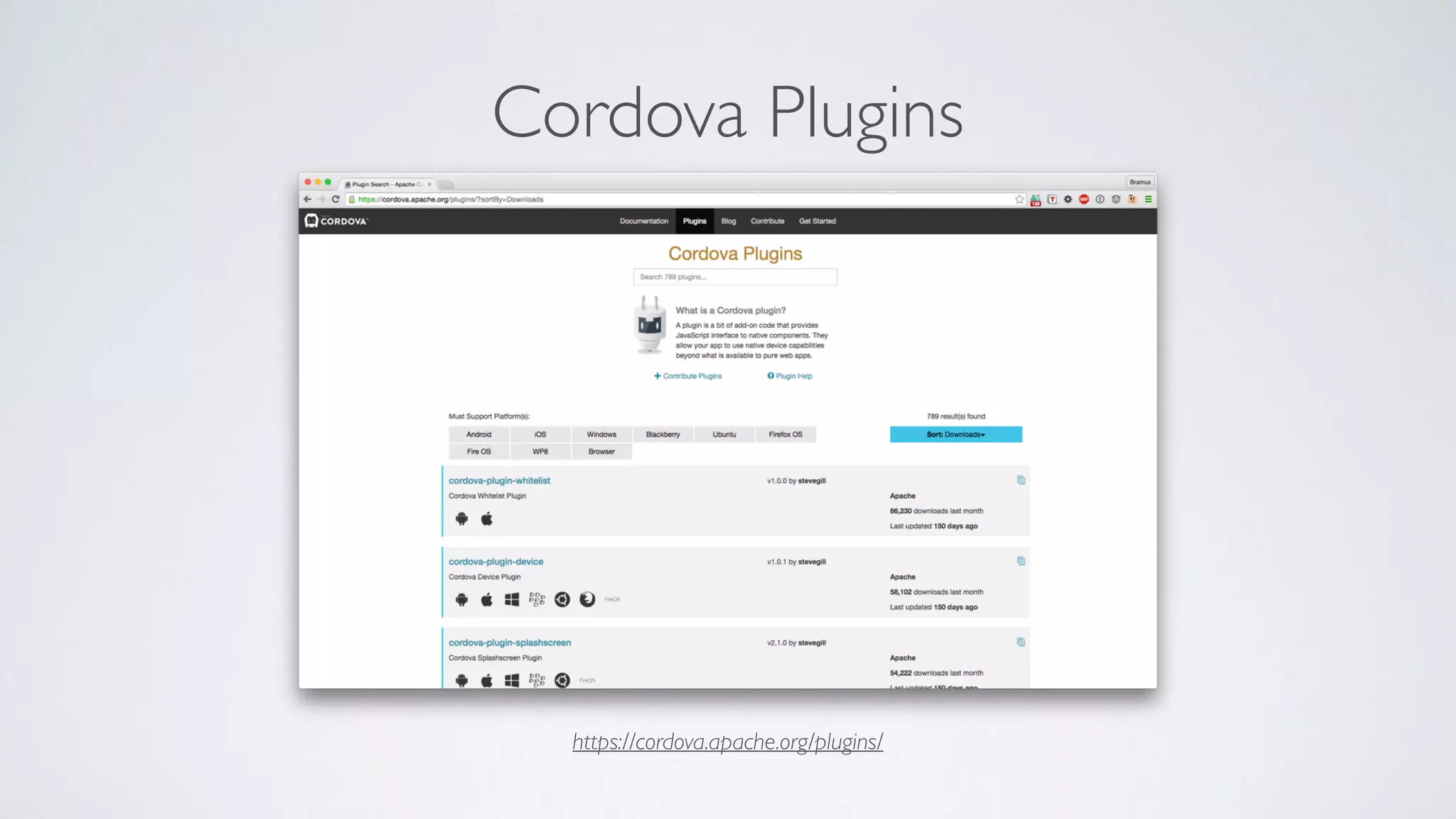
Cordova Plugins
https://cordova.apache.org/plugins/
Jackpot, Right?!
Nope!
(citation needed)
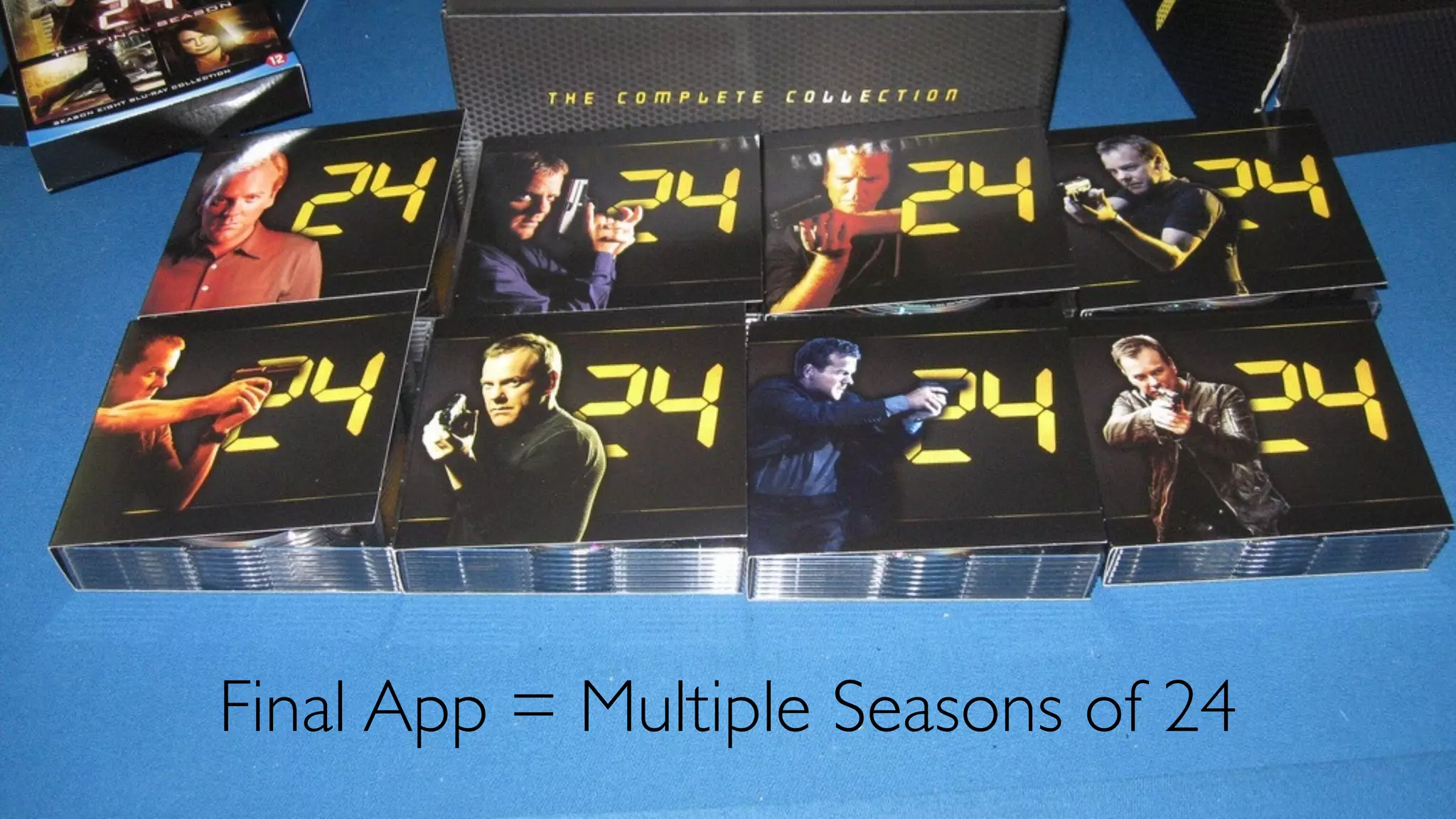
Final App = Multiple Seasons of 24
App Speed?
http://appreviewtimes.com/
Average App Store ReviewTimes
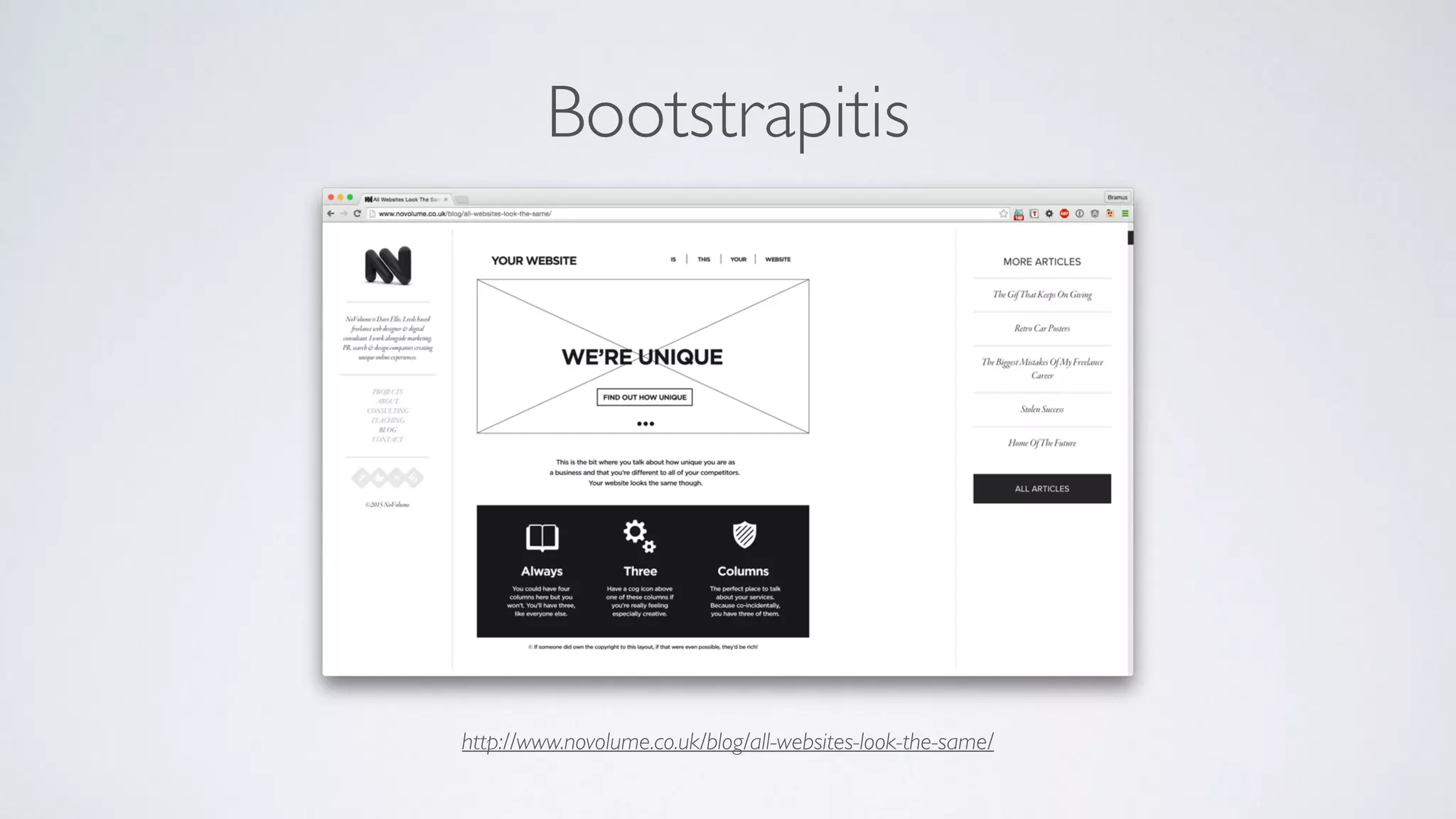
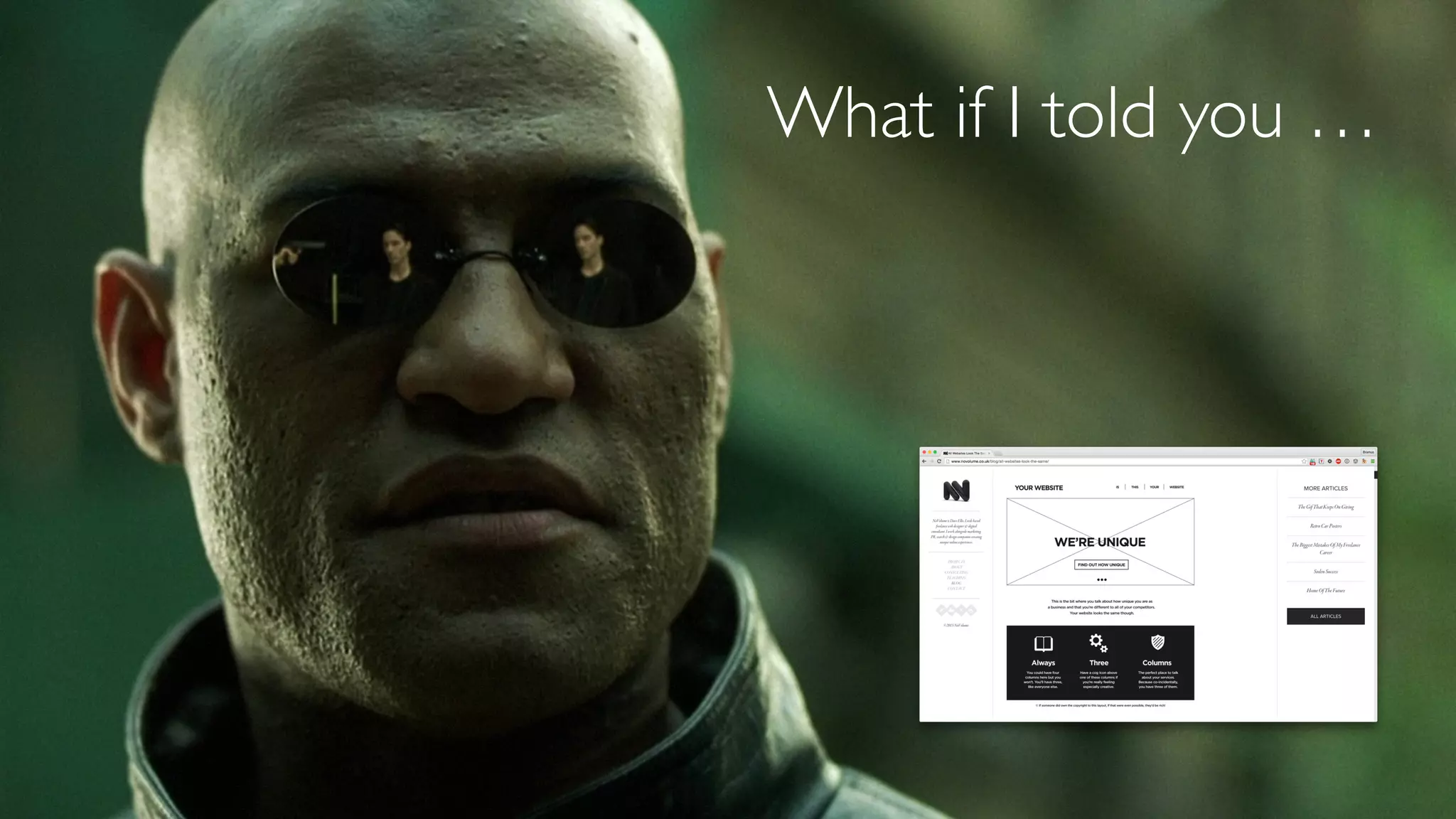
Bootstrapitis
http://www.novolume.co.uk/blog/all-websites-look-the-same/
What now?
What if I told you …
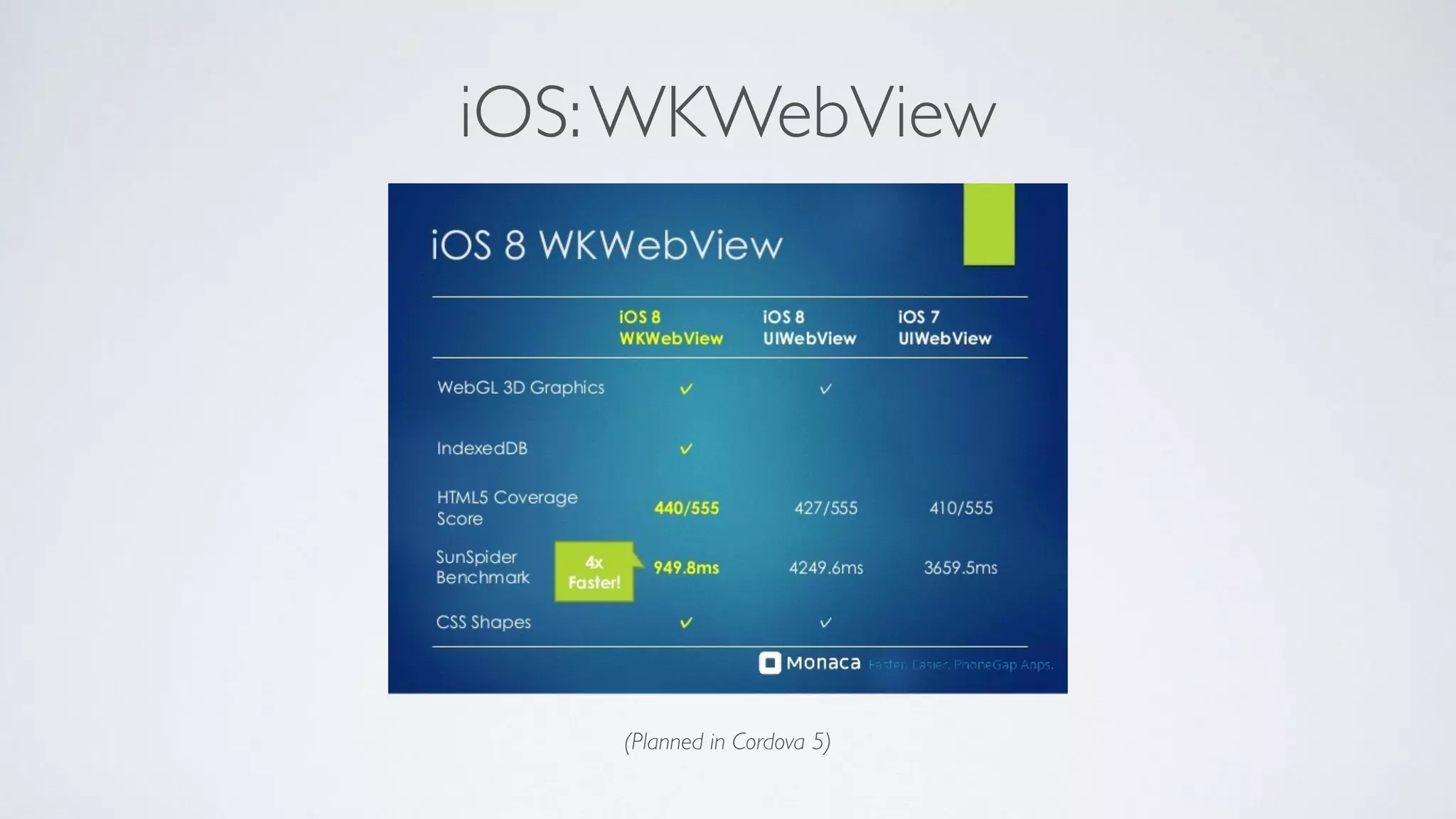
iOS:WKWebView
(Planned in Cordova 5)
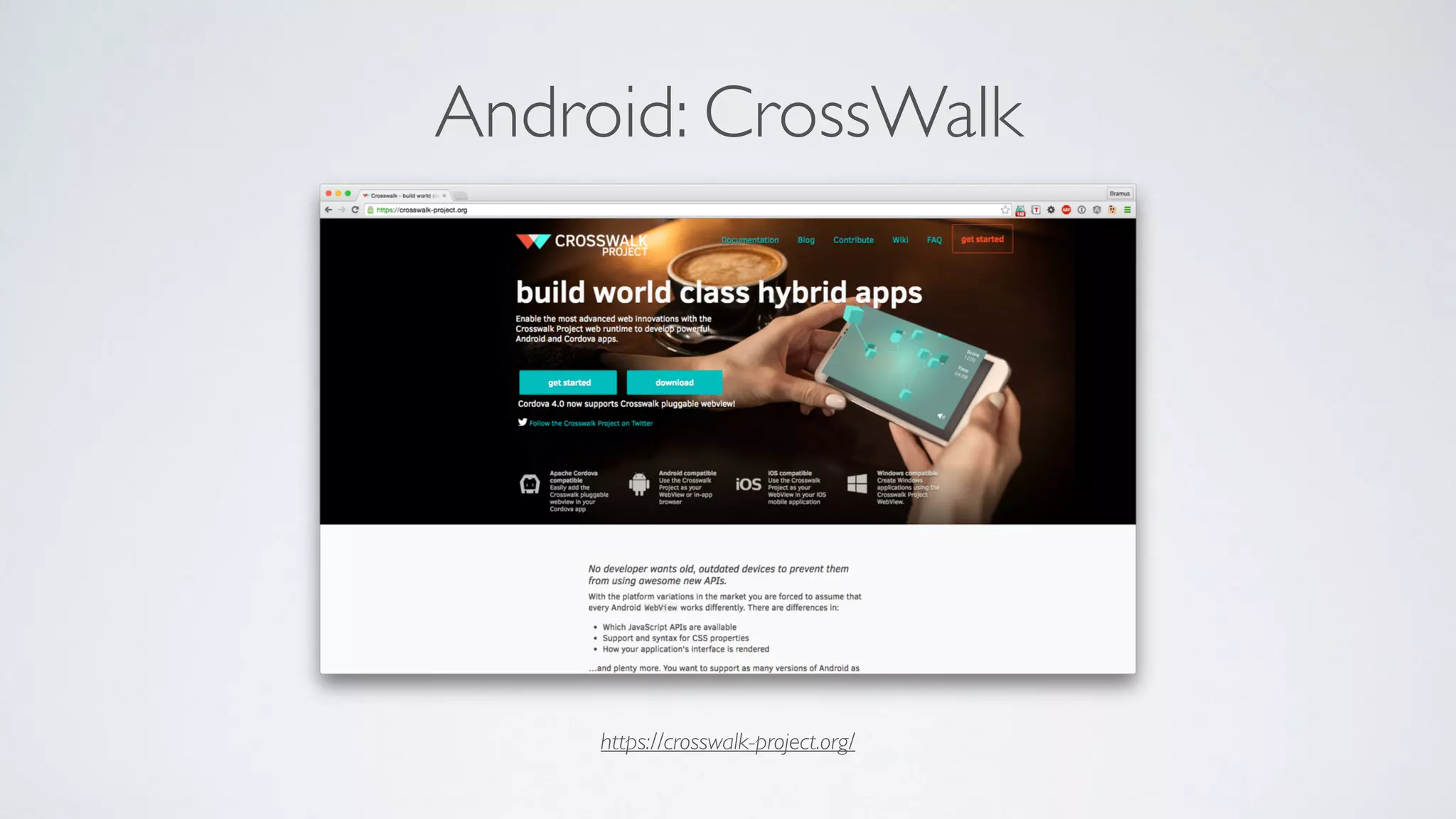
Android: CrossWalk
https://crosswalk-project.org/
What if I told you …
De allesweter
(Small Town Heroes)
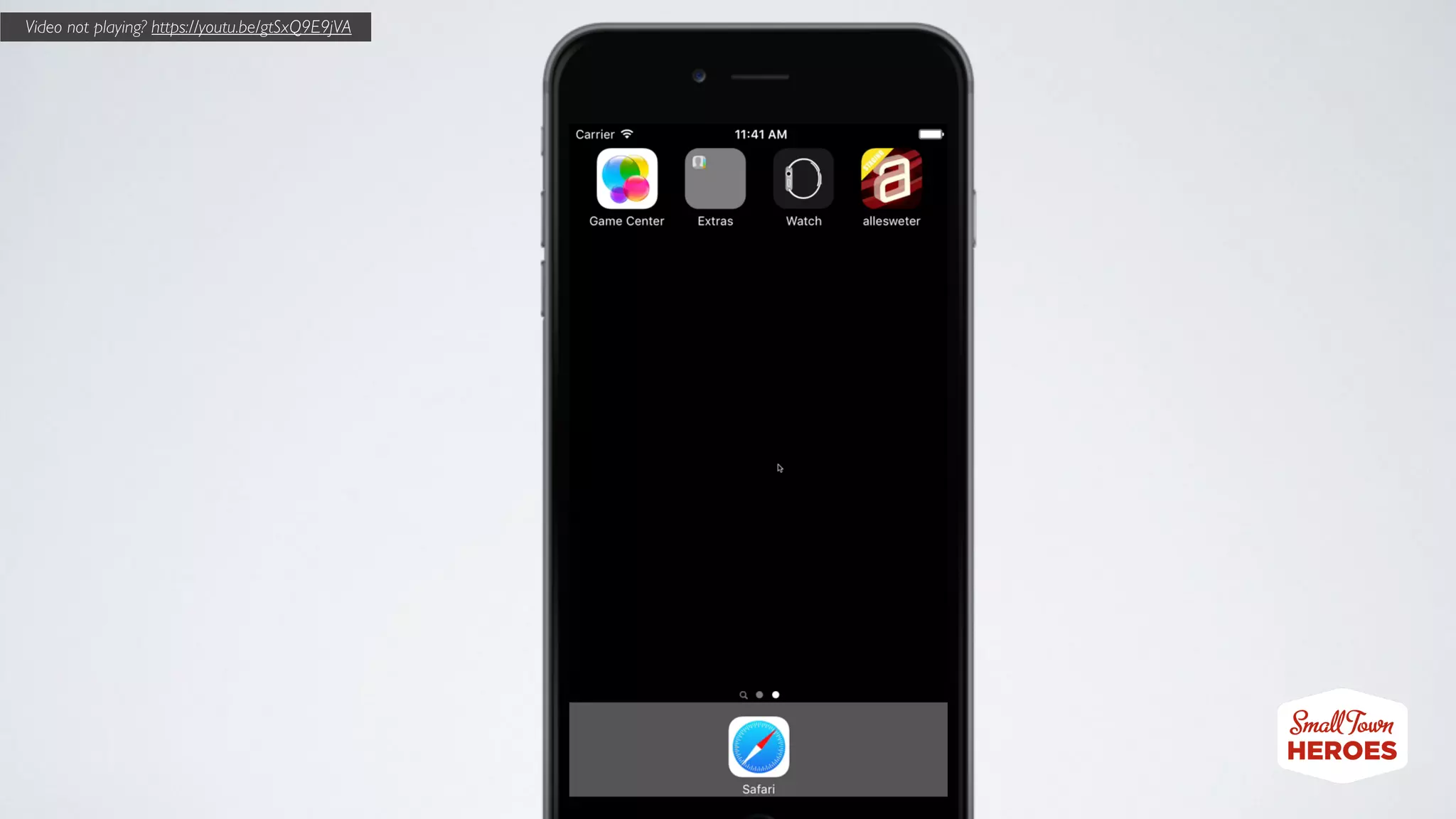
Video not playing? https://youtu.be/gtSxQ9E9jVA
What if I told you …
Native + Web
Best of both worlds
1. Host some of your content online
Local HTML vs. Online HTML
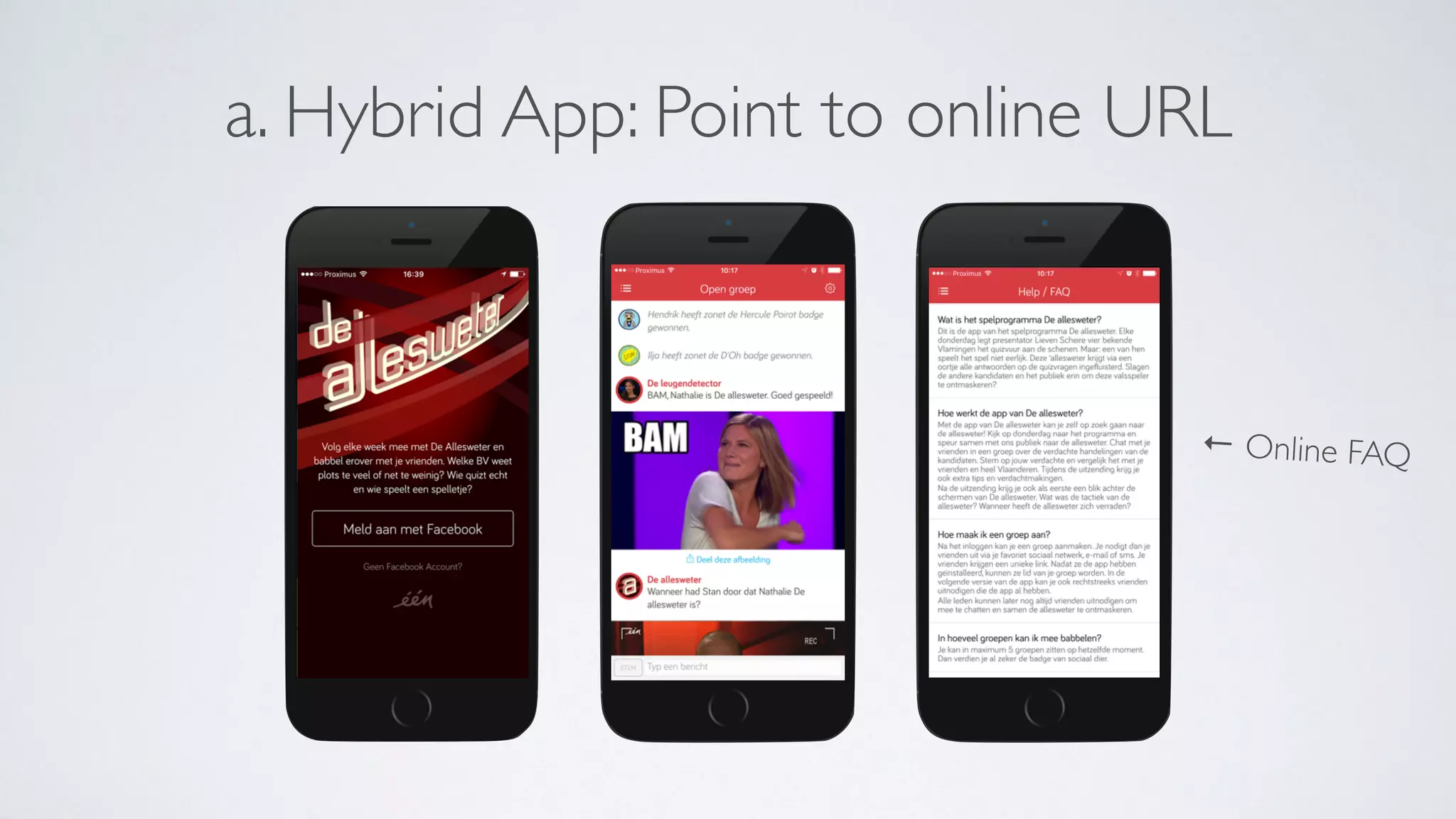
a. Hybrid App: Point to online URL
← Online FAQ
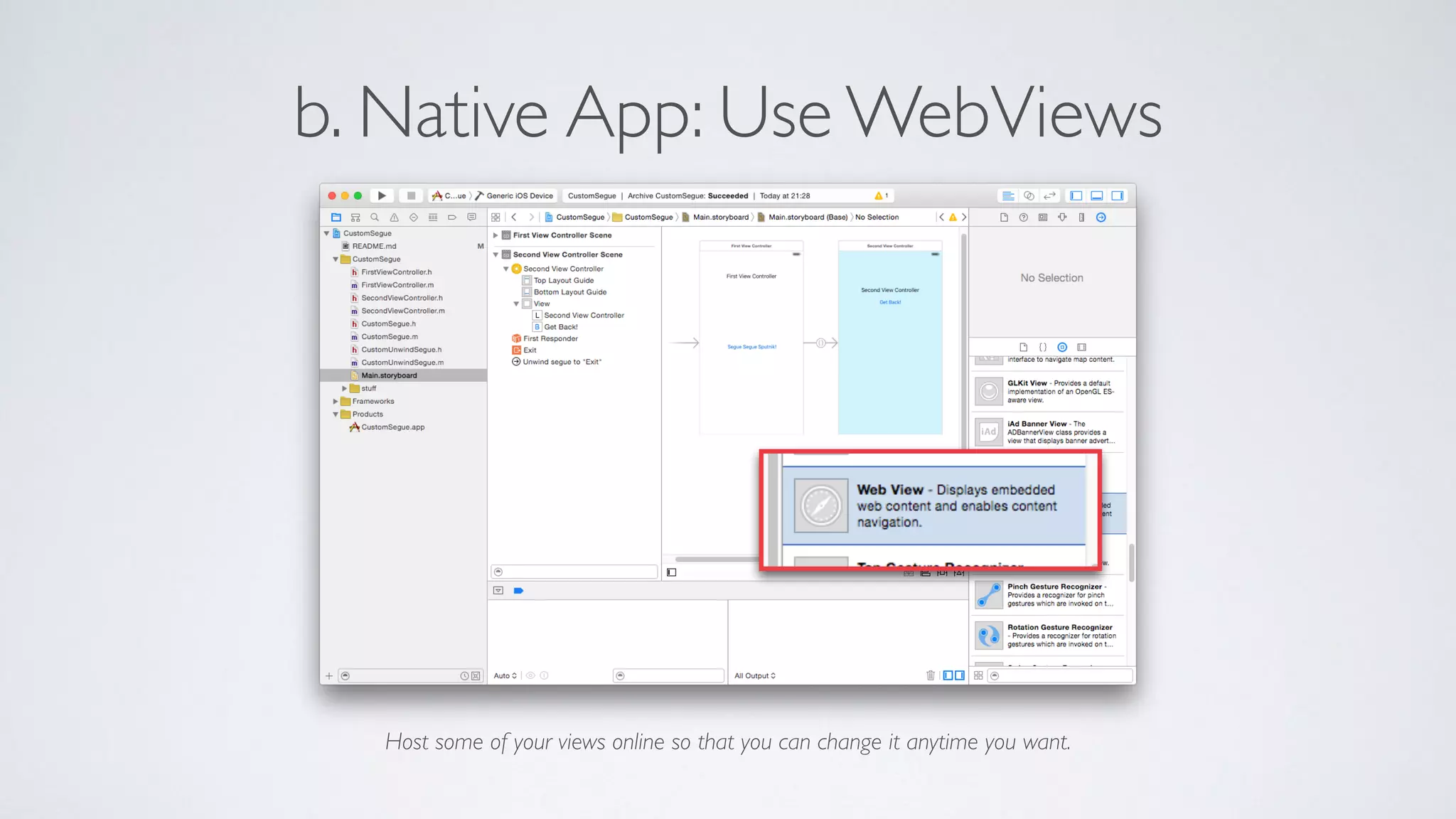
b. Native App: Use WebViews
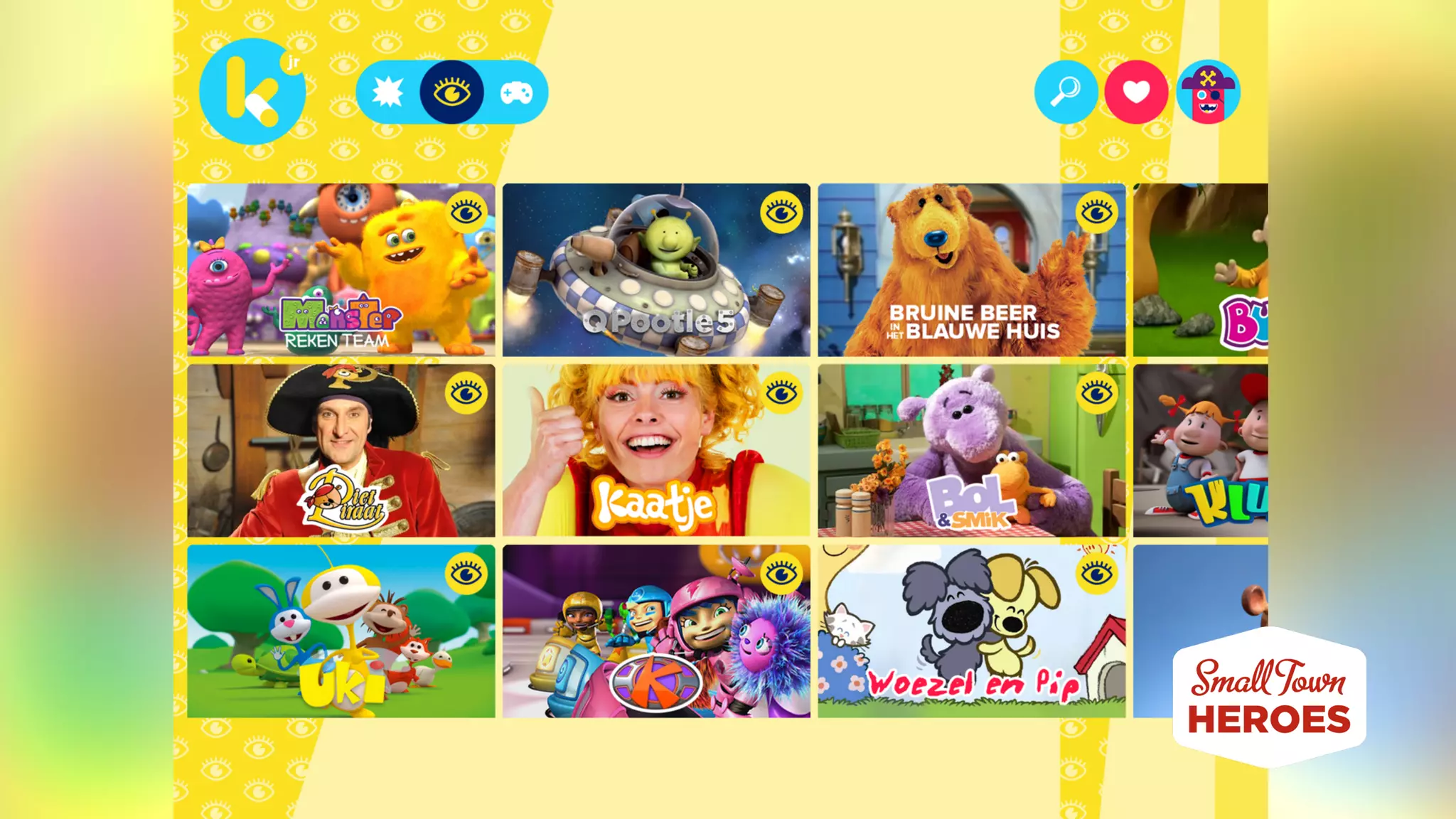
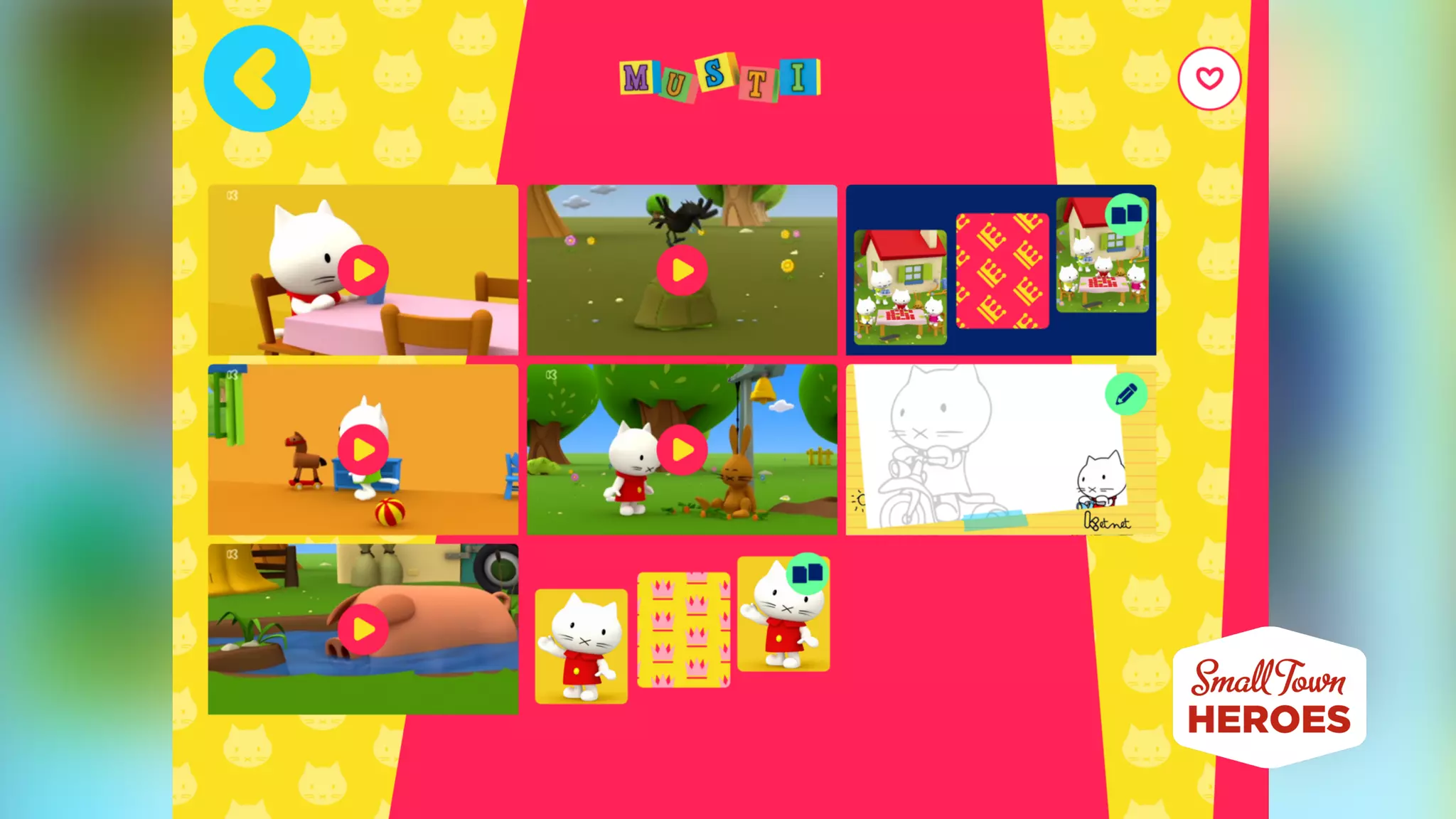
Host some of your views online so that you can change it anytime you want.
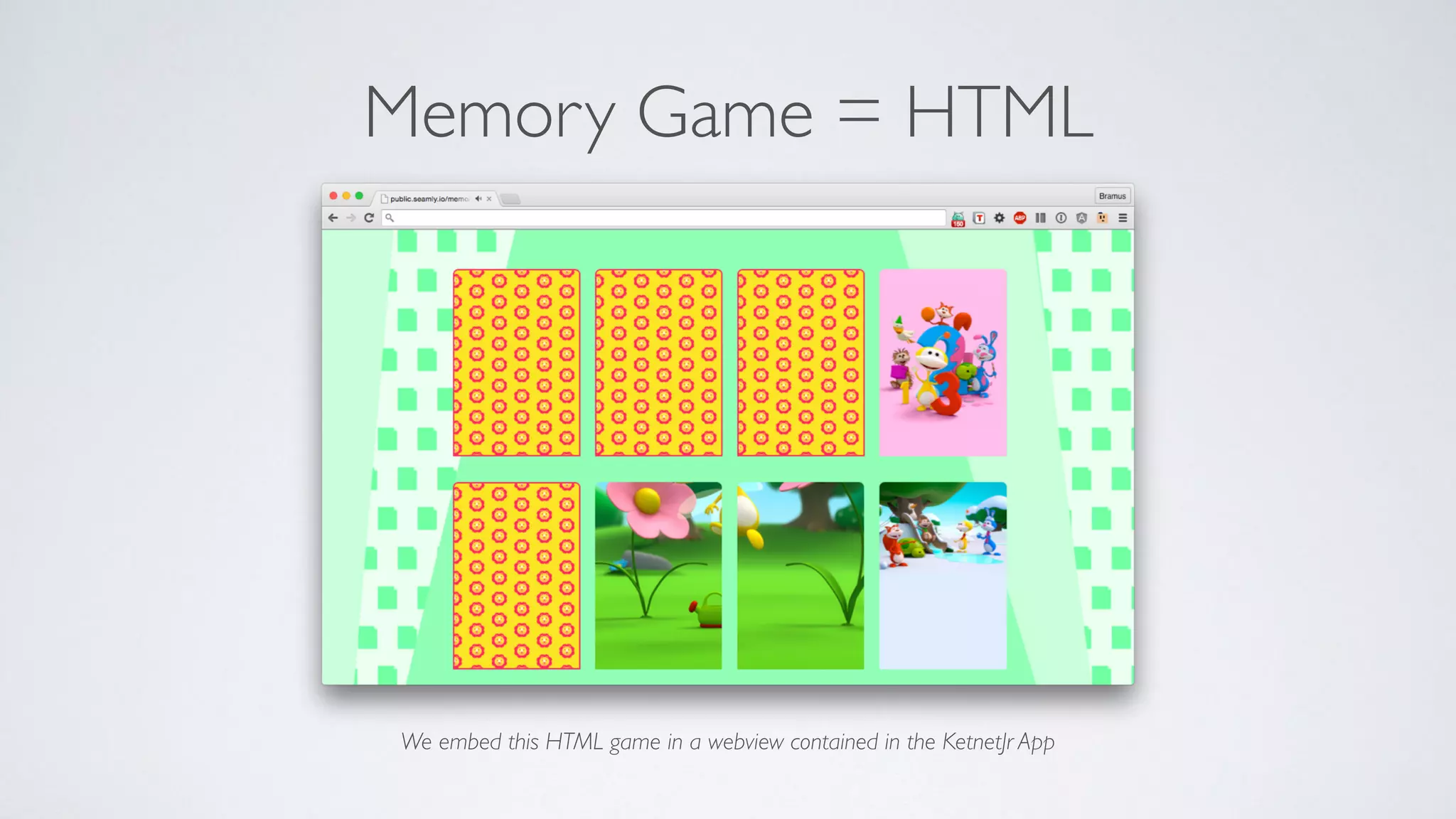
Memory Game = HTML
We embed this HTML game in a webview contained in the KetnetJr App
Native-Webview Communication with JockeyJS
https://github.com/tcoulter/jockeyjs
// Send an event to JavaScript, passing a payload.
// payload can be an NSDictionary or NSArray, or anything that is serializable to JSON.
// It can be nil.
[Jockey send:@"event-name" withPayload:payload toWebView:webView];
// If you want to send an event and also execute code within the iOS app when all
// JavaScript listeners have finished processing.
[Jockey send:@"event-name" withPayload:payload toWebView:webView perform:^{
// Respond to callback.
}];
// Listen for an event from iOS and log the payload.
Jockey.on("event-name", function(payload) {
console.log(payload);
});
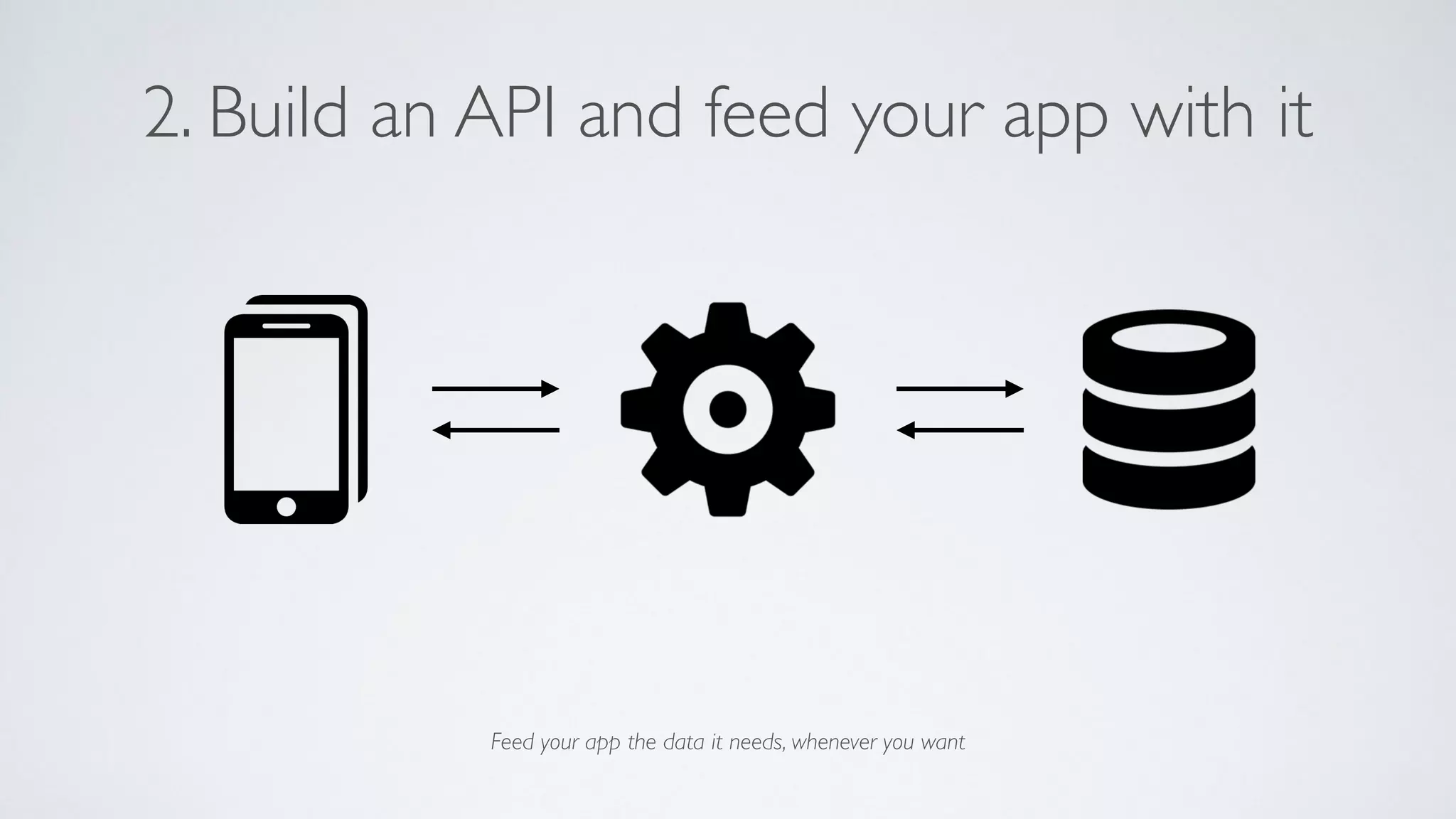
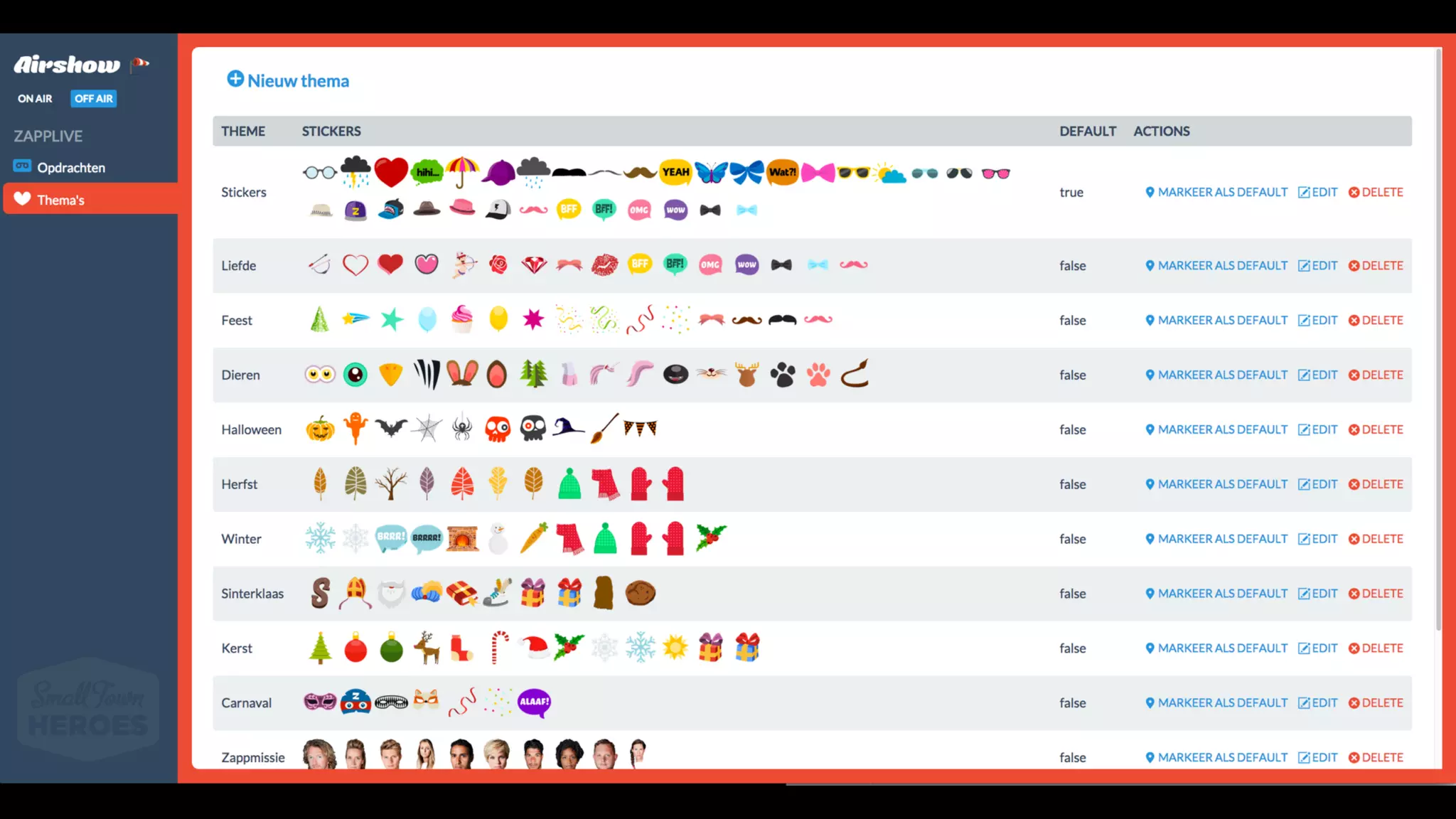
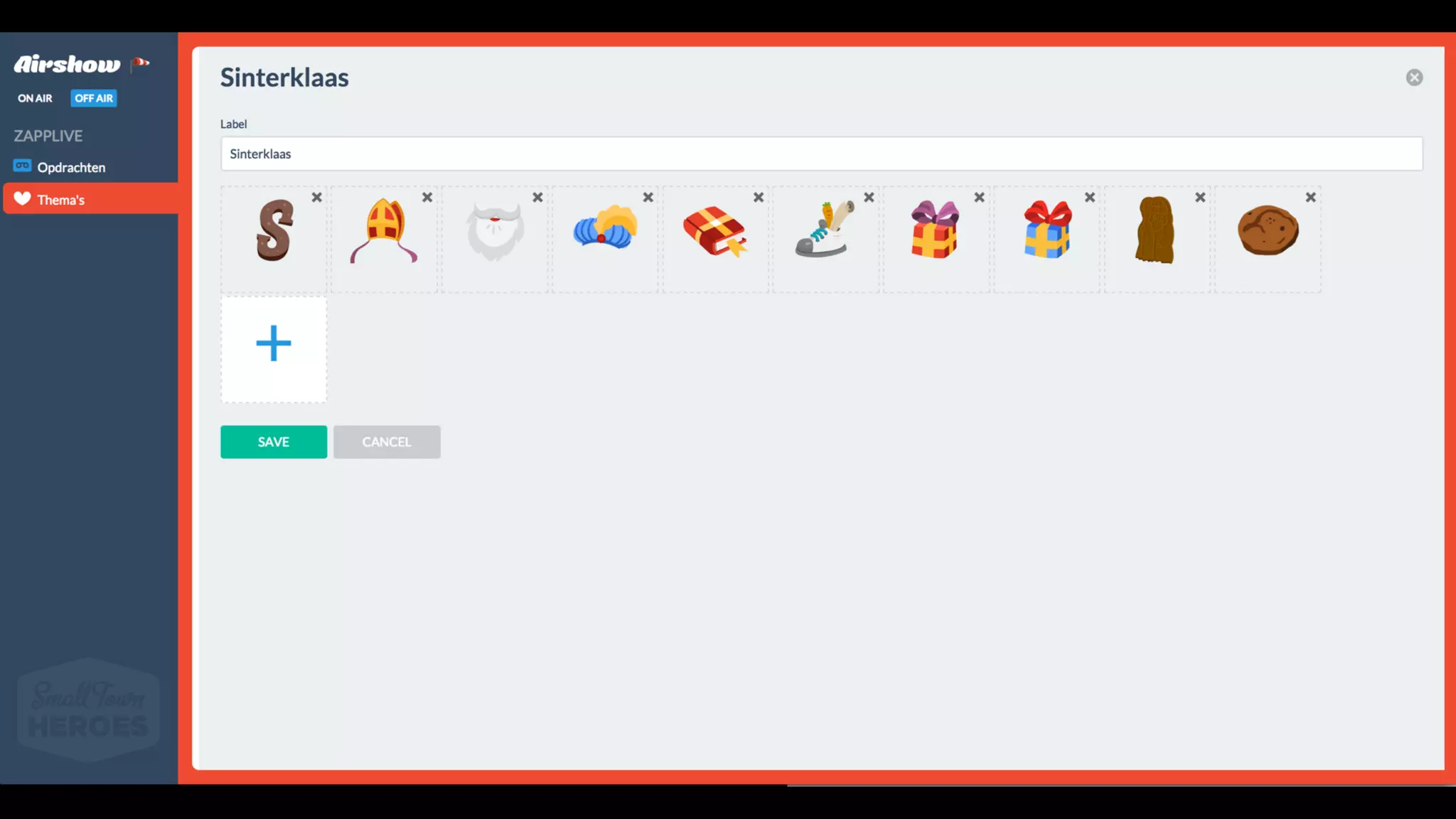
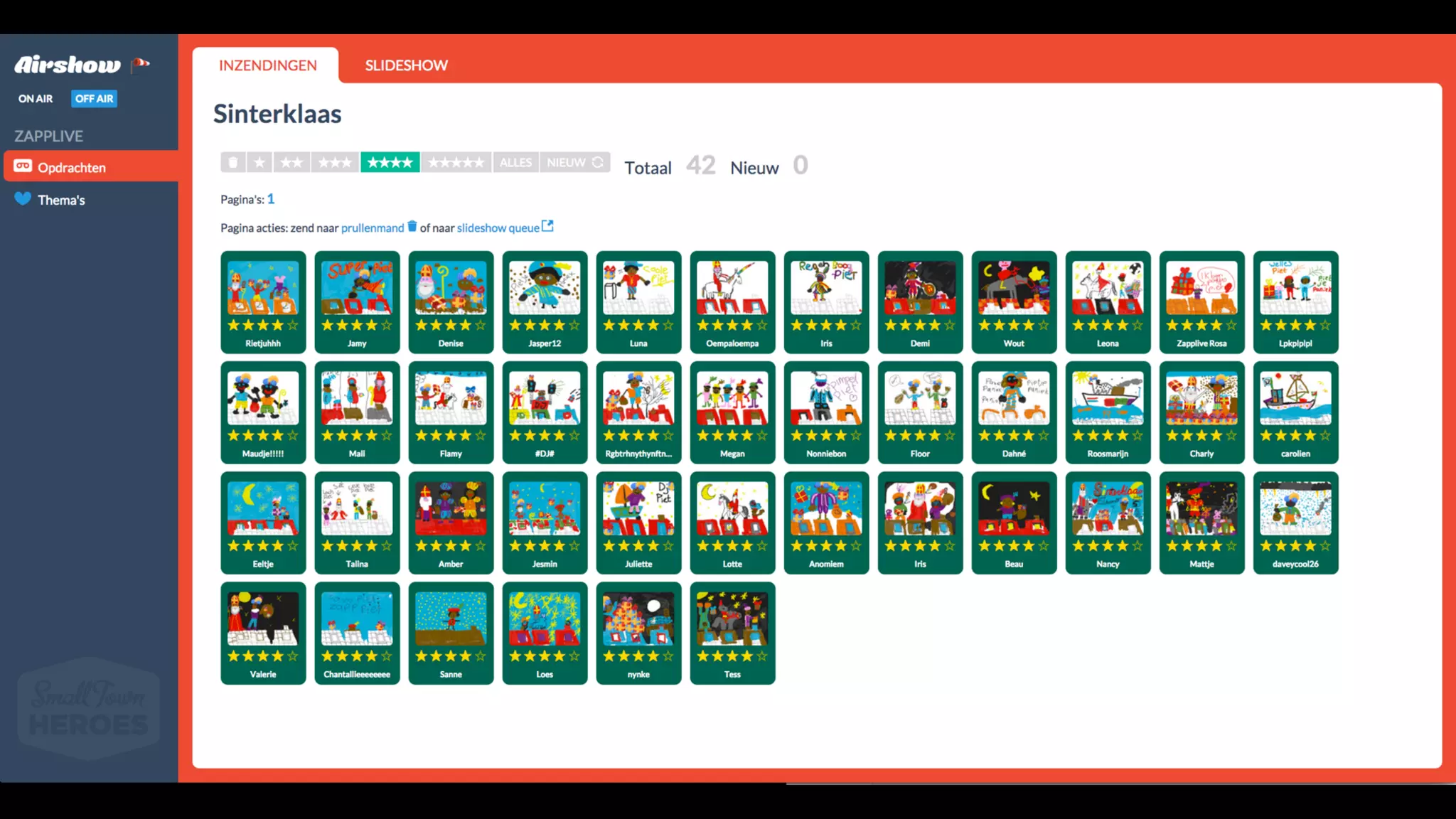
2. Build an API and feed your app with it
Feed your app the data it needs, whenever you want
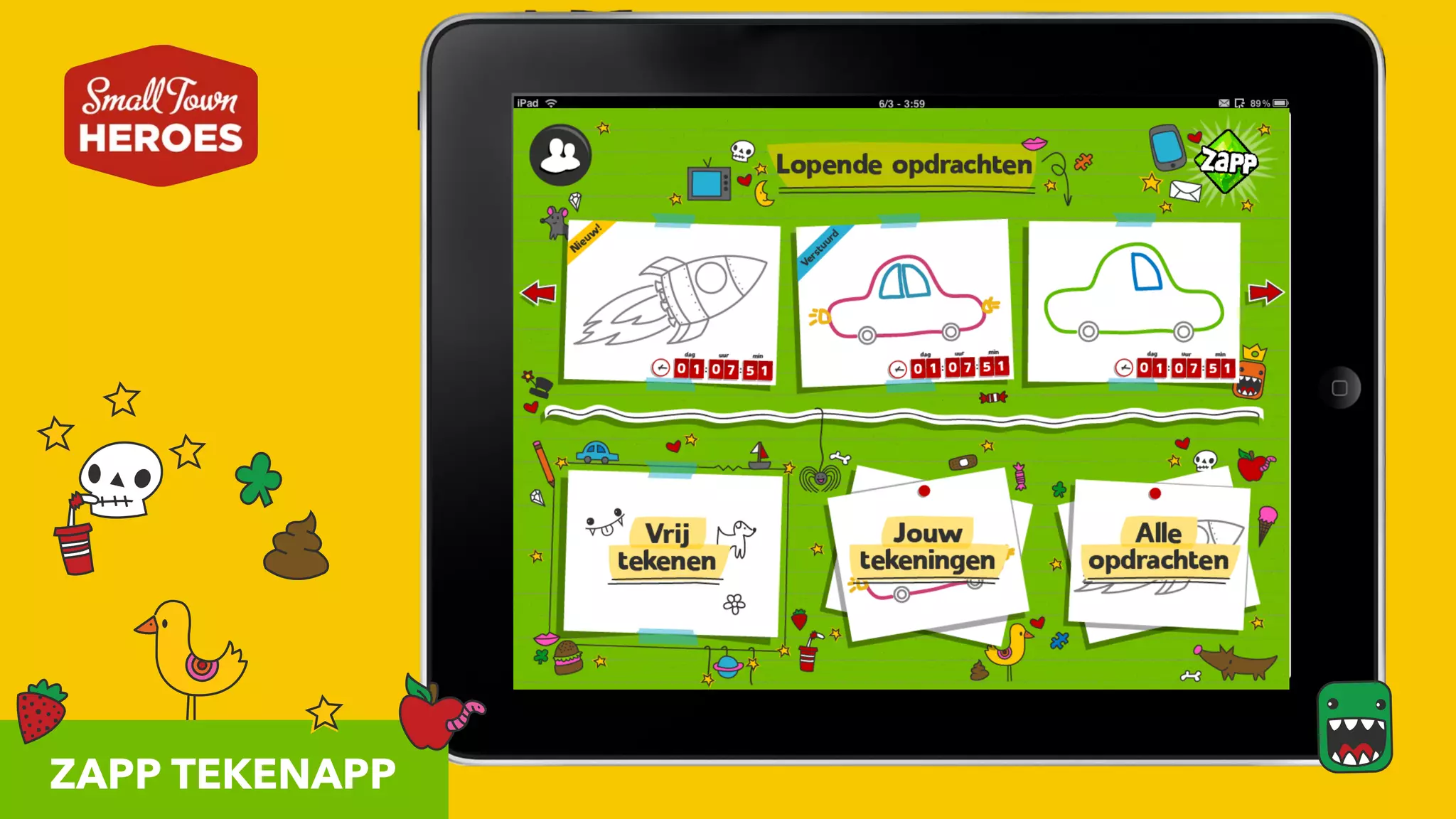
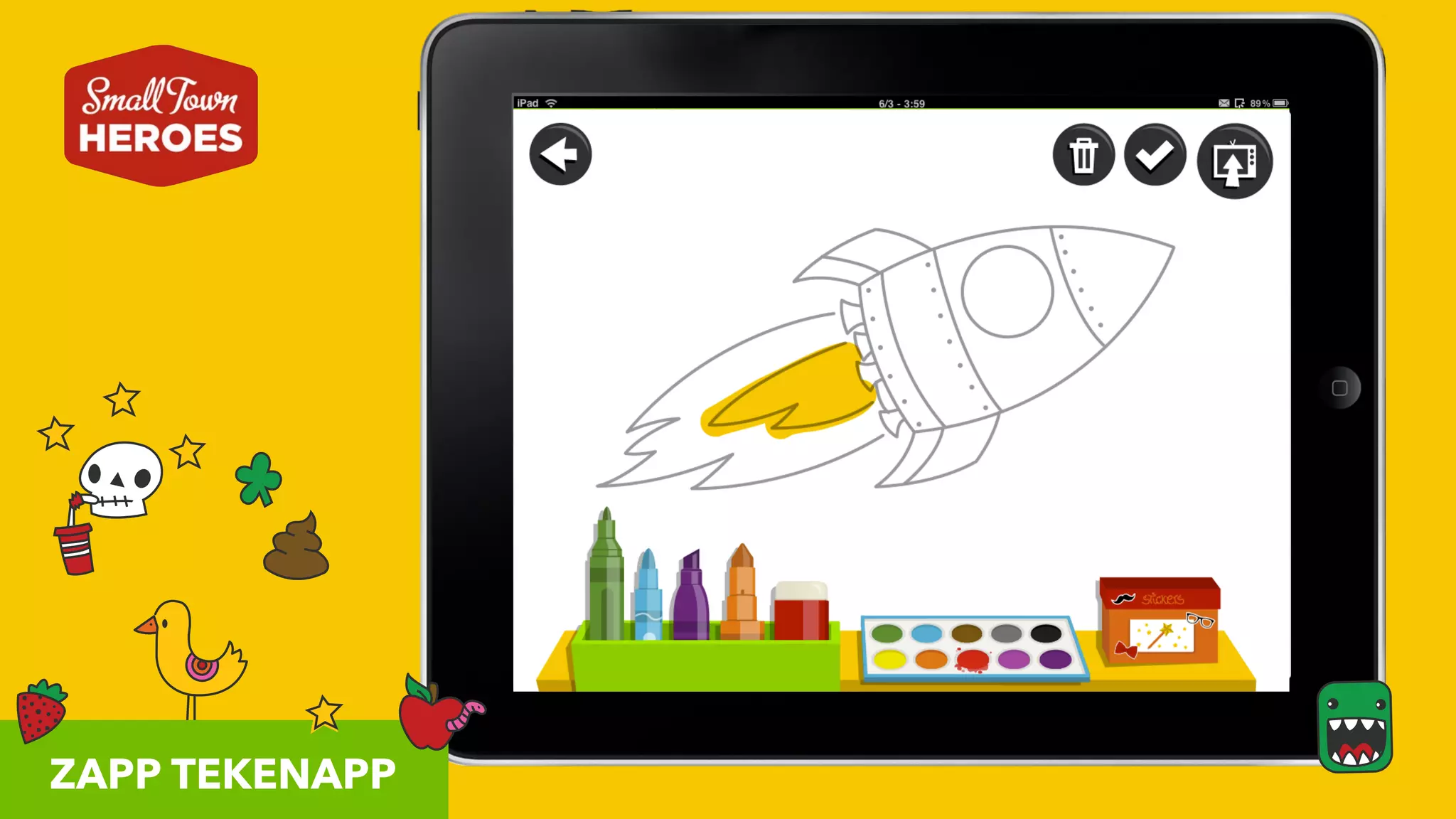
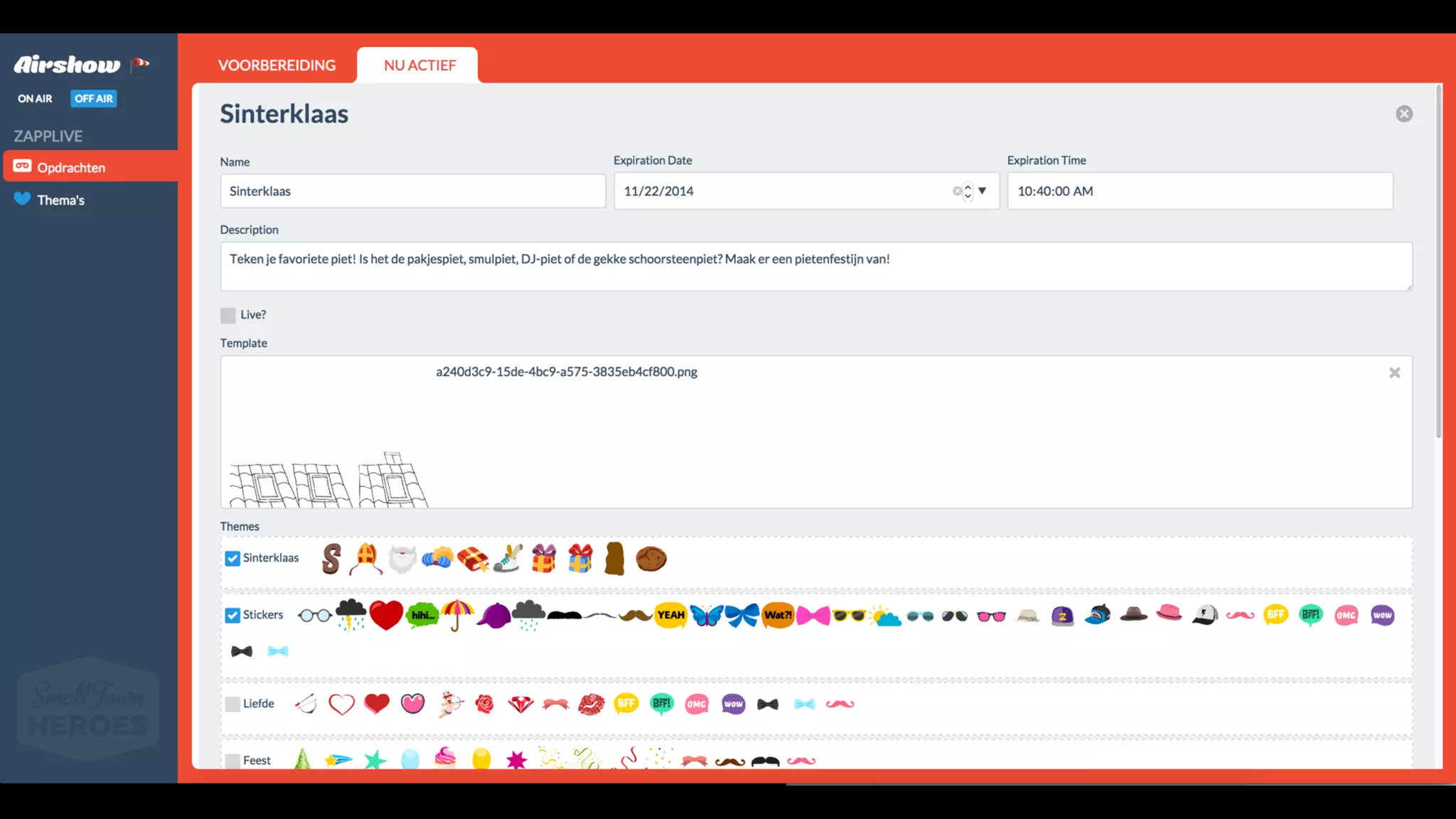
ZAPP TEKENAPP
ZAPP TEKENAPP
3. Use Feature Flags
Build it, activate it later
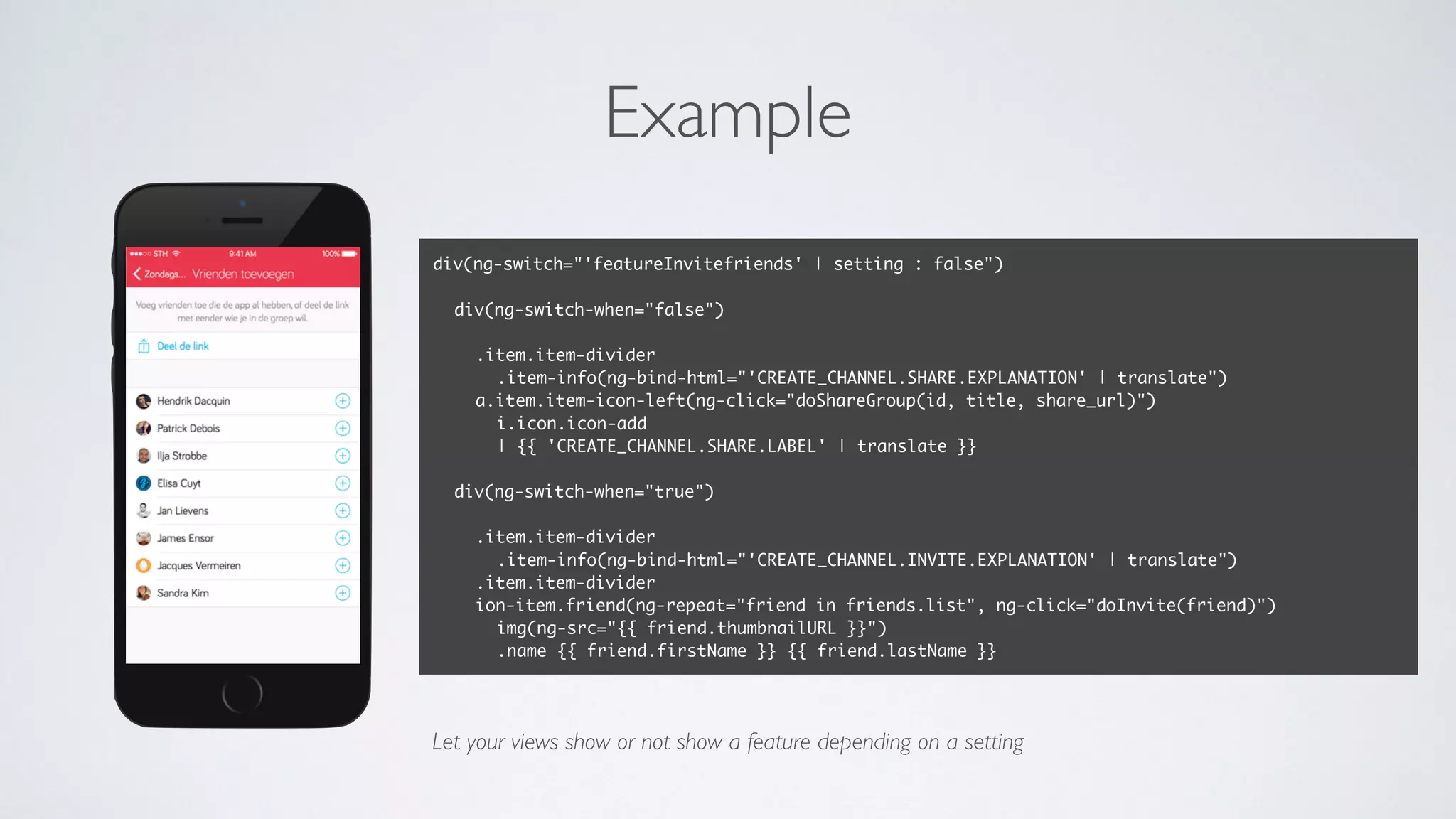
Example
div(ng-switch="'featureInvitefriends' | setting : false")
div(ng-switch-when="false")
.item.item-divider
.item-info(ng-bind-html="'CREATE_CHANNEL.SHARE.EXPLANATION' | translate")
a.item.item-icon-left(ng-click="doShareGroup(id, title, share_url)")
i.icon.icon-add
| {{ 'CREATE_CHANNEL.SHARE.LABEL' | translate }}
div(ng-switch-when="true")
.item.item-divider
.item-info(ng-bind-html="'CREATE_CHANNEL.INVITE.EXPLANATION' | translate")
.item.item-divider
ion-item.friend(ng-repeat="friend in friends.list", ng-click="doInvite(friend)")
img(ng-src="{{ friend.thumbnailURL }}")
.name {{ friend.firstName }} {{ friend.lastName }}
Let your views show or not show a feature depending on a setting
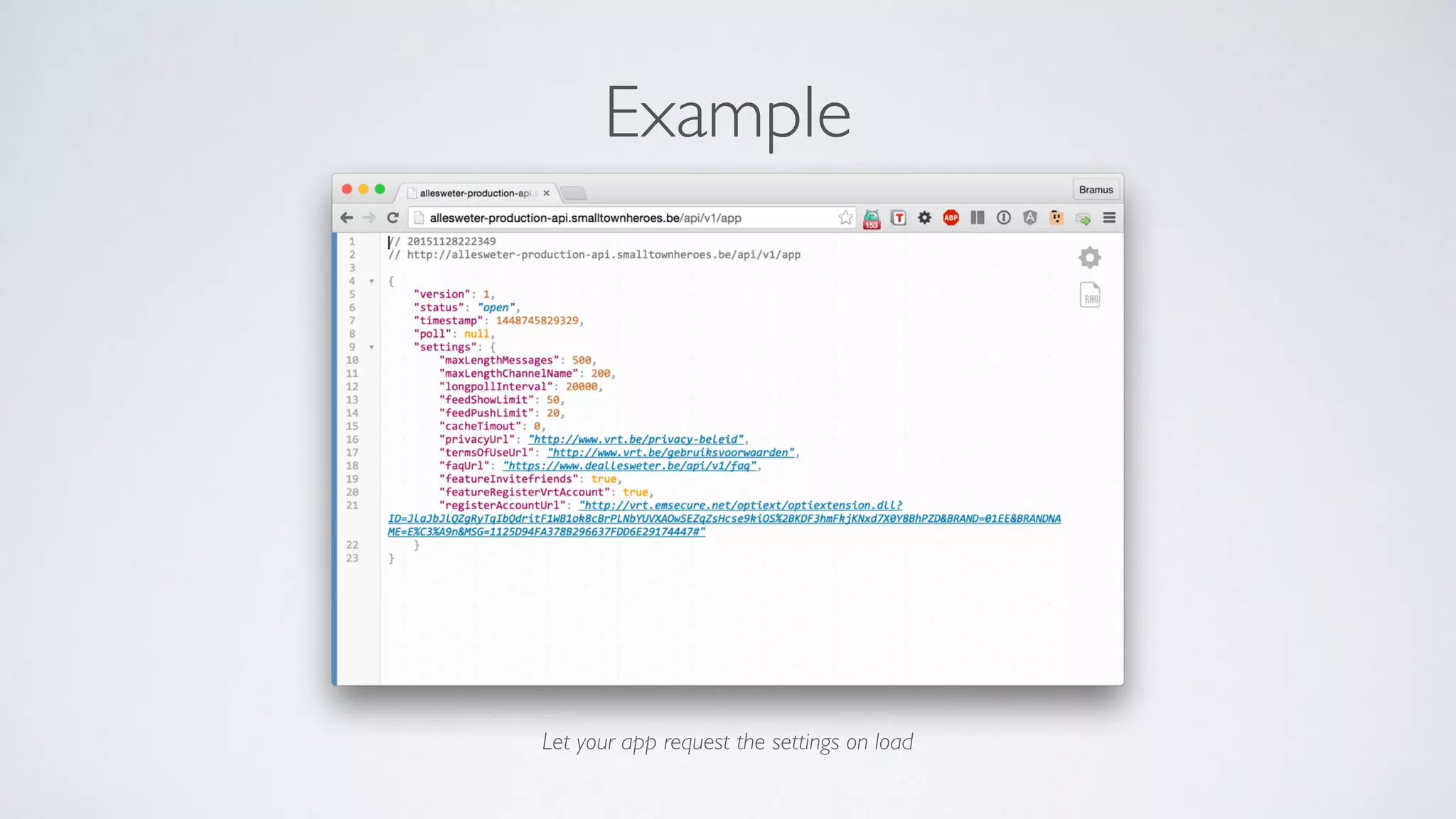
Example
Let your app request the settings on load
4. Swizzling
Monkey Patch your app on the fly
Native: Method Swizzling
#import
#import "UIViewController+Logging.h"
@implementation UIViewController (Logging)
+ (void)load {
static dispatch_once_t once_token;
dispatch_once(&once_token, ^{
SEL viewWillAppearSelector = @selector(viewDidAppear:);
SEL viewWillAppearLoggerSelector = @selector(logged_viewDidAppear:);
Method originalMethod = class_getInstanceMethod(self, viewWillAppearSelector);
Method extendedMethod = class_getInstanceMethod(self, viewWillAppearLoggerSelector);
method_exchangeImplementations(originalMethod, extendedMethod);
});
}
- (void) logged_viewDidAppear:(BOOL)animated {
[self logged_viewDidAppear:animated];
NSLog(@"logged view did appear for %@", [self class]);
}
@end
http://spin.atomicobject.com/2014/12/30/method-swizzling-objective-c/
Hybrid: Load extra JS/CSS
var loadScripts = function(array, callback) {
var loader = function(src, handler) {
var script = document.createElement('script');
script.src = src;
script.onload = script.onreadystatechange = function() {
script.onreadystatechange = script.onload = null;
handler();
}
var head = document.getElementsByTagName('head')[0];
(head || document.body).appendChild(script);
};
(function() {
if (array.length!=0) {
loader(array.shift(), arguments.callee);
} else {
callback && callback();
}
})();
};
http://stackoverflow.com/a/1867135/2076595
Angular/Ionic: Decorate it
angular.module('ionHeaderBarTapOverride', [])
// Add our custom tapToScroll implementation on ionHeaderBar (with a higher priority)
.directive('ionHeaderBar', ['$ionicScrollDelegate', function($ionicScrollDelegate) {
return {
restrict: 'E',
priority: 100,
link: function($scope, $element, $attr) {
// YOUR CODE HERE
}
};
}])
// Remove Ionic's tapToScroll implementation from ionHeaderBar
.config(function($provide) {
$provide.decorator('ionHeaderBarDirective', ['$delegate', function($delegate) {
$delegate.shift(); // It's the first one. Delete it
return $delegate;
}]);
});
http://stackoverflow.com/a/18425418/2076595 http://stackoverflow.com/a/23209542/2076595
→ If you can read, you know Ionic
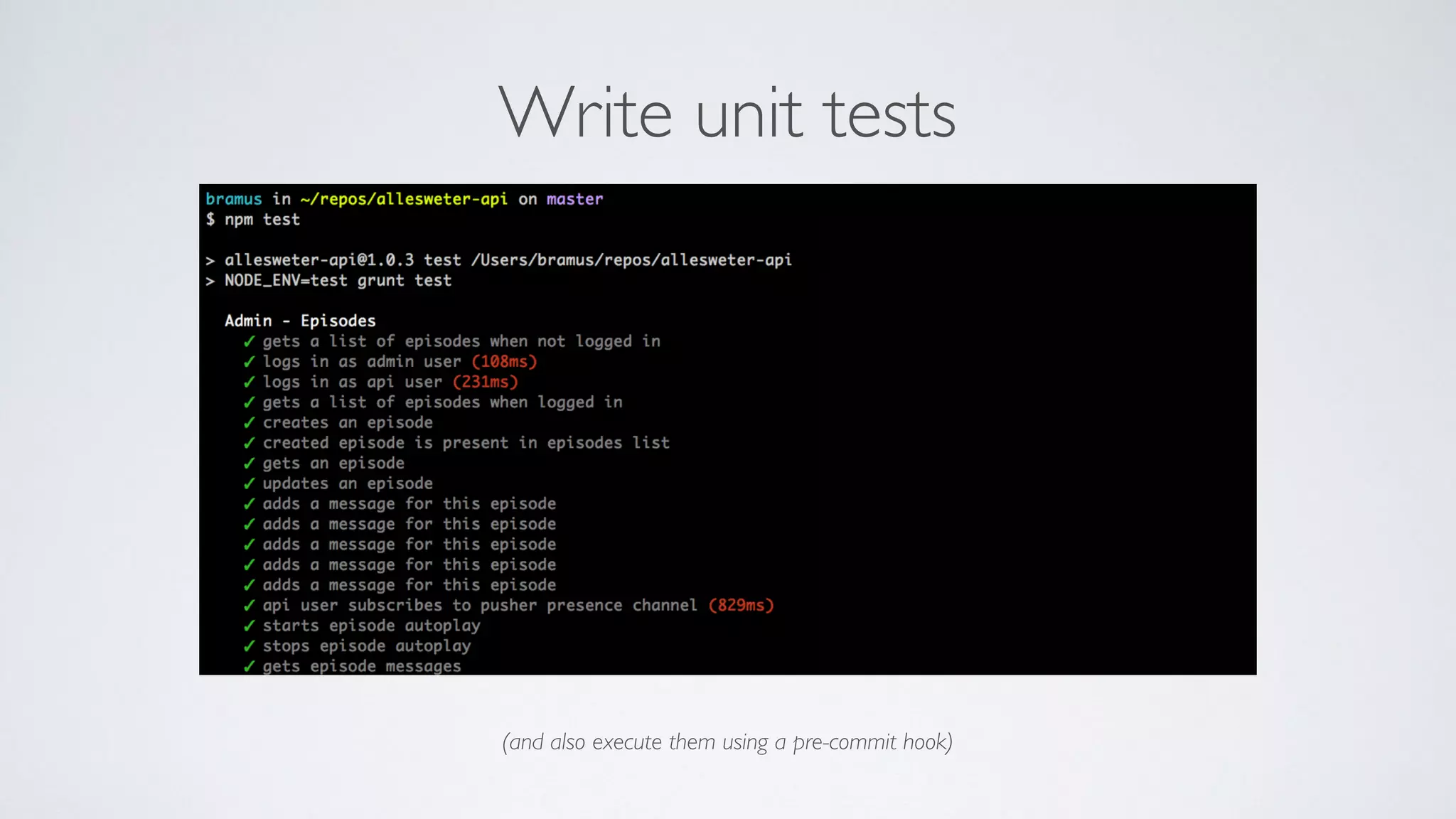
Write unit tests
(and also execute them using a pre-commit hook)
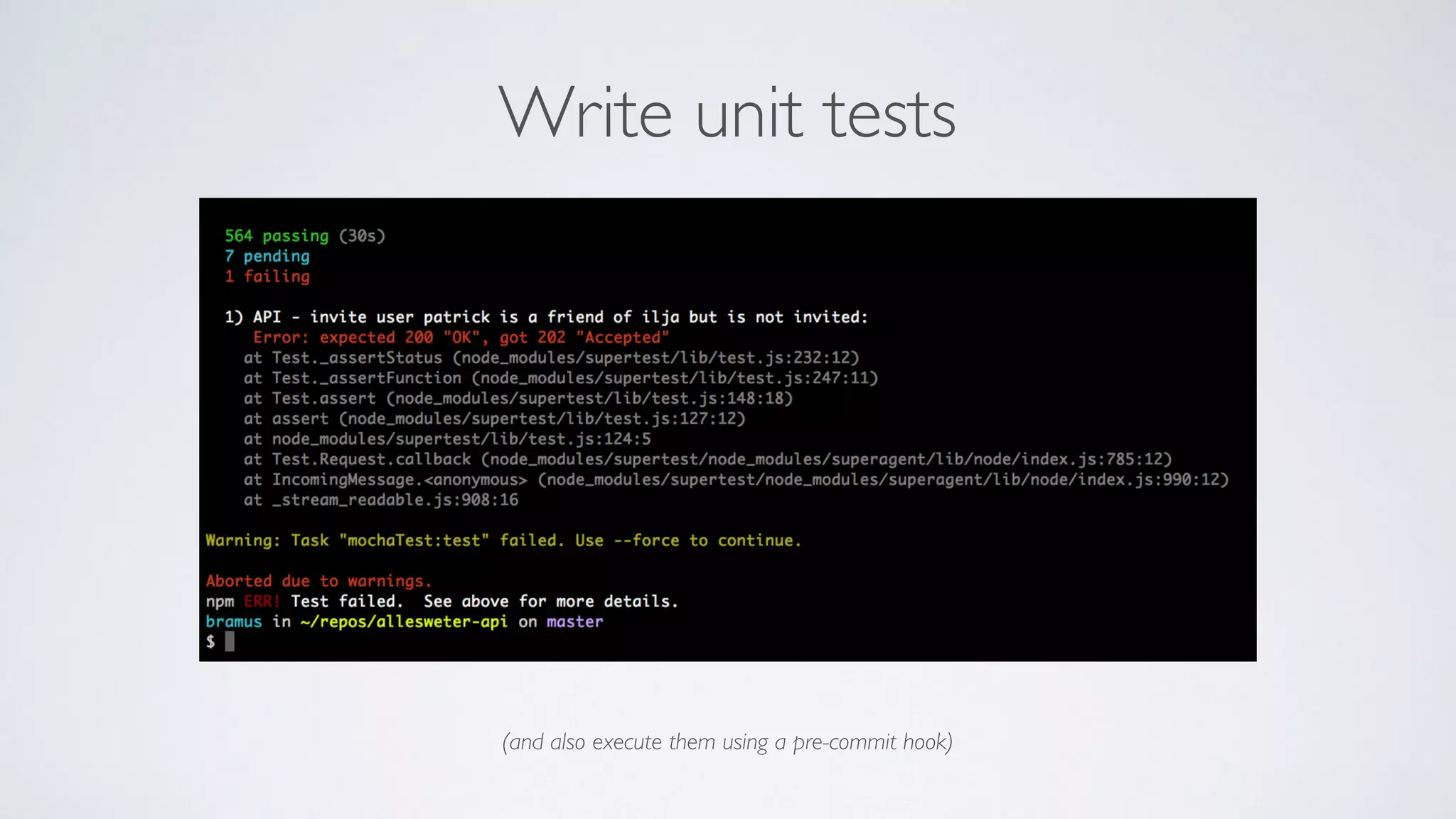
Write unit tests
(and also execute them using a pre-commit hook)
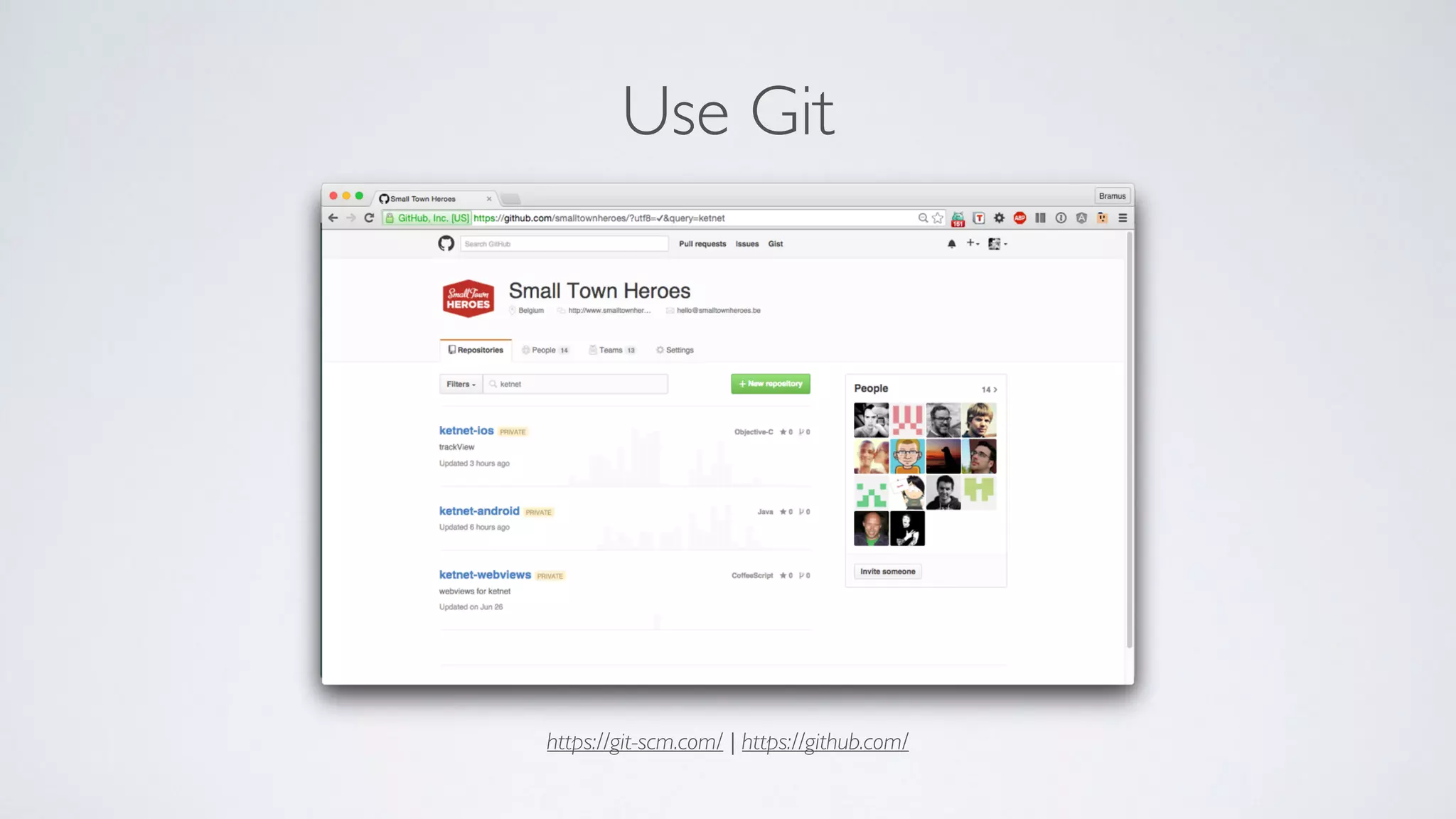
Use Git
https://git-scm.com/ | https://github.com/
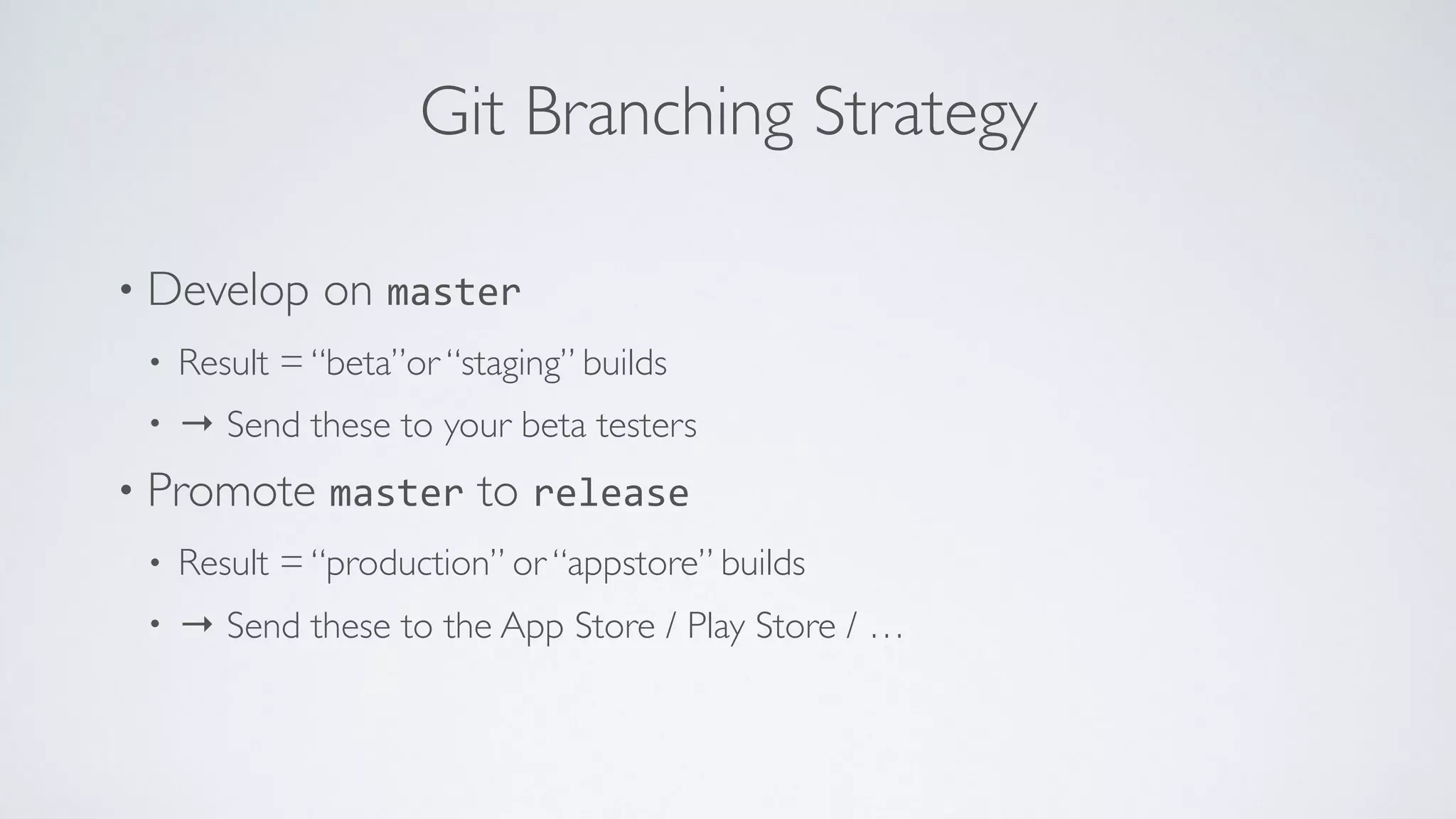
Git Branching Strategy
• Develop on master
• Result = “beta”or “staging” builds
• → Send these to your beta testers
• Promote master to release
• Result = “production” or “appstore” builds
• → Send these to the App Store / Play Store / …
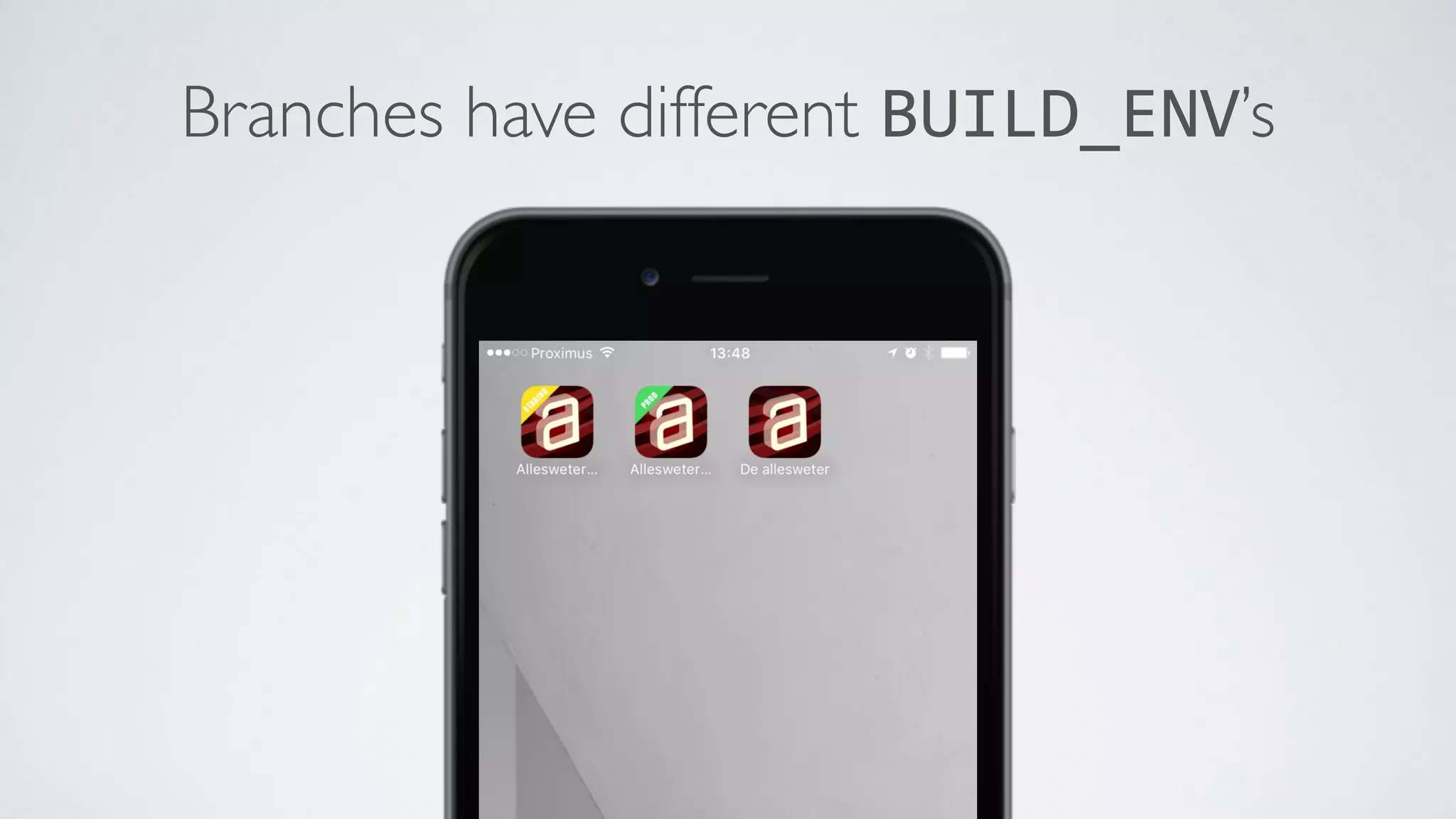
Branches have different BUILD_ENV’s
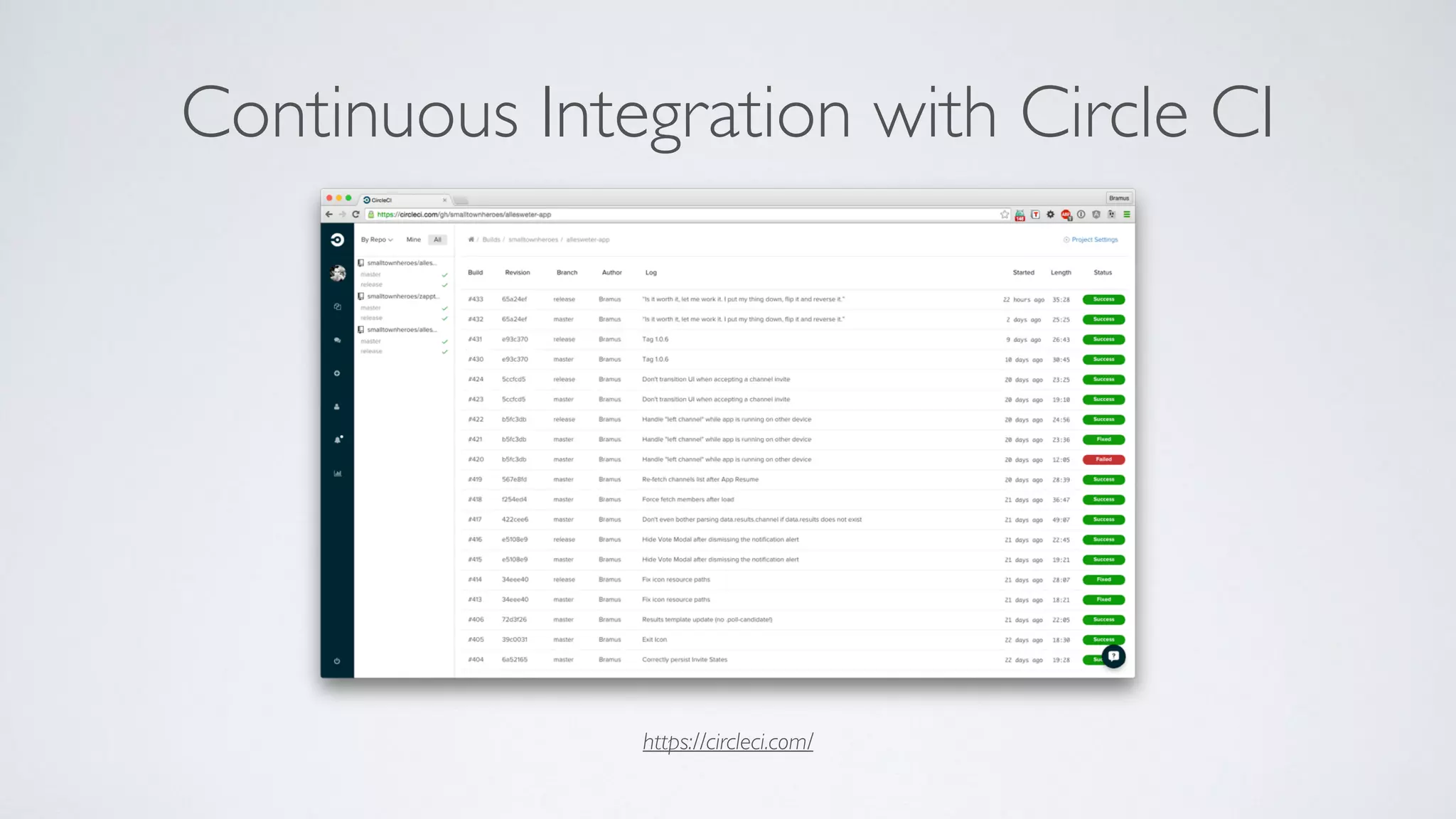
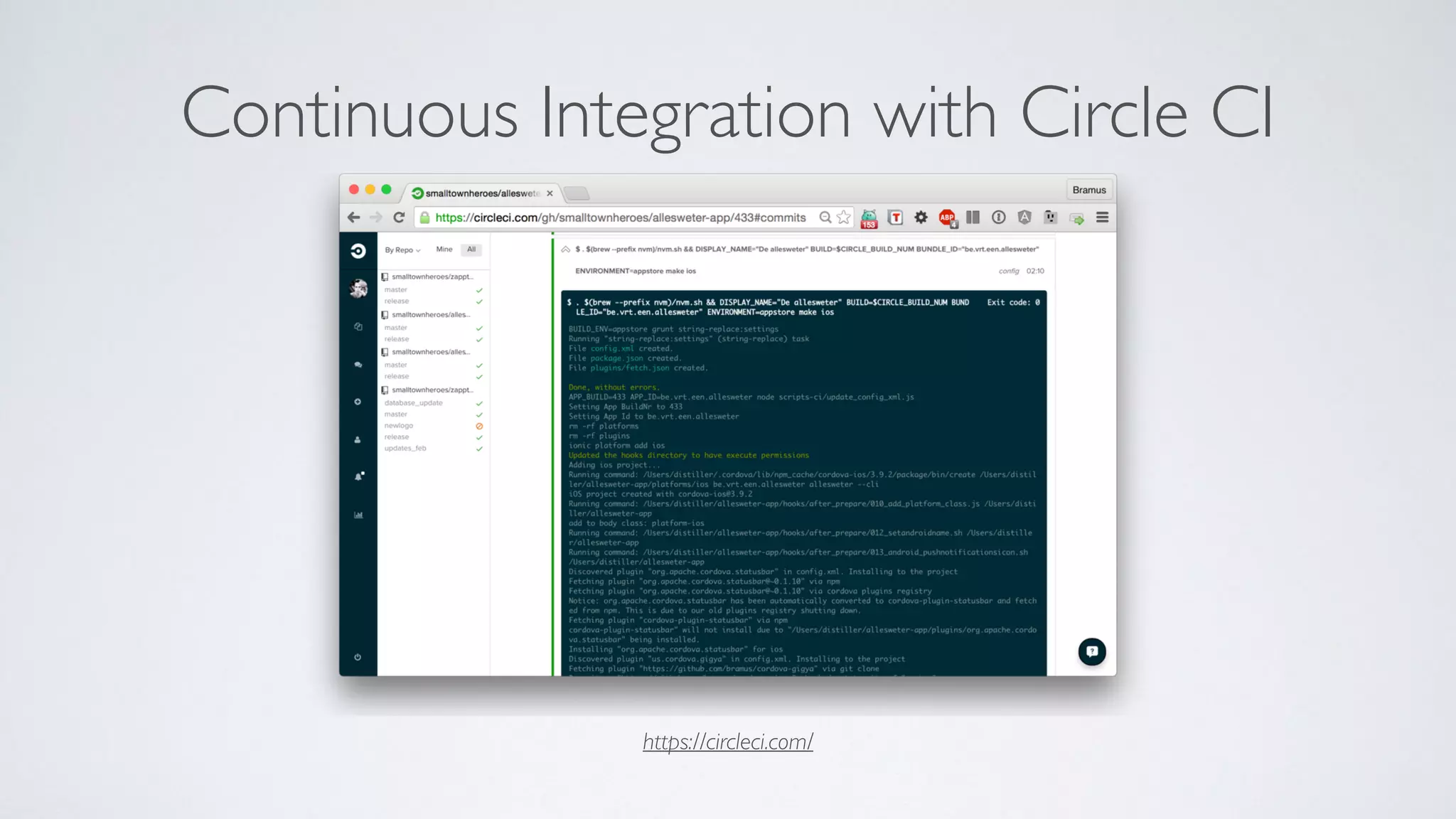
Continuous Integration with Circle CI
https://circleci.com/
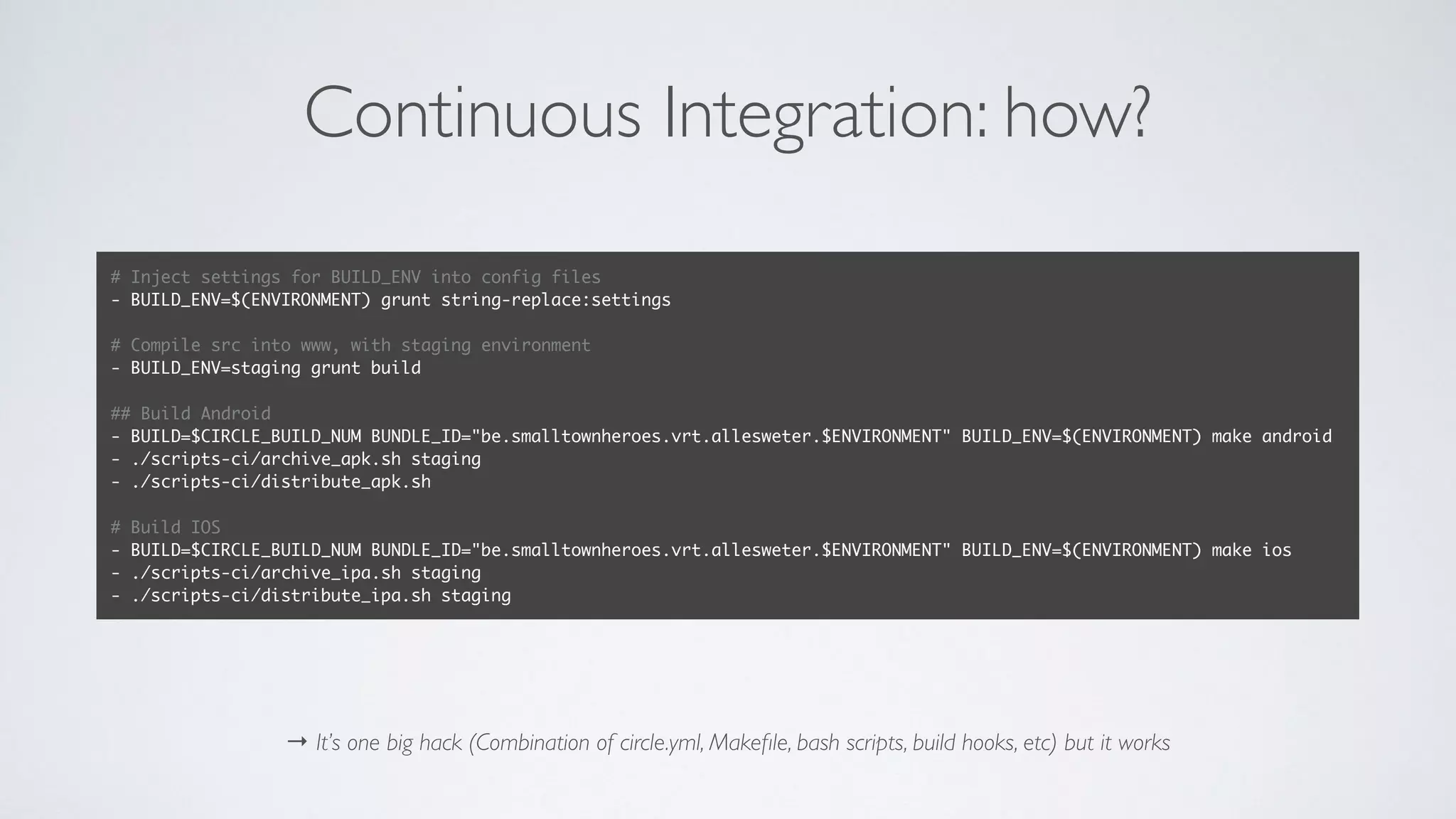
Continuous Integration: how?
→ It’s one big hack (Combination of circle.yml, Makefile, bash scripts, build hooks, etc) but it works
# Inject settings for BUILD_ENV into config files
- BUILD_ENV=$(ENVIRONMENT) grunt string-replace:settings
# Compile src into www, with staging environment
- BUILD_ENV=staging grunt build
## Build Android
- BUILD=$CIRCLE_BUILD_NUM BUNDLE_ID="be.smalltownheroes.vrt.allesweter.$ENVIRONMENT" BUILD_ENV=$(ENVIRONMENT) make android
- ./scripts-ci/archive_apk.sh staging
- ./scripts-ci/distribute_apk.sh
# Build IOS
- BUILD=$CIRCLE_BUILD_NUM BUNDLE_ID="be.smalltownheroes.vrt.allesweter.$ENVIRONMENT" BUILD_ENV=$(ENVIRONMENT) make ios
- ./scripts-ci/archive_ipa.sh staging
- ./scripts-ci/distribute_ipa.sh staging
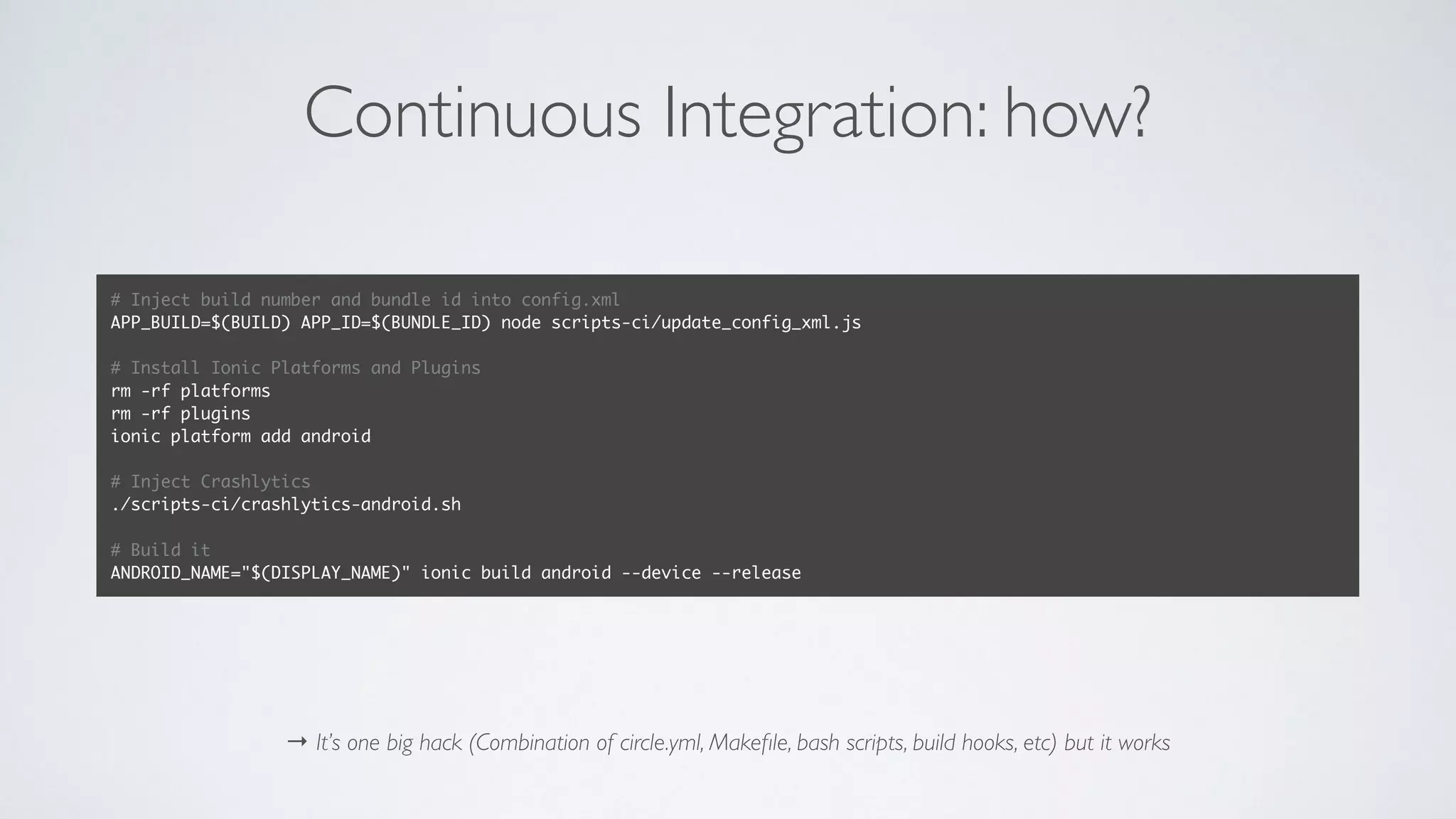
Continuous Integration: how?
→ It’s one big hack (Combination of circle.yml, Makefile, bash scripts, build hooks, etc) but it works
# Inject build number and bundle id into config.xml
APP_BUILD=$(BUILD) APP_ID=$(BUNDLE_ID) node scripts-ci/update_config_xml.js
# Install Ionic Platforms and Plugins
rm -rf platforms
rm -rf plugins
ionic platform add android
# Inject Crashlytics
./scripts-ci/crashlytics-android.sh
# Build it
ANDROID_NAME="$(DISPLAY_NAME)" ionic build android --device --release
Continuous Integration with Circle CI
https://circleci.com/
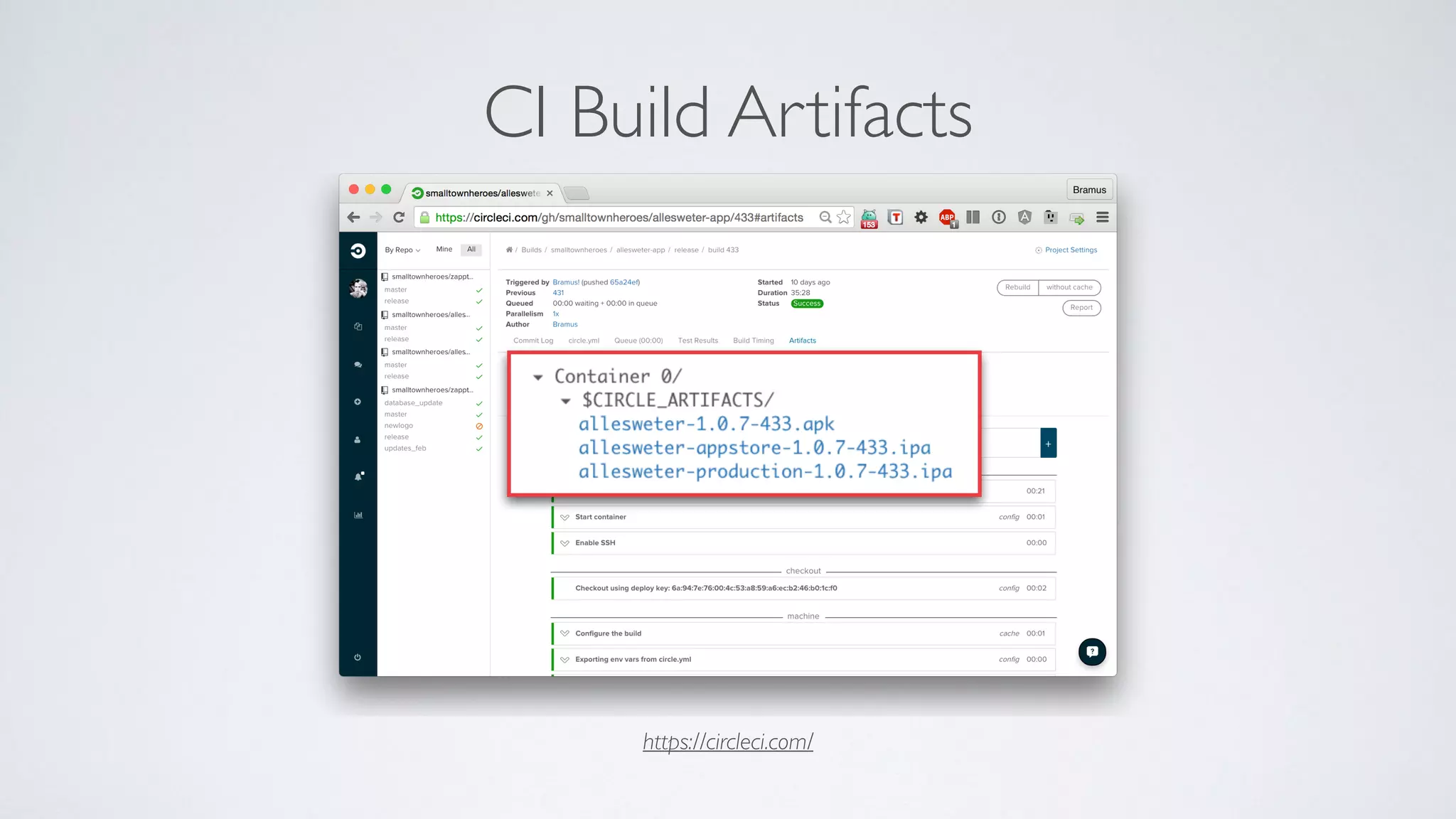
CI Build Artifacts
https://circleci.com/
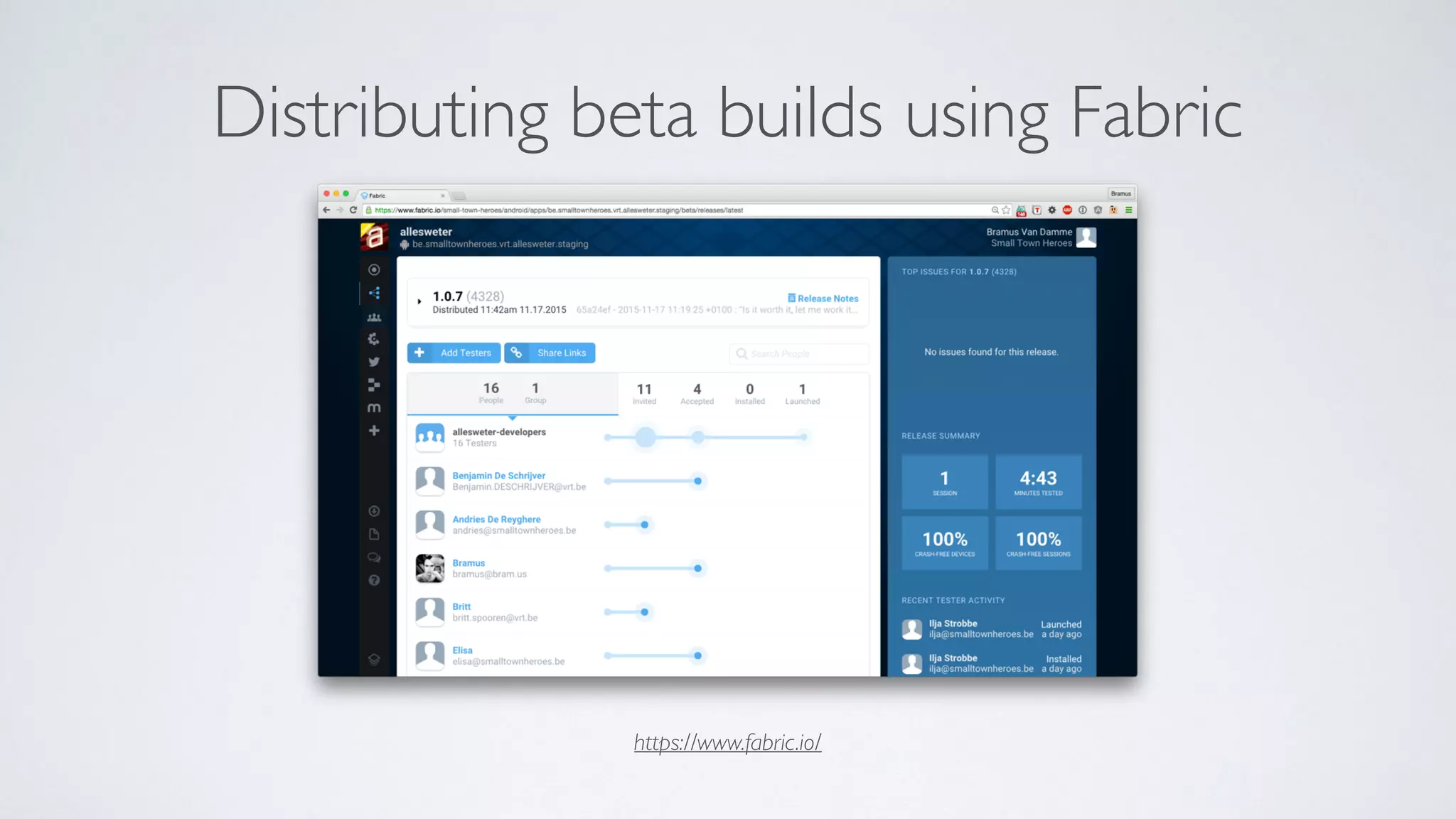
Distributing beta builds using Fabric
https://www.fabric.io/
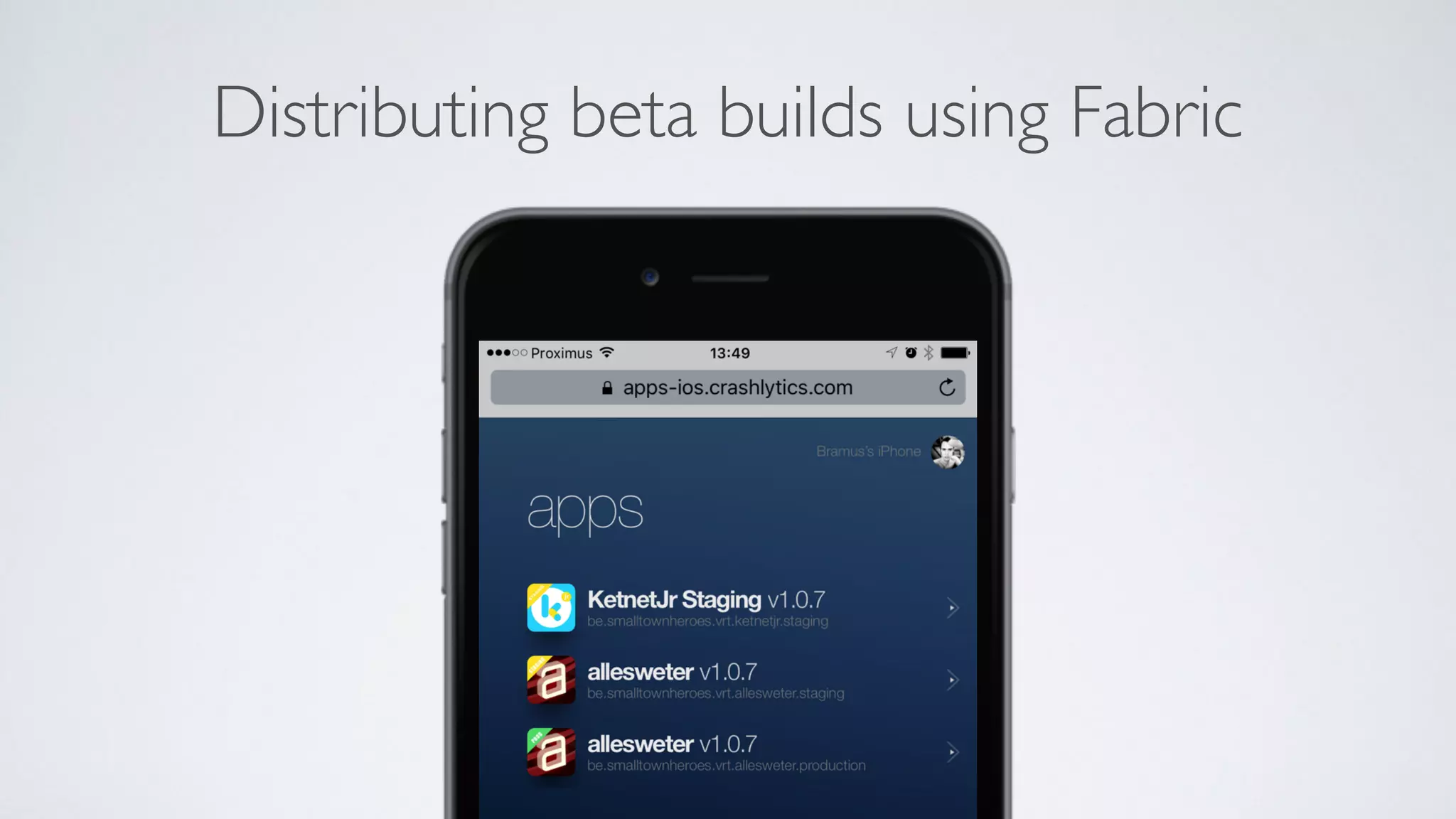
Distributing beta builds using Fabric
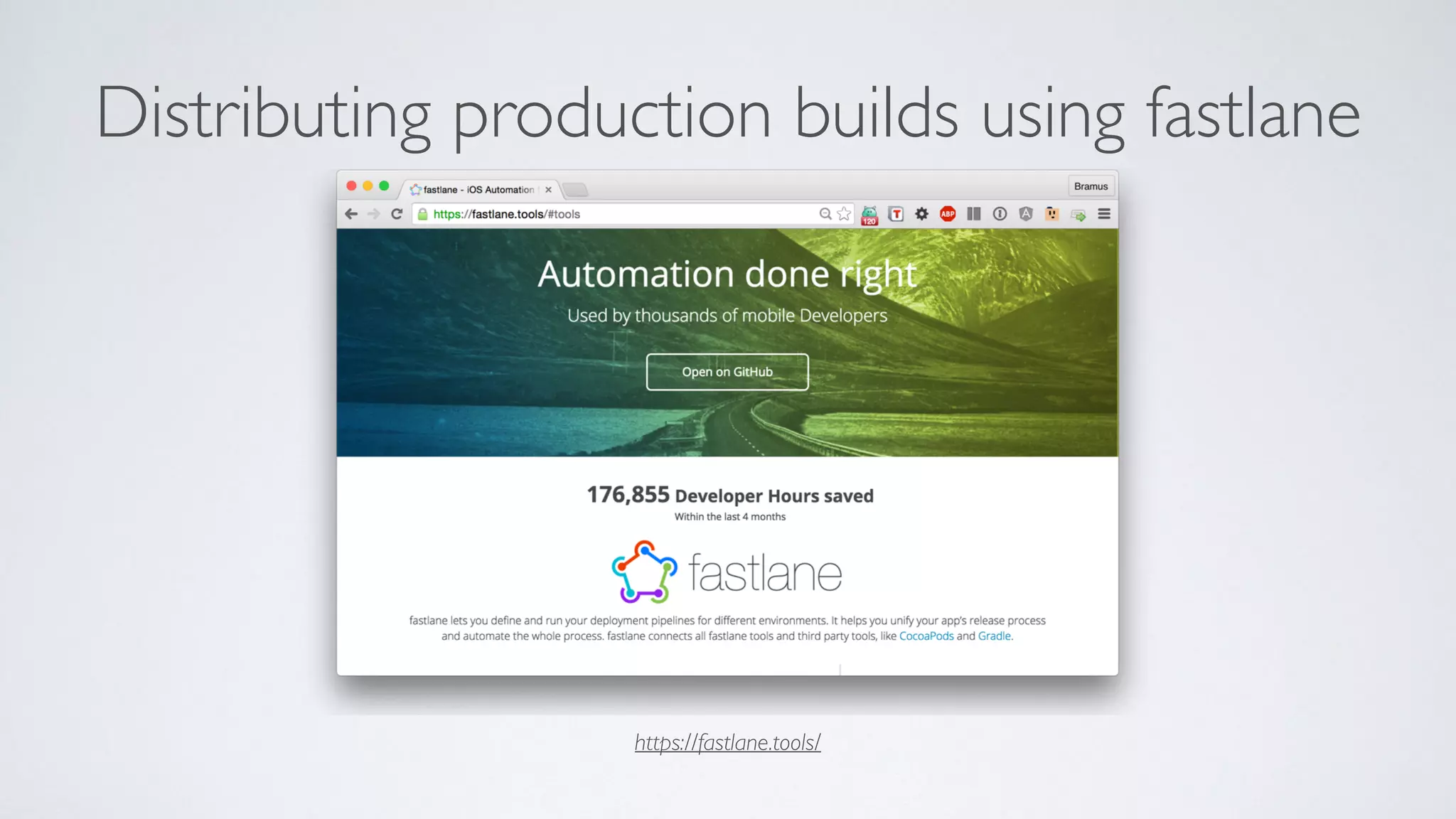
Distributing production builds using fastlane
https://fastlane.tools/
Thank you.
FROM IDEATO APP
or how we roll at Small Town Heroes
@bramus | Opleiding Elektronica-ICT, Odisee | 02/12/15
bramus@smalltownheroes.be
www.smalltownheroes.be
@townheroes

From Idea to App (or “How we roll at Small Town Heroes”)