FROM 0 TO 60 WITH KUBERNETES AND ISTIO
J o o n a t h a n M ä g i
KUBERNETES & ISTIO
 It’s not scary to get started
 Kubernetes is production ready
 Istio builds on Envoy but many
components are early in their life and
require testing for your use case
 Not only for “microservices”
 Complementary to Kubernetes
KUBERNETES
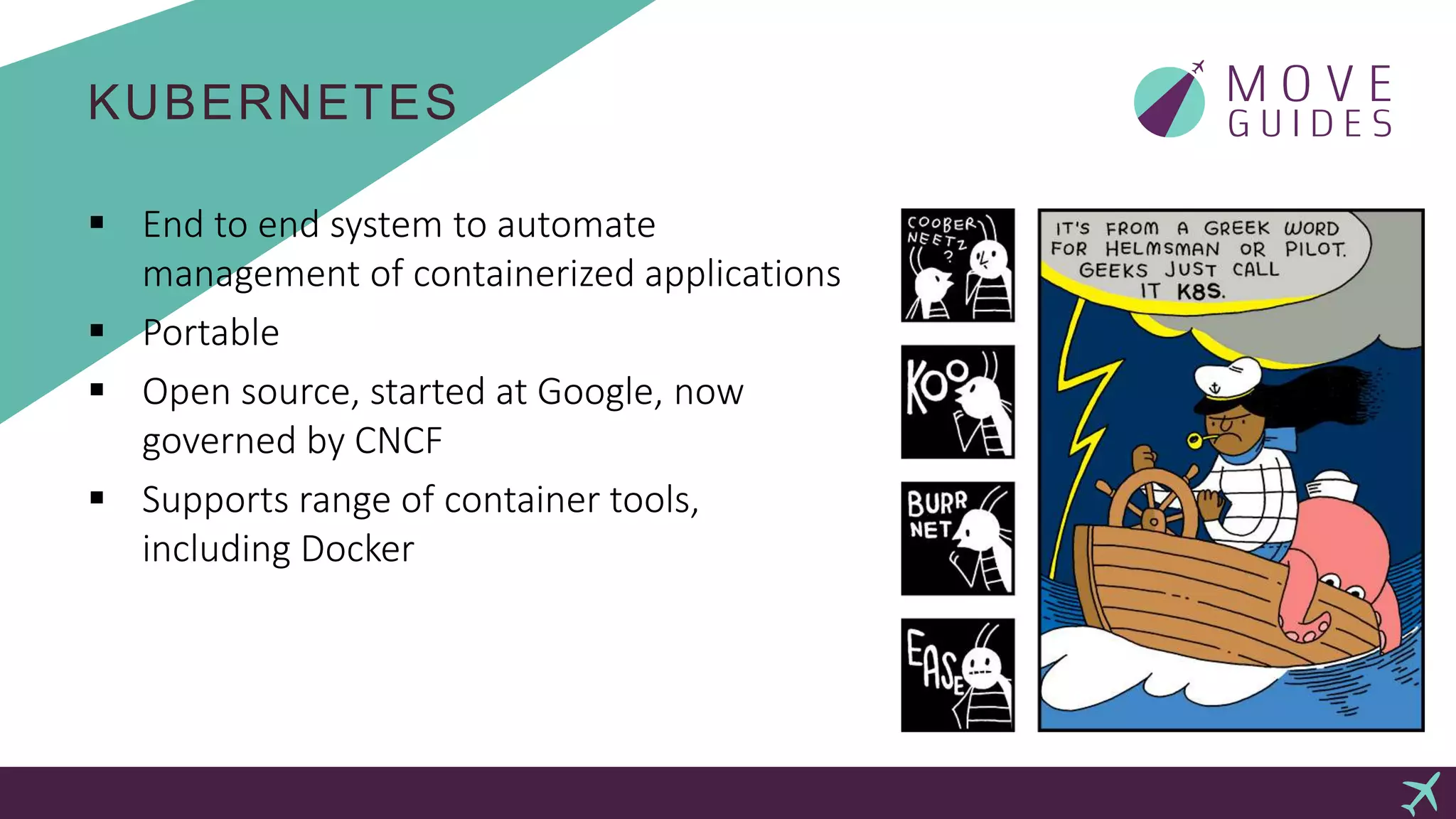
 End to end system to automate
management of containerized applications
 Portable
 Open source, started at Google, now
governed by CNCF
 Supports range of container tools,
including Docker
KUBERNETES BUILDING BLOCKS
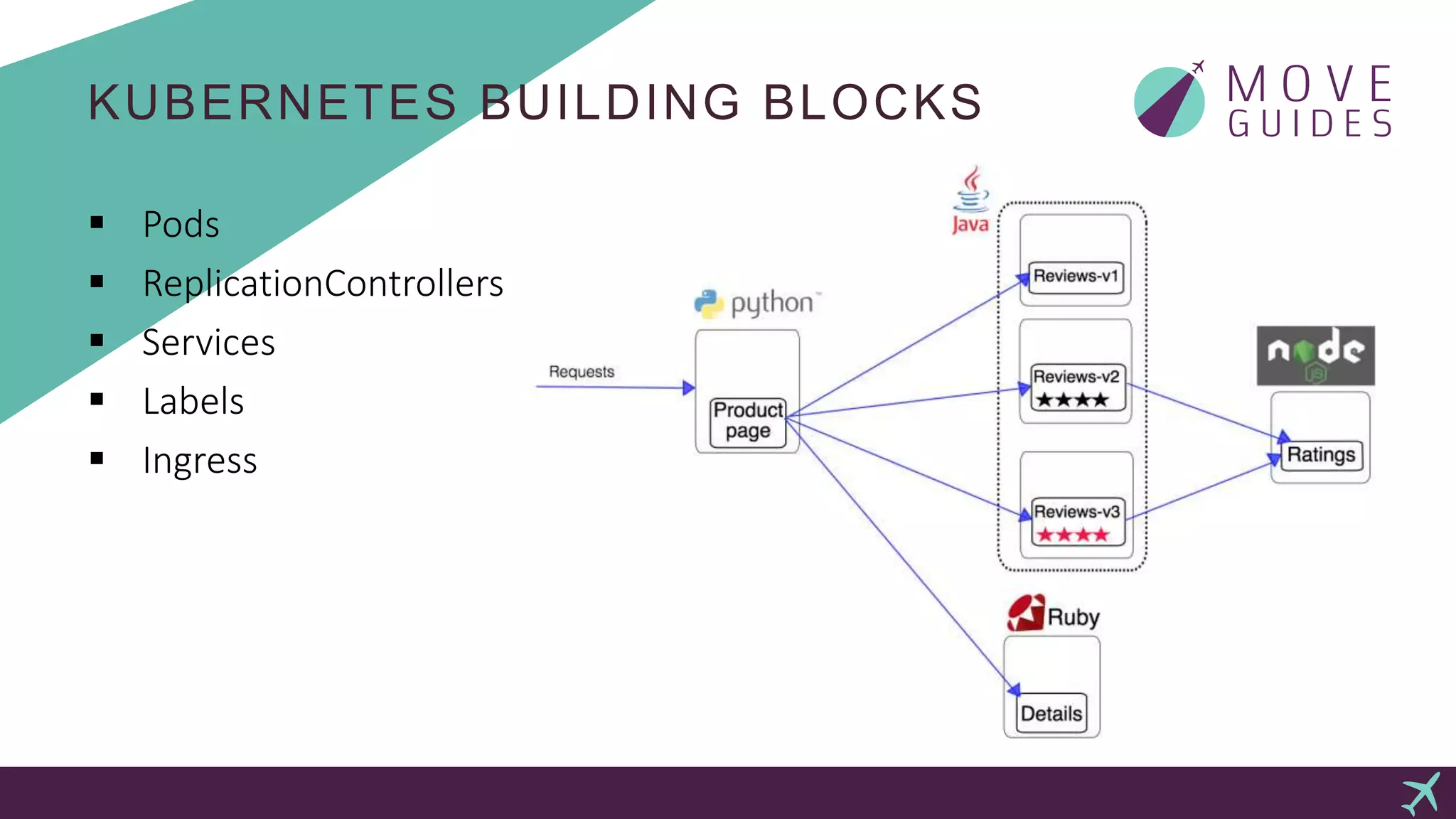
 Pods
 ReplicationControllers
 Services
 Labels
 Ingress
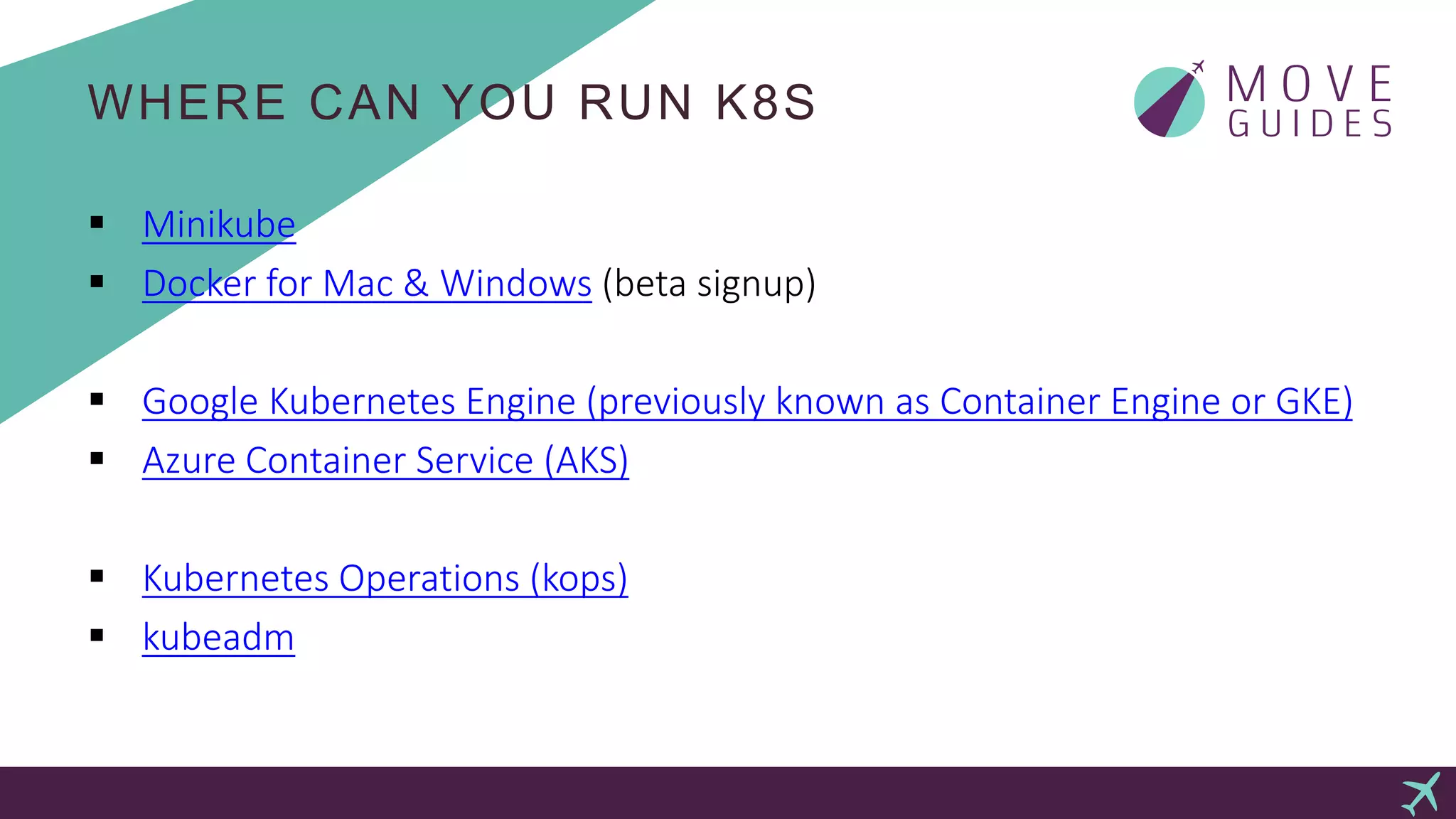
WHERE CAN YOU RUN K8S
 Minikube
 Docker for Mac & Windows (beta signup)
 Google Kubernetes Engine (previously known as Container Engine or GKE)
 Azure Container Service (AKS)
 Kubernetes Operations (kops)
 kubeadm
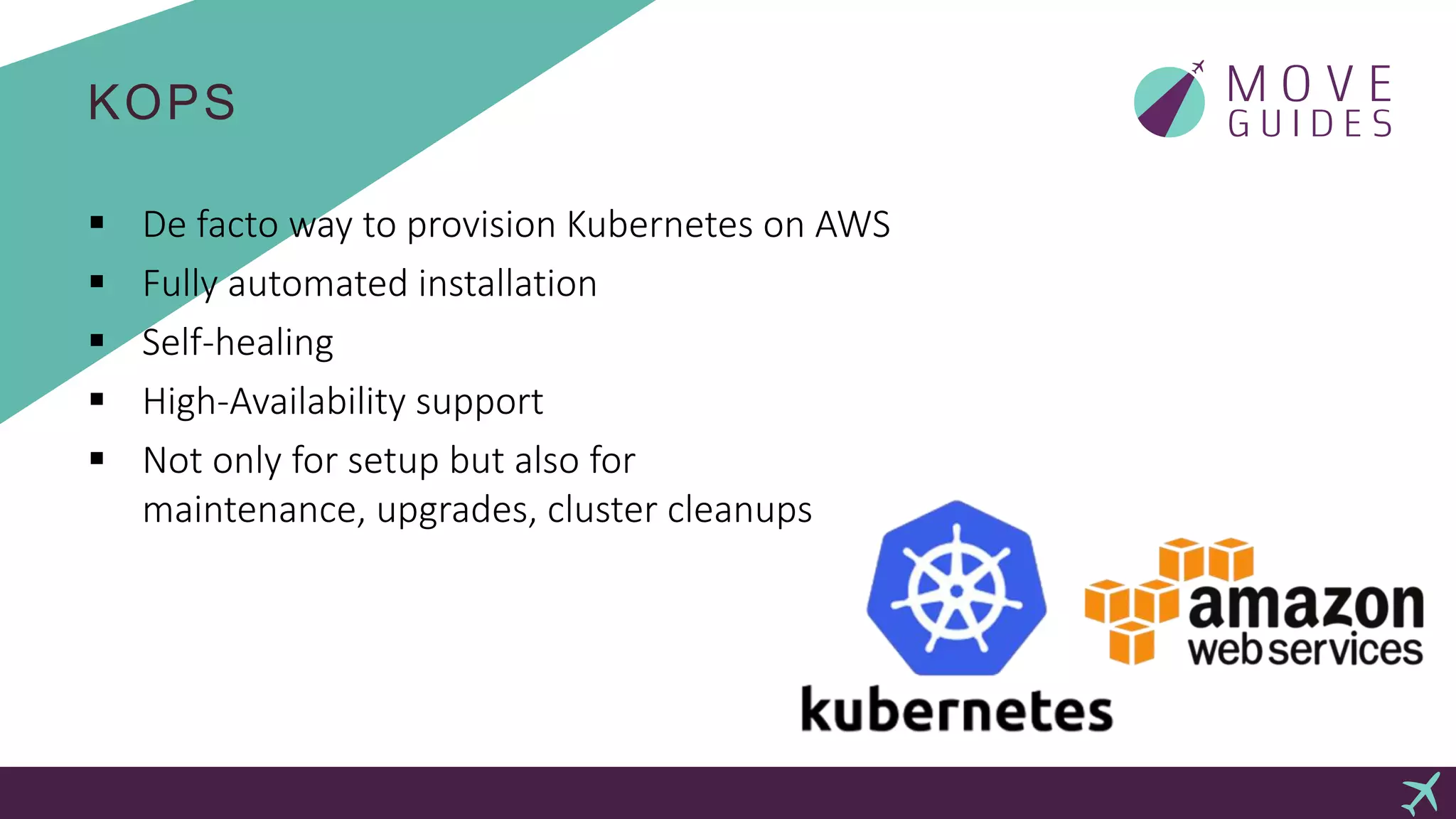
KOPS
 De facto way to provision Kubernetes on AWS
 Fully automated installation
 Self-healing
 High-Availability support
 Not only for setup but also for
maintenance, upgrades, cluster cleanups
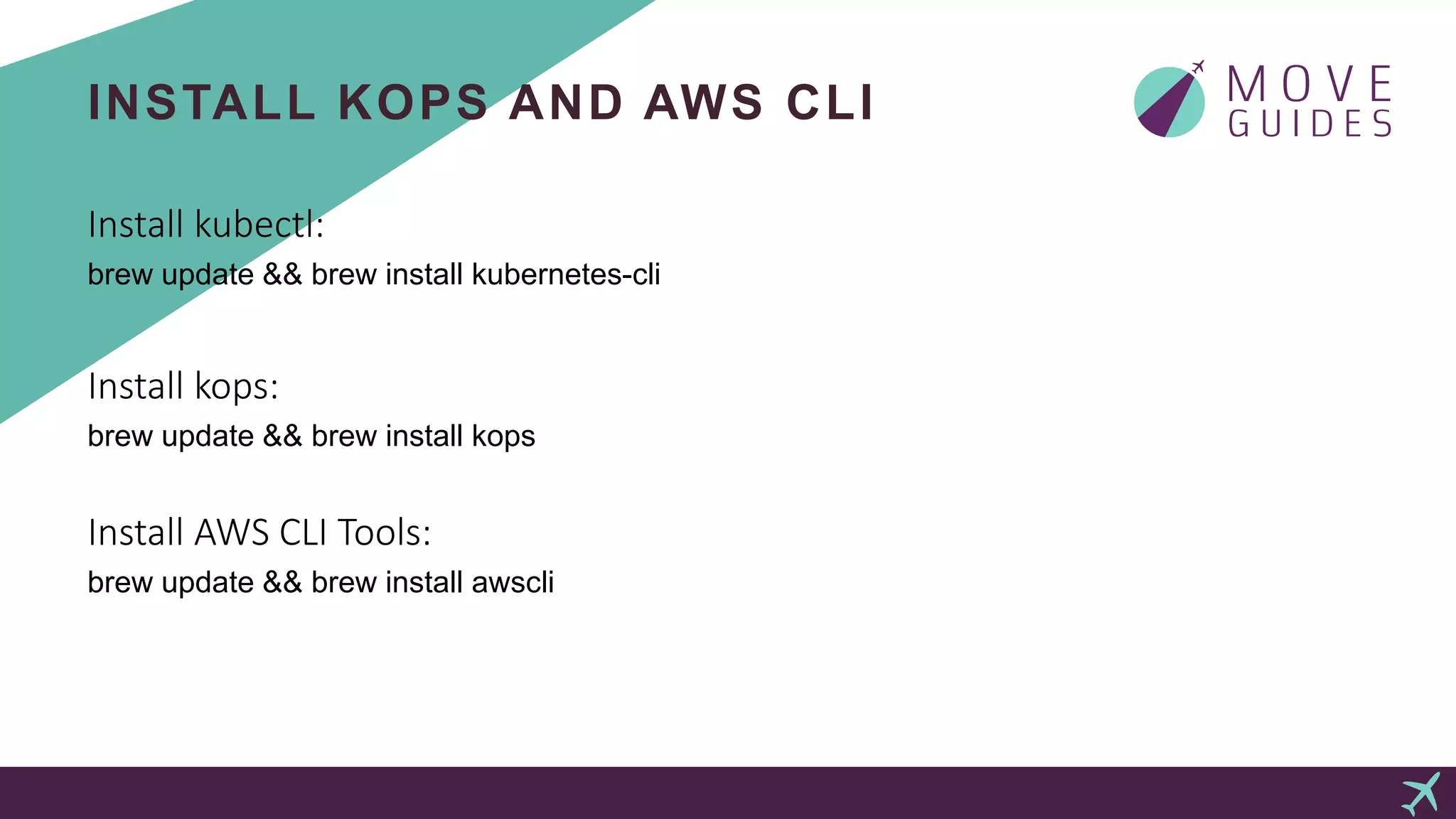
INSTALL KOPS AND AWS CLI
Install kubectl:
brew update && brew install kubernetes-cli
Install kops:
brew update && brew install kops
Install AWS CLI Tools:
brew update && brew install awscli
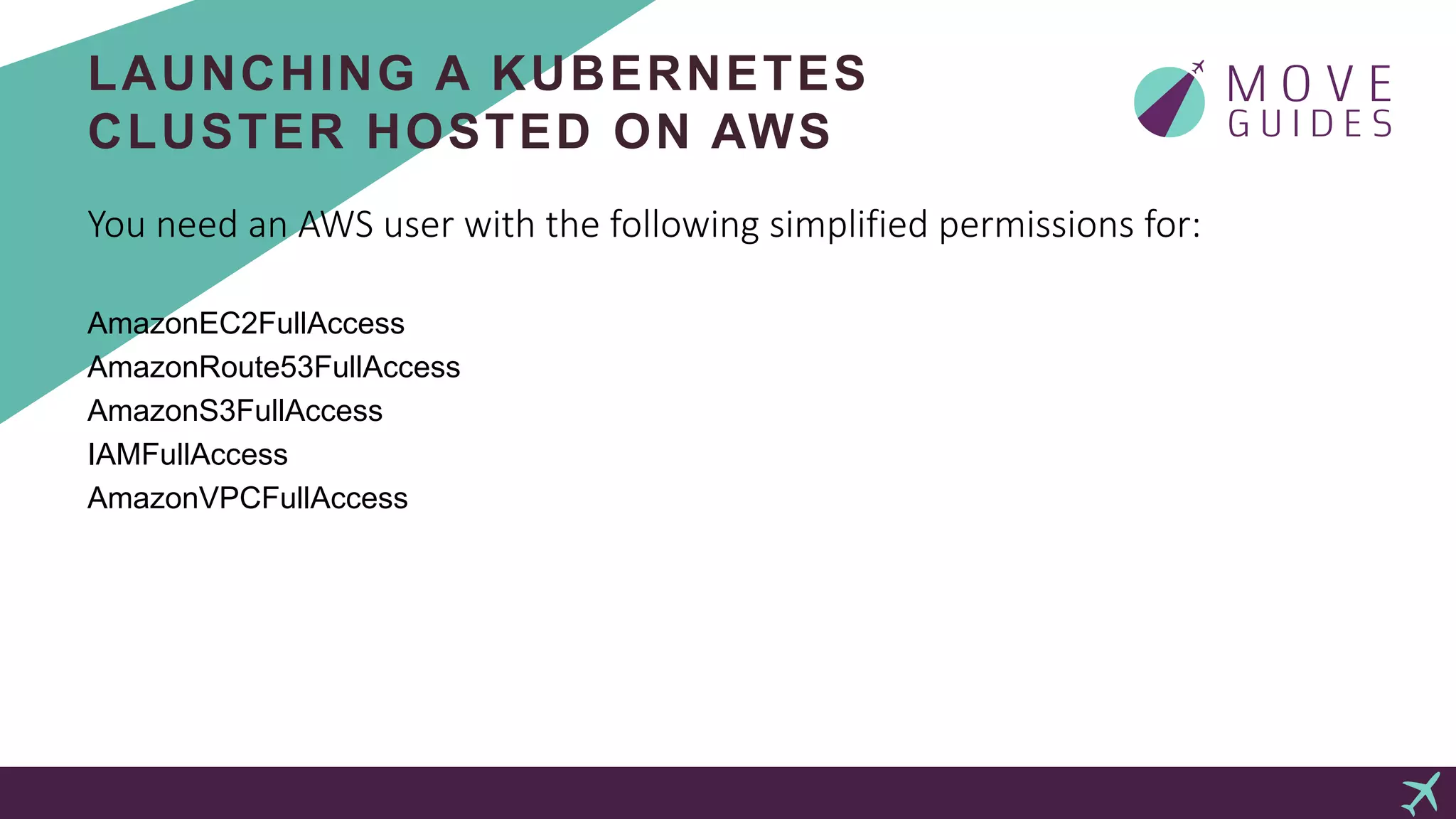
LAUNCHING A KUBERNETES
CLUSTER HOSTED ON AWS
You need an AWS user with the following simplified permissions for:
AmazonEC2FullAccess
AmazonRoute53FullAccess
AmazonS3FullAccess
IAMFullAccess
AmazonVPCFullAccess
LAUNCHING A KUBERNETES
CLUSTER HOSTED ON AWS
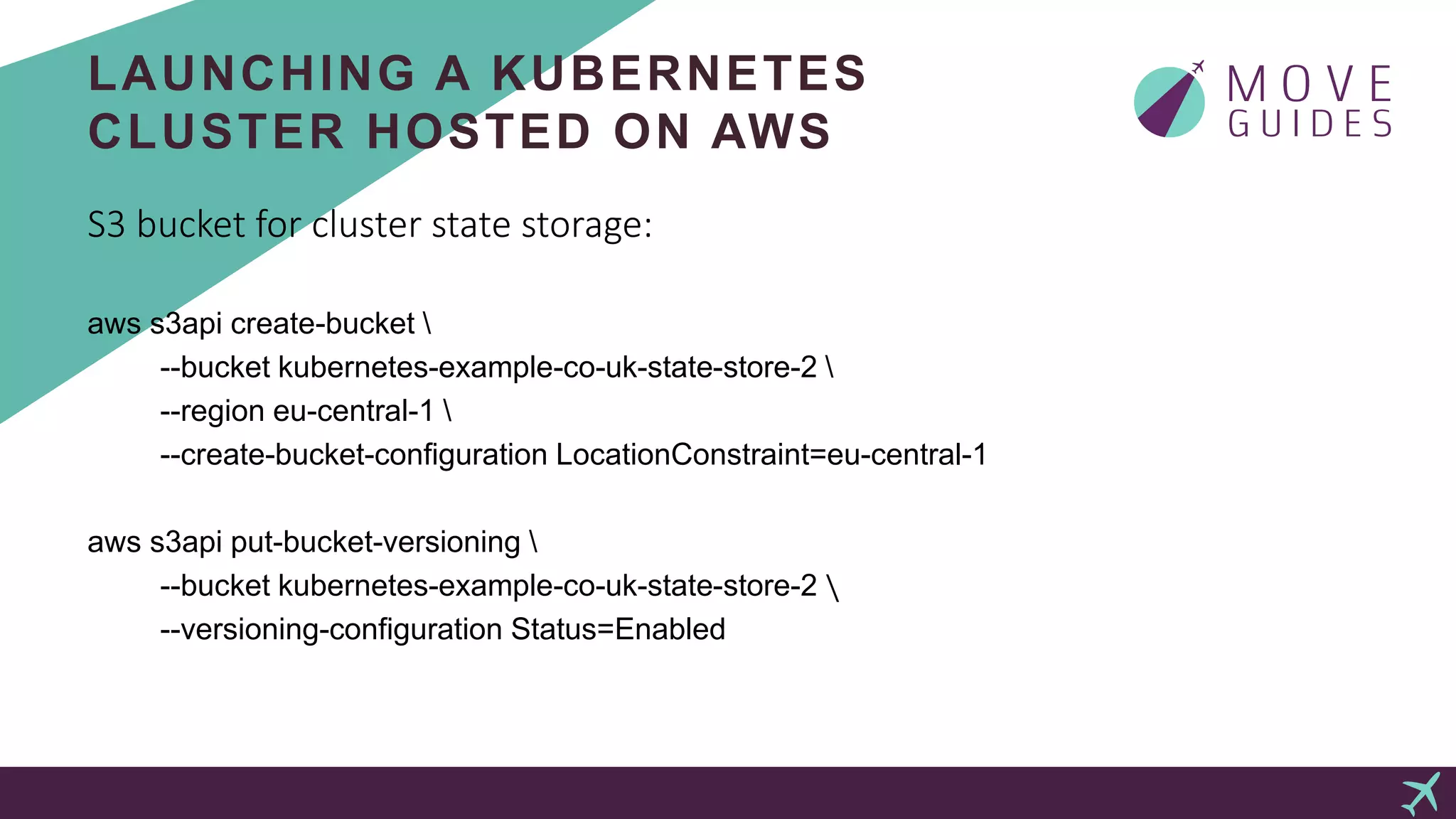
S3 bucket for cluster state storage:
aws s3api create-bucket 
--bucket kubernetes-example-co-uk-state-store-2 
--region eu-central-1 
--create-bucket-configuration LocationConstraint=eu-central-1
aws s3api put-bucket-versioning 
--bucket kubernetes-example-co-uk-state-store-2 
--versioning-configuration Status=Enabled
LAUNCHING A KUBERNETES
CLUSTER HOSTED ON AWS
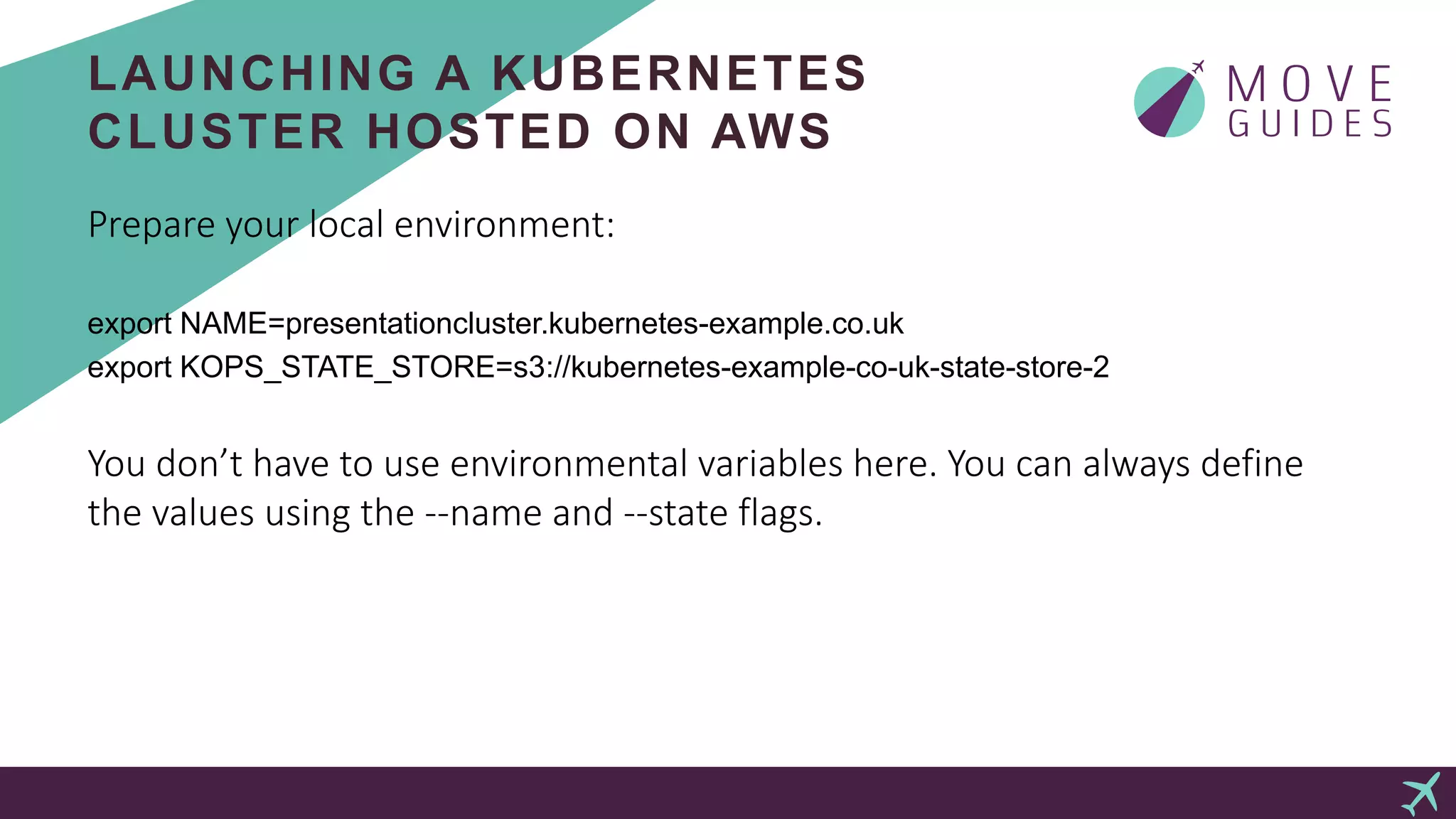
Prepare your local environment:
export NAME=presentationcluster.kubernetes-example.co.uk
export KOPS_STATE_STORE=s3://kubernetes-example-co-uk-state-store-2
You don’t have to use environmental variables here. You can always define
the values using the --name and --state flags.
LAUNCHING A KUBERNETES
CLUSTER HOSTED ON AWS
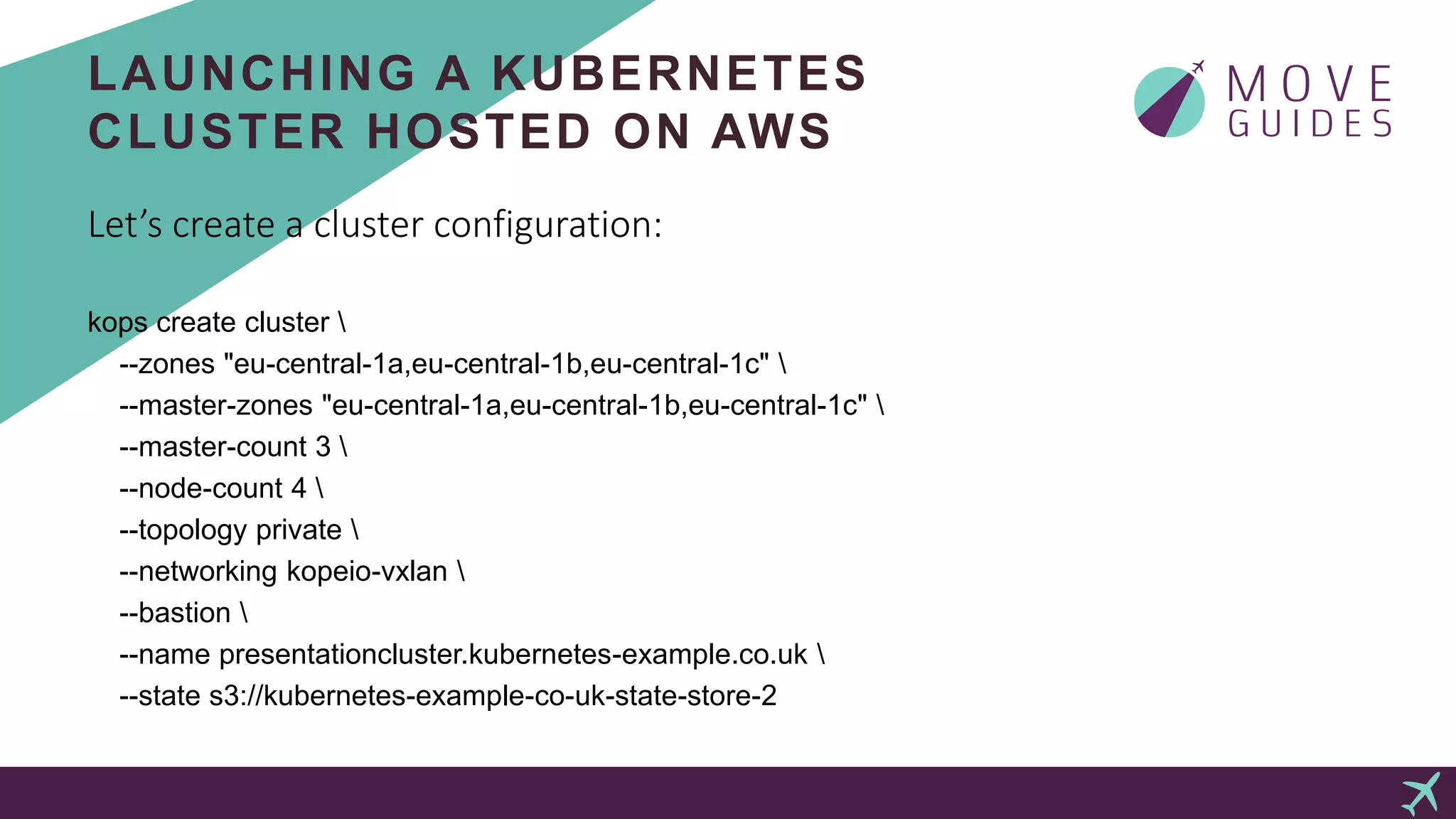
Let’s create a cluster configuration:
kops create cluster 
--zones "eu-central-1a,eu-central-1b,eu-central-1c" 
--master-zones "eu-central-1a,eu-central-1b,eu-central-1c" 
--master-count 3 
--node-count 4 
--topology private 
--networking kopeio-vxlan 
--bastion 
--name presentationcluster.kubernetes-example.co.uk 
--state s3://kubernetes-example-co-uk-state-store-2
LAUNCHING A KUBERNETES
CLUSTER HOSTED ON AWS
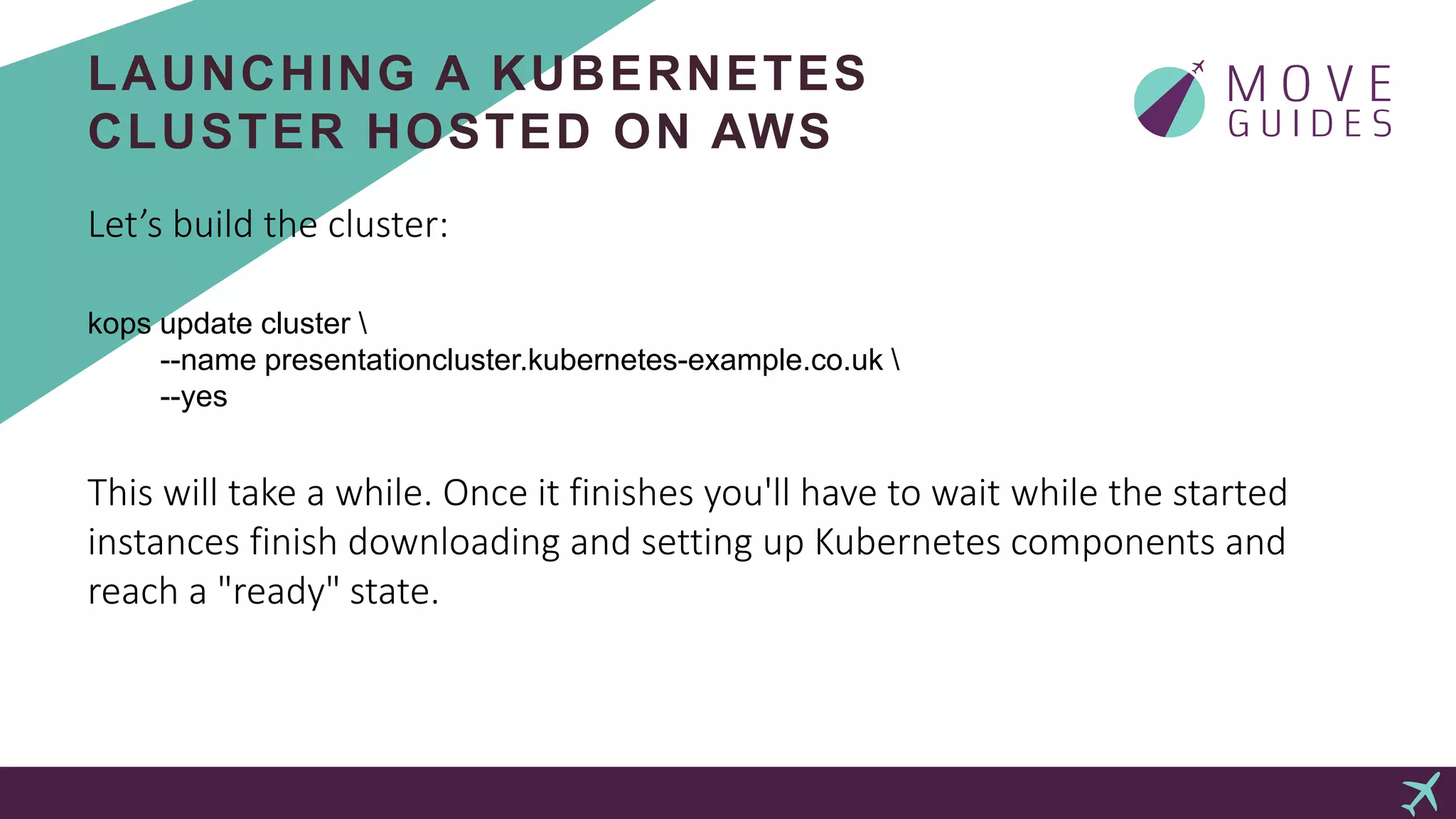
Let’s build the cluster:
kops update cluster 
--name presentationcluster.kubernetes-example.co.uk 
--yes
This will take a while. Once it finishes you'll have to wait while the started
instances finish downloading and setting up Kubernetes components and
reach a "ready" state.
LAUNCHING A KUBERNETES
CLUSTER HOSTED ON AWS
Let’s take a look at the cluster we just built:
kubectl get nodes
kops validate cluster
kubectl get pods --namespace kube-system
ISTIO
 Platform to connect, manage, and secure microservices
 Addresses many of the challenges as we transition towards a
distributed microservice architecture
 Wide protocol support from TCP to higher level HTTP, gRPC,
Websocket, Redis etc.
 Tackles traffic management, observability, identity and
security
 Brings resilience and fault-injection features to the table
 Builds on proven Envoy proxy from Lyft
INSTALL ISTIO
Let’s get Istio installed:
curl -L https://git.io/getLatestIstio | sh -
cd istio-0.2.12
export PATH=$PWD/bin:$PATH
# deploy istio
kubectl apply -f install/kubernetes/istio.yaml
# validate the installation
kubectl get svc -n istio-system
kubectl get pods -n istio-system
ISTIO ADDONS
# let’s install some Isito addons
kubectl apply -f install/kubernetes/addons/prometheus.yaml
kubectl apply -f install/kubernetes/addons/grafana.yaml
kubectl apply -f install/kubernetes/addons/servicegraph.yaml
kubectl apply -n istio-system -f https://raw.githubusercontent.com/jaegertracing/jaeger-
kubernetes/master/all-in-one/jaeger-all-in-one-template.yml
APPLICATION DEPLOYMENT
Deploying our first application on our Istio enabled Kubernetes cluster:
kubectl apply -f <(istioctl kube-inject -f samples/bookinfo/kube/bookinfo.yaml)
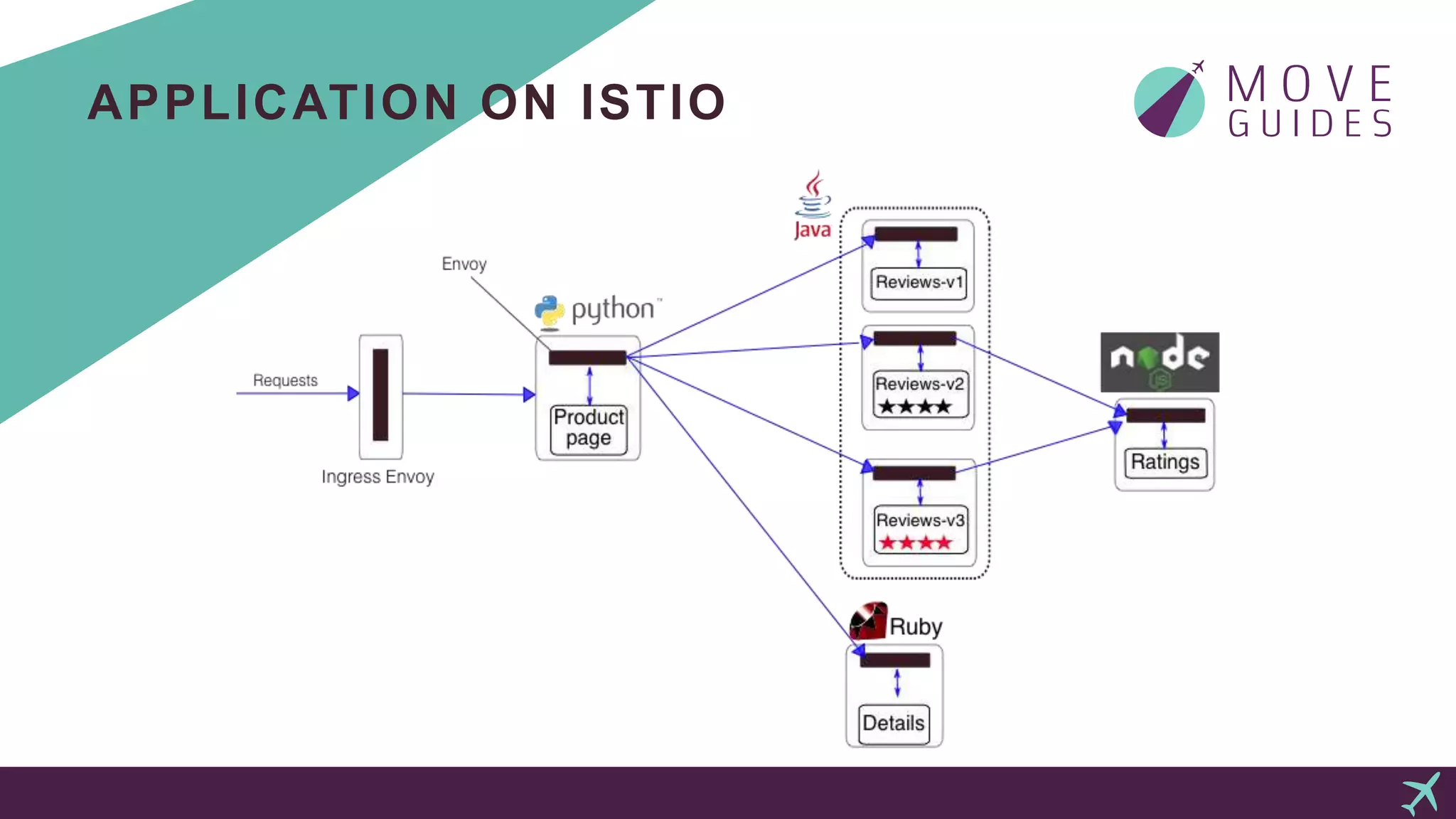
APPLICATION ON ISTIO
APPLICATION DEPLOYMENT
kubectl get services
kubectl get pods
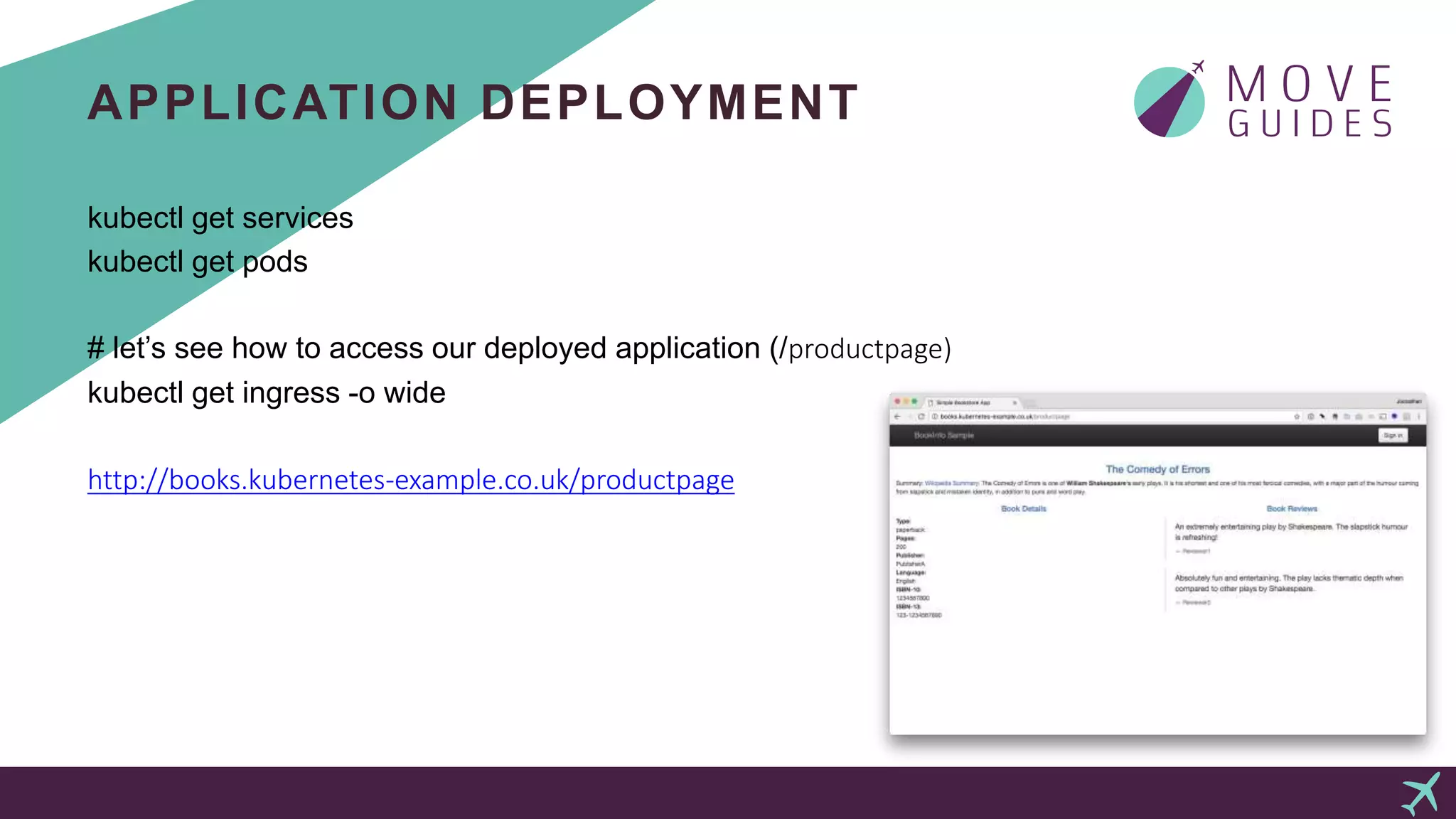
# let’s see how to access our deployed application (/productpage)
kubectl get ingress -o wide
http://books.kubernetes-example.co.uk/productpage
INTELLIGENT ROUTING
# route all traffic to review v1
istioctl create -f route-rule-all-v1.yaml
# route for test user “joonathan” to v3
istioctl create -f route-rule-reviews-test-v3.yaml
istioctl get routerule reviews-test-v3 -o yaml
# route everyones traffic to v3
istioctl replace -f route-rule-reviews-v3.yaml
GRAFANA
# let’s look at some metrics in grafana coming in
kubectl -n istio-system port-forward $(kubectl -n istio-system get pod -l app=grafana -o
jsonpath='{.items[0].metadata.name}') 3000:3000
http://localhost:3000/dashboard/db/istio-dashboard
DOTVIZ
# how are our services connected?
kubectl -n istio-system port-forward $(kubectl -n istio-system get pod -l app=servicegraph -o
jsonpath='{.items[0].metadata.name}') 8088:8088
http://localhost:8088/dotviz
JAEGER
# distributed tracing using Jaeger
kubectl port-forward -n istio-system $(kubectl get pod -n istio-system -l app=jaeger -o
jsonpath='{.items[0].metadata.name}') 16686:16686
http://localhost:16686
NEXT STEPS…
We covered only a small subset of what Kubernetes and Istio
have to offer.
Continue learning at kubernetes.io and istio.io.
Come and solve interesting microservices challenges with me at
MOVE Guides.
THANKS!
http://moveguides.com/careers

From 0 to 60 with kubernetes and istio

  • 1.
    FROM 0 TO60 WITH KUBERNETES AND ISTIO J o o n a t h a n M ä g i
  • 2.
    KUBERNETES & ISTIO It’s not scary to get started  Kubernetes is production ready  Istio builds on Envoy but many components are early in their life and require testing for your use case  Not only for “microservices”  Complementary to Kubernetes
  • 3.
    KUBERNETES  End toend system to automate management of containerized applications  Portable  Open source, started at Google, now governed by CNCF  Supports range of container tools, including Docker
  • 4.
    KUBERNETES BUILDING BLOCKS Pods  ReplicationControllers  Services  Labels  Ingress
  • 5.
    WHERE CAN YOURUN K8S  Minikube  Docker for Mac & Windows (beta signup)  Google Kubernetes Engine (previously known as Container Engine or GKE)  Azure Container Service (AKS)  Kubernetes Operations (kops)  kubeadm
  • 6.
    KOPS  De factoway to provision Kubernetes on AWS  Fully automated installation  Self-healing  High-Availability support  Not only for setup but also for maintenance, upgrades, cluster cleanups
  • 7.
    INSTALL KOPS ANDAWS CLI Install kubectl: brew update && brew install kubernetes-cli Install kops: brew update && brew install kops Install AWS CLI Tools: brew update && brew install awscli
  • 8.
    LAUNCHING A KUBERNETES CLUSTERHOSTED ON AWS You need an AWS user with the following simplified permissions for: AmazonEC2FullAccess AmazonRoute53FullAccess AmazonS3FullAccess IAMFullAccess AmazonVPCFullAccess
  • 9.
    LAUNCHING A KUBERNETES CLUSTERHOSTED ON AWS S3 bucket for cluster state storage: aws s3api create-bucket --bucket kubernetes-example-co-uk-state-store-2 --region eu-central-1 --create-bucket-configuration LocationConstraint=eu-central-1 aws s3api put-bucket-versioning --bucket kubernetes-example-co-uk-state-store-2 --versioning-configuration Status=Enabled
  • 10.
    LAUNCHING A KUBERNETES CLUSTERHOSTED ON AWS Prepare your local environment: export NAME=presentationcluster.kubernetes-example.co.uk export KOPS_STATE_STORE=s3://kubernetes-example-co-uk-state-store-2 You don’t have to use environmental variables here. You can always define the values using the --name and --state flags.
  • 11.
    LAUNCHING A KUBERNETES CLUSTERHOSTED ON AWS Let’s create a cluster configuration: kops create cluster --zones "eu-central-1a,eu-central-1b,eu-central-1c" --master-zones "eu-central-1a,eu-central-1b,eu-central-1c" --master-count 3 --node-count 4 --topology private --networking kopeio-vxlan --bastion --name presentationcluster.kubernetes-example.co.uk --state s3://kubernetes-example-co-uk-state-store-2
  • 12.
    LAUNCHING A KUBERNETES CLUSTERHOSTED ON AWS Let’s build the cluster: kops update cluster --name presentationcluster.kubernetes-example.co.uk --yes This will take a while. Once it finishes you'll have to wait while the started instances finish downloading and setting up Kubernetes components and reach a "ready" state.
  • 13.
    LAUNCHING A KUBERNETES CLUSTERHOSTED ON AWS Let’s take a look at the cluster we just built: kubectl get nodes kops validate cluster kubectl get pods --namespace kube-system
  • 14.
    ISTIO  Platform toconnect, manage, and secure microservices  Addresses many of the challenges as we transition towards a distributed microservice architecture  Wide protocol support from TCP to higher level HTTP, gRPC, Websocket, Redis etc.  Tackles traffic management, observability, identity and security  Brings resilience and fault-injection features to the table  Builds on proven Envoy proxy from Lyft
  • 15.
    INSTALL ISTIO Let’s getIstio installed: curl -L https://git.io/getLatestIstio | sh - cd istio-0.2.12 export PATH=$PWD/bin:$PATH # deploy istio kubectl apply -f install/kubernetes/istio.yaml # validate the installation kubectl get svc -n istio-system kubectl get pods -n istio-system
  • 16.
    ISTIO ADDONS # let’sinstall some Isito addons kubectl apply -f install/kubernetes/addons/prometheus.yaml kubectl apply -f install/kubernetes/addons/grafana.yaml kubectl apply -f install/kubernetes/addons/servicegraph.yaml kubectl apply -n istio-system -f https://raw.githubusercontent.com/jaegertracing/jaeger- kubernetes/master/all-in-one/jaeger-all-in-one-template.yml
  • 17.
    APPLICATION DEPLOYMENT Deploying ourfirst application on our Istio enabled Kubernetes cluster: kubectl apply -f <(istioctl kube-inject -f samples/bookinfo/kube/bookinfo.yaml)
  • 18.
  • 19.
    APPLICATION DEPLOYMENT kubectl getservices kubectl get pods # let’s see how to access our deployed application (/productpage) kubectl get ingress -o wide http://books.kubernetes-example.co.uk/productpage
  • 20.
    INTELLIGENT ROUTING # routeall traffic to review v1 istioctl create -f route-rule-all-v1.yaml # route for test user “joonathan” to v3 istioctl create -f route-rule-reviews-test-v3.yaml istioctl get routerule reviews-test-v3 -o yaml # route everyones traffic to v3 istioctl replace -f route-rule-reviews-v3.yaml
  • 21.
    GRAFANA # let’s lookat some metrics in grafana coming in kubectl -n istio-system port-forward $(kubectl -n istio-system get pod -l app=grafana -o jsonpath='{.items[0].metadata.name}') 3000:3000 http://localhost:3000/dashboard/db/istio-dashboard
  • 22.
    DOTVIZ # how areour services connected? kubectl -n istio-system port-forward $(kubectl -n istio-system get pod -l app=servicegraph -o jsonpath='{.items[0].metadata.name}') 8088:8088 http://localhost:8088/dotviz
  • 23.
    JAEGER # distributed tracingusing Jaeger kubectl port-forward -n istio-system $(kubectl get pod -n istio-system -l app=jaeger -o jsonpath='{.items[0].metadata.name}') 16686:16686 http://localhost:16686
  • 24.
    NEXT STEPS… We coveredonly a small subset of what Kubernetes and Istio have to offer. Continue learning at kubernetes.io and istio.io. Come and solve interesting microservices challenges with me at MOVE Guides.
  • 25.

Editor's Notes

  • #4 Kubernetes or "K8s" is an open-source system for automating deployment, scaling and management of containerized applications that was originally designed by Google and donated to the Cloud Native Computing Foundation. It aims to provide a "platform for automating deployment, scaling, and operations of application containers across clusters of hosts". It supports a range of container tools, including Docker. Portable: public, private, hybrid, multi-cloud Extensible: modular, pluggable, hookable, composable Self-healing: auto-placement, auto-restart, auto-replication, auto-scaling
  • #5 A pod is a group of one or more containers, with shared storage/network, and a specification for how to run the containers. A pod’s contents are always co-located and co-scheduled, and run in a shared context. A ReplicationController ensures that a specified number of pod replicas are running at any one time. In other words it makes sure that a pod or set of pods is always up and available. Kubernetes Service is an abstraction which defines a logical set of Pods and a policy by which to access them. The set of Pods targeted by a Service are usually determined by a Label Selector. Kubernetes uses labels as "nametags" to identify things. And it can query based on these labels. Labels are open-ended: You can use them to indicate roles, stability, or other important attributes. Ingress is an object that manages external access to the services in a cluster. Ingress can provide load balancing, SSL termination and name-based virtual hosting.
  • #7 kops helps you create, destroy, upgrade and maintain production-grade, highly available Kubernetes clusters from the command line. AWS (Amazon Web Services) is currently officially supported. All instances created by kops will be built within Auto Scaling Groups, which means each instance will be automatically monitored and rebuilt by AWS if it suffers any failure.
  • #8 For all platforms see specific documentation for installation: kops: https://github.com/kubernetes/kops/blob/master/docs/install.md kubectl: https://kubernetes.io/docs/tasks/tools/install-kubectl/ AWS cli: http://docs.aws.amazon.com/cli/latest/userguide/installing.html
  • #10 Enabling versioning allows to go back to previous version of cluster definition files in cases of overwrites etc.
  • #12 All instances created by kops will be built within Auto Scaling Groups, which makes the instances automatically monitored and rebuilt by AWS in cases of failures. To see the created definitions you can use `kops edit` commands: kops edit cluster --name ${NAME} kops edit ig --name ${NAME} nodes
  • #15 Traffic Management. Control the flow of traffic and API calls between services, make calls more reliable, and make the network more robust in the face of adverse conditions. Observability. Gain understanding of the dependencies between services and the nature and flow of traffic between them, providing the ability to quickly identify issues. Policy Enforcement. Apply organizational policy to the interaction between services, ensure access policies are enforced and resources are fairly distributed among consumers. Policy changes are made by configuring the mesh, not by changing application code. Service Identity and Security. Provide services in the mesh with a verifiable identity and provide the ability to protect service traffic as it flows over networks of varying degrees of trustability.
  • #19 Envoy proxies have been injected to all the pods and all traffic is being routed via these.
  • #22 http://localhost:8088/dotviz