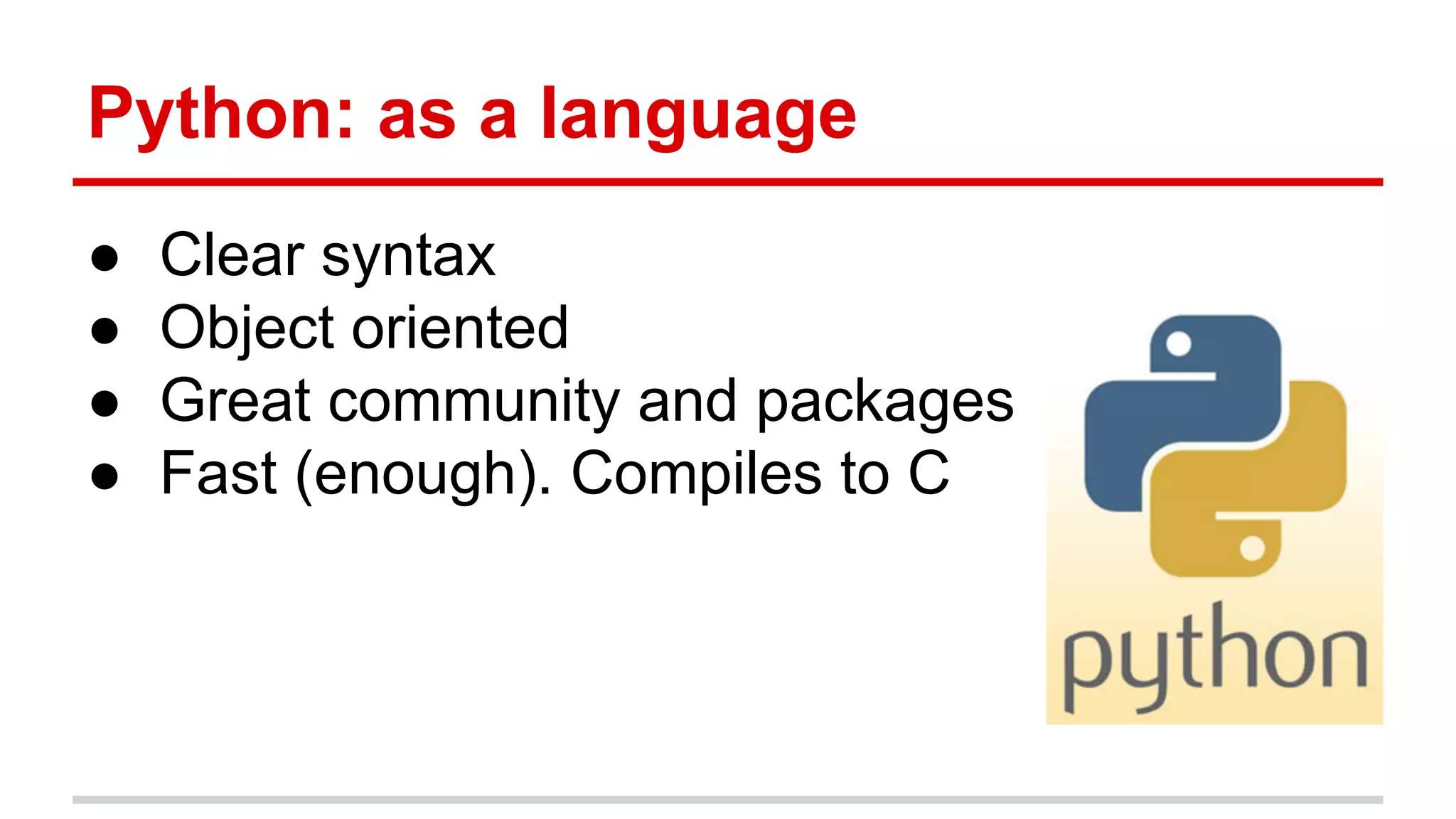
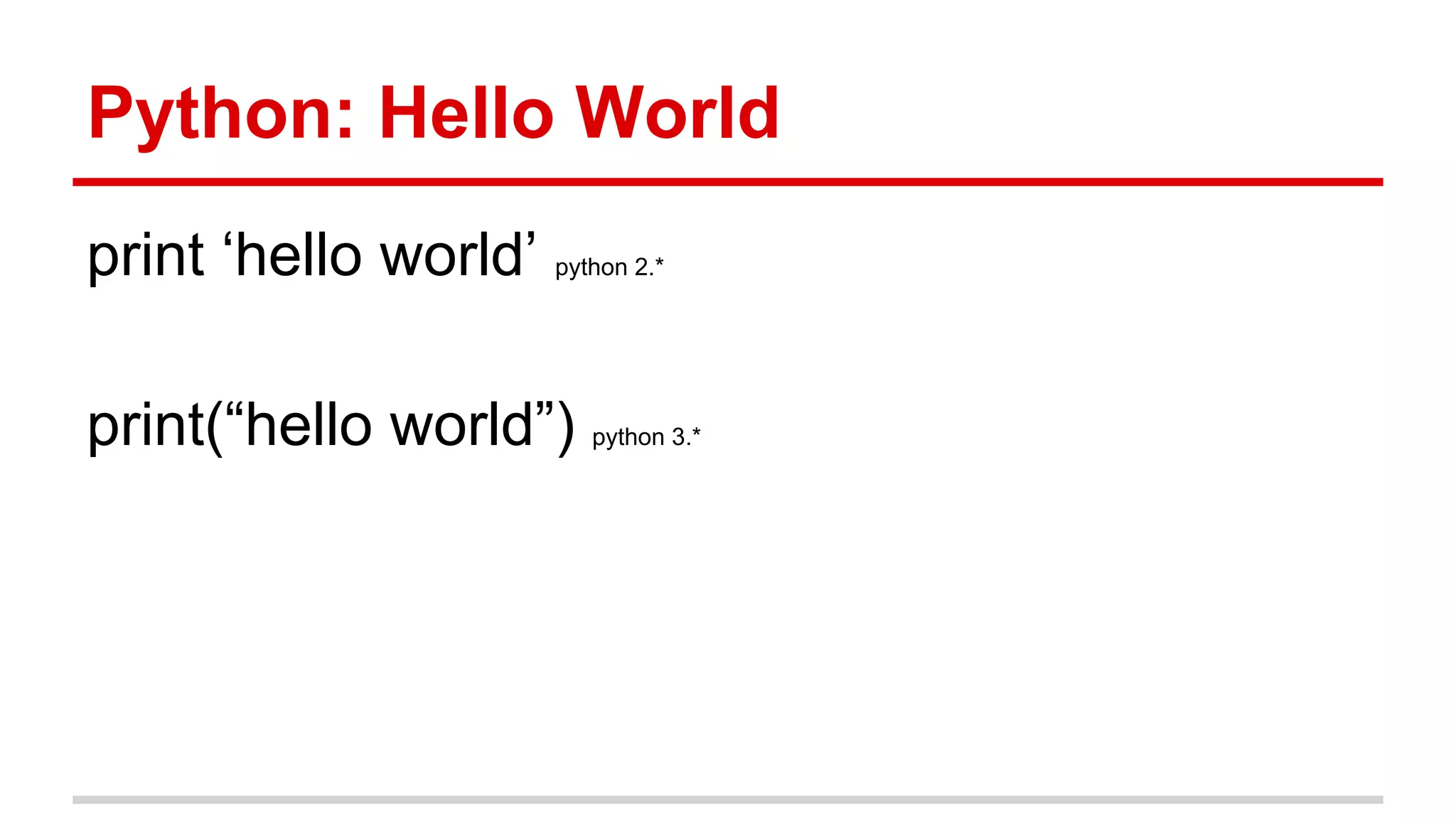
This document provides an introduction to building web applications with the Flask framework in Python. It discusses why Flask is a good option, gives an overview of Python and its advantages as a language, and demonstrates basic Flask concepts like routing, templates, models, and deployment. The key steps shown include setting up a virtual environment, creating a basic "Hello World" app, using Jinja templates, the Flask-SQLAlchemy extension for databases, and deploying to platforms like Heroku.
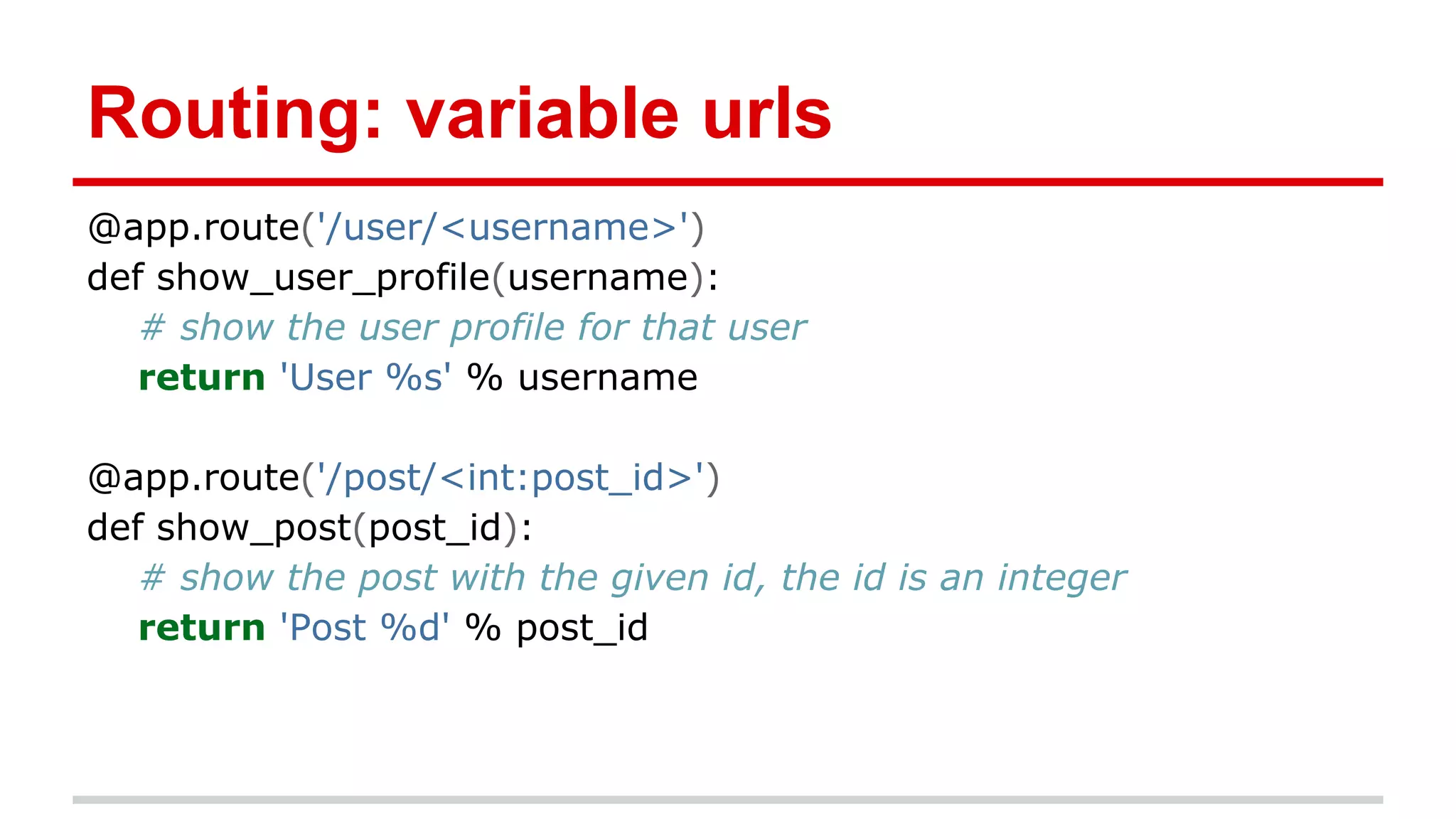
Routing: variable urls
@app.route('/user/<username>')
defshow_user_profile(username):
# show the user profile for that user
return 'User %s' % username
@app.route('/post/<int:post_id>')
def show_post(post_id):
# show the post with the given id, the id is an integer
return 'Post %d' % post_id
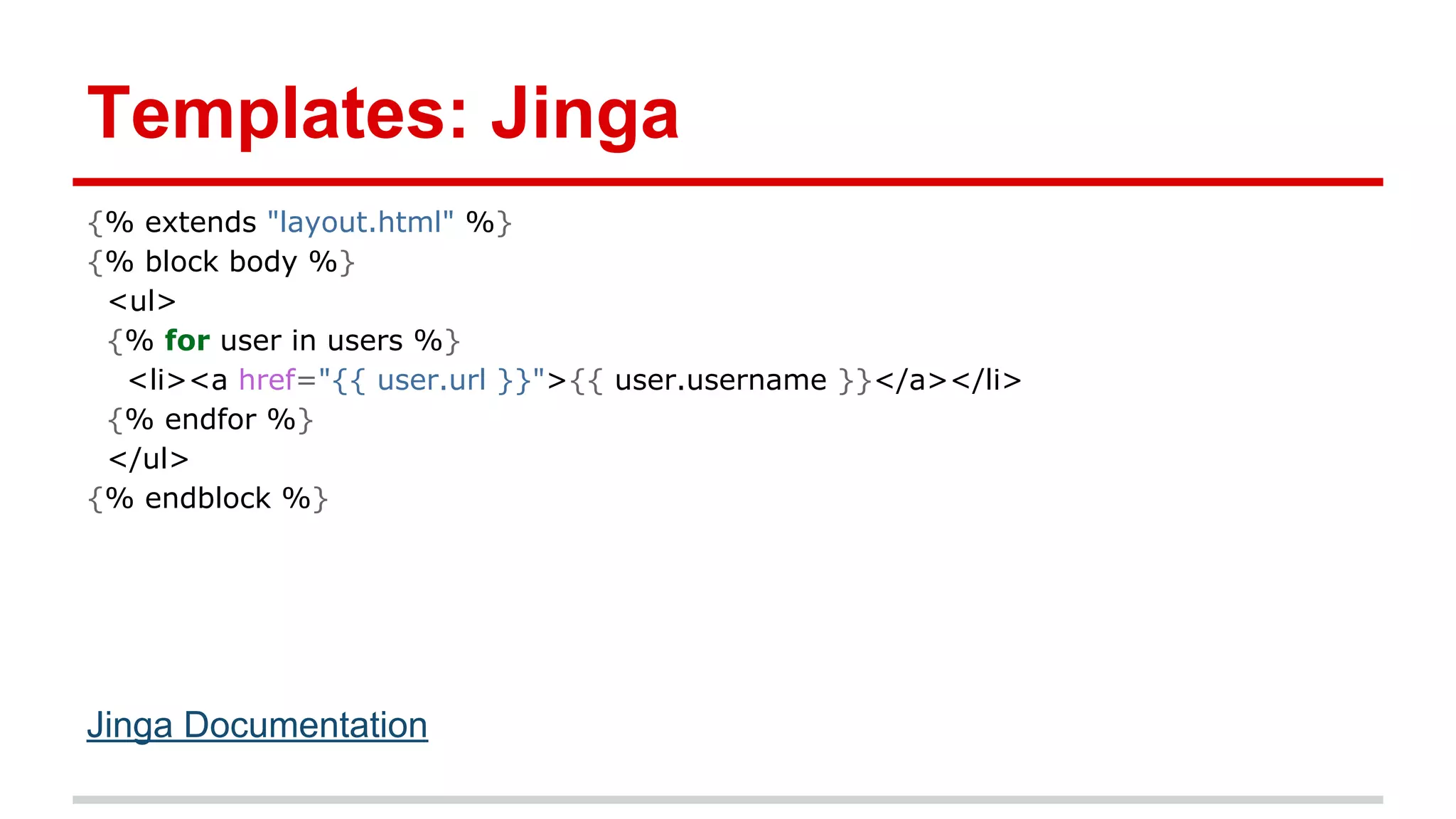
Templates: Jinga
{% extends"layout.html" %}
{% block body %}
<ul>
{% for user in users %}
<li><a href="{{ user.url }}">{{ user.username }}</a></li>
{% endfor %}
</ul>
{% endblock %}
Jinga Documentation
15.
Models: classes
Models areabstractions of database tables
from flask import Flask
from flask.ext.sqlalchemy import SQLAlchemy
app = Flask(__name__)
app.config['SQLALCHEMY_DATABASE_URI'] = 'sqlite:////tmp/test.db'
db = SQLAlchemy(app)
class User(db.Model):
id = db.Column(db.Integer, primary_key=True)
username = db.Column(db.String(80), unique=True)
email = db.Column(db.String(120), unique=True)
def __init__(self, username, email):
self.username = username
self.email = email
16.
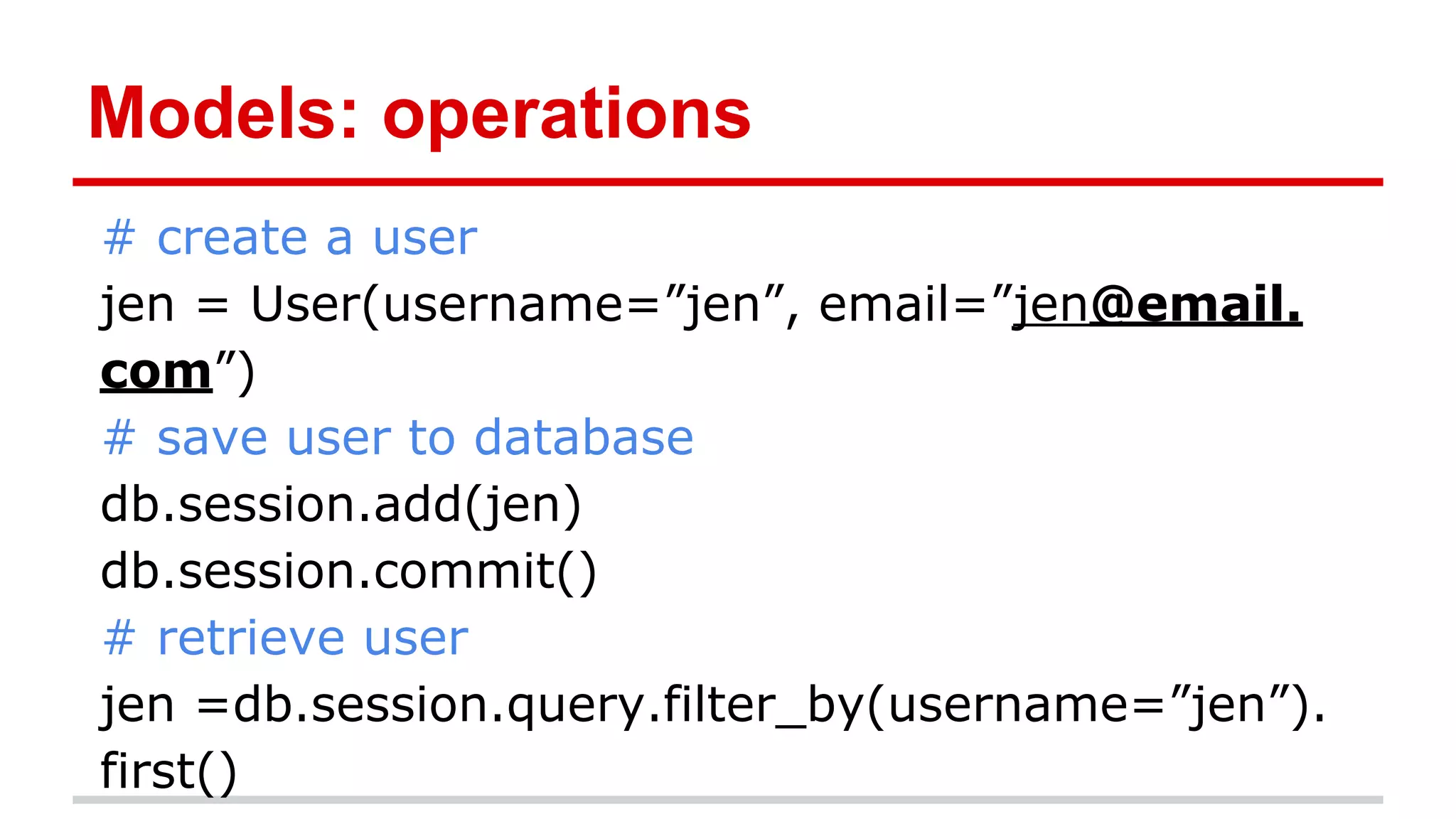
Models: operations
# createa user
jen = User(username=”jen”, email=”jen@email.
com”)
# save user to database
db.session.add(jen)
db.session.commit()
# retrieve user
jen =db.session.query.filter_by(username=”jen”).
first()
17.
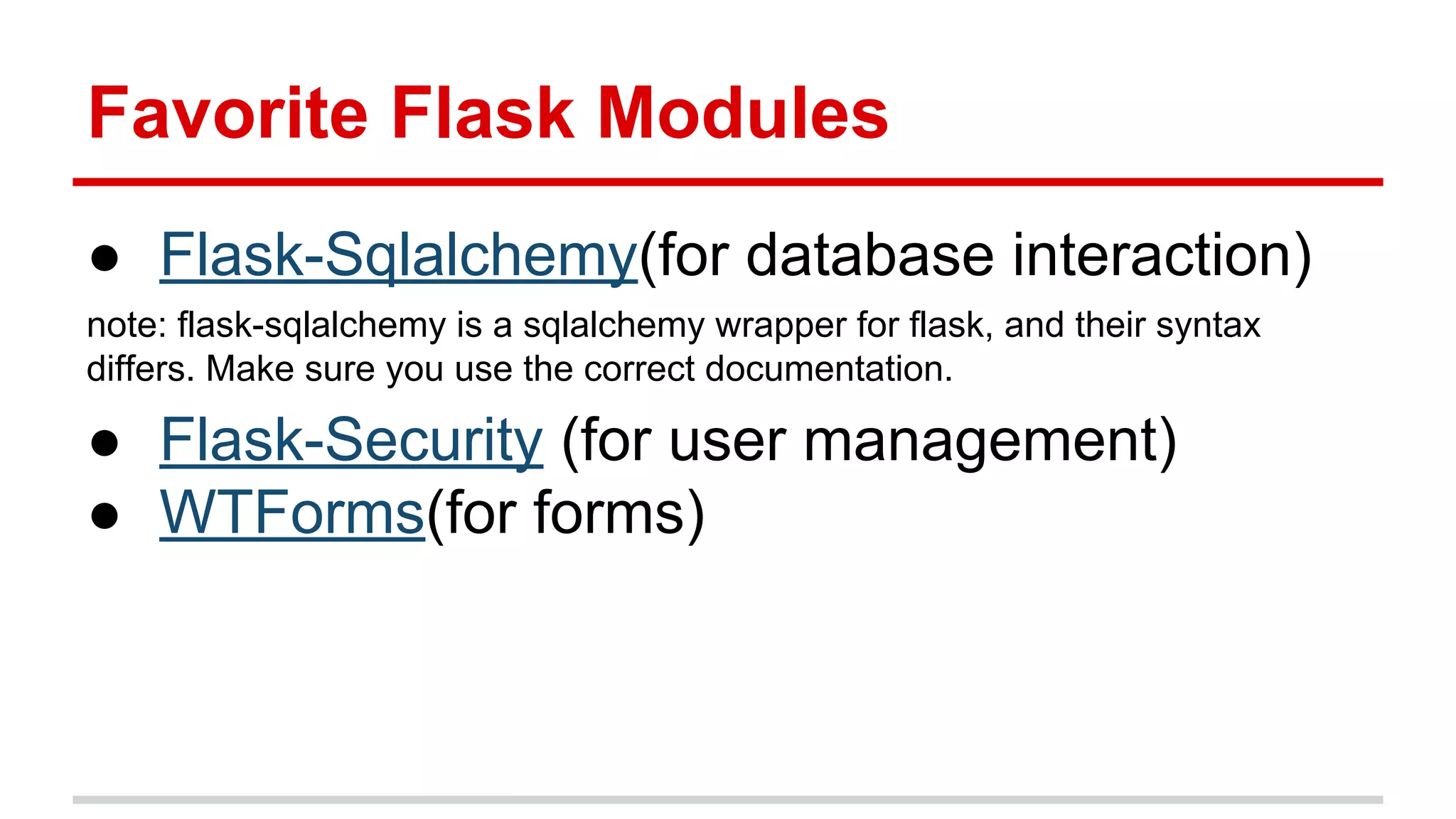
Favorite Flask Modules
●Flask-Sqlalchemy(for database interaction)
note: flask-sqlalchemy is a sqlalchemy wrapper for flask, and their syntax
differs. Make sure you use the correct documentation.
● Flask-Security (for user management)
● WTForms(for forms)



![Routing: HTTP
@app.route('/login', methods=['GET', 'POST'])
def login():
if request.method == 'POST':
do_the_login()
else:
show_the_login_form()](https://image.slidesharecdn.com/flaskforcsstudents-131207181550-phpapp01/75/Flask-for-cs-students-13-2048.jpg)
![Models: classes
Models are abstractions of database tables
from flask import Flask
from flask.ext.sqlalchemy import SQLAlchemy
app = Flask(__name__)
app.config['SQLALCHEMY_DATABASE_URI'] = 'sqlite:////tmp/test.db'
db = SQLAlchemy(app)
class User(db.Model):
id = db.Column(db.Integer, primary_key=True)
username = db.Column(db.String(80), unique=True)
email = db.Column(db.String(120), unique=True)
def __init__(self, username, email):
self.username = username
self.email = email](https://image.slidesharecdn.com/flaskforcsstudents-131207181550-phpapp01/75/Flask-for-cs-students-15-2048.jpg)