Presenting the new
technology;
4D
The Past…
Kristina Bakes – 4D – 11/3/10 – 2:42PM
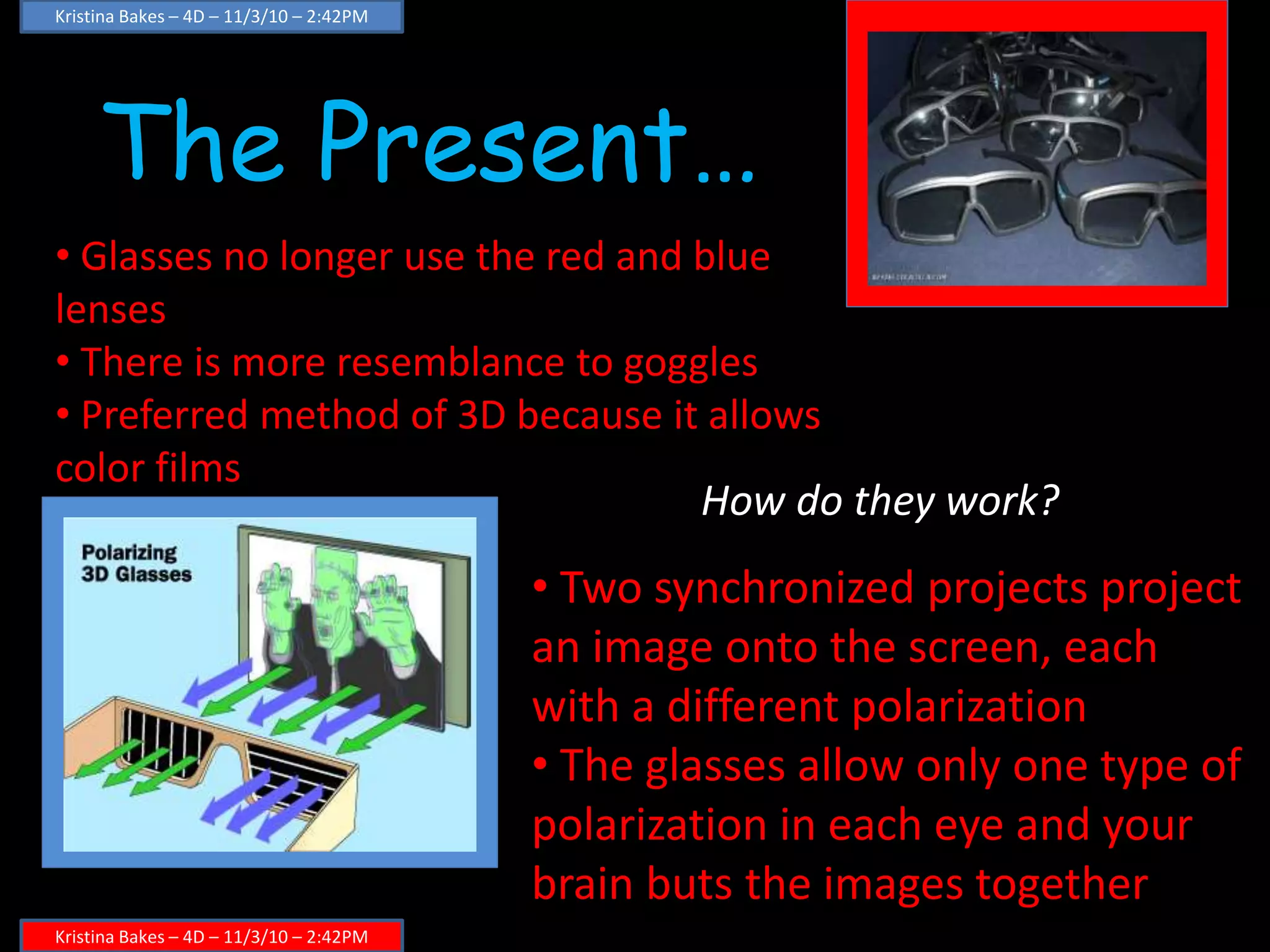
• Typical red and blue lens paper glasses were used
• Could be used on newer home TVs and movie screens
• lowest 3D quality
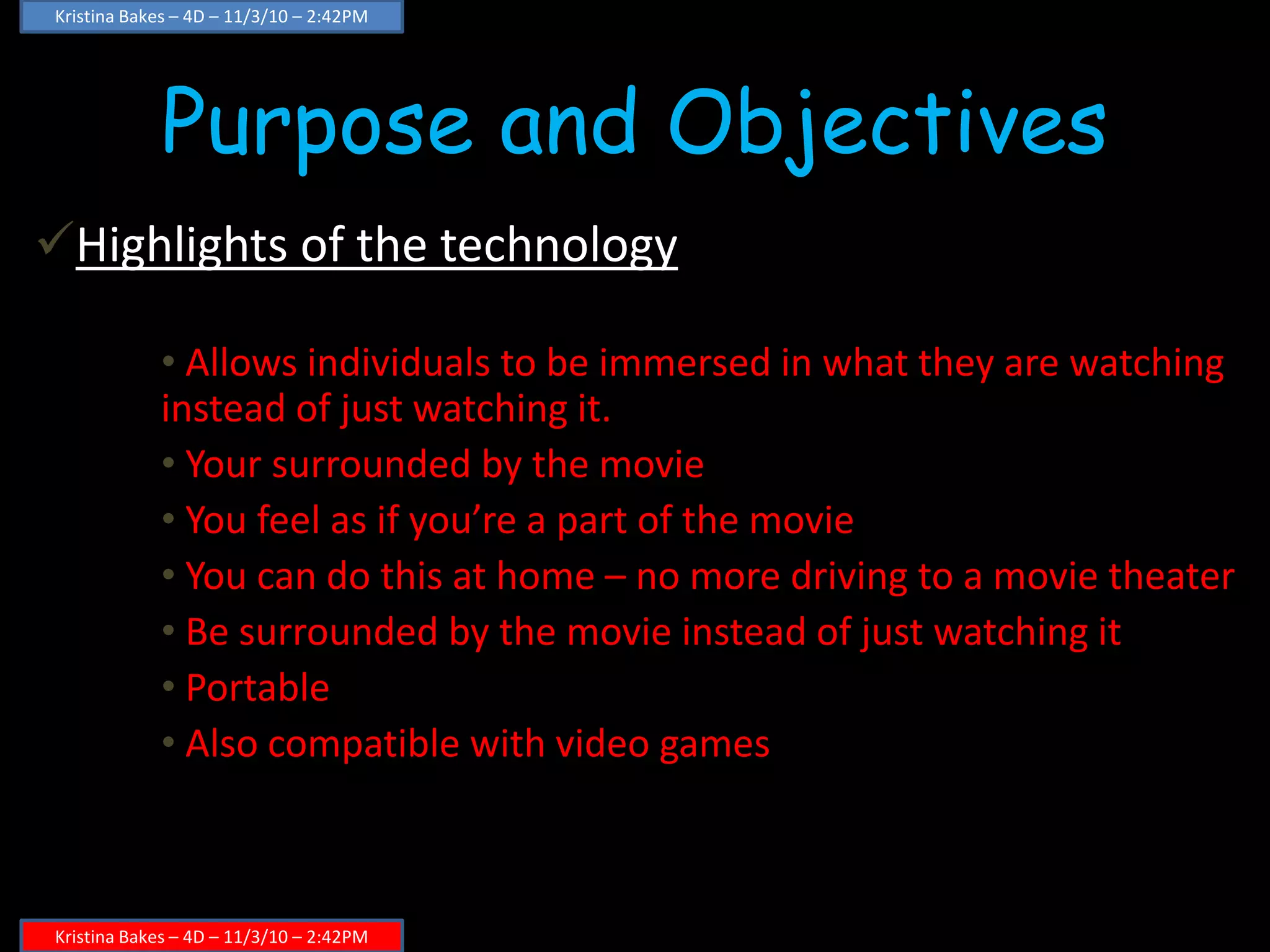
• Two images are displayed on the
screen, one in blue one in red
• The two different colored lenses
allows only one images to each eye
• Then, your brain puts them
together
• Has low quality because since
colors are used to project images,
the actual color picture gets
distorted
How do they work?
The Present…
Kristina Bakes – 4D – 11/3/10 – 2:42PM
• Glasses no longer use the red and blue
lenses
• There is more resemblance to goggles
• Preferred method of 3D because it allows
color films
How do they work?
• Two synchronized projects project
an image onto the screen, each
with a different polarization
• The glasses allow only one type of
polarization in each eye and your
brain buts the images together
Purpose and Objectives
Highlights of the technology
• Allows individuals to be immersed in what they are watching
instead of just watching it.
• Your surrounded by the movie
• You feel as if you’re a part of the movie
• You can do this at home – no more driving to a movie theater
• Be surrounded by the movie instead of just watching it
• Portable
• Also compatible with video games
Kristina Bakes – 4D – 11/3/10 – 2:42PM
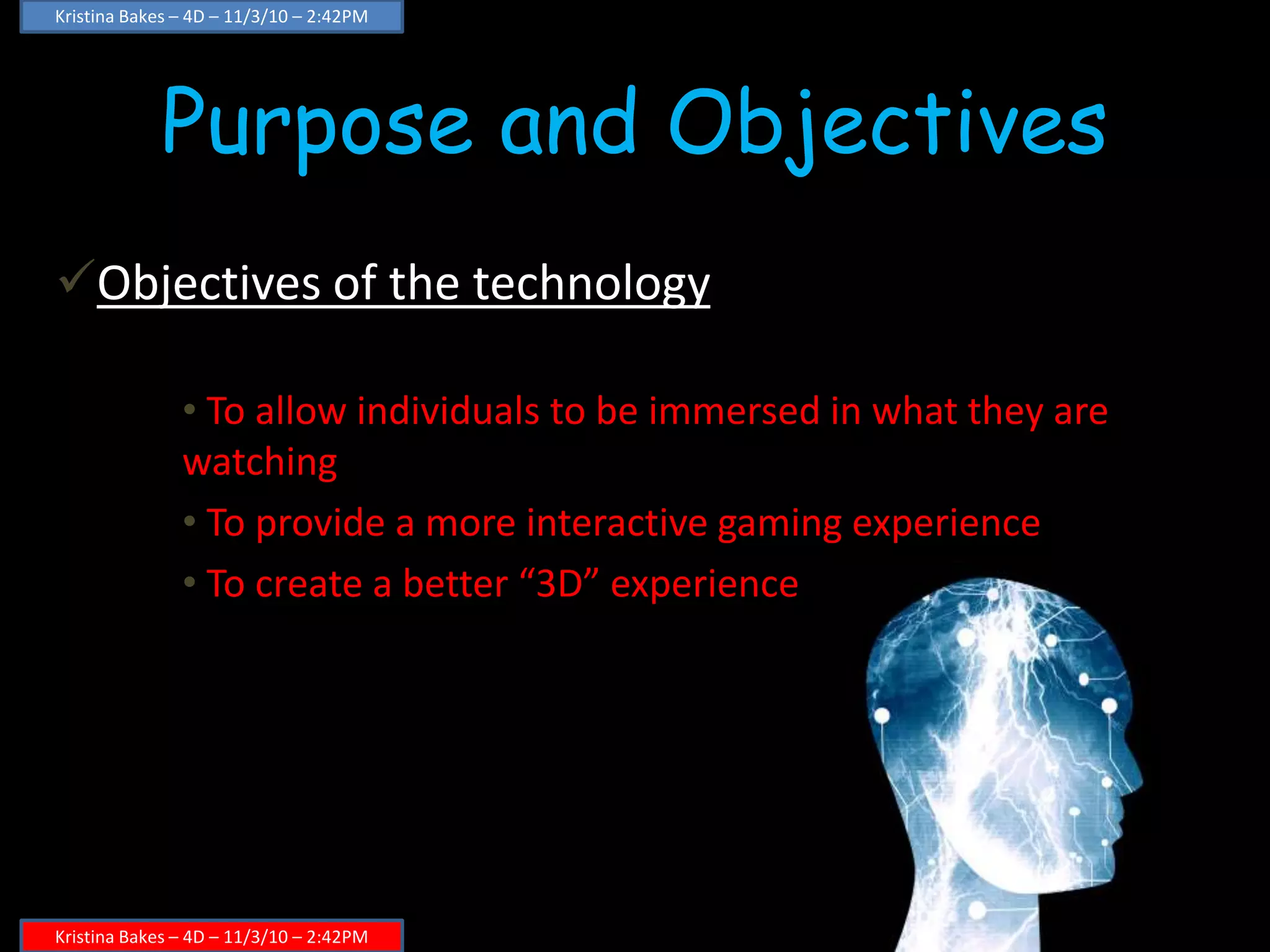
Purpose and Objectives
Objectives of the technology
• To allow individuals to be immersed in what they are
watching
• To provide a more interactive gaming experience
• To create a better “3D” experience
Kristina Bakes – 4D – 11/3/10 – 2:42PM
Specifications
• You must own either a TV or a
gaming console in order for it to work
• Takes up no storage space
• One piece helmet
• One size fits all
• Wifi capability
Technology – Brief Introduction
 Brief introduction to the technology
 A simulation helmet allows you to enter your movies and games immersed in 3D
Advantages
. You no longer have to drive to the movies
You save on gas
You don’t have to pay for a movie ticket
. You feel as if you are a part of the action
. Your surrounded by the movies environment
. Compatible with game consoles
You can become part of your game
Kristina Bakes – 4D – 11/3/10 – 2:42PM
Special Features
• Allows you to be a part of your game
• Allows you to become part of a movie
• Every aspect of what your watching is three
dimensional; no longer just certain parts
• Does not take up any memory storage
• Wireless – sync’s with your game console or TV
• Up to three can sync together over wifi
Kristina Bakes – 4D – 11/3/10 – 2:42PM
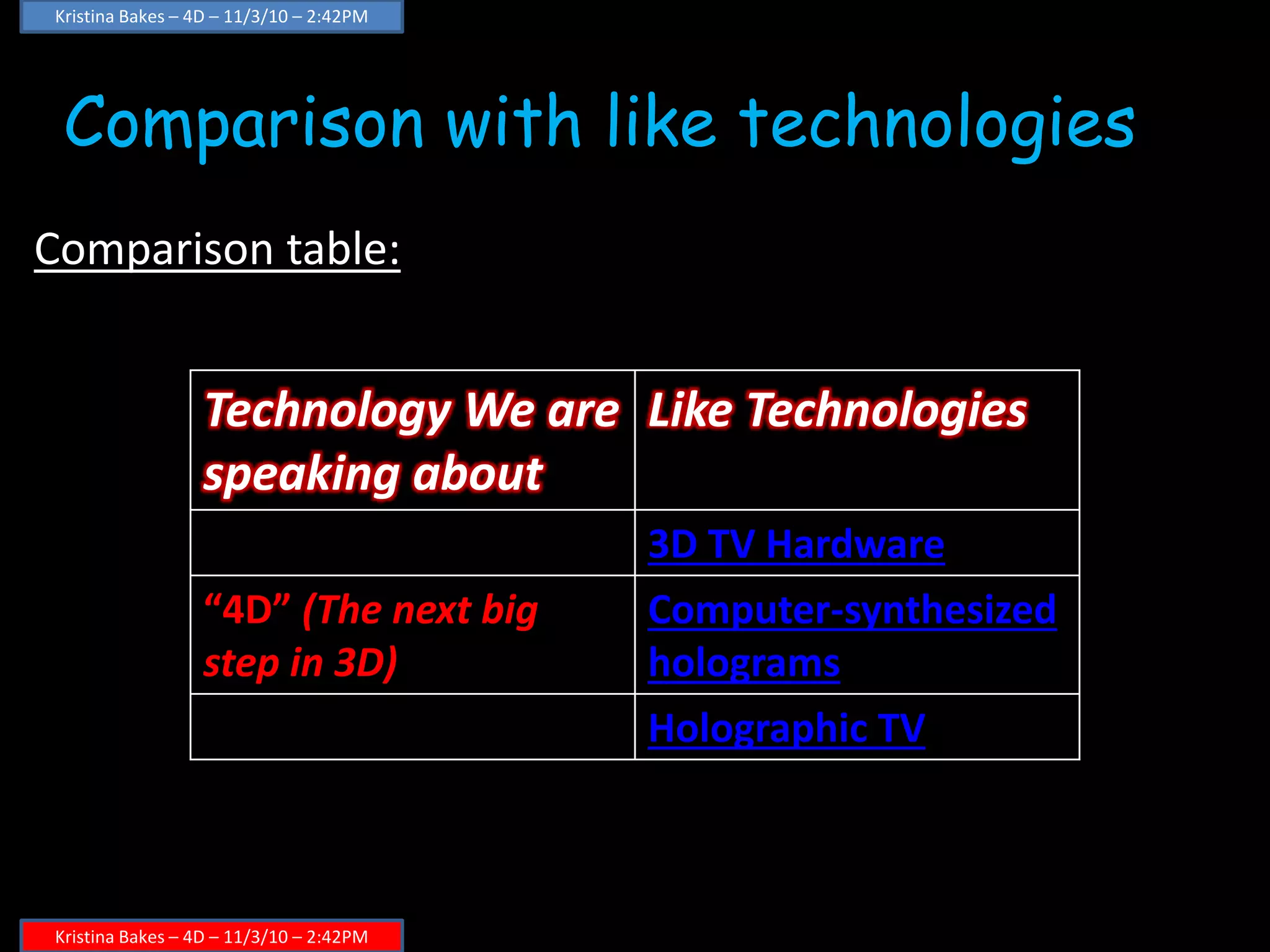
Comparison with like technologies
Comparison table:
Technology We are
speaking about
Like Technologies
3D TV Hardware
“4D” (The next big
step in 3D)
Computer-synthesized
holograms
Holographic TV
Kristina Bakes – 4D – 11/3/10 – 2:42PM
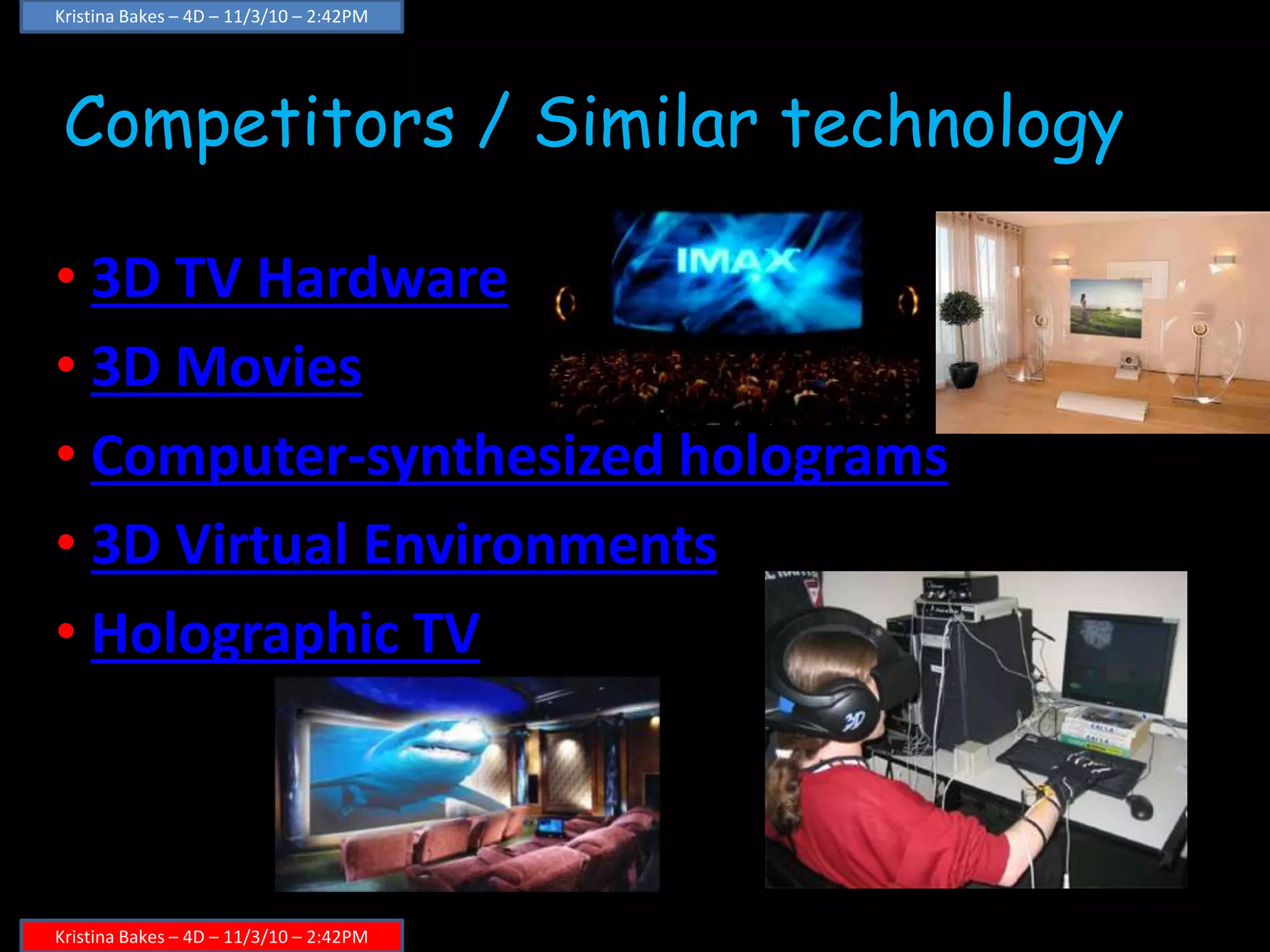
Competitors / Similar technology
• 3D TV Hardware
• 3D Movies
• Computer-synthesized holograms
• 3D Virtual Environments
• Holographic TV
Kristina Bakes – 4D – 11/3/10 – 2:42PM
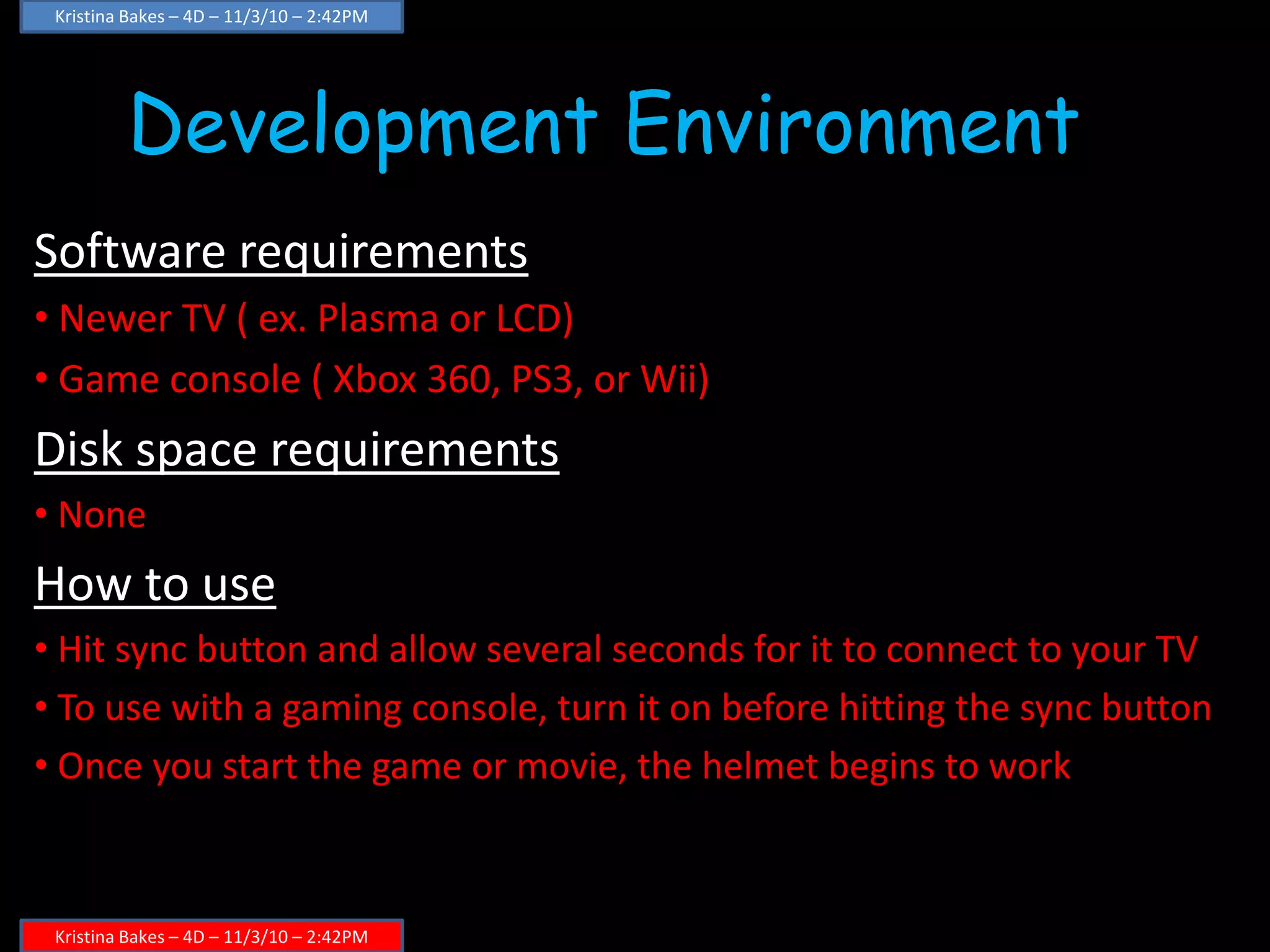
Development Environment
Software requirements
• Newer TV ( ex. Plasma or LCD)
• Game console ( Xbox 360, PS3, or Wii)
Disk space requirements
• None
How to use
• Hit sync button and allow several seconds for it to connect to your TV
• To use with a gaming console, turn it on before hitting the sync button
• Once you start the game or movie, the helmet begins to work
Kristina Bakes – 4D – 11/3/10 – 2:42PM
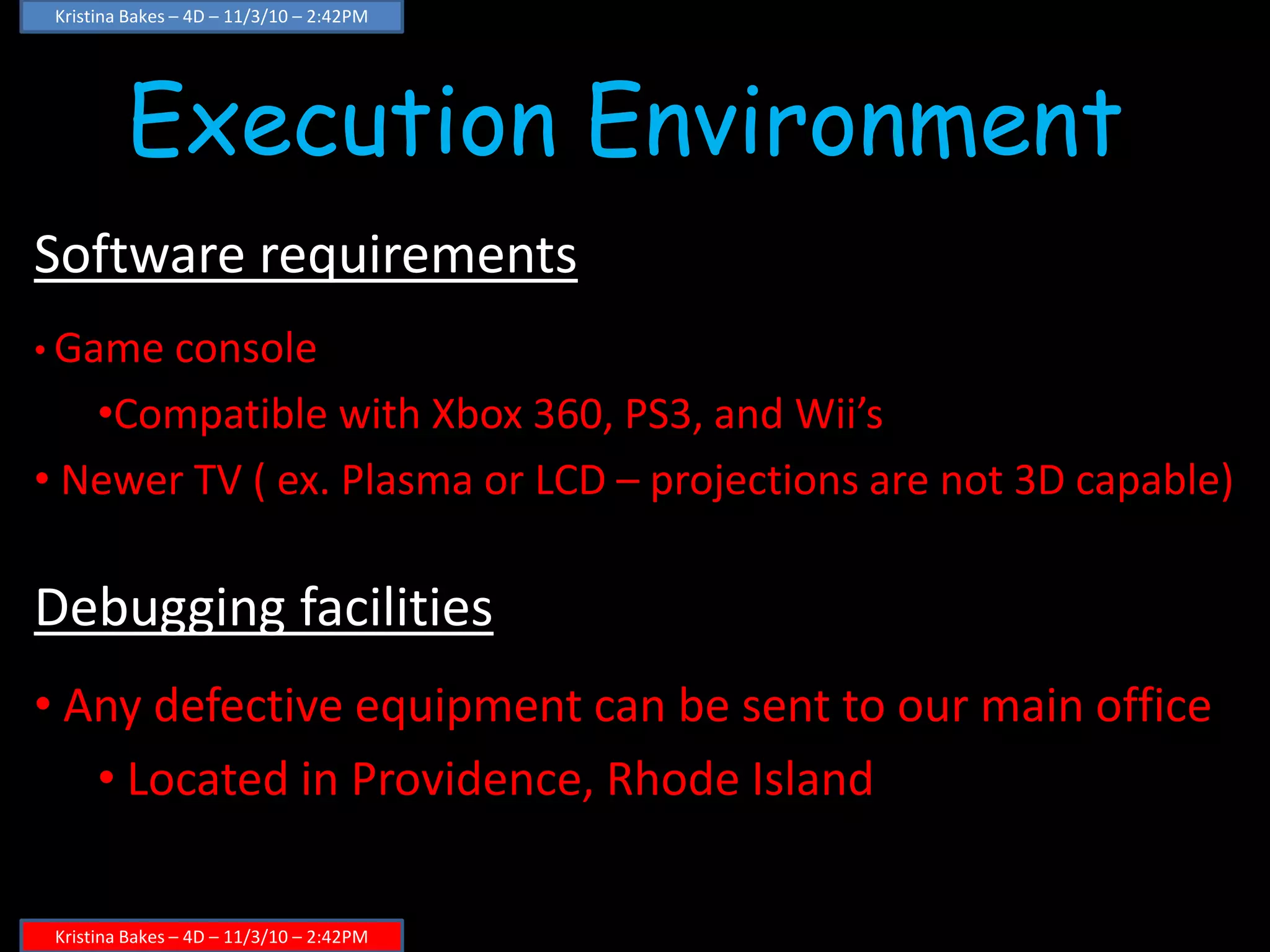
Execution Environment
Software requirements
• Game console
•Compatible with Xbox 360, PS3, and Wii’s
• Newer TV ( ex. Plasma or LCD – projections are not 3D capable)
Debugging facilities
• Any defective equipment can be sent to our main office
• Located in Providence, Rhode Island
Kristina Bakes – 4D – 11/3/10 – 2:42PM
Conclusion
Advantages and special features
• Wireless
• Also works with gaming consoles
• Wifi Compatibility for viewing parties and multi
player gaming
• Your surrounded in 3D; you are no longer seeing
the flat surface of a TV and everything surrounding it
Kristina Bakes – 4D – 11/3/10 – 2:42PM

Fit Final Project

  • 1.
  • 2.
    The Past… Kristina Bakes– 4D – 11/3/10 – 2:42PM Kristina Bakes – 4D – 11/3/10 – 2:42PM • Typical red and blue lens paper glasses were used • Could be used on newer home TVs and movie screens • lowest 3D quality • Two images are displayed on the screen, one in blue one in red • The two different colored lenses allows only one images to each eye • Then, your brain puts them together • Has low quality because since colors are used to project images, the actual color picture gets distorted How do they work?
  • 3.
    The Present… Kristina Bakes– 4D – 11/3/10 – 2:42PM Kristina Bakes – 4D – 11/3/10 – 2:42PM • Glasses no longer use the red and blue lenses • There is more resemblance to goggles • Preferred method of 3D because it allows color films How do they work? • Two synchronized projects project an image onto the screen, each with a different polarization • The glasses allow only one type of polarization in each eye and your brain buts the images together
  • 4.
    Purpose and Objectives Highlightsof the technology • Allows individuals to be immersed in what they are watching instead of just watching it. • Your surrounded by the movie • You feel as if you’re a part of the movie • You can do this at home – no more driving to a movie theater • Be surrounded by the movie instead of just watching it • Portable • Also compatible with video games Kristina Bakes – 4D – 11/3/10 – 2:42PM Kristina Bakes – 4D – 11/3/10 – 2:42PM
  • 5.
    Purpose and Objectives Objectivesof the technology • To allow individuals to be immersed in what they are watching • To provide a more interactive gaming experience • To create a better “3D” experience Kristina Bakes – 4D – 11/3/10 – 2:42PM Kristina Bakes – 4D – 11/3/10 – 2:42PM
  • 6.
    Kristina Bakes –4D – 11/3/10 – 2:42PM Kristina Bakes – 4D – 11/3/10 – 2:42PM Specifications • You must own either a TV or a gaming console in order for it to work • Takes up no storage space • One piece helmet • One size fits all • Wifi capability
  • 7.
    Technology – BriefIntroduction  Brief introduction to the technology  A simulation helmet allows you to enter your movies and games immersed in 3D Advantages . You no longer have to drive to the movies You save on gas You don’t have to pay for a movie ticket . You feel as if you are a part of the action . Your surrounded by the movies environment . Compatible with game consoles You can become part of your game Kristina Bakes – 4D – 11/3/10 – 2:42PM Kristina Bakes – 4D – 11/3/10 – 2:42PM
  • 8.
    Special Features • Allowsyou to be a part of your game • Allows you to become part of a movie • Every aspect of what your watching is three dimensional; no longer just certain parts • Does not take up any memory storage • Wireless – sync’s with your game console or TV • Up to three can sync together over wifi Kristina Bakes – 4D – 11/3/10 – 2:42PM Kristina Bakes – 4D – 11/3/10 – 2:42PM
  • 9.
    Comparison with liketechnologies Comparison table: Technology We are speaking about Like Technologies 3D TV Hardware “4D” (The next big step in 3D) Computer-synthesized holograms Holographic TV Kristina Bakes – 4D – 11/3/10 – 2:42PM Kristina Bakes – 4D – 11/3/10 – 2:42PM
  • 10.
    Competitors / Similartechnology • 3D TV Hardware • 3D Movies • Computer-synthesized holograms • 3D Virtual Environments • Holographic TV Kristina Bakes – 4D – 11/3/10 – 2:42PM Kristina Bakes – 4D – 11/3/10 – 2:42PM
  • 11.
    Development Environment Software requirements •Newer TV ( ex. Plasma or LCD) • Game console ( Xbox 360, PS3, or Wii) Disk space requirements • None How to use • Hit sync button and allow several seconds for it to connect to your TV • To use with a gaming console, turn it on before hitting the sync button • Once you start the game or movie, the helmet begins to work Kristina Bakes – 4D – 11/3/10 – 2:42PM Kristina Bakes – 4D – 11/3/10 – 2:42PM
  • 12.
    Execution Environment Software requirements •Game console •Compatible with Xbox 360, PS3, and Wii’s • Newer TV ( ex. Plasma or LCD – projections are not 3D capable) Debugging facilities • Any defective equipment can be sent to our main office • Located in Providence, Rhode Island Kristina Bakes – 4D – 11/3/10 – 2:42PM Kristina Bakes – 4D – 11/3/10 – 2:42PM
  • 13.
    Conclusion Advantages and specialfeatures • Wireless • Also works with gaming consoles • Wifi Compatibility for viewing parties and multi player gaming • Your surrounded in 3D; you are no longer seeing the flat surface of a TV and everything surrounding it Kristina Bakes – 4D – 11/3/10 – 2:42PM Kristina Bakes – 4D – 11/3/10 – 2:42PM