First step to internet
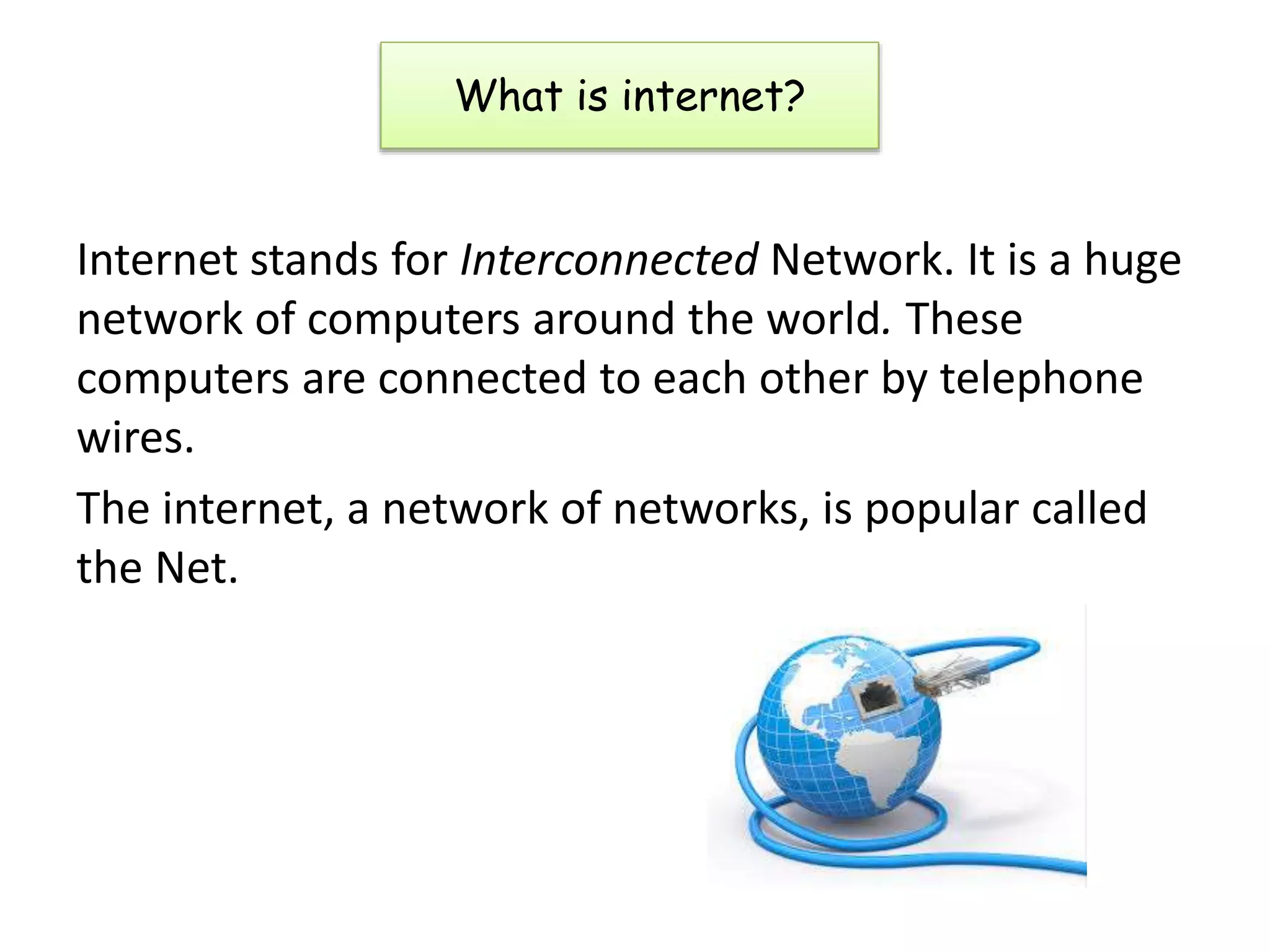
Internet stands for Interconnected Network. It is a huge
network of computers around the world. These
computers are connected to each other by telephone
wires.
The internet, a network of networks, is popular called
the Net.
What is internet?
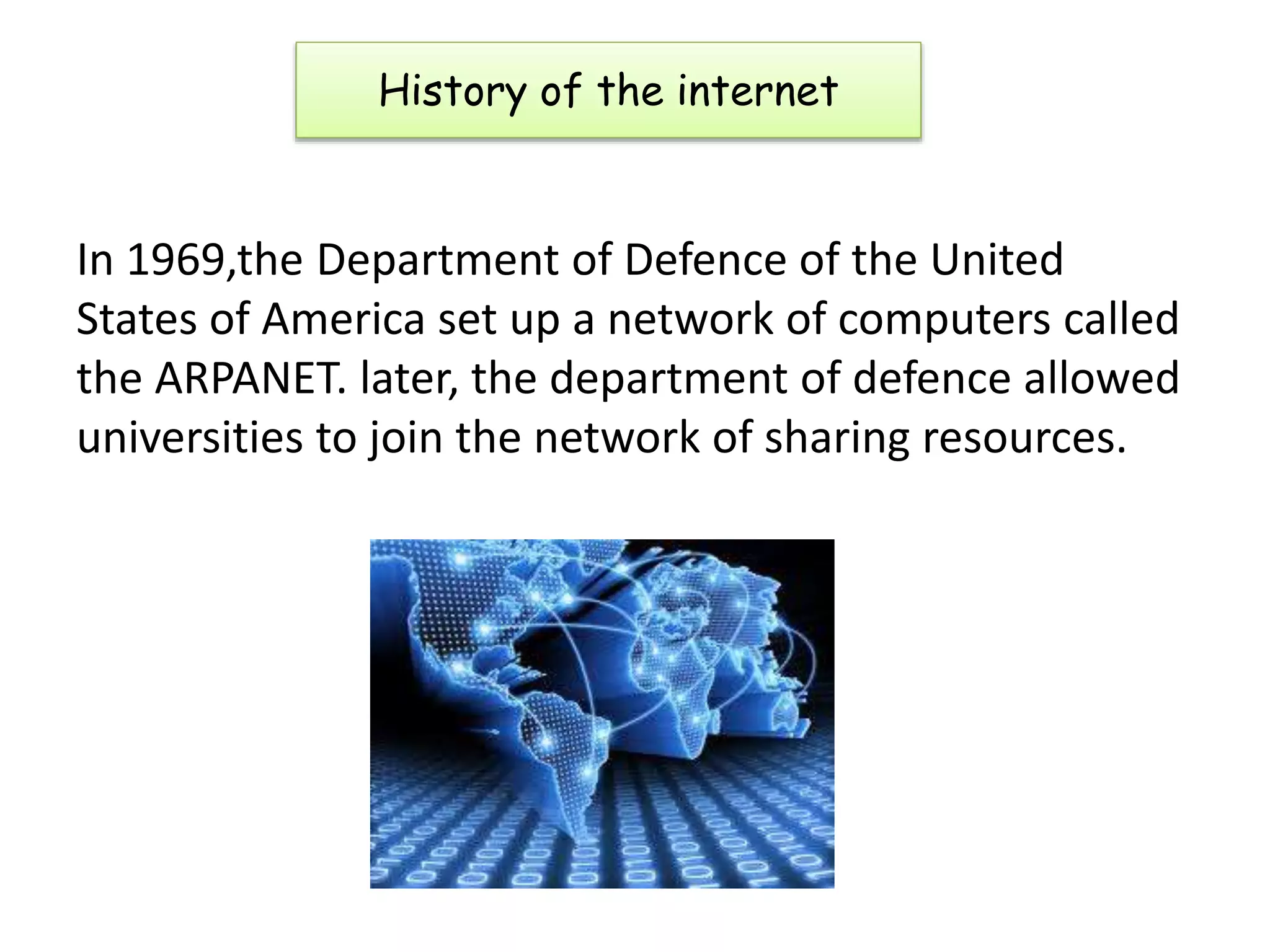
In 1969,the Department of Defence of the United
States of America set up a network of computers called
the ARPANET. later, the department of defence allowed
universities to join the network of sharing resources.
History of the internet
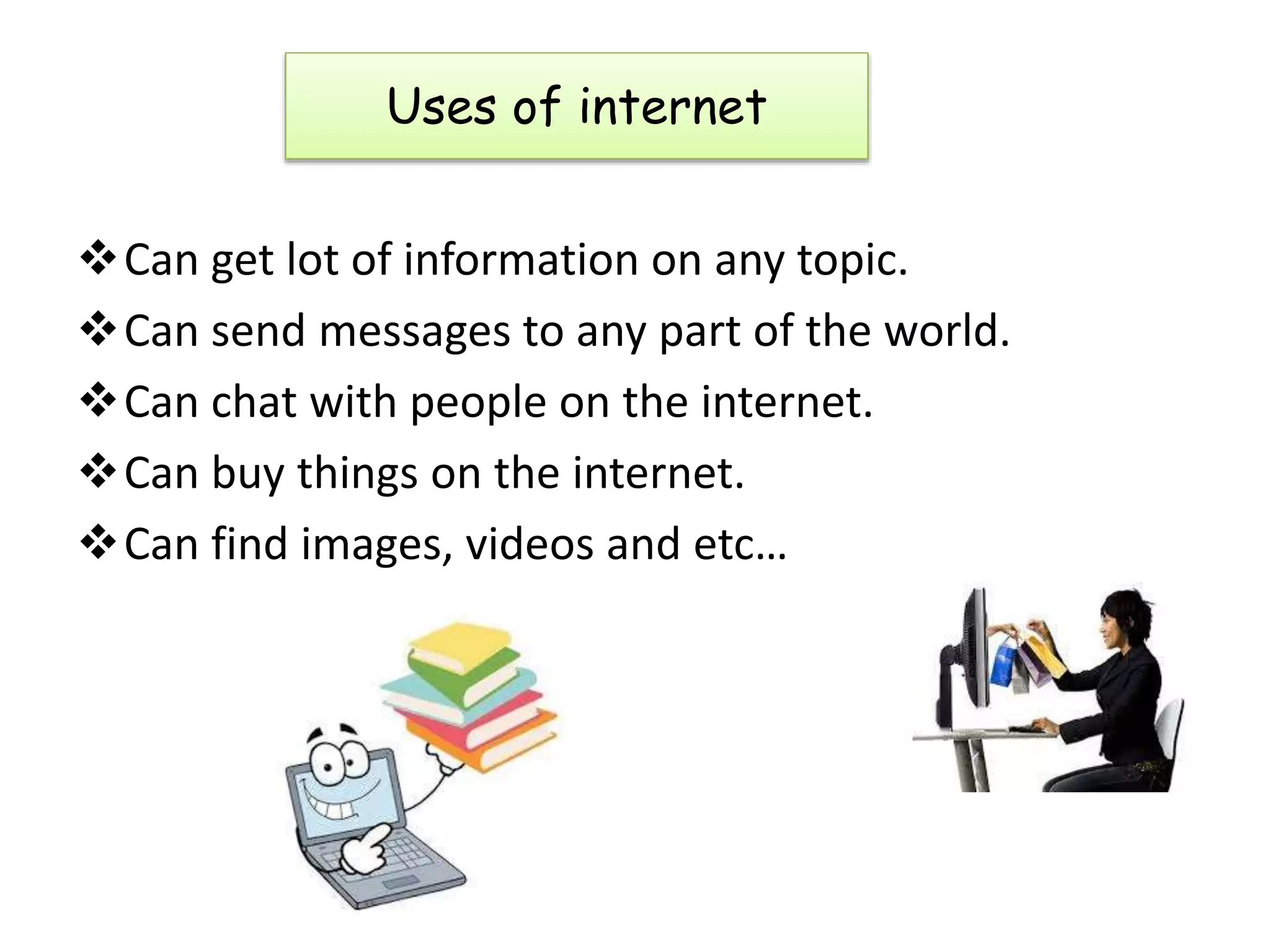
Can get lot of information on any topic.
Can send messages to any part of the world.
Can chat with people on the internet.
Can buy things on the internet.
Can find images, videos and etc…
Uses of internet
To make your computer a part of the internet, following
are the requirements
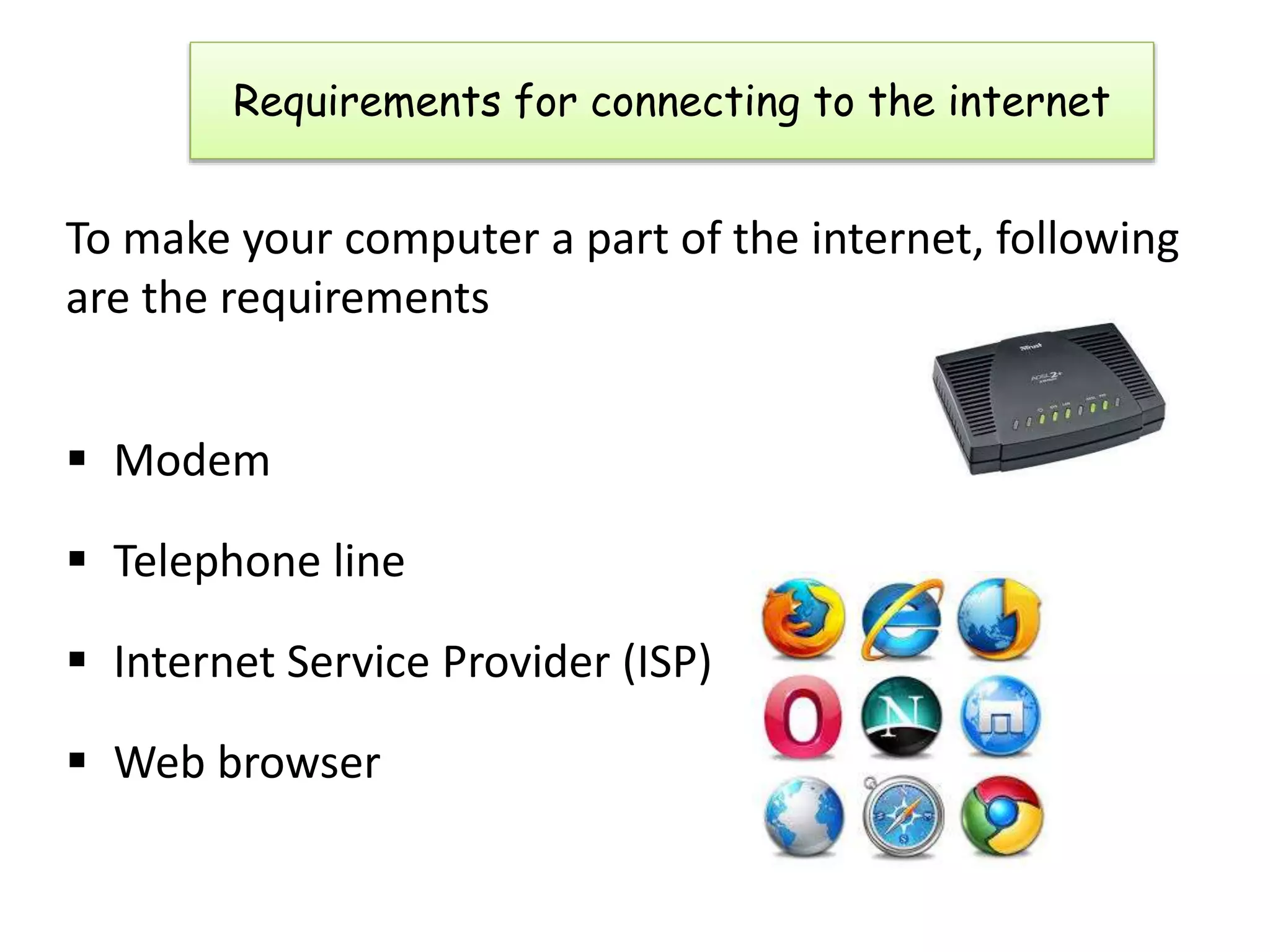
 Modem
 Telephone line
 Internet Service Provider (ISP)
 Web browser
Requirements for connecting to the internet
A modem is a peripheral device that allows us to
connect and communicate with other
computers. Modem stands for Modulator
Demodulator. There are 2 types of modems
1. Internal modem
2. External modem
Modem
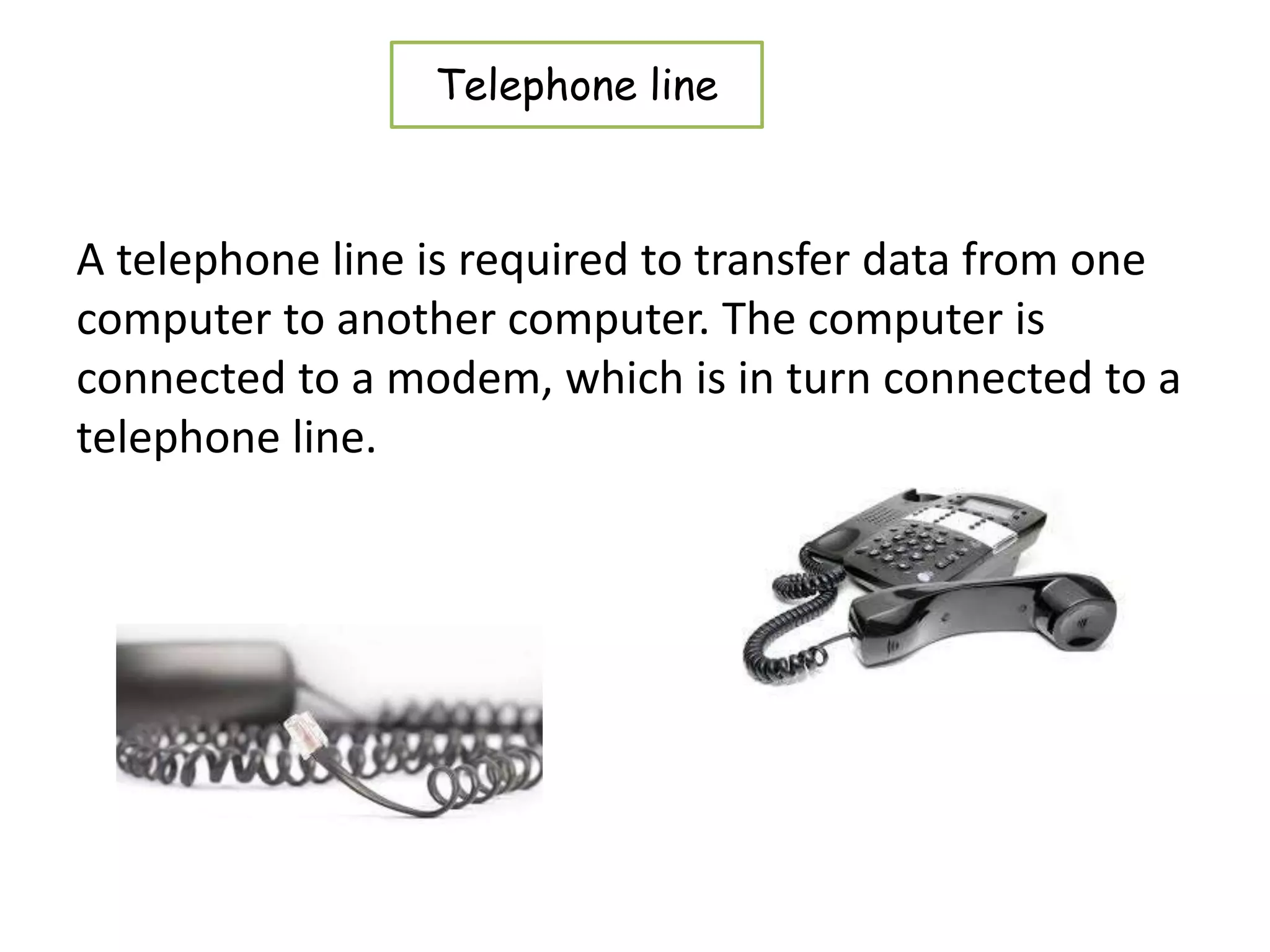
A telephone line is required to transfer data from one
computer to another computer. The computer is
connected to a modem, which is in turn connected to a
telephone line.
Telephone line
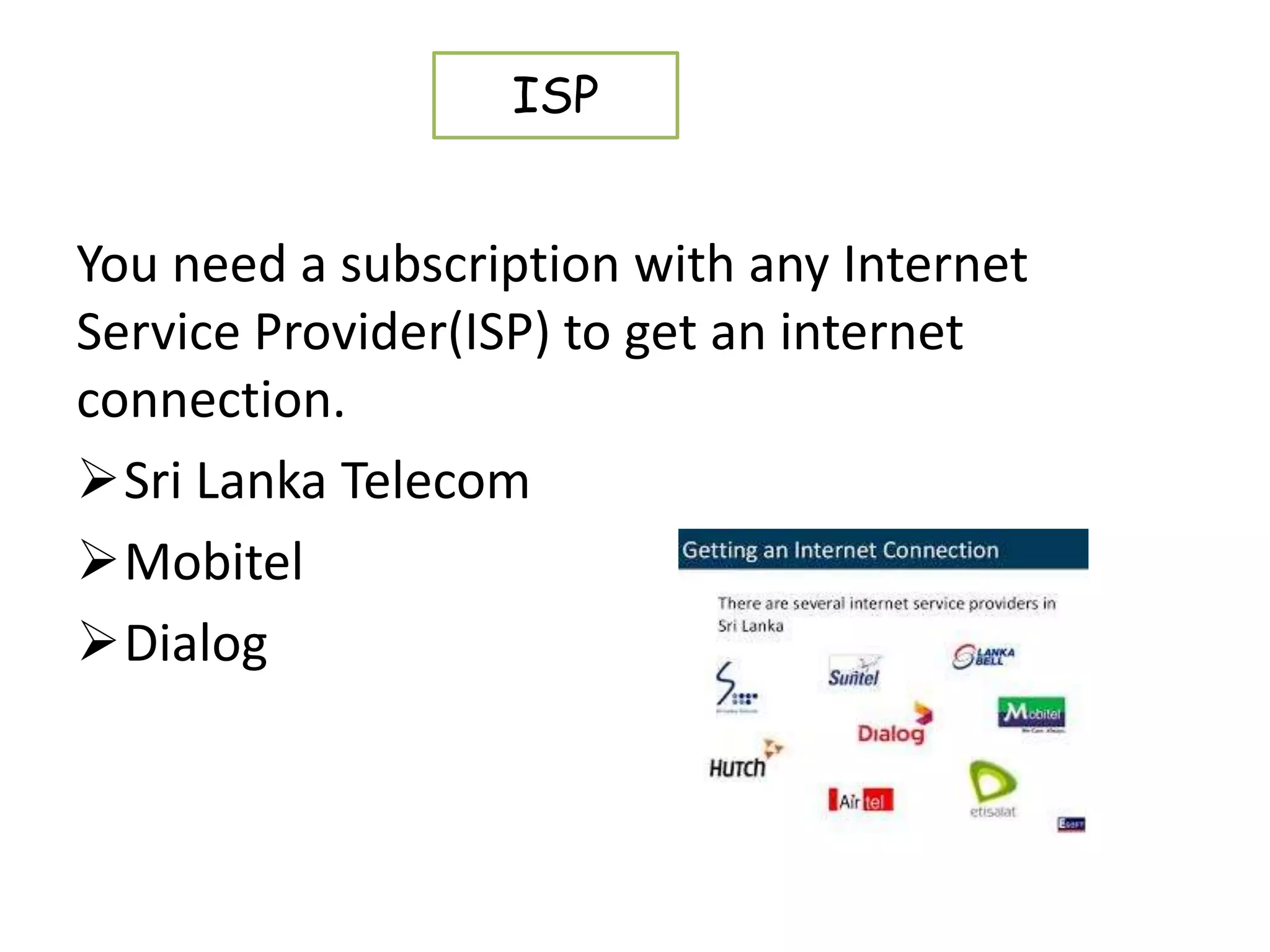
You need a subscription with any Internet
Service Provider(ISP) to get an internet
connection.
Sri Lanka Telecom
Mobitel
Dialog
ISP
A browser is a software application used to locate,
retrieve and display content on the World Wide Web,
including Web pages, images, video and other files.
Examples:
• Internet explorer
• Google Chrome
• Mozilla Firefox
• Opera
• Apple Safari
Web Browser
This addressing scheme assigns names and numbers to
identify computers on the internet. Theses names are
called domain names and the numbers are called IP
address.
A web address is the address or location of a website
on the internet.
Ex: http://www.yahoo.com
http://esoft.lk
Web Address
Home page
• The home page is the opening page or the
main page of a website. A home page typically
contains introductory information about the
website that has been accessed.
A URL (uniform resource locator), is an Internet or
intranet name that points to a location where a file,
directory or website page is hosted.
URL
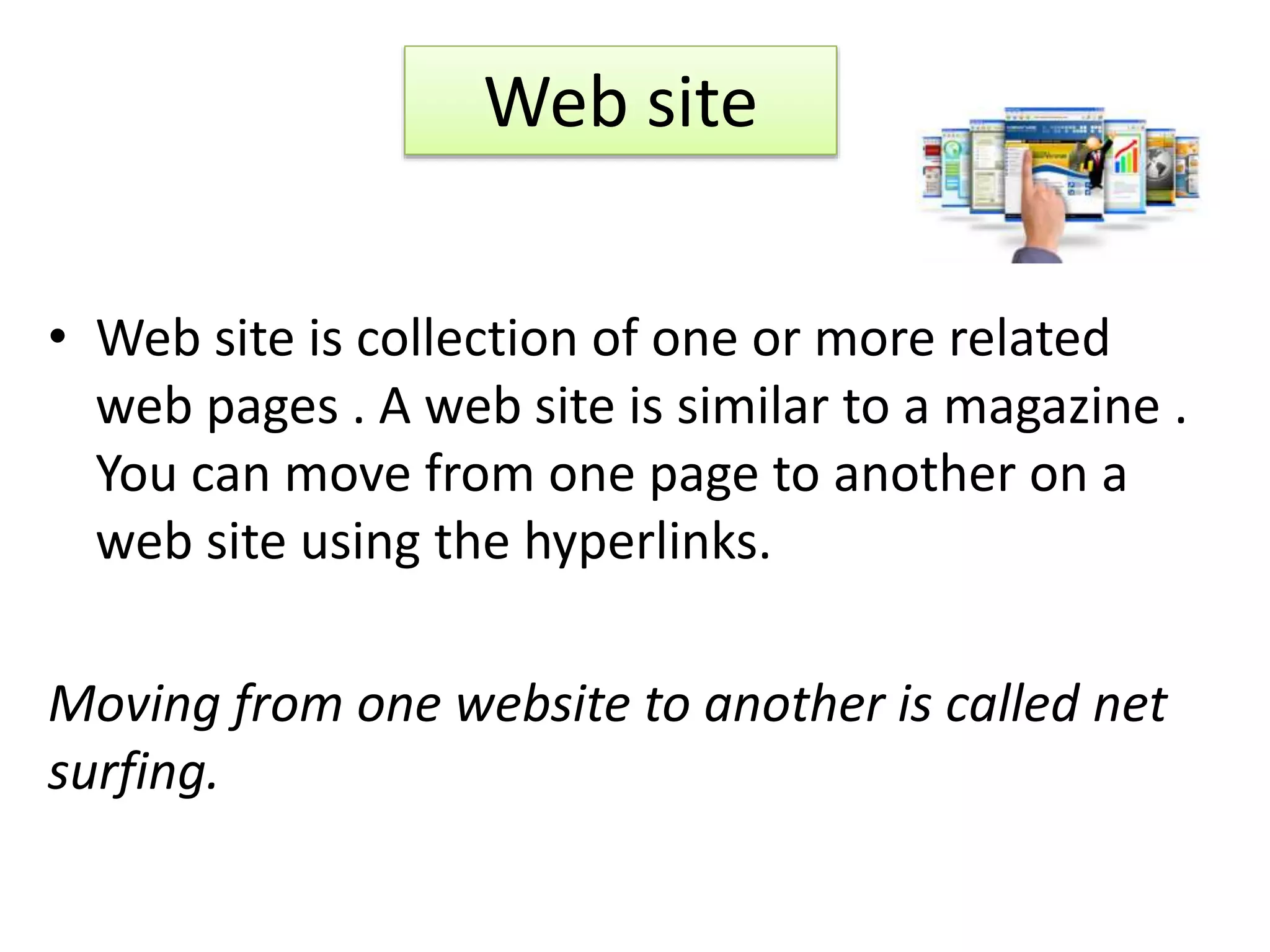
• Web site is collection of one or more related
web pages . A web site is similar to a magazine .
You can move from one page to another on a
web site using the hyperlinks.
Moving from one website to another is called net
surfing.
Web site
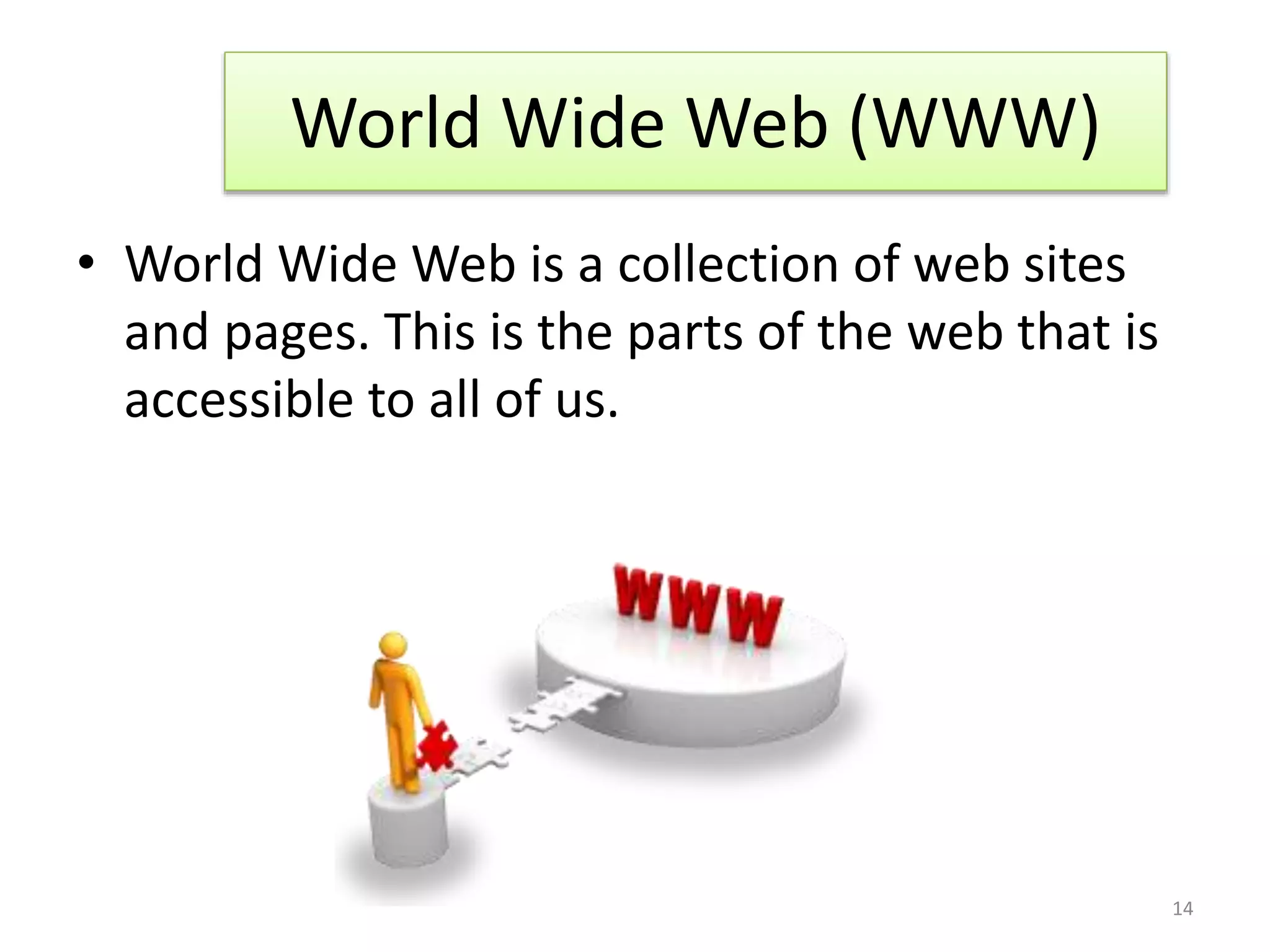
• World Wide Web is a collection of web sites
and pages. This is the parts of the web that is
accessible to all of us.
World Wide Web (WWW)
14
• The individual pages that collectively from the
World Wide Web are known as Web Pages .
These pages contain text ,graphics, audio,
video and links to other pages. There are
hyperlinks among web pages to connect each
page to another.
Web Page
15
E-mail
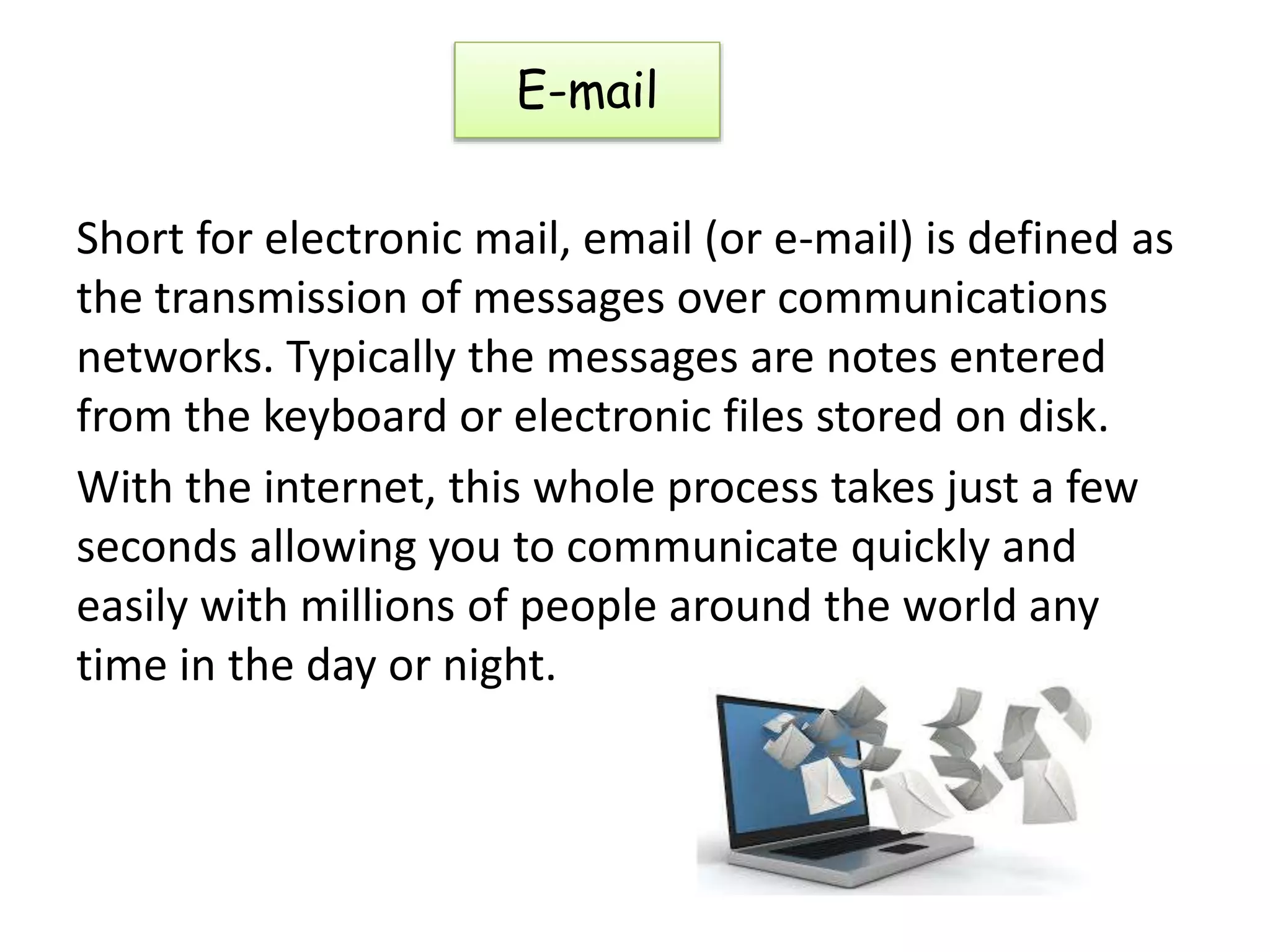
Short for electronic mail, email (or e-mail) is defined as
the transmission of messages over communications
networks. Typically the messages are notes entered
from the keyboard or electronic files stored on disk.
With the internet, this whole process takes just a few
seconds allowing you to communicate quickly and
easily with millions of people around the world any
time in the day or night.
Advantages of E-mail
 Speed – email is far quicker than ordinary postage. A
message can reach any part of the world in a fraction
of a second.
 Cost-You can send as many messages, files, videos,
documents and presentations as you want without
having to pay anything.
 Content – the message may consist of only a few text
or several thousand lines. Unlike the postal services,
the message is not charged by weight.
E mail address
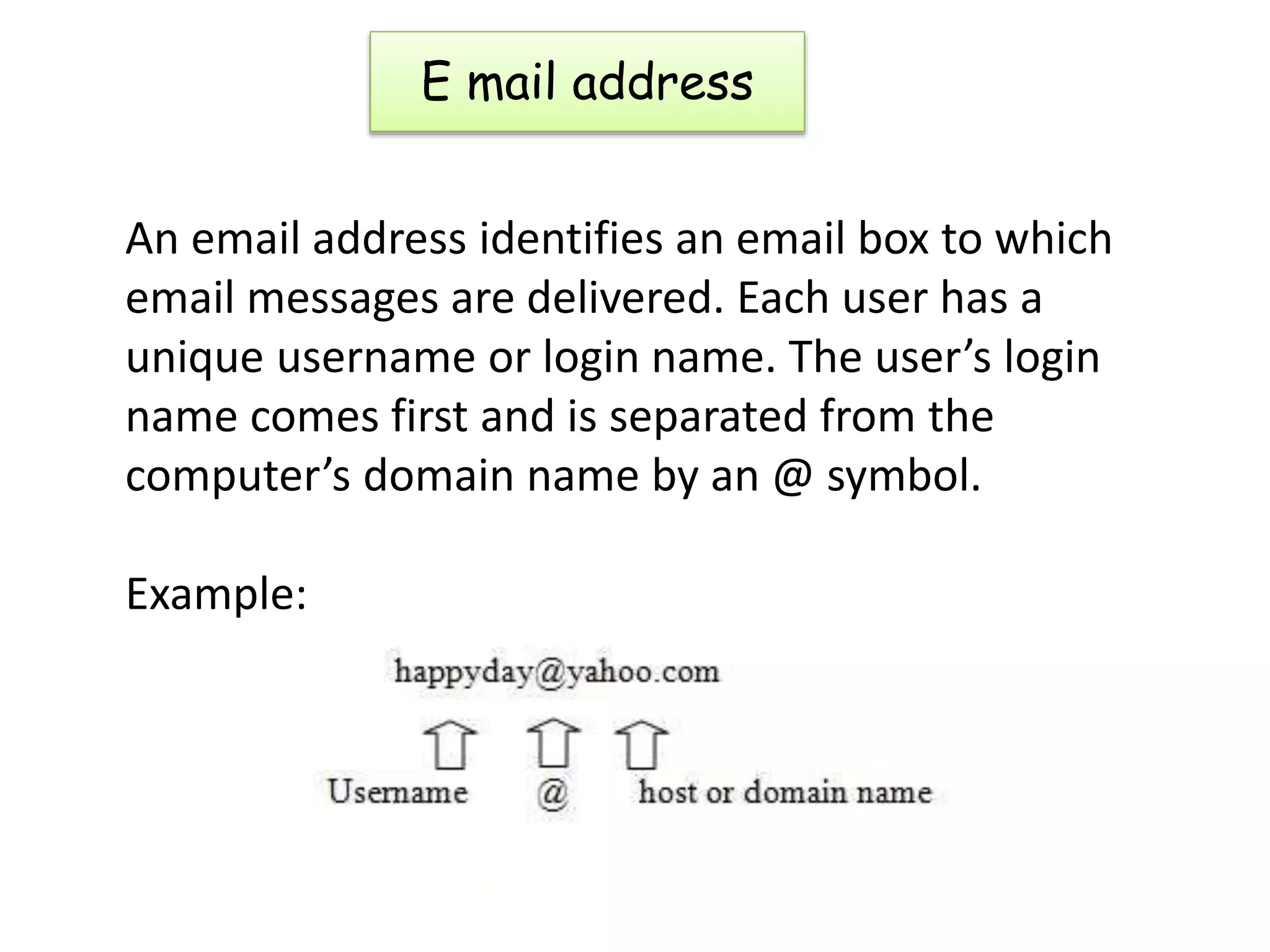
An email address identifies an email box to which
email messages are delivered. Each user has a
unique username or login name. The user’s login
name comes first and is separated from the
computer’s domain name by an @ symbol.
Example:
Features of e-mail
An e-mail program enables us to send and receive and
manage our messages. Users are entirely responsible
for the maintenance and confidentially of the password
and the account.
• Reply to a mail – This help us to reply to a message.
Our reply can include the original message.
• Forward a message – we can forward a message we
have received to someone else.
• Inbox – this folder gives you details of incoming mail.
Entries of unread messages are displayed in bold.
• Outbox – this folder helps you store your messages for
dispatch while you are not connected to the internet.
The send button will move the message to the outbox.
• Send/receive – the send or receive option check for new
mail on your mail server and send out the messages in
your outbox folder.
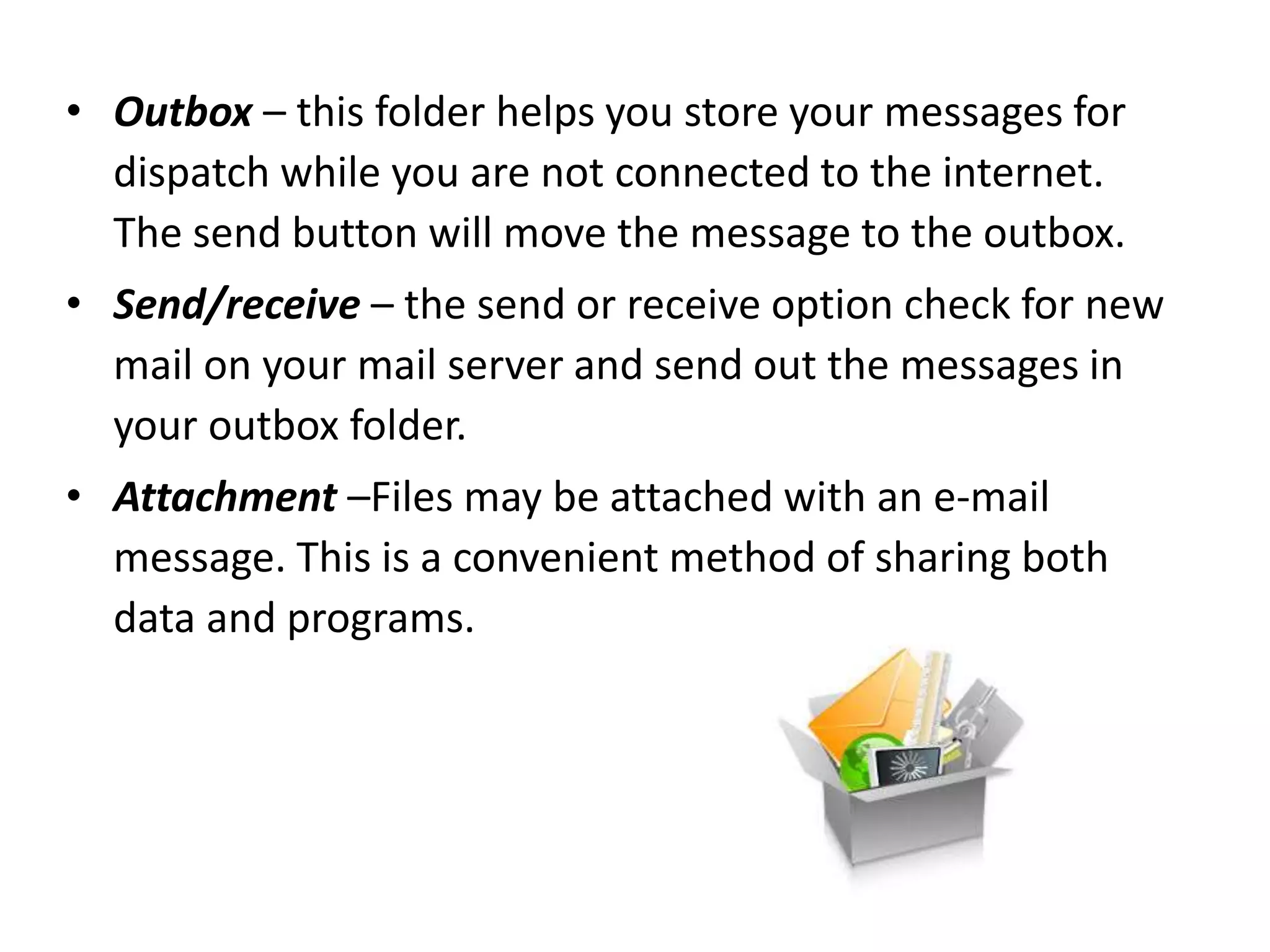
• Attachment –Files may be attached with an e-mail
message. This is a convenient method of sharing both
data and programs.
E-mail services on the internet
Many service providers offered e-mail accounts free of
cost. First you have to register choose an e-mail ID and
give a password to avail of this service.
Some of the sites which offers this service are:
 www.google.com
 www.yahoo.com
 www.msn.com
How to open an account
1. Connect to the internet
2. Open any web browser
3. Type www.google.com in the address bar and press
enter key.
4. To open a new account , click on sign up.
5. Fill in the information and follow the steps.
6. If all the entries are filled in properly, your account
will be created.
What your e-mail account offers you?
• Inbox
• Write mail
• Signature
• Send

First step to internet

  • 1.
    First step tointernet
  • 2.
    Internet stands forInterconnected Network. It is a huge network of computers around the world. These computers are connected to each other by telephone wires. The internet, a network of networks, is popular called the Net. What is internet?
  • 3.
    In 1969,the Departmentof Defence of the United States of America set up a network of computers called the ARPANET. later, the department of defence allowed universities to join the network of sharing resources. History of the internet
  • 4.
    Can get lotof information on any topic. Can send messages to any part of the world. Can chat with people on the internet. Can buy things on the internet. Can find images, videos and etc… Uses of internet
  • 5.
    To make yourcomputer a part of the internet, following are the requirements  Modem  Telephone line  Internet Service Provider (ISP)  Web browser Requirements for connecting to the internet
  • 6.
    A modem isa peripheral device that allows us to connect and communicate with other computers. Modem stands for Modulator Demodulator. There are 2 types of modems 1. Internal modem 2. External modem Modem
  • 7.
    A telephone lineis required to transfer data from one computer to another computer. The computer is connected to a modem, which is in turn connected to a telephone line. Telephone line
  • 8.
    You need asubscription with any Internet Service Provider(ISP) to get an internet connection. Sri Lanka Telecom Mobitel Dialog ISP
  • 9.
    A browser isa software application used to locate, retrieve and display content on the World Wide Web, including Web pages, images, video and other files. Examples: • Internet explorer • Google Chrome • Mozilla Firefox • Opera • Apple Safari Web Browser
  • 10.
    This addressing schemeassigns names and numbers to identify computers on the internet. Theses names are called domain names and the numbers are called IP address. A web address is the address or location of a website on the internet. Ex: http://www.yahoo.com http://esoft.lk Web Address
  • 11.
    Home page • Thehome page is the opening page or the main page of a website. A home page typically contains introductory information about the website that has been accessed.
  • 12.
    A URL (uniformresource locator), is an Internet or intranet name that points to a location where a file, directory or website page is hosted. URL
  • 13.
    • Web siteis collection of one or more related web pages . A web site is similar to a magazine . You can move from one page to another on a web site using the hyperlinks. Moving from one website to another is called net surfing. Web site
  • 14.
    • World WideWeb is a collection of web sites and pages. This is the parts of the web that is accessible to all of us. World Wide Web (WWW) 14
  • 15.
    • The individualpages that collectively from the World Wide Web are known as Web Pages . These pages contain text ,graphics, audio, video and links to other pages. There are hyperlinks among web pages to connect each page to another. Web Page 15
  • 16.
    E-mail Short for electronicmail, email (or e-mail) is defined as the transmission of messages over communications networks. Typically the messages are notes entered from the keyboard or electronic files stored on disk. With the internet, this whole process takes just a few seconds allowing you to communicate quickly and easily with millions of people around the world any time in the day or night.
  • 17.
    Advantages of E-mail Speed – email is far quicker than ordinary postage. A message can reach any part of the world in a fraction of a second.  Cost-You can send as many messages, files, videos, documents and presentations as you want without having to pay anything.  Content – the message may consist of only a few text or several thousand lines. Unlike the postal services, the message is not charged by weight.
  • 18.
    E mail address Anemail address identifies an email box to which email messages are delivered. Each user has a unique username or login name. The user’s login name comes first and is separated from the computer’s domain name by an @ symbol. Example:
  • 19.
    Features of e-mail Ane-mail program enables us to send and receive and manage our messages. Users are entirely responsible for the maintenance and confidentially of the password and the account. • Reply to a mail – This help us to reply to a message. Our reply can include the original message. • Forward a message – we can forward a message we have received to someone else. • Inbox – this folder gives you details of incoming mail. Entries of unread messages are displayed in bold.
  • 20.
    • Outbox –this folder helps you store your messages for dispatch while you are not connected to the internet. The send button will move the message to the outbox. • Send/receive – the send or receive option check for new mail on your mail server and send out the messages in your outbox folder. • Attachment –Files may be attached with an e-mail message. This is a convenient method of sharing both data and programs.
  • 21.
    E-mail services onthe internet Many service providers offered e-mail accounts free of cost. First you have to register choose an e-mail ID and give a password to avail of this service. Some of the sites which offers this service are:  www.google.com  www.yahoo.com  www.msn.com
  • 22.
    How to openan account 1. Connect to the internet 2. Open any web browser 3. Type www.google.com in the address bar and press enter key. 4. To open a new account , click on sign up. 5. Fill in the information and follow the steps. 6. If all the entries are filled in properly, your account will be created.
  • 23.
    What your e-mailaccount offers you? • Inbox • Write mail • Signature • Send