Explanation and importance of Bitwiseoperator.pptx
1.
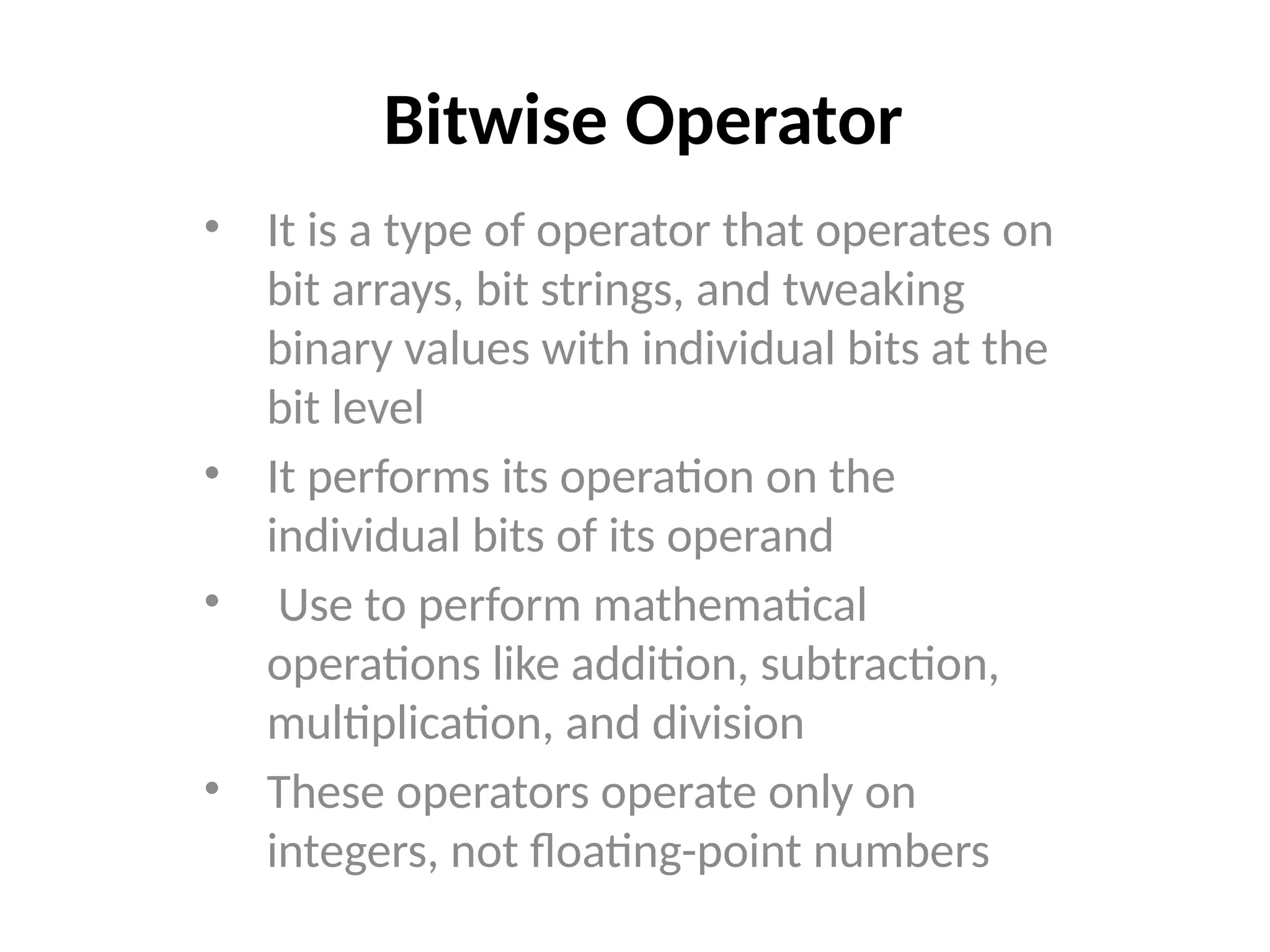
Bitwise Operator
• Itis a type of operator that operates on
bit arrays, bit strings, and tweaking
binary values with individual bits at the
bit level
• It performs its operation on the
individual bits of its operand
• Use to perform mathematical
operations like addition, subtraction,
multiplication, and division
• These operators operate only on
integers, not floating-point numbers
2.
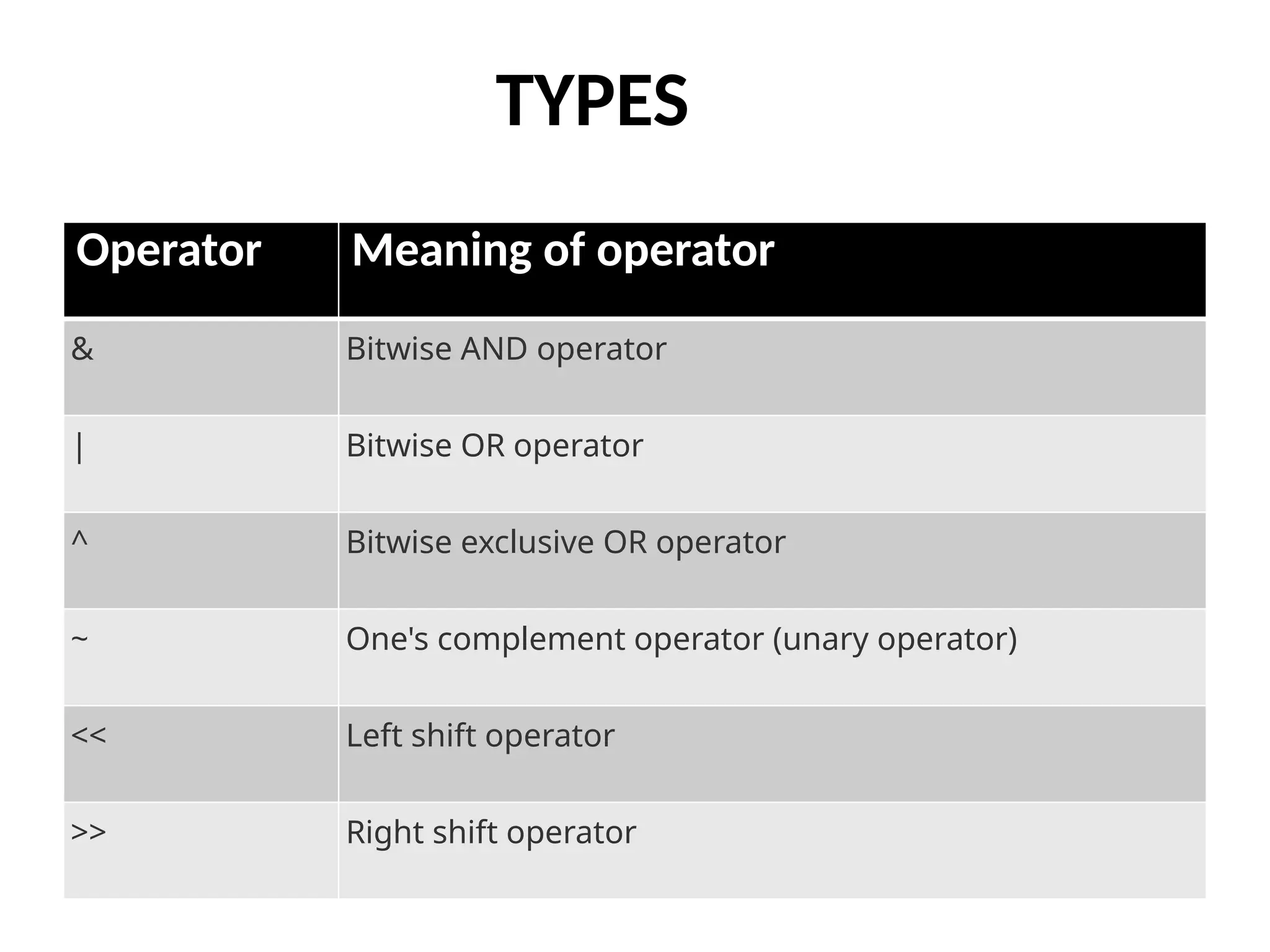
TYPES
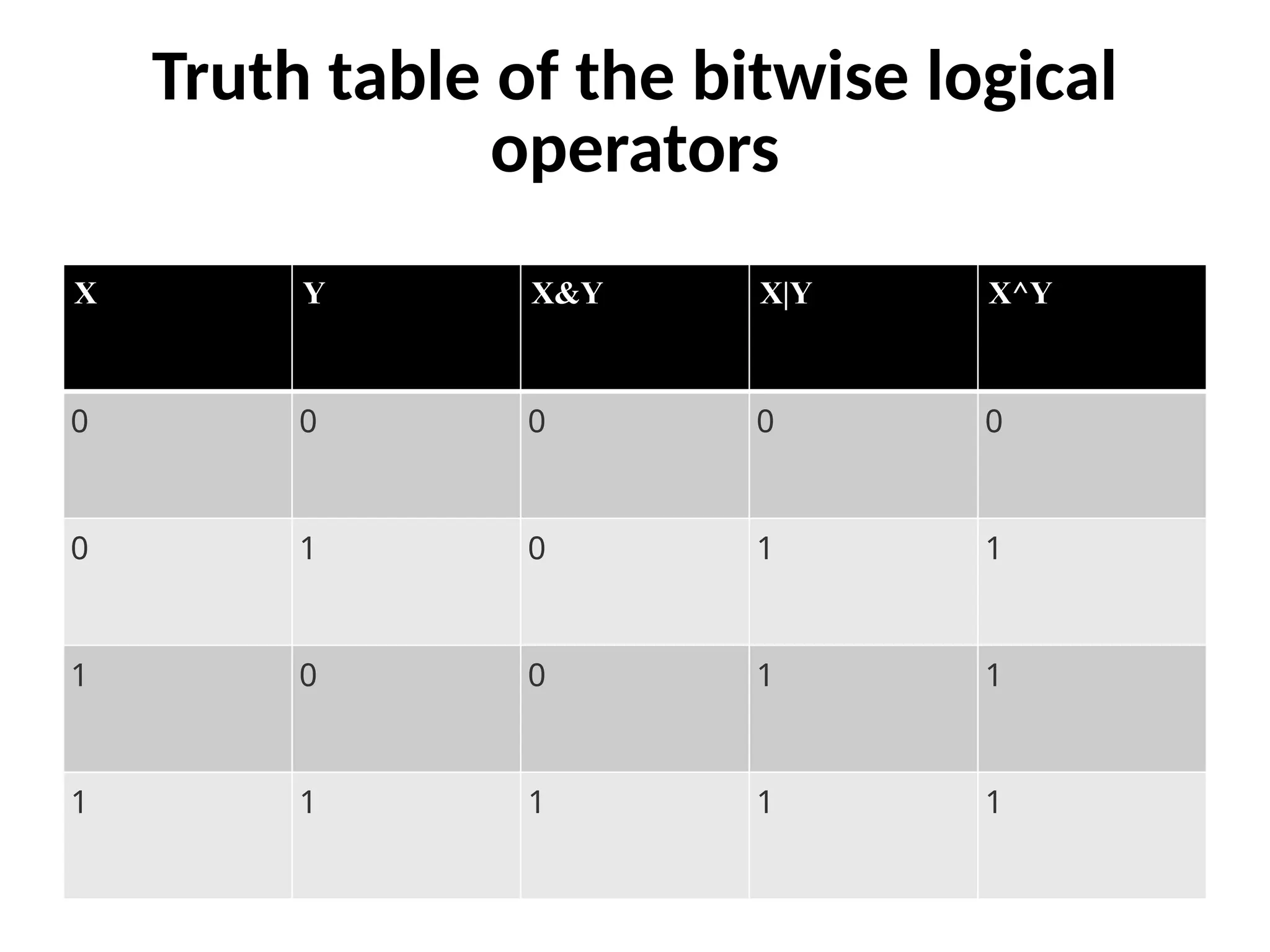
Operator Meaning ofoperator
& Bitwise AND operator
| Bitwise OR operator
^ Bitwise exclusive OR operator
~ One's complement operator (unary operator)
<< Left shift operator
>> Right shift operator
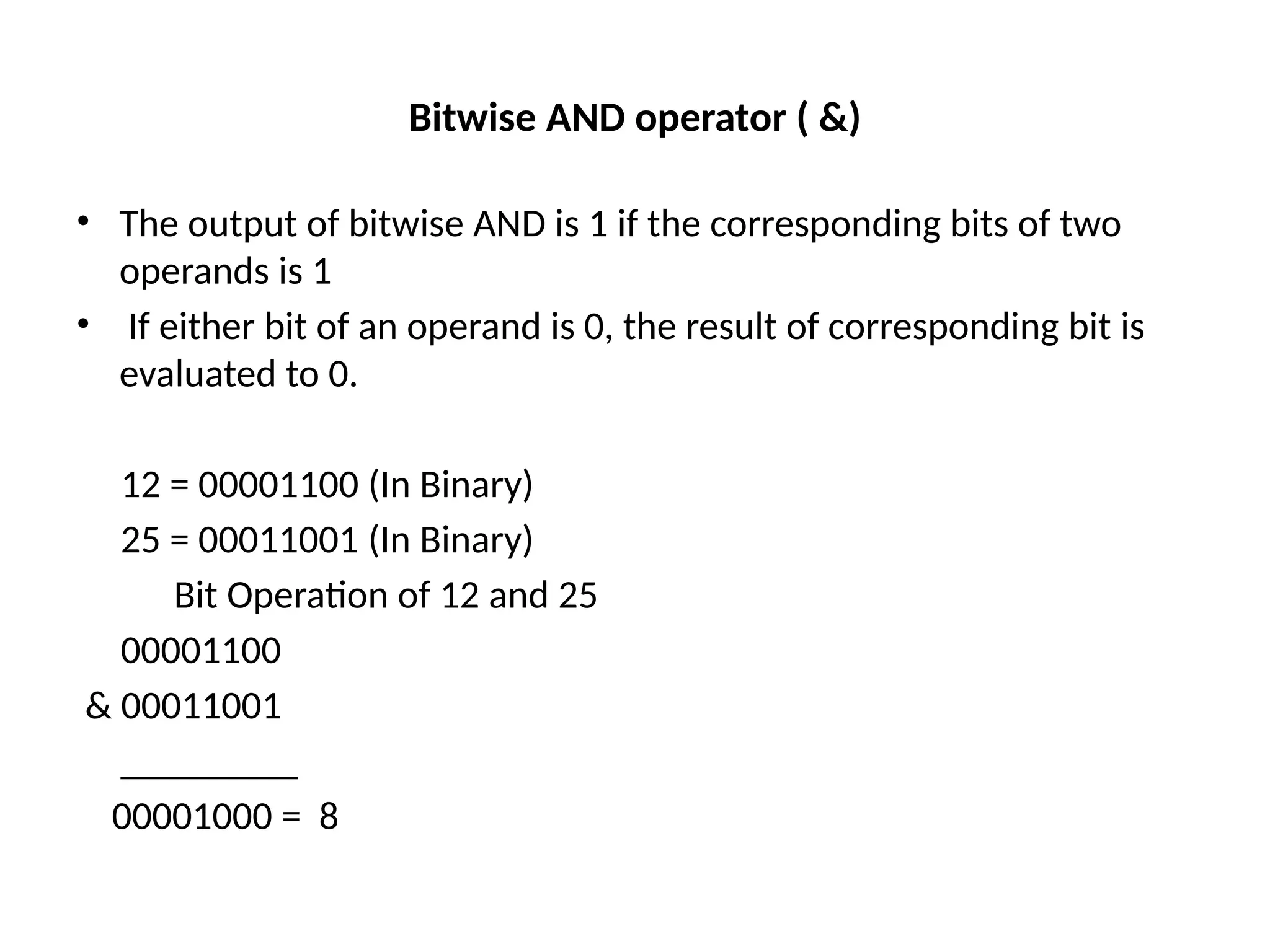
Bitwise AND operator( &)
• The output of bitwise AND is 1 if the corresponding bits of two
operands is 1
• If either bit of an operand is 0, the result of corresponding bit is
evaluated to 0.
12 = 00001100 (In Binary)
25 = 00011001 (In Binary)
Bit Operation of 12 and 25
00001100
& 00011001
_________
00001000 = 8
5.
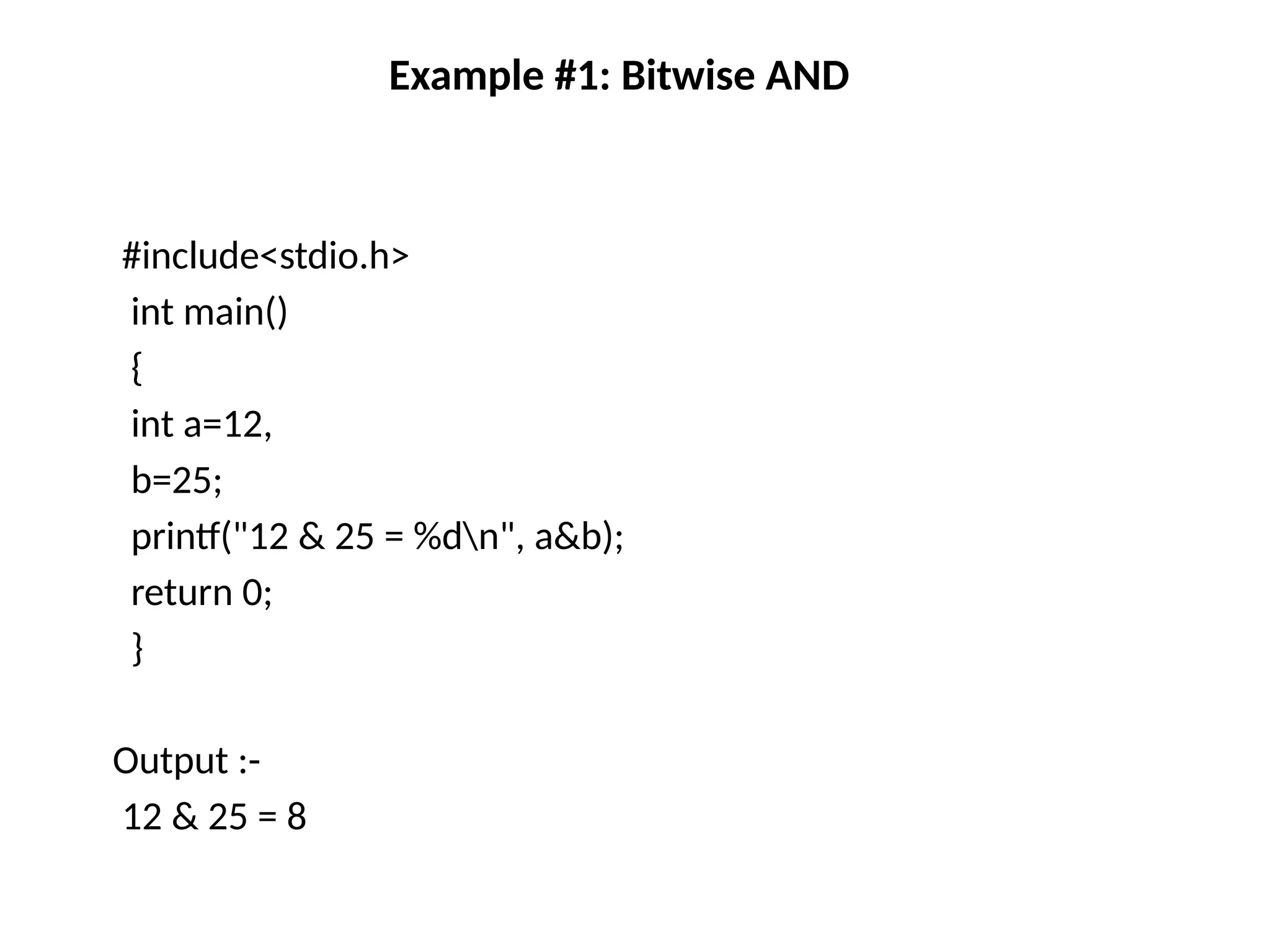
Example #1: BitwiseAND
#include<stdio.h>
int main()
{
int a=12,
b=25;
printf("12 & 25 = %dn", a&b);
return 0;
}
Output :-
12 & 25 = 8
6.
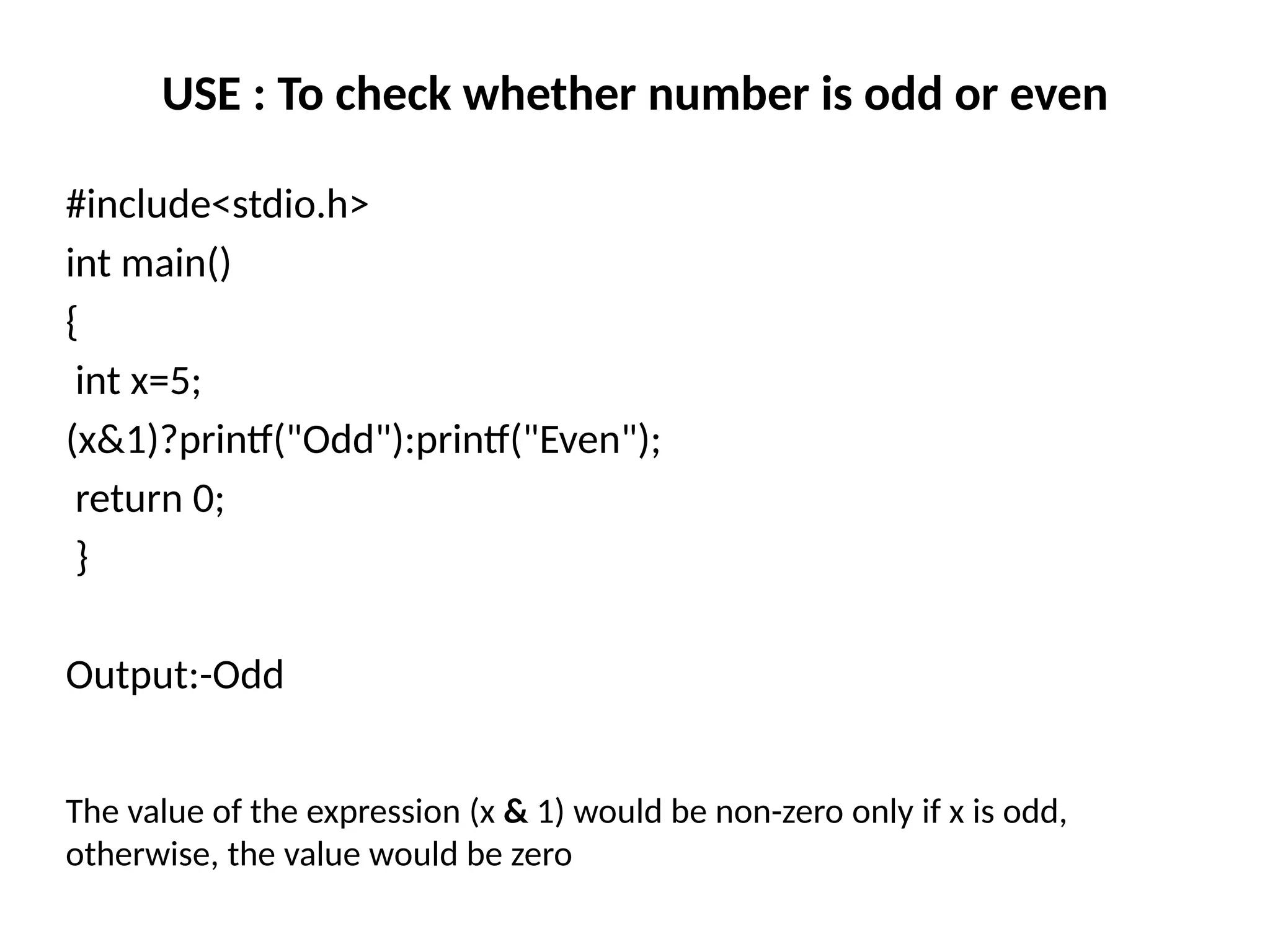
USE : Tocheck whether number is odd or even
#include<stdio.h>
int main()
{
int x=5;
(x&1)?printf("Odd"):printf("Even");
return 0;
}
Output:-Odd
The value of the expression (x & 1) would be non-zero only if x is odd,
otherwise, the value would be zero
7.
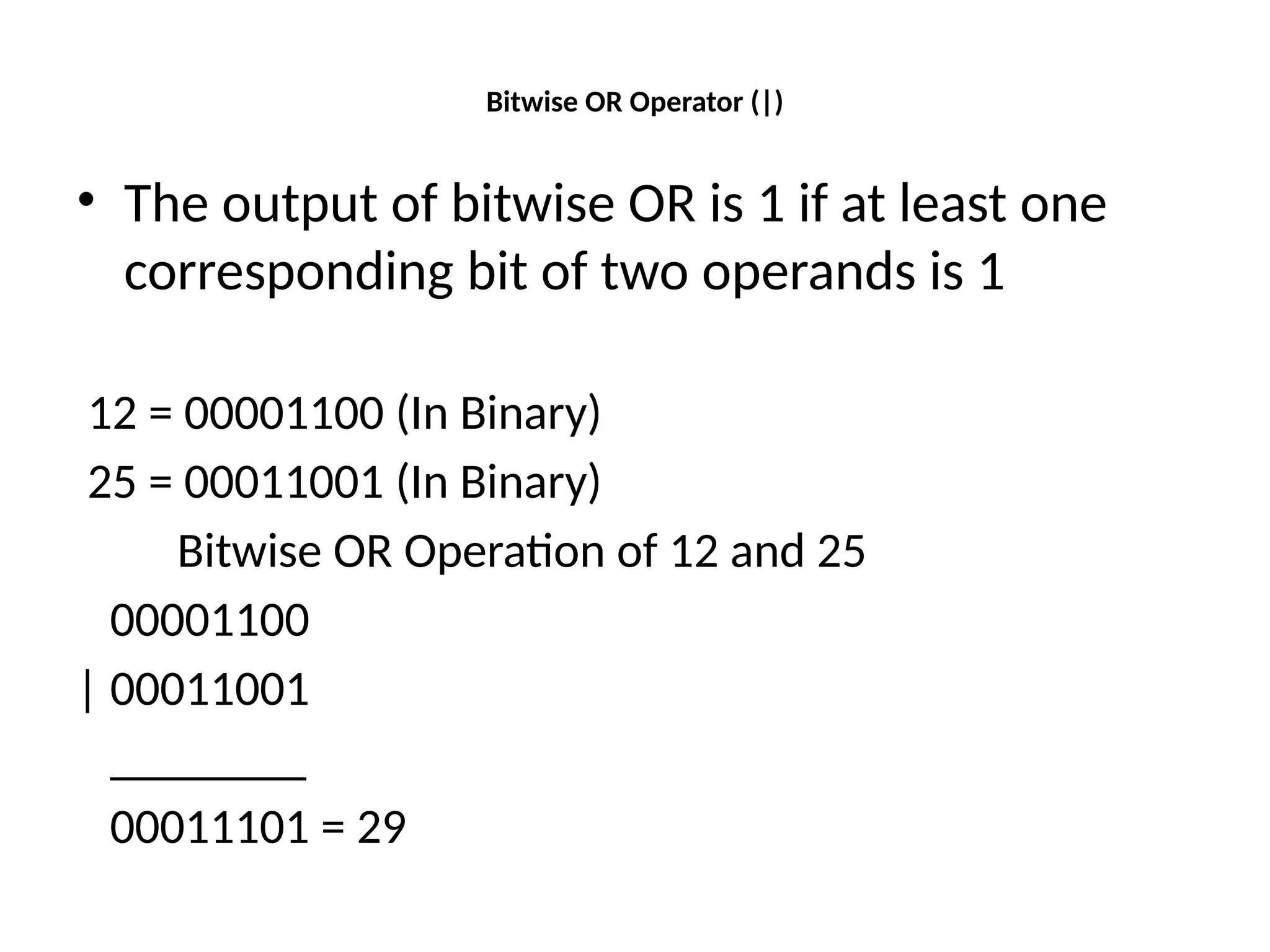
Bitwise OR Operator(|)
• The output of bitwise OR is 1 if at least one
corresponding bit of two operands is 1
12 = 00001100 (In Binary)
25 = 00011001 (In Binary)
Bitwise OR Operation of 12 and 25
00001100
| 00011001
________
00011101 = 29
8.
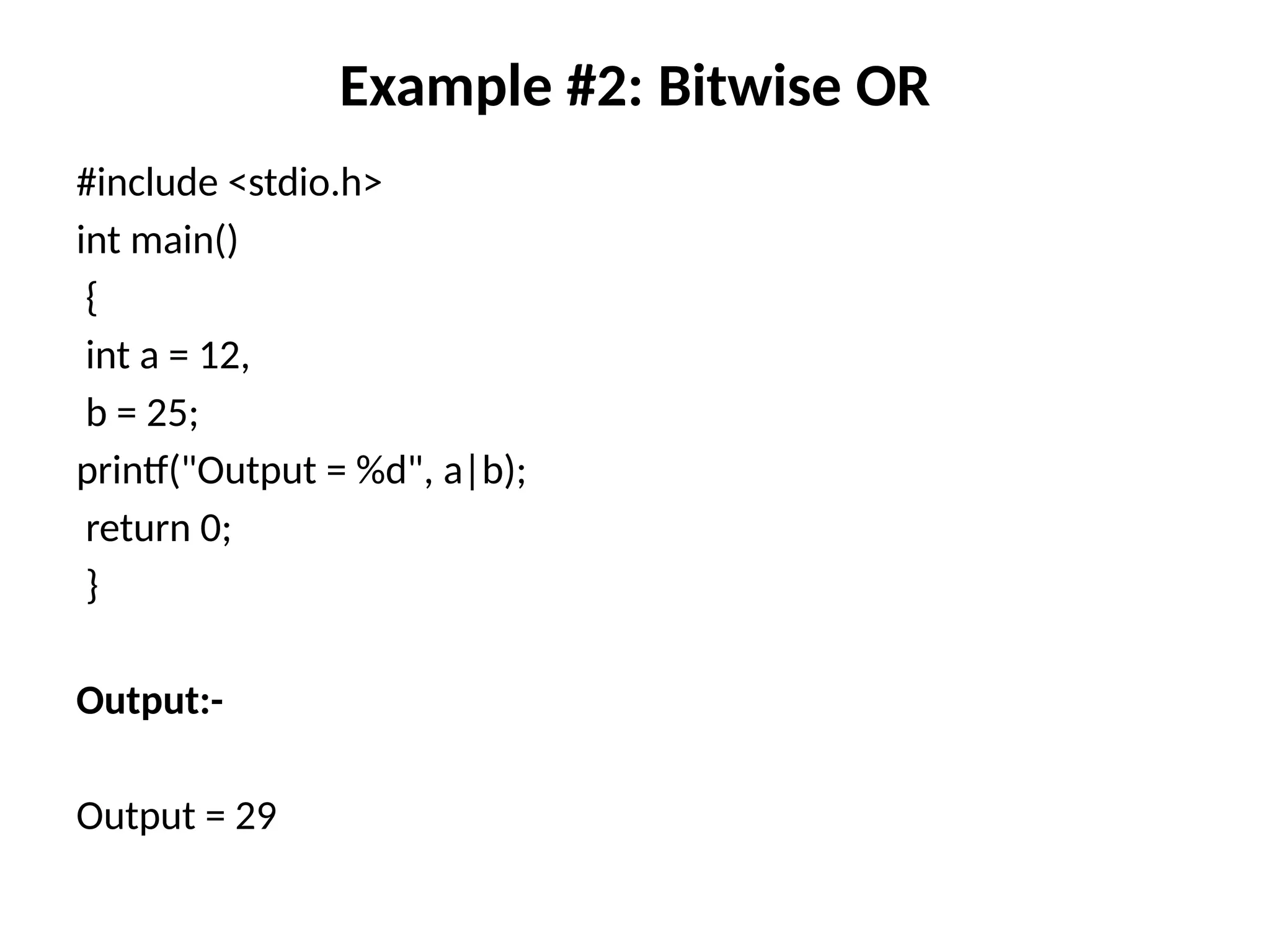
Example #2: BitwiseOR
#include <stdio.h>
int main()
{
int a = 12,
b = 25;
printf("Output = %d", a|b);
return 0;
}
Output:-
Output = 29
9.
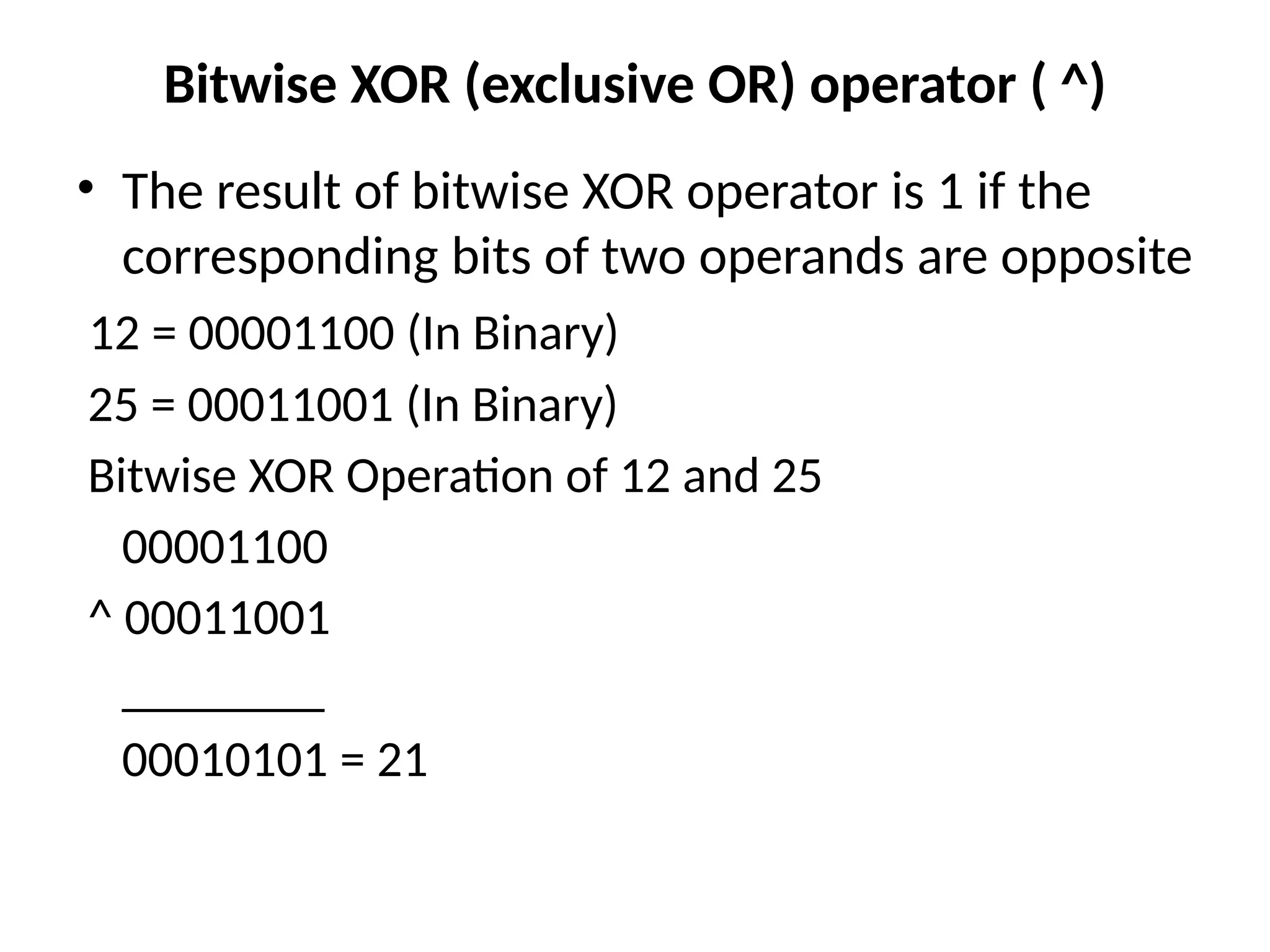
Bitwise XOR (exclusiveOR) operator ( ^)
• The result of bitwise XOR operator is 1 if the
corresponding bits of two operands are opposite
12 = 00001100 (In Binary)
25 = 00011001 (In Binary)
Bitwise XOR Operation of 12 and 25
00001100
^ 00011001
________
00010101 = 21
10.
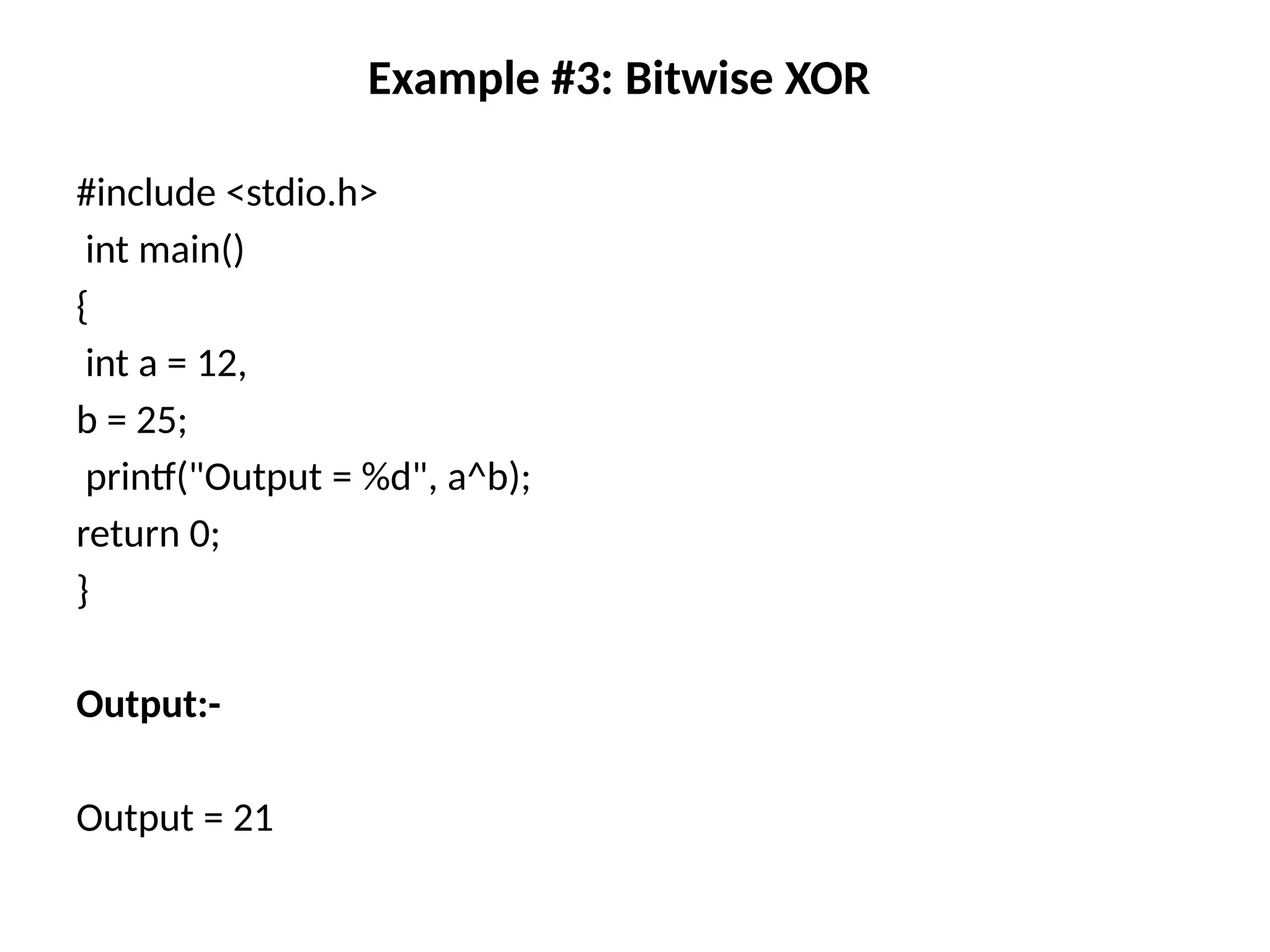
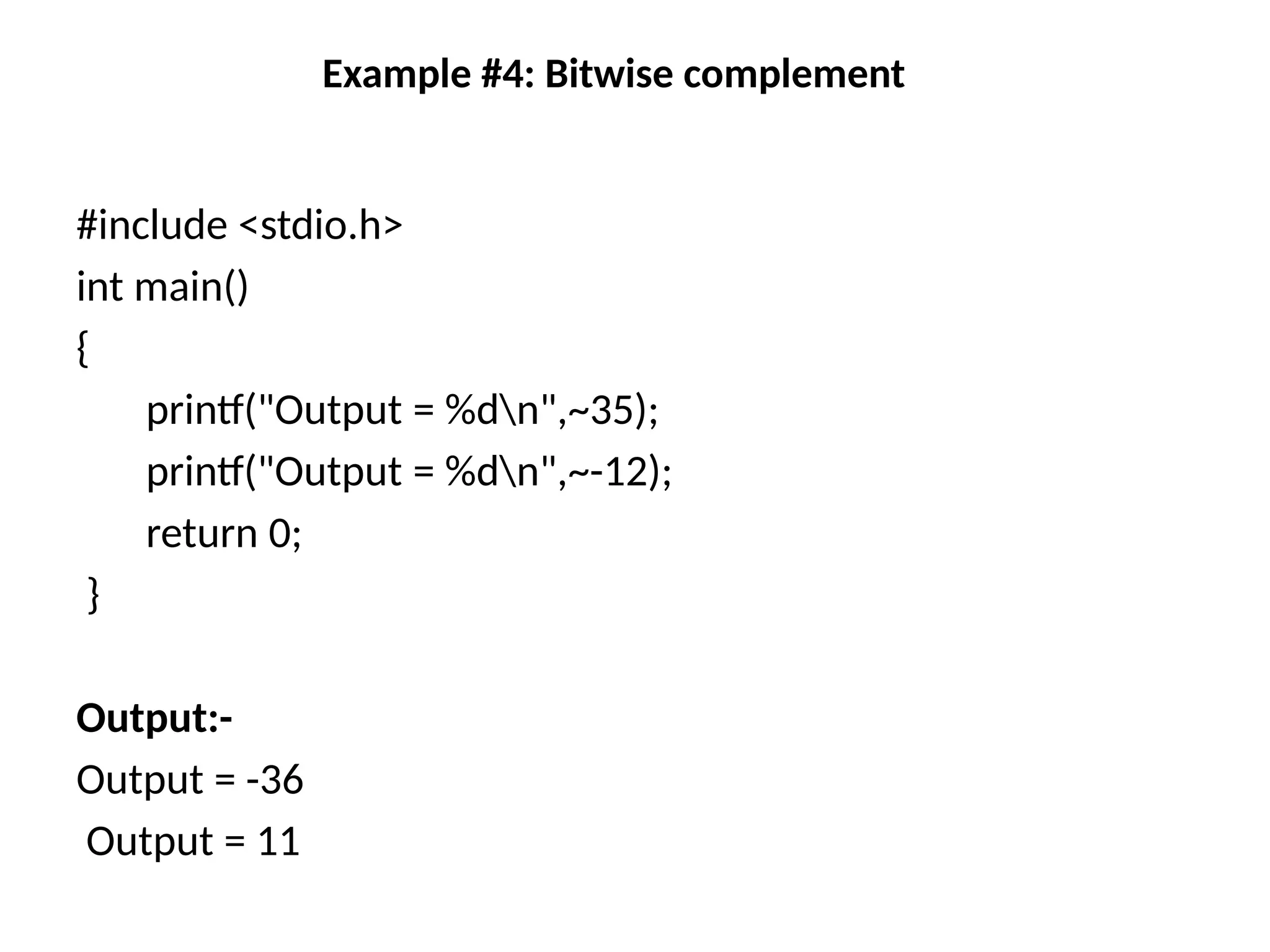
Example #3: BitwiseXOR
#include <stdio.h>
int main()
{
int a = 12,
b = 25;
printf("Output = %d", a^b);
return 0;
}
Output:-
Output = 21
11.
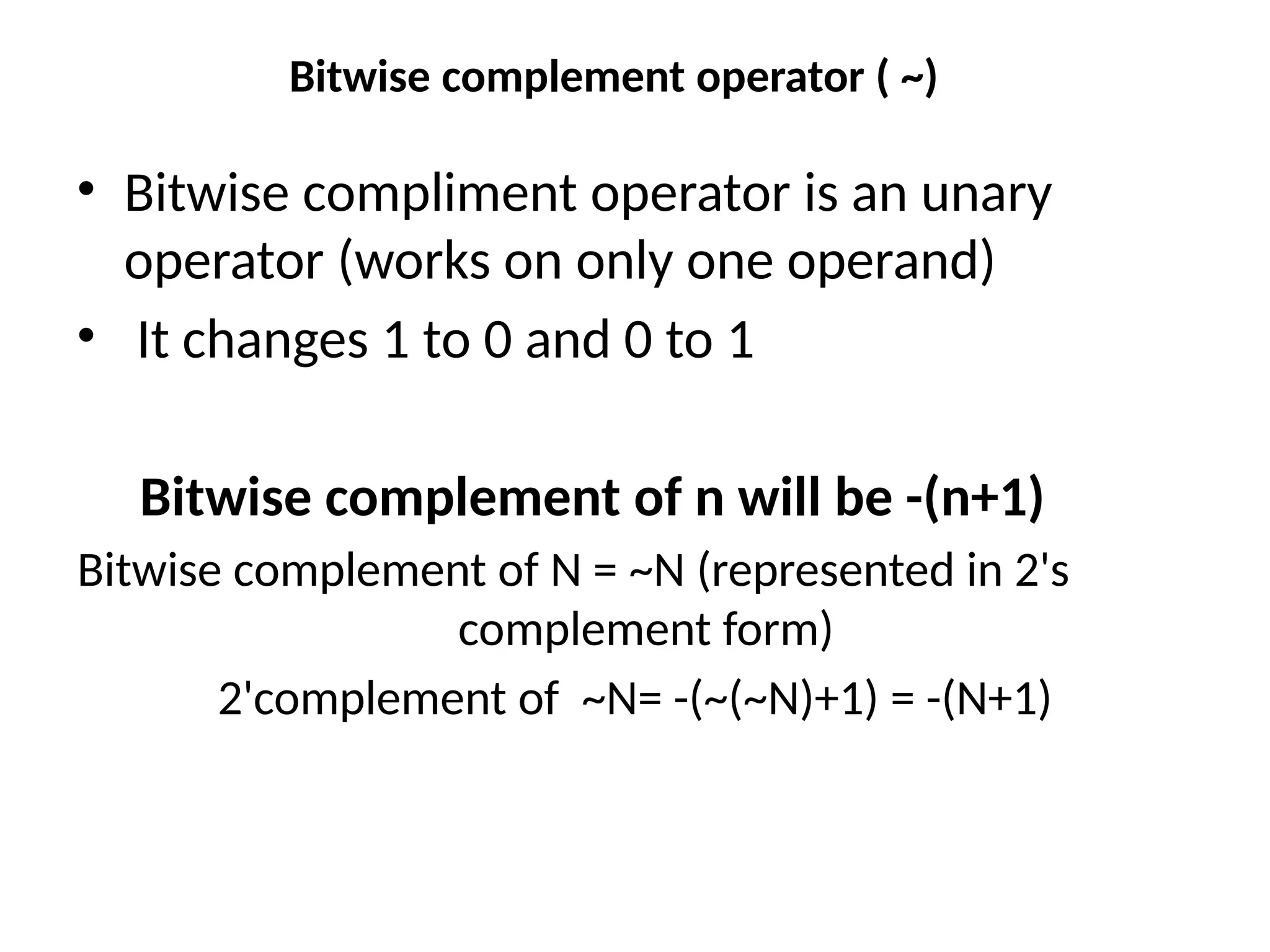
Bitwise complement operator( ~)
• Bitwise compliment operator is an unary
operator (works on only one operand)
• It changes 1 to 0 and 0 to 1
Bitwise complement of n will be -(n+1)
Bitwise complement of N = ~N (represented in 2's
complement form)
2'complement of ~N= -(~(~N)+1) = -(N+1)
Shift Operators
Right ShiftOperator (>>)
• Right shift operator shifts all bits towards right
by certain number of specified bits
212 = 11010100 (In binary)
212>>2 = 00110101 (In binary) [Right shift by two bits]
212>>7 = 00000001 (In binary)
212>>8 = 00000000
212>>0 = 11010100 (No Shift)
14.
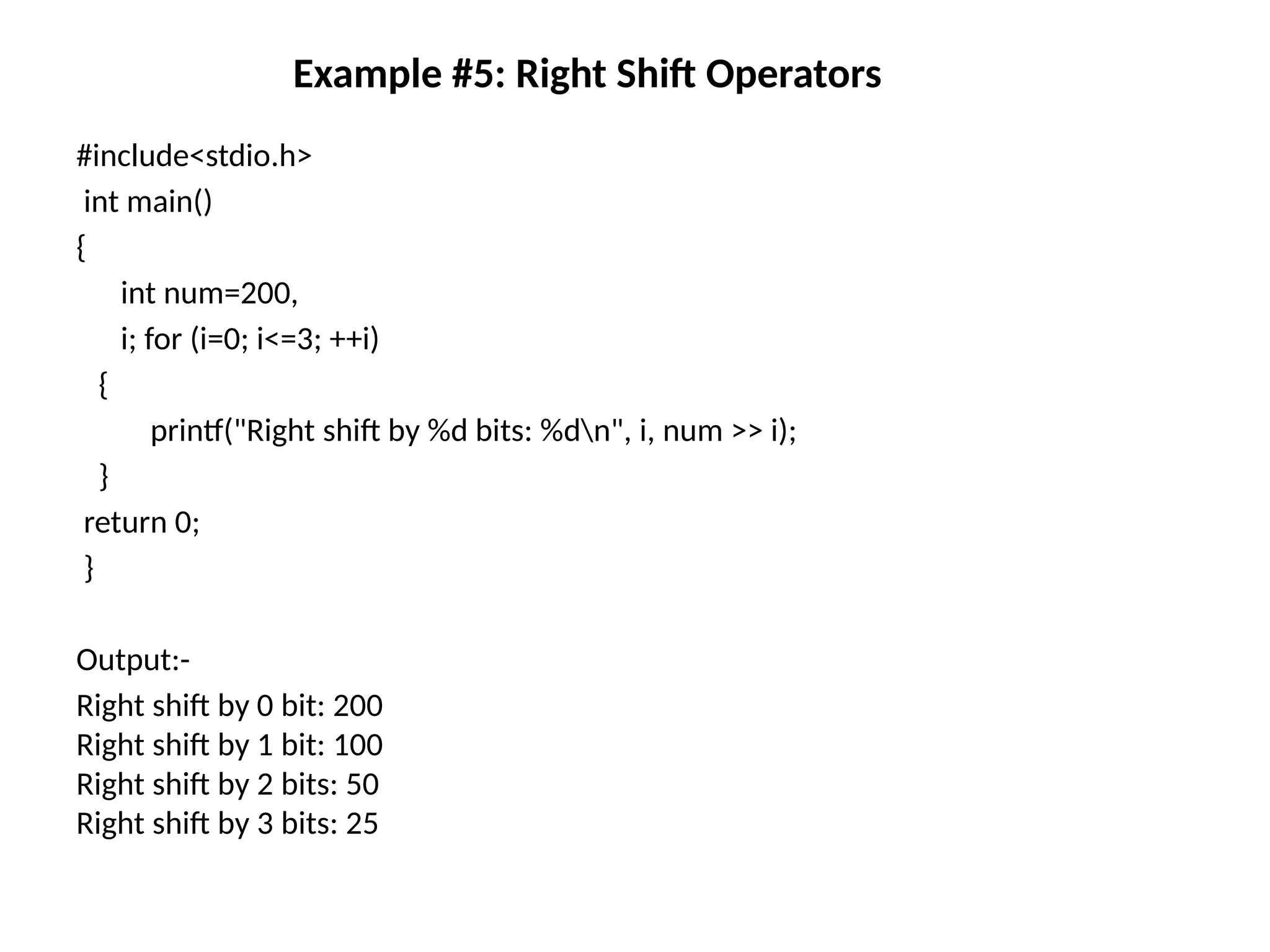
Example #5: RightShift Operators
#include<stdio.h>
int main()
{
int num=200,
i; for (i=0; i<=3; ++i)
{
printf("Right shift by %d bits: %dn", i, num >> i);
}
return 0;
}
Output:-
Right shift by 0 bit: 200
Right shift by 1 bit: 100
Right shift by 2 bits: 50
Right shift by 3 bits: 25
15.
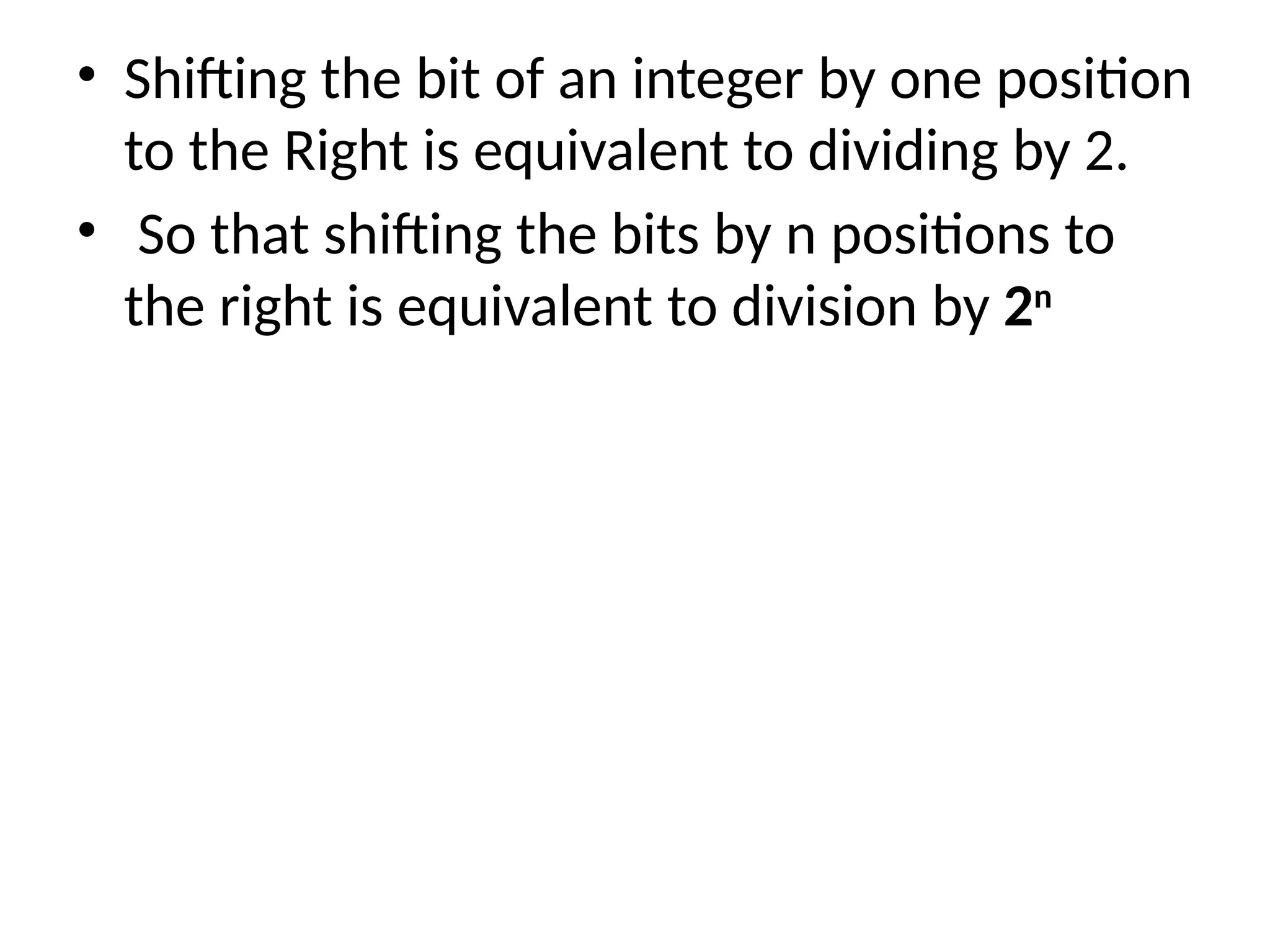
• Shifting thebit of an integer by one position
to the Right is equivalent to dividing by 2.
• So that shifting the bits by n positions to
the right is equivalent to division by 2n
16.
Left Shift Operator(<<)
• Left shift operator shifts all bits towards left by
a certain number of specified bits
200 = 11001000
200<<1 = 110010000 [Left shift by one bit]
200<<4 = 110010000000 [Left shift by four bit]
200<<0 = 11001000 (Shift by zero bit)
17.
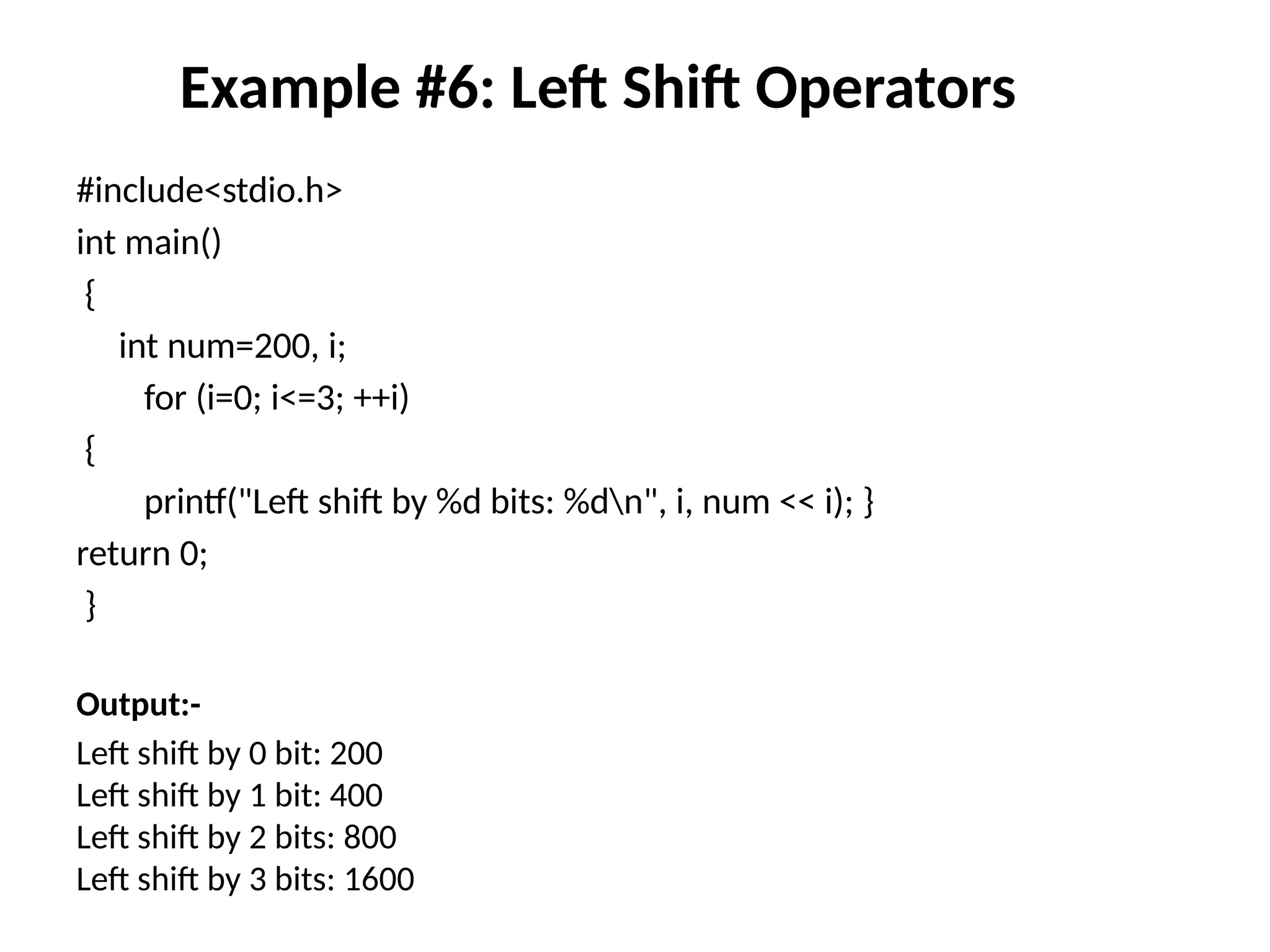
Example #6: LeftShift Operators
#include<stdio.h>
int main()
{
int num=200, i;
for (i=0; i<=3; ++i)
{
printf("Left shift by %d bits: %dn", i, num << i); }
return 0;
}
Output:-
Left shift by 0 bit: 200
Left shift by 1 bit: 400
Left shift by 2 bits: 800
Left shift by 3 bits: 1600
18.
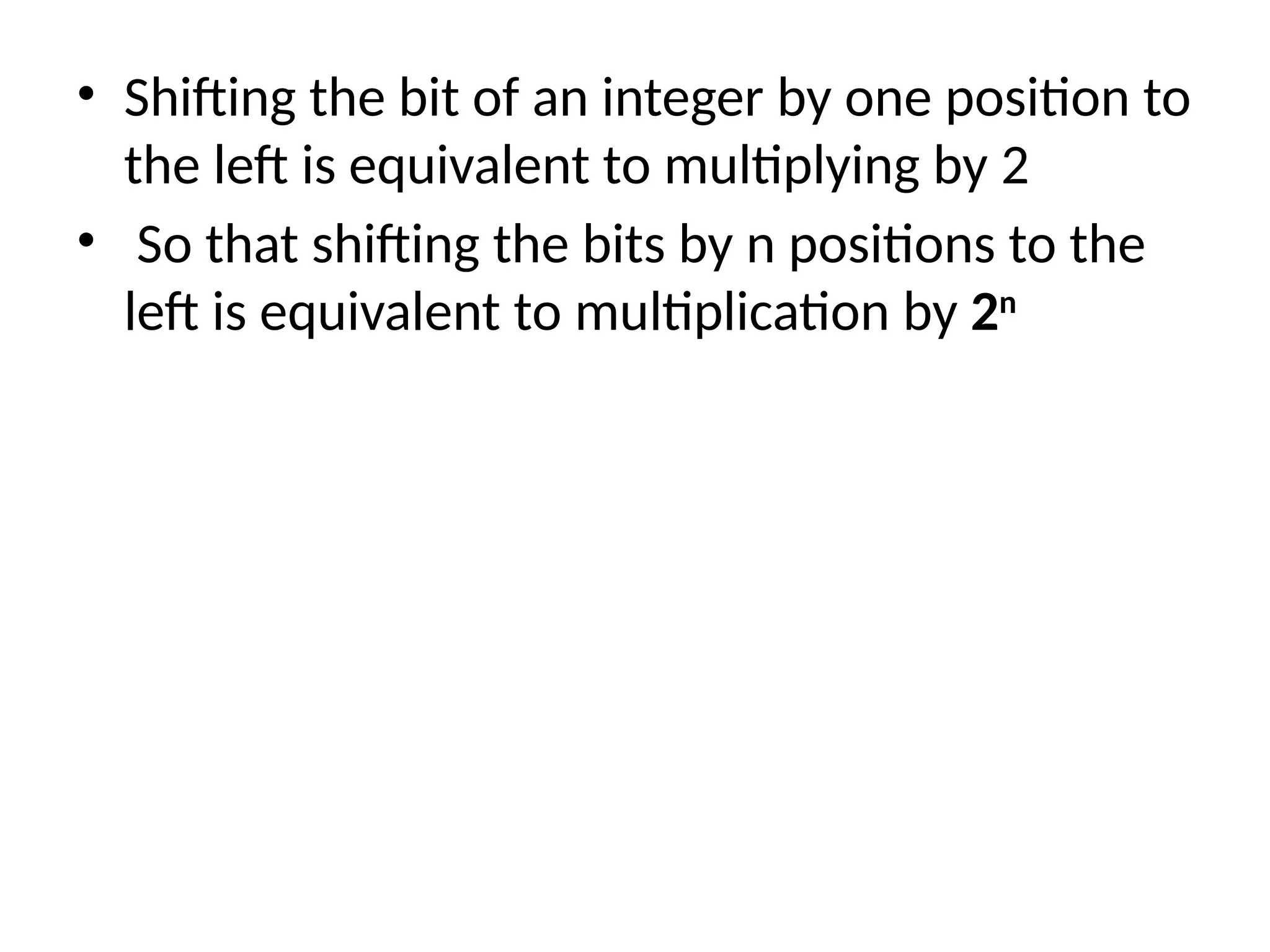
• Shifting thebit of an integer by one position to
the left is equivalent to multiplying by 2
• So that shifting the bits by n positions to the
left is equivalent to multiplication by 2n
![Shift Operators
Right Shift Operator (>>)
• Right shift operator shifts all bits towards right
by certain number of specified bits
212 = 11010100 (In binary)
212>>2 = 00110101 (In binary) [Right shift by two bits]
212>>7 = 00000001 (In binary)
212>>8 = 00000000
212>>0 = 11010100 (No Shift)](https://image.slidesharecdn.com/bitwiseoperator-250702163532-170bad97/75/Explanation-and-importance-of-Bitwiseoperator-pptx-13-2048.jpg)
![Left Shift Operator (<<)
• Left shift operator shifts all bits towards left by
a certain number of specified bits
200 = 11001000
200<<1 = 110010000 [Left shift by one bit]
200<<4 = 110010000000 [Left shift by four bit]
200<<0 = 11001000 (Shift by zero bit)](https://image.slidesharecdn.com/bitwiseoperator-250702163532-170bad97/75/Explanation-and-importance-of-Bitwiseoperator-pptx-16-2048.jpg)