European SharePoint Conference 2017 – ESPC2017
12 2017 – Jeff Angama
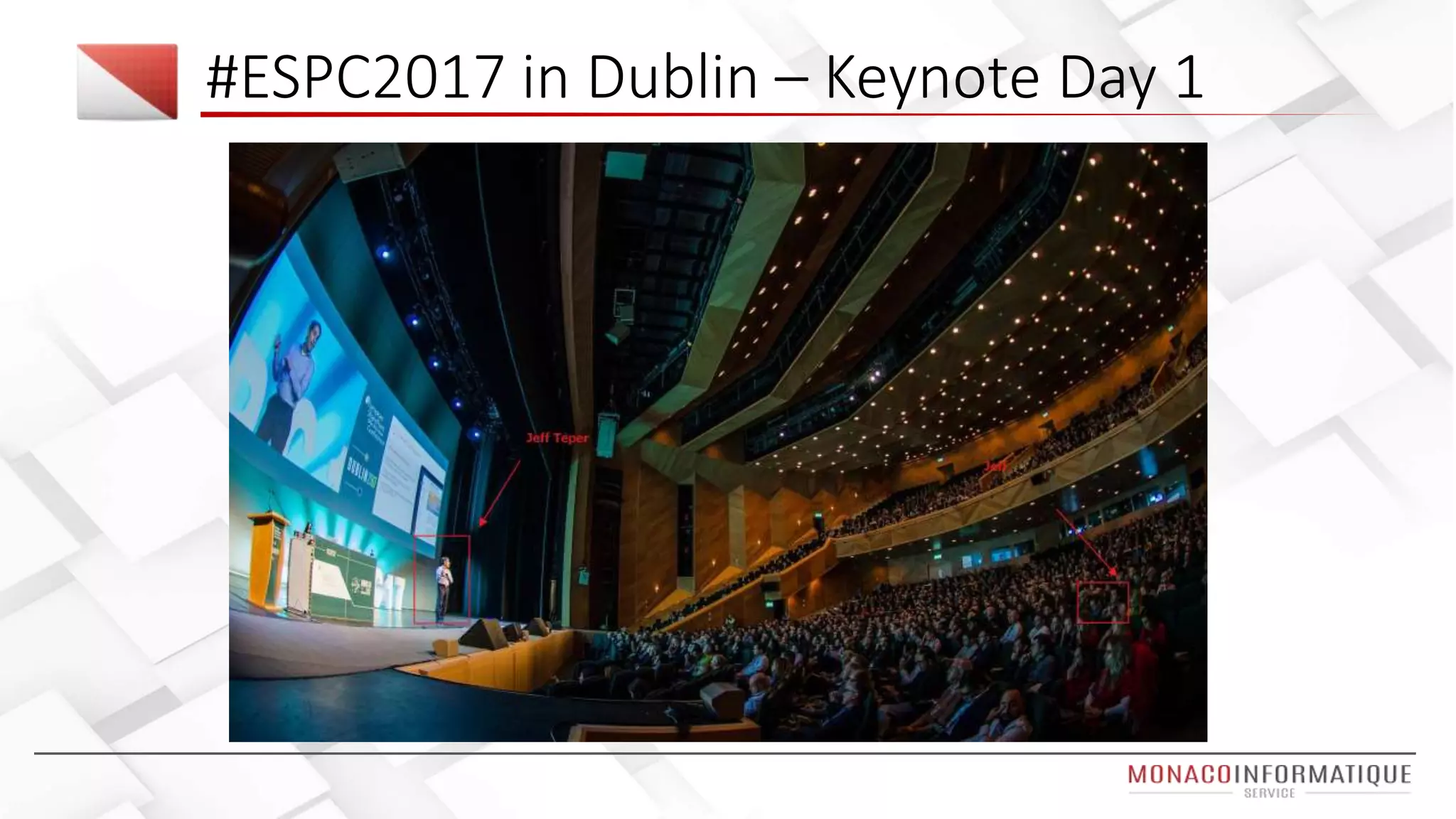
#ESPC2017 in Dublin
More organization have adopted SharePoint
the last two years than the last 12 years
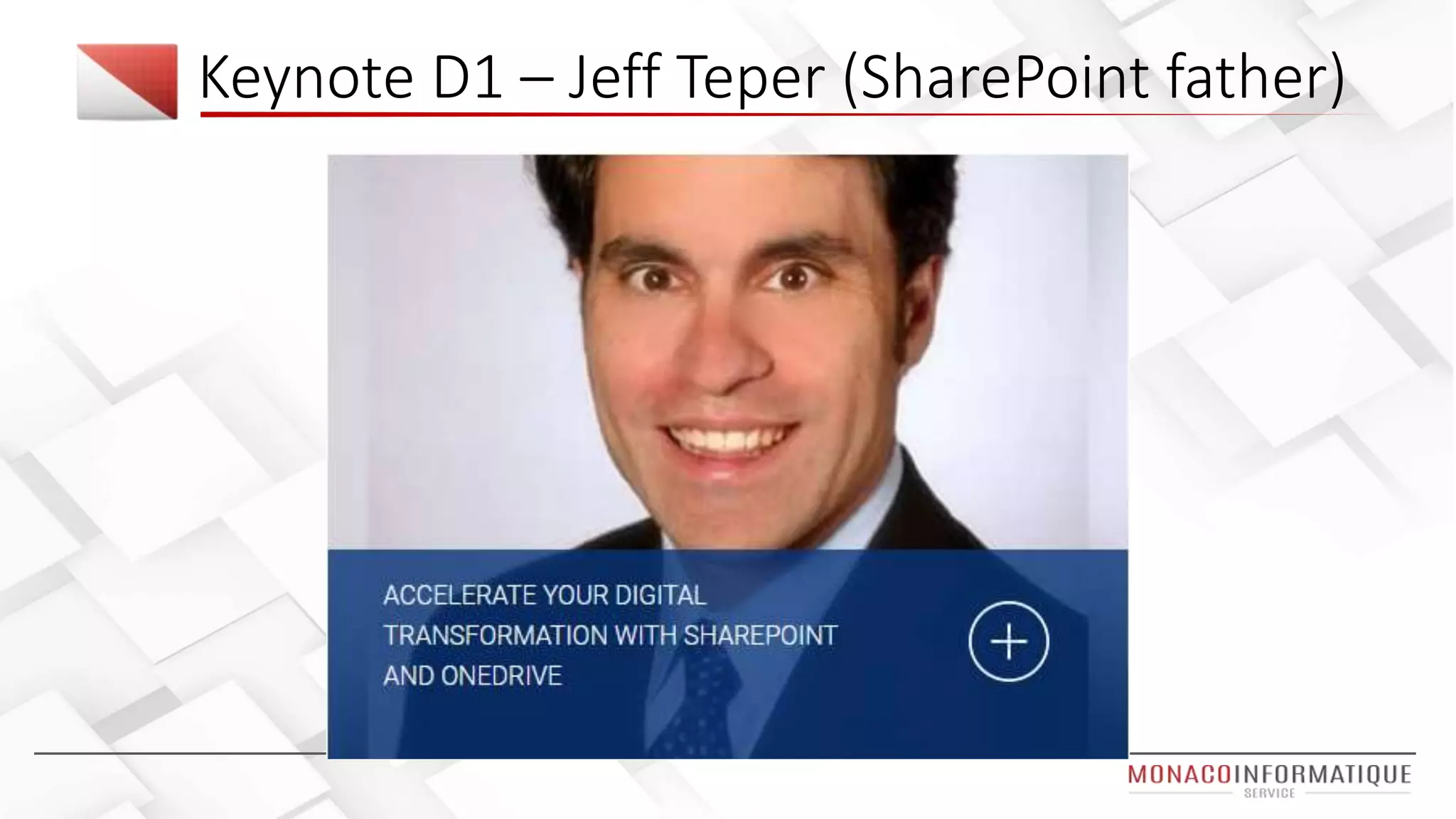
Jeff Teper (SharePoint Father)
3 days at European SharePoint Conference 2017
Office 365 / SharePoint & Azure experts from around the world in one
European location
1600++ participants, 40++ speakers
More than 65 sponsors / products
Nintex, ShareGate, Valo, Avepoint, K2, Harmon.ie, Rencore
CONS : lot of cloud speech, not enough about on premise (our daily
work)
Introduction
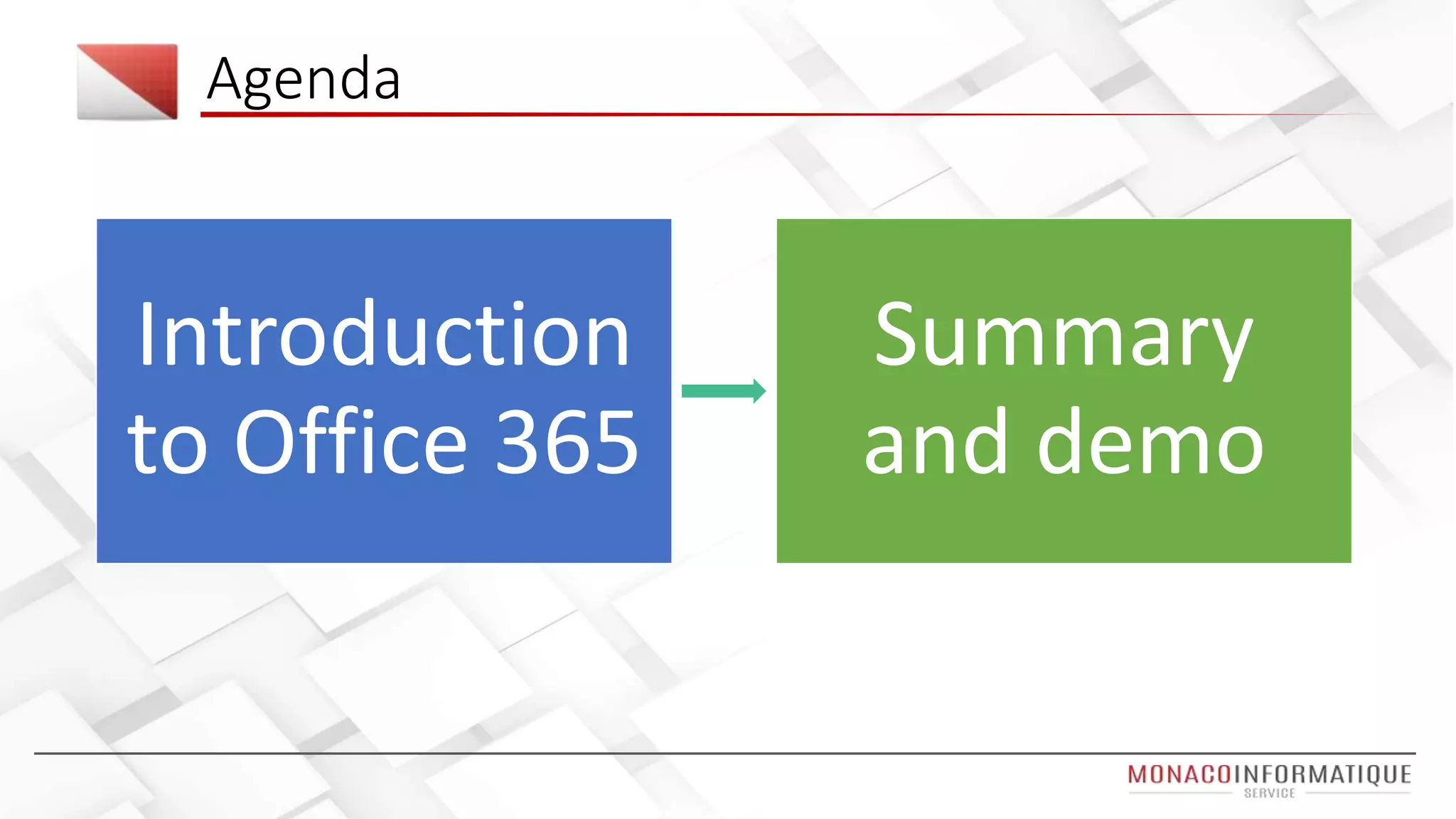
Agenda
Introduction
to Office 365
Summary
and demo
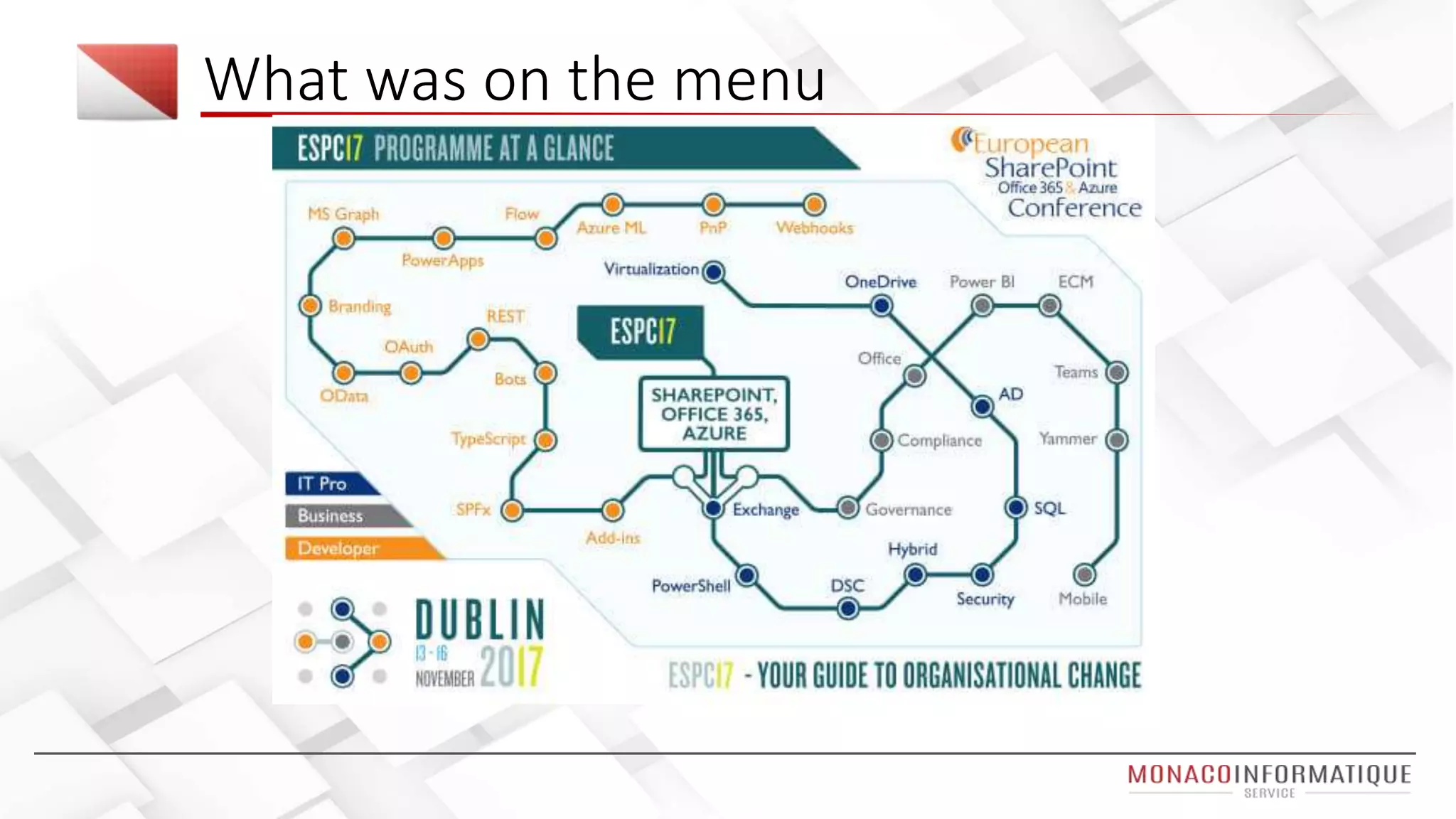
What was on the menu
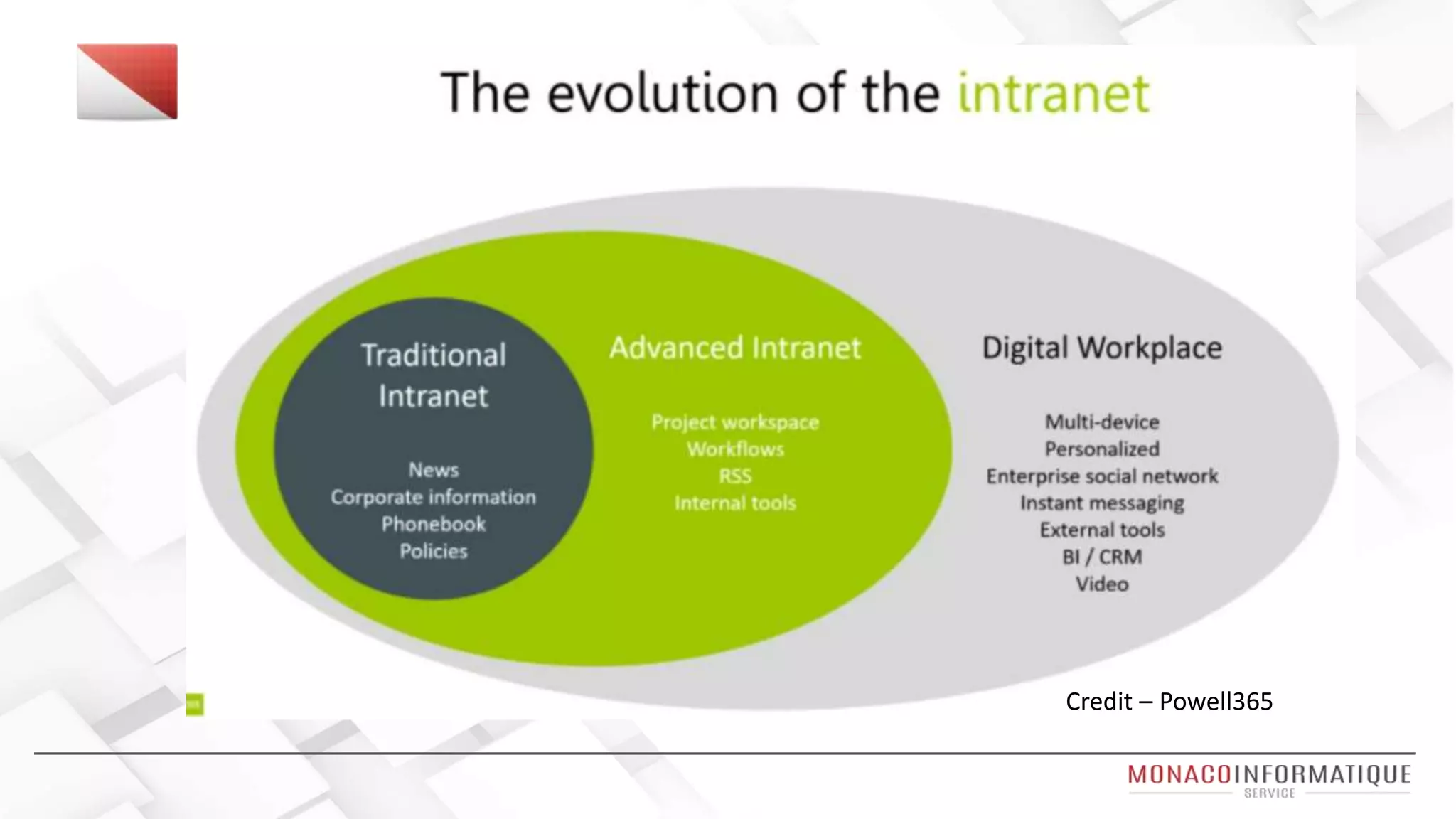
Credit – Powell365
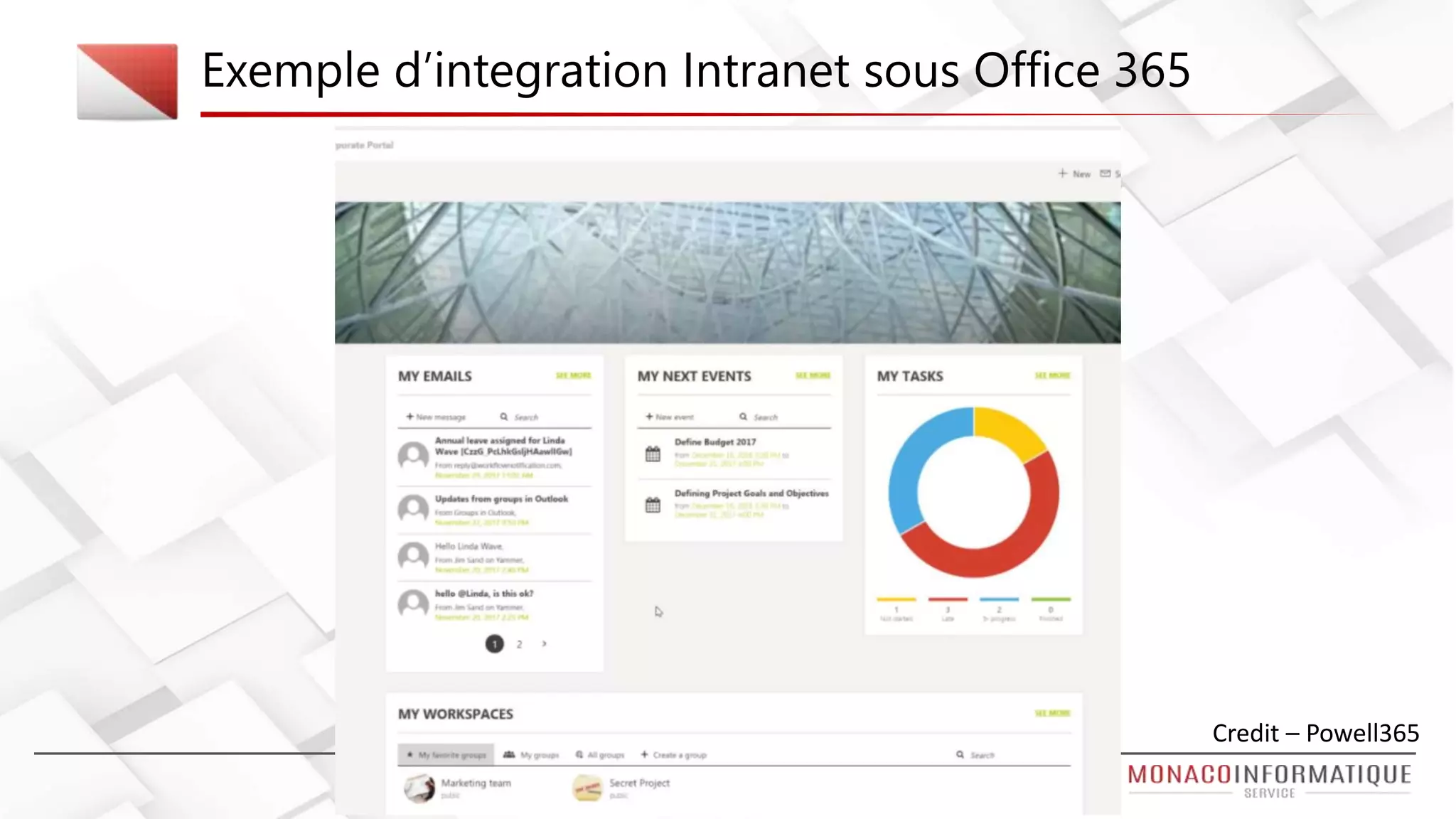
Exemple d’integration Intranet sous Office 365
Credit – Powell365
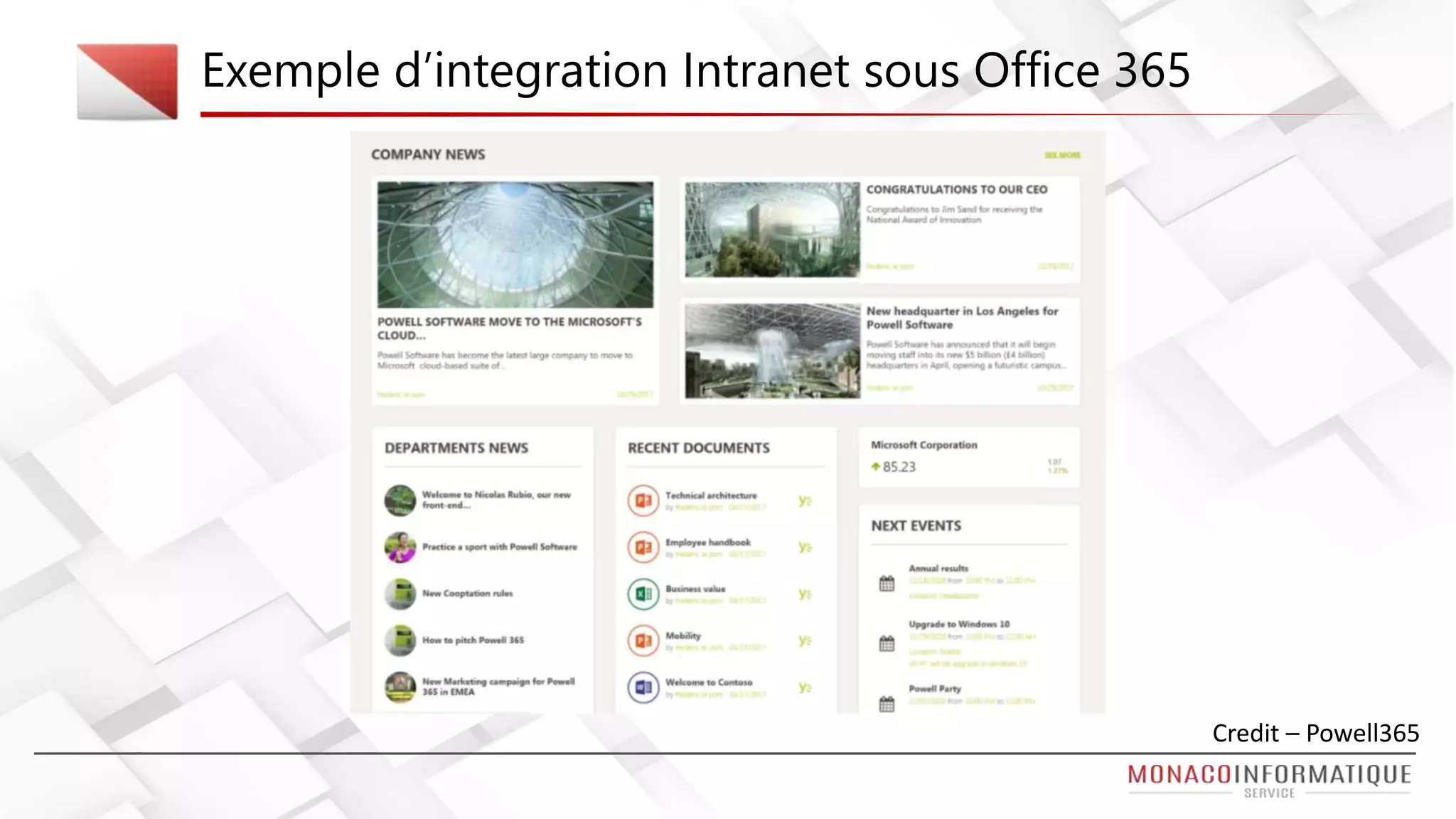
Exemple d’integration Intranet sous Office 365
Credit – Powell365
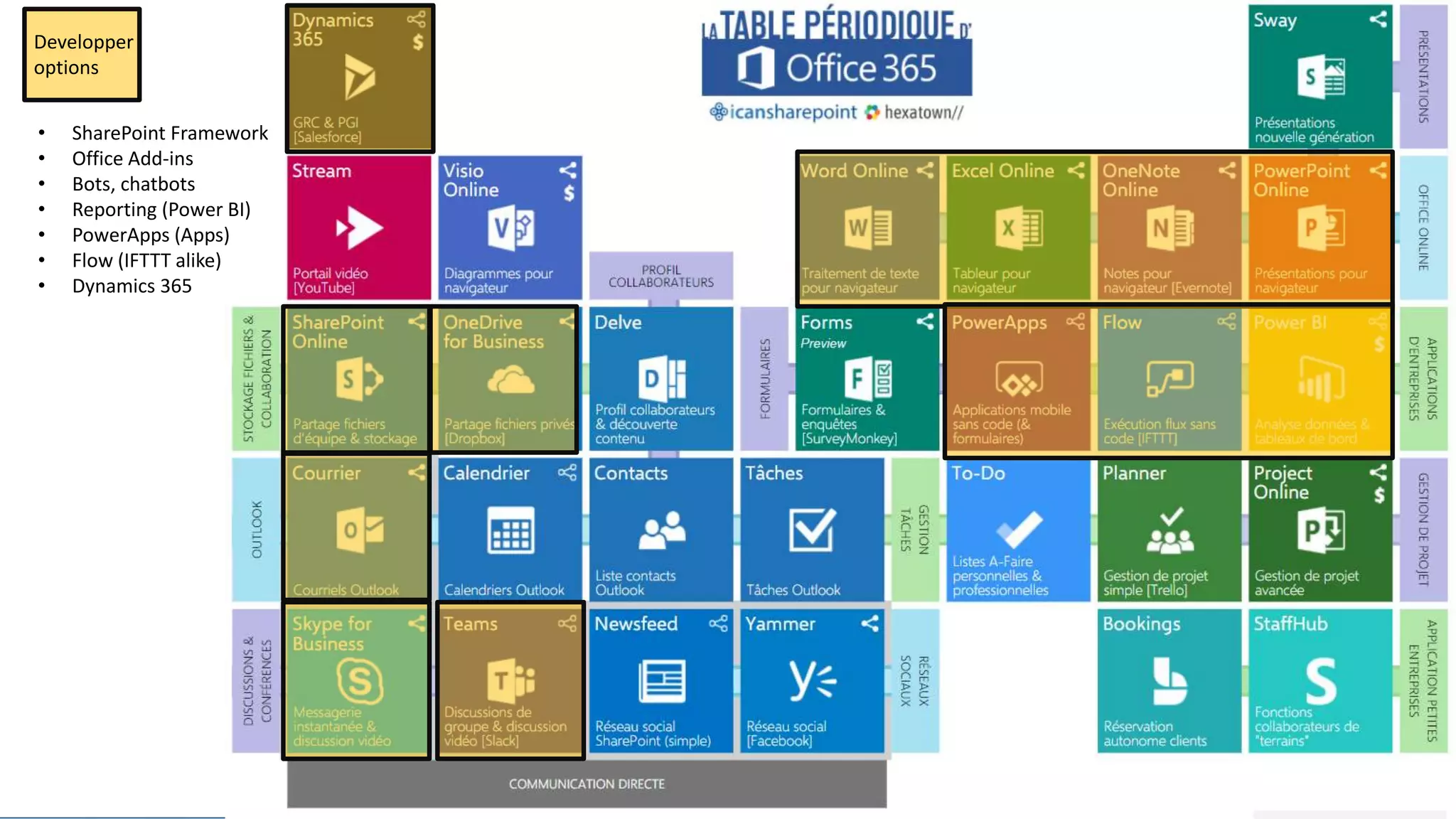
Developper
options
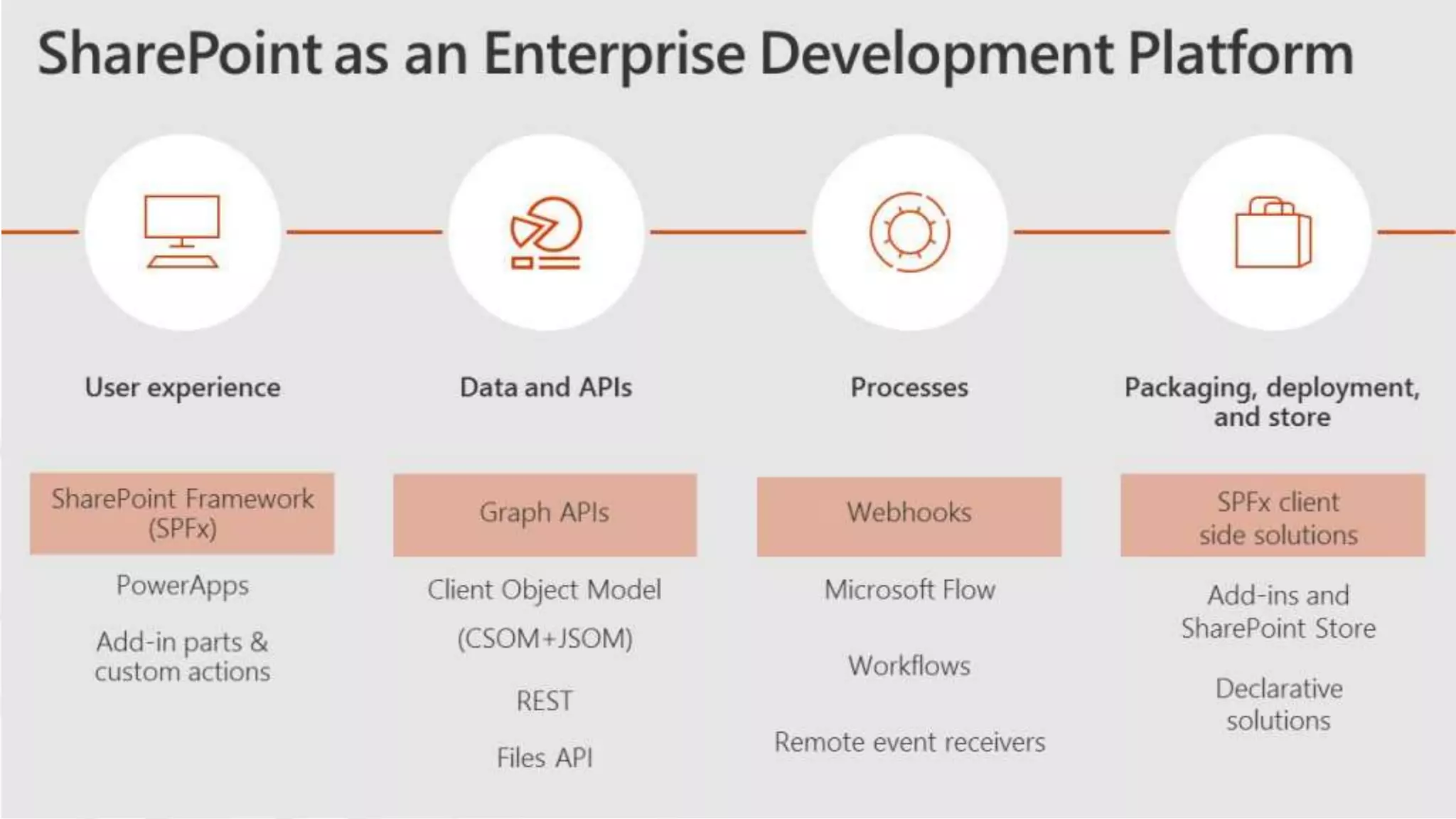
• SharePoint Framework
• Office Add-ins
• Bots, chatbots
• Reporting (Power BI)
• PowerApps (Apps)
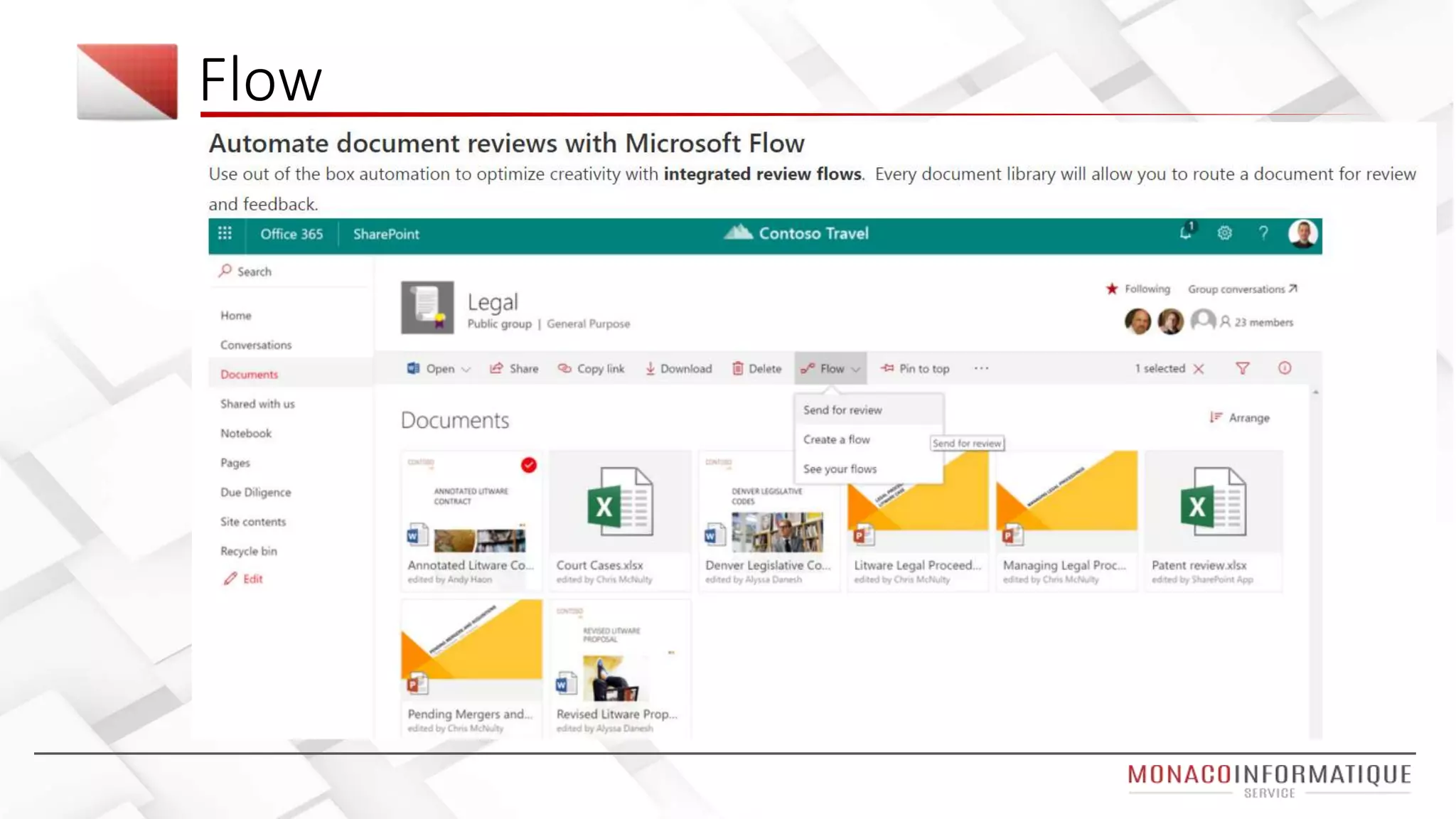
• Flow (IFTTT alike)
• Dynamics 365
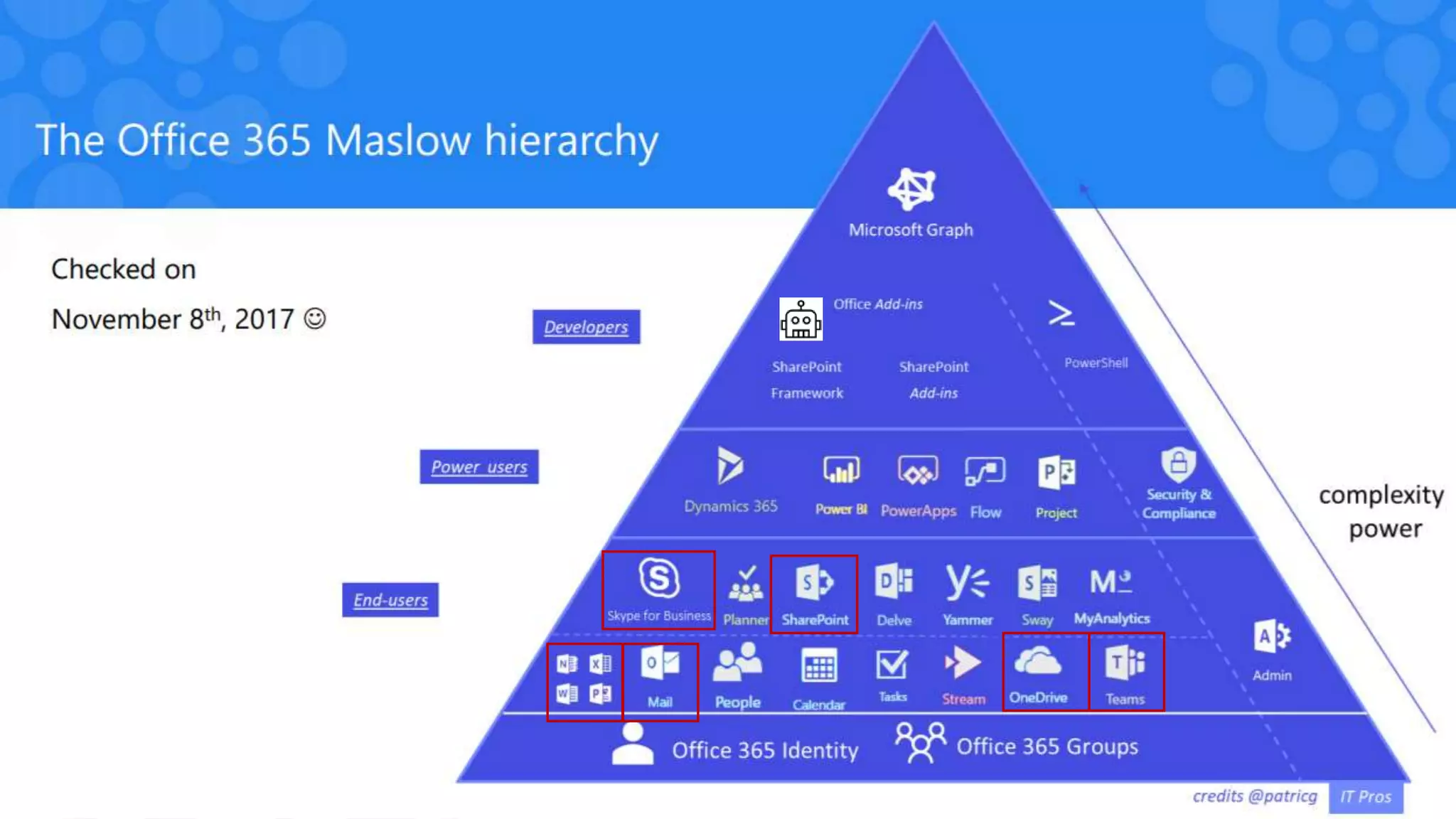
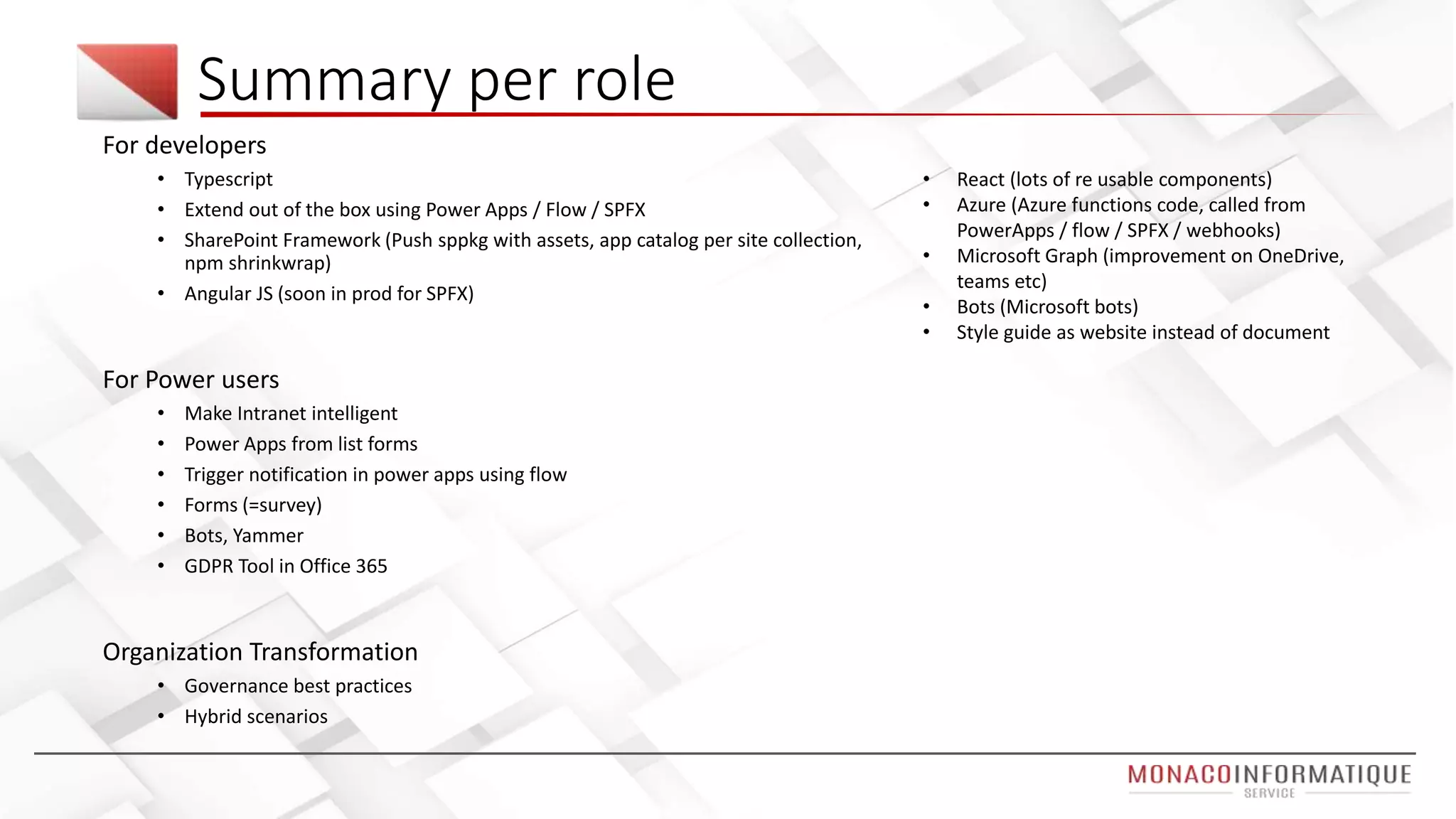
Summary per role
For developers
• Typescript
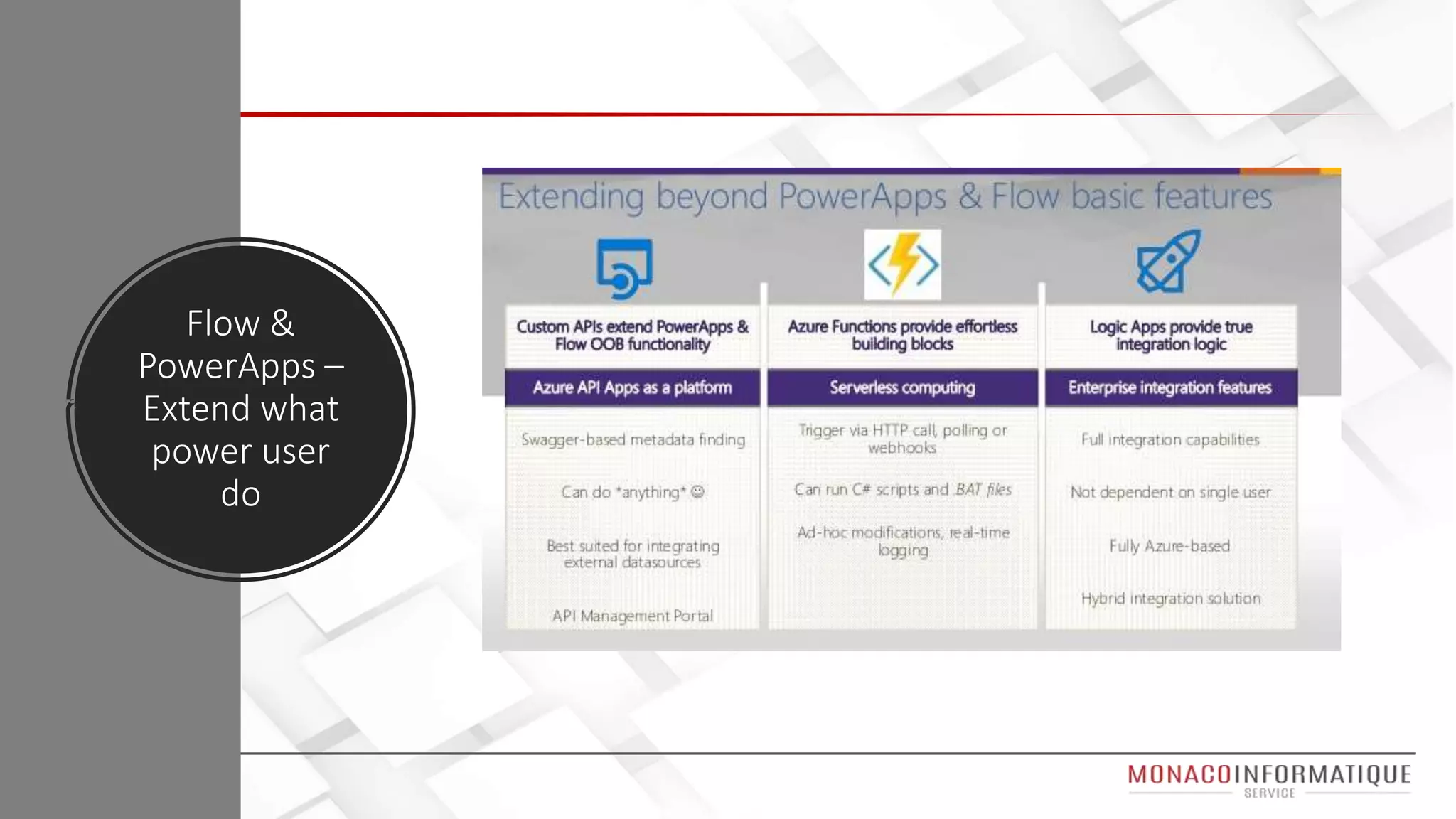
• Extend out of the box using Power Apps / Flow / SPFX
• SharePoint Framework (Push sppkg with assets, app catalog per site collection,
npm shrinkwrap)
• Angular JS (soon in prod for SPFX)
For Power users
• Make Intranet intelligent
• Power Apps from list forms
• Trigger notification in power apps using flow
• Forms (=survey)
• Bots, Yammer
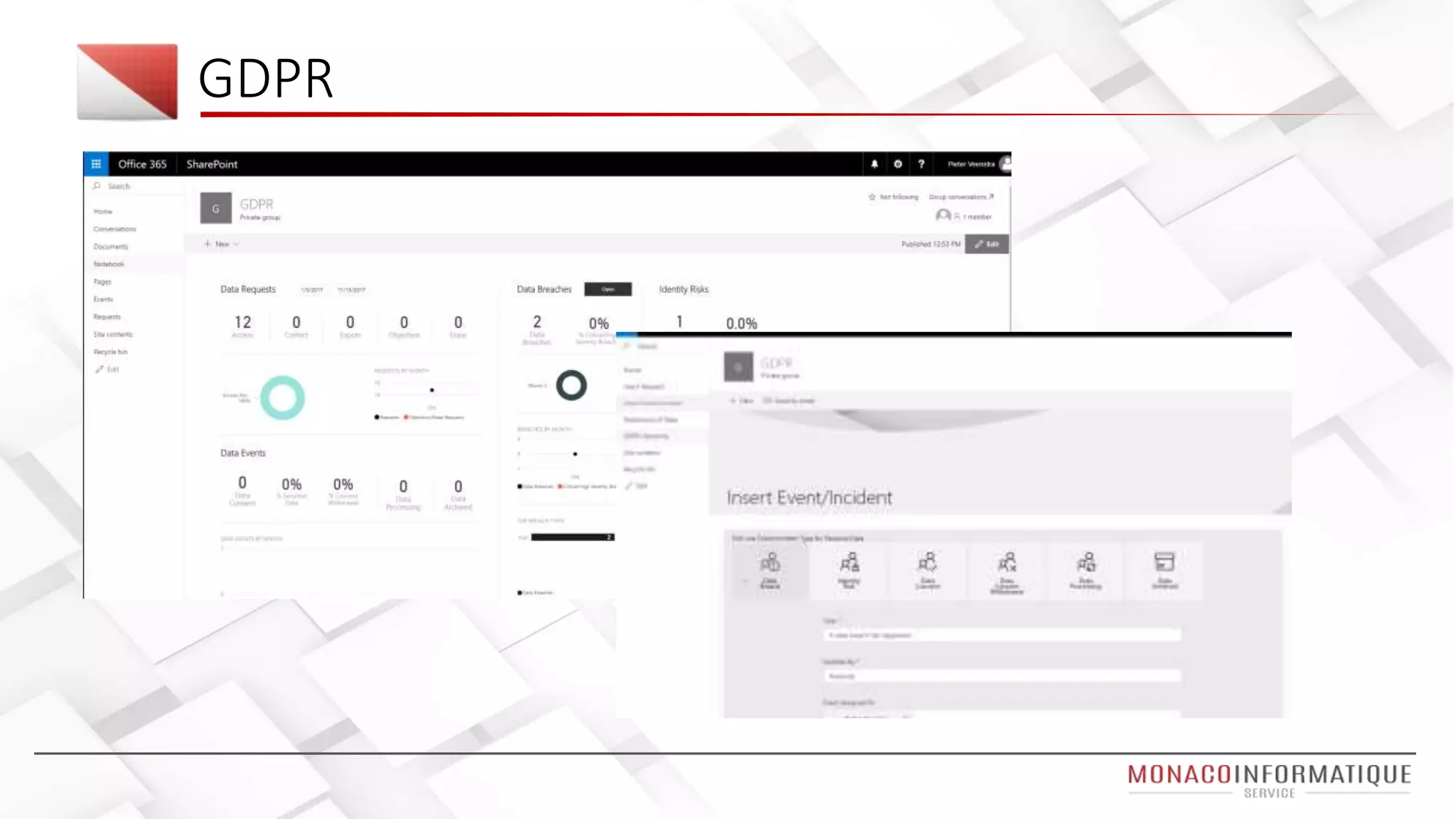
• GDPR Tool in Office 365
Organization Transformation
• Governance best practices
• Hybrid scenarios
• React (lots of re usable components)
• Azure (Azure functions code, called from
PowerApps / flow / SPFX / webhooks)
• Microsoft Graph (improvement on OneDrive,
teams etc)
• Bots (Microsoft bots)
• Style guide as website instead of document
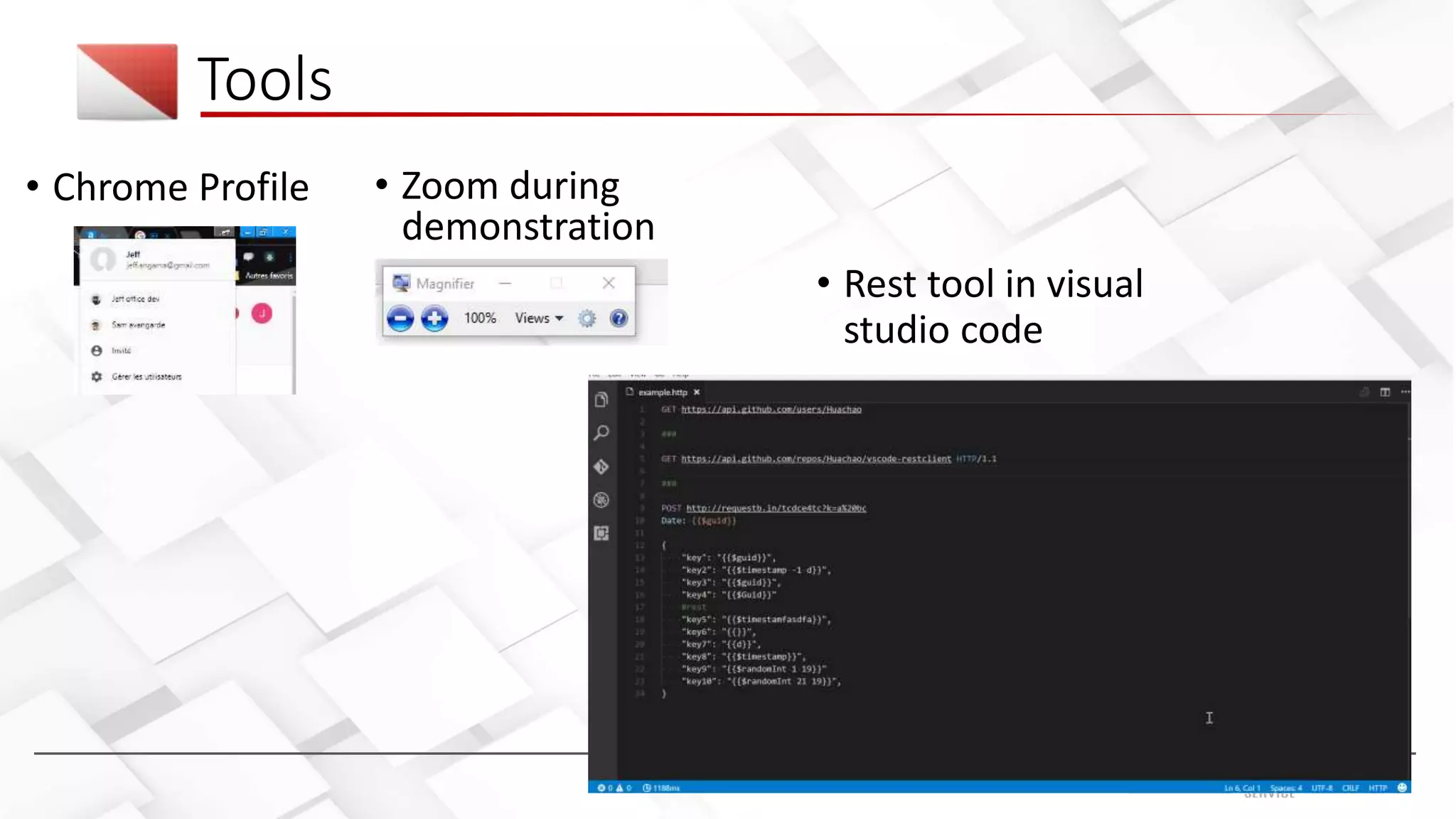
• Chrome Profile
Tools
• Zoom during
demonstration
• Rest tool in visual
studio code
GDPR
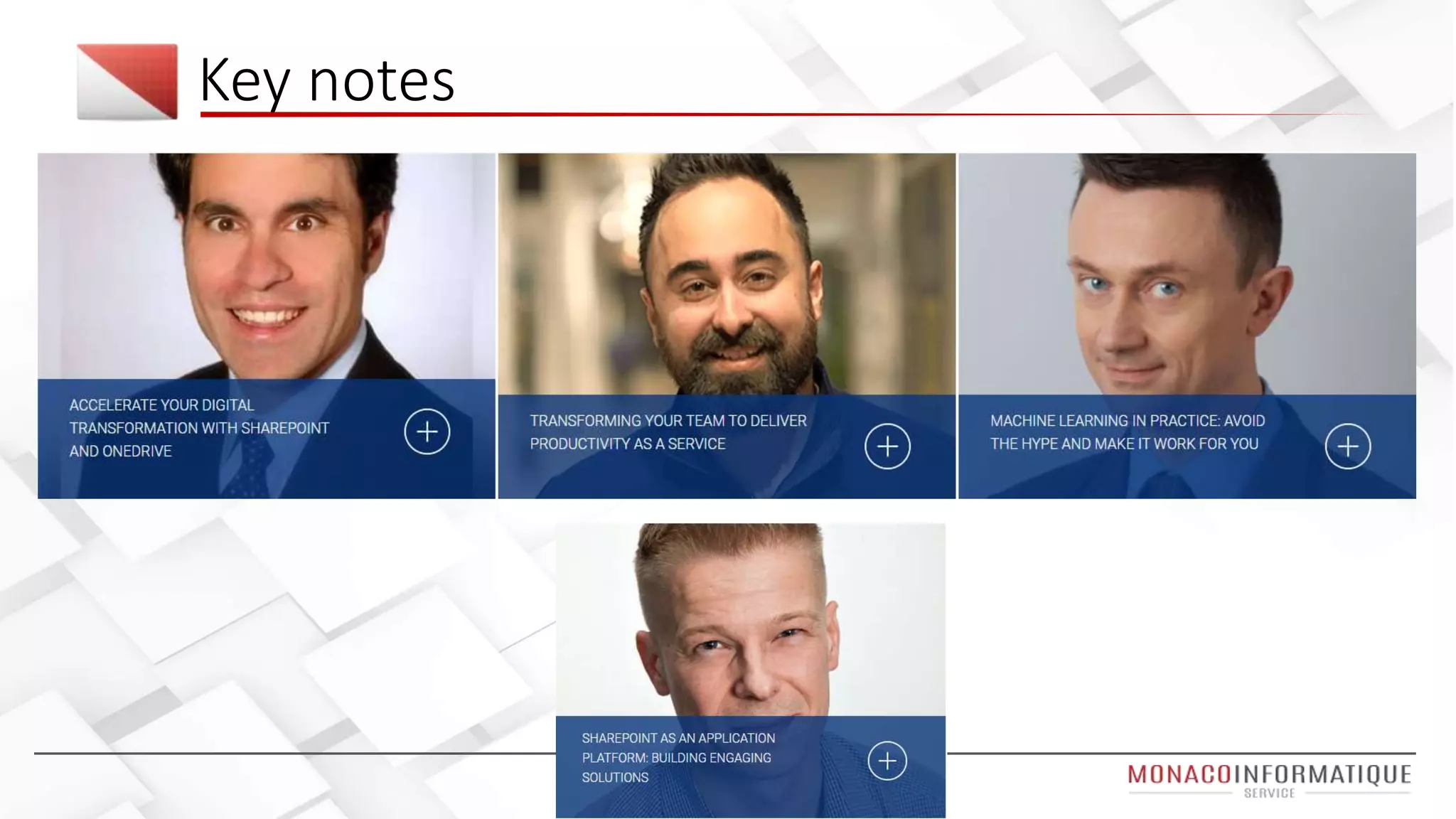
Key notes
Keynote D1 – Jeff Teper (SharePoint father)
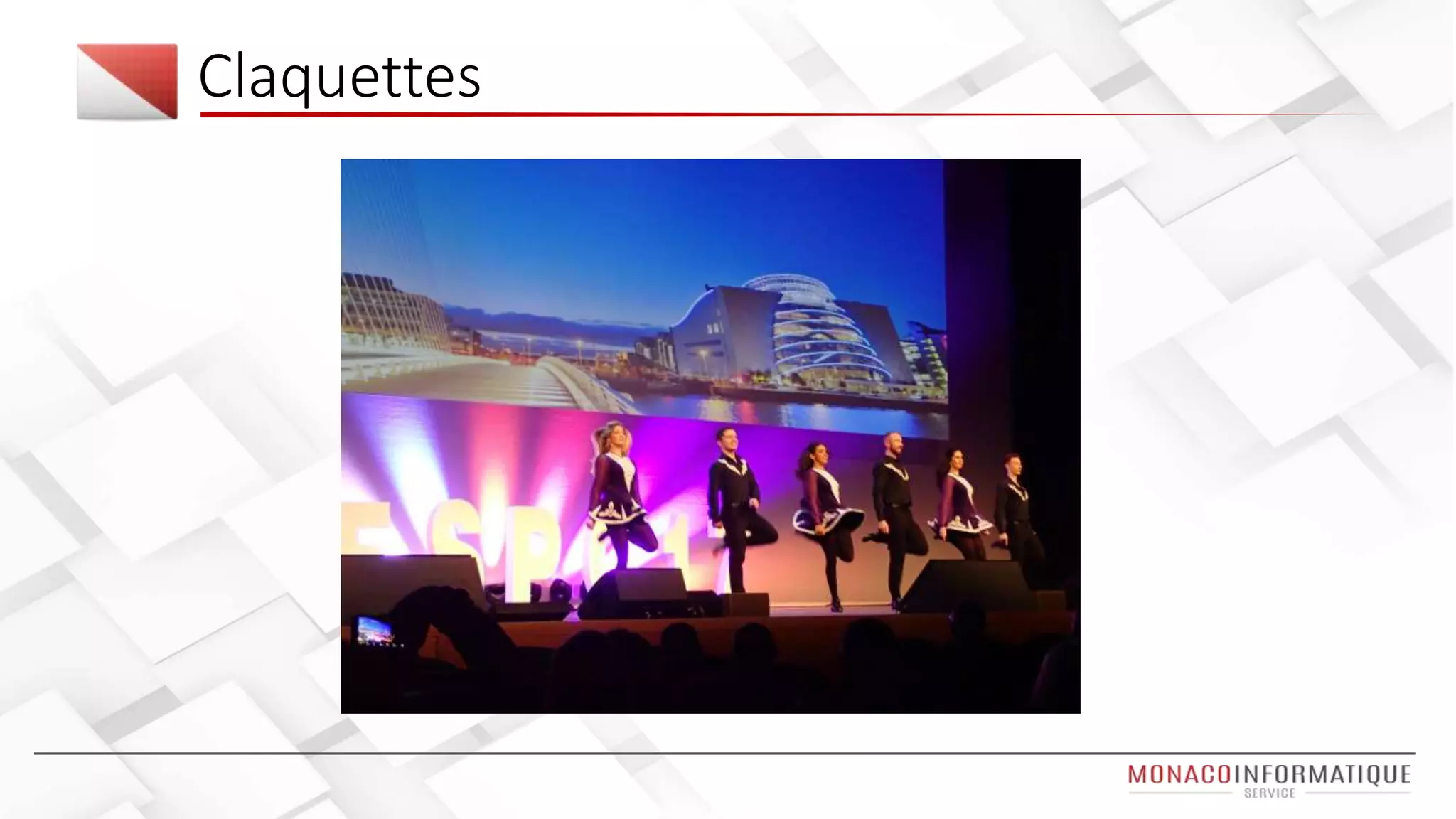
Claquettes
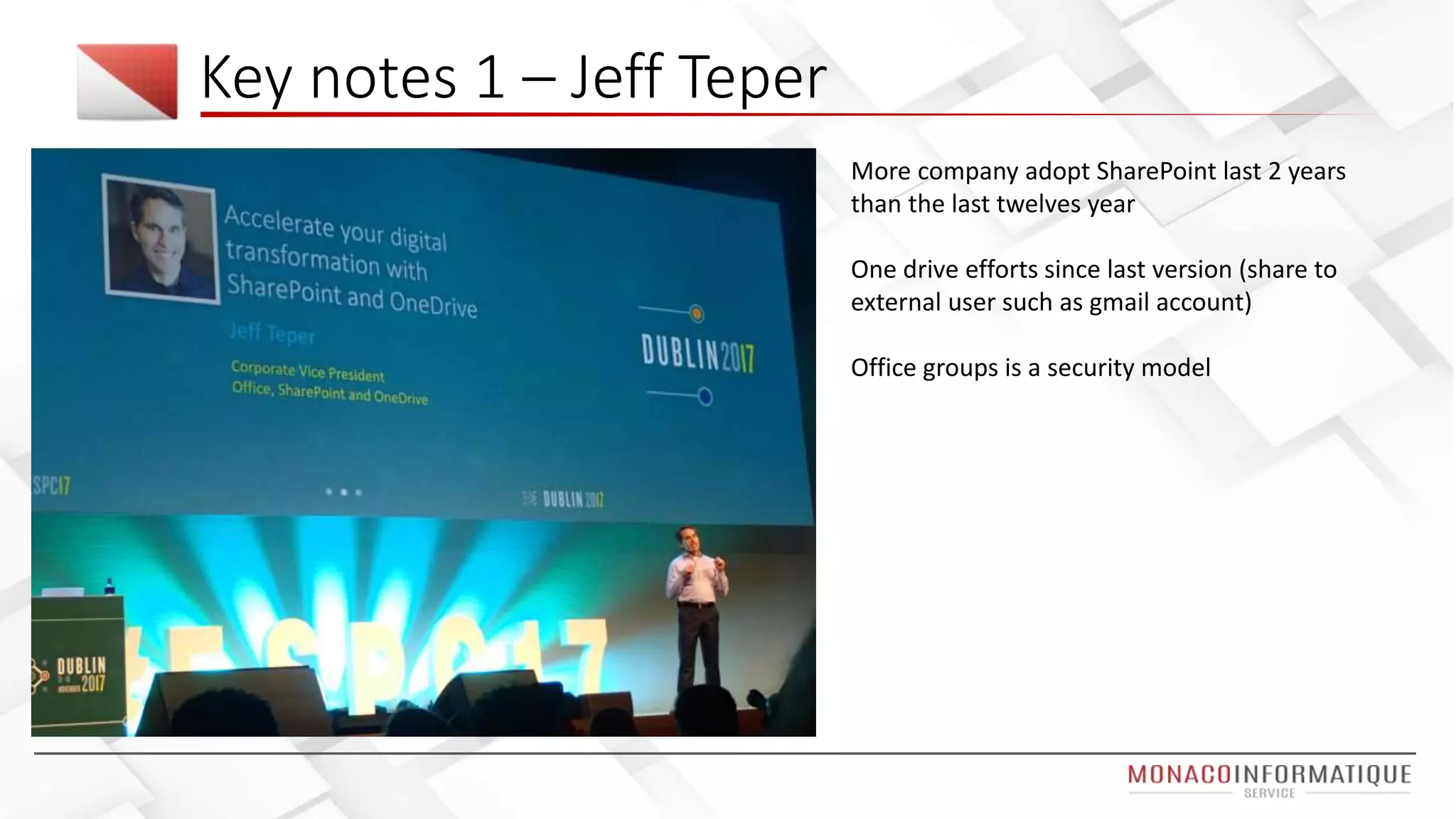
Key notes 1 – Jeff Teper
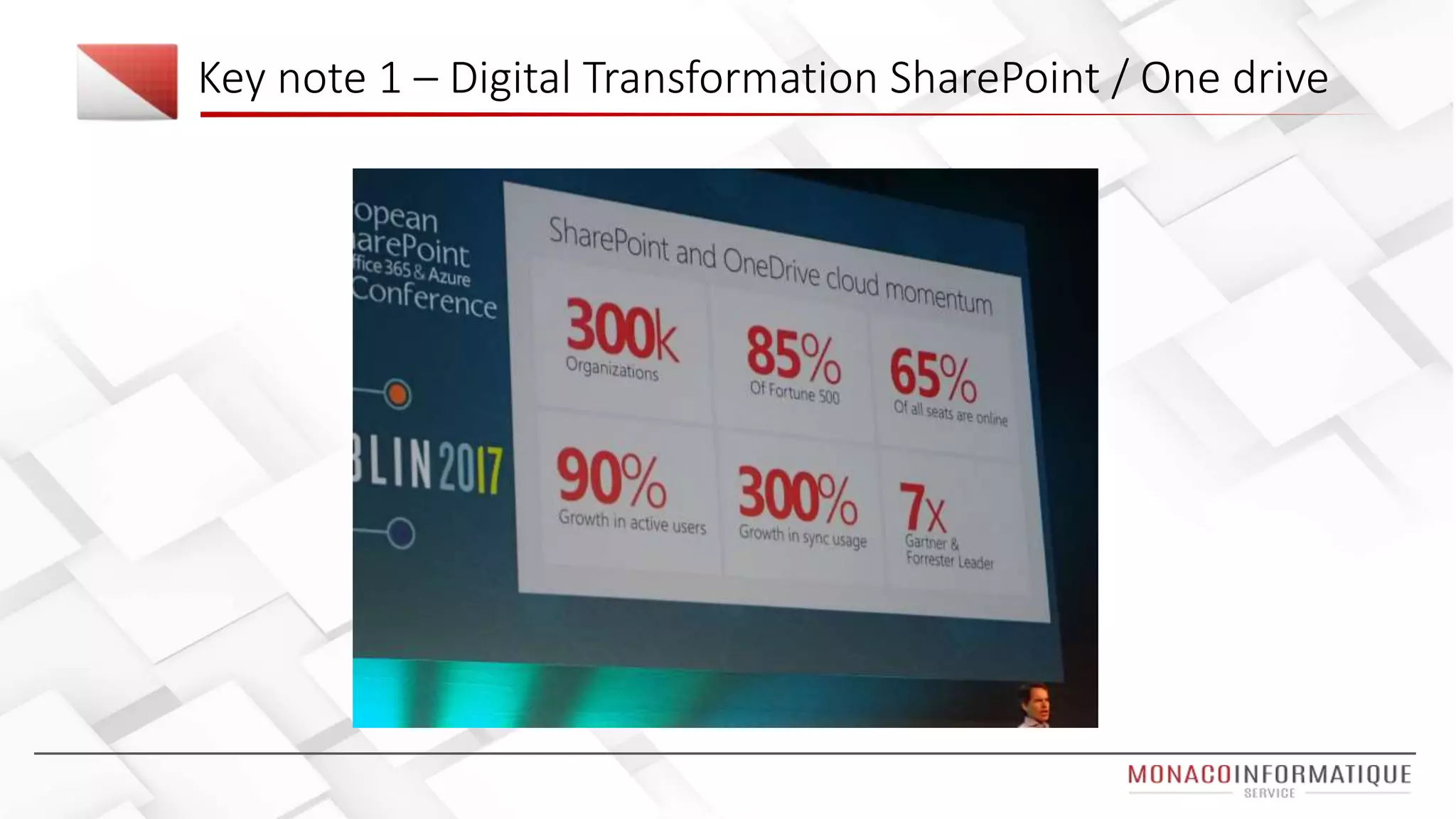
More company adopt SharePoint last 2 years
than the last twelves year
One drive efforts since last version (share to
external user such as gmail account)
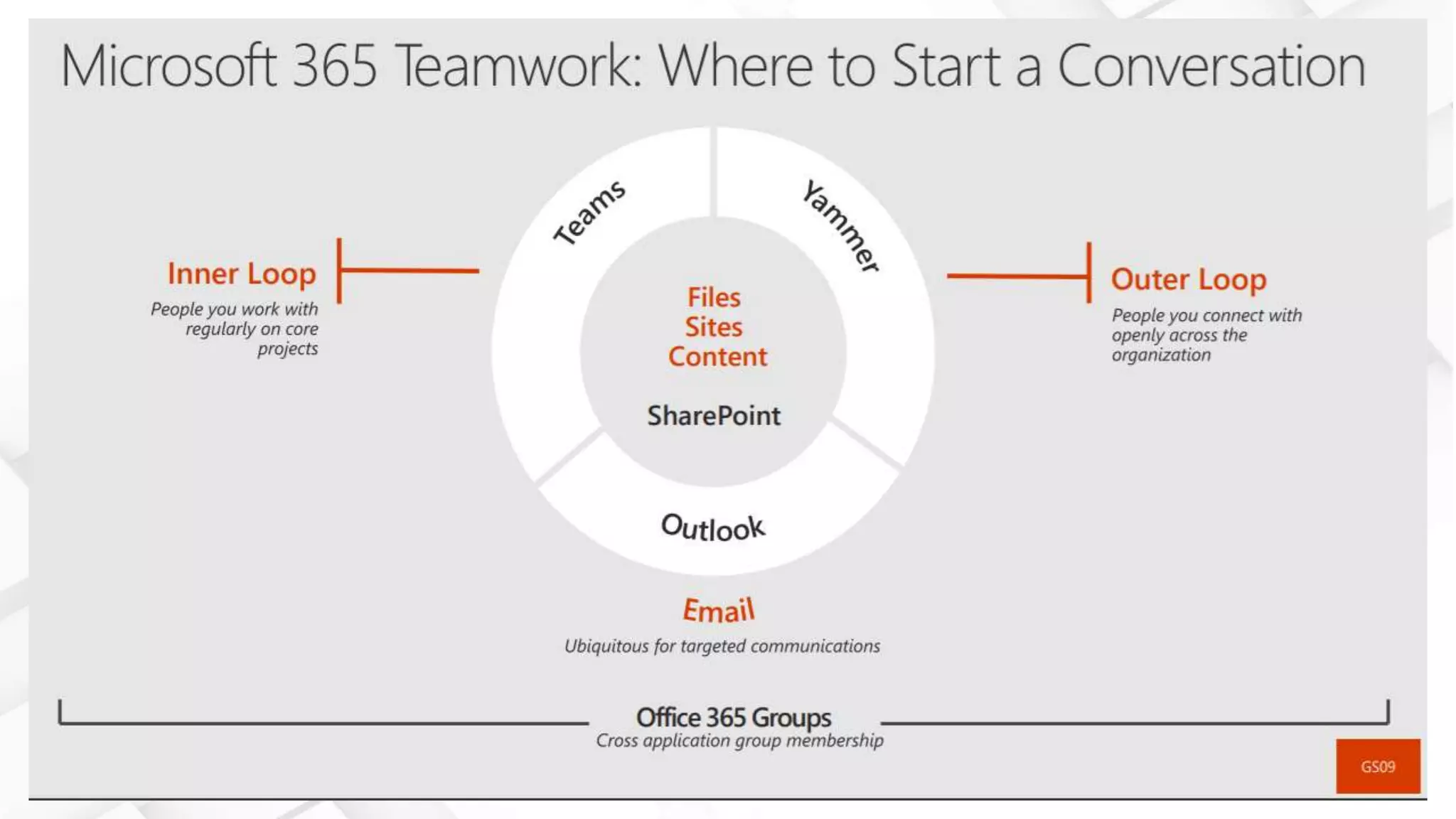
Office groups is a security model
#ESPC2017 in Dublin – Keynote Day 1
Key note 1 – Digital Transformation SharePoint / One drive
Demonstration presented by the MS Team
• No more 5000 items limit with predictive index
• Column formatting using Json
• One drive support more than 250 files format (3D files, MRI, Visio etc)
• OCR for SharePoint search (demo bills research)
Enough Talking
Demo
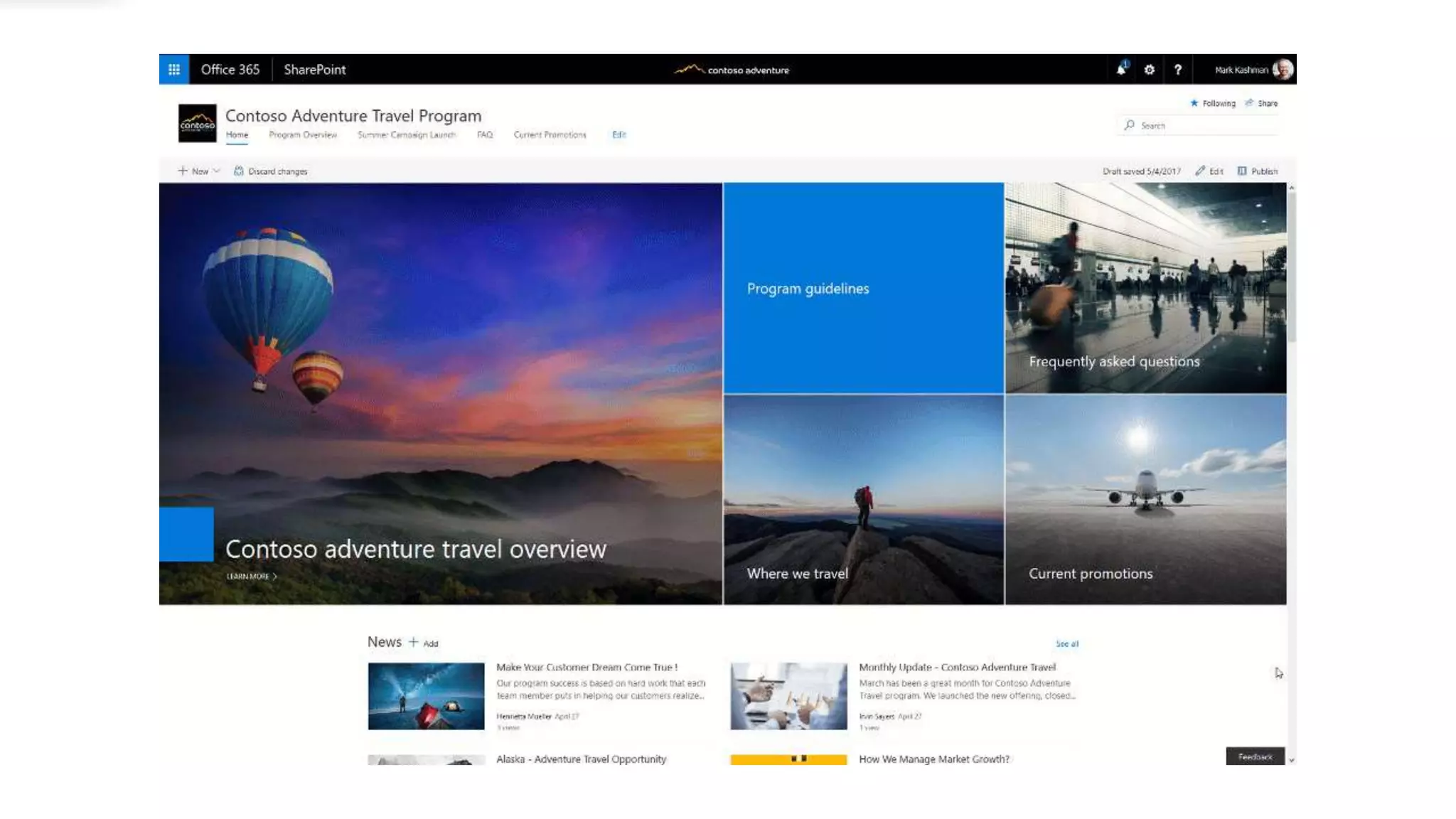
Office.com > SharePoint > Communication Site
Formatting a list
One drive 3D Files / Videos
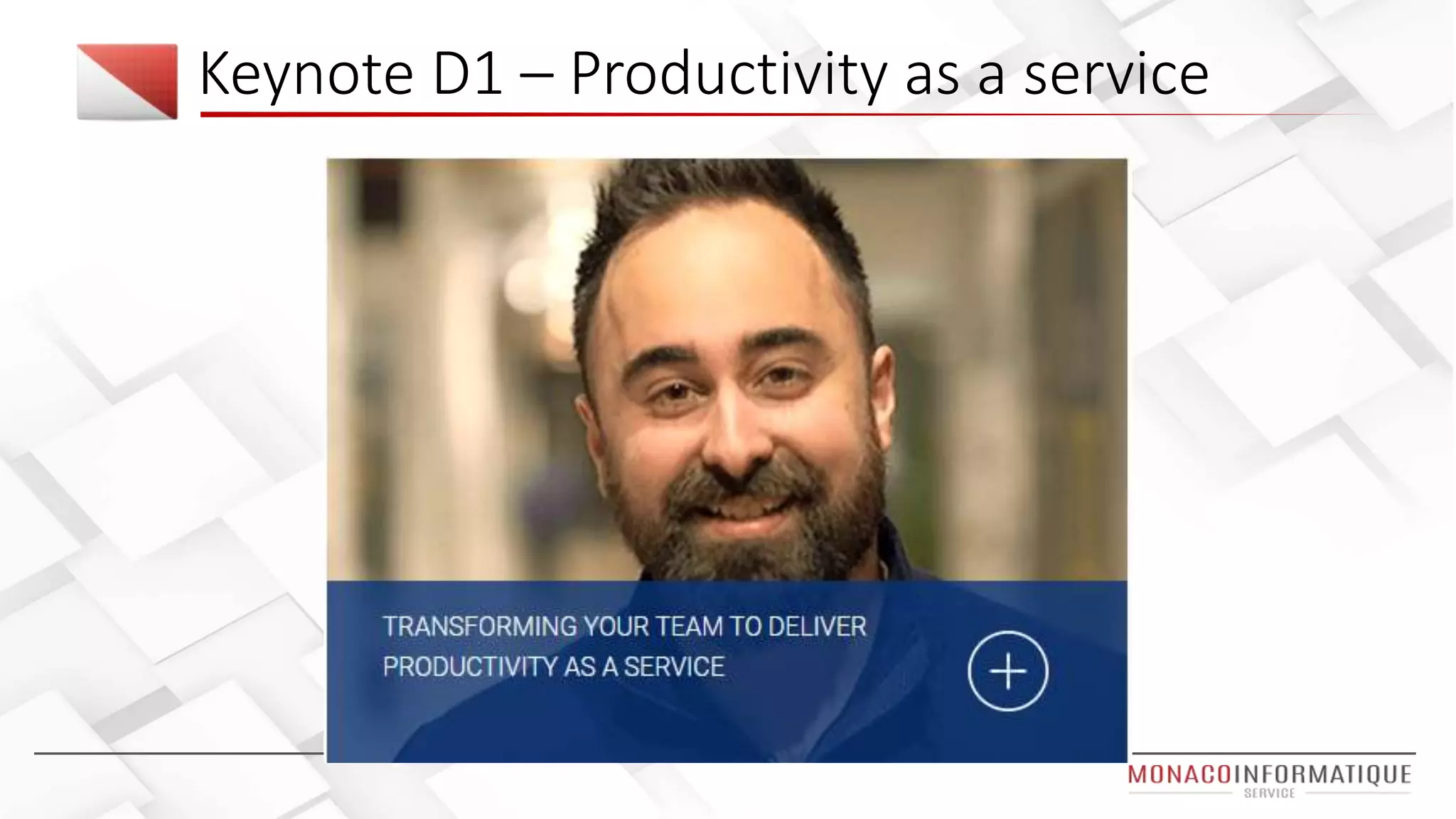
Keynote D1 – Productivity as a service
Key note 2 – Productivity as a service
Machine learning
Keynote D3 – Machine Learning
• Why data science : predict pattern for future out of past and now
data
• AI : a system that perceive its environment and takes action to
maximise its chance of success
• Solutions used by him
• SQL Server 2016 data mining
• Microsoft r/ml server (r is a langage)
• Azure machine learning / Cognitive services
• "R is the ugly dog you still find cute, I use this language it daily“
• https://projectbotticelli.com
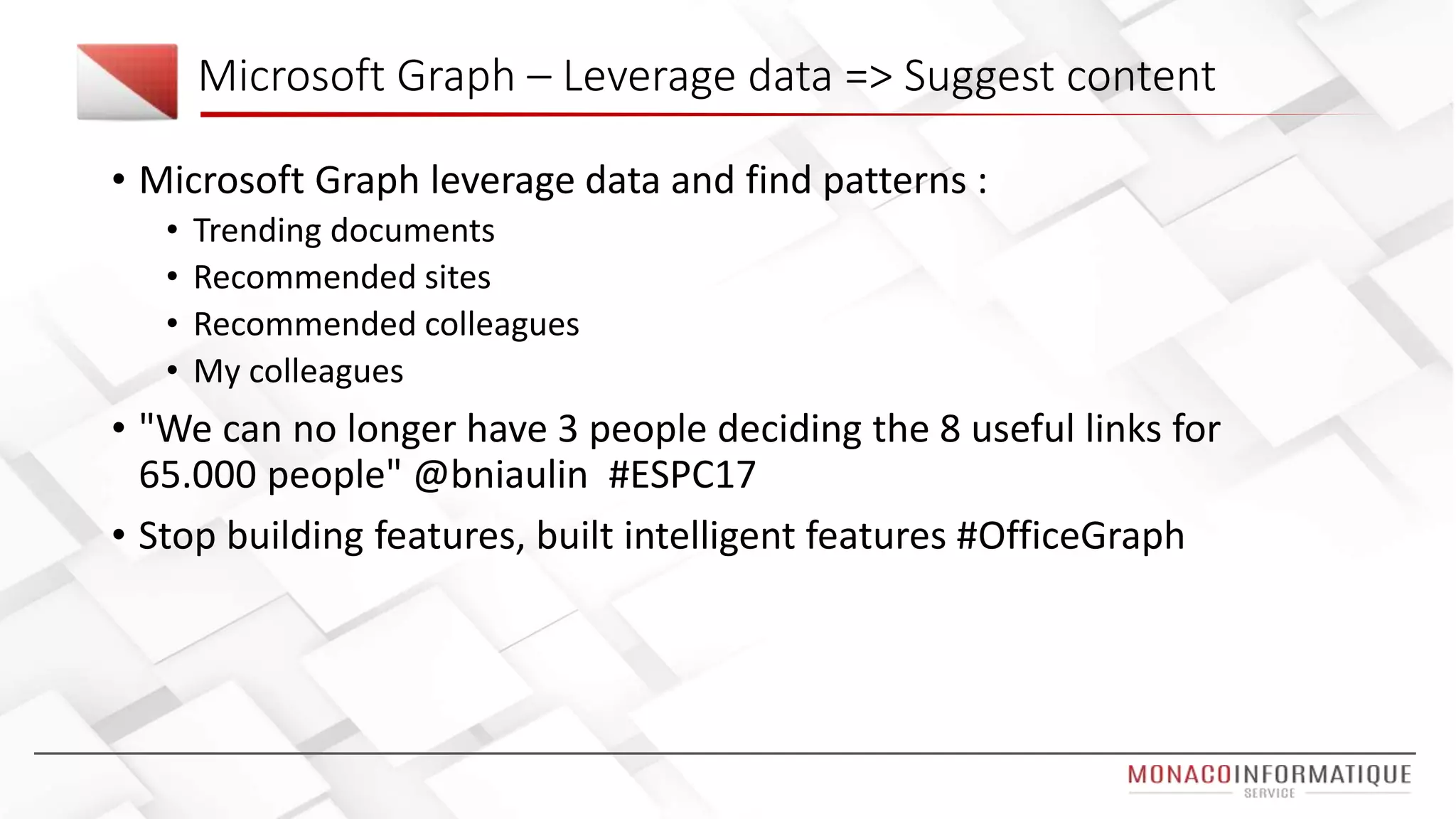
Microsoft Graph – Leverage data => Suggest content
• Microsoft Graph leverage data and find patterns :
• Trending documents
• Recommended sites
• Recommended colleagues
• My colleagues
• "We can no longer have 3 people deciding the 8 useful links for
65.000 people" @bniaulin #ESPC17
• Stop building features, built intelligent features #OfficeGraph
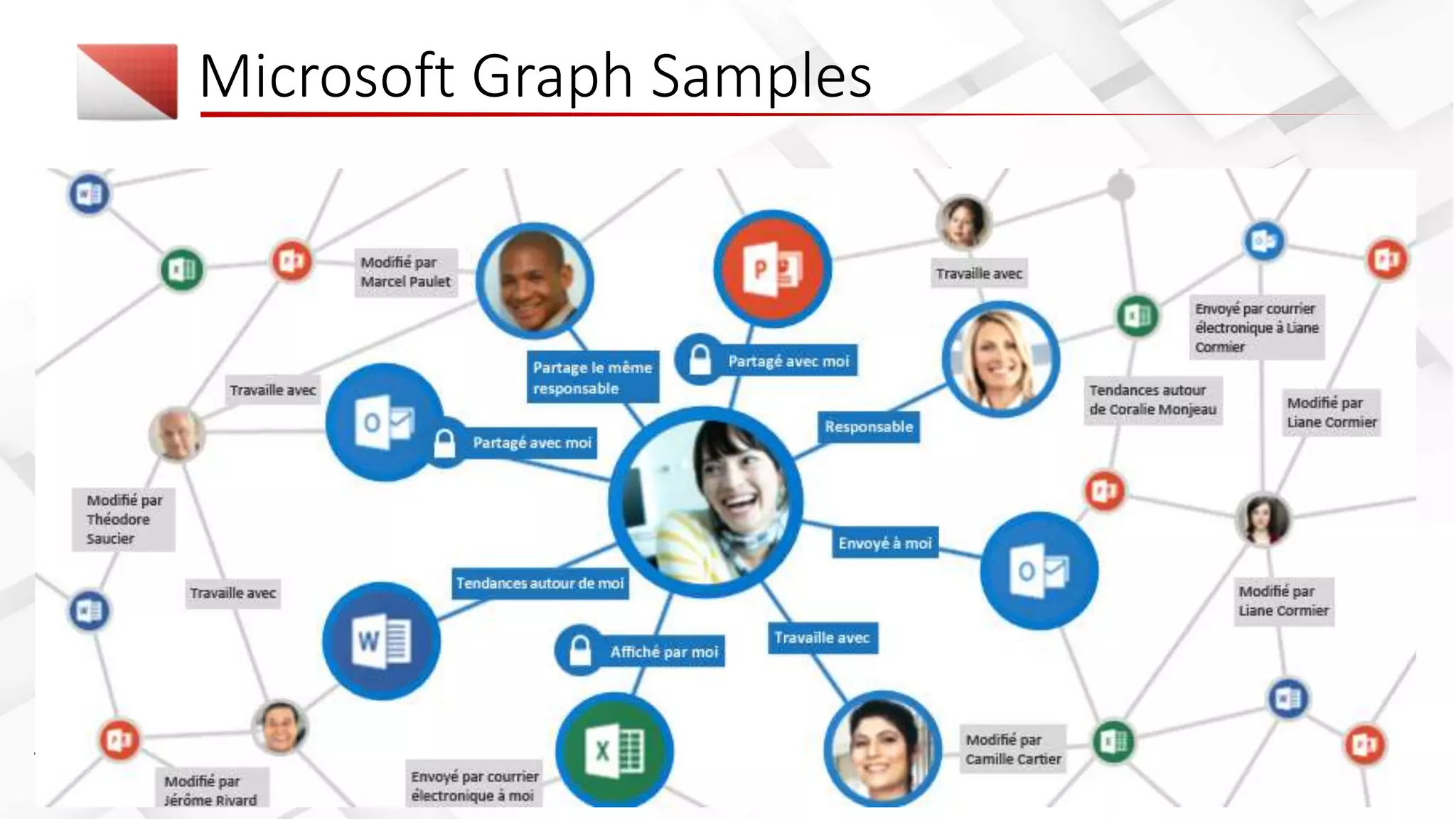
Microsoft Graph Samples
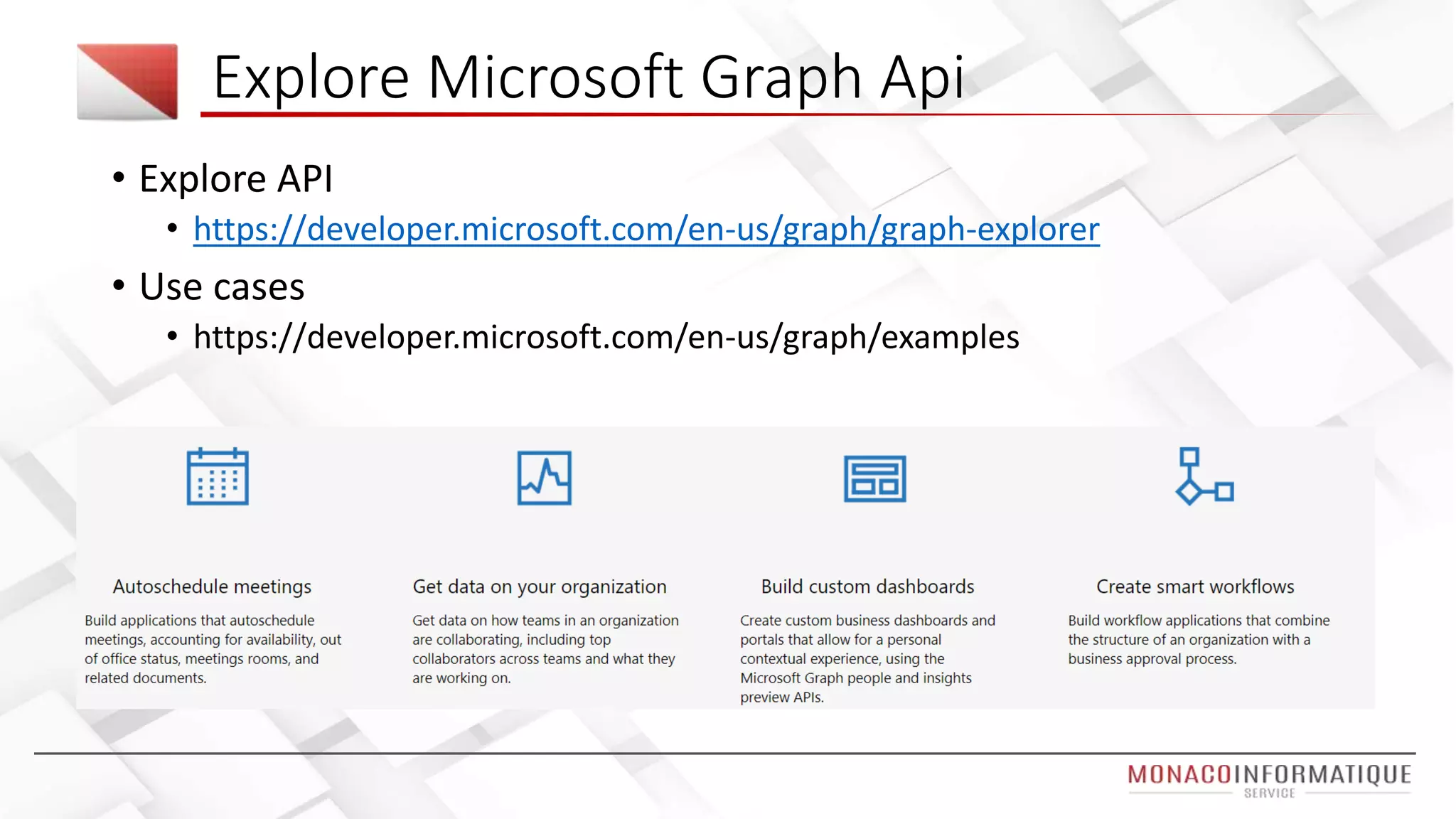
Explore Microsoft Graph Api
• Explore API
• https://developer.microsoft.com/en-us/graph/graph-explorer
• Use cases
• https://developer.microsoft.com/en-us/graph/examples
Azure Cognitive Service
Enough Talking
Demo
Graph Explorer reading emails
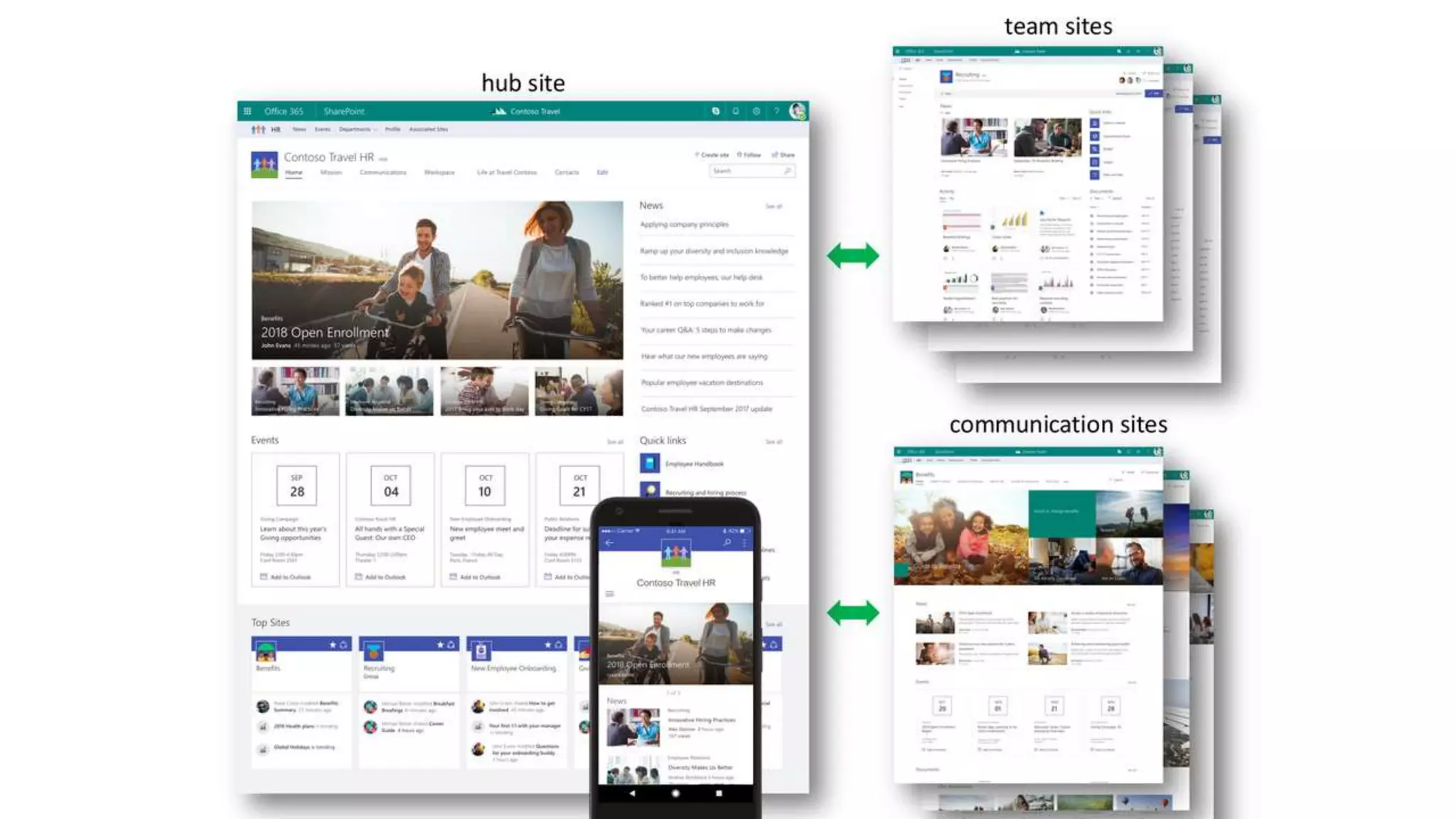
Communication site / Team Site / Mobile view
Sites I use, recent docs, trending docs
Mobile Solutions Session
• Cordova
• Apache Cordova est un framework de développement mobile open-source. Il
permet d'exploiter les technologies Web courantes telles que HTML5, CSS3 et
JavaScript pour développer des applications multi-plateformes, évitant ainsi
l'utilisation des langages natifs propres aux différentes plates-formes mobiles.
• Electron
• Electron est un framework permettant de développer des applications de
bureau avec des technologies web (Javascript, HTML et CSS). Electron permet
de développer des applications pour Mac OS X, Microsoft Windows et Linux.
• Angular JS
• AngularJS is what HTML would have been, had it been designed for building
web-apps
• Xamarin
• Create Native Apps For Android, iOS, and Windows in C# & .NET
Mobile Solutions Session
Mobile session - Advice from the mobile mvp
Hybrid solution using Xamarin / Angular JS / Electron
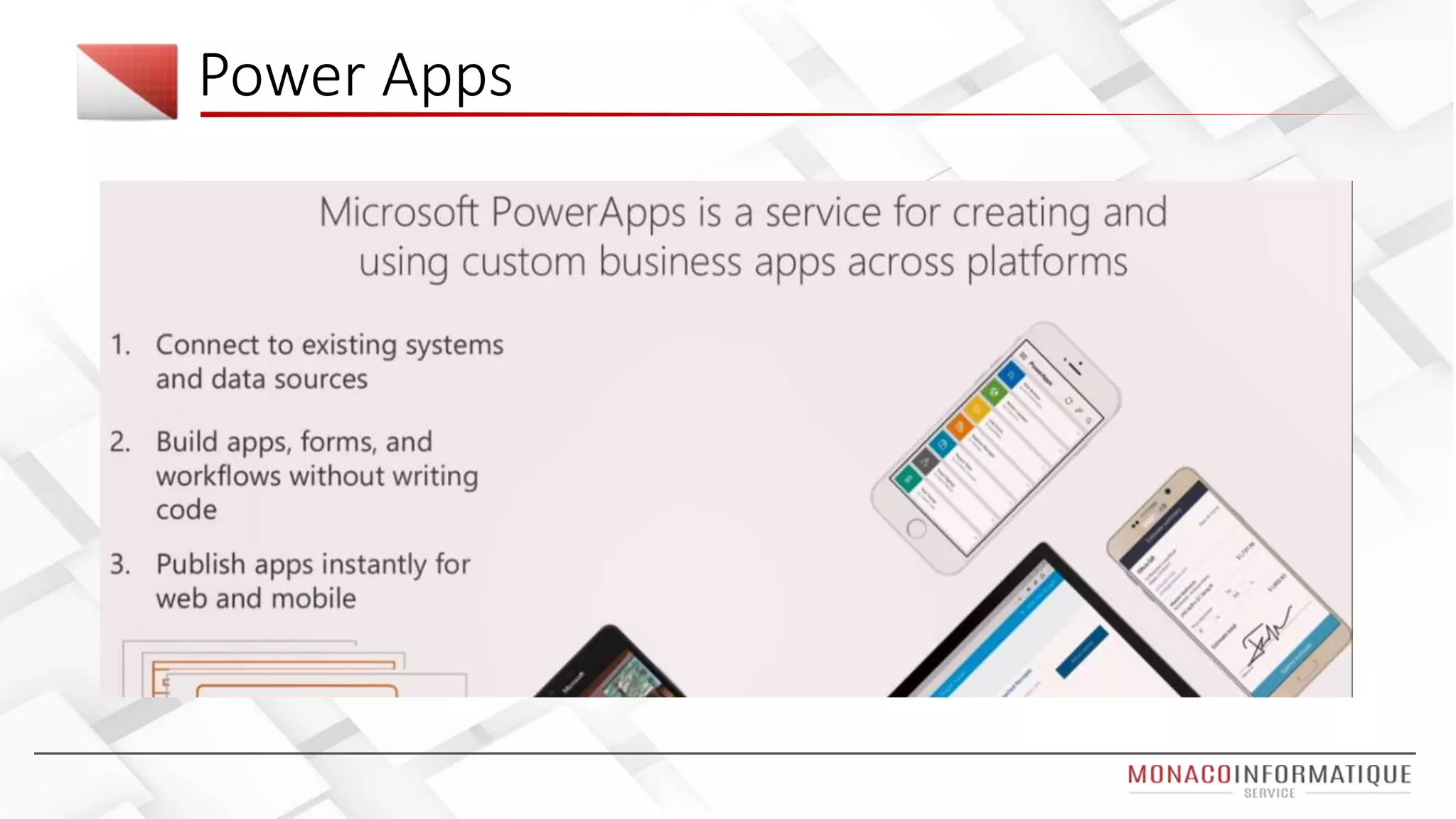
Power Apps
Enough Talking
Demo
Power APPS (web, teams, mobile)
Teams
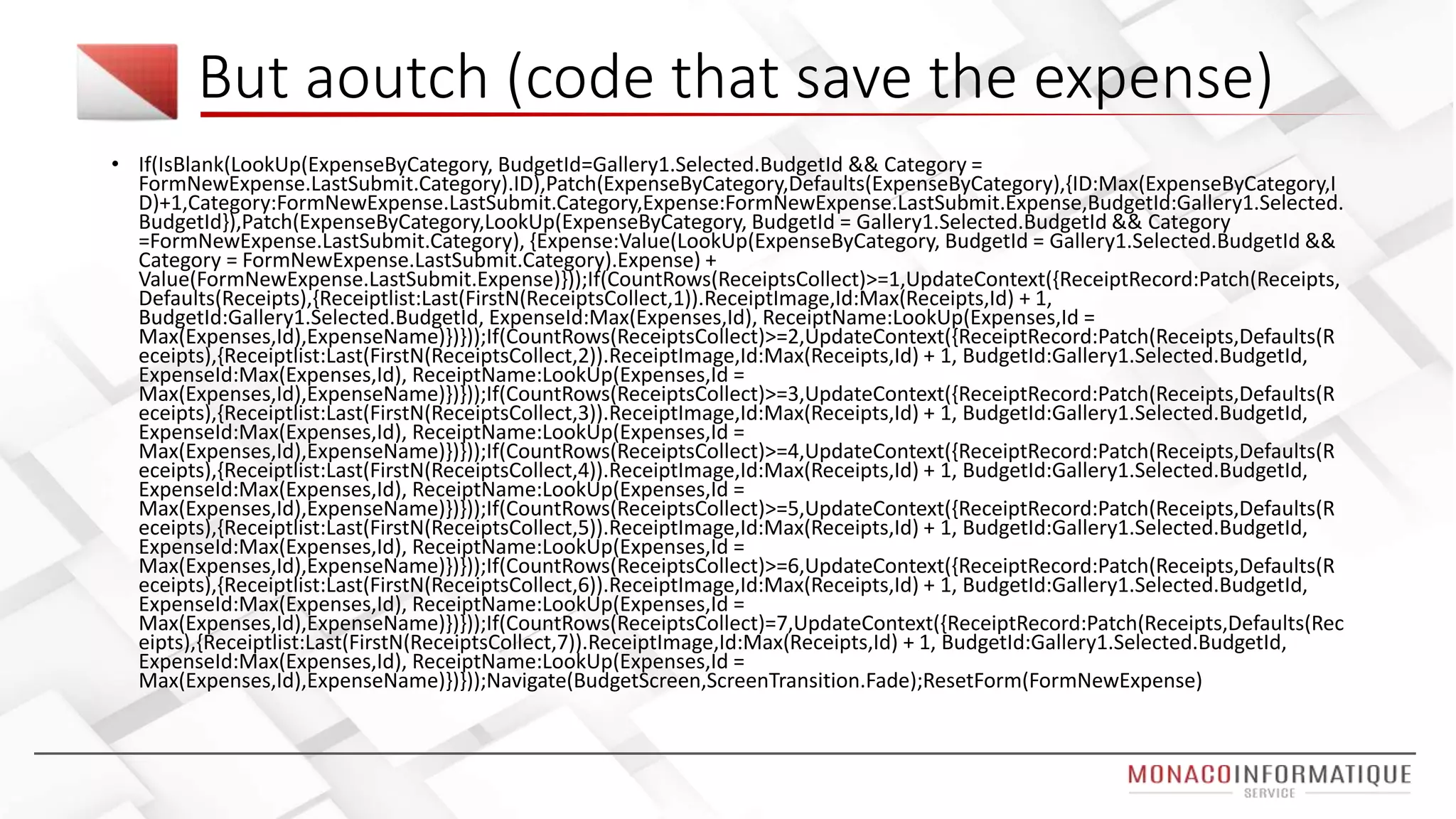
But aoutch (code that save the expense)
• If(IsBlank(LookUp(ExpenseByCategory, BudgetId=Gallery1.Selected.BudgetId && Category =
FormNewExpense.LastSubmit.Category).ID),Patch(ExpenseByCategory,Defaults(ExpenseByCategory),{ID:Max(ExpenseByCategory,I
D)+1,Category:FormNewExpense.LastSubmit.Category,Expense:FormNewExpense.LastSubmit.Expense,BudgetId:Gallery1.Selected.
BudgetId}),Patch(ExpenseByCategory,LookUp(ExpenseByCategory, BudgetId = Gallery1.Selected.BudgetId && Category
=FormNewExpense.LastSubmit.Category), {Expense:Value(LookUp(ExpenseByCategory, BudgetId = Gallery1.Selected.BudgetId &&
Category = FormNewExpense.LastSubmit.Category).Expense) +
Value(FormNewExpense.LastSubmit.Expense)}));If(CountRows(ReceiptsCollect)>=1,UpdateContext({ReceiptRecord:Patch(Receipts,
Defaults(Receipts),{Receiptlist:Last(FirstN(ReceiptsCollect,1)).ReceiptImage,Id:Max(Receipts,Id) + 1,
BudgetId:Gallery1.Selected.BudgetId, ExpenseId:Max(Expenses,Id), ReceiptName:LookUp(Expenses,Id =
Max(Expenses,Id),ExpenseName)})}));If(CountRows(ReceiptsCollect)>=2,UpdateContext({ReceiptRecord:Patch(Receipts,Defaults(R
eceipts),{Receiptlist:Last(FirstN(ReceiptsCollect,2)).ReceiptImage,Id:Max(Receipts,Id) + 1, BudgetId:Gallery1.Selected.BudgetId,
ExpenseId:Max(Expenses,Id), ReceiptName:LookUp(Expenses,Id =
Max(Expenses,Id),ExpenseName)})}));If(CountRows(ReceiptsCollect)>=3,UpdateContext({ReceiptRecord:Patch(Receipts,Defaults(R
eceipts),{Receiptlist:Last(FirstN(ReceiptsCollect,3)).ReceiptImage,Id:Max(Receipts,Id) + 1, BudgetId:Gallery1.Selected.BudgetId,
ExpenseId:Max(Expenses,Id), ReceiptName:LookUp(Expenses,Id =
Max(Expenses,Id),ExpenseName)})}));If(CountRows(ReceiptsCollect)>=4,UpdateContext({ReceiptRecord:Patch(Receipts,Defaults(R
eceipts),{Receiptlist:Last(FirstN(ReceiptsCollect,4)).ReceiptImage,Id:Max(Receipts,Id) + 1, BudgetId:Gallery1.Selected.BudgetId,
ExpenseId:Max(Expenses,Id), ReceiptName:LookUp(Expenses,Id =
Max(Expenses,Id),ExpenseName)})}));If(CountRows(ReceiptsCollect)>=5,UpdateContext({ReceiptRecord:Patch(Receipts,Defaults(R
eceipts),{Receiptlist:Last(FirstN(ReceiptsCollect,5)).ReceiptImage,Id:Max(Receipts,Id) + 1, BudgetId:Gallery1.Selected.BudgetId,
ExpenseId:Max(Expenses,Id), ReceiptName:LookUp(Expenses,Id =
Max(Expenses,Id),ExpenseName)})}));If(CountRows(ReceiptsCollect)>=6,UpdateContext({ReceiptRecord:Patch(Receipts,Defaults(R
eceipts),{Receiptlist:Last(FirstN(ReceiptsCollect,6)).ReceiptImage,Id:Max(Receipts,Id) + 1, BudgetId:Gallery1.Selected.BudgetId,
ExpenseId:Max(Expenses,Id), ReceiptName:LookUp(Expenses,Id =
Max(Expenses,Id),ExpenseName)})}));If(CountRows(ReceiptsCollect)=7,UpdateContext({ReceiptRecord:Patch(Receipts,Defaults(Rec
eipts),{Receiptlist:Last(FirstN(ReceiptsCollect,7)).ReceiptImage,Id:Max(Receipts,Id) + 1, BudgetId:Gallery1.Selected.BudgetId,
ExpenseId:Max(Expenses,Id), ReceiptName:LookUp(Expenses,Id =
Max(Expenses,Id),ExpenseName)})}));Navigate(BudgetScreen,ScreenTransition.Fade);ResetForm(FormNewExpense)
Power apps – demo presented
Flow
Flow &
PowerApps –
Extend what
power user
do
SharePoint Framework sessions summary
Angular JS for SPFX, get ready, will be soon (Angular Elements)
Npm shrinkwrap, lock project dependencies
Azure for office 365
Tenant Properties
Asset Packaging
Site Collection App Catalog
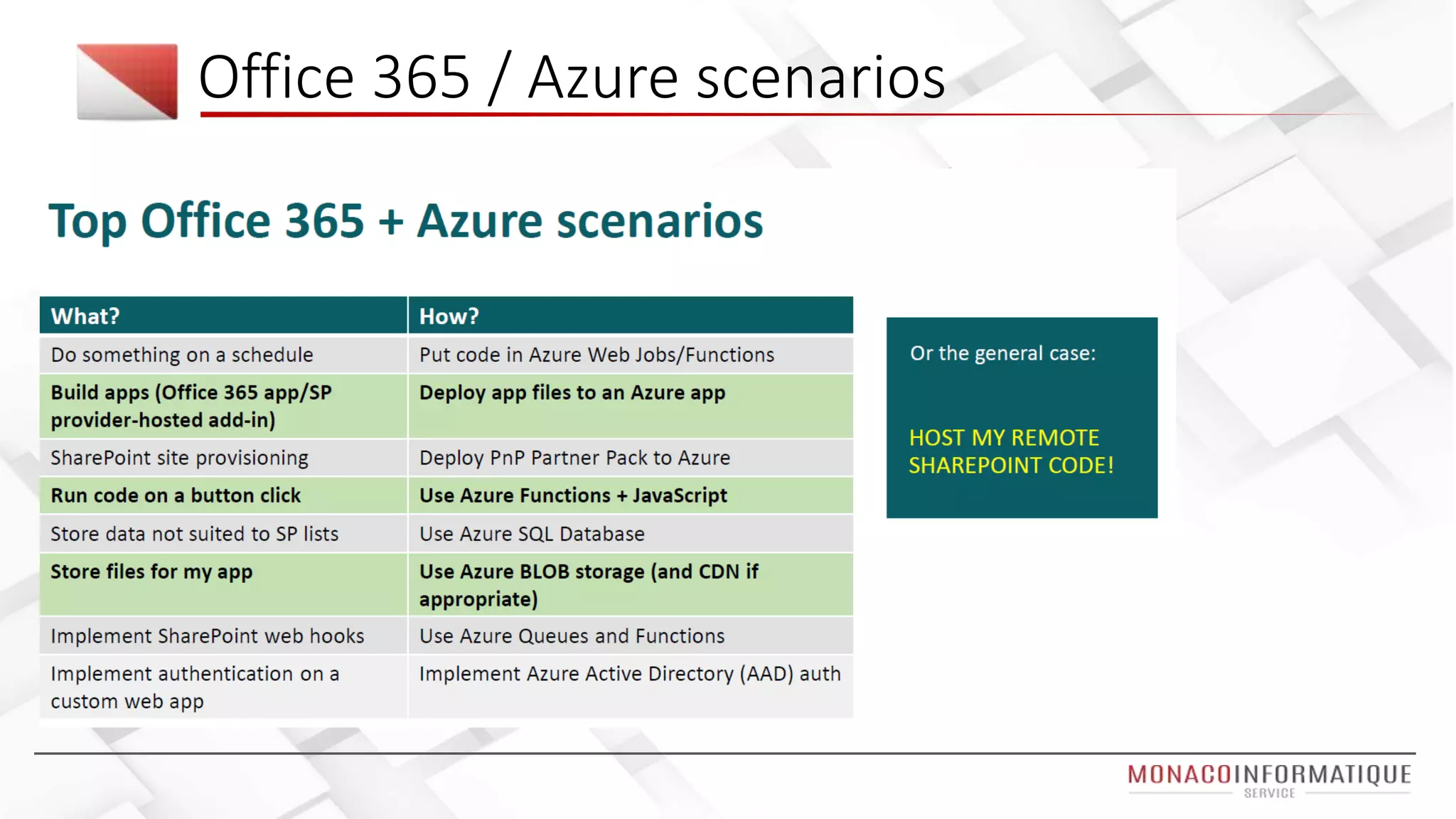
Office 365 / Azure scenarios
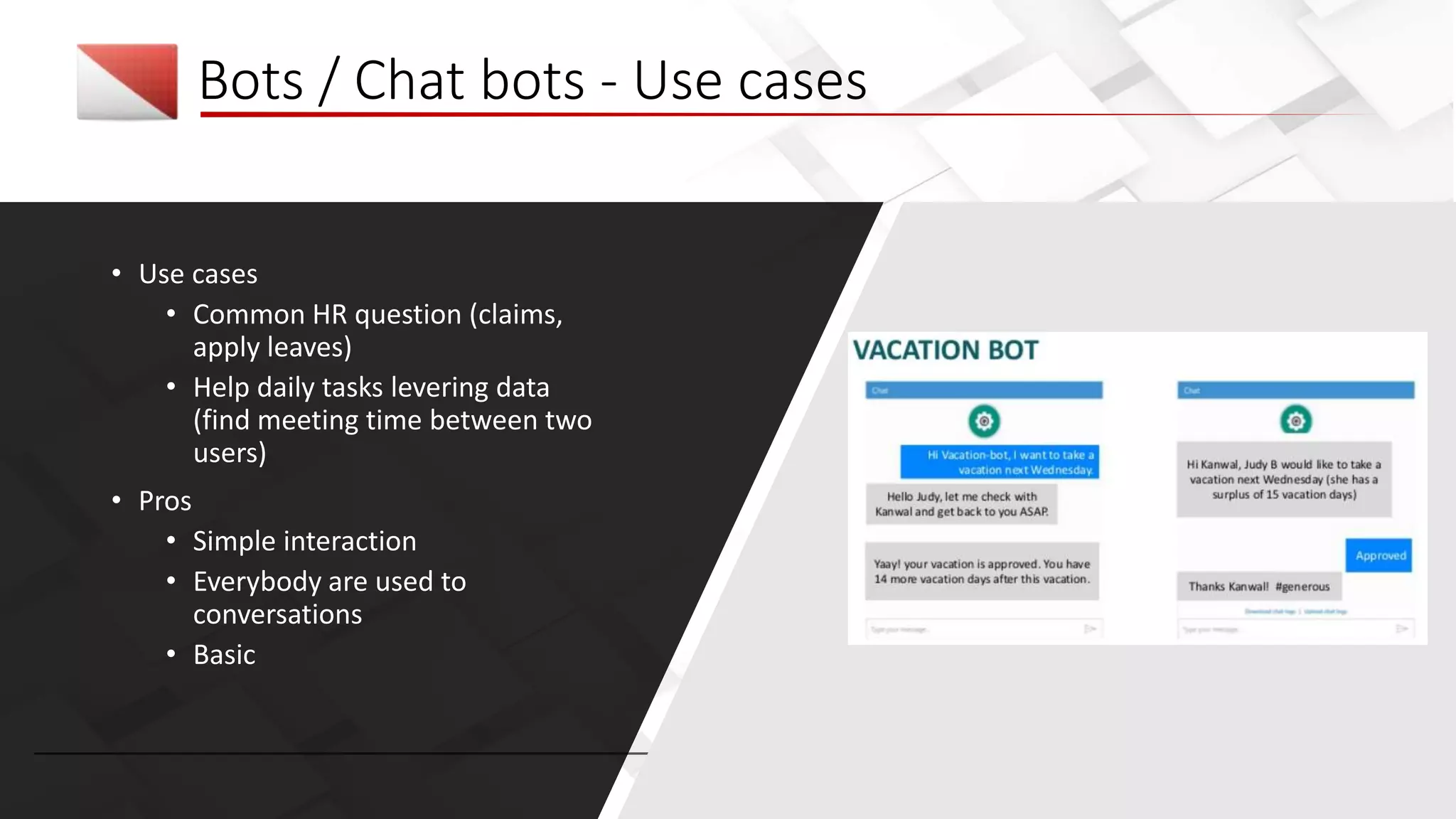
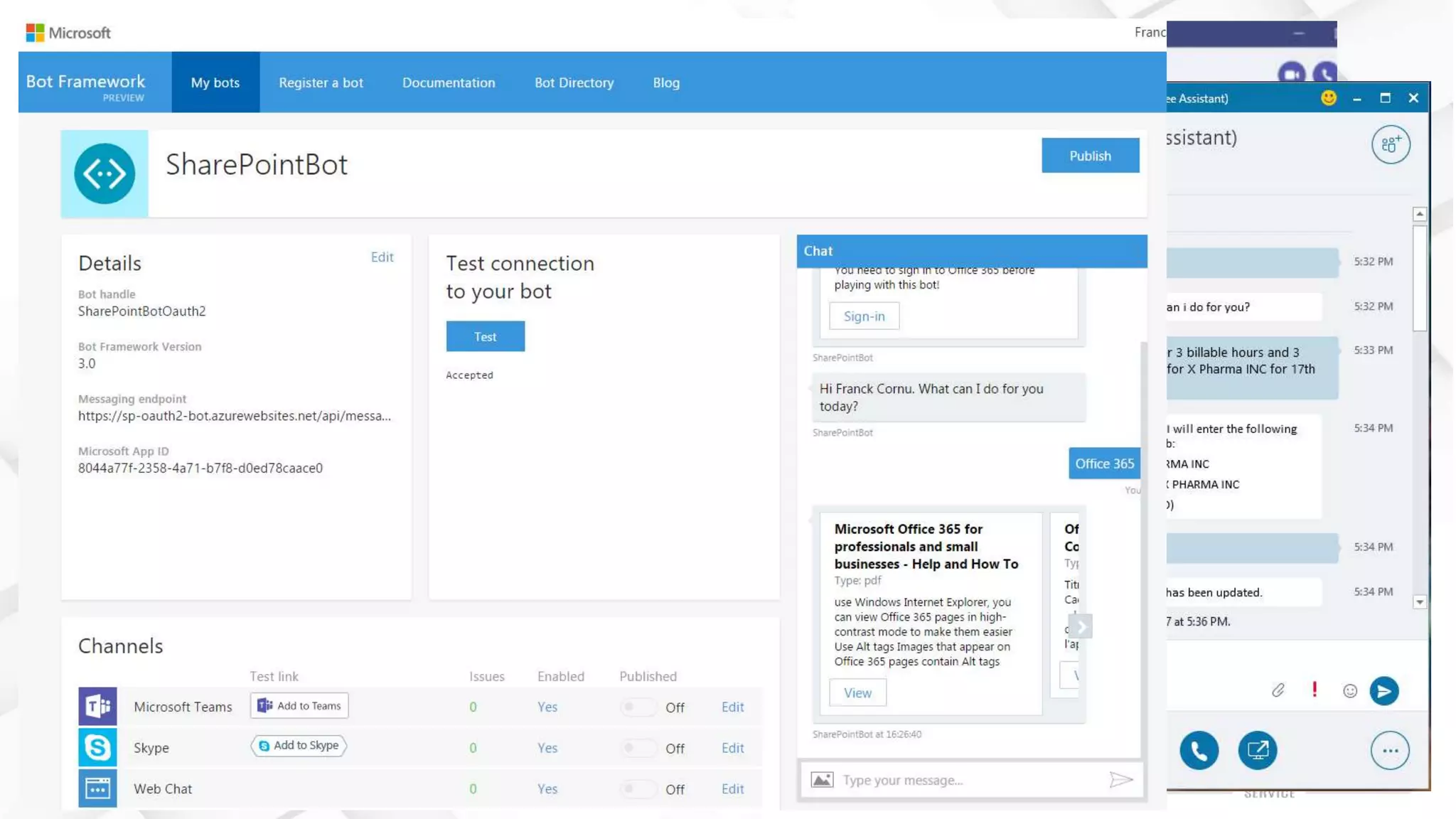
Bots / Chat bots - Use cases
• Use cases
• Common HR question (claims,
apply leaves)
• Help daily tasks levering data
(find meeting time between two
users)
• Pros
• Simple interaction
• Everybody are used to
conversations
• Basic
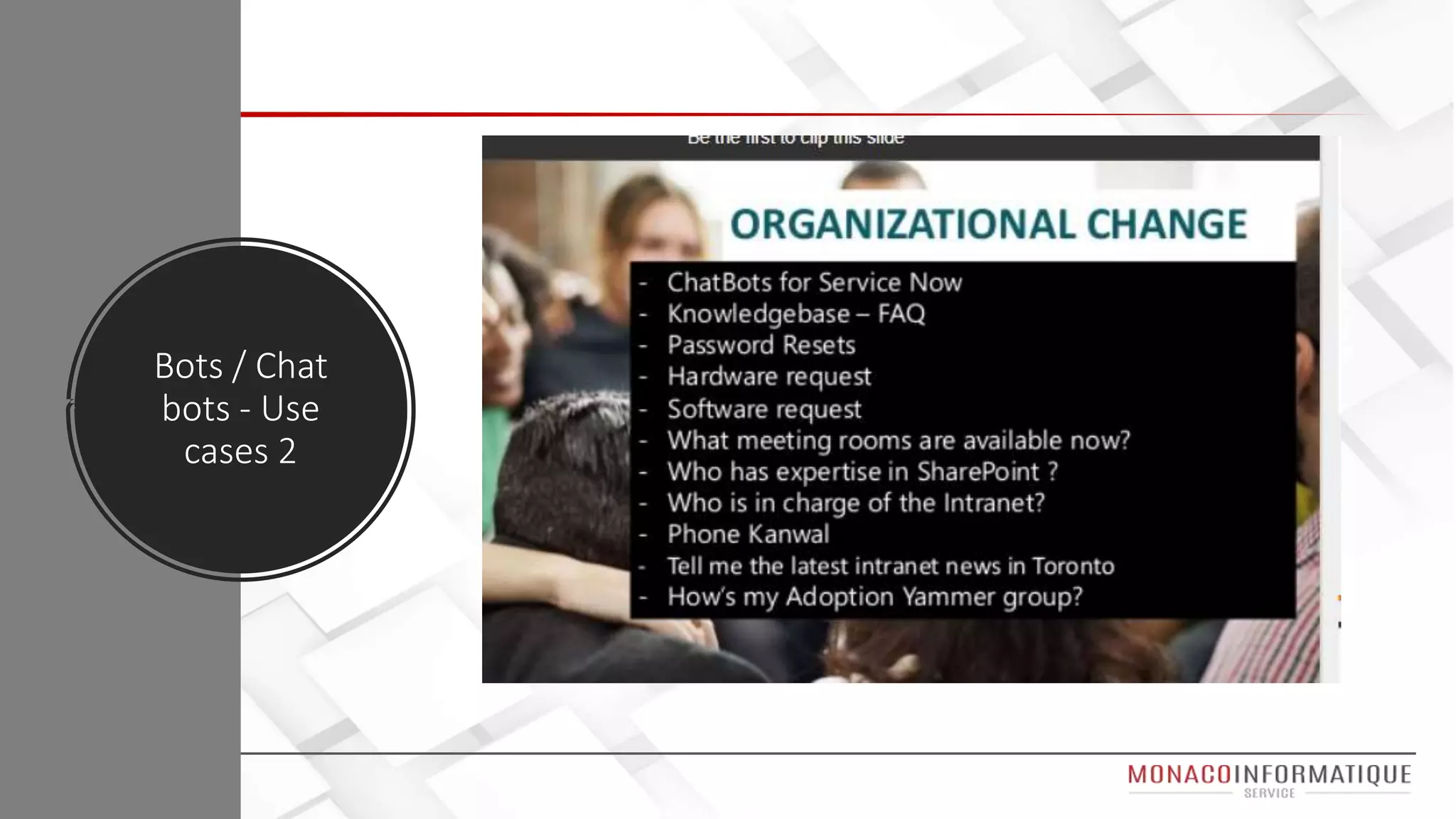
Bots / Chat
bots - Use
cases 2
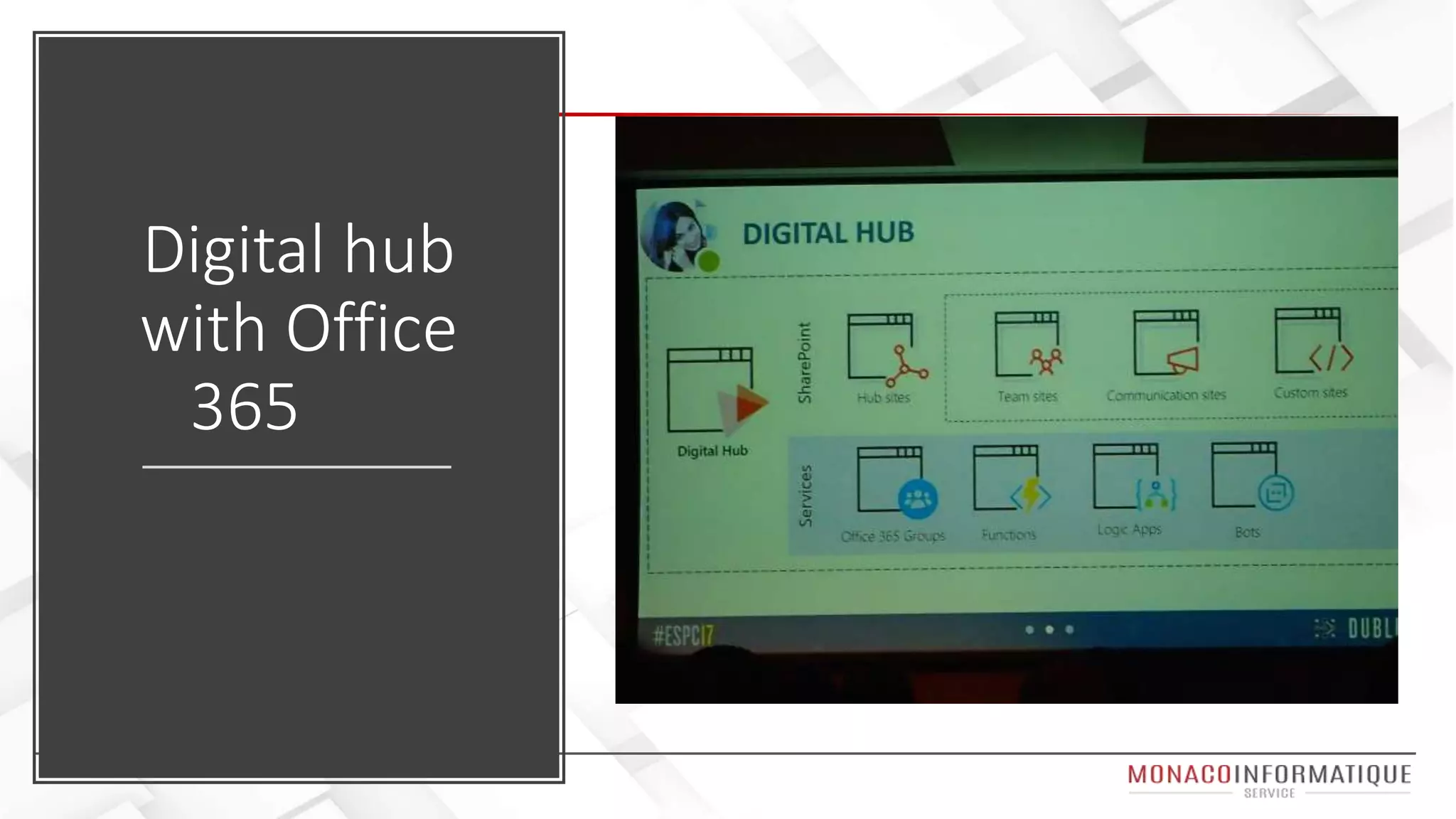
Digital hub
with Office
365
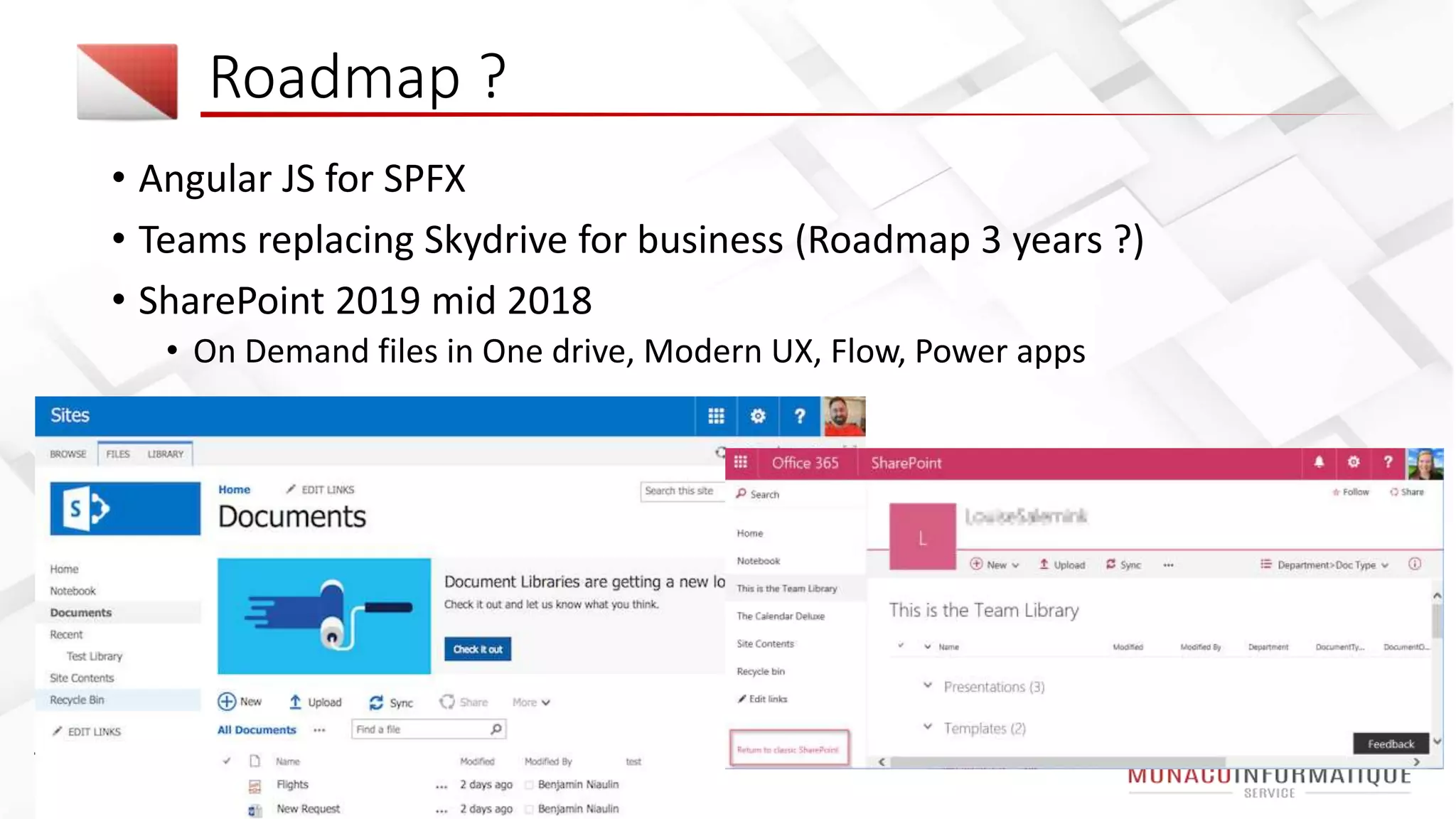
Roadmap ?
• Angular JS for SPFX
• Teams replacing Skydrive for business (Roadmap 3 years ?)
• SharePoint 2019 mid 2018
• On Demand files in One drive, Modern UX, Flow, Power apps
• Keep improving Microsoft Graph, AI Services
• On premise environment updated by Feature Pack twice a year
Roadmap ?
Ignite announce
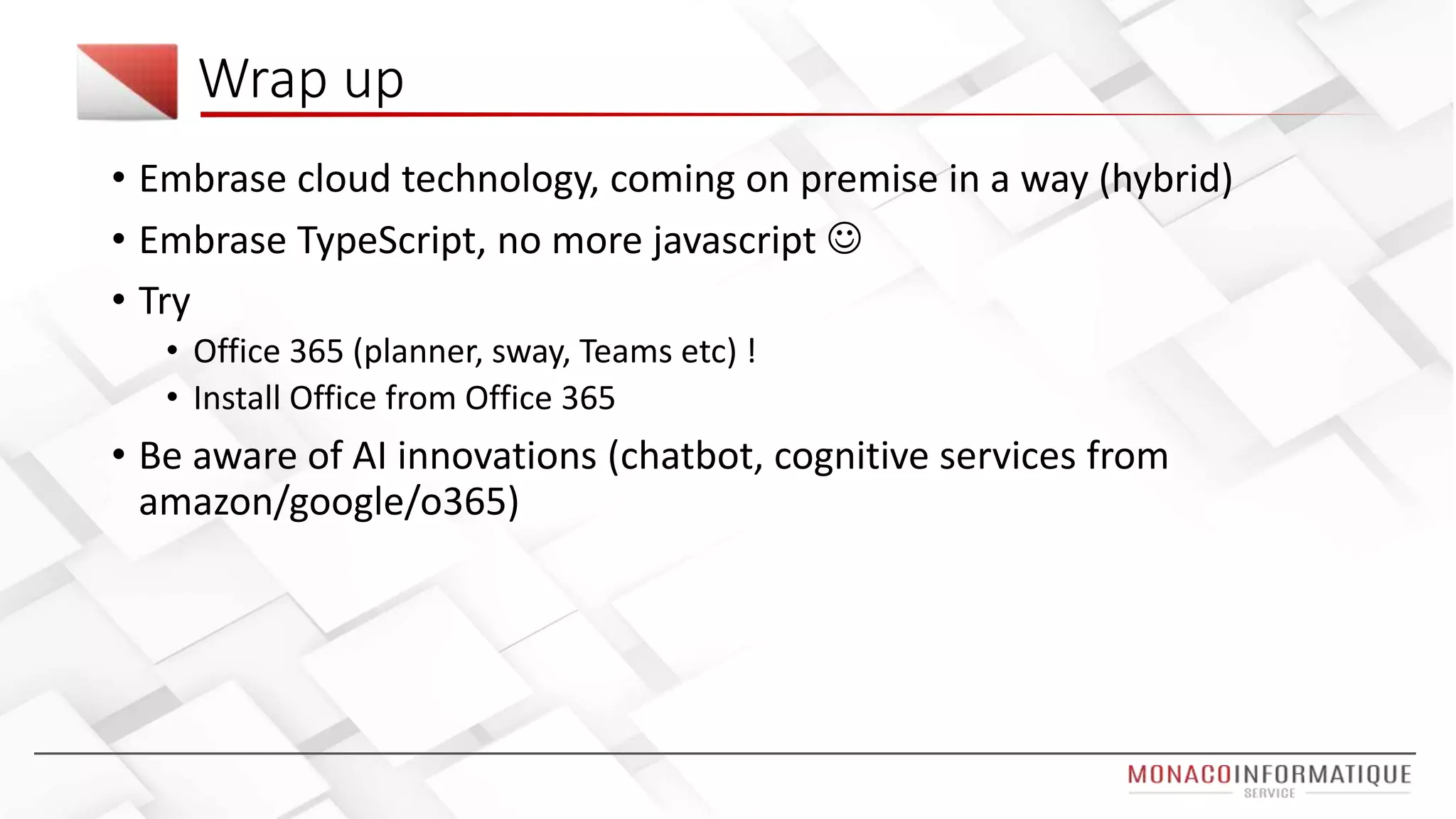
Wrap up
• Embrase cloud technology, coming on premise in a way (hybrid)
• Embrase TypeScript, no more javascript 
• Try
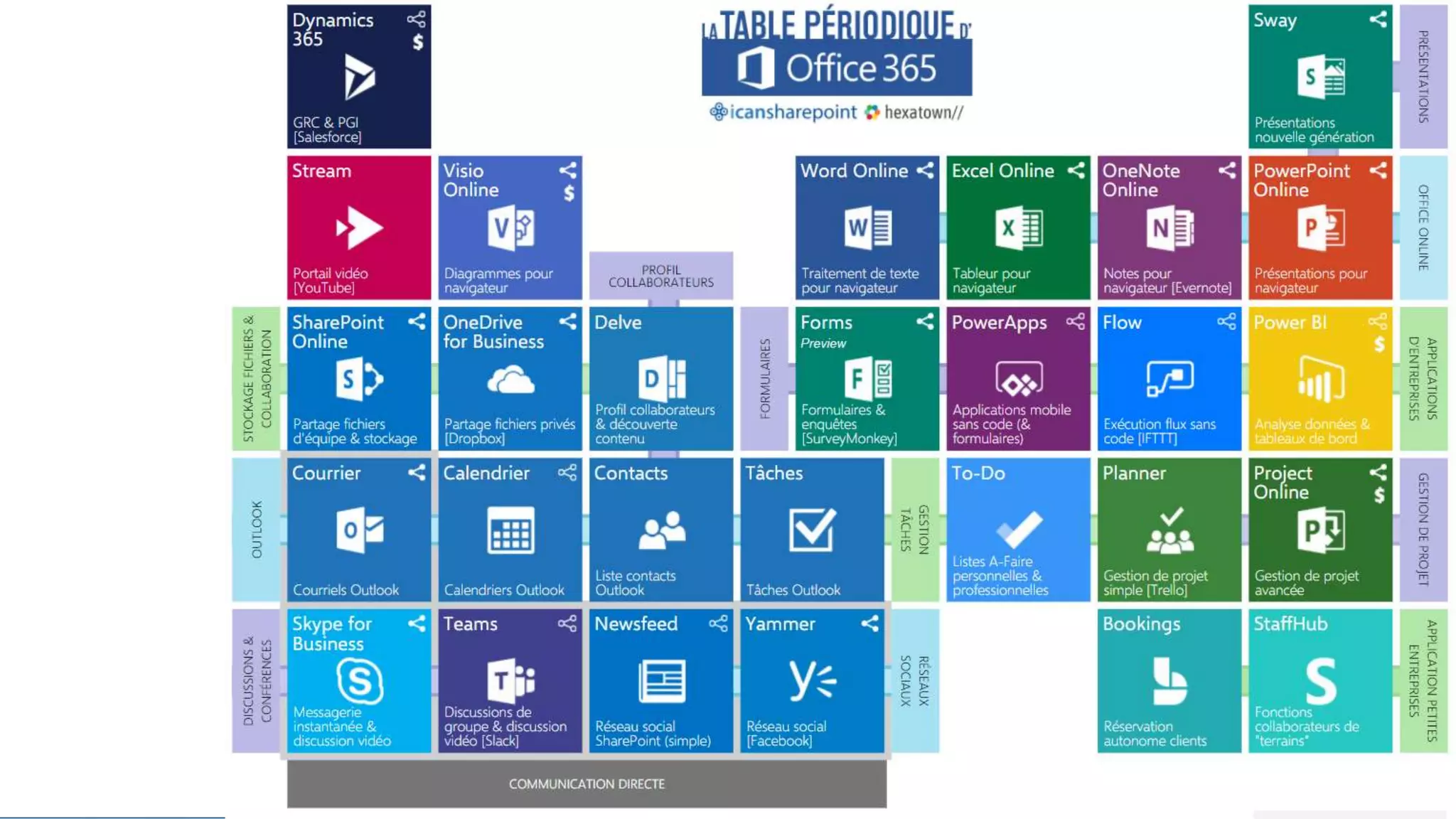
• Office 365 (planner, sway, Teams etc) !
• Install Office from Office 365
• Be aware of AI innovations (chatbot, cognitive services from
amazon/google/o365)
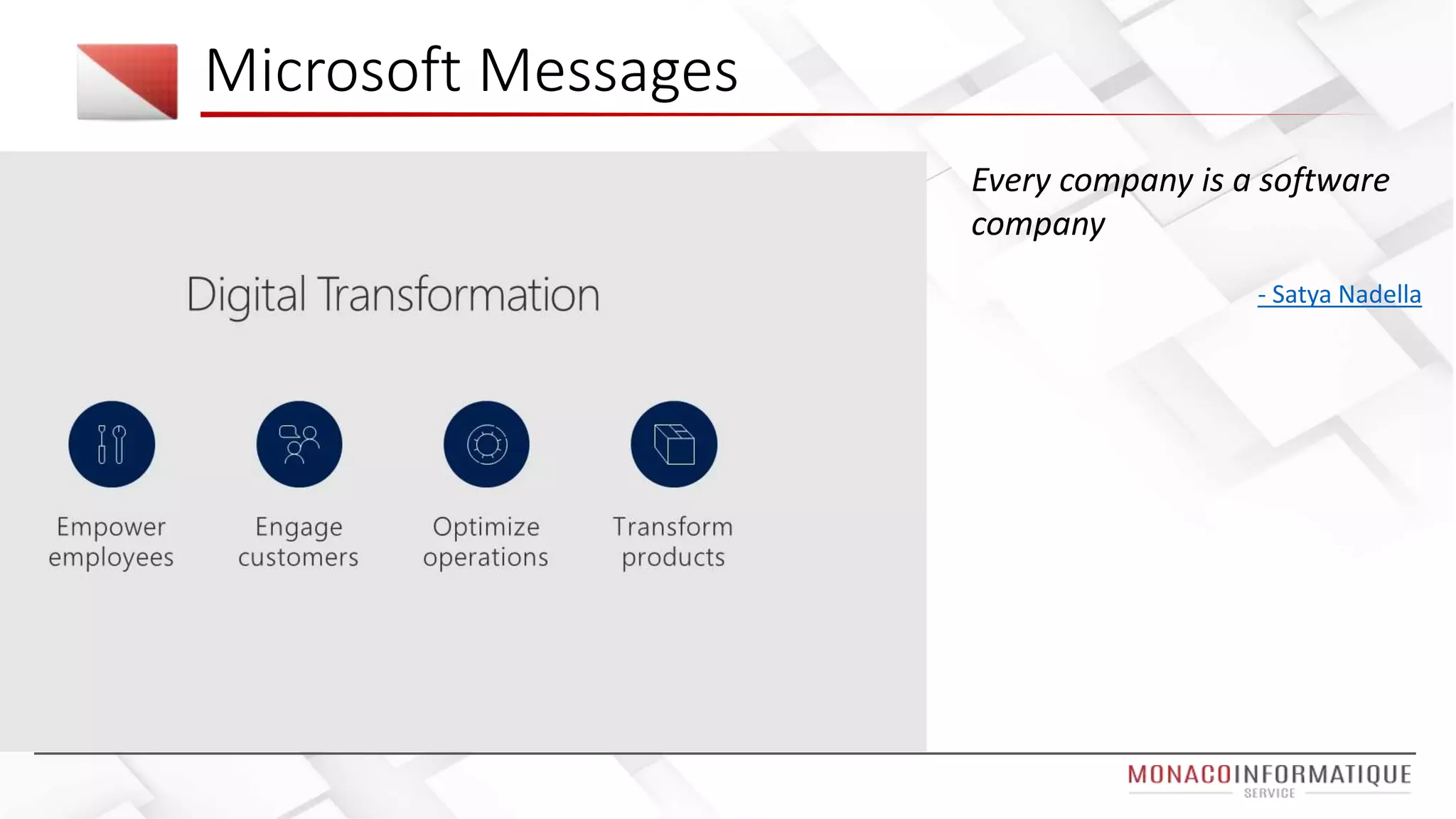
Microsoft Messages
Every company is a software
company
- Satya Nadella
Ressources – (1/2)
Wanna Test Office 365 ? office 365 Dev tenant
ESPC site
https://www.sharepointeurope.com/
ESPC 2017 Tweeter feed
Future conference list
https://rcpmag.com/articles/2016/12/08/2017-microsoft-conference-calendar.aspx
Conference videos – Ignite :
https://myignite.microsoft.com/videos
Resources – (2/2)
• Machine learning tutorial / training : https://projectbotticelli.com
• Keynotes :
• Accelerate your digital transformation with SharePoint and
OneDrive Jeff Teper https://bit.ly/2ASKBvL
• Machine Learning in Practice Rafal Lukawiecki, Project Botticelli
Ltd, Ireland https://bit.ly/2ASKLmR

European SharePoint Conference 2017 Summary

  • 1.
    European SharePoint Conference2017 – ESPC2017 12 2017 – Jeff Angama
  • 2.
  • 3.
    More organization haveadopted SharePoint the last two years than the last 12 years Jeff Teper (SharePoint Father)
  • 4.
    3 days atEuropean SharePoint Conference 2017 Office 365 / SharePoint & Azure experts from around the world in one European location 1600++ participants, 40++ speakers More than 65 sponsors / products Nintex, ShareGate, Valo, Avepoint, K2, Harmon.ie, Rencore CONS : lot of cloud speech, not enough about on premise (our daily work) Introduction
  • 5.
  • 6.
    What was onthe menu
  • 7.
  • 8.
    Exemple d’integration Intranetsous Office 365 Credit – Powell365
  • 9.
    Exemple d’integration Intranetsous Office 365 Credit – Powell365
  • 11.
    Developper options • SharePoint Framework •Office Add-ins • Bots, chatbots • Reporting (Power BI) • PowerApps (Apps) • Flow (IFTTT alike) • Dynamics 365
  • 14.
    Summary per role Fordevelopers • Typescript • Extend out of the box using Power Apps / Flow / SPFX • SharePoint Framework (Push sppkg with assets, app catalog per site collection, npm shrinkwrap) • Angular JS (soon in prod for SPFX) For Power users • Make Intranet intelligent • Power Apps from list forms • Trigger notification in power apps using flow • Forms (=survey) • Bots, Yammer • GDPR Tool in Office 365 Organization Transformation • Governance best practices • Hybrid scenarios • React (lots of re usable components) • Azure (Azure functions code, called from PowerApps / flow / SPFX / webhooks) • Microsoft Graph (improvement on OneDrive, teams etc) • Bots (Microsoft bots) • Style guide as website instead of document
  • 15.
    • Chrome Profile Tools •Zoom during demonstration • Rest tool in visual studio code
  • 16.
  • 17.
  • 18.
    Keynote D1 –Jeff Teper (SharePoint father)
  • 19.
  • 20.
    Key notes 1– Jeff Teper More company adopt SharePoint last 2 years than the last twelves year One drive efforts since last version (share to external user such as gmail account) Office groups is a security model
  • 23.
    #ESPC2017 in Dublin– Keynote Day 1
  • 24.
    Key note 1– Digital Transformation SharePoint / One drive
  • 25.
    Demonstration presented bythe MS Team • No more 5000 items limit with predictive index • Column formatting using Json • One drive support more than 250 files format (3D files, MRI, Visio etc) • OCR for SharePoint search (demo bills research)
  • 26.
    Enough Talking Demo Office.com >SharePoint > Communication Site Formatting a list One drive 3D Files / Videos
  • 27.
    Keynote D1 –Productivity as a service
  • 29.
    Key note 2– Productivity as a service
  • 30.
  • 31.
    Keynote D3 –Machine Learning • Why data science : predict pattern for future out of past and now data • AI : a system that perceive its environment and takes action to maximise its chance of success • Solutions used by him • SQL Server 2016 data mining • Microsoft r/ml server (r is a langage) • Azure machine learning / Cognitive services • "R is the ugly dog you still find cute, I use this language it daily“ • https://projectbotticelli.com
  • 32.
    Microsoft Graph –Leverage data => Suggest content • Microsoft Graph leverage data and find patterns : • Trending documents • Recommended sites • Recommended colleagues • My colleagues • "We can no longer have 3 people deciding the 8 useful links for 65.000 people" @bniaulin #ESPC17 • Stop building features, built intelligent features #OfficeGraph
  • 33.
  • 34.
    Explore Microsoft GraphApi • Explore API • https://developer.microsoft.com/en-us/graph/graph-explorer • Use cases • https://developer.microsoft.com/en-us/graph/examples
  • 35.
  • 36.
    Enough Talking Demo Graph Explorerreading emails Communication site / Team Site / Mobile view Sites I use, recent docs, trending docs
  • 37.
    Mobile Solutions Session •Cordova • Apache Cordova est un framework de développement mobile open-source. Il permet d'exploiter les technologies Web courantes telles que HTML5, CSS3 et JavaScript pour développer des applications multi-plateformes, évitant ainsi l'utilisation des langages natifs propres aux différentes plates-formes mobiles. • Electron • Electron est un framework permettant de développer des applications de bureau avec des technologies web (Javascript, HTML et CSS). Electron permet de développer des applications pour Mac OS X, Microsoft Windows et Linux. • Angular JS • AngularJS is what HTML would have been, had it been designed for building web-apps
  • 38.
    • Xamarin • CreateNative Apps For Android, iOS, and Windows in C# & .NET Mobile Solutions Session
  • 39.
    Mobile session -Advice from the mobile mvp Hybrid solution using Xamarin / Angular JS / Electron
  • 40.
  • 41.
    Enough Talking Demo Power APPS(web, teams, mobile) Teams
  • 42.
    But aoutch (codethat save the expense) • If(IsBlank(LookUp(ExpenseByCategory, BudgetId=Gallery1.Selected.BudgetId && Category = FormNewExpense.LastSubmit.Category).ID),Patch(ExpenseByCategory,Defaults(ExpenseByCategory),{ID:Max(ExpenseByCategory,I D)+1,Category:FormNewExpense.LastSubmit.Category,Expense:FormNewExpense.LastSubmit.Expense,BudgetId:Gallery1.Selected. BudgetId}),Patch(ExpenseByCategory,LookUp(ExpenseByCategory, BudgetId = Gallery1.Selected.BudgetId && Category =FormNewExpense.LastSubmit.Category), {Expense:Value(LookUp(ExpenseByCategory, BudgetId = Gallery1.Selected.BudgetId && Category = FormNewExpense.LastSubmit.Category).Expense) + Value(FormNewExpense.LastSubmit.Expense)}));If(CountRows(ReceiptsCollect)>=1,UpdateContext({ReceiptRecord:Patch(Receipts, Defaults(Receipts),{Receiptlist:Last(FirstN(ReceiptsCollect,1)).ReceiptImage,Id:Max(Receipts,Id) + 1, BudgetId:Gallery1.Selected.BudgetId, ExpenseId:Max(Expenses,Id), ReceiptName:LookUp(Expenses,Id = Max(Expenses,Id),ExpenseName)})}));If(CountRows(ReceiptsCollect)>=2,UpdateContext({ReceiptRecord:Patch(Receipts,Defaults(R eceipts),{Receiptlist:Last(FirstN(ReceiptsCollect,2)).ReceiptImage,Id:Max(Receipts,Id) + 1, BudgetId:Gallery1.Selected.BudgetId, ExpenseId:Max(Expenses,Id), ReceiptName:LookUp(Expenses,Id = Max(Expenses,Id),ExpenseName)})}));If(CountRows(ReceiptsCollect)>=3,UpdateContext({ReceiptRecord:Patch(Receipts,Defaults(R eceipts),{Receiptlist:Last(FirstN(ReceiptsCollect,3)).ReceiptImage,Id:Max(Receipts,Id) + 1, BudgetId:Gallery1.Selected.BudgetId, ExpenseId:Max(Expenses,Id), ReceiptName:LookUp(Expenses,Id = Max(Expenses,Id),ExpenseName)})}));If(CountRows(ReceiptsCollect)>=4,UpdateContext({ReceiptRecord:Patch(Receipts,Defaults(R eceipts),{Receiptlist:Last(FirstN(ReceiptsCollect,4)).ReceiptImage,Id:Max(Receipts,Id) + 1, BudgetId:Gallery1.Selected.BudgetId, ExpenseId:Max(Expenses,Id), ReceiptName:LookUp(Expenses,Id = Max(Expenses,Id),ExpenseName)})}));If(CountRows(ReceiptsCollect)>=5,UpdateContext({ReceiptRecord:Patch(Receipts,Defaults(R eceipts),{Receiptlist:Last(FirstN(ReceiptsCollect,5)).ReceiptImage,Id:Max(Receipts,Id) + 1, BudgetId:Gallery1.Selected.BudgetId, ExpenseId:Max(Expenses,Id), ReceiptName:LookUp(Expenses,Id = Max(Expenses,Id),ExpenseName)})}));If(CountRows(ReceiptsCollect)>=6,UpdateContext({ReceiptRecord:Patch(Receipts,Defaults(R eceipts),{Receiptlist:Last(FirstN(ReceiptsCollect,6)).ReceiptImage,Id:Max(Receipts,Id) + 1, BudgetId:Gallery1.Selected.BudgetId, ExpenseId:Max(Expenses,Id), ReceiptName:LookUp(Expenses,Id = Max(Expenses,Id),ExpenseName)})}));If(CountRows(ReceiptsCollect)=7,UpdateContext({ReceiptRecord:Patch(Receipts,Defaults(Rec eipts),{Receiptlist:Last(FirstN(ReceiptsCollect,7)).ReceiptImage,Id:Max(Receipts,Id) + 1, BudgetId:Gallery1.Selected.BudgetId, ExpenseId:Max(Expenses,Id), ReceiptName:LookUp(Expenses,Id = Max(Expenses,Id),ExpenseName)})}));Navigate(BudgetScreen,ScreenTransition.Fade);ResetForm(FormNewExpense)
  • 43.
    Power apps –demo presented
  • 44.
  • 45.
    Flow & PowerApps – Extendwhat power user do
  • 46.
    SharePoint Framework sessionssummary Angular JS for SPFX, get ready, will be soon (Angular Elements) Npm shrinkwrap, lock project dependencies Azure for office 365 Tenant Properties Asset Packaging Site Collection App Catalog
  • 47.
    Office 365 /Azure scenarios
  • 49.
    Bots / Chatbots - Use cases • Use cases • Common HR question (claims, apply leaves) • Help daily tasks levering data (find meeting time between two users) • Pros • Simple interaction • Everybody are used to conversations • Basic
  • 50.
    Bots / Chat bots- Use cases 2
  • 52.
  • 53.
    Roadmap ? • AngularJS for SPFX • Teams replacing Skydrive for business (Roadmap 3 years ?) • SharePoint 2019 mid 2018 • On Demand files in One drive, Modern UX, Flow, Power apps
  • 54.
    • Keep improvingMicrosoft Graph, AI Services • On premise environment updated by Feature Pack twice a year Roadmap ?
  • 55.
  • 56.
    Wrap up • Embrasecloud technology, coming on premise in a way (hybrid) • Embrase TypeScript, no more javascript  • Try • Office 365 (planner, sway, Teams etc) ! • Install Office from Office 365 • Be aware of AI innovations (chatbot, cognitive services from amazon/google/o365)
  • 58.
    Microsoft Messages Every companyis a software company - Satya Nadella
  • 59.
    Ressources – (1/2) WannaTest Office 365 ? office 365 Dev tenant ESPC site https://www.sharepointeurope.com/ ESPC 2017 Tweeter feed Future conference list https://rcpmag.com/articles/2016/12/08/2017-microsoft-conference-calendar.aspx Conference videos – Ignite : https://myignite.microsoft.com/videos
  • 60.
    Resources – (2/2) •Machine learning tutorial / training : https://projectbotticelli.com • Keynotes : • Accelerate your digital transformation with SharePoint and OneDrive Jeff Teper https://bit.ly/2ASKBvL • Machine Learning in Practice Rafal Lukawiecki, Project Botticelli Ltd, Ireland https://bit.ly/2ASKLmR