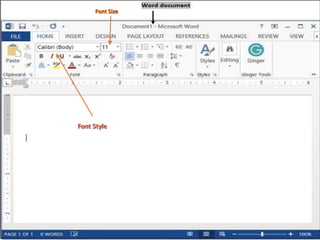
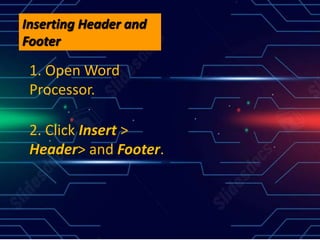
Word processors allow users to input, edit, format, and output text. They provide features like changing font size and style, double spacing text, inserting headers and footers, adding page numbers, and automatically generating a table of contents.
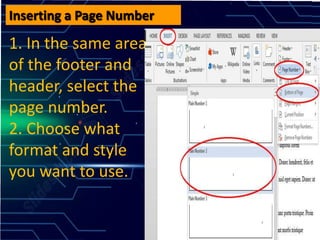
Inserting a PageNumber
1. In the same area
of the footer and
header, select the
page number.
2. Choose what
format and style
you want to use.
9.
Creating a Tableof Contents
- Create a new Word
documents, name it
"Table lf Contents"
- Press, References >
Table of Contents
group> Then click
Automatic







![Advanced Word [Autosaved].pptx for grade 11](https://cdn.slidesharecdn.com/ss_thumbnails/advancedwordautosaved-260116023657-79ea5d0c-thumbnail.jpg?width=640&height=640&fit=bounds)


