Computer Parts
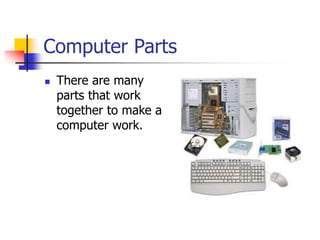
 There are many
parts that work
together to make a
computer work.
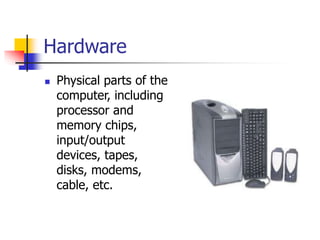
Hardware
 Physical parts of the
computer, including
processor and
memory chips,
input/output
devices, tapes,
disks, modems,
cable, etc.
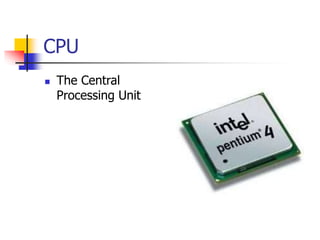
CPU
 The Central
Processing Unit
Processor
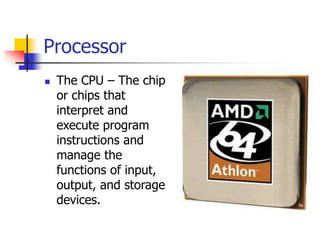
 The CPU – The chip
or chips that
interpret and
execute program
instructions and
manage the
functions of input,
output, and storage
devices.
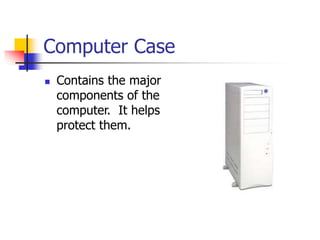
Computer Case
 Contains the major
components of the
computer. It helps
protect them.
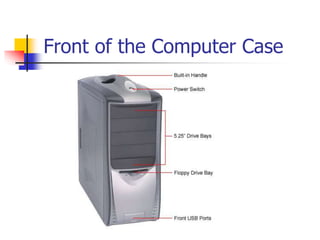
Front of the Computer Case
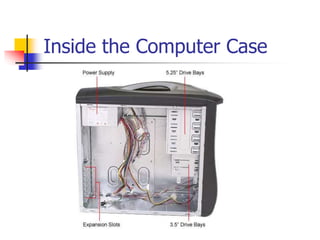
Inside the Computer Case
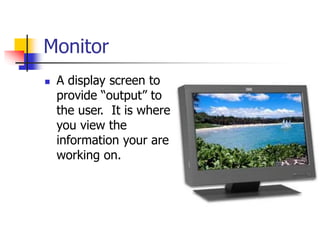
Monitor
 A display screen to
provide “output” to
the user. It is where
you view the
information your are
working on.
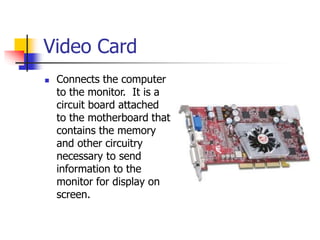
Video Card
 Connects the computer
to the monitor. It is a
circuit board attached
to the motherboard that
contains the memory
and other circuitry
necessary to send
information to the
monitor for display on
screen.
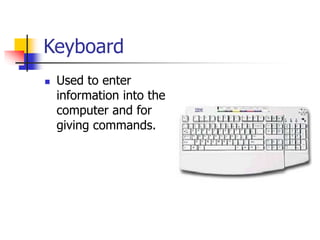
Keyboard
 Used to enter
information into the
computer and for
giving commands.
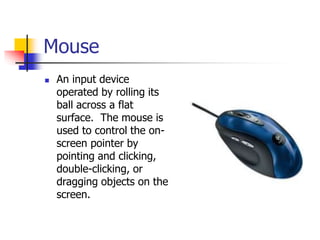
Mouse
 An input device
operated by rolling its
ball across a flat
surface. The mouse is
used to control the on-
screen pointer by
pointing and clicking,
double-clicking, or
dragging objects on the
screen.
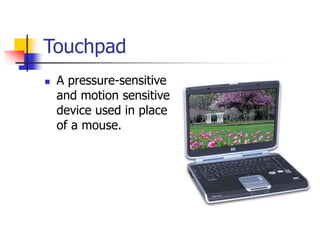
Touchpad
 A pressure-sensitive
and motion sensitive
device used in place
of a mouse.
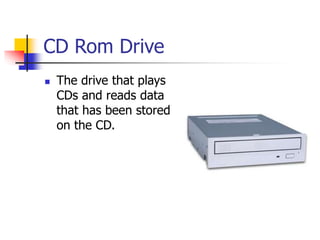
CD Rom Drive
 The drive that plays
CDs and reads data
that has been stored
on the CD.
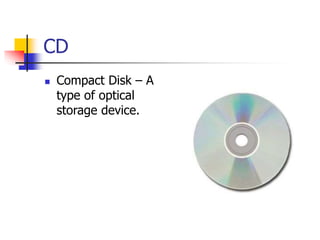
CD
 Compact Disk – A
type of optical
storage device.
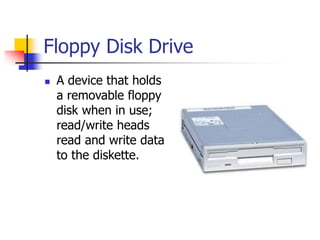
Floppy Disk Drive
 A device that holds
a removable floppy
disk when in use;
read/write heads
read and write data
to the diskette.
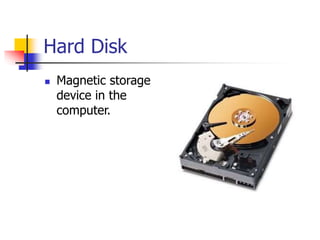
Hard Disk
 Magnetic storage
device in the
computer.
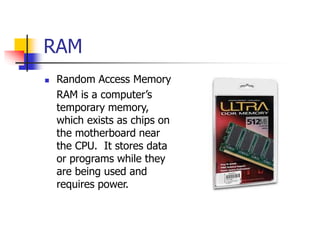
RAM
 Random Access Memory
RAM is a computer’s
temporary memory,
which exists as chips on
the motherboard near
the CPU. It stores data
or programs while they
are being used and
requires power.
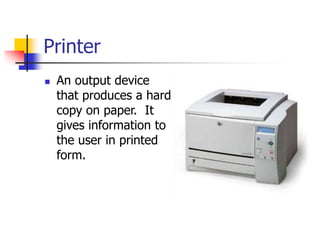
Printer
 An output device
that produces a hard
copy on paper. It
gives information to
the user in printed
form.
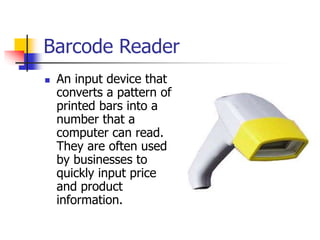
Barcode Reader
 An input device that
converts a pattern of
printed bars into a
number that a
computer can read.
They are often used
by businesses to
quickly input price
and product
information.
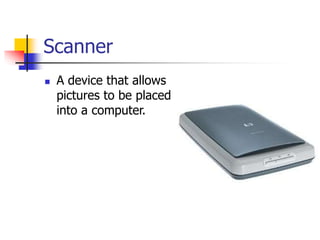
Scanner
 A device that allows
pictures to be placed
into a computer.
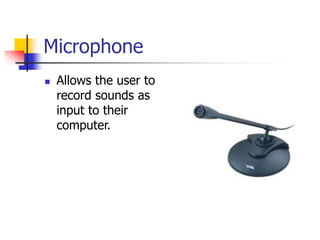
Microphone
 Allows the user to
record sounds as
input to their
computer.
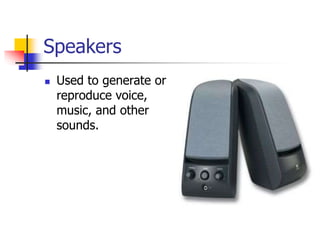
Speakers
 Used to generate or
reproduce voice,
music, and other
sounds.
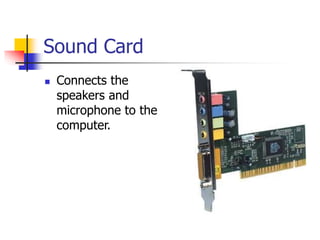
Sound Card
 Connects the
speakers and
microphone to the
computer.
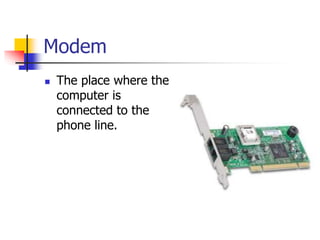
Modem
 The place where the
computer is
connected to the
phone line.
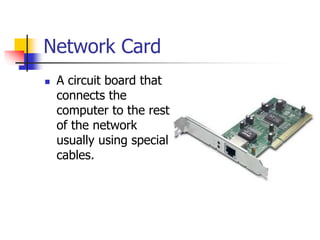
Network Card
 A circuit board that
connects the
computer to the rest
of the network
usually using special
cables.
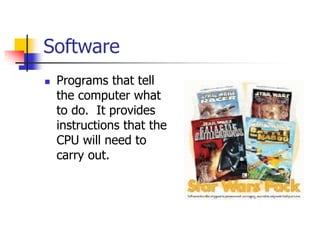
Software
 Programs that tell
the computer what
to do. It provides
instructions that the
CPU will need to
carry out.
DOS
 Disk Operating System
This software connects the hardware with the
programs you want to run.
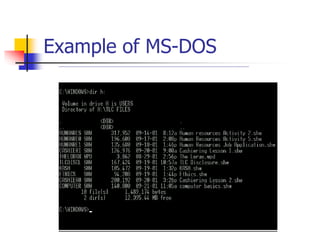
MS-DOS:
Microsoft DOS (Disk Operating System) is a
command line user interface. MS-DOS 1.0
was released in 1981 for IBM computers.
Example of MS-DOS
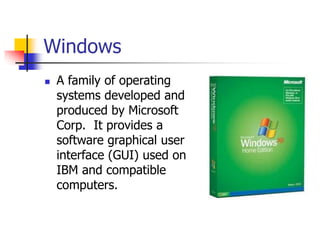
Windows
 A family of operating
systems developed and
produced by Microsoft
Corp. It provides a
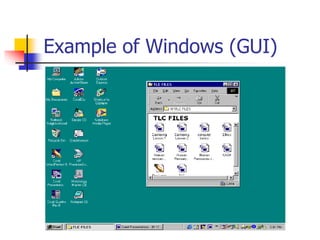
software graphical user
interface (GUI) used on
IBM and compatible
computers.
Example of Windows (GUI)

ETE105_lecture 3.ppt

  • 1.
    Computer Parts  Thereare many parts that work together to make a computer work.
  • 2.
    Hardware  Physical partsof the computer, including processor and memory chips, input/output devices, tapes, disks, modems, cable, etc.
  • 3.
  • 4.
    Processor  The CPU– The chip or chips that interpret and execute program instructions and manage the functions of input, output, and storage devices.
  • 5.
    Computer Case  Containsthe major components of the computer. It helps protect them.
  • 6.
    Front of theComputer Case
  • 7.
  • 8.
    Monitor  A displayscreen to provide “output” to the user. It is where you view the information your are working on.
  • 9.
    Video Card  Connectsthe computer to the monitor. It is a circuit board attached to the motherboard that contains the memory and other circuitry necessary to send information to the monitor for display on screen.
  • 10.
    Keyboard  Used toenter information into the computer and for giving commands.
  • 11.
    Mouse  An inputdevice operated by rolling its ball across a flat surface. The mouse is used to control the on- screen pointer by pointing and clicking, double-clicking, or dragging objects on the screen.
  • 12.
    Touchpad  A pressure-sensitive andmotion sensitive device used in place of a mouse.
  • 13.
    CD Rom Drive The drive that plays CDs and reads data that has been stored on the CD.
  • 14.
    CD  Compact Disk– A type of optical storage device.
  • 15.
    Floppy Disk Drive A device that holds a removable floppy disk when in use; read/write heads read and write data to the diskette.
  • 16.
    Hard Disk  Magneticstorage device in the computer.
  • 17.
    RAM  Random AccessMemory RAM is a computer’s temporary memory, which exists as chips on the motherboard near the CPU. It stores data or programs while they are being used and requires power.
  • 18.
    Printer  An outputdevice that produces a hard copy on paper. It gives information to the user in printed form.
  • 19.
    Barcode Reader  Aninput device that converts a pattern of printed bars into a number that a computer can read. They are often used by businesses to quickly input price and product information.
  • 20.
    Scanner  A devicethat allows pictures to be placed into a computer.
  • 21.
    Microphone  Allows theuser to record sounds as input to their computer.
  • 22.
    Speakers  Used togenerate or reproduce voice, music, and other sounds.
  • 23.
    Sound Card  Connectsthe speakers and microphone to the computer.
  • 24.
    Modem  The placewhere the computer is connected to the phone line.
  • 25.
    Network Card  Acircuit board that connects the computer to the rest of the network usually using special cables.
  • 26.
    Software  Programs thattell the computer what to do. It provides instructions that the CPU will need to carry out.
  • 27.
    DOS  Disk OperatingSystem This software connects the hardware with the programs you want to run. MS-DOS: Microsoft DOS (Disk Operating System) is a command line user interface. MS-DOS 1.0 was released in 1981 for IBM computers.
  • 28.
  • 29.
    Windows  A familyof operating systems developed and produced by Microsoft Corp. It provides a software graphical user interface (GUI) used on IBM and compatible computers.
  • 30.