Enhancing the Security of Data at Rest with SAP ASE 16
The document discusses enhancing data security using SAP ASE 16, covering topics such as full database encryption, residual data removal, and full text DML auditing. Key features include the administration of encryption keys, managing encryption status, and the importance of protecting sensitive data in compliance with various regulations. The speaker, Vinod Chandran, provides insights based on extensive experience in product management within SAP.
Enhancing the Security of Data at Rest with SAP ASE 16
1.
(c) 2015 IndependentSAP Technical User GroupAnnual Conference, 2015
ISUG-TECH 2015
Conference
Enhancing the Security of Data at Rest with SAP ASE 16
Vinod Chandran
2.
(c) 2015 IndependentSAP Technical User GroupAnnual Conference, 2015
Agenda
• Full Database Encryption:
• Feature Overview
• Encrypted Columns vs Full Database Encryption
• Administration of Feature
• Residual Data Removal:
• Feature Overview
• Residual Data Removal Usage
• Administration of Feature
• Full Text DML Auditing:
• Feature Overview
• Full Text DML Auditing Usage
• Summary
3.
(c) 2015 IndependentSAP Technical User GroupAnnual Conference, 2015
Speaker
Vinod Chandran is a product expert in the product management team at SAP
representing ASE. As a senior member of the team, he has represented ASE
for 19+ years in various roles during his career spanning 23+ years. He has
a master’s degree in electronics and computer science as well as a master’s
Degree in business administration.
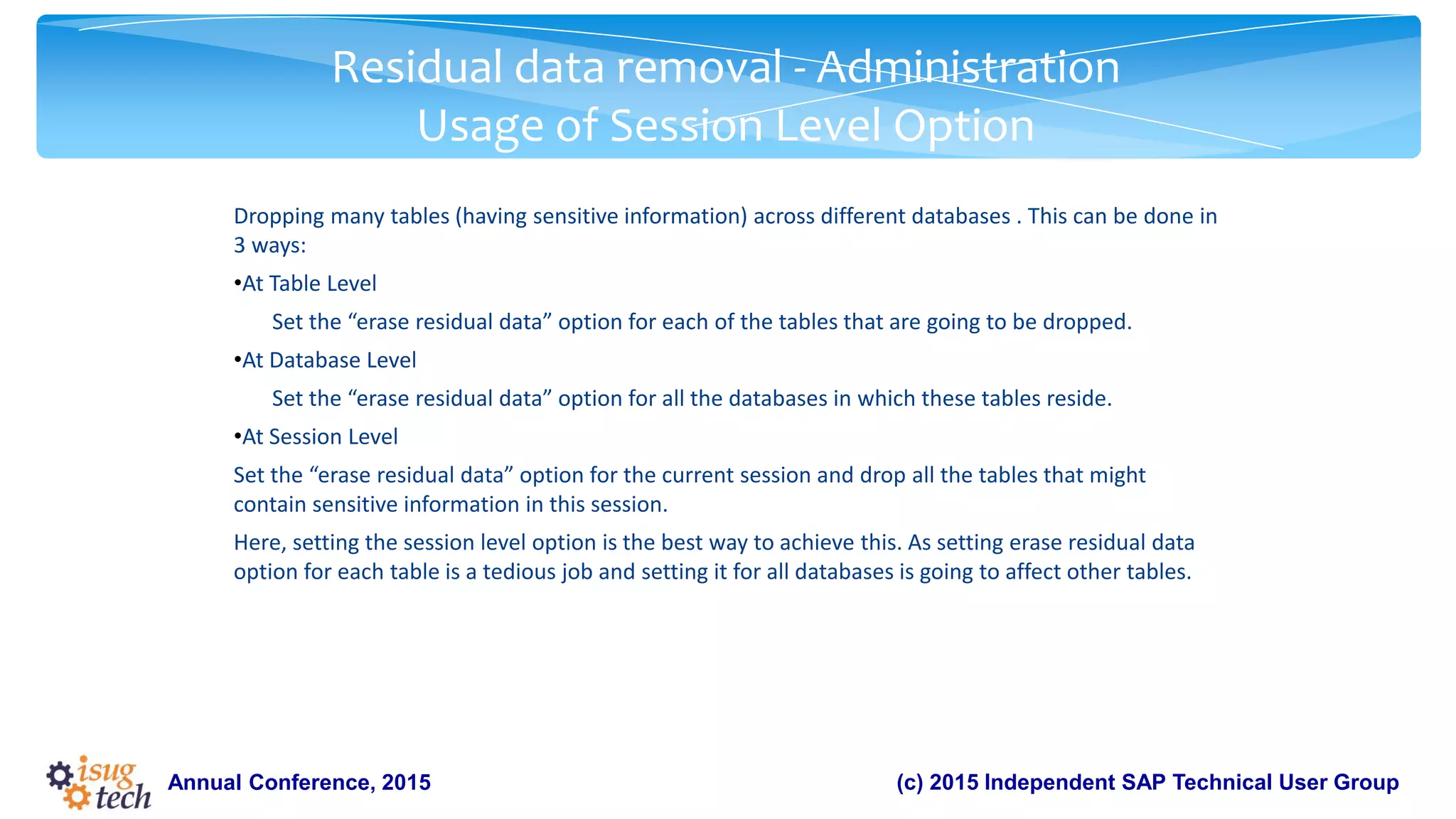
4.
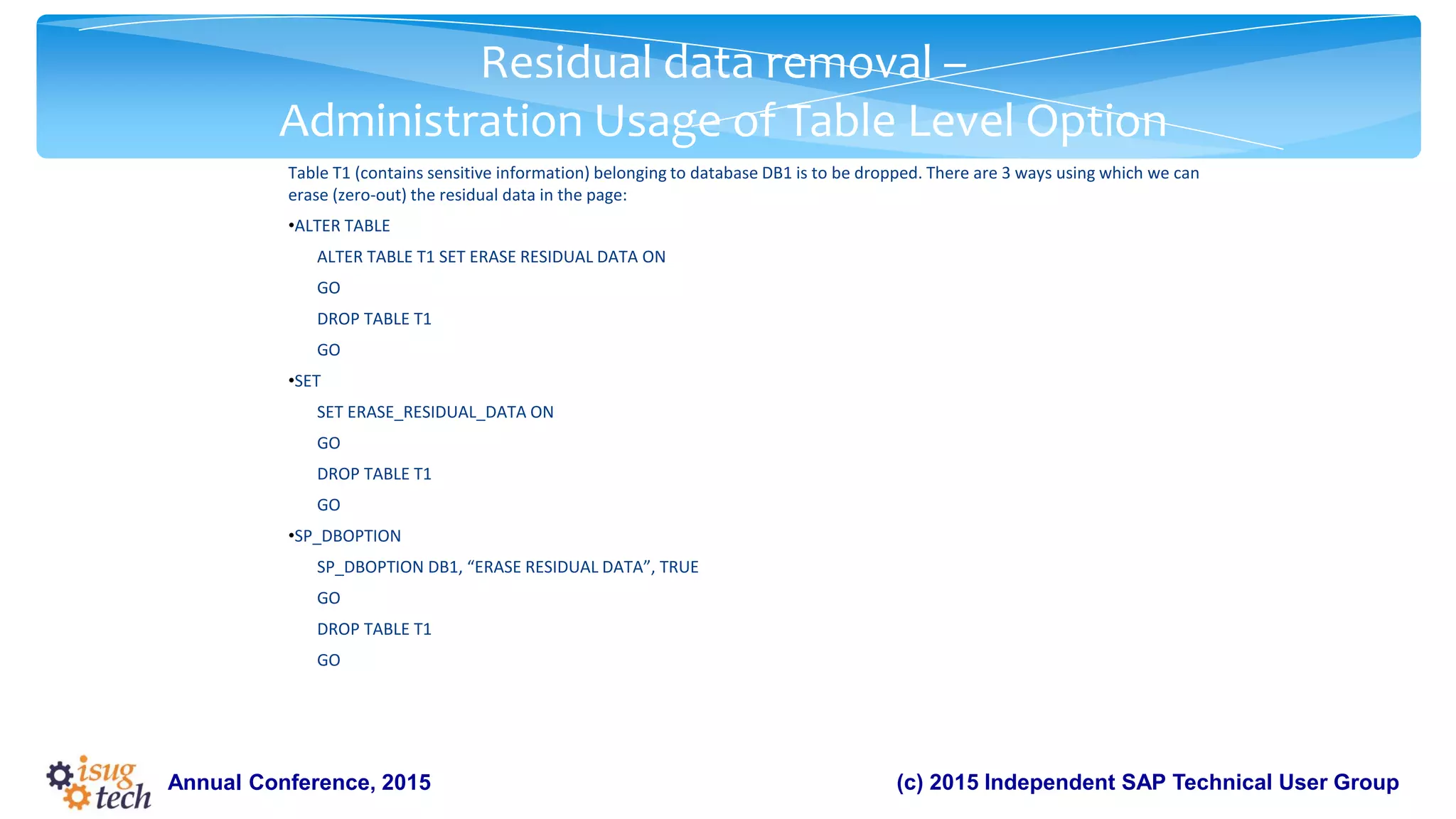
(c) 2015 IndependentSAP Technical User GroupAnnual Conference, 2015
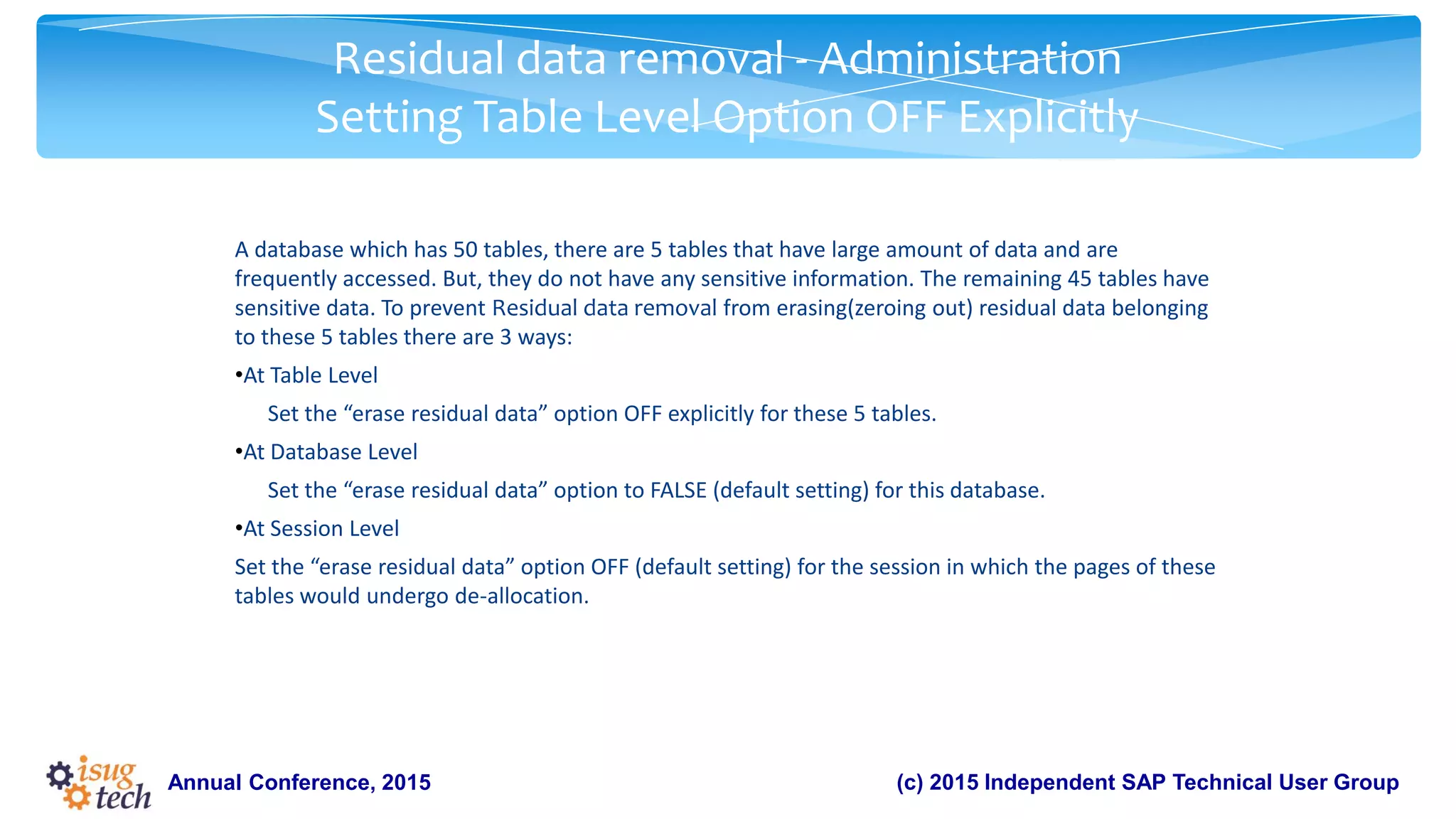
Enhancing the Security of Data at Rest with SAP ASE 16
• Full Database Encryption
• Residual Data Removal
• Full Text DML Auditing
5.
(c) 2015 IndependentSAP Technical User GroupAnnual Conference, 2015
Security landscape
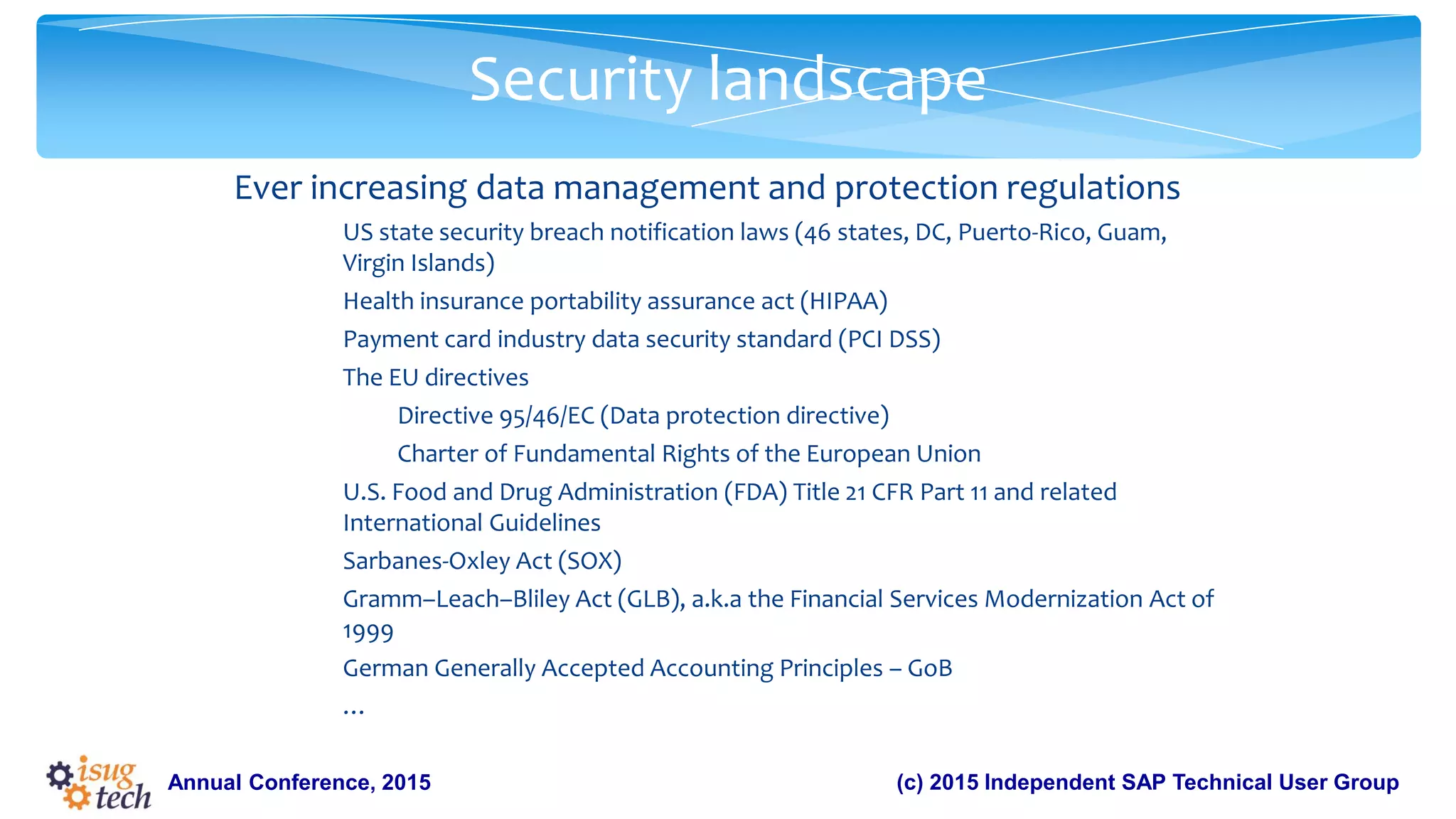
Ever increasing data management and protection regulations
US state security breach notification laws (46 states, DC, Puerto-Rico, Guam,
Virgin Islands)
Health insurance portability assurance act (HIPAA)
Payment card industry data security standard (PCI DSS)
The EU directives
Directive 95/46/EC (Data protection directive)
Charter of Fundamental Rights of the European Union
U.S. Food and Drug Administration (FDA) Title 21 CFR Part 11 and related
International Guidelines
Sarbanes-Oxley Act (SOX)
Gramm–Leach–Bliley Act (GLB), a.k.a the Financial Services Modernization Act of
1999
German Generally Accepted Accounting Principles – GoB
…
6.
(c) 2015 IndependentSAP Technical User GroupAnnual Conference, 2015
Security landscape
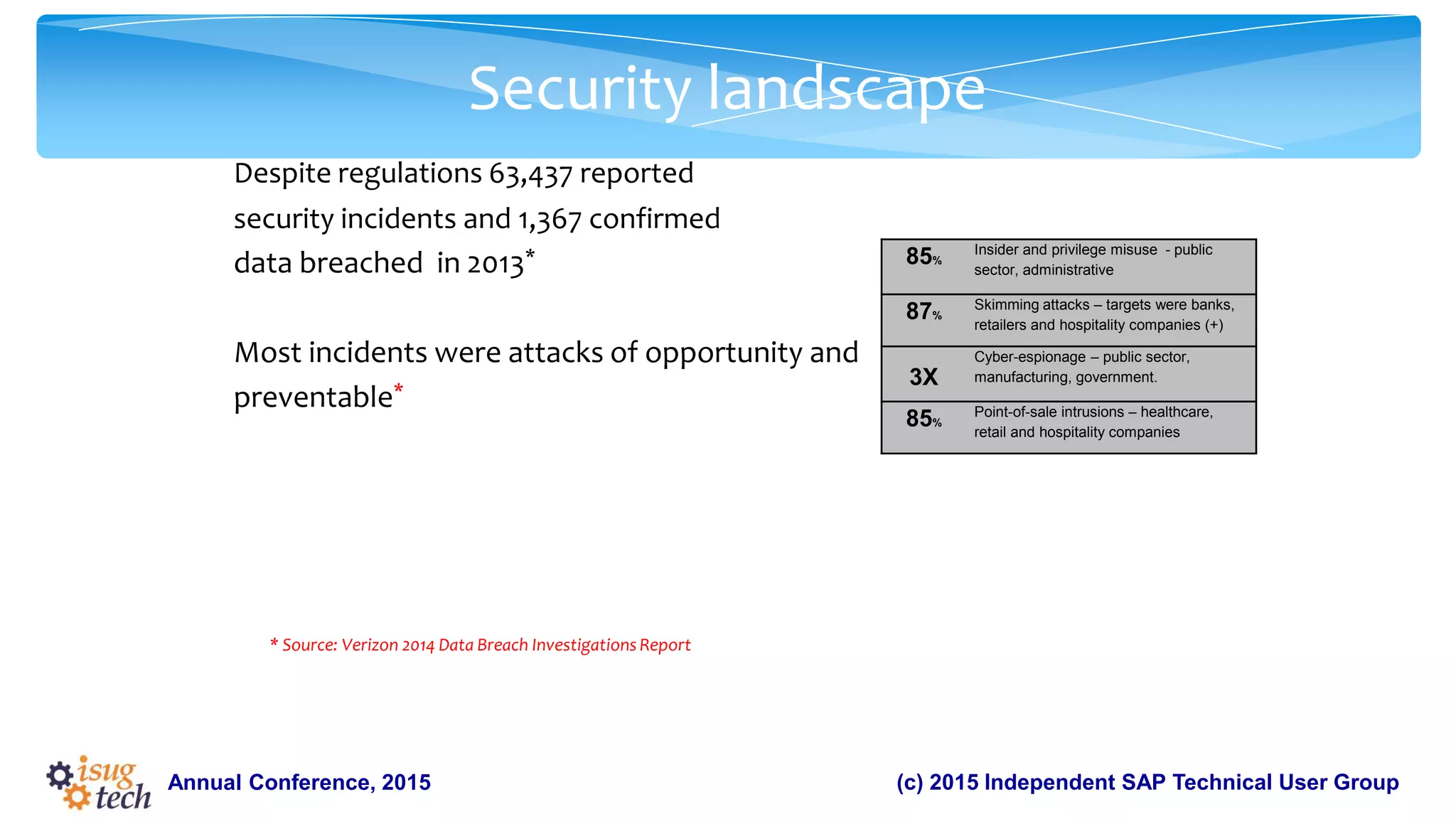
Despite regulations 63,437 reported
security incidents and 1,367 confirmed
data breached in 2013*
Most incidents were attacks of opportunity and
preventable*
* Source: Verizon 2014 Data Breach Investigations Report
85%
Insider and privilege misuse - public
sector, administrative
87%
Skimming attacks – targets were banks,
retailers and hospitality companies (+)
3X
Cyber-espionage – public sector,
manufacturing, government.
85%
Point-of-sale intrusions – healthcare,
retail and hospitality companies
7.
(c) 2015 IndependentSAP Technical User GroupAnnual Conference, 2015
Security landscape
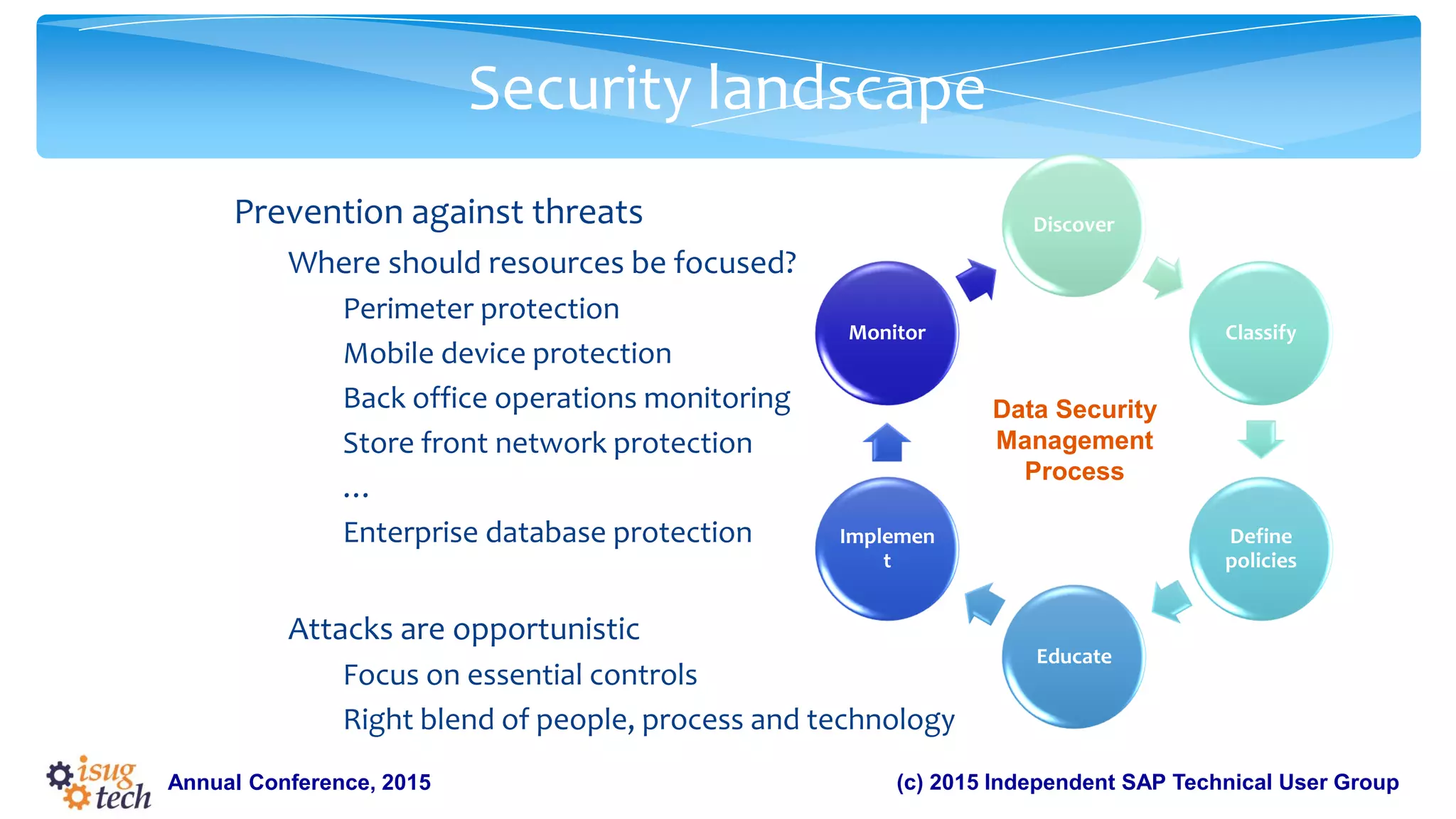
Prevention against threats
Where should resources be focused?
Perimeter protection
Mobile device protection
Back office operations monitoring
Store front network protection
…
Enterprise database protection
Attacks are opportunistic
Focus on essential controls
Right blend of people, process and technology
Discover
Classify
Define
policies
Educate
Implemen
t
Monitor
Data Security
Management
Process
8.
Full database encryptionprovides protection for an entire database at rest without
affecting existing applications. All data, indexes and transaction logs in the database
are encrypted. Backed up encrypted database keeps all data encrypted.
Feature Overview
Annual Conference, 2015
9.
(c) 2015 IndependentSAP Technical User GroupAnnual Conference, 2015
Overview
Why full database encryption
Compare with Encrypted Columns
What full database encryption achieves
Secure
Transparent
Efficient
How to encrypt a database
Create database encryption key
Create an encrypted database from scratch
Alter an existing database into encrypted database
10.
(c) 2015 IndependentSAP Technical User GroupAnnual Conference, 2015
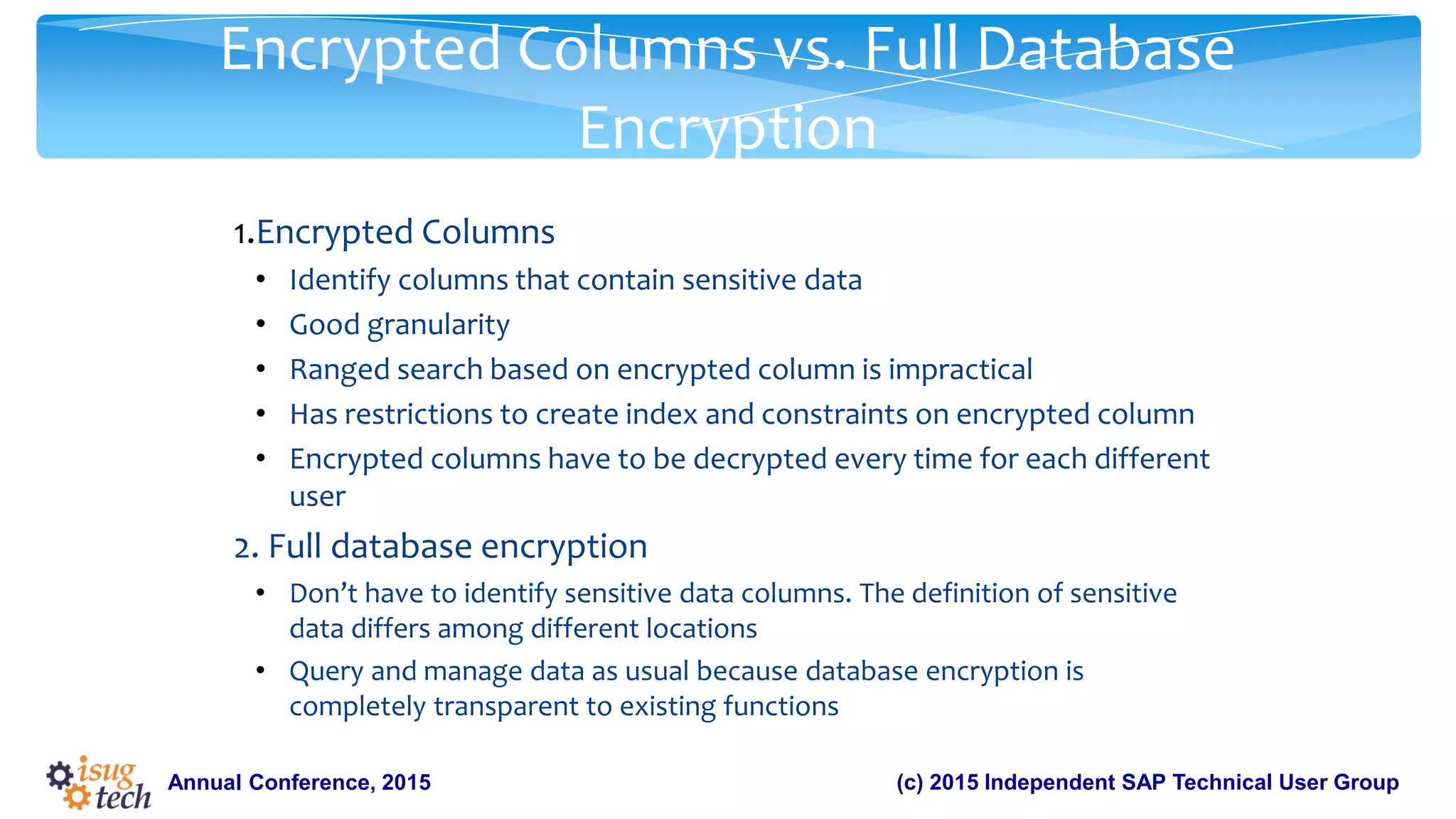
Encrypted Columns vs. Full Database
Encryption
1.Encrypted Columns
• Identify columns that contain sensitive data
• Good granularity
• Ranged search based on encrypted column is impractical
• Has restrictions to create index and constraints on encrypted column
• Encrypted columns have to be decrypted every time for each different
user
2. Full database encryption
• Don’t have to identify sensitive data columns. The definition of sensitive
data differs among different locations
• Query and manage data as usual because database encryption is
completely transparent to existing functions
11.
(c) 2015 IndependentSAP Technical User GroupAnnual Conference, 2015
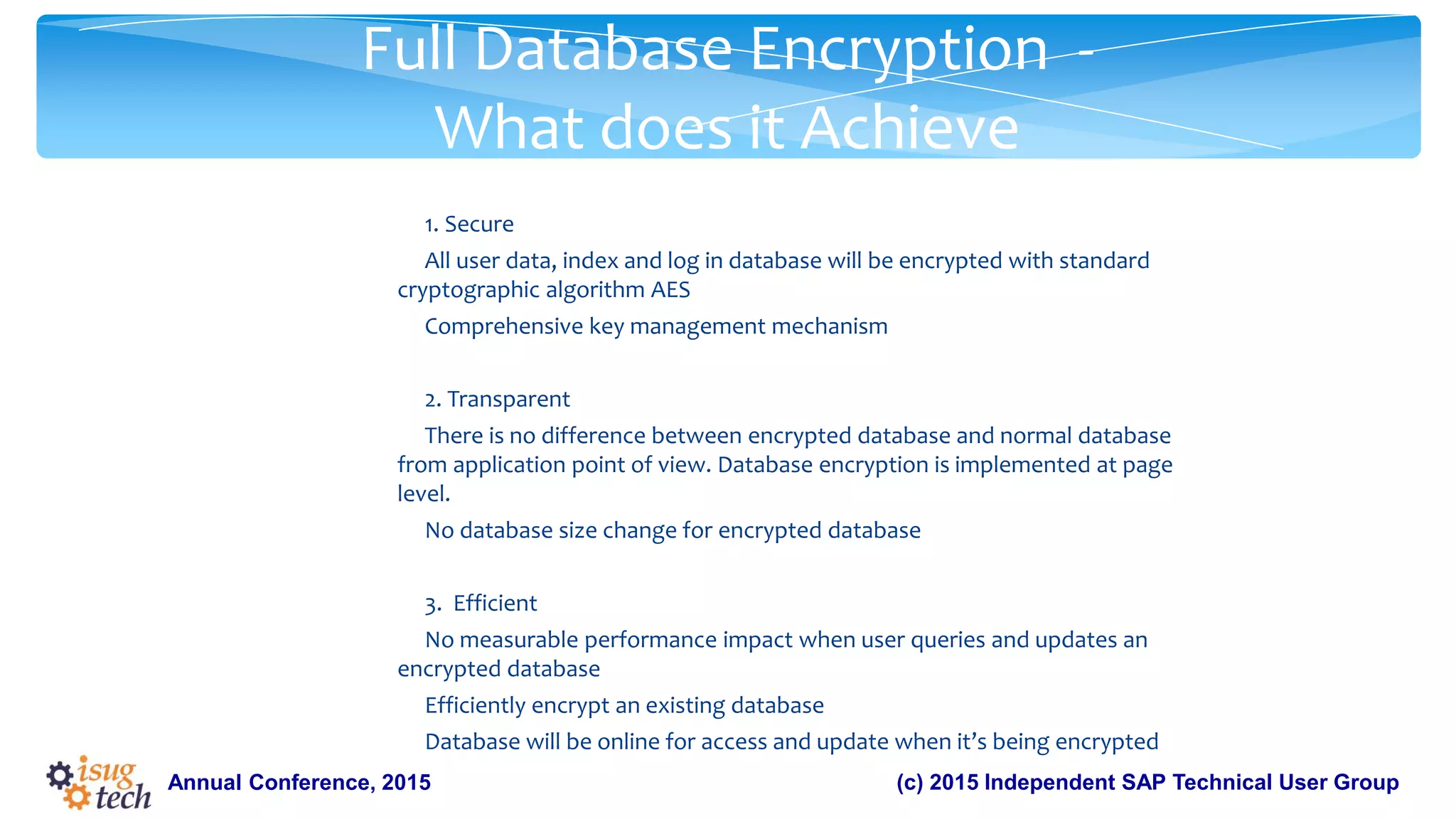
Full Database Encryption -
What does it Achieve
1. Secure
All user data, index and log in database will be encrypted with standard
cryptographic algorithm AES
Comprehensive key management mechanism
2. Transparent
There is no difference between encrypted database and normal database
from application point of view. Database encryption is implemented at page
level.
No database size change for encrypted database
3. Efficient
No measurable performance impact when user queries and updates an
encrypted database
Efficiently encrypt an existing database
Database will be online for access and update when it’s being encrypted
12.
(c) 2015 IndependentSAP Technical User GroupAnnual Conference, 2015
Full Database Encryption - Administration
1.Create database encryption key
2.Create a new database as encrypted database
3.Alter an existing database into encrypted database
4.Get encryption status and progress of encrypted database
5.Performance consideration
6.Recovery of encrypted database
7.Dump/load of encrypted database
13.
(c) 2015 IndependentSAP Technical User GroupAnnual Conference, 2015
Full Database Encryption -
Create Database Encryption Key
• create encryption key key_name
for database encryption
[for AES]
[with { [master key]
[key_length 256]
[init_vector random]
[[no] dual_control] }]
• ‘enable encrypted columns’ configuration has to be enabled
• Master key or dual master key need to be created before DEK creation
• DEK can only be created in master database
• If Granular Permission is enabled
User should have ‘manage database encryption key’ privilege
• If Granular Permission is disabled
User should have sso_role, keycustodian_role or ‘create encryption
key’ privilege
14.
(c) 2015 IndependentSAP Technical User GroupAnnual Conference, 2015
Full Database Encryption - Alter Database
Encryption Key
1.There is no statement to alter an existing Database Encryption
Key.
2.If a user wants to change a DEK:
• Decrypt the database protected by the database encryption key.
• Drop, and re-create the database encryption key.
3.User can change the way to protect DEK
alter encryption key key_name
for database encryption
modify encryption with
{ [master key]
[[no] dual_control] }
15.
(c) 2015 IndependentSAP Technical User GroupAnnual Conference, 2015
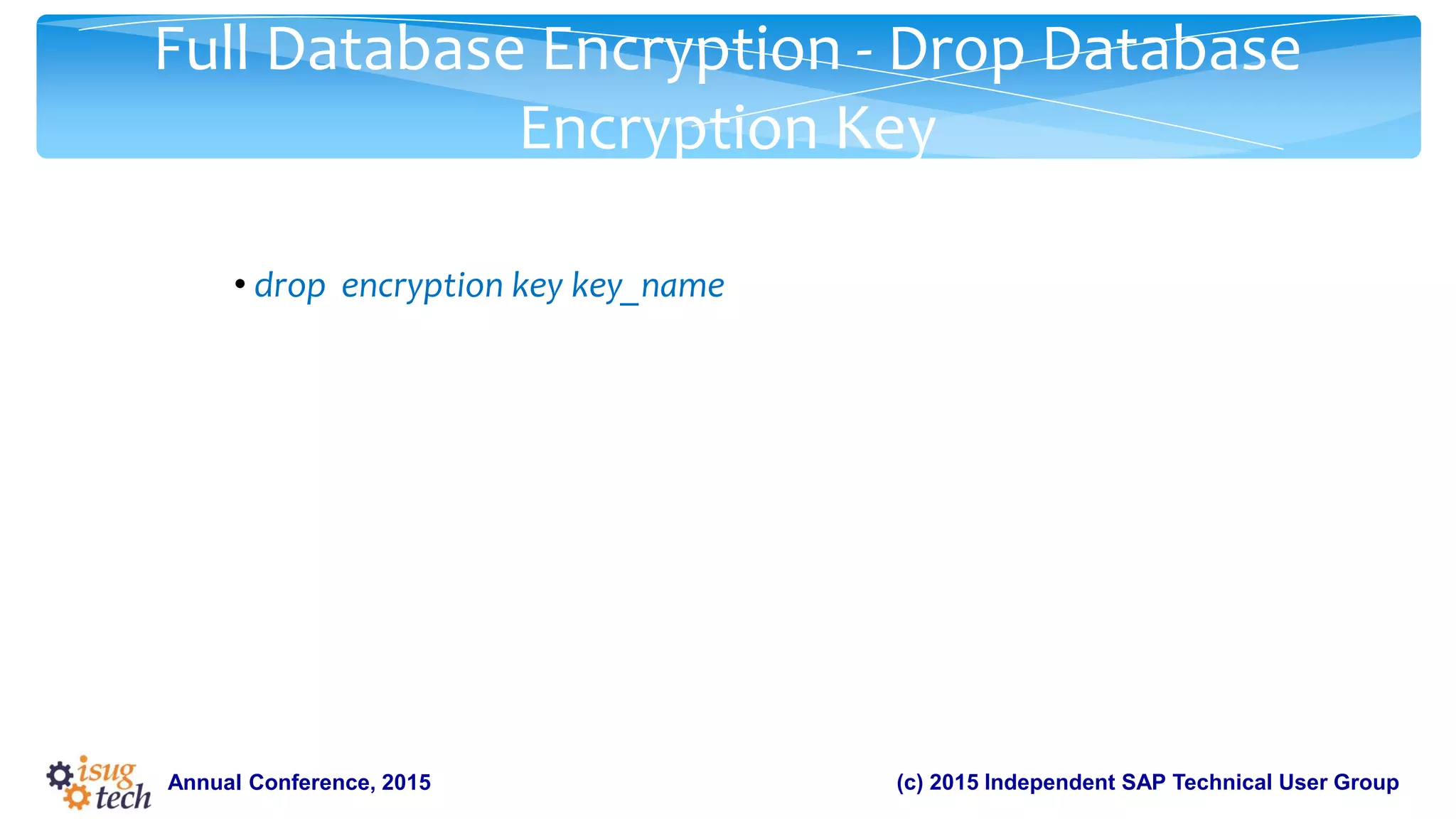
Full Database Encryption - Drop Database
Encryption Key
• drop encryption key key_name
16.
(c) 2015 IndependentSAP Technical User GroupAnnual Conference, 2015
Full Database Encryption - Create Encrypted
Database
create [temporary | archive] database database_name
encrypt with key_name
•In-memory database can’t be encrypted
•Only database encryption key can be used to encrypt database
•For archive database, the key should be the same as the one
used to encrypt dumped database
17.
(c) 2015 IndependentSAP Technical User GroupAnnual Conference, 2015
Full Database Encryption - Alter Database to Encrypt
alter database database_name
{ encrypt with key_name [parallel degree_of_parallelism]
| resume encryption [parallel degree_of_parallelism]
| suspend encryption }
•Parallel degree_of_parallelism’ determines how many worker threads to
initiate for the task.
degree_of_parallelism is limited by configuration ‘number of worker
processes’.
Ideally one thread for one database storage virtual device.
Try not overwhelm ASE server. Number of online engines is another factor
to take into account
If it’s not set, ASE will internally determine the value based on server and
database configuration
18.
(c) 2015 IndependentSAP Technical User GroupAnnual Conference, 2015
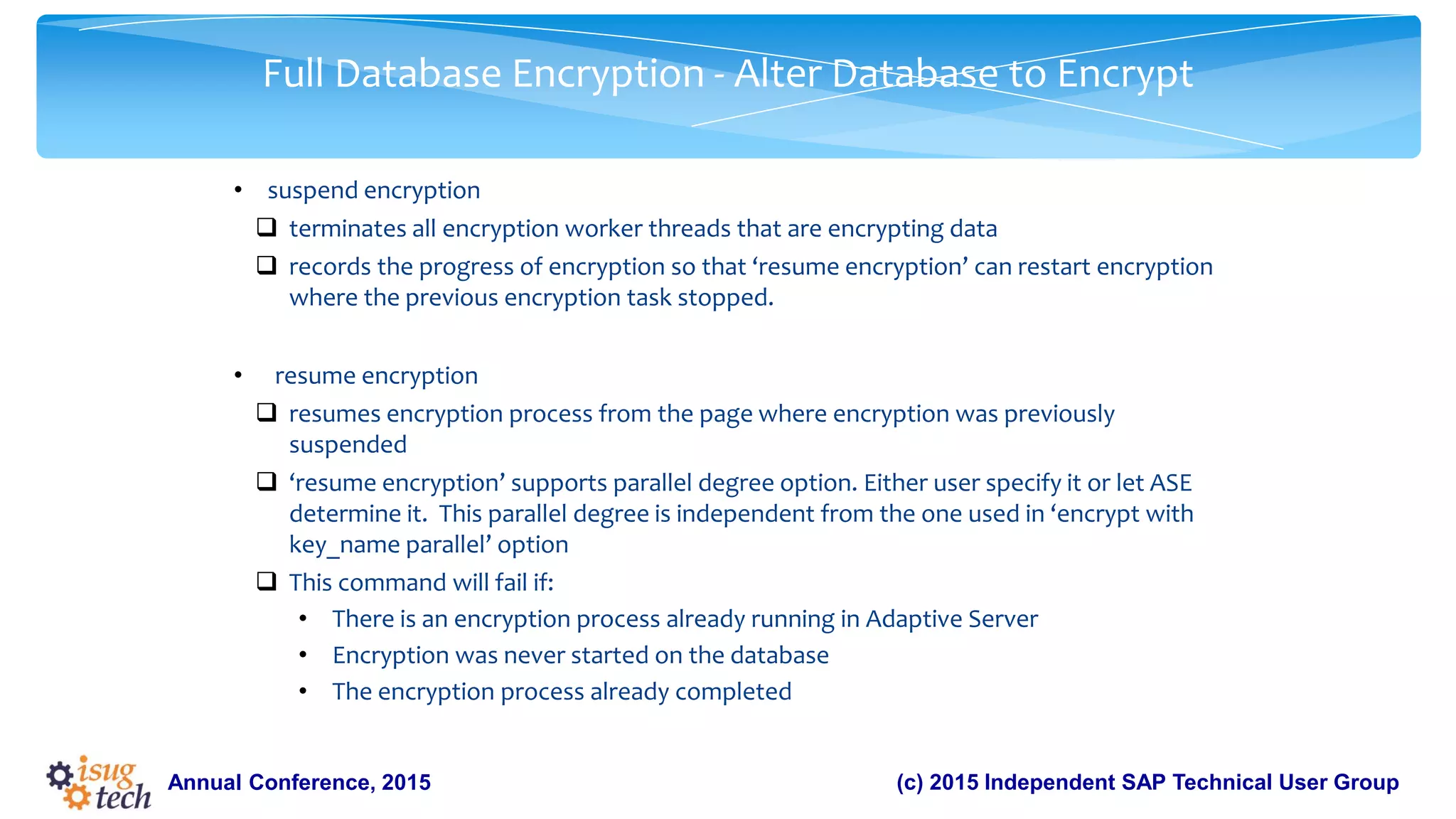
Full Database Encryption - Alter Database to Encrypt
• suspend encryption
terminates all encryption worker threads that are encrypting data
records the progress of encryption so that ‘resume encryption’ can restart encryption
where the previous encryption task stopped.
• resume encryption
resumes encryption process from the page where encryption was previously
suspended
‘resume encryption’ supports parallel degree option. Either user specify it or let ASE
determine it. This parallel degree is independent from the one used in ‘encrypt with
key_name parallel’ option
This command will fail if:
• There is an encryption process already running in Adaptive Server
• Encryption was never started on the database
• The encryption process already completed
19.
(c) 2015 IndependentSAP Technical User GroupAnnual Conference, 2015
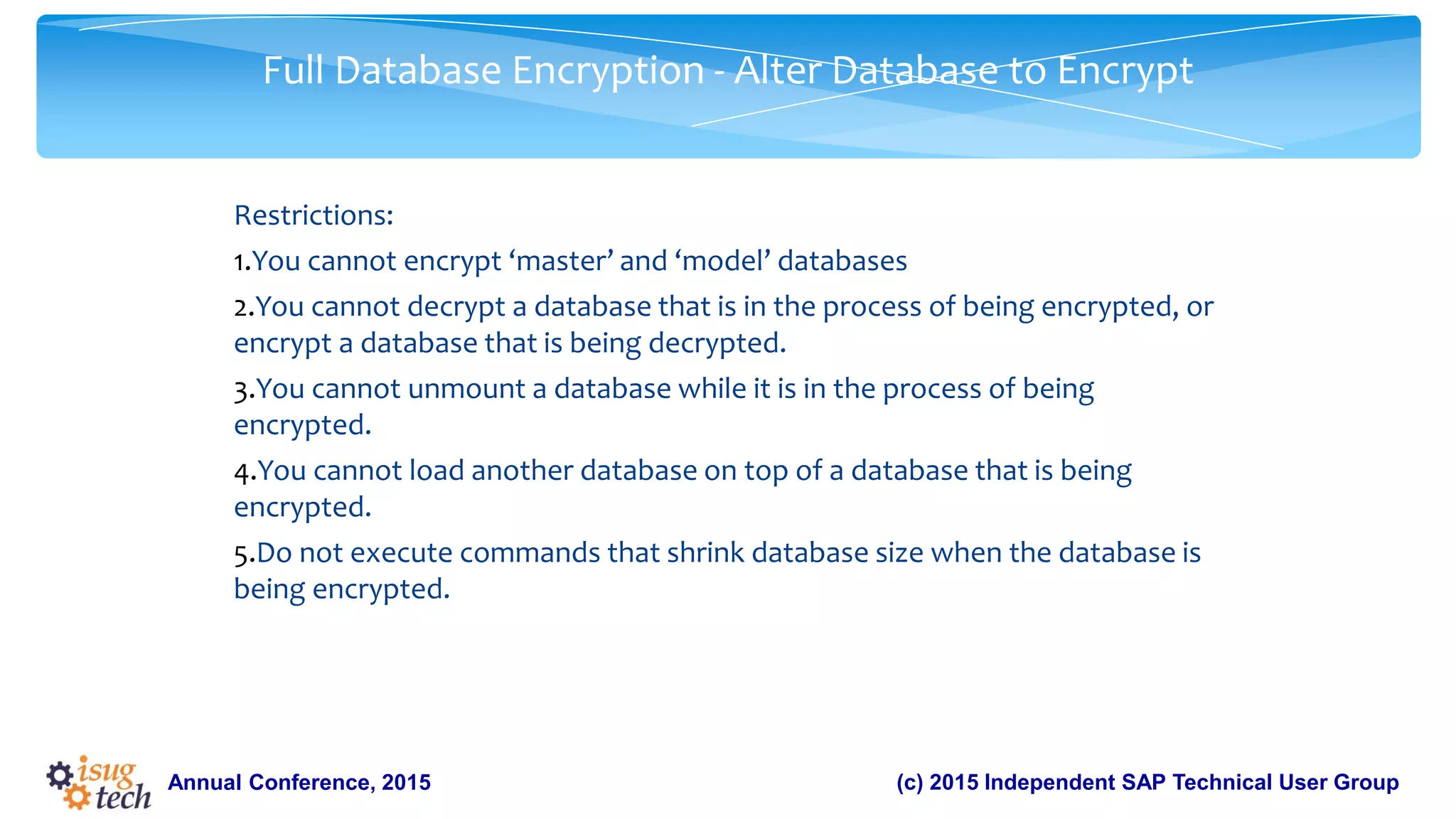
Full Database Encryption - Alter Database to Encrypt
Restrictions:
1.You cannot encrypt ‘master’ and ‘model’ databases
2.You cannot decrypt a database that is in the process of being encrypted, or
encrypt a database that is being decrypted.
3.You cannot unmount a database while it is in the process of being
encrypted.
4.You cannot load another database on top of a database that is being
encrypted.
5.Do not execute commands that shrink database size when the database is
being encrypted.
20.
(c) 2015 IndependentSAP Technical User GroupAnnual Conference, 2015
Full Database Encryption - Alter Database to
Decrypt
alter database database_name
{ decrypt [with key_name] [parallel degree_of_parallelism]
| resume decryption [parallel degree_of_parallelism]
| suspend decryption}
21.
(c) 2015 IndependentSAP Technical User GroupAnnual Conference, 2015
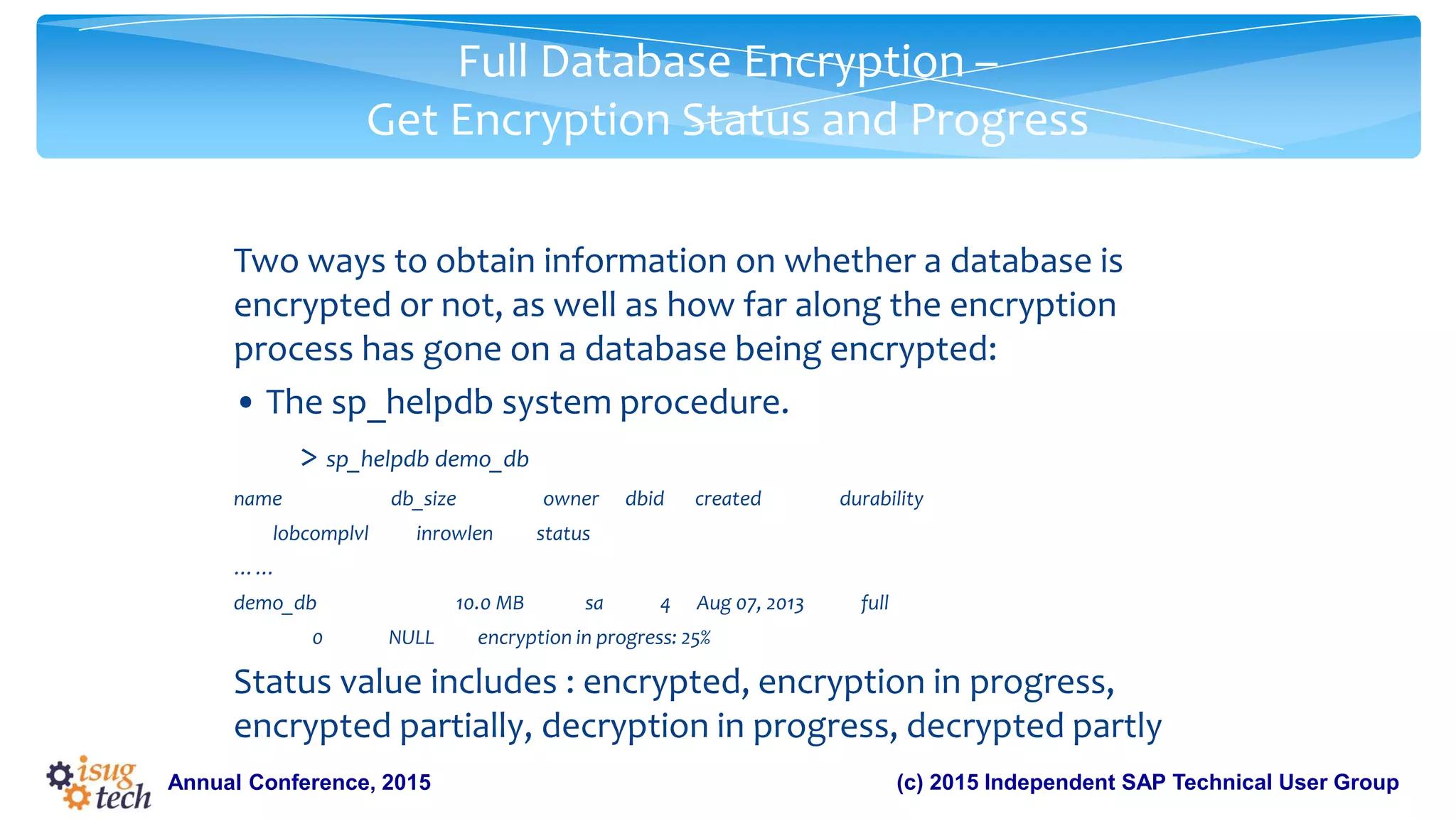
Full Database Encryption –
Get Encryption Status and Progress
Two ways to obtain information on whether a database is
encrypted or not, as well as how far along the encryption
process has gone on a database being encrypted:
• The sp_helpdb system procedure.
> sp_helpdb demo_db
name db_size owner dbid created durability
lobcomplvl inrowlen status
……
demo_db 10.0 MB sa 4 Aug 07, 2013 full
0 NULL encryption in progress: 25%
Status value includes : encrypted, encryption in progress,
encrypted partially, decryption in progress, decrypted partly
22.
(c) 2015 IndependentSAP Technical User GroupAnnual Conference, 2015
Full Database Encryption –
Get Encryption Status and Progress
• The dbencryption_status built-in function. Use status to get information on
whether a database is encrypted, and progress to find out how far along the
encryption process has gone:
dbencryption_status (’status’|’progess’, dbid[, lstart])
select dbencryption_status(“status”, db_id(“demo_db”))
• 0 ---- normal database
• 1 ---- database is encrypted
• 2 ---- database is being encrypted
• 3 ---- database is encrypted partly
• 4 ---- database is being decrypted
• 5 ---- database is decrypted partly
select dbencryption_status(“progress”, db_id(“demo_db”))
select dbencryption_status(“progress”, db_id(”demo_db”), 10240)
-- report progress on fragment that starts with page number ‘10240’
23.
(c) 2015 IndependentSAP Technical User GroupAnnual Conference, 2015
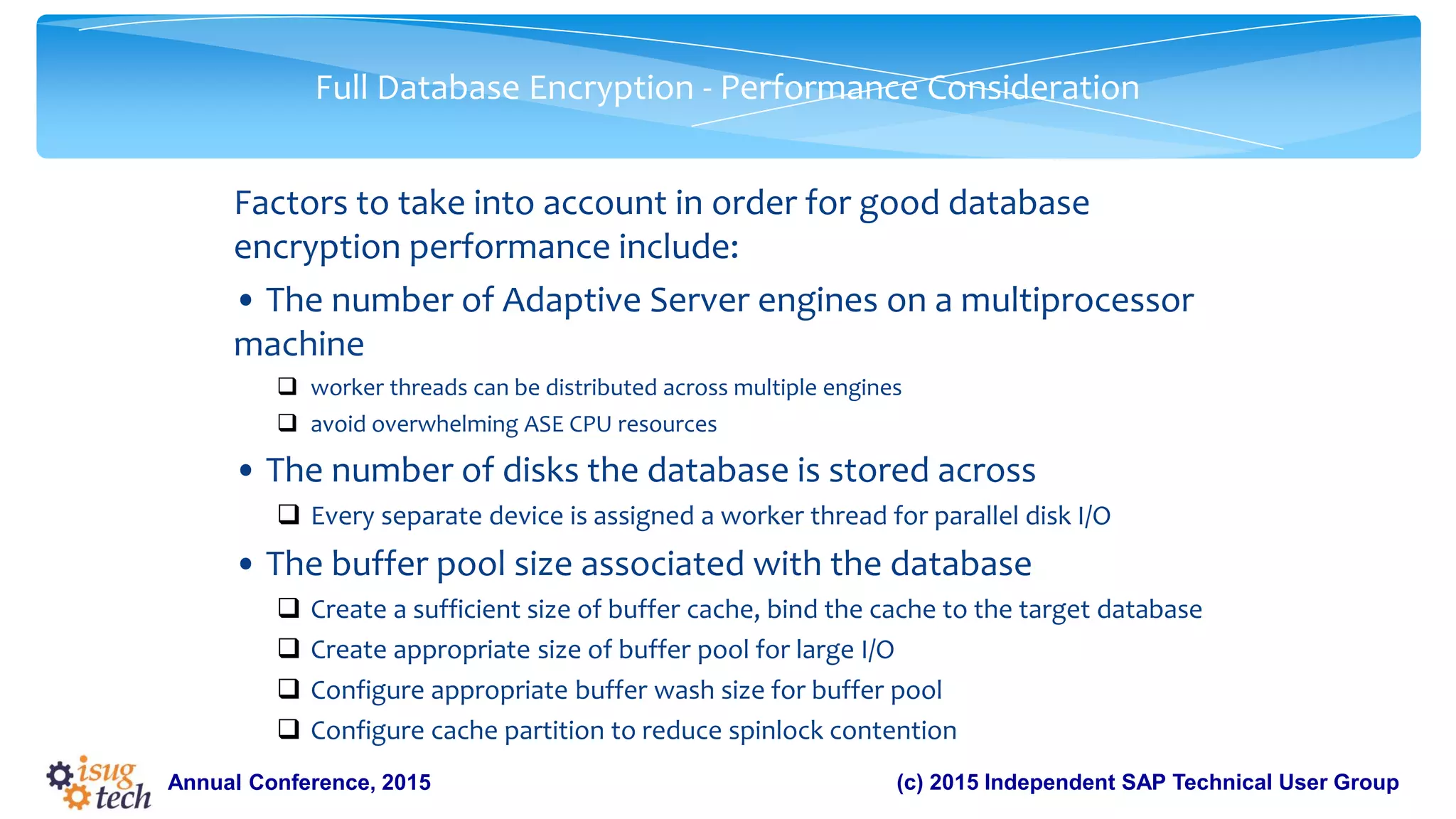
Full Database Encryption - Performance Consideration
Factors to take into account in order for good database
encryption performance include:
• The number of Adaptive Server engines on a multiprocessor
machine
worker threads can be distributed across multiple engines
avoid overwhelming ASE CPU resources
• The number of disks the database is stored across
Every separate device is assigned a worker thread for parallel disk I/O
• The buffer pool size associated with the database
Create a sufficient size of buffer cache, bind the cache to the target database
Create appropriate size of buffer pool for large I/O
Configure appropriate buffer wash size for buffer pool
Configure cache partition to reduce spinlock contention
24.
(c) 2015 IndependentSAP Technical User GroupAnnual Conference, 2015
Full Database Encryption –
Recovery of Encrypted Database
• If Adaptive Server cannot retrieve the database encryption
key during start-up because the master or dual master key is
unavailable, Adaptive Server won’t recover the encrypted
database.
• Two ways to recover encrypted database
Manual recovery
1. After connecting to server, password holder for the master or dual master key can
set the encryption password:
set encryption passwd for key [dual] master
2. Online database to trigger recovery
online database encrypted_database_name
Automatic recovery
1. Use ‘–master_key_password’ command option when starting ASE server
2. Use unattended start-up mode for master key and dual master key
25.
(c) 2015 IndependentSAP Technical User GroupAnnual Conference, 2015
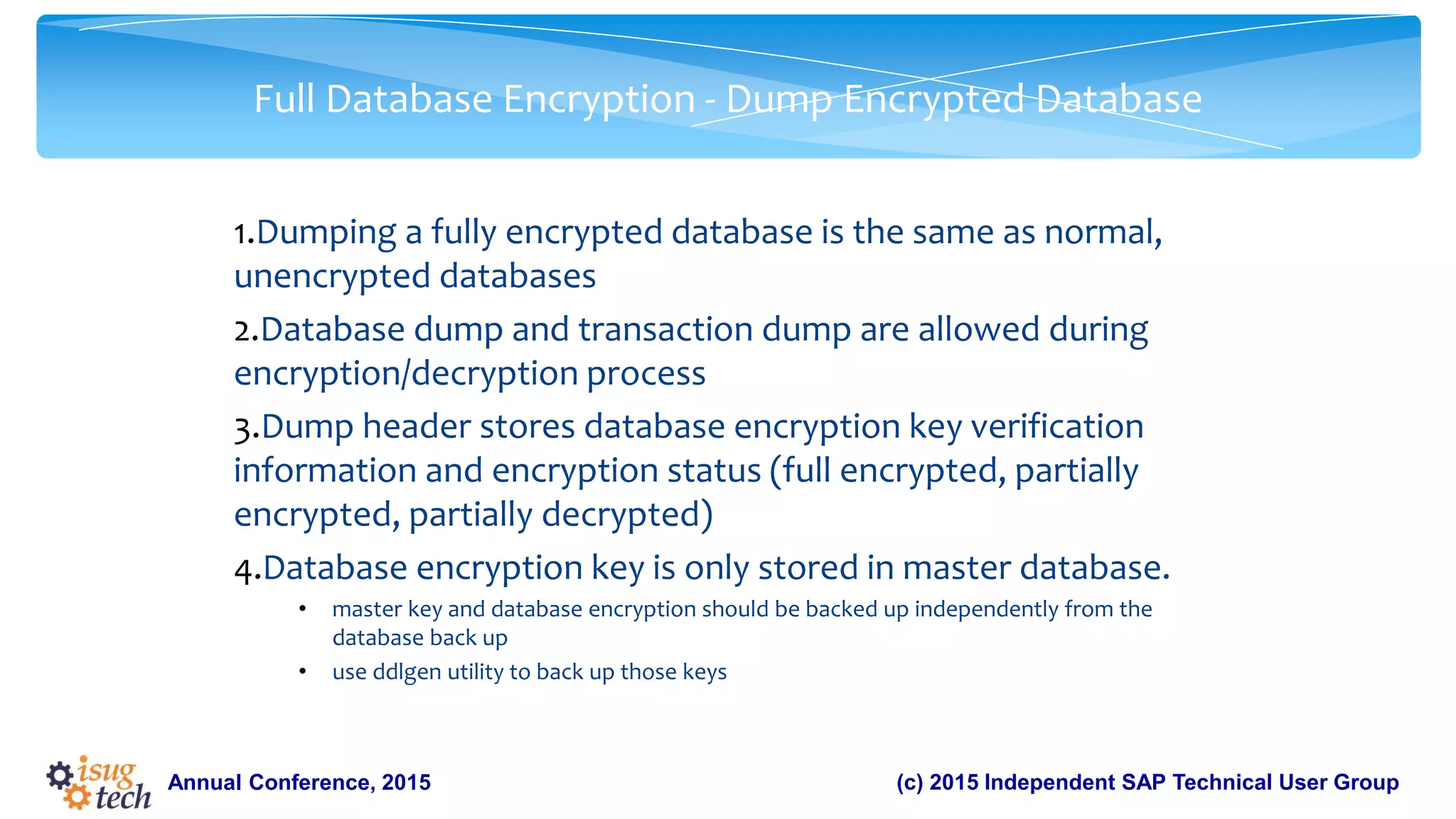
Full Database Encryption - Dump Encrypted Database
1.Dumping a fully encrypted database is the same as normal,
unencrypted databases
2.Database dump and transaction dump are allowed during
encryption/decryption process
3.Dump header stores database encryption key verification
information and encryption status (full encrypted, partially
encrypted, partially decrypted)
4.Database encryption key is only stored in master database.
• master key and database encryption should be backed up independently from the
database back up
• use ddlgen utility to back up those keys
26.
(c) 2015 IndependentSAP Technical User GroupAnnual Conference, 2015
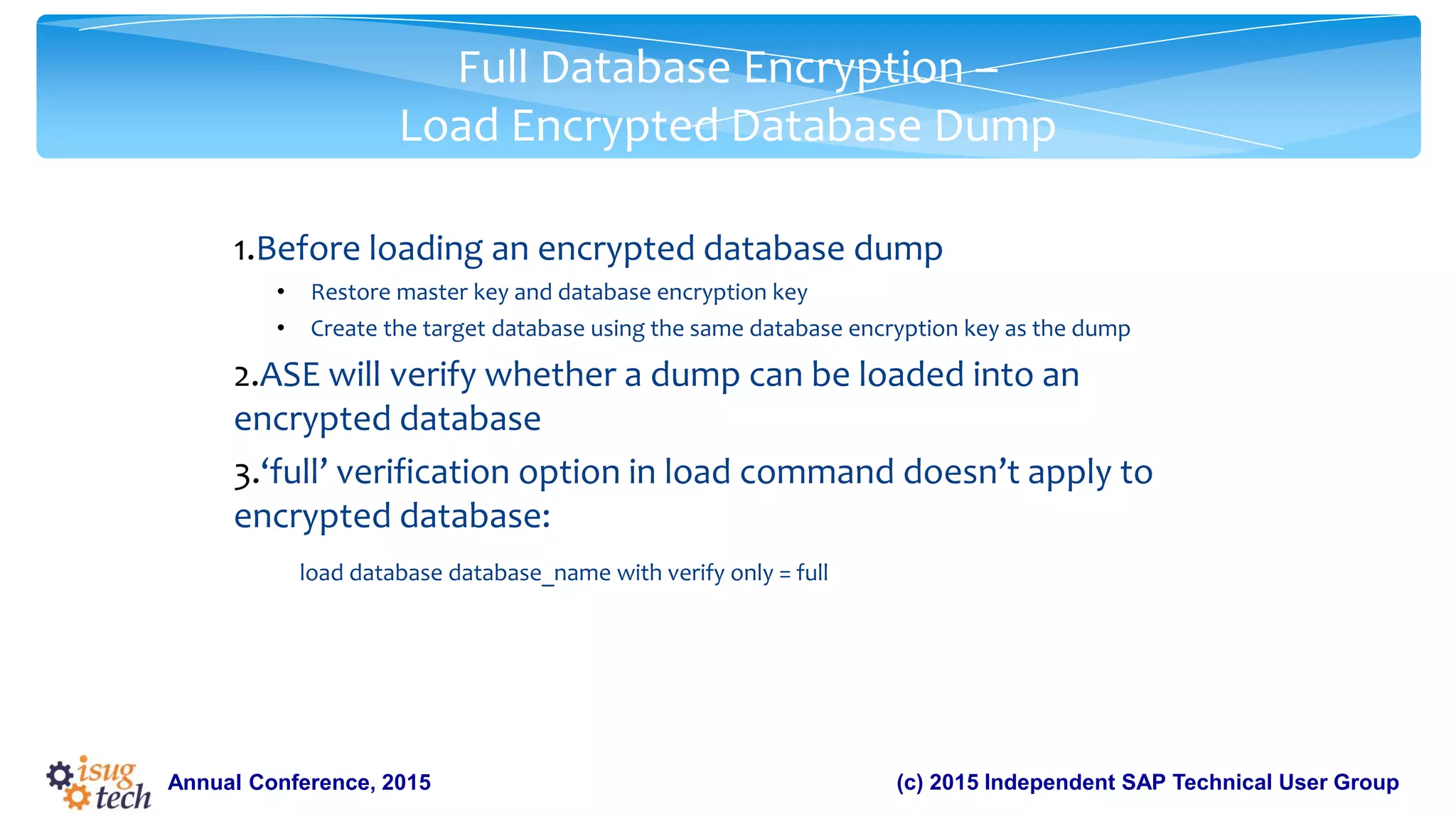
Full Database Encryption –
Load Encrypted Database Dump
1.Before loading an encrypted database dump
• Restore master key and database encryption key
• Create the target database using the same database encryption key as the dump
2.ASE will verify whether a dump can be loaded into an
encrypted database
3.‘full’ verification option in load command doesn’t apply to
encrypted database:
load database database_name with verify only = full
27.
(c) 2015 IndependentSAP Technical User GroupAnnual Conference, 2015
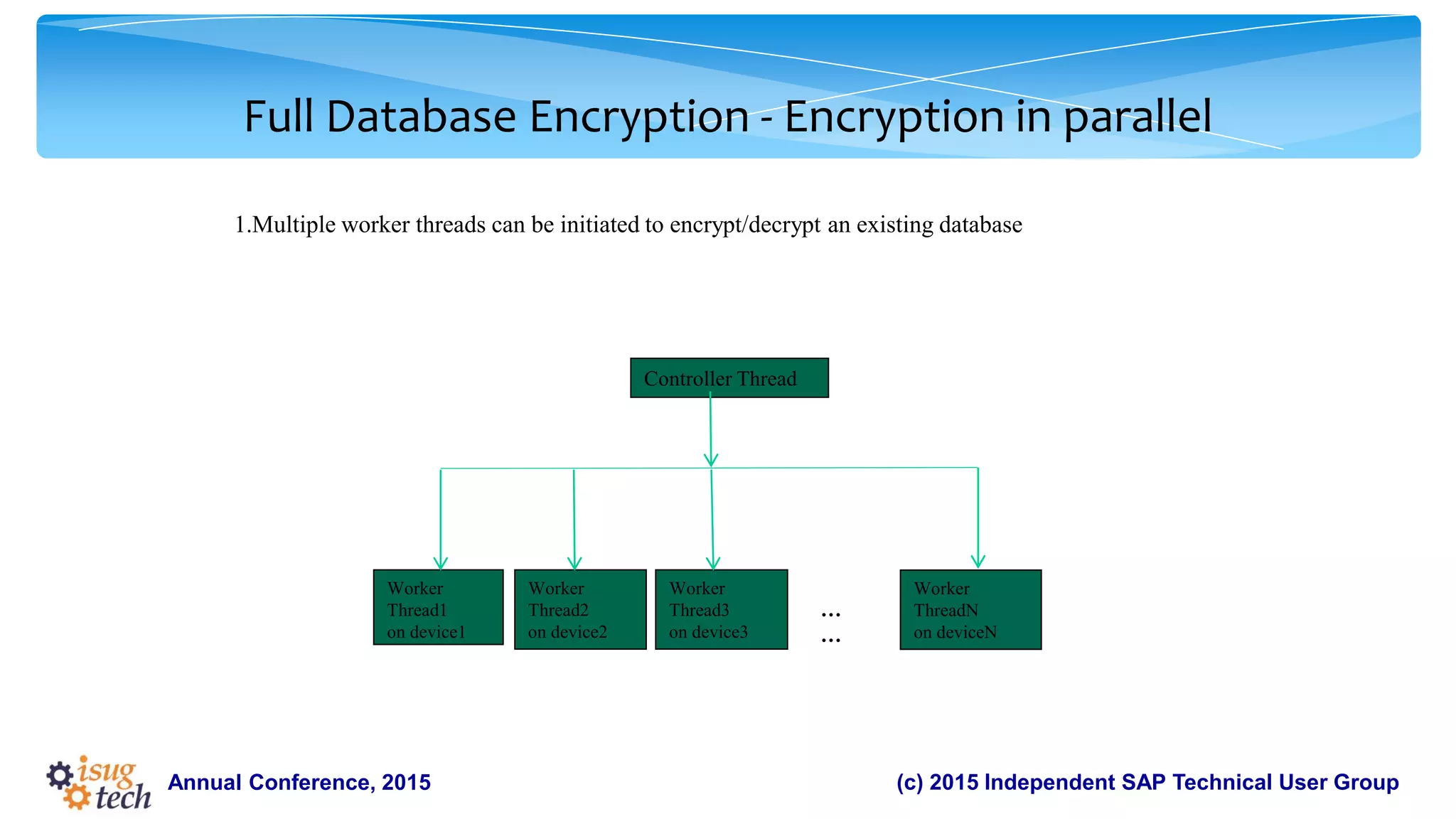
1.Multiple worker threads can be initiated to encrypt/decrypt an existing database
Full Database Encryption - Encryption in parallel
Controller Thread
Worker
Thread1
on device1
Worker
Thread2
on device2
Worker
Thread3
on device3
Worker
ThreadN
on deviceN
…
…
28.
(c) 2015 IndependentSAP Technical User GroupAnnual Conference, 2015
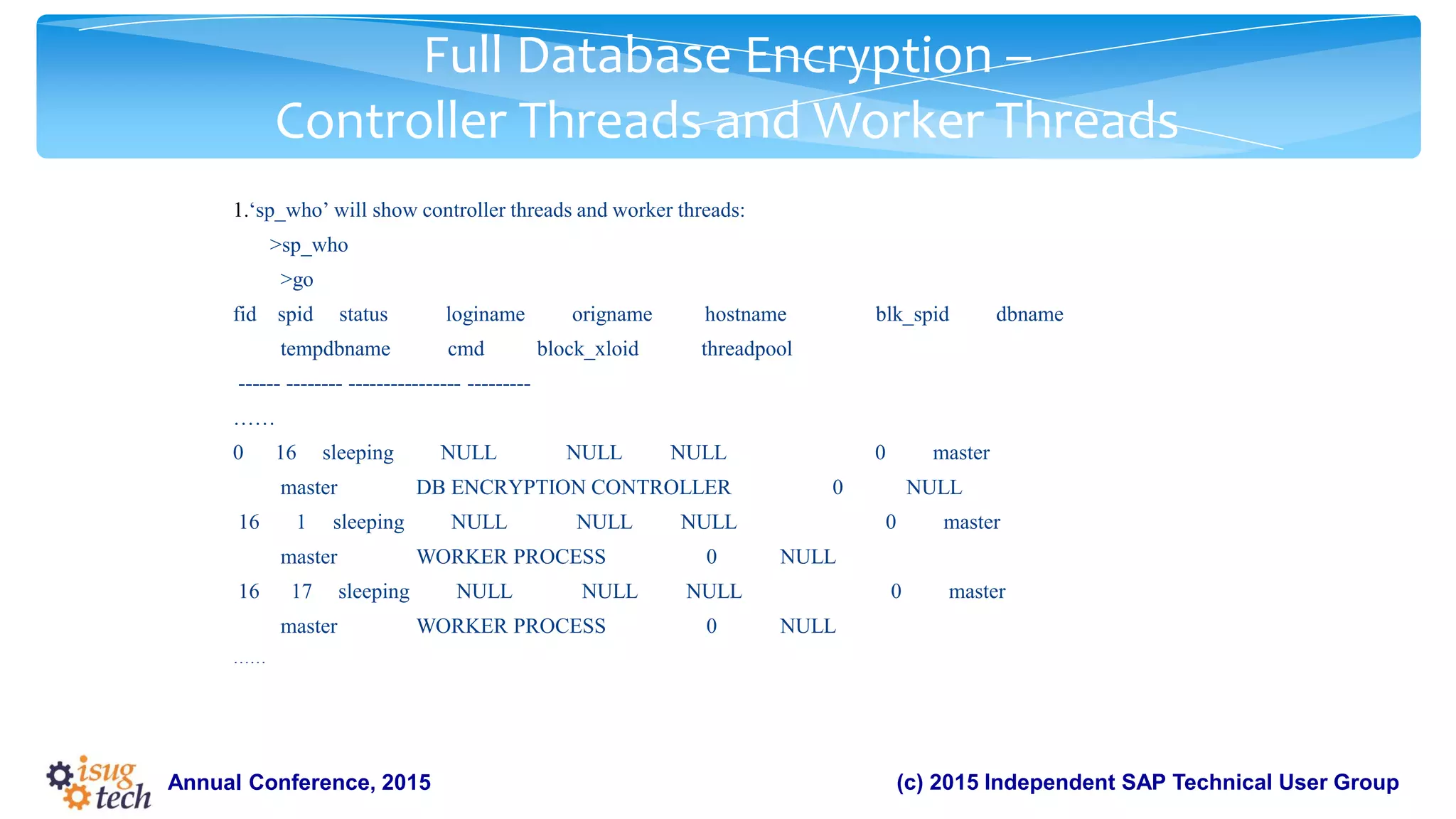
1.‘sp_who’ will show controller threads and worker threads:
>sp_who
>go
fid spid status loginame origname hostname blk_spid dbname
tempdbname cmd block_xloid threadpool
------ -------- ---------------- ---------
……
0 16 sleeping NULL NULL NULL 0 master
master DB ENCRYPTION CONTROLLER 0 NULL
16 1 sleeping NULL NULL NULL 0 master
master WORKER PROCESS 0 NULL
16 17 sleeping NULL NULL NULL 0 master
master WORKER PROCESS 0 NULL
……
Full Database Encryption –
Controller Threads and Worker Threads
29.
Residual data removalfeature would ensure that the residual (not in use) data in
these de-allocated pages would be erased (zeroed out). The data in the page might
be sensitive and this feature would protect it by erasing that data.
Feature Overview
Annual Conference, 2015
30.
(c) 2015 IndependentSAP Technical User GroupAnnual Conference, 2015
Residual data removal Overview
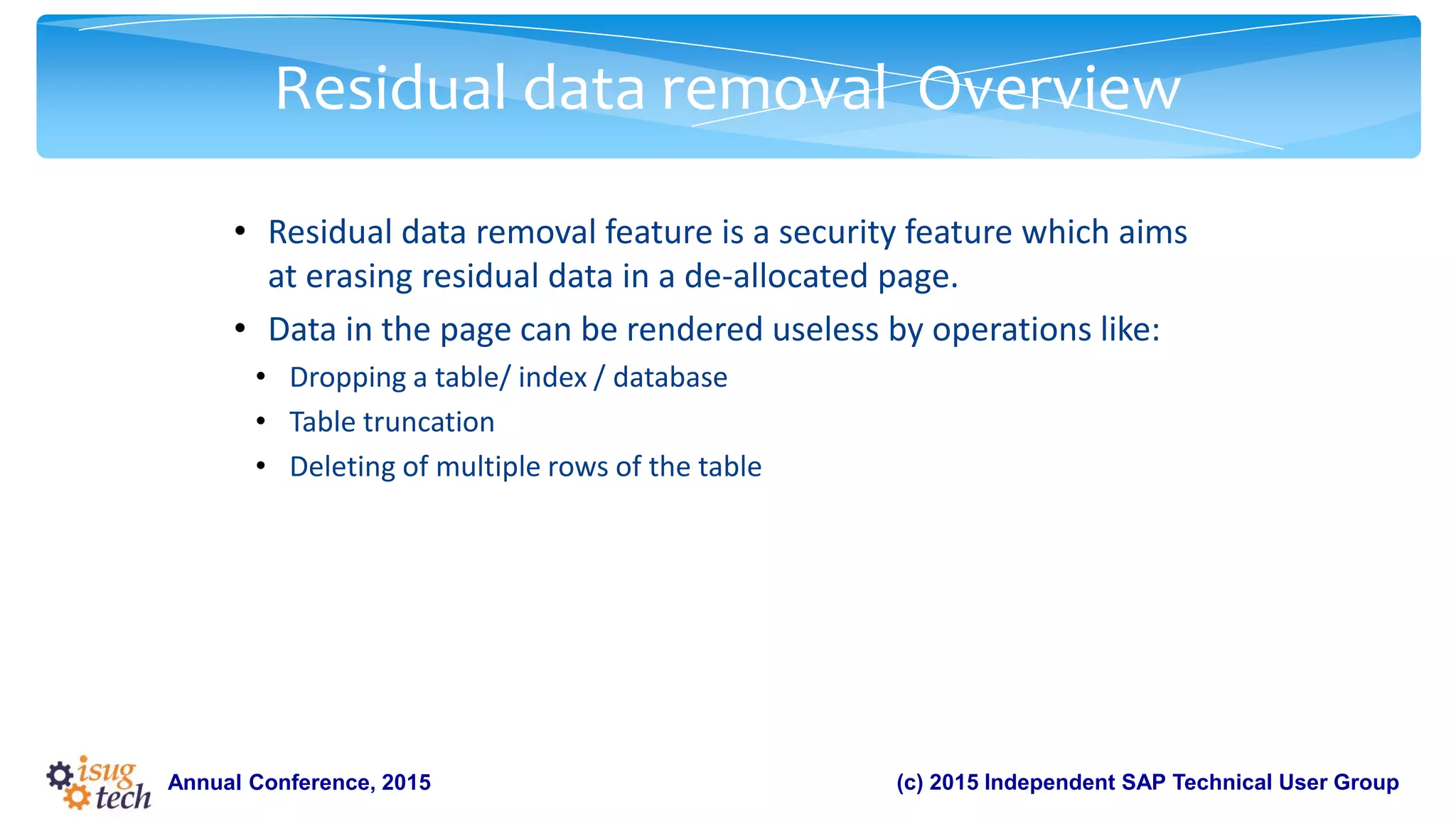
• Residual data removal feature is a security feature which aims
at erasing residual data in a de-allocated page.
• Data in the page can be rendered useless by operations like:
• Dropping a table/ index / database
• Table truncation
• Deleting of multiple rows of the table
31.
(c) 2015 IndependentSAP Technical User GroupAnnual Conference, 2015
Residual data removal - Usage
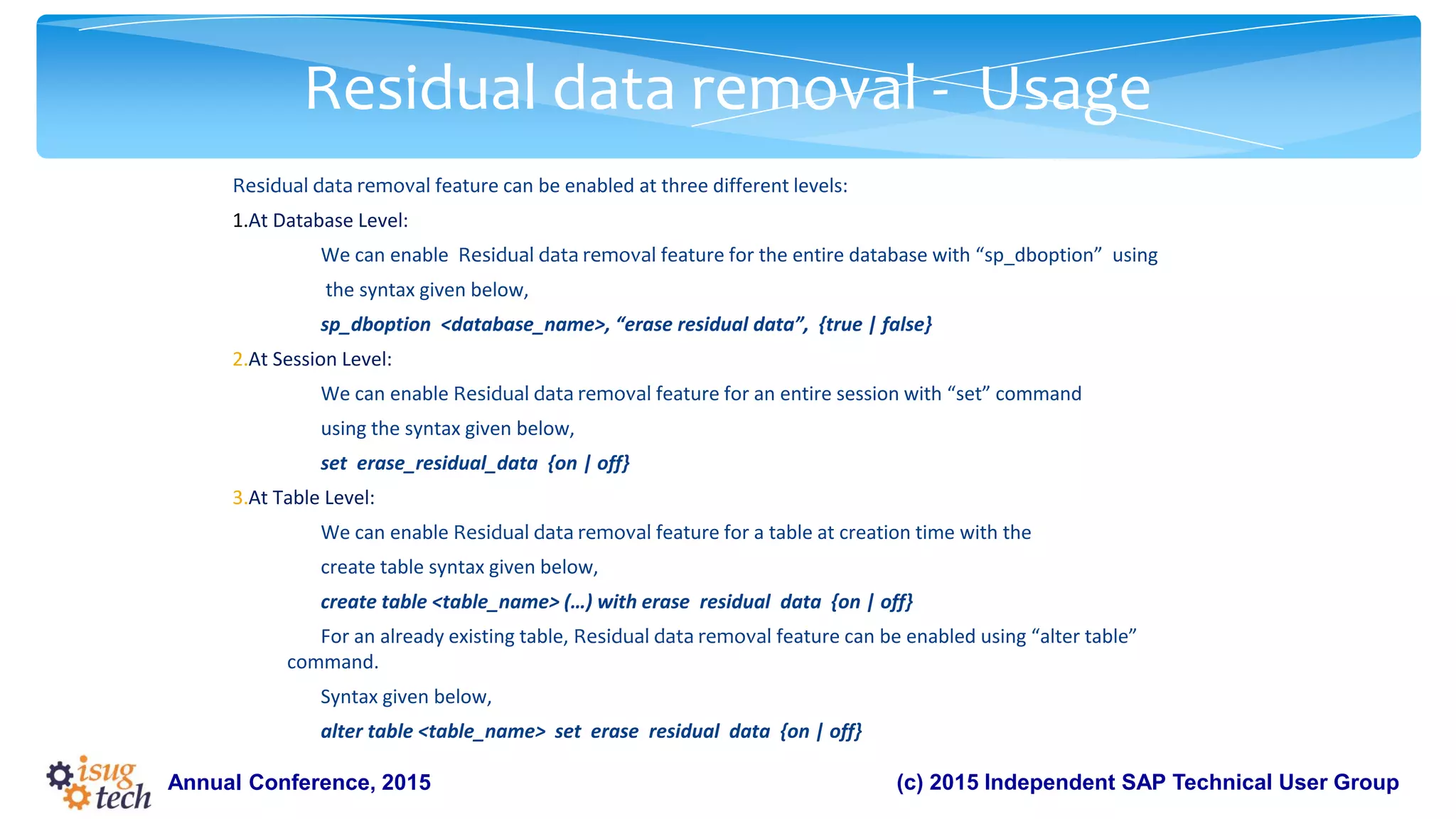
Residual data removal feature can be enabled at three different levels:
1.At Database Level:
We can enable Residual data removal feature for the entire database with “sp_dboption” using
the syntax given below,
sp_dboption <database_name>, “erase residual data”, {true | false}
2.At Session Level:
We can enable Residual data removal feature for an entire session with “set” command
using the syntax given below,
set erase_residual_data {on | off}
3.At Table Level:
We can enable Residual data removal feature for a table at creation time with the
create table syntax given below,
create table <table_name> (…) with erase residual data {on | off}
For an already existing table, Residual data removal feature can be enabled using “alter table”
command.
Syntax given below,
alter table <table_name> set erase residual data {on | off}
32.
(c) 2015 IndependentSAP Technical User GroupAnnual Conference, 2015
Residual data removal - Administration
Usage of Session Level Option
Dropping many tables (having sensitive information) across different databases . This can be done in
3 ways:
•At Table Level
Set the “erase residual data” option for each of the tables that are going to be dropped.
•At Database Level
Set the “erase residual data” option for all the databases in which these tables reside.
•At Session Level
Set the “erase residual data” option for the current session and drop all the tables that might
contain sensitive information in this session.
Here, setting the session level option is the best way to achieve this. As setting erase residual data
option for each table is a tedious job and setting it for all databases is going to affect other tables.
33.
(c) 2015 IndependentSAP Technical User GroupAnnual Conference, 2015
Residual data removal –
Administration Usage of Table Level Option
Table T1 (contains sensitive information) belonging to database DB1 is to be dropped. There are 3 ways using which we can
erase (zero-out) the residual data in the page:
•ALTER TABLE
ALTER TABLE T1 SET ERASE RESIDUAL DATA ON
GO
DROP TABLE T1
GO
•SET
SET ERASE_RESIDUAL_DATA ON
GO
DROP TABLE T1
GO
•SP_DBOPTION
SP_DBOPTION DB1, “ERASE RESIDUAL DATA”, TRUE
GO
DROP TABLE T1
GO
34.
(c) 2015 IndependentSAP Technical User GroupAnnual Conference, 2015
Residual data removal - Administration
Setting Table Level Option OFF Explicitly
A database which has 50 tables, there are 5 tables that have large amount of data and are
frequently accessed. But, they do not have any sensitive information. The remaining 45 tables have
sensitive data. To prevent Residual data removal from erasing(zeroing out) residual data belonging
to these 5 tables there are 3 ways:
•At Table Level
Set the “erase residual data” option OFF explicitly for these 5 tables.
•At Database Level
Set the “erase residual data” option to FALSE (default setting) for this database.
•At Session Level
Set the “erase residual data” option OFF (default setting) for the session in which the pages of these
tables would undergo de-allocation.
35.
Full text ofDML is stored in audit record along with parameter names and values for
DML auditing
Feature Overview
Annual Conference, 2015
36.
(c) 2015 IndependentSAP Technical User GroupAnnual Conference, 2015
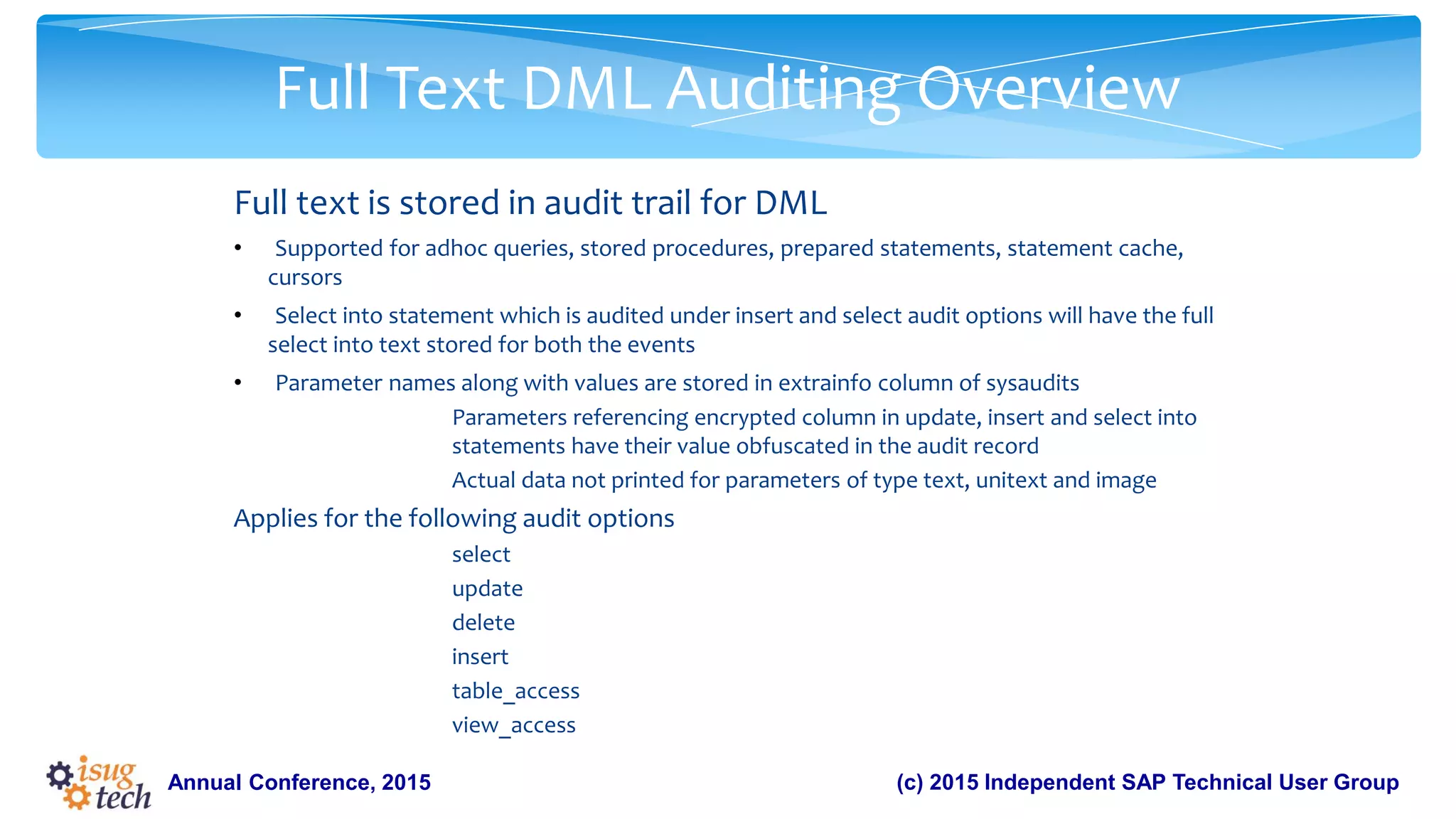
Full Text DML Auditing Overview
Full text is stored in audit trail for DML
• Supported for adhoc queries, stored procedures, prepared statements, statement cache,
cursors
• Select into statement which is audited under insert and select audit options will have the full
select into text stored for both the events
• Parameter names along with values are stored in extrainfo column of sysaudits
Parameters referencing encrypted column in update, insert and select into
statements have their value obfuscated in the audit record
Actual data not printed for parameters of type text, unitext and image
Applies for the following audit options
select
update
delete
insert
table_access
view_access
37.
(c) 2015 IndependentSAP Technical User GroupAnnual Conference, 2015
Full Text DML Auditing Usage
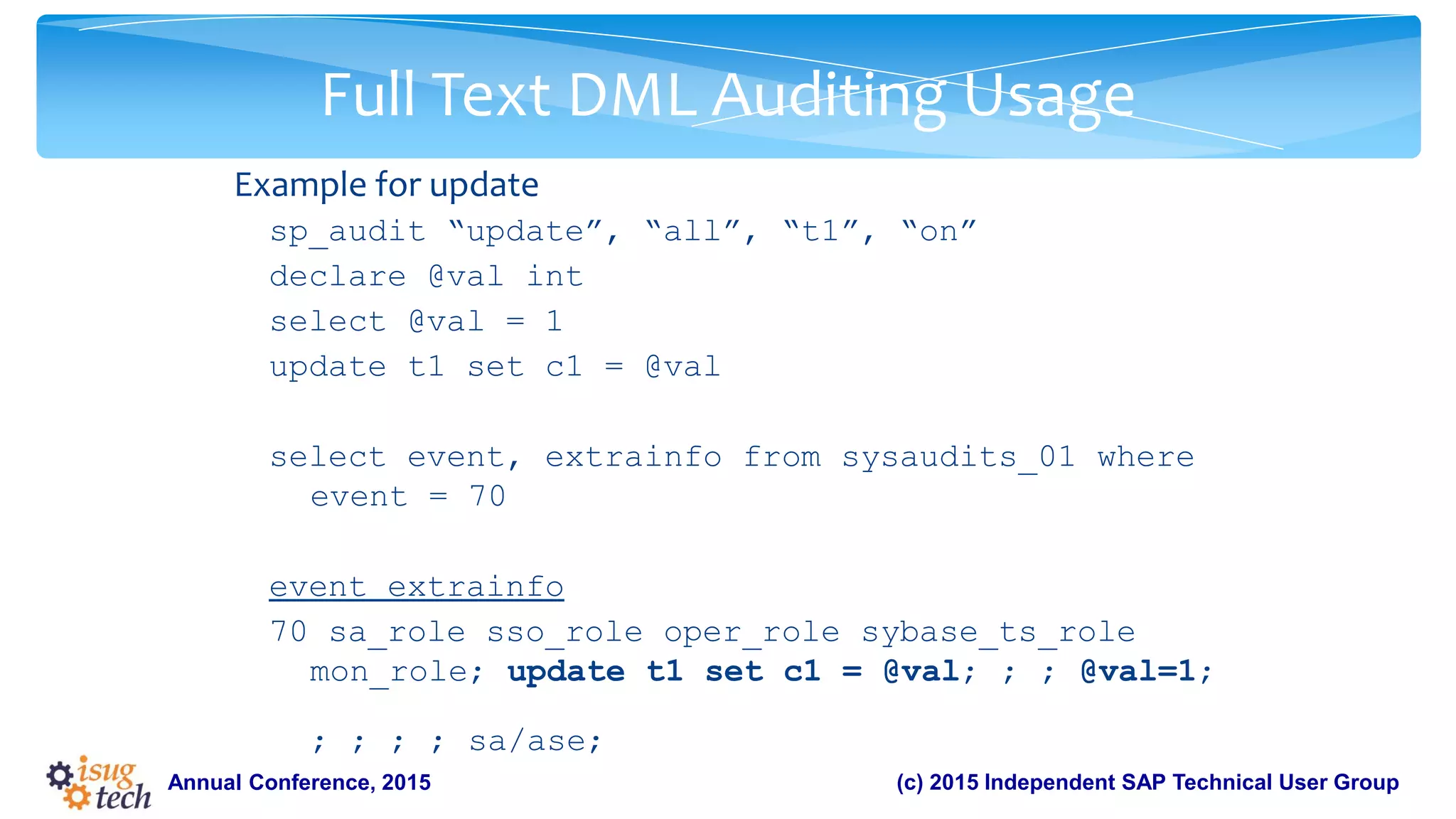
Example for update
sp_audit “update”, “all”, “t1”, “on”
declare @val int
select @val = 1
update t1 set c1 = @val
select event, extrainfo from sysaudits_01 where
event = 70
event extrainfo
70 sa_role sso_role oper_role sybase_ts_role
mon_role; update t1 set c1 = @val; ; ; @val=1;
; ; ; ; sa/ase;
38.
(c) 2015 IndependentSAP Technical User GroupAnnual Conference, 2015
Full Text DML Auditing Usage
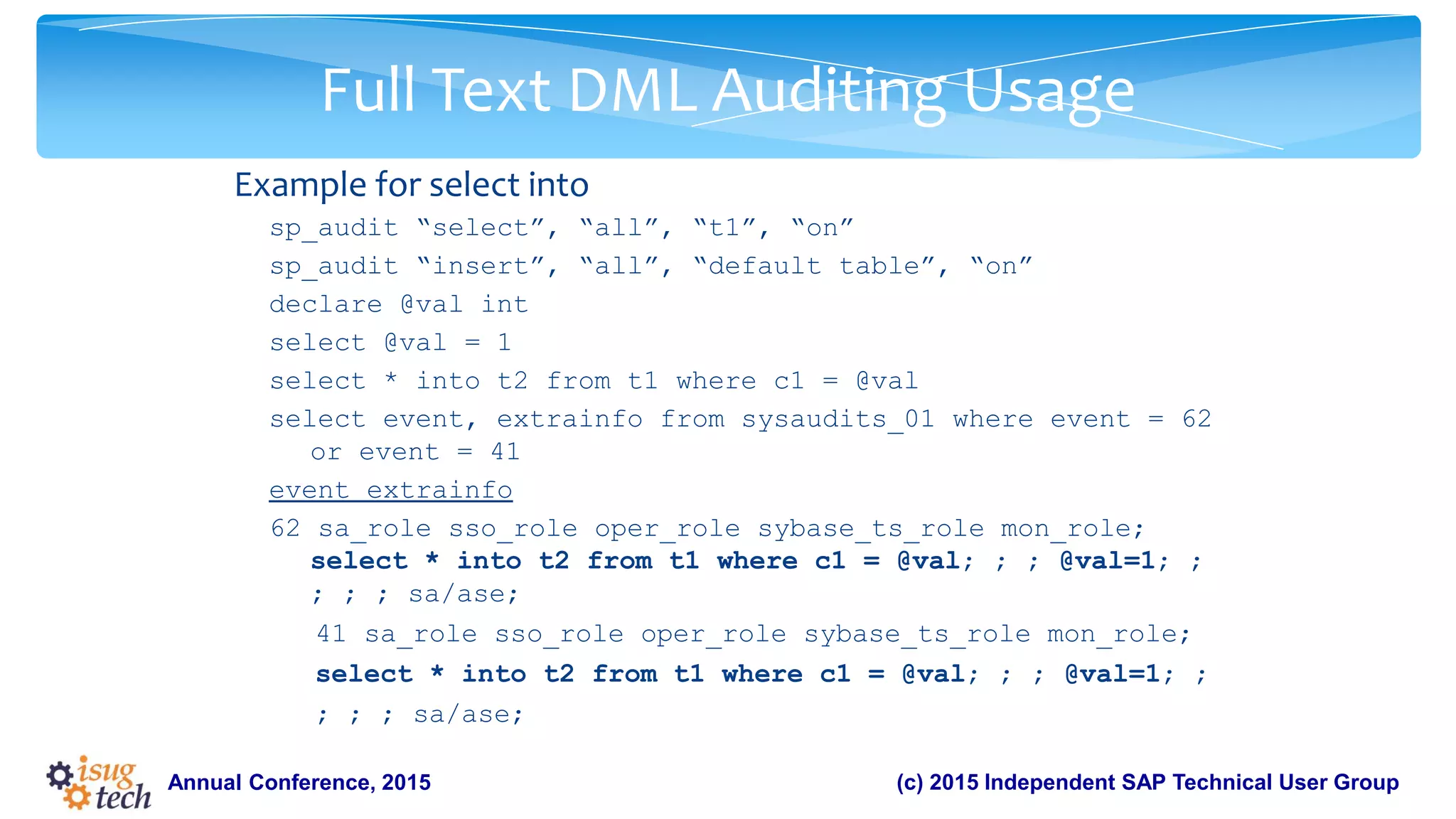
Example for select into
sp_audit “select”, “all”, “t1”, “on”
sp_audit “insert”, “all”, “default table”, “on”
declare @val int
select @val = 1
select * into t2 from t1 where c1 = @val
select event, extrainfo from sysaudits_01 where event = 62
or event = 41
event extrainfo
62 sa_role sso_role oper_role sybase_ts_role mon_role;
select * into t2 from t1 where c1 = @val; ; ; @val=1; ;
; ; ; sa/ase;
41 sa_role sso_role oper_role sybase_ts_role mon_role;
select * into t2 from t1 where c1 = @val; ; ; @val=1; ;
; ; ; sa/ase;
39.
(c) 2015 IndependentSAP Technical User GroupAnnual Conference, 2015
Full Text DML Auditing Usage
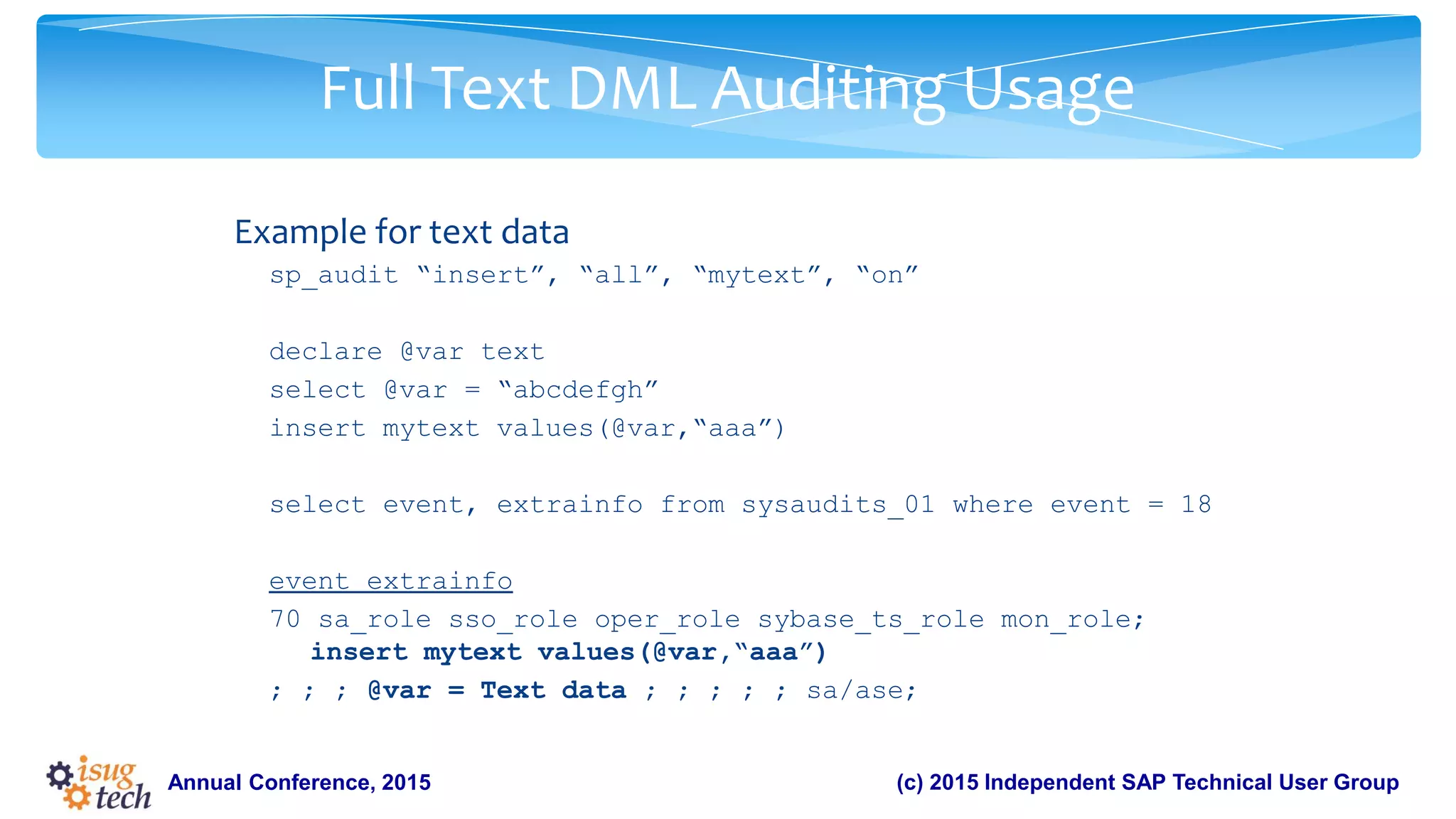
Example for text data
sp_audit “insert”, “all”, “mytext”, “on”
declare @var text
select @var = “abcdefgh”
insert mytext values(@var,“aaa”)
select event, extrainfo from sysaudits_01 where event = 18
event extrainfo
70 sa_role sso_role oper_role sybase_ts_role mon_role;
insert mytext values(@var,“aaa”)
; ; ; @var = Text data ; ; ; ; ; sa/ase;
40.
(c) 2015 IndependentSAP Technical User GroupAnnual Conference, 2015
Summary
• ASE 16.0 new generation of ASE developed to address challenges around
large data volumes.
• ASE 16.0 has made tremendous strides in the area of security.
• Granular permission control and predicated privileges were introduced in
the earlier versions.
• Industry strength Full database encryption, Residual data removal are the
recent additions to the in-database security functionality that ASE offers
which provides enhanced security and lower total cost of ownership.
41.
(c) 2015 IndependentSAP Technical User GroupAnnual Conference, 2015
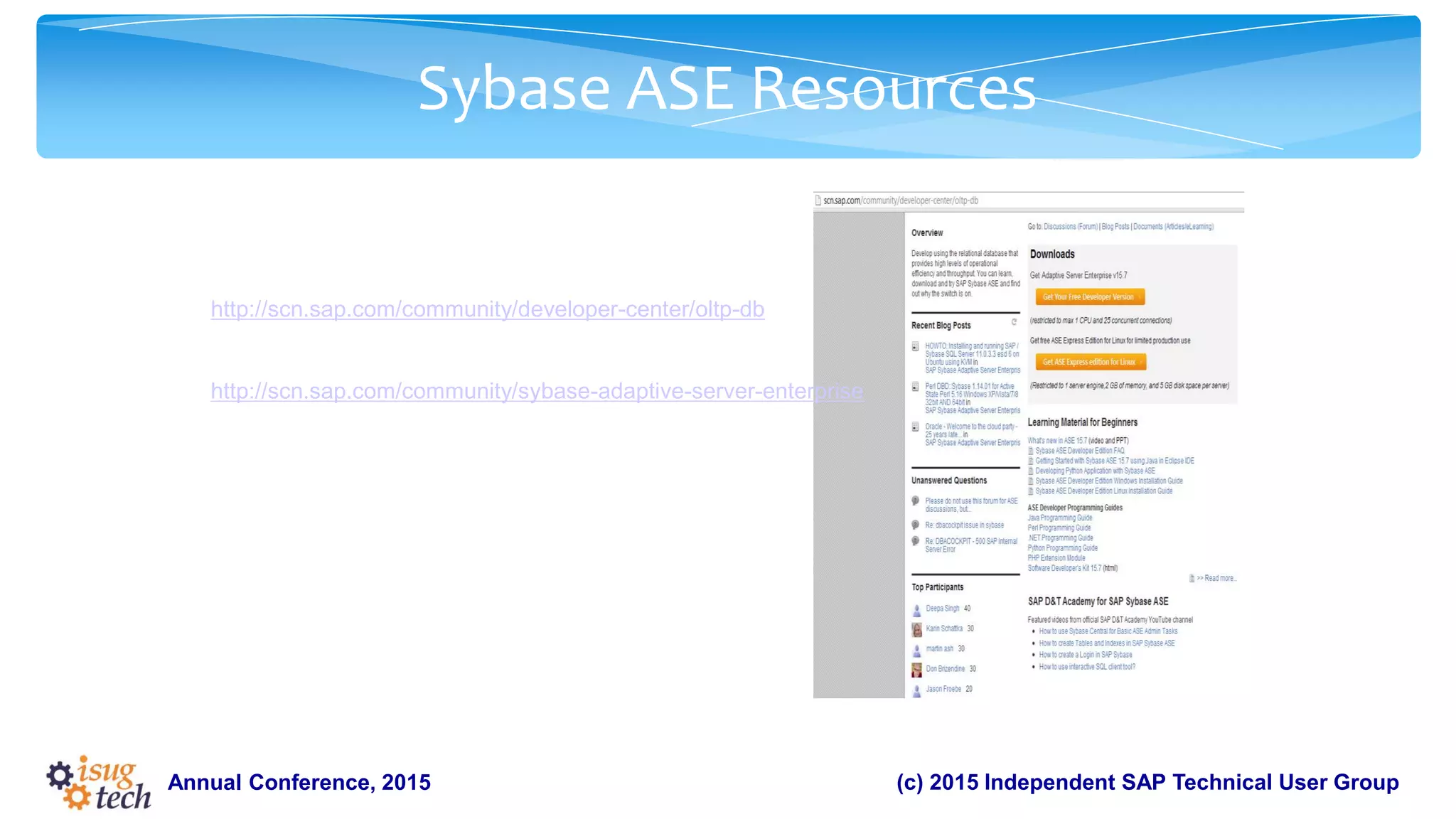
:
Sybase ASE Resources
For Developers:
http://scn.sap.com/community/developer-center/oltp-db
For Custom ASE Applications:
http://scn.sap.com/community/sybase-adaptive-server-enterprise
For SAP Business Suite on ASE:
http://scn.sap.com/community/sybase-ase
42.
(c) 2015 IndependentSAP Technical User GroupAnnual Conference, 2015
Further Information
SAP Education and Certification Opportunities
www.sap.com/education
SAP Public Web
scn.sap.com
www.sap.com