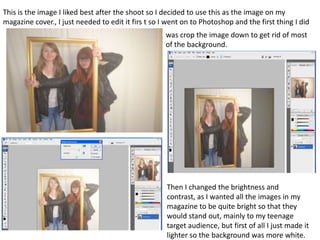
This is the image I liked best after the shoot so I decided to use this as the image on my
magazine cover., I just needed to edit it firs t so I went on to Photoshop and the first thing I did
was crop the image down to get rid of most
of the background.
Then I changed the brightness and
contrast, as I wanted all the images in my
magazine to be quite bright so that they
would stand out, mainly to my teenage
target audience, but first of all I just made it
lighter so the background was more white.
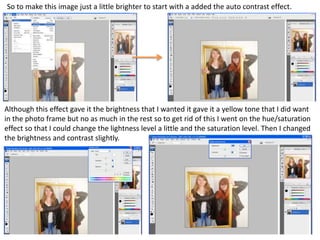
So to make this image just a little brighter to start with a added the auto contrast effect.
Although this effect gave it the brightness that I wanted it gave it a yellow tone that I did want
in the photo frame but no as much in the rest so to get rid of this I went on the hue/saturation
effect so that I could change the lightness level a little and the saturation level. Then I changed
the brightness and contrast slightly.
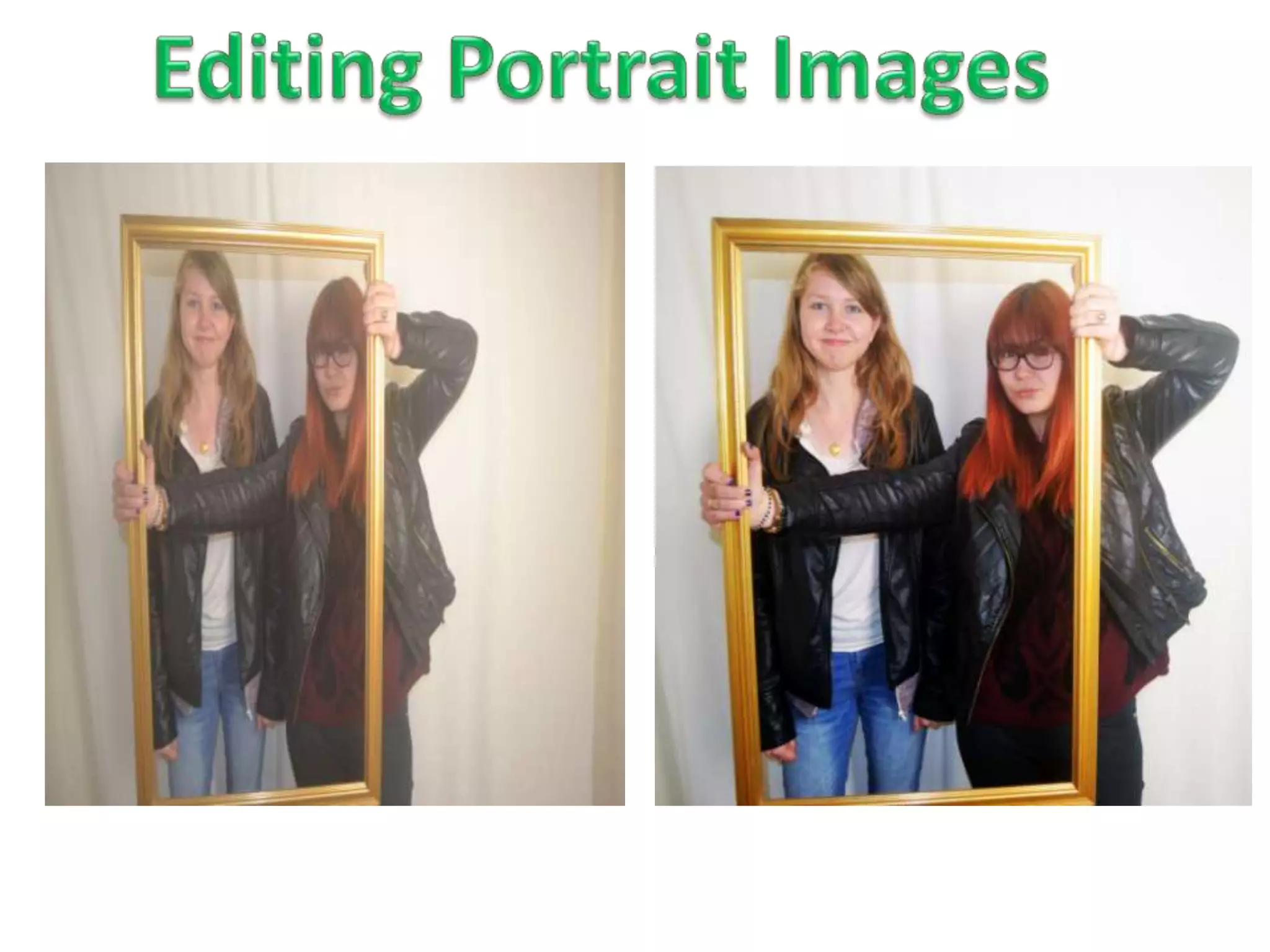
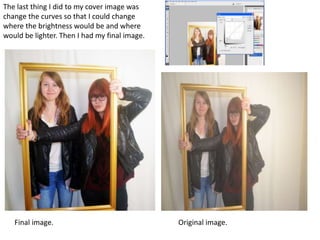
The last thing I did to my cover image was
change the curves so that I could change
where the brightness would be and where
would be lighter. Then I had my final image.
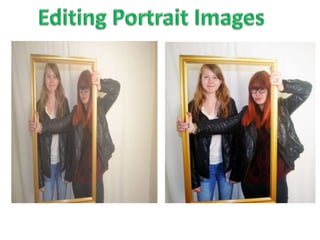
Final image. Original image.
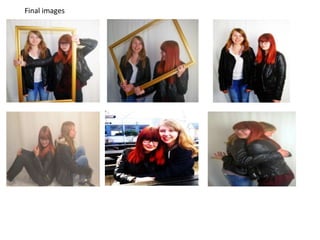
Final images

Editing portrait

  • 2.
    This is theimage I liked best after the shoot so I decided to use this as the image on my magazine cover., I just needed to edit it firs t so I went on to Photoshop and the first thing I did was crop the image down to get rid of most of the background. Then I changed the brightness and contrast, as I wanted all the images in my magazine to be quite bright so that they would stand out, mainly to my teenage target audience, but first of all I just made it lighter so the background was more white.
  • 3.
    So to makethis image just a little brighter to start with a added the auto contrast effect. Although this effect gave it the brightness that I wanted it gave it a yellow tone that I did want in the photo frame but no as much in the rest so to get rid of this I went on the hue/saturation effect so that I could change the lightness level a little and the saturation level. Then I changed the brightness and contrast slightly.
  • 4.
    The last thingI did to my cover image was change the curves so that I could change where the brightness would be and where would be lighter. Then I had my final image. Final image. Original image.
  • 5.