







Dynamics Day 2015
Dynamics NAV Roadmap
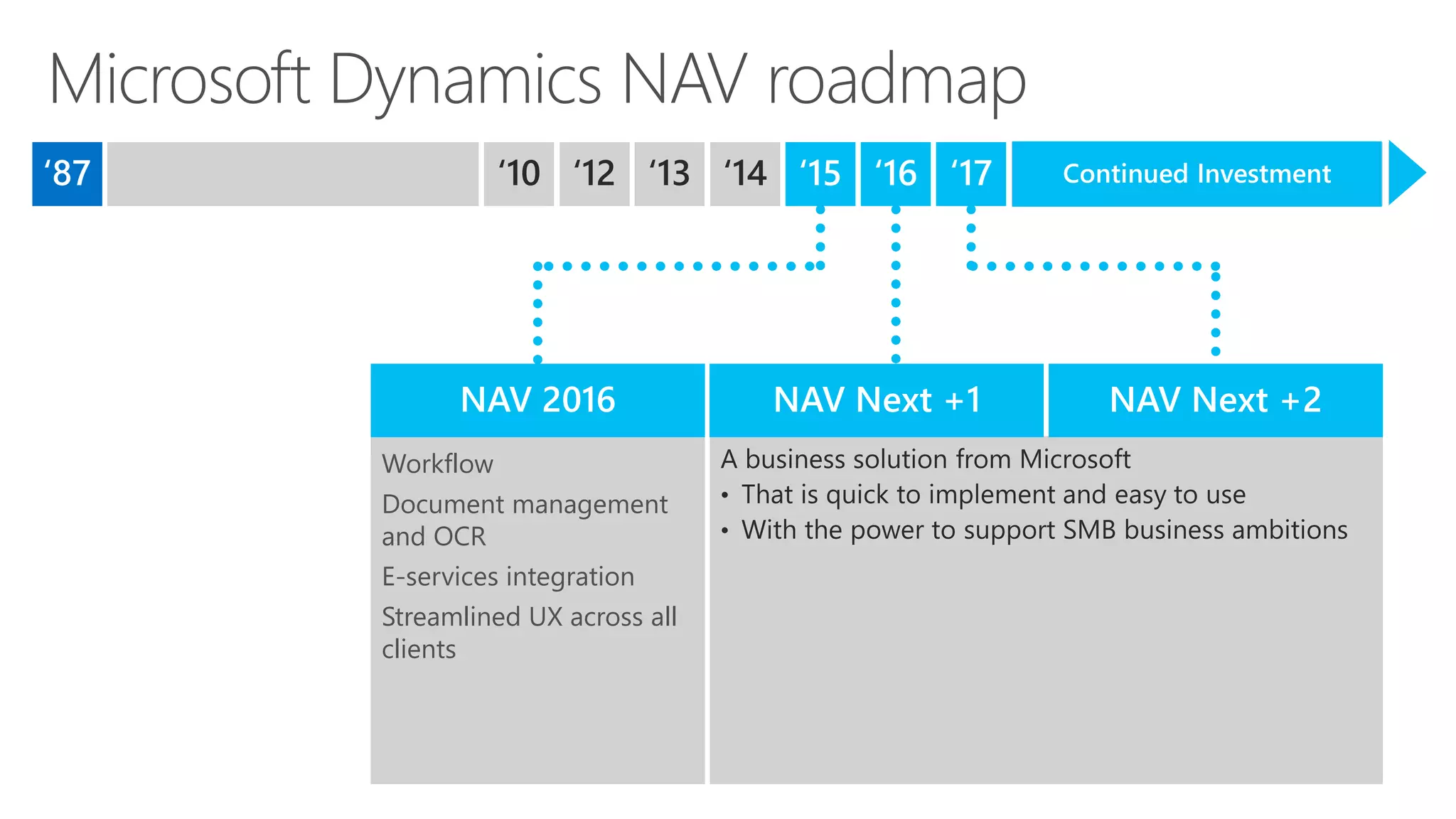
Workflow
Document management
and OCR
E-services integration
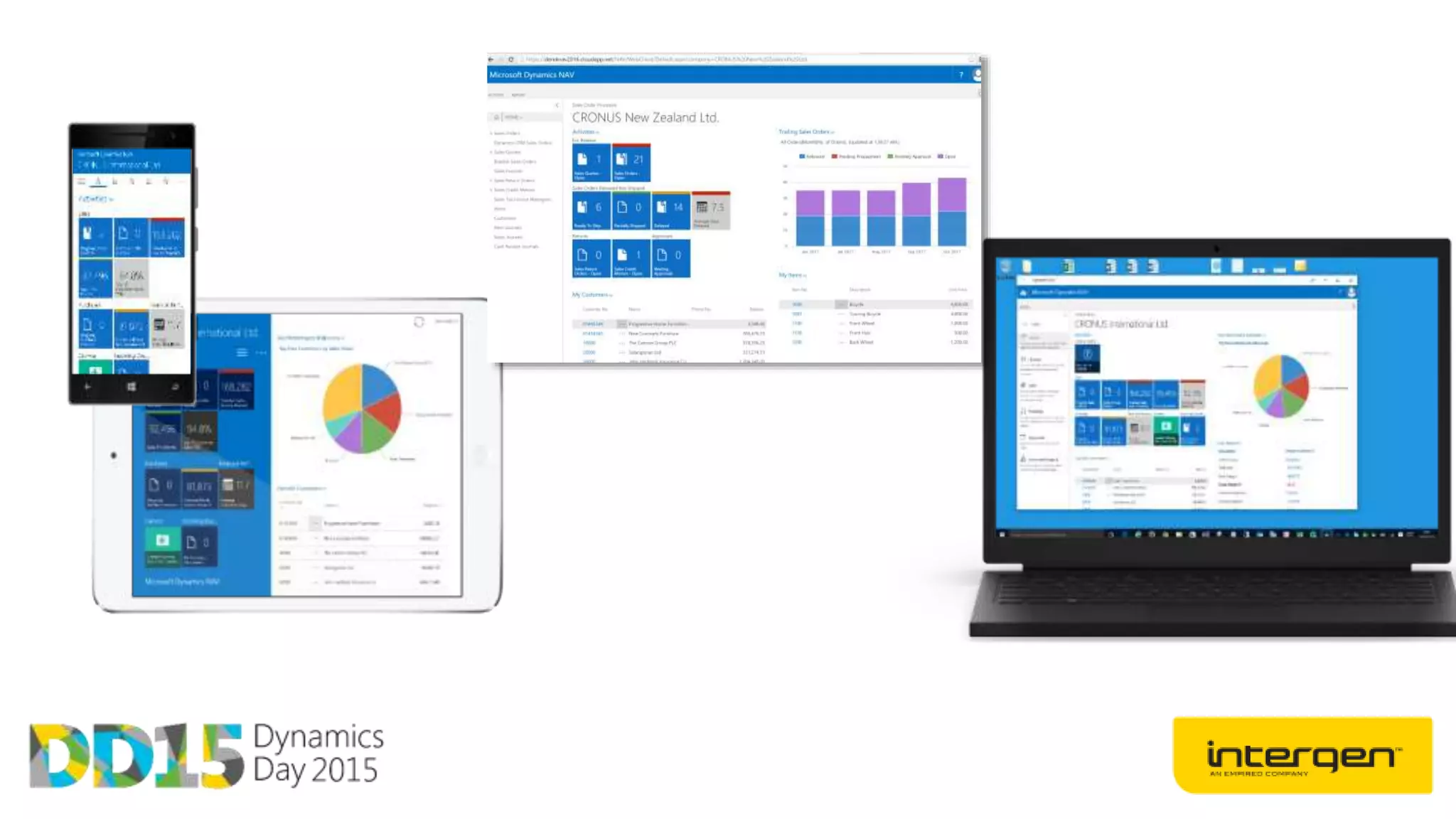
Streamlined UX across all
clients
Continued Investment
Clients
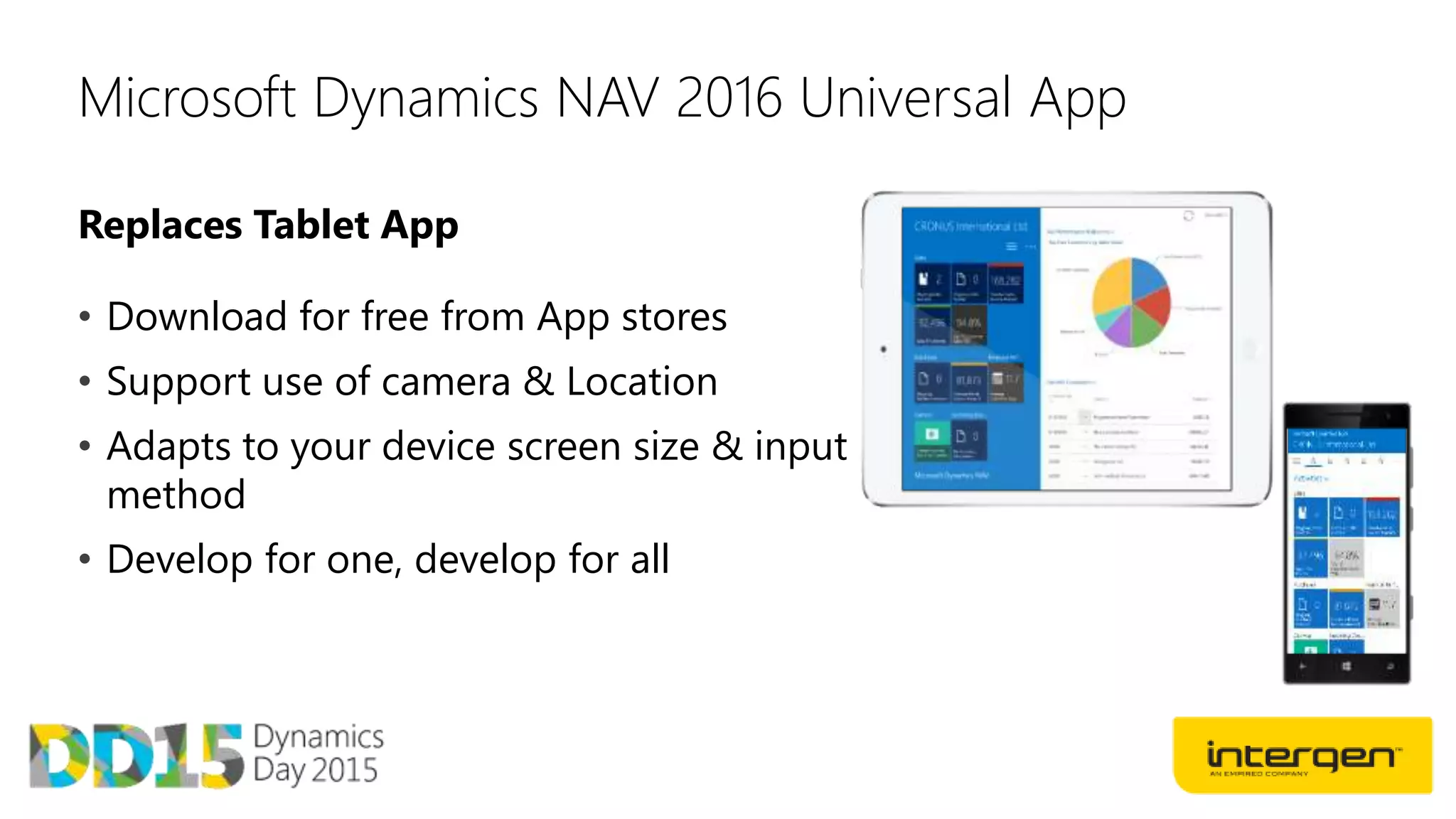
Replaces Tablet App
Microsoft Dynamics NAV 2016 Universal App
• Download for free from App stores
• Support use of camera & Location
• Adapts to your device screen size & input
method
• Develop for one, develop for all
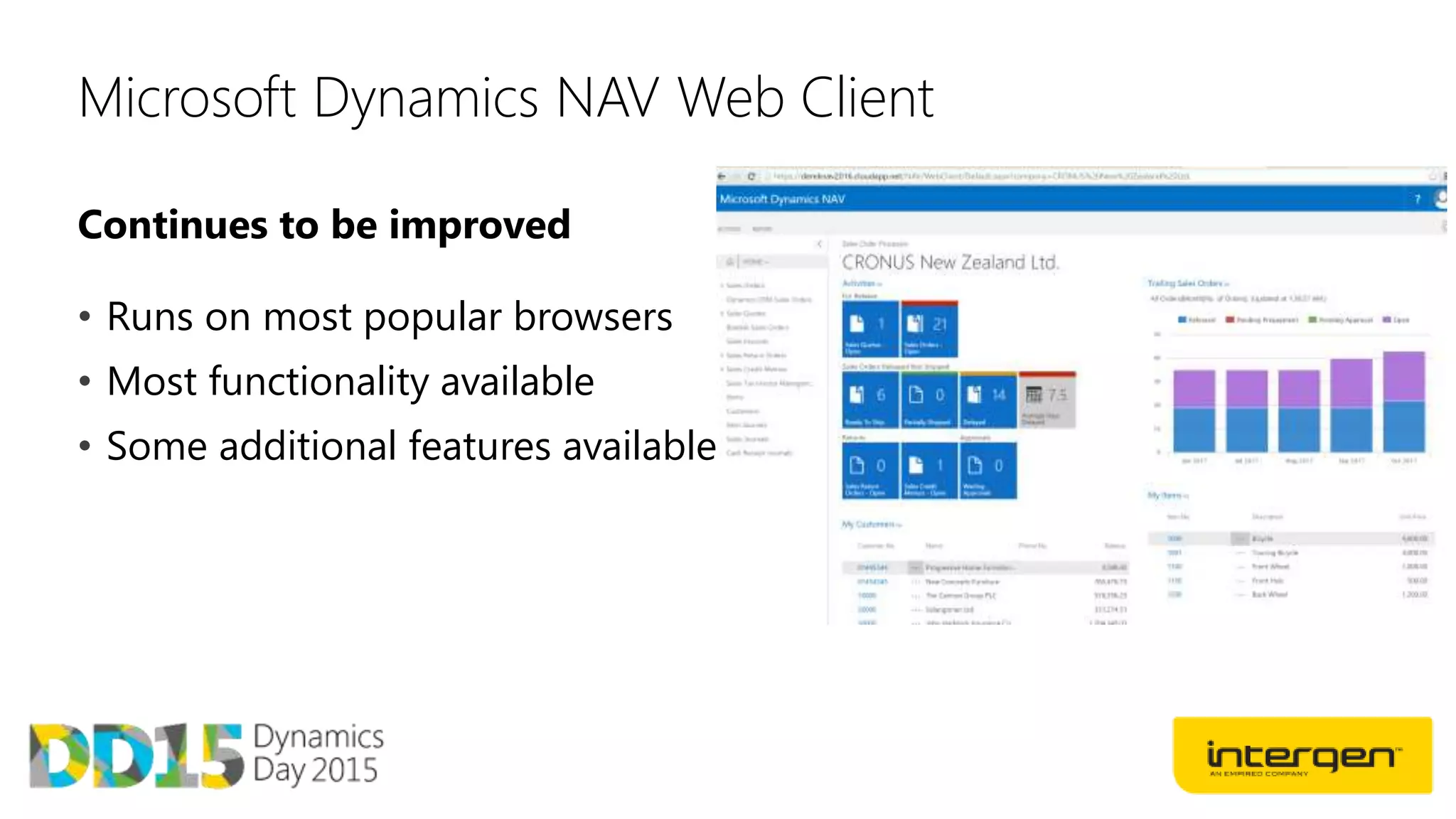
Continues to be improved
Microsoft Dynamics NAV Web Client
• Runs on most popular browsers
• Most functionality available
• Some additional features available
Word Forms and email
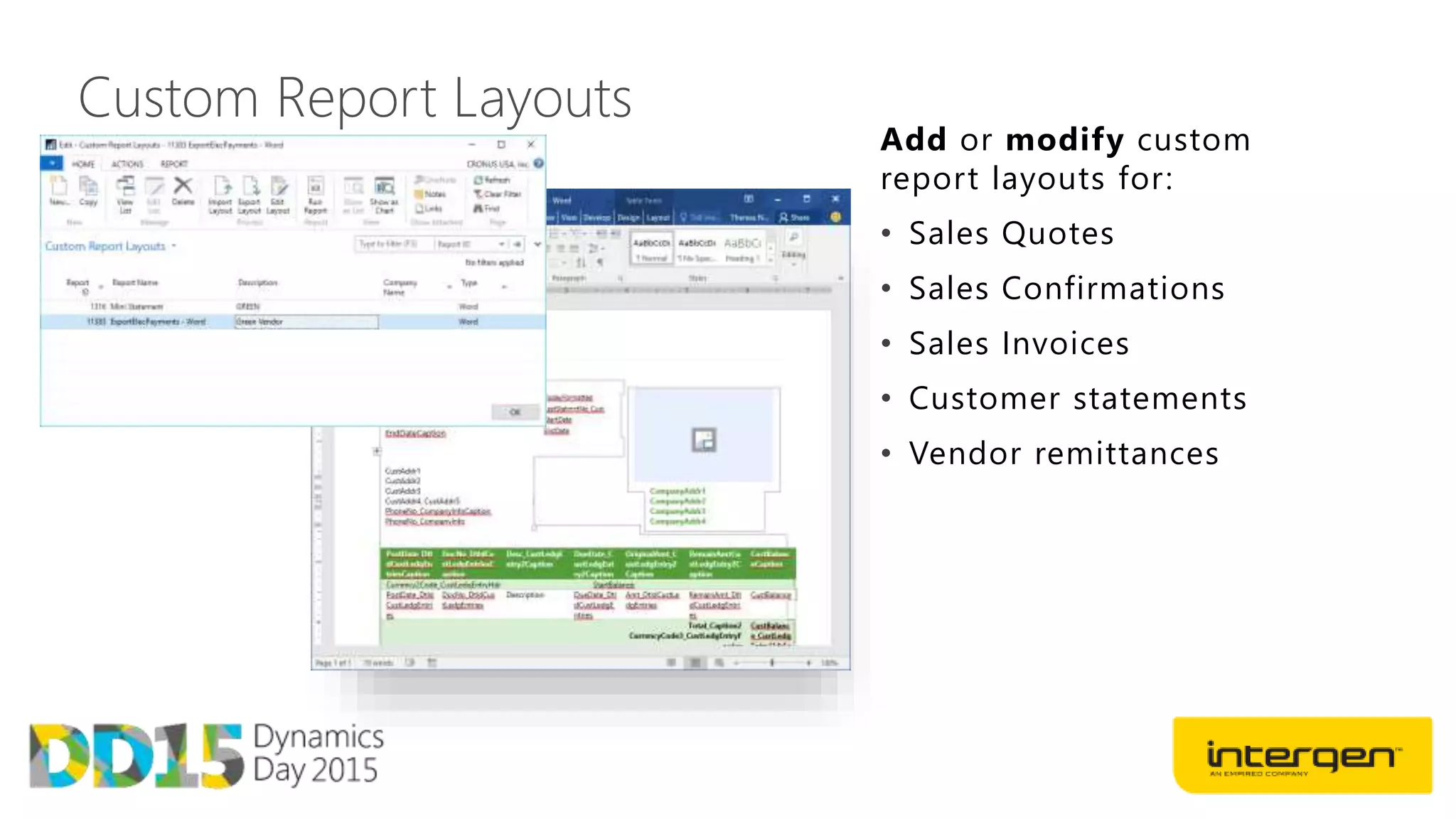
Custom Report Layouts
Add or modify custom
report layouts for:
• Sales Quotes
• Sales Confirmations
• Sales Invoices
• Customer statements
• Vendor remittances
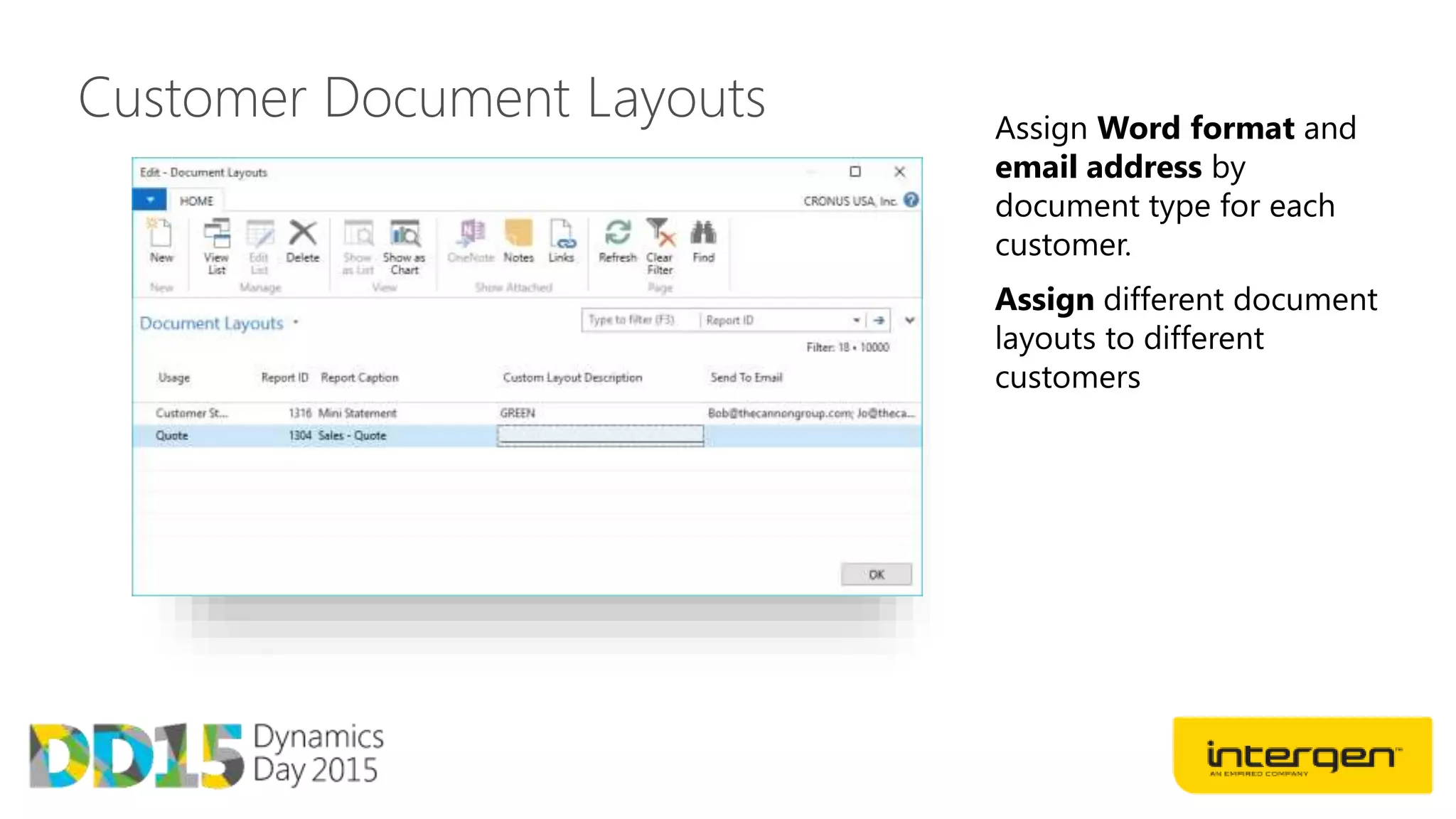
Customer Document Layouts Assign Word format and
email address by
document type for each
customer.
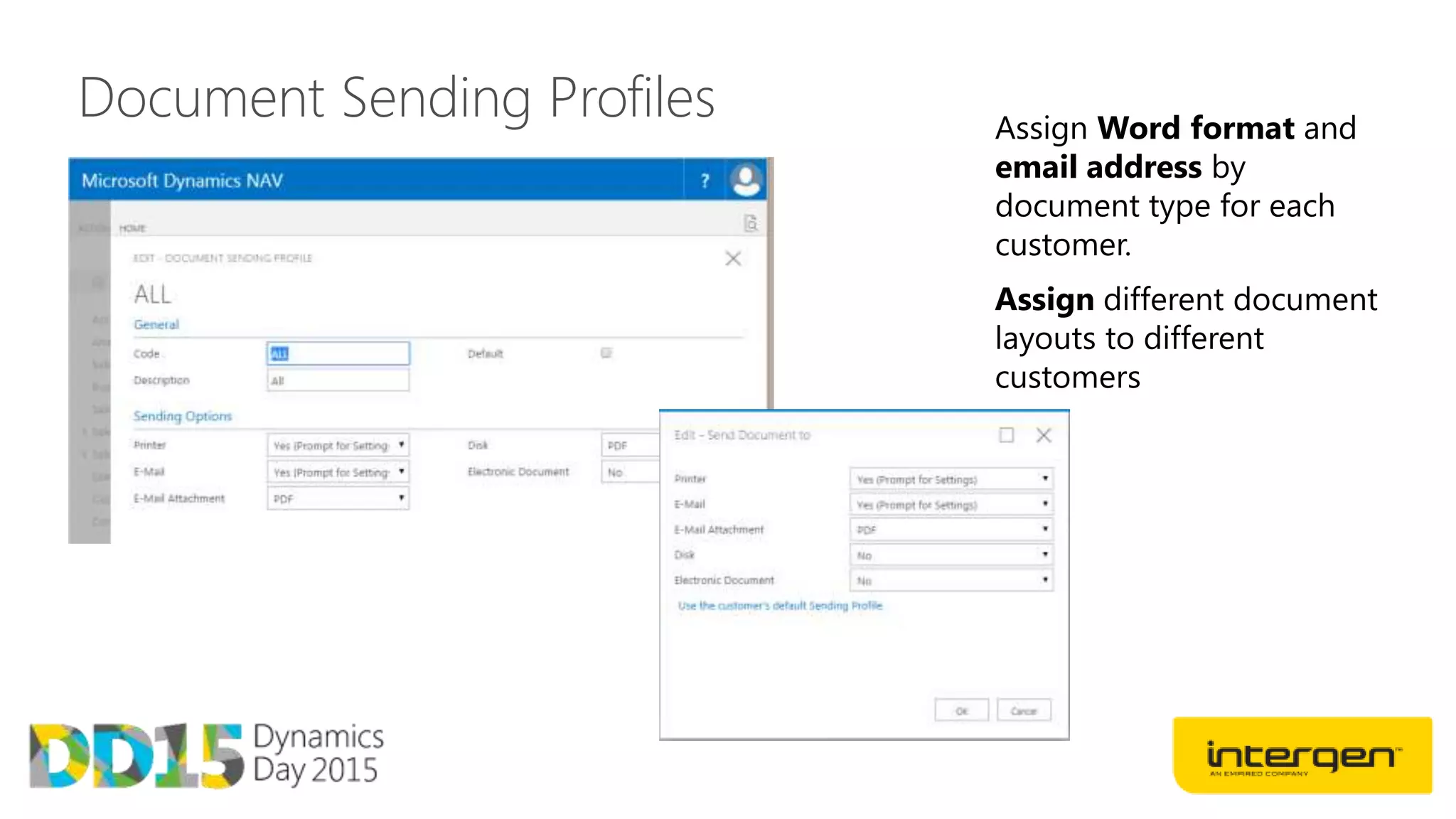
Document Sending Profiles Assign Word format and
email address by
document type for each
customer.
CRM Integration
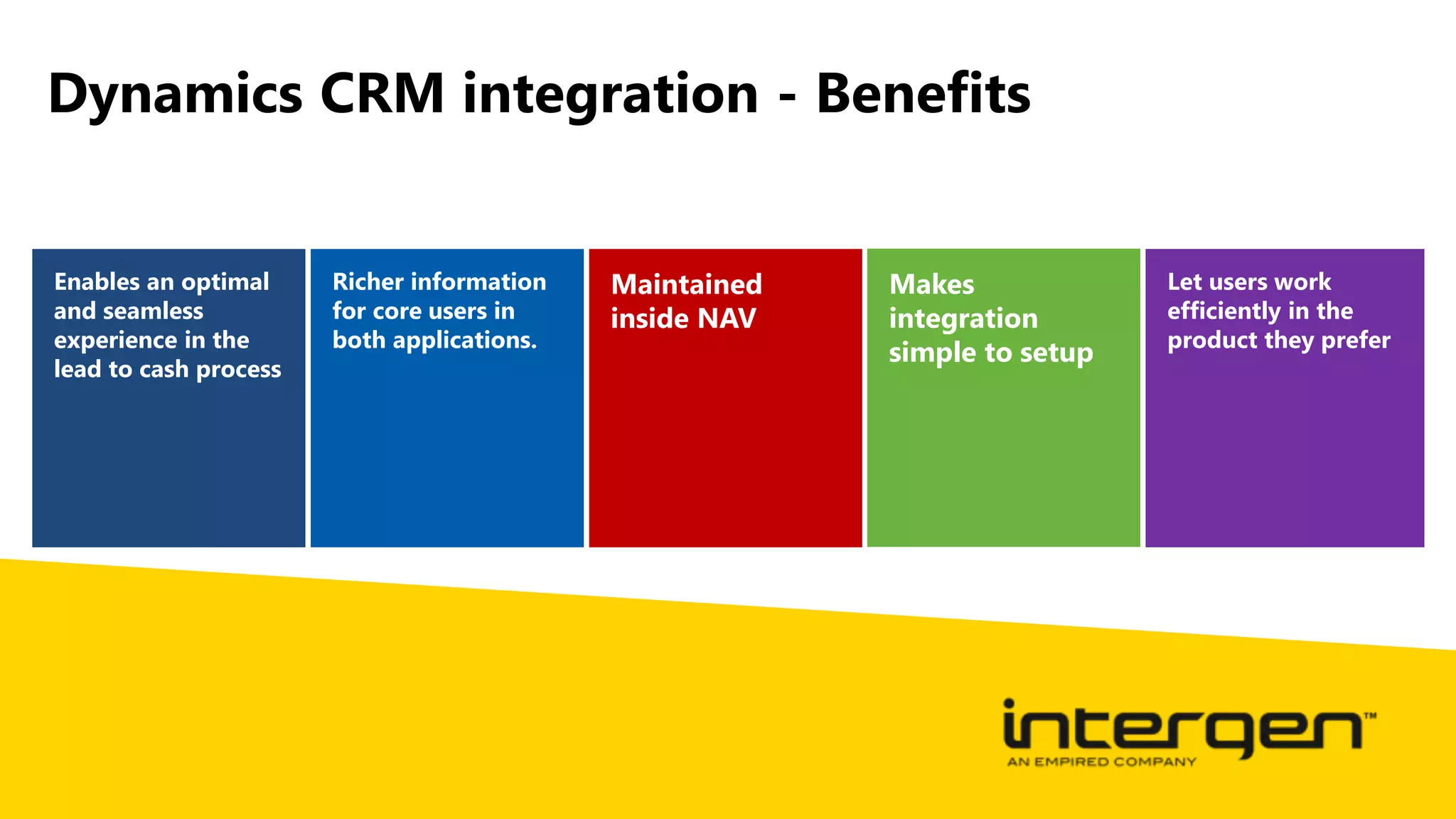
Dynamics CRM integration - Benefits
Enables an optimal
and seamless
experience in the
lead to cash process
Richer information
for core users in
both applications.
Maintained
inside NAV
Makes
integration
simple to setup
Let users work
efficiently in the
product they prefer
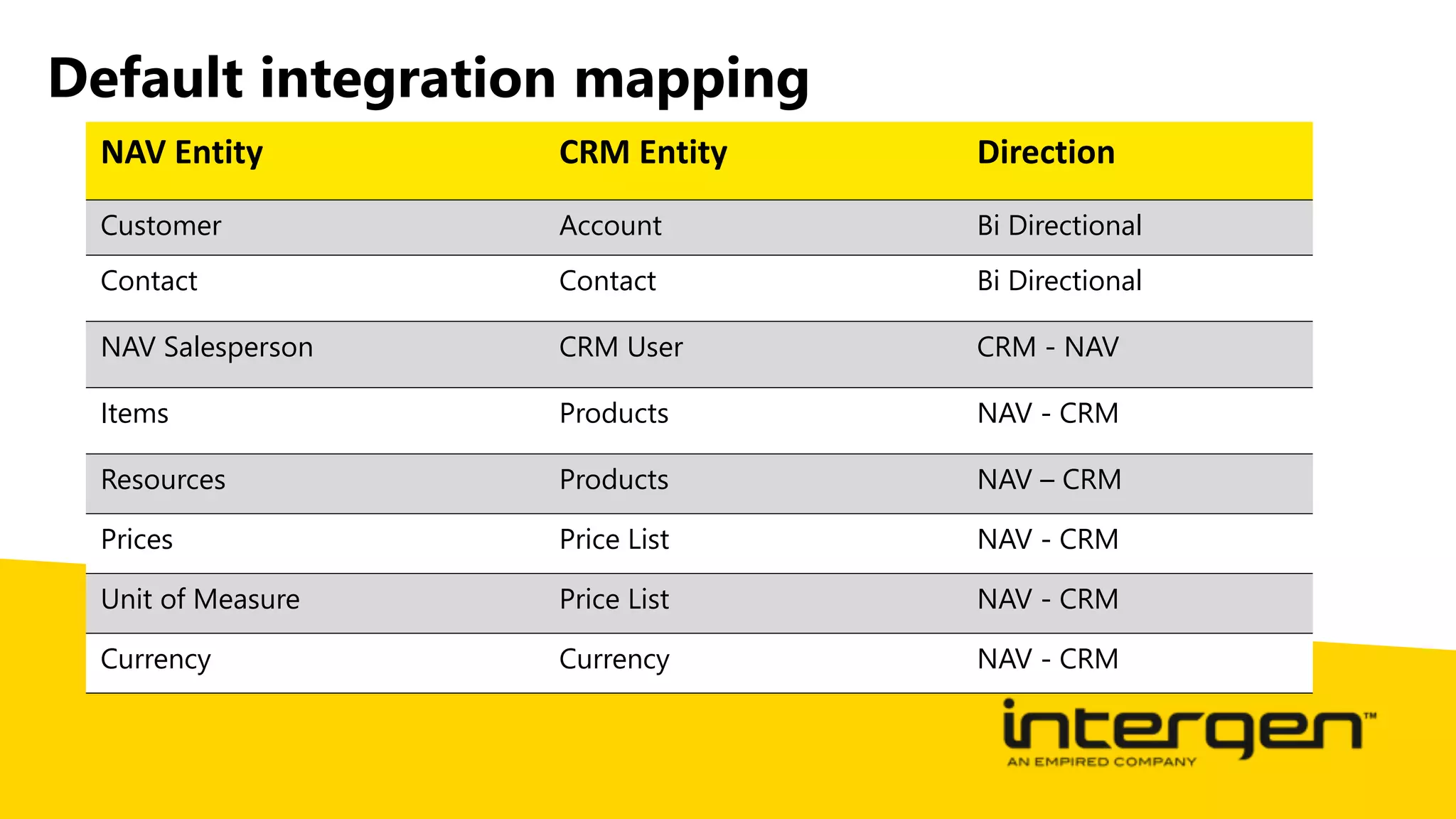
Default integration mapping
NAV Entity CRM Entity Direction
Customer Account Bi Directional
Contact Contact Bi Directional
NAV Salesperson CRM User CRM - NAV
Items Products NAV - CRM
Resources Products NAV – CRM
Prices Price List NAV - CRM
Unit of Measure Price List NAV - CRM
Currency Currency NAV - CRM
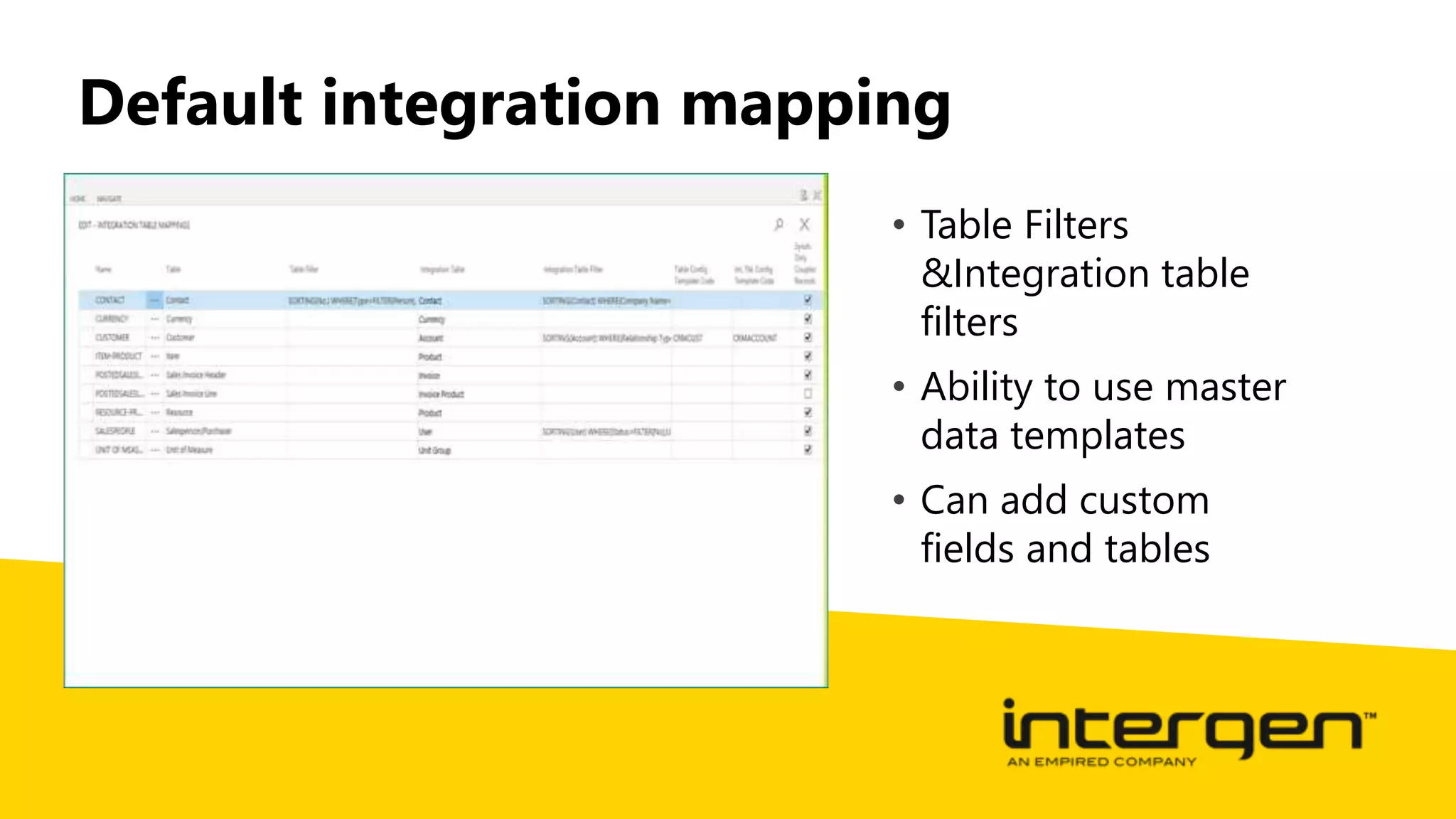
Default integration mapping
• Table Filters
&Integration table
filters
• Ability to use master
data templates
• Can add custom
fields and tables
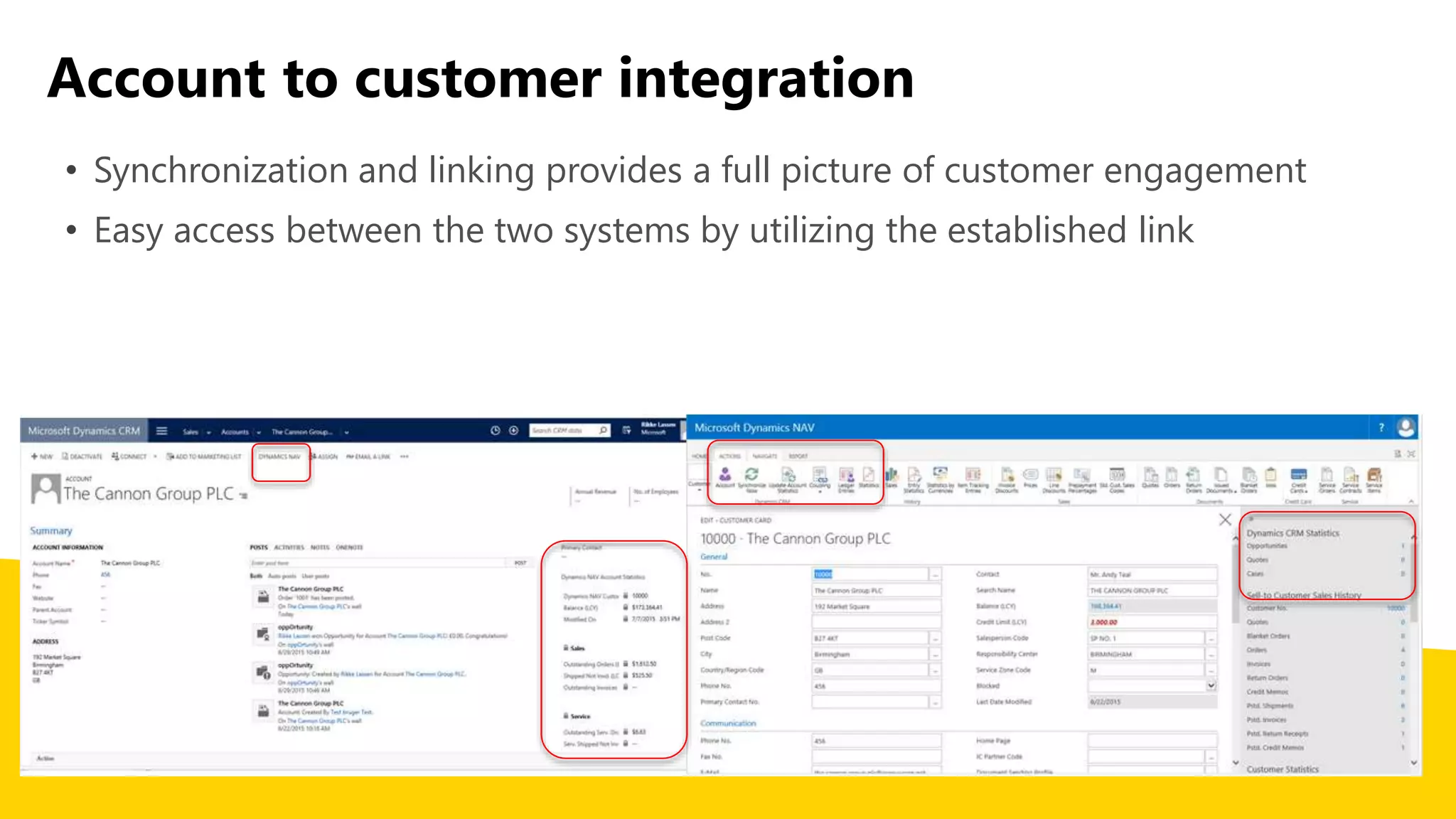
Account to customer integration
• Synchronization and linking provides a full picture of customer engagement
• Easy access between the two systems by utilizing the established link
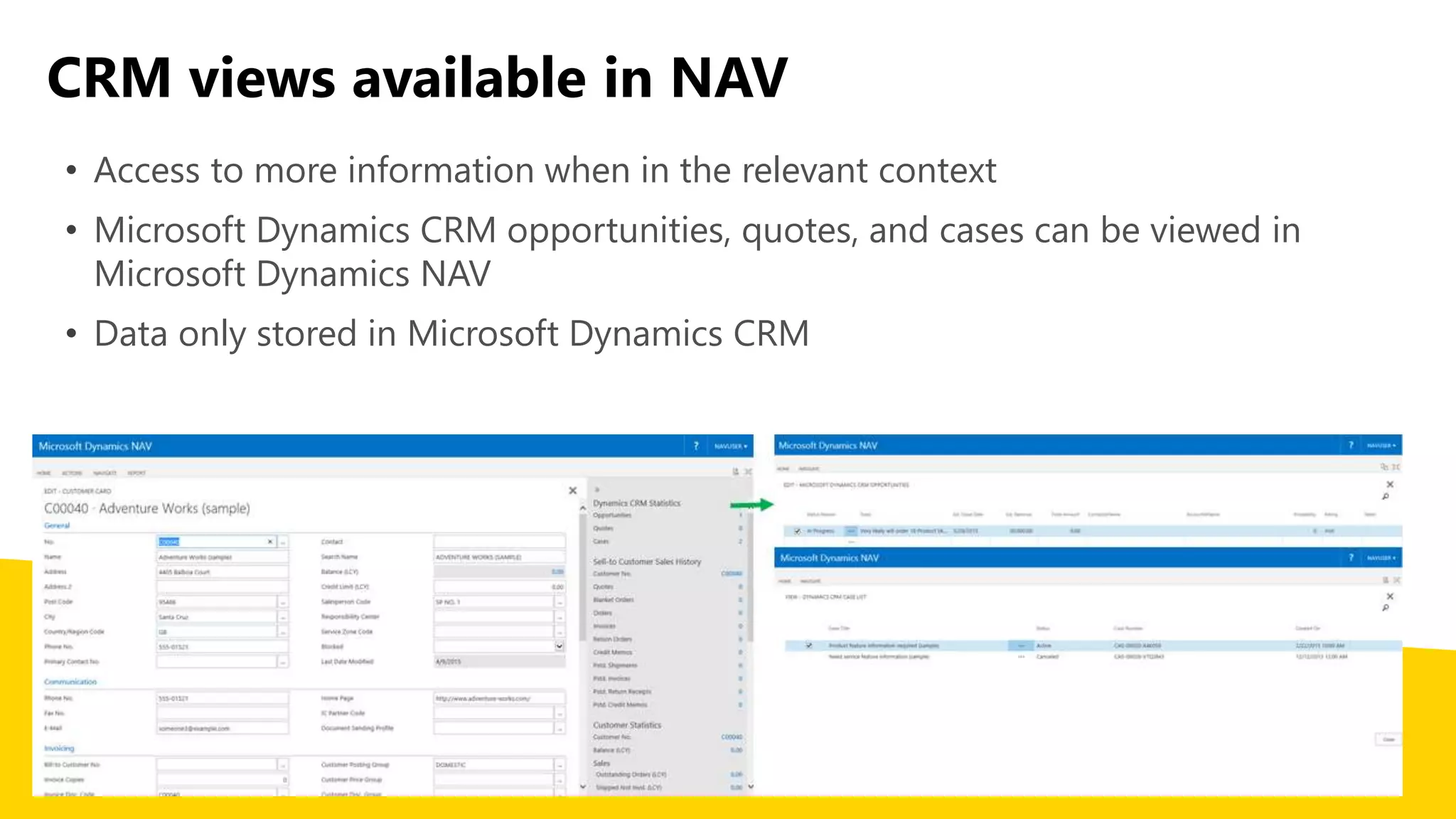
CRM views available in NAV
• Access to more information when in the relevant context
• Microsoft Dynamics CRM opportunities, quotes, and cases can be viewed in
Microsoft Dynamics NAV
• Data only stored in Microsoft Dynamics CRM
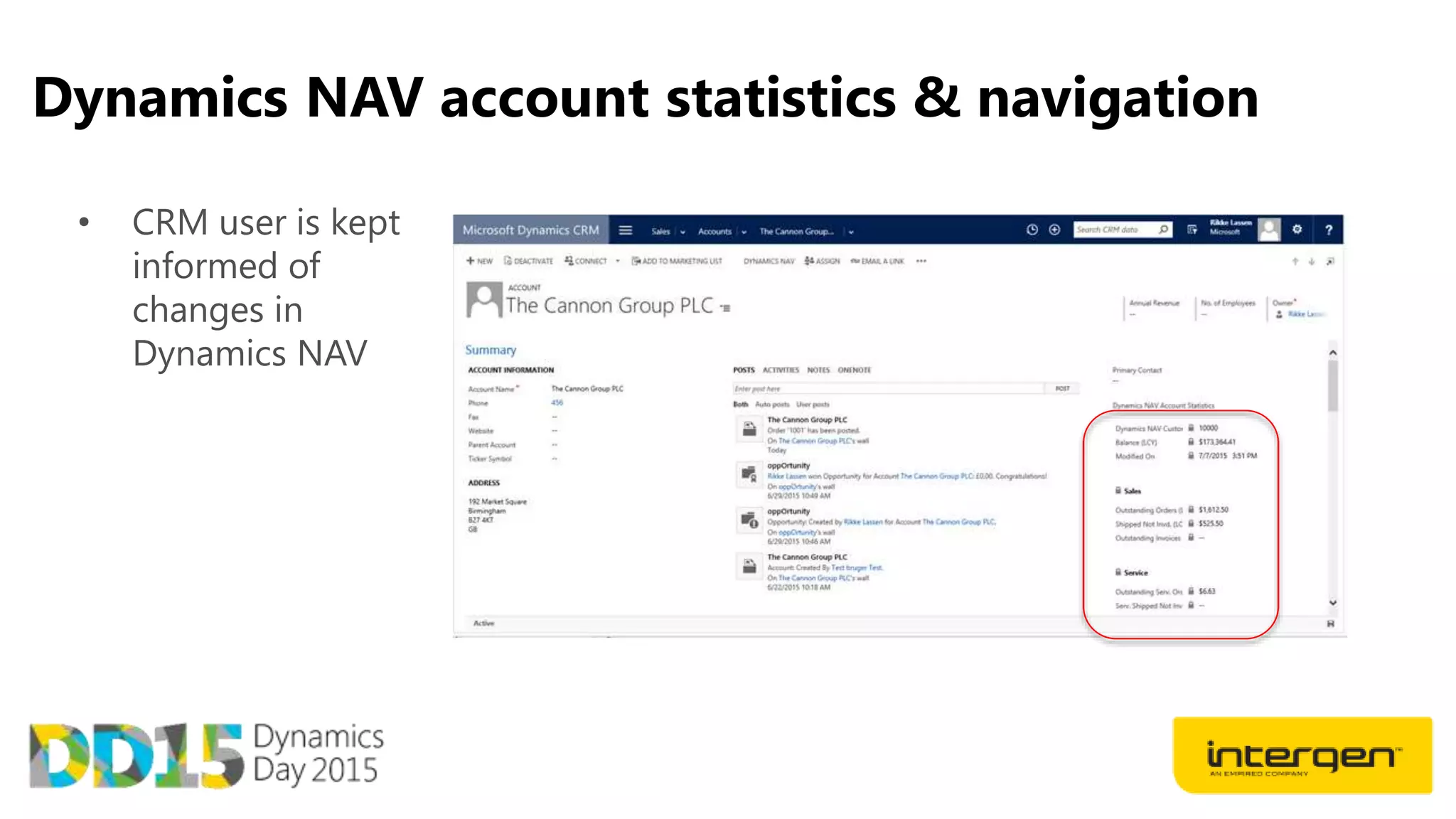
Dynamics NAV account statistics & navigation
• CRM user is kept
informed of
changes in
Dynamics NAV
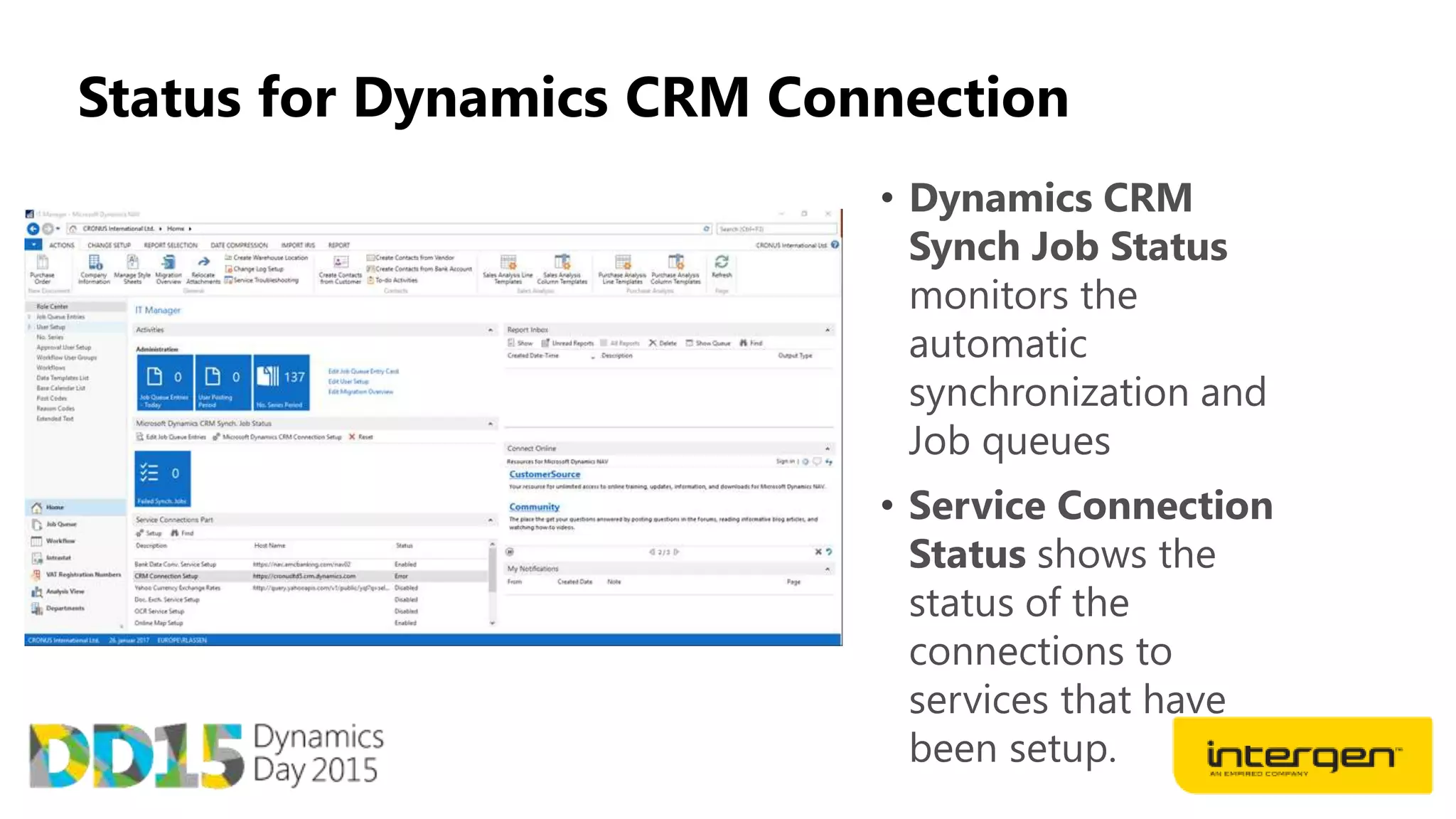
Status for Dynamics CRM Connection
• Dynamics CRM
Synch Job Status
monitors the
automatic
synchronization and
Job queues
• Service Connection
Status shows the
status of the
connections to
services that have
been setup.
Power BI
What is Power BI for Dynamics NAV
Microsoft Power BI is a collection
of online services and features
that enables you to find and
visualize data, share discoveries,
and collaborate in intuitive new
ways
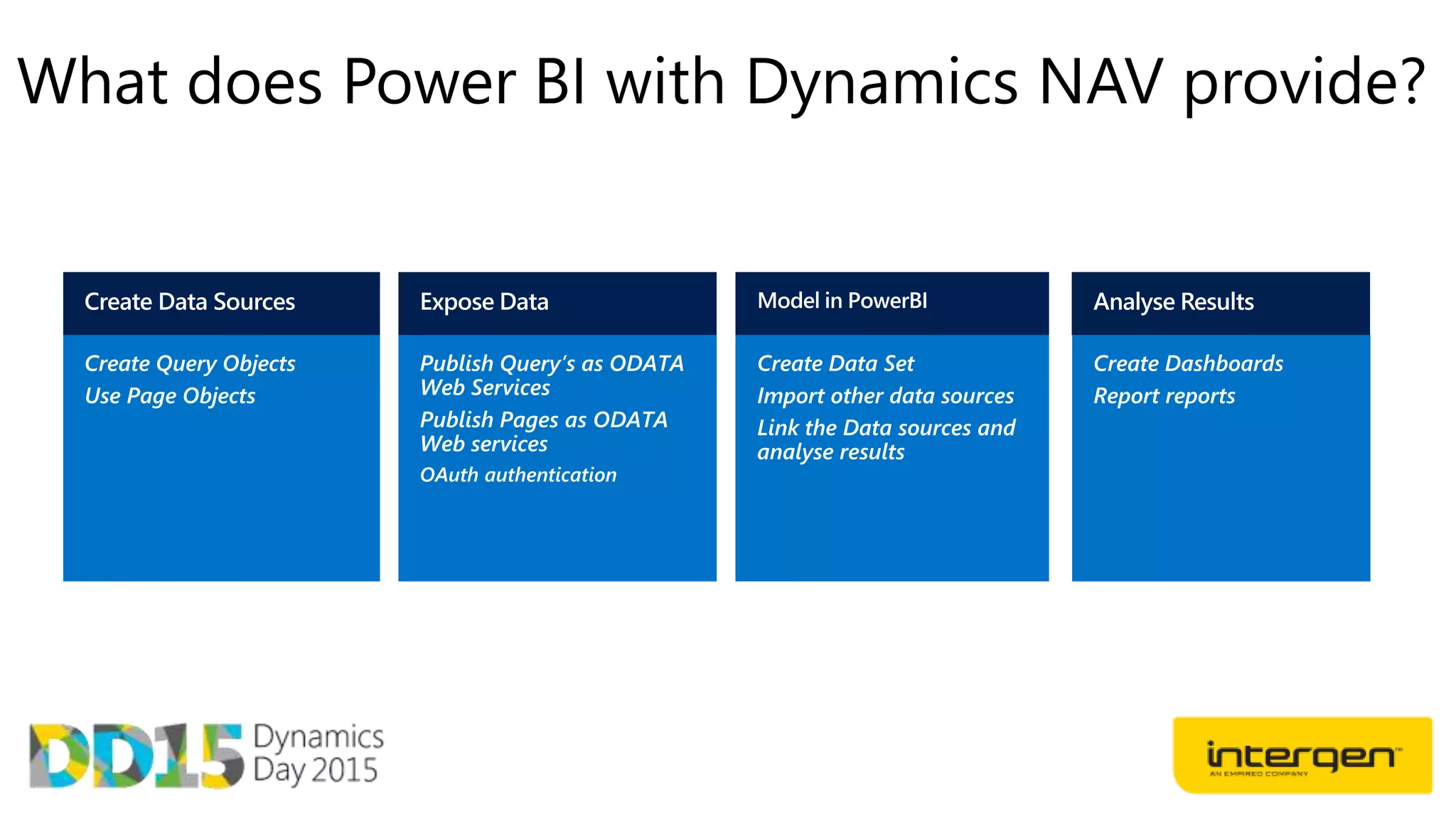
What does Power BI with Dynamics NAV provide?
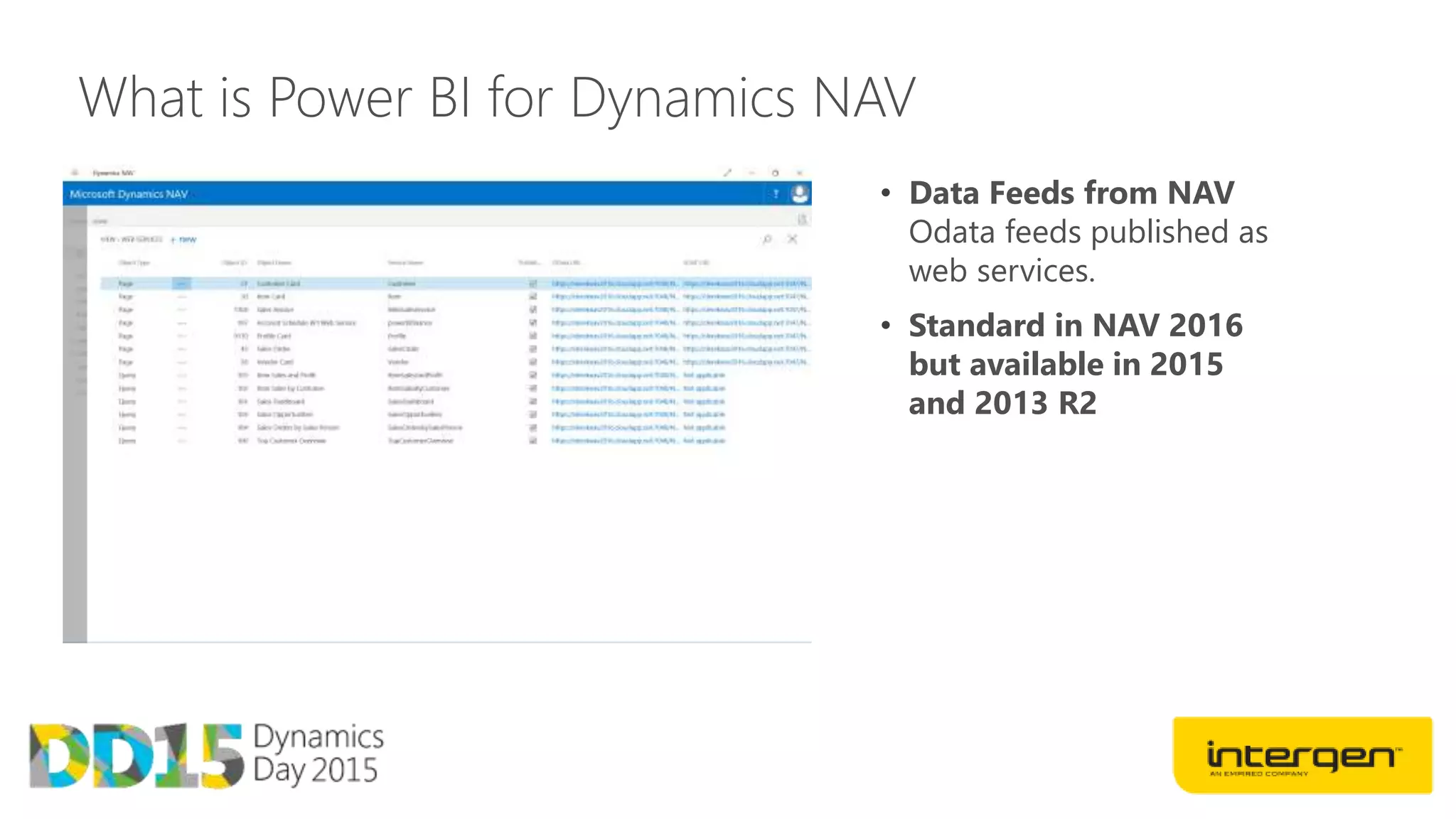
What is Power BI for Dynamics NAV
• Data Feeds from NAV
Odata feeds published as
web services.
• Standard in NAV 2016
but available in 2015
and 2013 R2
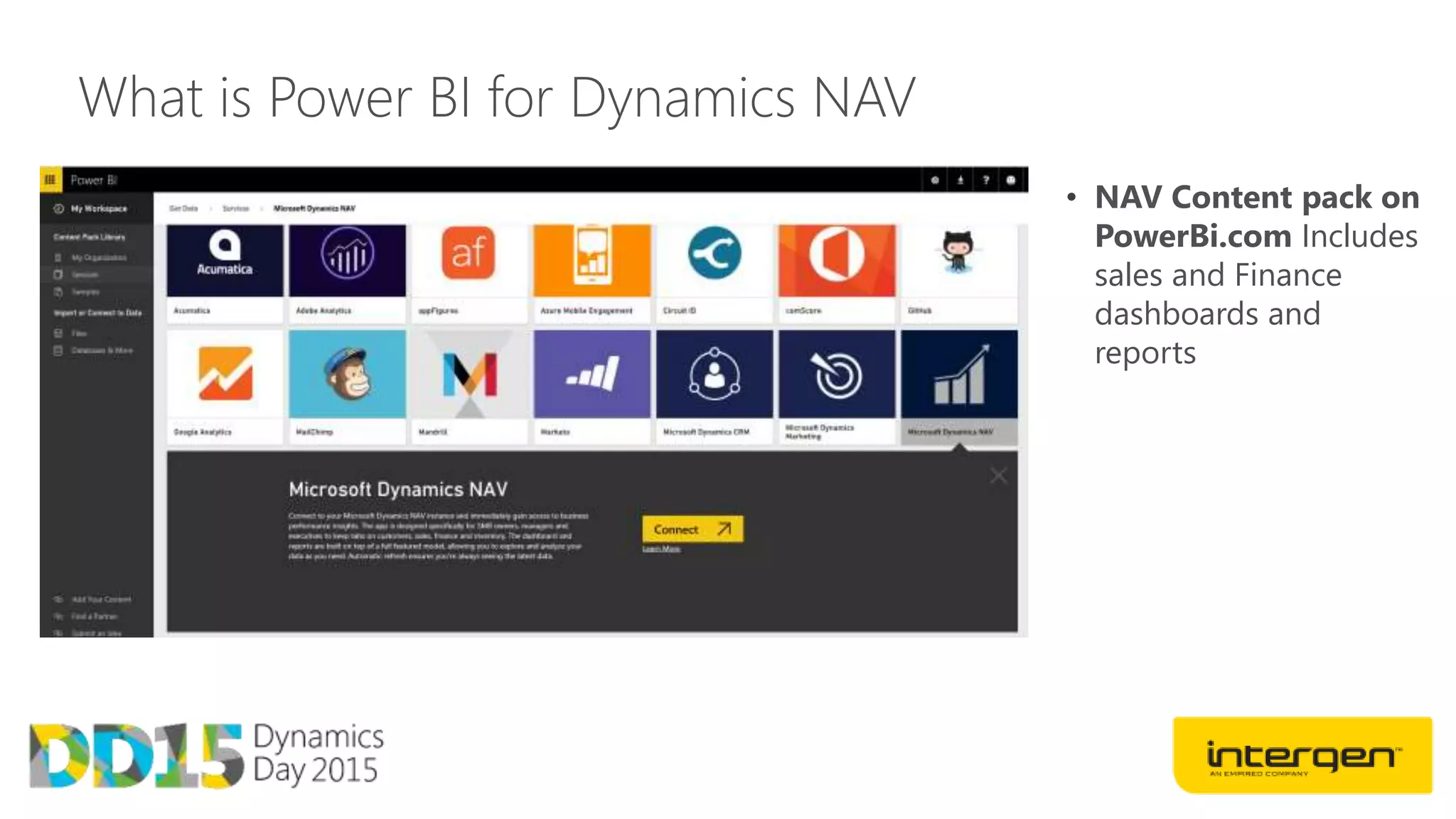
What is Power BI for Dynamics NAV
• NAV Content pack on
PowerBi.com Includes
sales and Finance
dashboards and
reports
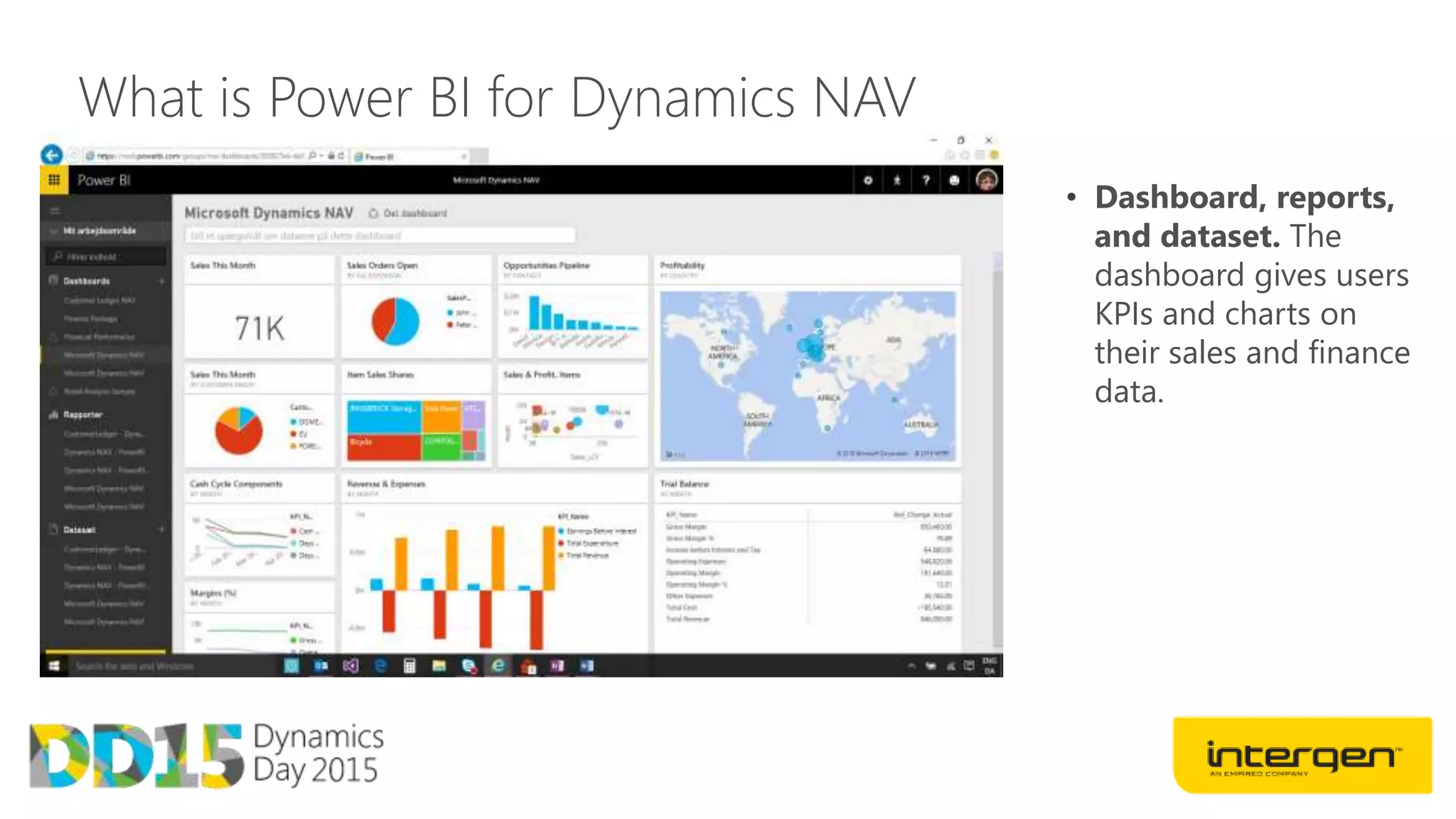
What is Power BI for Dynamics NAV
• Dashboard, reports,
and dataset. The
dashboard gives users
KPIs and charts on
their sales and finance
data.
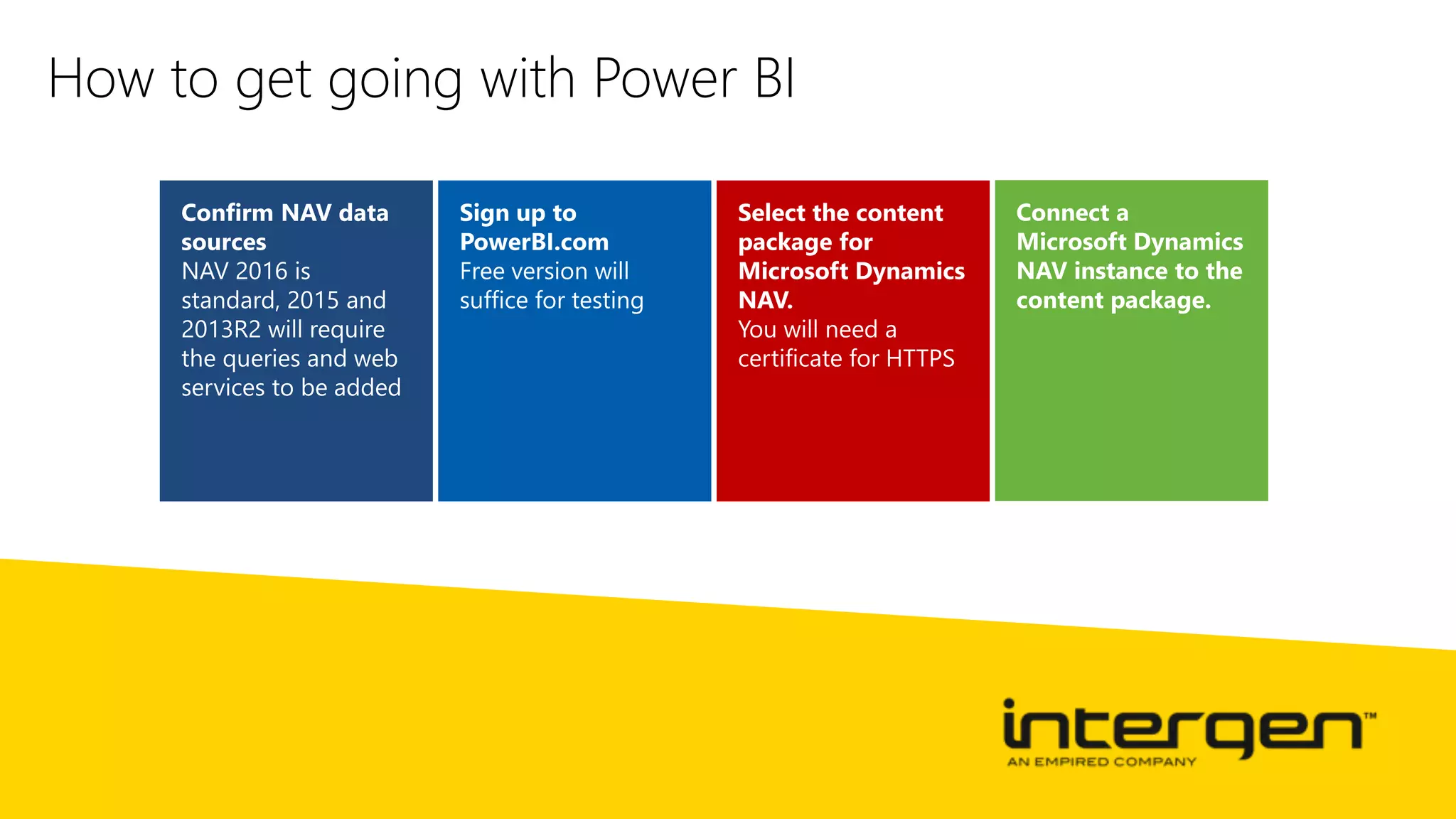
How to get going with Power BI
Workflow
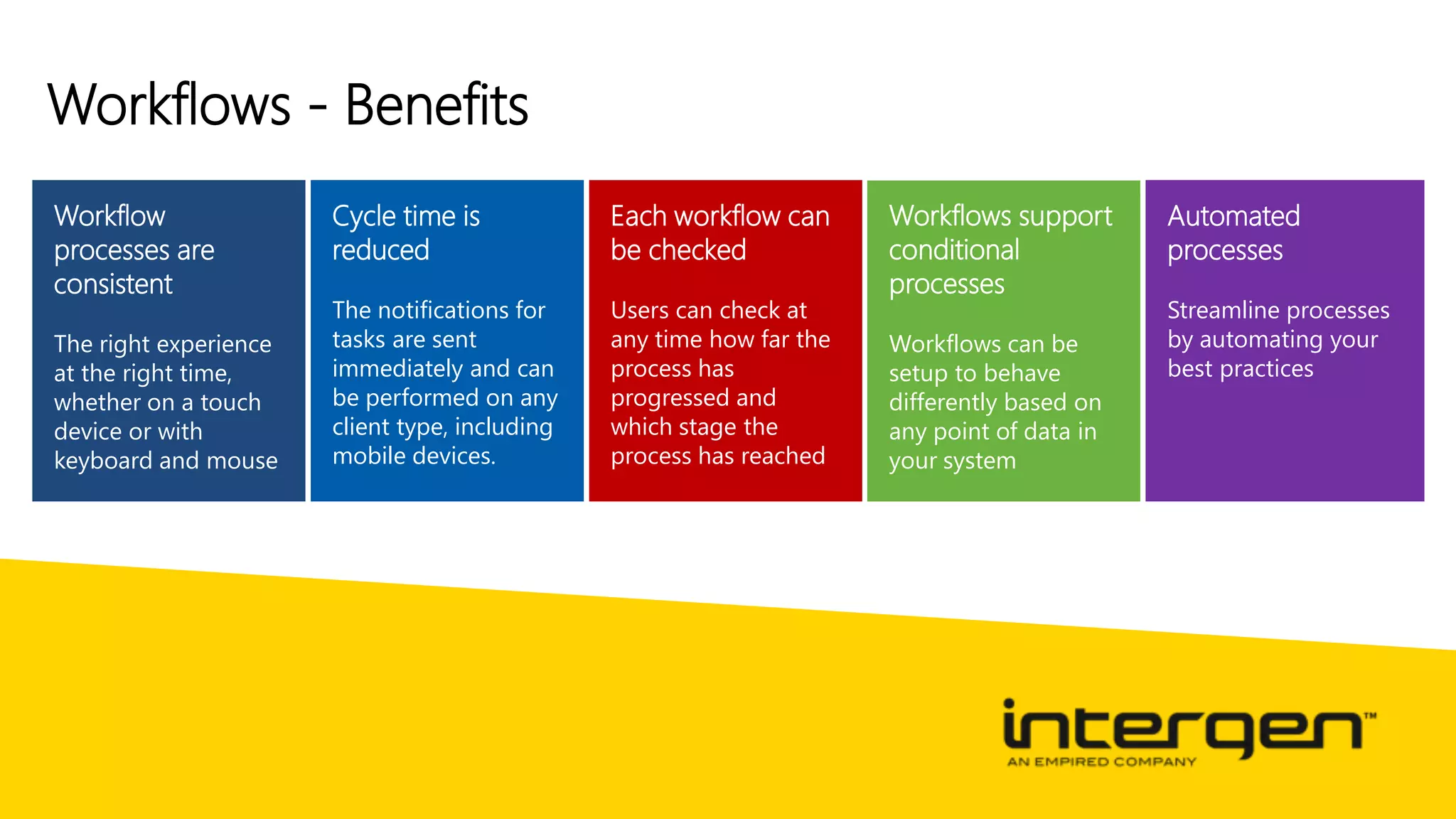
Workflows - Benefits
Workflow
processes are
consistent
Cycle time is
reduced
The notifications for
tasks are sent
immediately and can
be performed on any
client type, including
mobile devices.
Each workflow can
be checked
Users can check at
any time how far the
process has
progressed and
which stage the
process has reached
Workflows support
conditional
processes
Workflows can be
setup to behave
differently based on
any point of data in
your system
Automated
processes
Streamline processes
by automating your
best practices
Dynamics Day 2015
Building blocks of Workflow
Approval – a work task, item, or document
remain in a blocked or unapproved state until
approved by a suitable person in your
organization
Notification – notifications tell users that
something has happened and/or that they need to
take some kind of action
Process automation – involves executing a
process routine and making the Microsoft
Dynamics NAV system calculate something or
perform an action
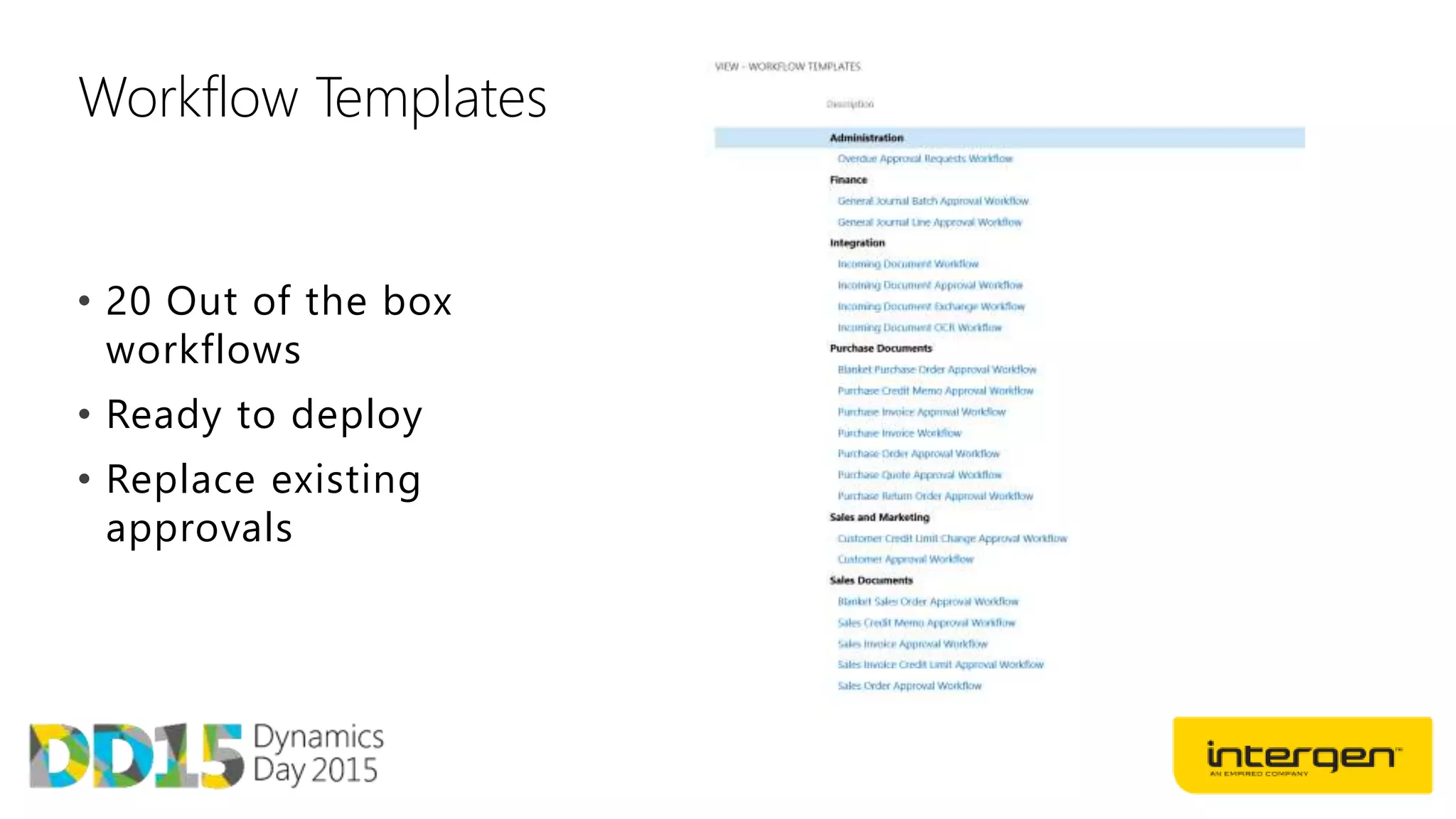
Workflow Templates
• 20 Out of the box
workflows
• Ready to deploy
• Replace existing
approvals
Workflow approval types
Approval Chain– specifies that approval
request entries are created for all the
requester’s approvers
Direct Approver– specifies that an
approval request entry is only created for
the requester’s immediate approver,
regardless of the approver’s approval limit.
First Qualified Approver – specifies
that an approval request entry is only
created for the requester’s first qualified
approver
Workflow User Groups– Flexible
configuration including one of many or
many of many.
Document Management
Document Management - Benefits
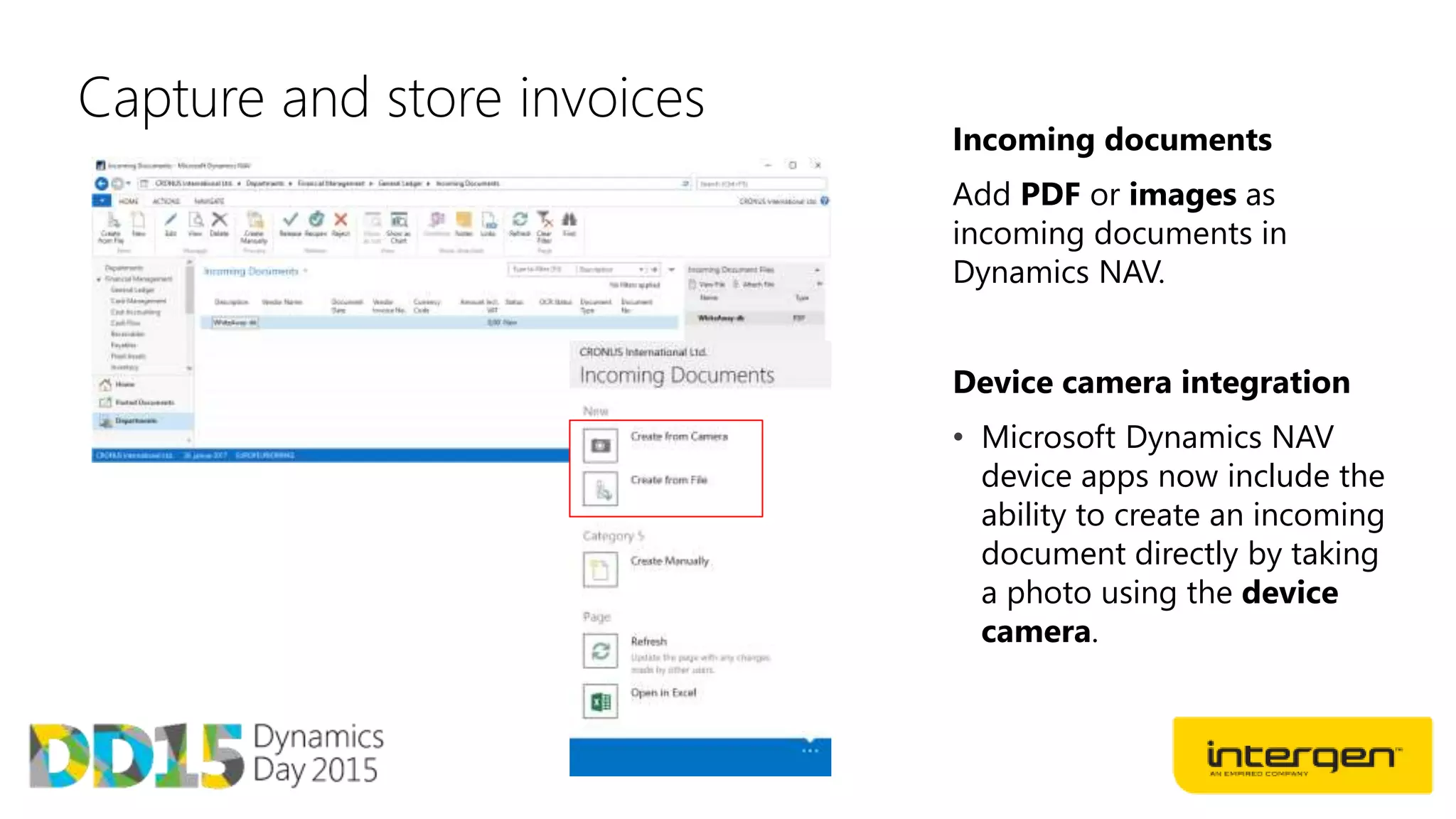
Capture and store invoices
Incoming documents
Add PDF or images as
incoming documents in
Dynamics NAV.
Device camera integration
• Microsoft Dynamics NAV
device apps now include the
ability to create an incoming
document directly by taking
a photo using the device
camera.
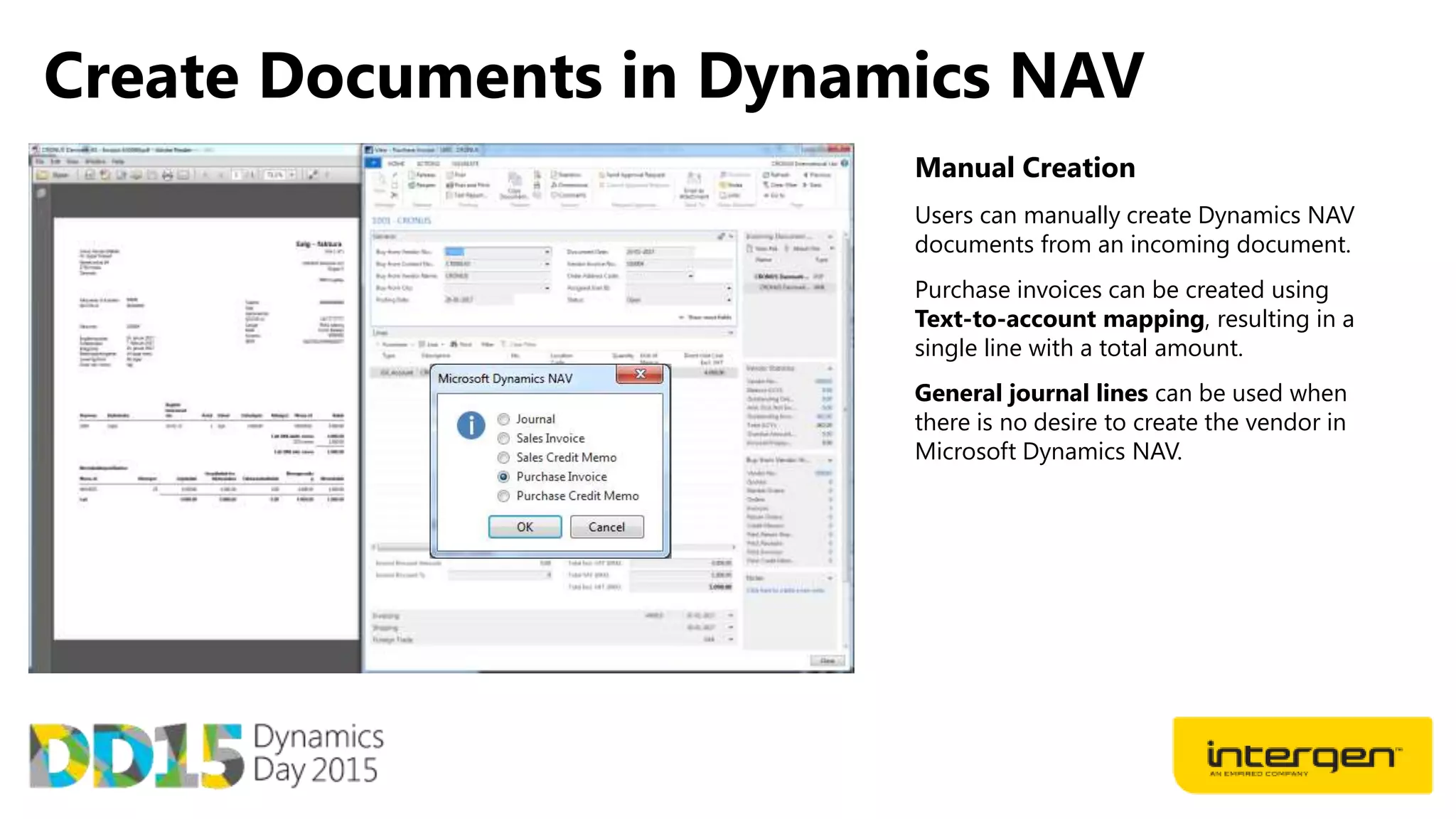
Create Documents in Dynamics NAV
Manual Creation
Users can manually create Dynamics NAV
documents from an incoming document.
Purchase invoices can be created using
Text-to-account mapping, resulting in a
single line with a total amount.
General journal lines can be used when
there is no desire to create the vendor in
Microsoft Dynamics NAV.
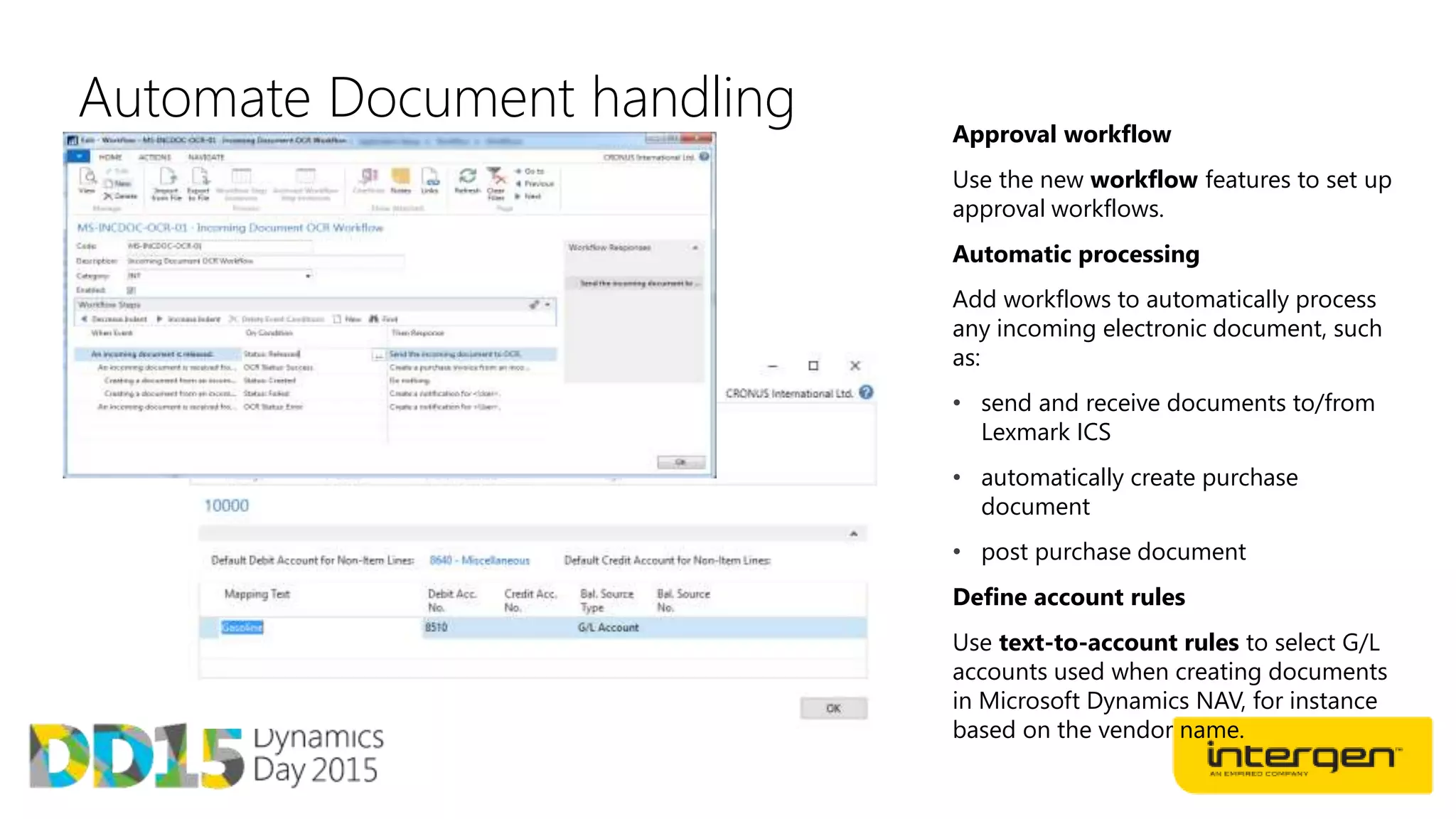
Automate Document handling Approval workflow
Use the new workflow features to set up
approval workflows.
Automatic processing
Add workflows to automatically process
any incoming electronic document, such
as:
• send and receive documents to/from
Lexmark ICS
• automatically create purchase
document
• post purchase document
Define account rules
Use text-to-account rules to select G/L
accounts used when creating documents
in Microsoft Dynamics NAV, for instance
based on the vendor name.
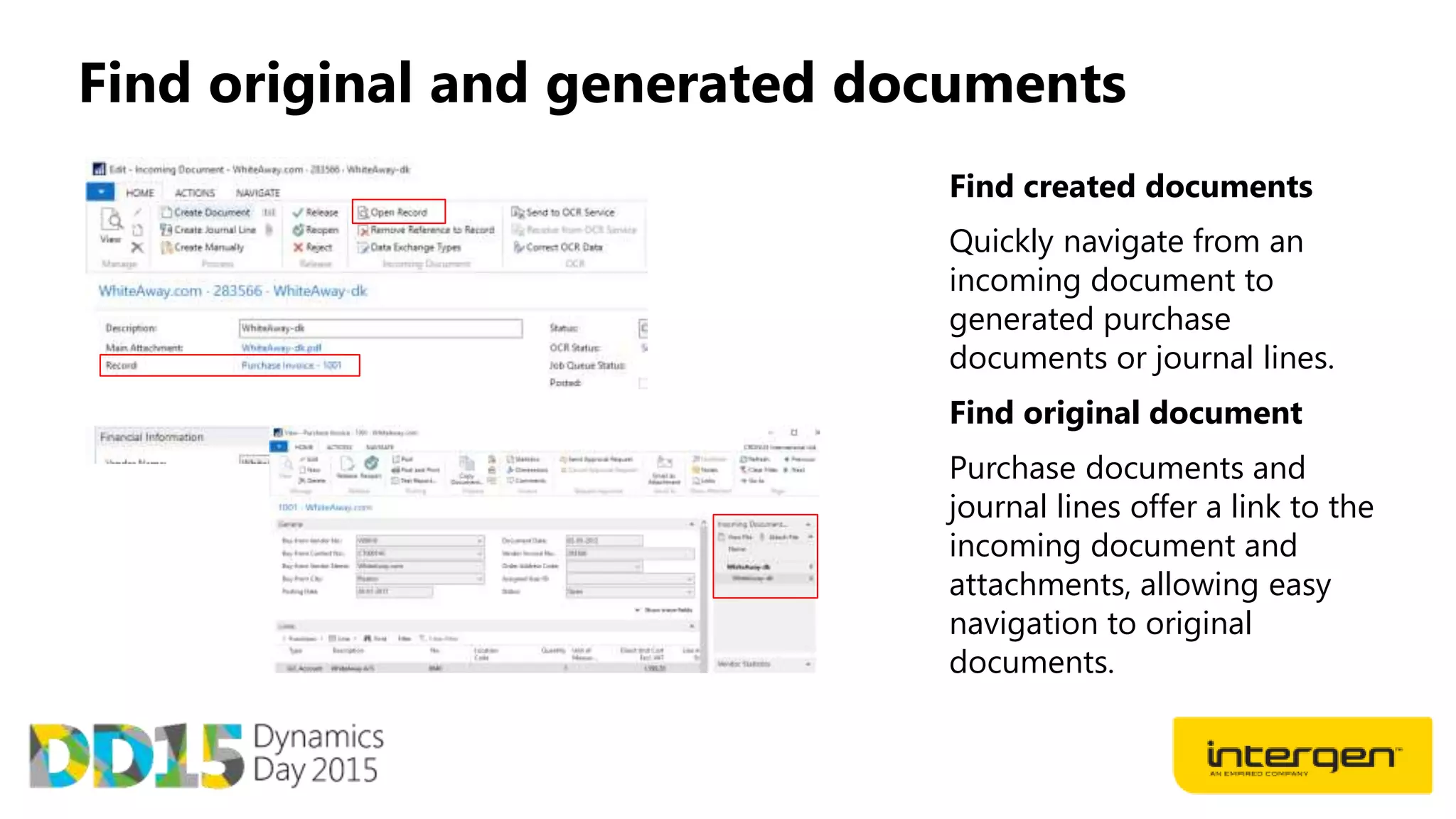
Find original and generated documents
Find created documents
Quickly navigate from an
incoming document to
generated purchase
documents or journal lines.
Find original document
Purchase documents and
journal lines offer a link to the
incoming document and
attachments, allowing easy
navigation to original
documents.
Data Extraction
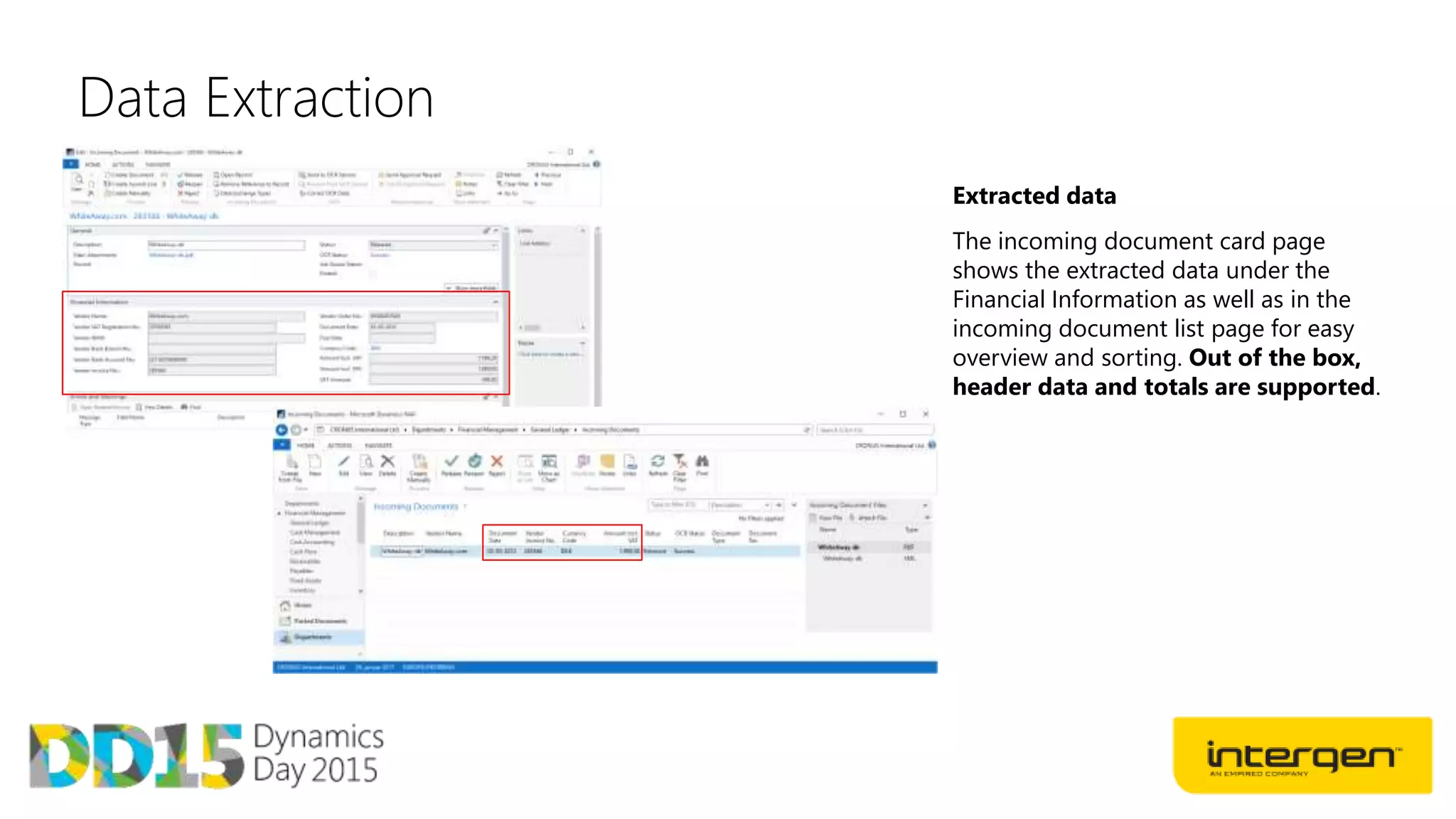
Extracted data
The incoming document card page
shows the extracted data under the
Financial Information as well as in the
incoming document list page for easy
overview and sorting. Out of the box,
header data and totals are supported.
Data Extraction
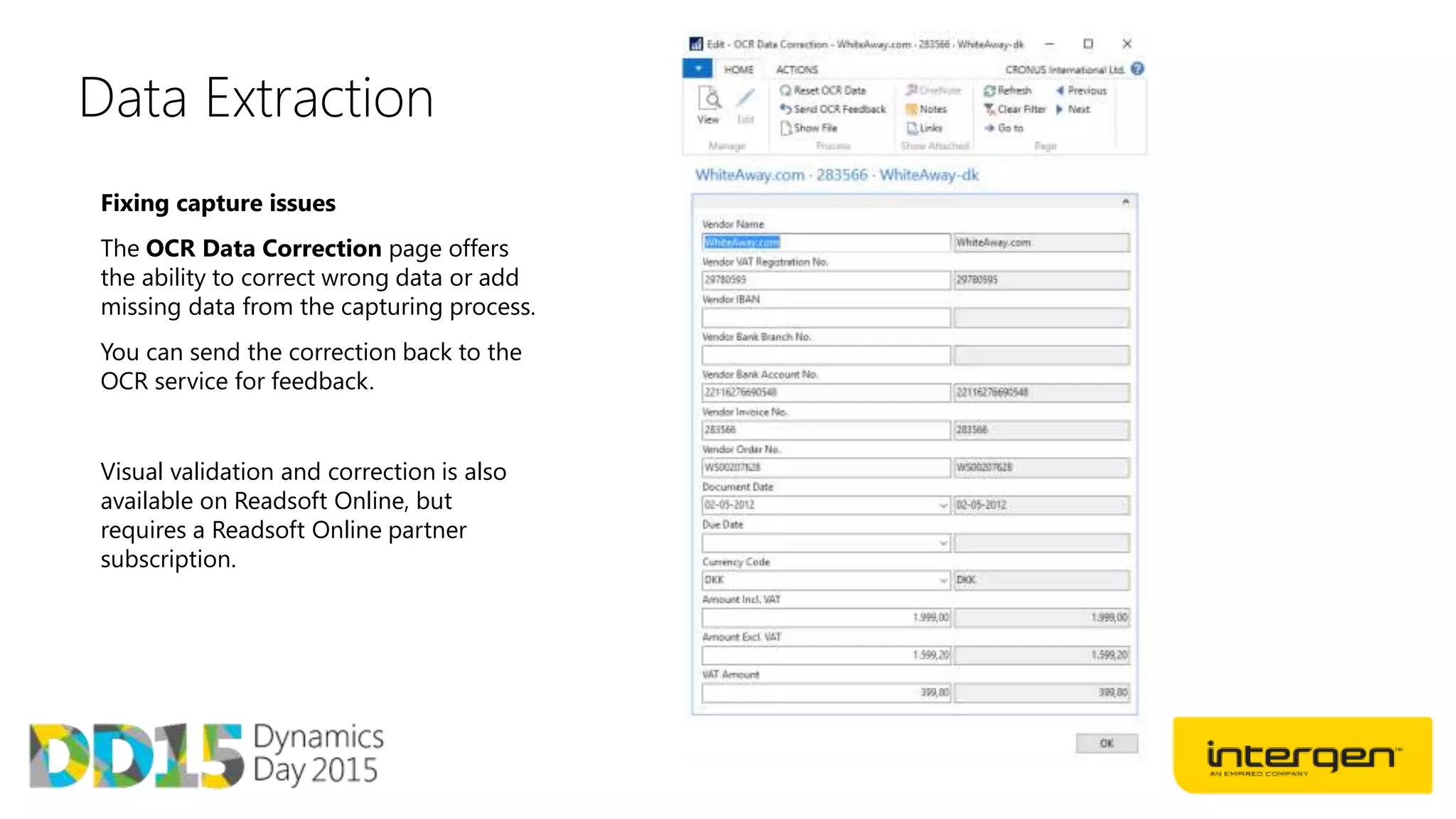
Fixing capture issues
The OCR Data Correction page offers
the ability to correct wrong data or add
missing data from the capturing process.
You can send the correction back to the
OCR service for feedback.
Visual validation and correction is also
available on Readsoft Online, but
requires a Readsoft Online partner
subscription.
Creating documents using captured data
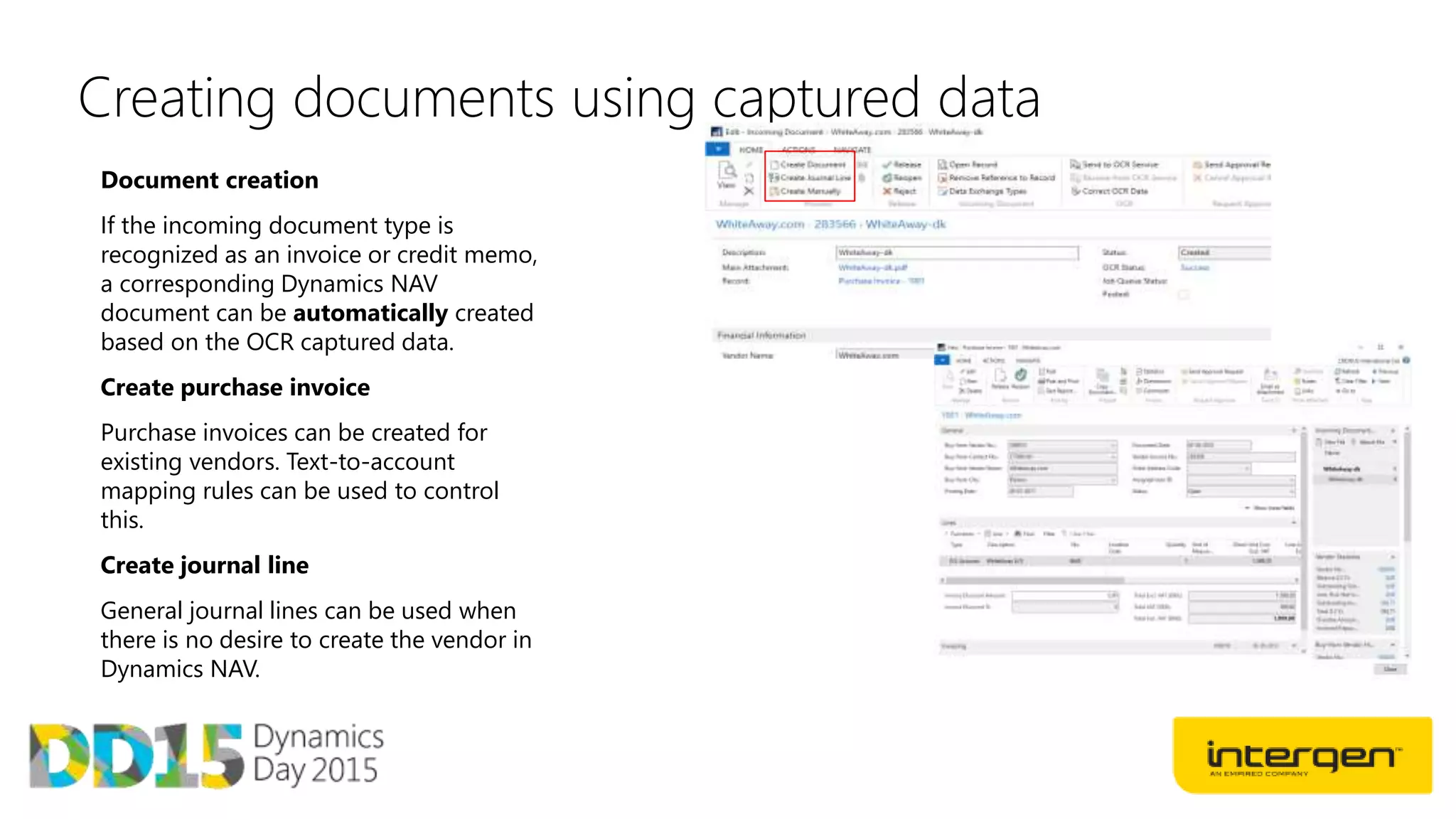
Document creation
If the incoming document type is
recognized as an invoice or credit memo,
a corresponding Dynamics NAV
document can be automatically created
based on the OCR captured data.
Create purchase invoice
Purchase invoices can be created for
existing vendors. Text-to-account
mapping rules can be used to control
this.
Create journal line
General journal lines can be used when
there is no desire to create the vendor in
Dynamics NAV.
Adding workflows
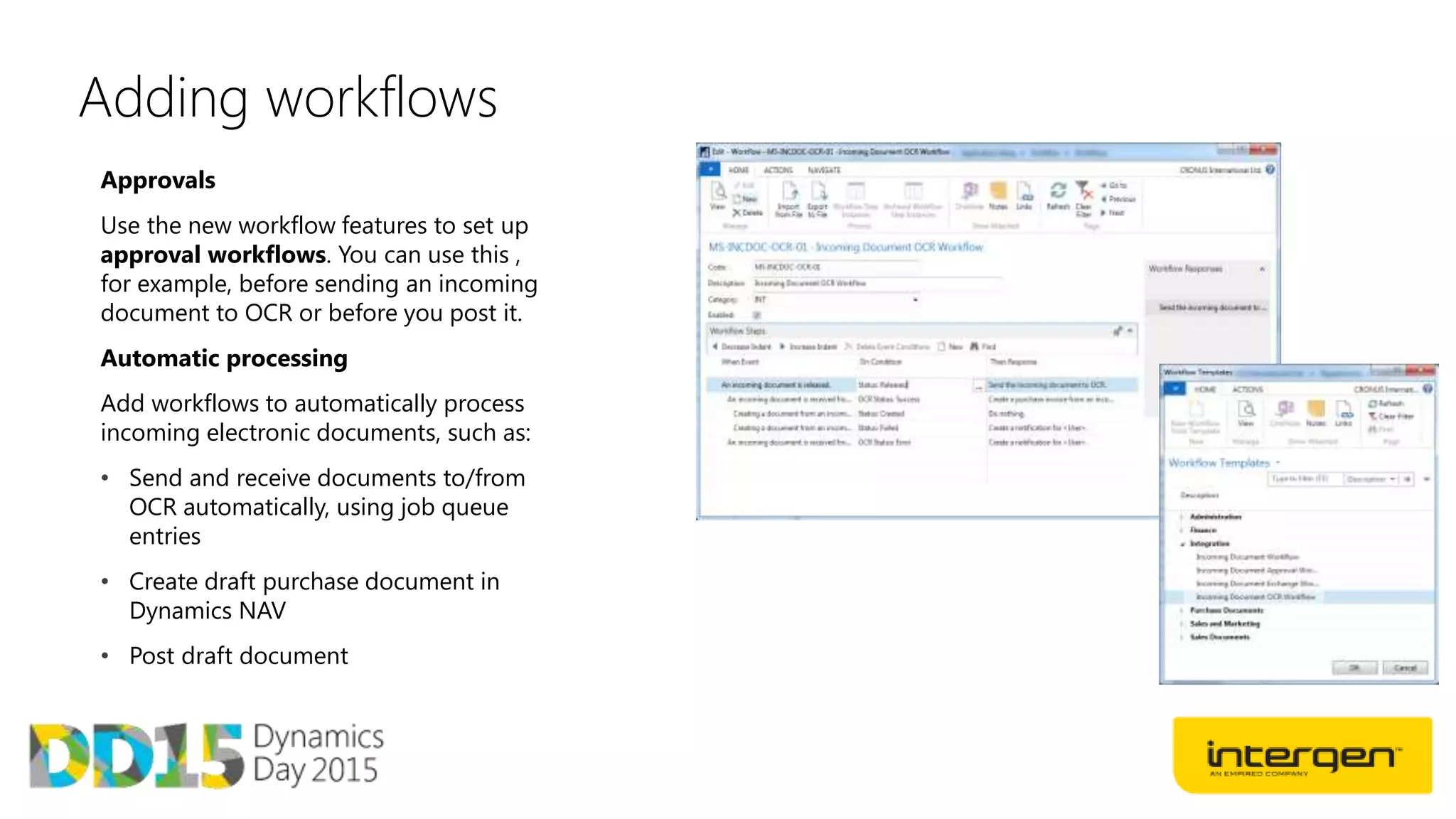
Approvals
Use the new workflow features to set up
approval workflows. You can use this ,
for example, before sending an incoming
document to OCR or before you post it.
Automatic processing
Add workflows to automatically process
incoming electronic documents, such as:
• Send and receive documents to/from
OCR automatically, using job queue
entries
• Create draft purchase document in
Dynamics NAV
• Post draft document
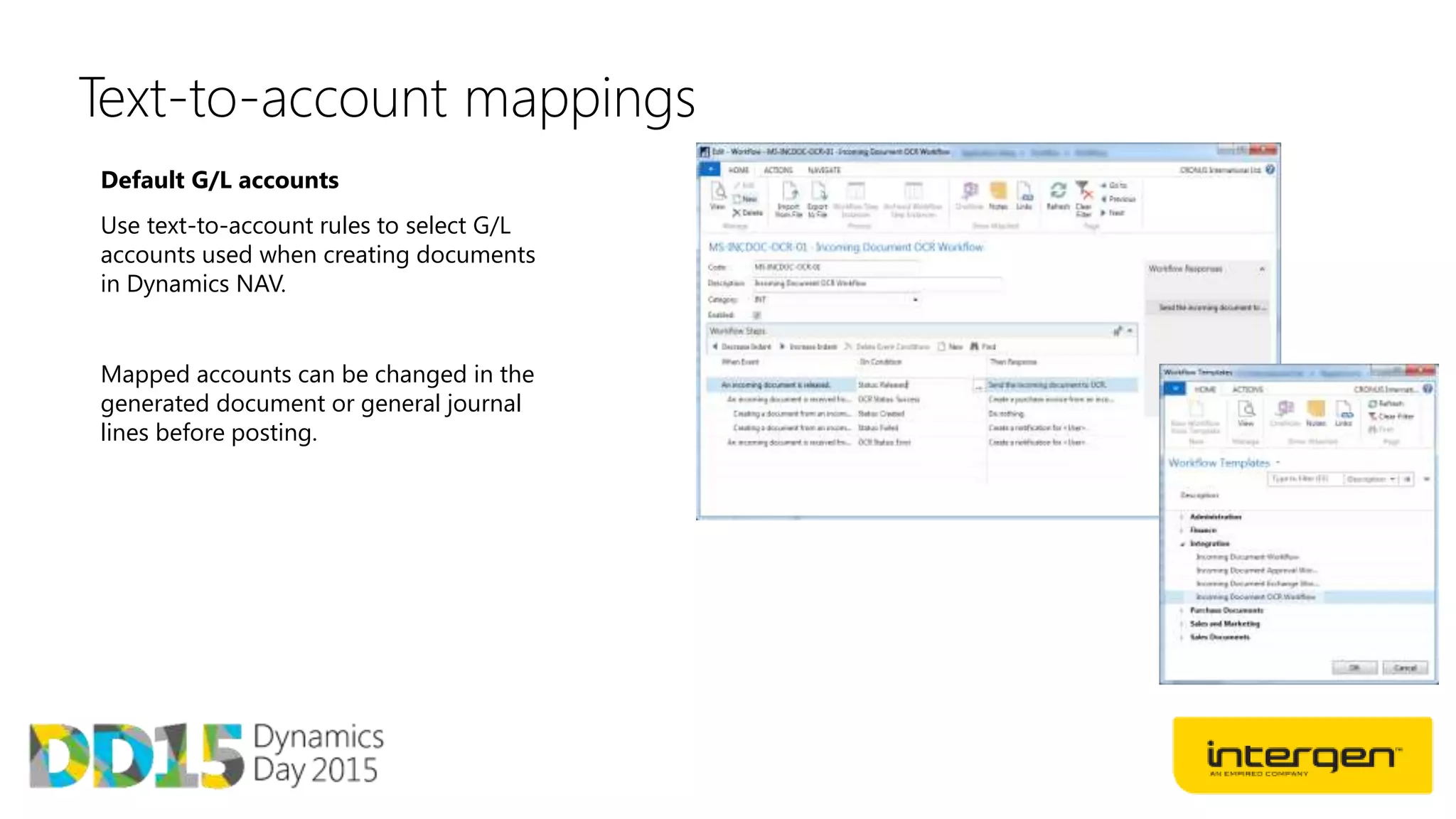
Text-to-account mappings
Default G/L accounts
Use text-to-account rules to select G/L
accounts used when creating documents
in Dynamics NAV.
Mapped accounts can be changed in the
generated document or general journal
lines before posting.
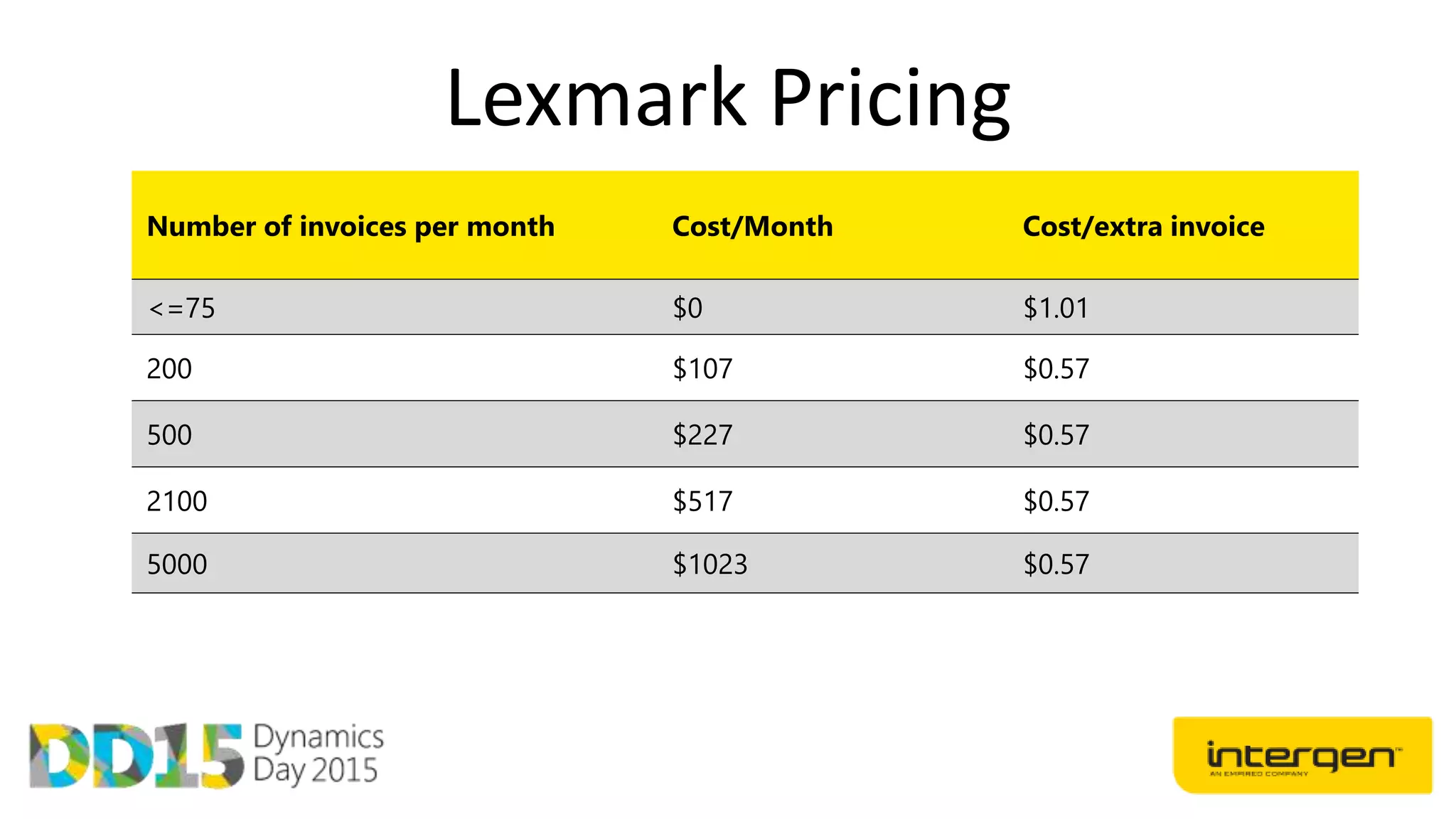
Lexmark Pricing
Number of invoices per month Cost/Month Cost/extra invoice
<=75 $0 $1.01
200 $107 $0.57
500 $227 $0.57
2100 $517 $0.57
5000 $1023 $0.57
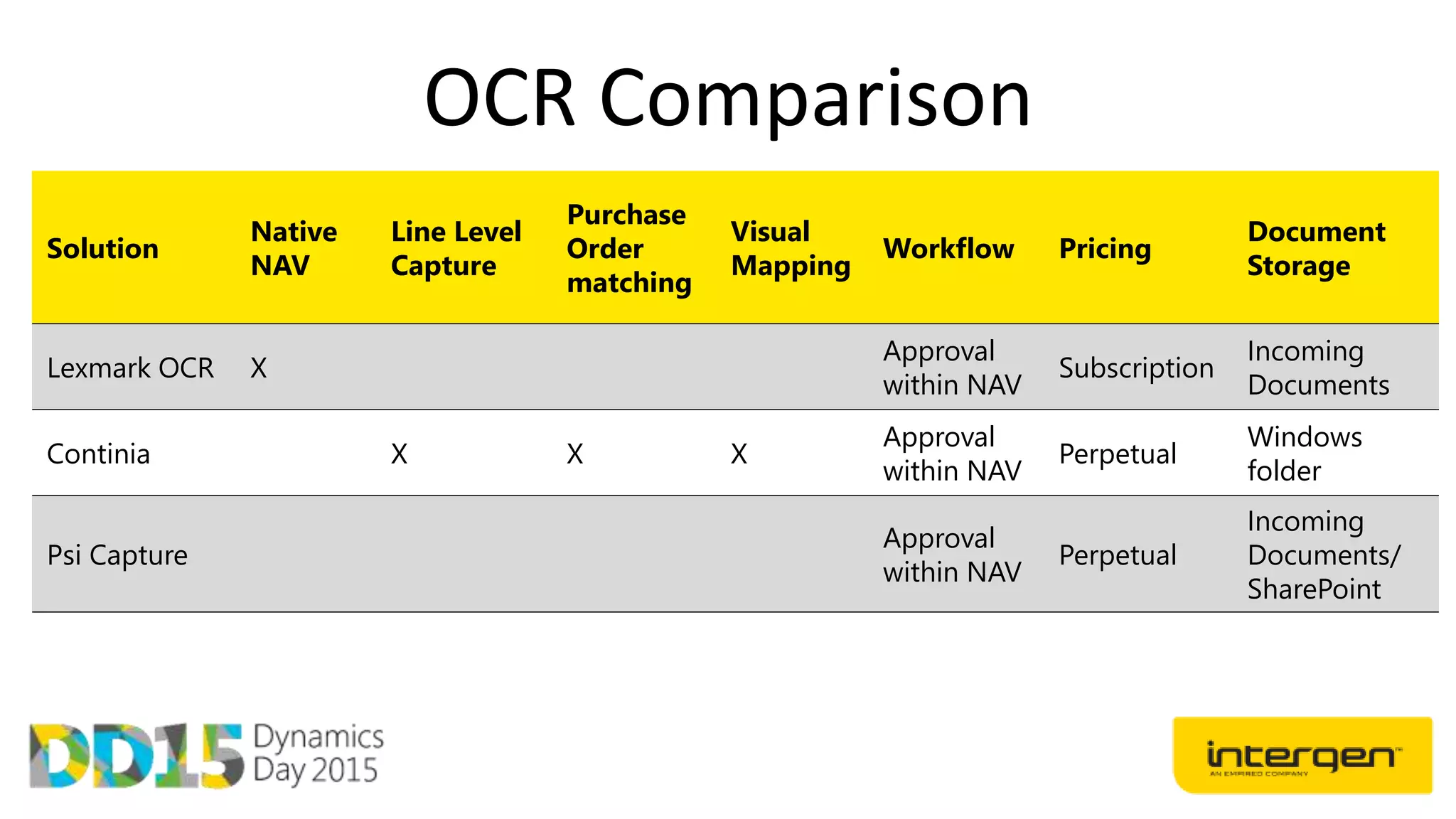
OCR Comparison
Solution
Native
NAV
Line Level
Capture
Purchase
Order
matching
Visual
Mapping
Workflow Pricing
Document
Storage
Lexmark OCR X
Approval
within NAV
Subscription
Incoming
Documents
Continia X X X
Approval
within NAV
Perpetual
Windows
folder
Psi Capture
Approval
within NAV
Perpetual
Incoming
Documents/
SharePoint
New Finance functionality
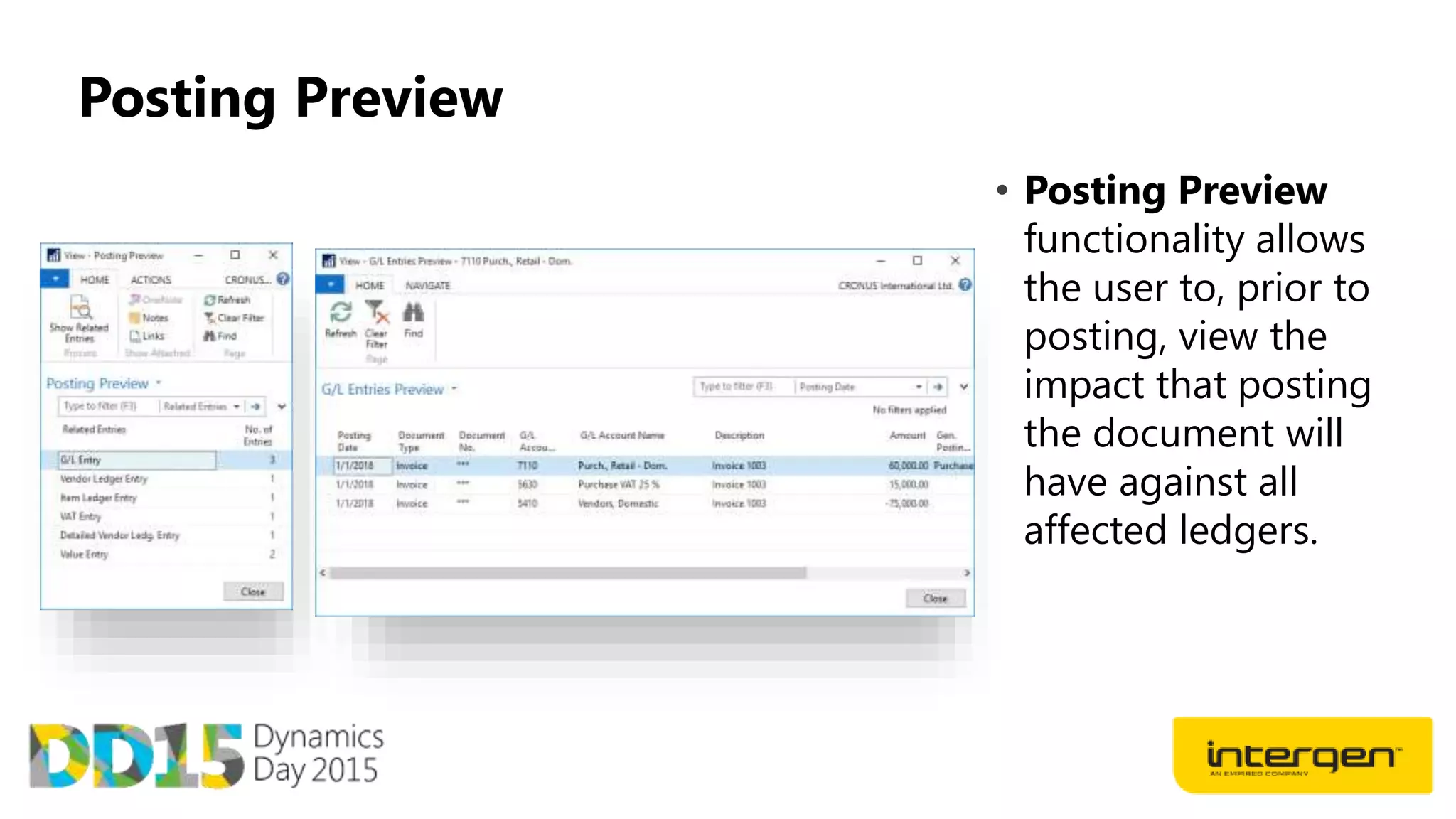
Posting Preview
• Posting Preview
functionality allows
the user to, prior to
posting, view the
impact that posting
the document will
have against all
affected ledgers.
Deferrals
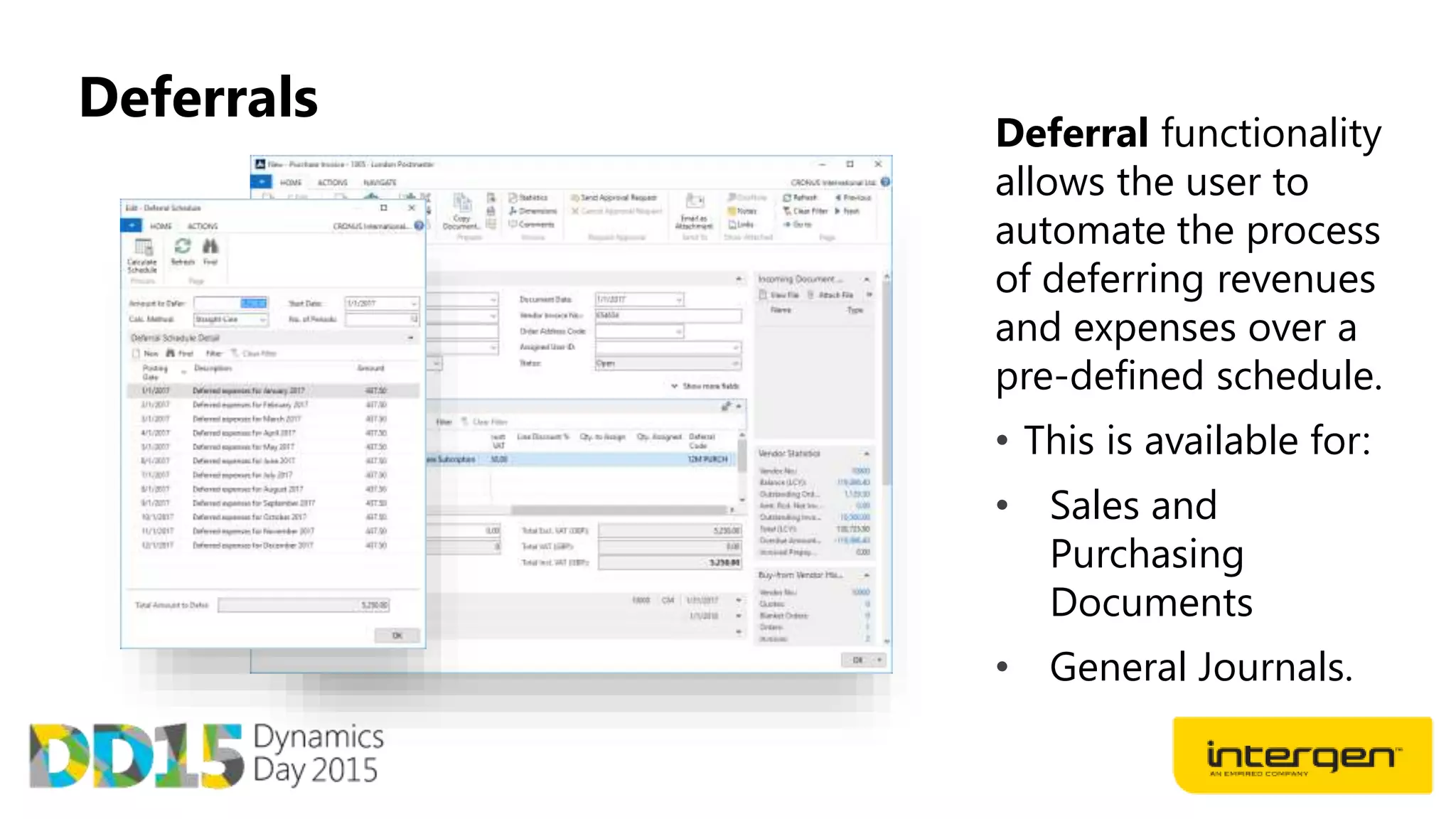
Deferral functionality
allows the user to
automate the process
of deferring revenues
and expenses over a
pre-defined schedule.
• This is available for:
• Sales and
Purchasing
Documents
• General Journals.
Deferrals
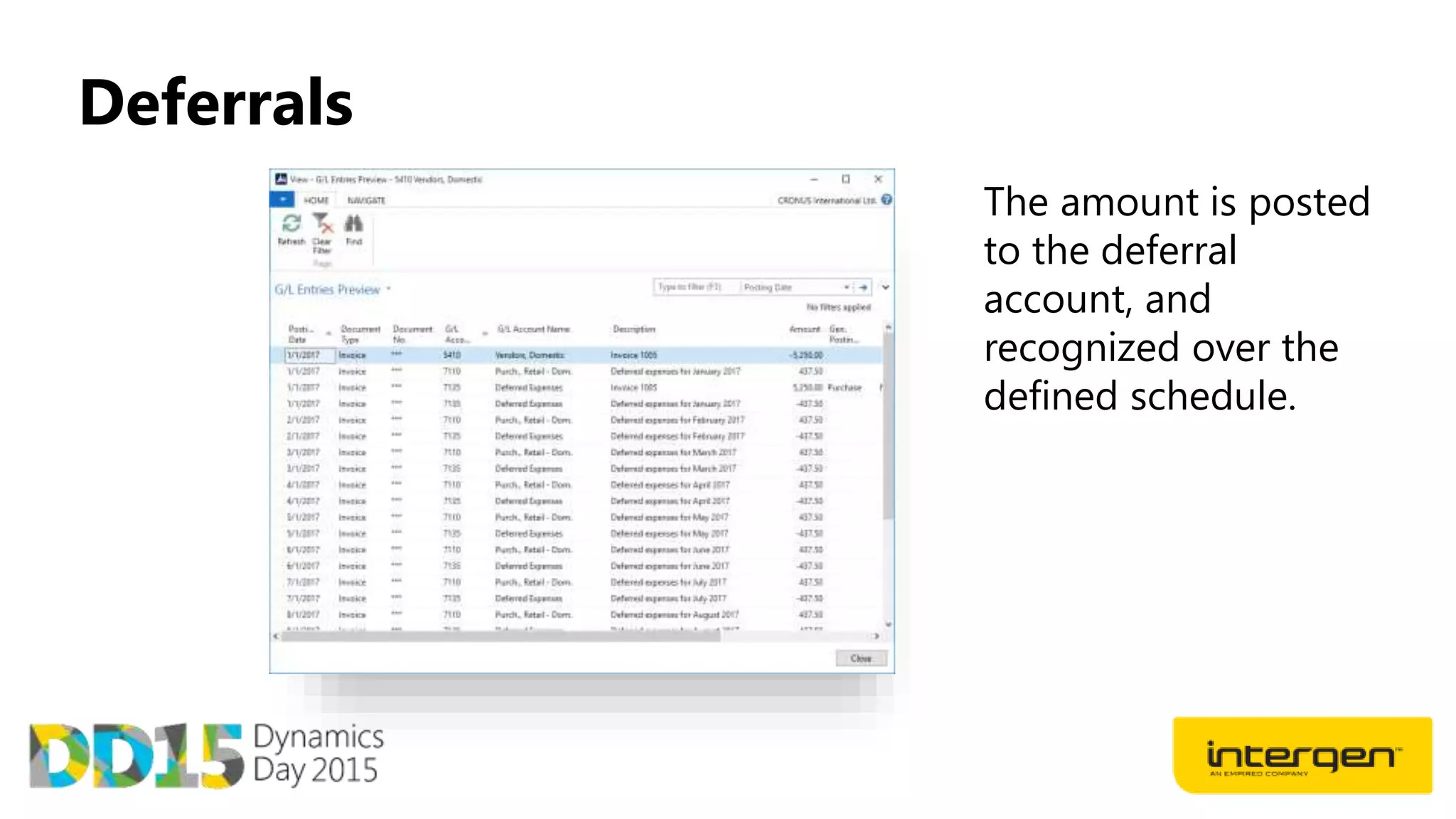
The amount is posted
to the deferral
account, and
recognized over the
defined schedule.
Deferrals
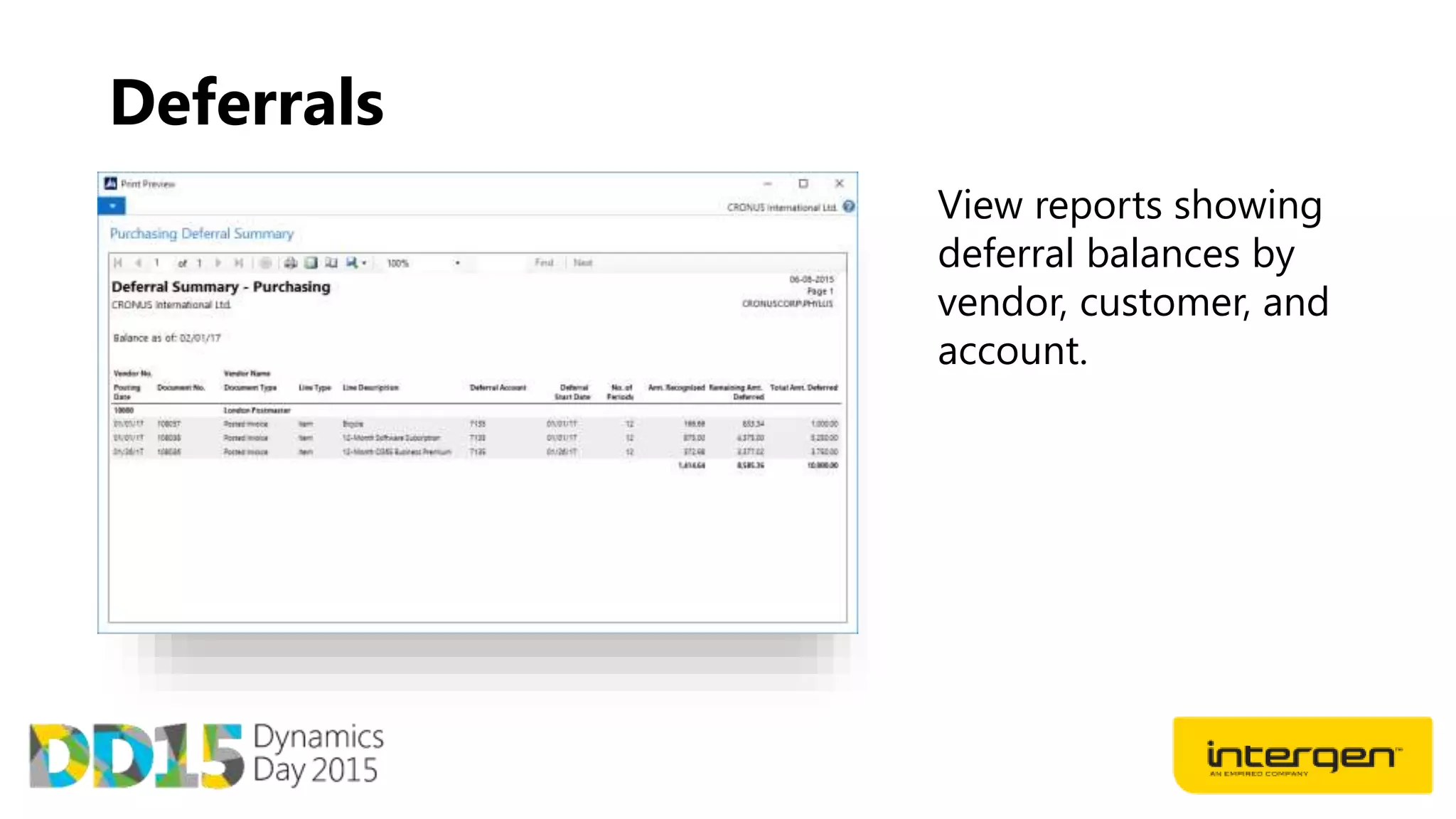
View reports showing
deferral balances by
vendor, customer, and
account.
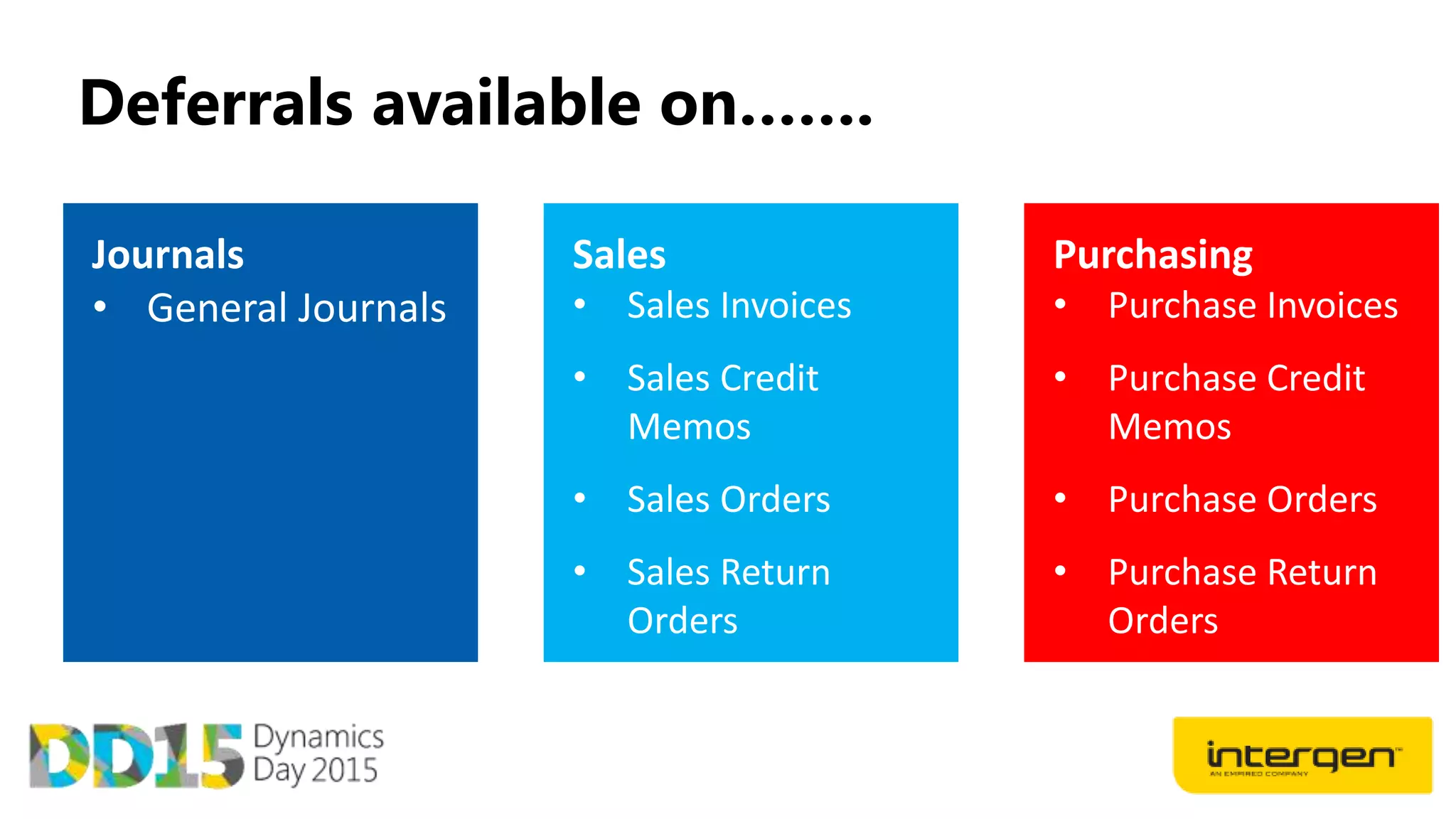
Deferrals available on…….
Dynamics Day 2015: Dynamics NAV Roadmap

Dynamics Day 2015: Dynamics NAV Roadmap

  • 1.
  • 3.
    Workflow Document management and OCR E-servicesintegration Streamlined UX across all clients Continued Investment
  • 5.
  • 7.
    Replaces Tablet App MicrosoftDynamics NAV 2016 Universal App • Download for free from App stores • Support use of camera & Location • Adapts to your device screen size & input method • Develop for one, develop for all
  • 8.
    Continues to beimproved Microsoft Dynamics NAV Web Client • Runs on most popular browsers • Most functionality available • Some additional features available
  • 9.
  • 10.
    Custom Report Layouts Addor modify custom report layouts for: • Sales Quotes • Sales Confirmations • Sales Invoices • Customer statements • Vendor remittances
  • 11.
    Customer Document LayoutsAssign Word format and email address by document type for each customer.
  • 12.
    Document Sending ProfilesAssign Word format and email address by document type for each customer.
  • 13.
  • 14.
    Dynamics CRM integration- Benefits Enables an optimal and seamless experience in the lead to cash process Richer information for core users in both applications. Maintained inside NAV Makes integration simple to setup Let users work efficiently in the product they prefer
  • 15.
    Default integration mapping NAVEntity CRM Entity Direction Customer Account Bi Directional Contact Contact Bi Directional NAV Salesperson CRM User CRM - NAV Items Products NAV - CRM Resources Products NAV – CRM Prices Price List NAV - CRM Unit of Measure Price List NAV - CRM Currency Currency NAV - CRM
  • 16.
    Default integration mapping •Table Filters &Integration table filters • Ability to use master data templates • Can add custom fields and tables
  • 17.
    Account to customerintegration • Synchronization and linking provides a full picture of customer engagement • Easy access between the two systems by utilizing the established link
  • 18.
    CRM views availablein NAV • Access to more information when in the relevant context • Microsoft Dynamics CRM opportunities, quotes, and cases can be viewed in Microsoft Dynamics NAV • Data only stored in Microsoft Dynamics CRM
  • 19.
    Dynamics NAV accountstatistics & navigation • CRM user is kept informed of changes in Dynamics NAV
  • 20.
    Status for DynamicsCRM Connection • Dynamics CRM Synch Job Status monitors the automatic synchronization and Job queues • Service Connection Status shows the status of the connections to services that have been setup.
  • 21.
  • 22.
    What is PowerBI for Dynamics NAV Microsoft Power BI is a collection of online services and features that enables you to find and visualize data, share discoveries, and collaborate in intuitive new ways
  • 23.
    What does PowerBI with Dynamics NAV provide?
  • 24.
    What is PowerBI for Dynamics NAV • Data Feeds from NAV Odata feeds published as web services. • Standard in NAV 2016 but available in 2015 and 2013 R2
  • 25.
    What is PowerBI for Dynamics NAV • NAV Content pack on PowerBi.com Includes sales and Finance dashboards and reports
  • 26.
    What is PowerBI for Dynamics NAV • Dashboard, reports, and dataset. The dashboard gives users KPIs and charts on their sales and finance data.
  • 27.
    How to getgoing with Power BI
  • 28.
  • 29.
    Workflows - Benefits Workflow processesare consistent Cycle time is reduced The notifications for tasks are sent immediately and can be performed on any client type, including mobile devices. Each workflow can be checked Users can check at any time how far the process has progressed and which stage the process has reached Workflows support conditional processes Workflows can be setup to behave differently based on any point of data in your system Automated processes Streamline processes by automating your best practices
  • 30.
    Dynamics Day 2015 Buildingblocks of Workflow Approval – a work task, item, or document remain in a blocked or unapproved state until approved by a suitable person in your organization Notification – notifications tell users that something has happened and/or that they need to take some kind of action Process automation – involves executing a process routine and making the Microsoft Dynamics NAV system calculate something or perform an action
  • 31.
    Workflow Templates • 20Out of the box workflows • Ready to deploy • Replace existing approvals
  • 32.
    Workflow approval types ApprovalChain– specifies that approval request entries are created for all the requester’s approvers Direct Approver– specifies that an approval request entry is only created for the requester’s immediate approver, regardless of the approver’s approval limit. First Qualified Approver – specifies that an approval request entry is only created for the requester’s first qualified approver Workflow User Groups– Flexible configuration including one of many or many of many.
  • 33.
  • 34.
  • 35.
    Capture and storeinvoices Incoming documents Add PDF or images as incoming documents in Dynamics NAV. Device camera integration • Microsoft Dynamics NAV device apps now include the ability to create an incoming document directly by taking a photo using the device camera.
  • 36.
    Create Documents inDynamics NAV Manual Creation Users can manually create Dynamics NAV documents from an incoming document. Purchase invoices can be created using Text-to-account mapping, resulting in a single line with a total amount. General journal lines can be used when there is no desire to create the vendor in Microsoft Dynamics NAV.
  • 37.
    Automate Document handlingApproval workflow Use the new workflow features to set up approval workflows. Automatic processing Add workflows to automatically process any incoming electronic document, such as: • send and receive documents to/from Lexmark ICS • automatically create purchase document • post purchase document Define account rules Use text-to-account rules to select G/L accounts used when creating documents in Microsoft Dynamics NAV, for instance based on the vendor name.
  • 38.
    Find original andgenerated documents Find created documents Quickly navigate from an incoming document to generated purchase documents or journal lines. Find original document Purchase documents and journal lines offer a link to the incoming document and attachments, allowing easy navigation to original documents.
  • 39.
    Data Extraction Extracted data Theincoming document card page shows the extracted data under the Financial Information as well as in the incoming document list page for easy overview and sorting. Out of the box, header data and totals are supported.
  • 40.
    Data Extraction Fixing captureissues The OCR Data Correction page offers the ability to correct wrong data or add missing data from the capturing process. You can send the correction back to the OCR service for feedback. Visual validation and correction is also available on Readsoft Online, but requires a Readsoft Online partner subscription.
  • 41.
    Creating documents usingcaptured data Document creation If the incoming document type is recognized as an invoice or credit memo, a corresponding Dynamics NAV document can be automatically created based on the OCR captured data. Create purchase invoice Purchase invoices can be created for existing vendors. Text-to-account mapping rules can be used to control this. Create journal line General journal lines can be used when there is no desire to create the vendor in Dynamics NAV.
  • 42.
    Adding workflows Approvals Use thenew workflow features to set up approval workflows. You can use this , for example, before sending an incoming document to OCR or before you post it. Automatic processing Add workflows to automatically process incoming electronic documents, such as: • Send and receive documents to/from OCR automatically, using job queue entries • Create draft purchase document in Dynamics NAV • Post draft document
  • 43.
    Text-to-account mappings Default G/Laccounts Use text-to-account rules to select G/L accounts used when creating documents in Dynamics NAV. Mapped accounts can be changed in the generated document or general journal lines before posting.
  • 44.
    Lexmark Pricing Number ofinvoices per month Cost/Month Cost/extra invoice <=75 $0 $1.01 200 $107 $0.57 500 $227 $0.57 2100 $517 $0.57 5000 $1023 $0.57
  • 45.
    OCR Comparison Solution Native NAV Line Level Capture Purchase Order matching Visual Mapping WorkflowPricing Document Storage Lexmark OCR X Approval within NAV Subscription Incoming Documents Continia X X X Approval within NAV Perpetual Windows folder Psi Capture Approval within NAV Perpetual Incoming Documents/ SharePoint
  • 46.
  • 47.
    Posting Preview • PostingPreview functionality allows the user to, prior to posting, view the impact that posting the document will have against all affected ledgers.
  • 48.
    Deferrals Deferral functionality allows theuser to automate the process of deferring revenues and expenses over a pre-defined schedule. • This is available for: • Sales and Purchasing Documents • General Journals.
  • 49.
    Deferrals The amount isposted to the deferral account, and recognized over the defined schedule.
  • 50.
    Deferrals View reports showing deferralbalances by vendor, customer, and account.
  • 51.