The document describes the process of designing a DVD cover using basic tools in Adobe Photoshop. Key steps include:
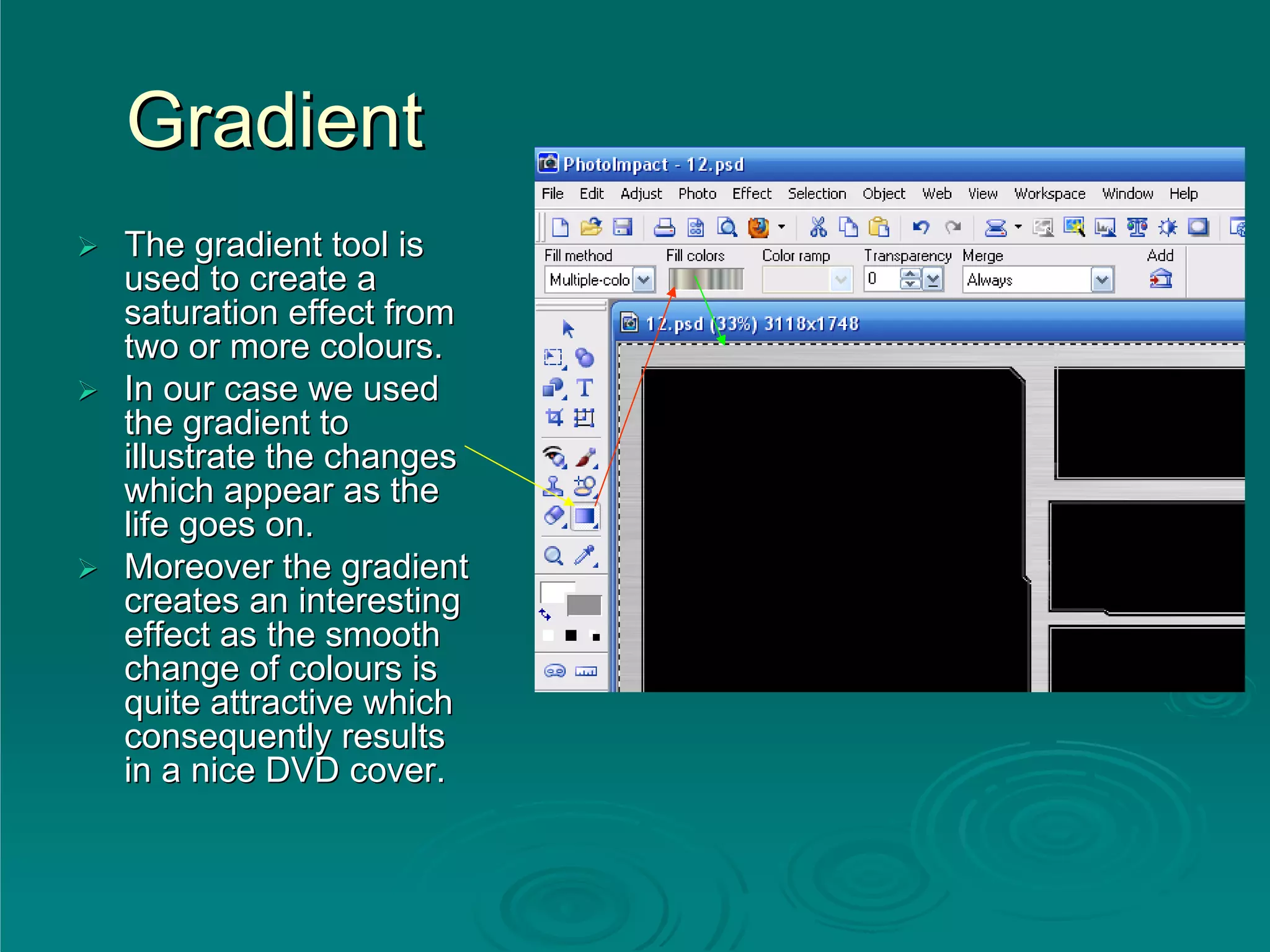
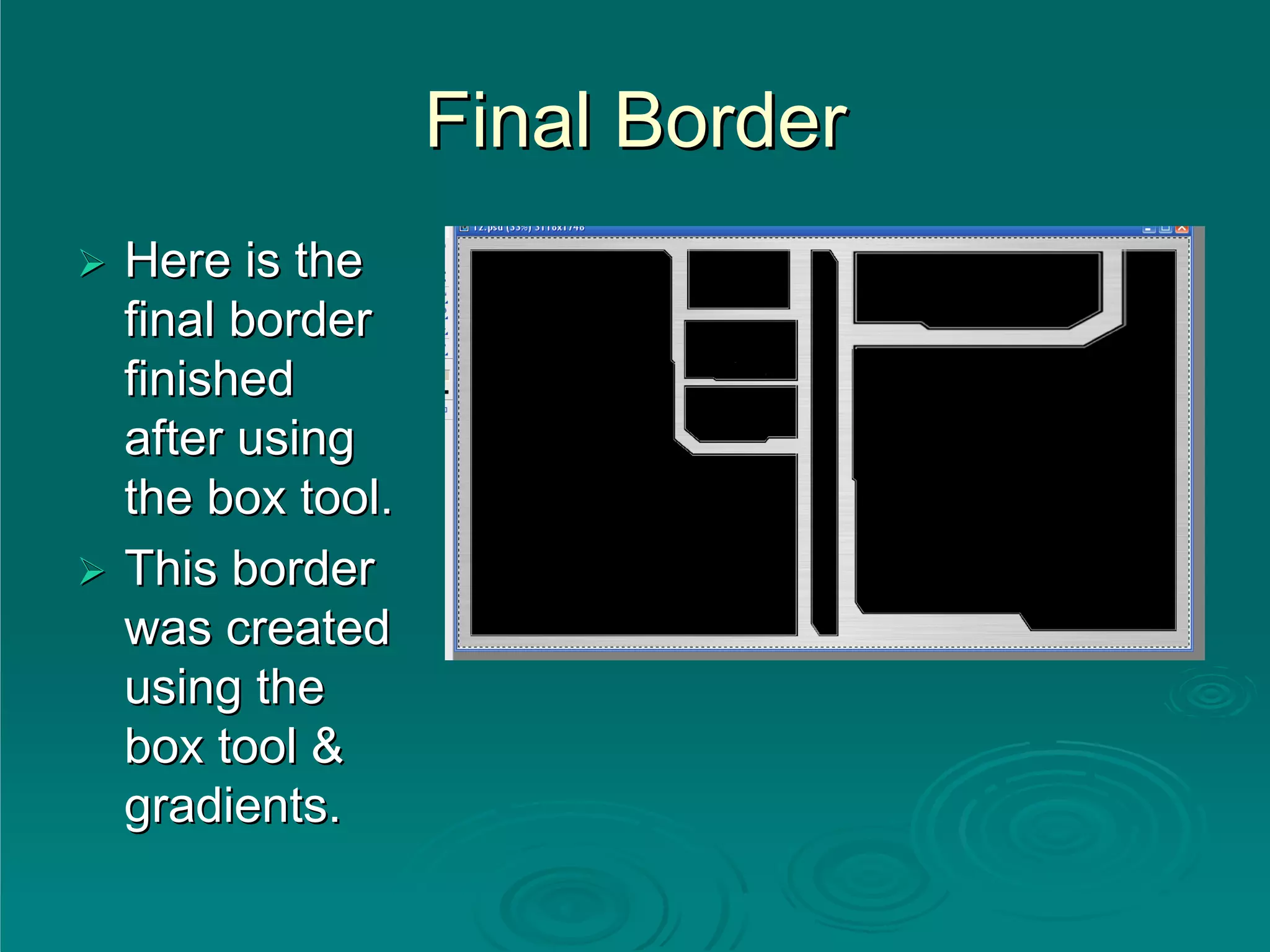
1. Creating a black background and white border using the box tool and resizing boxes.
2. Adding elements like the title, images, logos and other text elements to follow design conventions.
3. Finishing touches like numbering the spine and adding barcodes to help with retail and prevent piracy.
The end result is a professionally designed DVD cover even though basic tools were used in its creation. Following design codes and placing emphasis on promotion of the artist were prioritized.