Docker Swarm Demo
Docker Swi-erland Meetup #10
13 September 2016
Agenda
1. Introduction
2. Swarm Overview
3. Build a Swarm
Brian Christner
Swisscom Cloud Architect
Docker Captain
Background in Containers, Cloud, & Engineering
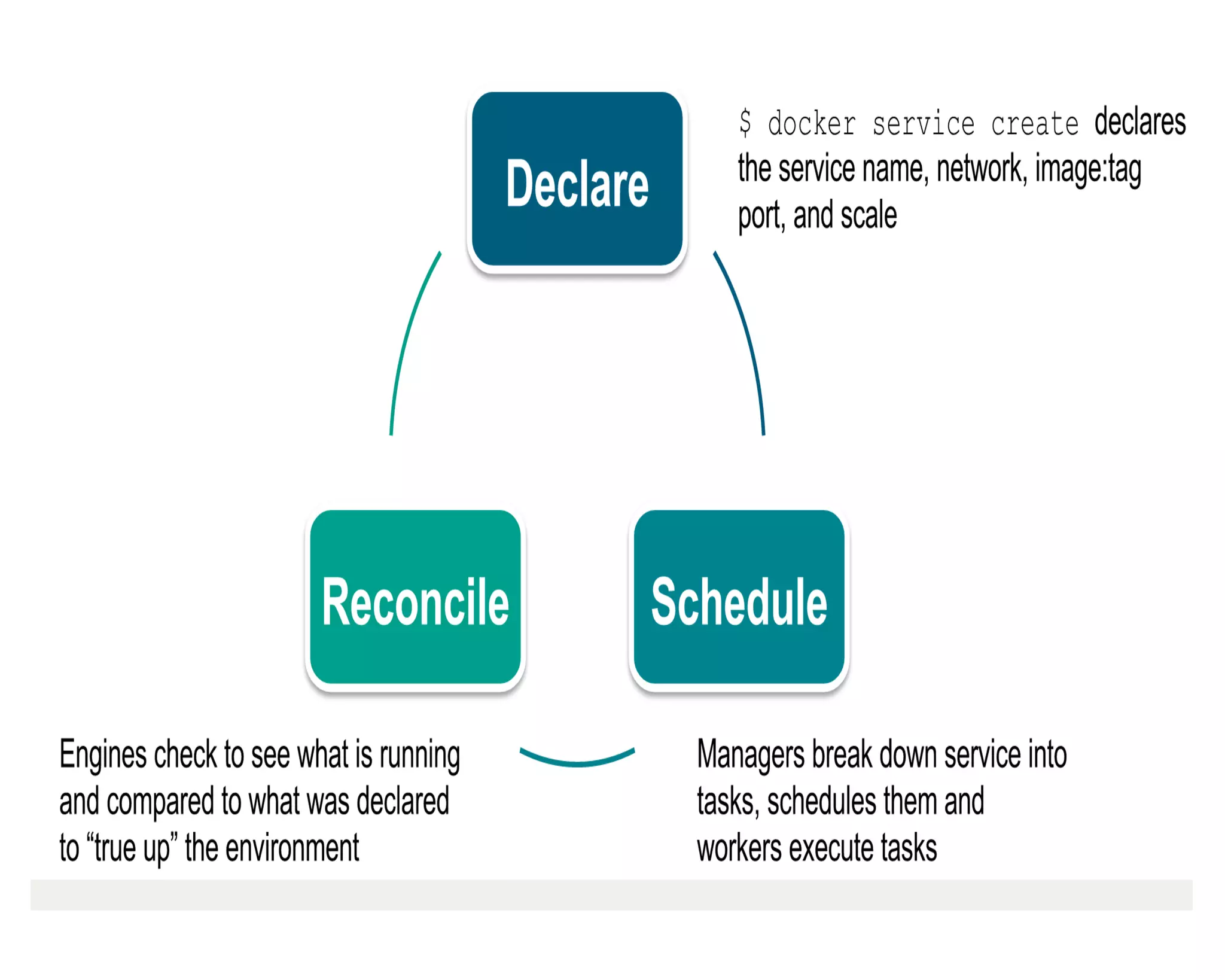
Swarm
Overview
DEMO TIME
Follow along
hKps://github.com/vegasbrianc/docker
-ch-meetup10
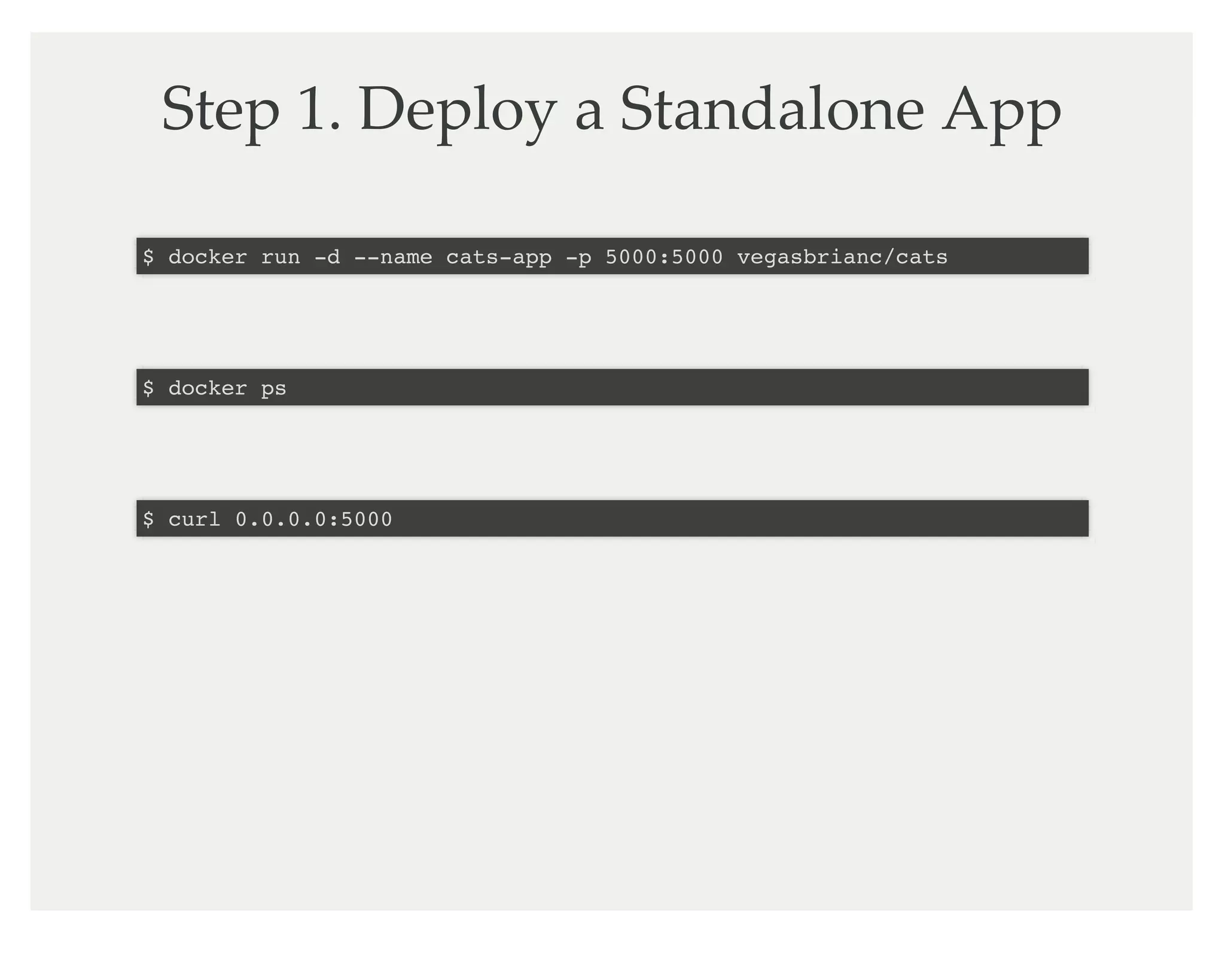
Step 1. Deploy a Standalone App
$ docker run -d --name cats-app -p 5000:5000 vegasbrianc/cats
$ docker ps
$ curl 0.0.0.0:5000
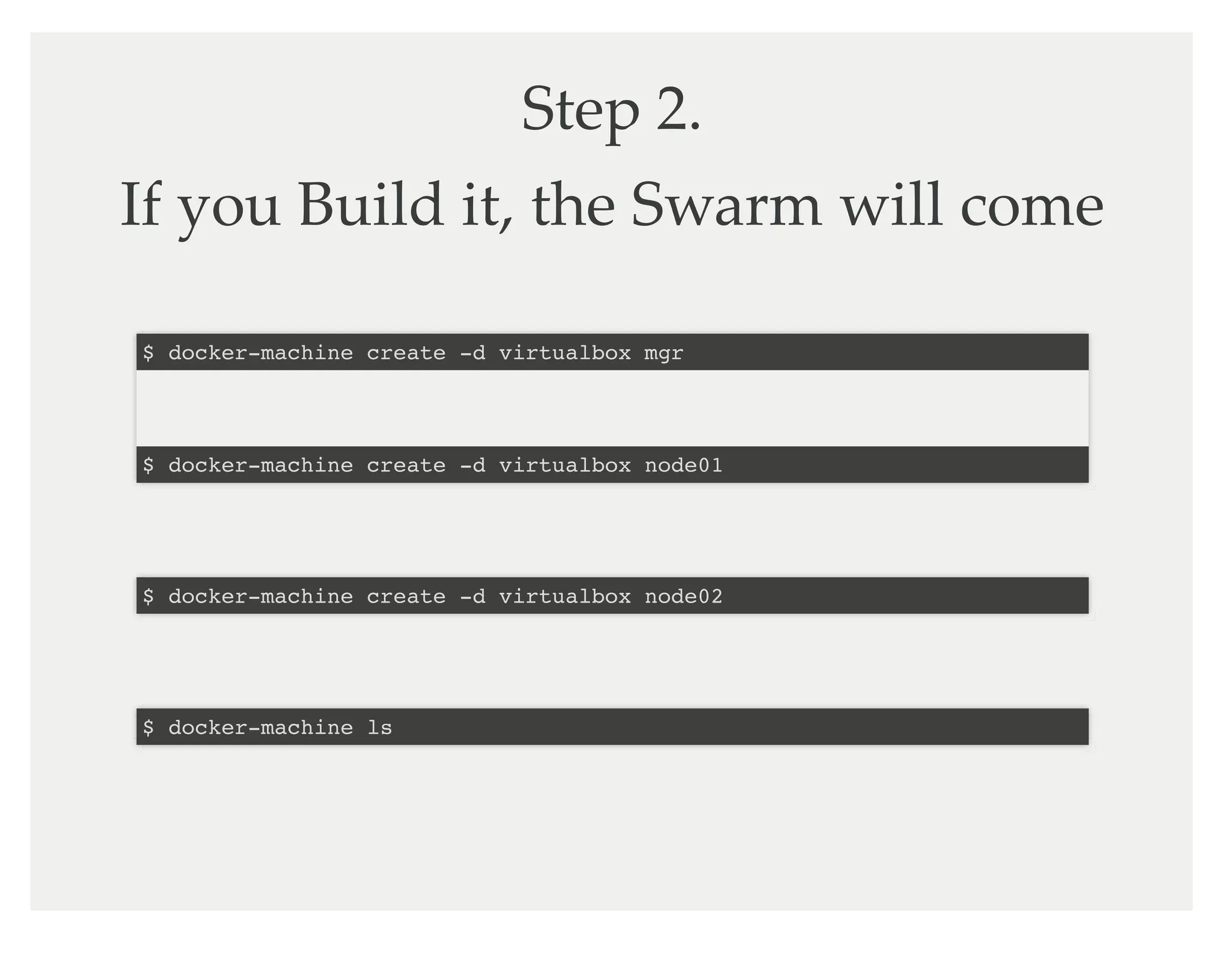
Step 2.
If you Build it, the Swarm will come
$ docker-machine create -d virtualbox mgr
$ docker-machine create -d virtualbox node01
$ docker-machine create -d virtualbox node02
$ docker-machine ls
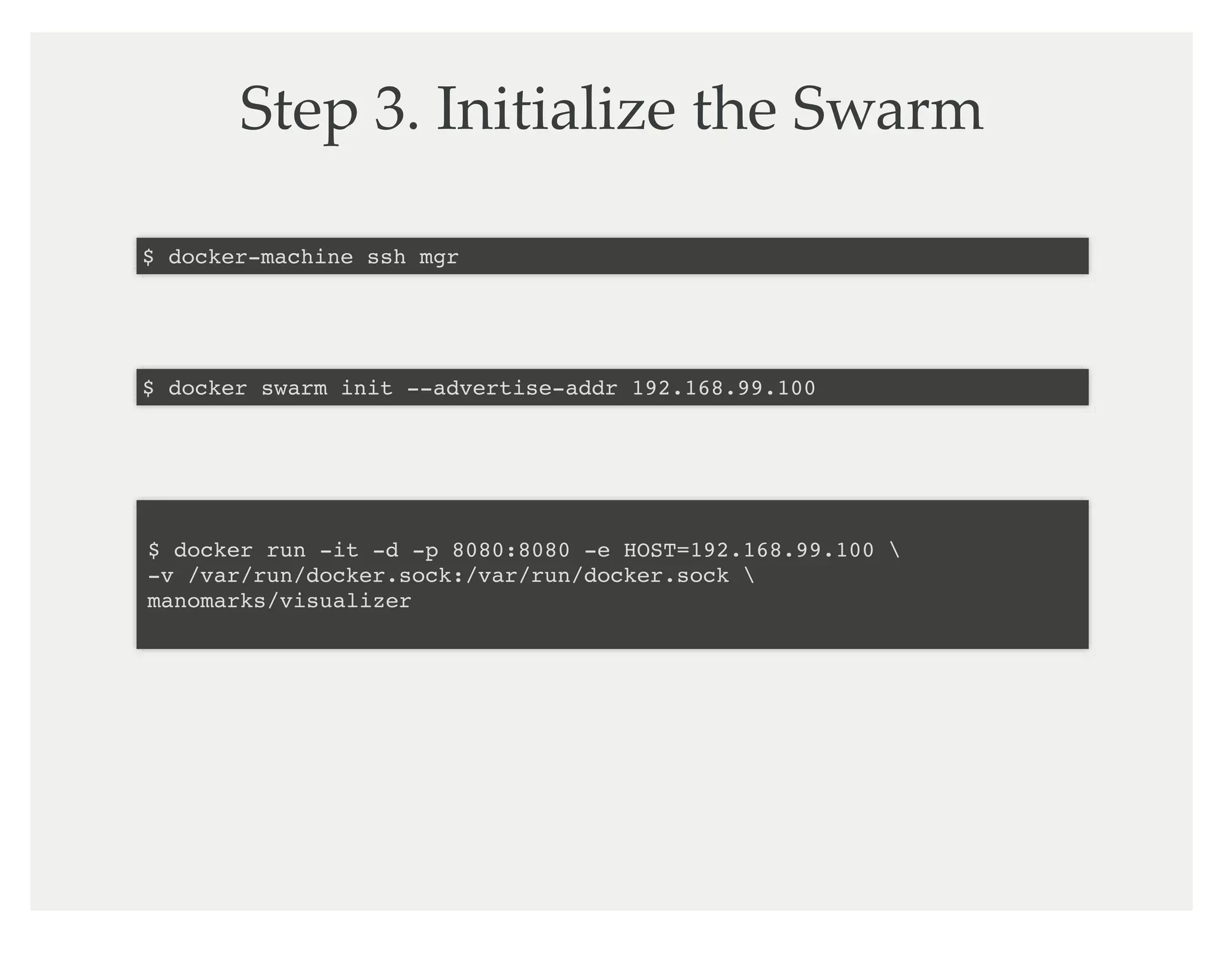
Step 3. Initialize the Swarm
$ docker-machine ssh mgr
$ docker swarm init --advertise-addr 192.168.99.100
$ docker run -it -d -p 8080:8080 -e HOST=192.168.99.100 
-v /var/run/docker.sock:/var/run/docker.sock 
manomarks/visualizer
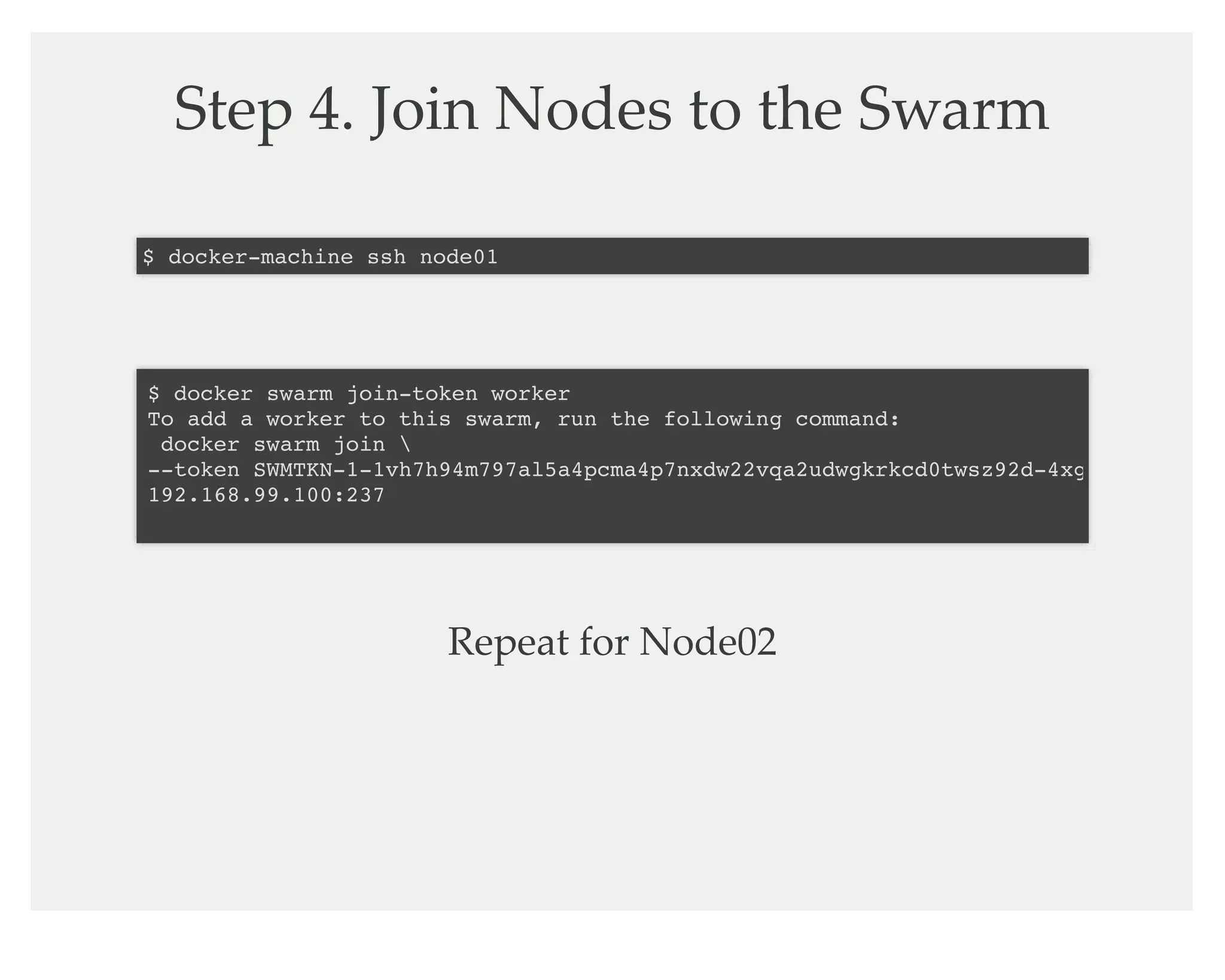
Step 4. Join Nodes to the Swarm
$ docker-machine ssh node01
$ docker swarm join-token worker
To add a worker to this swarm, run the following command:
docker swarm join 
--token SWMTKN-1-1vh7h94m797al5a4pcma4p7nxdw22vqa2udwgkrkcd0twsz92d-4xgkpsqo1wyi0v
192.168.99.100:237
Repeat for Node02
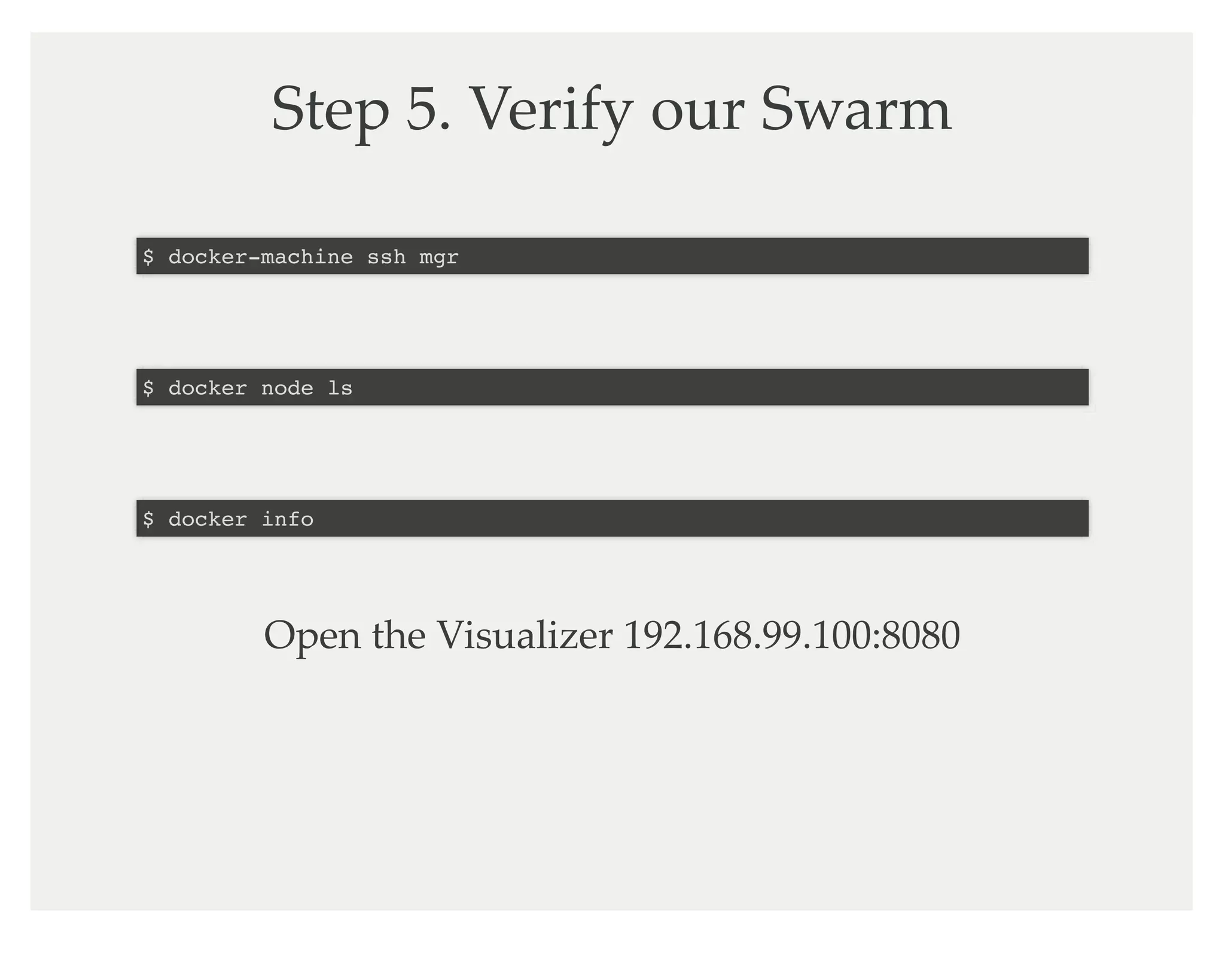
Step 5. Verify our Swarm
$ docker-machine ssh mgr
$ docker node ls
$ docker info
Open the Visualizer 192.168.99.100:8080
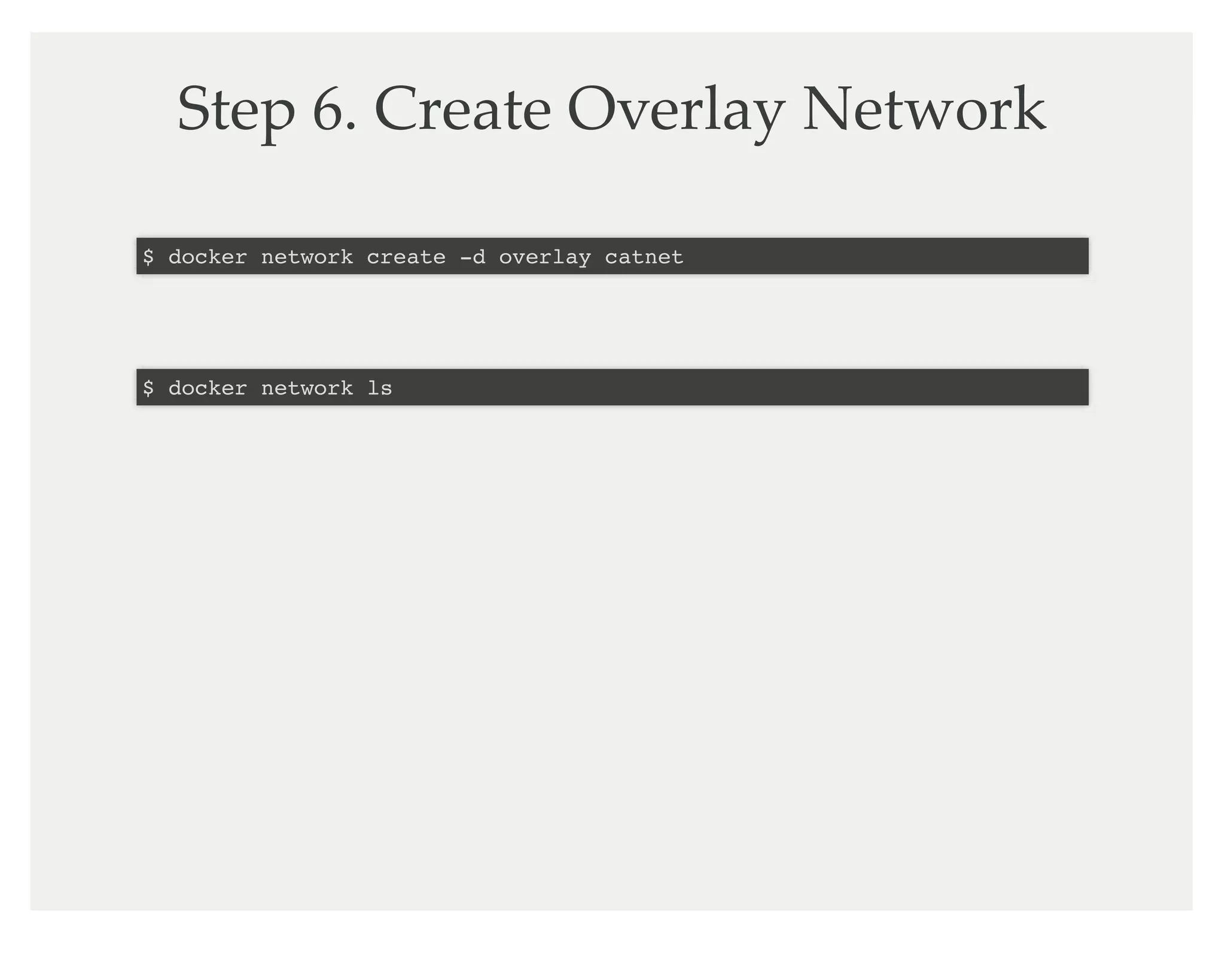
Step 6. Create Overlay Network
$ docker network create -d overlay catnet
$ docker network ls
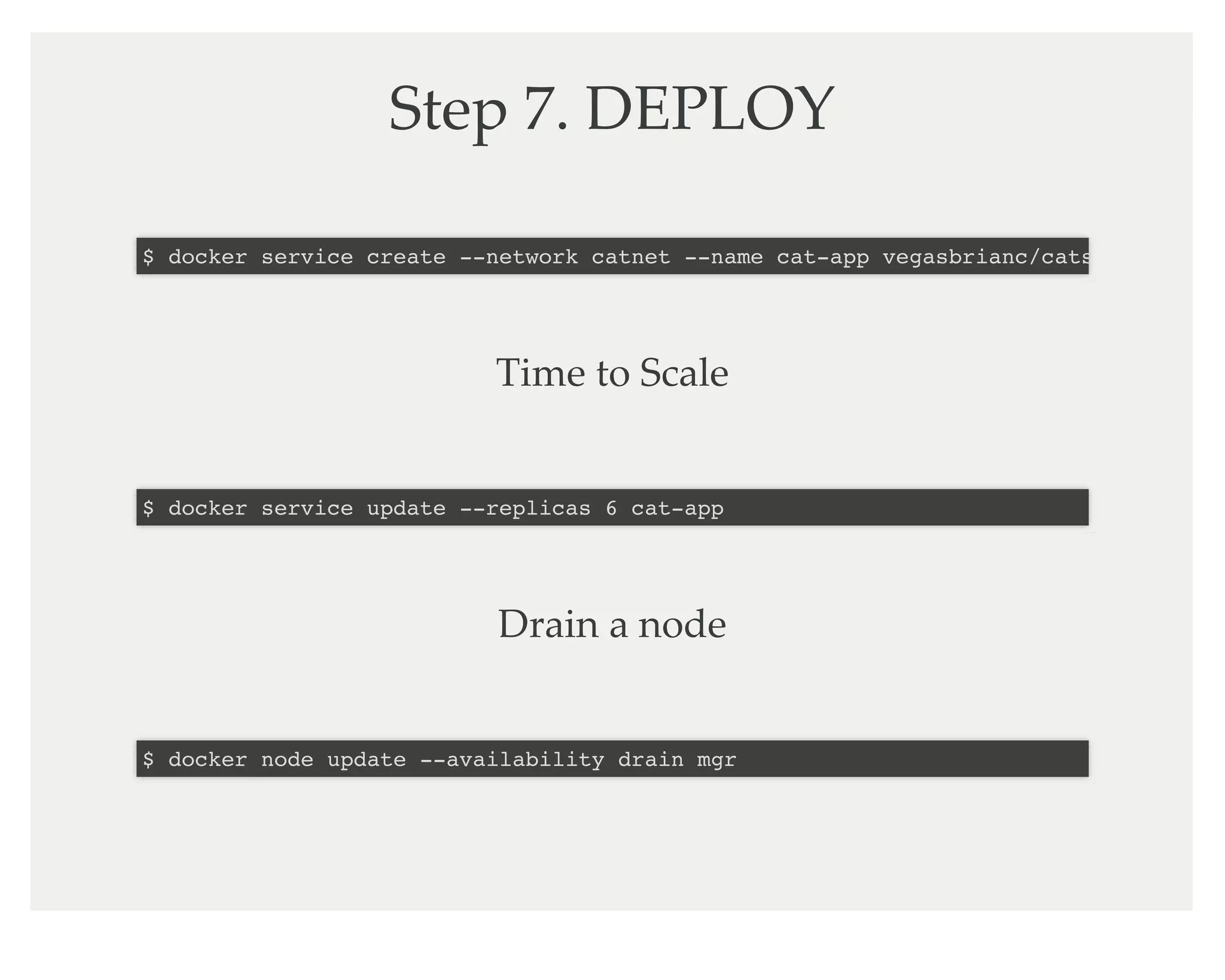
Step 7. DEPLOY
$ docker service create --network catnet --name cat-app vegasbrianc/cats
Time to Scale
$ docker service update --replicas 6 cat-app
Drain a node
$ docker node update --availability drain mgr
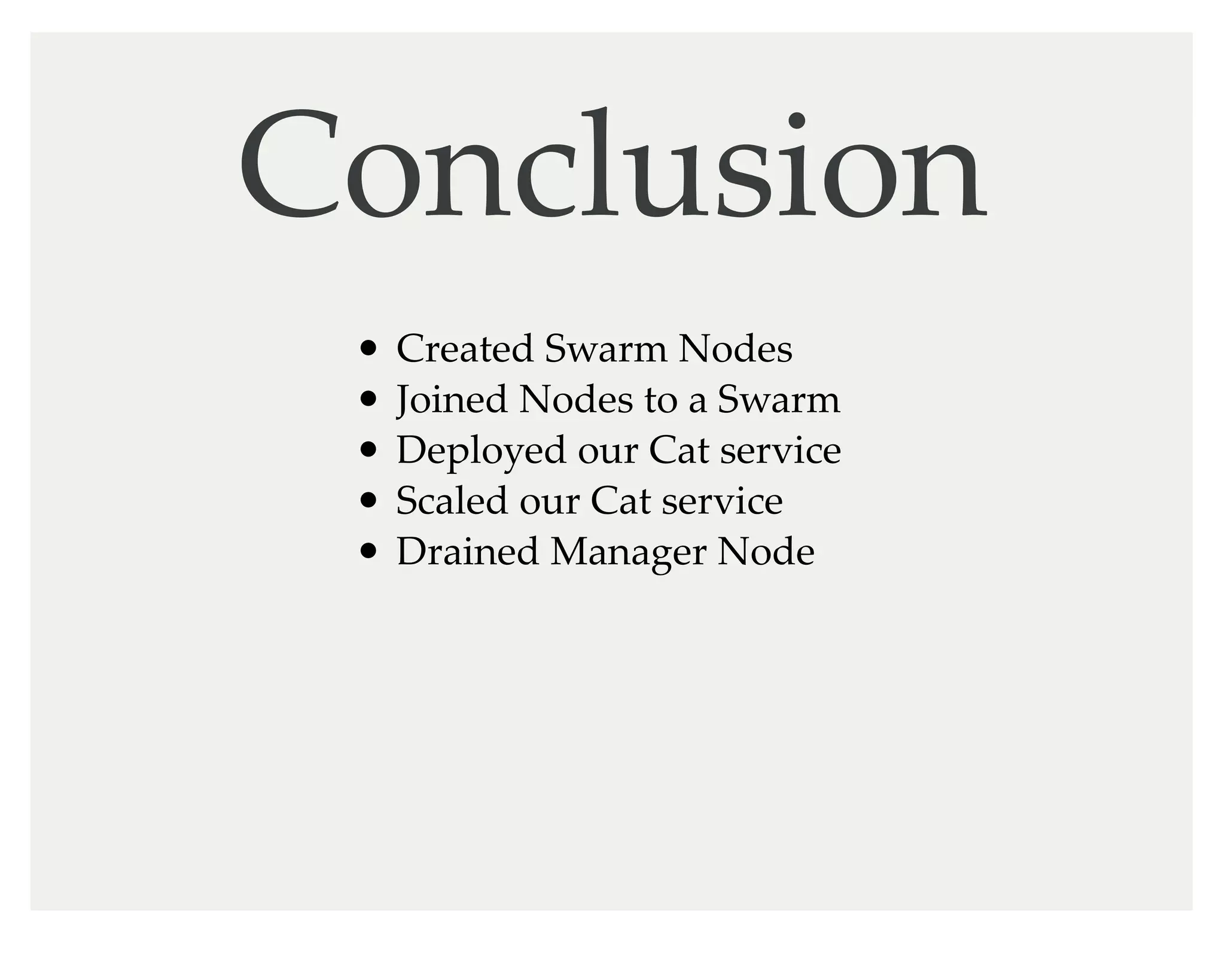
Conclusion
Created Swarm Nodes
Joined Nodes to a Swarm
Deployed our Cat service
Scaled our Cat service
Drained Manager Node
Thank you
Brian Christner /
@idomyowntricks
hKp://veggiemonk.github.io/awesome-docker

Docker Swarm 1.12 Overview and Demo

  • 2.
    Docker Swarm Demo DockerSwi-erland Meetup #10 13 September 2016
  • 4.
    Agenda 1. Introduction 2. SwarmOverview 3. Build a Swarm
  • 5.
    Brian Christner Swisscom CloudArchitect Docker Captain Background in Containers, Cloud, & Engineering
  • 6.
  • 10.
  • 11.
  • 12.
    Step 1. Deploya Standalone App $ docker run -d --name cats-app -p 5000:5000 vegasbrianc/cats $ docker ps $ curl 0.0.0.0:5000
  • 13.
    Step 2. If youBuild it, the Swarm will come $ docker-machine create -d virtualbox mgr $ docker-machine create -d virtualbox node01 $ docker-machine create -d virtualbox node02 $ docker-machine ls
  • 14.
    Step 3. Initializethe Swarm $ docker-machine ssh mgr $ docker swarm init --advertise-addr 192.168.99.100 $ docker run -it -d -p 8080:8080 -e HOST=192.168.99.100 -v /var/run/docker.sock:/var/run/docker.sock manomarks/visualizer
  • 15.
    Step 4. JoinNodes to the Swarm $ docker-machine ssh node01 $ docker swarm join-token worker To add a worker to this swarm, run the following command: docker swarm join --token SWMTKN-1-1vh7h94m797al5a4pcma4p7nxdw22vqa2udwgkrkcd0twsz92d-4xgkpsqo1wyi0v 192.168.99.100:237 Repeat for Node02
  • 16.
    Step 5. Verifyour Swarm $ docker-machine ssh mgr $ docker node ls $ docker info Open the Visualizer 192.168.99.100:8080
  • 17.
    Step 6. CreateOverlay Network $ docker network create -d overlay catnet $ docker network ls
  • 18.
    Step 7. DEPLOY $docker service create --network catnet --name cat-app vegasbrianc/cats Time to Scale $ docker service update --replicas 6 cat-app Drain a node $ docker node update --availability drain mgr
  • 19.
    Conclusion Created Swarm Nodes JoinedNodes to a Swarm Deployed our Cat service Scaled our Cat service Drained Manager Node
  • 22.
    Thank you Brian Christner/ @idomyowntricks hKp://veggiemonk.github.io/awesome-docker