Presentation By:
Mohammadreza Amini
Amir Arsalan
Spring 2016
IRAN OpenStack Users Group
Docker Networks
Agenda
Docker Networks
| Iran Community OpenStack.ir
The basics of Docker networking
Default Networks
Three Networks
Bridge
None
Host
The default bridge network in detail
Docker Networks
| Iran Community OpenStack.ir
The basics of Docker networking
The basic network primitive in Docker is an Ethernet bridge called "docker0."
When Docker boots up on a Linux server, it creates a default docker0 bridge
inside the Linux kernel, and docker0 creates a virtual subnet on the Docker
host. It can pass packets back and forth between containers on that host.
Docker Networks
| Iran Community OpenStack.ir
Docker Networks
| Iran Community OpenStack.ir
Default Networks
Default Network
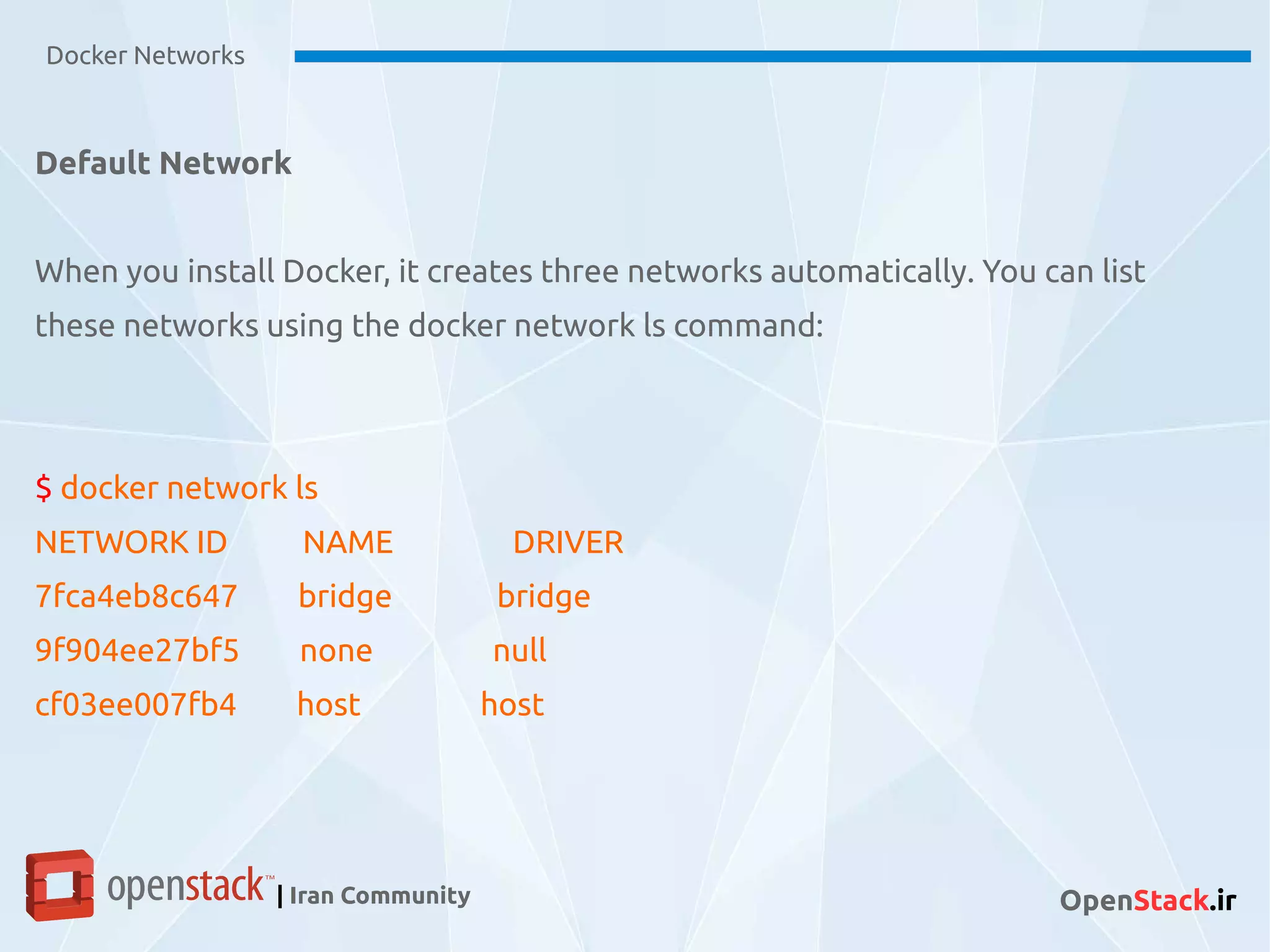
When you install Docker, it creates three networks automatically. You can list
these networks using the docker network ls command:
$ docker network ls
NETWORK ID NAME DRIVER
7fca4eb8c647 bridge bridge
9f904ee27bf5 none null
cf03ee007fb4 host host
Docker Networks
| Iran Community OpenStack.ir
Three networks
Docker Networks
| Iran Community OpenStack.ir
Historically, these three networks are part of Docker’s implementation.
When you run a container you can use the --net flag to specify which
network you want to run a container on. These three networks are still
available to you.
●
Bridge
●
None
●
Host
Docker Networks
| Iran Community OpenStack.ir
Bridge
Bridge
Docker Networks
| Iran Community OpenStack.ir
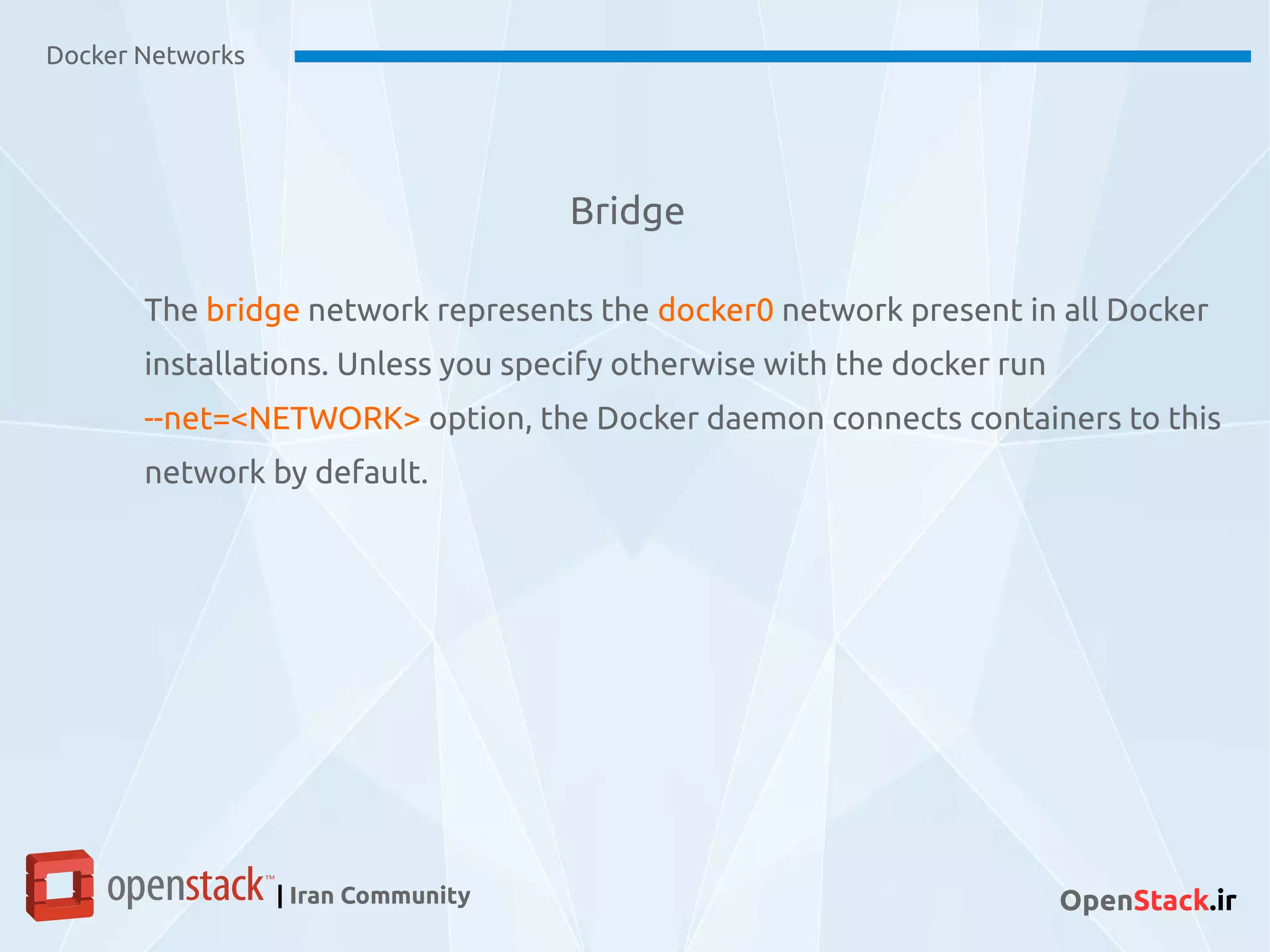
The bridge network represents the docker0 network present in all Docker
installations. Unless you specify otherwise with the docker run
--net=<NETWORK> option, the Docker daemon connects containers to this
network by default.
Bridge
Docker Networks
| Iran Community OpenStack.ir
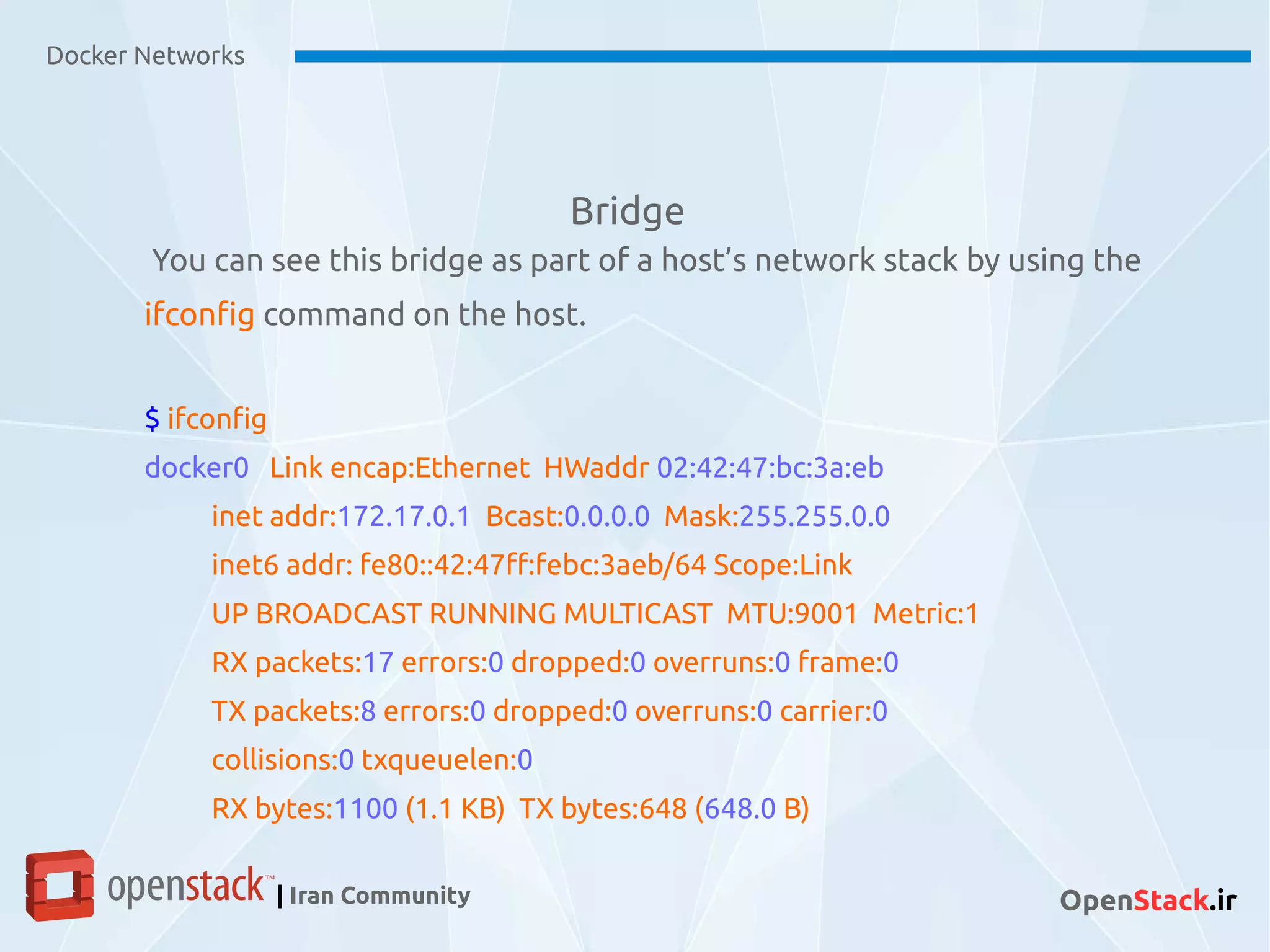
You can see this bridge as part of a host’s network stack by using the
ifconfig command on the host.
$ ifconfig
docker0 Link encap:Ethernet HWaddr 02:42:47:bc:3a:eb
inet addr:172.17.0.1 Bcast:0.0.0.0 Mask:255.255.0.0
inet6 addr: fe80::42:47ff:febc:3aeb/64 Scope:Link
UP BROADCAST RUNNING MULTICAST MTU:9001 Metric:1
RX packets:17 errors:0 dropped:0 overruns:0 frame:0
TX packets:8 errors:0 dropped:0 overruns:0 carrier:0
collisions:0 txqueuelen:0
RX bytes:1100 (1.1 KB) TX bytes:648 (648.0 B)
Docker Networks
| Iran Community OpenStack.ir
None
None
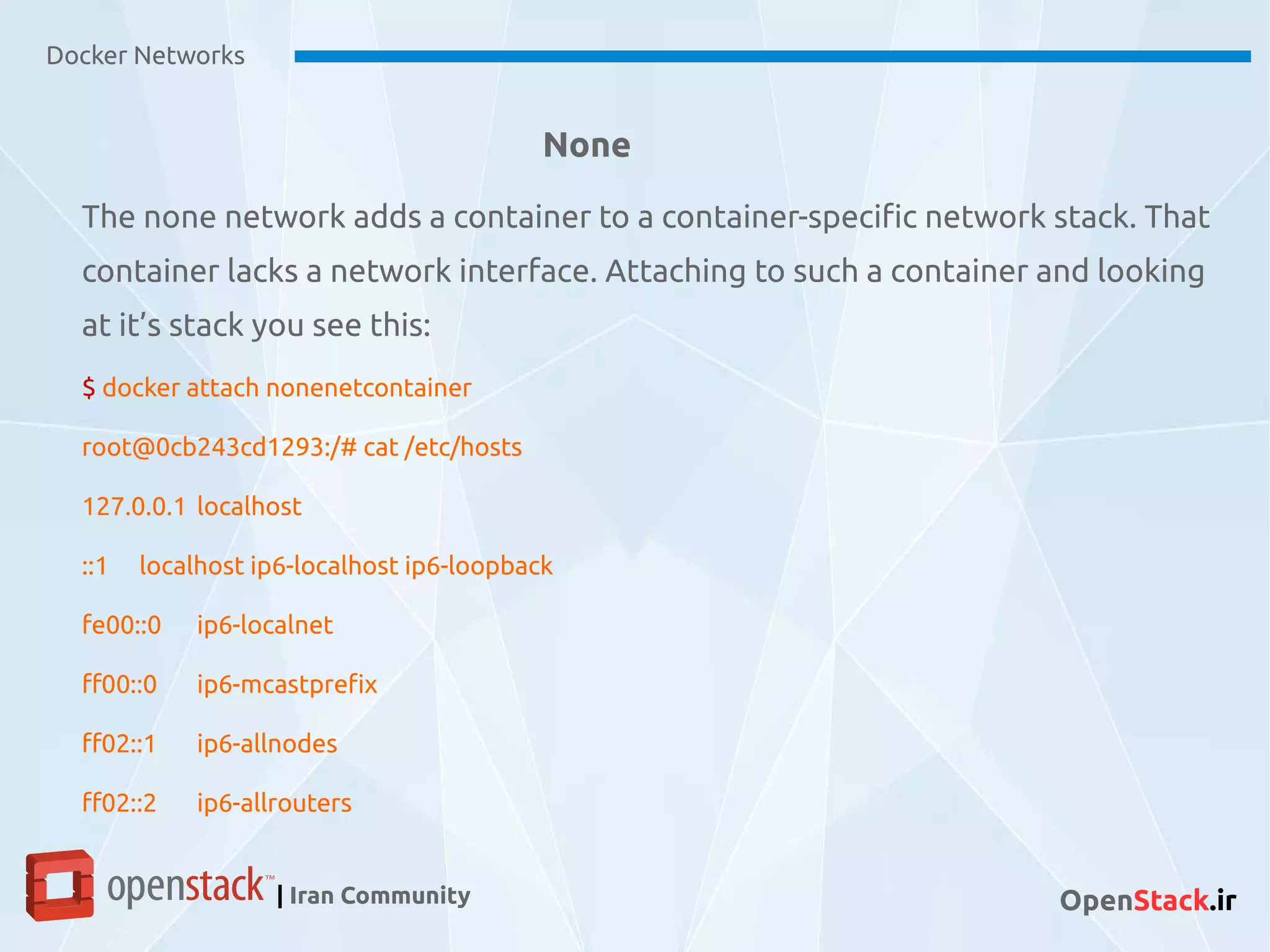
The none network adds a container to a container-specific network stack. That
container lacks a network interface. Attaching to such a container and looking
at it’s stack you see this:
$ docker attach nonenetcontainer
root@0cb243cd1293:/# cat /etc/hosts
127.0.0.1 localhost
::1 localhost ip6-localhost ip6-loopback
fe00::0 ip6-localnet
ff00::0 ip6-mcastprefix
ff02::1 ip6-allnodes
ff02::2 ip6-allrouters
Docker Networks
| Iran Community OpenStack.ir
Docker Networks
| Iran Community OpenStack.ir
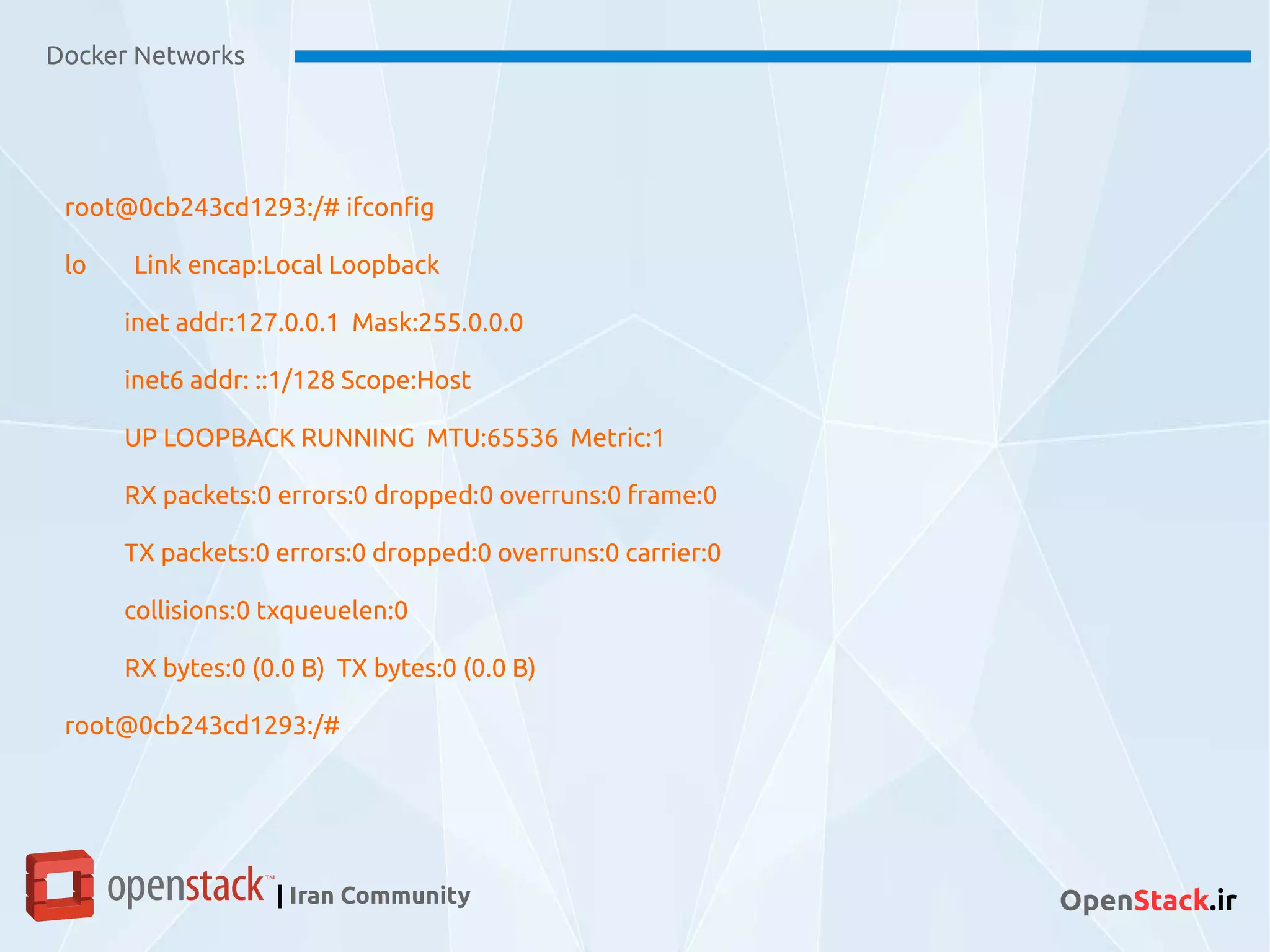
root@0cb243cd1293:/# ifconfig
lo Link encap:Local Loopback
inet addr:127.0.0.1 Mask:255.0.0.0
inet6 addr: ::1/128 Scope:Host
UP LOOPBACK RUNNING MTU:65536 Metric:1
RX packets:0 errors:0 dropped:0 overruns:0 frame:0
TX packets:0 errors:0 dropped:0 overruns:0 carrier:0
collisions:0 txqueuelen:0
RX bytes:0 (0.0 B) TX bytes:0 (0.0 B)
root@0cb243cd1293:/#
Docker Networks
| Iran Community OpenStack.ir
Host
Docker Networks
| Iran Community OpenStack.ir
Host
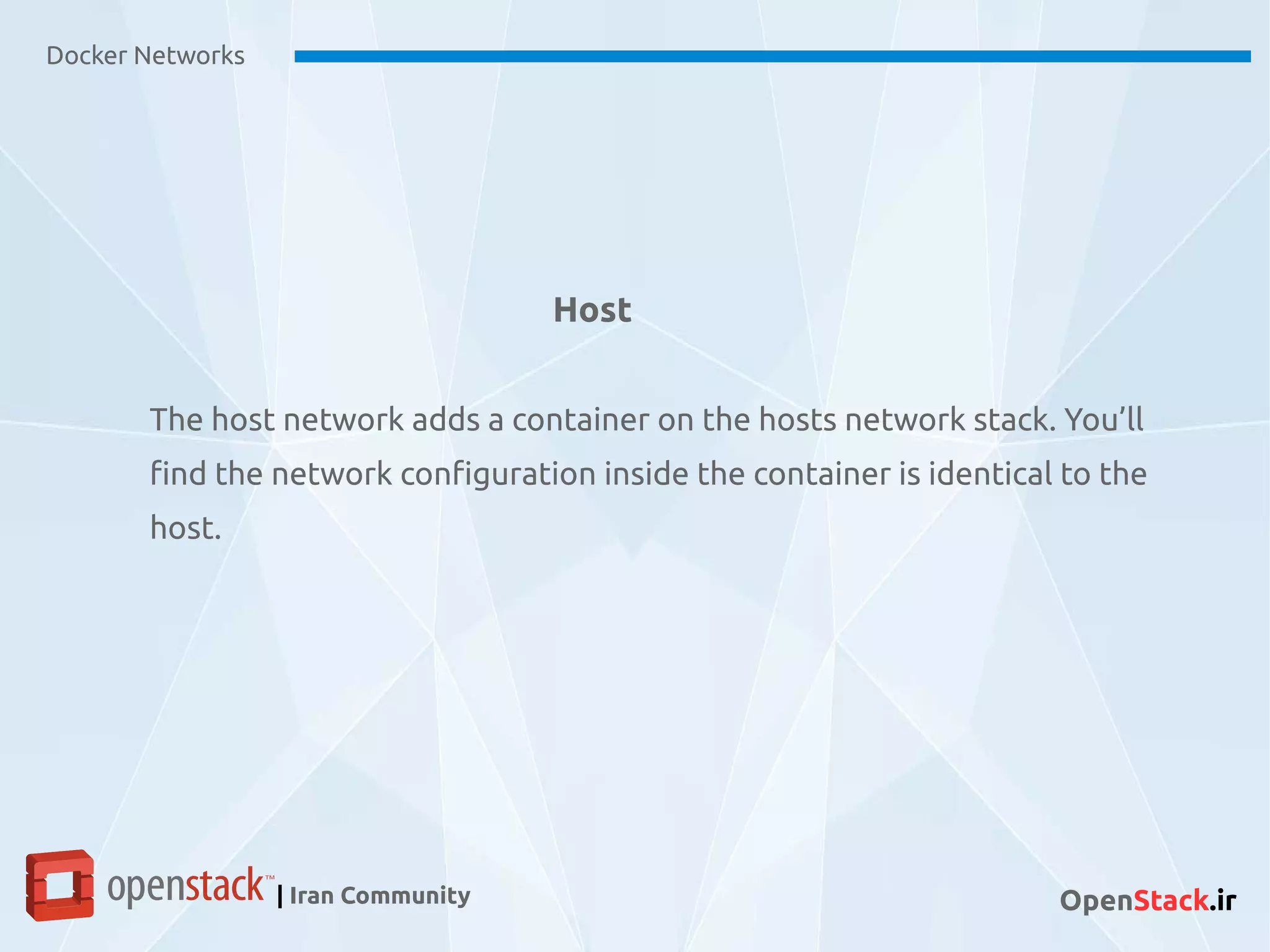
The host network adds a container on the hosts network stack. You’ll
find the network configuration inside the container is identical to the
host.
Docker Networks
| Iran Community OpenStack.ir
The default bridge network in detail
Docker Networks
| Iran Community OpenStack.ir
The default bridge network in detail
The default bridge network is present on all Docker hosts. The docker
network inspect command returns information about a network:
Docker Networks
| Iran Community OpenStack.ir
The default bridge network in detail
$ docker network inspect bridge
[
{
"Name": "bridge",
"Id": "f7ab26d71dbd6f557852c7156ae0574bbf62c42f539b50c8ebde0f728a253b6f",
"Scope": "local",
"Driver": "bridge",
"IPAM": {
"Driver": "default",
"Config": [
{
"Subnet": "172.17.0.1/16",
"Gateway": "172.17.0.1"
}
]
},
"Containers": {},
"Options": {
"com.docker.network.bridge.default_bridge": "true",
"com.docker.network.bridge.enable_icc": "true",
"com.docker.network.bridge.enable_ip_masquerade": "true",
"com.docker.network.bridge.host_binding_ipv4": "0.0.0.0",
"com.docker.network.bridge.name": "docker0",
"com.docker.network.driver.mtu": "9001"
}
Docker Networks
| Iran Community OpenStack.ir
The default bridge network in detail
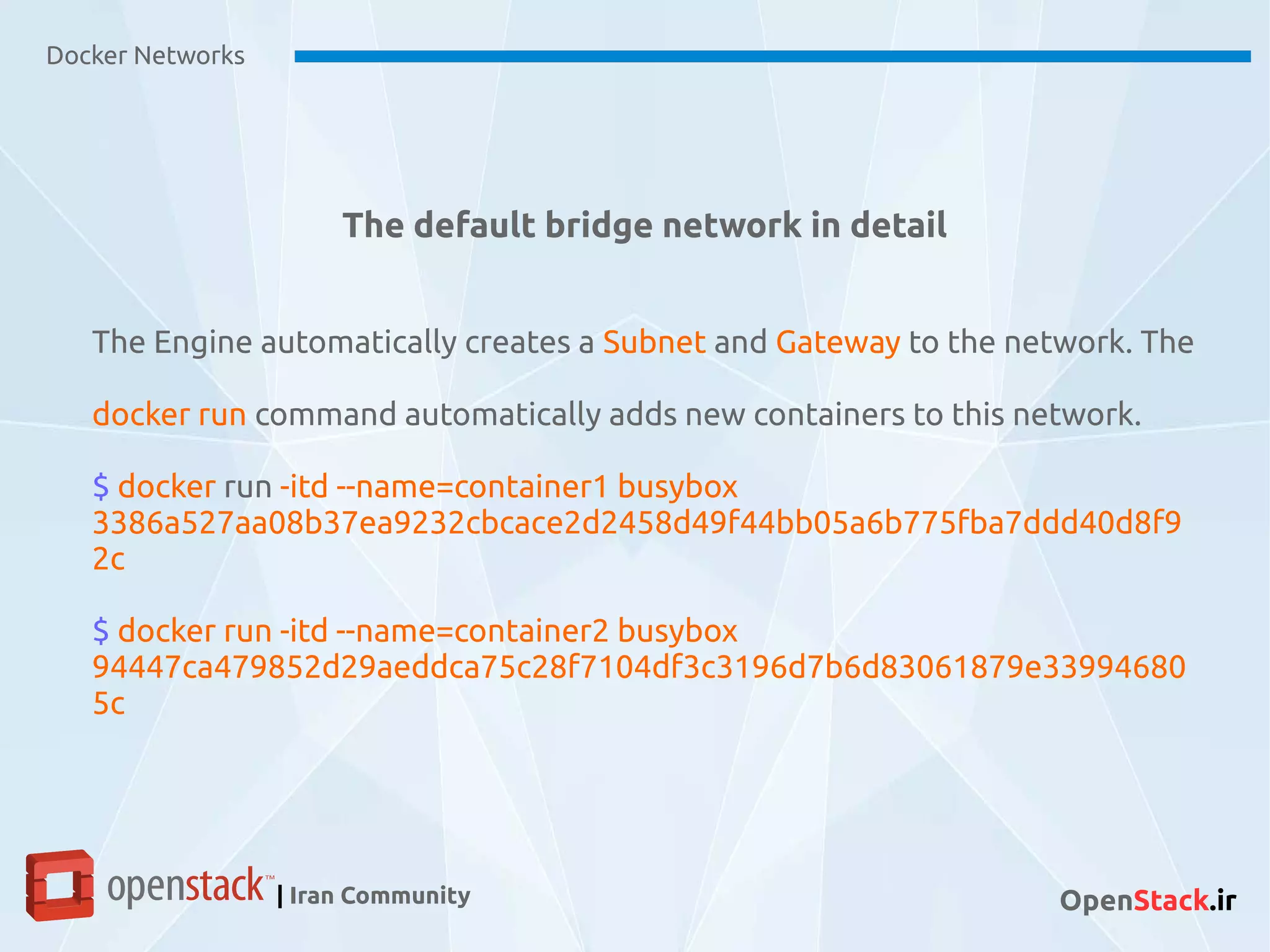
The Engine automatically creates a Subnet and Gateway to the network. The
docker run command automatically adds new containers to this network.
$ docker run -itd --name=container1 busybox
3386a527aa08b37ea9232cbcace2d2458d49f44bb05a6b775fba7ddd40d8f9
2c
$ docker run -itd --name=container2 busybox
94447ca479852d29aeddca75c28f7104df3c3196d7b6d83061879e33994680
5c
Docker Networks
| Iran Community OpenStack.ir
The default bridge network in detail
Inspecting the bridge network again after starting two containers shows
both newly launched containers in the network. Their ids show up in the
container
Docker Networks
| Iran Community OpenStack.ir
The default bridge network in detail
$ docker network inspect bridge
{[
{
"Name": "bridge",
"Id":
"f7ab26d71dbd6f557852c7156ae0574bbf62c42f539b50c8ebde0f728a253b6f",
"Scope": "local",
"Driver": "bridge",
"IPAM": {
"Driver": "default",
"Config": [
{
"Subnet": "172.17.0.1/16",
"Gateway": "172.17.0.1"
}
]
},
Docker Networks
| Iran Community OpenStack.ir
The default bridge network in detail
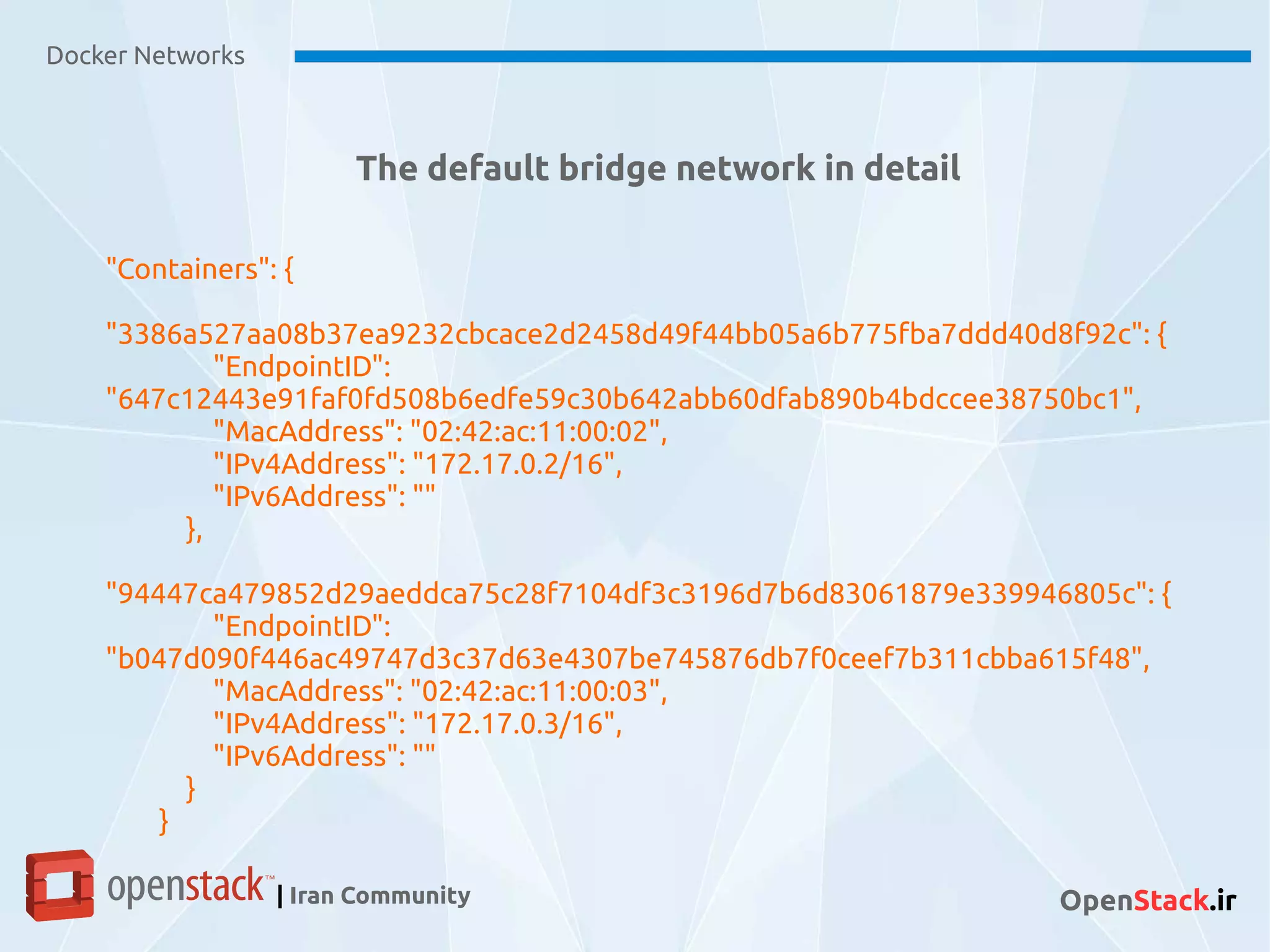
"Containers": {
"3386a527aa08b37ea9232cbcace2d2458d49f44bb05a6b775fba7ddd40d8f92c": {
"EndpointID":
"647c12443e91faf0fd508b6edfe59c30b642abb60dfab890b4bdccee38750bc1",
"MacAddress": "02:42:ac:11:00:02",
"IPv4Address": "172.17.0.2/16",
"IPv6Address": ""
},
"94447ca479852d29aeddca75c28f7104df3c3196d7b6d83061879e339946805c": {
"EndpointID":
"b047d090f446ac49747d3c37d63e4307be745876db7f0ceef7b311cbba615f48",
"MacAddress": "02:42:ac:11:00:03",
"IPv4Address": "172.17.0.3/16",
"IPv6Address": ""
}
}
Docker Networks
| Iran Community OpenStack.ir
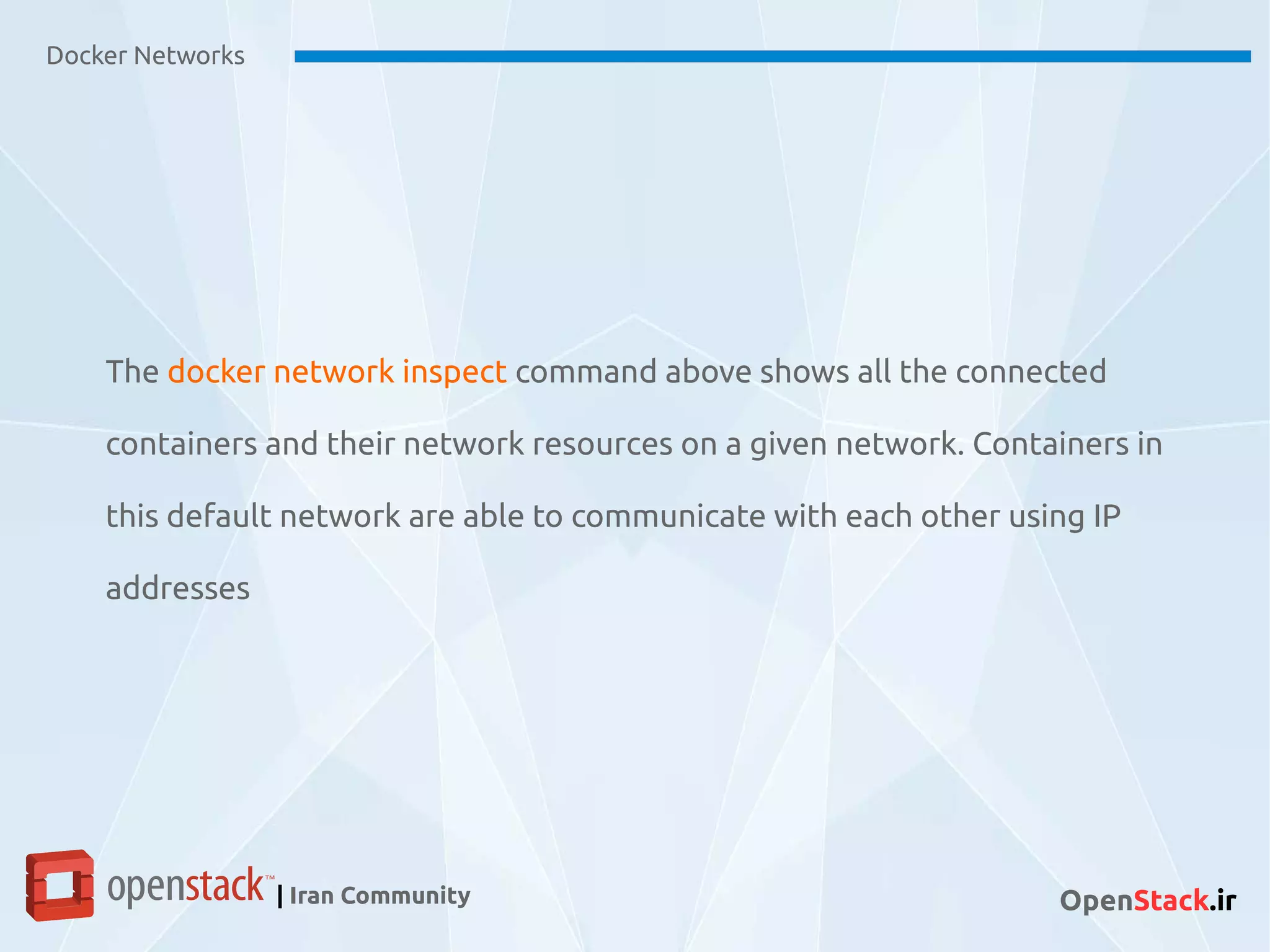
The docker network inspect command above shows all the connected
containers and their network resources on a given network. Containers in
this default network are able to communicate with each other using IP
addresses
Docker Networks
| Iran Community OpenStack.ir
Any Question?
Docker Network
| Iran Community OpenStack.ir
Stay in Touch and Join Us:
Home Page: OpenStack.ir
Meetup age: Meetup.com/IranOpenStack
Mailing List: OpenStackir@Lists.OpenStack.org
Twitter: @OpenStackIR , #OpenStackIRAN
IRC Channel on FreeNode: #OpenStack-ir
Telegram Groups : @docker_ir
Docker Networks
| Iran Community OpenStack.ir
Mohammadreza Amini
Linux/Docker Administrator
Mohammadreza@openstack.ir
Amir Arsalan
Python Developer
Arsalan@openstack.ir
Thank You

Docker network

  • 1.
    Presentation By: Mohammadreza Amini AmirArsalan Spring 2016 IRAN OpenStack Users Group Docker Networks
  • 2.
    Agenda Docker Networks | IranCommunity OpenStack.ir The basics of Docker networking Default Networks Three Networks Bridge None Host The default bridge network in detail
  • 3.
    Docker Networks | IranCommunity OpenStack.ir The basics of Docker networking
  • 4.
    The basics ofDocker networking The basic network primitive in Docker is an Ethernet bridge called "docker0." When Docker boots up on a Linux server, it creates a default docker0 bridge inside the Linux kernel, and docker0 creates a virtual subnet on the Docker host. It can pass packets back and forth between containers on that host. Docker Networks | Iran Community OpenStack.ir
  • 5.
    Docker Networks | IranCommunity OpenStack.ir Default Networks
  • 6.
    Default Network When youinstall Docker, it creates three networks automatically. You can list these networks using the docker network ls command: $ docker network ls NETWORK ID NAME DRIVER 7fca4eb8c647 bridge bridge 9f904ee27bf5 none null cf03ee007fb4 host host Docker Networks | Iran Community OpenStack.ir
  • 7.
    Three networks Docker Networks |Iran Community OpenStack.ir Historically, these three networks are part of Docker’s implementation. When you run a container you can use the --net flag to specify which network you want to run a container on. These three networks are still available to you. ● Bridge ● None ● Host
  • 8.
    Docker Networks | IranCommunity OpenStack.ir Bridge
  • 9.
    Bridge Docker Networks | IranCommunity OpenStack.ir The bridge network represents the docker0 network present in all Docker installations. Unless you specify otherwise with the docker run --net=<NETWORK> option, the Docker daemon connects containers to this network by default.
  • 10.
    Bridge Docker Networks | IranCommunity OpenStack.ir You can see this bridge as part of a host’s network stack by using the ifconfig command on the host. $ ifconfig docker0 Link encap:Ethernet HWaddr 02:42:47:bc:3a:eb inet addr:172.17.0.1 Bcast:0.0.0.0 Mask:255.255.0.0 inet6 addr: fe80::42:47ff:febc:3aeb/64 Scope:Link UP BROADCAST RUNNING MULTICAST MTU:9001 Metric:1 RX packets:17 errors:0 dropped:0 overruns:0 frame:0 TX packets:8 errors:0 dropped:0 overruns:0 carrier:0 collisions:0 txqueuelen:0 RX bytes:1100 (1.1 KB) TX bytes:648 (648.0 B)
  • 11.
    Docker Networks | IranCommunity OpenStack.ir None
  • 12.
    None The none networkadds a container to a container-specific network stack. That container lacks a network interface. Attaching to such a container and looking at it’s stack you see this: $ docker attach nonenetcontainer root@0cb243cd1293:/# cat /etc/hosts 127.0.0.1 localhost ::1 localhost ip6-localhost ip6-loopback fe00::0 ip6-localnet ff00::0 ip6-mcastprefix ff02::1 ip6-allnodes ff02::2 ip6-allrouters Docker Networks | Iran Community OpenStack.ir
  • 13.
    Docker Networks | IranCommunity OpenStack.ir root@0cb243cd1293:/# ifconfig lo Link encap:Local Loopback inet addr:127.0.0.1 Mask:255.0.0.0 inet6 addr: ::1/128 Scope:Host UP LOOPBACK RUNNING MTU:65536 Metric:1 RX packets:0 errors:0 dropped:0 overruns:0 frame:0 TX packets:0 errors:0 dropped:0 overruns:0 carrier:0 collisions:0 txqueuelen:0 RX bytes:0 (0.0 B) TX bytes:0 (0.0 B) root@0cb243cd1293:/#
  • 14.
    Docker Networks | IranCommunity OpenStack.ir Host
  • 15.
    Docker Networks | IranCommunity OpenStack.ir Host The host network adds a container on the hosts network stack. You’ll find the network configuration inside the container is identical to the host.
  • 16.
    Docker Networks | IranCommunity OpenStack.ir The default bridge network in detail
  • 17.
    Docker Networks | IranCommunity OpenStack.ir The default bridge network in detail The default bridge network is present on all Docker hosts. The docker network inspect command returns information about a network:
  • 18.
    Docker Networks | IranCommunity OpenStack.ir The default bridge network in detail $ docker network inspect bridge [ { "Name": "bridge", "Id": "f7ab26d71dbd6f557852c7156ae0574bbf62c42f539b50c8ebde0f728a253b6f", "Scope": "local", "Driver": "bridge", "IPAM": { "Driver": "default", "Config": [ { "Subnet": "172.17.0.1/16", "Gateway": "172.17.0.1" } ] }, "Containers": {}, "Options": { "com.docker.network.bridge.default_bridge": "true", "com.docker.network.bridge.enable_icc": "true", "com.docker.network.bridge.enable_ip_masquerade": "true", "com.docker.network.bridge.host_binding_ipv4": "0.0.0.0", "com.docker.network.bridge.name": "docker0", "com.docker.network.driver.mtu": "9001" }
  • 19.
    Docker Networks | IranCommunity OpenStack.ir The default bridge network in detail The Engine automatically creates a Subnet and Gateway to the network. The docker run command automatically adds new containers to this network. $ docker run -itd --name=container1 busybox 3386a527aa08b37ea9232cbcace2d2458d49f44bb05a6b775fba7ddd40d8f9 2c $ docker run -itd --name=container2 busybox 94447ca479852d29aeddca75c28f7104df3c3196d7b6d83061879e33994680 5c
  • 20.
    Docker Networks | IranCommunity OpenStack.ir The default bridge network in detail Inspecting the bridge network again after starting two containers shows both newly launched containers in the network. Their ids show up in the container
  • 21.
    Docker Networks | IranCommunity OpenStack.ir The default bridge network in detail $ docker network inspect bridge {[ { "Name": "bridge", "Id": "f7ab26d71dbd6f557852c7156ae0574bbf62c42f539b50c8ebde0f728a253b6f", "Scope": "local", "Driver": "bridge", "IPAM": { "Driver": "default", "Config": [ { "Subnet": "172.17.0.1/16", "Gateway": "172.17.0.1" } ] },
  • 22.
    Docker Networks | IranCommunity OpenStack.ir The default bridge network in detail "Containers": { "3386a527aa08b37ea9232cbcace2d2458d49f44bb05a6b775fba7ddd40d8f92c": { "EndpointID": "647c12443e91faf0fd508b6edfe59c30b642abb60dfab890b4bdccee38750bc1", "MacAddress": "02:42:ac:11:00:02", "IPv4Address": "172.17.0.2/16", "IPv6Address": "" }, "94447ca479852d29aeddca75c28f7104df3c3196d7b6d83061879e339946805c": { "EndpointID": "b047d090f446ac49747d3c37d63e4307be745876db7f0ceef7b311cbba615f48", "MacAddress": "02:42:ac:11:00:03", "IPv4Address": "172.17.0.3/16", "IPv6Address": "" } }
  • 23.
    Docker Networks | IranCommunity OpenStack.ir The docker network inspect command above shows all the connected containers and their network resources on a given network. Containers in this default network are able to communicate with each other using IP addresses
  • 24.
    Docker Networks | IranCommunity OpenStack.ir Any Question?
  • 25.
    Docker Network | IranCommunity OpenStack.ir Stay in Touch and Join Us: Home Page: OpenStack.ir Meetup age: Meetup.com/IranOpenStack Mailing List: OpenStackir@Lists.OpenStack.org Twitter: @OpenStackIR , #OpenStackIRAN IRC Channel on FreeNode: #OpenStack-ir Telegram Groups : @docker_ir
  • 26.
    Docker Networks | IranCommunity OpenStack.ir Mohammadreza Amini Linux/Docker Administrator Mohammadreza@openstack.ir Amir Arsalan Python Developer Arsalan@openstack.ir Thank You