Dial M for Mitigation
       Graham Lee
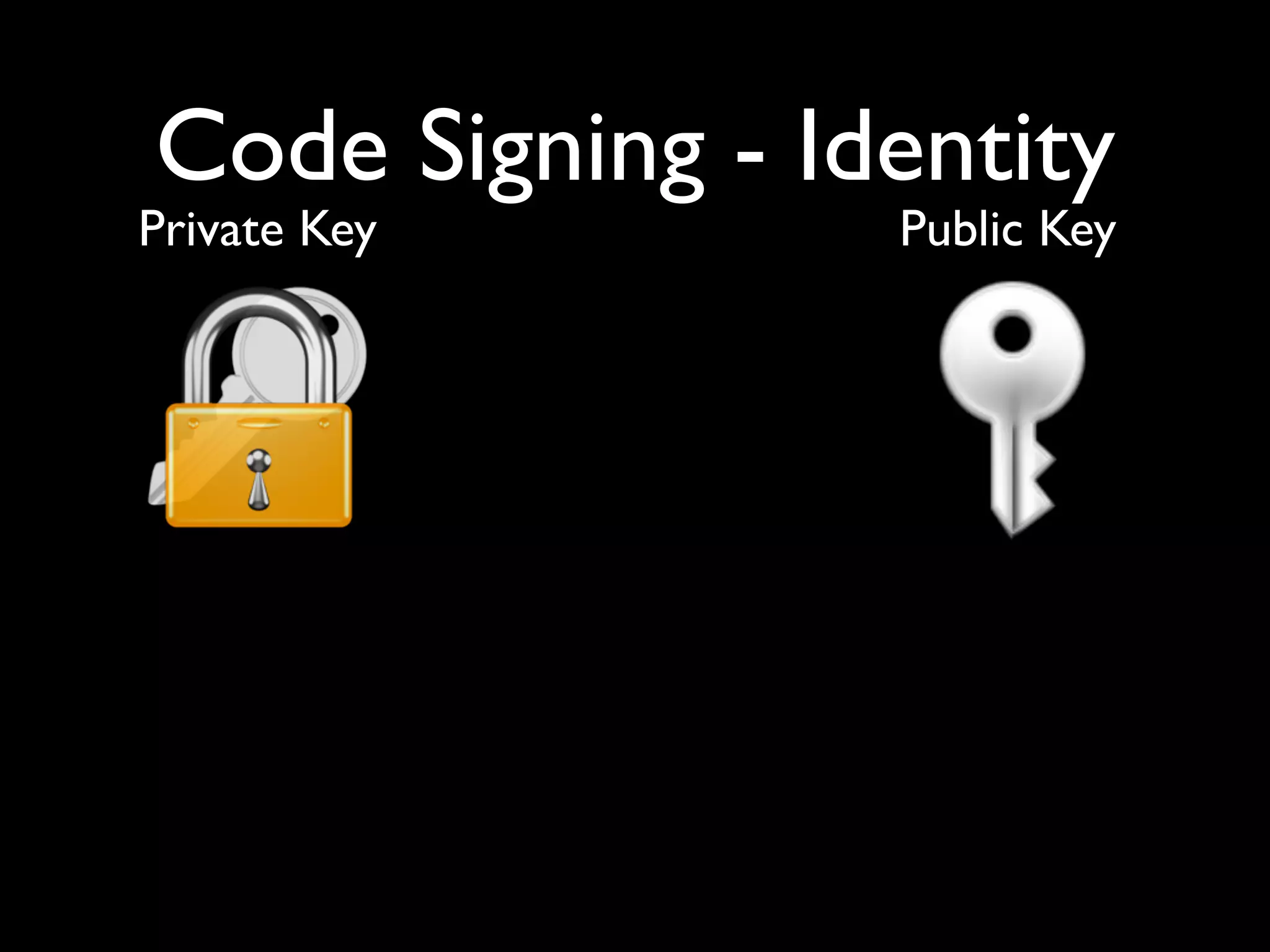
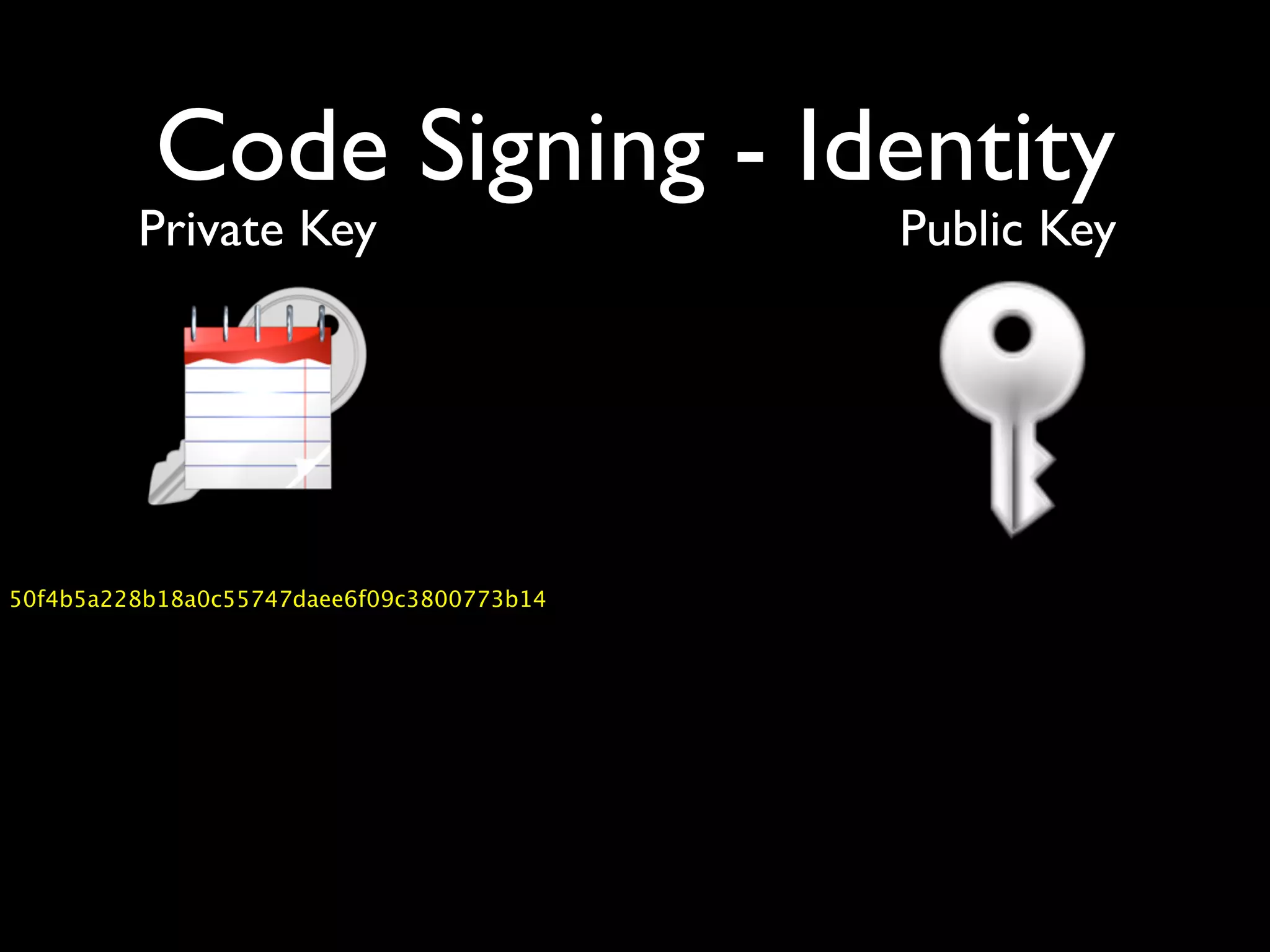
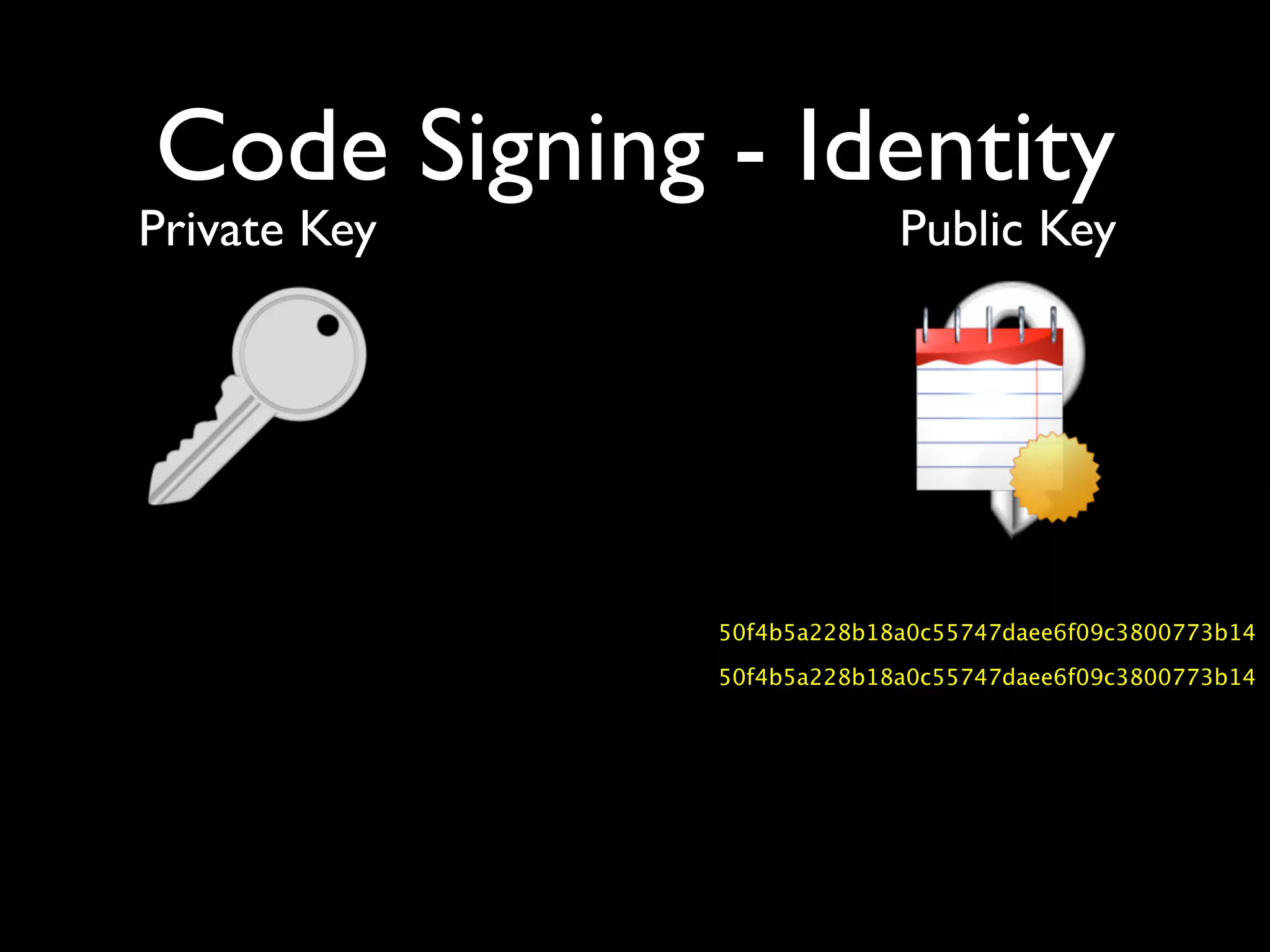
Code Signing - Identity
Private Key      Public Key
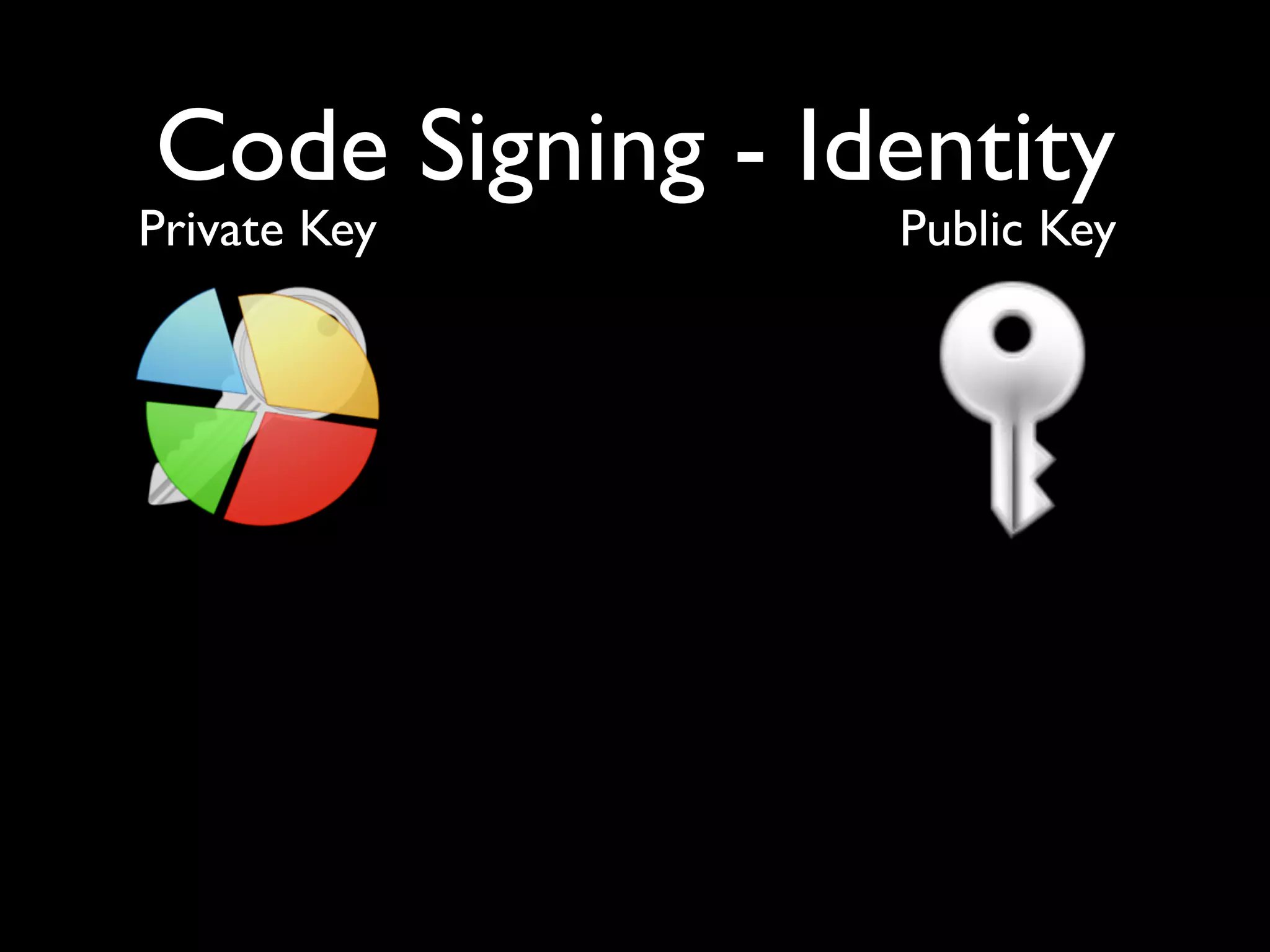
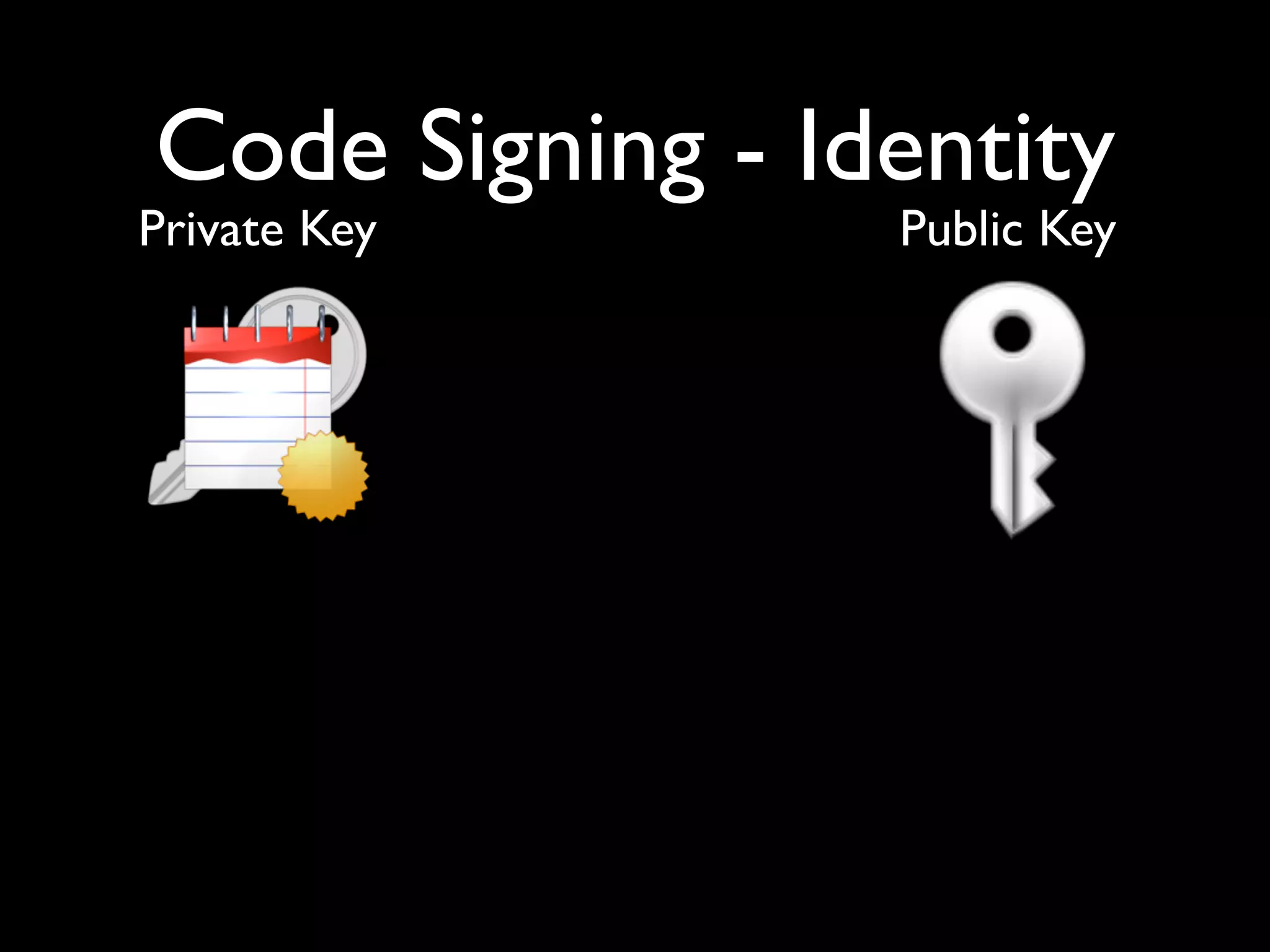
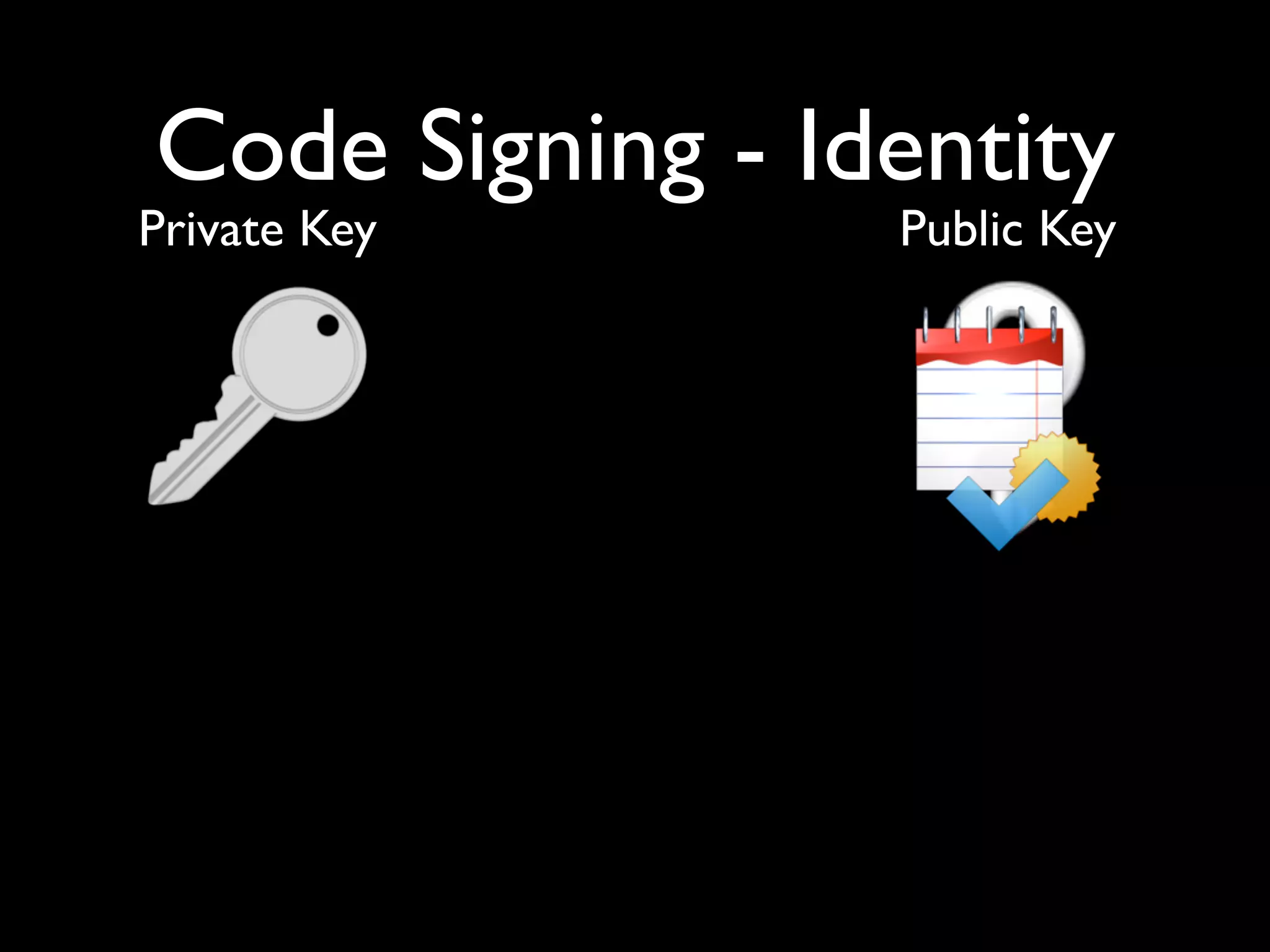
Code Signing - Identity
Private Key      Public Key
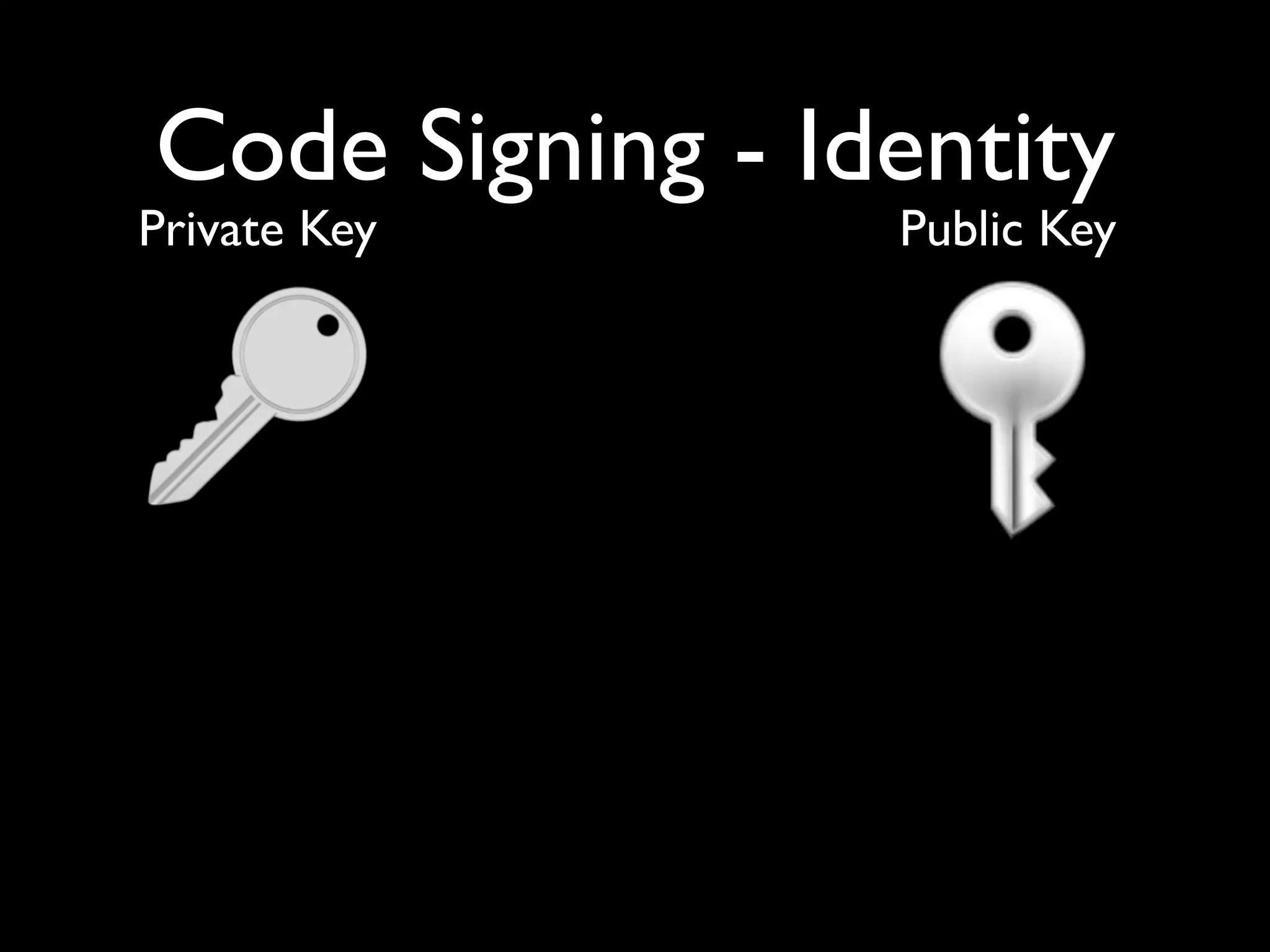
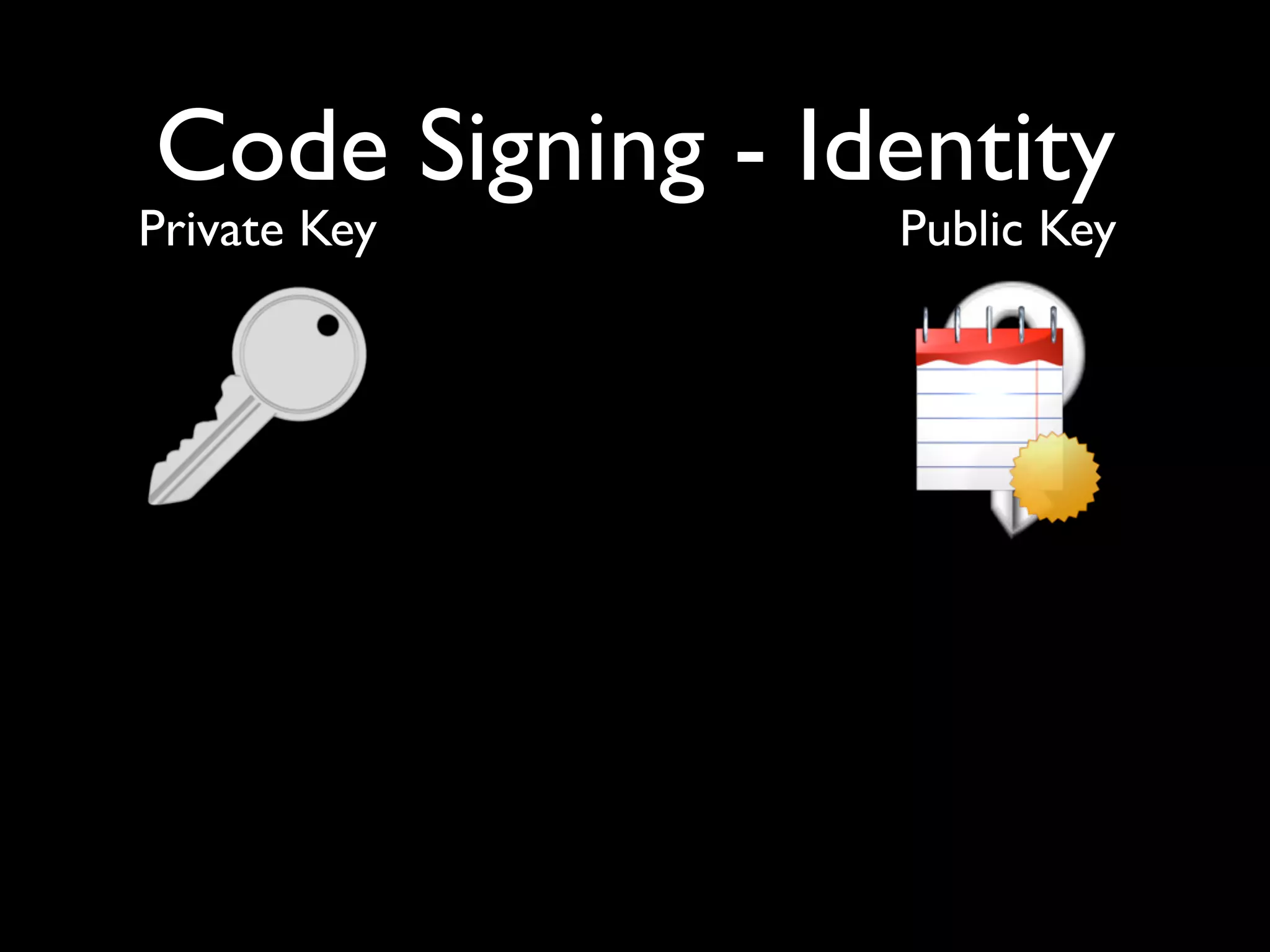
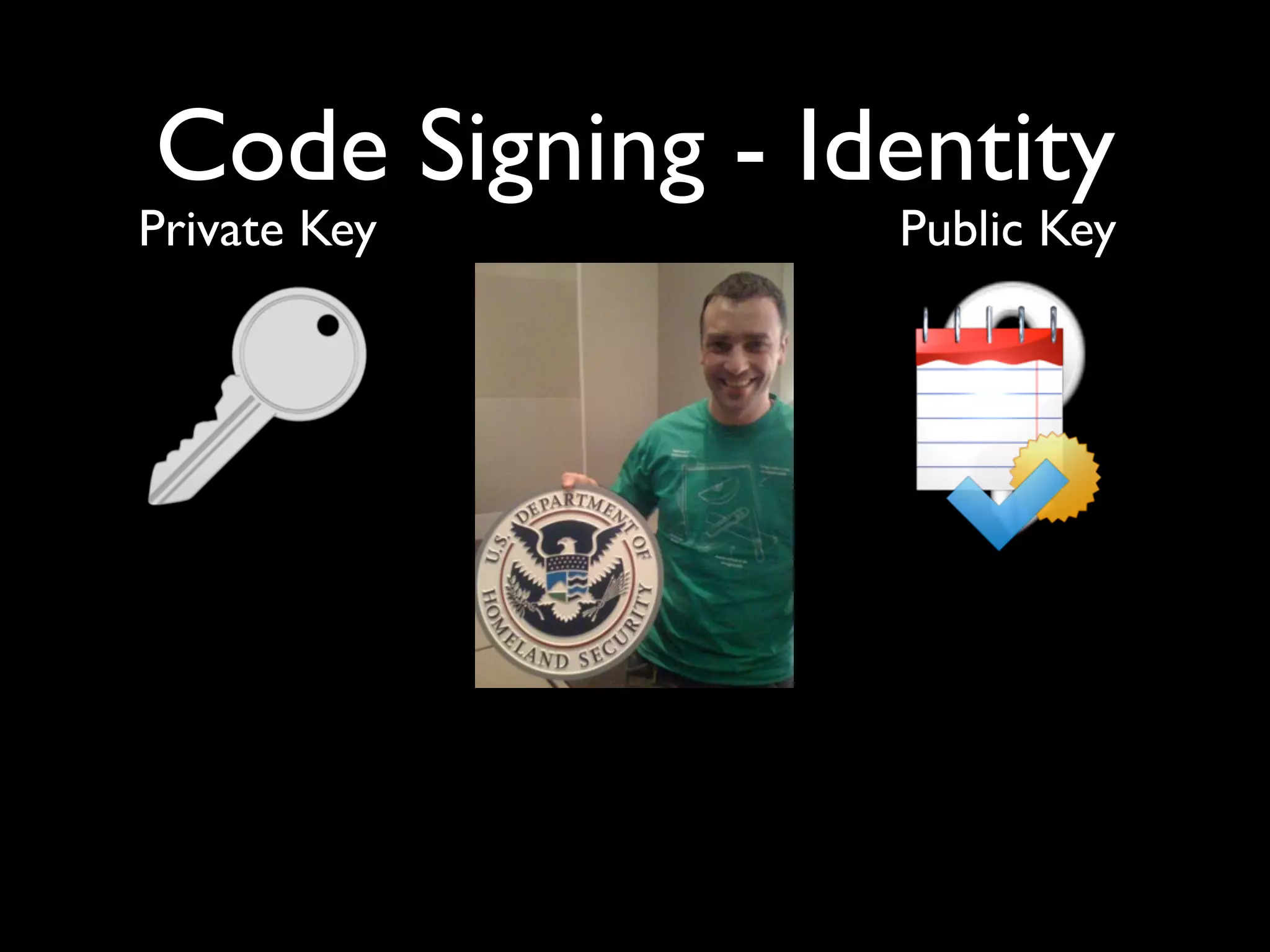
Code Signing - Identity
Private Key      Public Key
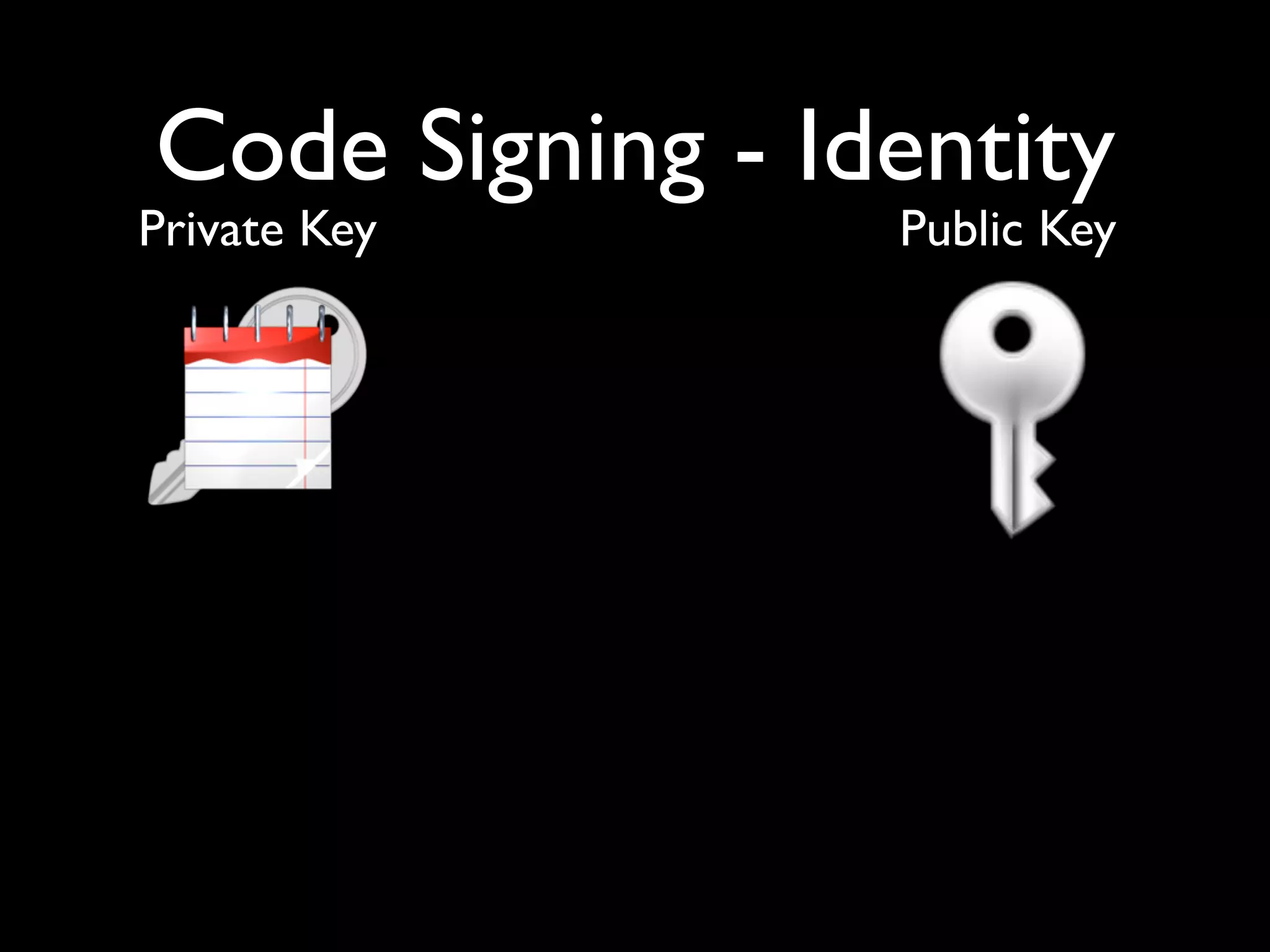
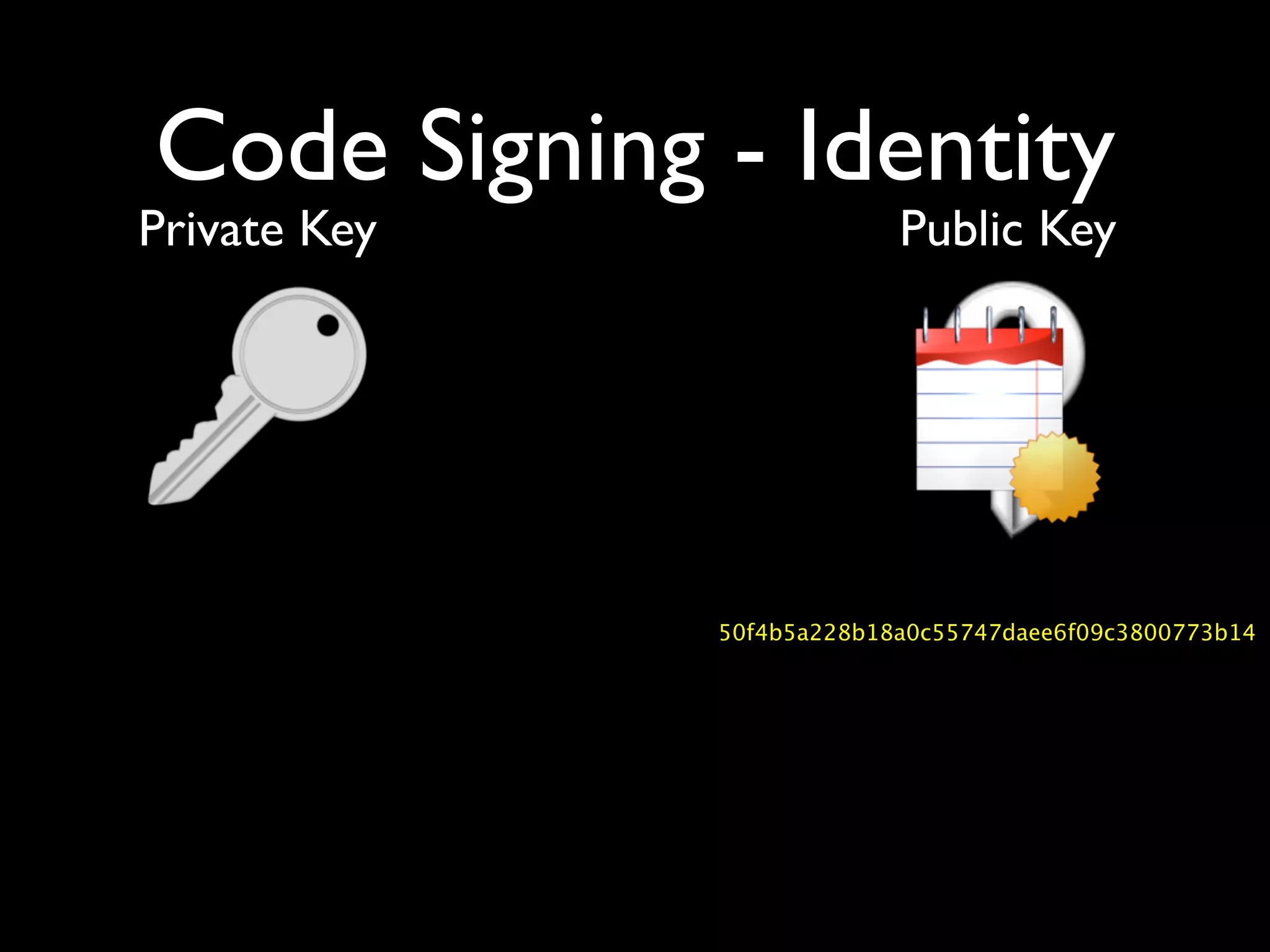
Code Signing - Identity
Private Key      Public Key
Code Signing - Identity
Private Key      Public Key
Code Signing - Identity
Private Key      Public Key
Code Signing - Identity
Private Key      Public Key
Code Signing - Identity
         Private Key                       Public Key


50f4b5a228b18a0c55747daee6f09c3800773b14
Code Signing - Identity
Private Key      Public Key
Code Signing - Identity
Private Key      Public Key
Code Signing - Identity
Private Key                Public Key


              50f4b5a228b18a0c55747daee6f09c3800773b14
Code Signing - Identity
Private Key                Public Key


              50f4b5a228b18a0c55747daee6f09c3800773b14

              50f4b5a228b18a0c55747daee6f09c3800773b14
Code Signing - Identity
Private Key      Public Key
Code Signing - Identity
Private Key      Public Key
Code Signing - Identity
Private Key
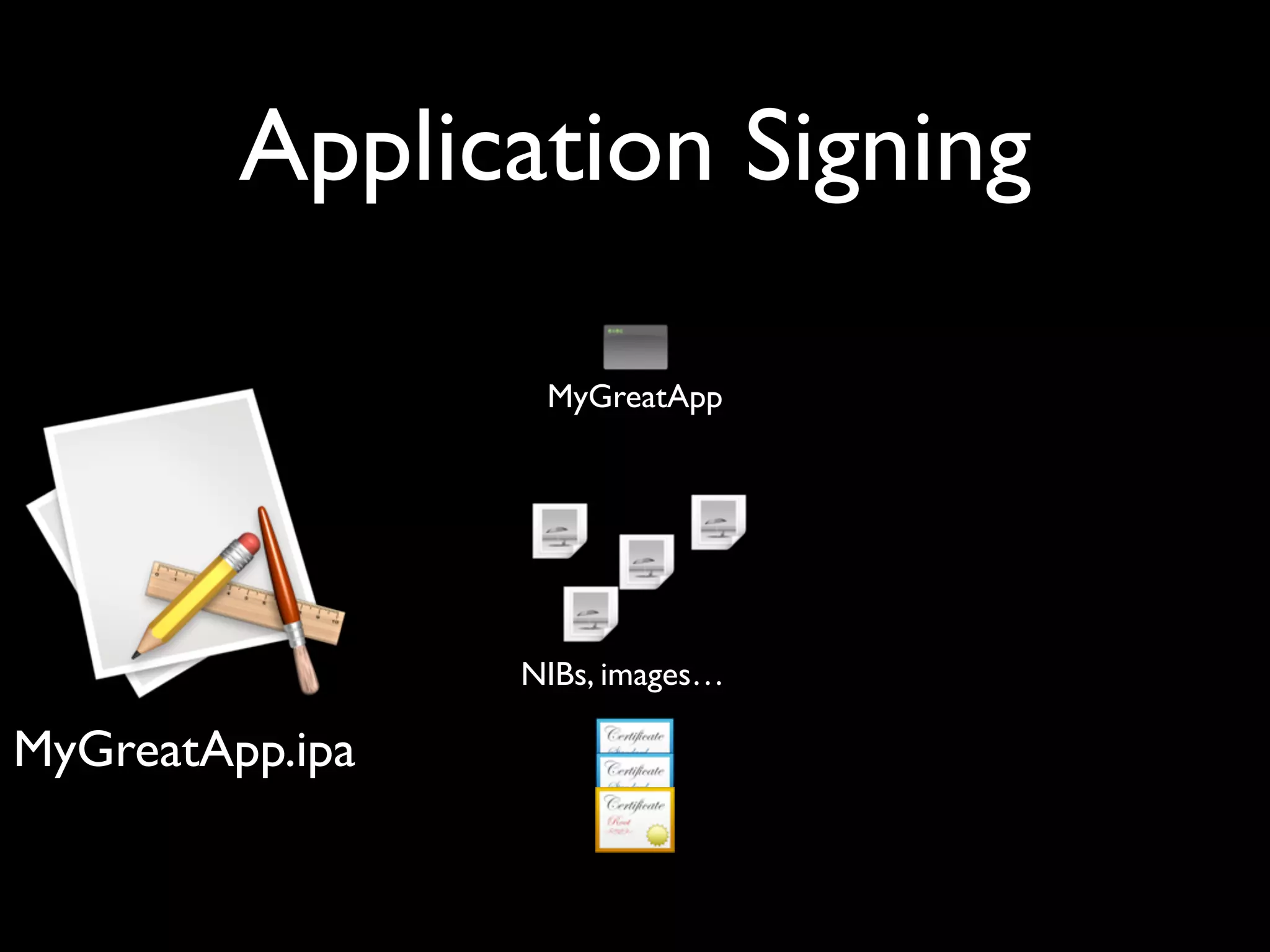
Application Signing


MyGreatApp.ipa
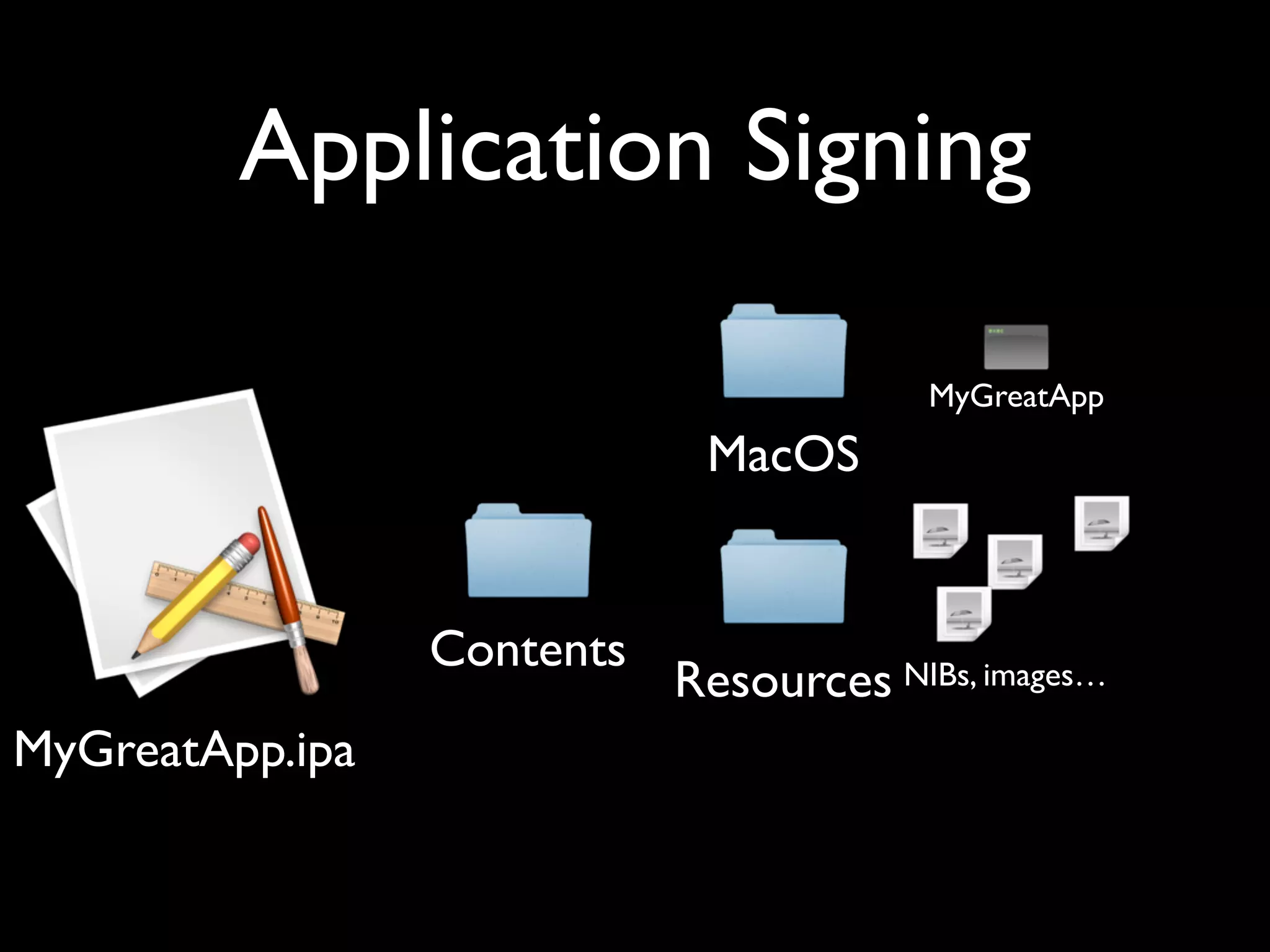
Application Signing

                                         MyGreatApp
                             MacOS


                 Contents
                            Resources NIBs, images…
MyGreatApp.ipa
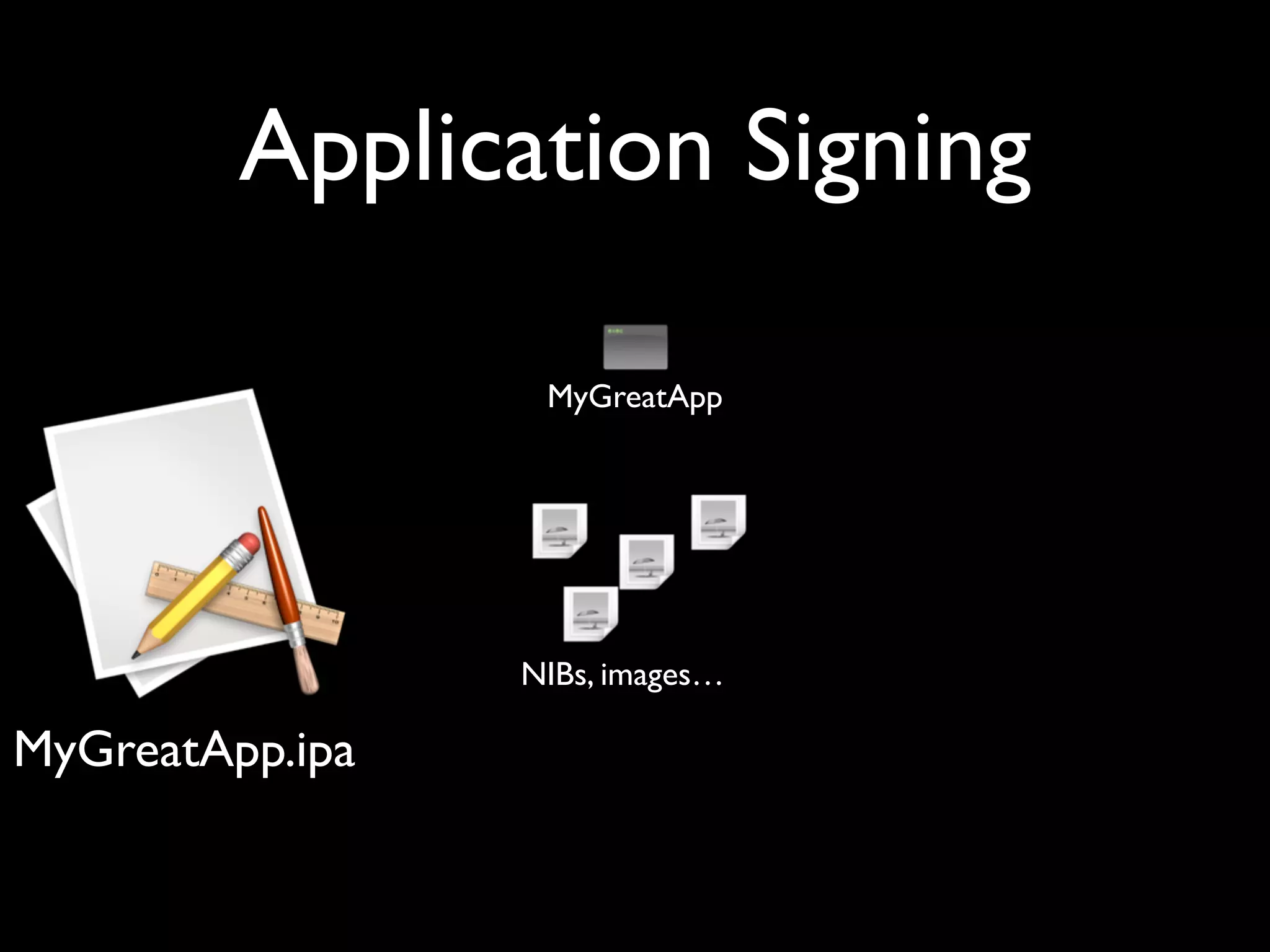
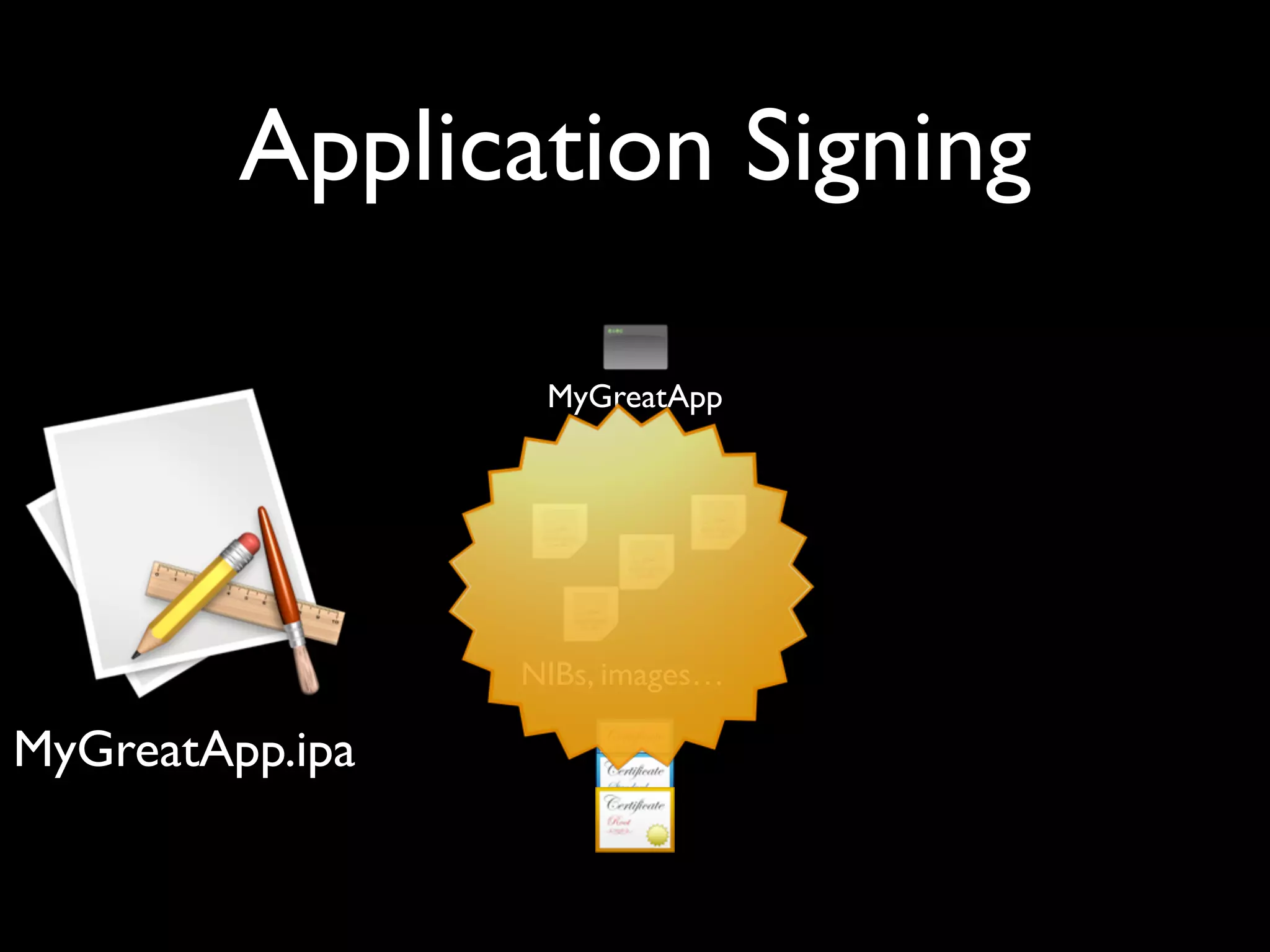
Application Signing

                  MyGreatApp


                 NIBs, images…

MyGreatApp.ipa
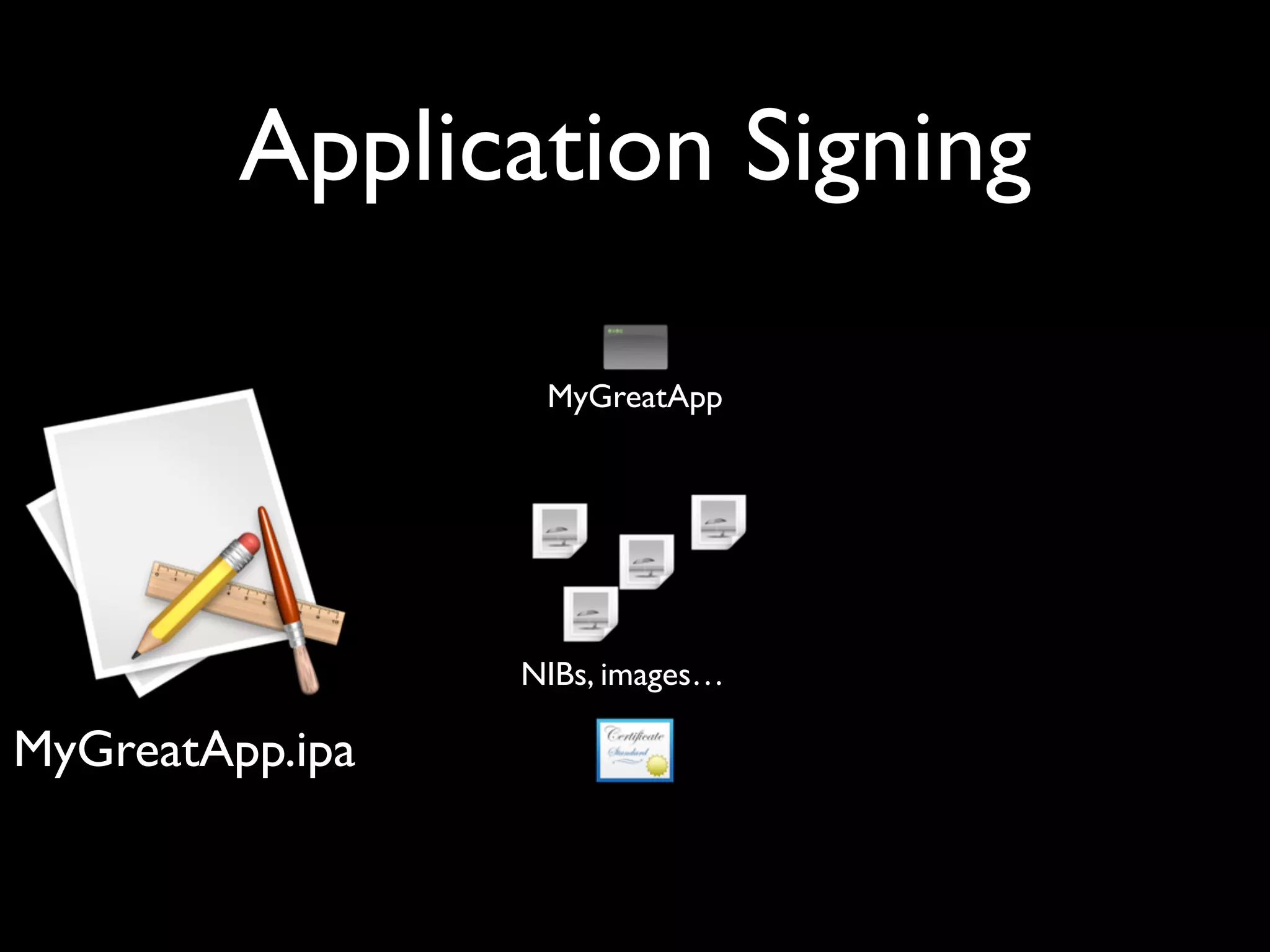
Application Signing

                  MyGreatApp


                 NIBs, images…

MyGreatApp.ipa
Application Signing

                  MyGreatApp


                 NIBs, images…

MyGreatApp.ipa
Application Signing

                  MyGreatApp


                 NIBs, images…

MyGreatApp.ipa
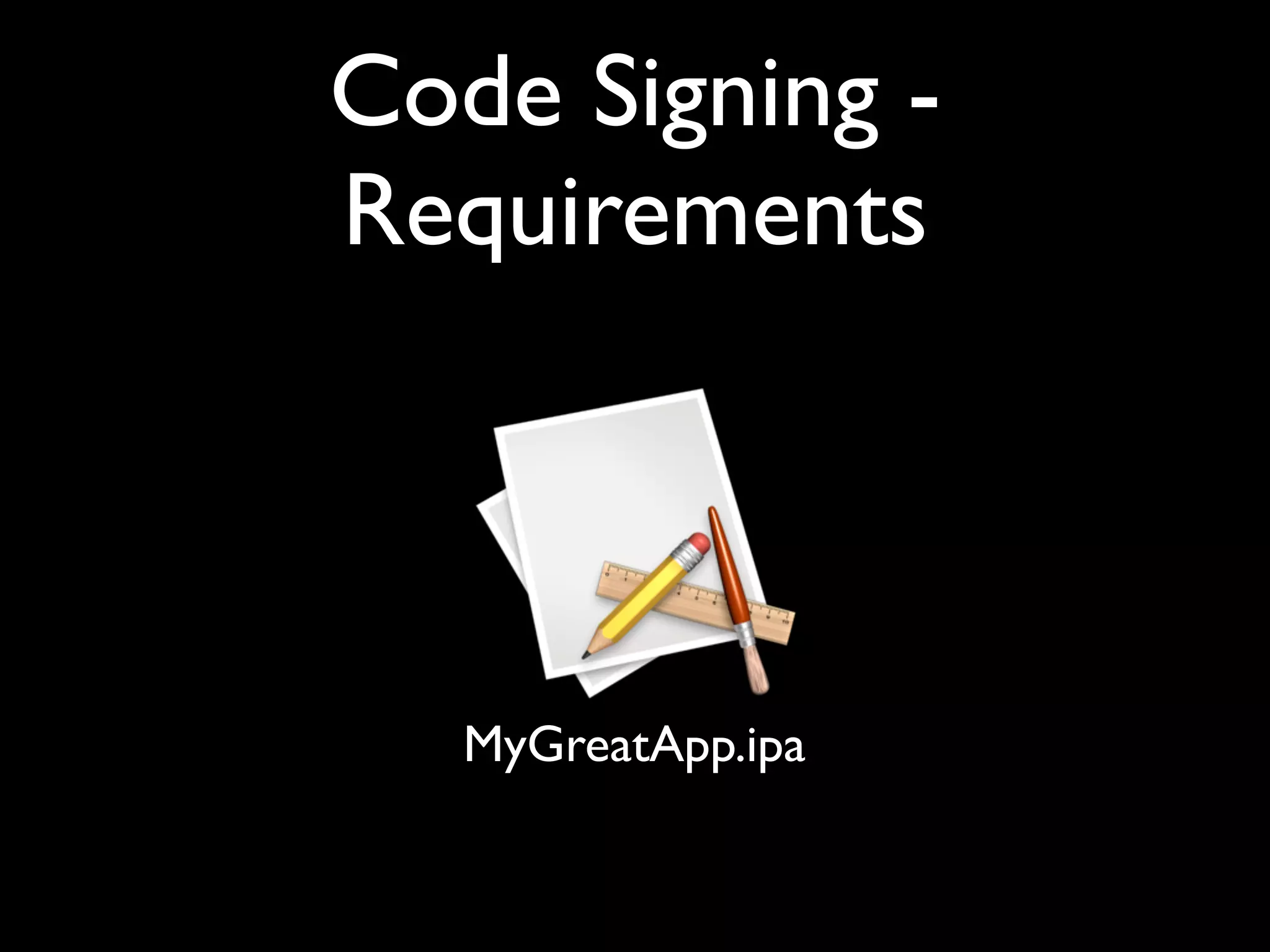
Code Signing -
Requirements


   MyGreatApp.ipa
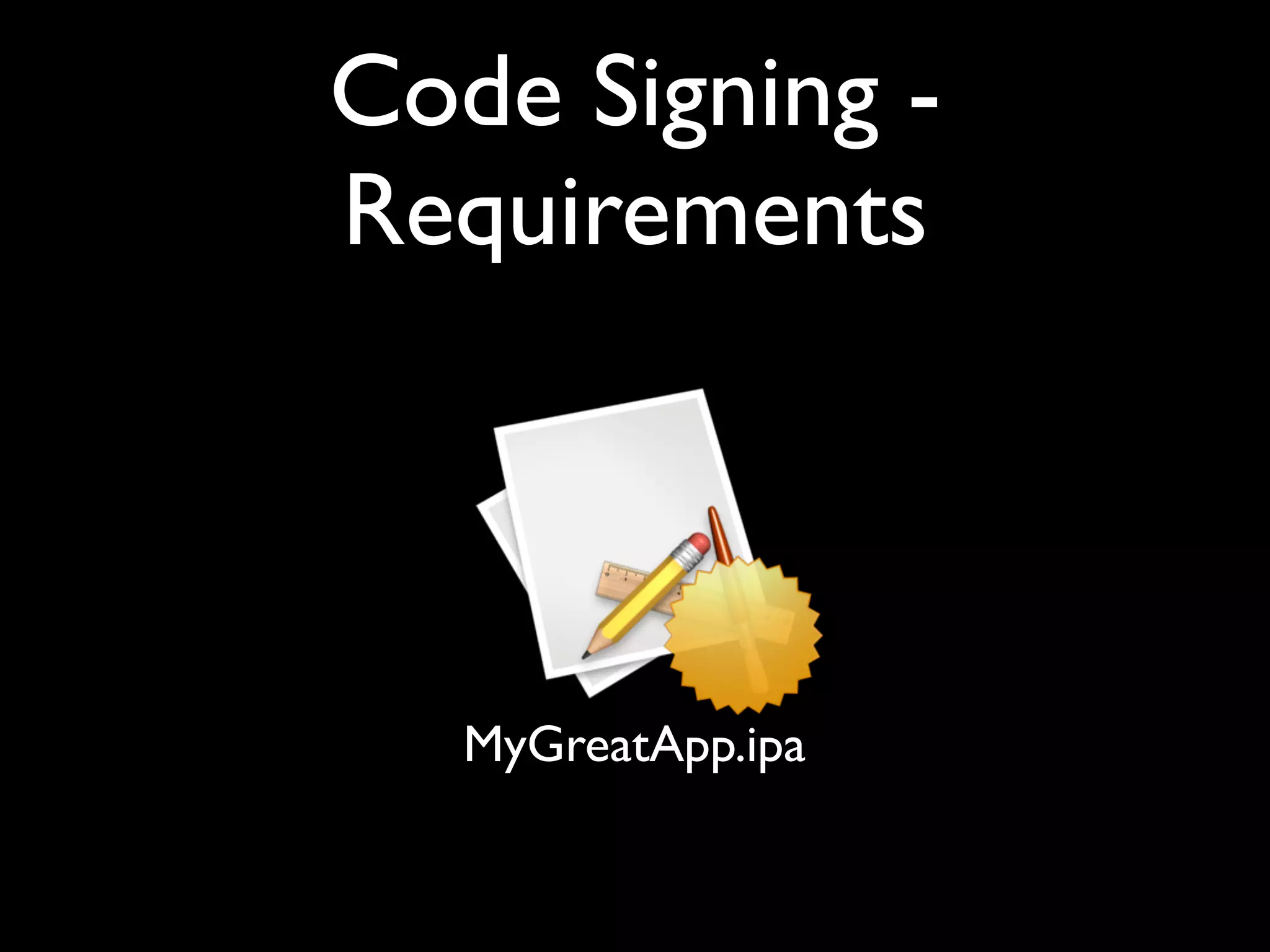
Code Signing -
Requirements


   MyGreatApp.ipa
Code Signing -
Requirements


   MyGreatApp.ipa
Code Signing - App
          Store
A       B       C        D
Code Signing - App
          Store
A       B       C        D
Code Signing - App
          Store
A       B       C        D
Code Signing - App
          Store
A       B       C        D
Code Signing - App
          Store
A       B       C        D
Code Signing - App
          Store
A       B       C        D
Code Signing - App
          Store
A       B       C        D
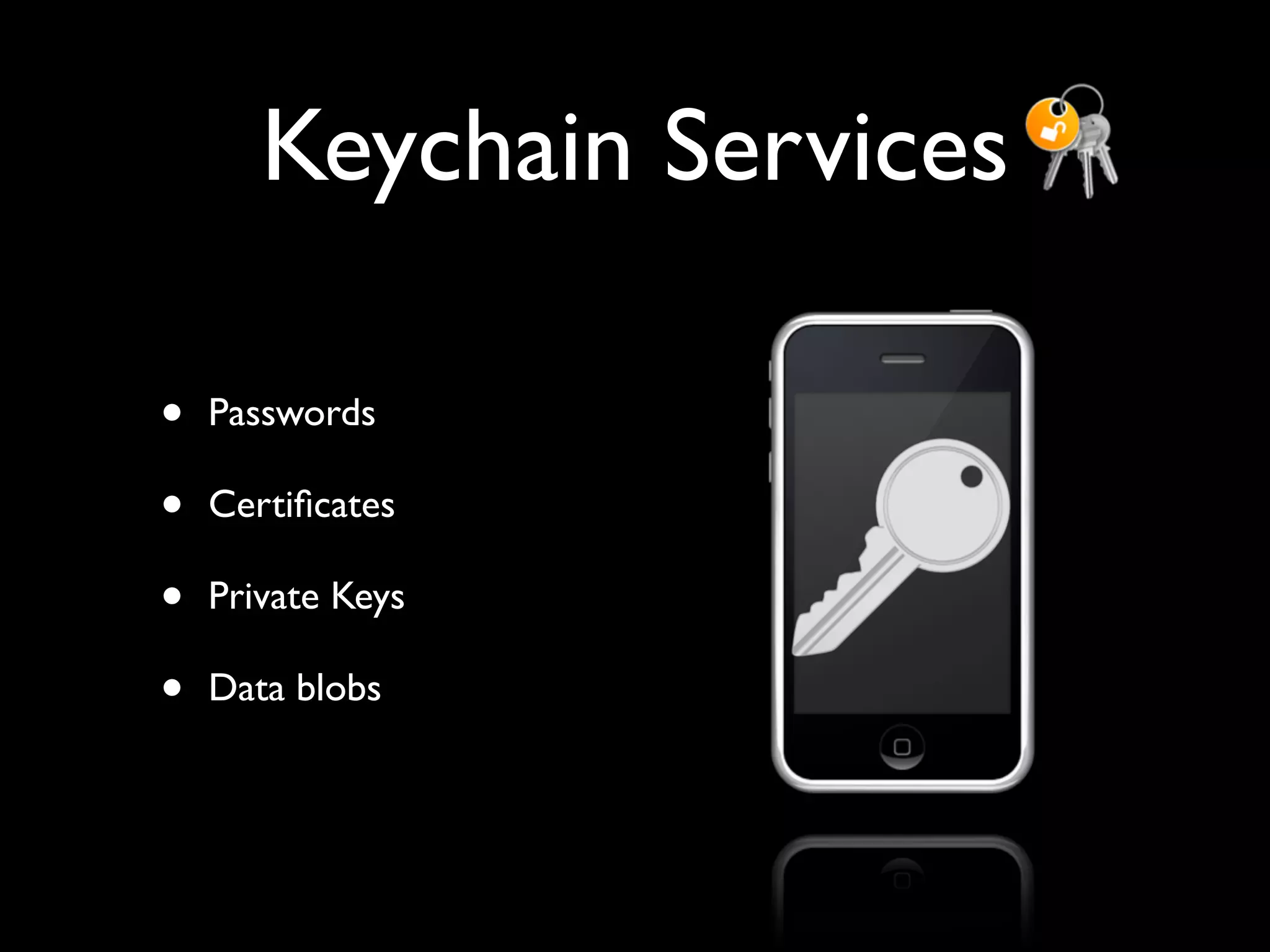
Keychain Services

•   Passwords

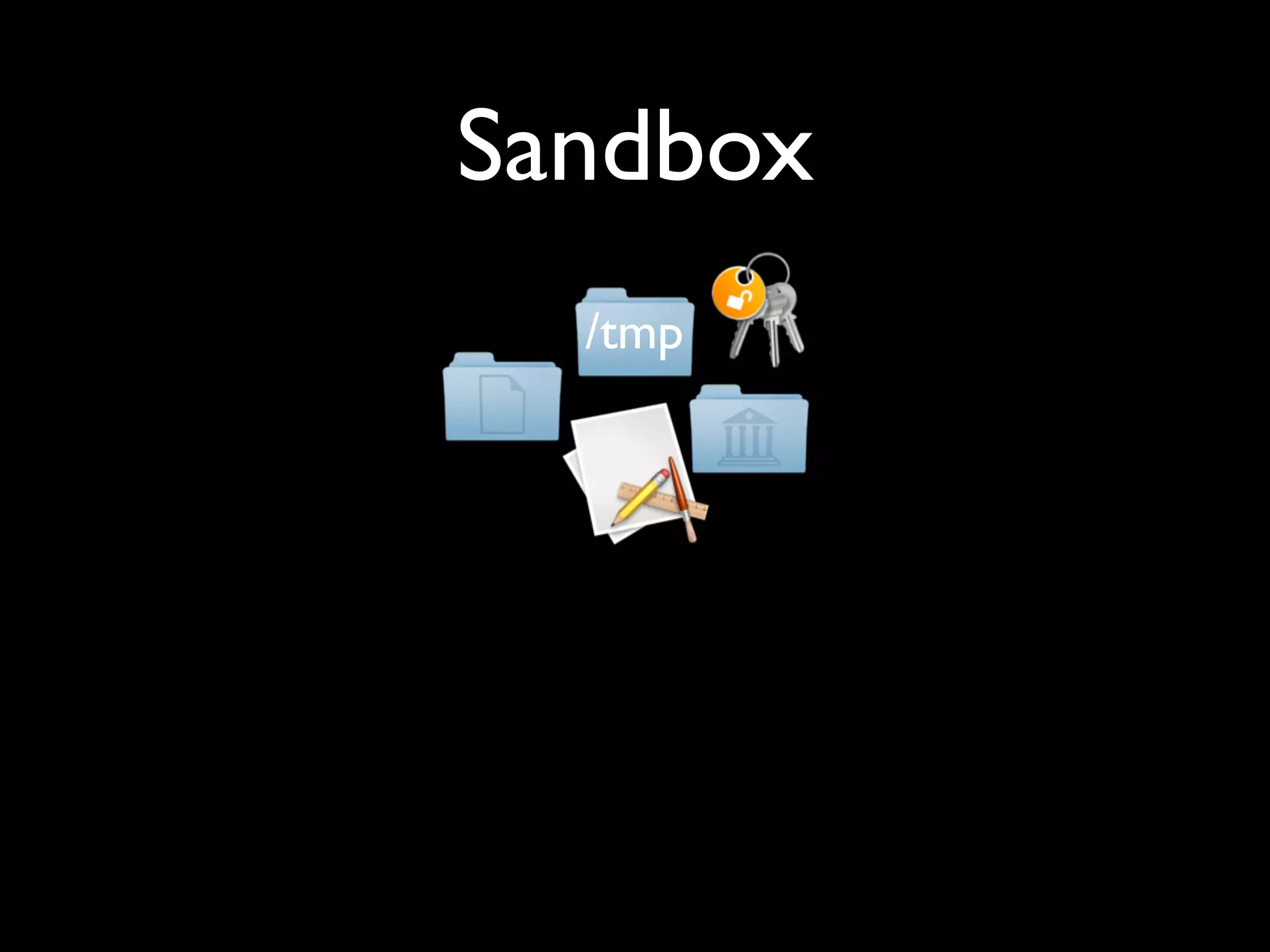
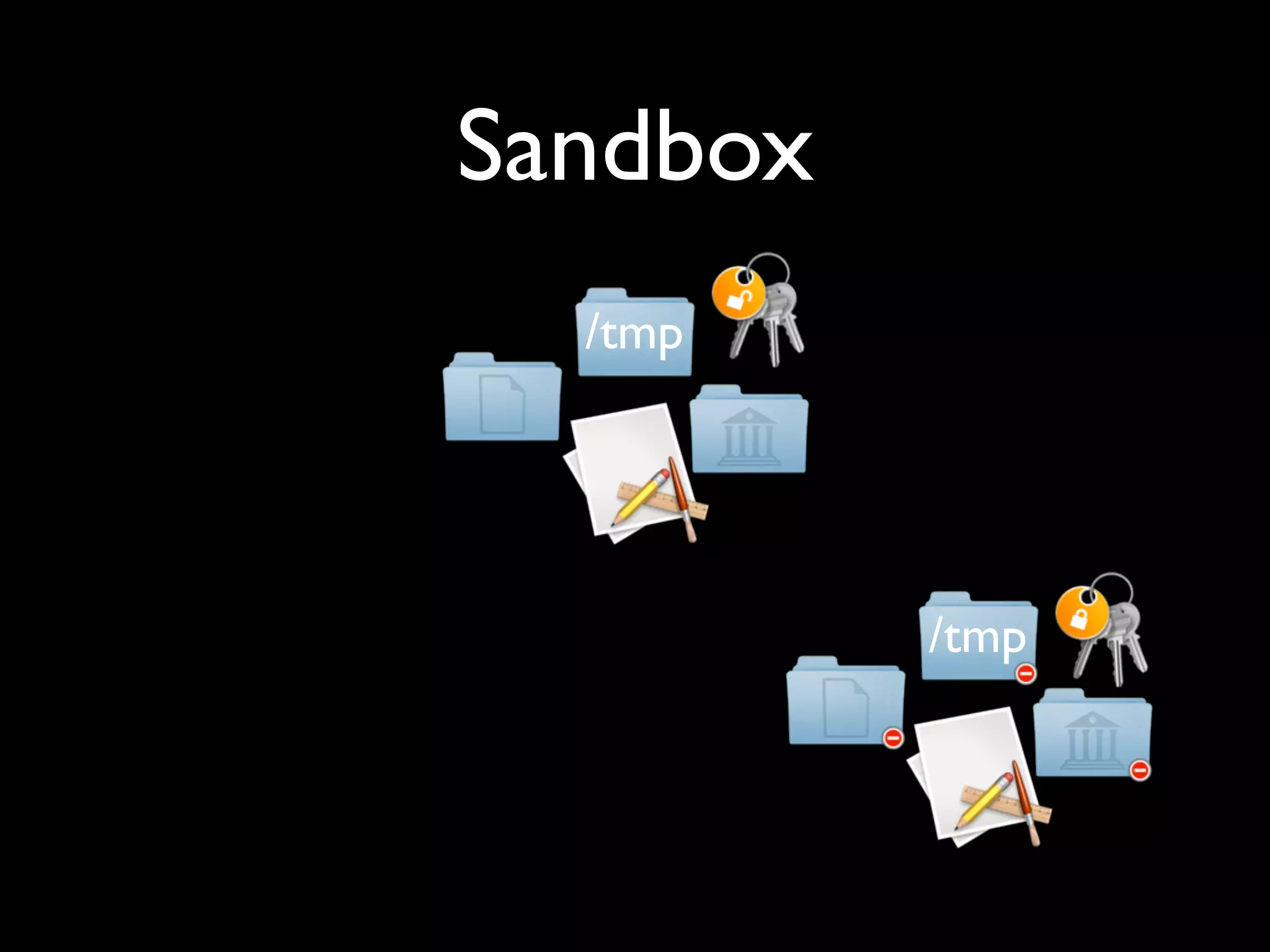
•   Certificates

•   Private Keys

•   Data blobs
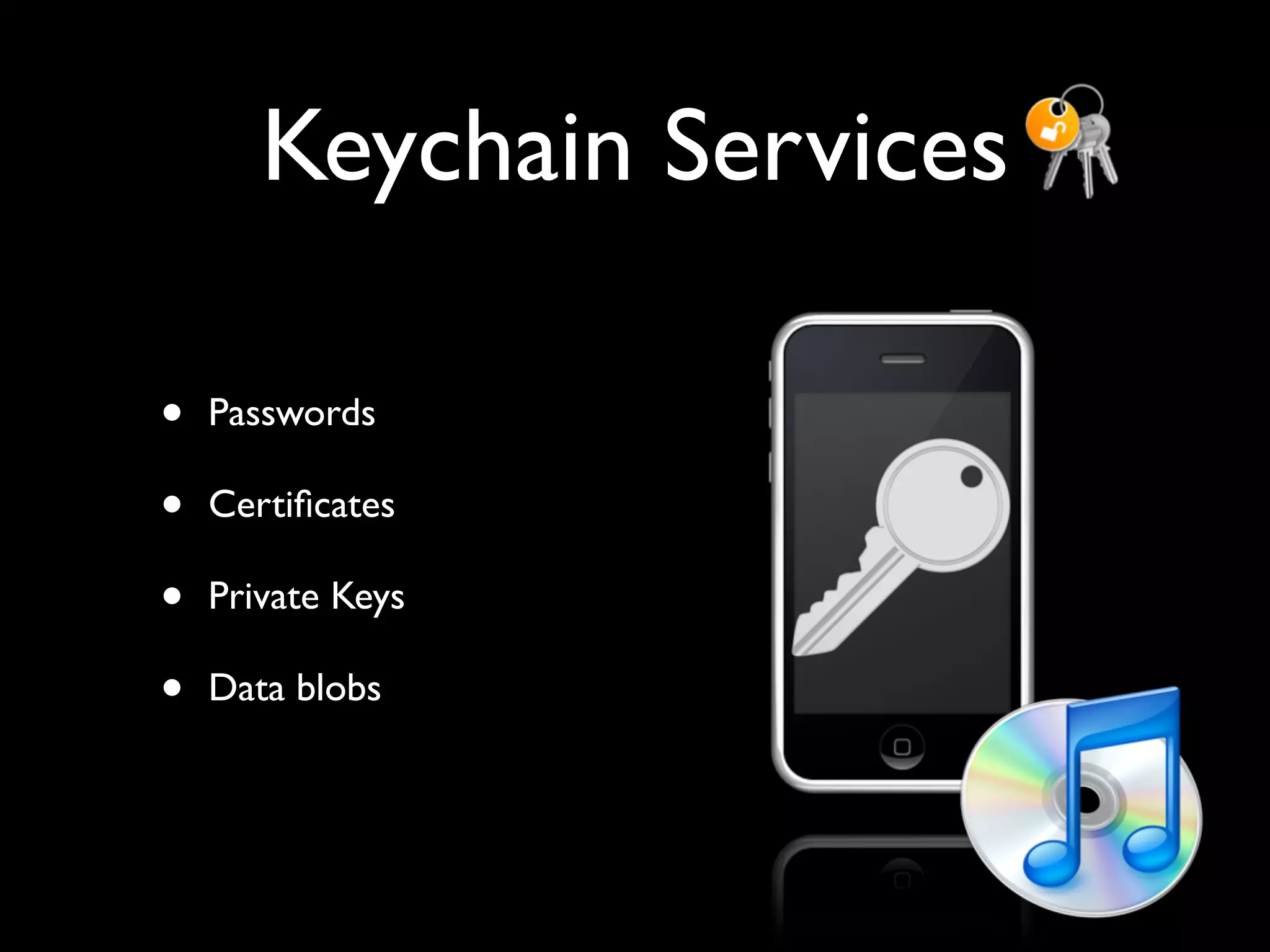
Keychain Services

•   Passwords

•   Certificates

•   Private Keys

•   Data blobs
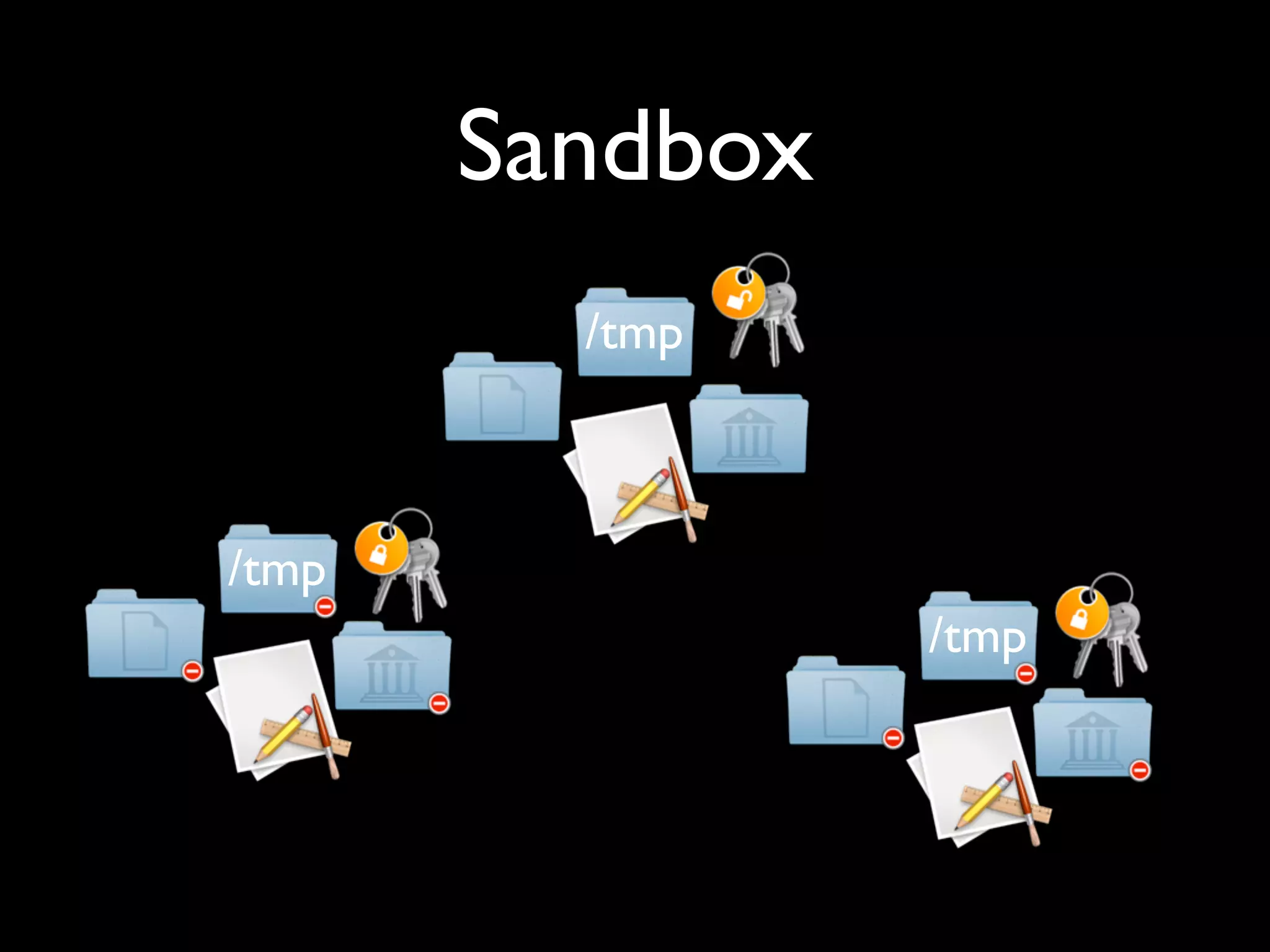
Sandbox
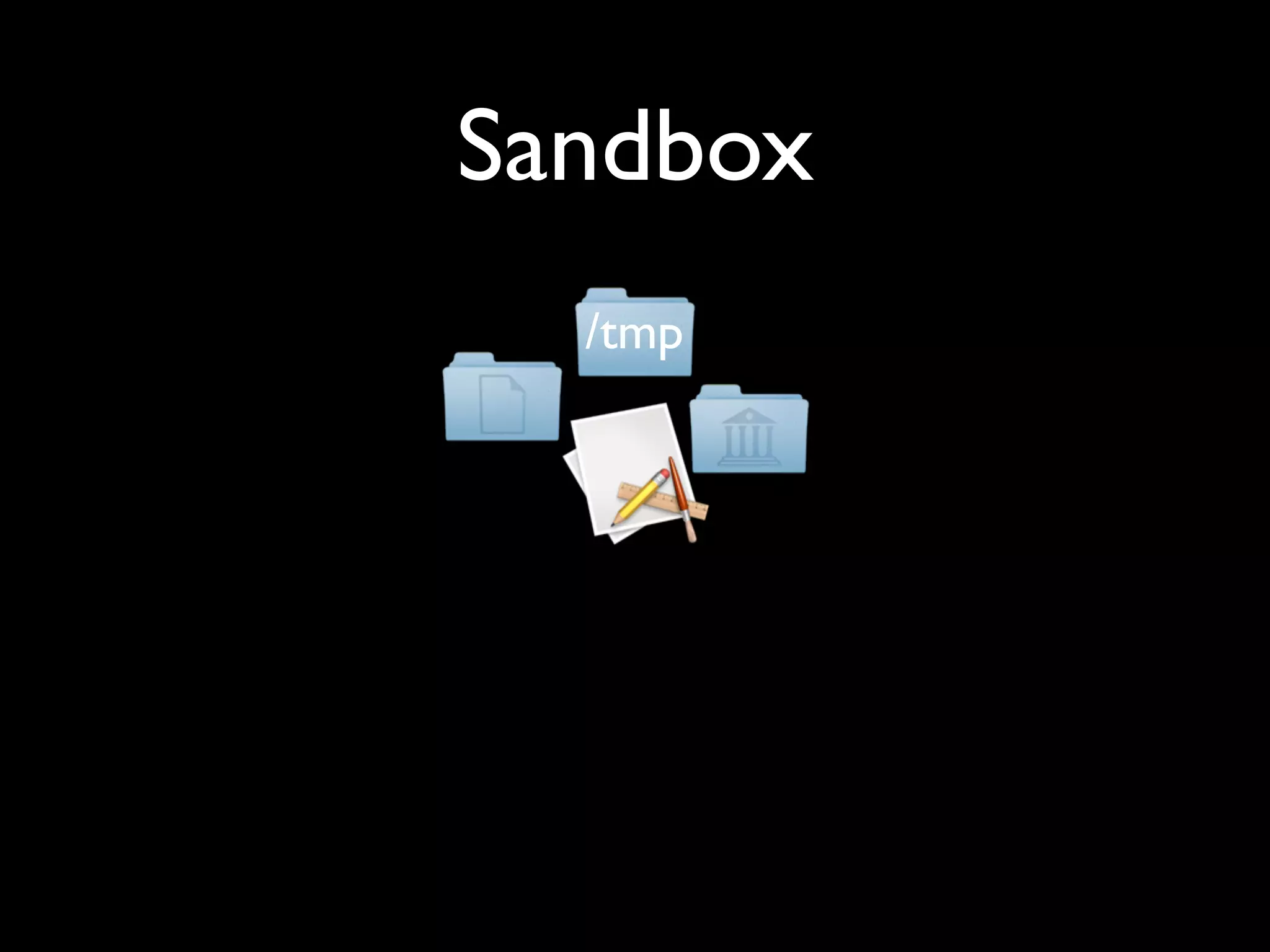
Sandbox
  /tmp
Sandbox
  /tmp
Sandbox
  /tmp


          /tmp
Sandbox
         /tmp


/tmp
                 /tmp
iamleeg
iamleeg

Dial M For Mitigation

Editor's Notes

  • #2 In this presentation we’ll look at some of the security mitigations in the iPhone OS, and try and determine what risks are being addressed. Ideally we’d work the other way round but we need to treat Apple’s threat model as a black box.
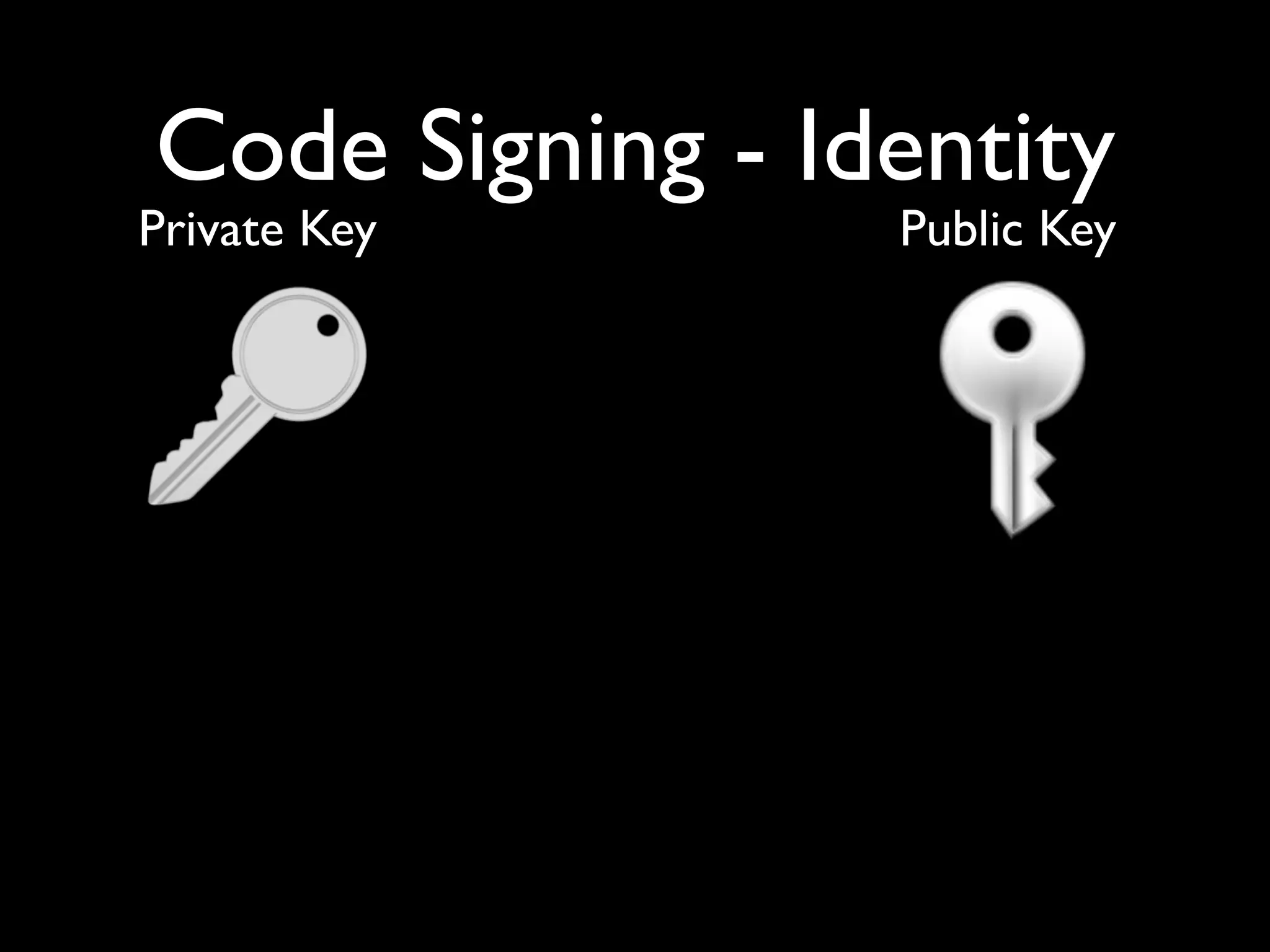
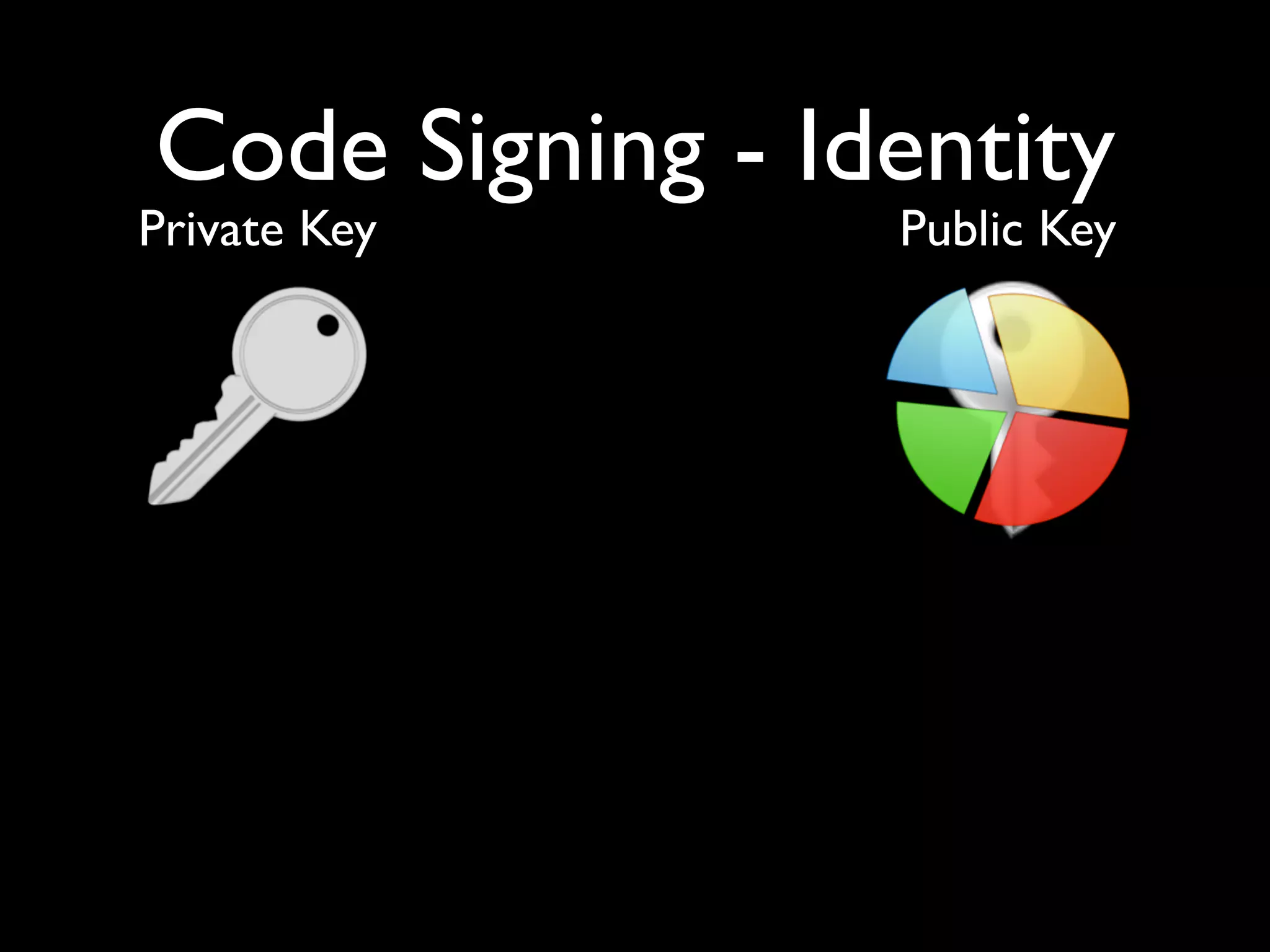
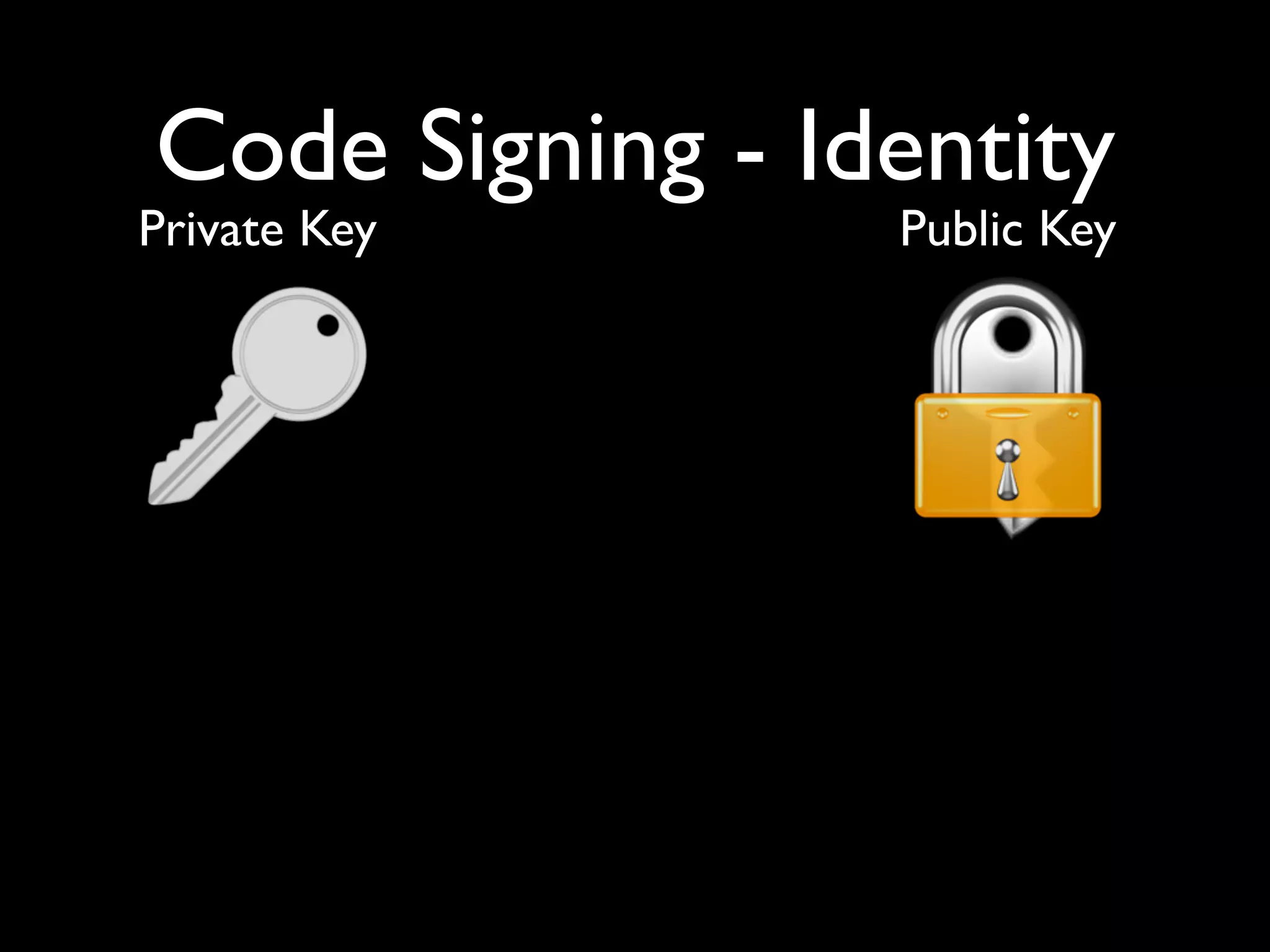
  • #3 Rely on the fact that a signature can be generated with the private key (by decrypting the checksum), and verified with the public key (by encrypting the signature and comparing with the checksum). Then a certificate explains who the holder of the private key is. Next: what this means to an app
  • #4 Rely on the fact that a signature can be generated with the private key (by decrypting the checksum), and verified with the public key (by encrypting the signature and comparing with the checksum). Then a certificate explains who the holder of the private key is. Next: what this means to an app
  • #5 Rely on the fact that a signature can be generated with the private key (by decrypting the checksum), and verified with the public key (by encrypting the signature and comparing with the checksum). Then a certificate explains who the holder of the private key is. Next: what this means to an app
  • #6 Rely on the fact that a signature can be generated with the private key (by decrypting the checksum), and verified with the public key (by encrypting the signature and comparing with the checksum). Then a certificate explains who the holder of the private key is. Next: what this means to an app
  • #7 Rely on the fact that a signature can be generated with the private key (by decrypting the checksum), and verified with the public key (by encrypting the signature and comparing with the checksum). Then a certificate explains who the holder of the private key is. Next: what this means to an app
  • #8 Rely on the fact that a signature can be generated with the private key (by decrypting the checksum), and verified with the public key (by encrypting the signature and comparing with the checksum). Then a certificate explains who the holder of the private key is. Next: what this means to an app
  • #9 Rely on the fact that a signature can be generated with the private key (by decrypting the checksum), and verified with the public key (by encrypting the signature and comparing with the checksum). Then a certificate explains who the holder of the private key is. Next: what this means to an app
  • #10 Rely on the fact that a signature can be generated with the private key (by decrypting the checksum), and verified with the public key (by encrypting the signature and comparing with the checksum). Then a certificate explains who the holder of the private key is. Next: what this means to an app
  • #11 Rely on the fact that a signature can be generated with the private key (by decrypting the checksum), and verified with the public key (by encrypting the signature and comparing with the checksum). Then a certificate explains who the holder of the private key is. Next: what this means to an app
  • #12 Rely on the fact that a signature can be generated with the private key (by decrypting the checksum), and verified with the public key (by encrypting the signature and comparing with the checksum). Then a certificate explains who the holder of the private key is. Next: what this means to an app
  • #13 Rely on the fact that a signature can be generated with the private key (by decrypting the checksum), and verified with the public key (by encrypting the signature and comparing with the checksum). Then a certificate explains who the holder of the private key is. Next: what this means to an app
  • #14 Rely on the fact that a signature can be generated with the private key (by decrypting the checksum), and verified with the public key (by encrypting the signature and comparing with the checksum). Then a certificate explains who the holder of the private key is. Next: what this means to an app
  • #15 Rely on the fact that a signature can be generated with the private key (by decrypting the checksum), and verified with the public key (by encrypting the signature and comparing with the checksum). Then a certificate explains who the holder of the private key is. Next: what this means to an app
  • #16 Rely on the fact that a signature can be generated with the private key (by decrypting the checksum), and verified with the public key (by encrypting the signature and comparing with the checksum). Then a certificate explains who the holder of the private key is. Next: what this means to an app
  • #17 Rely on the fact that a signature can be generated with the private key (by decrypting the checksum), and verified with the public key (by encrypting the signature and comparing with the checksum). Then a certificate explains who the holder of the private key is. Next: what this means to an app
  • #18 Rely on the fact that a signature can be generated with the private key (by decrypting the checksum), and verified with the public key (by encrypting the signature and comparing with the checksum). Then a certificate explains who the holder of the private key is. Next: what this means to an app
  • #19 Rely on the fact that a signature can be generated with the private key (by decrypting the checksum), and verified with the public key (by encrypting the signature and comparing with the checksum). Then a certificate explains who the holder of the private key is. Next: what this means to an app
  • #20 Rely on the fact that a signature can be generated with the private key (by decrypting the checksum), and verified with the public key (by encrypting the signature and comparing with the checksum). Then a certificate explains who the holder of the private key is. Next: what this means to an app
  • #21 Rely on the fact that a signature can be generated with the private key (by decrypting the checksum), and verified with the public key (by encrypting the signature and comparing with the checksum). Then a certificate explains who the holder of the private key is. Next: what this means to an app
  • #22 Rely on the fact that a signature can be generated with the private key (by decrypting the checksum), and verified with the public key (by encrypting the signature and comparing with the checksum). Then a certificate explains who the holder of the private key is. Next: what this means to an app
  • #23 Rely on the fact that a signature can be generated with the private key (by decrypting the checksum), and verified with the public key (by encrypting the signature and comparing with the checksum). Then a certificate explains who the holder of the private key is. Next: what this means to an app
  • #24 Rely on the fact that a signature can be generated with the private key (by decrypting the checksum), and verified with the public key (by encrypting the signature and comparing with the checksum). Then a certificate explains who the holder of the private key is. Next: what this means to an app
  • #25 Rely on the fact that a signature can be generated with the private key (by decrypting the checksum), and verified with the public key (by encrypting the signature and comparing with the checksum). Then a certificate explains who the holder of the private key is. Next: what this means to an app
  • #26 Rely on the fact that a signature can be generated with the private key (by decrypting the checksum), and verified with the public key (by encrypting the signature and comparing with the checksum). Then a certificate explains who the holder of the private key is. Next: what this means to an app
  • #27 Rely on the fact that a signature can be generated with the private key (by decrypting the checksum), and verified with the public key (by encrypting the signature and comparing with the checksum). Then a certificate explains who the holder of the private key is. Next: what this means to an app
  • #28 Rely on the fact that a signature can be generated with the private key (by decrypting the checksum), and verified with the public key (by encrypting the signature and comparing with the checksum). Then a certificate explains who the holder of the private key is. Next: what this means to an app
  • #29 Rely on the fact that a signature can be generated with the private key (by decrypting the checksum), and verified with the public key (by encrypting the signature and comparing with the checksum). Then a certificate explains who the holder of the private key is. Next: what this means to an app
  • #30 Rely on the fact that a signature can be generated with the private key (by decrypting the checksum), and verified with the public key (by encrypting the signature and comparing with the checksum). Then a certificate explains who the holder of the private key is. Next: what this means to an app
  • #31 Rely on the fact that a signature can be generated with the private key (by decrypting the checksum), and verified with the public key (by encrypting the signature and comparing with the checksum). Then a certificate explains who the holder of the private key is. Next: what this means to an app
  • #32 So that’s how the theory applies to an application. We sign all of the application content (on iPhone only; things change slightly on Macs due to the presence of dynamic libraries) so that even if an image or help file changes, we can detect it.
  • #33 So that’s how the theory applies to an application. We sign all of the application content (on iPhone only; things change slightly on Macs due to the presence of dynamic libraries) so that even if an image or help file changes, we can detect it.
  • #34 So that’s how the theory applies to an application. We sign all of the application content (on iPhone only; things change slightly on Macs due to the presence of dynamic libraries) so that even if an image or help file changes, we can detect it.
  • #35 So that’s how the theory applies to an application. We sign all of the application content (on iPhone only; things change slightly on Macs due to the presence of dynamic libraries) so that even if an image or help file changes, we can detect it.
  • #36 So that’s how the theory applies to an application. We sign all of the application content (on iPhone only; things change slightly on Macs due to the presence of dynamic libraries) so that even if an image or help file changes, we can detect it.
  • #37 So that’s how the theory applies to an application. We sign all of the application content (on iPhone only; things change slightly on Macs due to the presence of dynamic libraries) so that even if an image or help file changes, we can detect it.
  • #38 So that’s how the theory applies to an application. We sign all of the application content (on iPhone only; things change slightly on Macs due to the presence of dynamic libraries) so that even if an image or help file changes, we can detect it.
  • #39 So that’s how the theory applies to an application. We sign all of the application content (on iPhone only; things change slightly on Macs due to the presence of dynamic libraries) so that even if an image or help file changes, we can detect it.
  • #40 So that’s how the theory applies to an application. We sign all of the application content (on iPhone only; things change slightly on Macs due to the presence of dynamic libraries) so that even if an image or help file changes, we can detect it.
  • #41 So that’s how the theory applies to an application. We sign all of the application content (on iPhone only; things change slightly on Macs due to the presence of dynamic libraries) so that even if an image or help file changes, we can detect it.
  • #42 So that’s how the theory applies to an application. We sign all of the application content (on iPhone only; things change slightly on Macs due to the presence of dynamic libraries) so that even if an image or help file changes, we can detect it.
  • #43 So that’s how the theory applies to an application. We sign all of the application content (on iPhone only; things change slightly on Macs due to the presence of dynamic libraries) so that even if an image or help file changes, we can detect it.
  • #44 So that’s how the theory applies to an application. We sign all of the application content (on iPhone only; things change slightly on Macs due to the presence of dynamic libraries) so that even if an image or help file changes, we can detect it.
  • #45 So that’s how the theory applies to an application. We sign all of the application content (on iPhone only; things change slightly on Macs due to the presence of dynamic libraries) so that even if an image or help file changes, we can detect it.
  • #46 So that’s how the theory applies to an application. We sign all of the application content (on iPhone only; things change slightly on Macs due to the presence of dynamic libraries) so that even if an image or help file changes, we can detect it.
  • #47 So that’s how the theory applies to an application. We sign all of the application content (on iPhone only; things change slightly on Macs due to the presence of dynamic libraries) so that even if an image or help file changes, we can detect it.
  • #48 So that’s how the theory applies to an application. We sign all of the application content (on iPhone only; things change slightly on Macs due to the presence of dynamic libraries) so that even if an image or help file changes, we can detect it.
  • #49 So that’s how the theory applies to an application. We sign all of the application content (on iPhone only; things change slightly on Macs due to the presence of dynamic libraries) so that even if an image or help file changes, we can detect it.
  • #50 So that’s how the theory applies to an application. We sign all of the application content (on iPhone only; things change slightly on Macs due to the presence of dynamic libraries) so that even if an image or help file changes, we can detect it.
  • #51 So that’s how the theory applies to an application. We sign all of the application content (on iPhone only; things change slightly on Macs due to the presence of dynamic libraries) so that even if an image or help file changes, we can detect it.
  • #52 So that’s how the theory applies to an application. We sign all of the application content (on iPhone only; things change slightly on Macs due to the presence of dynamic libraries) so that even if an image or help file changes, we can detect it.
  • #53 So that’s how the theory applies to an application. We sign all of the application content (on iPhone only; things change slightly on Macs due to the presence of dynamic libraries) so that even if an image or help file changes, we can detect it.
  • #54 So that’s how the theory applies to an application. We sign all of the application content (on iPhone only; things change slightly on Macs due to the presence of dynamic libraries) so that even if an image or help file changes, we can detect it.
  • #55 So that’s how the theory applies to an application. We sign all of the application content (on iPhone only; things change slightly on Macs due to the presence of dynamic libraries) so that even if an image or help file changes, we can detect it.
  • #56 So that’s how the theory applies to an application. We sign all of the application content (on iPhone only; things change slightly on Macs due to the presence of dynamic libraries) so that even if an image or help file changes, we can detect it.
  • #57 So that’s how the theory applies to an application. We sign all of the application content (on iPhone only; things change slightly on Macs due to the presence of dynamic libraries) so that even if an image or help file changes, we can detect it.
  • #58 So that’s how the theory applies to an application. We sign all of the application content (on iPhone only; things change slightly on Macs due to the presence of dynamic libraries) so that even if an image or help file changes, we can detect it.
  • #59 So that’s how the theory applies to an application. We sign all of the application content (on iPhone only; things change slightly on Macs due to the presence of dynamic libraries) so that even if an image or help file changes, we can detect it.
  • #60 So that’s how the theory applies to an application. We sign all of the application content (on iPhone only; things change slightly on Macs due to the presence of dynamic libraries) so that even if an image or help file changes, we can detect it.
  • #61 So that’s how the theory applies to an application. We sign all of the application content (on iPhone only; things change slightly on Macs due to the presence of dynamic libraries) so that even if an image or help file changes, we can detect it.
  • #62 So that’s how the theory applies to an application. We sign all of the application content (on iPhone only; things change slightly on Macs due to the presence of dynamic libraries) so that even if an image or help file changes, we can detect it.
  • #63 So that’s how the theory applies to an application. We sign all of the application content (on iPhone only; things change slightly on Macs due to the presence of dynamic libraries) so that even if an image or help file changes, we can detect it.
  • #64 So that’s how the theory applies to an application. We sign all of the application content (on iPhone only; things change slightly on Macs due to the presence of dynamic libraries) so that even if an image or help file changes, we can detect it.
  • #65 So that’s how the theory applies to an application. We sign all of the application content (on iPhone only; things change slightly on Macs due to the presence of dynamic libraries) so that even if an image or help file changes, we can detect it.
  • #66 So that’s how the theory applies to an application. We sign all of the application content (on iPhone only; things change slightly on Macs due to the presence of dynamic libraries) so that even if an image or help file changes, we can detect it.
  • #67 So that’s how the theory applies to an application. We sign all of the application content (on iPhone only; things change slightly on Macs due to the presence of dynamic libraries) so that even if an image or help file changes, we can detect it.
  • #68 So that’s how the theory applies to an application. We sign all of the application content (on iPhone only; things change slightly on Macs due to the presence of dynamic libraries) so that even if an image or help file changes, we can detect it.
  • #69 So that’s how the theory applies to an application. We sign all of the application content (on iPhone only; things change slightly on Macs due to the presence of dynamic libraries) so that even if an image or help file changes, we can detect it.
  • #70 So that’s how the theory applies to an application. We sign all of the application content (on iPhone only; things change slightly on Macs due to the presence of dynamic libraries) so that even if an image or help file changes, we can detect it.
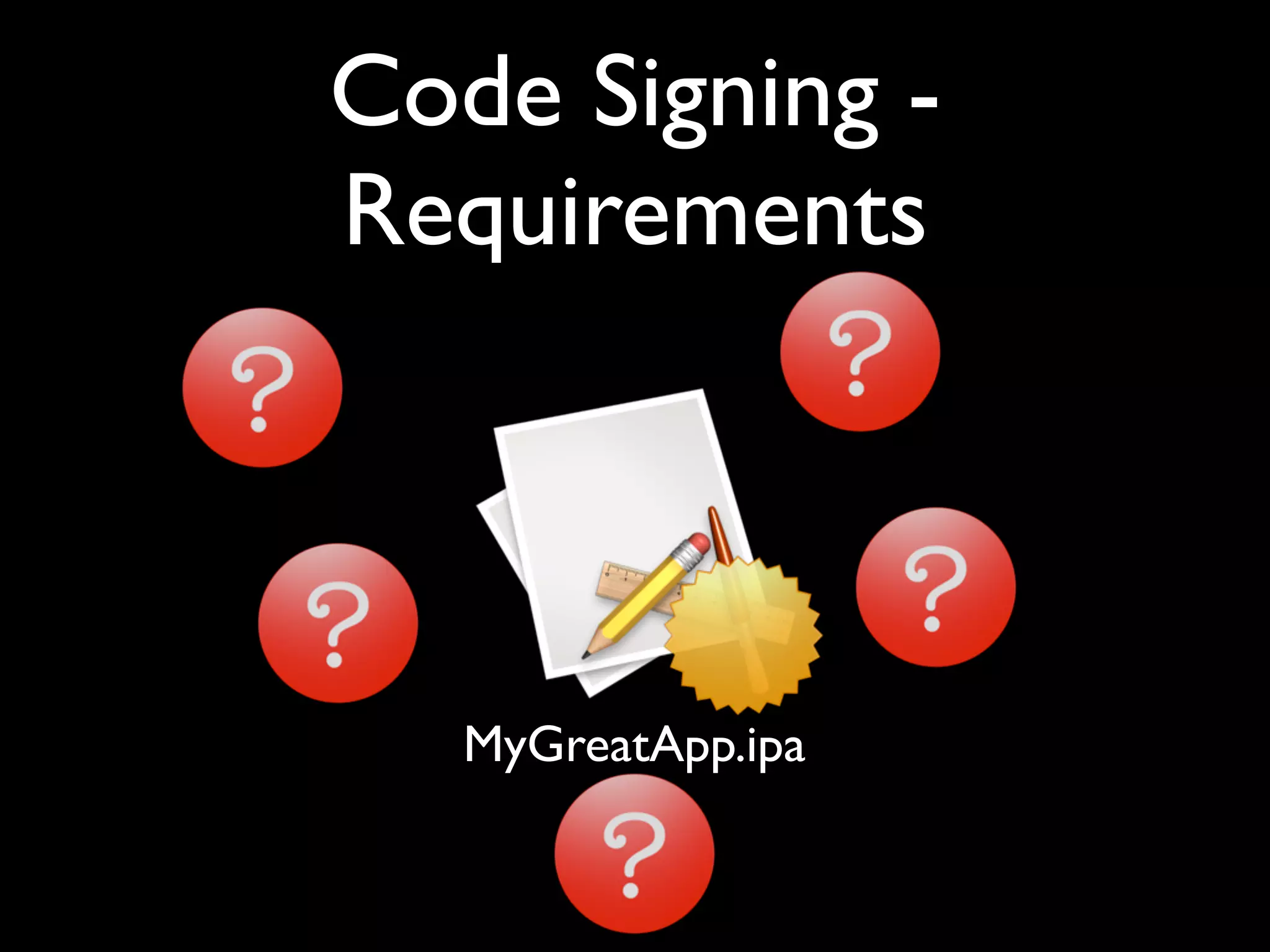
  • #71 Identifying something is only useful if you’re going to ask questions about its identity. On the iPhone (and Mac) there’s a requirements language that lets you test properties of the developer’s identity and of the application. Applications have at least one requirement: the _designated_ requirement. Any code object that satisfies an app’s designated requirement is another version of that app, as far as the OS is concerned.
  • #72 Identifying something is only useful if you’re going to ask questions about its identity. On the iPhone (and Mac) there’s a requirements language that lets you test properties of the developer’s identity and of the application. Applications have at least one requirement: the _designated_ requirement. Any code object that satisfies an app’s designated requirement is another version of that app, as far as the OS is concerned.
  • #73 Identifying something is only useful if you’re going to ask questions about its identity. On the iPhone (and Mac) there’s a requirements language that lets you test properties of the developer’s identity and of the application. Applications have at least one requirement: the _designated_ requirement. Any code object that satisfies an app’s designated requirement is another version of that app, as far as the OS is concerned.
  • #74 Identifying something is only useful if you’re going to ask questions about its identity. On the iPhone (and Mac) there’s a requirements language that lets you test properties of the developer’s identity and of the application. Applications have at least one requirement: the _designated_ requirement. Any code object that satisfies an app’s designated requirement is another version of that app, as far as the OS is concerned.
  • #75 Identifying something is only useful if you’re going to ask questions about its identity. On the iPhone (and Mac) there’s a requirements language that lets you test properties of the developer’s identity and of the application. Applications have at least one requirement: the _designated_ requirement. Any code object that satisfies an app’s designated requirement is another version of that app, as far as the OS is concerned.
  • #76 Identifying something is only useful if you’re going to ask questions about its identity. On the iPhone (and Mac) there’s a requirements language that lets you test properties of the developer’s identity and of the application. Applications have at least one requirement: the _designated_ requirement. Any code object that satisfies an app’s designated requirement is another version of that app, as far as the OS is concerned.
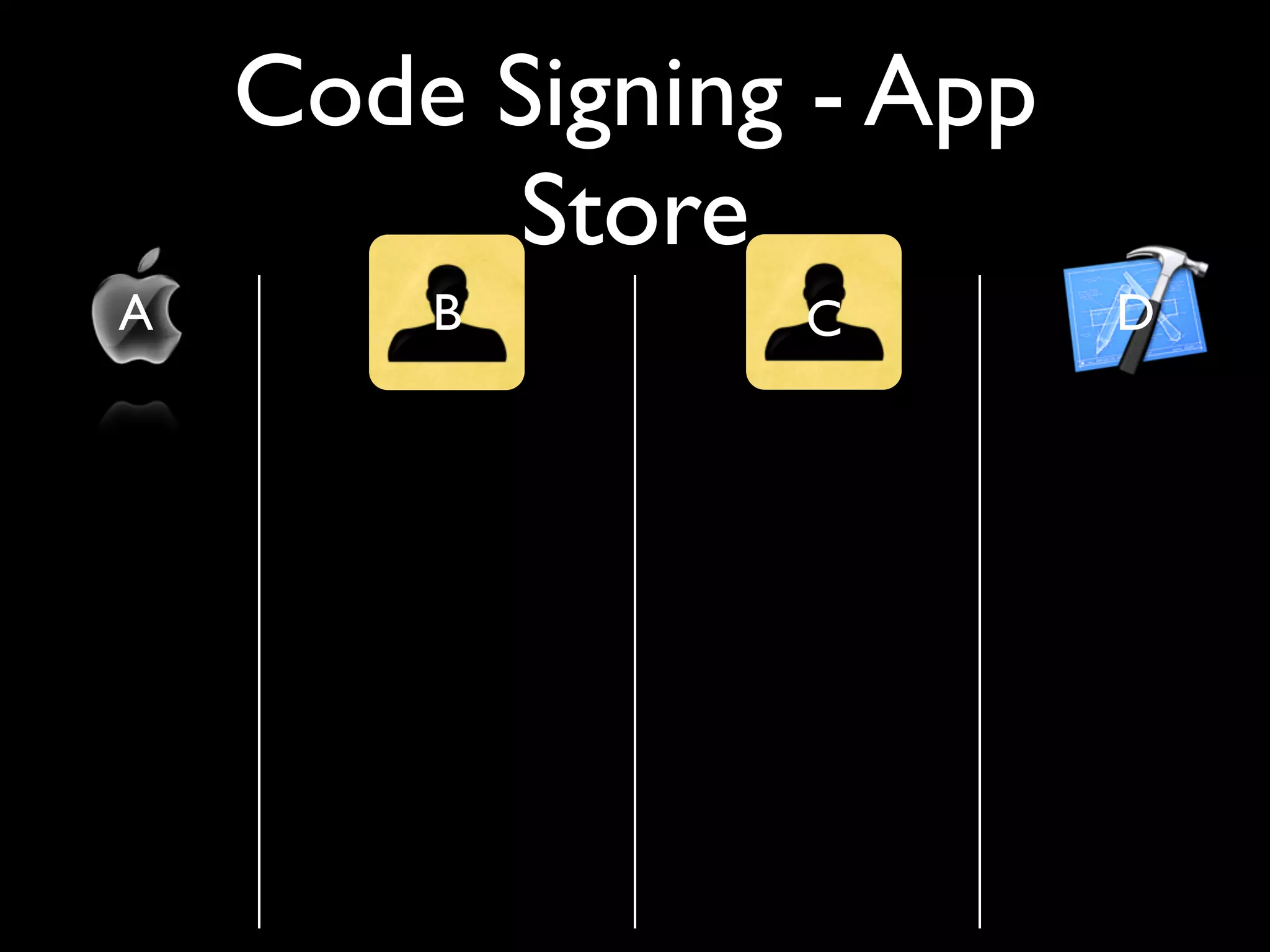
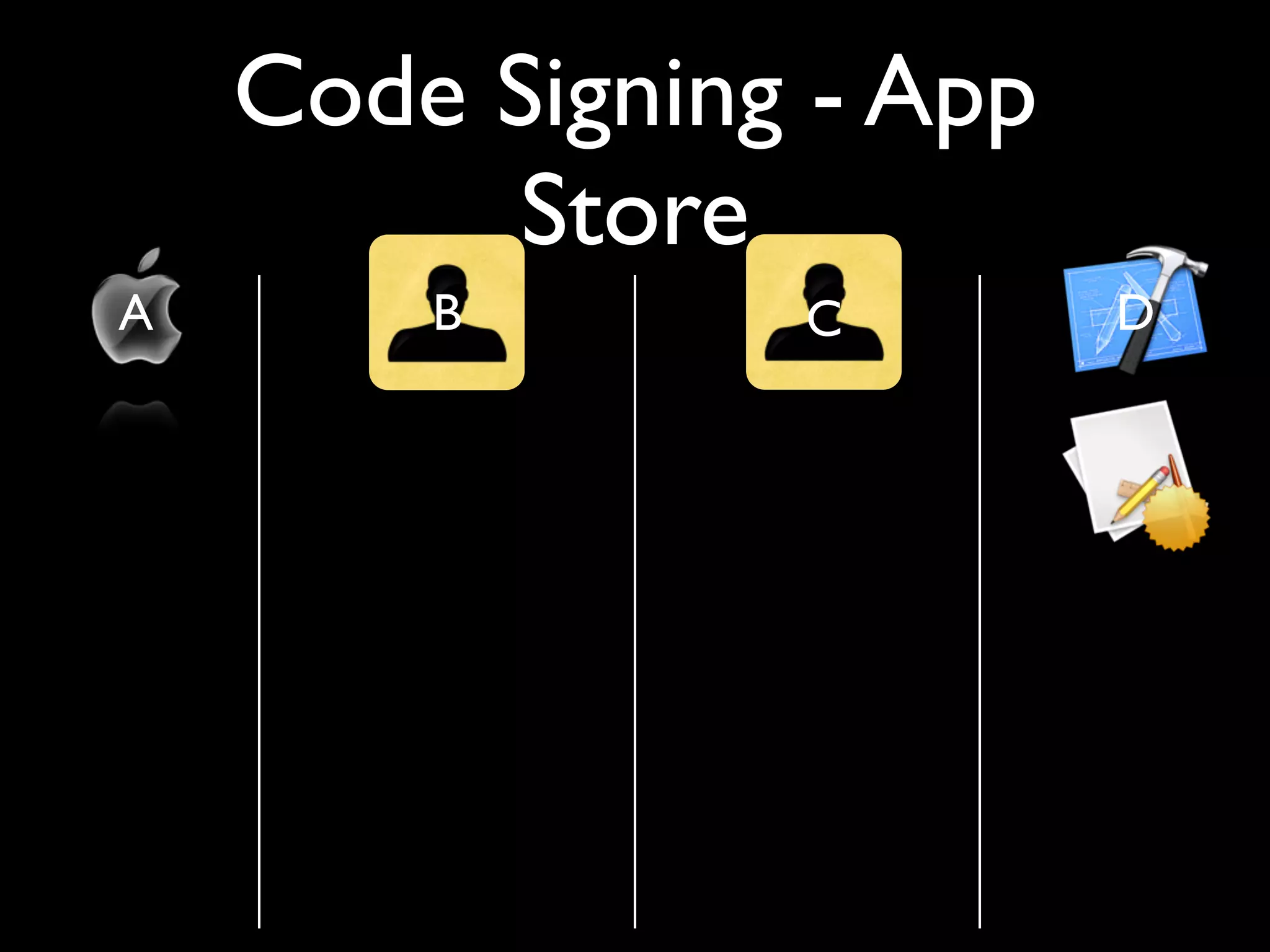
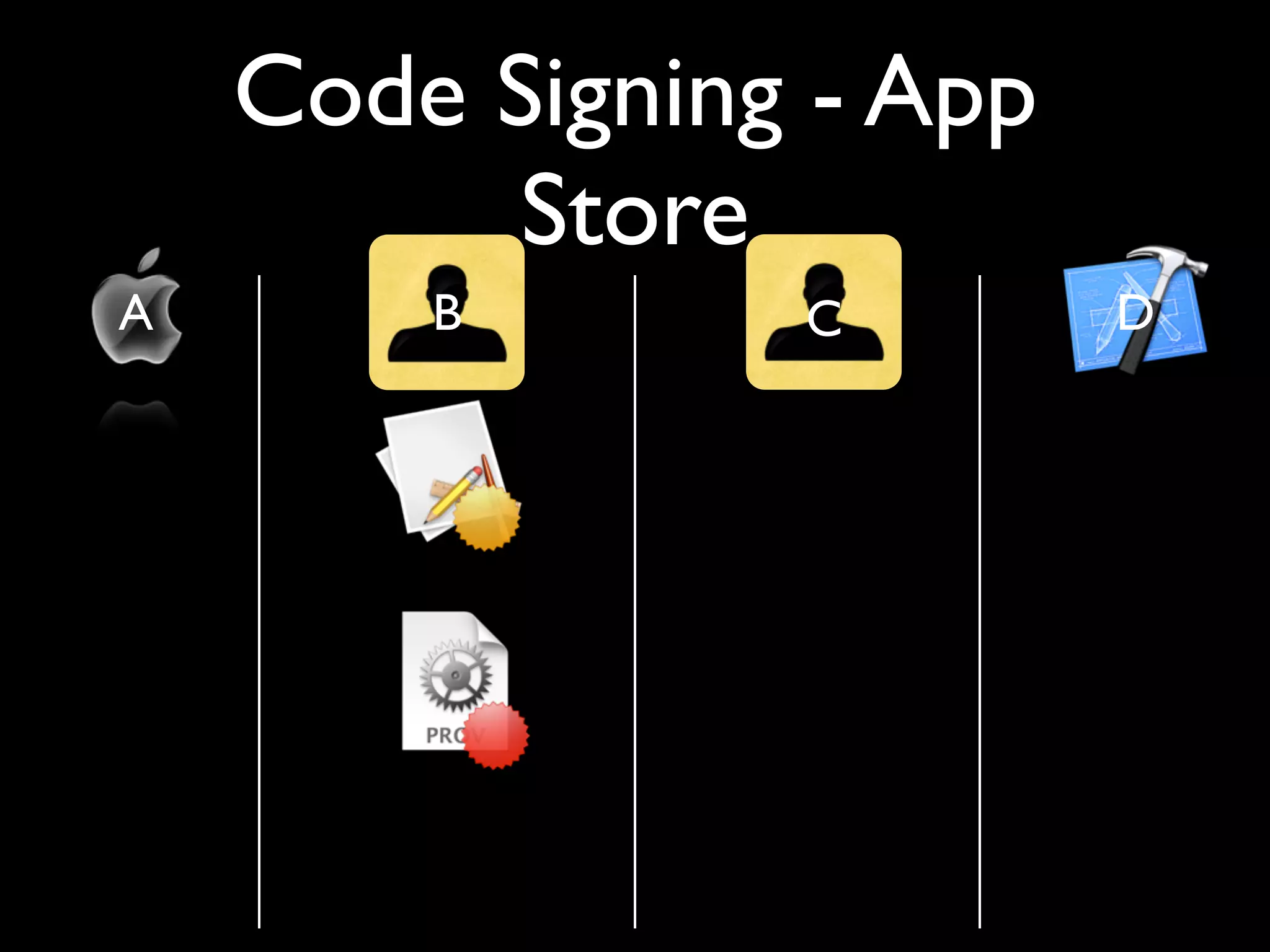
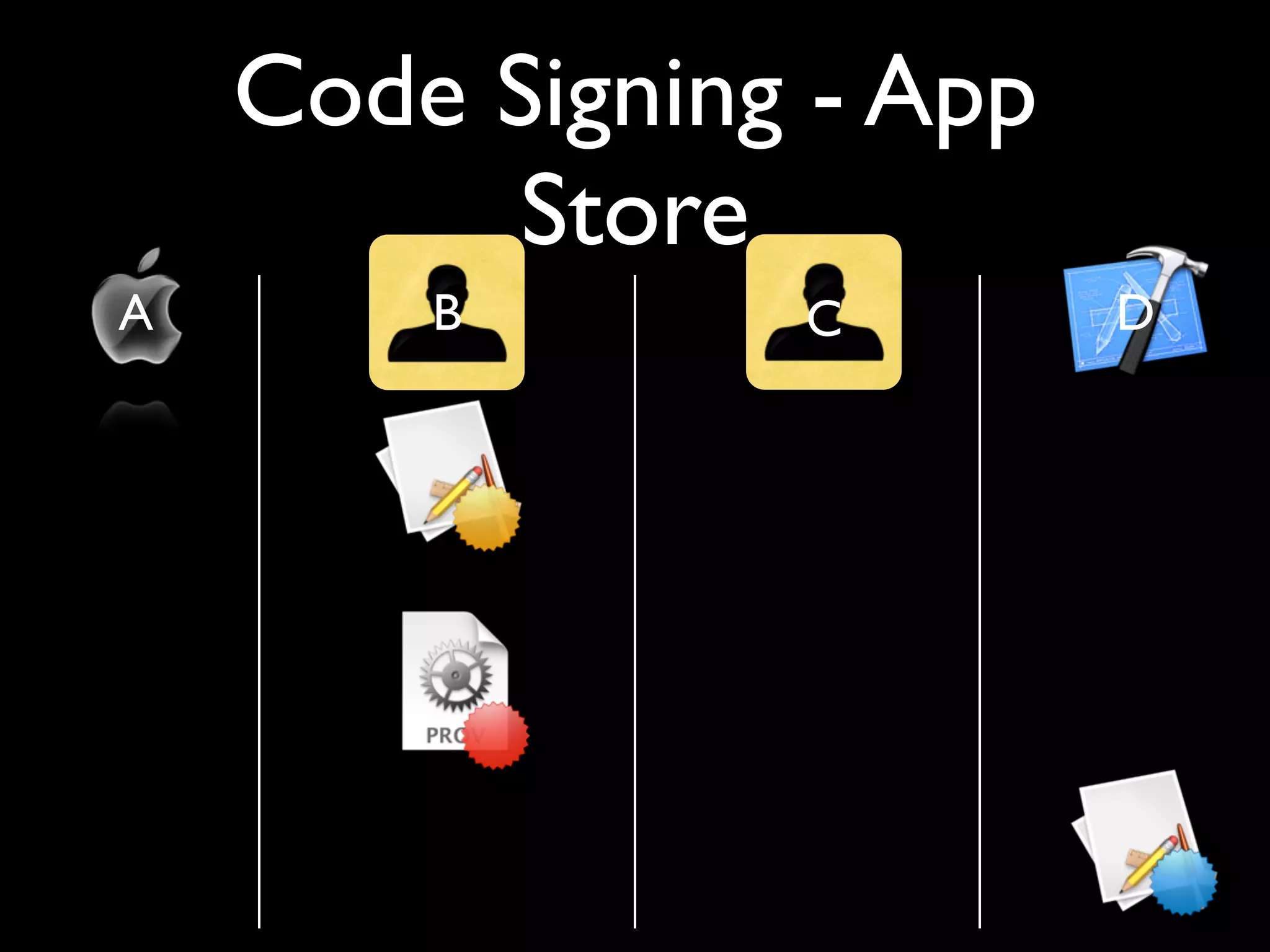
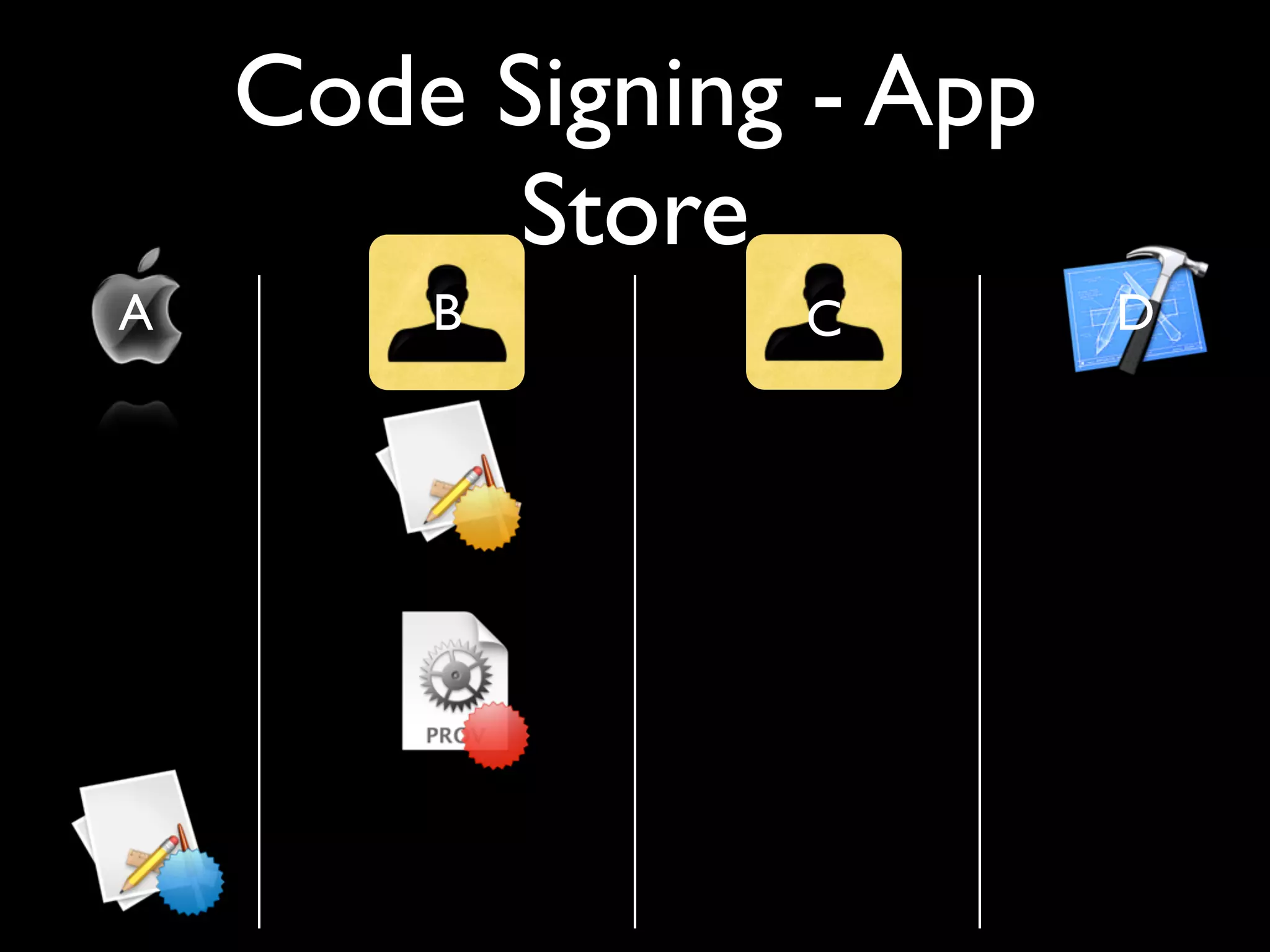
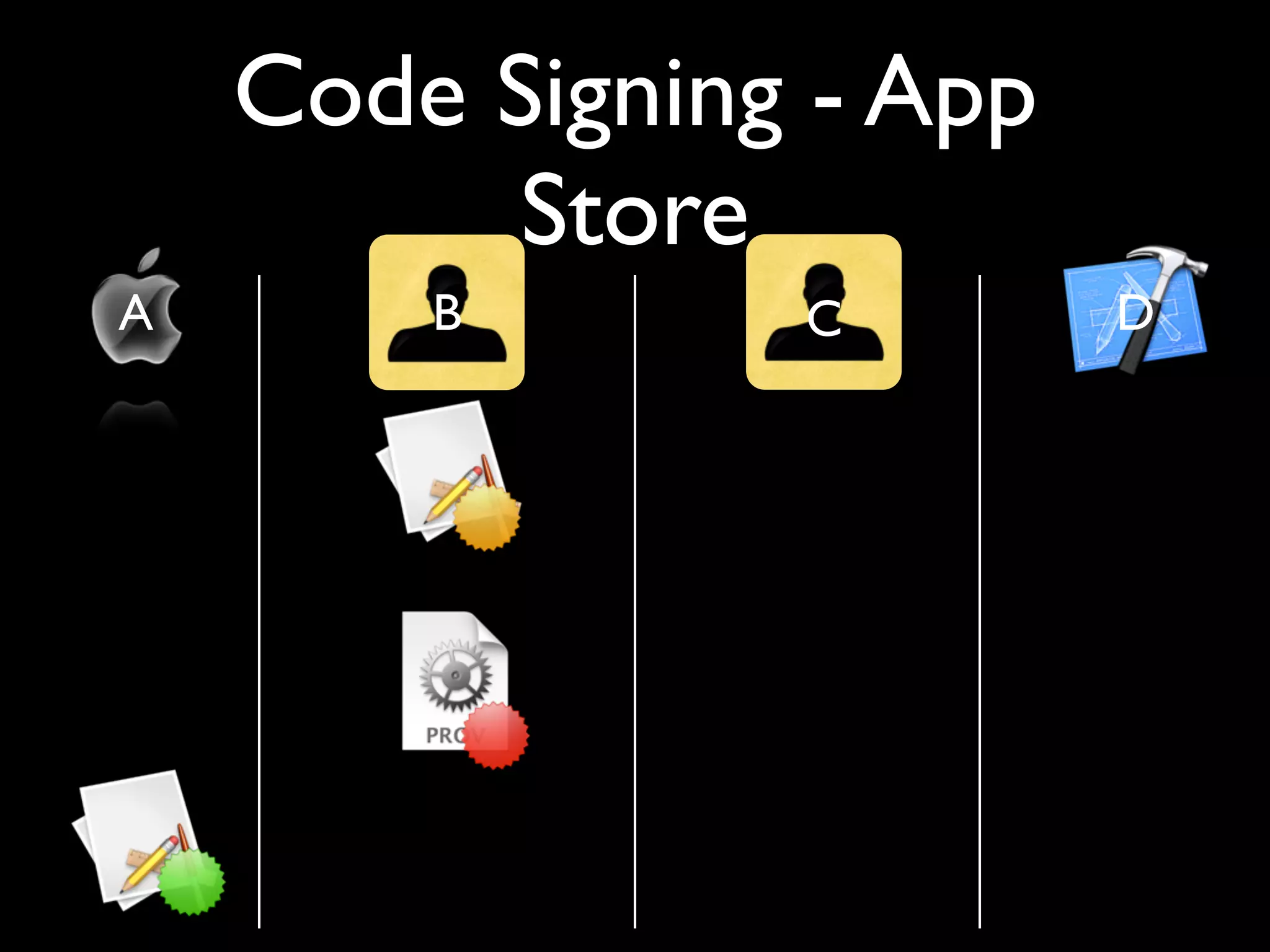
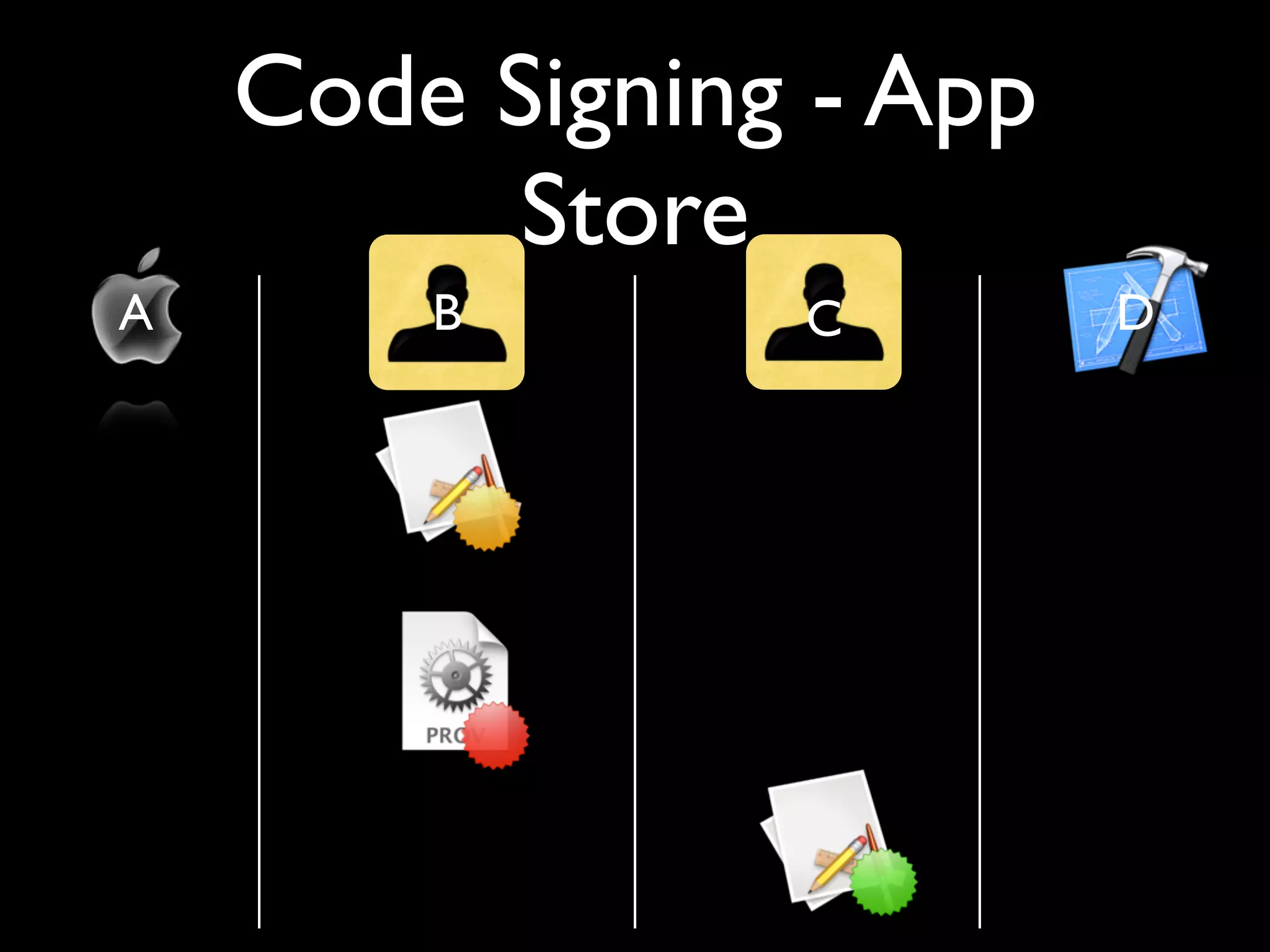
  • #77 What you can’t see from this slide: the developer (D) and beta tester (B) must collude on production of the provisioning profile, and B can only produce a finite number of beta-test permissions for every app. It’s about 100. Also, Apple (A) adds DRM to the application before re-signing it and submitting it to the customer (C), so each app can be identified with the customer who purchased it. Before re-signing an application, Apple subjects it to a vetting process. Exercise: see if you can determine the routes malware authors will use to get their malicious software onto the phones of either B or C. How could these vulnerabilities be mitigated?
  • #78 What you can’t see from this slide: the developer (D) and beta tester (B) must collude on production of the provisioning profile, and B can only produce a finite number of beta-test permissions for every app. It’s about 100. Also, Apple (A) adds DRM to the application before re-signing it and submitting it to the customer (C), so each app can be identified with the customer who purchased it. Before re-signing an application, Apple subjects it to a vetting process. Exercise: see if you can determine the routes malware authors will use to get their malicious software onto the phones of either B or C. How could these vulnerabilities be mitigated?
  • #79 What you can’t see from this slide: the developer (D) and beta tester (B) must collude on production of the provisioning profile, and B can only produce a finite number of beta-test permissions for every app. It’s about 100. Also, Apple (A) adds DRM to the application before re-signing it and submitting it to the customer (C), so each app can be identified with the customer who purchased it. Before re-signing an application, Apple subjects it to a vetting process. Exercise: see if you can determine the routes malware authors will use to get their malicious software onto the phones of either B or C. How could these vulnerabilities be mitigated?
  • #80 What you can’t see from this slide: the developer (D) and beta tester (B) must collude on production of the provisioning profile, and B can only produce a finite number of beta-test permissions for every app. It’s about 100. Also, Apple (A) adds DRM to the application before re-signing it and submitting it to the customer (C), so each app can be identified with the customer who purchased it. Before re-signing an application, Apple subjects it to a vetting process. Exercise: see if you can determine the routes malware authors will use to get their malicious software onto the phones of either B or C. How could these vulnerabilities be mitigated?
  • #81 What you can’t see from this slide: the developer (D) and beta tester (B) must collude on production of the provisioning profile, and B can only produce a finite number of beta-test permissions for every app. It’s about 100. Also, Apple (A) adds DRM to the application before re-signing it and submitting it to the customer (C), so each app can be identified with the customer who purchased it. Before re-signing an application, Apple subjects it to a vetting process. Exercise: see if you can determine the routes malware authors will use to get their malicious software onto the phones of either B or C. How could these vulnerabilities be mitigated?
  • #82 What you can’t see from this slide: the developer (D) and beta tester (B) must collude on production of the provisioning profile, and B can only produce a finite number of beta-test permissions for every app. It’s about 100. Also, Apple (A) adds DRM to the application before re-signing it and submitting it to the customer (C), so each app can be identified with the customer who purchased it. Before re-signing an application, Apple subjects it to a vetting process. Exercise: see if you can determine the routes malware authors will use to get their malicious software onto the phones of either B or C. How could these vulnerabilities be mitigated?
  • #83 What you can’t see from this slide: the developer (D) and beta tester (B) must collude on production of the provisioning profile, and B can only produce a finite number of beta-test permissions for every app. It’s about 100. Also, Apple (A) adds DRM to the application before re-signing it and submitting it to the customer (C), so each app can be identified with the customer who purchased it. Before re-signing an application, Apple subjects it to a vetting process. Exercise: see if you can determine the routes malware authors will use to get their malicious software onto the phones of either B or C. How could these vulnerabilities be mitigated?
  • #84 What you can’t see from this slide: the developer (D) and beta tester (B) must collude on production of the provisioning profile, and B can only produce a finite number of beta-test permissions for every app. It’s about 100. Also, Apple (A) adds DRM to the application before re-signing it and submitting it to the customer (C), so each app can be identified with the customer who purchased it. Before re-signing an application, Apple subjects it to a vetting process. Exercise: see if you can determine the routes malware authors will use to get their malicious software onto the phones of either B or C. How could these vulnerabilities be mitigated?
  • #85 What you can’t see from this slide: the developer (D) and beta tester (B) must collude on production of the provisioning profile, and B can only produce a finite number of beta-test permissions for every app. It’s about 100. Also, Apple (A) adds DRM to the application before re-signing it and submitting it to the customer (C), so each app can be identified with the customer who purchased it. Before re-signing an application, Apple subjects it to a vetting process. Exercise: see if you can determine the routes malware authors will use to get their malicious software onto the phones of either B or C. How could these vulnerabilities be mitigated?
  • #86 What you can’t see from this slide: the developer (D) and beta tester (B) must collude on production of the provisioning profile, and B can only produce a finite number of beta-test permissions for every app. It’s about 100. Also, Apple (A) adds DRM to the application before re-signing it and submitting it to the customer (C), so each app can be identified with the customer who purchased it. Before re-signing an application, Apple subjects it to a vetting process. Exercise: see if you can determine the routes malware authors will use to get their malicious software onto the phones of either B or C. How could these vulnerabilities be mitigated?
  • #87 What you can’t see from this slide: the developer (D) and beta tester (B) must collude on production of the provisioning profile, and B can only produce a finite number of beta-test permissions for every app. It’s about 100. Also, Apple (A) adds DRM to the application before re-signing it and submitting it to the customer (C), so each app can be identified with the customer who purchased it. Before re-signing an application, Apple subjects it to a vetting process. Exercise: see if you can determine the routes malware authors will use to get their malicious software onto the phones of either B or C. How could these vulnerabilities be mitigated?
  • #88 What you can’t see from this slide: the developer (D) and beta tester (B) must collude on production of the provisioning profile, and B can only produce a finite number of beta-test permissions for every app. It’s about 100. Also, Apple (A) adds DRM to the application before re-signing it and submitting it to the customer (C), so each app can be identified with the customer who purchased it. Before re-signing an application, Apple subjects it to a vetting process. Exercise: see if you can determine the routes malware authors will use to get their malicious software onto the phones of either B or C. How could these vulnerabilities be mitigated?
  • #89 What you can’t see from this slide: the developer (D) and beta tester (B) must collude on production of the provisioning profile, and B can only produce a finite number of beta-test permissions for every app. It’s about 100. Also, Apple (A) adds DRM to the application before re-signing it and submitting it to the customer (C), so each app can be identified with the customer who purchased it. Before re-signing an application, Apple subjects it to a vetting process. Exercise: see if you can determine the routes malware authors will use to get their malicious software onto the phones of either B or C. How could these vulnerabilities be mitigated?
  • #90 What you can’t see from this slide: the developer (D) and beta tester (B) must collude on production of the provisioning profile, and B can only produce a finite number of beta-test permissions for every app. It’s about 100. Also, Apple (A) adds DRM to the application before re-signing it and submitting it to the customer (C), so each app can be identified with the customer who purchased it. Before re-signing an application, Apple subjects it to a vetting process. Exercise: see if you can determine the routes malware authors will use to get their malicious software onto the phones of either B or C. How could these vulnerabilities be mitigated?
  • #91 Keychain, or a similar API, exists on other platforms but in the case of the iPhone the private key is baked into the device rather than being derived from a password. What does that mean for the confidentiality of the keychain items? What about when the phone is backed up using iTunes?
  • #92 Each application has space for its documents, library files (prefs and support files), cache/scratch files and confidential data. But no application can work with the files of any other, and access to system files is limited to public API. Why should Apple put this restriction in? What benefits does it provide?
  • #93 Each application has space for its documents, library files (prefs and support files), cache/scratch files and confidential data. But no application can work with the files of any other, and access to system files is limited to public API. Why should Apple put this restriction in? What benefits does it provide?
  • #94 Each application has space for its documents, library files (prefs and support files), cache/scratch files and confidential data. But no application can work with the files of any other, and access to system files is limited to public API. Why should Apple put this restriction in? What benefits does it provide?
  • #95 Each application has space for its documents, library files (prefs and support files), cache/scratch files and confidential data. But no application can work with the files of any other, and access to system files is limited to public API. Why should Apple put this restriction in? What benefits does it provide?
  • #96 Each application has space for its documents, library files (prefs and support files), cache/scratch files and confidential data. But no application can work with the files of any other, and access to system files is limited to public API. Why should Apple put this restriction in? What benefits does it provide?
  • #97 Each application has space for its documents, library files (prefs and support files), cache/scratch files and confidential data. But no application can work with the files of any other, and access to system files is limited to public API. Why should Apple put this restriction in? What benefits does it provide?
  • #98 Each application has space for its documents, library files (prefs and support files), cache/scratch files and confidential data. But no application can work with the files of any other, and access to system files is limited to public API. Why should Apple put this restriction in? What benefits does it provide?
  • #99 Each application has space for its documents, library files (prefs and support files), cache/scratch files and confidential data. But no application can work with the files of any other, and access to system files is limited to public API. Why should Apple put this restriction in? What benefits does it provide?
  • #100 Each application has space for its documents, library files (prefs and support files), cache/scratch files and confidential data. But no application can work with the files of any other, and access to system files is limited to public API. Why should Apple put this restriction in? What benefits does it provide?
  • #101 Each application has space for its documents, library files (prefs and support files), cache/scratch files and confidential data. But no application can work with the files of any other, and access to system files is limited to public API. Why should Apple put this restriction in? What benefits does it provide?
  • #102 Each application has space for its documents, library files (prefs and support files), cache/scratch files and confidential data. But no application can work with the files of any other, and access to system files is limited to public API. Why should Apple put this restriction in? What benefits does it provide?
  • #103 Each application has space for its documents, library files (prefs and support files), cache/scratch files and confidential data. But no application can work with the files of any other, and access to system files is limited to public API. Why should Apple put this restriction in? What benefits does it provide?
  • #104 Each application has space for its documents, library files (prefs and support files), cache/scratch files and confidential data. But no application can work with the files of any other, and access to system files is limited to public API. Why should Apple put this restriction in? What benefits does it provide?
  • #105 Each application has space for its documents, library files (prefs and support files), cache/scratch files and confidential data. But no application can work with the files of any other, and access to system files is limited to public API. Why should Apple put this restriction in? What benefits does it provide?
  • #106 Each application has space for its documents, library files (prefs and support files), cache/scratch files and confidential data. But no application can work with the files of any other, and access to system files is limited to public API. Why should Apple put this restriction in? What benefits does it provide?
  • #107 Each application has space for its documents, library files (prefs and support files), cache/scratch files and confidential data. But no application can work with the files of any other, and access to system files is limited to public API. Why should Apple put this restriction in? What benefits does it provide?
  • #108 Each application has space for its documents, library files (prefs and support files), cache/scratch files and confidential data. But no application can work with the files of any other, and access to system files is limited to public API. Why should Apple put this restriction in? What benefits does it provide?
  • #109 Each application has space for its documents, library files (prefs and support files), cache/scratch files and confidential data. But no application can work with the files of any other, and access to system files is limited to public API. Why should Apple put this restriction in? What benefits does it provide?
  • #110 Each application has space for its documents, library files (prefs and support files), cache/scratch files and confidential data. But no application can work with the files of any other, and access to system files is limited to public API. Why should Apple put this restriction in? What benefits does it provide?
  • #111 Each application has space for its documents, library files (prefs and support files), cache/scratch files and confidential data. But no application can work with the files of any other, and access to system files is limited to public API. Why should Apple put this restriction in? What benefits does it provide?
  • #112 Feel free to contact me and ask any questions.
  • #113 Feel free to contact me and ask any questions.
  • #114 Feel free to contact me and ask any questions.
  • #115 Feel free to contact me and ask any questions.
  • #116 Feel free to contact me and ask any questions.
  • #117 Feel free to contact me and ask any questions.
  • #118 Feel free to contact me and ask any questions.
  • #119 Feel free to contact me and ask any questions.
  • #120 Feel free to contact me and ask any questions.
  • #121 Feel free to contact me and ask any questions.