Sign your code
Sign your code
Sign your code
Sign your code
Sign your code
Sign your code
Sign your code
Sign your code
Sign your code
Sign your code
Sign your code
Sign your code
Sign your code
Sign your code
Sign your code
Sign your code
Sign your code
Sign your code
Sign your code
Sign your code
Sign your code
Sign your code
Sign your code
Sign your code
Sign your code
Sign your code
Sign your code
Sign your code
Sign your code
Sign your code
Sign your code
Sign your code
Sign your code
Sign your code
Sign your code
Sign your code
Sign your code
Sign your code
Sign your code
Sign your code
Sign your code
Sign your code
Sign your code
Sign your code
Sign your code
Sign your code
Sign your code
Sign your code

Editor's Notes

  • #2 Who I am, what this presentation is about. Next: iPhone.
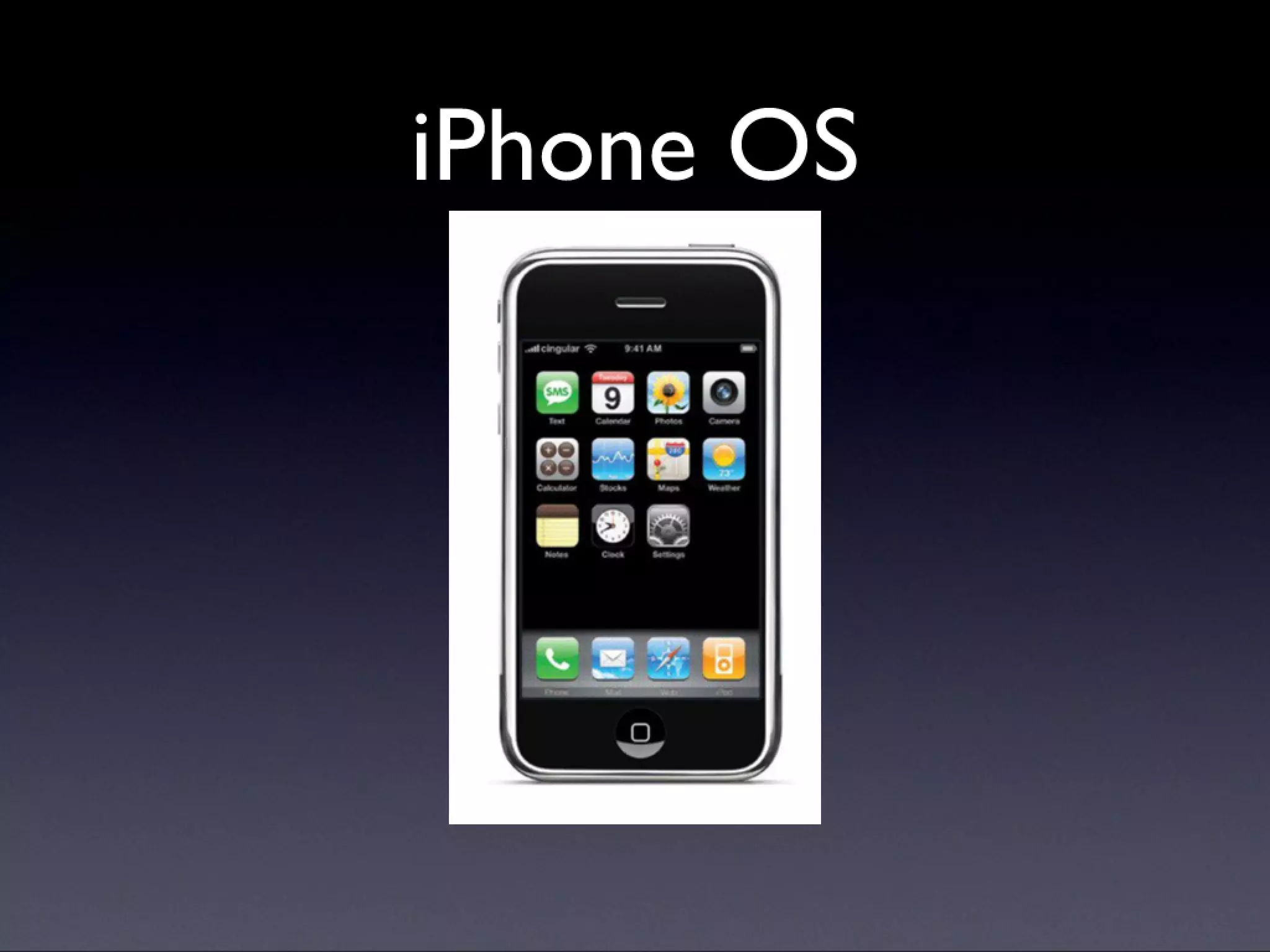
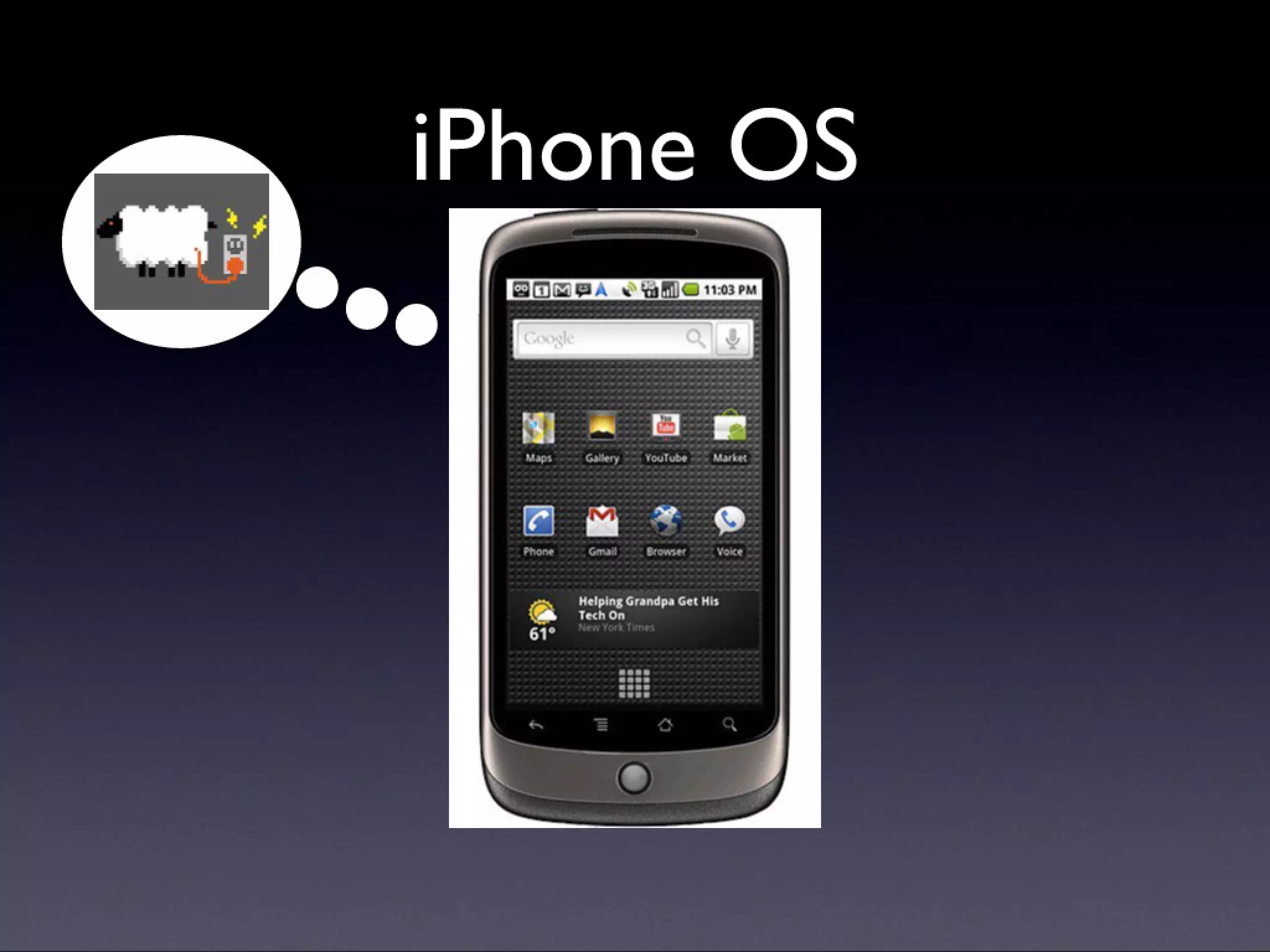
  • #3 If you don’t sign (and, more specifically, follow Apple’s instructions to do so), you don’t get on the store. That’s it. Mention requirements here, analogue with name badge. Next: What’s going on?
  • #4 If you don’t sign (and, more specifically, follow Apple’s instructions to do so), you don’t get on the store. That’s it. Mention requirements here, analogue with name badge. Next: What’s going on?
  • #5 If you don’t sign (and, more specifically, follow Apple’s instructions to do so), you don’t get on the store. That’s it. Mention requirements here, analogue with name badge. Next: What’s going on?
  • #6 If you don’t sign (and, more specifically, follow Apple’s instructions to do so), you don’t get on the store. That’s it. Mention requirements here, analogue with name badge. Next: What’s going on?
  • #7 If you don’t sign (and, more specifically, follow Apple’s instructions to do so), you don’t get on the store. That’s it. Mention requirements here, analogue with name badge. Next: What’s going on?
  • #8 If you don’t sign (and, more specifically, follow Apple’s instructions to do so), you don’t get on the store. That’s it. Mention requirements here, analogue with name badge. Next: What’s going on?
  • #9 If you don’t sign (and, more specifically, follow Apple’s instructions to do so), you don’t get on the store. That’s it. Mention requirements here, analogue with name badge. Next: What’s going on?
  • #10 If you don’t sign (and, more specifically, follow Apple’s instructions to do so), you don’t get on the store. That’s it. Mention requirements here, analogue with name badge. Next: What’s going on?
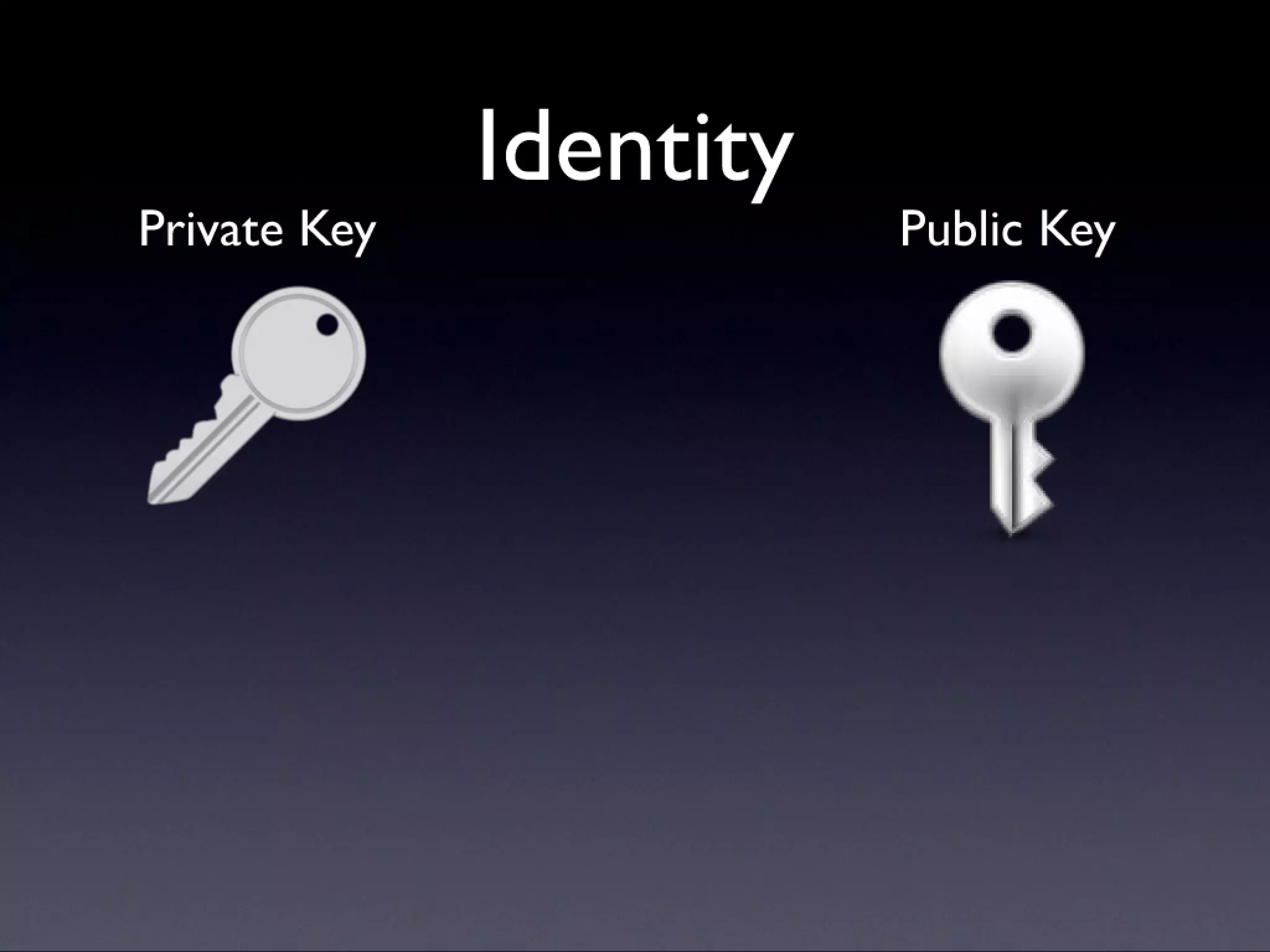
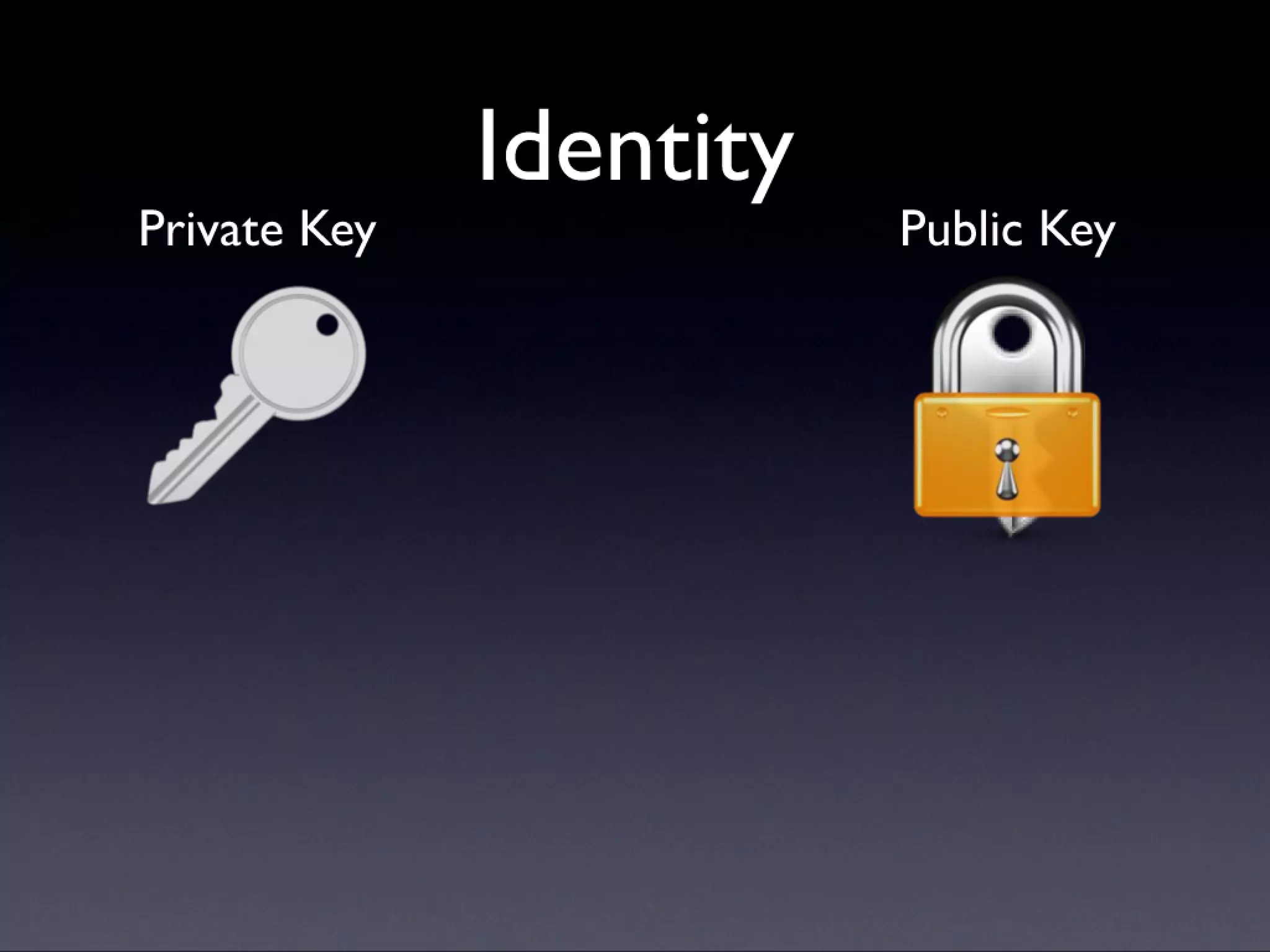
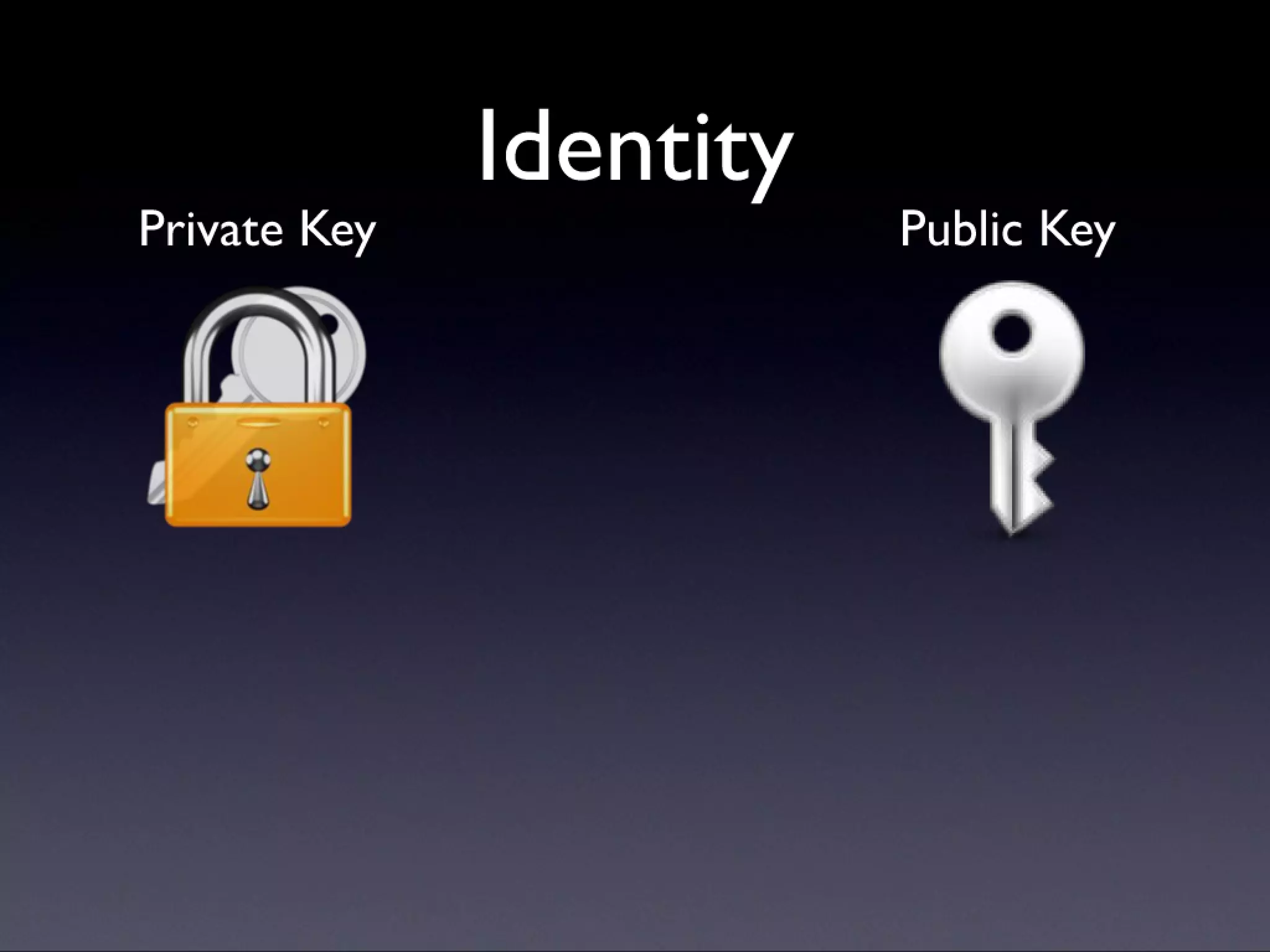
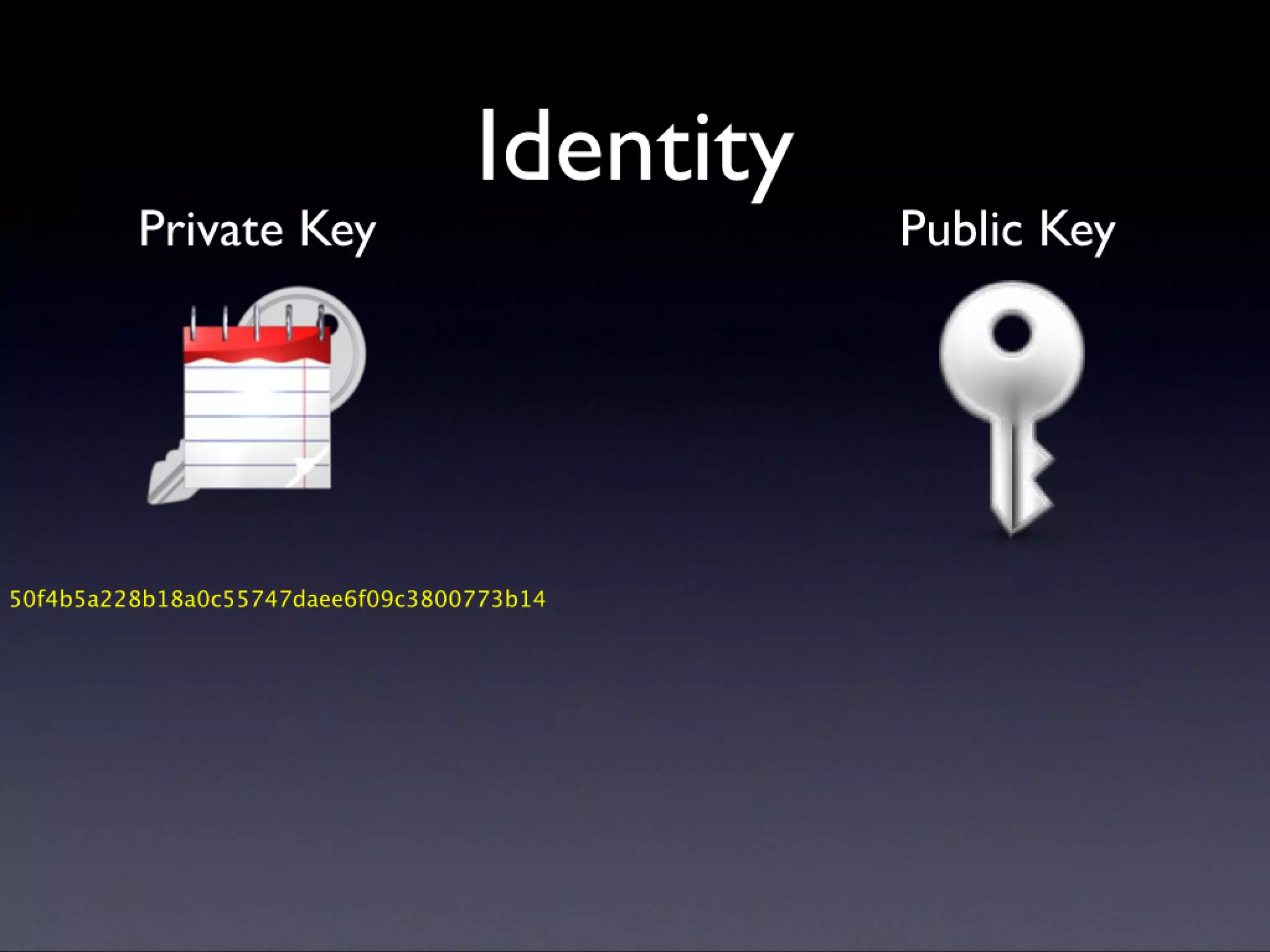
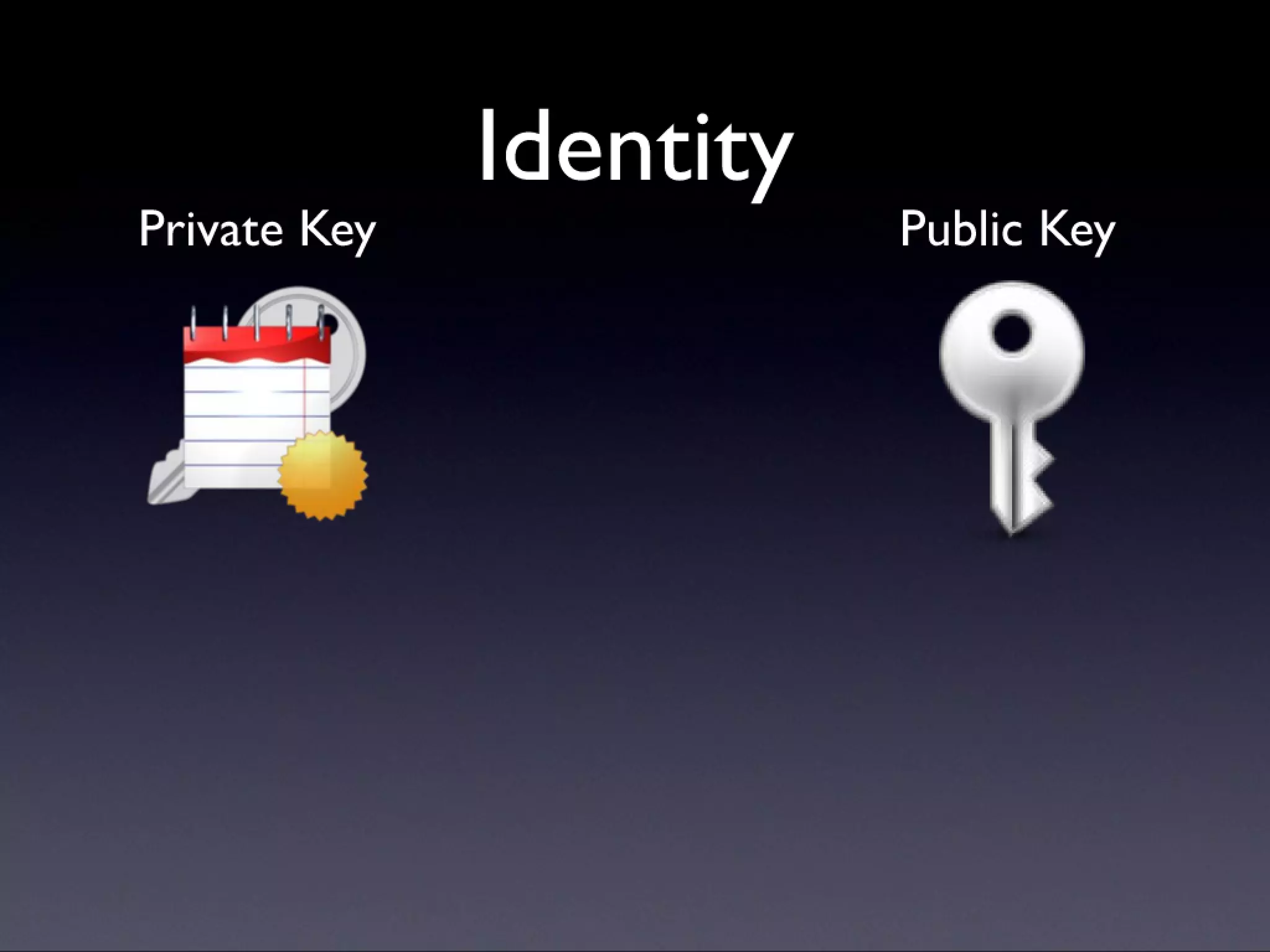
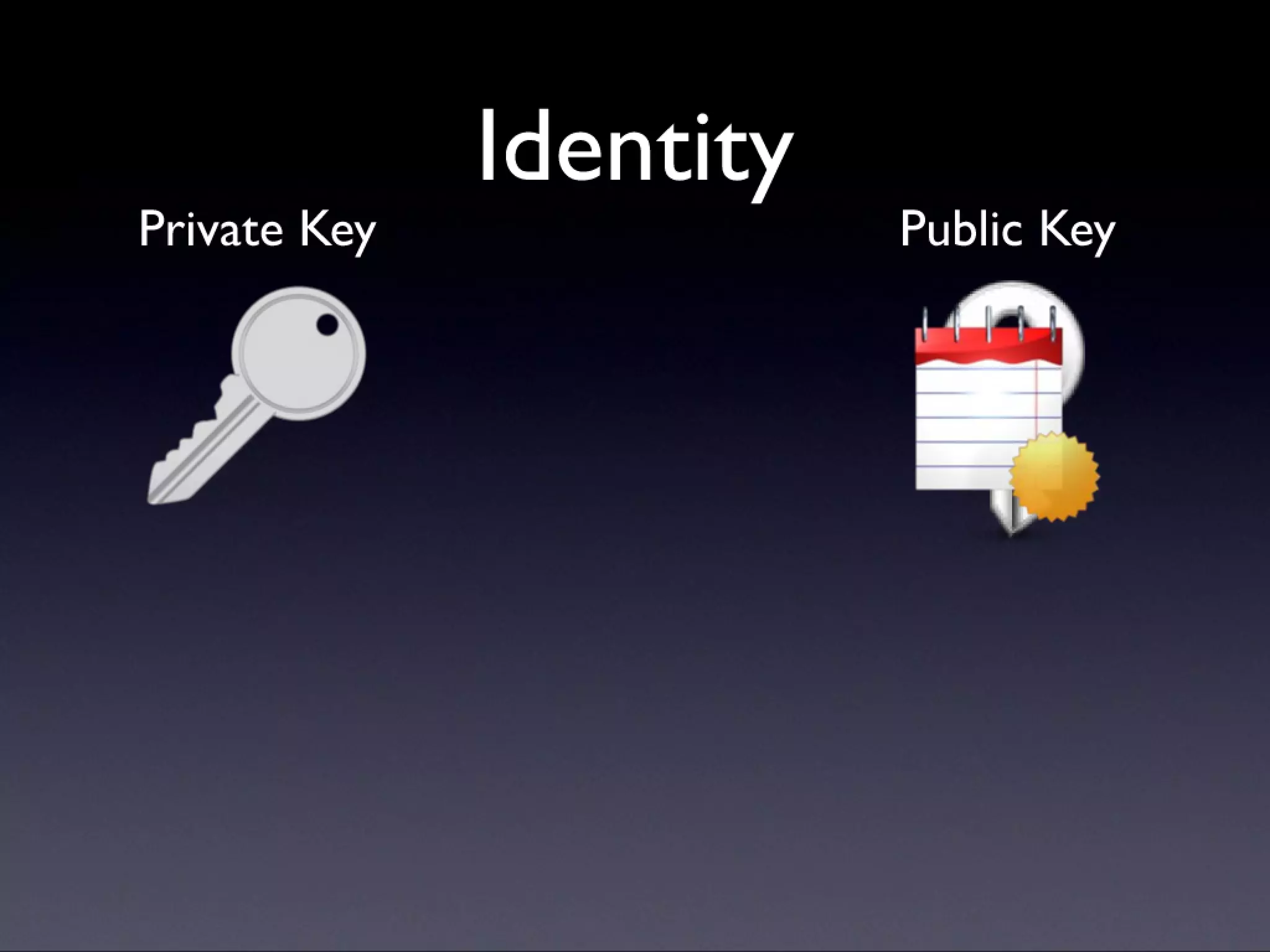
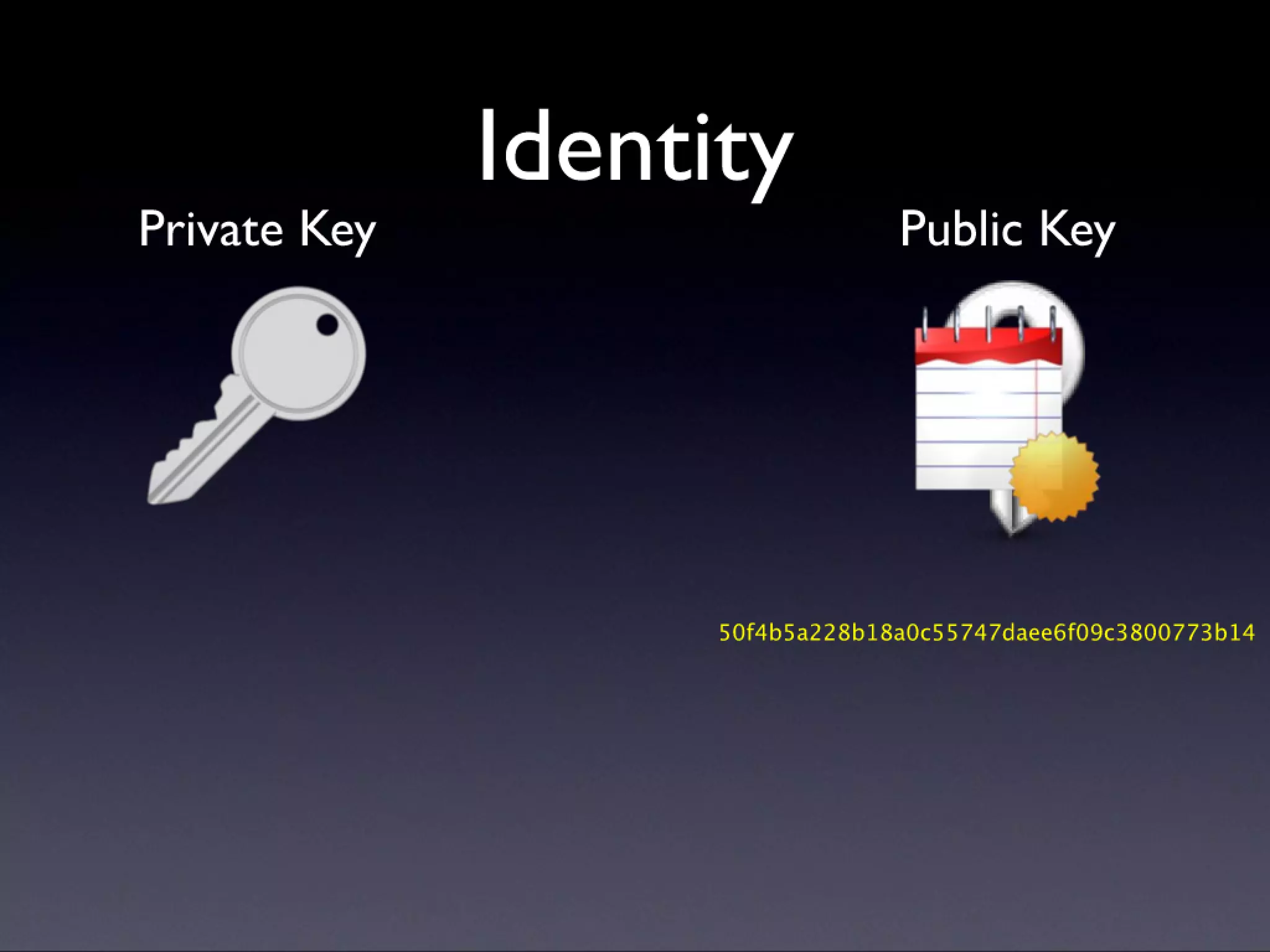
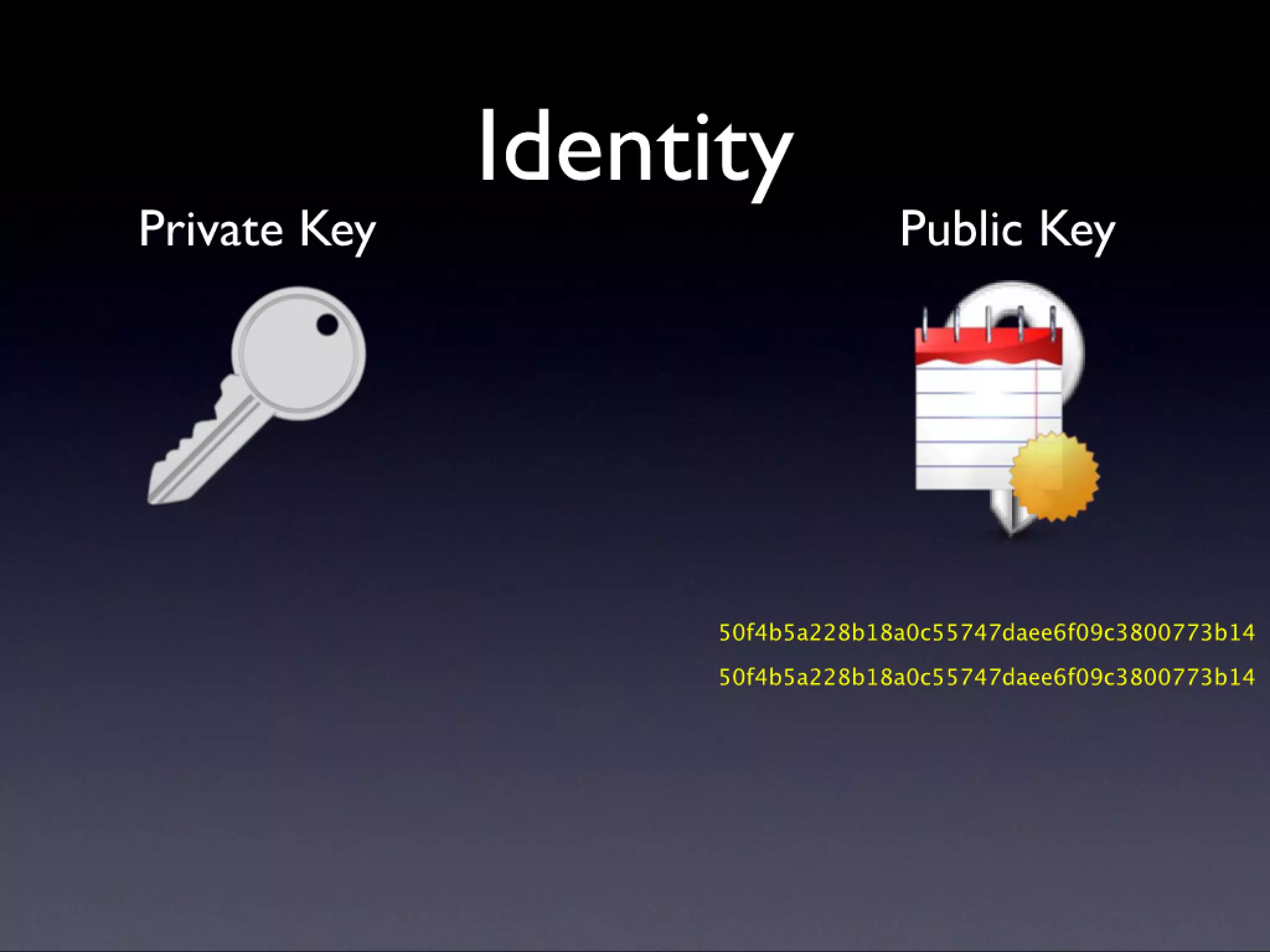
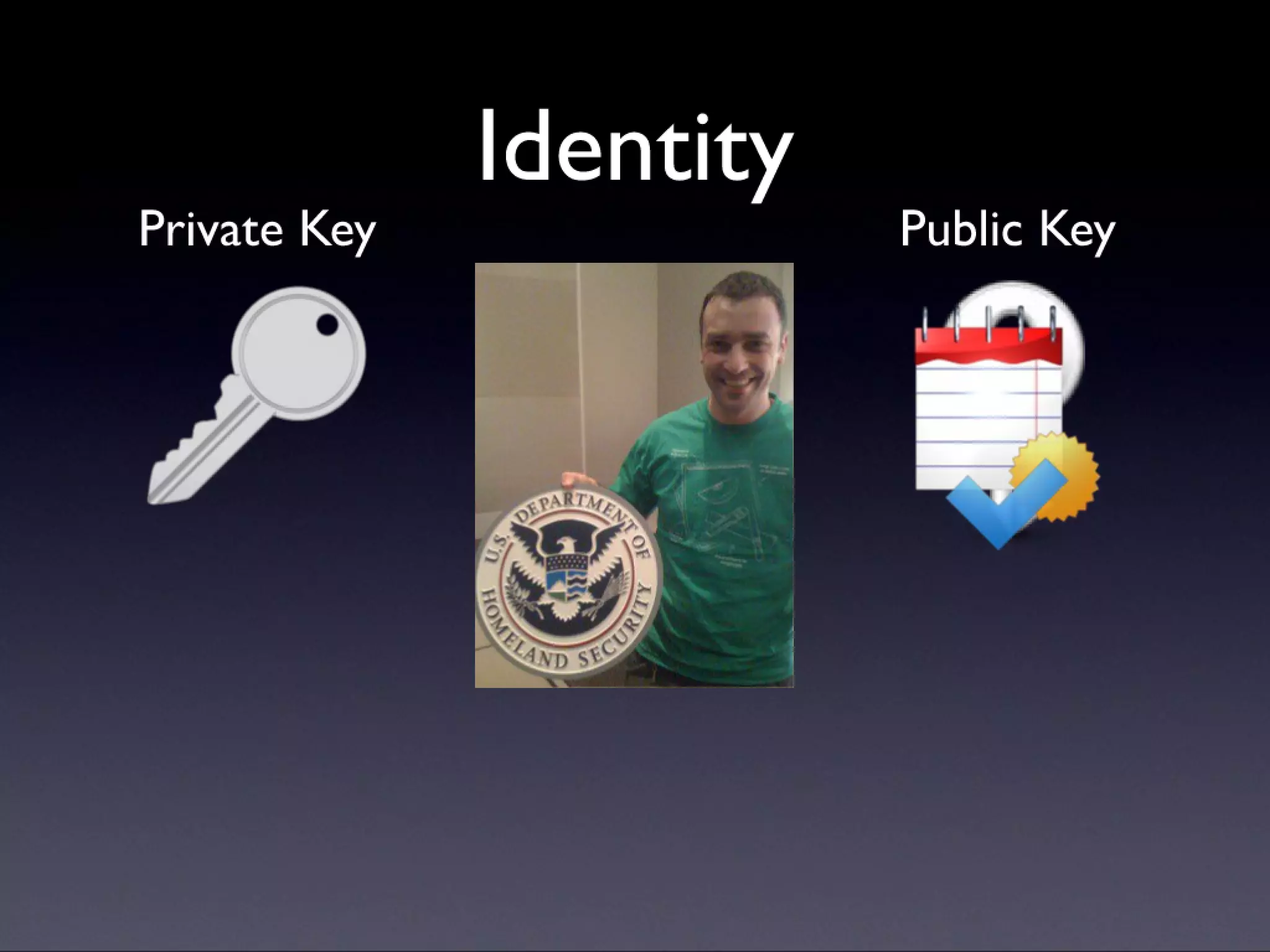
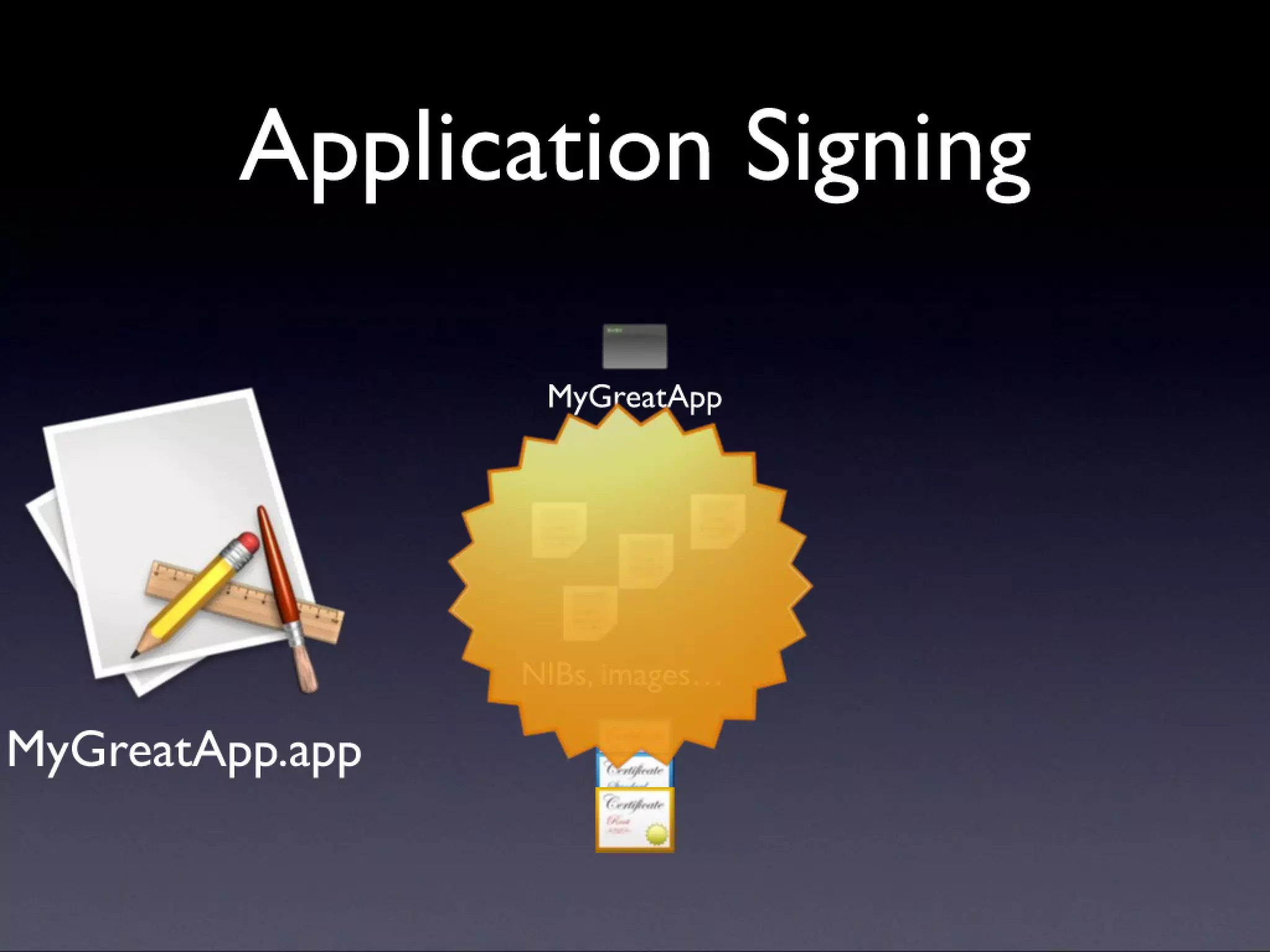
  • #11 Rely on the fact that a signature can be generated with the private key (by decrypting the checksum), and verified with the public key (by encrypting the signature and comparing with the checksum). Then a certificate explains who the holder of the private key is. Next: what this means to an app
  • #12 Rely on the fact that a signature can be generated with the private key (by decrypting the checksum), and verified with the public key (by encrypting the signature and comparing with the checksum). Then a certificate explains who the holder of the private key is. Next: what this means to an app
  • #13 Rely on the fact that a signature can be generated with the private key (by decrypting the checksum), and verified with the public key (by encrypting the signature and comparing with the checksum). Then a certificate explains who the holder of the private key is. Next: what this means to an app
  • #14 Rely on the fact that a signature can be generated with the private key (by decrypting the checksum), and verified with the public key (by encrypting the signature and comparing with the checksum). Then a certificate explains who the holder of the private key is. Next: what this means to an app
  • #15 Rely on the fact that a signature can be generated with the private key (by decrypting the checksum), and verified with the public key (by encrypting the signature and comparing with the checksum). Then a certificate explains who the holder of the private key is. Next: what this means to an app
  • #16 Rely on the fact that a signature can be generated with the private key (by decrypting the checksum), and verified with the public key (by encrypting the signature and comparing with the checksum). Then a certificate explains who the holder of the private key is. Next: what this means to an app
  • #17 Rely on the fact that a signature can be generated with the private key (by decrypting the checksum), and verified with the public key (by encrypting the signature and comparing with the checksum). Then a certificate explains who the holder of the private key is. Next: what this means to an app
  • #18 Rely on the fact that a signature can be generated with the private key (by decrypting the checksum), and verified with the public key (by encrypting the signature and comparing with the checksum). Then a certificate explains who the holder of the private key is. Next: what this means to an app
  • #19 Rely on the fact that a signature can be generated with the private key (by decrypting the checksum), and verified with the public key (by encrypting the signature and comparing with the checksum). Then a certificate explains who the holder of the private key is. Next: what this means to an app
  • #20 Rely on the fact that a signature can be generated with the private key (by decrypting the checksum), and verified with the public key (by encrypting the signature and comparing with the checksum). Then a certificate explains who the holder of the private key is. Next: what this means to an app
  • #21 Rely on the fact that a signature can be generated with the private key (by decrypting the checksum), and verified with the public key (by encrypting the signature and comparing with the checksum). Then a certificate explains who the holder of the private key is. Next: what this means to an app
  • #22 Rely on the fact that a signature can be generated with the private key (by decrypting the checksum), and verified with the public key (by encrypting the signature and comparing with the checksum). Then a certificate explains who the holder of the private key is. Next: what this means to an app
  • #23 Rely on the fact that a signature can be generated with the private key (by decrypting the checksum), and verified with the public key (by encrypting the signature and comparing with the checksum). Then a certificate explains who the holder of the private key is. Next: what this means to an app
  • #24 Rely on the fact that a signature can be generated with the private key (by decrypting the checksum), and verified with the public key (by encrypting the signature and comparing with the checksum). Then a certificate explains who the holder of the private key is. Next: what this means to an app
  • #25 Rely on the fact that a signature can be generated with the private key (by decrypting the checksum), and verified with the public key (by encrypting the signature and comparing with the checksum). Then a certificate explains who the holder of the private key is. Next: what this means to an app
  • #26 Rely on the fact that a signature can be generated with the private key (by decrypting the checksum), and verified with the public key (by encrypting the signature and comparing with the checksum). Then a certificate explains who the holder of the private key is. Next: what this means to an app
  • #27 Rely on the fact that a signature can be generated with the private key (by decrypting the checksum), and verified with the public key (by encrypting the signature and comparing with the checksum). Then a certificate explains who the holder of the private key is. Next: what this means to an app
  • #28 Rely on the fact that a signature can be generated with the private key (by decrypting the checksum), and verified with the public key (by encrypting the signature and comparing with the checksum). Then a certificate explains who the holder of the private key is. Next: what this means to an app
  • #29 Rely on the fact that a signature can be generated with the private key (by decrypting the checksum), and verified with the public key (by encrypting the signature and comparing with the checksum). Then a certificate explains who the holder of the private key is. Next: what this means to an app
  • #30 Rely on the fact that a signature can be generated with the private key (by decrypting the checksum), and verified with the public key (by encrypting the signature and comparing with the checksum). Then a certificate explains who the holder of the private key is. Next: what this means to an app
  • #31 Rely on the fact that a signature can be generated with the private key (by decrypting the checksum), and verified with the public key (by encrypting the signature and comparing with the checksum). Then a certificate explains who the holder of the private key is. Next: what this means to an app
  • #32 Rely on the fact that a signature can be generated with the private key (by decrypting the checksum), and verified with the public key (by encrypting the signature and comparing with the checksum). Then a certificate explains who the holder of the private key is. Next: what this means to an app
  • #33 Rely on the fact that a signature can be generated with the private key (by decrypting the checksum), and verified with the public key (by encrypting the signature and comparing with the checksum). Then a certificate explains who the holder of the private key is. Next: what this means to an app
  • #34 Rely on the fact that a signature can be generated with the private key (by decrypting the checksum), and verified with the public key (by encrypting the signature and comparing with the checksum). Then a certificate explains who the holder of the private key is. Next: what this means to an app
  • #35 Rely on the fact that a signature can be generated with the private key (by decrypting the checksum), and verified with the public key (by encrypting the signature and comparing with the checksum). Then a certificate explains who the holder of the private key is. Next: what this means to an app
  • #36 Rely on the fact that a signature can be generated with the private key (by decrypting the checksum), and verified with the public key (by encrypting the signature and comparing with the checksum). Then a certificate explains who the holder of the private key is. Next: what this means to an app
  • #37 Rely on the fact that a signature can be generated with the private key (by decrypting the checksum), and verified with the public key (by encrypting the signature and comparing with the checksum). Then a certificate explains who the holder of the private key is. Next: what this means to an app
  • #38 Rely on the fact that a signature can be generated with the private key (by decrypting the checksum), and verified with the public key (by encrypting the signature and comparing with the checksum). Then a certificate explains who the holder of the private key is. Next: what this means to an app
  • #39 Rely on the fact that a signature can be generated with the private key (by decrypting the checksum), and verified with the public key (by encrypting the signature and comparing with the checksum). Then a certificate explains who the holder of the private key is. Next: what this means to an app
  • #40 After these slides, explain the dynamic validity of the application. Next: how does this work? Demo of making a signature, viewing the requirement, changing the requirement, breaking the signature.
  • #41 After these slides, explain the dynamic validity of the application. Next: how does this work? Demo of making a signature, viewing the requirement, changing the requirement, breaking the signature.
  • #42 After these slides, explain the dynamic validity of the application. Next: how does this work? Demo of making a signature, viewing the requirement, changing the requirement, breaking the signature.
  • #43 After these slides, explain the dynamic validity of the application. Next: how does this work? Demo of making a signature, viewing the requirement, changing the requirement, breaking the signature.
  • #44 After these slides, explain the dynamic validity of the application. Next: how does this work? Demo of making a signature, viewing the requirement, changing the requirement, breaking the signature.
  • #45 After these slides, explain the dynamic validity of the application. Next: how does this work? Demo of making a signature, viewing the requirement, changing the requirement, breaking the signature.
  • #46 After these slides, explain the dynamic validity of the application. Next: how does this work? Demo of making a signature, viewing the requirement, changing the requirement, breaking the signature.
  • #47 After these slides, explain the dynamic validity of the application. Next: how does this work? Demo of making a signature, viewing the requirement, changing the requirement, breaking the signature.
  • #48 After these slides, explain the dynamic validity of the application. Next: how does this work? Demo of making a signature, viewing the requirement, changing the requirement, breaking the signature.
  • #49 After these slides, explain the dynamic validity of the application. Next: how does this work? Demo of making a signature, viewing the requirement, changing the requirement, breaking the signature.
  • #50 After these slides, explain the dynamic validity of the application. Next: how does this work? Demo of making a signature, viewing the requirement, changing the requirement, breaking the signature.
  • #51 After these slides, explain the dynamic validity of the application. Next: how does this work? Demo of making a signature, viewing the requirement, changing the requirement, breaking the signature.
  • #52 After these slides, explain the dynamic validity of the application. Next: how does this work? Demo of making a signature, viewing the requirement, changing the requirement, breaking the signature.
  • #53 After these slides, explain the dynamic validity of the application. Next: how does this work? Demo of making a signature, viewing the requirement, changing the requirement, breaking the signature.
  • #54 After these slides, explain the dynamic validity of the application. Next: how does this work? Demo of making a signature, viewing the requirement, changing the requirement, breaking the signature.
  • #55 After these slides, explain the dynamic validity of the application. Next: how does this work? Demo of making a signature, viewing the requirement, changing the requirement, breaking the signature.
  • #56 After these slides, explain the dynamic validity of the application. Next: how does this work? Demo of making a signature, viewing the requirement, changing the requirement, breaking the signature.
  • #57 After these slides, explain the dynamic validity of the application. Next: how does this work? Demo of making a signature, viewing the requirement, changing the requirement, breaking the signature.
  • #58 After these slides, explain the dynamic validity of the application. Next: how does this work? Demo of making a signature, viewing the requirement, changing the requirement, breaking the signature.
  • #59 After these slides, explain the dynamic validity of the application. Next: how does this work? Demo of making a signature, viewing the requirement, changing the requirement, breaking the signature.
  • #60 After these slides, explain the dynamic validity of the application. Next: how does this work? Demo of making a signature, viewing the requirement, changing the requirement, breaking the signature.
  • #61 After these slides, explain the dynamic validity of the application. Next: how does this work? Demo of making a signature, viewing the requirement, changing the requirement, breaking the signature.
  • #62 After these slides, explain the dynamic validity of the application. Next: how does this work? Demo of making a signature, viewing the requirement, changing the requirement, breaking the signature.
  • #63 After these slides, explain the dynamic validity of the application. Next: how does this work? Demo of making a signature, viewing the requirement, changing the requirement, breaking the signature.
  • #64 After these slides, explain the dynamic validity of the application. Next: how does this work? Demo of making a signature, viewing the requirement, changing the requirement, breaking the signature.
  • #65 After these slides, explain the dynamic validity of the application. Next: how does this work? Demo of making a signature, viewing the requirement, changing the requirement, breaking the signature.
  • #66 After these slides, explain the dynamic validity of the application. Next: how does this work? Demo of making a signature, viewing the requirement, changing the requirement, breaking the signature.
  • #67 After these slides, explain the dynamic validity of the application. Next: how does this work? Demo of making a signature, viewing the requirement, changing the requirement, breaking the signature.
  • #68 After these slides, explain the dynamic validity of the application. Next: how does this work? Demo of making a signature, viewing the requirement, changing the requirement, breaking the signature.
  • #69 After these slides, explain the dynamic validity of the application. Next: how does this work? Demo of making a signature, viewing the requirement, changing the requirement, breaking the signature.
  • #70 After these slides, explain the dynamic validity of the application. Next: how does this work? Demo of making a signature, viewing the requirement, changing the requirement, breaking the signature.
  • #71 After these slides, explain the dynamic validity of the application. Next: how does this work? Demo of making a signature, viewing the requirement, changing the requirement, breaking the signature.
  • #72 After these slides, explain the dynamic validity of the application. Next: how does this work? Demo of making a signature, viewing the requirement, changing the requirement, breaking the signature.
  • #73 After these slides, explain the dynamic validity of the application. Next: how does this work? Demo of making a signature, viewing the requirement, changing the requirement, breaking the signature.
  • #74 After these slides, explain the dynamic validity of the application. Next: how does this work? Demo of making a signature, viewing the requirement, changing the requirement, breaking the signature.
  • #75 After these slides, explain the dynamic validity of the application. Next: how does this work? Demo of making a signature, viewing the requirement, changing the requirement, breaking the signature.
  • #76 After these slides, explain the dynamic validity of the application. Next: how does this work? Demo of making a signature, viewing the requirement, changing the requirement, breaking the signature.
  • #77 After these slides, explain the dynamic validity of the application. Next: how does this work? Demo of making a signature, viewing the requirement, changing the requirement, breaking the signature.
  • #78 After these slides, explain the dynamic validity of the application. Next: how does this work? Demo of making a signature, viewing the requirement, changing the requirement, breaking the signature.
  • #79 After these slides, explain the dynamic validity of the application. Next: how does this work? Demo of making a signature, viewing the requirement, changing the requirement, breaking the signature.
  • #80 After these slides, explain the dynamic validity of the application. Next: how does this work? Demo of making a signature, viewing the requirement, changing the requirement, breaking the signature.
  • #81 After these slides, explain the dynamic validity of the application. Next: how does this work? Demo of making a signature, viewing the requirement, changing the requirement, breaking the signature.
  • #82 After these slides, explain the dynamic validity of the application. Next: how does this work? Demo of making a signature, viewing the requirement, changing the requirement, breaking the signature.
  • #83 After these slides, explain the dynamic validity of the application. Next: how does this work? Demo of making a signature, viewing the requirement, changing the requirement, breaking the signature.
  • #84 After these slides, explain the dynamic validity of the application. Next: how does this work? Demo of making a signature, viewing the requirement, changing the requirement, breaking the signature.
  • #85 After these slides, explain the dynamic validity of the application. Next: how does this work? Demo of making a signature, viewing the requirement, changing the requirement, breaking the signature.
  • #86 After these slides, explain the dynamic validity of the application. Next: how does this work? Demo of making a signature, viewing the requirement, changing the requirement, breaking the signature.
  • #87 After these slides, explain the dynamic validity of the application. Next: how does this work? Demo of making a signature, viewing the requirement, changing the requirement, breaking the signature.
  • #88 After these slides, explain the dynamic validity of the application. Next: how does this work? Demo of making a signature, viewing the requirement, changing the requirement, breaking the signature.
  • #89 After these slides, explain the dynamic validity of the application. Next: how does this work? Demo of making a signature, viewing the requirement, changing the requirement, breaking the signature.
  • #90 After these slides, explain the dynamic validity of the application. Next: how does this work? Demo of making a signature, viewing the requirement, changing the requirement, breaking the signature.
  • #91 After the demo, we’re on to why. view reqs: codesign -d -r- change req: codesign -s "NSConference Demo" -f -r="designated => anchor apple" Code Signature.app/
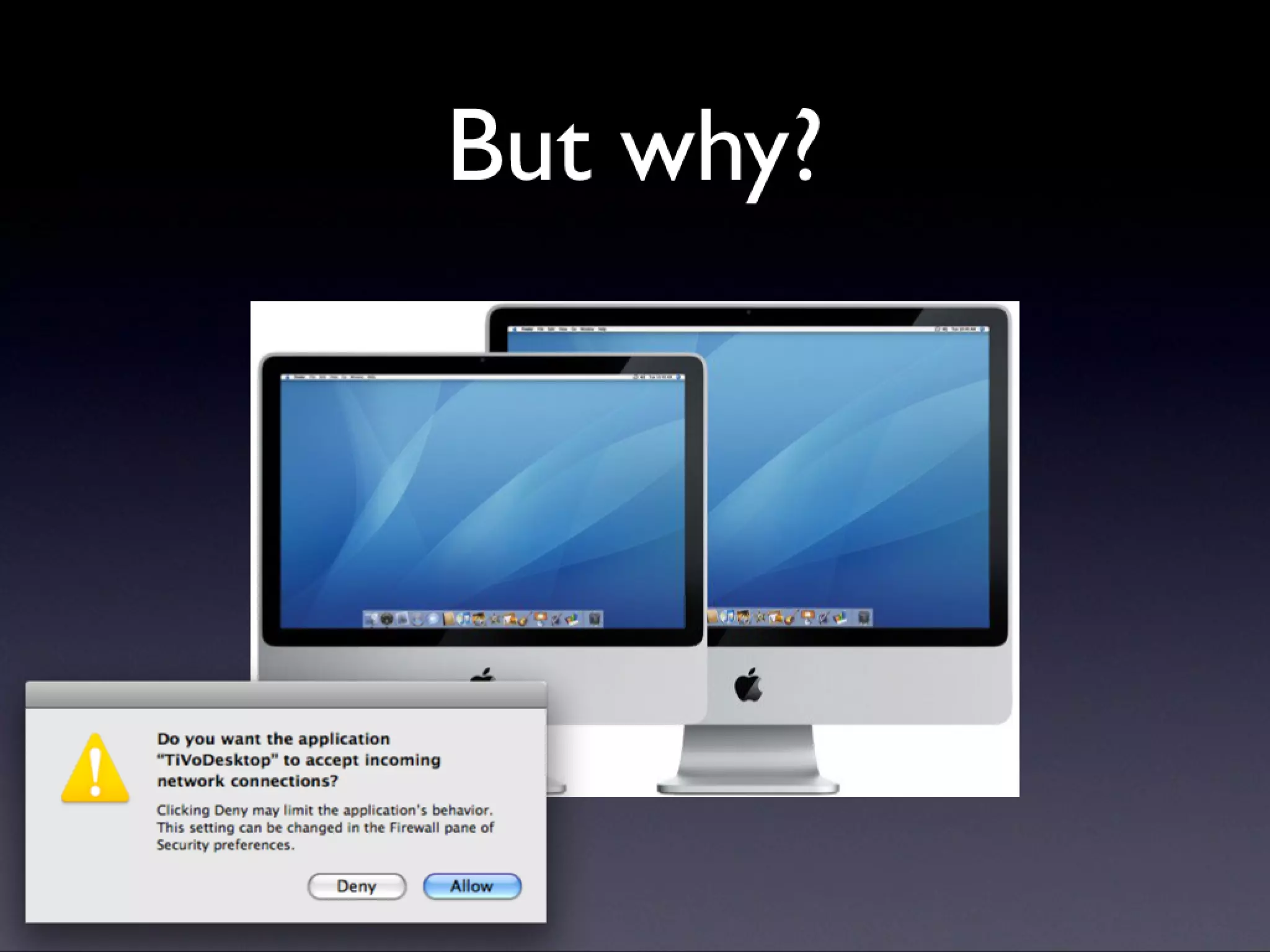
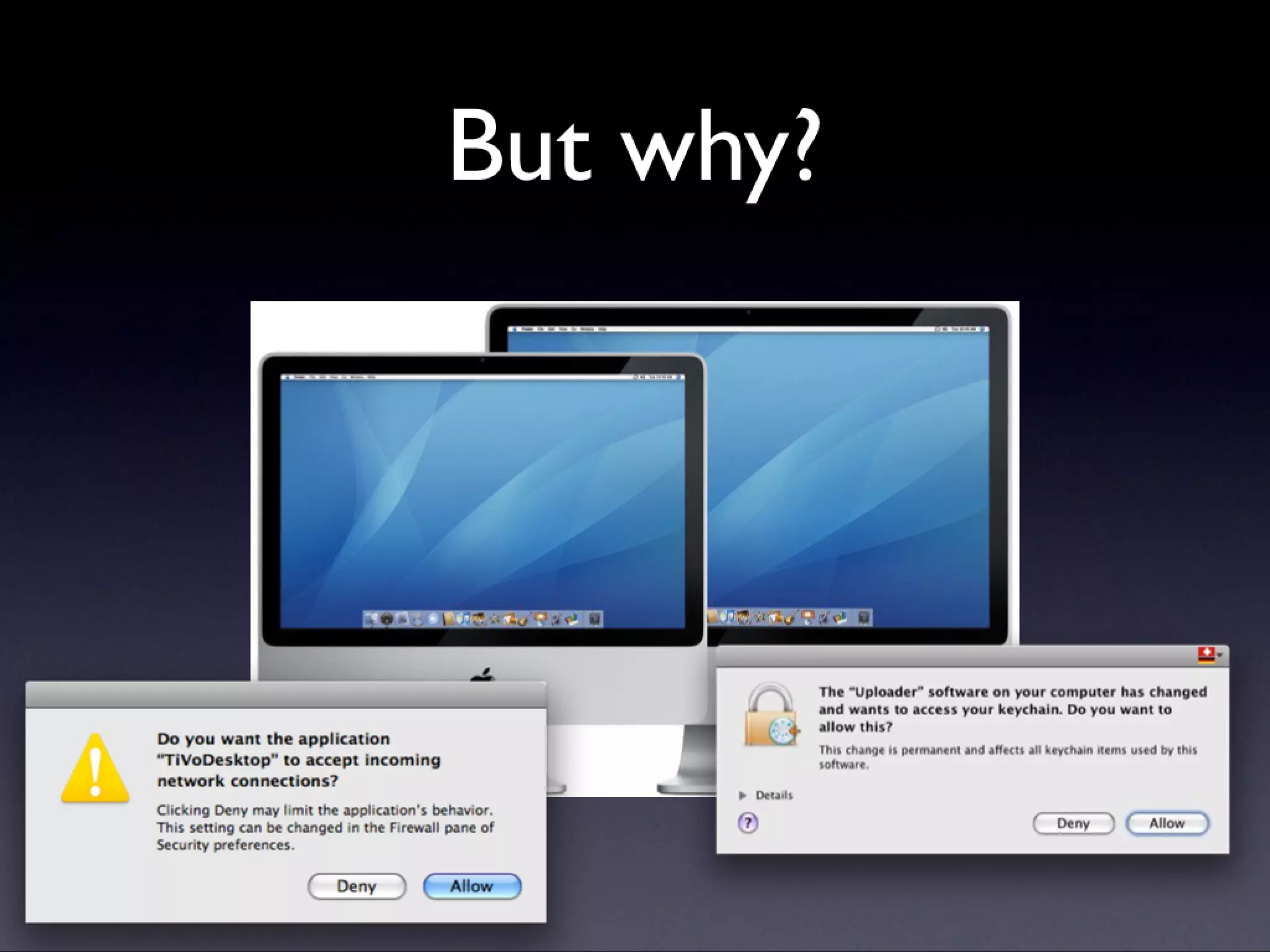
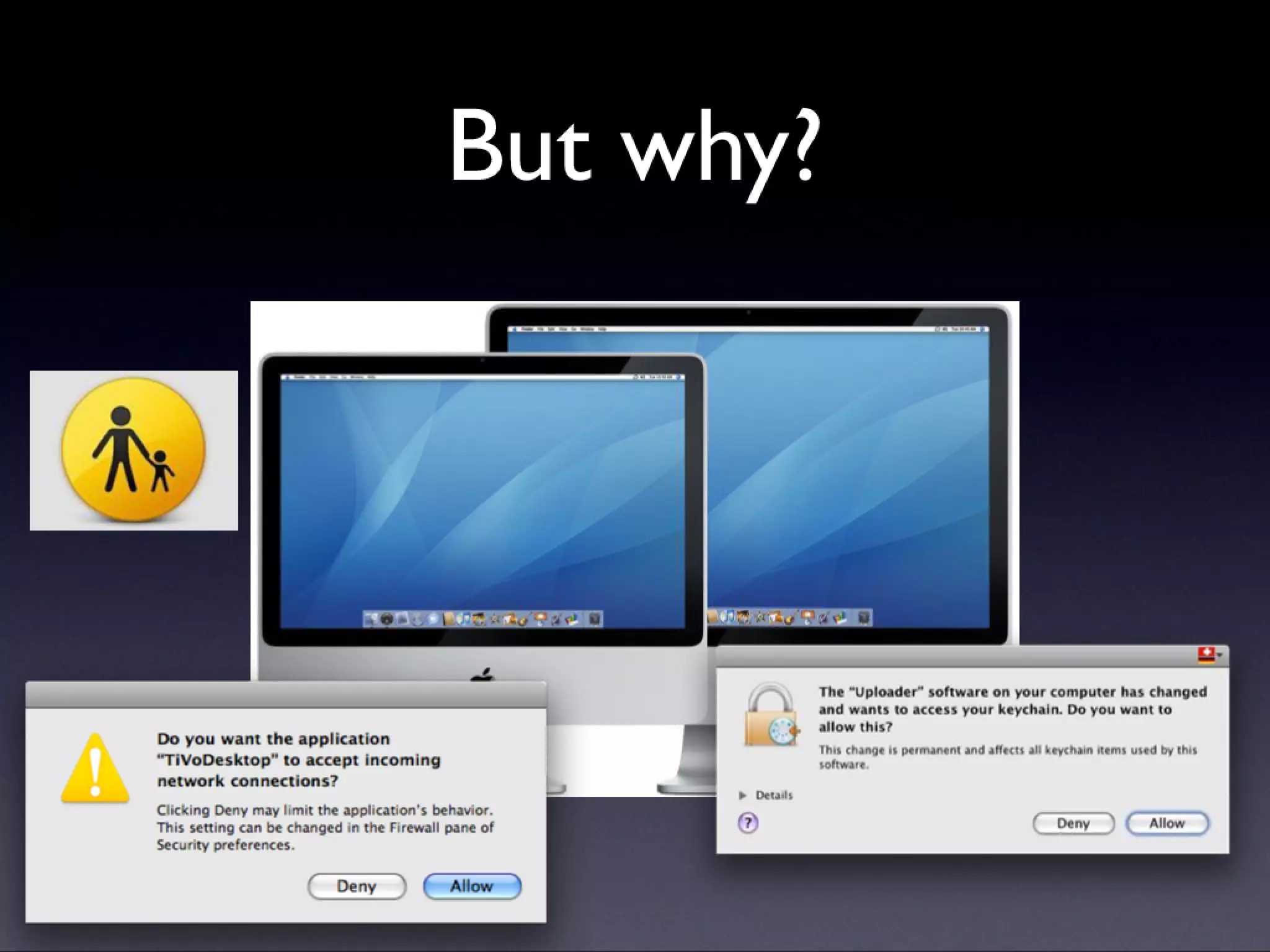
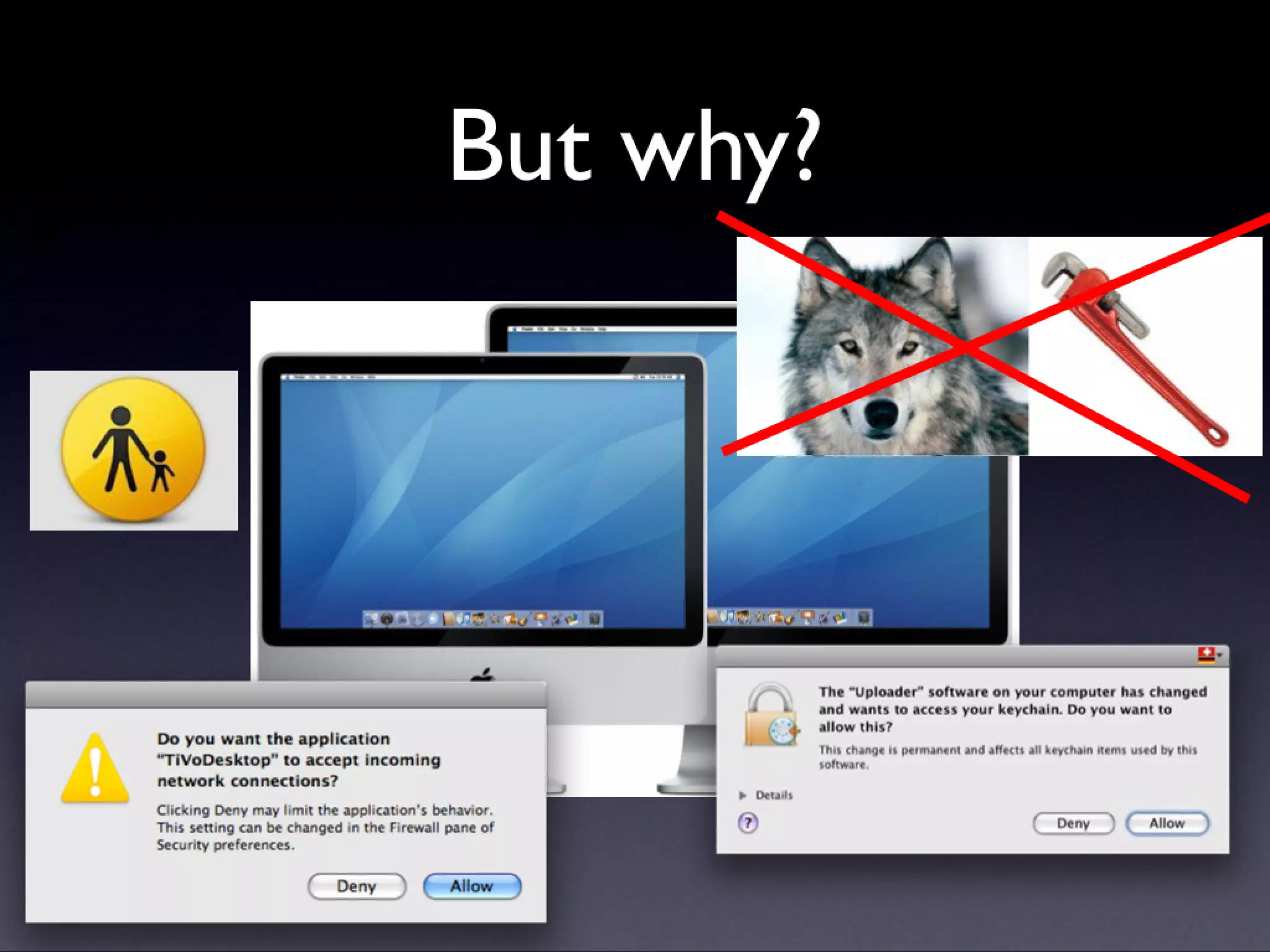
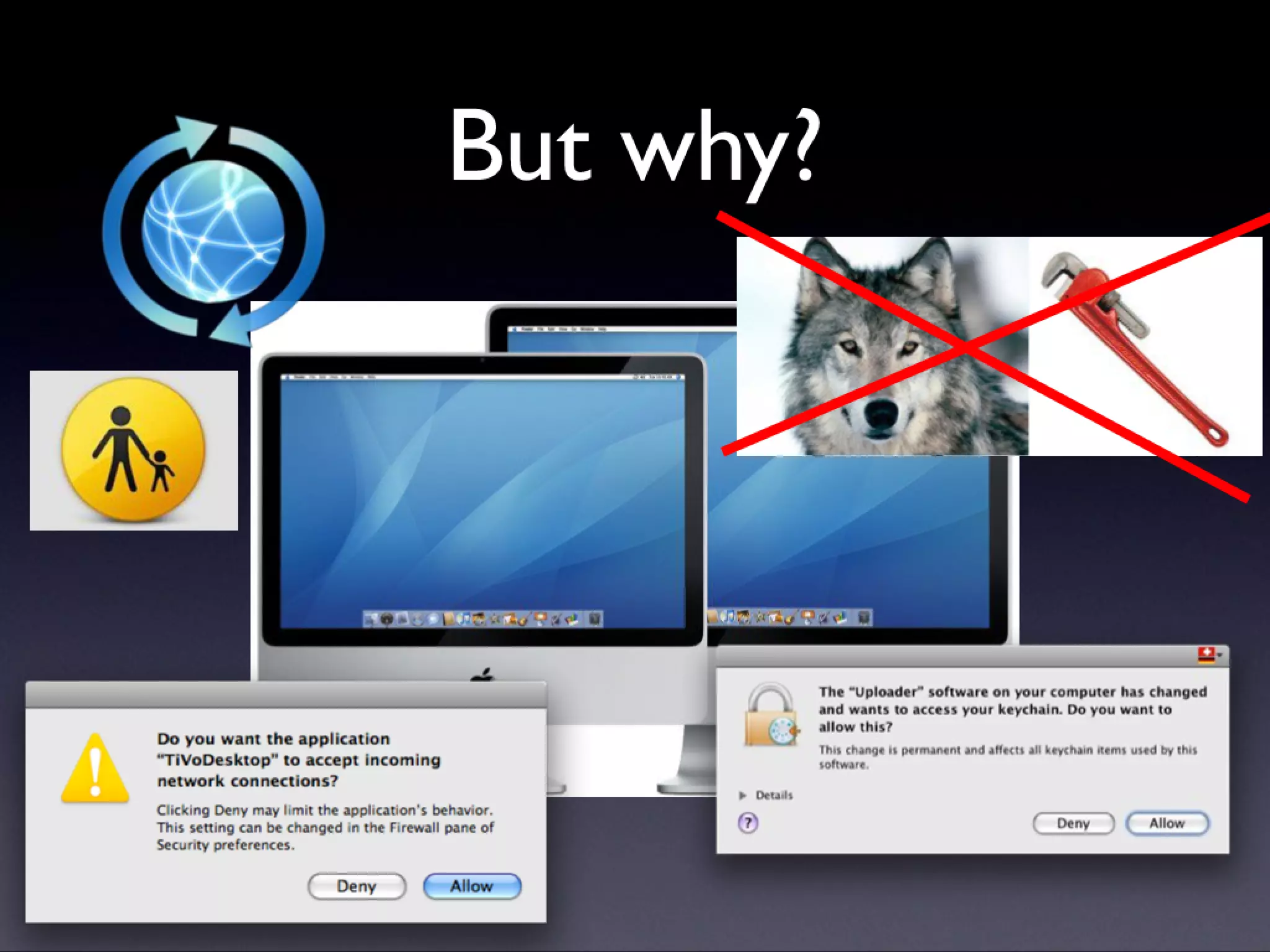
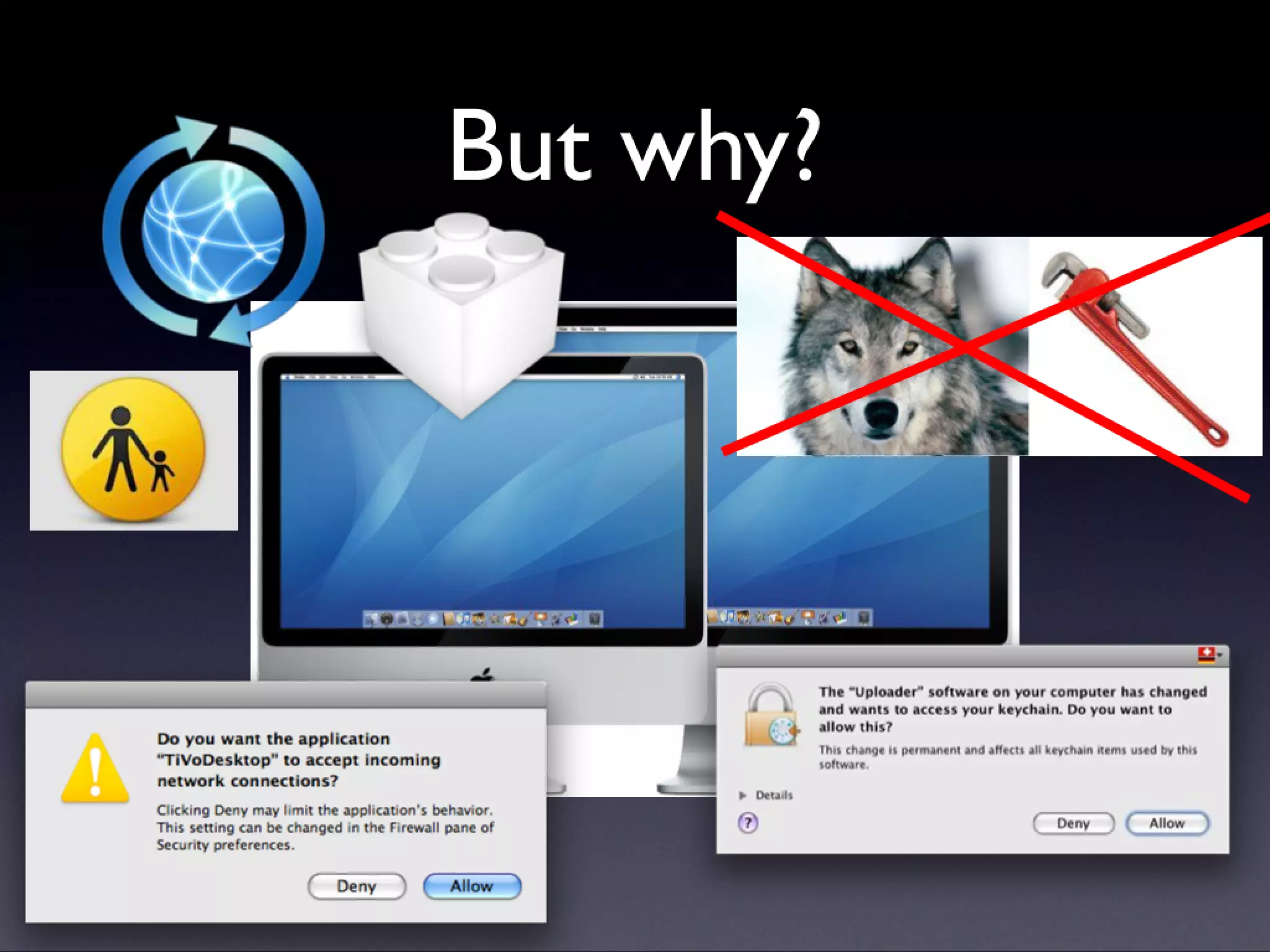
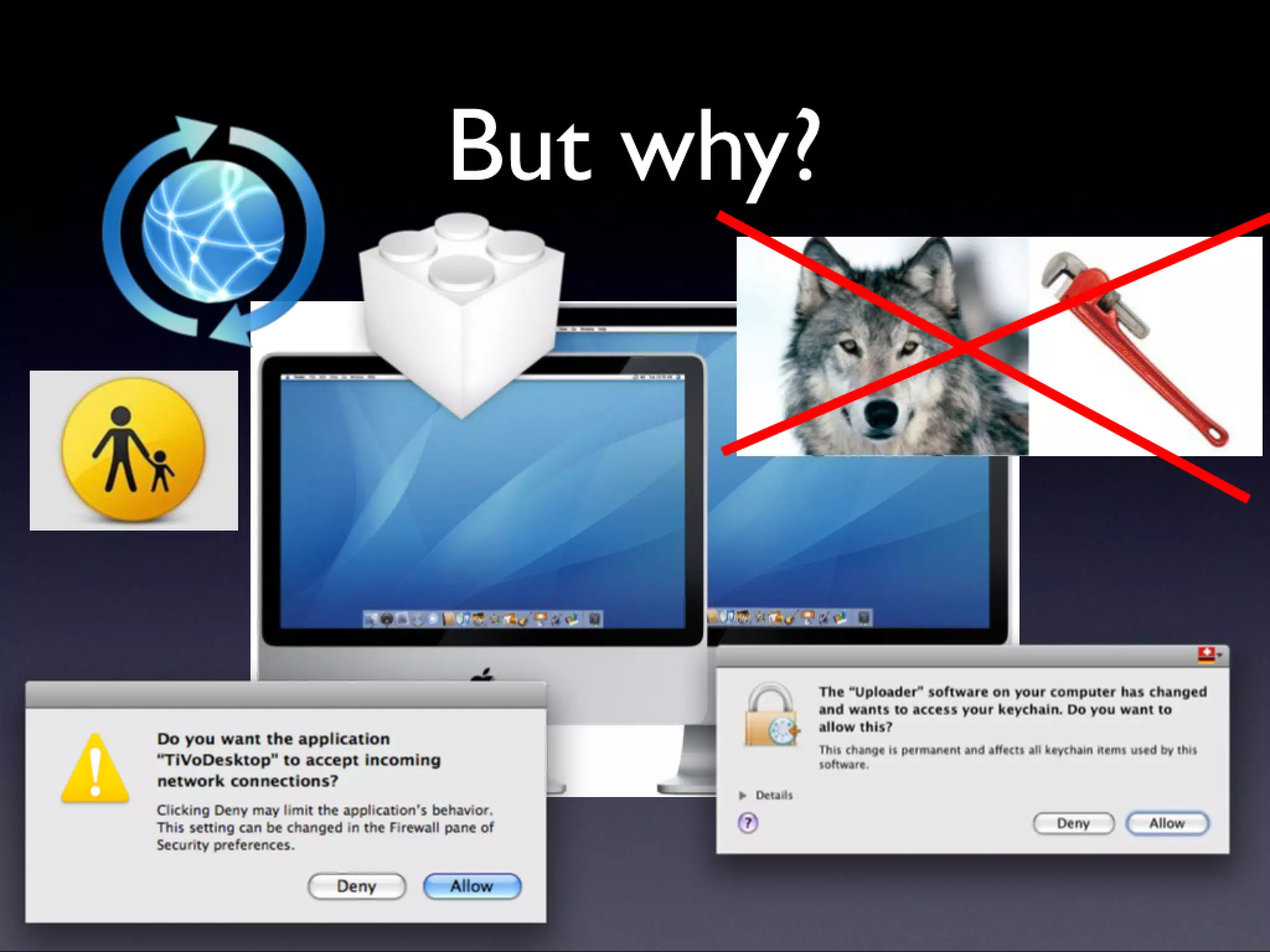
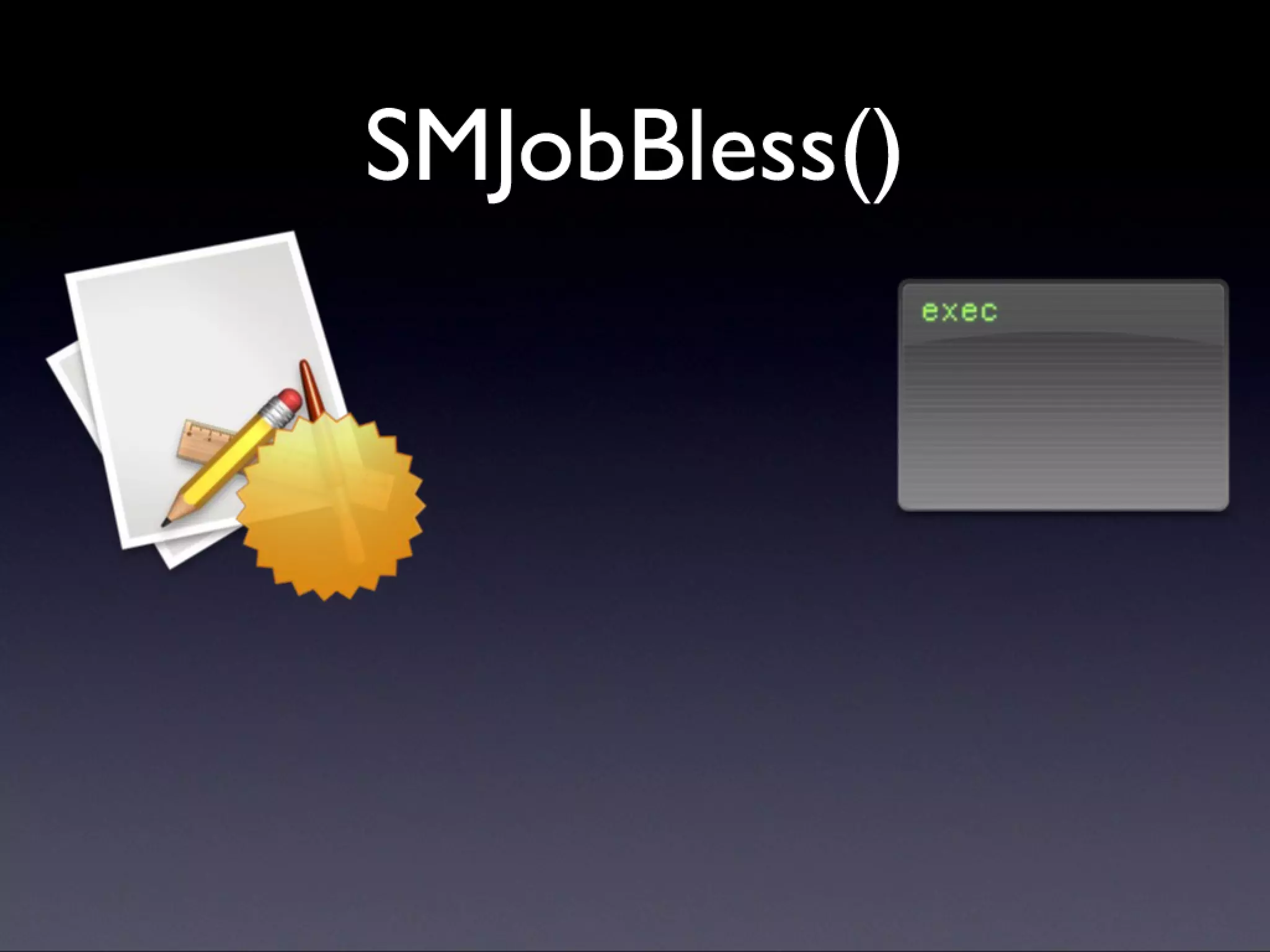
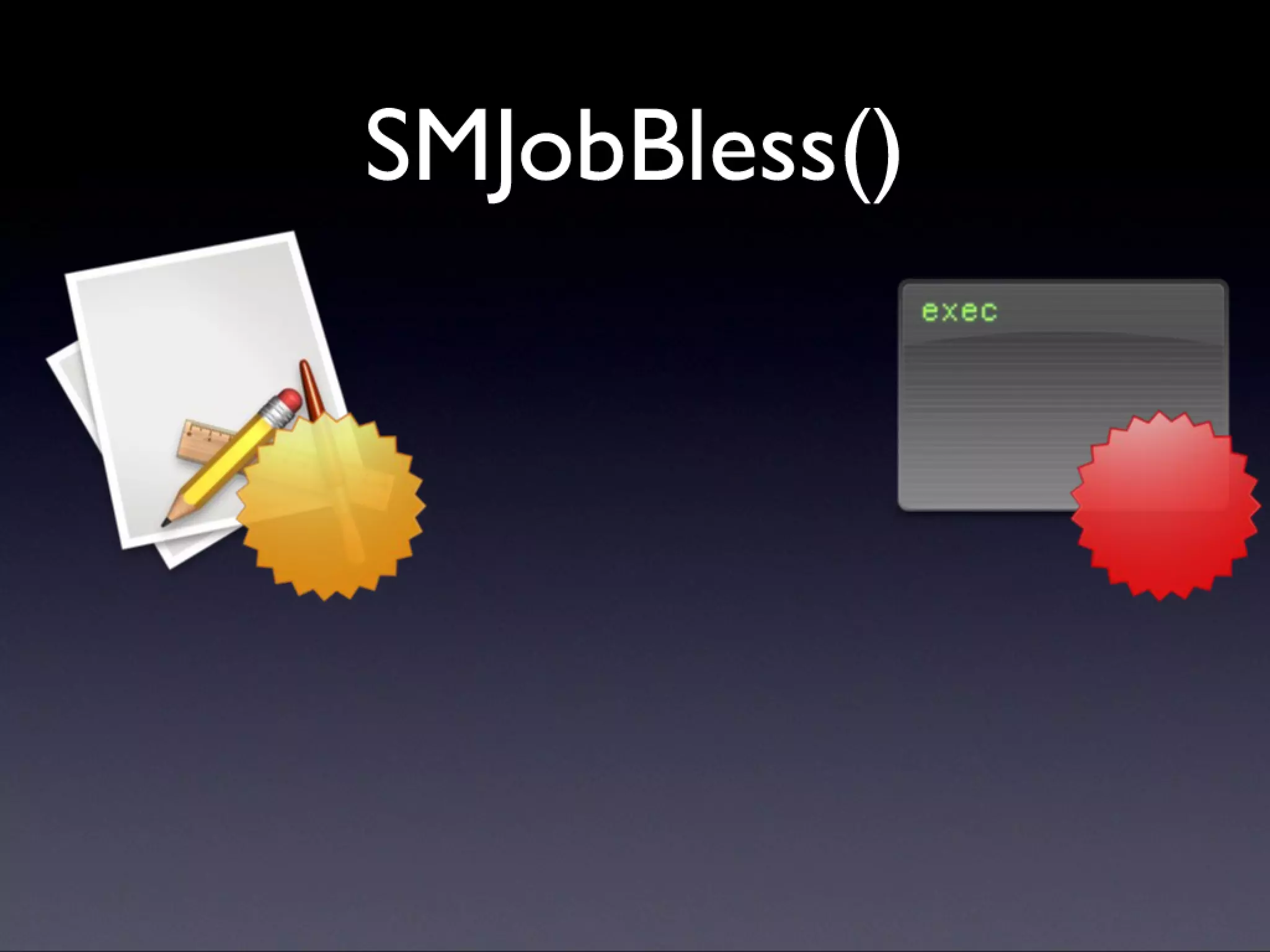
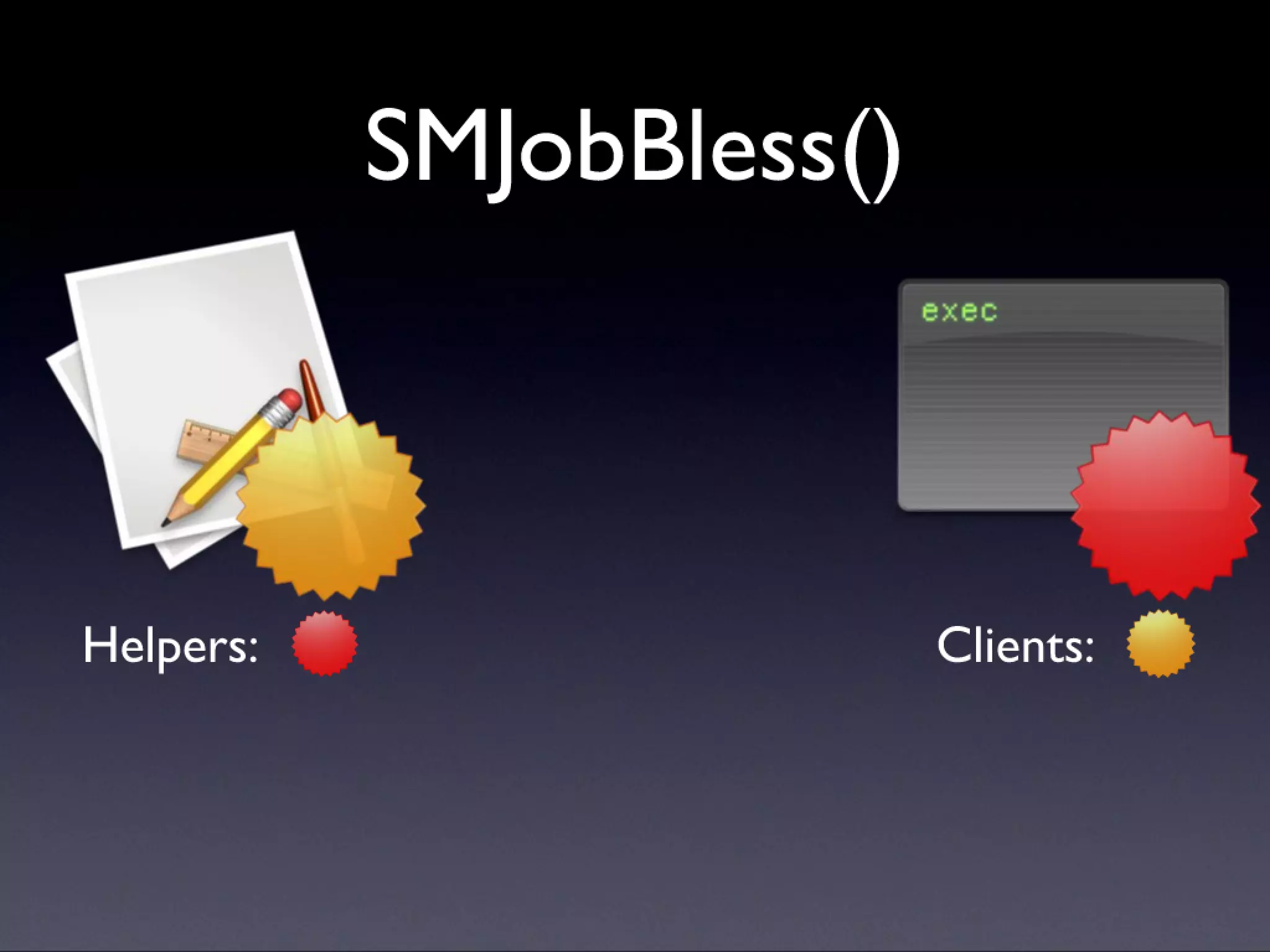
  • #93 Keychain: mention the legacy code path thing. Firewall Parental Controls Wolf Rentzsch: remind people of dynamic updating Plug-ins Launchd (go into SMJobBless demo)
  • #94 Keychain: mention the legacy code path thing. Firewall Parental Controls Wolf Rentzsch: remind people of dynamic updating Plug-ins Launchd (go into SMJobBless demo)
  • #95 Keychain: mention the legacy code path thing. Firewall Parental Controls Wolf Rentzsch: remind people of dynamic updating Plug-ins Launchd (go into SMJobBless demo)
  • #96 Keychain: mention the legacy code path thing. Firewall Parental Controls Wolf Rentzsch: remind people of dynamic updating Plug-ins Launchd (go into SMJobBless demo)
  • #97 Keychain: mention the legacy code path thing. Firewall Parental Controls Wolf Rentzsch: remind people of dynamic updating Plug-ins Launchd (go into SMJobBless demo)
  • #98 Keychain: mention the legacy code path thing. Firewall Parental Controls Wolf Rentzsch: remind people of dynamic updating Plug-ins Launchd (go into SMJobBless demo)
  • #99 Keychain: mention the legacy code path thing. Firewall Parental Controls Wolf Rentzsch: remind people of dynamic updating Plug-ins Launchd (go into SMJobBless demo)
  • #100 Keychain: mention the legacy code path thing. Firewall Parental Controls Wolf Rentzsch: remind people of dynamic updating Plug-ins Launchd (go into SMJobBless demo)
  • #101 Keychain: mention the legacy code path thing. Firewall Parental Controls Wolf Rentzsch: remind people of dynamic updating Plug-ins Launchd (go into SMJobBless demo)
  • #102 Keychain: mention the legacy code path thing. Firewall Parental Controls Wolf Rentzsch: remind people of dynamic updating Plug-ins Launchd (go into SMJobBless demo)
  • #103 Keychain: mention the legacy code path thing. Firewall Parental Controls Wolf Rentzsch: remind people of dynamic updating Plug-ins Launchd (go into SMJobBless demo)
  • #104 Keychain: mention the legacy code path thing. Firewall Parental Controls Wolf Rentzsch: remind people of dynamic updating Plug-ins Launchd (go into SMJobBless demo)
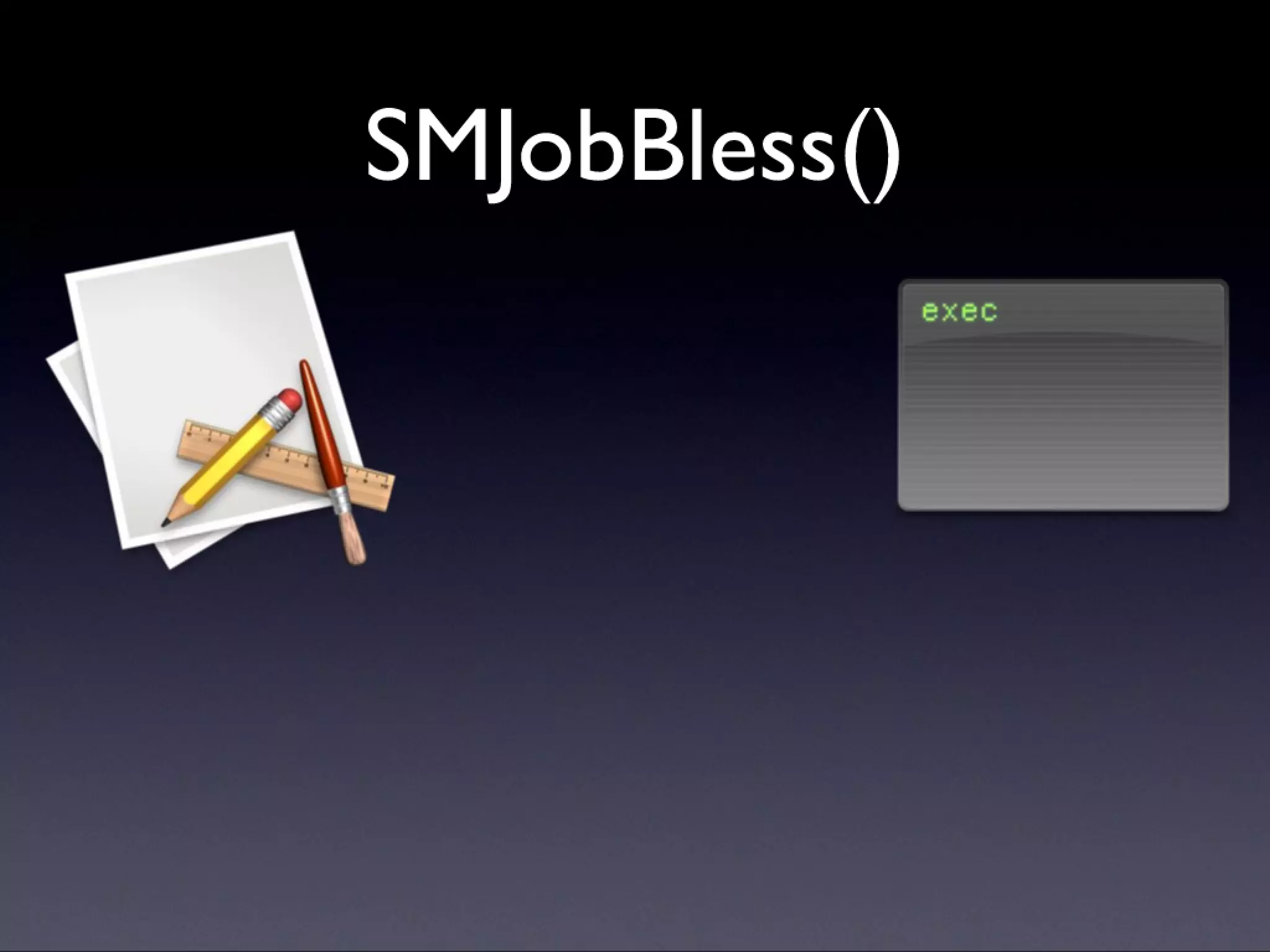
  • #105 Go into the demo from here. Point: you’re associating the helper with the app through their identities, so that the privileged tool can only be installed by its app, and the app can only install its helper. Avoids the problems with AEWP(), and avoids a custom install phase.
  • #106 Go into the demo from here. Point: you’re associating the helper with the app through their identities, so that the privileged tool can only be installed by its app, and the app can only install its helper. Avoids the problems with AEWP(), and avoids a custom install phase.
  • #107 Go into the demo from here. Point: you’re associating the helper with the app through their identities, so that the privileged tool can only be installed by its app, and the app can only install its helper. Avoids the problems with AEWP(), and avoids a custom install phase.
  • #108 Go into the demo from here. Point: you’re associating the helper with the app through their identities, so that the privileged tool can only be installed by its app, and the app can only install its helper. Avoids the problems with AEWP(), and avoids a custom install phase.
  • #109 Go into the demo from here. Point: you’re associating the helper with the app through their identities, so that the privileged tool can only be installed by its app, and the app can only install its helper. Avoids the problems with AEWP(), and avoids a custom install phase.
  • #110 Go into the demo from here. Point: you’re associating the helper with the app through their identities, so that the privileged tool can only be installed by its app, and the app can only install its helper. Avoids the problems with AEWP(), and avoids a custom install phase.
  • #111 Go into the demo from here. Point: you’re associating the helper with the app through their identities, so that the privileged tool can only be installed by its app, and the app can only install its helper. Avoids the problems with AEWP(), and avoids a custom install phase.
  • #112 After the demo, we move on to problems.
  • #113 Won’t stop crackers Won’t tell you whether to trust a vendor
  • #114 Won’t stop crackers Won’t tell you whether to trust a vendor
  • #115 Demo sig viewer. Next: Q/A
  • #116 After this demo, it’s just the Q+A.