OPENSHIFT
Developing Modern Java Web
Applications with Java EE 7 and
PRESENTED
AngularJS
Workshop

BY

Shekhar
Gulati
WHO AM I?

• 


• 


• 


• 

• 

Shekhar	
  Gula+	
  -­‐-­‐	
  OpenShi1	
  Developer	
  Evangelist	
  
Java	
  /	
  JavaScript	
  /	
  Python	
  /	
  NoSQL	
  /	
  Cloud	
  Guy	
  

TwiEer	
  Handle	
  :	
  shekhargula*	
  
Github	
  :	
  h,ps://github.com/shekhargula*	
  
Author	
  of	
  30	
  technologies	
  in	
  30	
  days	
  blog	
  series	
  
h,ps://www.openshi9.com/blogs/learning-­‐30-­‐
technologies-­‐in-­‐30-­‐days-­‐a-­‐developer-­‐challenge	
  
AGENDA


l 

Develop	
  a	
  Java	
  EE	
  7	
  app	
  (Mostly	
  doing	
  this)	
  

http://www.confsays.com/
CODE DU JOUR

https://github.com/shekhargulati/conferenceapp
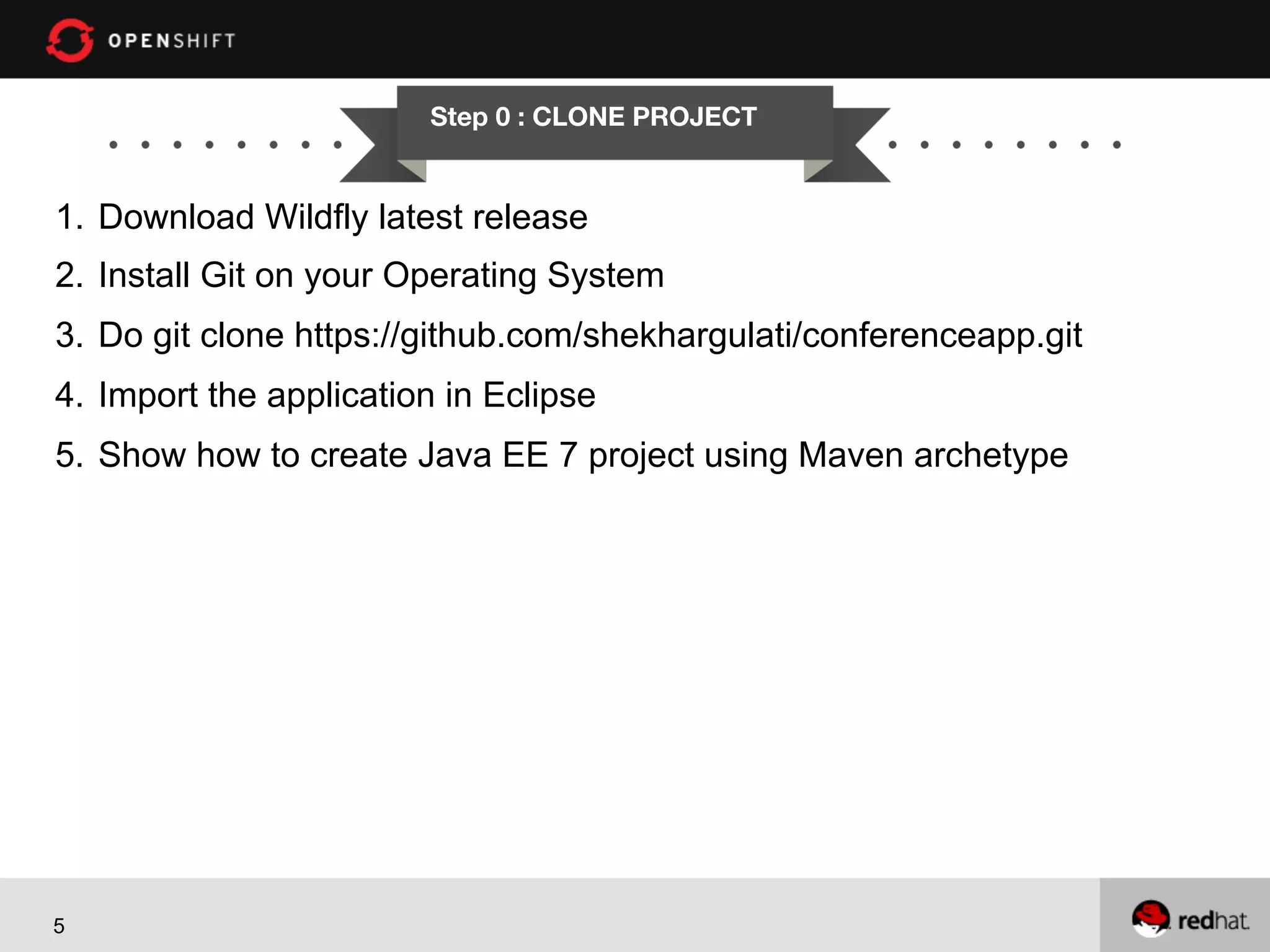
Step 0 : CLONE PROJECT

1.  Download Wildfly latest release
2.  Install Git on your Operating System
3.  Do git clone https://github.com/shekhargulati/conferenceapp.git
4.  Import the application in Eclipse
5.  Show how to create Java EE 7 project using Maven archetype

5
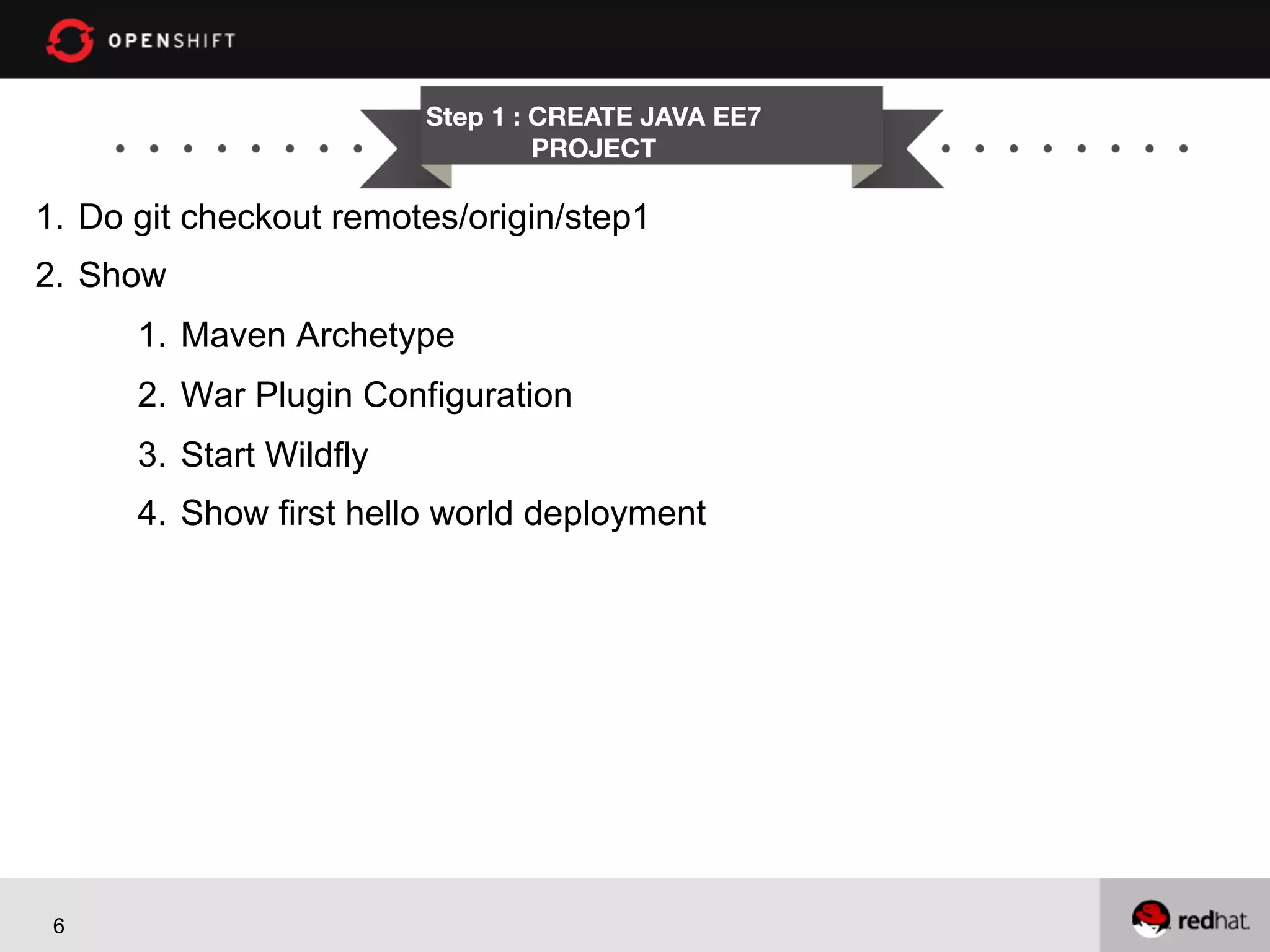
Step 1 : CREATE JAVA EE7
PROJECT

1.  Do git checkout remotes/origin/step1
2.  Show
1.  Maven Archetype
2.  War Plugin Configuration
3.  Start Wildfly
4.  Show first hello world deployment

6
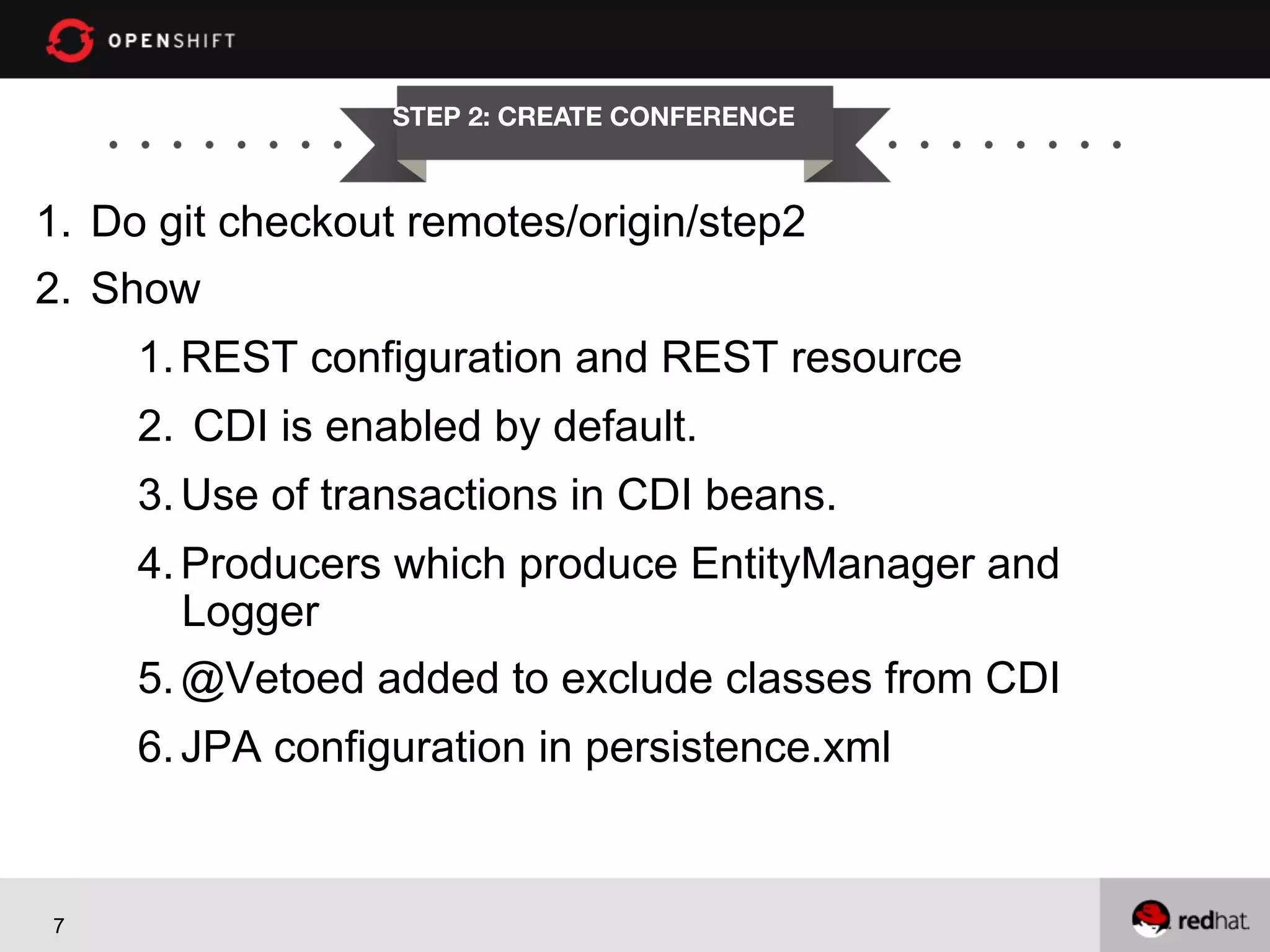
STEP 2: CREATE CONFERENCE

1.  Do git checkout remotes/origin/step2
2.  Show
1. REST configuration and REST resource
2.  CDI is enabled by default.
3. Use of transactions in CDI beans.
4. Producers which produce EntityManager and
Logger
5. @Vetoed added to exclude classes from CDI
6. JPA configuration in persistence.xml

7
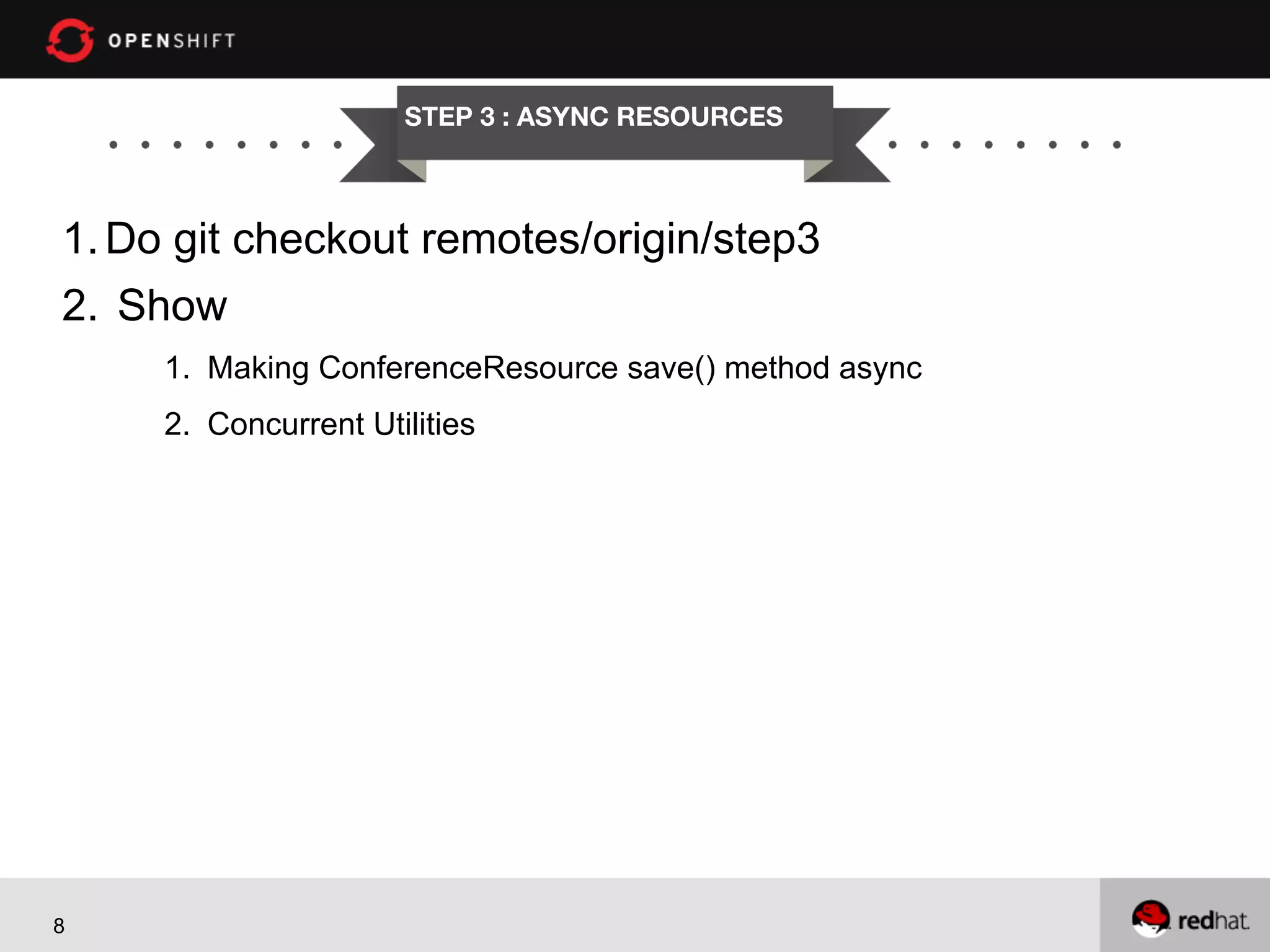
STEP 3 : ASYNC RESOURCES

1. Do git checkout remotes/origin/step3
2.  Show
1.  Making ConferenceResource save() method async
2.  Concurrent Utilities

8
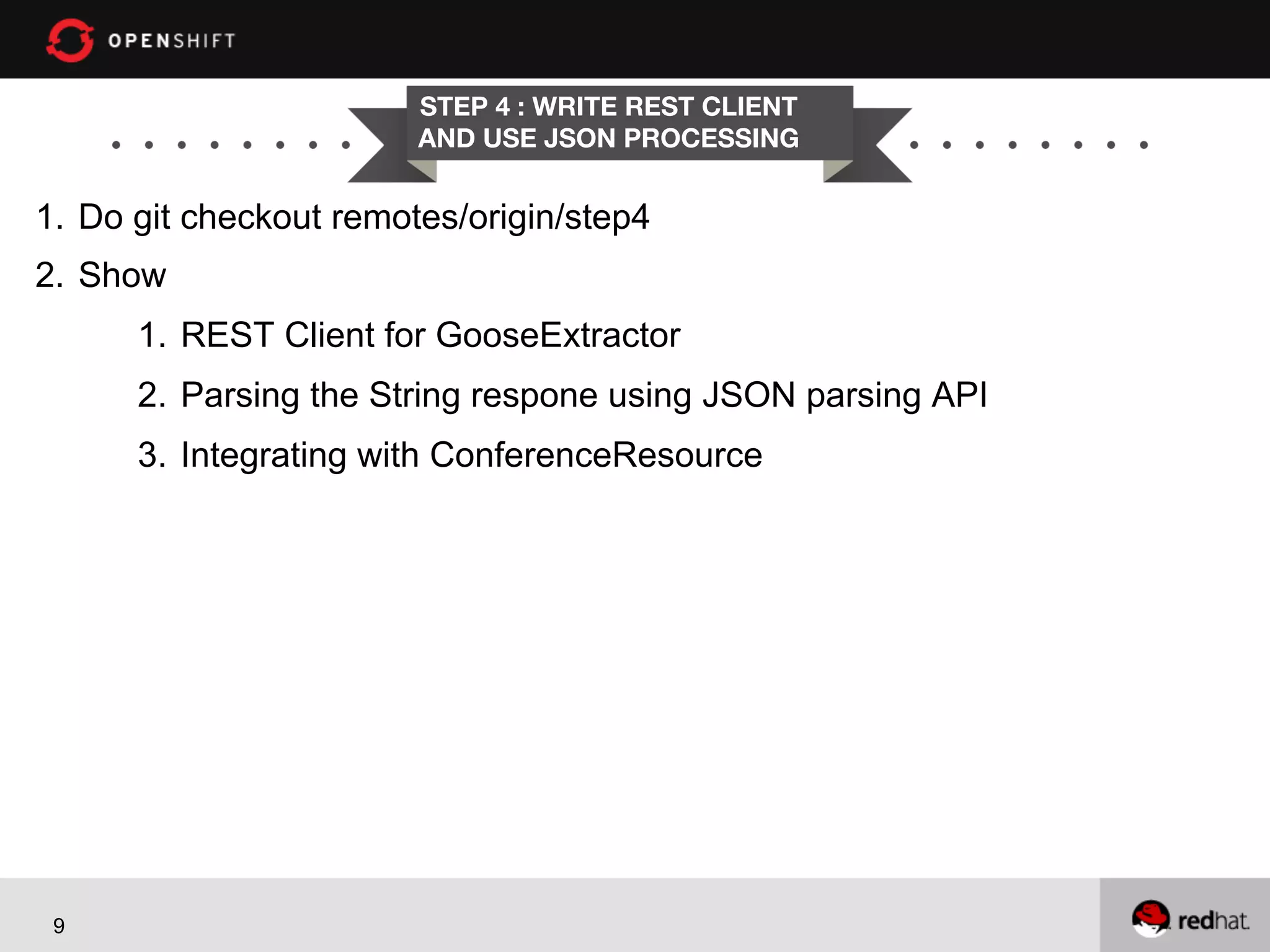
STEP 4 : WRITE REST CLIENT
AND USE JSON PROCESSING

1.  Do git checkout remotes/origin/step4
2.  Show
1.  REST Client for GooseExtractor
2.  Parsing the String respone using JSON parsing API
3.  Integrating with ConferenceResource

9
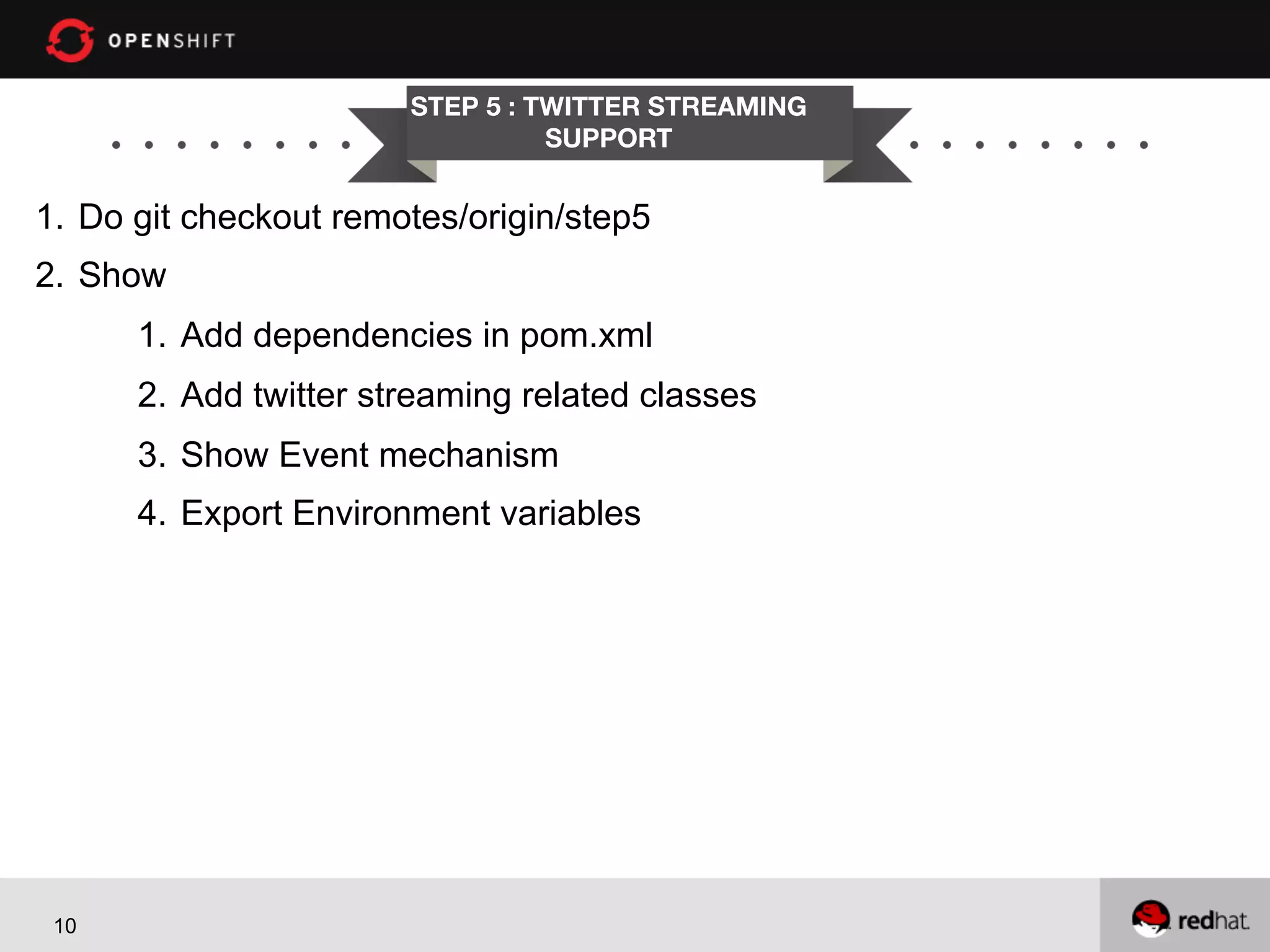
STEP 5 : TWITTER STREAMING
SUPPORT

1.  Do git checkout remotes/origin/step5
2.  Show
1.  Add dependencies in pom.xml
2.  Add twitter streaming related classes
3.  Show Event mechanism
4.  Export Environment variables

10
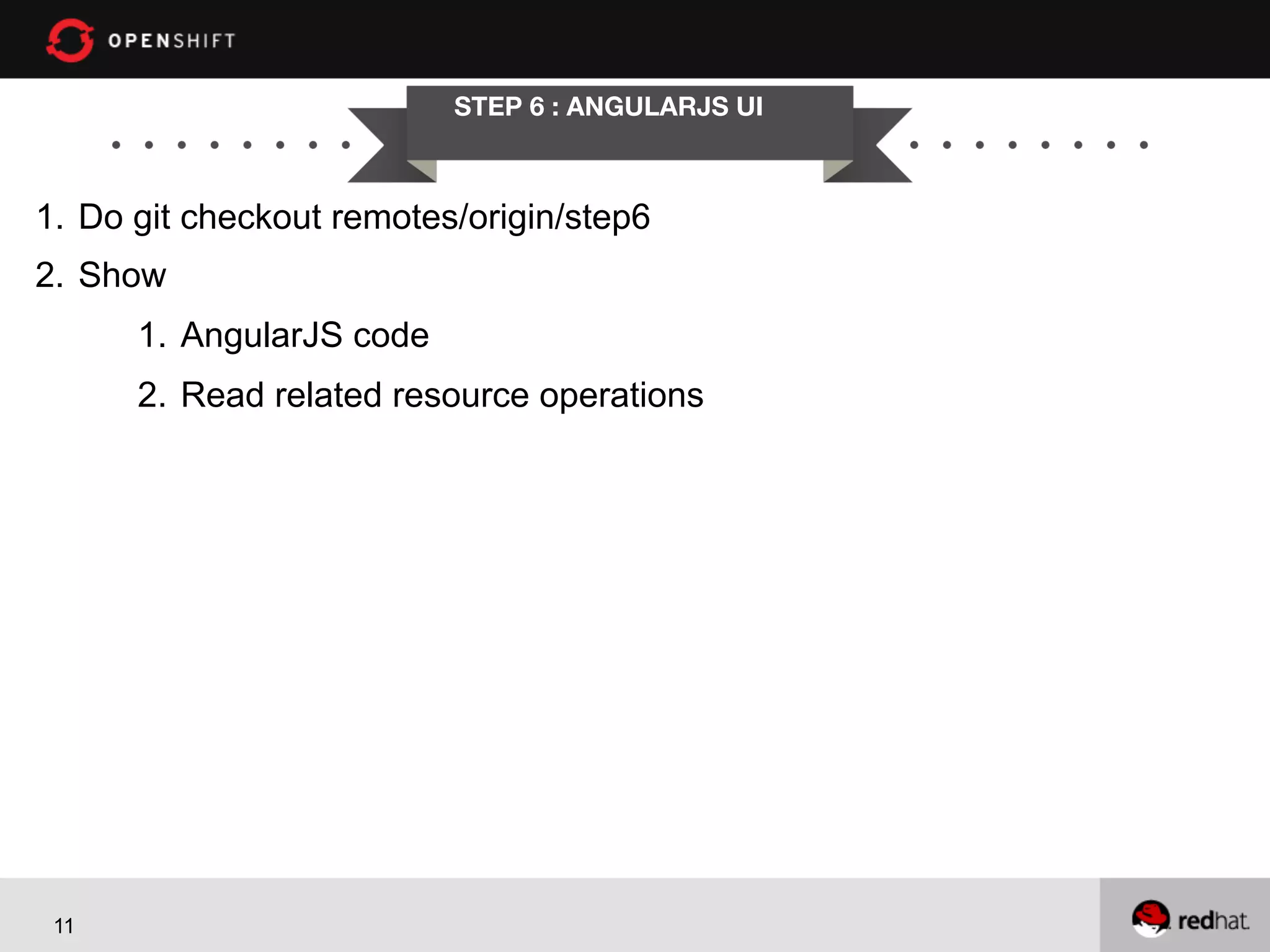
STEP 6 : ANGULARJS UI

1.  Do git checkout remotes/origin/step6
2.  Show
1.  AngularJS code
2.  Read related resource operations

11
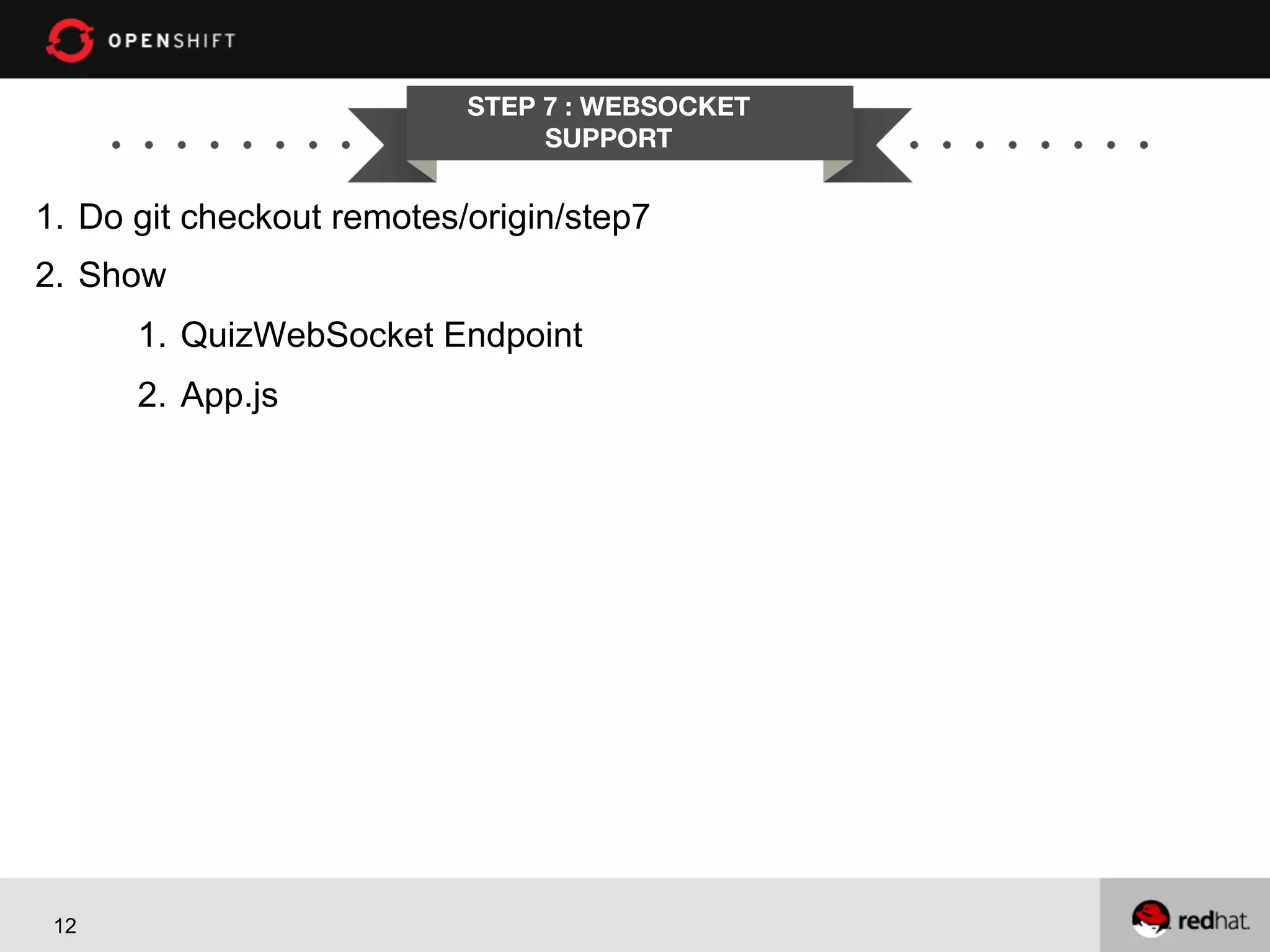
STEP 7 : WEBSOCKET
SUPPORT

1.  Do git checkout remotes/origin/step7
2.  Show
1.  QuizWebSocket Endpoint
2.  App.js

12
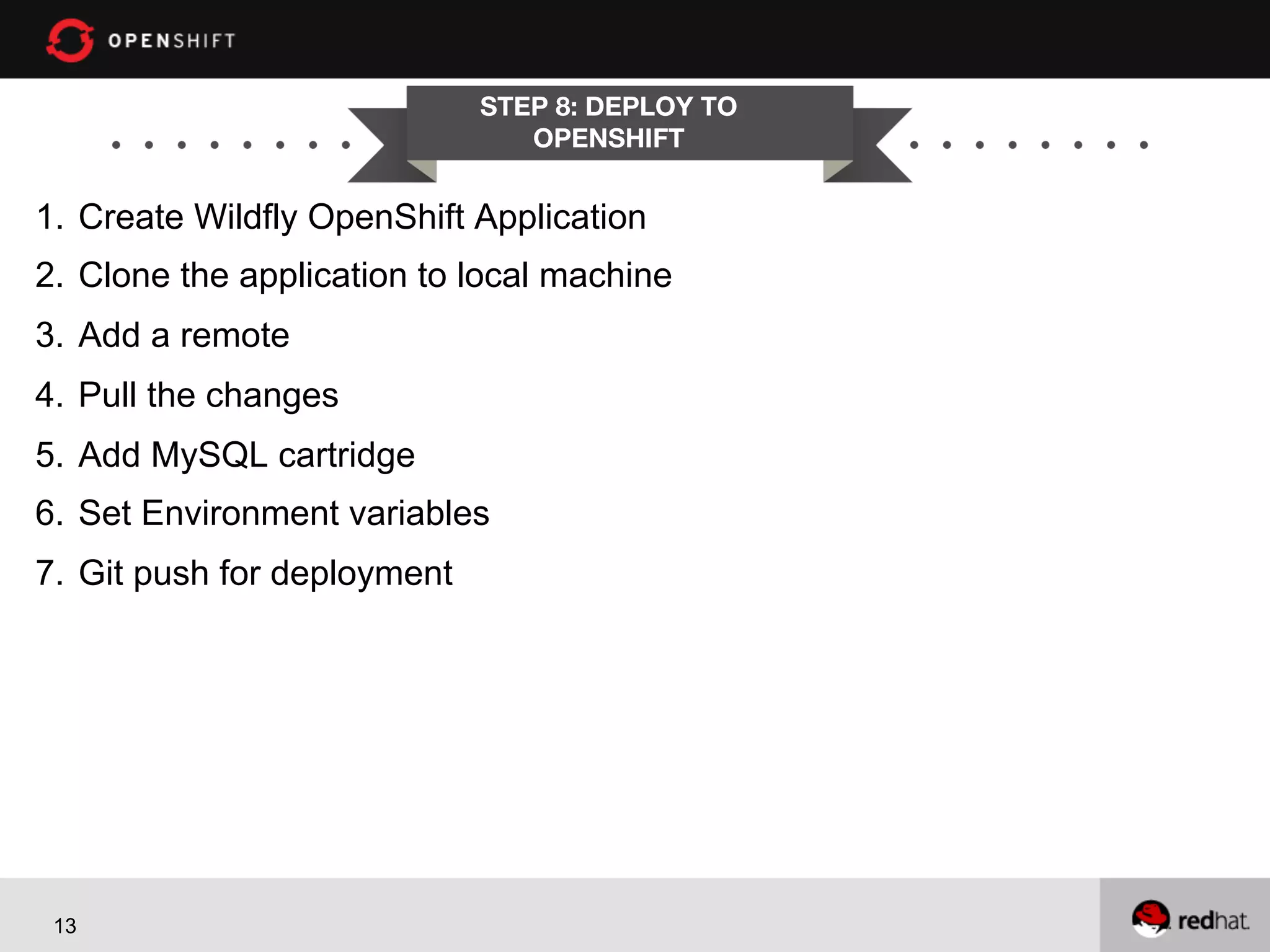
STEP 8: DEPLOY TO
OPENSHIFT

1.  Create Wildfly OpenShift Application
2.  Clone the application to local machine
3.  Add a remote
4.  Pull the changes
5.  Add MySQL cartridge
6.  Set Environment variables
7.  Git push for deployment

13
QUESTIONS?
DONE!

Developing modern java web applications with java ee 7 and angular js

  • 1.
    OPENSHIFT Developing Modern JavaWeb Applications with Java EE 7 and PRESENTED AngularJS Workshop BY Shekhar Gulati
  • 2.
    WHO AM I? •    •    •    •  •  Shekhar  Gula+  -­‐-­‐  OpenShi1  Developer  Evangelist   Java  /  JavaScript  /  Python  /  NoSQL  /  Cloud  Guy   TwiEer  Handle  :  shekhargula*   Github  :  h,ps://github.com/shekhargula*   Author  of  30  technologies  in  30  days  blog  series   h,ps://www.openshi9.com/blogs/learning-­‐30-­‐ technologies-­‐in-­‐30-­‐days-­‐a-­‐developer-­‐challenge  
  • 3.
    AGENDA l  Develop  a  Java  EE  7  app  (Mostly  doing  this)   http://www.confsays.com/
  • 4.
  • 5.
    Step 0 :CLONE PROJECT 1.  Download Wildfly latest release 2.  Install Git on your Operating System 3.  Do git clone https://github.com/shekhargulati/conferenceapp.git 4.  Import the application in Eclipse 5.  Show how to create Java EE 7 project using Maven archetype 5
  • 6.
    Step 1 :CREATE JAVA EE7 PROJECT 1.  Do git checkout remotes/origin/step1 2.  Show 1.  Maven Archetype 2.  War Plugin Configuration 3.  Start Wildfly 4.  Show first hello world deployment 6
  • 7.
    STEP 2: CREATECONFERENCE 1.  Do git checkout remotes/origin/step2 2.  Show 1. REST configuration and REST resource 2.  CDI is enabled by default. 3. Use of transactions in CDI beans. 4. Producers which produce EntityManager and Logger 5. @Vetoed added to exclude classes from CDI 6. JPA configuration in persistence.xml 7
  • 8.
    STEP 3 :ASYNC RESOURCES 1. Do git checkout remotes/origin/step3 2.  Show 1.  Making ConferenceResource save() method async 2.  Concurrent Utilities 8
  • 9.
    STEP 4 :WRITE REST CLIENT AND USE JSON PROCESSING 1.  Do git checkout remotes/origin/step4 2.  Show 1.  REST Client for GooseExtractor 2.  Parsing the String respone using JSON parsing API 3.  Integrating with ConferenceResource 9
  • 10.
    STEP 5 :TWITTER STREAMING SUPPORT 1.  Do git checkout remotes/origin/step5 2.  Show 1.  Add dependencies in pom.xml 2.  Add twitter streaming related classes 3.  Show Event mechanism 4.  Export Environment variables 10
  • 11.
    STEP 6 :ANGULARJS UI 1.  Do git checkout remotes/origin/step6 2.  Show 1.  AngularJS code 2.  Read related resource operations 11
  • 12.
    STEP 7 :WEBSOCKET SUPPORT 1.  Do git checkout remotes/origin/step7 2.  Show 1.  QuizWebSocket Endpoint 2.  App.js 12
  • 13.
    STEP 8: DEPLOYTO OPENSHIFT 1.  Create Wildfly OpenShift Application 2.  Clone the application to local machine 3.  Add a remote 4.  Pull the changes 5.  Add MySQL cartridge 6.  Set Environment variables 7.  Git push for deployment 13
  • 14.
  • 15.