Developing a Solid Content Strategy Ragan 2005 Web Content Management Conference Hilary Marsh www.contentcompany.biz
Background in publishing Online content since 1996 Formed Content Company in 2001 Clients include Household International/HSBC, University of Chicago, American Hospital Association, NCAA, Donors Forum of Chicago Joined National Association of Realtors  full-time in June 2005 A little about me
Why it’s necessary to manage content What is a content strategy, and why do you need one? Anatomy of an effective content strategy What to include in a content strategy Making your content strategy work Why and how to audit your content Creating a successful publishing process Everything you’ve always wanted to know about CMSs Myths about content management Connecting your content strategy and your CMS How to choose a CMS strategically Three content stories Agenda
Why it’s necessary to manage your content
Does content management keep your CEO up at night? Actually, it does… although the CEO may not realize it. Why it’s necessary to manage your content
Why isn’t a non-managed site good enough? Non-managed site  online phone book brochure Why isn't that sufficient? TV pilot, launch issue of a magazine beginning of an ongoing relationship Why it’s necessary to manage your content
Isn't the Web a technology medium? Print and TV also involve great amounts of technology  Web is just newer Why it’s necessary to manage your content
Why is managing Web content hard? Do we manage content offline? print, telephone, face-to-face sales, marketing, customer service, tech support Do the people creating different content know/trust each other? Are their senior leaders encouraging them to collaborate? Why it’s necessary to manage your content
Why use technology to manage content? 5. Eliminate the bottleneck of IT updating the site 4. Compliance 3. Enable consistent, accurate, up-to-date information 2. Make use of what the Web can enable 1. Content is the way organizations meet their top business objectives Why it’s necessary to manage your content
Business goals are executed through online content Customer retention Raising awareness in the marketplace Cross-selling multiple products Content management is more than just a good idea. Why it’s necessary to manage your content
Exercise 1 groups of three introduce yourselves role in content organization and department three biggest content issues
What is a content strategy, and why do you need one?
To be effective, your content needs a plan Content strategy how your content will work who, what, when, where, why and how part of your overall communication strategy which project/areas to start with -- prioritize What is a content strategy, and why do you need one?
Why don’t you have a content strategy? Most organizations have never had one  wasn’t seen as necessary pre-Internet separate communications and audiences They don't know they need one What is a content strategy, and why do you need one?
Why don’t you have a content strategy? Internal politics  my content, my information, my vehicles, my pages what's in it for me to contribute? what's in it for me to use someone else's content? why are my communications suddenly being controlled? What is a content strategy, and why do you need one?
Is content strategy the same as CMS requirements? No! Content strategy is one of the elements that informs requirements other elements are technical platform, delivery requirements, scaleability CMS requirements are largely technical; content strategy is not What is a content strategy, and why do you need one?
Change management issues Culture shift from “knowledge is power” to “sharing knowledge is power”  Willingness to collaborate....new? Subject matter experts are not writers  What is a content strategy, and why do you need one?
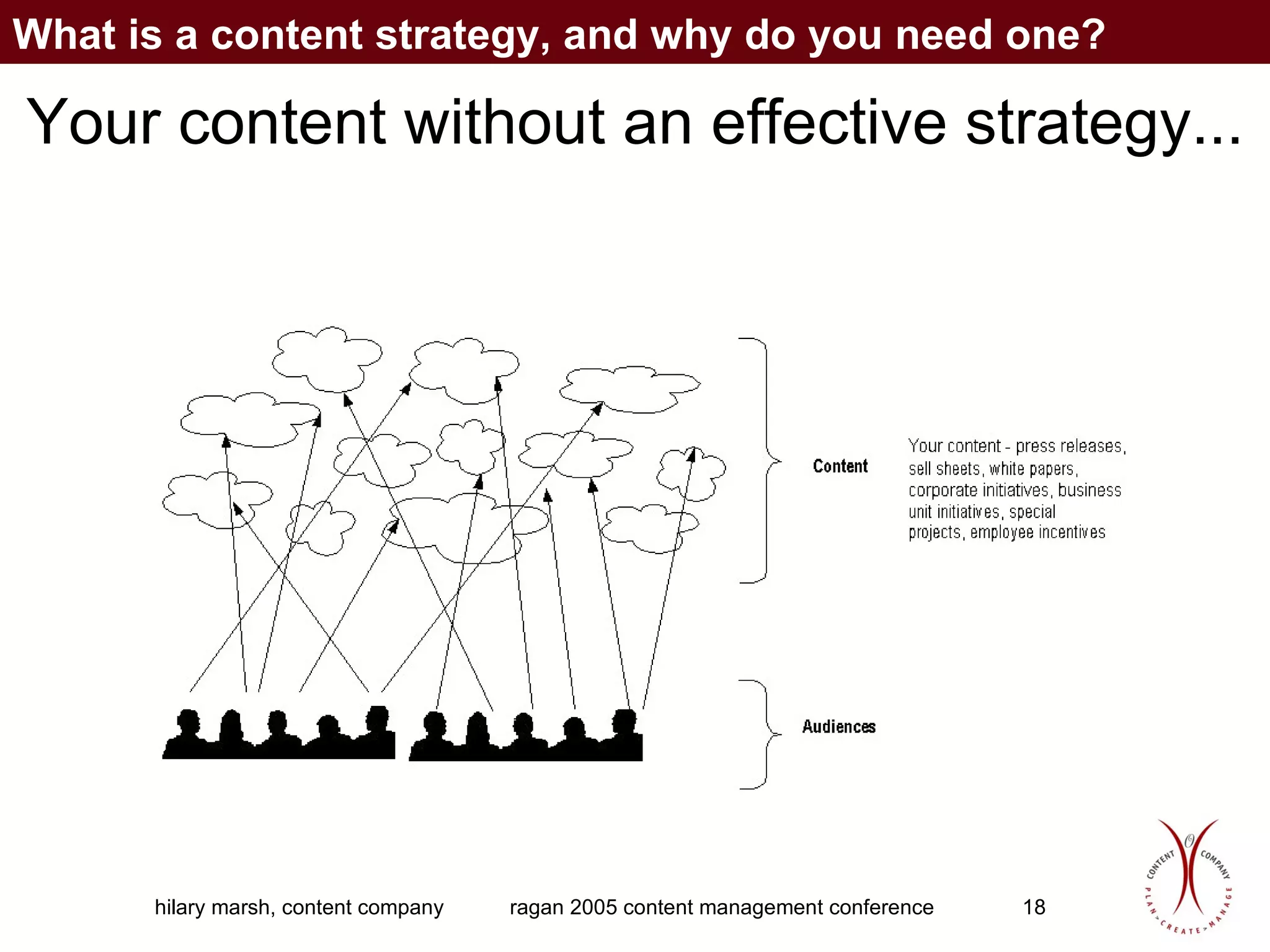
Your content without an effective strategy... What is a content strategy, and why do you need one?
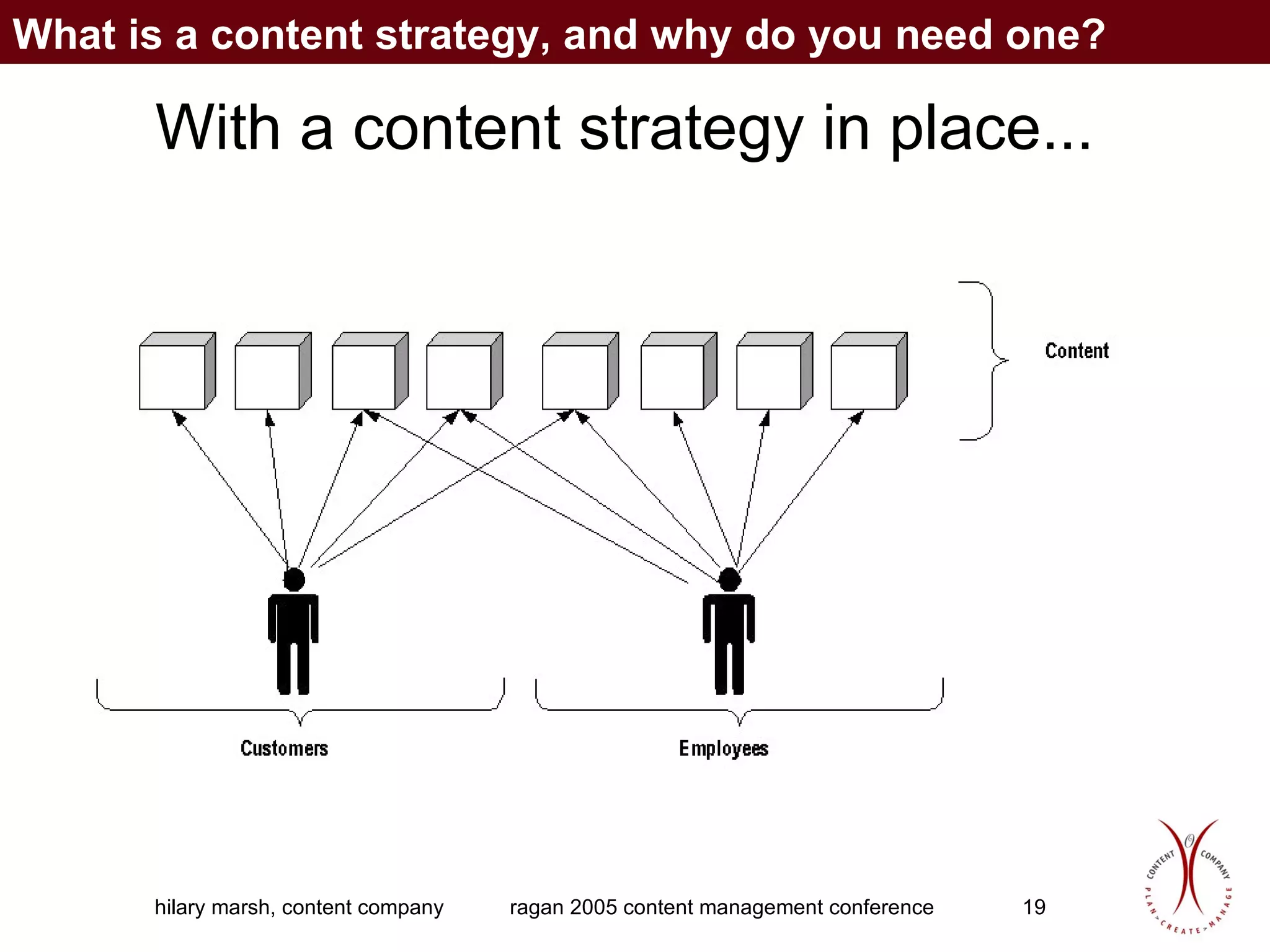
With a content strategy in place... What is a content strategy, and why do you need one?
What is a content strategy? Who, what, when, where, why, and how of a site’s content What is a content strategy, and why do you need one?
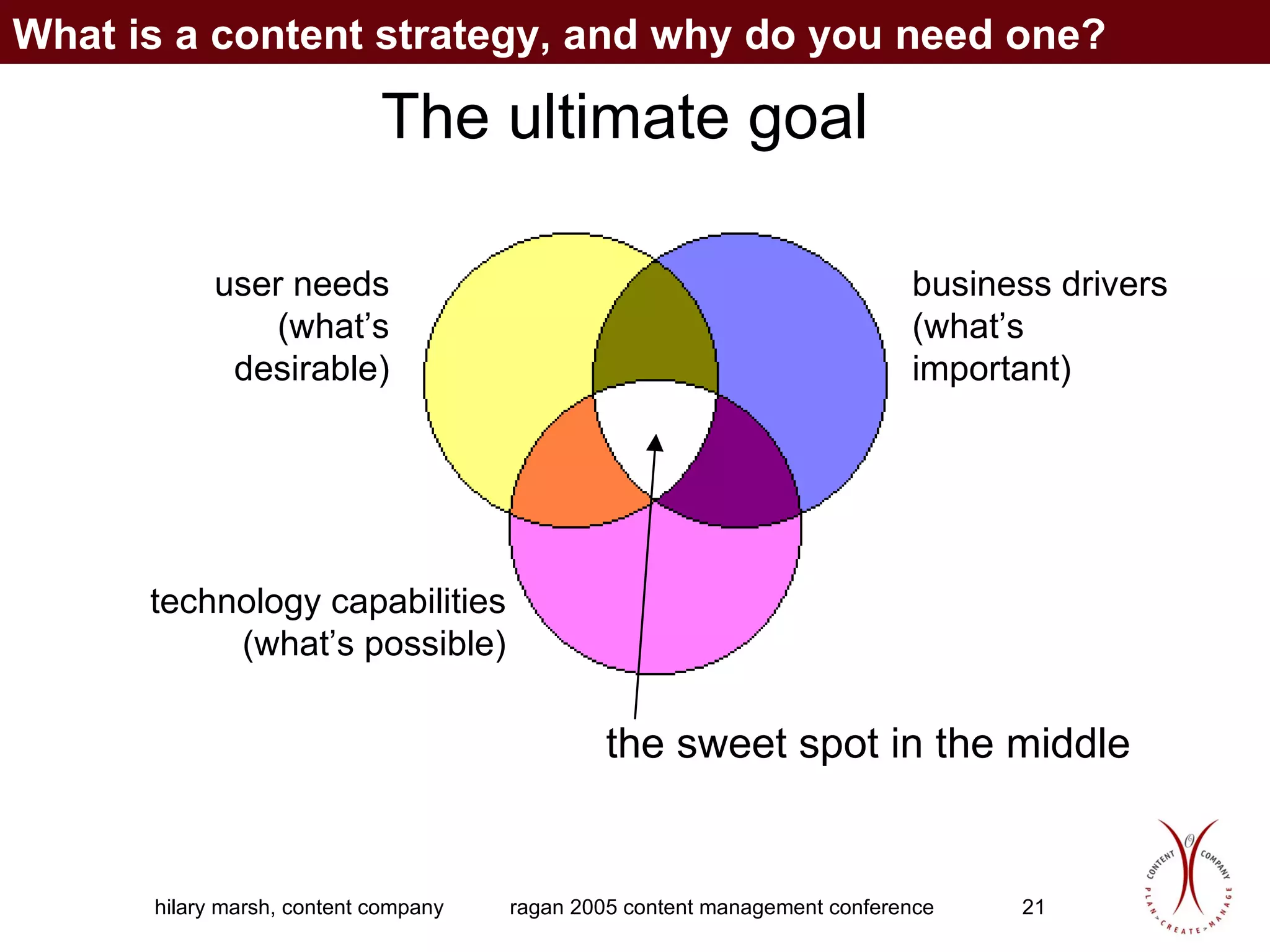
The ultimate goal user needs (what’s desirable) business drivers (what’s important) technology capabilities (what’s possible) the sweet spot in the middle What is a content strategy, and why do you need one?
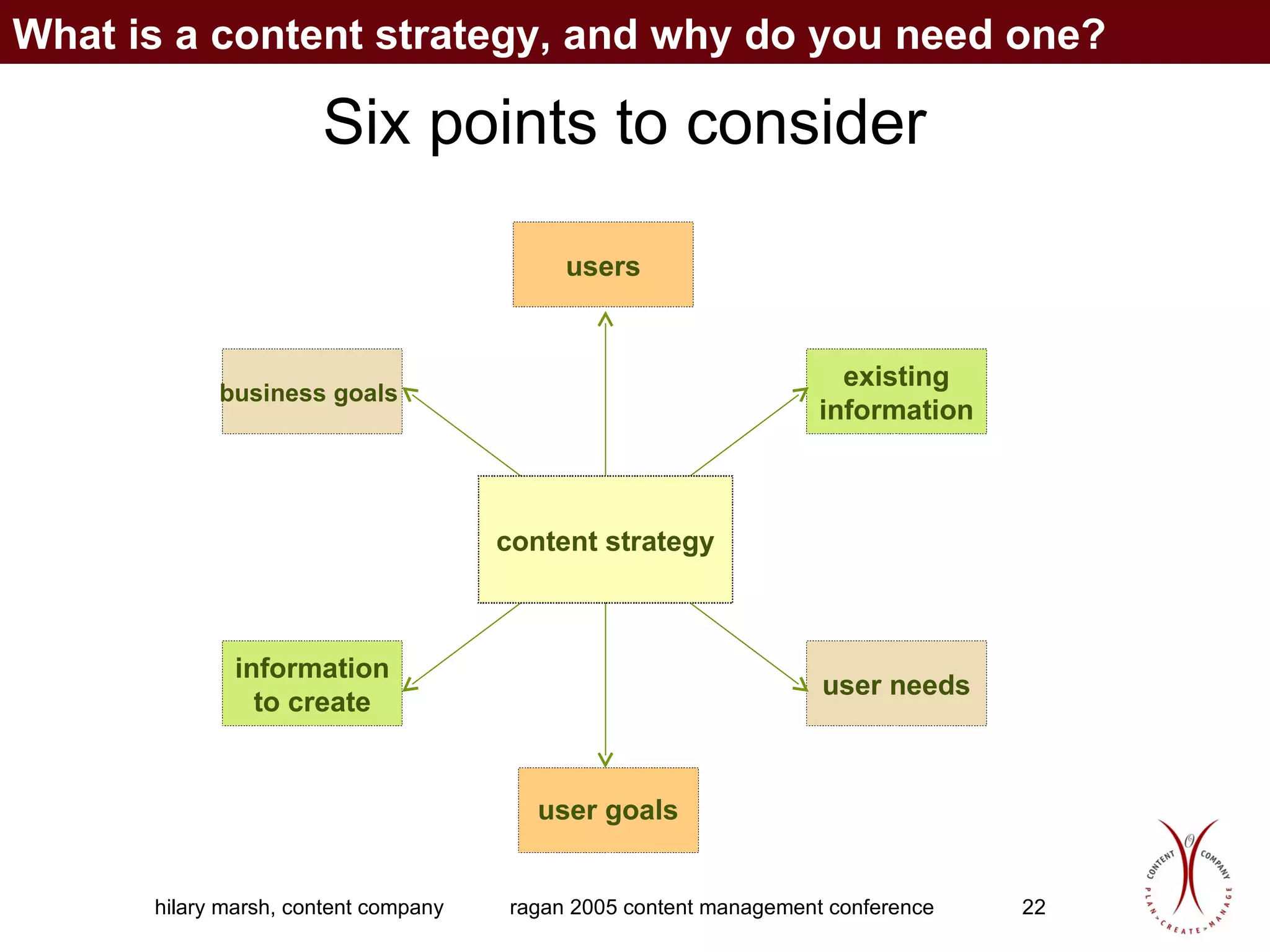
Six points to consider What is a content strategy, and why do you need one? business goals   user needs information to create users existing information content strategy user goals
Anatomy of an effective content strategy
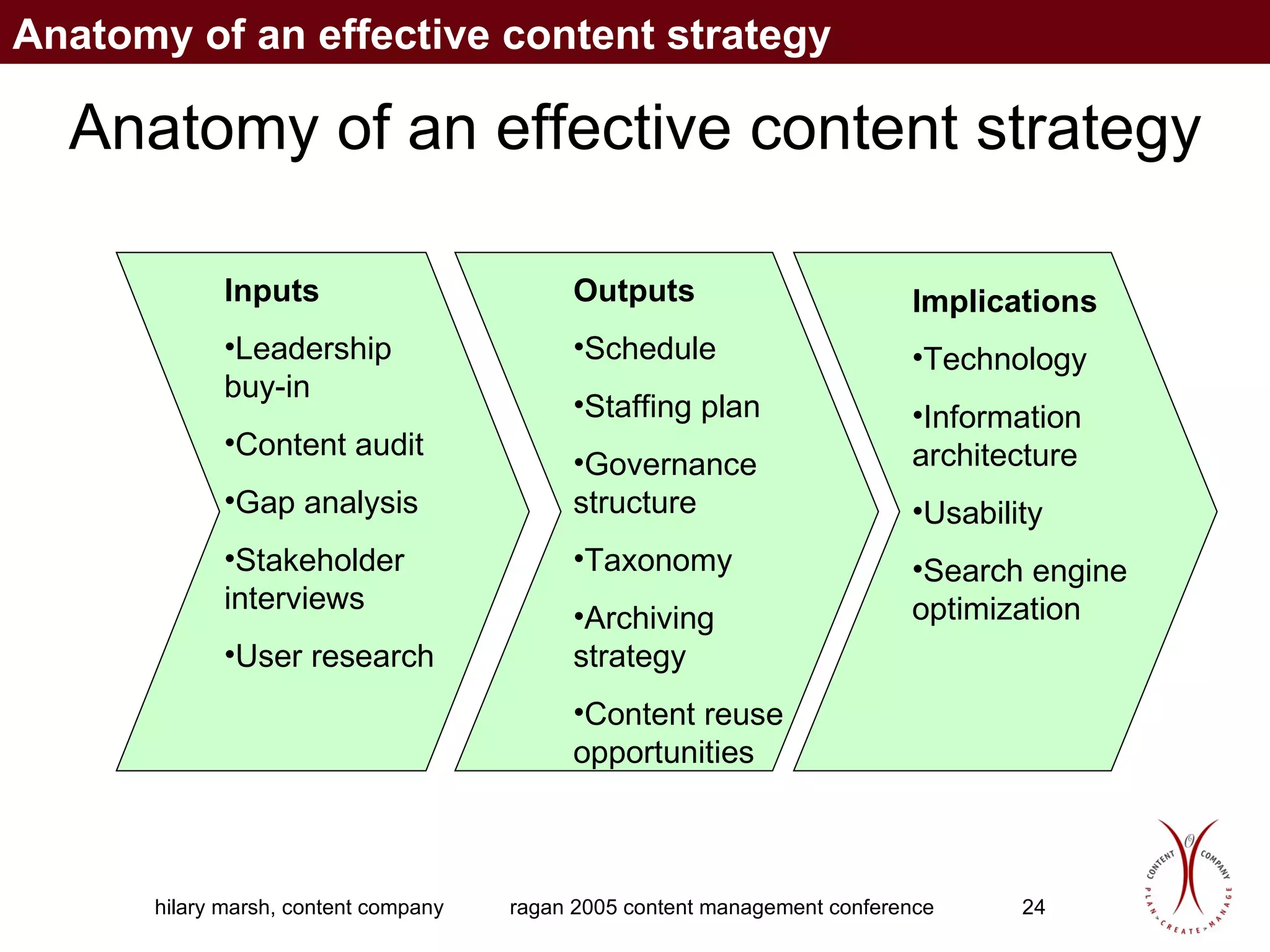
Anatomy of an effective content strategy Inputs Leadership buy-in Content audit Gap analysis Stakeholder interviews User research Outputs Schedule Staffing plan Governance structure Taxonomy Archiving strategy Content reuse opportunities Implications Technology Information architecture Usability Search engine optimization Anatomy of an effective content strategy
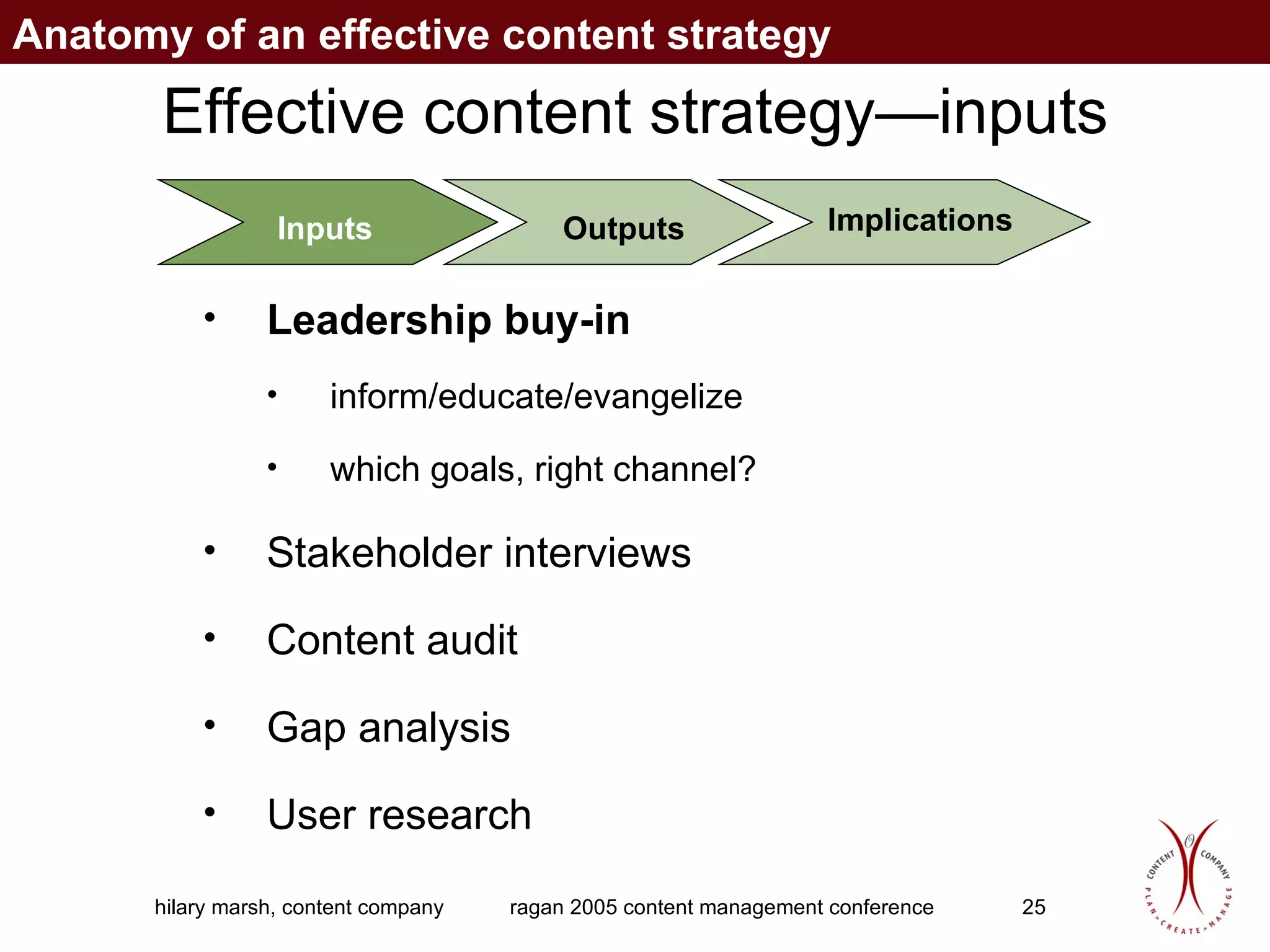
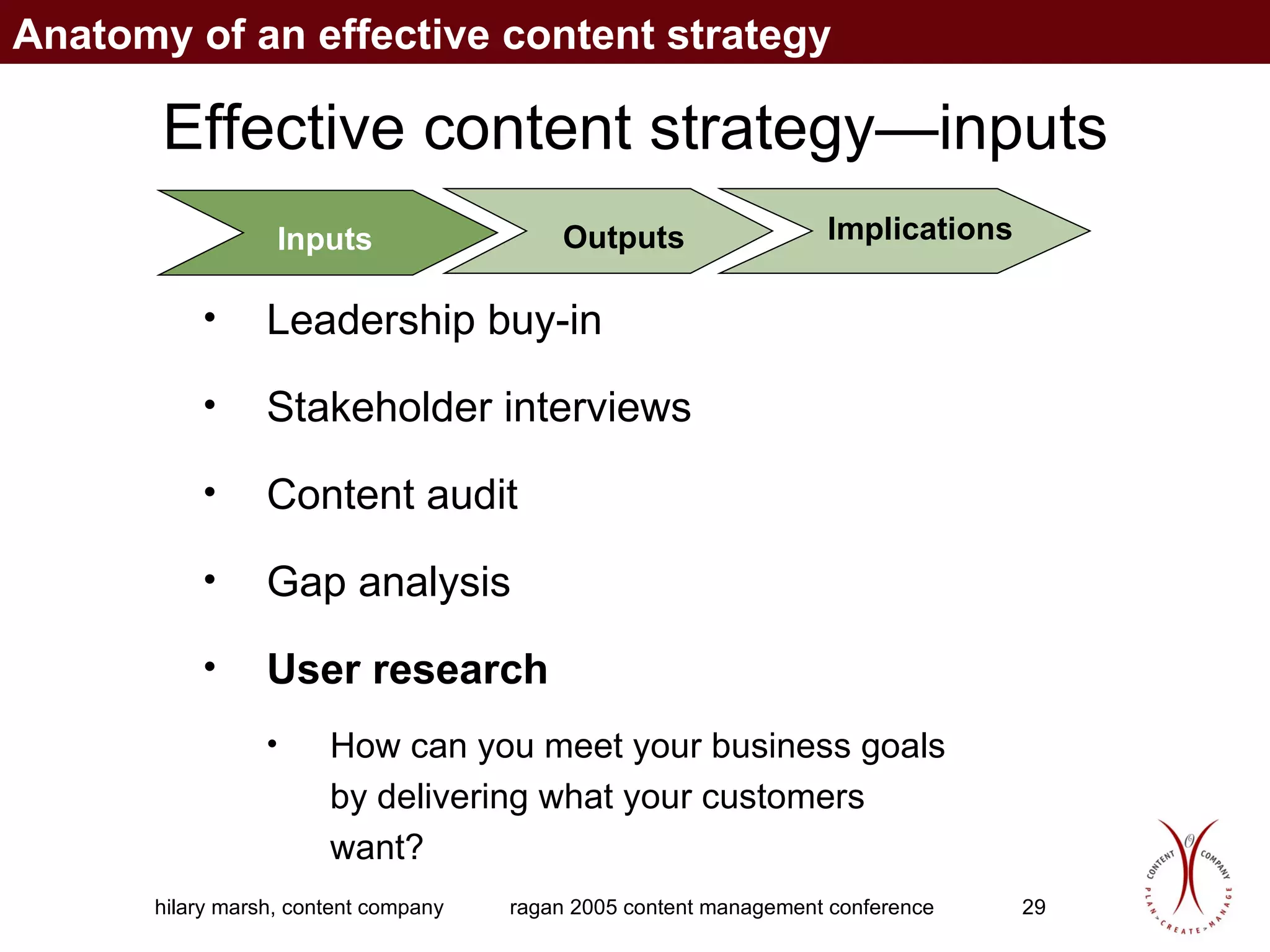
Effective content strategy—inputs Inputs Outputs Implications Leadership buy-in   inform/educate/evangelize which goals, right channel? Stakeholder interviews Content audit Gap analysis   User research Anatomy of an effective content strategy
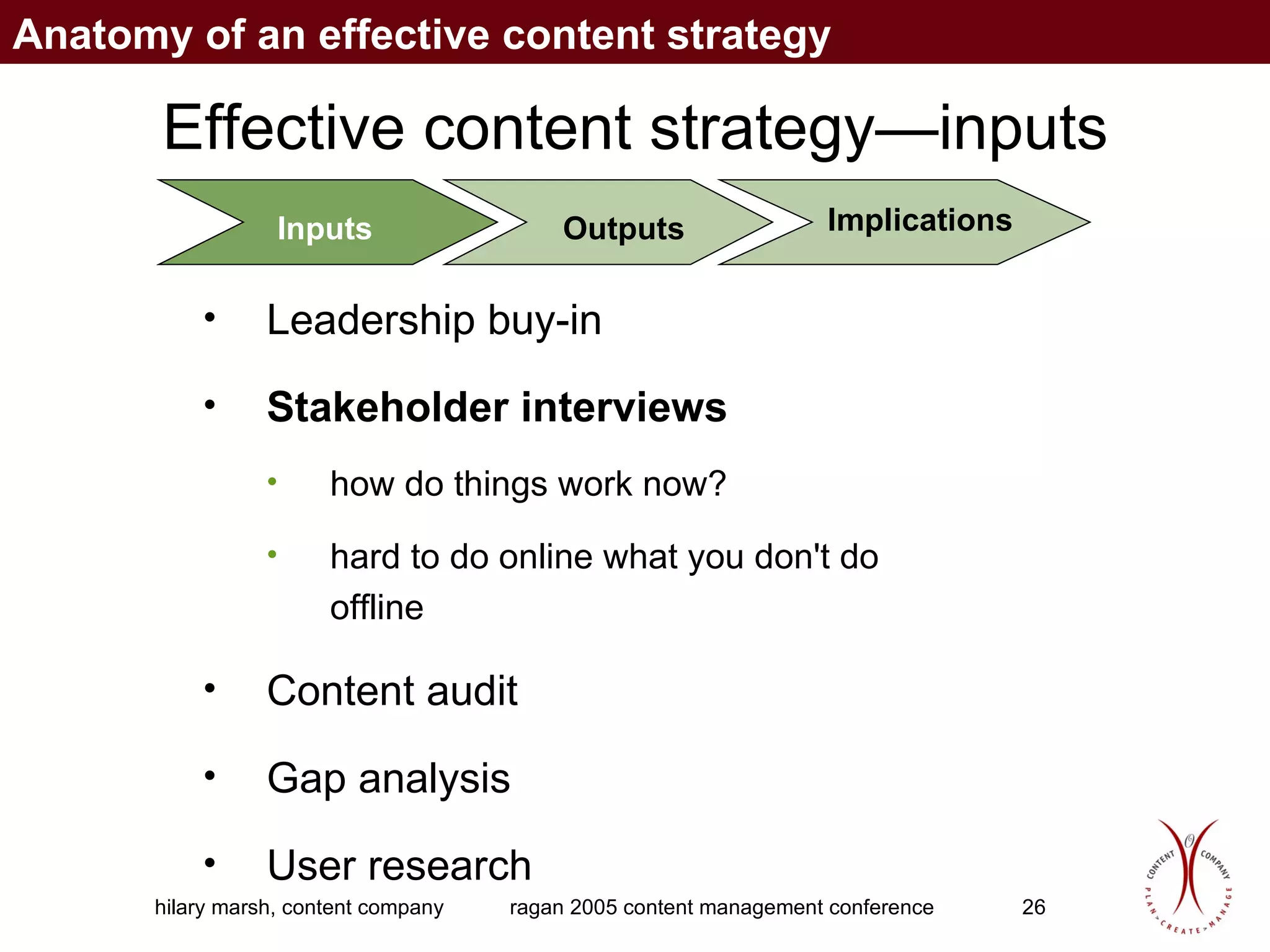
Effective content strategy—inputs Inputs Outputs Implications Leadership buy-in  Stakeholder interviews how do things work now? hard to do online what you don't do offline Content audit Gap analysis   User research Anatomy of an effective content strategy
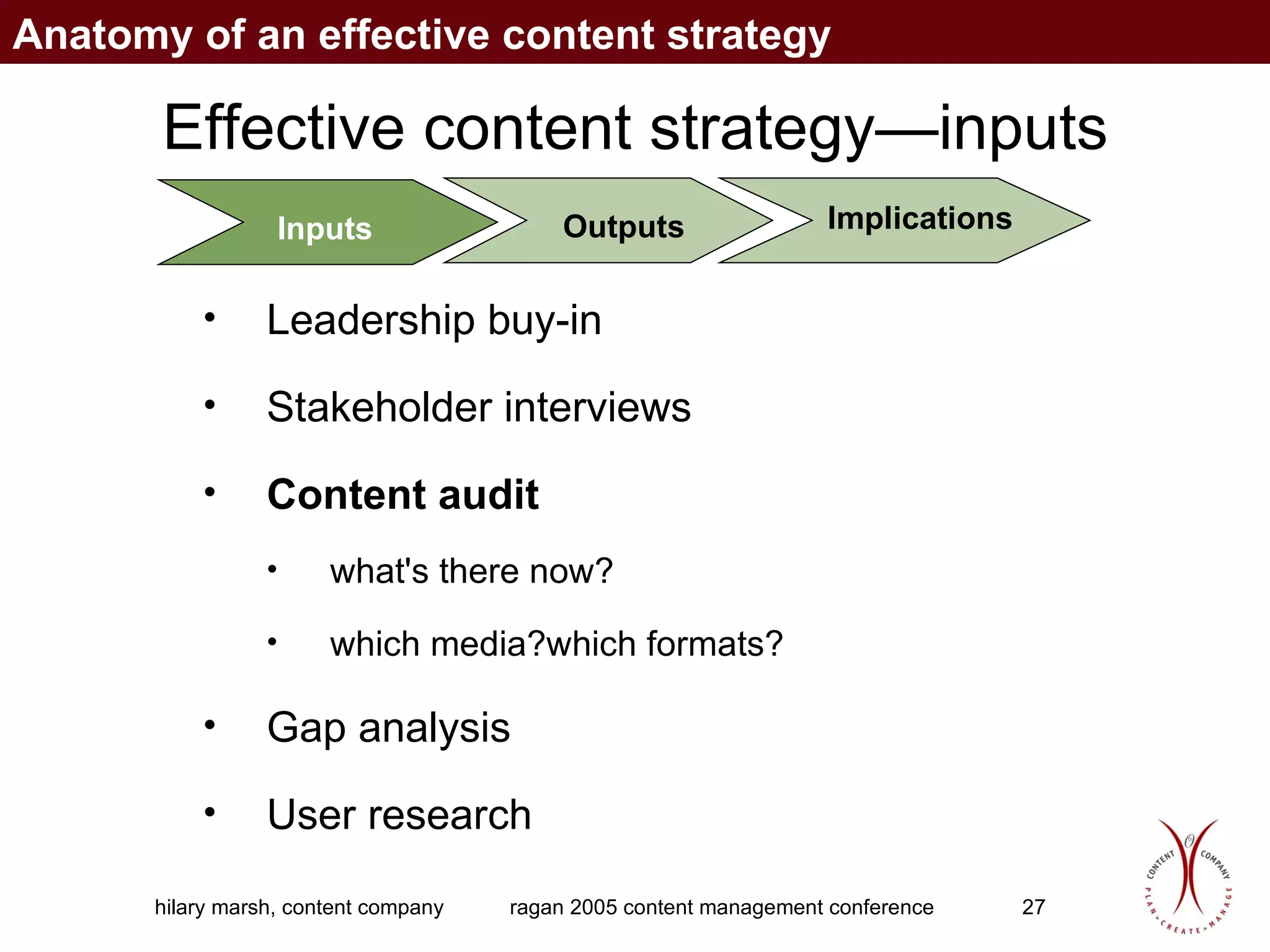
Effective content strategy—inputs Inputs Outputs Implications Leadership buy-in  Stakeholder interviews Content audit what's there now? which media?which formats? Gap analysis   User research Anatomy of an effective content strategy
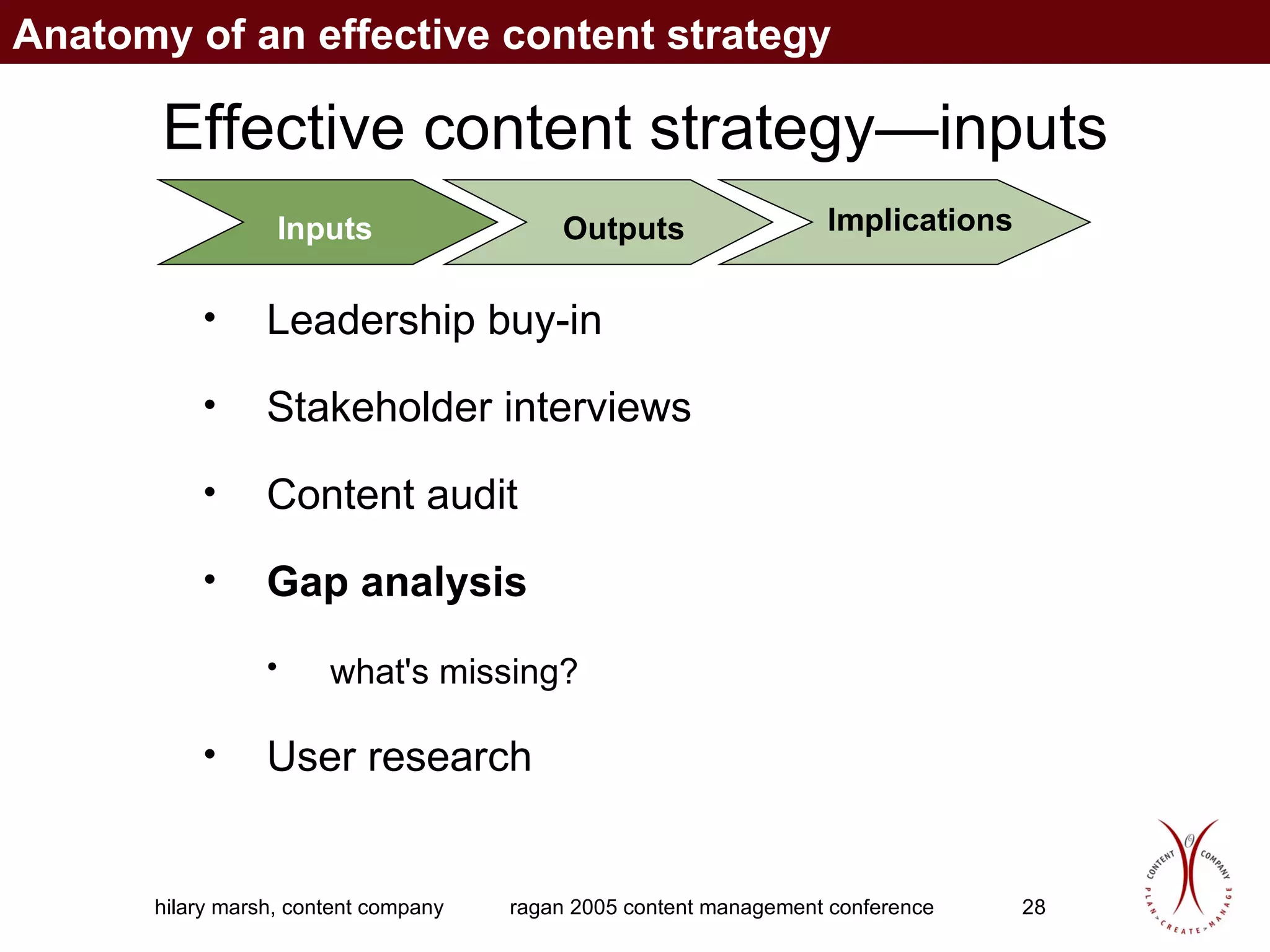
Effective content strategy—inputs Inputs Outputs Implications Leadership buy-in  Stakeholder interviews Content audit Gap analysis  what's missing?   User research Anatomy of an effective content strategy
Effective content strategy—inputs Inputs Outputs Implications Leadership buy-in  Stakeholder interviews Content audit Gap analysis  User research How can you meet your business goals  by delivering what your customers want? Anatomy of an effective content strategy
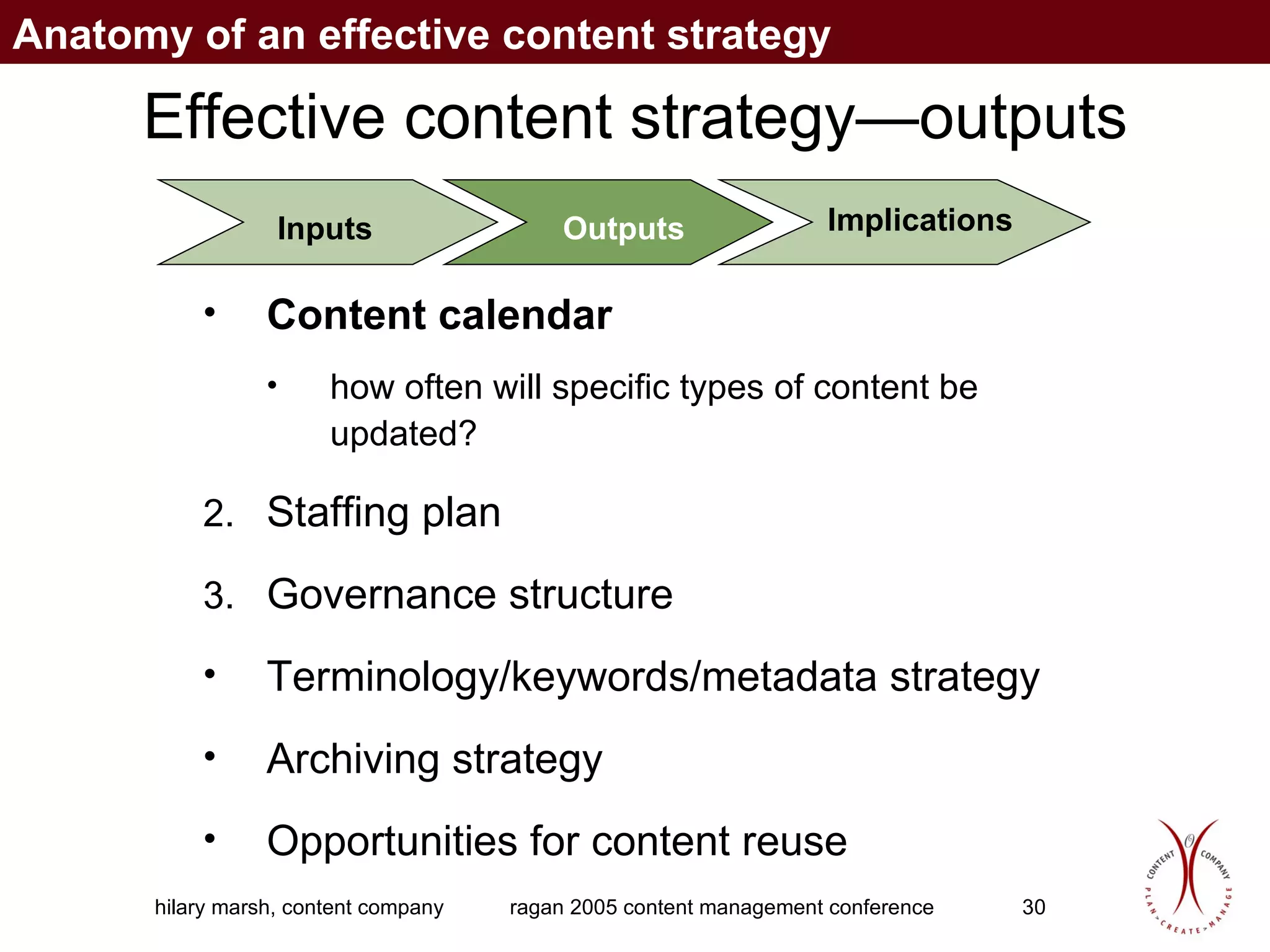
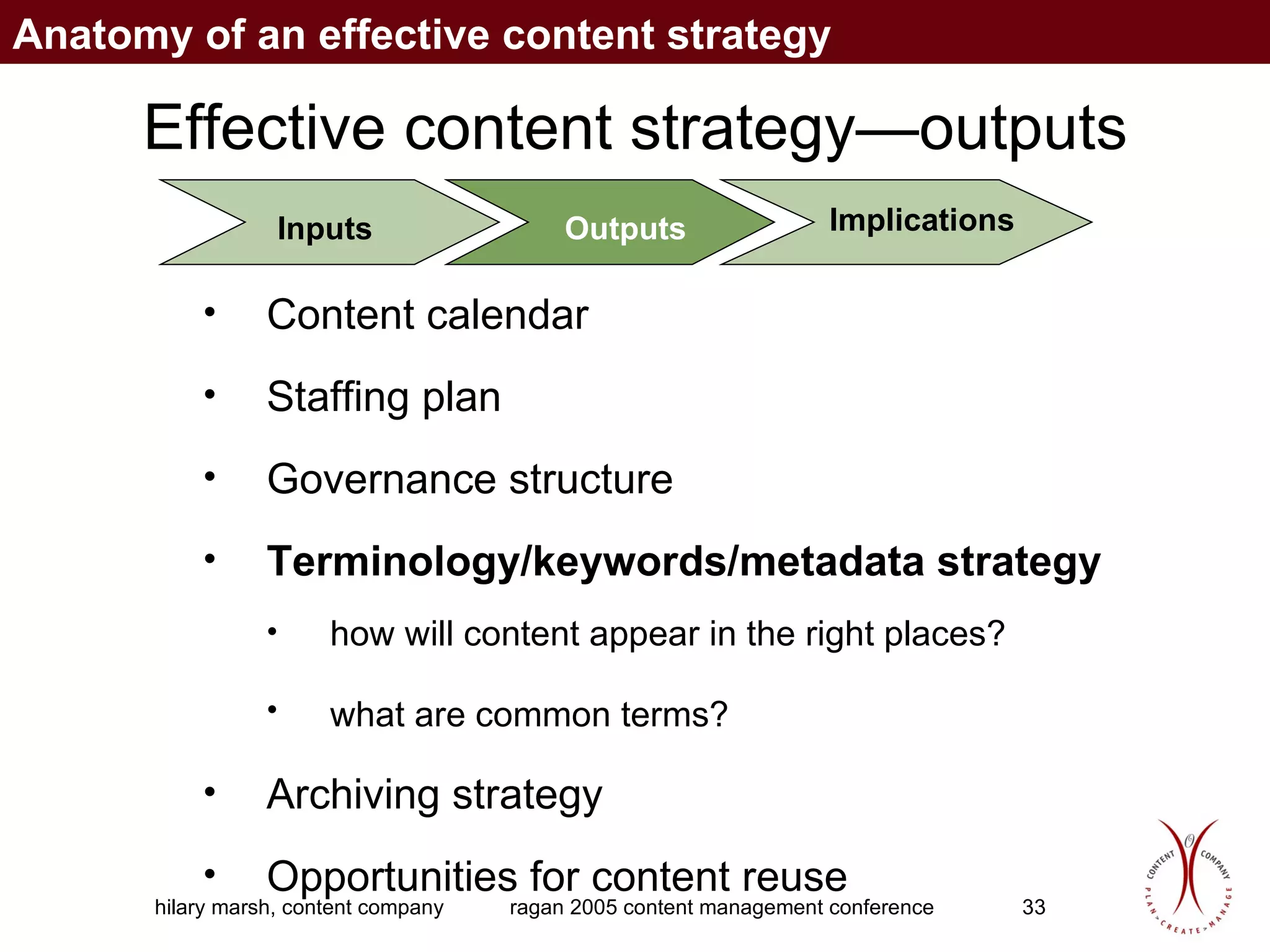
Effective content strategy—outputs Content calendar   how often will specific types of content be updated? Staffing plan  Governance structure   Terminology/keywords/metadata strategy   Archiving strategy  Opportunities for content reuse  Inputs Outputs Implications Anatomy of an effective content strategy
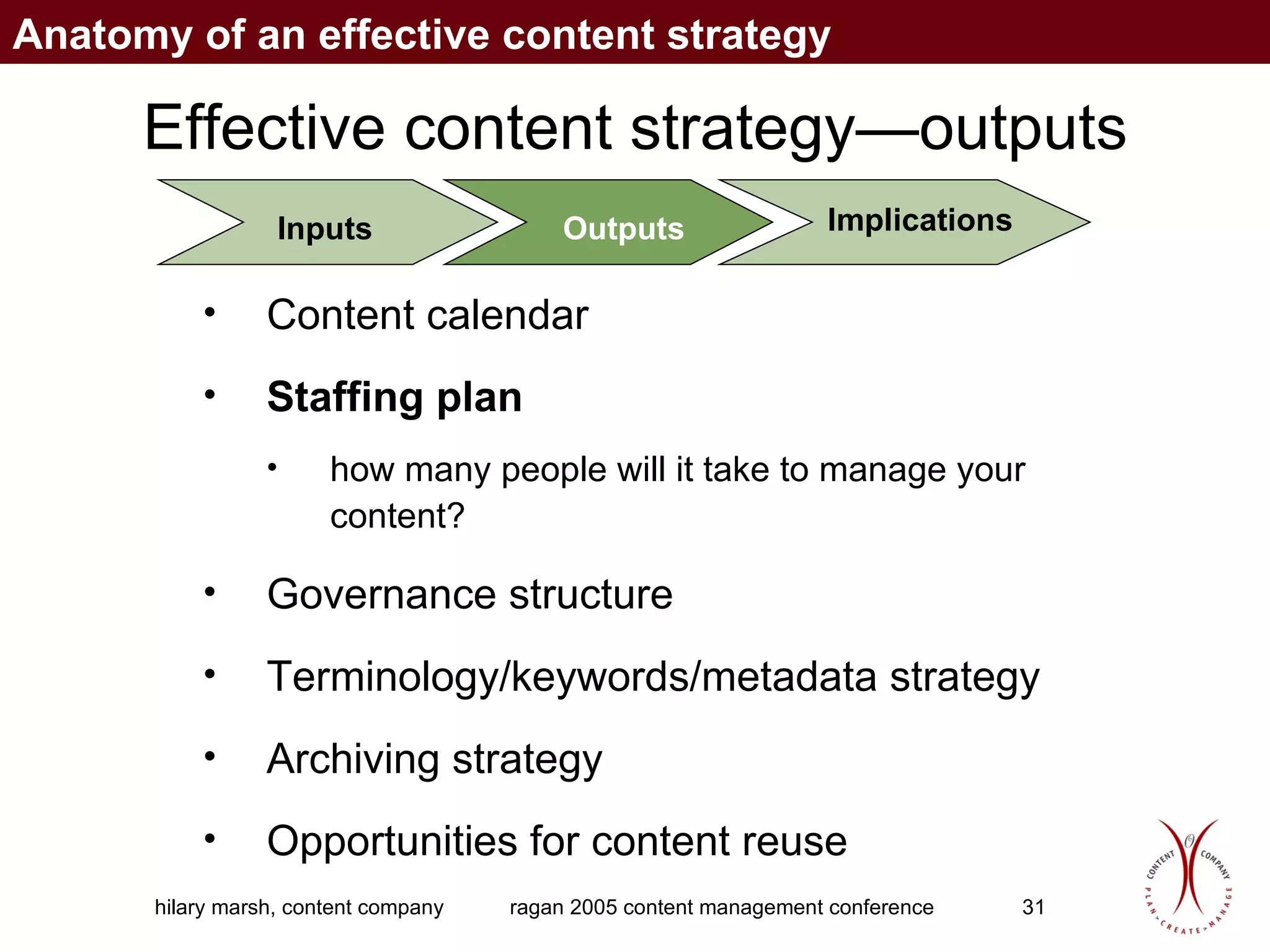
Effective content strategy—outputs Content calendar  Staffing plan  how many people will it take to manage your content? Governance structure Terminology/keywords/metadata strategy   Archiving strategy  Opportunities for content reuse Inputs Outputs Implications Anatomy of an effective content strategy
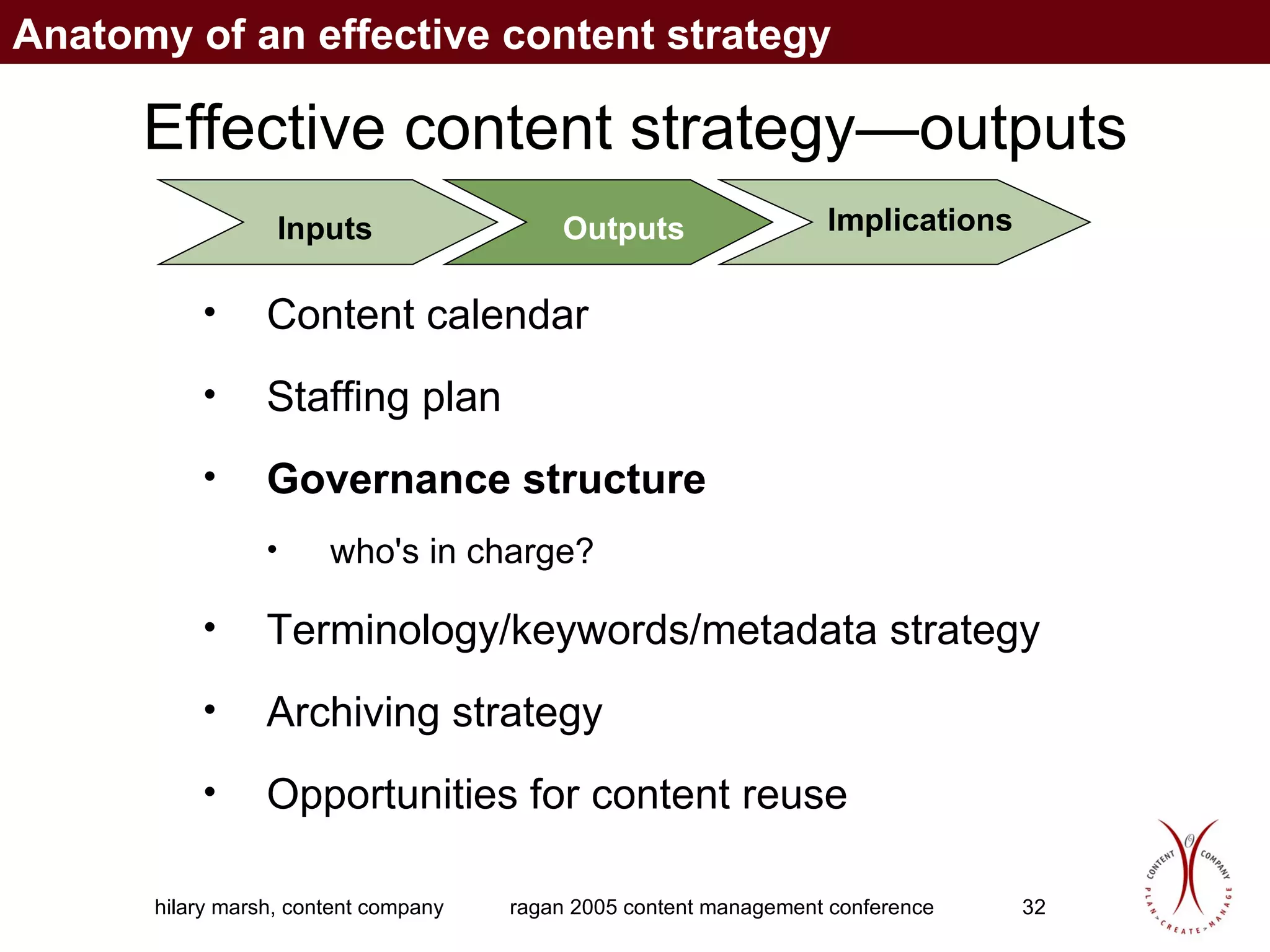
Effective content strategy—outputs Content calendar  Staffing plan  Governance structure   who's in charge? Terminology/keywords/metadata strategy   Archiving strategy  Opportunities for content reuse Inputs Outputs Implications Anatomy of an effective content strategy
Effective content strategy—outputs Content calendar  Staffing plan  Governance structure   Terminology/keywords/metadata strategy  how will content appear in the right places? what are common terms?   Archiving strategy  Opportunities for content reuse Inputs Outputs Implications Anatomy of an effective content strategy
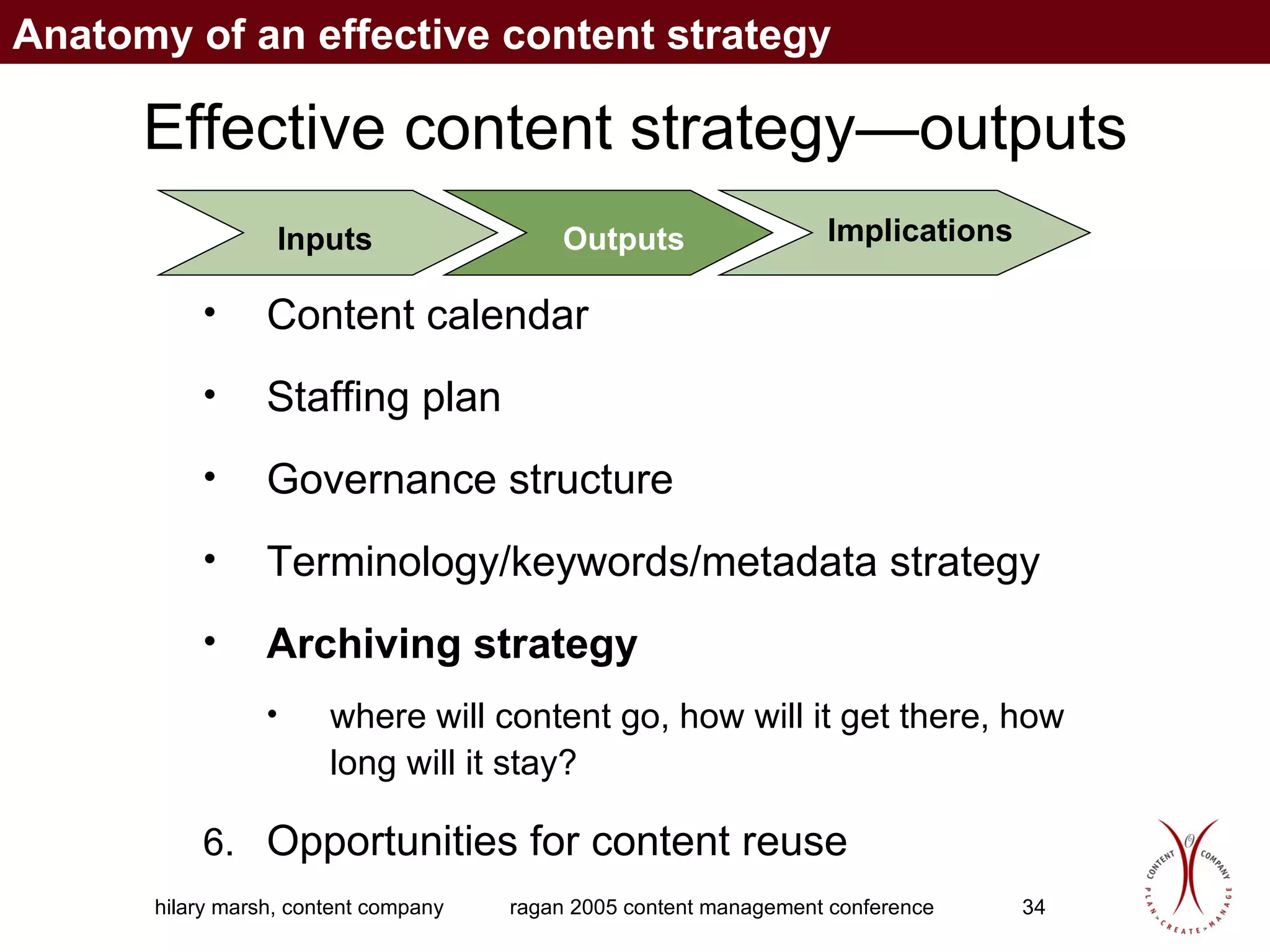
Effective content strategy—outputs Content calendar  Staffing plan  Governance structure   Terminology/keywords/metadata strategy  Archiving strategy  where will content go, how will it get there, how long will it stay? Opportunities for content reuse Inputs Outputs Implications Anatomy of an effective content strategy
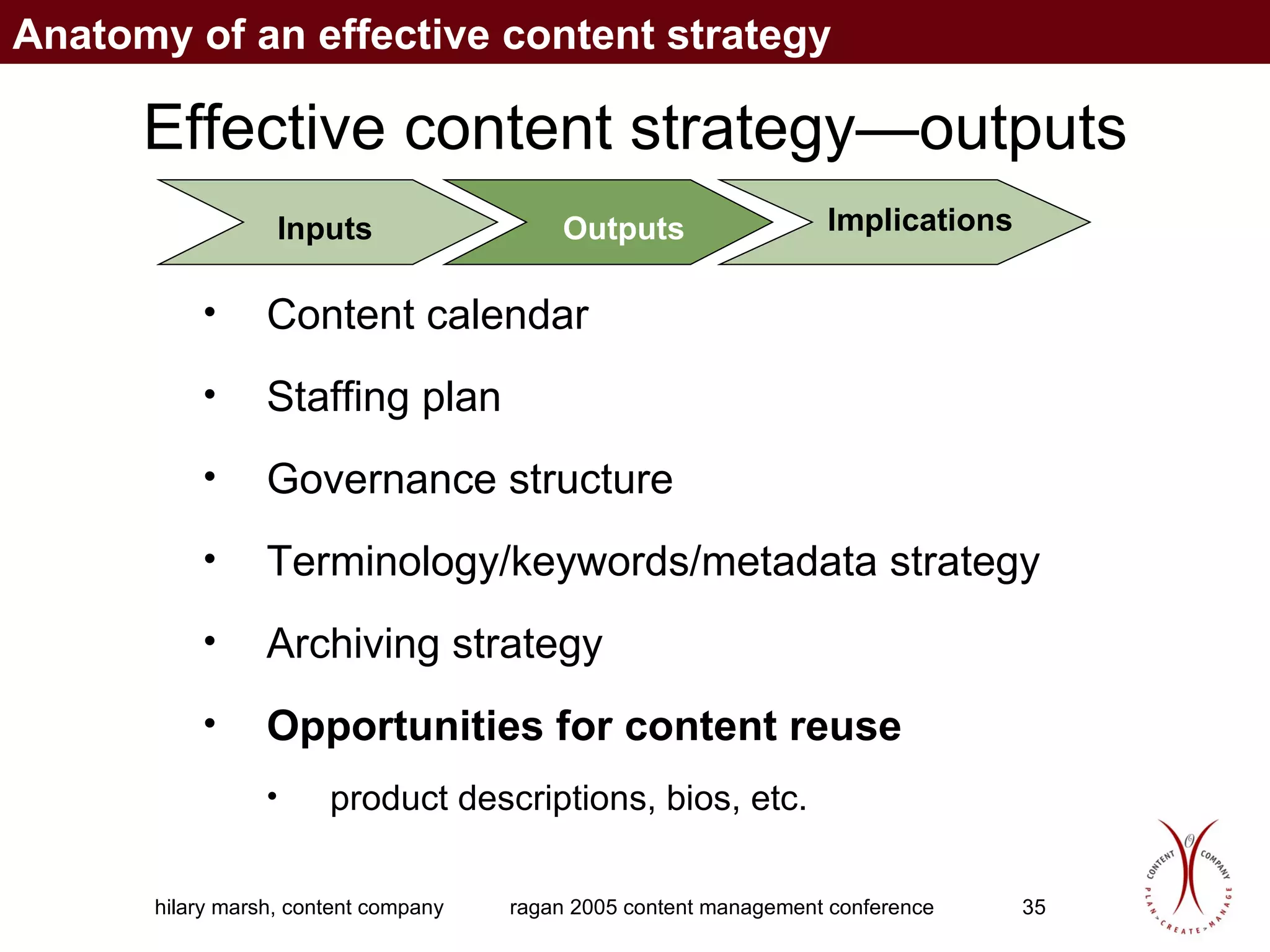
Effective content strategy—outputs Content calendar  Staffing plan  Governance structure   Terminology/keywords/metadata strategy  Archiving strategy  Opportunities for content reuse product descriptions, bios, etc. Inputs Outputs Implications Anatomy of an effective content strategy
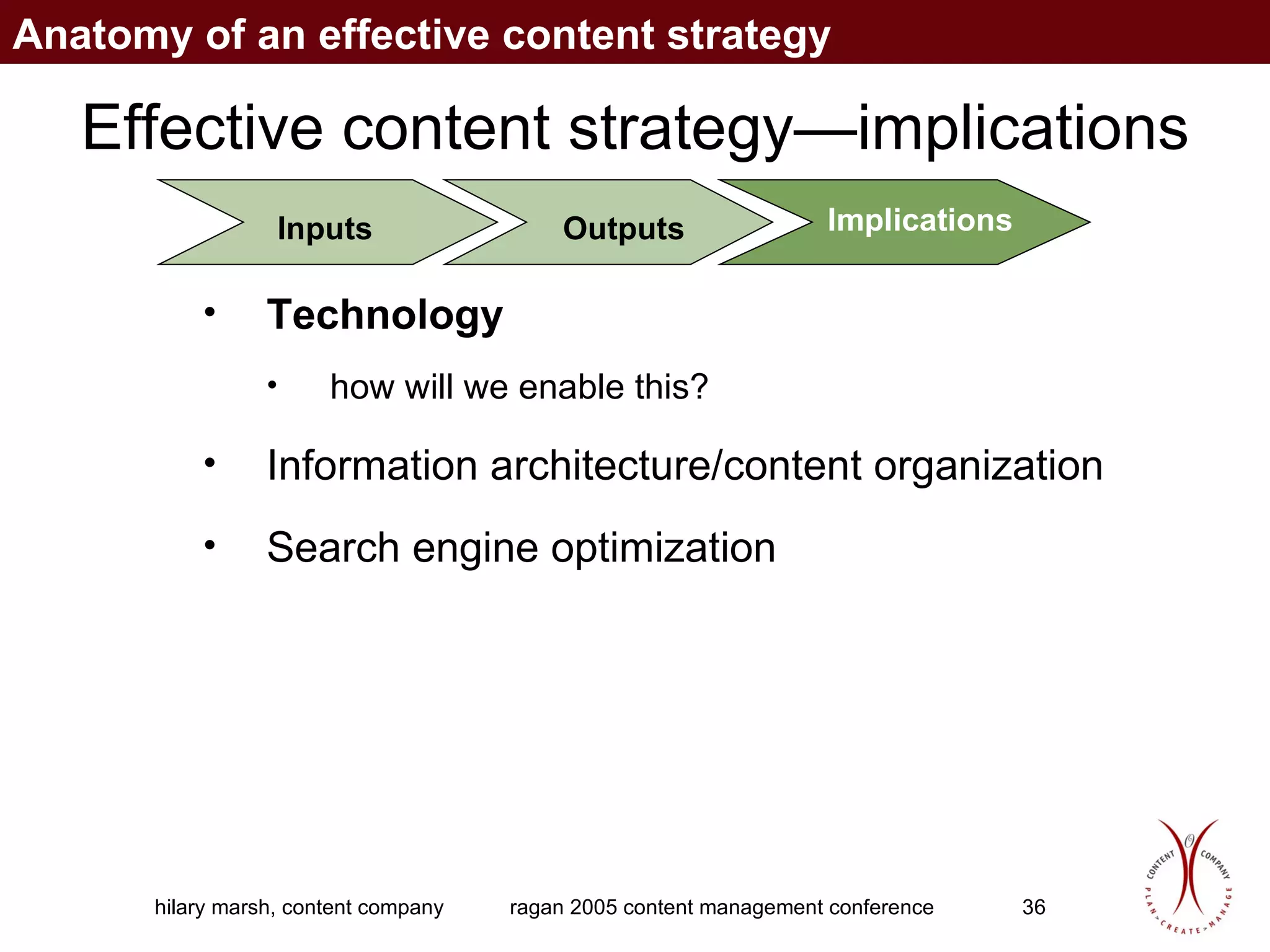
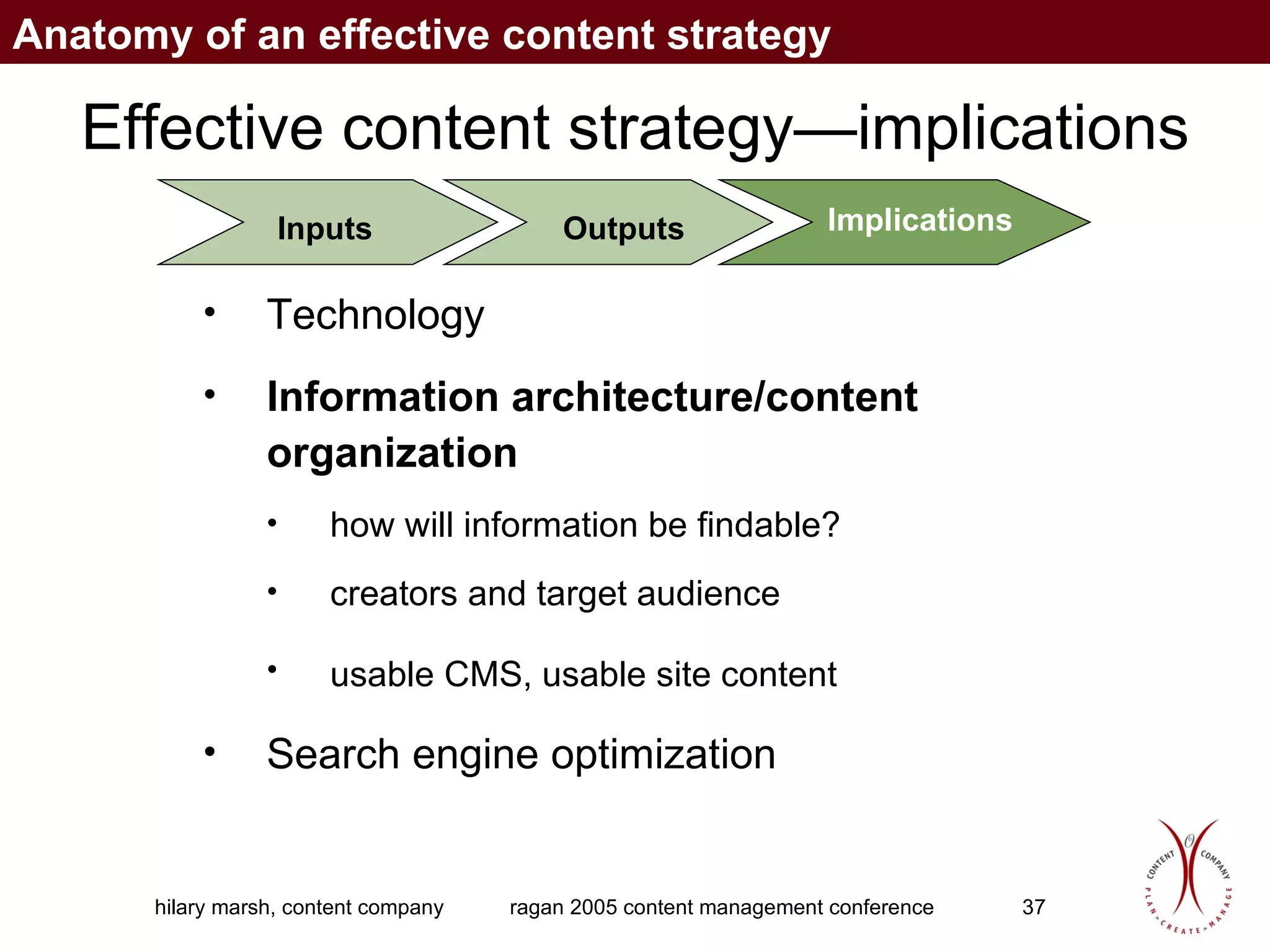
Effective content strategy—implications Technology   how will we enable this? Information architecture/content organization  Search engine optimization Inputs Outputs Implications Anatomy of an effective content strategy
Effective content strategy—implications Technology  Information architecture/content organization  how will information be findable? creators and target audience usable CMS, usable site content   Search engine optimization Inputs Outputs Implications Anatomy of an effective content strategy
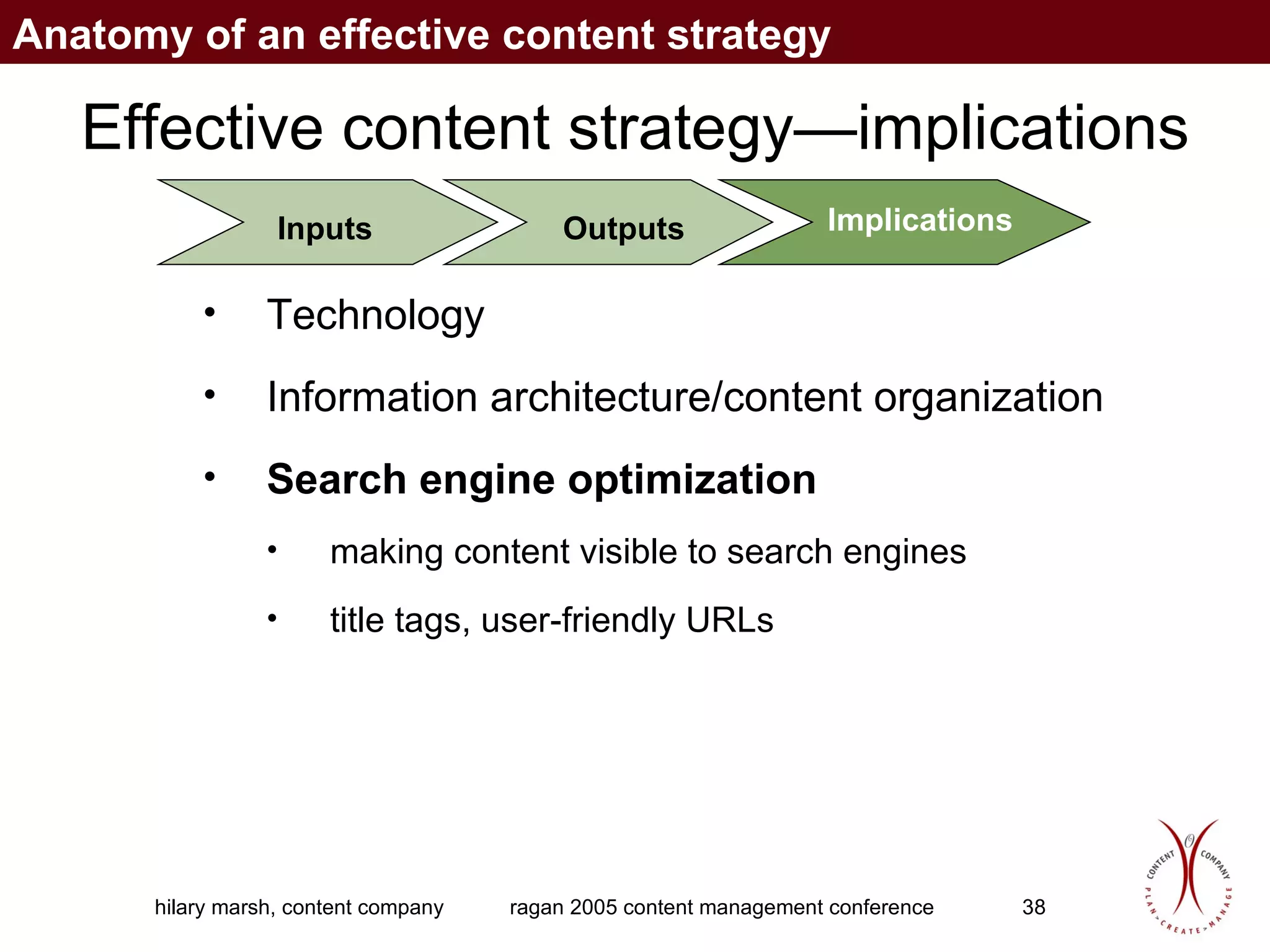
Effective content strategy—implications Technology  Information architecture/content organization  Search engine optimization making content visible to search engines title tags, user-friendly URLs Inputs Outputs Implications Anatomy of an effective content strategy
different group of three what kind of content is most in need of management in your organization? Exercise 2
What to include in a content strategy
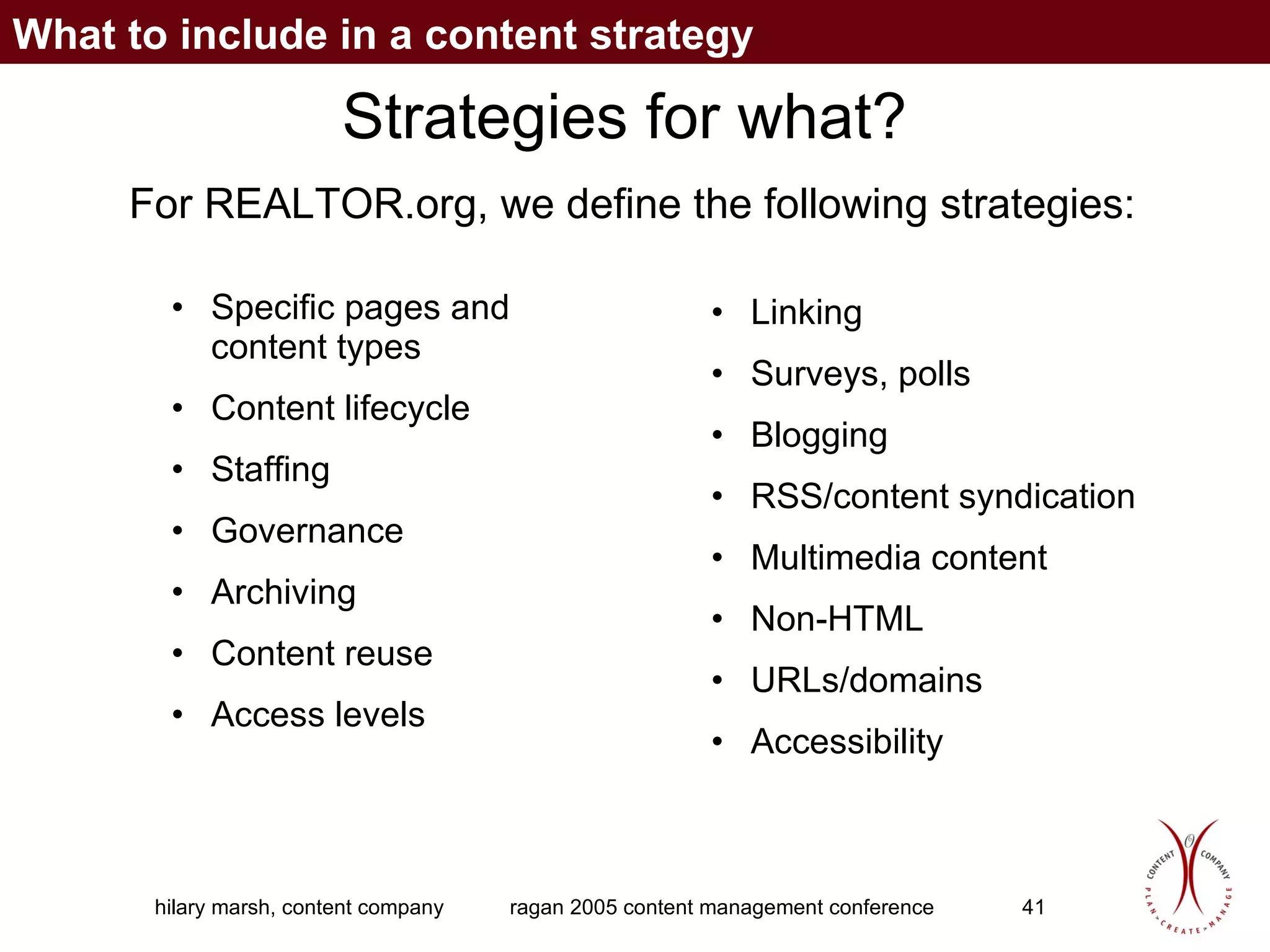
Strategies for what? Specific pages and content types Content lifecycle Staffing Governance Archiving Content reuse Access levels Linking Surveys, polls Blogging RSS/content syndication Multimedia content Non-HTML URLs/domains Accessibility For REALTOR.org, we define the following strategies: What to include in a content strategy
Making your content strategy work
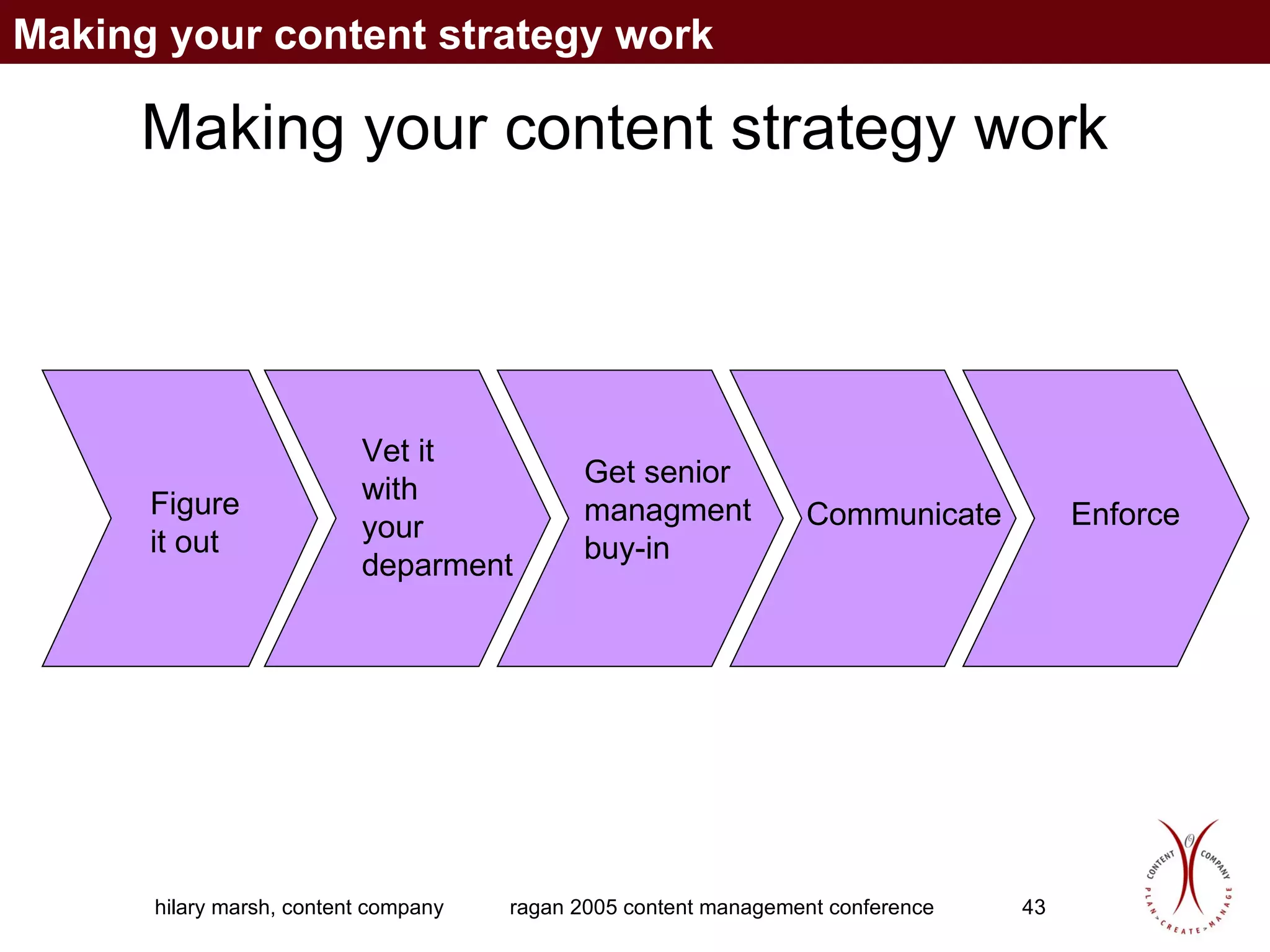
Making your content strategy work Figure it out Vet it  with  your deparment Get senior managment buy-in Communicate Enforce Making your content strategy work
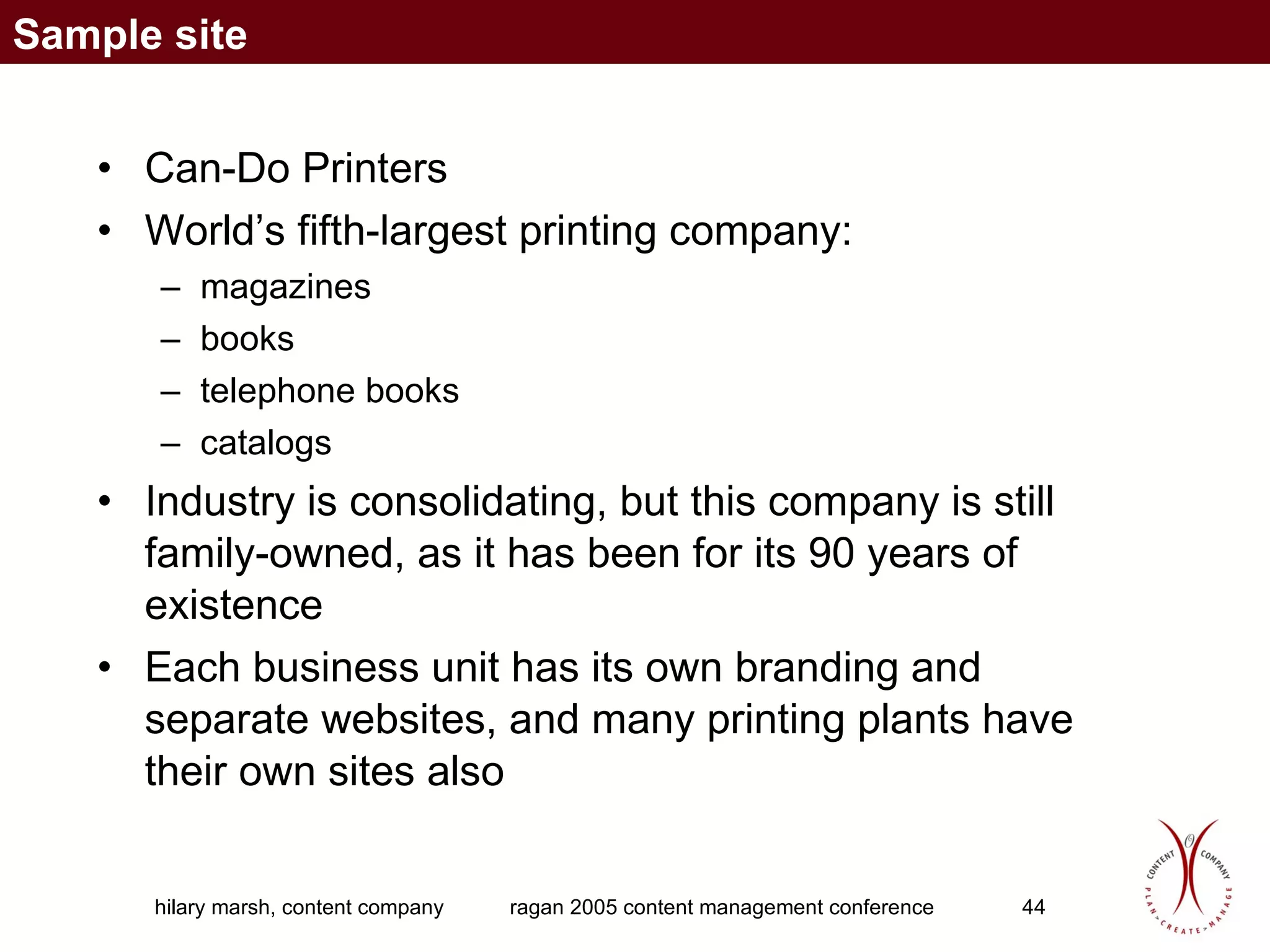
Can-Do Printers World’s fifth-largest printing company: magazines books telephone books catalogs Industry is consolidating, but this company is still family-owned, as it has been for its 90 years of existence Each business unit has its own branding and separate websites, and many printing plants have their own sites also Sample site
Can-Do Printers New CEO has decided that all business units need to be subsumed into the corporate umbrella, one brand name How do we apply smart content strategies? Sample site
Why and how to audit your content
Auditing your content First step of a content strategy: find out what’s there and whether it’s any good Examine all content piece by piece, as thoroughly and quickly as possible Spreadsheet? Database? Depends on your skill and bent Why and how to audit your content
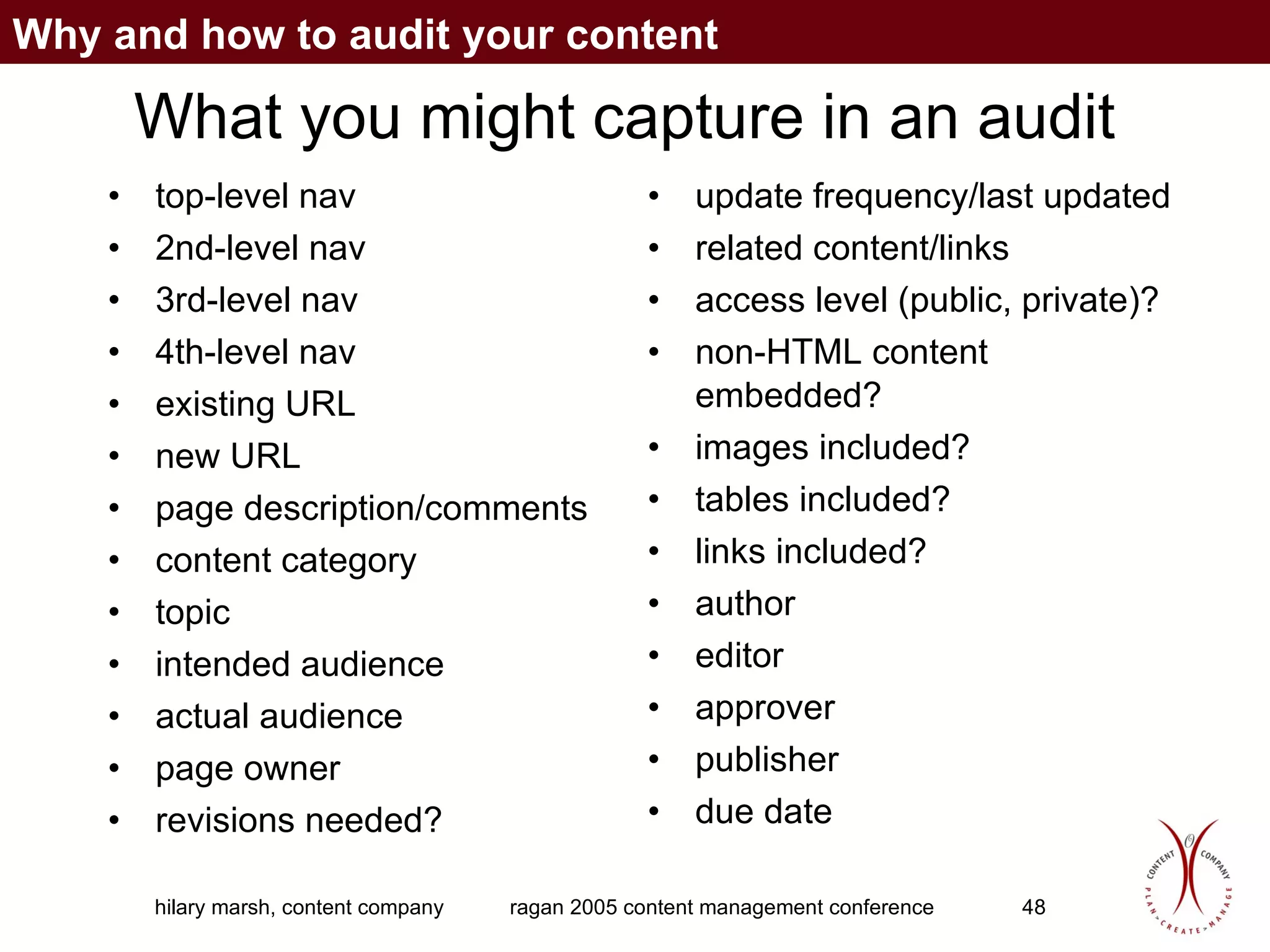
What you might capture in an audit top-level nav 2nd-level nav 3rd-level nav 4th-level nav existing URL new URL page description/comments content category topic intended audience actual audience page owner revisions needed? update frequency/last updated related content/links access level (public, private)? non-HTML content embedded? images included? tables included? links included? author editor approver publisher  due date Why and how to audit your content
Some tips Color coding rows helps differentiate Try to automate the capture so you can focus on the inventory aspect -- if not, enlist an intern/temp Don’t outsource the assessment Will a pilot be sufficient? Can you conduct the complete inventory in phases? Choose smaller samples carefully -- otherwise, your conclusions will be skewed Why and how to audit your content
What an audit reveals What workflows exist? What types of content exist?  How volatile is our content? How much staff do we need to manage it? Why and how to audit your content
What an audit won’t reveal What content is missing What content exists offline but not offline What content was considered but not put online Information about process, governance, etc. that exists only in people’s heads These require interviews with stakeholders and skilled editorial judgement Why and how to audit your content
Creating a successful publishing process
Creating a successful publishing process Does your organization know that it’s in the publishing business? By having a website, it is. A “successful” publishing process is one where everyone who needs to be involved is involved: their role regarding Web content is in their job description they have the time and skills they need  Creating a successful publishing process
Assess your current processes Look at Web publishing processes work with each person or group to identify their approval and publishing processes validate these processes with all the people in the publishing chain, to see if their experience of the process matches that of the content creators Also study your organization’s publishing processes for print communications Creating a successful publishing process
Use your organization’s best practices Ask questions why is Legal involved for print communications but not Web?  Why does Corporate Communications review Business A’s press releases by but not Business B’s, and does that help Business A’s releases get posted on the corporate site more often than Business B's? Creating a successful publishing process
Use your organization’s best practices See whose information is likeliest to meet their communications goals—and assess what they are doing right.  Do they have a regular publishing schedule?  Do they allow enough time for reviews?  Use this model for all of your content. When you have a CMS, use it to set the rules for your automated workflow. Creating a successful publishing process
Everything you’ve always wanted to know about CMSs
A CMS is the tool, not the answer Who will be able to edit, review, or publish content? How will the process work?  New publishing paradigm: Communicators edit content created throughout the organization, instead of generating content. Everything you’ve always wanted to know about CMSs
A CMS is the tool, not the answer Communicators will need more technical awareness and skills. Who will set and enforce editorial and design standards? Requires central resources for managing content and sites and for ongoing training. Everything you’ve always wanted to know about CMSs
What should a CMS do? Separate content from presentation w/ templates Breaking up content into its components, or building blocks Support publishing process (aka workflow) Provide role-based security Capture content metadata Provide robust repository (formats, versions) Manage entire content lifecycle (creation, review, publishing, archiving, deletion) Support content syndication and/or acquisition Special considerations like globalization Possibly dynamic delivery, personalization, decision support — depends on your strategy Everything you’ve always wanted to know about CMSs
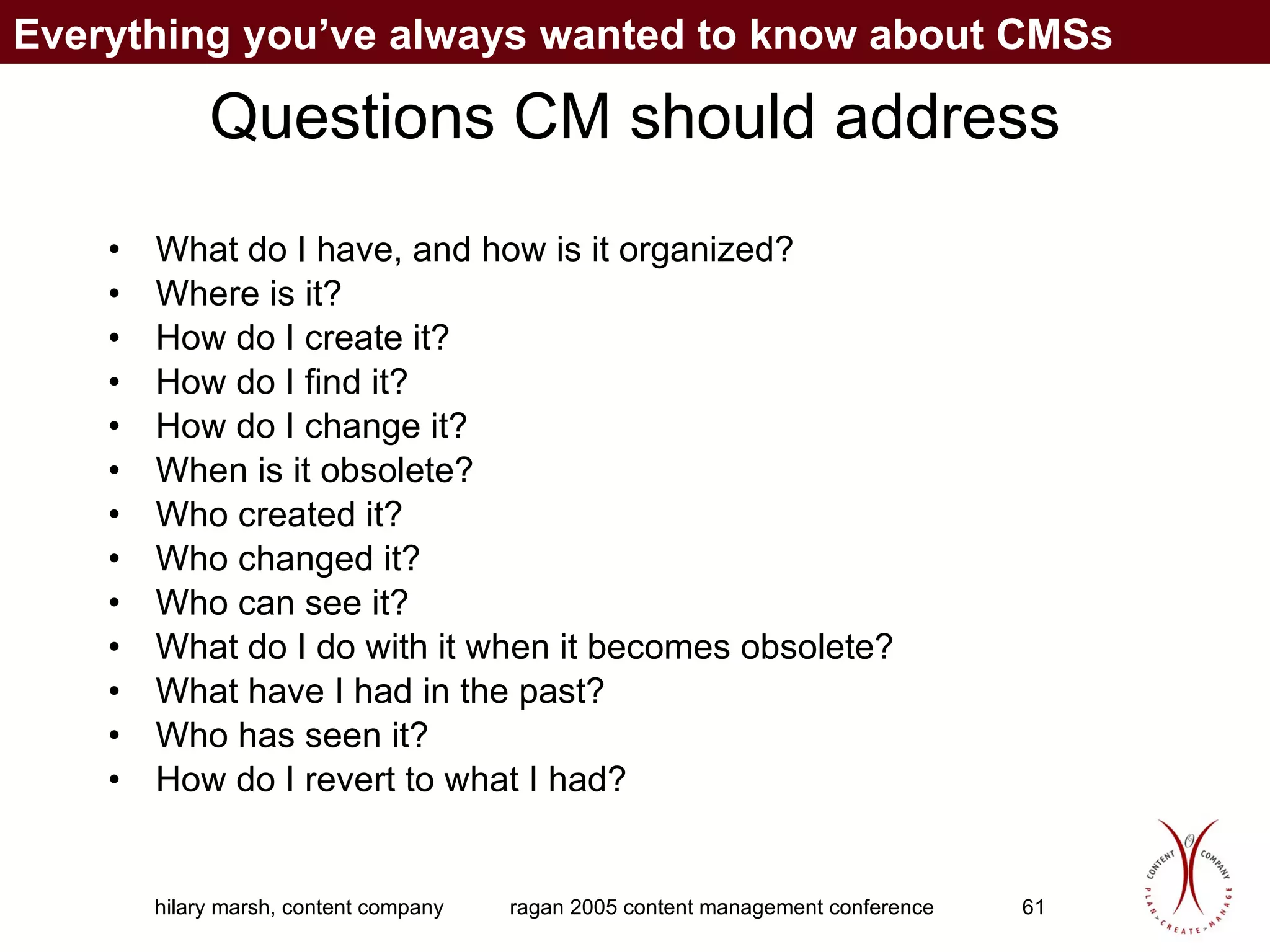
Questions CM should address What do I have, and how is it organized? Where is it? How do I create it? How do I find it? How do I change it? When is it obsolete? Who created it? Who changed it? Who can see it? What do I do with it when it becomes obsolete? What have I had in the past? Who has seen it? How do I revert to what I had? Everything you’ve always wanted to know about CMSs
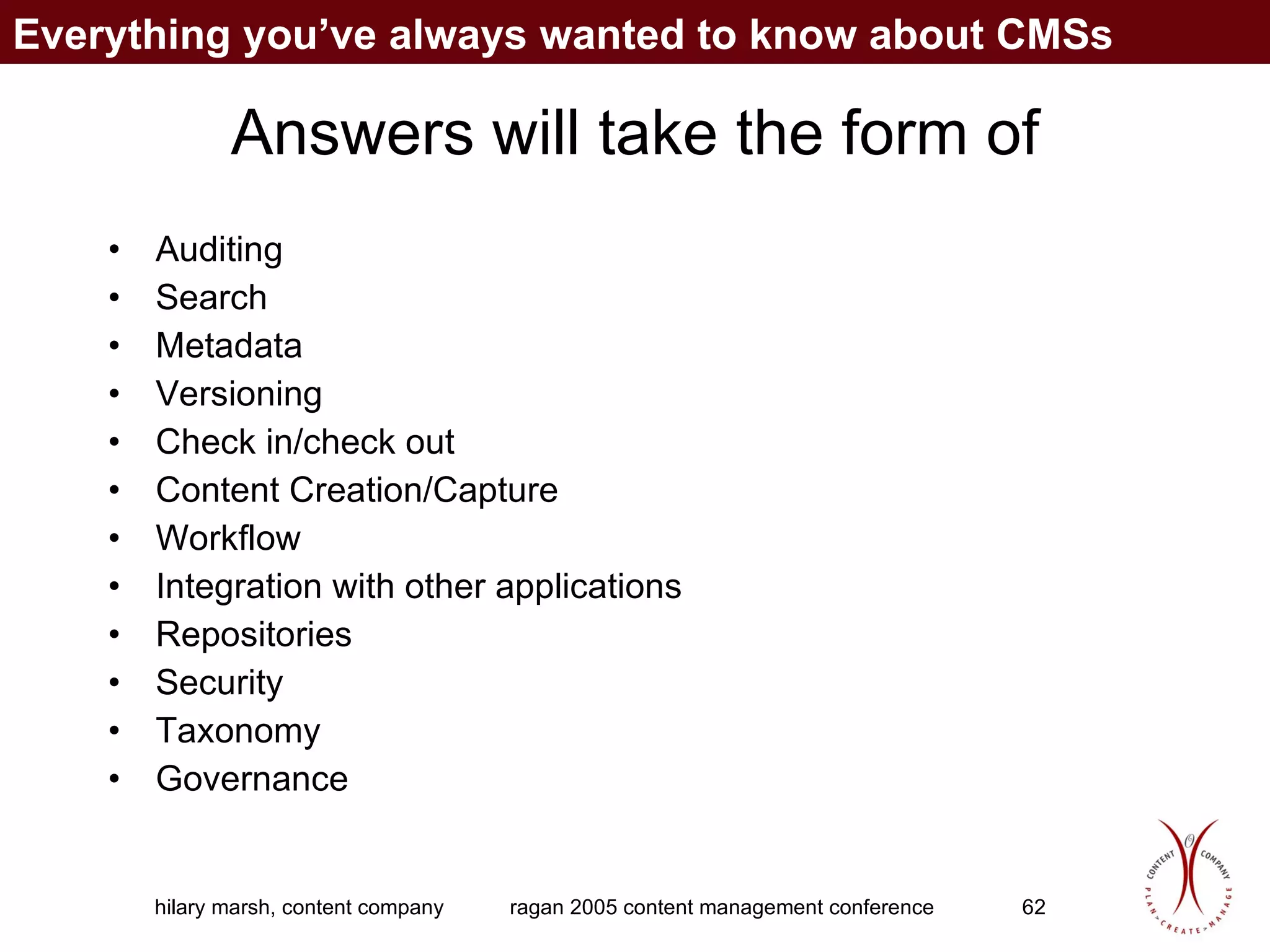
Answers will take the form of Auditing Search Metadata Versioning Check in/check out Content Creation/Capture Workflow Integration with other applications Repositories Security Taxonomy Governance Everything you’ve always wanted to know about CMSs
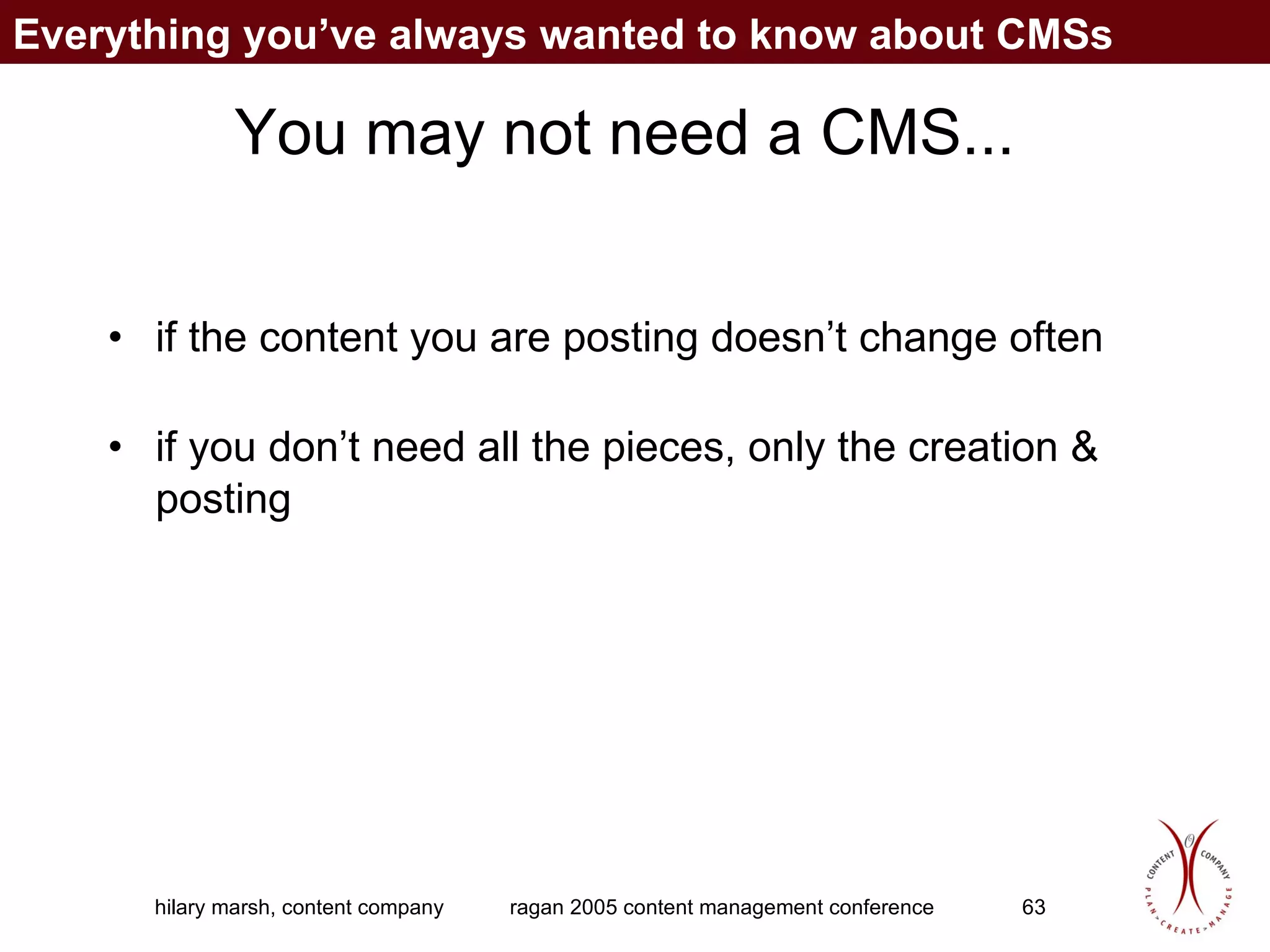
You may not need a CMS... if the content you are posting doesn’t change often if you don’t need all the pieces, only the creation & posting Everything you’ve always wanted to know about CMSs
Myths about content management
Content management myths 1)  Content management is about technology 2)  Out of the box, a CMS  will allow content owners not to learn any new technology 3)  Once you have a CMS in place, your content will practically manage itself 4)  Content management equals CMS Myths about content management
5)  Content management is the same as knowledge management and document management   6)  If you import existing content into your CMS, site visitors will instantly be able to find it and use it 7)  Once your CMS is set up and the site is launched, your work is done An expensive CMS is always better than an inexpensive one  Can you think of more? Myths about content management
Connecting your content strategy and your CMS
A content strategy is an “assurance policy” that you buy the right CMS your products and process work for all your content types your content owners are motivated to use it, and have the ability to your investment will pay off, for both content owners and site visitors Connecting your content strategy and your CMS
What a nonstrategic process looks like IT group selects a CMS  Strategy or IT group develops a content management process based on the CMS’s capabilities Content owners learn about the project after the product has been purchased, during its development, or when it launches Connecting your content strategy and your CMS
Risks of a nonstrategic process Product doesn’t work for all content types Process doesn’t work for content owners Content owners skirt the process or product or—worse—don’t update their content more often than before Connecting your content strategy and your CMS
Who in your organization needs to “get it” about content management Business Communications Marketing Executive Sales Legal  Strategy Technology (this one is last, on purpose) Connecting your content strategy and your CMS
Why? Get the necessary budget Content creation Content ownership Content approval Content use Connecting your content strategy and your CMS
Giving business users control of their own content: not necessarily scary It’s necessary they need to have buy-in/feel ownership impossible to control everything not doing this thwarts the point of CM Guidance is key documentation training follow-up involve business users in guidance council Connecting your content strategy and your CMS
The importance of a multidisciplinary governance structure Shared vision Collaborative strategy Rules of engagement Process that incorporates multiple facets and approaches, works with corporate culture Connecting your content strategy and your CMS
Strategy needs a multidisciplinary team see things from different perspectives learn at the same time...much more valuable than telling later each piece is part of a whole Connecting your content strategy and your CMS
Structure project for an easy win strategic work takes longer upfront than company is used to  start with a smaller project...let its success spark interest in more projects be sure to document the “before,” so that the success is measurable Connecting your content strategy and your CMS
What will constitute a successful CMS? Solution needs to be one that... content owners will use site information architecture supports helps business put highest-priority content in front of highest-priority site visitors accommodates content types, content owner capabilities, process Connecting your content strategy and your CMS
How to choose a CMS strategically
Step 1: Discover your users who are they? how do they work? which groups of users are your highest priority? who would be/could be users??? How to choose a CMS strategically
Discovery phase activities prioritize identify gaps develop a picture break the project into phases involve users – tech & content How to choose a CMS strategically
Step 1 Activities ideally, observe users in their own environments multiple user types, observed over time watch, ask later How to choose a CMS strategically
Step 1 Shortcuts why it’s tempting to take them:  time/budget pressure why you should push back:  risk creating a solution users don’t want how to take one, if you must:  use a smaller sample of users How to choose a CMS strategically
Step 2: Assess your content what content types exist? what don’t exist yet but are needed? what are the current CM processes? what’s working & not working? what gaps exist -- legal, etc.? How to choose a CMS strategically
Classifying content findability: taxonomy and metadata more user research:  how do users categorize content?  what terms will they use to search for it? How to choose a CMS strategically
Step 2 Activities content audit (don’t forget things currently not in the site but that should be) user/task flow analysis (usually done by information architects—you consult) How to choose a CMS strategically
Step 2 Shortcuts why it’s tempting to take them:  think you know the answer already why you should push back:  risk getting software that doesn’t work for you how to take one, if you must:  representative sample, vs. comprehensive audit—RISKY! How to choose a CMS strategically
Step 3: Add corporate culture how much control do you need/want? do you have the resources to match desired level of control? if not, how to compromise? How to choose a CMS strategically
Step 3 Activities stakeholder interviews prioritize user groups with stakeholders involve IT to get input about software How to choose a CMS strategically
Step 3 Shortcuts why it’s tempting to take them:  they told you what, but not why why you should push back:  risk buying, customizing, installing software that doesn’t work for the business how to take one, if you must:  (to come) How to choose a CMS strategically
Step 4: Add it all up Put user, process & stakeholder information together Matrix form is useful Involve multidisciplinary team Validate with all three groups How to choose a CMS strategically
Know what the end will look like Articulate the vision for the site, for both the content creators/owners and the site visitors Decide how much/which parts of that vision will require a lot of dynamic content to support How to choose a CMS strategically
Step 4 Activities Content matrix Scenarios (IAs may lead) Task flows (IT may lead) Validation sessions How to choose a CMS strategically
Step 4 Shortcuts why it’s tempting to take them:  time constraints why you should push back:  the solution might not work for all parts how to take one, if you must:  (to come) How to choose a CMS strategically
Step 5: Strategy document write up everything you’ve learned get approval from the team, business, user council Then, buy and build your CMS! How to choose a CMS strategically
NOW you’re ready to choose the CMS tool you know what it needs to support vision processes content types people volume/volatility reuse How to choose a CMS strategically
Three stories Federal Reserve Bank of Chicago Donors Forum REALTOR.org Three content stories
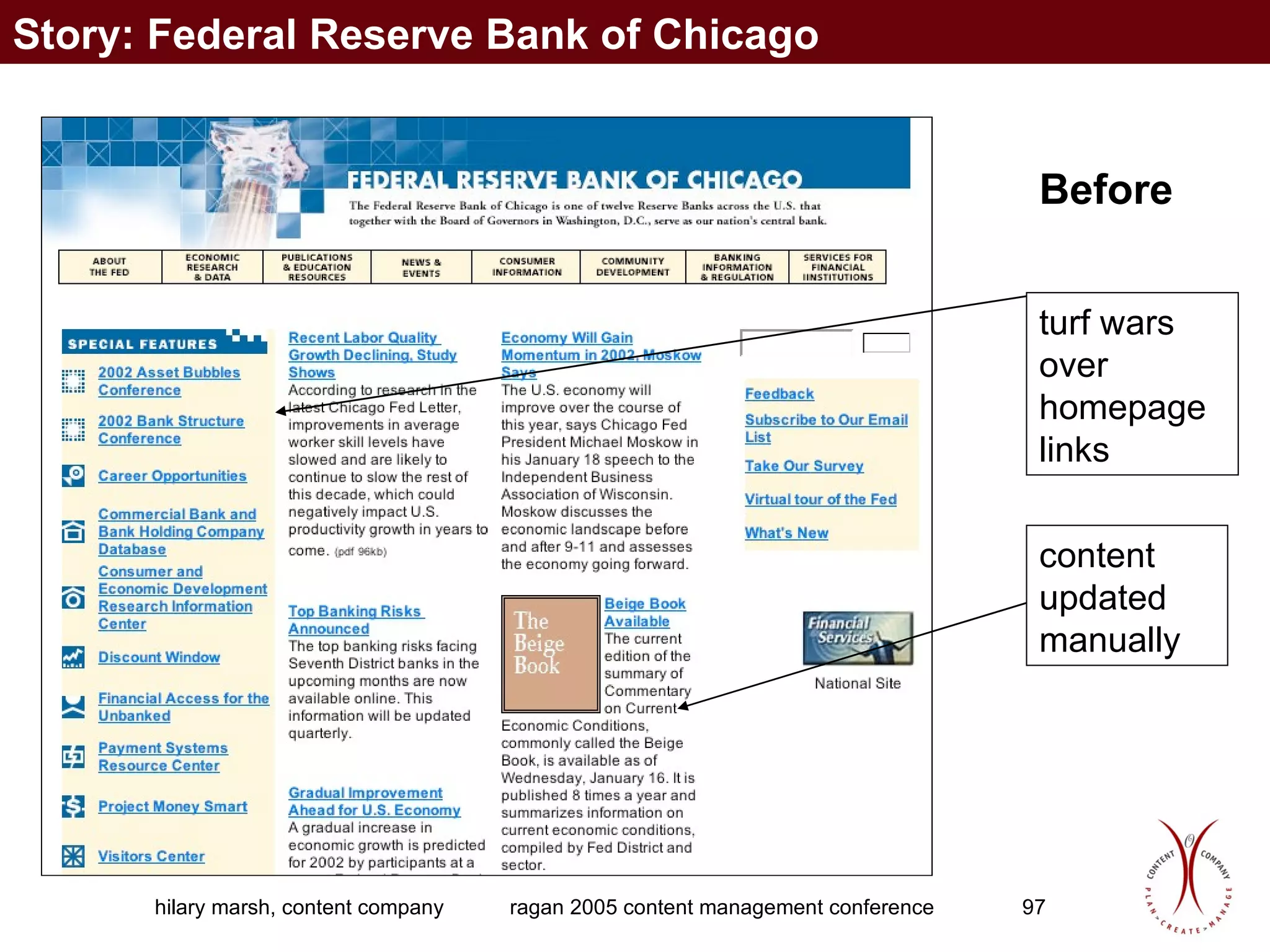
Before turf wars over homepage links content updated manually Story: Federal Reserve Bank of Chicago
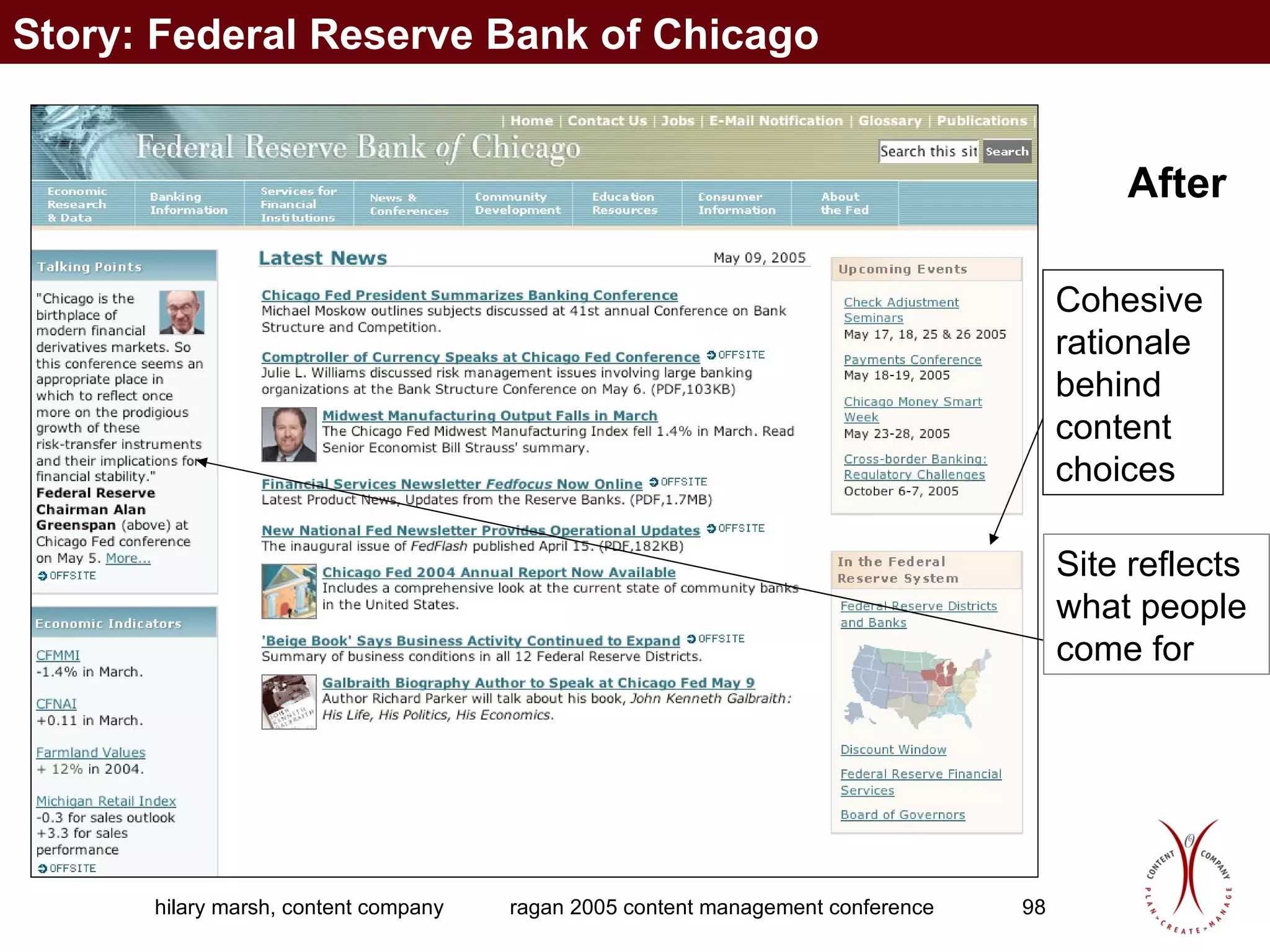
After Cohesive rationale behind content choices Site reflects  what people  come for Story: Federal Reserve Bank of Chicago
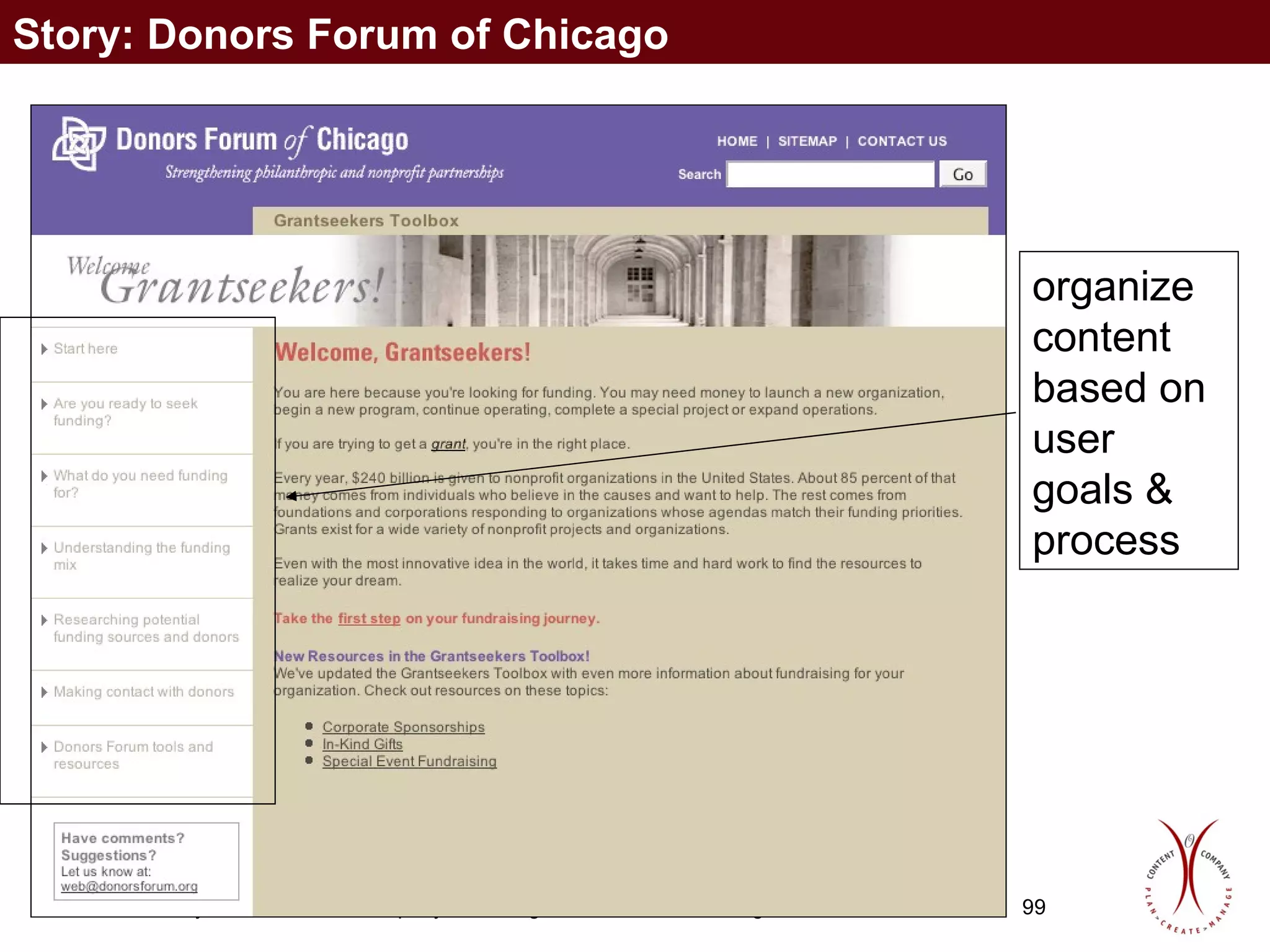
organize content based on user goals & process Story: Donors Forum of Chicago
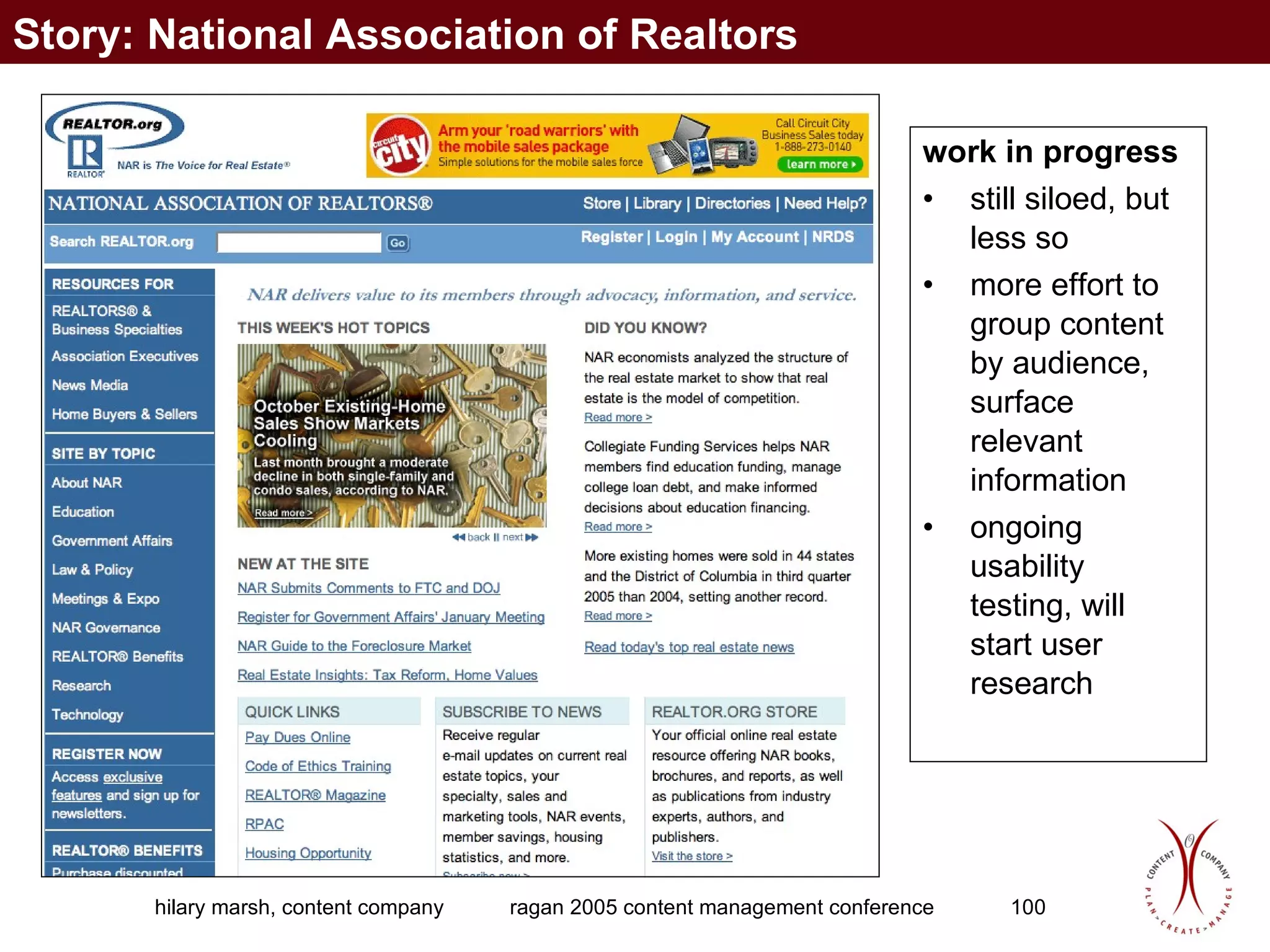
work in progress still siloed, but less so more effort to group content by audience, surface relevant information ongoing usability testing, will start user research Story: National Association of Realtors
Does content management keep your CEO up at night? Actually, it does… although the CEO may not realize it.
Questions? Hilary Marsh Content Company, Inc. http://www.contentcompany.biz [email_address] 708.217.3922 708.575.3450 fax

Developing a Solid Content Strategy

  • 1.
    Developing a SolidContent Strategy Ragan 2005 Web Content Management Conference Hilary Marsh www.contentcompany.biz
  • 2.
    Background in publishingOnline content since 1996 Formed Content Company in 2001 Clients include Household International/HSBC, University of Chicago, American Hospital Association, NCAA, Donors Forum of Chicago Joined National Association of Realtors full-time in June 2005 A little about me
  • 3.
    Why it’s necessaryto manage content What is a content strategy, and why do you need one? Anatomy of an effective content strategy What to include in a content strategy Making your content strategy work Why and how to audit your content Creating a successful publishing process Everything you’ve always wanted to know about CMSs Myths about content management Connecting your content strategy and your CMS How to choose a CMS strategically Three content stories Agenda
  • 4.
    Why it’s necessaryto manage your content
  • 5.
    Does content managementkeep your CEO up at night? Actually, it does… although the CEO may not realize it. Why it’s necessary to manage your content
  • 6.
    Why isn’t anon-managed site good enough? Non-managed site online phone book brochure Why isn't that sufficient? TV pilot, launch issue of a magazine beginning of an ongoing relationship Why it’s necessary to manage your content
  • 7.
    Isn't the Weba technology medium? Print and TV also involve great amounts of technology Web is just newer Why it’s necessary to manage your content
  • 8.
    Why is managingWeb content hard? Do we manage content offline? print, telephone, face-to-face sales, marketing, customer service, tech support Do the people creating different content know/trust each other? Are their senior leaders encouraging them to collaborate? Why it’s necessary to manage your content
  • 9.
    Why use technologyto manage content? 5. Eliminate the bottleneck of IT updating the site 4. Compliance 3. Enable consistent, accurate, up-to-date information 2. Make use of what the Web can enable 1. Content is the way organizations meet their top business objectives Why it’s necessary to manage your content
  • 10.
    Business goals areexecuted through online content Customer retention Raising awareness in the marketplace Cross-selling multiple products Content management is more than just a good idea. Why it’s necessary to manage your content
  • 11.
    Exercise 1 groupsof three introduce yourselves role in content organization and department three biggest content issues
  • 12.
    What is acontent strategy, and why do you need one?
  • 13.
    To be effective,your content needs a plan Content strategy how your content will work who, what, when, where, why and how part of your overall communication strategy which project/areas to start with -- prioritize What is a content strategy, and why do you need one?
  • 14.
    Why don’t youhave a content strategy? Most organizations have never had one wasn’t seen as necessary pre-Internet separate communications and audiences They don't know they need one What is a content strategy, and why do you need one?
  • 15.
    Why don’t youhave a content strategy? Internal politics my content, my information, my vehicles, my pages what's in it for me to contribute? what's in it for me to use someone else's content? why are my communications suddenly being controlled? What is a content strategy, and why do you need one?
  • 16.
    Is content strategythe same as CMS requirements? No! Content strategy is one of the elements that informs requirements other elements are technical platform, delivery requirements, scaleability CMS requirements are largely technical; content strategy is not What is a content strategy, and why do you need one?
  • 17.
    Change management issuesCulture shift from “knowledge is power” to “sharing knowledge is power” Willingness to collaborate....new? Subject matter experts are not writers What is a content strategy, and why do you need one?
  • 18.
    Your content withoutan effective strategy... What is a content strategy, and why do you need one?
  • 19.
    With a contentstrategy in place... What is a content strategy, and why do you need one?
  • 20.
    What is acontent strategy? Who, what, when, where, why, and how of a site’s content What is a content strategy, and why do you need one?
  • 21.
    The ultimate goaluser needs (what’s desirable) business drivers (what’s important) technology capabilities (what’s possible) the sweet spot in the middle What is a content strategy, and why do you need one?
  • 22.
    Six points toconsider What is a content strategy, and why do you need one? business goals user needs information to create users existing information content strategy user goals
  • 23.
    Anatomy of aneffective content strategy
  • 24.
    Anatomy of aneffective content strategy Inputs Leadership buy-in Content audit Gap analysis Stakeholder interviews User research Outputs Schedule Staffing plan Governance structure Taxonomy Archiving strategy Content reuse opportunities Implications Technology Information architecture Usability Search engine optimization Anatomy of an effective content strategy
  • 25.
    Effective content strategy—inputsInputs Outputs Implications Leadership buy-in inform/educate/evangelize which goals, right channel? Stakeholder interviews Content audit Gap analysis User research Anatomy of an effective content strategy
  • 26.
    Effective content strategy—inputsInputs Outputs Implications Leadership buy-in Stakeholder interviews how do things work now? hard to do online what you don't do offline Content audit Gap analysis User research Anatomy of an effective content strategy
  • 27.
    Effective content strategy—inputsInputs Outputs Implications Leadership buy-in Stakeholder interviews Content audit what's there now? which media?which formats? Gap analysis User research Anatomy of an effective content strategy
  • 28.
    Effective content strategy—inputsInputs Outputs Implications Leadership buy-in Stakeholder interviews Content audit Gap analysis what's missing? User research Anatomy of an effective content strategy
  • 29.
    Effective content strategy—inputsInputs Outputs Implications Leadership buy-in Stakeholder interviews Content audit Gap analysis User research How can you meet your business goals by delivering what your customers want? Anatomy of an effective content strategy
  • 30.
    Effective content strategy—outputsContent calendar how often will specific types of content be updated? Staffing plan Governance structure Terminology/keywords/metadata strategy Archiving strategy Opportunities for content reuse Inputs Outputs Implications Anatomy of an effective content strategy
  • 31.
    Effective content strategy—outputsContent calendar Staffing plan how many people will it take to manage your content? Governance structure Terminology/keywords/metadata strategy Archiving strategy Opportunities for content reuse Inputs Outputs Implications Anatomy of an effective content strategy
  • 32.
    Effective content strategy—outputsContent calendar Staffing plan Governance structure who's in charge? Terminology/keywords/metadata strategy Archiving strategy Opportunities for content reuse Inputs Outputs Implications Anatomy of an effective content strategy
  • 33.
    Effective content strategy—outputsContent calendar Staffing plan Governance structure Terminology/keywords/metadata strategy how will content appear in the right places? what are common terms? Archiving strategy Opportunities for content reuse Inputs Outputs Implications Anatomy of an effective content strategy
  • 34.
    Effective content strategy—outputsContent calendar Staffing plan Governance structure Terminology/keywords/metadata strategy Archiving strategy where will content go, how will it get there, how long will it stay? Opportunities for content reuse Inputs Outputs Implications Anatomy of an effective content strategy
  • 35.
    Effective content strategy—outputsContent calendar Staffing plan Governance structure Terminology/keywords/metadata strategy Archiving strategy Opportunities for content reuse product descriptions, bios, etc. Inputs Outputs Implications Anatomy of an effective content strategy
  • 36.
    Effective content strategy—implicationsTechnology how will we enable this? Information architecture/content organization Search engine optimization Inputs Outputs Implications Anatomy of an effective content strategy
  • 37.
    Effective content strategy—implicationsTechnology Information architecture/content organization how will information be findable? creators and target audience usable CMS, usable site content Search engine optimization Inputs Outputs Implications Anatomy of an effective content strategy
  • 38.
    Effective content strategy—implicationsTechnology Information architecture/content organization Search engine optimization making content visible to search engines title tags, user-friendly URLs Inputs Outputs Implications Anatomy of an effective content strategy
  • 39.
    different group ofthree what kind of content is most in need of management in your organization? Exercise 2
  • 40.
    What to includein a content strategy
  • 41.
    Strategies for what?Specific pages and content types Content lifecycle Staffing Governance Archiving Content reuse Access levels Linking Surveys, polls Blogging RSS/content syndication Multimedia content Non-HTML URLs/domains Accessibility For REALTOR.org, we define the following strategies: What to include in a content strategy
  • 42.
    Making your contentstrategy work
  • 43.
    Making your contentstrategy work Figure it out Vet it with your deparment Get senior managment buy-in Communicate Enforce Making your content strategy work
  • 44.
    Can-Do Printers World’sfifth-largest printing company: magazines books telephone books catalogs Industry is consolidating, but this company is still family-owned, as it has been for its 90 years of existence Each business unit has its own branding and separate websites, and many printing plants have their own sites also Sample site
  • 45.
    Can-Do Printers NewCEO has decided that all business units need to be subsumed into the corporate umbrella, one brand name How do we apply smart content strategies? Sample site
  • 46.
    Why and howto audit your content
  • 47.
    Auditing your contentFirst step of a content strategy: find out what’s there and whether it’s any good Examine all content piece by piece, as thoroughly and quickly as possible Spreadsheet? Database? Depends on your skill and bent Why and how to audit your content
  • 48.
    What you mightcapture in an audit top-level nav 2nd-level nav 3rd-level nav 4th-level nav existing URL new URL page description/comments content category topic intended audience actual audience page owner revisions needed? update frequency/last updated related content/links access level (public, private)? non-HTML content embedded? images included? tables included? links included? author editor approver publisher due date Why and how to audit your content
  • 49.
    Some tips Colorcoding rows helps differentiate Try to automate the capture so you can focus on the inventory aspect -- if not, enlist an intern/temp Don’t outsource the assessment Will a pilot be sufficient? Can you conduct the complete inventory in phases? Choose smaller samples carefully -- otherwise, your conclusions will be skewed Why and how to audit your content
  • 50.
    What an auditreveals What workflows exist? What types of content exist? How volatile is our content? How much staff do we need to manage it? Why and how to audit your content
  • 51.
    What an auditwon’t reveal What content is missing What content exists offline but not offline What content was considered but not put online Information about process, governance, etc. that exists only in people’s heads These require interviews with stakeholders and skilled editorial judgement Why and how to audit your content
  • 52.
    Creating a successfulpublishing process
  • 53.
    Creating a successfulpublishing process Does your organization know that it’s in the publishing business? By having a website, it is. A “successful” publishing process is one where everyone who needs to be involved is involved: their role regarding Web content is in their job description they have the time and skills they need Creating a successful publishing process
  • 54.
    Assess your currentprocesses Look at Web publishing processes work with each person or group to identify their approval and publishing processes validate these processes with all the people in the publishing chain, to see if their experience of the process matches that of the content creators Also study your organization’s publishing processes for print communications Creating a successful publishing process
  • 55.
    Use your organization’sbest practices Ask questions why is Legal involved for print communications but not Web? Why does Corporate Communications review Business A’s press releases by but not Business B’s, and does that help Business A’s releases get posted on the corporate site more often than Business B's? Creating a successful publishing process
  • 56.
    Use your organization’sbest practices See whose information is likeliest to meet their communications goals—and assess what they are doing right. Do they have a regular publishing schedule? Do they allow enough time for reviews? Use this model for all of your content. When you have a CMS, use it to set the rules for your automated workflow. Creating a successful publishing process
  • 57.
    Everything you’ve alwayswanted to know about CMSs
  • 58.
    A CMS isthe tool, not the answer Who will be able to edit, review, or publish content? How will the process work? New publishing paradigm: Communicators edit content created throughout the organization, instead of generating content. Everything you’ve always wanted to know about CMSs
  • 59.
    A CMS isthe tool, not the answer Communicators will need more technical awareness and skills. Who will set and enforce editorial and design standards? Requires central resources for managing content and sites and for ongoing training. Everything you’ve always wanted to know about CMSs
  • 60.
    What should aCMS do? Separate content from presentation w/ templates Breaking up content into its components, or building blocks Support publishing process (aka workflow) Provide role-based security Capture content metadata Provide robust repository (formats, versions) Manage entire content lifecycle (creation, review, publishing, archiving, deletion) Support content syndication and/or acquisition Special considerations like globalization Possibly dynamic delivery, personalization, decision support — depends on your strategy Everything you’ve always wanted to know about CMSs
  • 61.
    Questions CM shouldaddress What do I have, and how is it organized? Where is it? How do I create it? How do I find it? How do I change it? When is it obsolete? Who created it? Who changed it? Who can see it? What do I do with it when it becomes obsolete? What have I had in the past? Who has seen it? How do I revert to what I had? Everything you’ve always wanted to know about CMSs
  • 62.
    Answers will takethe form of Auditing Search Metadata Versioning Check in/check out Content Creation/Capture Workflow Integration with other applications Repositories Security Taxonomy Governance Everything you’ve always wanted to know about CMSs
  • 63.
    You may notneed a CMS... if the content you are posting doesn’t change often if you don’t need all the pieces, only the creation & posting Everything you’ve always wanted to know about CMSs
  • 64.
  • 65.
    Content management myths1) Content management is about technology 2) Out of the box, a CMS will allow content owners not to learn any new technology 3) Once you have a CMS in place, your content will practically manage itself 4) Content management equals CMS Myths about content management
  • 66.
    5) Contentmanagement is the same as knowledge management and document management 6) If you import existing content into your CMS, site visitors will instantly be able to find it and use it 7) Once your CMS is set up and the site is launched, your work is done An expensive CMS is always better than an inexpensive one Can you think of more? Myths about content management
  • 67.
    Connecting your contentstrategy and your CMS
  • 68.
    A content strategyis an “assurance policy” that you buy the right CMS your products and process work for all your content types your content owners are motivated to use it, and have the ability to your investment will pay off, for both content owners and site visitors Connecting your content strategy and your CMS
  • 69.
    What a nonstrategicprocess looks like IT group selects a CMS Strategy or IT group develops a content management process based on the CMS’s capabilities Content owners learn about the project after the product has been purchased, during its development, or when it launches Connecting your content strategy and your CMS
  • 70.
    Risks of anonstrategic process Product doesn’t work for all content types Process doesn’t work for content owners Content owners skirt the process or product or—worse—don’t update their content more often than before Connecting your content strategy and your CMS
  • 71.
    Who in yourorganization needs to “get it” about content management Business Communications Marketing Executive Sales Legal Strategy Technology (this one is last, on purpose) Connecting your content strategy and your CMS
  • 72.
    Why? Get thenecessary budget Content creation Content ownership Content approval Content use Connecting your content strategy and your CMS
  • 73.
    Giving business userscontrol of their own content: not necessarily scary It’s necessary they need to have buy-in/feel ownership impossible to control everything not doing this thwarts the point of CM Guidance is key documentation training follow-up involve business users in guidance council Connecting your content strategy and your CMS
  • 74.
    The importance ofa multidisciplinary governance structure Shared vision Collaborative strategy Rules of engagement Process that incorporates multiple facets and approaches, works with corporate culture Connecting your content strategy and your CMS
  • 75.
    Strategy needs amultidisciplinary team see things from different perspectives learn at the same time...much more valuable than telling later each piece is part of a whole Connecting your content strategy and your CMS
  • 76.
    Structure project foran easy win strategic work takes longer upfront than company is used to start with a smaller project...let its success spark interest in more projects be sure to document the “before,” so that the success is measurable Connecting your content strategy and your CMS
  • 77.
    What will constitutea successful CMS? Solution needs to be one that... content owners will use site information architecture supports helps business put highest-priority content in front of highest-priority site visitors accommodates content types, content owner capabilities, process Connecting your content strategy and your CMS
  • 78.
    How to choosea CMS strategically
  • 79.
    Step 1: Discoveryour users who are they? how do they work? which groups of users are your highest priority? who would be/could be users??? How to choose a CMS strategically
  • 80.
    Discovery phase activitiesprioritize identify gaps develop a picture break the project into phases involve users – tech & content How to choose a CMS strategically
  • 81.
    Step 1 Activitiesideally, observe users in their own environments multiple user types, observed over time watch, ask later How to choose a CMS strategically
  • 82.
    Step 1 Shortcutswhy it’s tempting to take them: time/budget pressure why you should push back: risk creating a solution users don’t want how to take one, if you must: use a smaller sample of users How to choose a CMS strategically
  • 83.
    Step 2: Assessyour content what content types exist? what don’t exist yet but are needed? what are the current CM processes? what’s working & not working? what gaps exist -- legal, etc.? How to choose a CMS strategically
  • 84.
    Classifying content findability:taxonomy and metadata more user research: how do users categorize content? what terms will they use to search for it? How to choose a CMS strategically
  • 85.
    Step 2 Activitiescontent audit (don’t forget things currently not in the site but that should be) user/task flow analysis (usually done by information architects—you consult) How to choose a CMS strategically
  • 86.
    Step 2 Shortcutswhy it’s tempting to take them: think you know the answer already why you should push back: risk getting software that doesn’t work for you how to take one, if you must: representative sample, vs. comprehensive audit—RISKY! How to choose a CMS strategically
  • 87.
    Step 3: Addcorporate culture how much control do you need/want? do you have the resources to match desired level of control? if not, how to compromise? How to choose a CMS strategically
  • 88.
    Step 3 Activitiesstakeholder interviews prioritize user groups with stakeholders involve IT to get input about software How to choose a CMS strategically
  • 89.
    Step 3 Shortcutswhy it’s tempting to take them: they told you what, but not why why you should push back: risk buying, customizing, installing software that doesn’t work for the business how to take one, if you must: (to come) How to choose a CMS strategically
  • 90.
    Step 4: Addit all up Put user, process & stakeholder information together Matrix form is useful Involve multidisciplinary team Validate with all three groups How to choose a CMS strategically
  • 91.
    Know what theend will look like Articulate the vision for the site, for both the content creators/owners and the site visitors Decide how much/which parts of that vision will require a lot of dynamic content to support How to choose a CMS strategically
  • 92.
    Step 4 ActivitiesContent matrix Scenarios (IAs may lead) Task flows (IT may lead) Validation sessions How to choose a CMS strategically
  • 93.
    Step 4 Shortcutswhy it’s tempting to take them: time constraints why you should push back: the solution might not work for all parts how to take one, if you must: (to come) How to choose a CMS strategically
  • 94.
    Step 5: Strategydocument write up everything you’ve learned get approval from the team, business, user council Then, buy and build your CMS! How to choose a CMS strategically
  • 95.
    NOW you’re readyto choose the CMS tool you know what it needs to support vision processes content types people volume/volatility reuse How to choose a CMS strategically
  • 96.
    Three stories FederalReserve Bank of Chicago Donors Forum REALTOR.org Three content stories
  • 97.
    Before turf warsover homepage links content updated manually Story: Federal Reserve Bank of Chicago
  • 98.
    After Cohesive rationalebehind content choices Site reflects what people come for Story: Federal Reserve Bank of Chicago
  • 99.
    organize content basedon user goals & process Story: Donors Forum of Chicago
  • 100.
    work in progressstill siloed, but less so more effort to group content by audience, surface relevant information ongoing usability testing, will start user research Story: National Association of Realtors
  • 101.
    Does content managementkeep your CEO up at night? Actually, it does… although the CEO may not realize it.
  • 102.
    Questions? Hilary MarshContent Company, Inc. http://www.contentcompany.biz [email_address] 708.217.3922 708.575.3450 fax

Editor's Notes

  • #64 If you won’t be using a CMS’s capabilities for workflow (automated approval processes) If you have only a few content contributors If you have a lot of content, but it doesn’t need updating often One rule of thumb: more than 1000 assets, more than 10-12 contributors What is the cost of publishing content without a CMS? (A VERY important thing to calculate!!!!)
  • #66 #1: Technology supports a strategy -- without a strategy, tech decisions have a high risk of needing LOTS of customization or, worse, of not being used. #2: Only if you believe the hype. In order for content owners not to see the file structure where their content is stored, you’ll need a LOT of custom interface development. #3: Again, technology is the enabler, not the doer. Your content owners still have to take the initiative to update the content and tag it properly in order for correct, up-to-date information to appear on the right pages. #4: again #5: Knowledge management is about capturing, improving, and distributing this knowledge within an organization based on set rules for access and publishing. Especially useful in tech firms (“knowledge base” seen on software/hardware site) and in professional services organizations where applied knowledge IS their product. Most widely used as more of a front-end tool for content delivery … on the “other side” of the CMS Document management most widely refers to systems that help organizations streamline the creation and management of “documents” or discreet files. Often thought of as pre-cursor to CM. Useful in document-intensive environments like insurance companies (applications, policies, disclosure documents, etc.) and drug companies (patent applications, etc.). Mention Xerox/Documentum and how they first built this business by focusing on on a very small niche-regulatory affairs departments of Fortune 500 pharmaceutical companies. Many DM systems are not tweaked for managing Web content per se, but of course in the age of the Internet, vendors do support Web publishing capabilities.
  • #67 #6 without metatagging -- as well as the business logic built into the pages to use that metadata -- content from a CMS can’t be found any more easily than non-CMS-generated content #7 -- you knew I was joking with that one. #8 -- According to the CMS list, there are many open-source systems that are inexpensive or even free to download. However, that’s just the code that makes the system tick, without any front-end or templates at all. So you will still pay dearly for the finished product, however you look at it. Bottom line: your ultimate cost depends on how much you need. Build usually cheaper than buying, though, especially if you consider the top players.
  • #68 Why am I stressing this point so much? What happens without a CM strategy? (Refer back to group points)
  • #69 Why am I stressing this point so much? What happens without a CM strategy? (Refer back to group points)
  • #70 even though content management is technically a business process, I believe that it’s much more than that and can’t really be reflected accurately in this way. Why? content people don’t speak “business process” language the content creation, review, publishing process tends to be more fluid than other business processes -- and needs to be this way If content owners aren’t involved in the process, you’re making a big mistake!!
  • #72 “Get it” about what? What content management is Why the non-CM state isn’t good enough What CM will bring them What kinds of investments they’ll need to make in order to have CM
  • #74 Did I leave anything out?
  • #75 Without governance... technology won’t work buy-in won’t happen content will get out of date By governance, I don’t mean policing as much as policy setting and often, modeling. If you think of governance as policing, you’ll be posing it in terms of questions like “who is in charge of various sections and types of content?” “what rules will exist, and what is the process for enforcing those rules?” Instead, if you govern by example, it’s more like “who shows what the processes are?,” “who oversees our content management?” and “who promotes opportunities for us to reuse, train and evangelize content and content management?” More than just a semantic difference! Oversight by multiple disciplines ensures that technology people can discuss content, that business users understand how the technology can improve their lives, and content people can translate the benefits of technology for business users. To some degree, this is a translation effort, and an issue of representation. Users need a contact who understands them, developers need a liaison in order to prioritize requests, and content owners need a representative so they can get to developers. Governance is not intended to complicate the publishing process...quite the opposite: governance makes sure that whoever needs to touch the content (to review or approve it) has the opportunity to do so, enabling the smoothest possible publishing process.
  • #76 What departments and roles belong on a CM strategy team? Do all of those need to be involved in ongoing governance also? (probably not -- various team members roll on and off, or have their roles grow & diminish over the course of the project, to make the most of their expertise)
  • #84 what do I have? where is it? how do I create it? how do I find it? how do I change it? when is it obsolete? who created it? who changed it? who can see it?
  • #85 content management has two faces: one for content owners & contributors, one for site users a CMS needs to take both into account. Two types of metadata element of a template/content type -- defines style, display rules, etc. subject matter -- in order to group related content together, make it findable
  • #86 also consider relevant content currently existing but in other repositories/formats
  • #88 what does CM mean in your organization? Break into groups again and discuss your corporate culture open/control proactive/reactive centralized/decentralized budget restriction levels new ideas vs. tradition follow up: how do you know??????
  • #91 incorporate recommendations for CMS tool