DESIGNING FOR THE        VISUALLY IMPAIREDENABLED BY DESIGN
Introduction >>WHO?WHAT?WHAT NOT?
Learnabilityfirst time accomplishmentEfficiencyperform quicklyMemorabilityReestablishing proficiencyOur approach >>Biomimicry
“The role of technology is to mirror our humanness. We were born with everything we need:good technology reminds us of that.”Jack Dorsey (@jack), CEO Twitter      Conceptual design >>
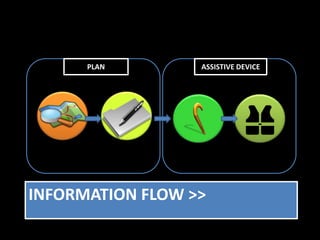
PLANASSISTIVE DEVICEINFORMATION FLOW >>
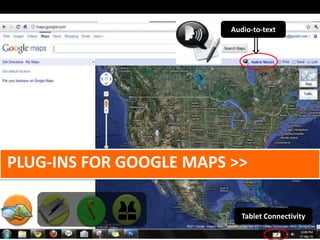
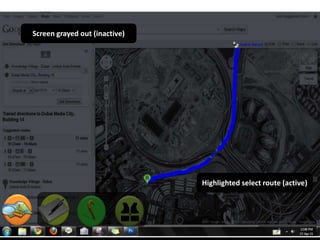
Audio-to-text Plug-ins for google maps >>Tablet Connectivity
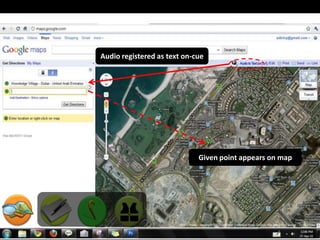
Audio registered as text on-cueGiven point appears on map
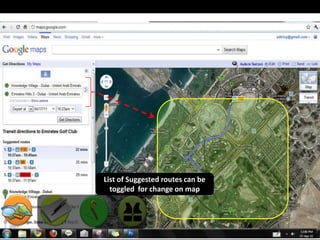
List of Suggested routes can be toggled  for change on map
Screen grayed out (inactive)Highlighted select route (active)
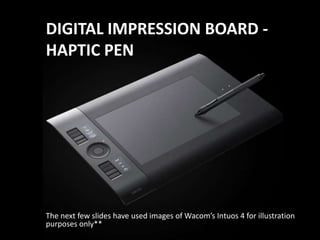
DIGITAL IMPRESSION BOARD - HAPTIC PENThe next few slides have used images of Wacom’sIntuos 4 for illustration purposes only**
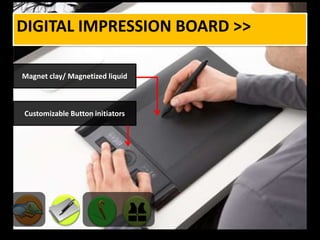
Digital impression board >>Magnet clay/ Magnetized liquidCustomizable Button initiators
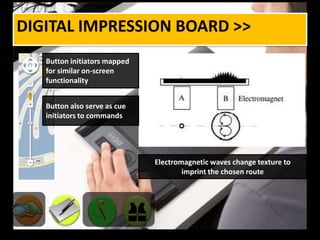
Digital impression board >>Button initiators mapped for similar on-screen functionality Button also serve as cue initiators to commandsElectromagnetic waves change texture to imprint the chosen route
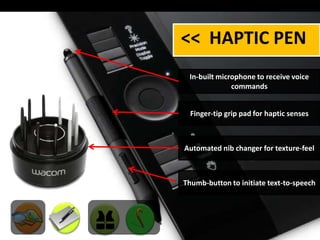
<<  HAPTIC PEN In-built microphone to receive voice commandsFinger-tip grip pad for haptic sensesAutomated nib changer for texture-feelThumb-button to initiate text-to-speech
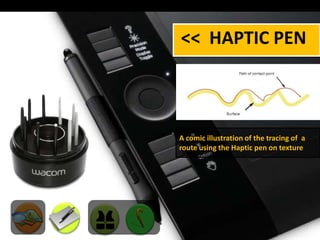
<<  HAPTIC PEN A comic illustration of the tracing of  a route using the Haptic pen on texture
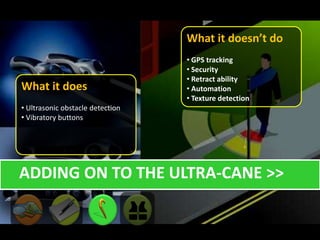
What it doesn’t do  GPS tracking
 Security
 Retract ability
 Automation
 Texture detection What it does Ultrasonic obstacle detection
 Vibratory buttons    Adding on to the ultra-cane >>
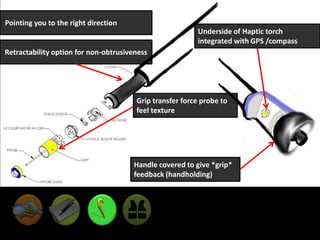
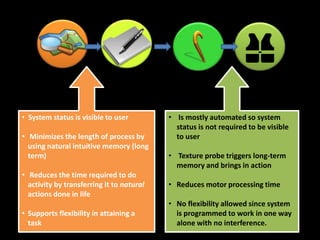
 Pointing you to the right directionUnderside of Haptic torch integrated with GPS /compassRetractability option for non-obtrusivenessGrip transfer force probe to feel textureHandle covered to give *grip* feedback (handholding)
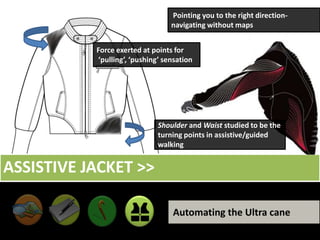
 Pointing you to the right direction- navigating without mapsForce exerted at points for ‘pulling’, ‘pushing’ sensationShoulder and Waist studied to be the turning points in assistive/guided walkingAssistive jacket >>Automating the Ultra cane
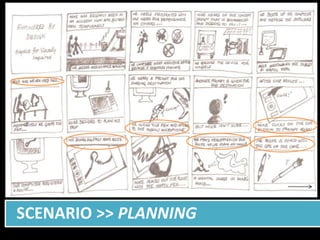
  Scenario >> Planning
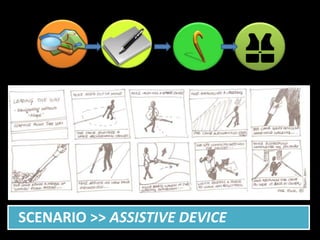
  Scenario >> Assistive device
“ If we want users to like our software, we would design it to behave like a likeable person.”Alan Cooper      Self assessment >>

Designing for the Visually Impaired