Extensibility for ADF Applications
Denys Vuika
@DenysVuika
Learn. Connect. Collaborate.
About me
• Applications Platform Developer @ Alfresco
• Alfresco Content Application tech lead
• Open Source contributor
• Blogger and writer
Leanpub:
https://leanpub.com/developing-with-angular
Amazon Kindle:
https://www.amazon.com/dp/B07KD9KHQW
Amazon Paperback:
https://www.amazon.com/dp/1731123426
1618 readers, 476 pages
@ DenysVuika
Learn. Connect. Collaborate.
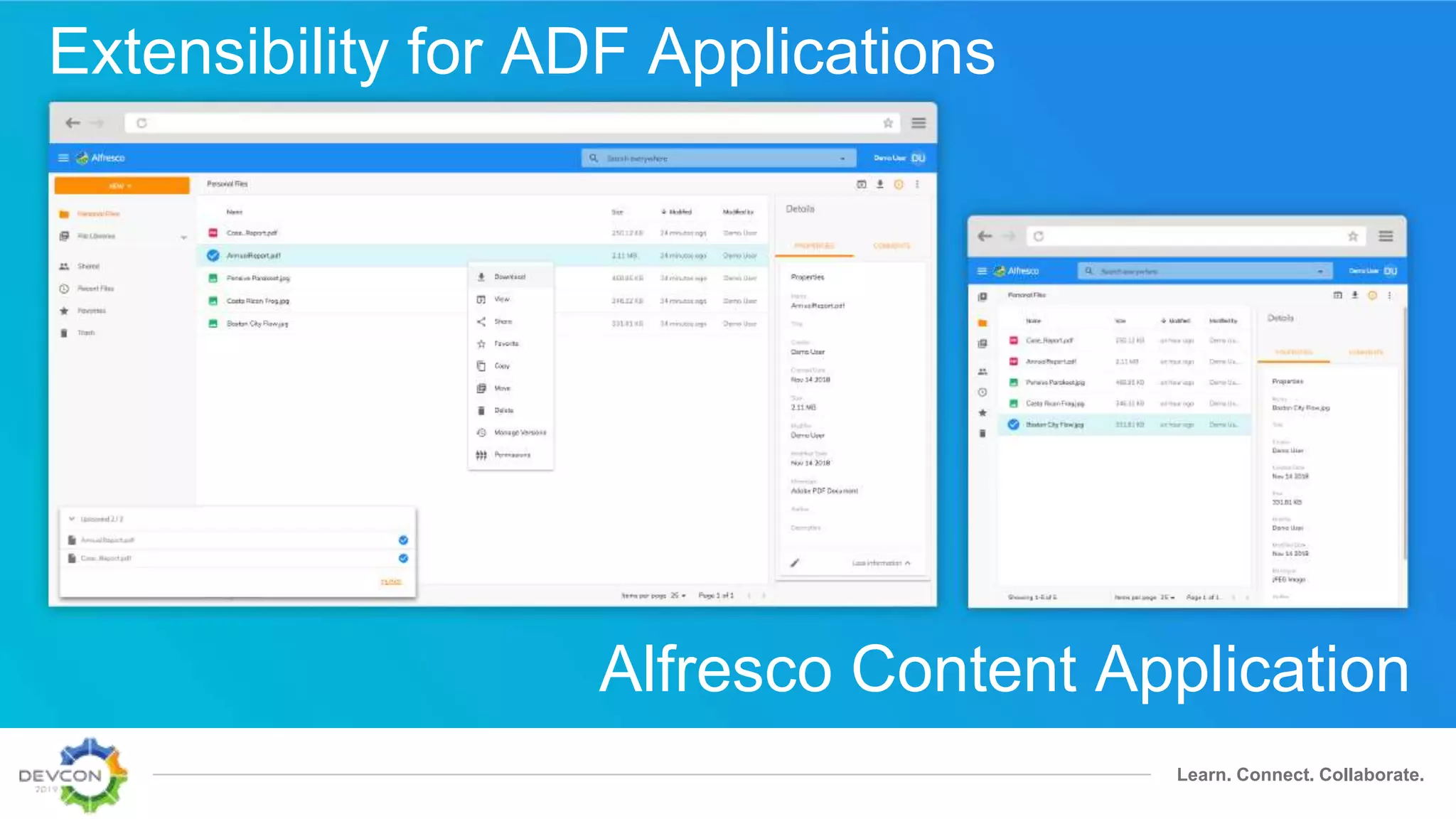
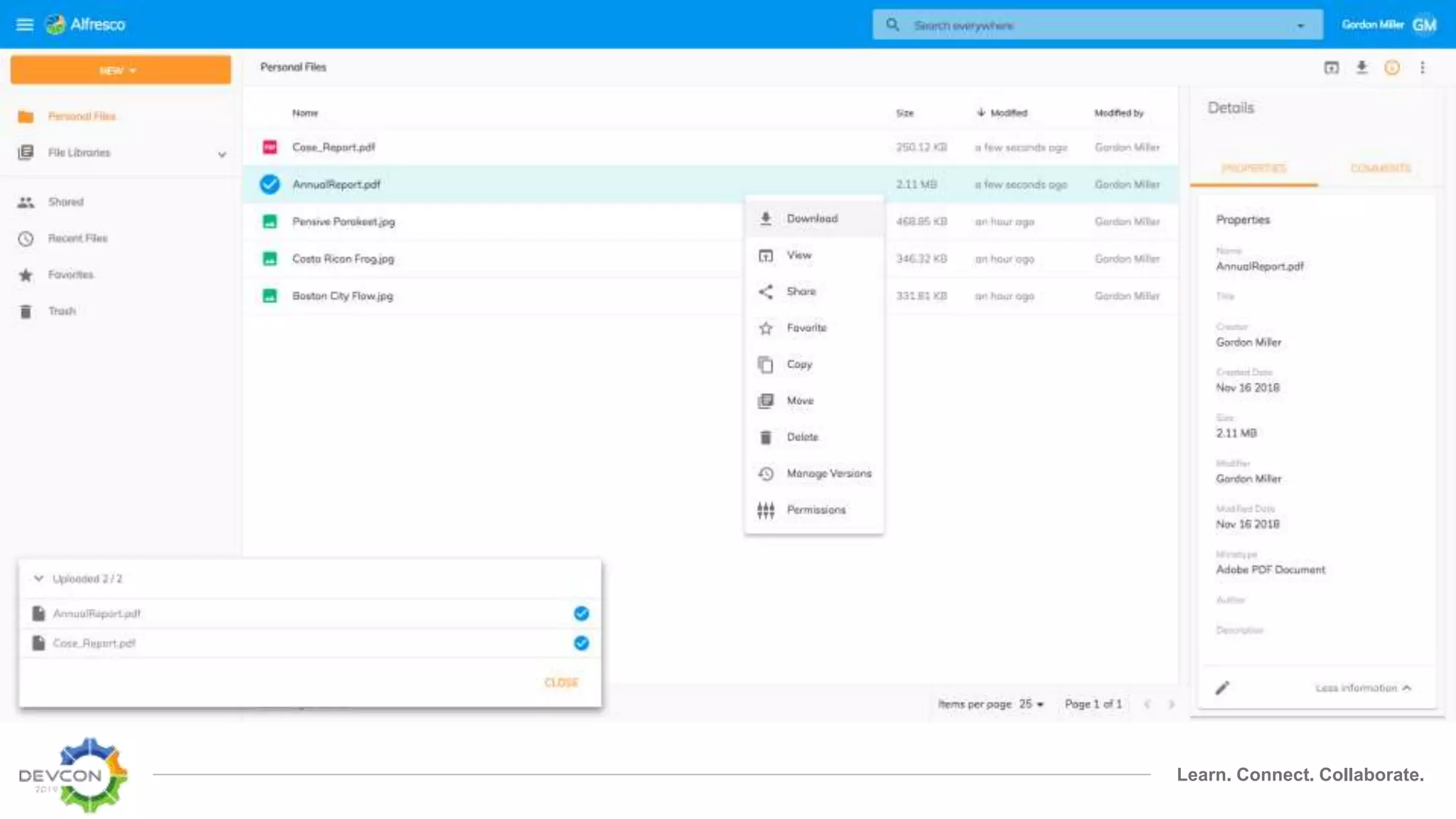
Alfresco Content Application
Extensibility for ADF Applications
Learn. Connect. Collaborate.
Extensibility
Features
• Custom pages and routes
• Document List layouts
• Navigation sidebar
• Context menu
• Sidebar (aka Info Drawer)
• Toolbars
• Viewer content and toolbars
• Content metadata
+ new endpoints with every release
+ your own content and extensions
Format
Learn. Connect. Collaborate.
Format
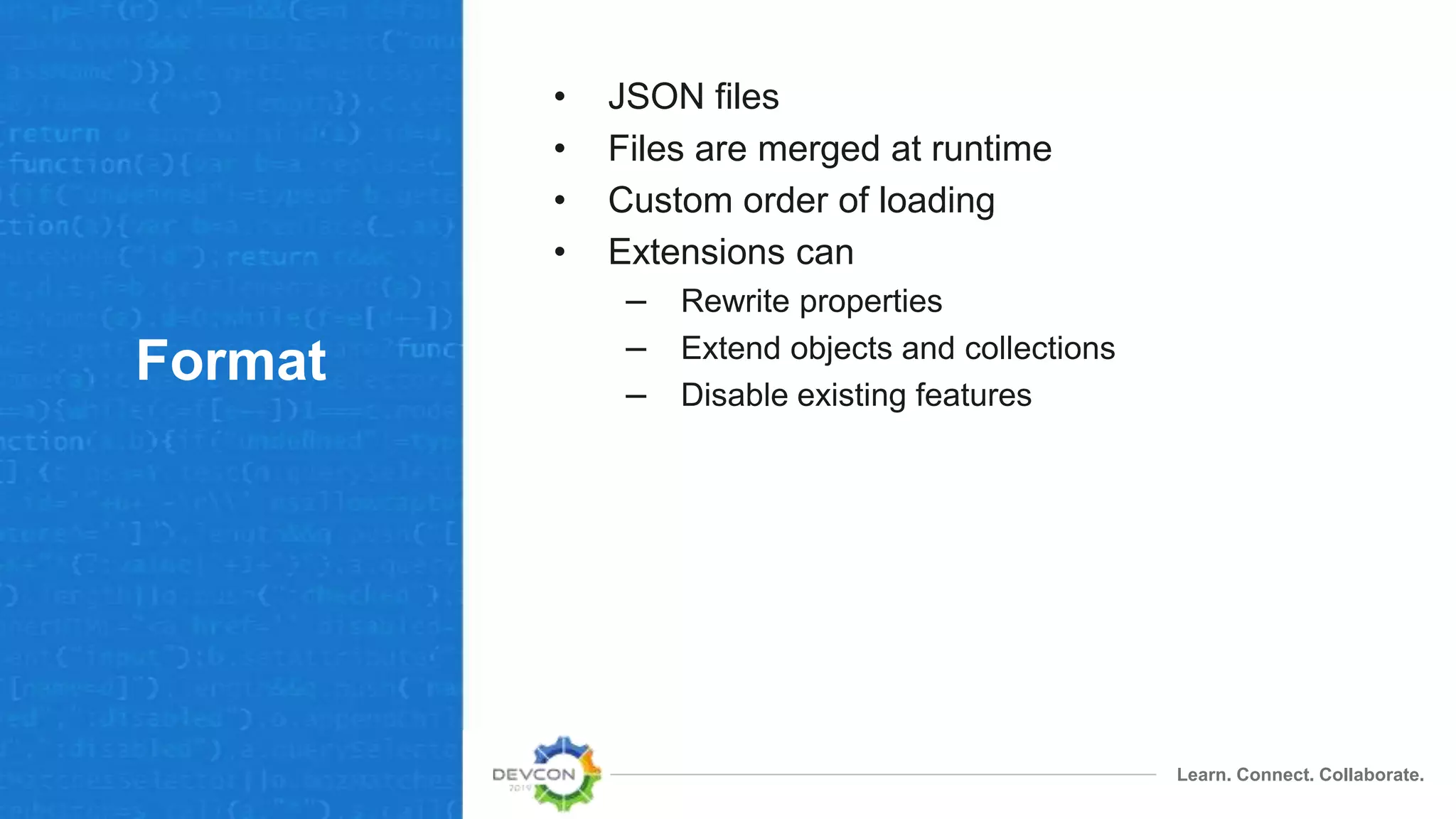
• JSON files
• Files are merged at runtime
• Custom order of loading
• Extensions can
– Rewrite properties
– Extend objects and collections
– Disable existing features
Learn. Connect. Collaborate.
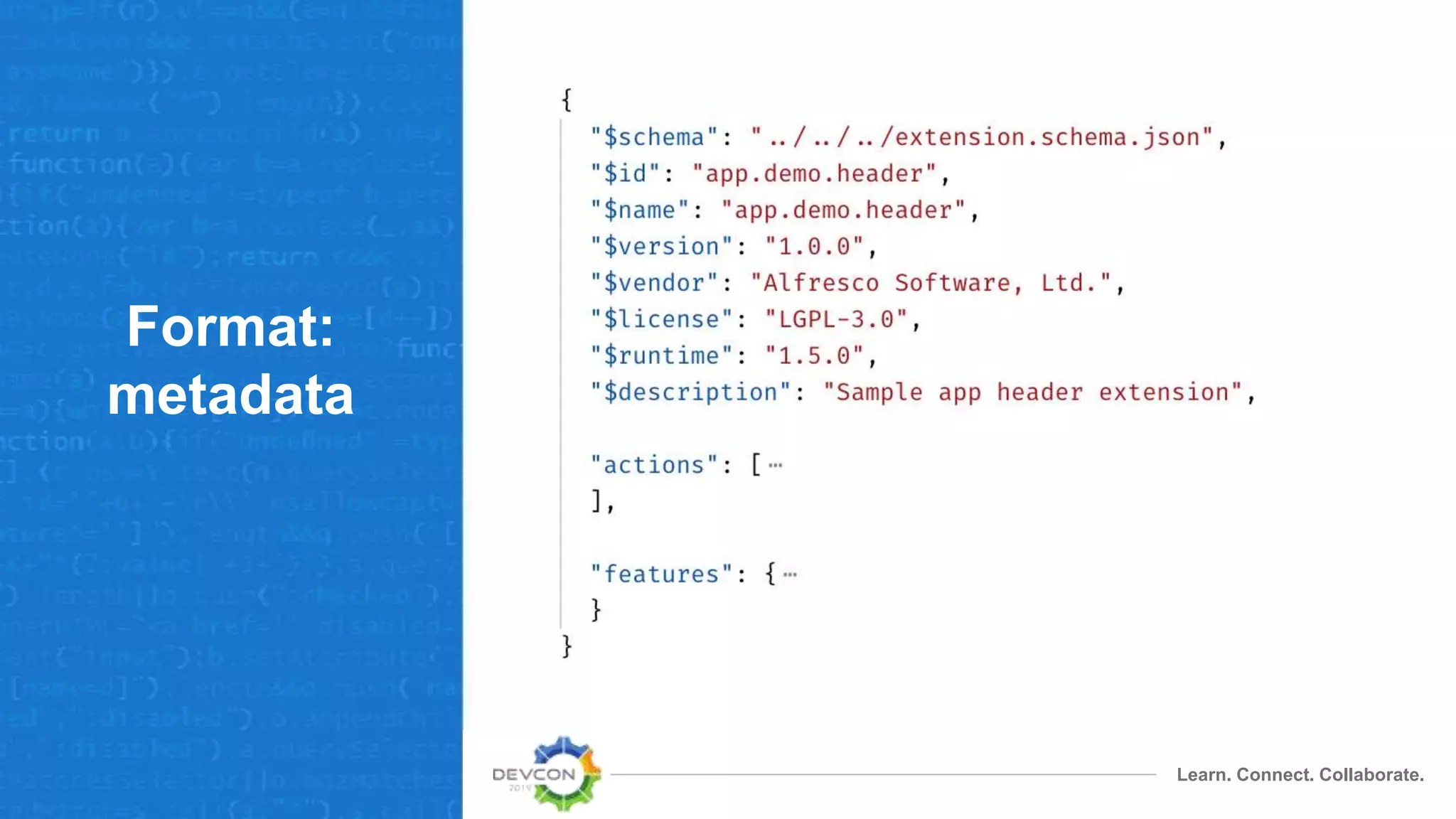
Format:
metadata
Learn. Connect. Collaborate.
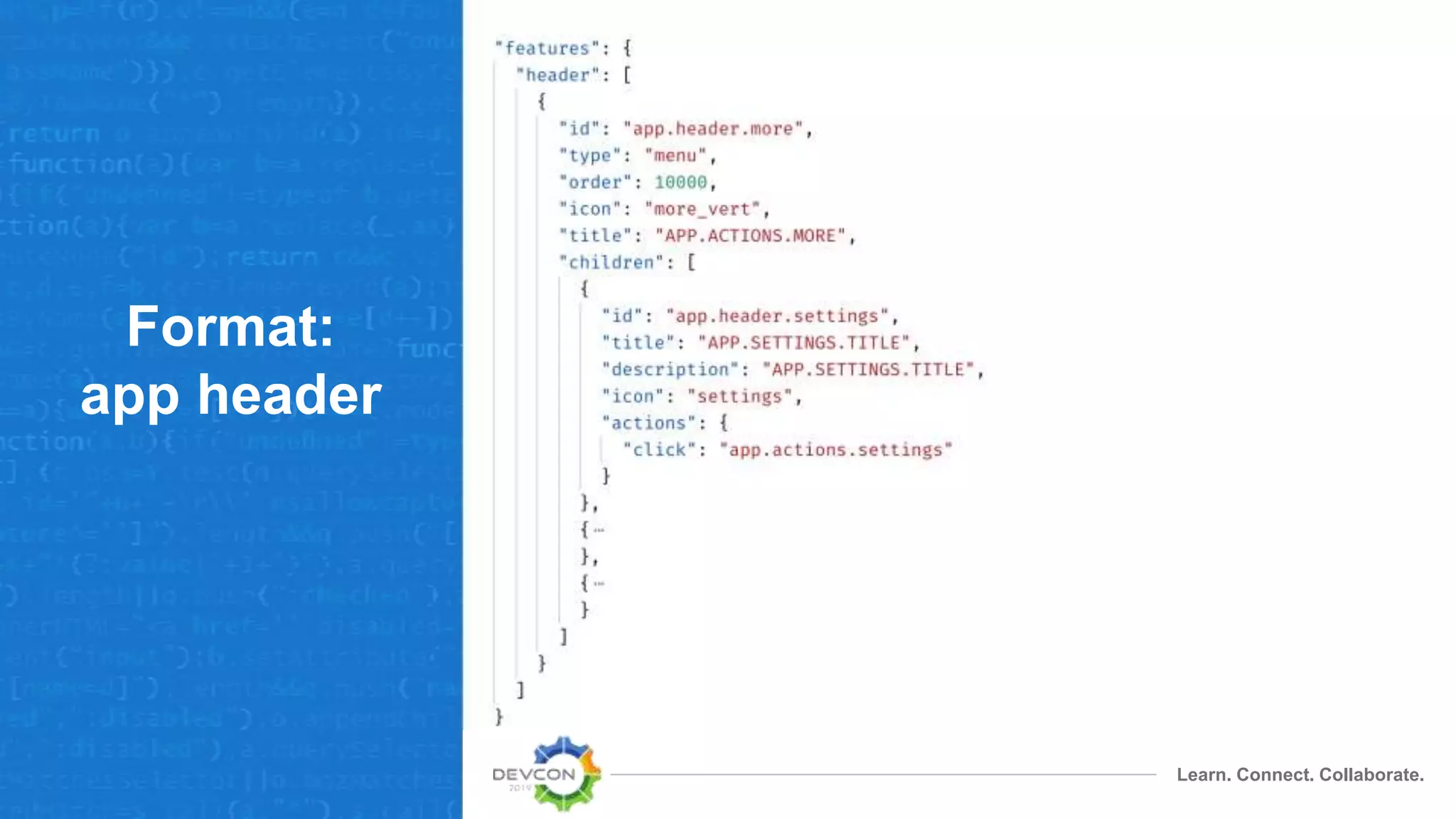
Format:
app header
Learn. Connect. Collaborate.
Format:
actions
Actions to redirect to routes
Learn. Connect. Collaborate.
Format:
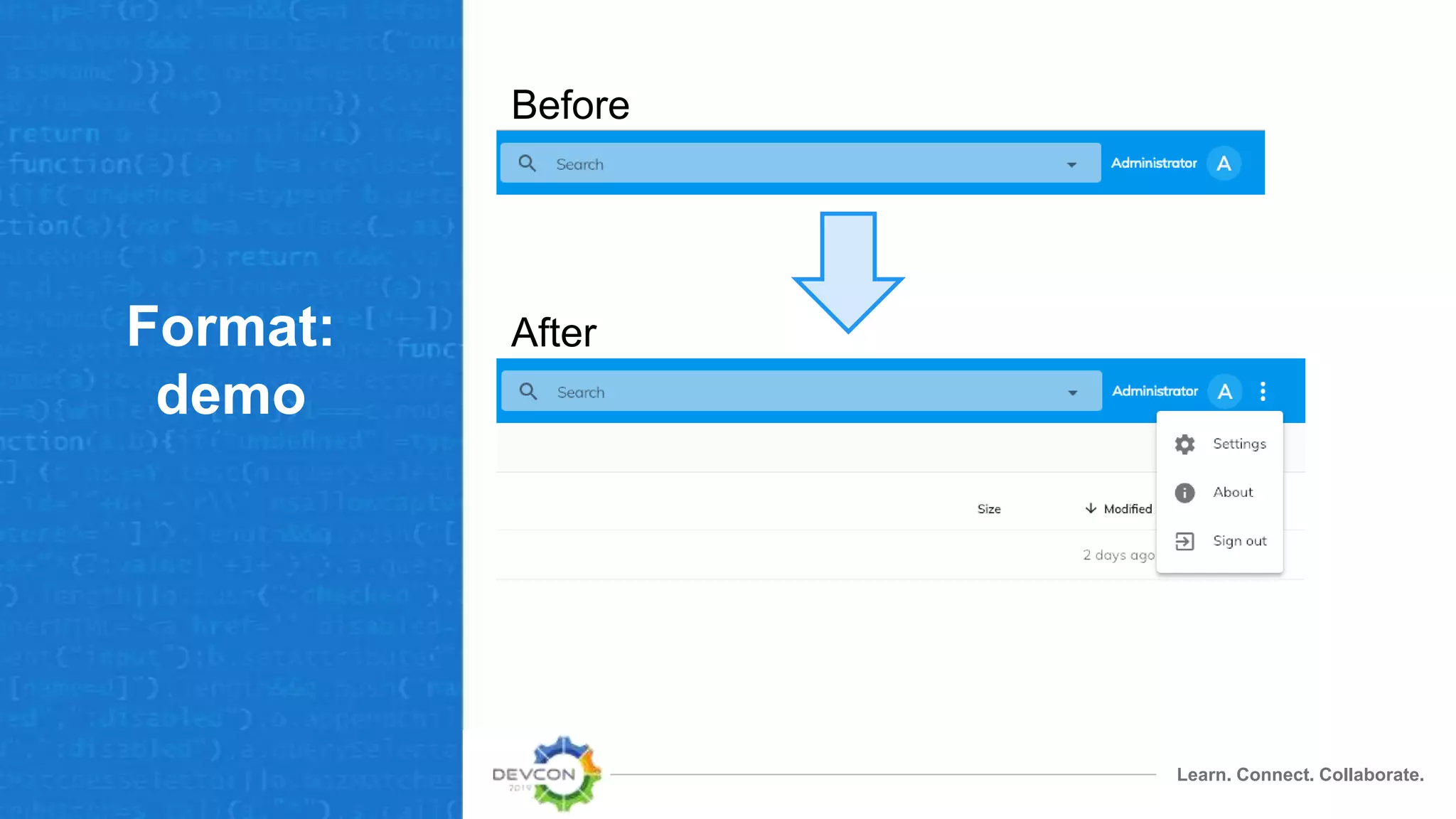
demo
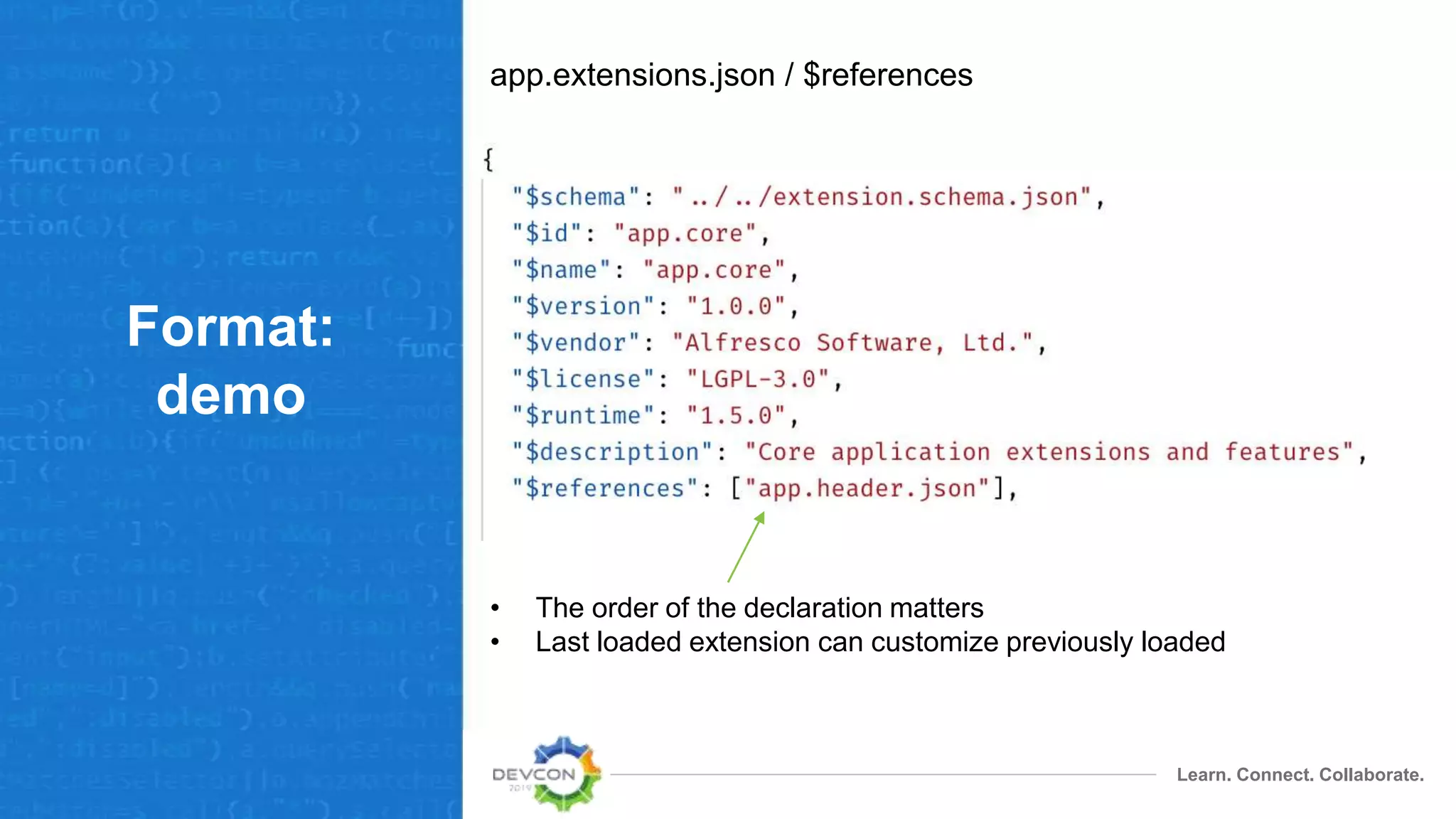
app.extensions.json / $references
• The order of the declaration matters
• Last loaded extension can customize previously loaded
Learn. Connect. Collaborate.
Format:
demo
Before
After
Components
Learn. Connect. Collaborate.
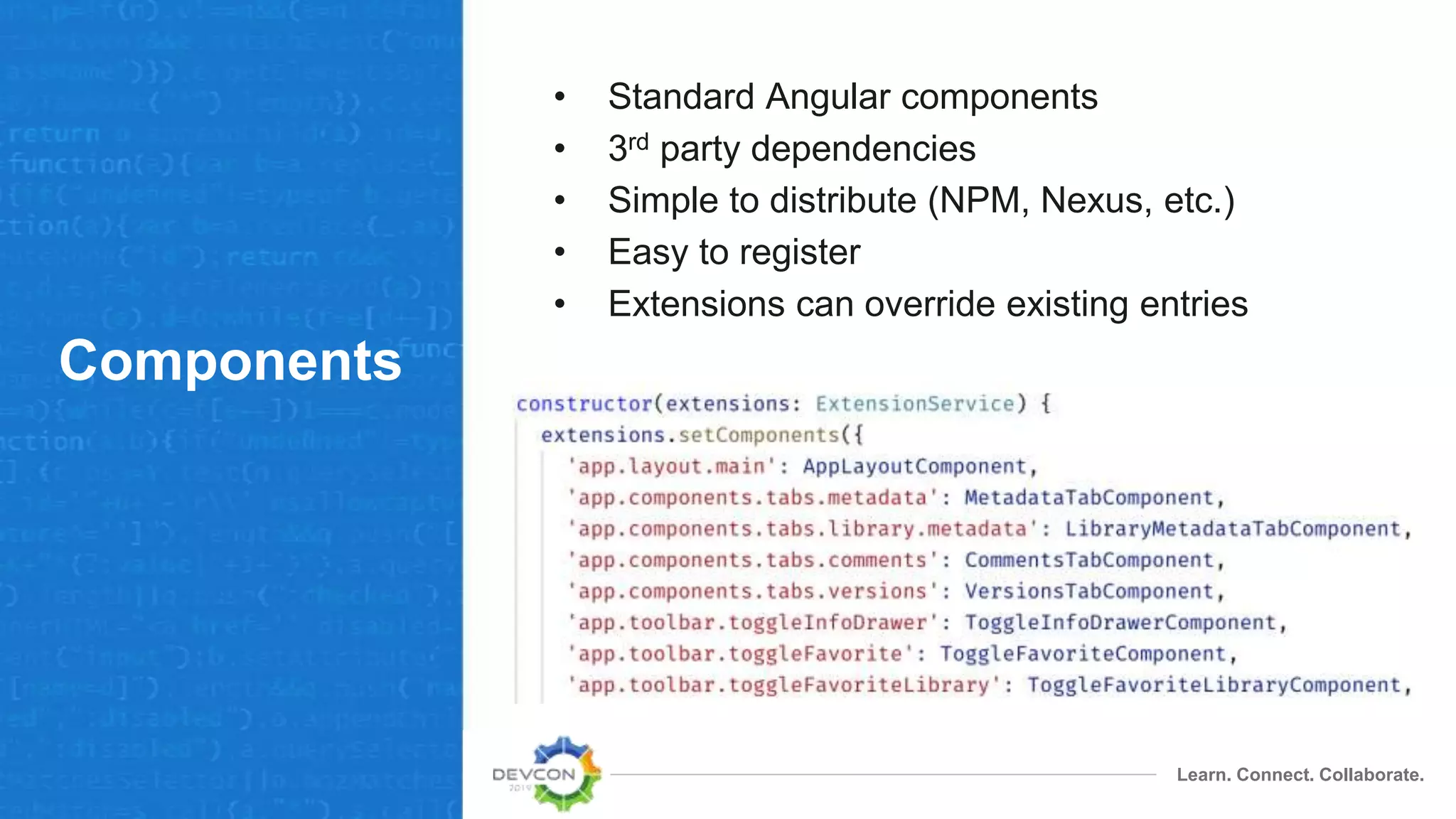
Components
• Standard Angular components
• 3rd party dependencies
• Simple to distribute (NPM, Nexus, etc.)
• Easy to register
• Extensions can override existing entries
Learn. Connect. Collaborate.
Components:
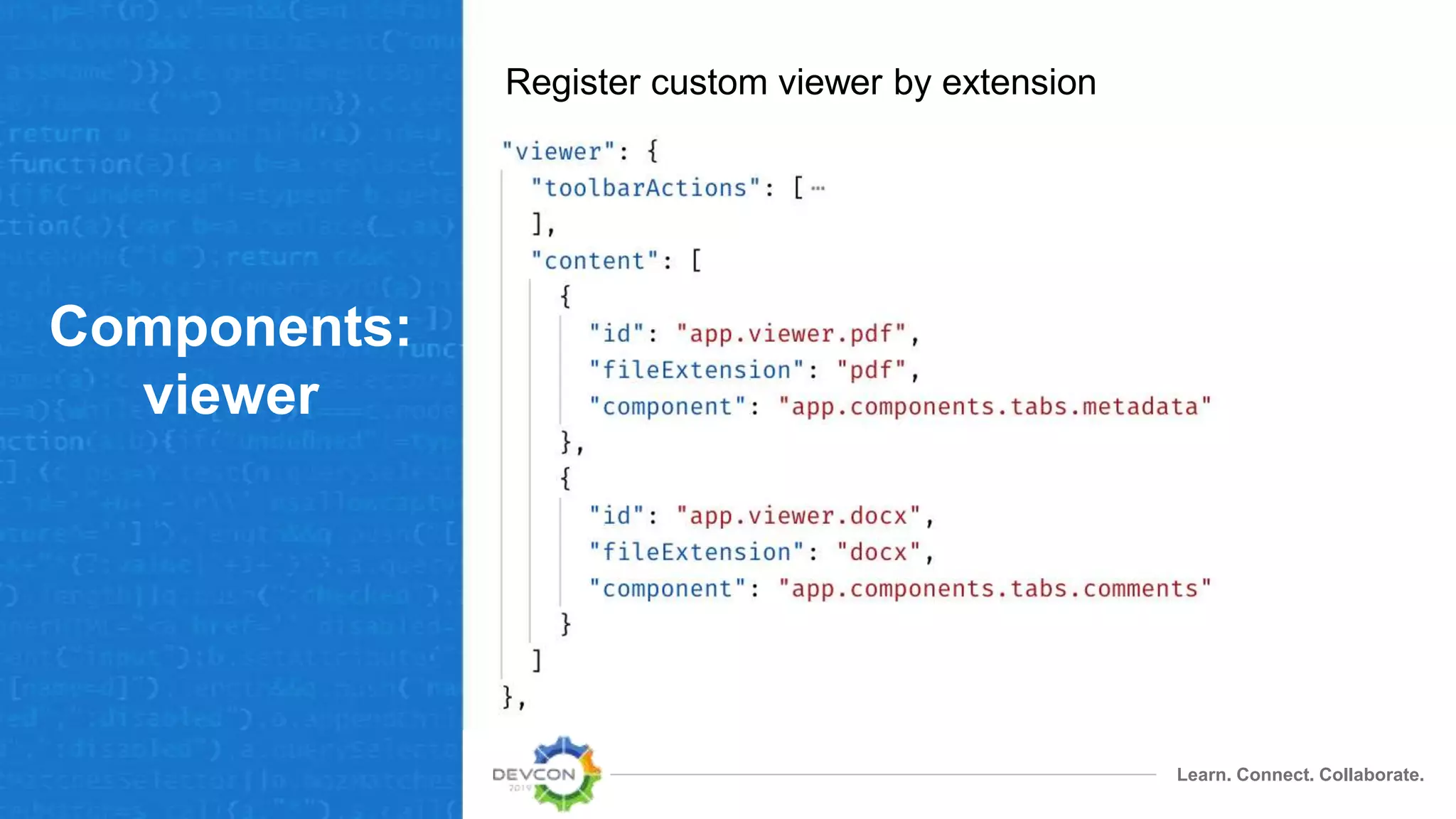
viewer
Register custom viewer by extension
Learn. Connect. Collaborate.
Components:
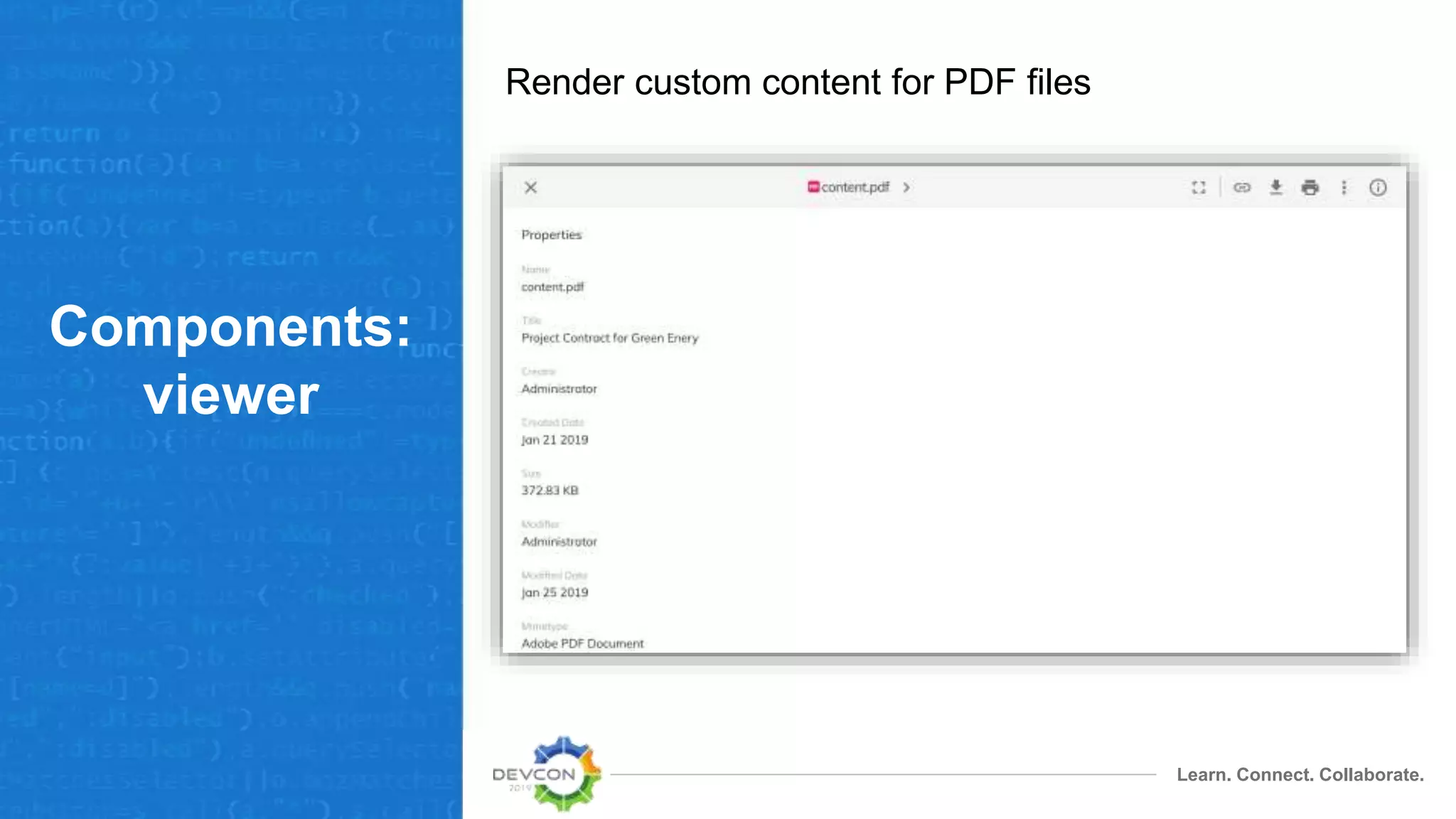
viewer
Render custom content for PDF files
Learn. Connect. Collaborate.
Components:
menu
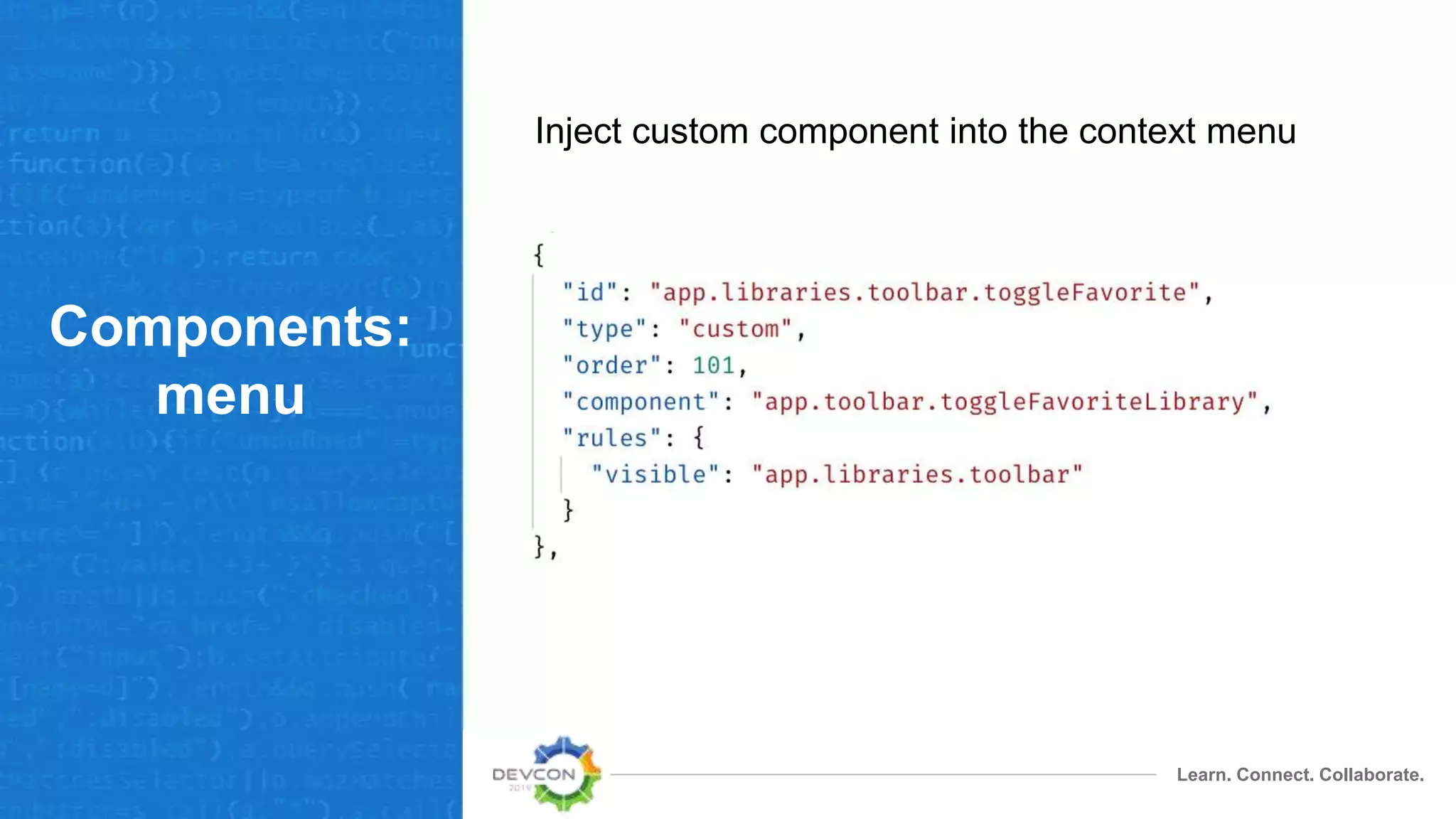
Inject custom component into the context menu
Learn. Connect. Collaborate.
Components:
menu
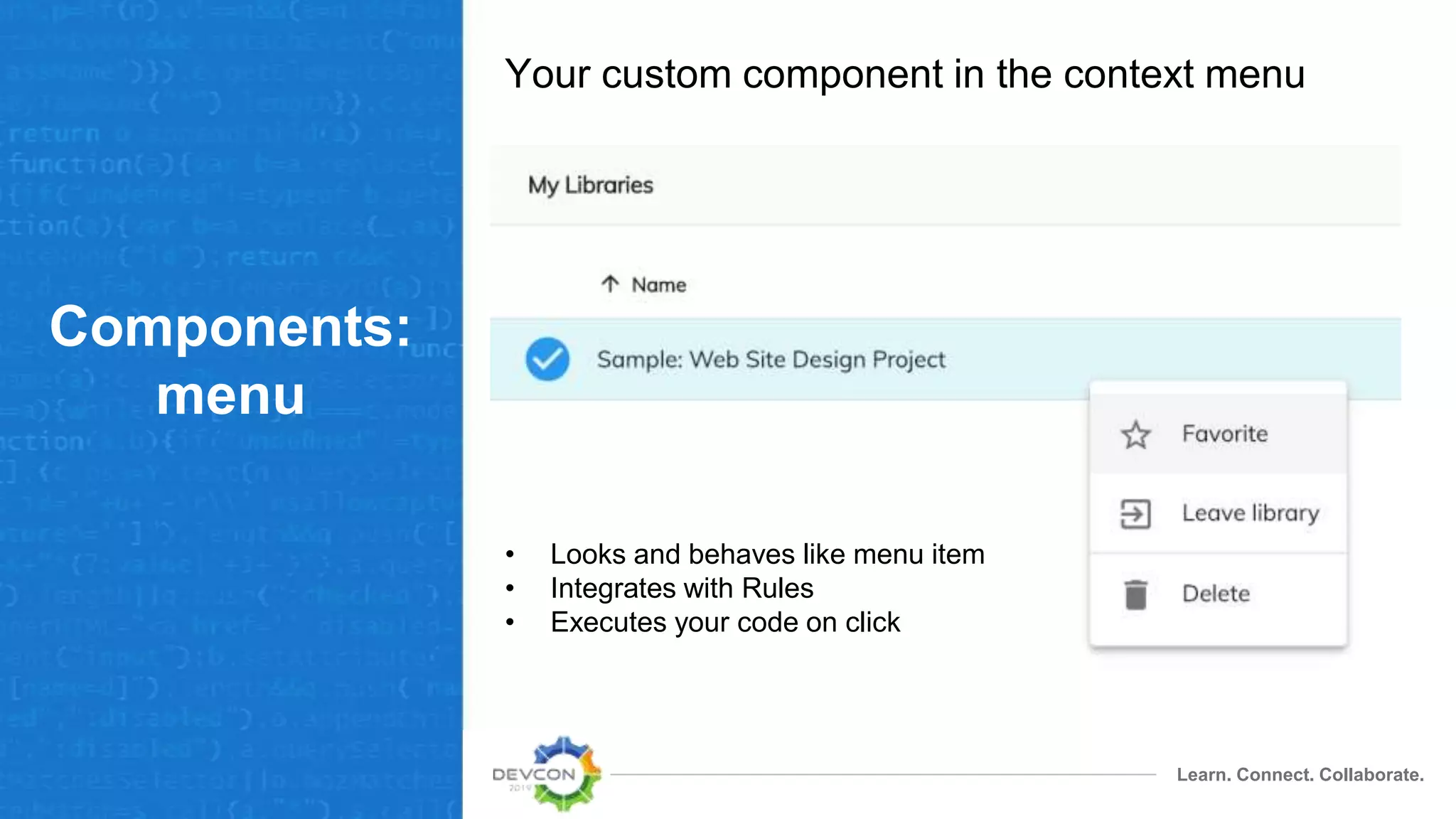
Your custom component in the context menu
• Looks and behaves like menu item
• Integrates with Rules
• Executes your code on click
Learn. Connect. Collaborate.
Demo:
create menu
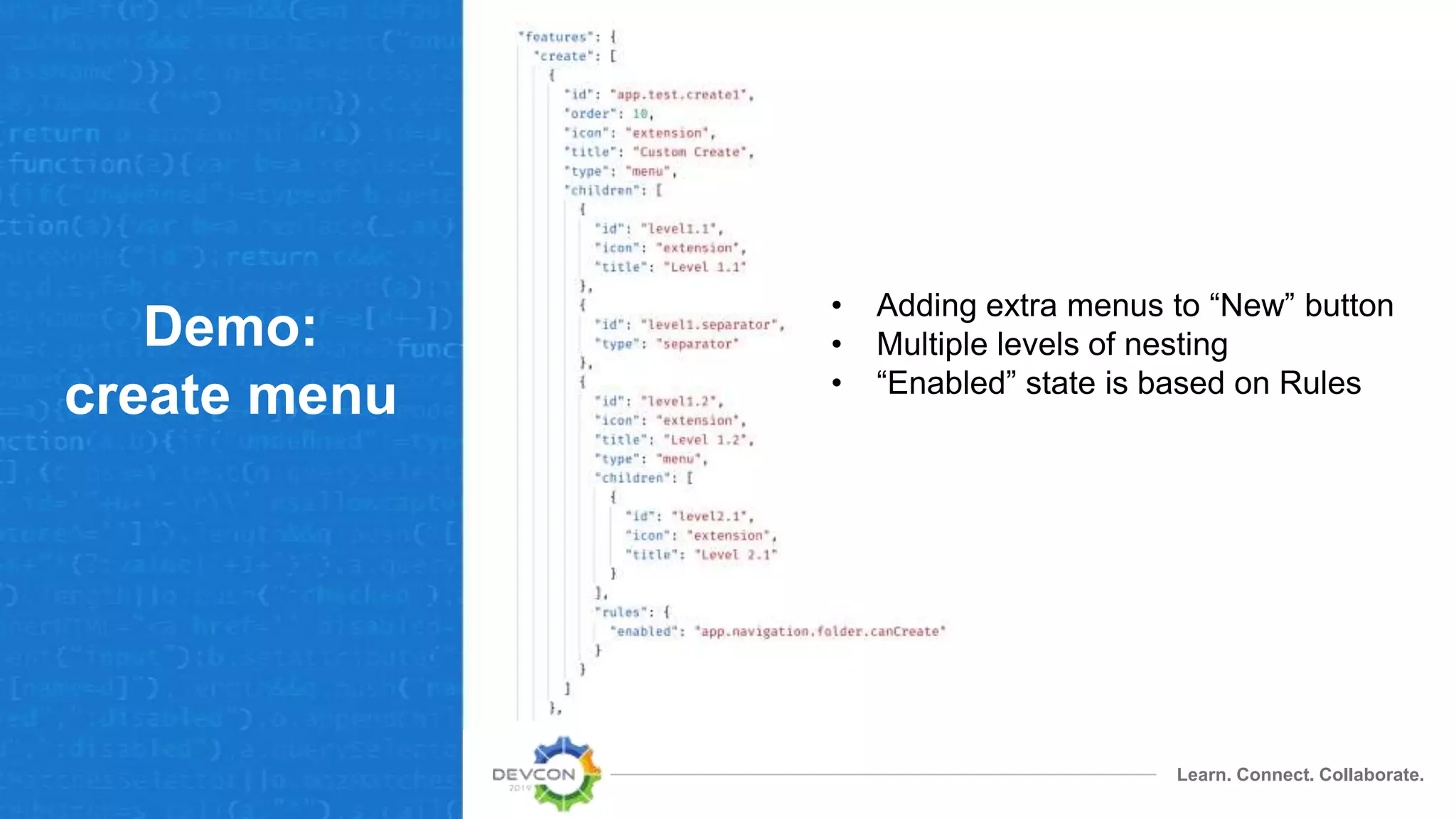
• Adding extra menus to “New” button
• Multiple levels of nesting
• “Enabled” state is based on Rules
Learn. Connect. Collaborate.
Demo:
create menu
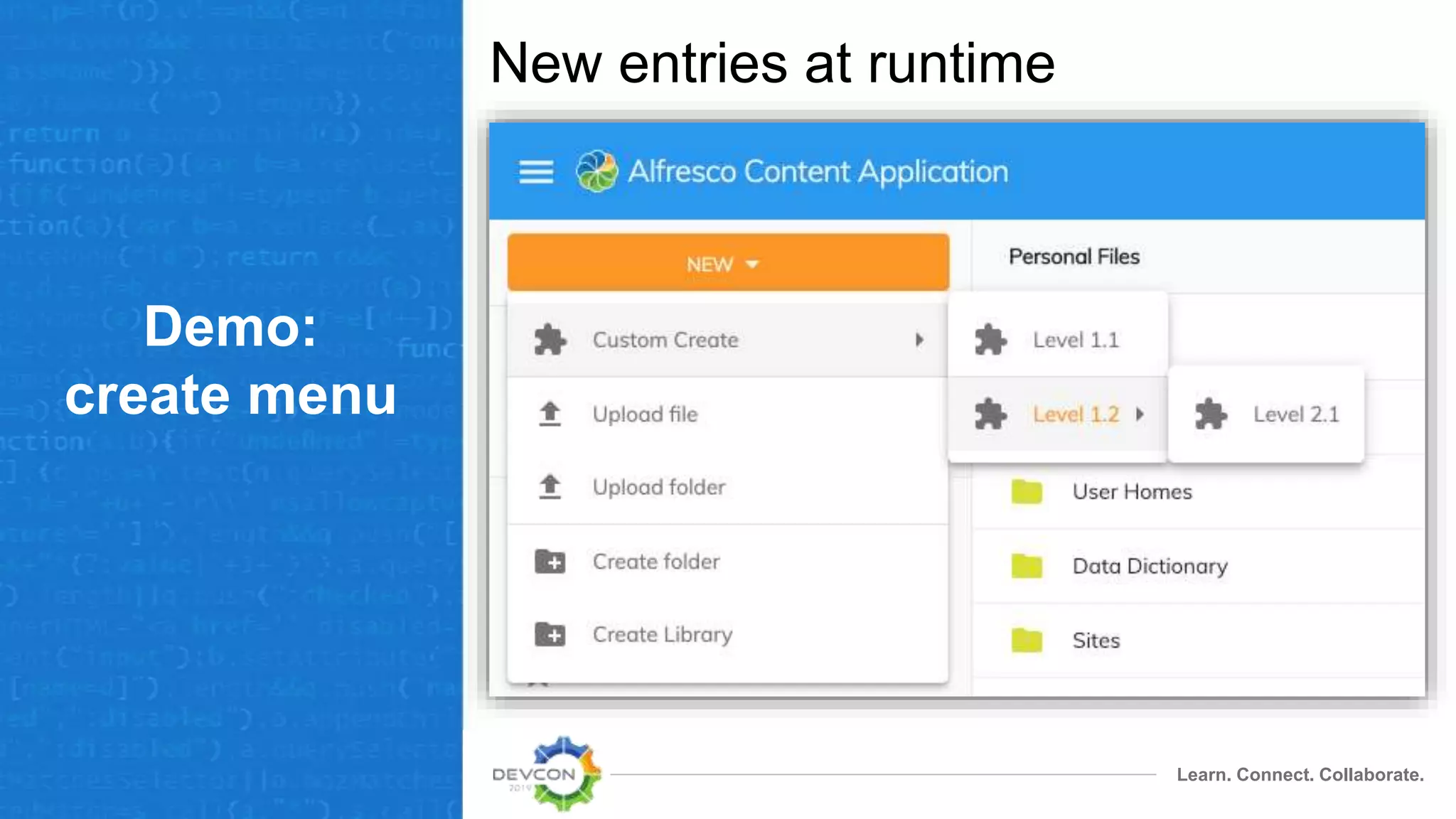
New entries at runtime
Routes
Learn. Connect. Collaborate.
Routes
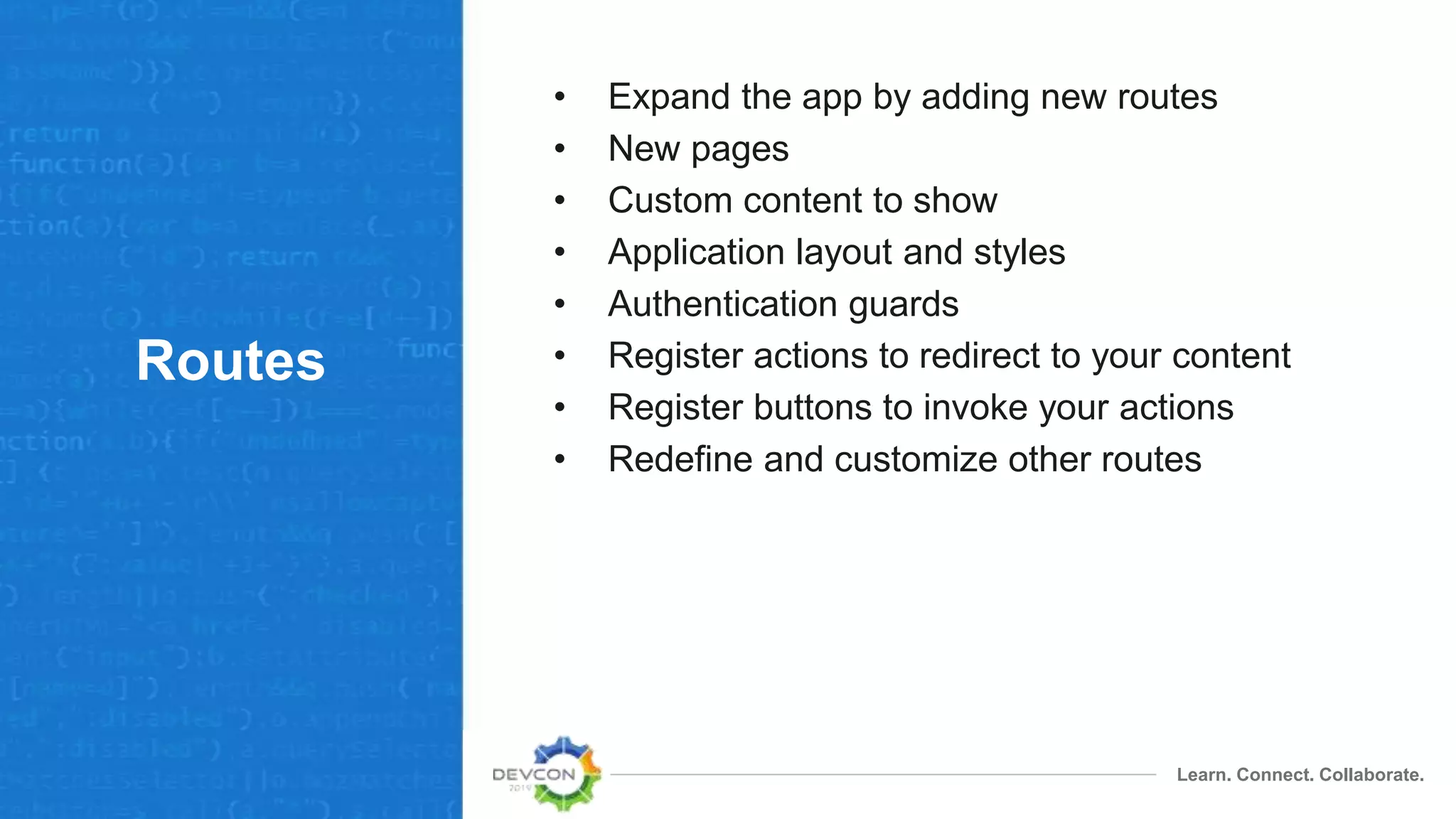
• Expand the app by adding new routes
• New pages
• Custom content to show
• Application layout and styles
• Authentication guards
• Register actions to redirect to your content
• Register buttons to invoke your actions
• Redefine and customize other routes
Learn. Connect. Collaborate.
Routes:
demo
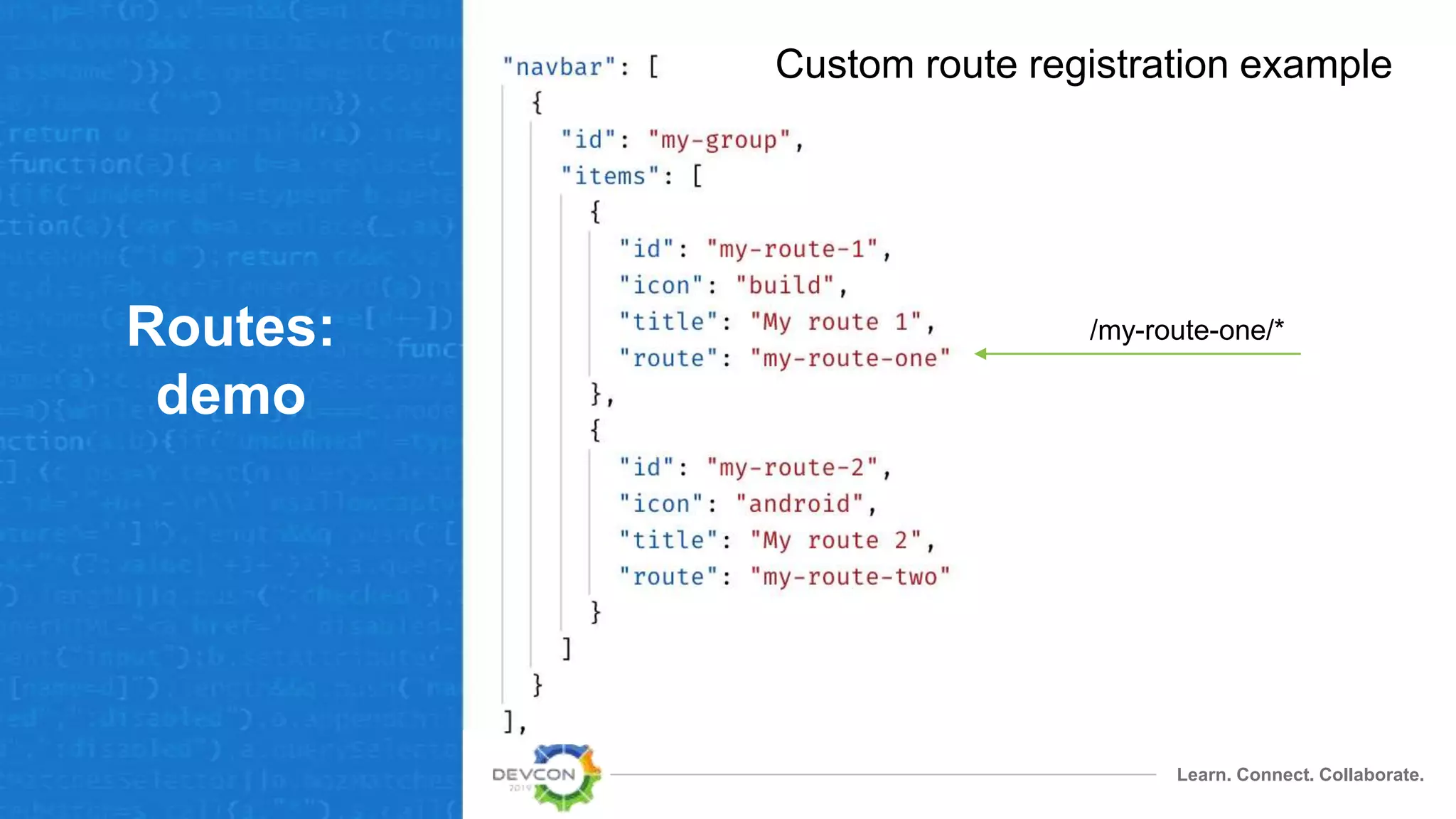
Custom route registration example
/my-route-one/*
Learn. Connect. Collaborate.
Routes:
demo
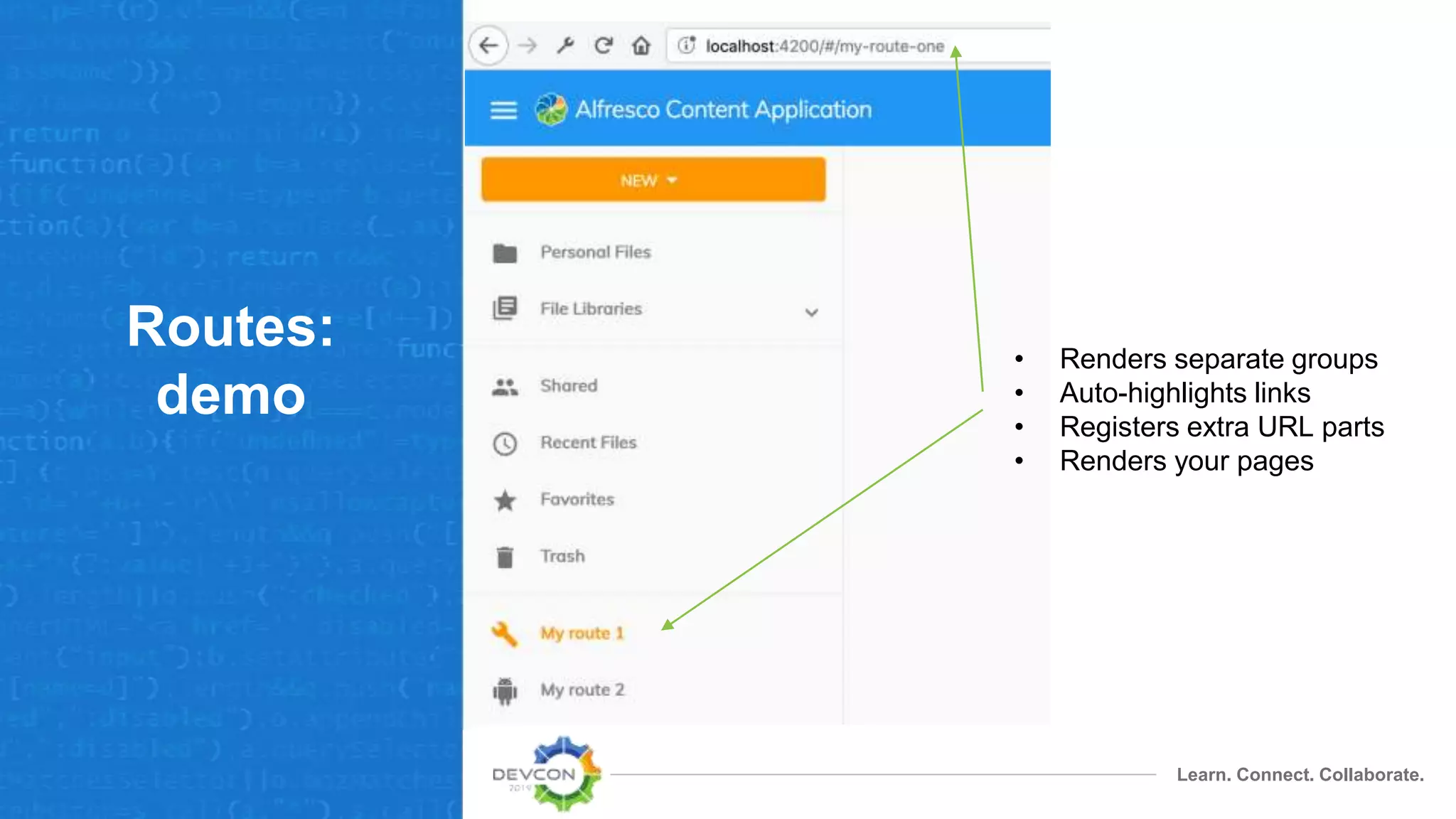
• Renders separate groups
• Auto-highlights links
• Registers extra URL parts
• Renders your pages
Actions
Learn. Connect. Collaborate.
Actions
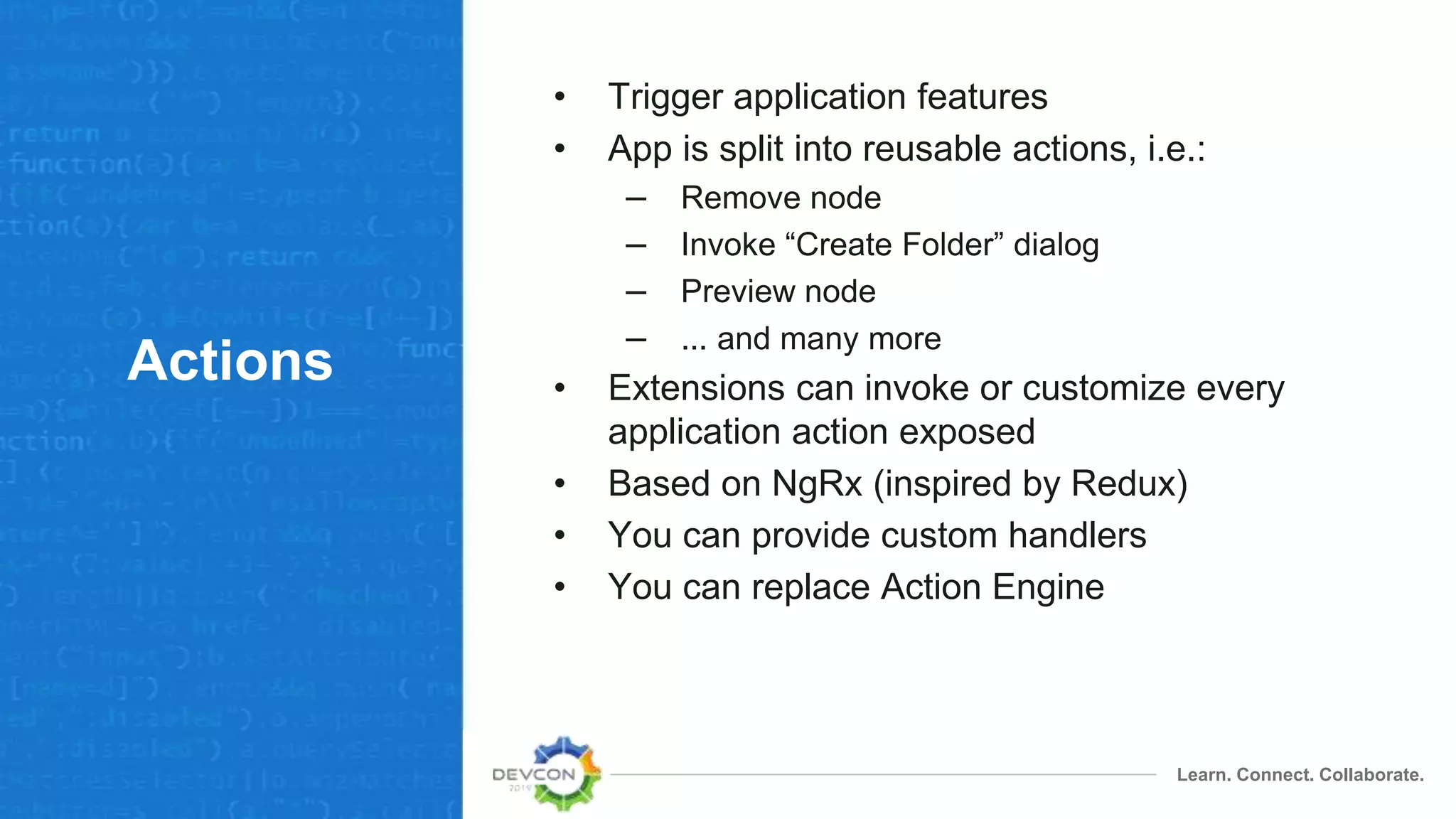
• Trigger application features
• App is split into reusable actions, i.e.:
– Remove node
– Invoke “Create Folder” dialog
– Preview node
– ... and many more
• Extensions can invoke or customize every
application action exposed
• Based on NgRx (inspired by Redux)
• You can provide custom handlers
• You can replace Action Engine
Learn. Connect. Collaborate.
Actions:
example
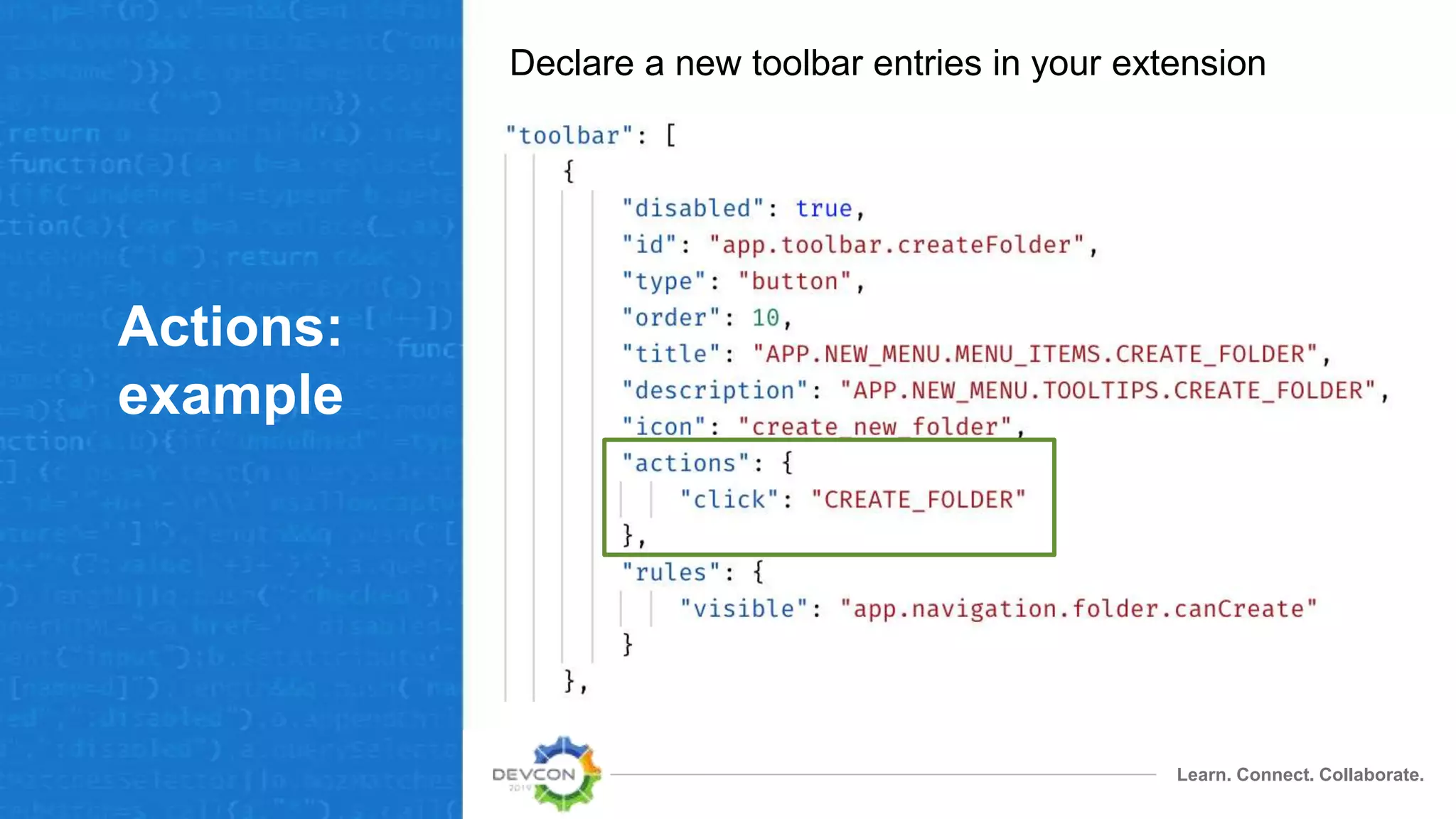
Declare a new toolbar entries in your extension
Learn. Connect. Collaborate.
Actions:
example
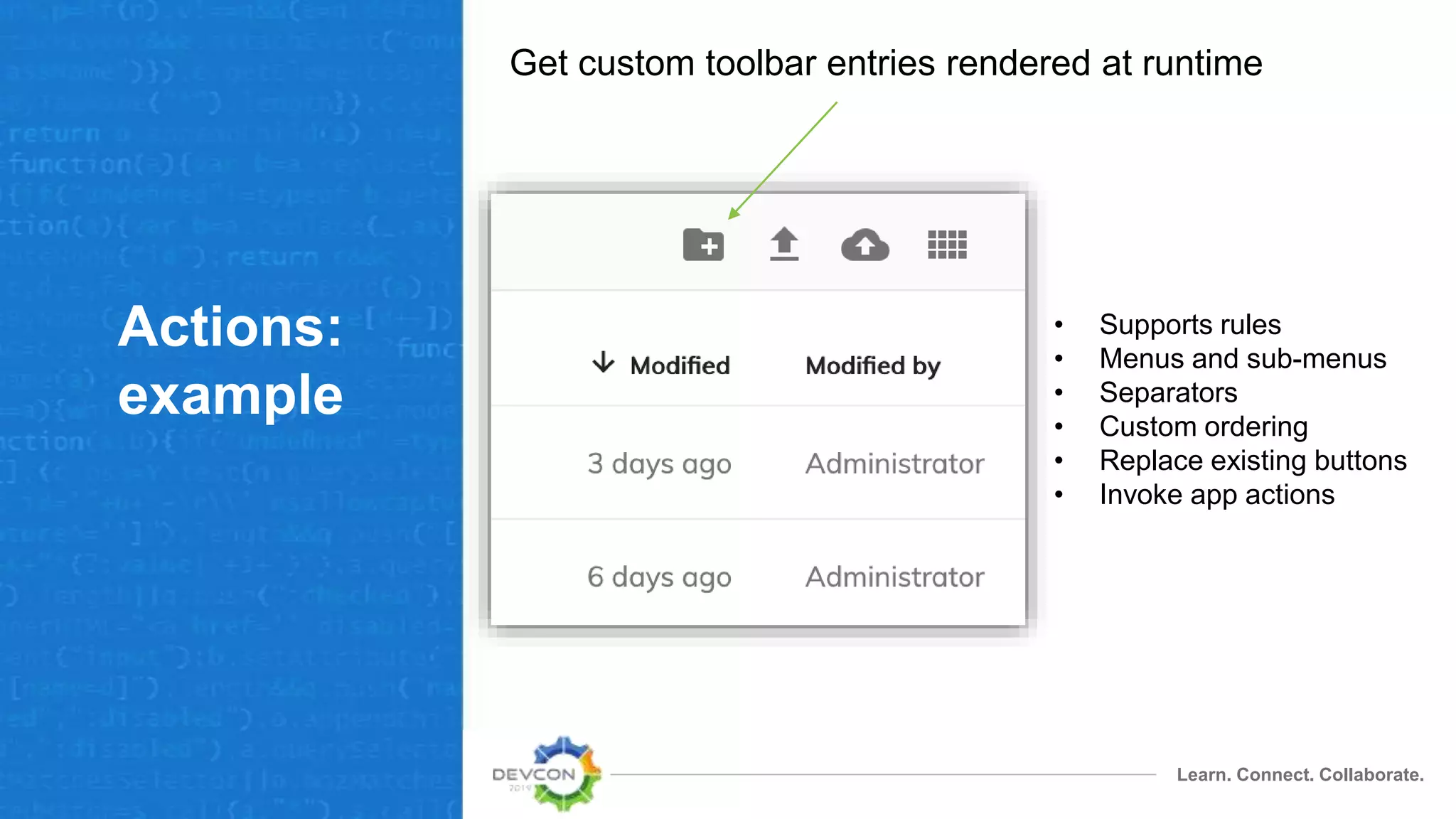
Get custom toolbar entries rendered at runtime
• Supports rules
• Menus and sub-menus
• Separators
• Custom ordering
• Replace existing buttons
• Invoke app actions
Learn. Connect. Collaborate.
Actions:
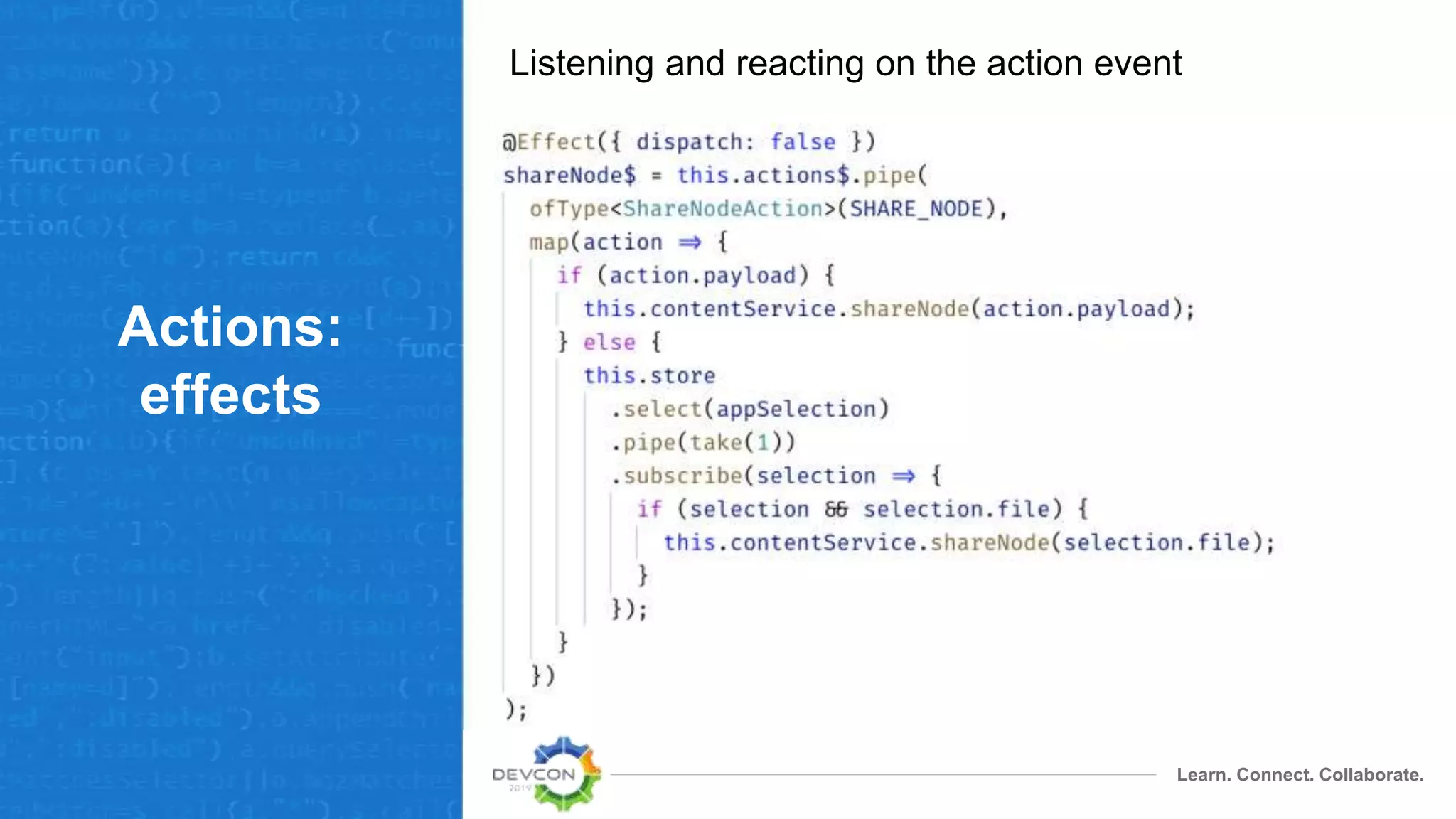
effects
Listening and reacting on the action event
Rules
Learn. Connect. Collaborate.
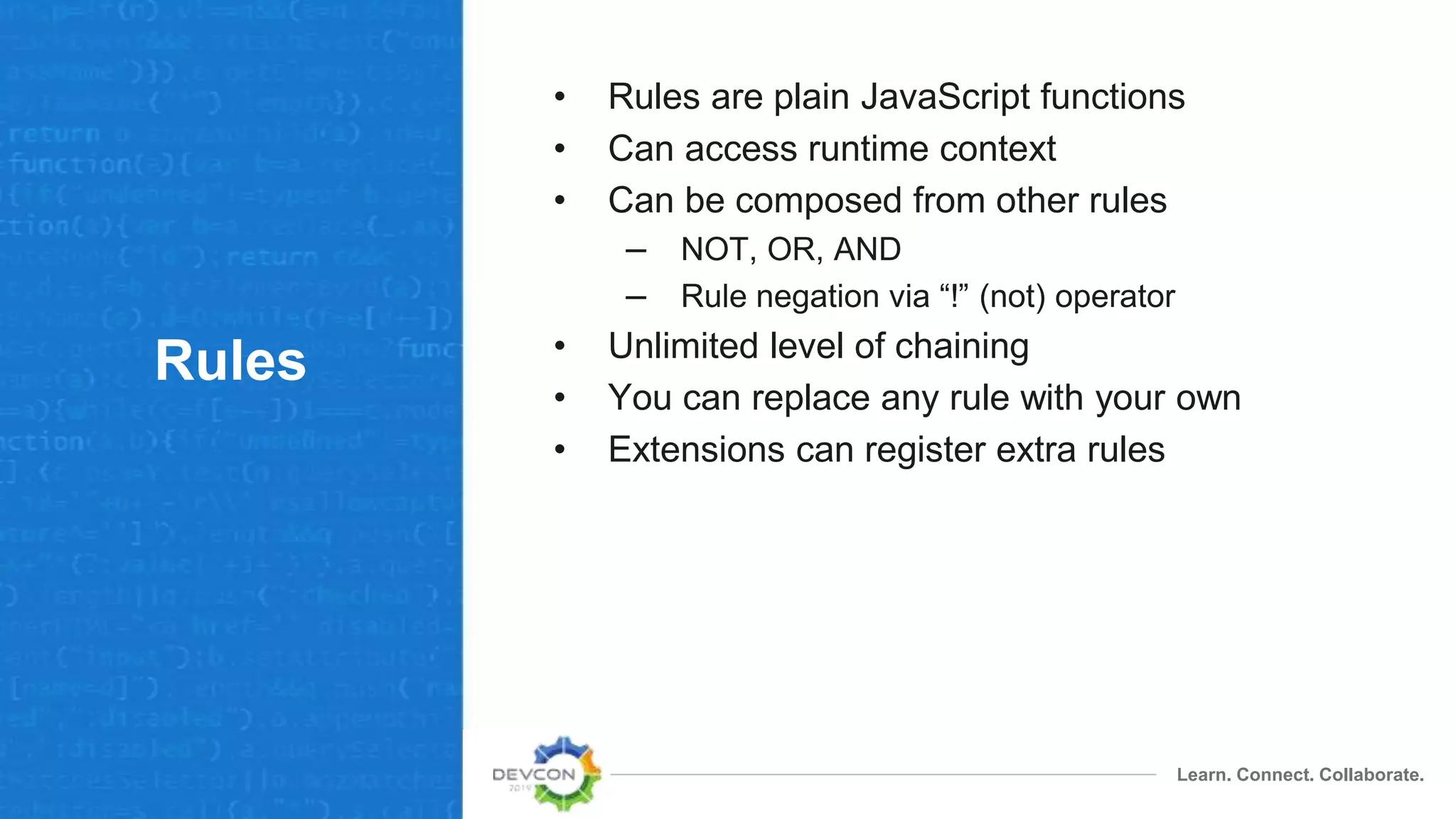
Rules
• Rules are plain JavaScript functions
• Can access runtime context
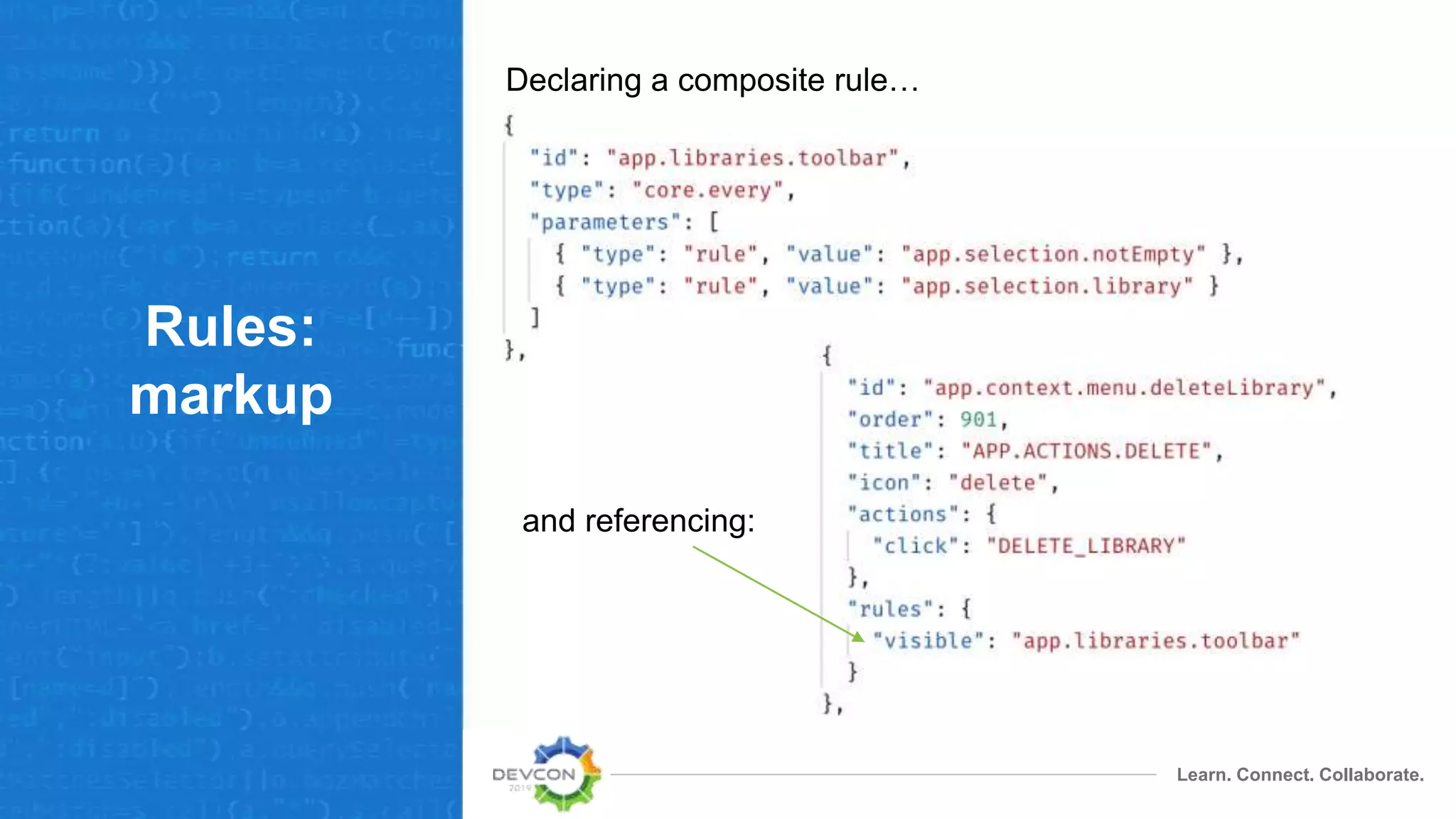
• Can be composed from other rules
– NOT, OR, AND
– Rule negation via “!” (not) operator
• Unlimited level of chaining
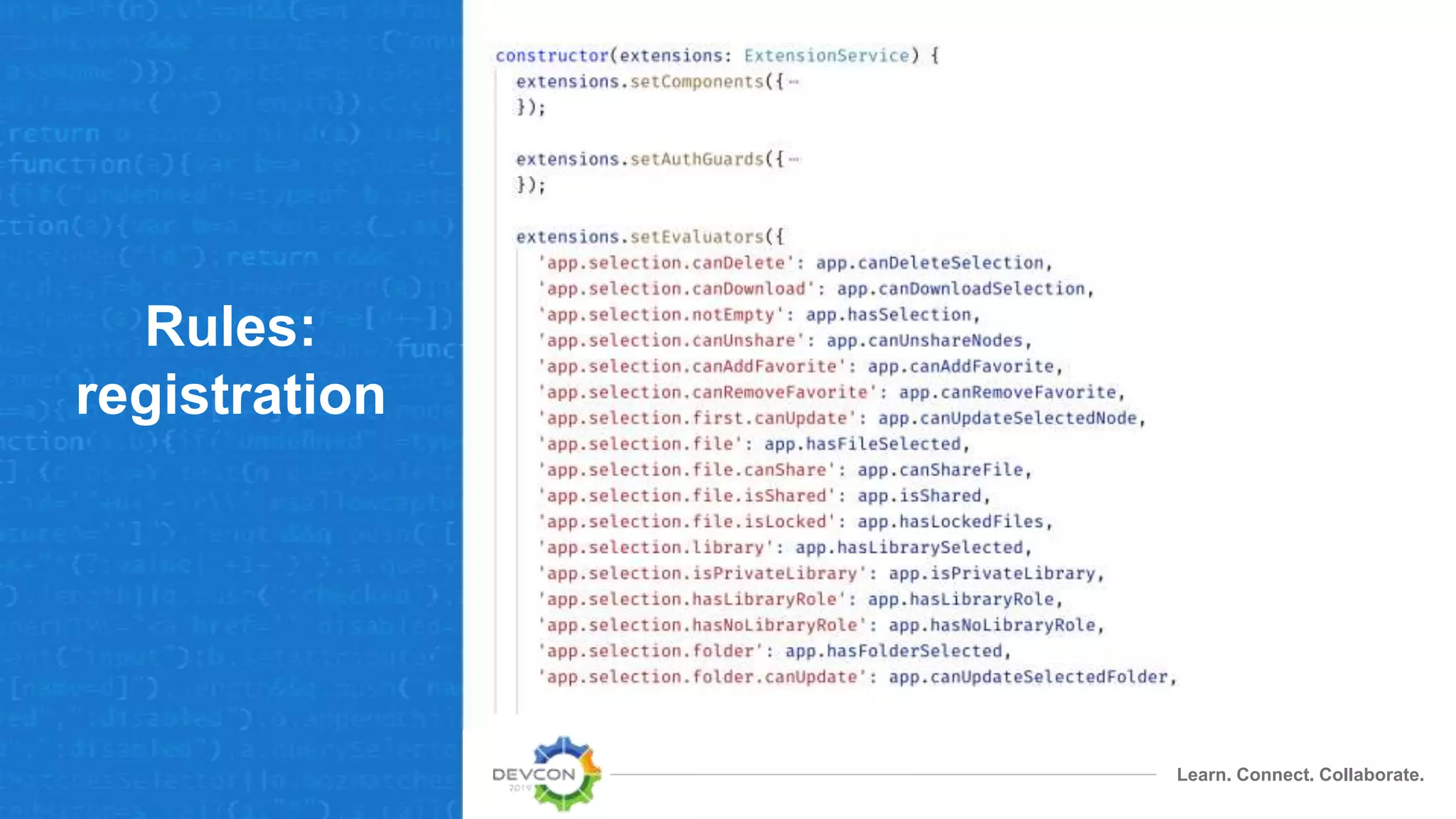
• You can replace any rule with your own
• Extensions can register extra rules
Learn. Connect. Collaborate.
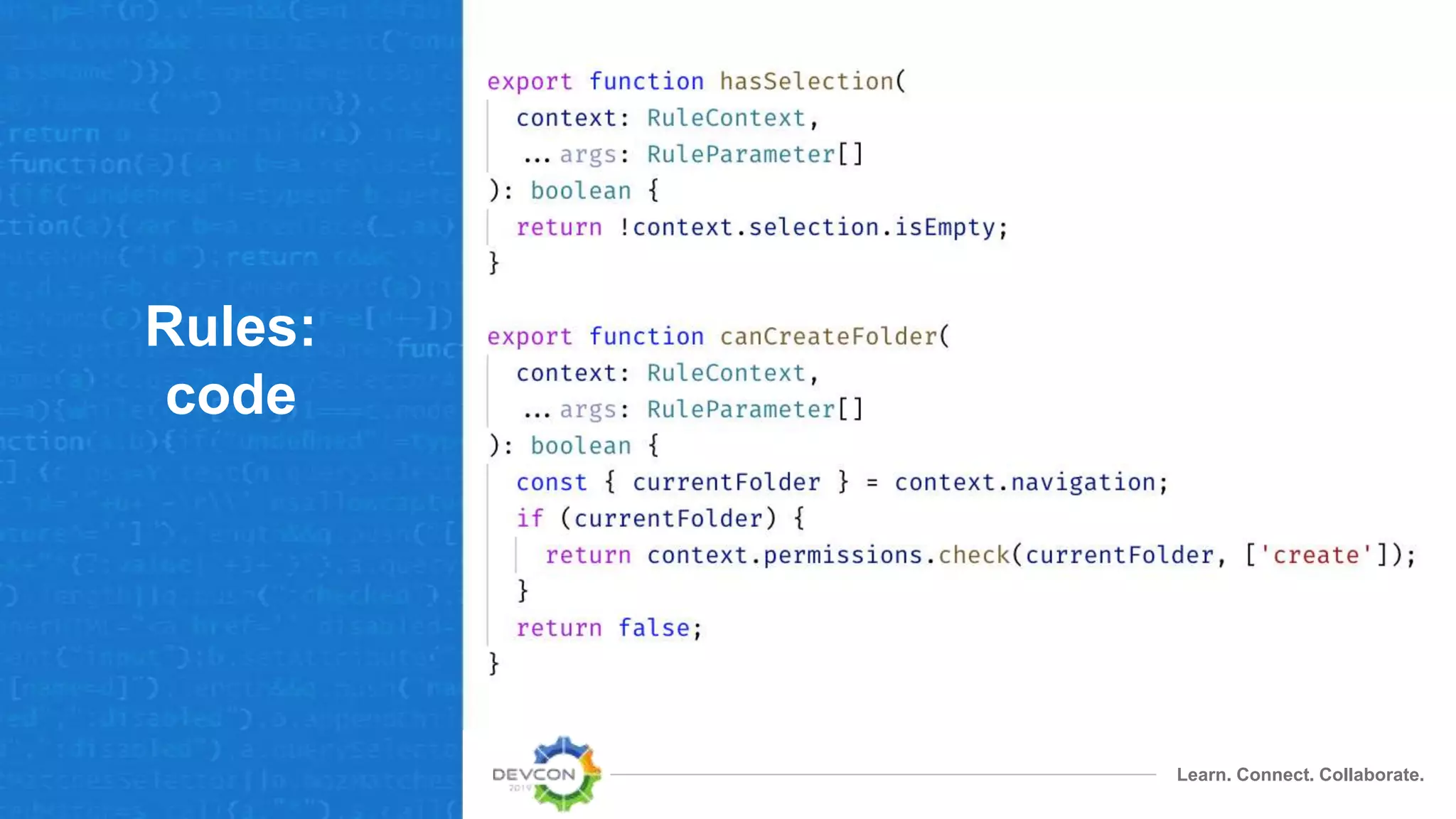
Rules:
code
Learn. Connect. Collaborate.
Rules:
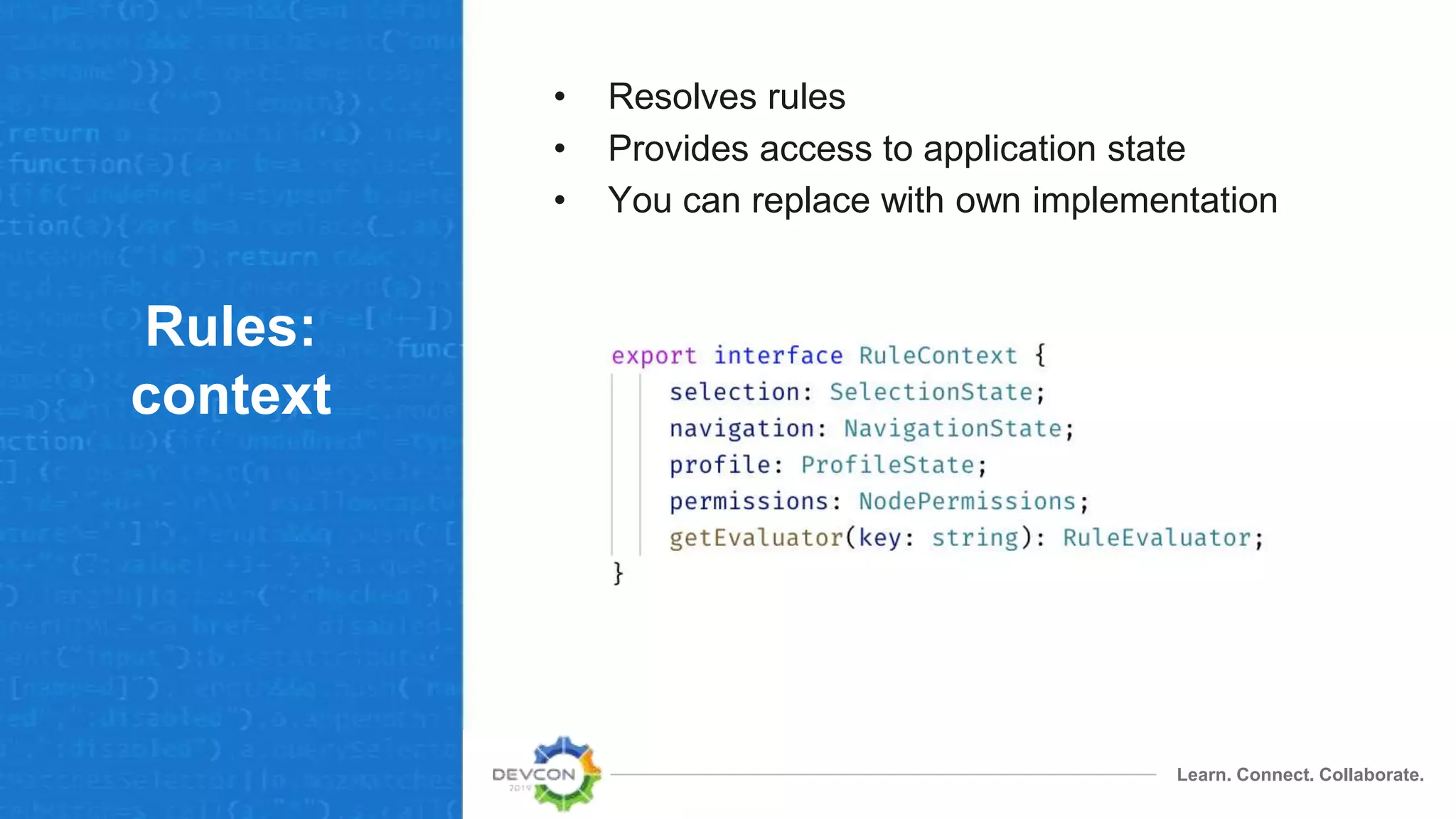
context
• Resolves rules
• Provides access to application state
• You can replace with own implementation
Learn. Connect. Collaborate.
Rules:
registration
Learn. Connect. Collaborate.
Rules:
markup
Declaring a composite rule…
and referencing:
Distribution
Learn. Connect. Collaborate.
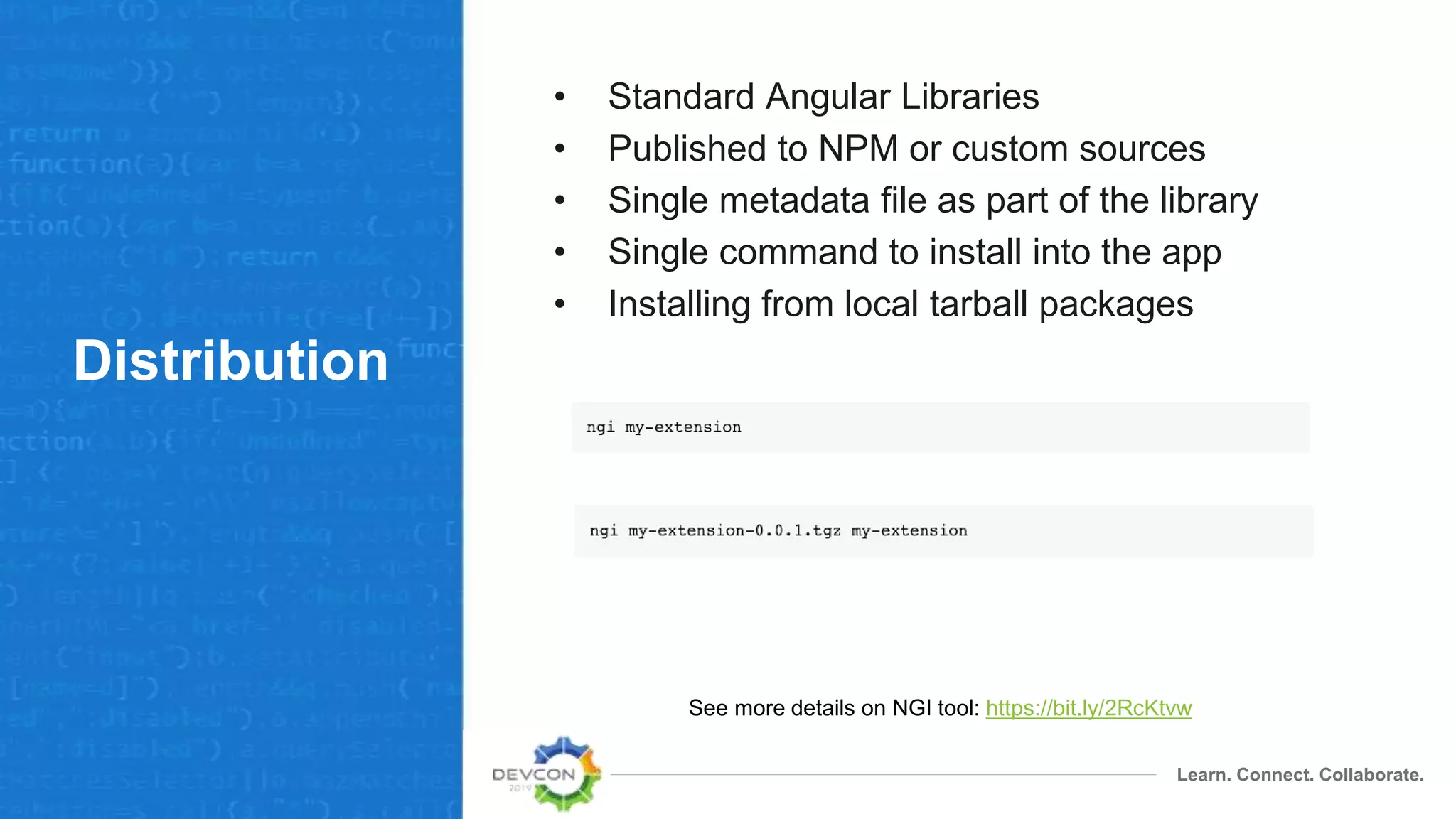
Distribution
• Standard Angular Libraries
• Published to NPM or custom sources
• Single metadata file as part of the library
• Single command to install into the app
• Installing from local tarball packages
See more details on NGI tool: https://bit.ly/2RcKtvw
@alfresco/adf-extensions
Learn. Connect. Collaborate.
Core features
• Extension loader
• Application services to back extensibility
• Core evaluators (”every”, “not”, “all”, etc.)
• Dynamic components
Learn. Connect. Collaborate.
What’s next
• More extension points for ADF and ACA
• More developer tooling for extensions
– Validation and linting
– Upgrades and versioning
– Distribution
• Automatic installation and deployment
• Web Components support
• Improvements based on community feedback
Learn. Connect. Collaborate.
More
information
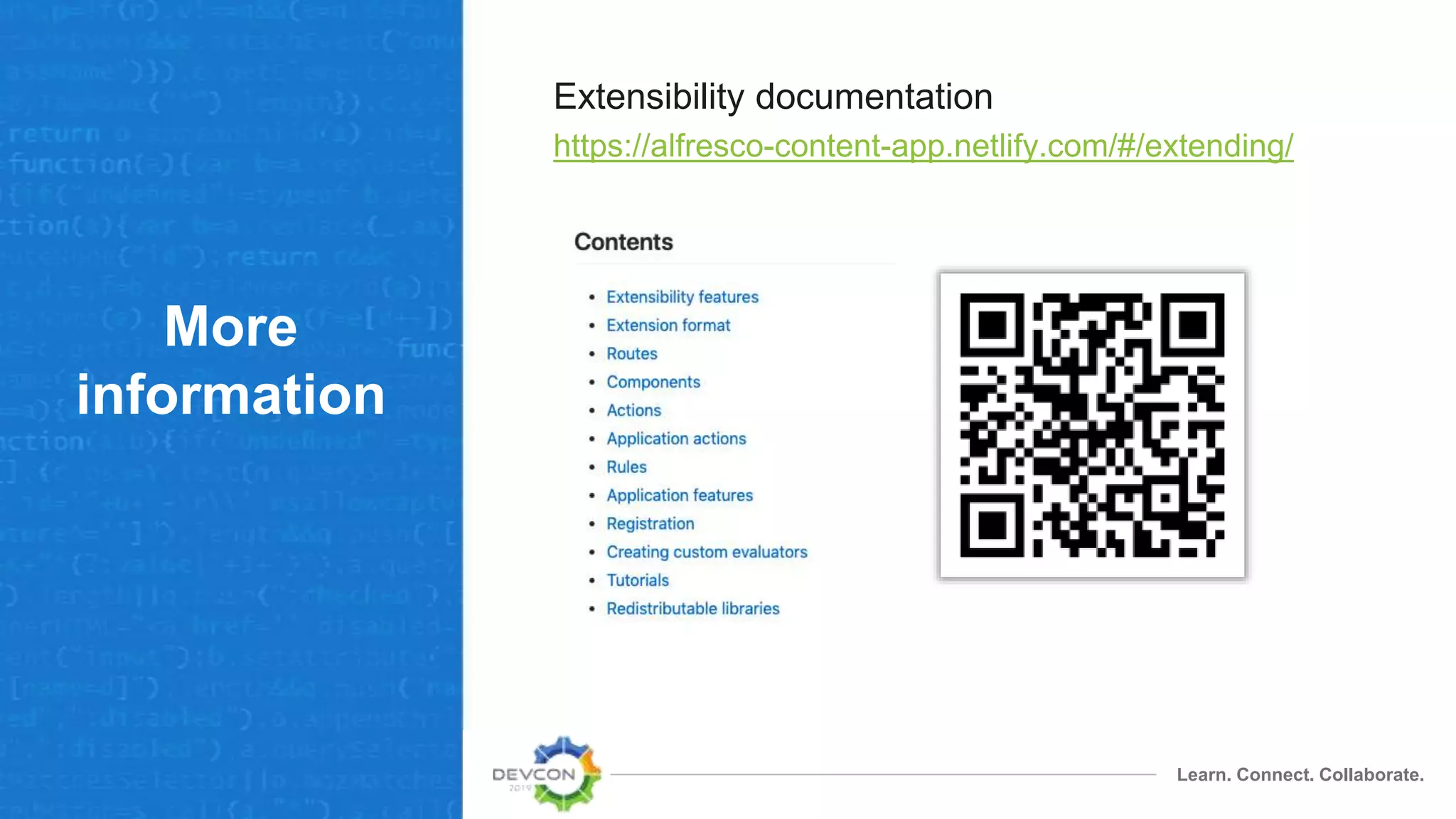
Extensibility documentation
https://alfresco-content-app.netlify.com/#/extending/
Thank you
Q and A

Extensibility for ADF applications