
Delhi IT Professionals


 Heuristic Evaluation : Discount Usability
                 Testing


                                 Sushil Bharwani
                                       @jsushil
How Many Software Engineers
Does It takes to Change a Light
             bulb?
How Many Usability Engineers
Does it takes to change a Light
             bulb?
• Usability Engineering is an Important
  aspect of any product Development.

• People rarely use the recommended
  usability engineering methods.

• One important reason usability
  engineering is not used in practice is the
  cost of using the techniques or rather
  perceived cost.
“le mieux est l'ennemi du bien"
     (The best is the enemy of the good)

                [Voltaire 1764]


Heuristic Evaluation is a Discount Usability Technique, It is not costly like using
Regular Usability Principles, but helps in finding several usability problems in your
Product.
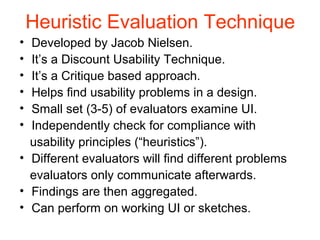
Heuristic Evaluation Technique
• Developed by Jacob Nielsen.
• It’s a Discount Usability Technique.
• It’s a Critique based approach.
• Helps find usability problems in a design.
• Small set (3-5) of evaluators examine UI.
• Independently check for compliance with
  usability principles (“heuristics”).
• Different evaluators will find different problems
  evaluators only communicate afterwards.
• Findings are then aggregated.
• Can perform on working UI or sketches.
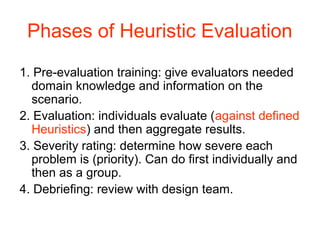
Phases of Heuristic Evaluation
1. Pre-evaluation training: give evaluators needed
  domain knowledge and information on the
  scenario.
2. Evaluation: individuals evaluate (against defined
  Heuristics) and then aggregate results.
3. Severity rating: determine how severe each
  problem is (priority). Can do first individually and
  then as a group.
4. Debriefing: review with design team.
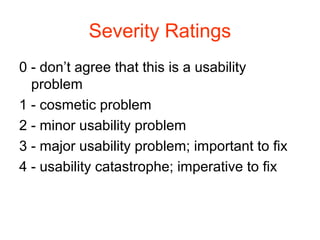
Severity Ratings
0 - don’t agree that this is a usability
  problem
1 - cosmetic problem
2 - minor usability problem
3 - major usability problem; important to fix
4 - usability catastrophe; imperative to fix
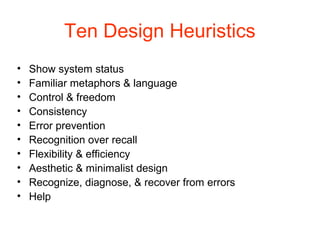
Ten Design Heuristics
•   Show system status
•   Familiar metaphors & language
•   Control & freedom
•   Consistency
•   Error prevention
•   Recognition over recall
•   Flexibility & efficiency
•   Aesthetic & minimalist design
•   Recognize, diagnose, & recover from errors
•   Help
1. Show System Status
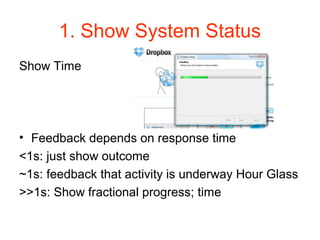
Show Time


• Feedback depends on response time
<1s: just show outcome
~1s: feedback that activity is underway Hour Glass
>>1s: Show fractional progress; time
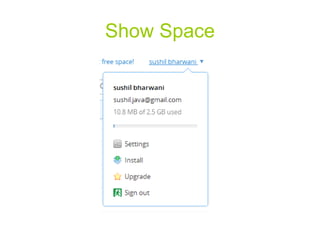
Show Space
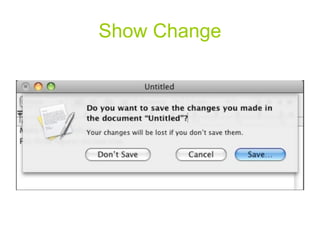
Show Change
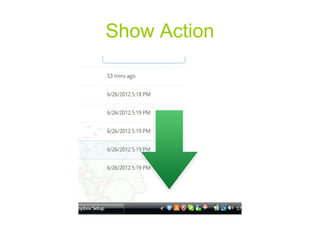
Show Action
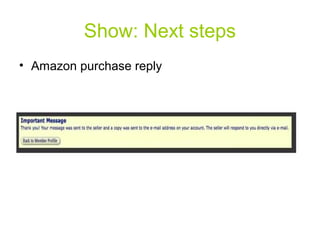
Show: Next steps
• Amazon purchase reply
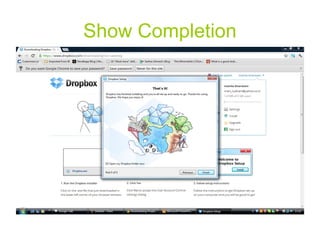
Show Completion
2.Familiar Metaphors
               & Language
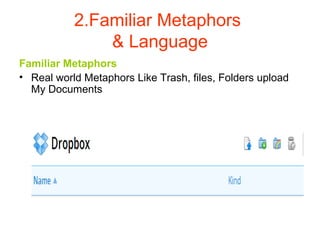
Familiar Metaphors
• Real world Metaphors Like Trash, files, Folders upload
  My Documents
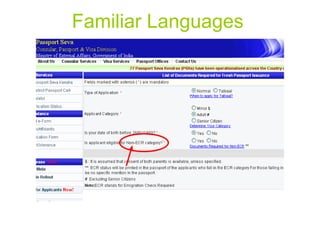
Familiar Languages
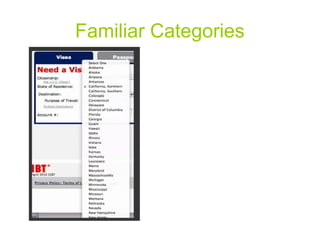
Familiar Categories
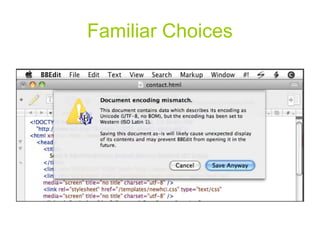
Familiar Choices
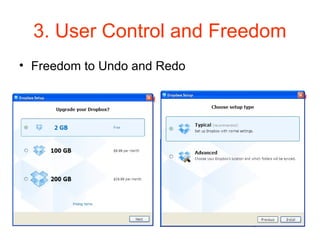
3. User Control and Freedom
• Freedom to Undo and Redo
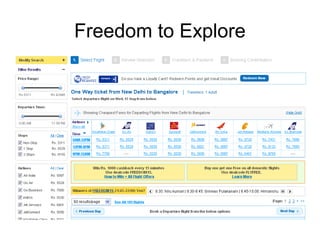
Freedom to Explore
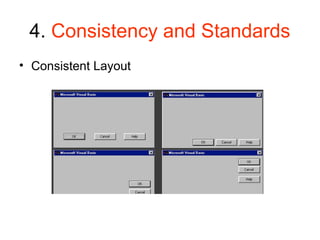
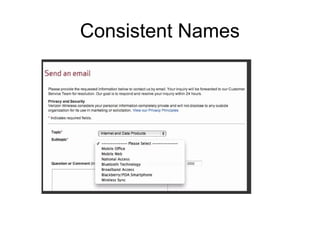
4. Consistency and Standards
• Consistent Layout
Consistent Names
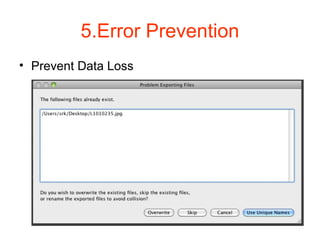
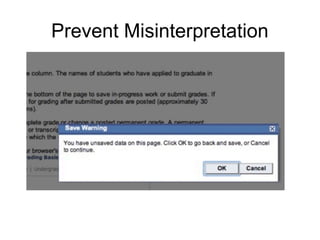
5.Error Prevention
• Prevent Data Loss
Prevent Misinterpretation
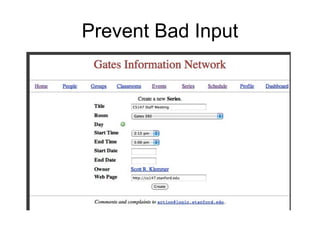
Prevent Bad Input
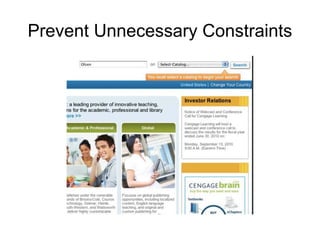
Prevent Unnecessary Constraints
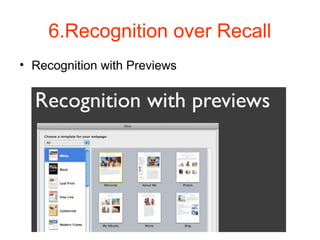
6.Recognition over Recall
• Recognition with Previews
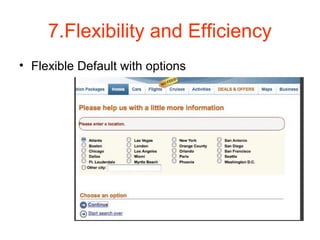
7.Flexibility and Efficiency
• Flexible Default with options
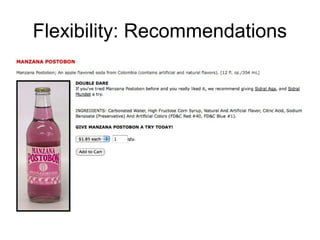
Flexibility: Recommendations
8.Aesthetic &
          Minimalist Design
• Above the Fold
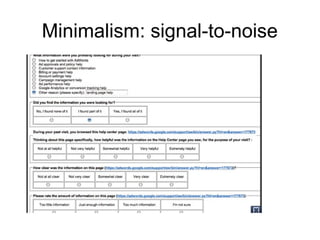
Minimalism: signal-to-noise
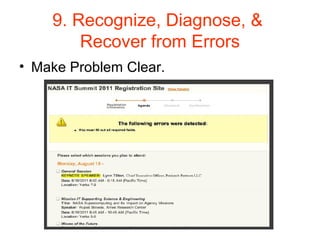
9. Recognize, Diagnose, &
        Recover from Errors
• Make Problem Clear.
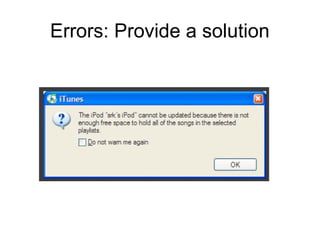
Errors: Provide a solution
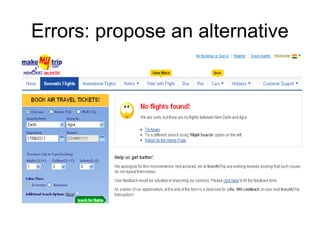
Errors: propose an alternative
10. Help
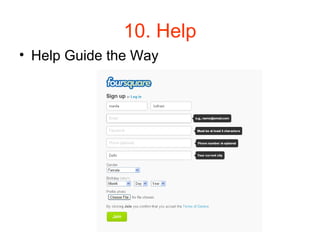
• Help Guide the Way
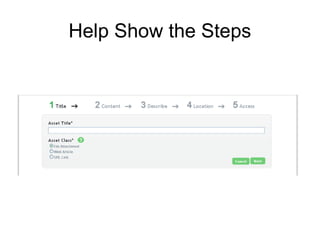
Help Show the Steps
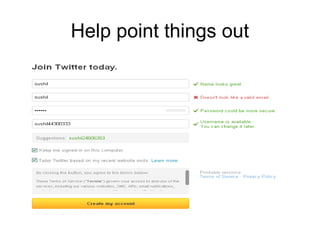
Help point things out
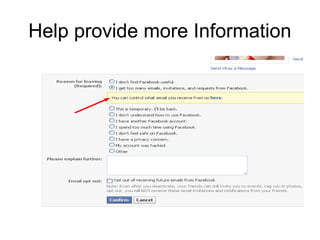
Help provide more Information

Delhi it professionals