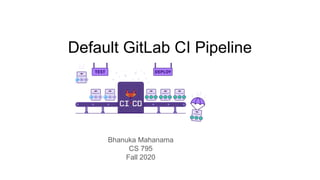
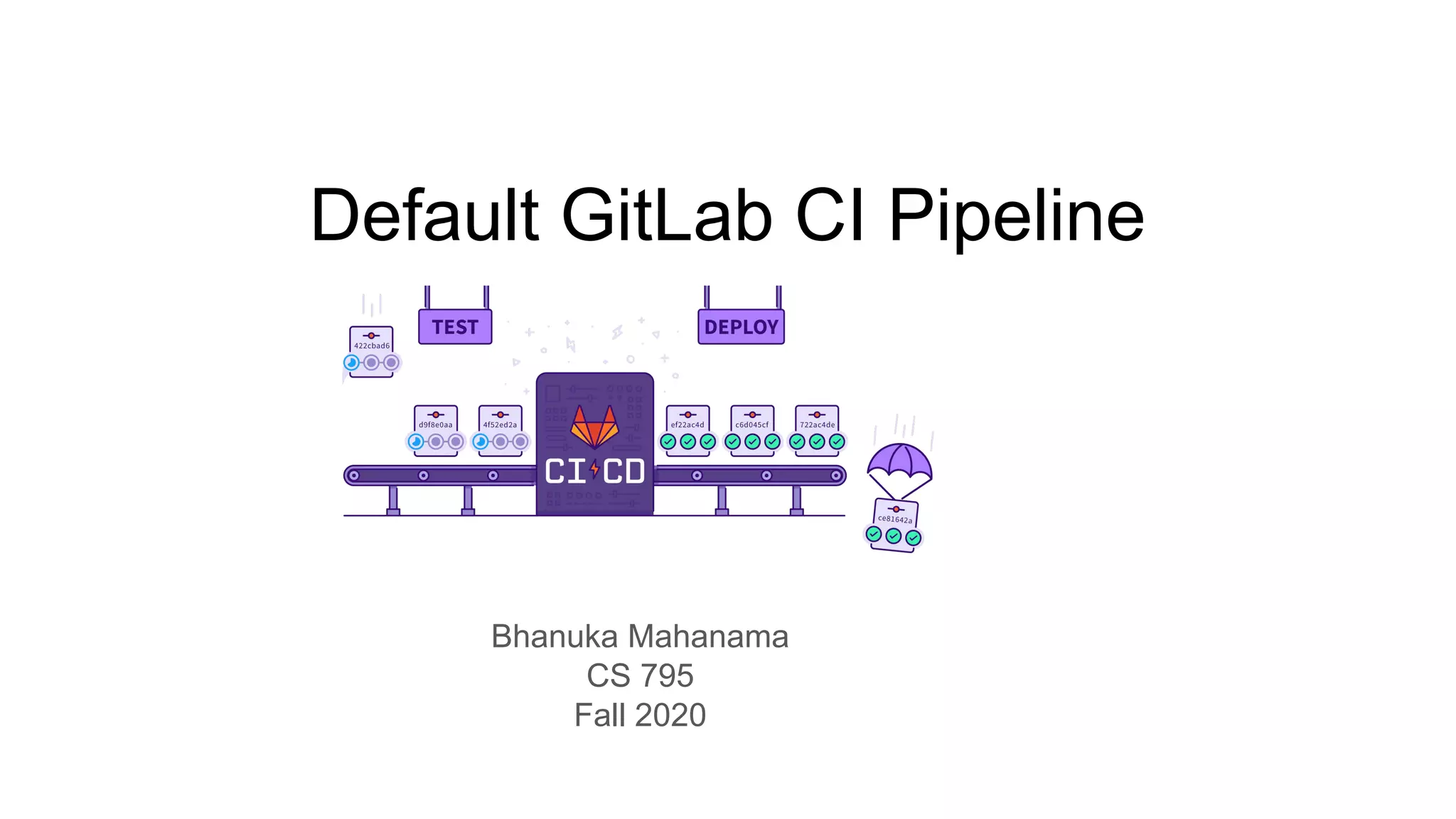
Default GitLab CI Pipeline
Bhanuka Mahanama
CS 795
Fall 2020
Outline
● Introduction to CI
● GitLab CI
○ Standard GitLab CI
○ Auto DevOps
● Auto DevOps overview
○ Features
○ Stages
● Configuring Auto DevOps
● Showcase App
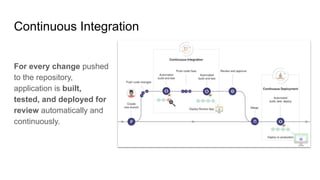
Continuous Integration
For every change pushed
to the repository,
application is built,
tested, and deployed for
review automatically and
continuously.
Standard GitLab CI
● Configure everything from scratch
○ Define
■ Pipelines
■ Stages
■ Jobs
○ Setup
■ Clusters
■ Environments
■ Policies
● Define scripts to run
● Many configurations to set up
GitLab Auto DevOps
● Autodiscover from source code
● Jobs based on content
○ Language
○ Frameworks
● Automatically create job structures for
○ Build
○ Test
○ Deploy
● Jobs assigned to stages
● Only selection is Pipeline Strategy
○ Select from common strategies
● Minimal configurations
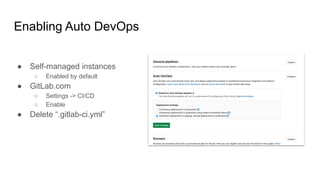
Enabling Auto DevOps
● Self-managed instances
○ Enabled by default
● GitLab.com
○ Settings -> CI/CD
○ Enable
● Delete “.gitlab-ci.yml”
Features
● Auto Build
● Auto Test
● Auto Code Quality
● Auto Static Application Security
Testing
● Auto Secret Detection
● Auto Dependency Scanning*
● Auto License Compliance*
● Auto Container Scanning*
● Auto Review Apps
● Auto Dynamic Application Security
Testing*
● Auto Deploy
● Auto Browser Performance Testing*
● Auto Monitoring
● Auto Code Intelligence
*Only Available on Paid GitLab Plans
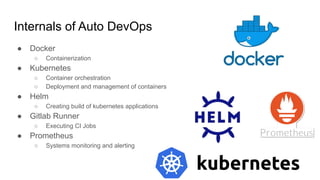
Internals of Auto DevOps
● Docker
○ Containerization
● Kubernetes
○ Container orchestration
○ Deployment and management of containers
● Helm
○ Creating build of kubernetes applications
● Gitlab Runner
○ Executing CI Jobs
● Prometheus
○ Systems monitoring and alerting
Auto DevOps: Features
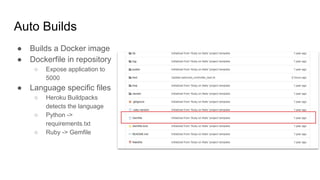
Auto Builds
● Builds a Docker image
● Dockerfile in repository
○ Expose application to
5000
● Language specific files
○ Heroku Buildpacks
detects the language
○ Python ->
requirements.txt
○ Ruby -> Gemfile
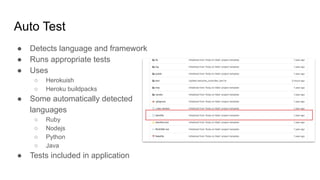
Auto Test
● Detects language and framework
● Runs appropriate tests
● Uses
○ Herokuish
○ Heroku buildpacks
● Some automatically detected
languages
○ Ruby
○ Nodejs
○ Python
○ Java
● Tests included in application
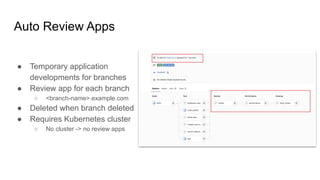
Auto Review Apps
● Temporary application
developments for branches
● Review app for each branch
○ <branch-name>.example.com
● Deleted when branch deleted
● Requires Kubernetes cluster
○ No cluster -> no review apps
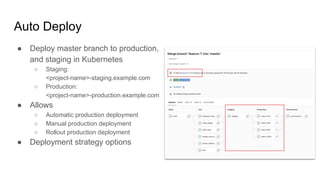
Auto Deploy
● Deploy master branch to production,
and staging in Kubernetes
○ Staging:
<project-name>-staging.example.com
○ Production:
<project-name>-production.example.com
● Allows
○ Automatic production deployment
○ Manual production deployment
○ Rollout production deployment
● Deployment strategy options
Configuring Auto DevOps
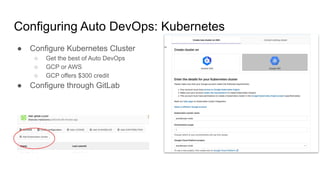
Configuring Auto DevOps: Kubernetes
● Configure Kubernetes Cluster
○ Get the best of Auto DevOps
○ GCP or AWS
○ GCP offers $300 credit
● Configure through GitLab
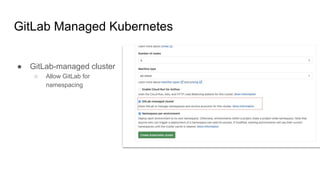
GitLab Managed Kubernetes
● GitLab-managed cluster
○ Allow GitLab for
namespacing
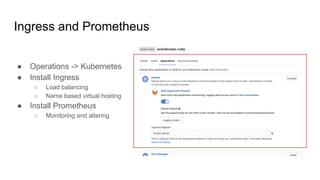
Ingress and Prometheus
● Operations -> Kubernetes
● Install Ingress
○ Load balancing
○ Name based virtual hosting
● Install Prometheus
○ Monitoring and altering
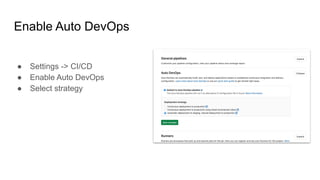
Enable Auto DevOps
● Settings -> CI/CD
● Enable Auto DevOps
● Select strategy
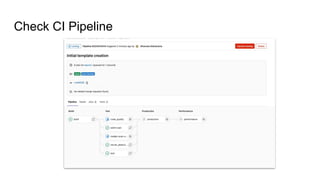
Check CI Pipeline
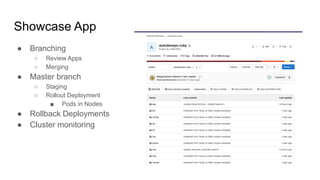
Showcase App
● Branching
○ Review Apps
○ Merging
● Master branch
○ Staging
○ Rollout Deployment
■ Pods in Nodes
● Rollback Deployments
● Cluster monitoring
Summary
● GitLab CI
○ CI Pipeline from scratch
○ Configurations to manage
● Auto DevOps
○ Pre-built pipelines
○ Automated language, framework detection
○ Minimal configurations
● GitLab Docs
○ Auto DevOps: https://docs.gitlab.com/ee/topics/autodevops/
○ Standard CI: https://docs.gitlab.com/ee/ci/
● Hands-on
○ Auto DevOps:
○ Standard CI: https://git-community.cs.odu.edu/bhanuka/gitlab-ci-flask-app.git

Default GitLab CI Pipeline - Auto DevOps

  • 1.
    Default GitLab CIPipeline Bhanuka Mahanama CS 795 Fall 2020
  • 2.
    Outline ● Introduction toCI ● GitLab CI ○ Standard GitLab CI ○ Auto DevOps ● Auto DevOps overview ○ Features ○ Stages ● Configuring Auto DevOps ● Showcase App
  • 3.
    Continuous Integration For everychange pushed to the repository, application is built, tested, and deployed for review automatically and continuously.
  • 4.
    Standard GitLab CI ●Configure everything from scratch ○ Define ■ Pipelines ■ Stages ■ Jobs ○ Setup ■ Clusters ■ Environments ■ Policies ● Define scripts to run ● Many configurations to set up
  • 5.
    GitLab Auto DevOps ●Autodiscover from source code ● Jobs based on content ○ Language ○ Frameworks ● Automatically create job structures for ○ Build ○ Test ○ Deploy ● Jobs assigned to stages ● Only selection is Pipeline Strategy ○ Select from common strategies ● Minimal configurations
  • 6.
    Enabling Auto DevOps ●Self-managed instances ○ Enabled by default ● GitLab.com ○ Settings -> CI/CD ○ Enable ● Delete “.gitlab-ci.yml”
  • 7.
    Features ● Auto Build ●Auto Test ● Auto Code Quality ● Auto Static Application Security Testing ● Auto Secret Detection ● Auto Dependency Scanning* ● Auto License Compliance* ● Auto Container Scanning* ● Auto Review Apps ● Auto Dynamic Application Security Testing* ● Auto Deploy ● Auto Browser Performance Testing* ● Auto Monitoring ● Auto Code Intelligence *Only Available on Paid GitLab Plans
  • 8.
    Internals of AutoDevOps ● Docker ○ Containerization ● Kubernetes ○ Container orchestration ○ Deployment and management of containers ● Helm ○ Creating build of kubernetes applications ● Gitlab Runner ○ Executing CI Jobs ● Prometheus ○ Systems monitoring and alerting
  • 9.
  • 10.
    Auto Builds ● Buildsa Docker image ● Dockerfile in repository ○ Expose application to 5000 ● Language specific files ○ Heroku Buildpacks detects the language ○ Python -> requirements.txt ○ Ruby -> Gemfile
  • 11.
    Auto Test ● Detectslanguage and framework ● Runs appropriate tests ● Uses ○ Herokuish ○ Heroku buildpacks ● Some automatically detected languages ○ Ruby ○ Nodejs ○ Python ○ Java ● Tests included in application
  • 12.
    Auto Review Apps ●Temporary application developments for branches ● Review app for each branch ○ <branch-name>.example.com ● Deleted when branch deleted ● Requires Kubernetes cluster ○ No cluster -> no review apps
  • 13.
    Auto Deploy ● Deploymaster branch to production, and staging in Kubernetes ○ Staging: <project-name>-staging.example.com ○ Production: <project-name>-production.example.com ● Allows ○ Automatic production deployment ○ Manual production deployment ○ Rollout production deployment ● Deployment strategy options
  • 14.
  • 15.
    Configuring Auto DevOps:Kubernetes ● Configure Kubernetes Cluster ○ Get the best of Auto DevOps ○ GCP or AWS ○ GCP offers $300 credit ● Configure through GitLab
  • 16.
    GitLab Managed Kubernetes ●GitLab-managed cluster ○ Allow GitLab for namespacing
  • 17.
    Ingress and Prometheus ●Operations -> Kubernetes ● Install Ingress ○ Load balancing ○ Name based virtual hosting ● Install Prometheus ○ Monitoring and altering
  • 18.
    Enable Auto DevOps ●Settings -> CI/CD ● Enable Auto DevOps ● Select strategy
  • 19.
  • 20.
    Showcase App ● Branching ○Review Apps ○ Merging ● Master branch ○ Staging ○ Rollout Deployment ■ Pods in Nodes ● Rollback Deployments ● Cluster monitoring
  • 21.
    Summary ● GitLab CI ○CI Pipeline from scratch ○ Configurations to manage ● Auto DevOps ○ Pre-built pipelines ○ Automated language, framework detection ○ Minimal configurations ● GitLab Docs ○ Auto DevOps: https://docs.gitlab.com/ee/topics/autodevops/ ○ Standard CI: https://docs.gitlab.com/ee/ci/ ● Hands-on ○ Auto DevOps: ○ Standard CI: https://git-community.cs.odu.edu/bhanuka/gitlab-ci-flask-app.git