Decoding Triggers for Admins
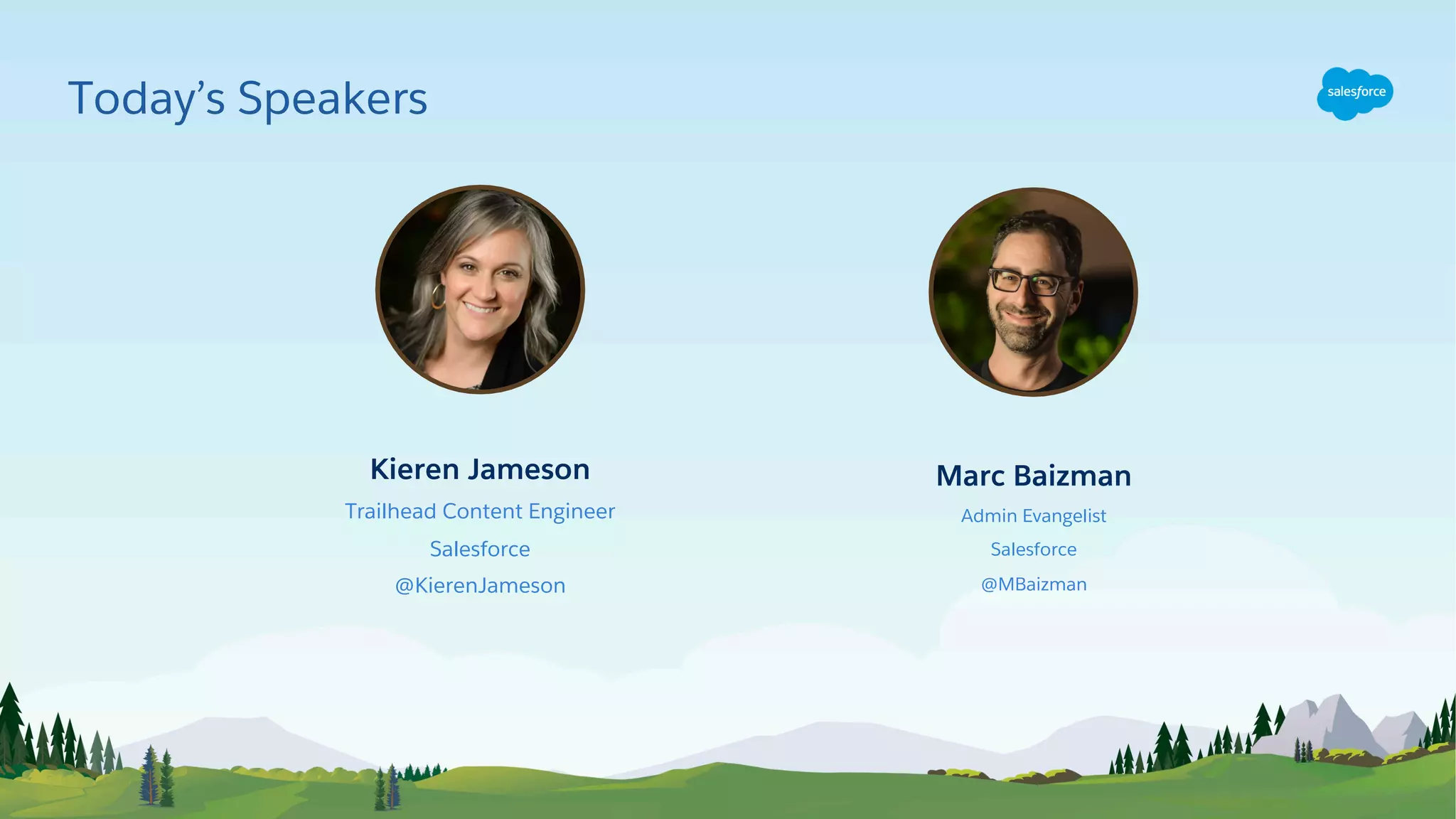
Kieren Jameson
Trailhead Content Engineer
Salesforce
@KierenJameson
Marc Baizman
Admin Evangelist
Salesforce
@MBaizman
Today’s Speakers
This presentation may contain forward-looking statements that involve risks, uncertainties, and assumptions. If any such uncertainties materialize or if any
of the assumptions proves incorrect, the results of salesforce.com, inc. could differ materially from the results expressed or implied by the forward-looking
statements we make. All statements other than statements of historical fact could be deemed forward-looking, including any projections of product or
service availability, subscriber growth, earnings, revenues, or other financial items and any statements regarding strategies or plans of management for
future operations, statements of belief, any statements concerning new, planned, or upgraded services or technology developments and customer contracts
or use of our services.
The risks and uncertainties referred to above include – but are not limited to – risks associated with developing and delivering new functionality for our
service, new products and services, our new business model, our past operating losses, possible fluctuations in our operating results and rate of growth,
interruptions or delays in our Web hosting, breach of our security measures, the outcome of any litigation, risks associated with completed and any possible
mergers and acquisitions, the immature market in which we operate, our relatively limited operating history, our ability to expand, retain, and motivate our
employees and manage our growth, new releases of our service and successful customer deployment, our limited history reselling non-salesforce.com
products, and utilization and selling to larger enterprise customers. Further information on potential factors that could affect the financial results of
salesforce.com, inc. is included in our annual report on Form 10-K for the most recent fiscal year and in our quarterly report on Form 10-Q for the most
recent fiscal quarter. These documents and others containing important disclosures are available on the SEC Filings section of the Investor Information
section of our Web site.
Any unreleased services or features referenced in this or other presentations, press releases or public statements are not currently available and may not be
delivered on time or at all. Customers who purchase our services should make the purchase decisions based upon features that are currently available.
Salesforce.com, inc. assumes no obligation and does not intend to update these forward-looking statements.
Statement under the Private Securities Litigation Reform Act of 1995
Forward-Looking Statement
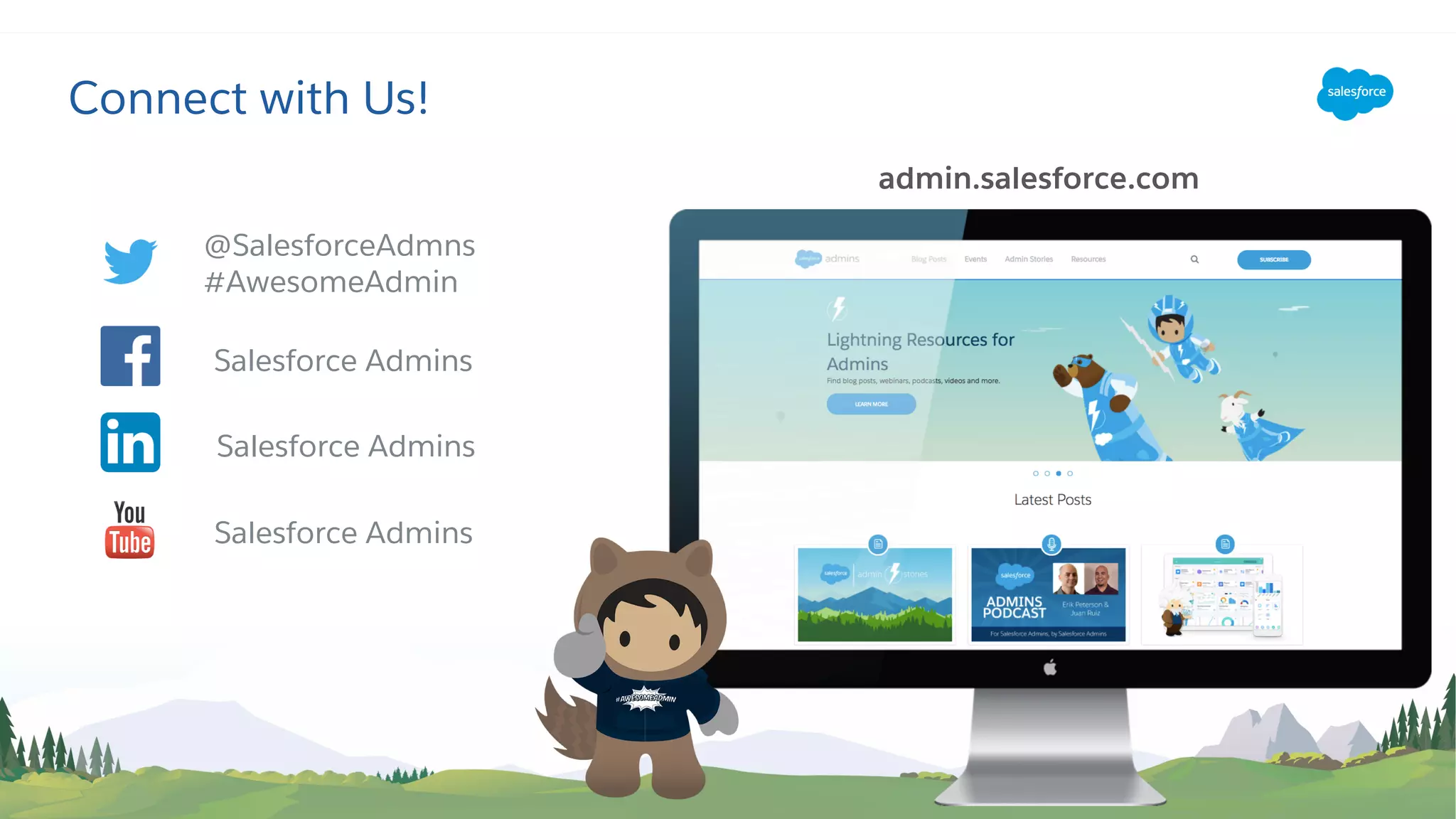
Connect with Us!
Salesforce Admins
@SalesforceAdmns
#AwesomeAdmin
admin.salesforce.com
Salesforce Admins
Salesforce Admins
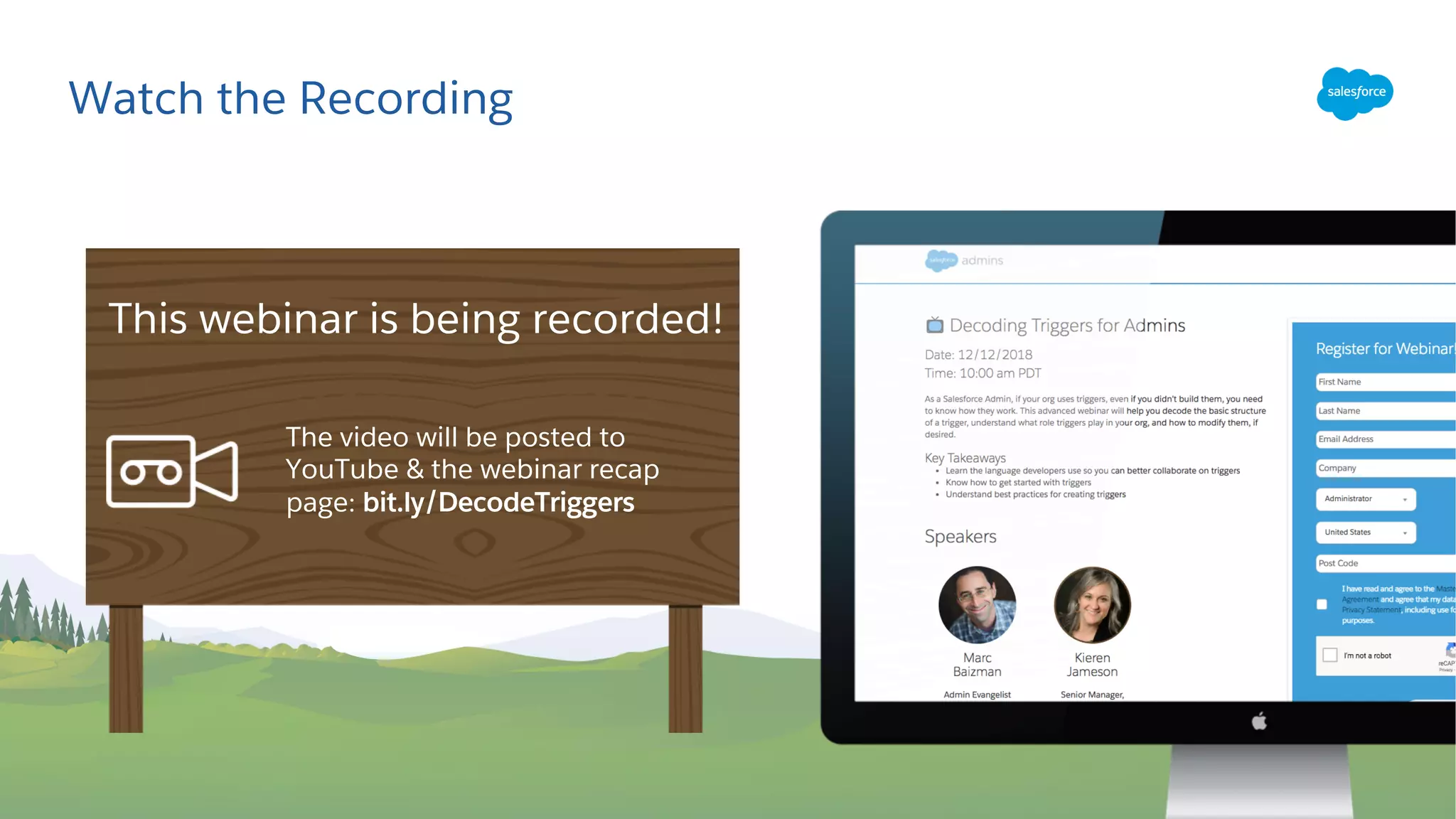
Watch the Recording
The video will be posted to
YouTube & the webinar recap
page: bit.ly/DecodeTriggers
This webinar is being recorded!
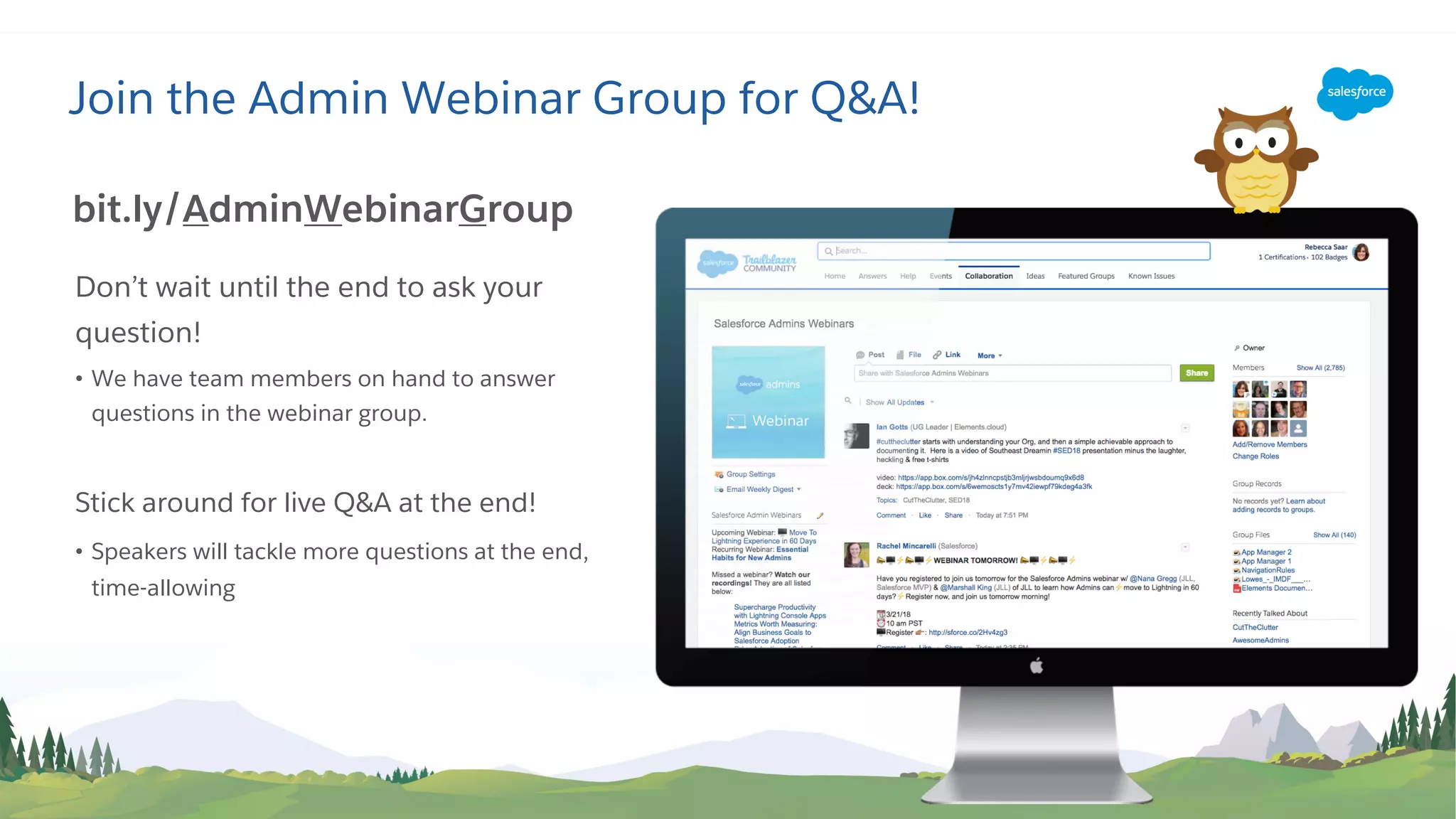
Join the Admin Webinar Group for Q&A!
Don’t wait until the end to ask your
question!
• We have team members on hand to answer
questions in the webinar group.
Stick around for live Q&A at the end!
• Speakers will tackle more questions at the end,
time-allowing
bit.ly/AdminWebinarGroup
• Trigger overview & best practices
• Example trigger
• Resources
• Q&A
Today’s Agenda
Trigger Overview & Best Practices
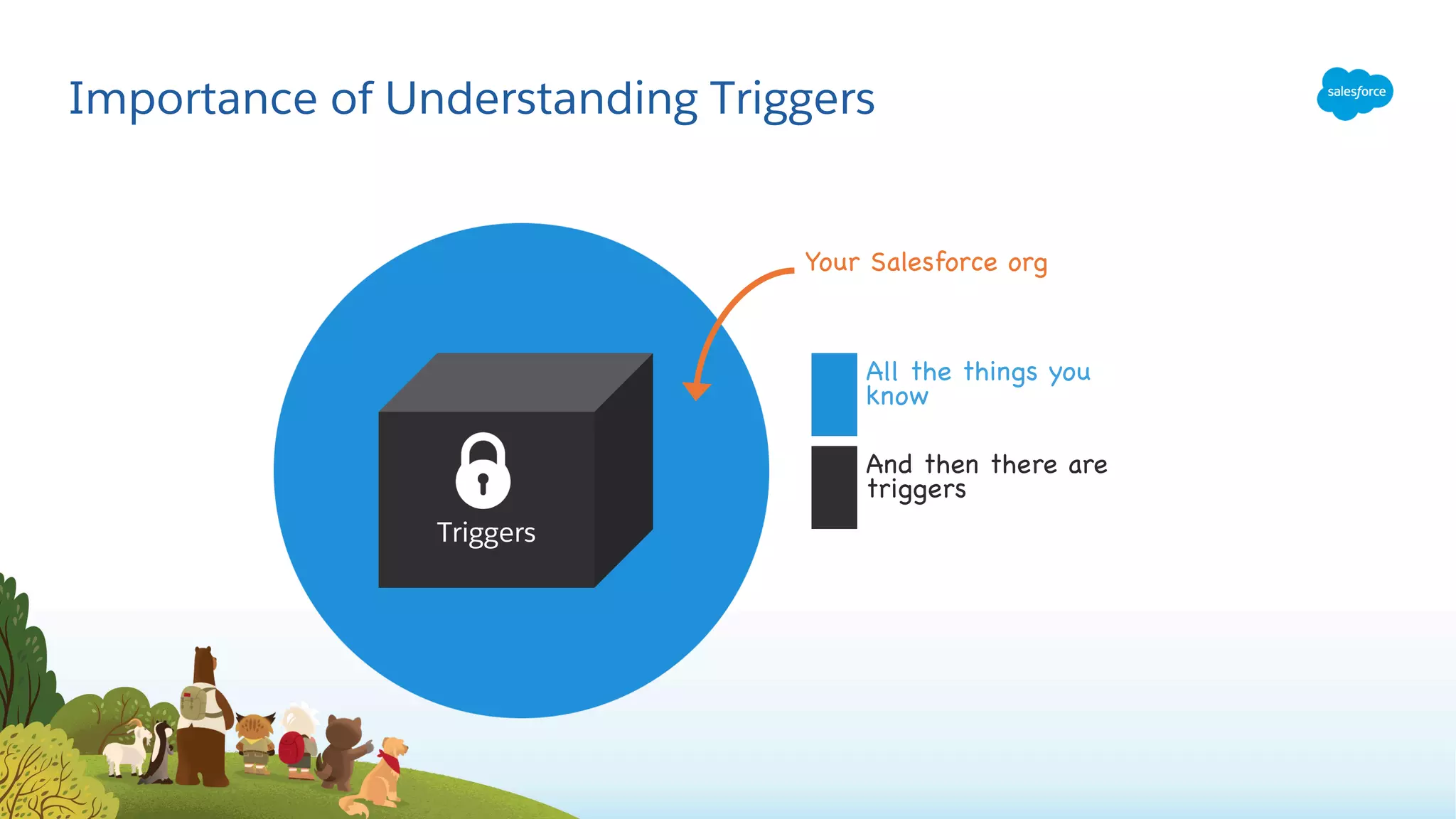
Importance of Understanding Triggers
Triggers
Your Salesforce org
All the things you
know
And then there are
triggers
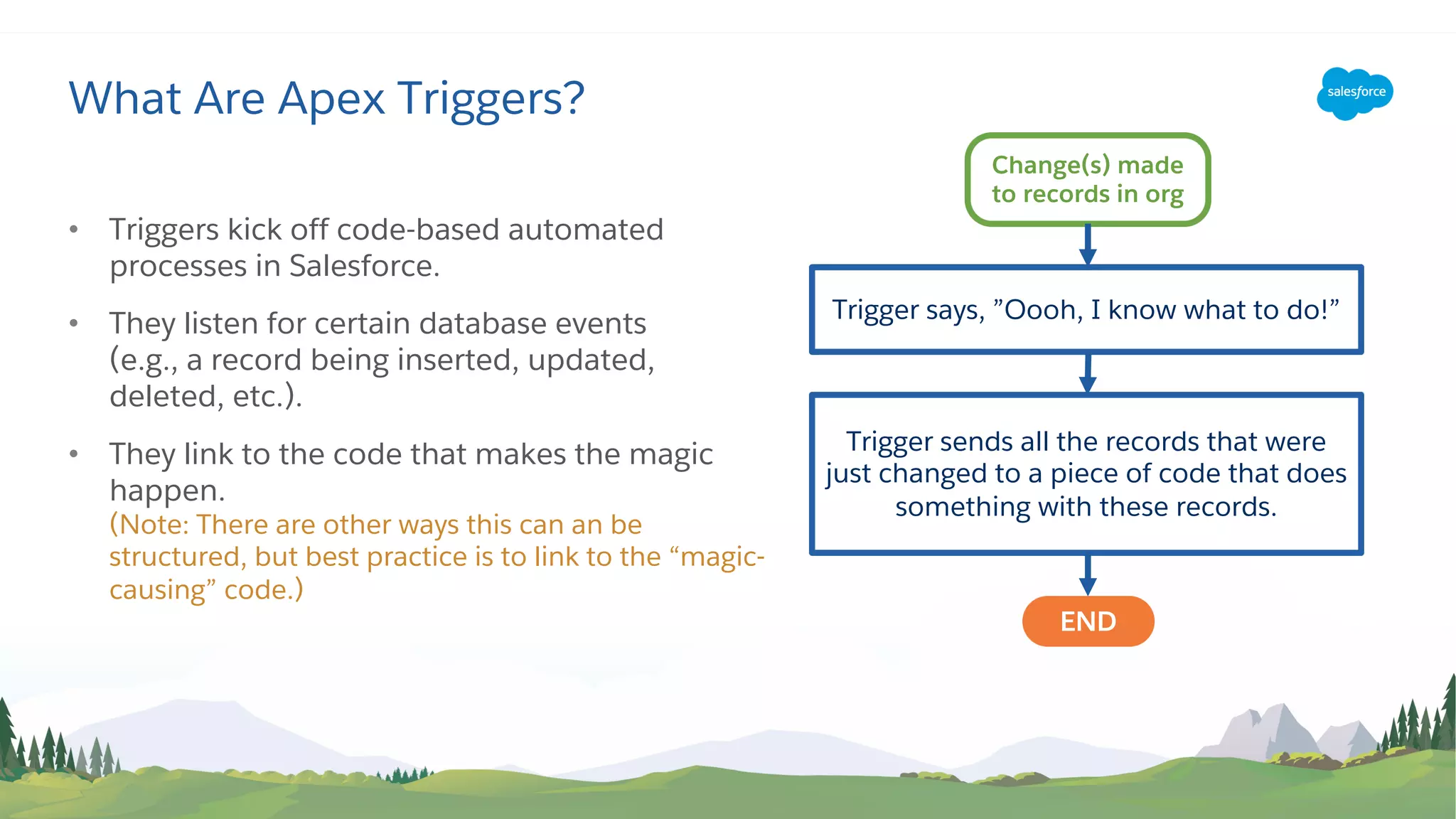
• Triggers kick off code-based automated
processes in Salesforce.
• They listen for certain database events
(e.g., a record being inserted, updated,
deleted, etc.).
• They link to the code that makes the magic
happen.
(Note: There are other ways this can an be
structured, but best practice is to link to the “magic-
causing” code.)
What Are Apex Triggers?
Change(s) made
to records in org
Trigger says, ”Oooh, I know what to do!”
END
Trigger sends all the records that were
just changed to a piece of code that does
something with these records.
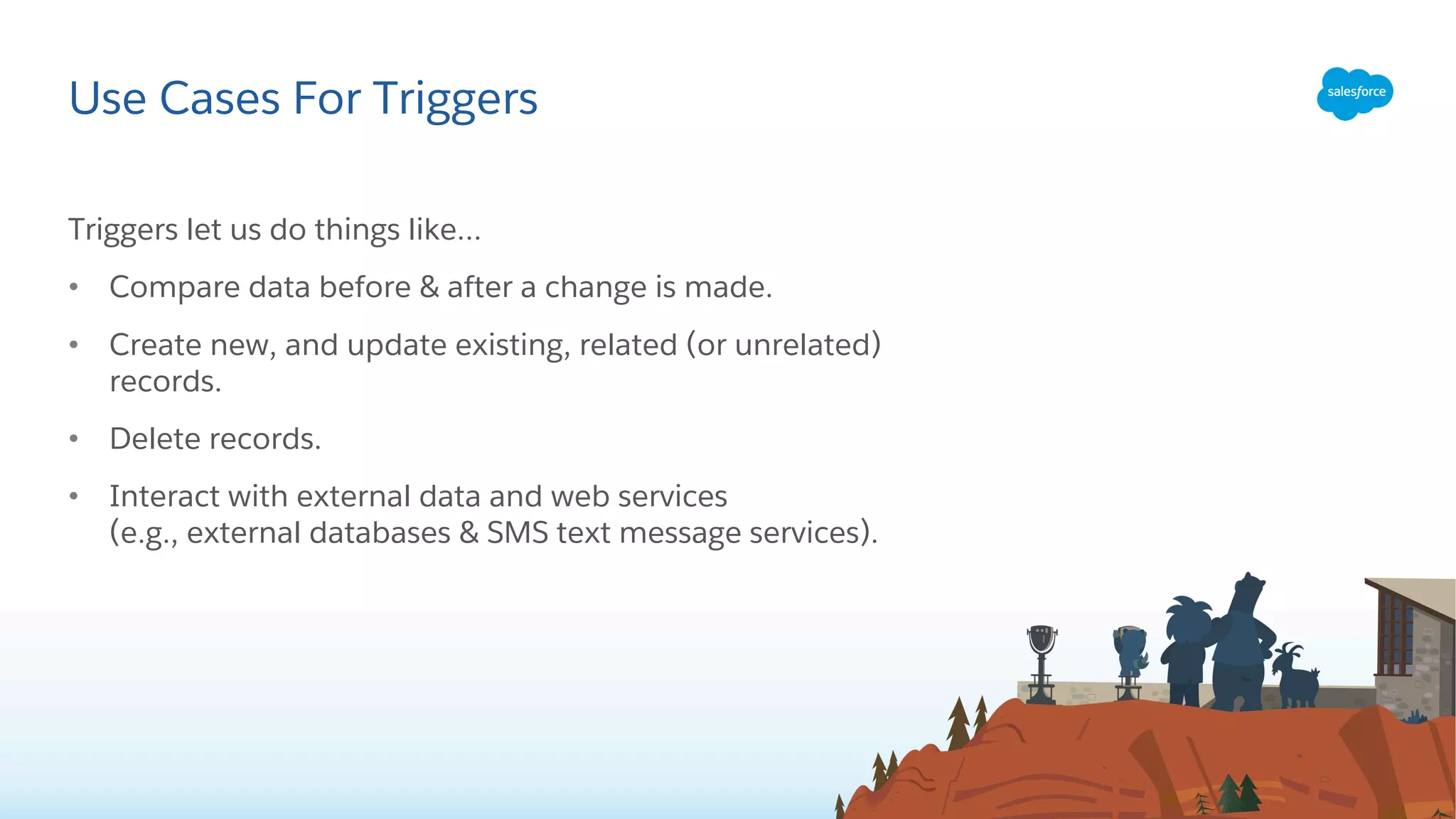
Triggers let us do things like…
• Compare data before & after a change is made.
• Create new, and update existing, related (or unrelated)
records.
• Delete records.
• Interact with external data and web services
(e.g., external databases & SMS text message services).
Use Cases For Triggers
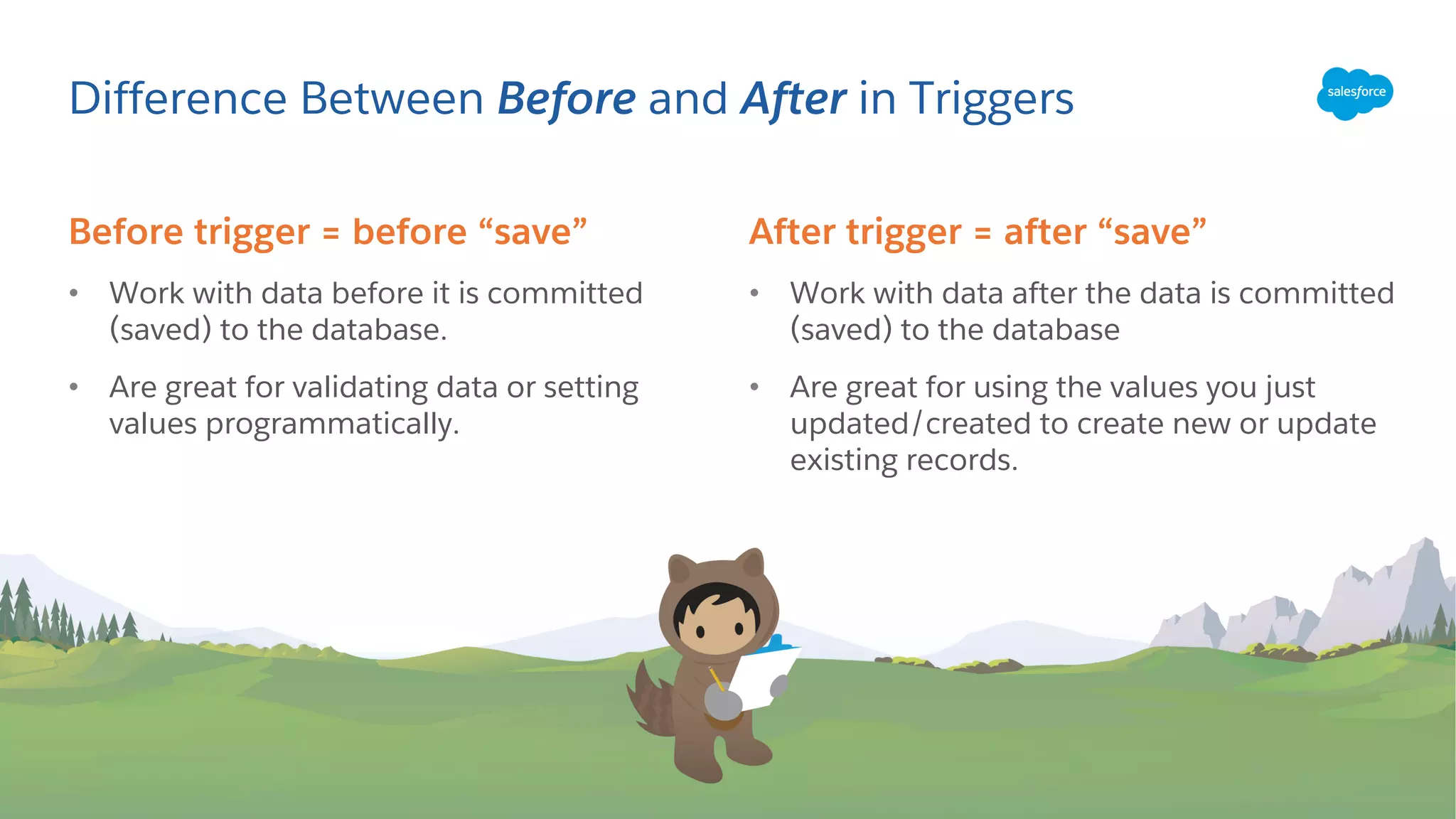
Before trigger = before “save”
• Work with data before it is committed
(saved) to the database.
• Are great for validating data or setting
values programmatically.
Difference Between Before and After in Triggers
After trigger = after “save”
• Work with data after the data is committed
(saved) to the database
• Are great for using the values you just
updated/created to create new or update
existing records.
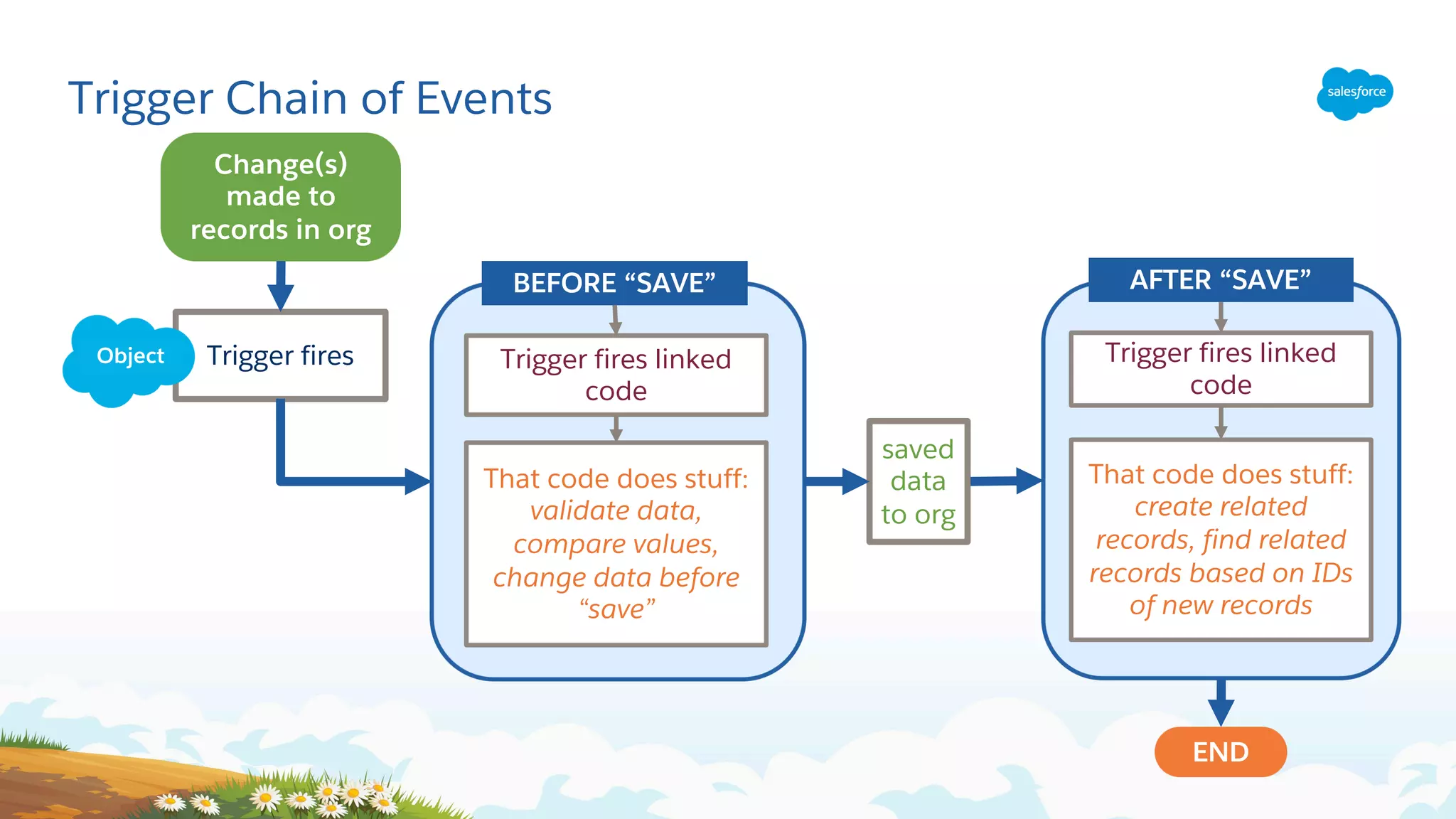
Change(s)
made to
records in org
Trigger fires
END
That code does stuff:
validate data,
compare values,
change data before
“save”
BEFORE “SAVE”
Trigger fires linked
code
Trigger fires linked
code
That code does stuff:
create related
records, find related
records based on IDs
of new records
AFTER “SAVE”
saved
data
to org
Object
Trigger Chain of Events
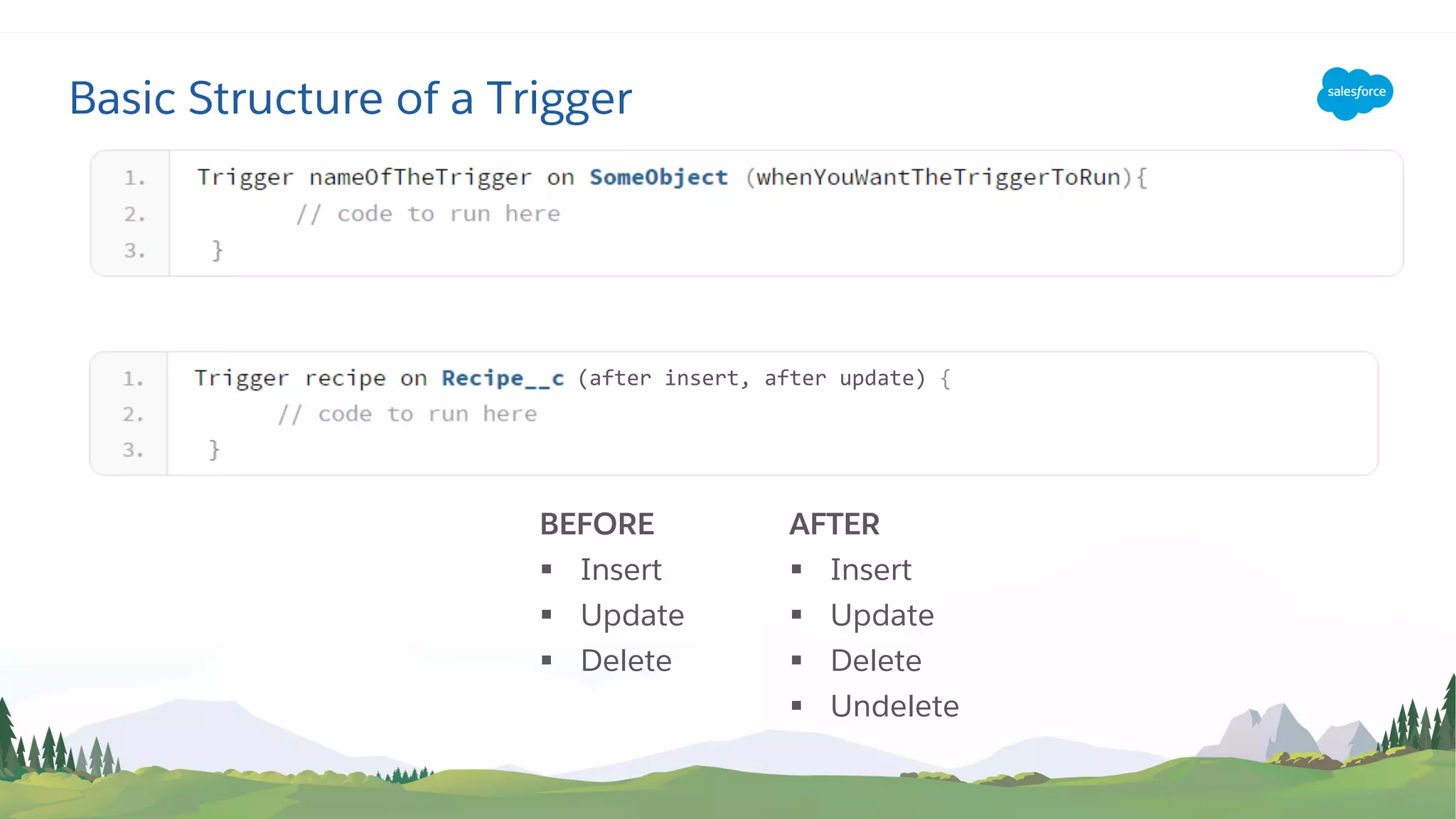
Basic Structure of a Trigger
(after insert, after update) {
BEFORE
§ Insert
§ Update
§ Delete
AFTER
§ Insert
§ Update
§ Delete
§ Undelete
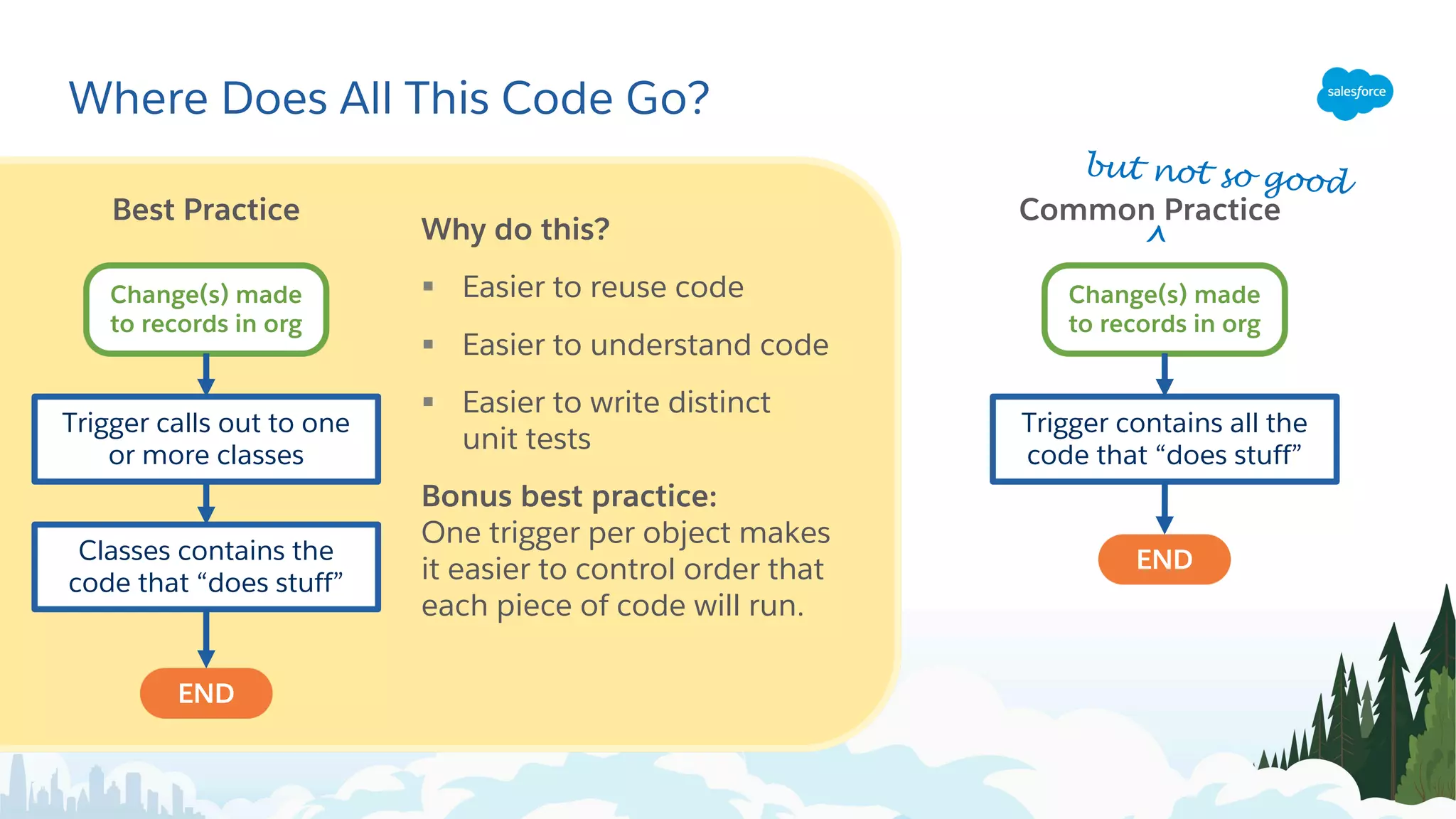
Where Does All This Code Go?
Why do this?
§ Easier to reuse code
§ Easier to understand code
§ Easier to write distinct
unit tests
Bonus best practice:
One trigger per object makes
it easier to control order that
each piece of code will run.
Best Practice
Change(s) made
to records in org
Trigger calls out to one
or more classes
Classes contains the
code that “does stuff”
END
Common Practice
^
Change(s) made
to records in org
Trigger contains all the
code that “does stuff”
END
but not so good
Trigger Example
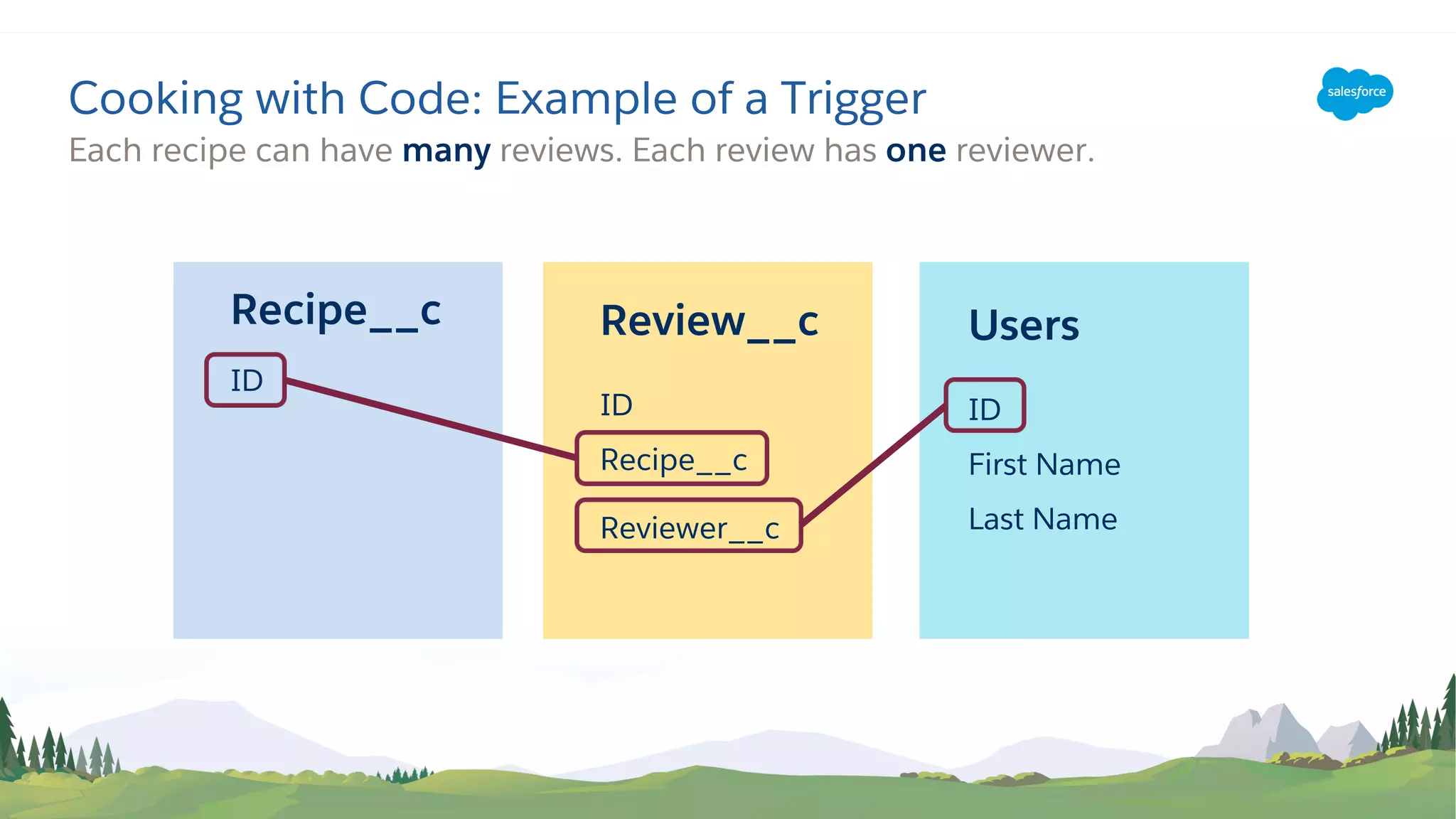
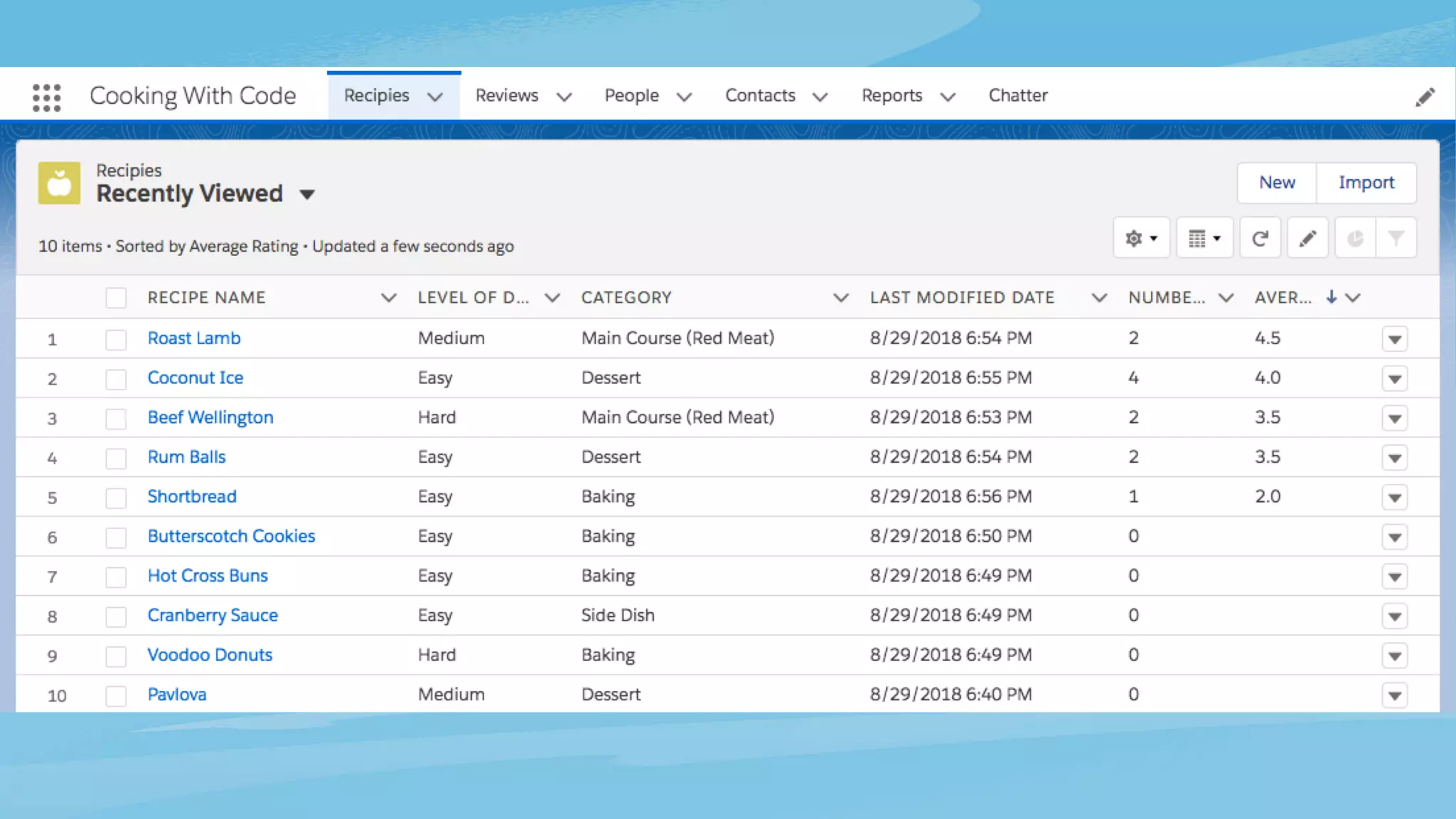
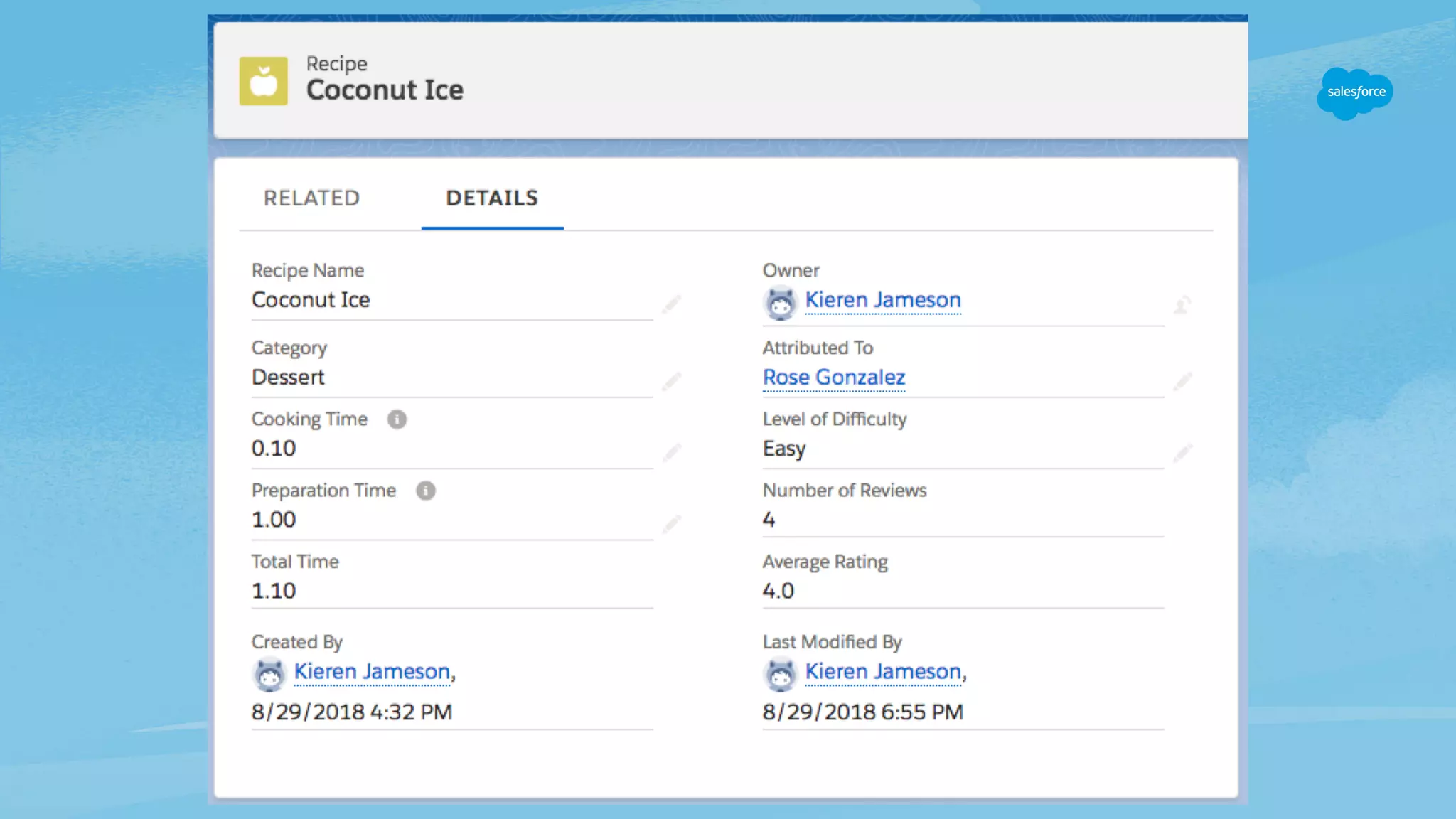
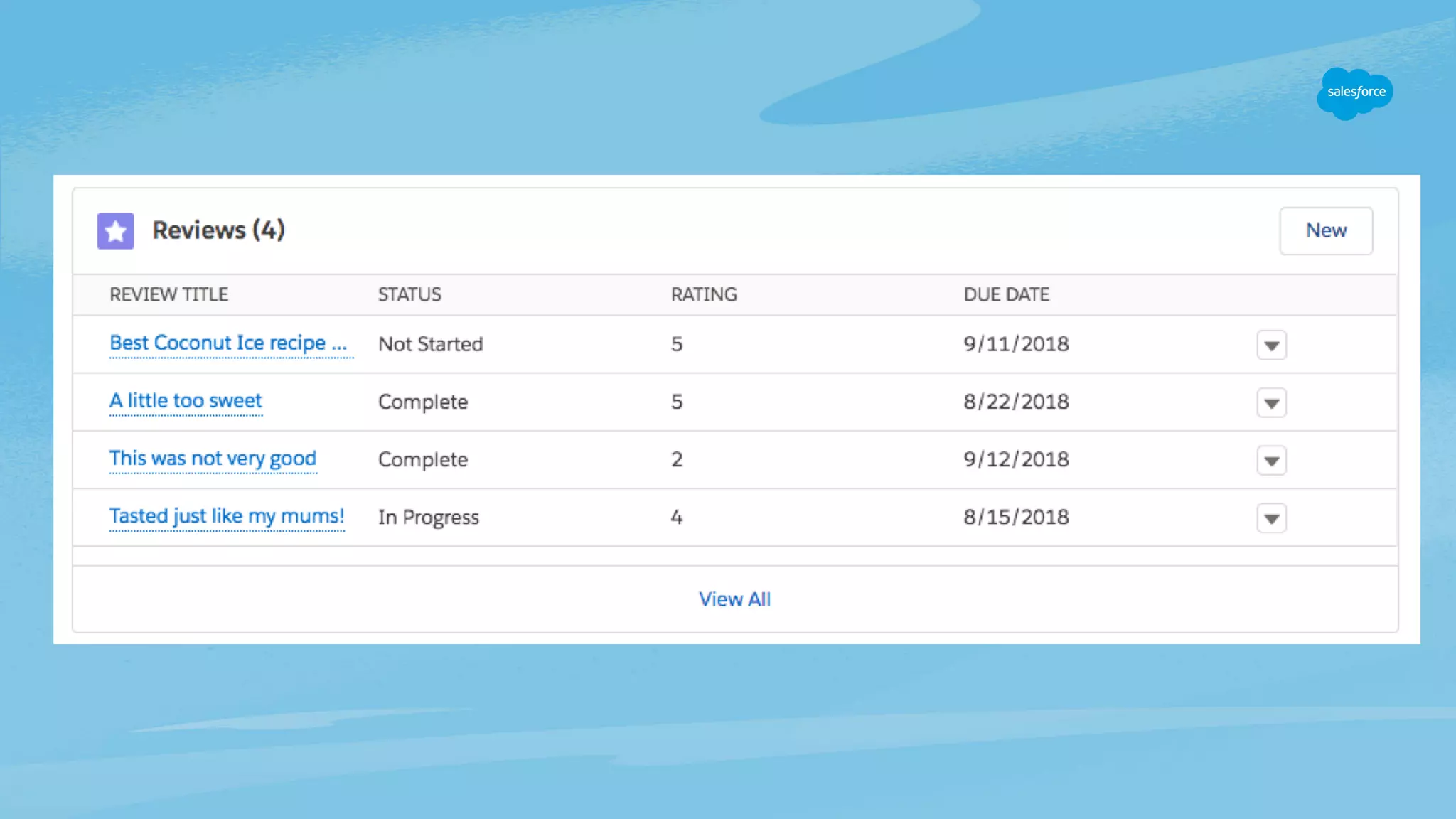
Each recipe can have many reviews. Each review has one reviewer.
Cooking with Code: Example of a Trigger
Users
ID
First Name
Last Name
Review__c
ID
Recipe__c
Reviewer__c
Recipe__c
ID
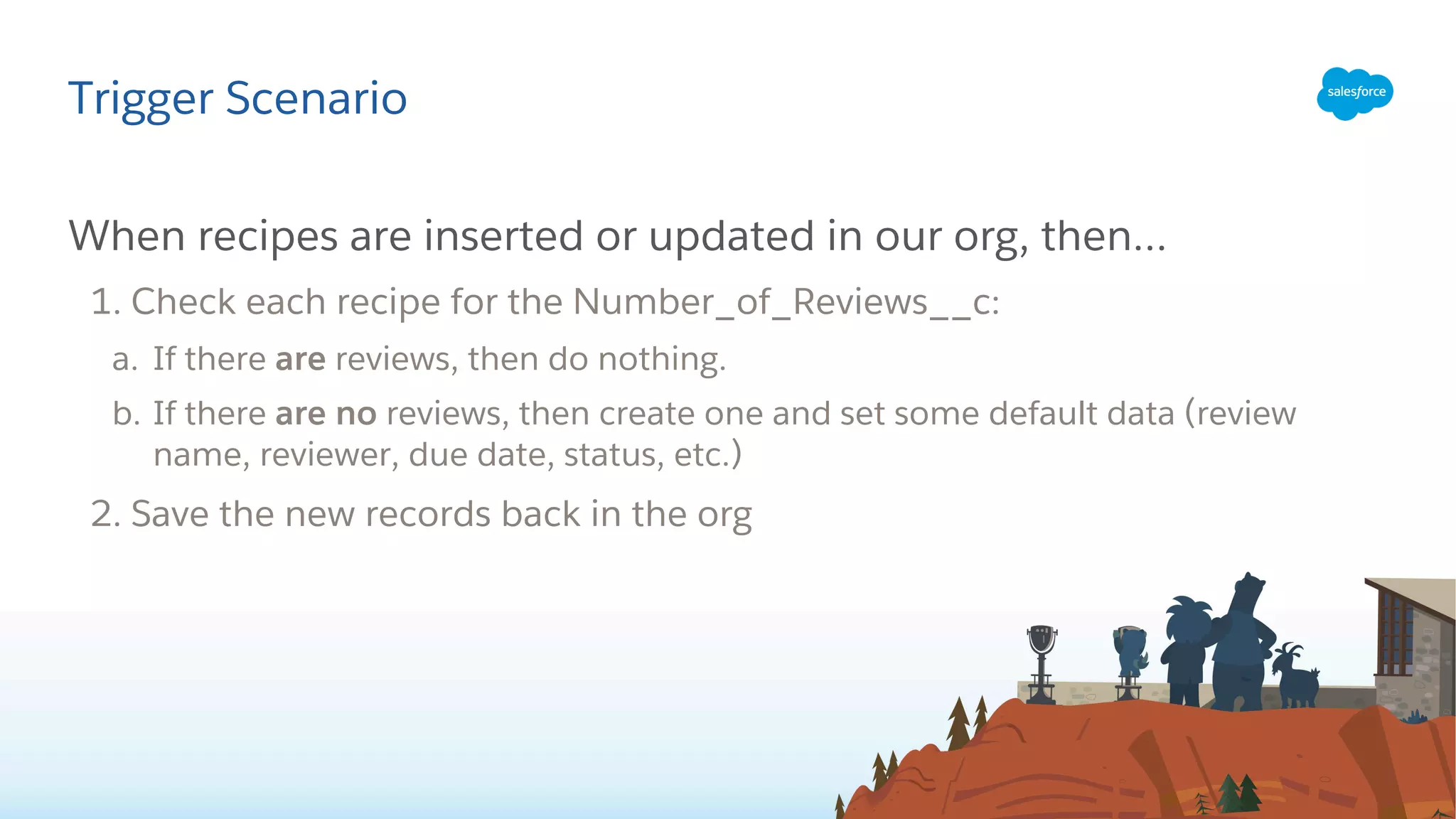
When recipes are inserted or updated in our org, then…
1. Check each recipe for the Number_of_Reviews__c:
a. If there are reviews, then do nothing.
b. If there are no reviews, then create one and set some default data (review
name, reviewer, due date, status, etc.)
2. Save the new records back in the org
Trigger Scenario
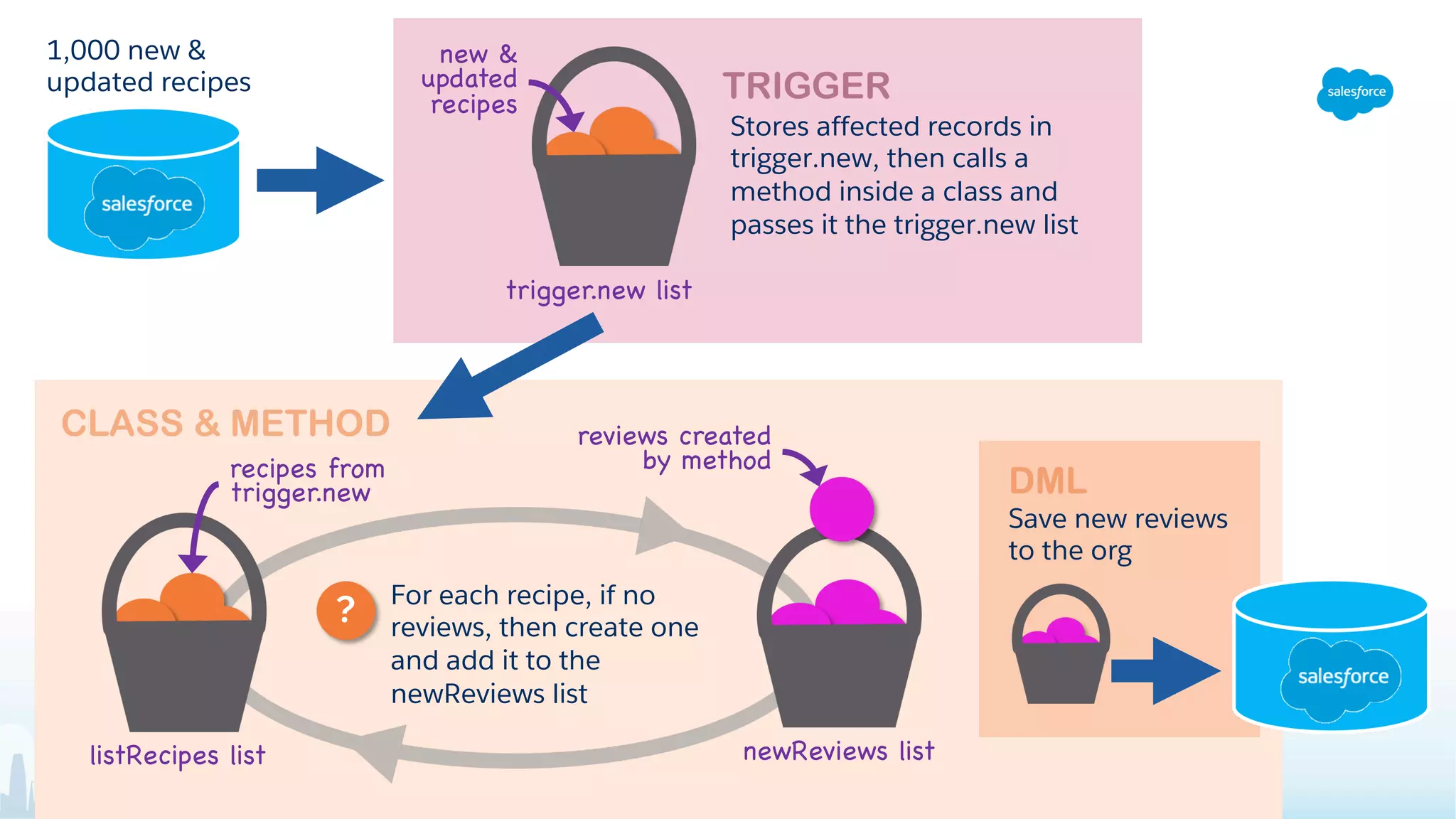
trigger.new list
Stores affected records in
trigger.new, then calls a
method inside a class and
passes it the trigger.new list
new &
updated
recipes
listRecipes list newReviews list
For each recipe, if no
reviews, then create one
and add it to the
newReviews list
?
recipes from
trigger.new
reviews created
by method
Save new reviews
to the org
1,000 new &
updated recipes
Demo Time!
Today We Learned:
• Triggers and classes are just types of files that
contain code. Methods live within classes, and
contain the code that “does all the things”.
• Triggers can work on records before and after you
save them to your Salesforce org.
• Other coding concepts:
• Variables are like temporary storage containers.
• Lists are just like buckets, they can store a group of
data.
• Loops help you evaluate and work on records one-by-
one.
• IF statements ask a question.
Trigger best practices include:
• One trigger per object.
• Use code comments.
• Put the code that does all the things
in a class, and then point the trigger
to the code in the class.
• Don’t be a bad tenant, bulkify your
code. Don’t save records one-by-
one, but rather put them in a list,
then save the list to your org.
Resources
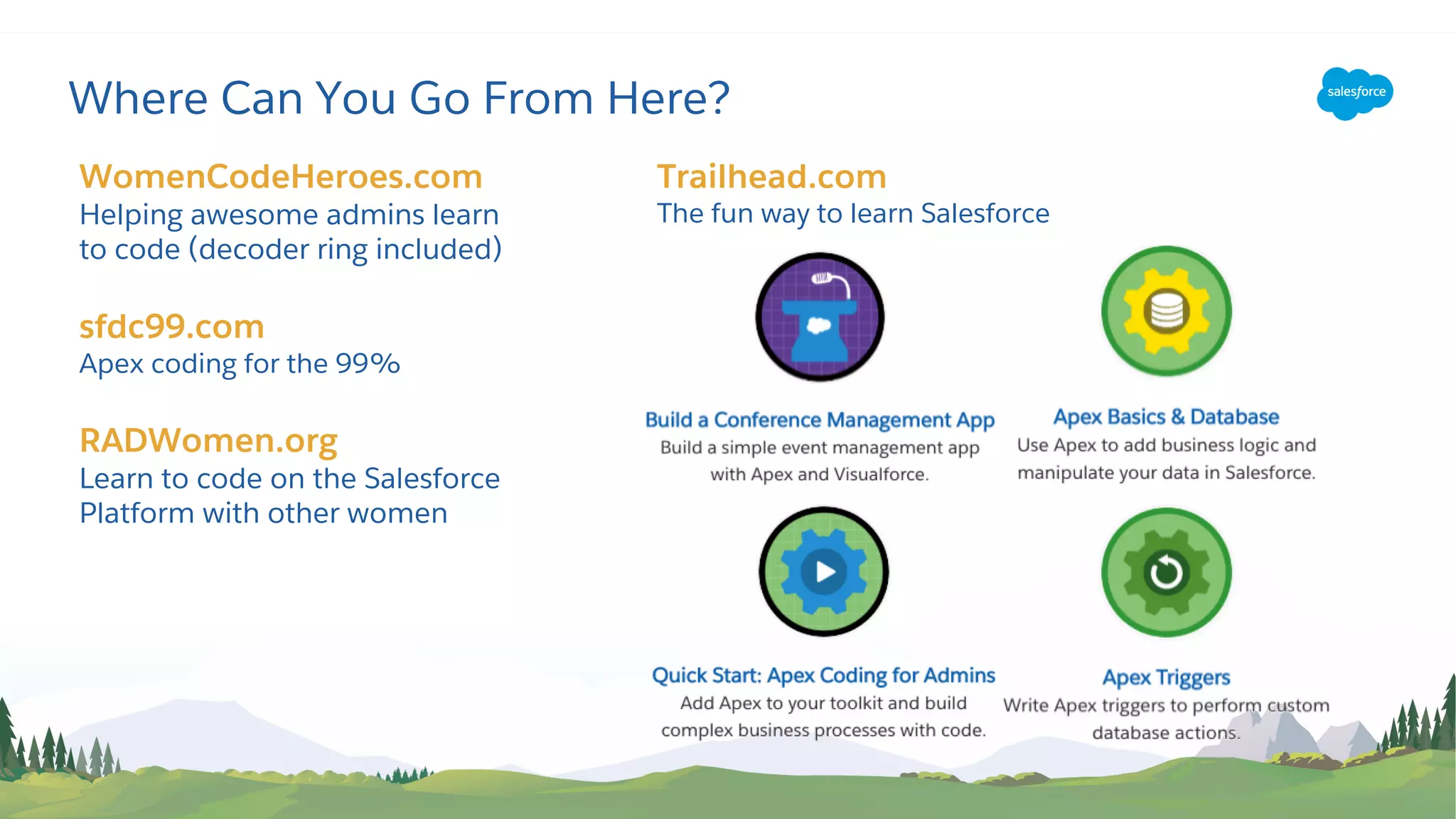
Trailhead.com
The fun way to learn Salesforce
Where Can You Go From Here?
WomenCodeHeroes.com
Helping awesome admins learn
to code (decoder ring included)
sfdc99.com
Apex coding for the 99%
RADWomen.org
Learn to code on the Salesforce
Platform with other women
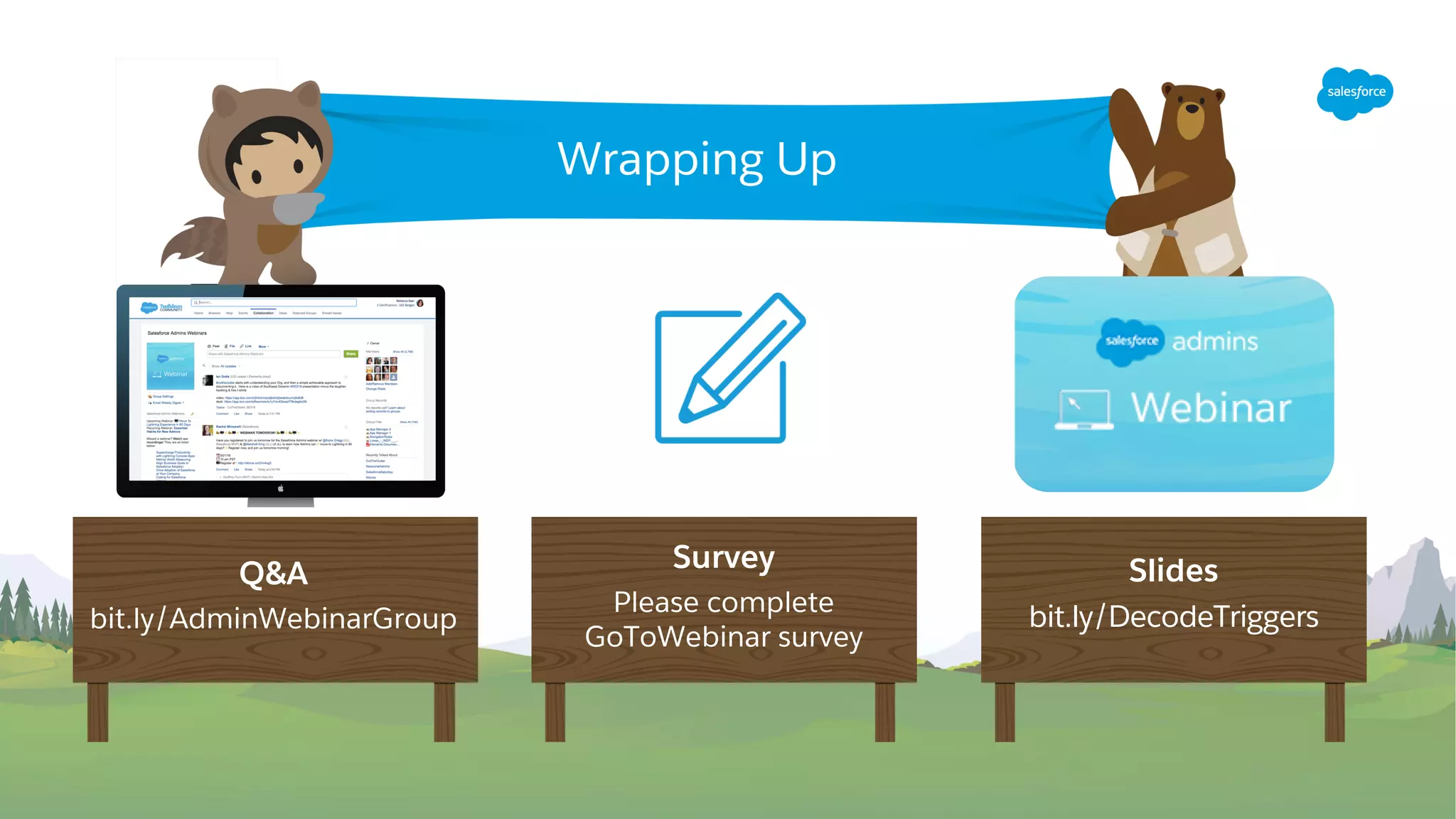
Q&A
bit.ly/AdminWebinarGroup
Slides
bit.ly/DecodeTriggers
Wrapping Up
Survey
Please complete
GoToWebinar survey
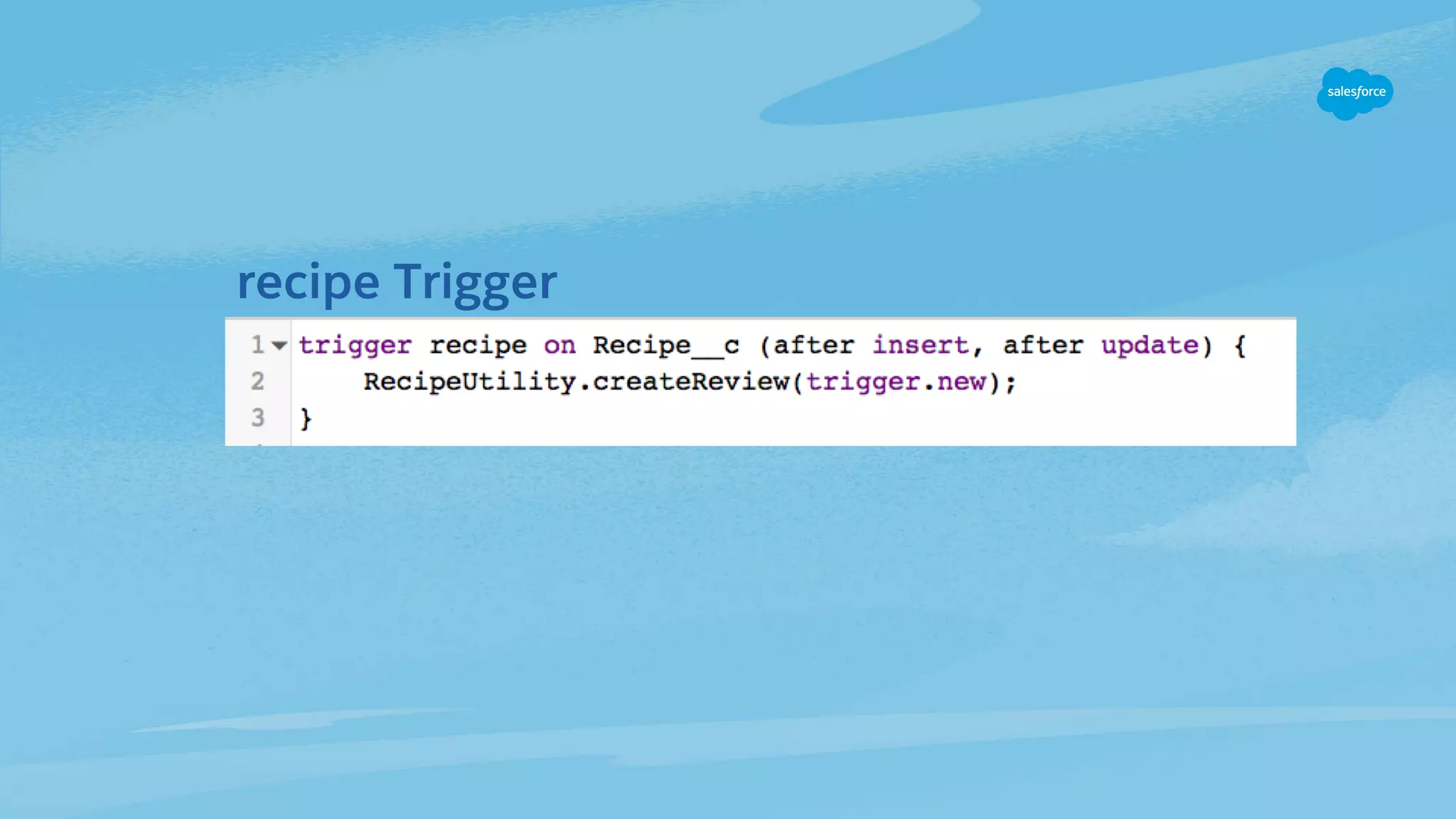
recipe Trigger
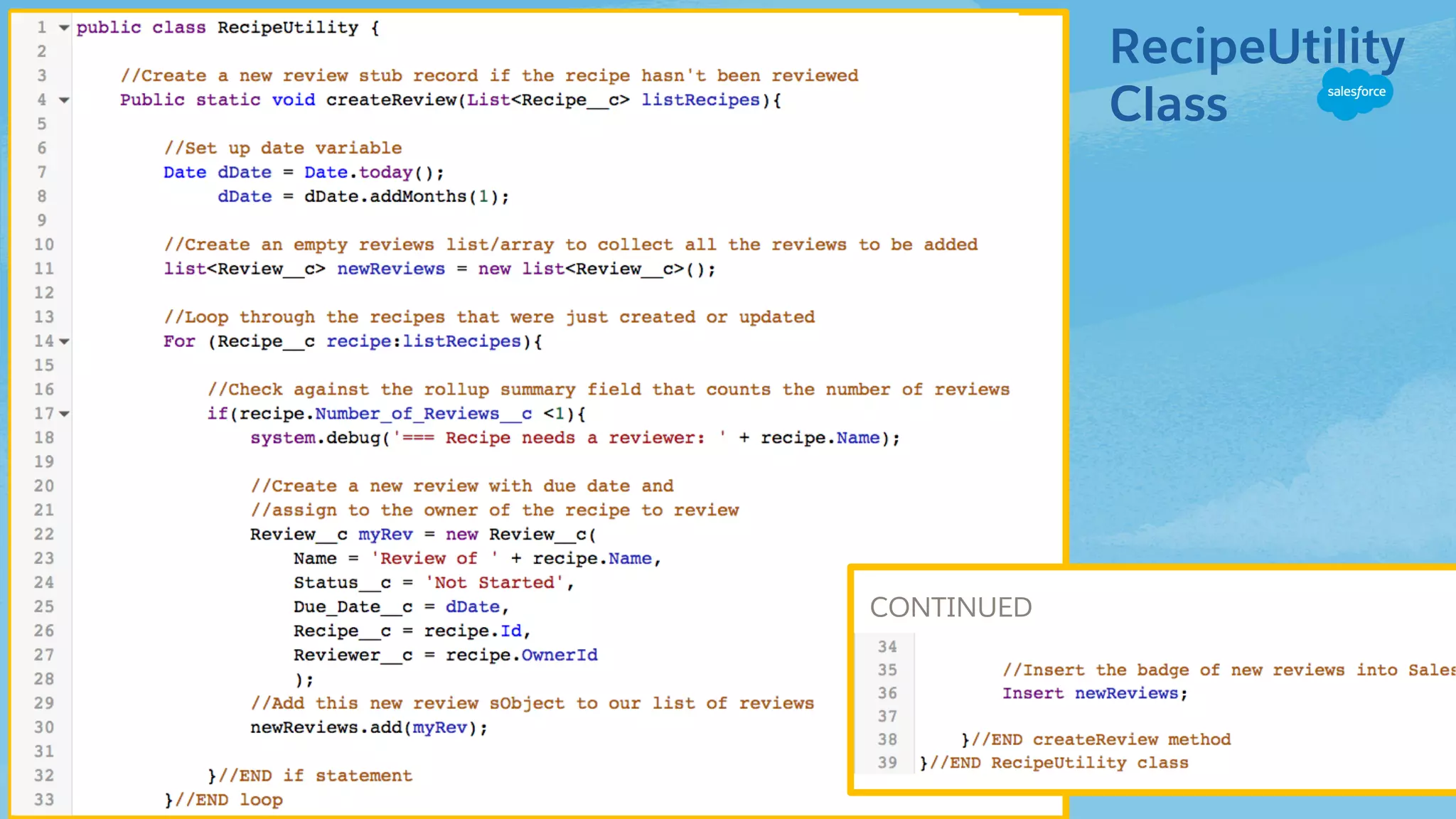
RecipeUtility
Class
CONTINUED

Decoding Triggers for Admins

  • 1.
  • 2.
    Kieren Jameson Trailhead ContentEngineer Salesforce @KierenJameson Marc Baizman Admin Evangelist Salesforce @MBaizman Today’s Speakers
  • 3.
    This presentation maycontain forward-looking statements that involve risks, uncertainties, and assumptions. If any such uncertainties materialize or if any of the assumptions proves incorrect, the results of salesforce.com, inc. could differ materially from the results expressed or implied by the forward-looking statements we make. All statements other than statements of historical fact could be deemed forward-looking, including any projections of product or service availability, subscriber growth, earnings, revenues, or other financial items and any statements regarding strategies or plans of management for future operations, statements of belief, any statements concerning new, planned, or upgraded services or technology developments and customer contracts or use of our services. The risks and uncertainties referred to above include – but are not limited to – risks associated with developing and delivering new functionality for our service, new products and services, our new business model, our past operating losses, possible fluctuations in our operating results and rate of growth, interruptions or delays in our Web hosting, breach of our security measures, the outcome of any litigation, risks associated with completed and any possible mergers and acquisitions, the immature market in which we operate, our relatively limited operating history, our ability to expand, retain, and motivate our employees and manage our growth, new releases of our service and successful customer deployment, our limited history reselling non-salesforce.com products, and utilization and selling to larger enterprise customers. Further information on potential factors that could affect the financial results of salesforce.com, inc. is included in our annual report on Form 10-K for the most recent fiscal year and in our quarterly report on Form 10-Q for the most recent fiscal quarter. These documents and others containing important disclosures are available on the SEC Filings section of the Investor Information section of our Web site. Any unreleased services or features referenced in this or other presentations, press releases or public statements are not currently available and may not be delivered on time or at all. Customers who purchase our services should make the purchase decisions based upon features that are currently available. Salesforce.com, inc. assumes no obligation and does not intend to update these forward-looking statements. Statement under the Private Securities Litigation Reform Act of 1995 Forward-Looking Statement
  • 4.
    Connect with Us! SalesforceAdmins @SalesforceAdmns #AwesomeAdmin admin.salesforce.com Salesforce Admins Salesforce Admins
  • 5.
    Watch the Recording Thevideo will be posted to YouTube & the webinar recap page: bit.ly/DecodeTriggers This webinar is being recorded!
  • 6.
    Join the AdminWebinar Group for Q&A! Don’t wait until the end to ask your question! • We have team members on hand to answer questions in the webinar group. Stick around for live Q&A at the end! • Speakers will tackle more questions at the end, time-allowing bit.ly/AdminWebinarGroup
  • 7.
    • Trigger overview& best practices • Example trigger • Resources • Q&A Today’s Agenda
  • 8.
    Trigger Overview &Best Practices
  • 9.
    Importance of UnderstandingTriggers Triggers Your Salesforce org All the things you know And then there are triggers
  • 10.
    • Triggers kickoff code-based automated processes in Salesforce. • They listen for certain database events (e.g., a record being inserted, updated, deleted, etc.). • They link to the code that makes the magic happen. (Note: There are other ways this can an be structured, but best practice is to link to the “magic- causing” code.) What Are Apex Triggers? Change(s) made to records in org Trigger says, ”Oooh, I know what to do!” END Trigger sends all the records that were just changed to a piece of code that does something with these records.
  • 11.
    Triggers let usdo things like… • Compare data before & after a change is made. • Create new, and update existing, related (or unrelated) records. • Delete records. • Interact with external data and web services (e.g., external databases & SMS text message services). Use Cases For Triggers
  • 12.
    Before trigger =before “save” • Work with data before it is committed (saved) to the database. • Are great for validating data or setting values programmatically. Difference Between Before and After in Triggers After trigger = after “save” • Work with data after the data is committed (saved) to the database • Are great for using the values you just updated/created to create new or update existing records.
  • 13.
    Change(s) made to records inorg Trigger fires END That code does stuff: validate data, compare values, change data before “save” BEFORE “SAVE” Trigger fires linked code Trigger fires linked code That code does stuff: create related records, find related records based on IDs of new records AFTER “SAVE” saved data to org Object Trigger Chain of Events
  • 14.
    Basic Structure ofa Trigger (after insert, after update) { BEFORE § Insert § Update § Delete AFTER § Insert § Update § Delete § Undelete
  • 15.
    Where Does AllThis Code Go? Why do this? § Easier to reuse code § Easier to understand code § Easier to write distinct unit tests Bonus best practice: One trigger per object makes it easier to control order that each piece of code will run. Best Practice Change(s) made to records in org Trigger calls out to one or more classes Classes contains the code that “does stuff” END Common Practice ^ Change(s) made to records in org Trigger contains all the code that “does stuff” END but not so good
  • 16.
  • 17.
    Each recipe canhave many reviews. Each review has one reviewer. Cooking with Code: Example of a Trigger Users ID First Name Last Name Review__c ID Recipe__c Reviewer__c Recipe__c ID
  • 18.
    When recipes areinserted or updated in our org, then… 1. Check each recipe for the Number_of_Reviews__c: a. If there are reviews, then do nothing. b. If there are no reviews, then create one and set some default data (review name, reviewer, due date, status, etc.) 2. Save the new records back in the org Trigger Scenario
  • 19.
    trigger.new list Stores affectedrecords in trigger.new, then calls a method inside a class and passes it the trigger.new list new & updated recipes listRecipes list newReviews list For each recipe, if no reviews, then create one and add it to the newReviews list ? recipes from trigger.new reviews created by method Save new reviews to the org 1,000 new & updated recipes
  • 20.
  • 21.
    Today We Learned: •Triggers and classes are just types of files that contain code. Methods live within classes, and contain the code that “does all the things”. • Triggers can work on records before and after you save them to your Salesforce org. • Other coding concepts: • Variables are like temporary storage containers. • Lists are just like buckets, they can store a group of data. • Loops help you evaluate and work on records one-by- one. • IF statements ask a question. Trigger best practices include: • One trigger per object. • Use code comments. • Put the code that does all the things in a class, and then point the trigger to the code in the class. • Don’t be a bad tenant, bulkify your code. Don’t save records one-by- one, but rather put them in a list, then save the list to your org.
  • 22.
  • 23.
    Trailhead.com The fun wayto learn Salesforce Where Can You Go From Here? WomenCodeHeroes.com Helping awesome admins learn to code (decoder ring included) sfdc99.com Apex coding for the 99% RADWomen.org Learn to code on the Salesforce Platform with other women
  • 24.
  • 29.
  • 30.