10
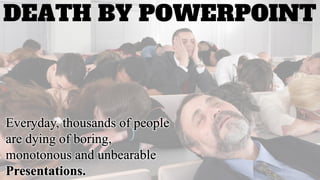
DEATH BY POWERPOINT
YOUR PRESENTATIONS SHOULD
ENGAGE YOUR AUDIENCE
“The goal of this presentation
is to impress, rather than inform!”
~William Rushton, British Physiologist
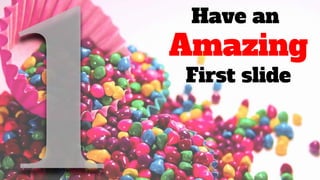
Have an
Amazing
First slide
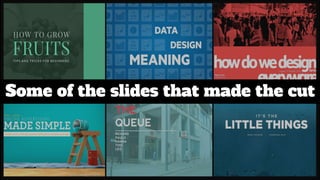
Some of the slides that made the cut
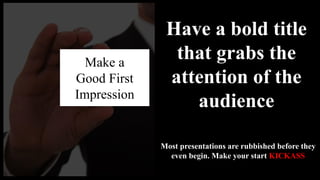
Make a
Good First
Impression
Have a bold title
that grabs the
attention of the
audience
Most presentations are rubbished before they
even begin. Make your start KICKASS
India’s
Favorite
sport’s
first
slide
looked
like this
And Now it Looks Like This
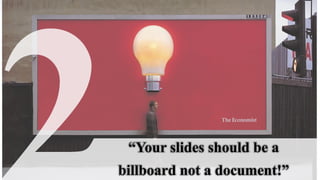
“Your slides should be a
billboard not a document!”
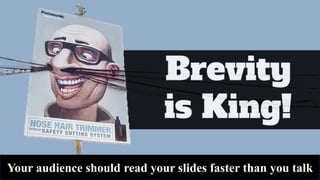
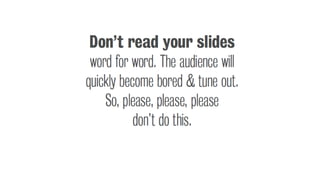
Your audience should read your slides faster than you talk
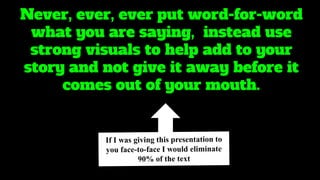
Never, ever, ever put word-for-word
what you are saying, instead use
strong visuals to help add to your
story and not give it away before it
comes out of your mouth.
Slide
goes
from
this
To this
Young Children
Go to work everyday to earn money for
their family
Image
Wizardry
People
remember
only
of what you
are saying
10%
And
65%
of what they
hear and see
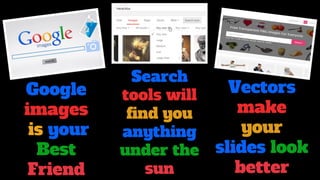
Google
images
is your
Best
Friend
Search
tools will
find you
anything
under the
sun
Vectors
make
your
slides look
better
Images Take your
Slides from Here
To
Here
Republican Candidate
Donald J.
Trump
A quick word on Image Selection
Keep Your
Images
realistic
They should
be self
explanatory
And
Finally
Clipart
Is a big
No!
Find the perfect color scheme
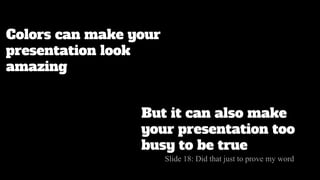
Colors can make your
presentation look
amazing
But it can also make
your presentation too
busy to be true
Slide 18: Did that just to prove my word
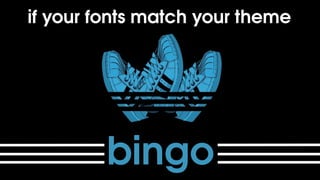
Try and match
your color scheme
with your topic
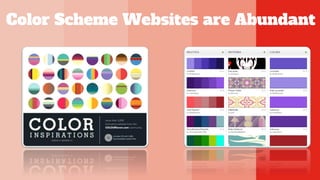
Color Scheme Websites are Abundant
Go the Classic way
Check out Your favorite Websites and
Magazines for help
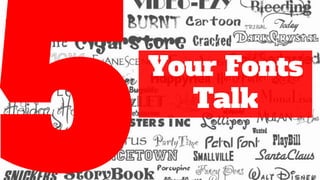
Your Fonts
Talk
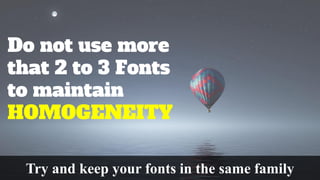
Do not use more
that 2 to 3 Fonts
to maintain
HOMOGENEITY
Try and keep your fonts in the same family
Your Text should be visible to
every last person
Golden Rule:
Make Sure your smallest font is size is greater than 24
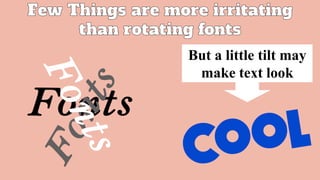
But a little tilt may
make text look
C.R.A.P
Time
Contrast
And that’s
what
AMAZING
contrast looks
like
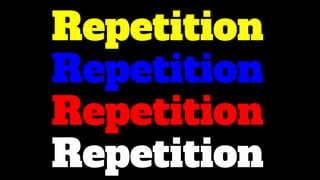
Repetition
Repetition
Repetition
Repetition
Did We Say It Looks Wow
Alignment
That’s How easily you
misalign Photos
Good Alignment has its own perks
But somehow
we always
suggest this
Proximity
Proximity Turns This
Into this piece of ART
Data! Data!
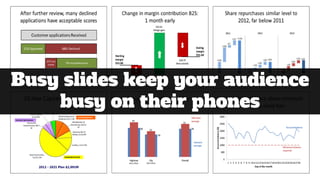
Busy slides keep your audience
busy on their phones
Data is never about the
information you share
Its always about what
that information means
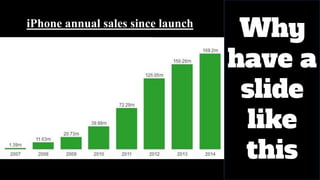
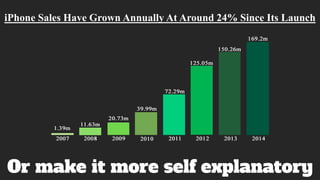
iPhone annual sales since launch
Why
have a
slide
like
this
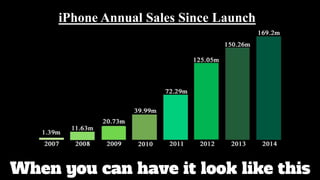
When you can have it look like this
iPhone Annual Sales Since Launch
Or make it more self explanatory
iPhone Sales Have Grown Annually At Around 24% Since Its Launch
Make sure what
your data says
is clear
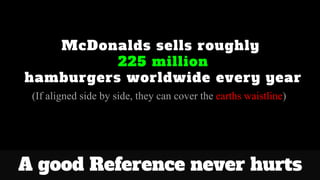
McDonalds sells roughly
225 million
hamburgers worldwide every year
(If aligned side by side, they can cover the earths waistline)
A good Reference never hurts
Multimedia
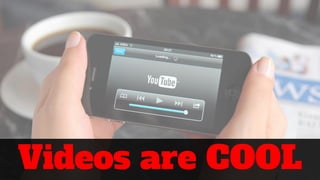
Videos are COOL
Embed them straight
into your slides
Both you and your
audience get a much
needed break!
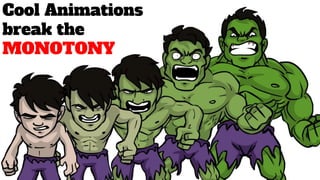
Cool Animations
break the
MONOTONY
Use animations sparingly
They should be WOW moments
not WHY Moments
Engage your audience
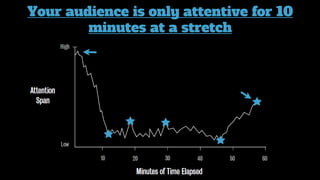
Follow the 10
minute rule
Your audience is only attentive for 10
minutes at a stretch
Tell A Story
Jokes and Rhetoric's
keep your audience
hooked
Involvement is key
Else you will be talking to a bunch of snoring buggers
10
Practice! Practice! Practice!
Don’t Hide
Be Clear
Be Confident
Finish
Strong
Ask for
Queries &
Feedback
Beyond the 10
Your Presentation
is your canvas
So go ahead and
Break the Rules
Experiment, Learn, Improve.
These were 10 steps to
improve your presentations
But there is never a right or
a wrong way
Stay
Hungry
Keep Trying
Find Your Own Way
Sahildeep Singh Kohli
sahil.sdsk@gmail.com

Death By PPT