Scrapy
Patrick O’Brien | @obdit
DataPhilly | 20131118 | Monetate
Steps of data science
●
●
●
●
●

Obtain
Scrub
Explore
Model
iNterpret
Steps of data science
●
●
●
●
●

Obtain
Scrub
Explore
Model
iNterpret

Scrapy
About Scrapy
●
●
●
●

Framework for collecting data
Open source - 100% python
Simple and well documented
OSX, Linux, Windows, BSD
Some of the features
● Built-in selectors
● Generating feed output
○ Format: json, csv, xml
○ Storage: local, FTP, S3, stdout

●
●
●
●

Encoding and autodetection
Stats collection
Control via a web service
Handle cookies, auth, robots.txt, user-agent
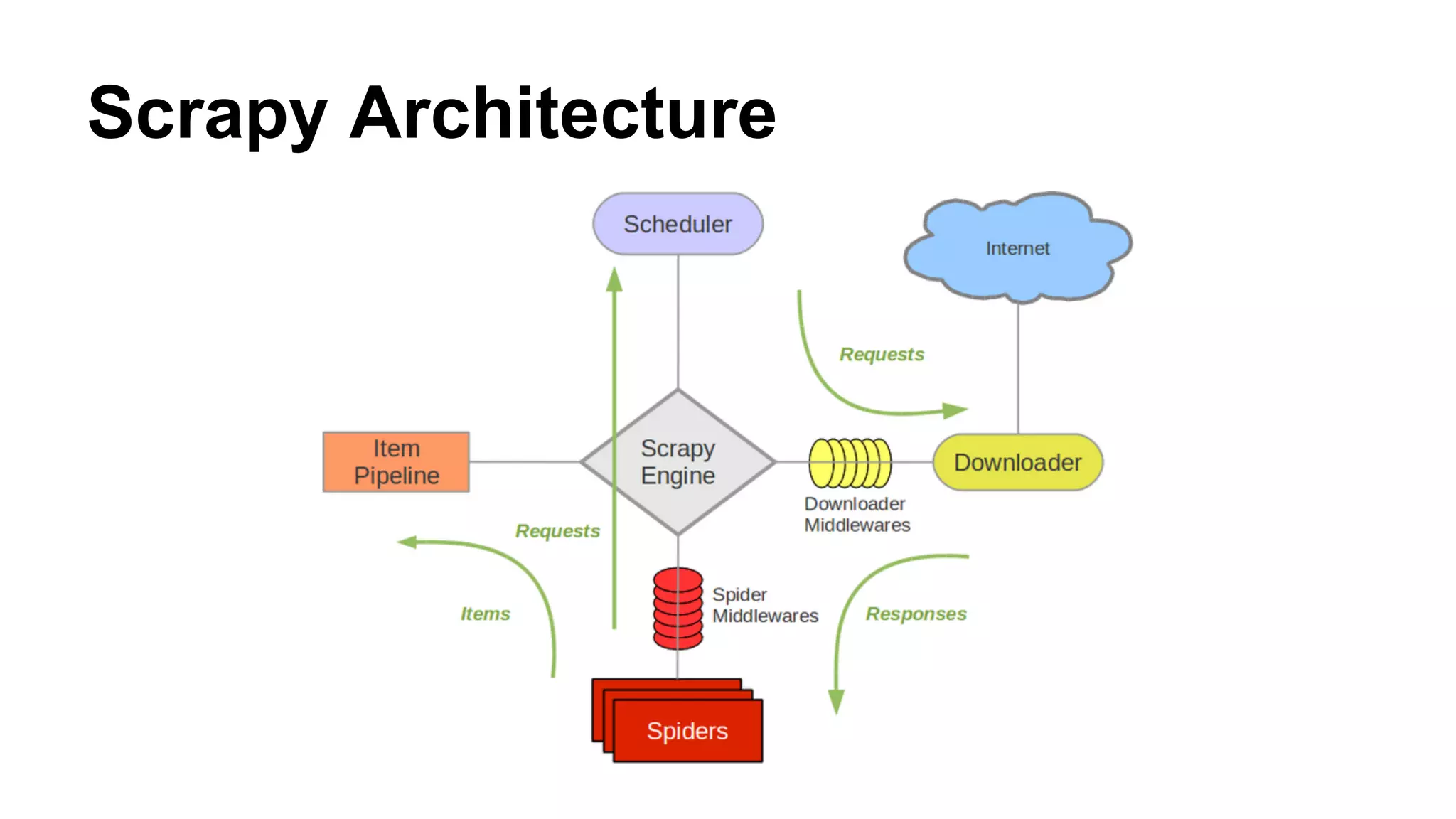
Scrapy Architecture
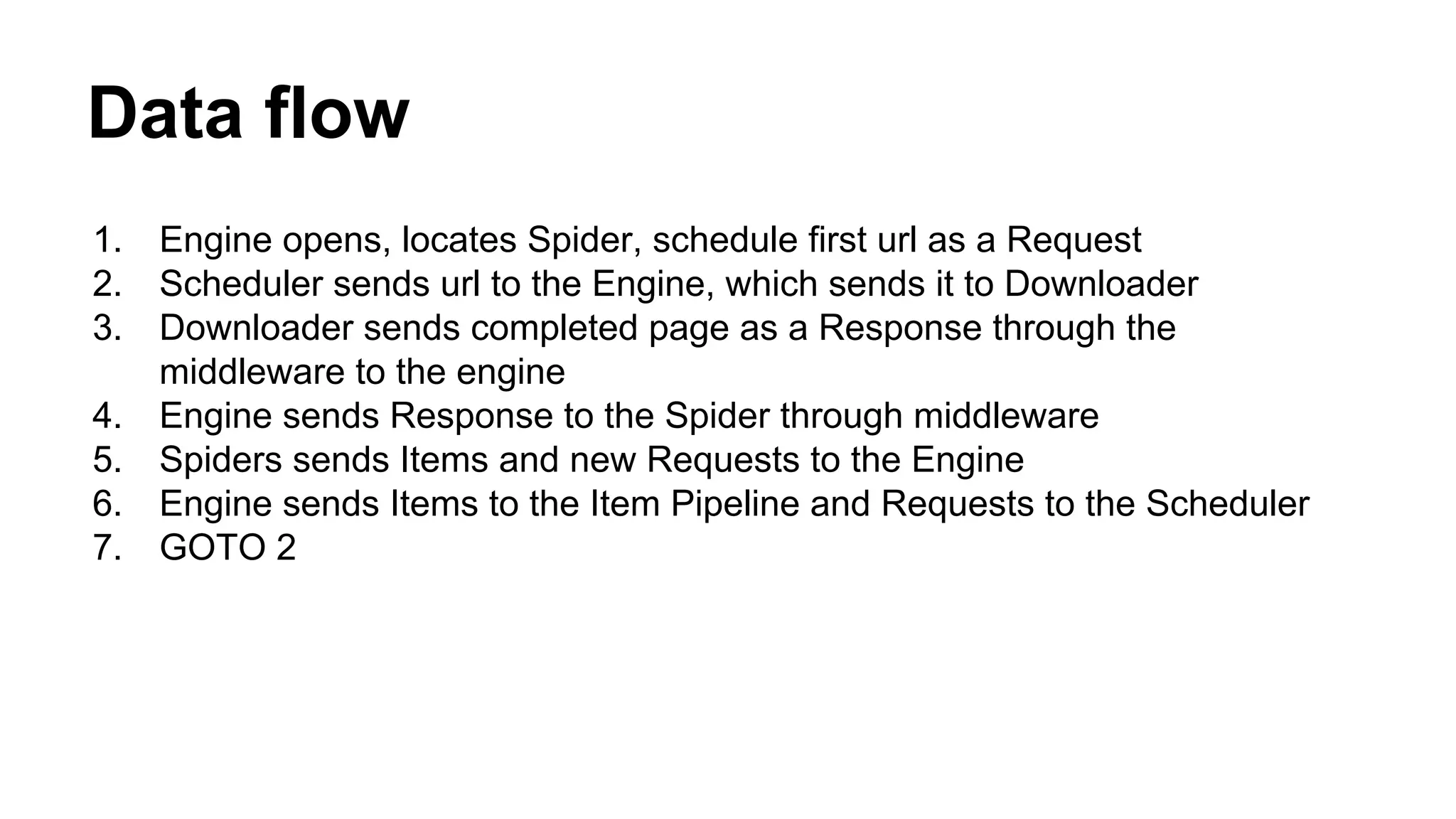
Data flow
1.
2.
3.
4.
5.
6.
7.

Engine opens, locates Spider, schedule first url as a Request
Scheduler sends url to the Engine, which sends it to Downloader
Downloader sends completed page as a Response through the
middleware to the engine
Engine sends Response to the Spider through middleware
Spiders sends Items and new Requests to the Engine
Engine sends Items to the Item Pipeline and Requests to the Scheduler
GOTO 2
Parts of Scrapy
●
●
●
●
●
●

Items
Spider
Link Extractors
Selectors
Request
Responses
Items
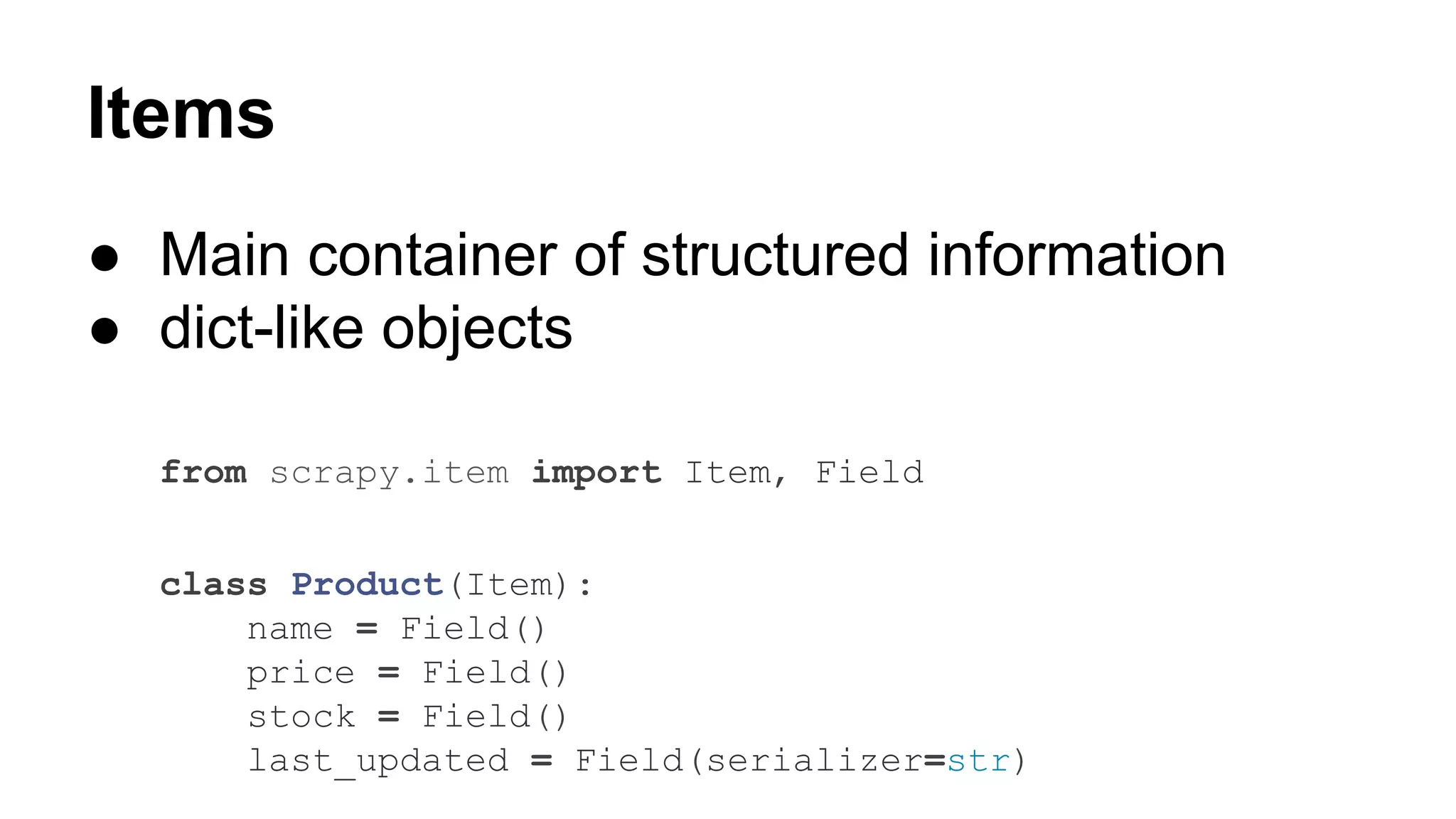
● Main container of structured information
● dict-like objects
from scrapy.item import Item, Field
class Product(Item):
name = Field()
price = Field()
stock = Field()
last_updated = Field(serializer=str)
Items
>>> product = Product(name='Desktop PC', price=1000)
>>> print product
Product(name='Desktop PC', price=1000)

>>> product['name']
Desktop PC
>>> product.get('name')
Desktop PC

>>> product.keys()
['price', 'name']
>>> product.items()
[('price', 1000), ('name', 'Desktop PC')]
Spiders
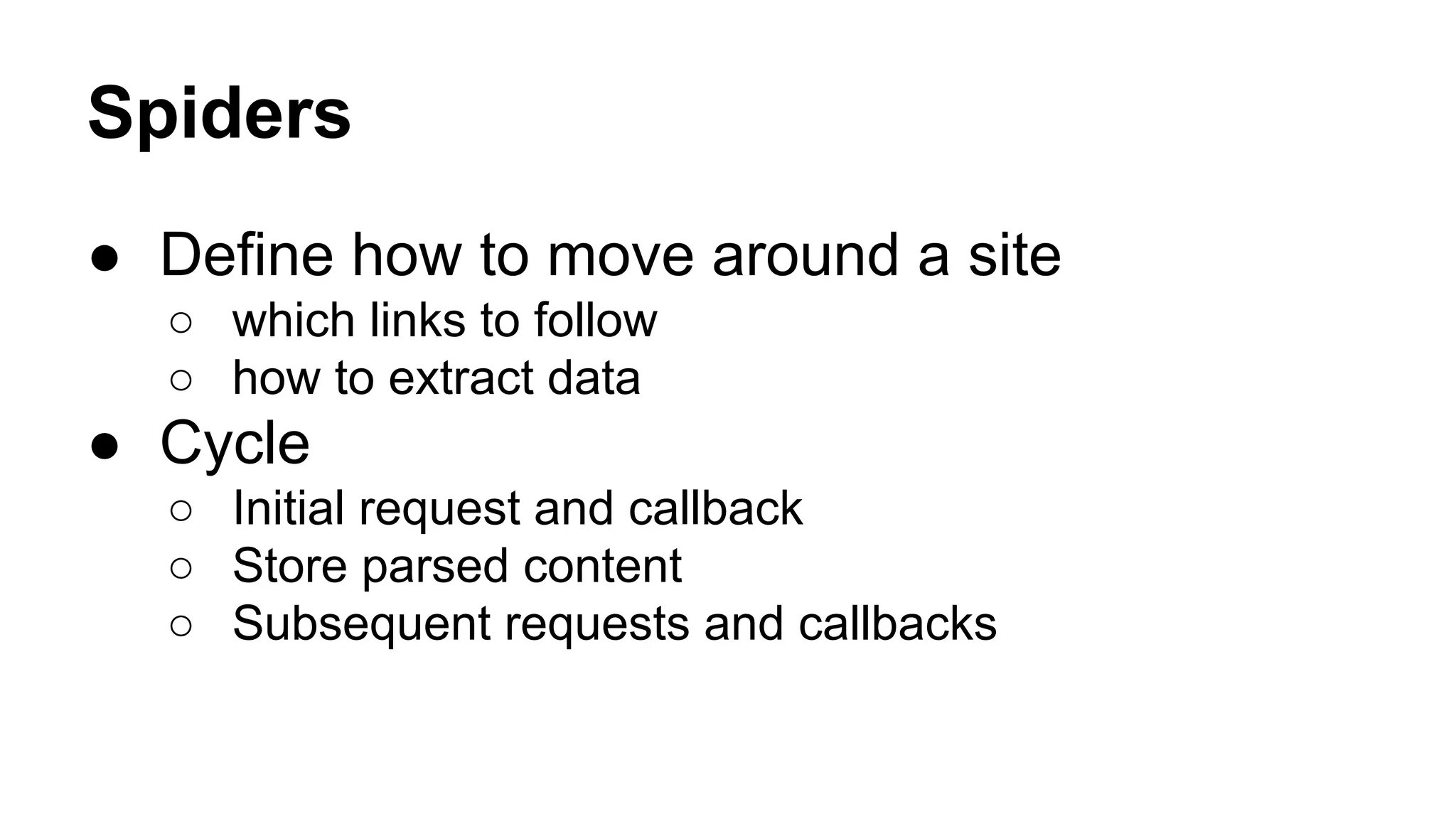
● Define how to move around a site
○ which links to follow
○ how to extract data

● Cycle
○ Initial request and callback
○ Store parsed content
○ Subsequent requests and callbacks
Generic Spiders
●
●
●
●
●

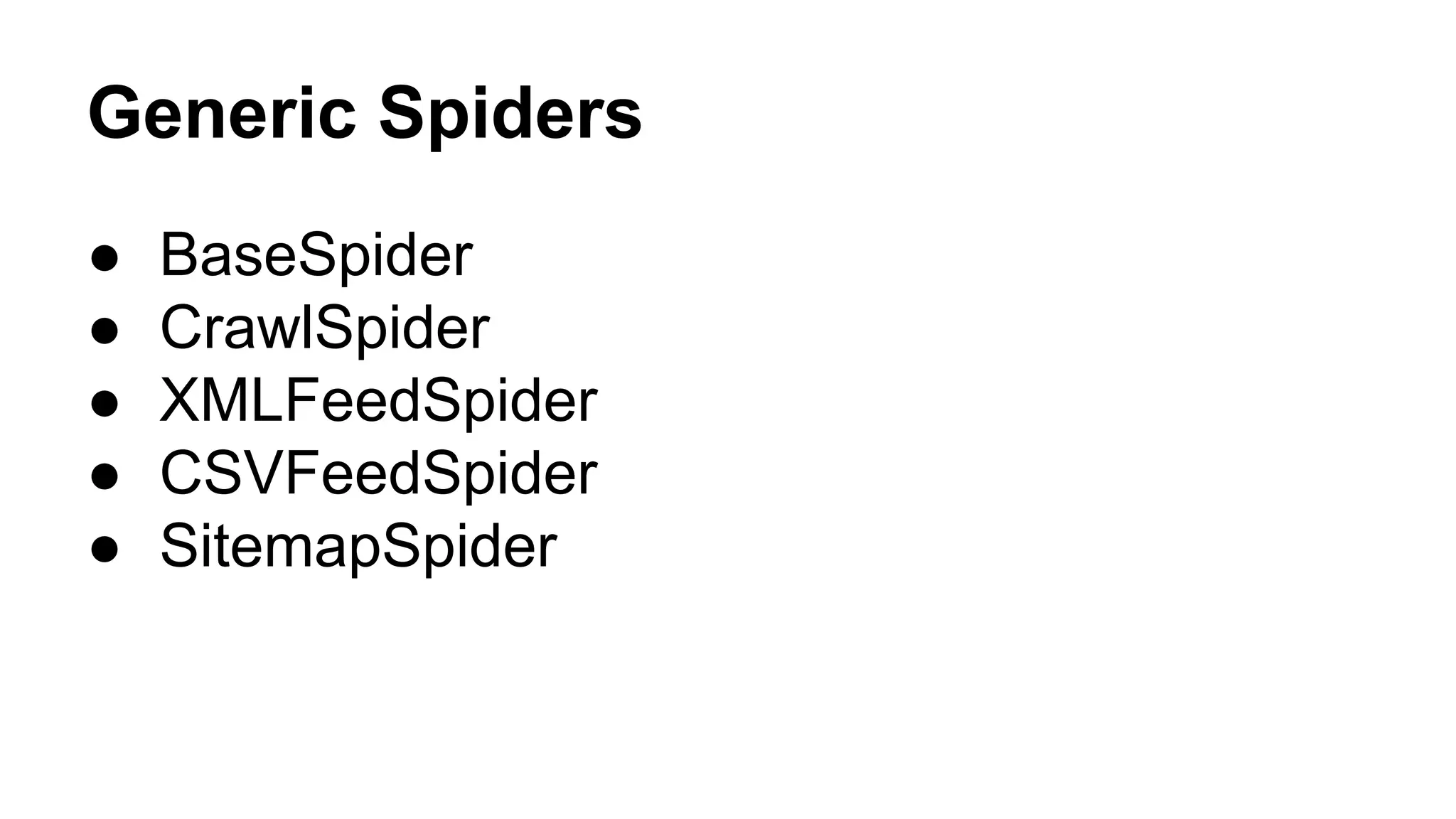
BaseSpider
CrawlSpider
XMLFeedSpider
CSVFeedSpider
SitemapSpider
BaseSpider
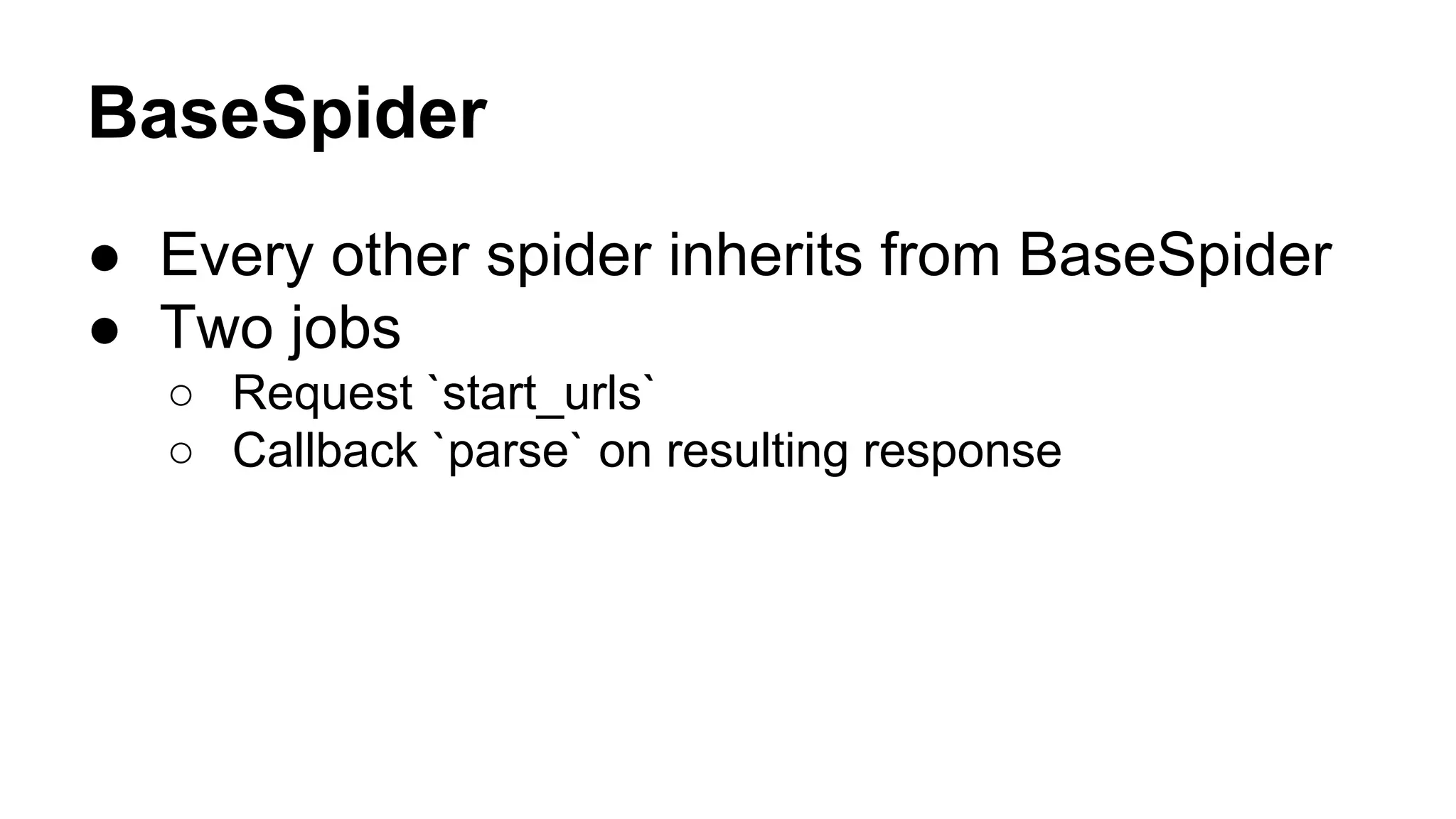
● Every other spider inherits from BaseSpider
● Two jobs
○ Request `start_urls`
○ Callback `parse` on resulting response
BaseSpider
...
class MySpider(BaseSpider):
name = 'example.com'
allowed_domains = ['example.com']
start_urls = [

● Send Requests example.
com/[1:3].html

'http://www.example.com/1.html',
'http://www.example.com/2.html',
'http://www.example.com/3.html',
]

● Yield title Item

def parse(self, response):
sel = Selector(response)
for h3 in sel.xpath('//h3').extract():
yield MyItem(title=h3)

for url in sel.xpath('//a/@href').extract():
yield Request(url, callback=self.parse)

● Yield new Request
CrawlSpider
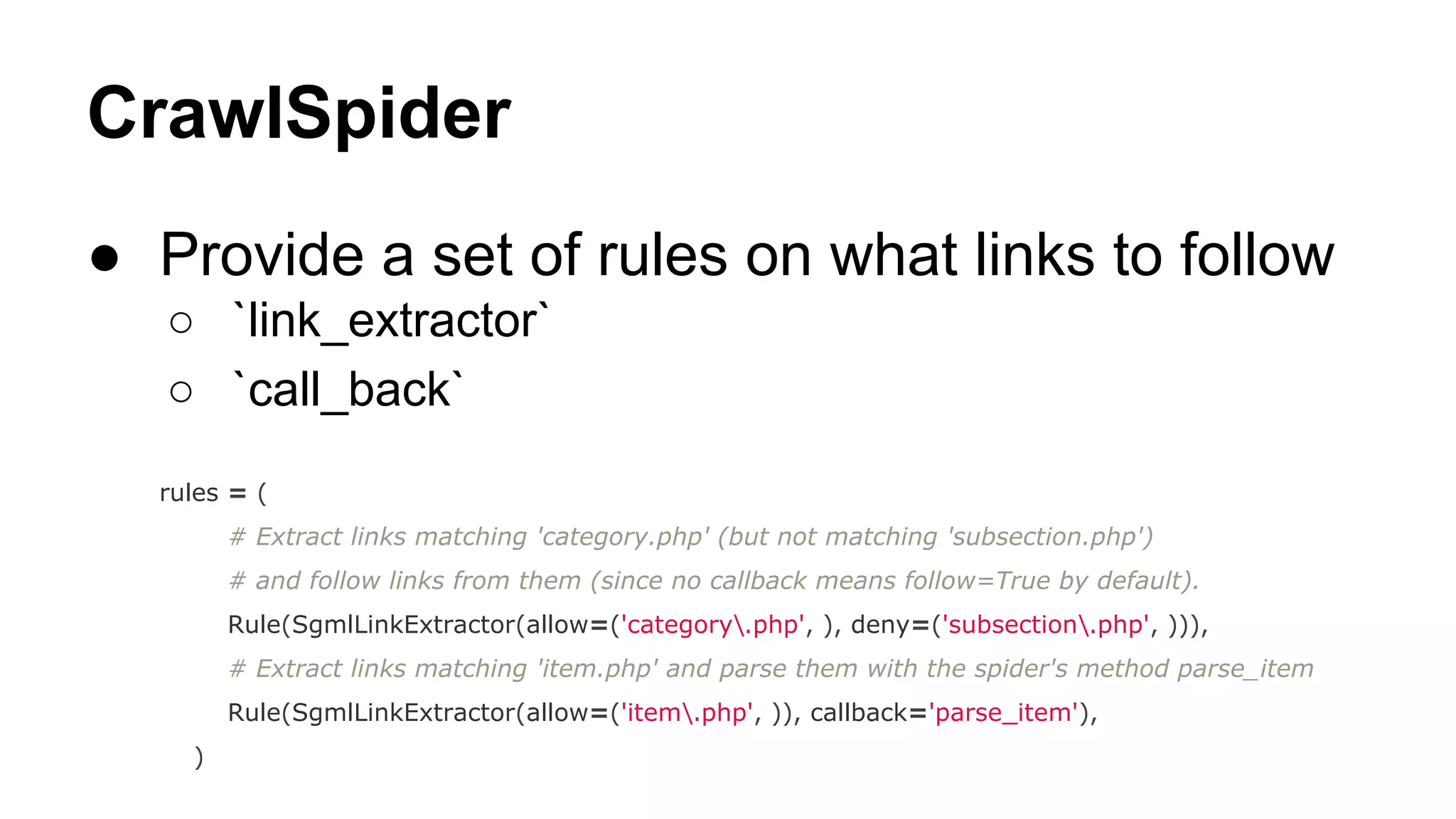
● Provide a set of rules on what links to follow
○ `link_extractor`
○ `call_back`
rules = (
# Extract links matching 'category.php' (but not matching 'subsection.php')
# and follow links from them (since no callback means follow=True by default).
Rule(SgmlLinkExtractor(allow=('category.php', ), deny=('subsection.php', ))),
# Extract links matching 'item.php' and parse them with the spider's method parse_item
Rule(SgmlLinkExtractor(allow=('item.php', )), callback='parse_item'),
)
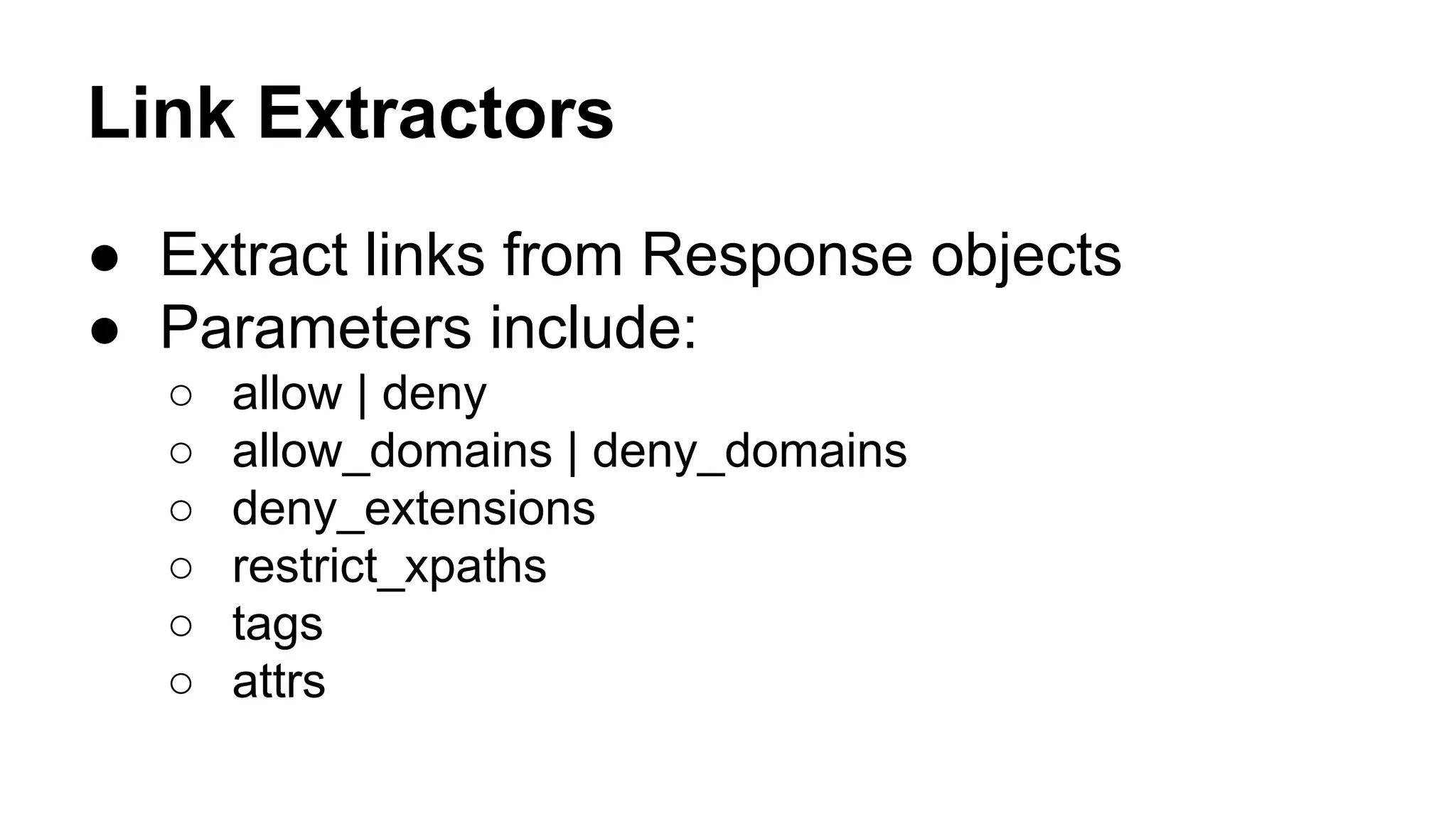
Link Extractors
● Extract links from Response objects
● Parameters include:
○
○
○
○
○
○

allow | deny
allow_domains | deny_domains
deny_extensions
restrict_xpaths
tags
attrs
Selectors
● Mechanisms for extracting data from HTML
● Built over the lxml library
● Two methods
○ XPath: sel.xpath('//a[contains(@href,

"image")]/@href' ).

extract()

○

CSS: sel.css('a[href*=image]::attr(href)' ).extract()

● Response object is called into Selector
○

sel = Selector(response)
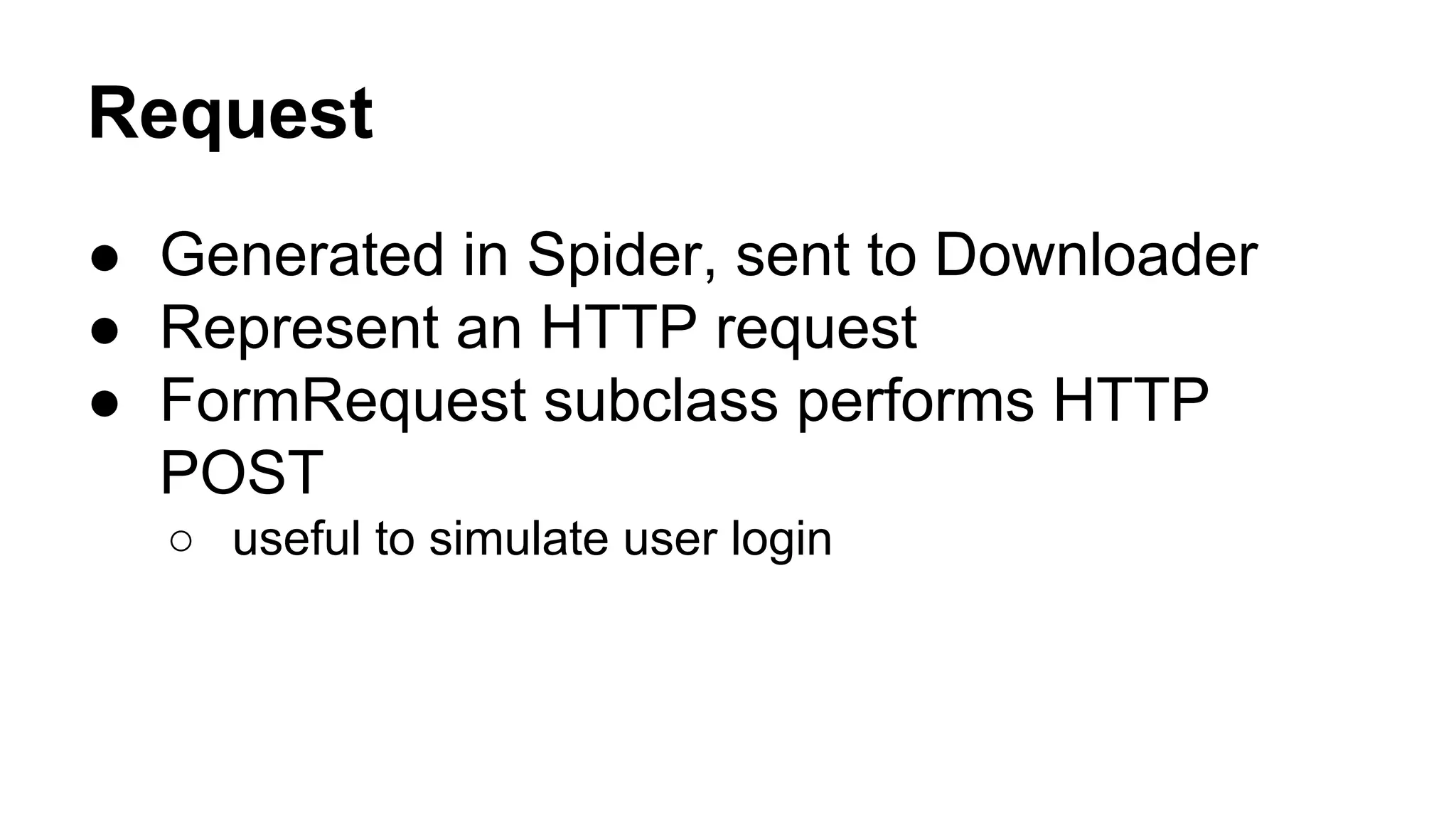
Request
● Generated in Spider, sent to Downloader
● Represent an HTTP request
● FormRequest subclass performs HTTP
POST
○ useful to simulate user login
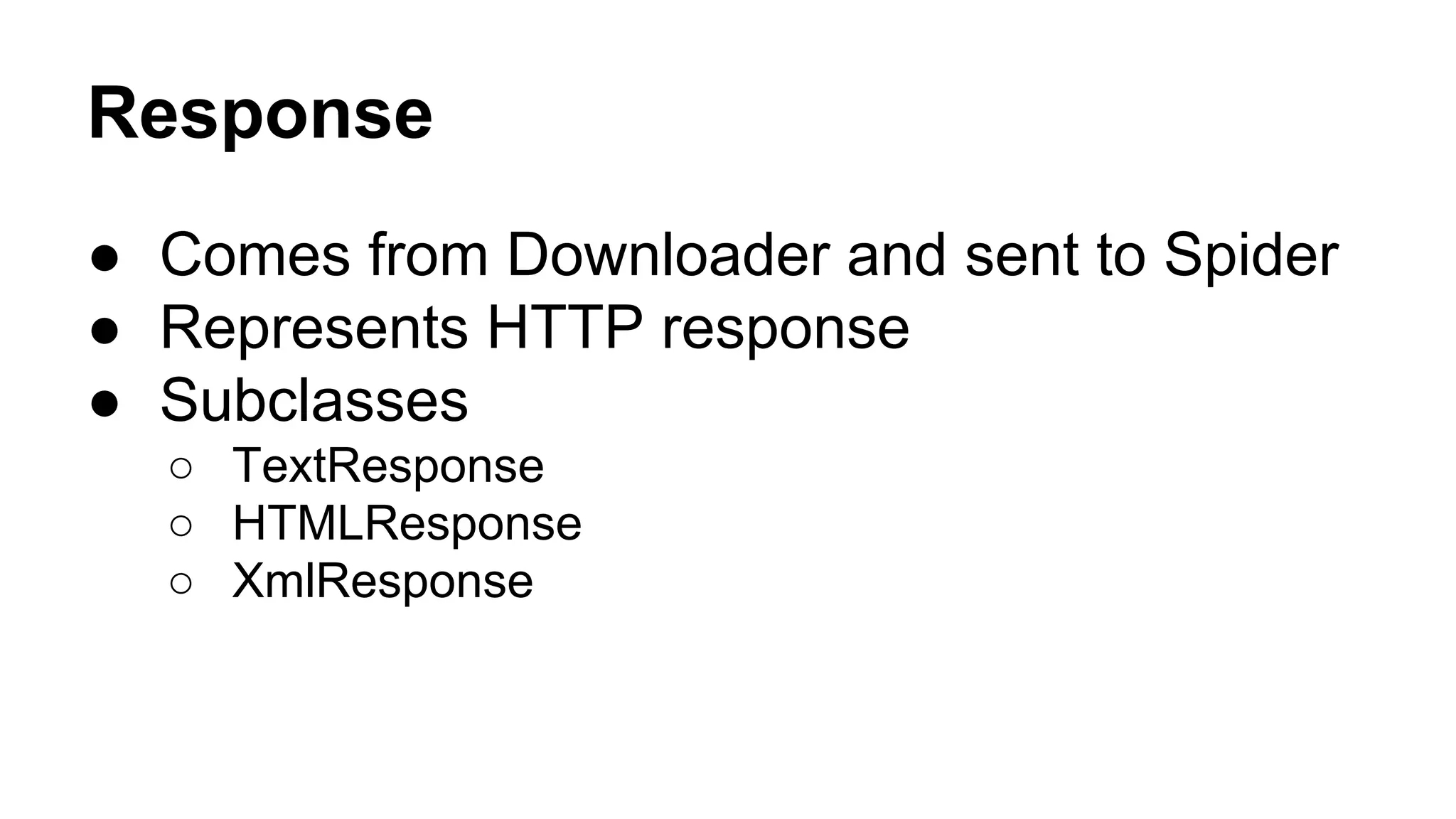
Response
● Comes from Downloader and sent to Spider
● Represents HTTP response
● Subclasses
○ TextResponse
○ HTMLResponse
○ XmlResponse
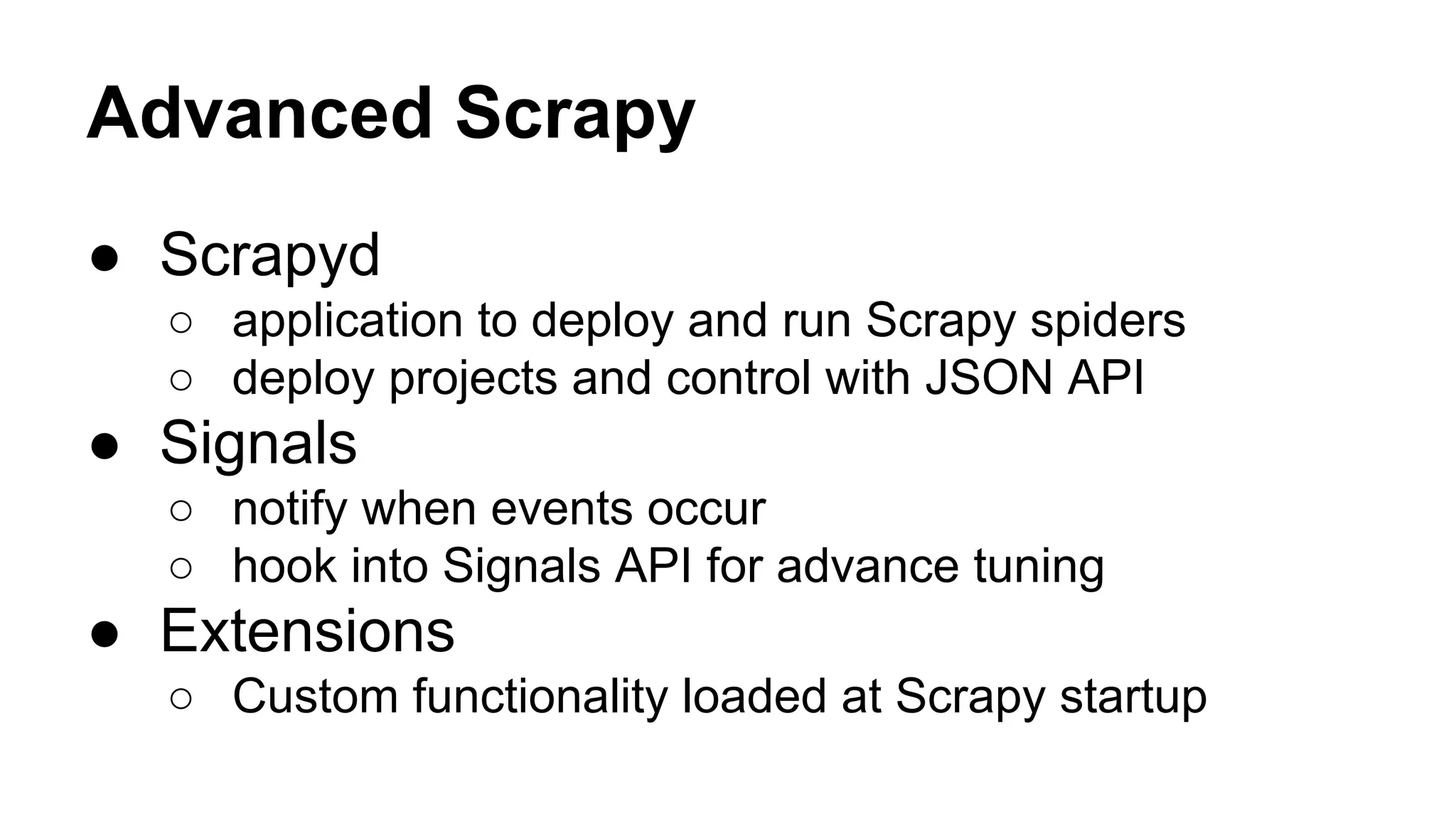
Advanced Scrapy
● Scrapyd
○ application to deploy and run Scrapy spiders
○ deploy projects and control with JSON API

● Signals
○ notify when events occur
○ hook into Signals API for advance tuning

● Extensions
○ Custom functionality loaded at Scrapy startup
More information
●
●
●
●

http://doc.scrapy.org/
https://twitter.com/ScrapyProject
https://github.com/scrapy
http://scrapyd.readthedocs.org
Demo

Scrapy talk at DataPhilly

  • 1.
    Scrapy Patrick O’Brien |@obdit DataPhilly | 20131118 | Monetate
  • 2.
    Steps of datascience ● ● ● ● ● Obtain Scrub Explore Model iNterpret
  • 3.
    Steps of datascience ● ● ● ● ● Obtain Scrub Explore Model iNterpret Scrapy
  • 4.
    About Scrapy ● ● ● ● Framework forcollecting data Open source - 100% python Simple and well documented OSX, Linux, Windows, BSD
  • 5.
    Some of thefeatures ● Built-in selectors ● Generating feed output ○ Format: json, csv, xml ○ Storage: local, FTP, S3, stdout ● ● ● ● Encoding and autodetection Stats collection Control via a web service Handle cookies, auth, robots.txt, user-agent
  • 6.
  • 7.
    Data flow 1. 2. 3. 4. 5. 6. 7. Engine opens,locates Spider, schedule first url as a Request Scheduler sends url to the Engine, which sends it to Downloader Downloader sends completed page as a Response through the middleware to the engine Engine sends Response to the Spider through middleware Spiders sends Items and new Requests to the Engine Engine sends Items to the Item Pipeline and Requests to the Scheduler GOTO 2
  • 8.
    Parts of Scrapy ● ● ● ● ● ● Items Spider LinkExtractors Selectors Request Responses
  • 9.
    Items ● Main containerof structured information ● dict-like objects from scrapy.item import Item, Field class Product(Item): name = Field() price = Field() stock = Field() last_updated = Field(serializer=str)
  • 10.
    Items >>> product =Product(name='Desktop PC', price=1000) >>> print product Product(name='Desktop PC', price=1000) >>> product['name'] Desktop PC >>> product.get('name') Desktop PC >>> product.keys() ['price', 'name'] >>> product.items() [('price', 1000), ('name', 'Desktop PC')]
  • 11.
    Spiders ● Define howto move around a site ○ which links to follow ○ how to extract data ● Cycle ○ Initial request and callback ○ Store parsed content ○ Subsequent requests and callbacks
  • 12.
  • 13.
    BaseSpider ● Every otherspider inherits from BaseSpider ● Two jobs ○ Request `start_urls` ○ Callback `parse` on resulting response
  • 14.
    BaseSpider ... class MySpider(BaseSpider): name ='example.com' allowed_domains = ['example.com'] start_urls = [ ● Send Requests example. com/[1:3].html 'http://www.example.com/1.html', 'http://www.example.com/2.html', 'http://www.example.com/3.html', ] ● Yield title Item def parse(self, response): sel = Selector(response) for h3 in sel.xpath('//h3').extract(): yield MyItem(title=h3) for url in sel.xpath('//a/@href').extract(): yield Request(url, callback=self.parse) ● Yield new Request
  • 15.
    CrawlSpider ● Provide aset of rules on what links to follow ○ `link_extractor` ○ `call_back` rules = ( # Extract links matching 'category.php' (but not matching 'subsection.php') # and follow links from them (since no callback means follow=True by default). Rule(SgmlLinkExtractor(allow=('category.php', ), deny=('subsection.php', ))), # Extract links matching 'item.php' and parse them with the spider's method parse_item Rule(SgmlLinkExtractor(allow=('item.php', )), callback='parse_item'), )
  • 16.
    Link Extractors ● Extractlinks from Response objects ● Parameters include: ○ ○ ○ ○ ○ ○ allow | deny allow_domains | deny_domains deny_extensions restrict_xpaths tags attrs
  • 17.
    Selectors ● Mechanisms forextracting data from HTML ● Built over the lxml library ● Two methods ○ XPath: sel.xpath('//a[contains(@href, "image")]/@href' ). extract() ○ CSS: sel.css('a[href*=image]::attr(href)' ).extract() ● Response object is called into Selector ○ sel = Selector(response)
  • 18.
    Request ● Generated inSpider, sent to Downloader ● Represent an HTTP request ● FormRequest subclass performs HTTP POST ○ useful to simulate user login
  • 19.
    Response ● Comes fromDownloader and sent to Spider ● Represents HTTP response ● Subclasses ○ TextResponse ○ HTMLResponse ○ XmlResponse
  • 20.
    Advanced Scrapy ● Scrapyd ○application to deploy and run Scrapy spiders ○ deploy projects and control with JSON API ● Signals ○ notify when events occur ○ hook into Signals API for advance tuning ● Extensions ○ Custom functionality loaded at Scrapy startup
  • 21.
  • 22.