Adam Klein
- 500Tech - Frontend Experts
- Passionate developer & speaker
- I used to have a jewfro
CTO @
D3, SVG & ANGULAR
SVG BASICS
VISUALIZATIONS
Existing Solution?
Pure SVG & Angular
D3
D3 + Angular?
D3 PATH GENERATORS
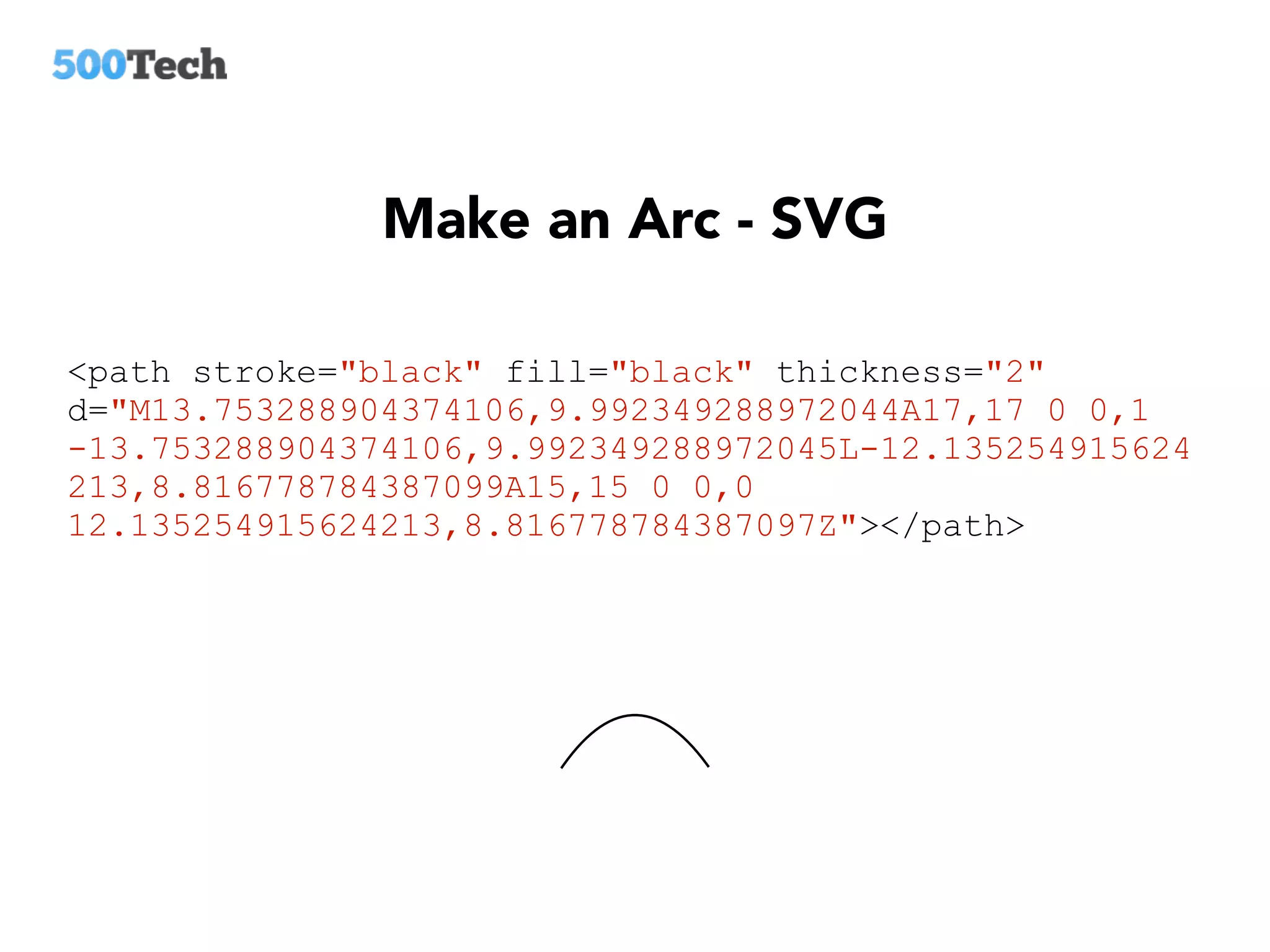
Make an Arc - SVG
<path stroke="black" fill="black" thickness="2"
d="M13.753288904374106,9.992349288972044A17,17 0 0,1
-13.753288904374106,9.992349288972045L-12.135254915624
213,8.816778784387099A15,15 0 0,0
12.135254915624213,8.816778784387097Z"></path>
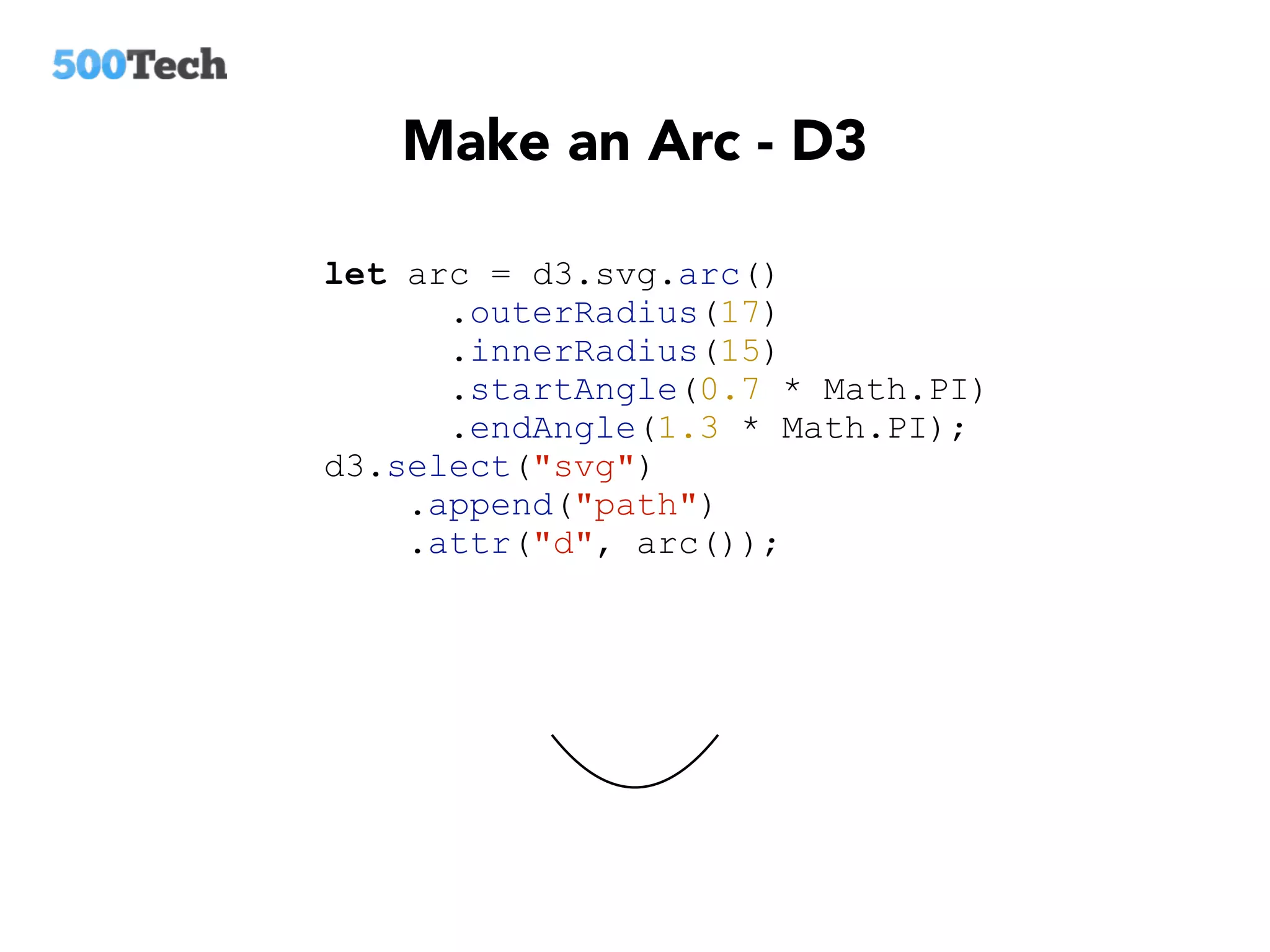
Make an Arc - D3
let arc = d3.svg.arc()
.outerRadius(17)
.innerRadius(15)
.startAngle(0.7 * Math.PI)
.endAngle(1.3 * Math.PI);
d3.select("svg")
.append("path")
.attr("d", arc());
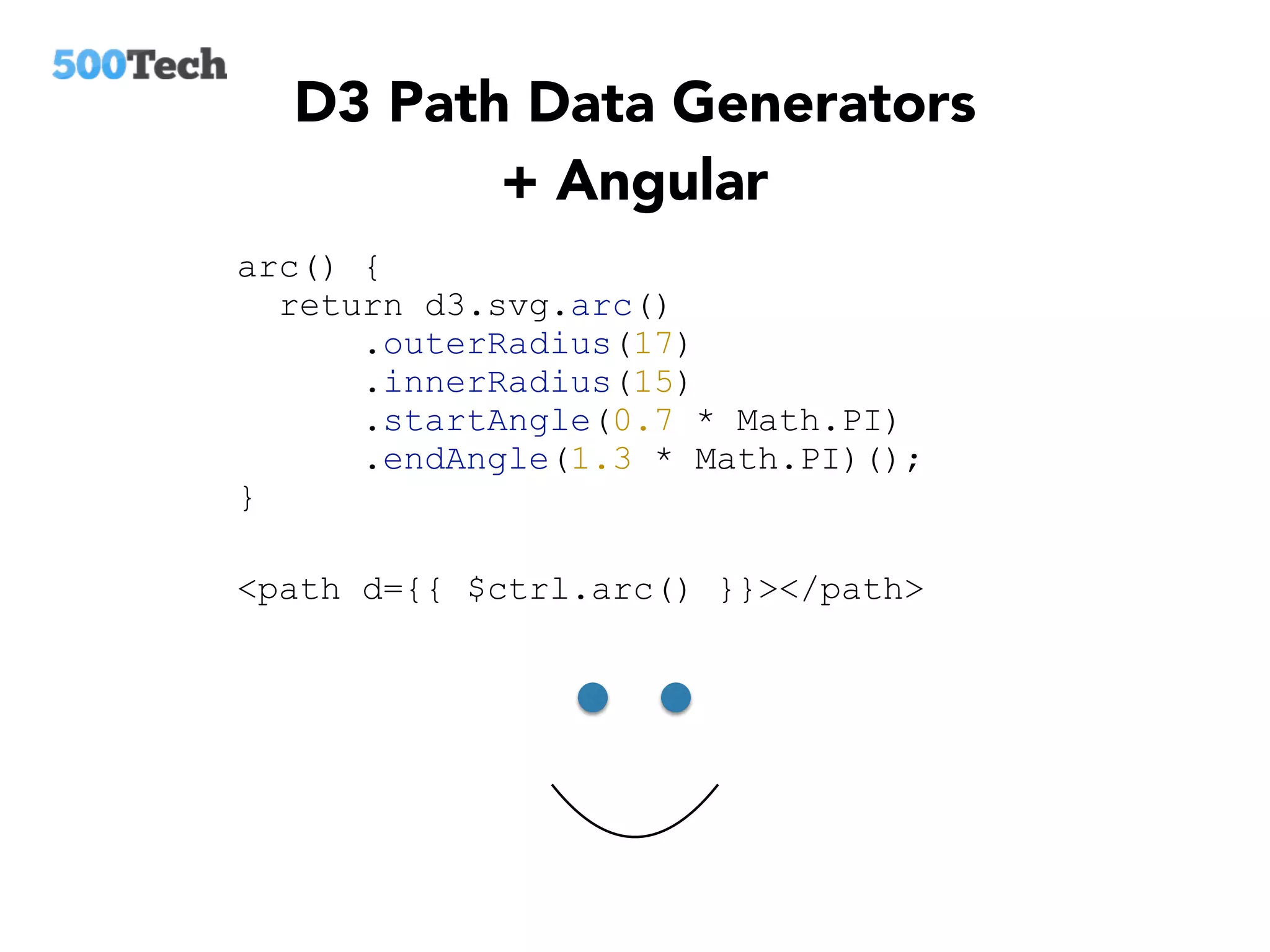
D3 Path Data Generators
+ Angular
arc() {
return d3.svg.arc()
.outerRadius(17)
.innerRadius(15)
.startAngle(0.7 * Math.PI)
.endAngle(1.3 * Math.PI)();
}
<path d={{ $ctrl.arc() }}></path>
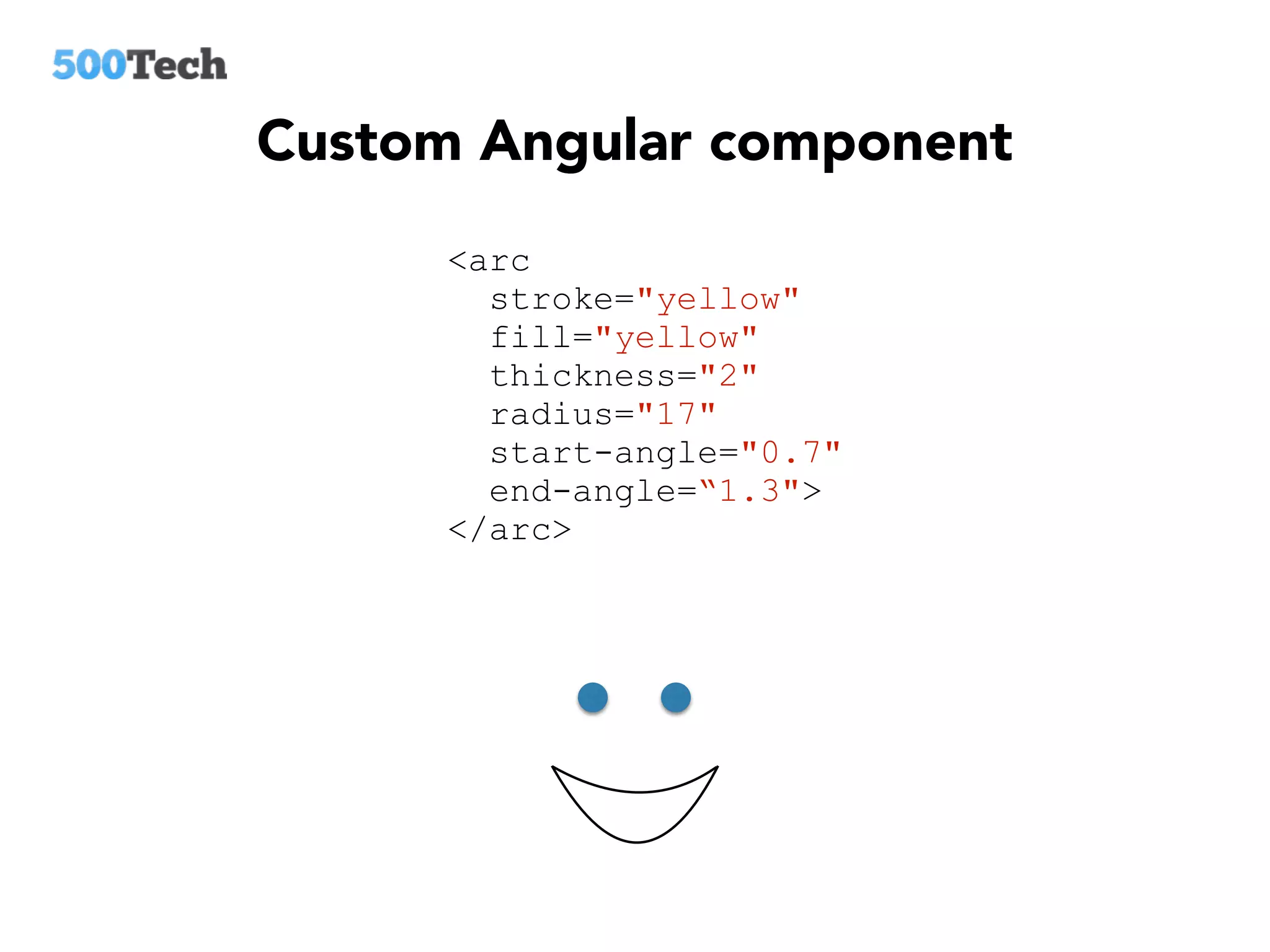
Custom Angular component
<arc
stroke="yellow"
fill="yellow"
thickness="2"
radius="17"
start-angle="0.7"
end-angle=“1.3">
</arc>
ng-attr-*
<path ng-attr-d={{ $ctrl.arc() }}></path>
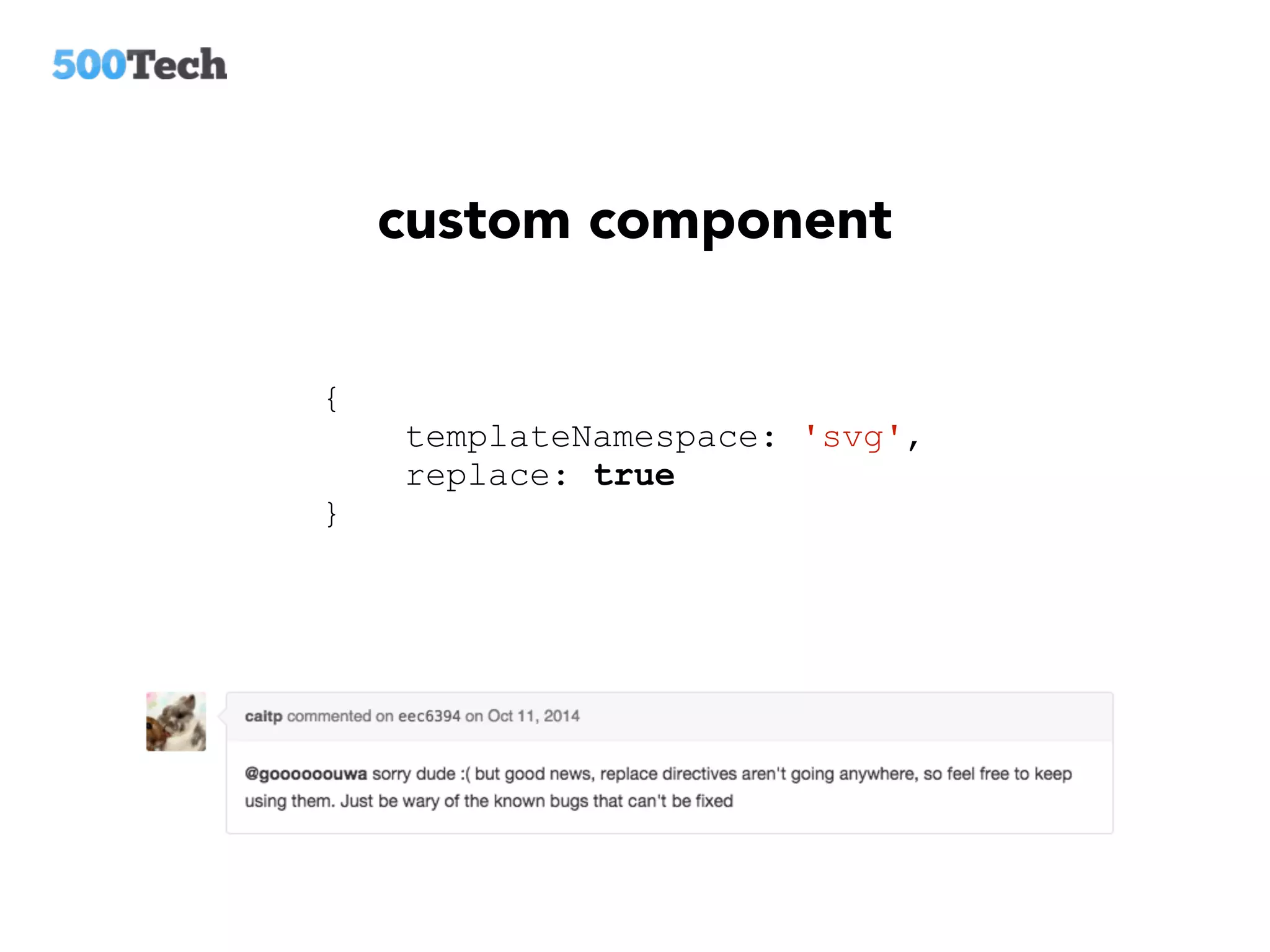
custom component
{
templateNamespace: 'svg',
replace: true
}
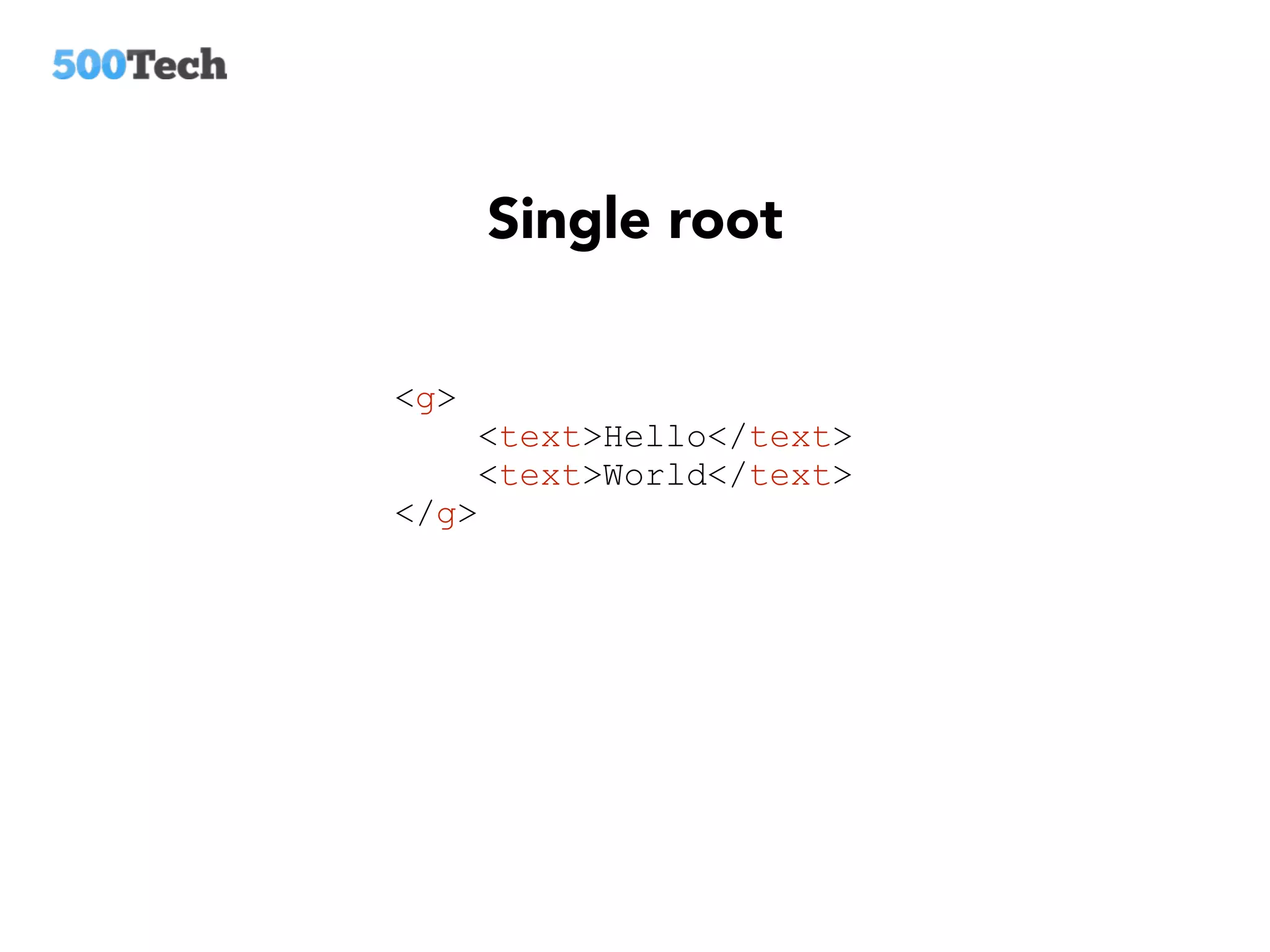
Single root
<g>
<text>Hello</text>
<text>World</text>
</g>
D3 BEHAVIOURS
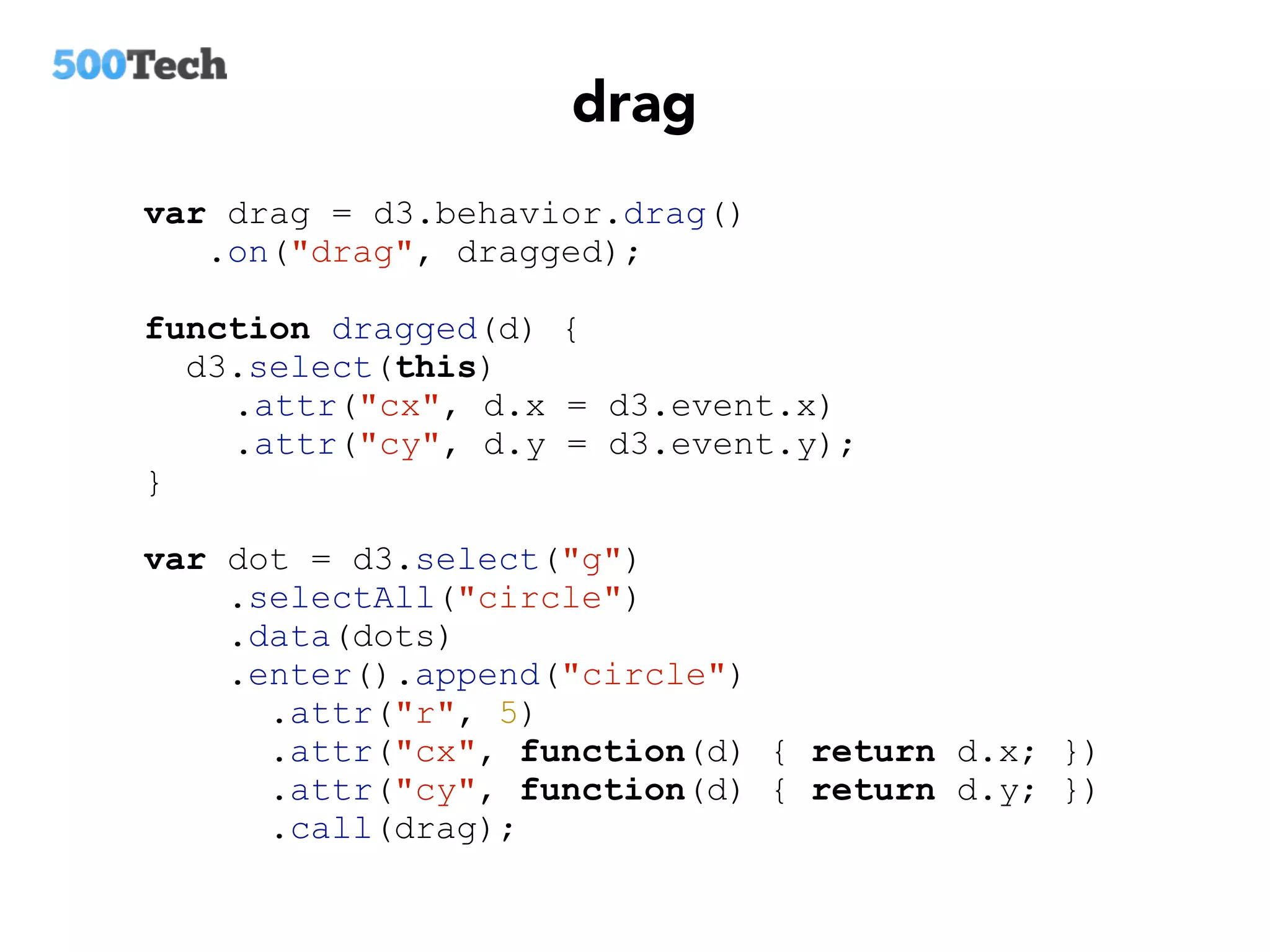
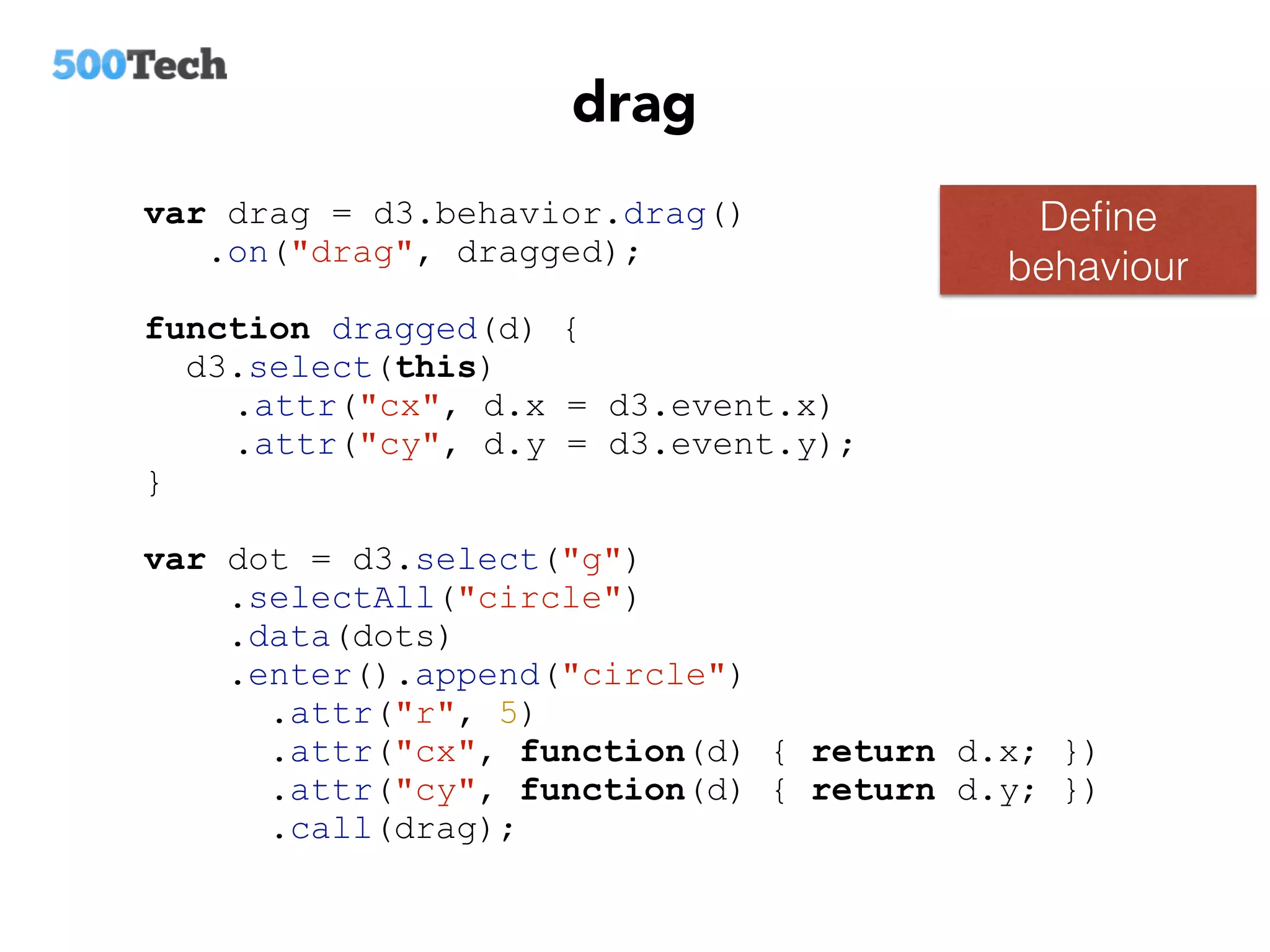
drag
var drag = d3.behavior.drag()
.on("drag", dragged);
function dragged(d) {
d3.select(this)
.attr("cx", d.x = d3.event.x)
.attr("cy", d.y = d3.event.y);
}
var dot = d3.select("g")
.selectAll("circle")
.data(dots)
.enter().append("circle")
.attr("r", 5)
.attr("cx", function(d) { return d.x; })
.attr("cy", function(d) { return d.y; })
.call(drag);
drag
Define
behaviour
var drag = d3.behavior.drag()
.on("drag", dragged);
function dragged(d) {
d3.select(this)
.attr("cx", d.x = d3.event.x)
.attr("cy", d.y = d3.event.y);
}
var dot = d3.select("g")
.selectAll("circle")
.data(dots)
.enter().append("circle")
.attr("r", 5)
.attr("cx", function(d) { return d.x; })
.attr("cy", function(d) { return d.y; })
.call(drag);
drag
var drag = d3.behavior.drag()
.on("drag", dragged);
function dragged(d) {
d3.select(this)
.attr("cx", d.x = d3.event.x)
.attr("cy", d.y = d3.event.y);
}
var dot = d3.select("g")
.selectAll("circle")
.data(dots)
.enter().append("circle")
.attr("r", 5)
.attr("cx", function(d) { return d.x; })
.attr("cy", function(d) { return d.y; })
.call(drag);
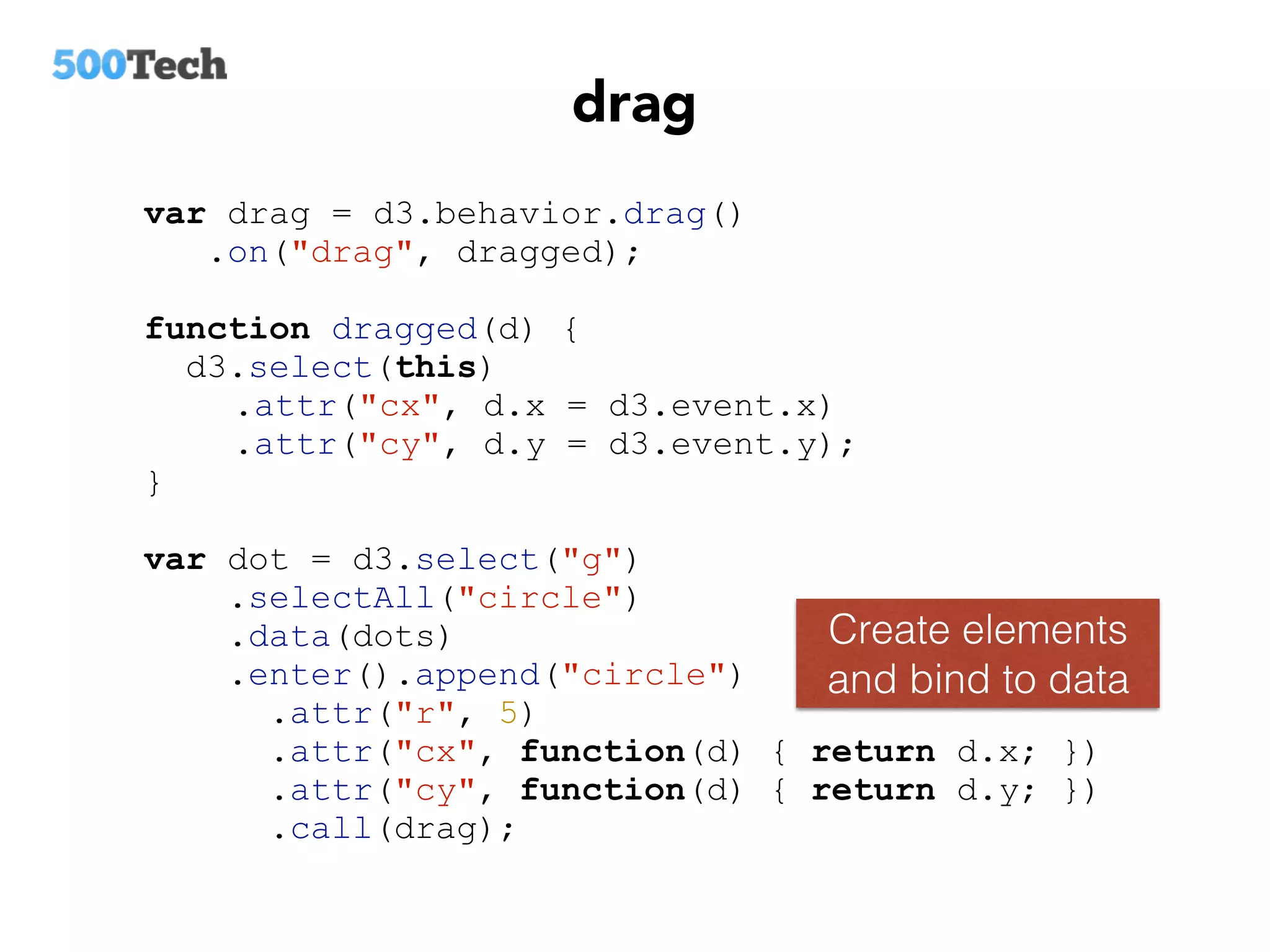
Create elements
and bind to data
drag
var drag = d3.behavior.drag()
.on("drag", dragged);
function dragged(d) {
d3.select(this)
.attr("cx", d.x = d3.event.x)
.attr("cy", d.y = d3.event.y);
}
var dot = d3.select("g")
.selectAll("circle")
.data(dots)
.enter().append("circle")
.attr("r", 5)
.attr("cx", function(d) { return d.x; })
.attr("cy", function(d) { return d.y; })
.call(drag);
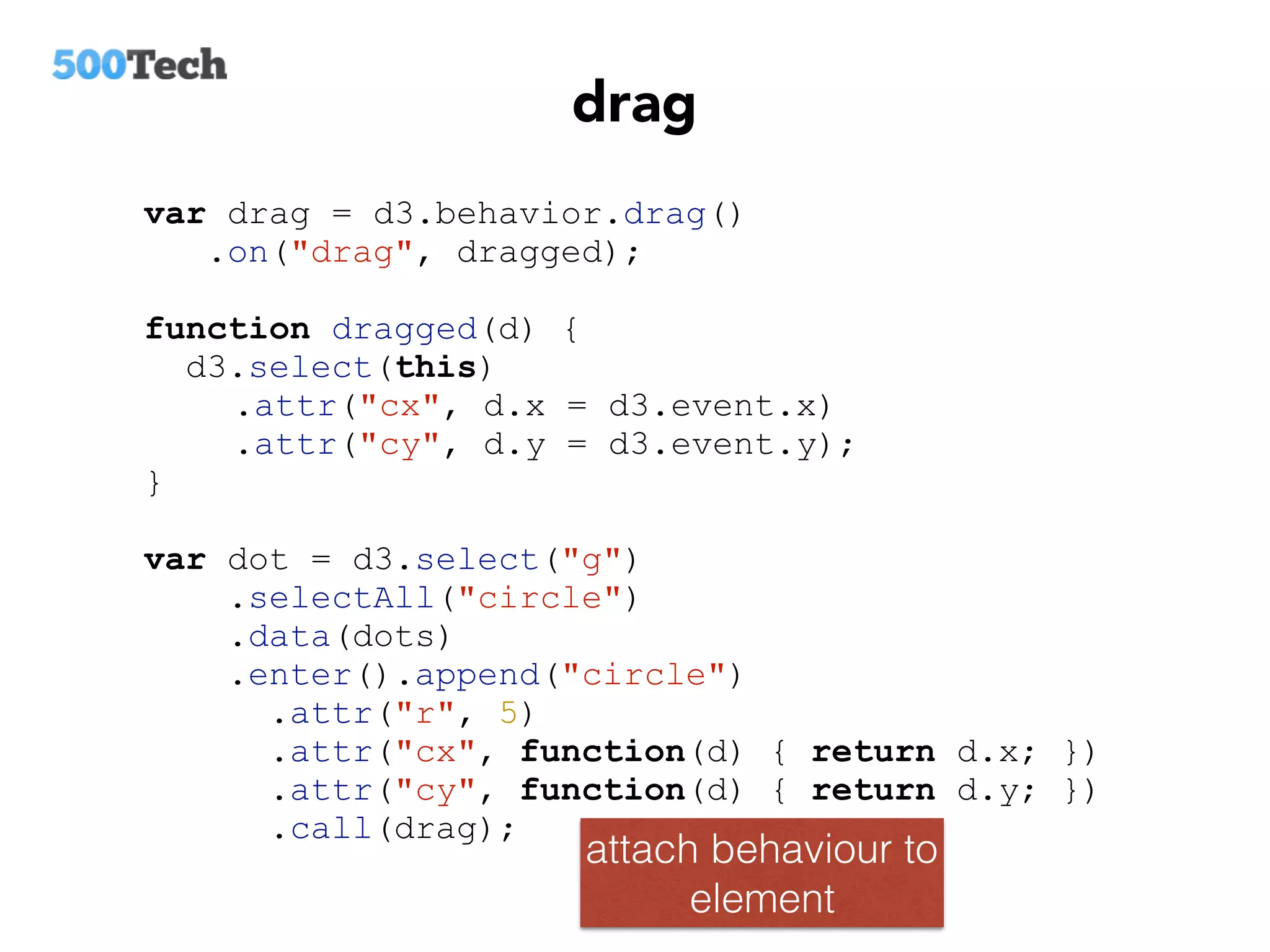
attach behaviour to
element
drag
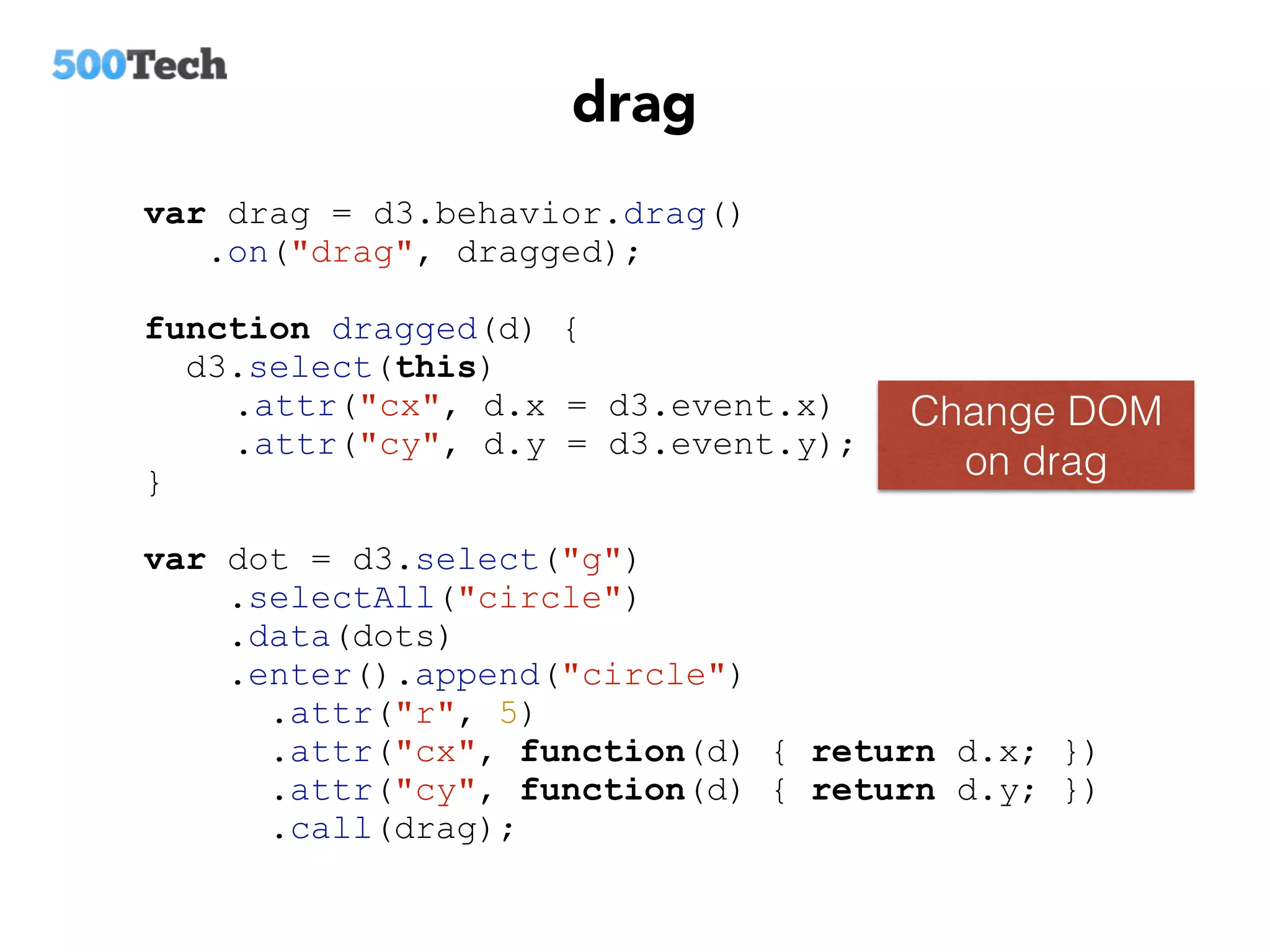
Change DOM
on drag
var drag = d3.behavior.drag()
.on("drag", dragged);
function dragged(d) {
d3.select(this)
.attr("cx", d.x = d3.event.x)
.attr("cy", d.y = d3.event.y);
}
var dot = d3.select("g")
.selectAll("circle")
.data(dots)
.enter().append("circle")
.attr("r", 5)
.attr("cx", function(d) { return d.x; })
.attr("cy", function(d) { return d.y; })
.call(drag);
d3 drag + angular
<circle
ng-attr-cx="{{ item.x }}"
ng-attr-cy="{{ item.y }}">
</circle>
const drag = d3.behavior.drag()
.on(‘drag', () => {
this.item.x += d3.event.dx;
this.item.y += d3.event.dy;
$scope.$digest();
});
d3.select($element[0]).call(drag);
Define behaviour
d3 drag + angular
const drag = d3.behavior.drag()
.on(‘drag', () => {
this.item.x += d3.event.dx;
this.item.y += d3.event.dy;
$scope.$digest();
});
d3.select($element[0]).call(drag);
Change data on
drag
wrap with directive
wrap with directive
const drag = d3.behavior.drag()
.on(‘drag', () => {
this.item.x += d3.event.dx;
this.item.y += d3.event.dy;
$scope.$digest();
});
d3.select($element[0]).call(drag);
Attach behaviour
to element
generic draggable directive
<circle
draggable="item"
ng-attr-cx="{{ item.x }}"
ng-attr-cy="{{ item.y }}">
</circle>
zoom-pan
d3.behavior.zoom()
Performance
const throttleDigest =
_.throttle($scope.$digest.bind($scope), 17);
const drag = d3.behavior.drag()
.on(‘drag', () => {
this.item.x += d3.event.dx;
this.item.y += d3.event.dy;
throttleDigest ();
});
d3.select($element[0]).call(drag);
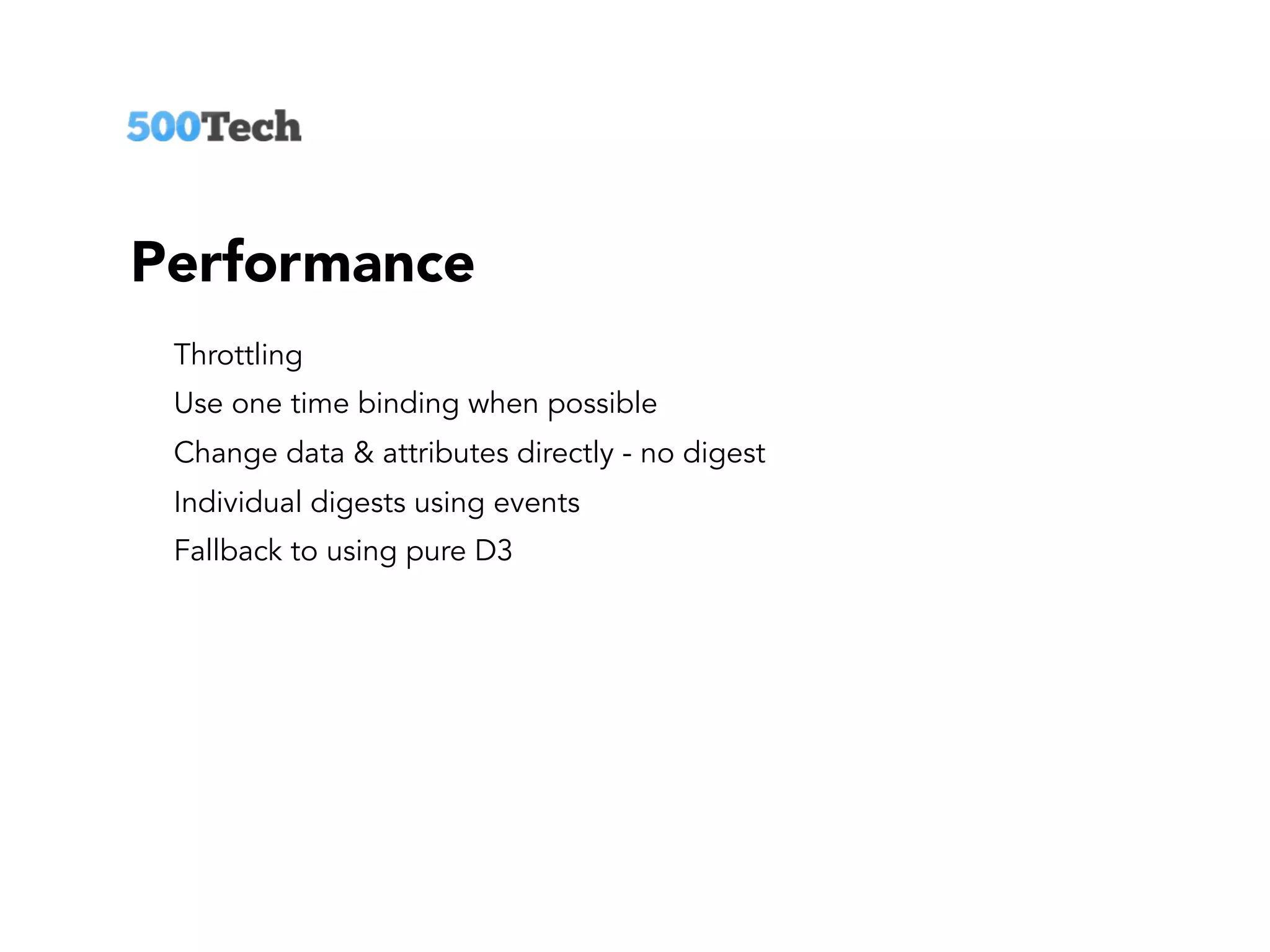
Performance
Throttling
Use one time binding when possible
Change data & attributes directly - no digest
Individual digests using events
Fallback to using pure D3
LAYOUTS
Examples
http://bl.ocks.org/mbostock/4062045
http://bl.ocks.org/mbostock/4063530
http://bl.ocks.org/mbostock/7607999
http://bl.ocks.org/mbostock/4339083
D3 force layout + Angular
const force = d3.layout.force()
.charge(-60)
.gravity(0.02)
.linkStrength(0.1)
.linkDistance(260)
.size([450,450])
.nodes(this.nodes)
.links(this.links)
.start();
force.on("tick", () => {
$scope.$digest();
});
Define
layout
const force = d3.layout.force()
.charge(-60)
.gravity(0.02)
.linkStrength(0.1)
.linkDistance(260)
.size([450,450])
.nodes(this.nodes)
.links(this.links)
.start();
force.on("tick", () => {
$scope.$digest();
});
Bind layout to data
D3 force layout + Angular
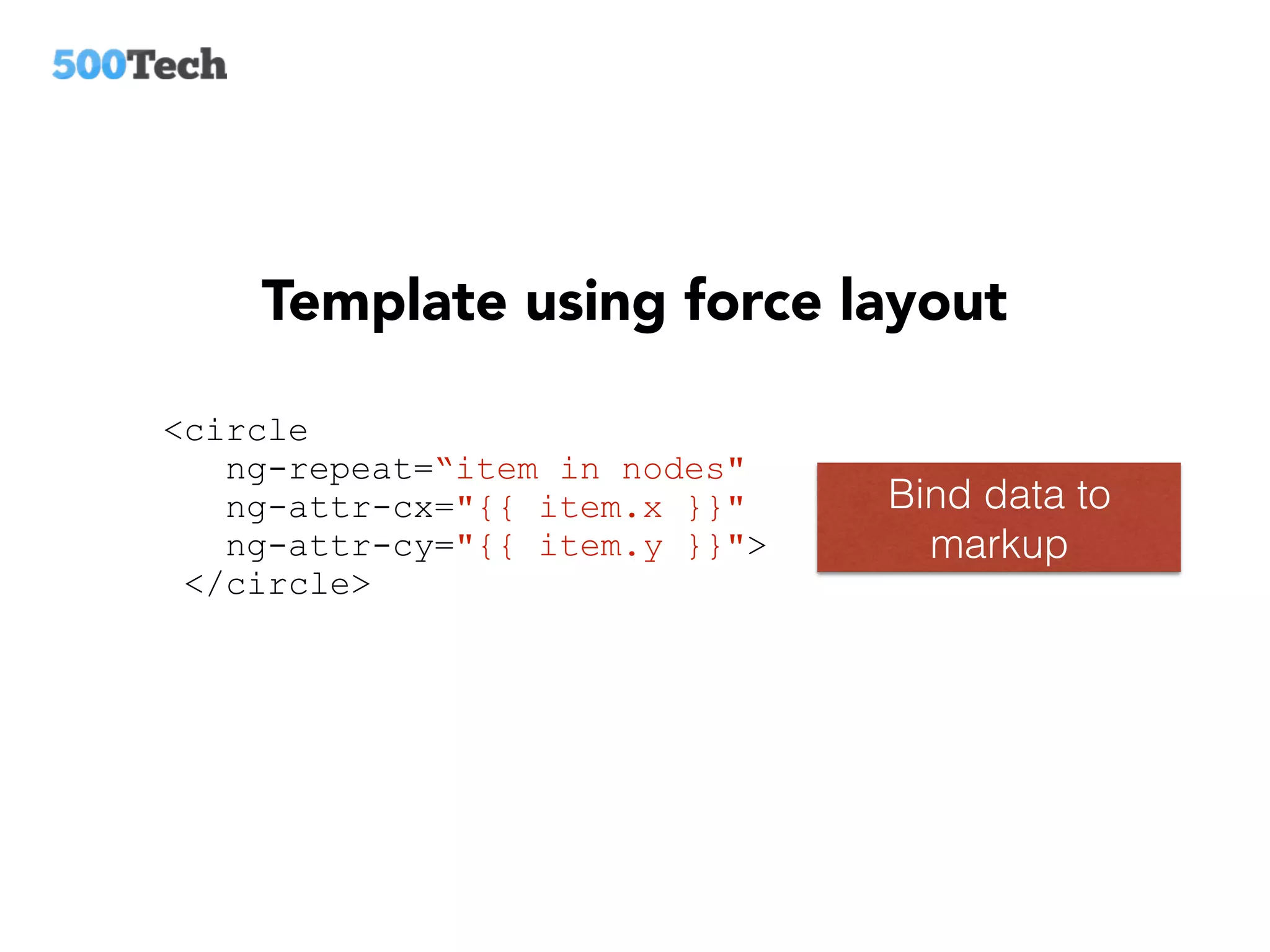
Template using force layout
<circle
ng-repeat=“item in nodes"
ng-attr-cx="{{ item.x }}"
ng-attr-cy="{{ item.y }}">
</circle>
Bind data to
markup
SCALES
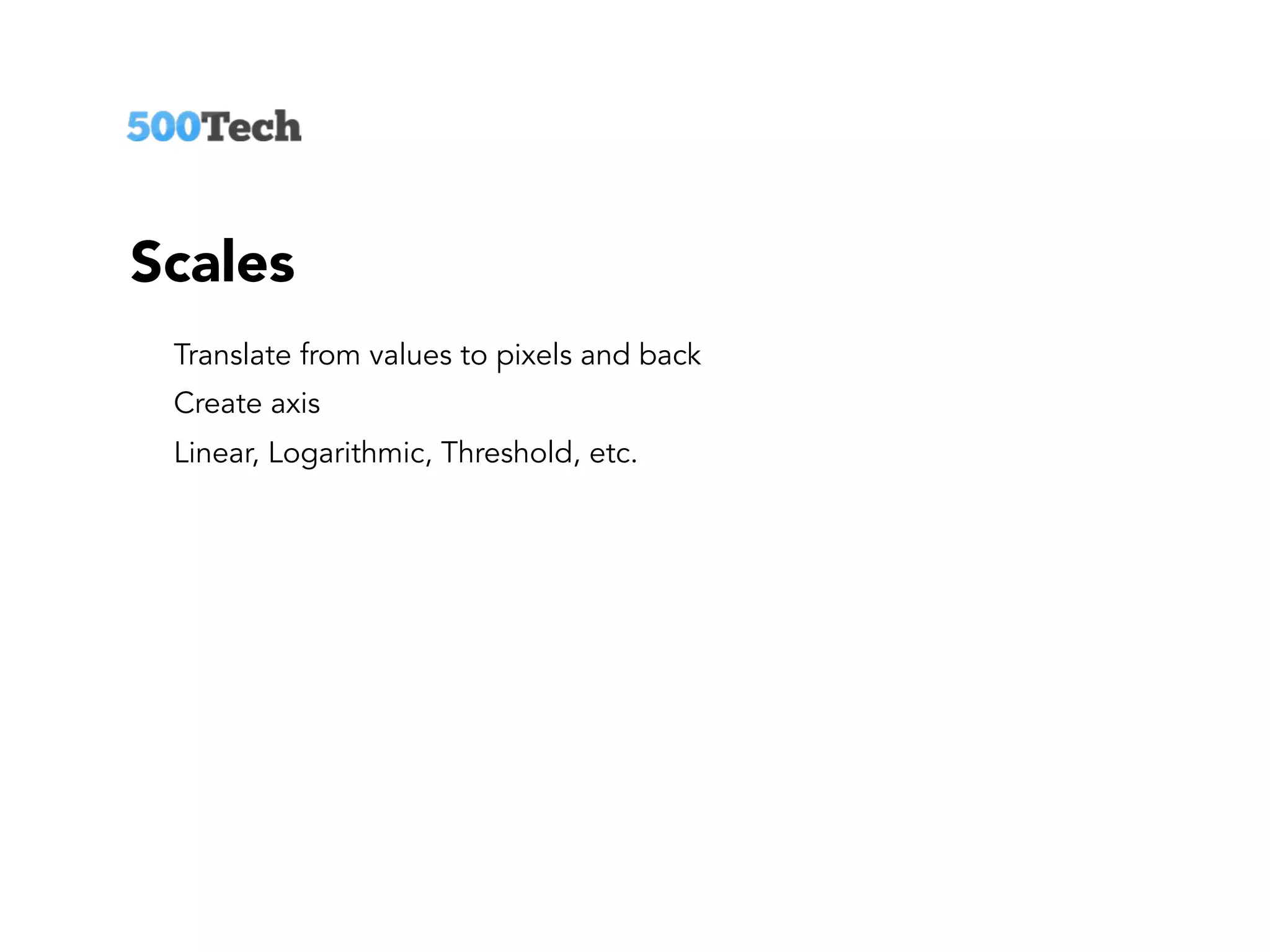
Scales
Translate from values to pixels and back
Create axis
Linear, Logarithmic, Threshold, etc.
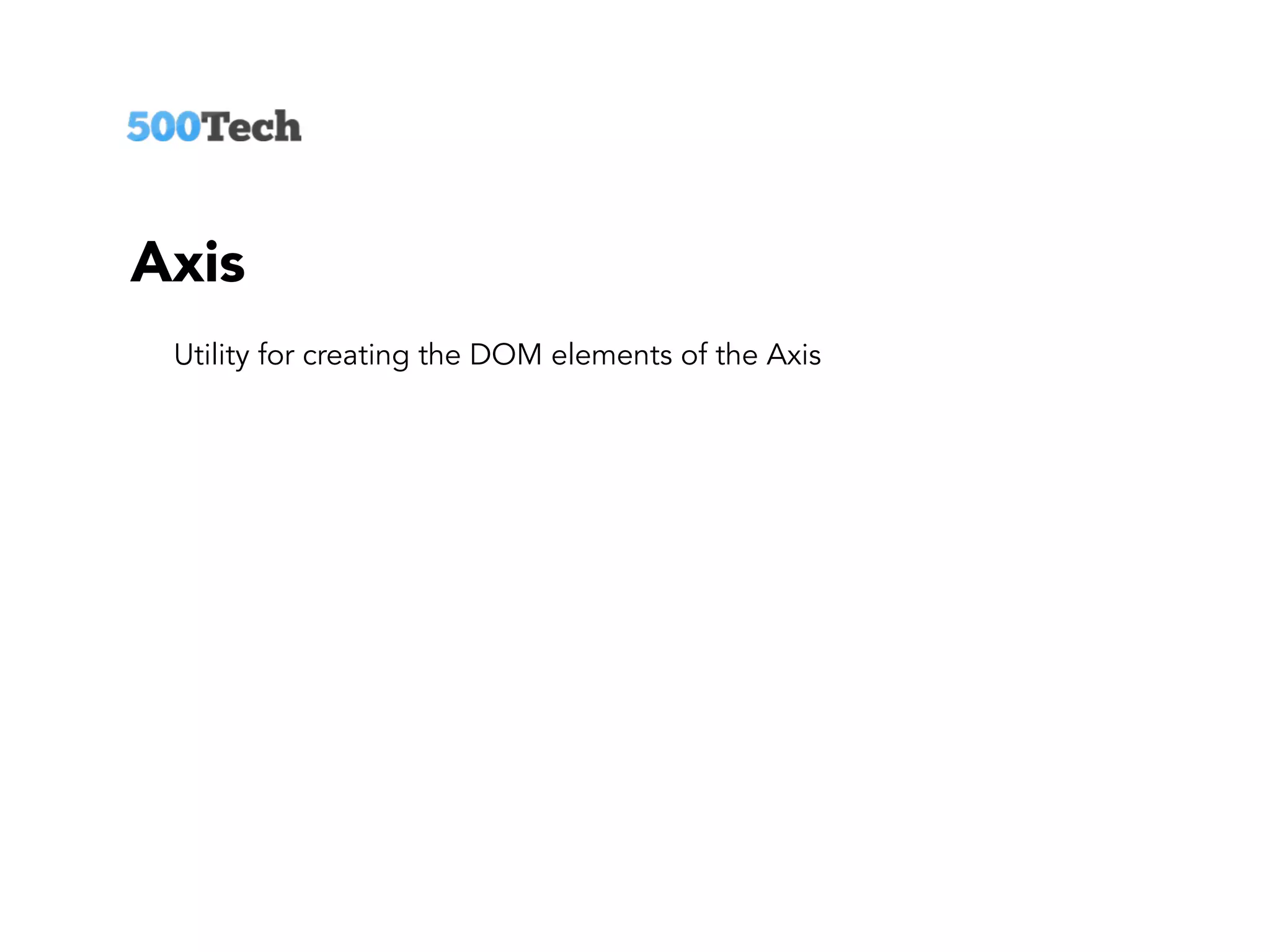
Axis
Utility for creating the DOM elements of the Axis
SEPARATION
OF CONCERNS
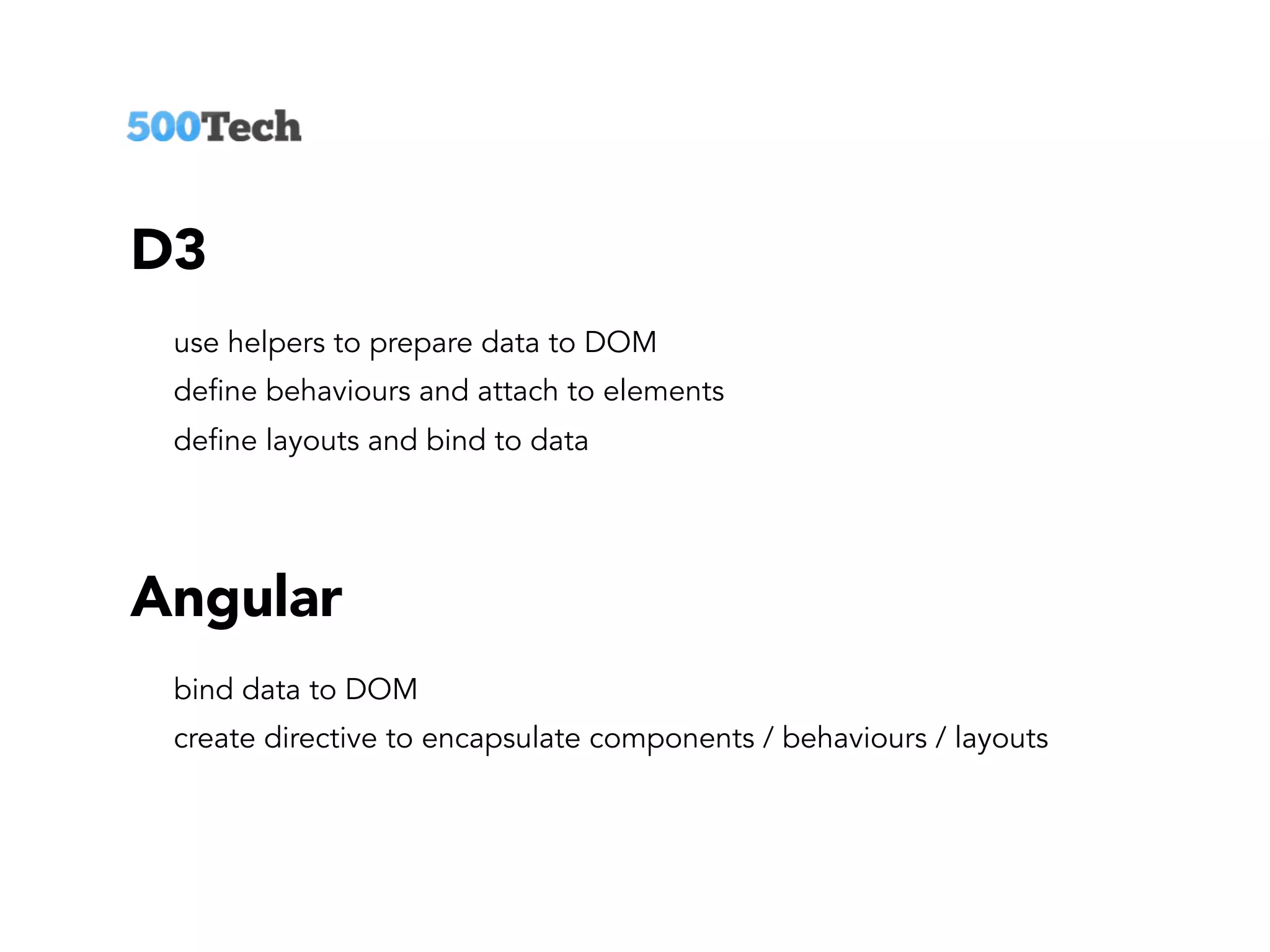
D3
use helpers to prepare data to DOM
define behaviours and attach to elements
define layouts and bind to data
Angular
bind data to DOM
create directive to encapsulate components / behaviours / layouts
Read our blog:
http://blog.500tech.com
www.slideshare.net/500tech
Adam Klein
adam@500tech.com
github.com/adamkleingit/d3-svg-angular

D3 svg & angular