Understanding Users’
(In)Secure behaviour
Prof. Sonia Chiasson
Canada Research Chair in Human Oriented Computer Security
Cyber Summit
Banff, October 2016
2
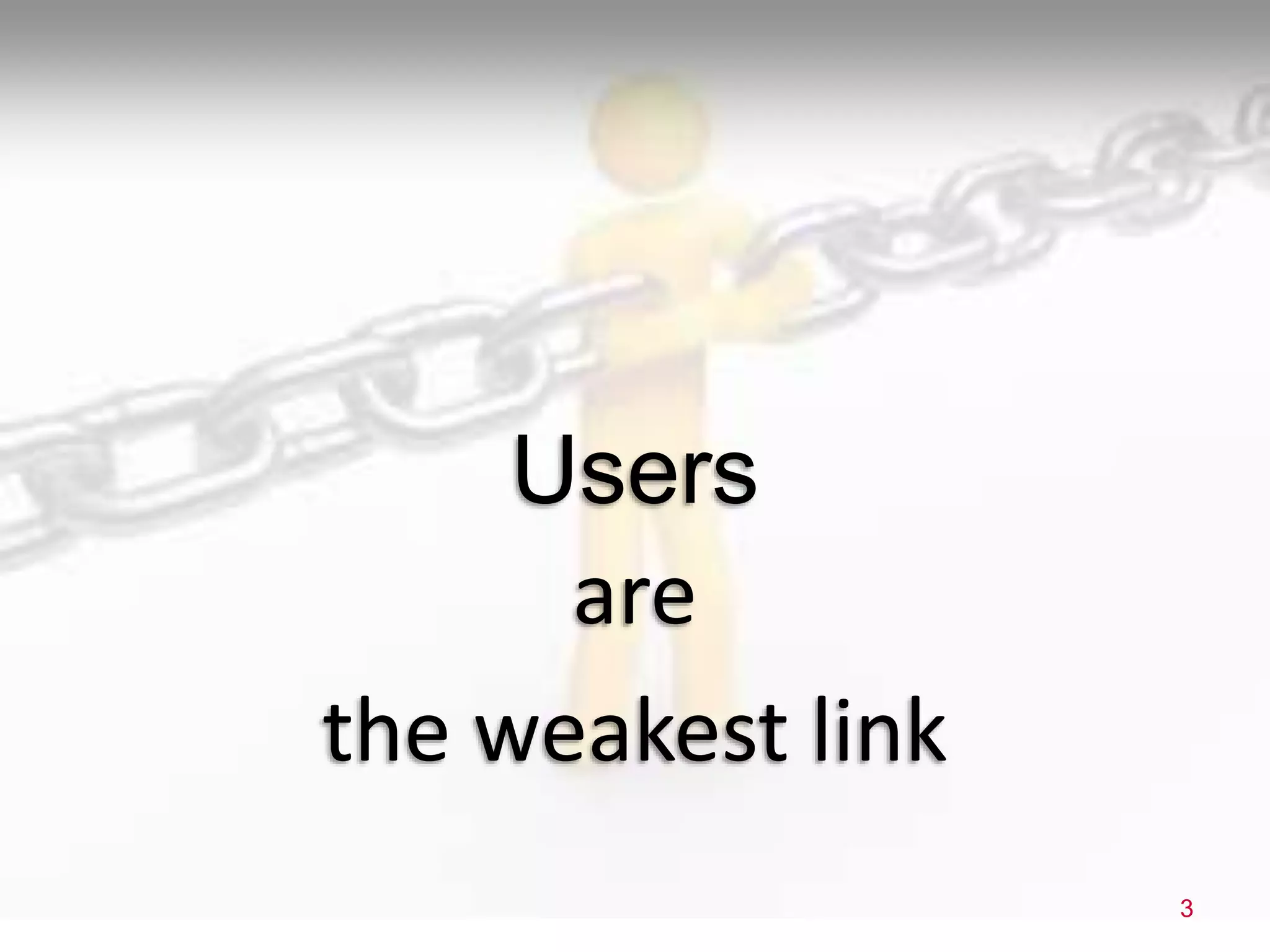
are
the weakest link
3
Users
are
the weakest link
4
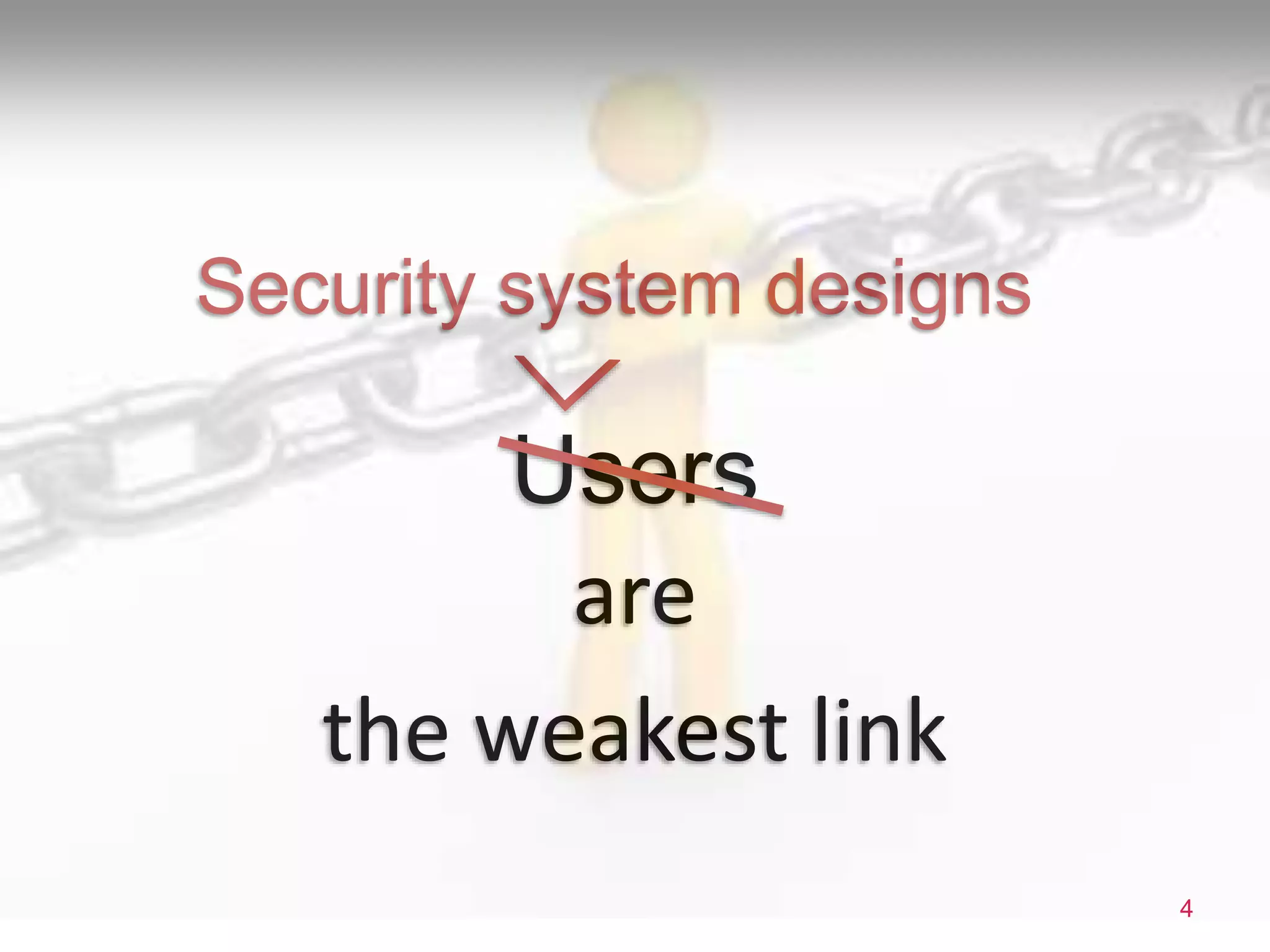
Users
Security system designs
WHY PHISHING STILL WORKS
To understand how and why users decide whether a site is legitimate
5
M. Alsharnouby, F. Alaca, & S. Chiasson. Why phishing still works: User strategies for combating
phishing attacks. Int. Jour. of Human-Computer Studies (Elsevier), 2015.
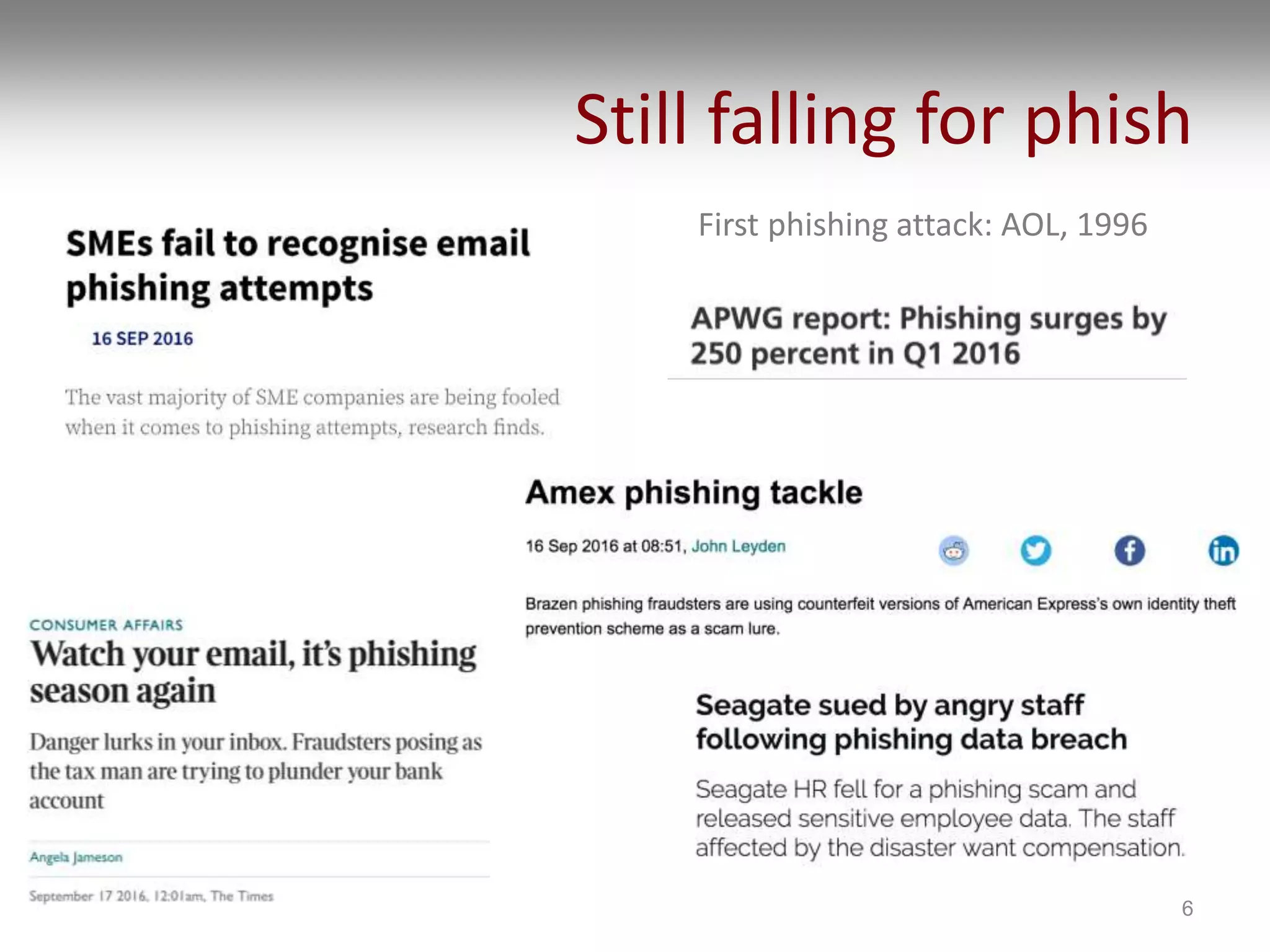
Still falling for phish
First phishing attack: AOL, 1996
6
User study
7
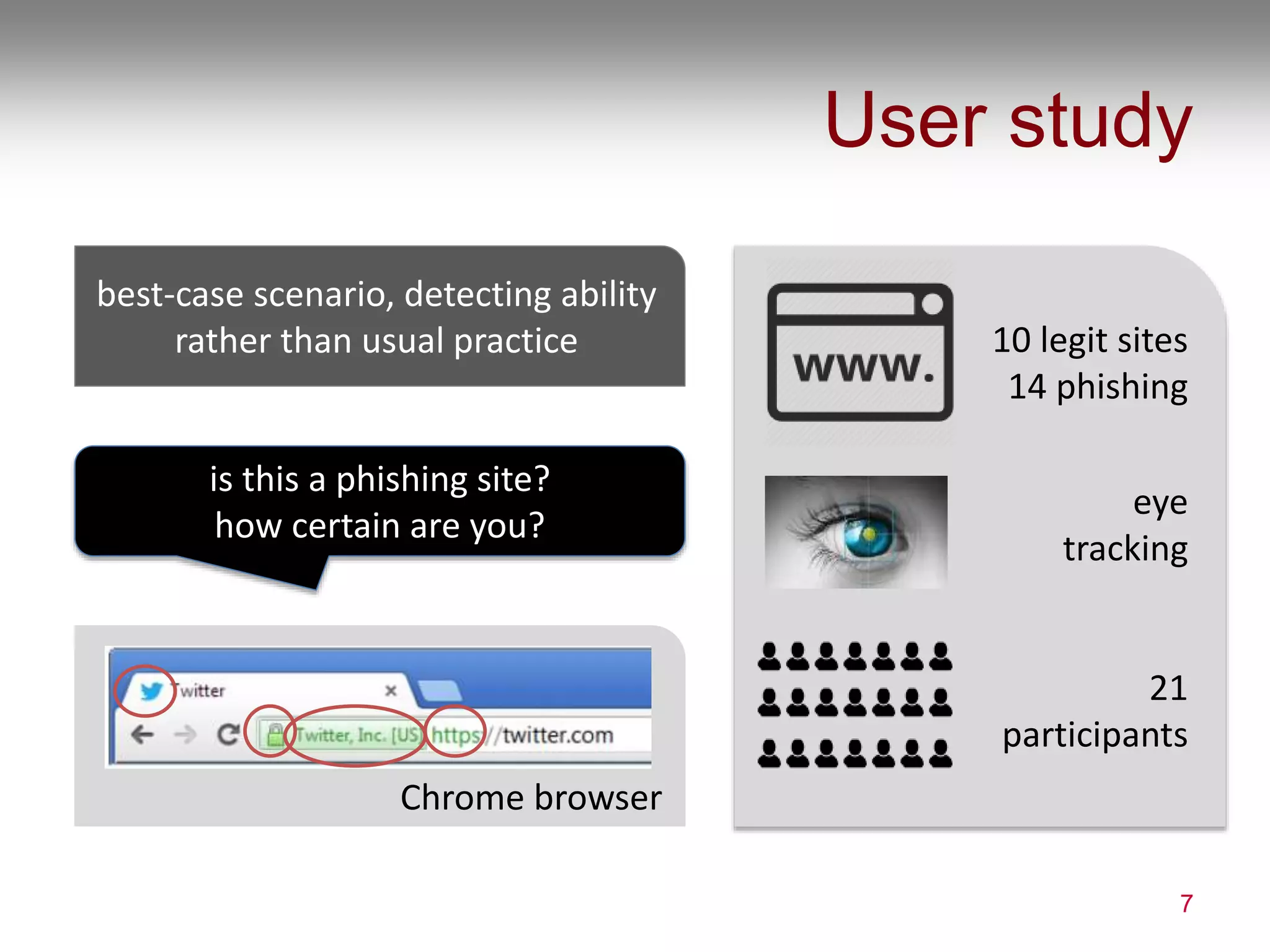
best-case scenario, detecting ability
rather than usual practice
is this a phishing site?
how certain are you?
Chrome browser
10 legit sites
14 phishing
eye
tracking
21
participants
Websites
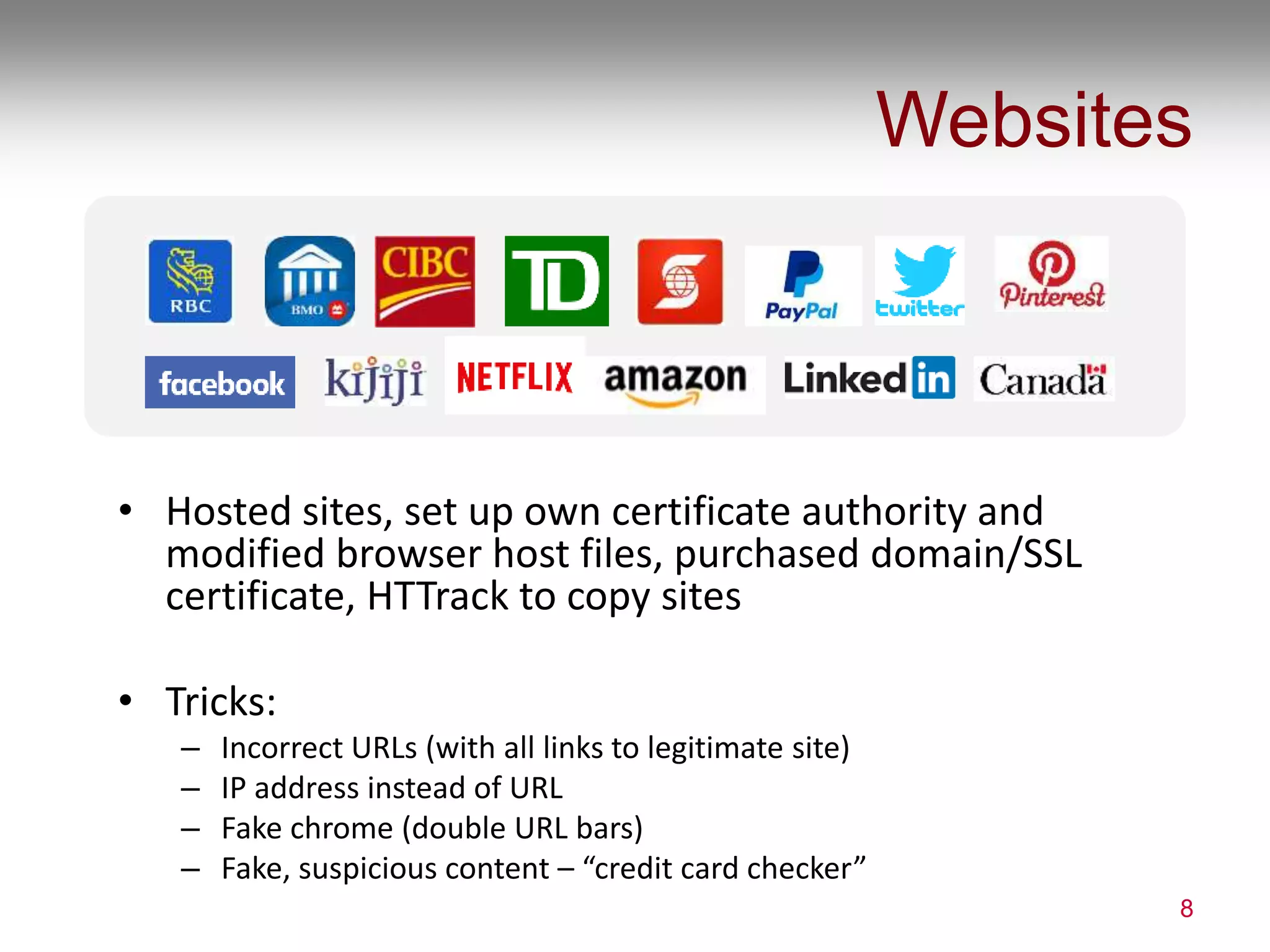
• Hosted sites, set up own certificate authority and
modified browser host files, purchased domain/SSL
certificate, HTTrack to copy sites
• Tricks:
– Incorrect URLs (with all links to legitimate site)
– IP address instead of URL
– Fake chrome (double URL bars)
– Fake, suspicious content – “credit card checker”
8
Results
9
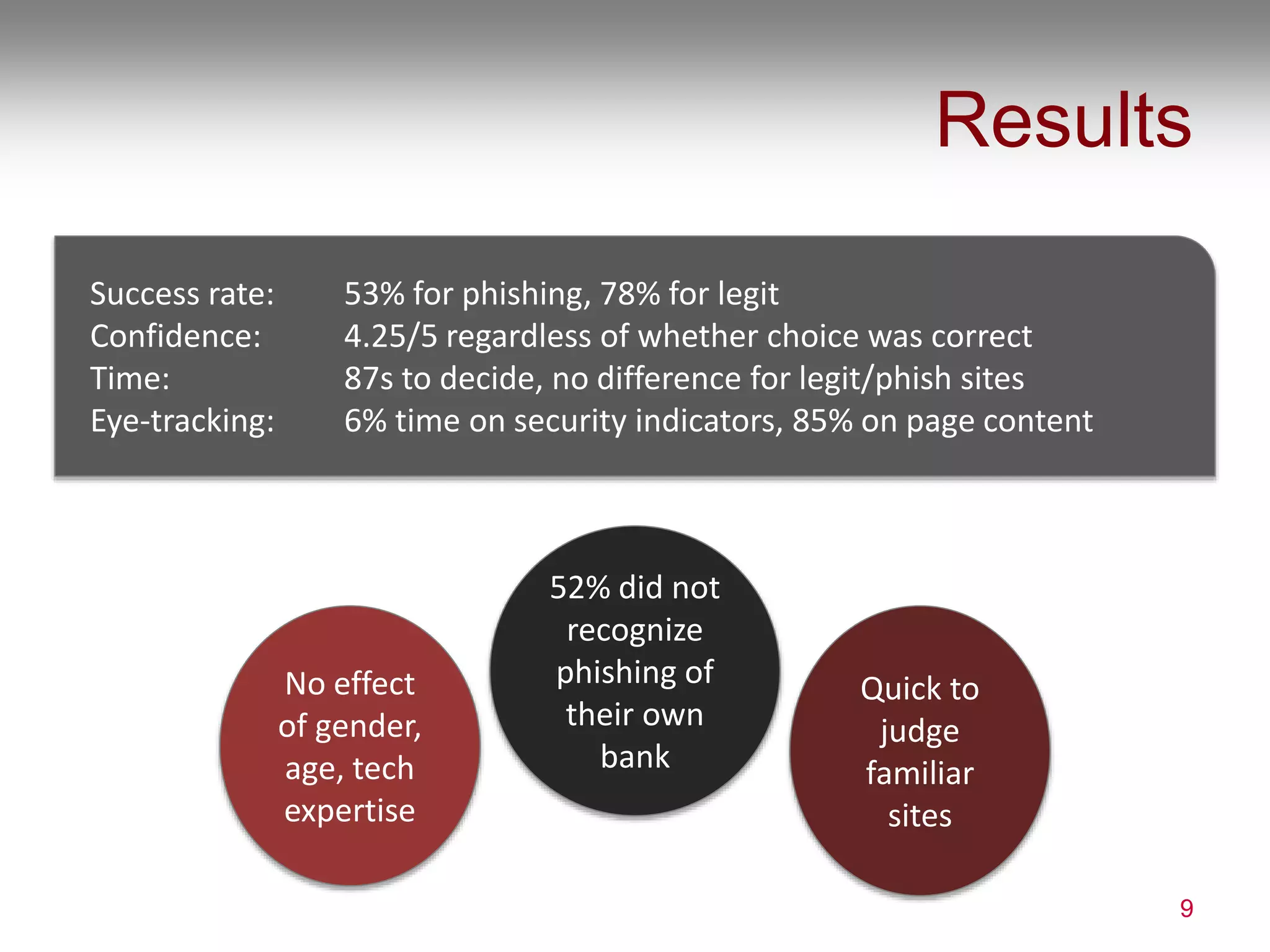
Success rate: 53% for phishing, 78% for legit
Confidence: 4.25/5 regardless of whether choice was correct
Time: 87s to decide, no difference for legit/phish sites
Eye-tracking: 6% time on security indicators, 85% on page content
No effect
of gender,
age, tech
expertise
52% did not
recognize
phishing of
their own
bank
Quick to
judge
familiar
sites
Misunderstandings
10
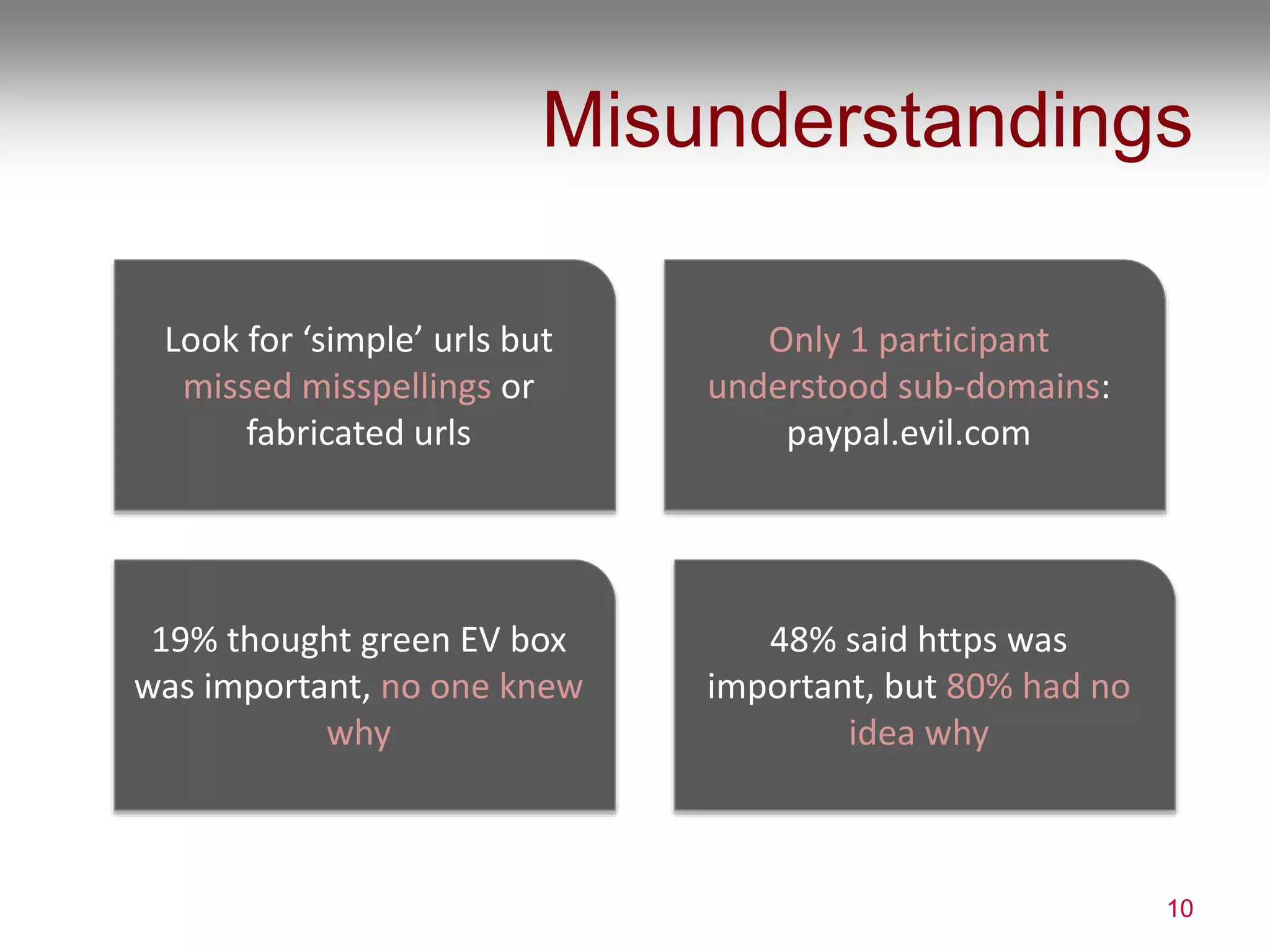
Look for ‘simple’ urls but
missed misspellings or
fabricated urls
48% said https was
important, but 80% had no
idea why
19% thought green EV box
was important, no one knew
why
Only 1 participant
understood sub-domains:
paypal.evil.com
Insights
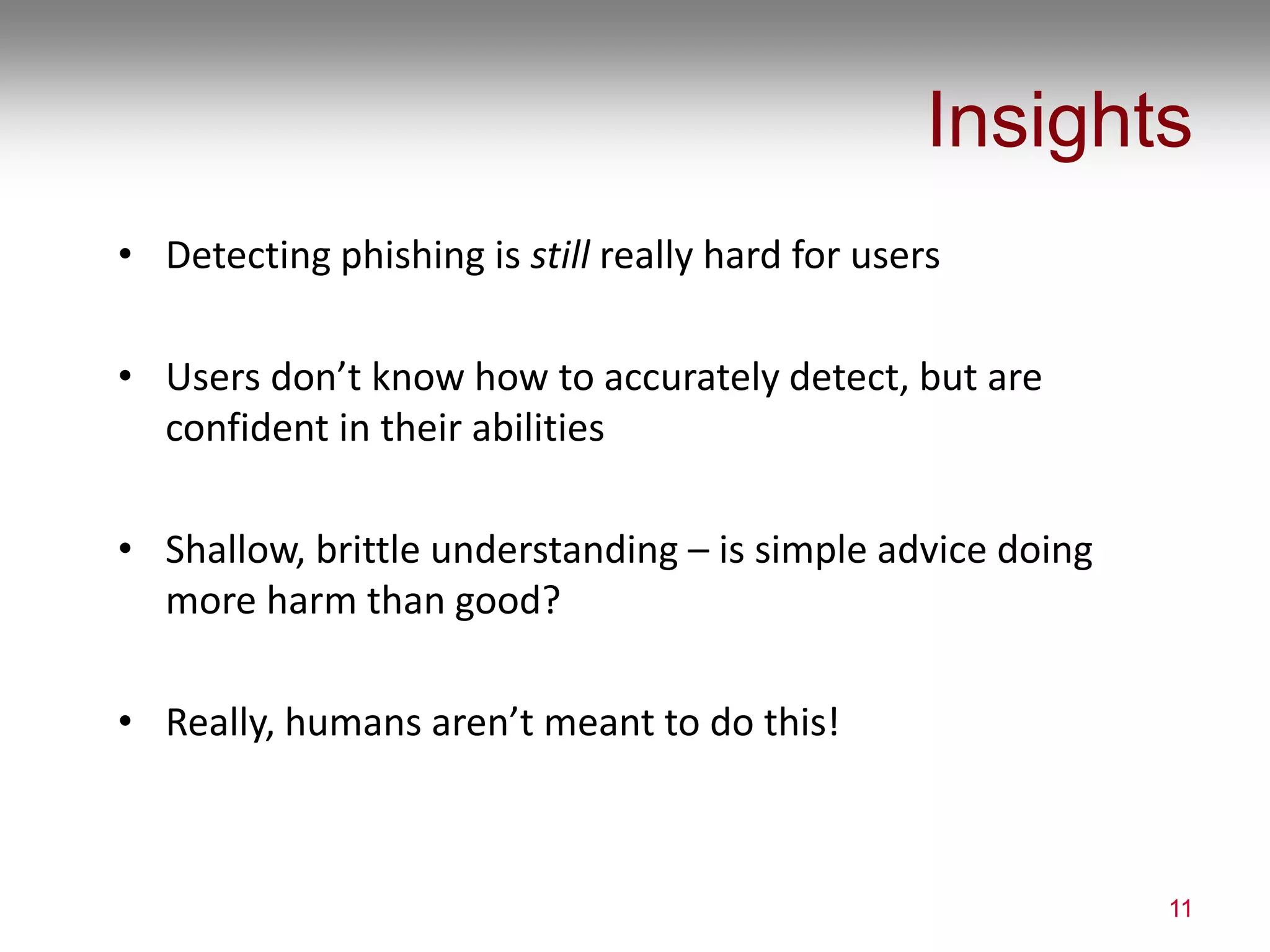
• Detecting phishing is still really hard for users
• Users don’t know how to accurately detect, but are
confident in their abilities
• Shallow, brittle understanding – is simple advice doing
more harm than good?
• Really, humans aren’t meant to do this!
11
PASSWORDS
Are we doing more harm than good?
12
Leah Zhang-Kennedy, Sonia Chiasson, and P. C. van Oorschot. Revisiting Password Rules:
Facilitating Human Management of Passwords. In APWG eCrime. IEEE, 2016
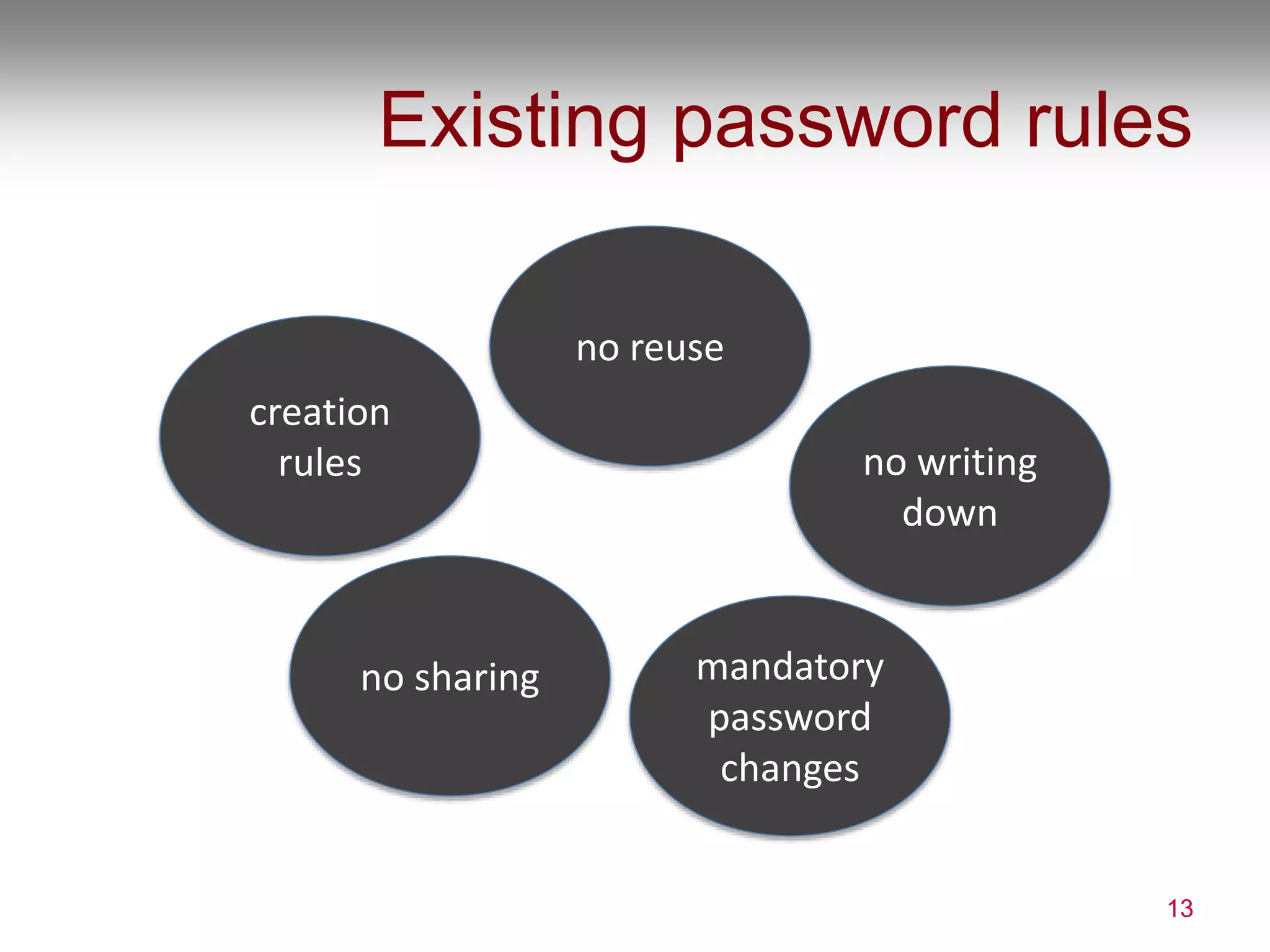
Existing password rules
13
creation
rules
mandatory
password
changes
no sharing
no writing
down
no reuse
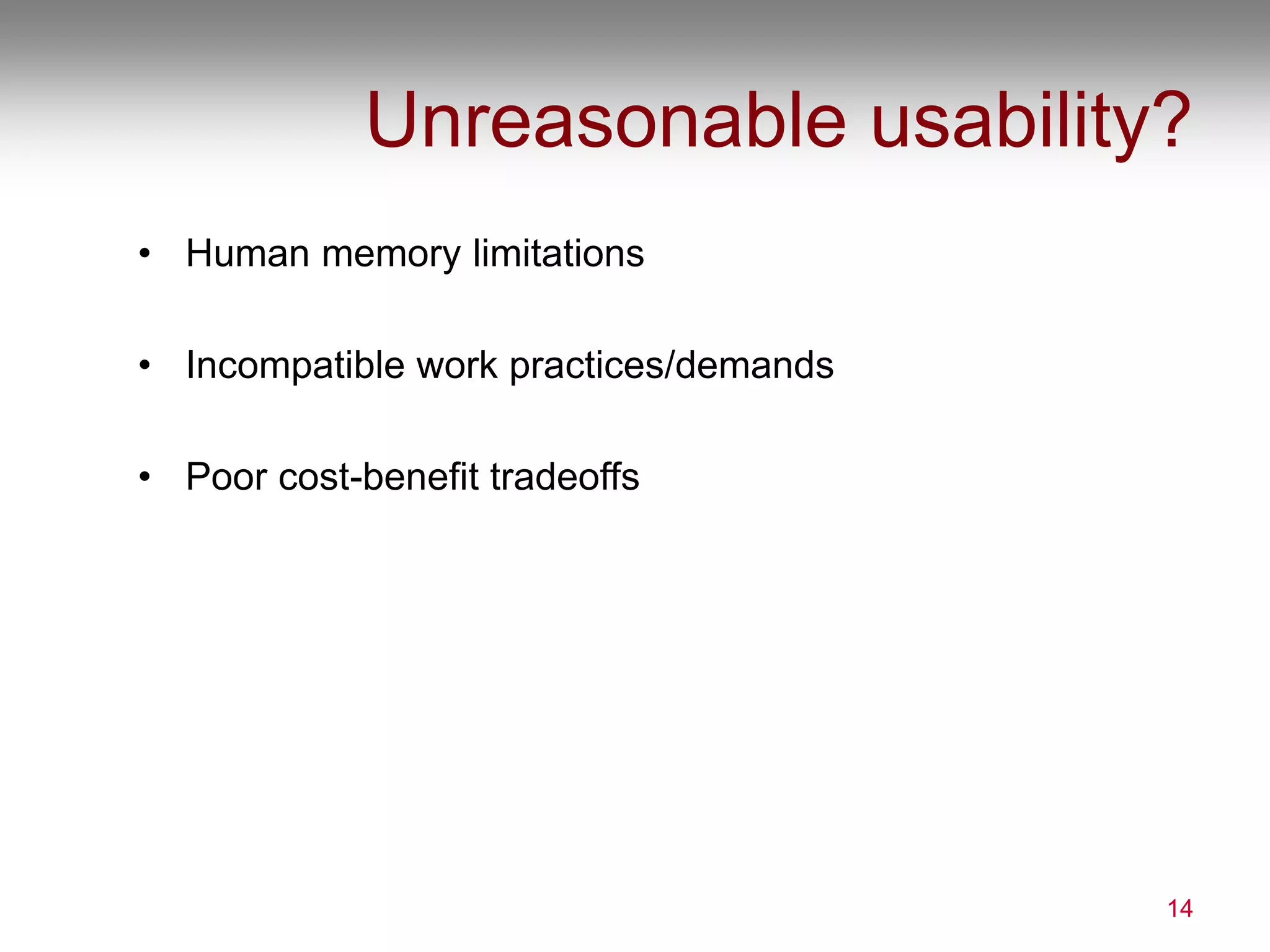
Unreasonable usability?
• Human memory limitations
• Incompatible work practices/demands
• Poor cost-benefit tradeoffs
14
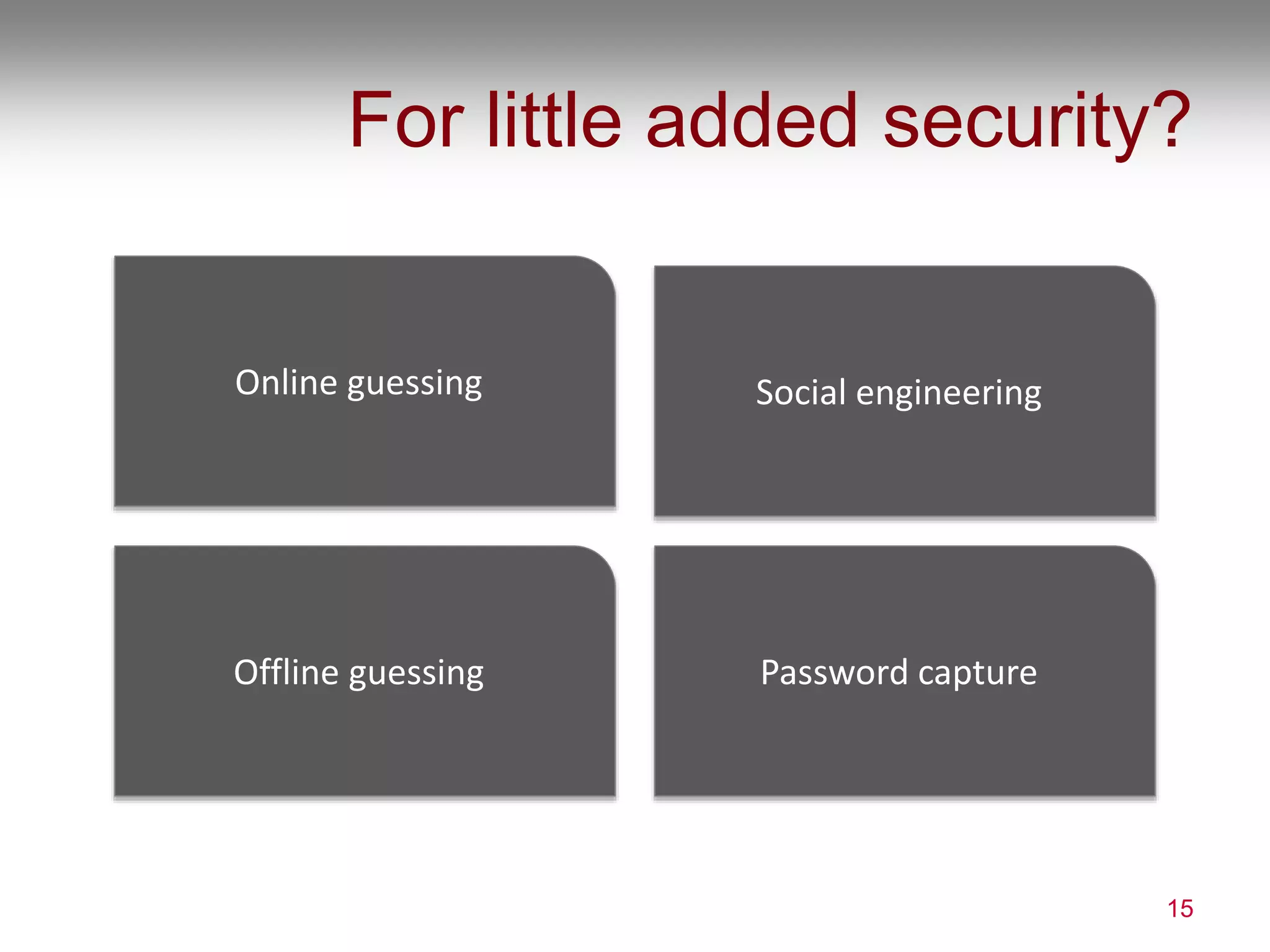
For little added security?
15
Social engineering
Offline guessing Password capture
Online guessing
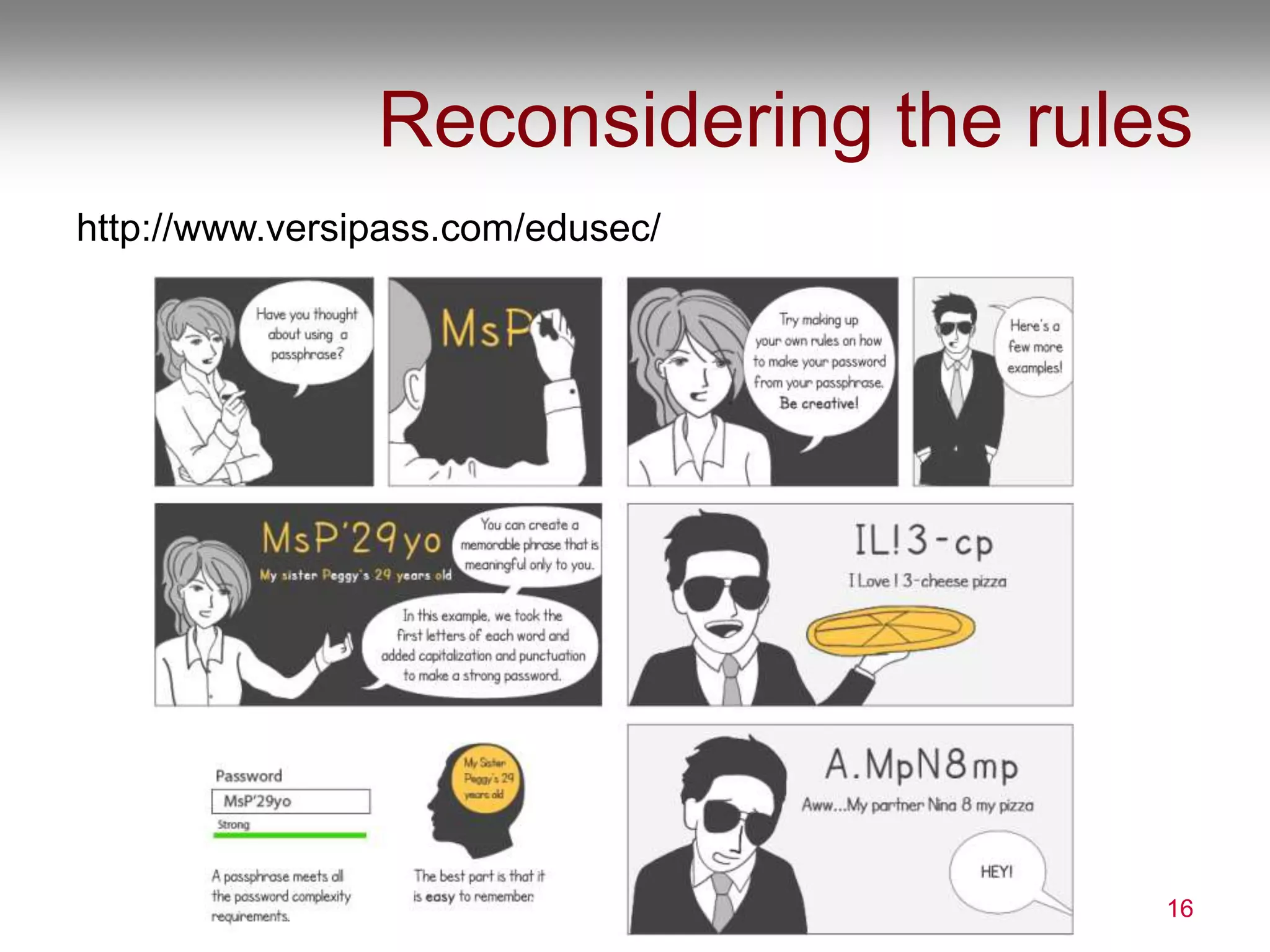
Reconsidering the rules
http://www.versipass.com/edusec/
16
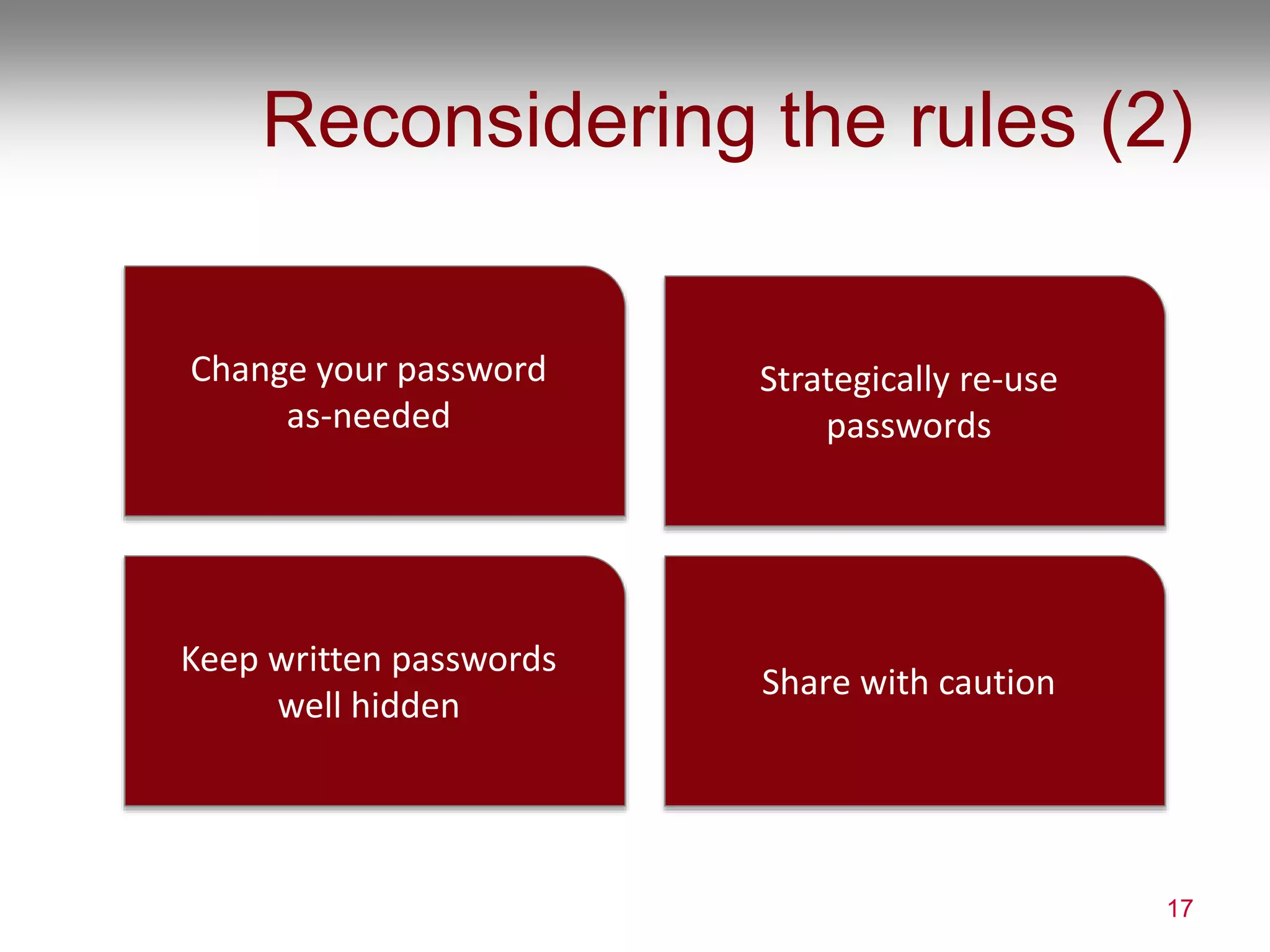
Reconsidering the rules (2)
17
Strategically re-use
passwords
Keep written passwords
well hidden
Share with caution
Change your password
as-needed
WRAP UP
So what do we do?
18
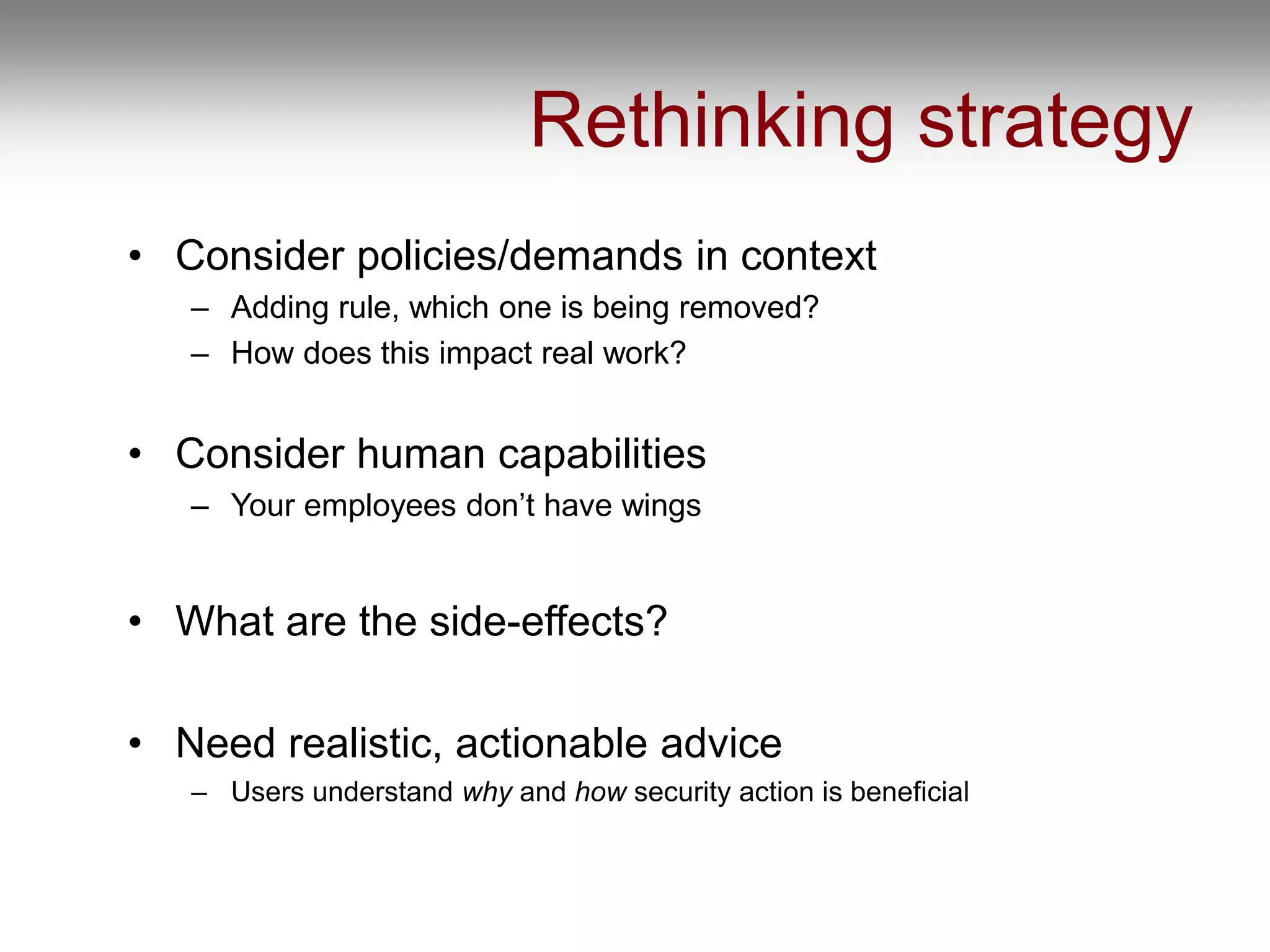
Rethinking strategy
• Consider policies/demands in context
– Adding rule, which one is being removed?
– How does this impact real work?
• Consider human capabilities
– Your employees don’t have wings
• What are the side-effects?
• Need realistic, actionable advice
– Users understand why and how security action is beneficial
chiasson@scs.carleton.ca
Our lab: http://chorus.scs.carleton.ca
Comics: http://www.versipass.com/edusec/
SERENE-RISC cybersecurity network:
http://www.serene-risc.ca/
20

Cyber Summit 2016: Understanding Users' (In)Secure Behaviour

  • 1.
    Understanding Users’ (In)Secure behaviour Prof.Sonia Chiasson Canada Research Chair in Human Oriented Computer Security Cyber Summit Banff, October 2016
  • 2.
  • 3.
  • 4.
  • 5.
    WHY PHISHING STILLWORKS To understand how and why users decide whether a site is legitimate 5 M. Alsharnouby, F. Alaca, & S. Chiasson. Why phishing still works: User strategies for combating phishing attacks. Int. Jour. of Human-Computer Studies (Elsevier), 2015.
  • 6.
    Still falling forphish First phishing attack: AOL, 1996 6
  • 7.
    User study 7 best-case scenario,detecting ability rather than usual practice is this a phishing site? how certain are you? Chrome browser 10 legit sites 14 phishing eye tracking 21 participants
  • 8.
    Websites • Hosted sites,set up own certificate authority and modified browser host files, purchased domain/SSL certificate, HTTrack to copy sites • Tricks: – Incorrect URLs (with all links to legitimate site) – IP address instead of URL – Fake chrome (double URL bars) – Fake, suspicious content – “credit card checker” 8
  • 9.
    Results 9 Success rate: 53%for phishing, 78% for legit Confidence: 4.25/5 regardless of whether choice was correct Time: 87s to decide, no difference for legit/phish sites Eye-tracking: 6% time on security indicators, 85% on page content No effect of gender, age, tech expertise 52% did not recognize phishing of their own bank Quick to judge familiar sites
  • 10.
    Misunderstandings 10 Look for ‘simple’urls but missed misspellings or fabricated urls 48% said https was important, but 80% had no idea why 19% thought green EV box was important, no one knew why Only 1 participant understood sub-domains: paypal.evil.com
  • 11.
    Insights • Detecting phishingis still really hard for users • Users don’t know how to accurately detect, but are confident in their abilities • Shallow, brittle understanding – is simple advice doing more harm than good? • Really, humans aren’t meant to do this! 11
  • 12.
    PASSWORDS Are we doingmore harm than good? 12 Leah Zhang-Kennedy, Sonia Chiasson, and P. C. van Oorschot. Revisiting Password Rules: Facilitating Human Management of Passwords. In APWG eCrime. IEEE, 2016
  • 13.
  • 14.
    Unreasonable usability? • Humanmemory limitations • Incompatible work practices/demands • Poor cost-benefit tradeoffs 14
  • 15.
    For little addedsecurity? 15 Social engineering Offline guessing Password capture Online guessing
  • 16.
  • 17.
    Reconsidering the rules(2) 17 Strategically re-use passwords Keep written passwords well hidden Share with caution Change your password as-needed
  • 18.
    WRAP UP So whatdo we do? 18
  • 19.
    Rethinking strategy • Considerpolicies/demands in context – Adding rule, which one is being removed? – How does this impact real work? • Consider human capabilities – Your employees don’t have wings • What are the side-effects? • Need realistic, actionable advice – Users understand why and how security action is beneficial
  • 20.
    chiasson@scs.carleton.ca Our lab: http://chorus.scs.carleton.ca Comics:http://www.versipass.com/edusec/ SERENE-RISC cybersecurity network: http://www.serene-risc.ca/ 20