Our Evolving
Development Framework
Cucumber...

• is not just about testing
• is more than integration testing
• is behaviour driven development
The TDD/BDD Way

• Red
• Green
• Refactor
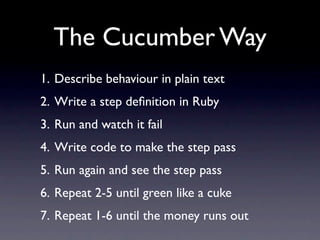
The Cucumber Way
1. Describe behaviour in plain text
2. Write a step definition in Ruby
3. Run and watch it fail
4. Write code to make the step pass
5. Run again and see the step pass
6. Repeat 2-5 until green like a cuke
7. Repeat 1-6 until the money runs out
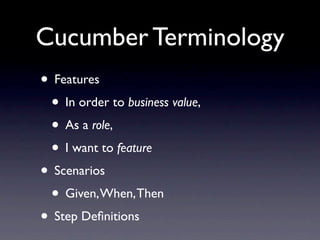
Cucumber Terminology
• Features
 • In order to business value,
 • As a role,
 • I want to feature
• Scenarios
 • Given, When, Then
• Step Definitions
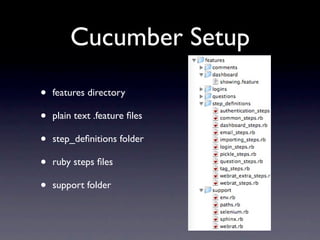
Cucumber Setup

•   features directory

•   plain text .feature files

•   step_definitions folder

•   ruby steps files

•   support folder
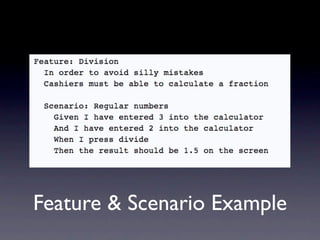
Feature & Scenario Example
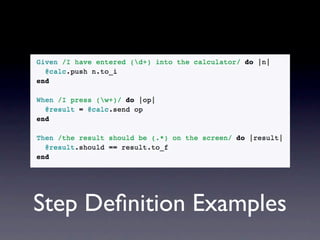
Step Definition Examples
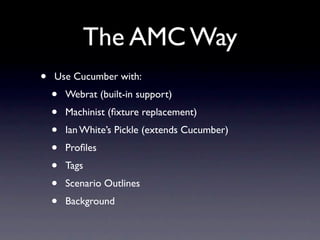
The AMC Way
•   Use Cucumber with:
    •   Webrat (built-in support)
    •   Machinist (fixture replacement)
    •   Ian White’s Pickle (extends Cucumber)
    •   Profiles
    •   Tags
    •   Scenario Outlines
    •   Background
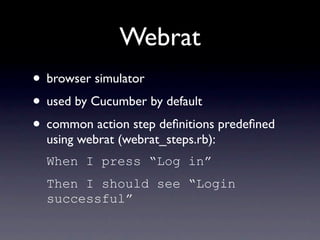
Webrat
• browser simulator
• used by Cucumber by default
• common action step definitions predefined
  using webrat (webrat_steps.rb):
  When I press “Log in”
  Then I should see “Login
  successful”
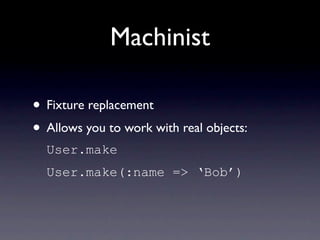
Machinist

• Fixture replacement
• Allows you to work with real objects:
  User.make
  User.make(:name => ‘Bob’)
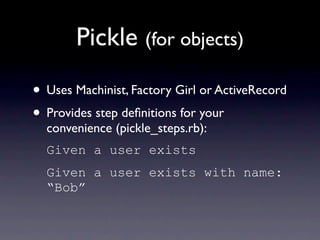
Pickle (for objects)
• Uses Machinist, Factory Girl or ActiveRecord
• Provides step definitions for your
  convenience (pickle_steps.rb):
  Given a user exists
  Given a user exists with name:
  “Bob”
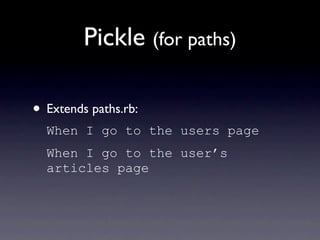
Pickle (for paths)

• Extends paths.rb:
  When I go to the users page
  When I go to the user’s
  articles page
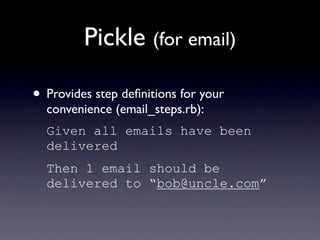
Pickle (for email)

• Provides step definitions for your
  convenience (email_steps.rb):
  Given all emails have been
  delivered
  Then 1 email should be
  delivered to “bob@uncle.com”
No New Steps Required
 Scenario: delivering comment notification to one user
    Given a question exists
    And a user exists with name: “Bob”, email:
    “uncle@bob.com”
    When I go to the question's page
    When I fill in "comment[body]" with "My comment"
    And I check “Bob”
    And I press "Add Comment"
    Then 1 email should be delivered to
    “uncle@bob.com”
    And I should see “Comment notification was sent”
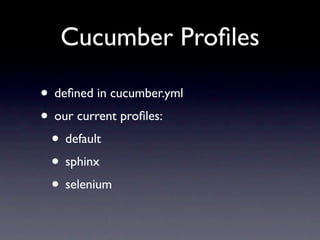
Cucumber Profiles

• defined in cucumber.yml
• our current profiles:
 • default
 • sphinx
 • selenium
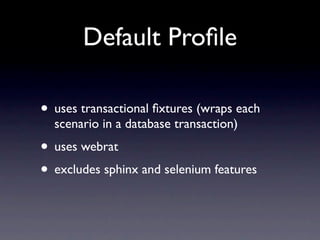
Default Profile

• uses transactional fixtures (wraps each
  scenario in a database transaction)
• uses webrat
• excludes sphinx and selenium features
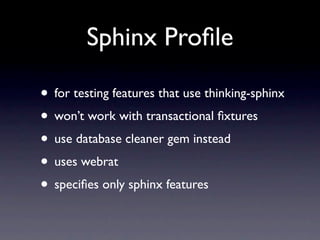
Sphinx Profile

• for testing features that use thinking-sphinx
• won’t work with transactional fixtures
• use database cleaner gem instead
• uses webrat
• specifies only sphinx features
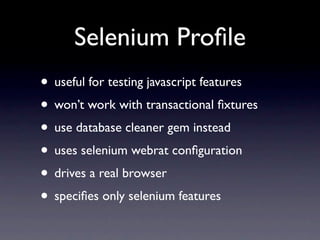
Selenium Profile
• useful for testing javascript features
• won’t work with transactional fixtures
• use database cleaner gem instead
• uses selenium webrat configuration
• drives a real browser
• specifies only selenium features
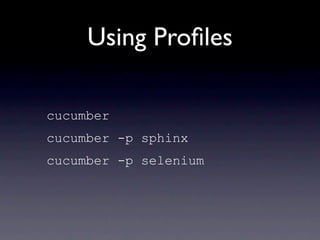
Using Profiles

cucumber
cucumber -p sphinx
cucumber -p selenium
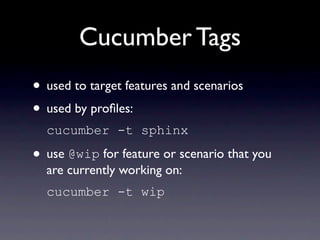
Cucumber Tags
• used to target features and scenarios
• used by profiles:
  cucumber -t sphinx

• use @wip for feature or scenario that you
  are currently working on:
  cucumber -t wip
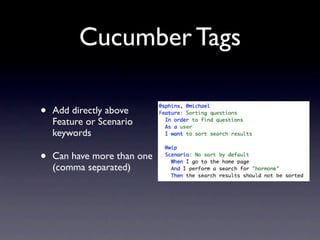
Cucumber Tags

•   Add directly above
    Feature or Scenario
    keywords

•   Can have more than one
    (comma separated)
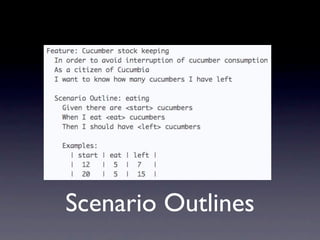
Scenario Outlines
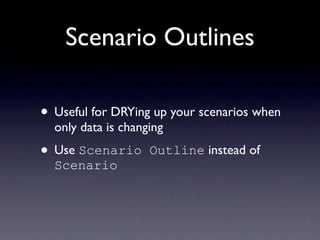
Scenario Outlines

• Useful for DRYing up your scenarios when
  only data is changing

• Use Scenario      Outline instead of
  Scenario
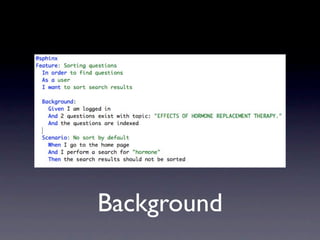
Background
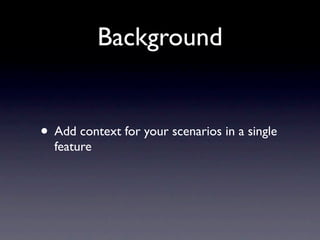
Background


• Add context for your scenarios in a single
  feature
And More...
• Some other Cucumber features:
 • Nested steps
 • Hooks
 • Multi-line step arguments
 • Spork and --drb
• Cucumber continues to grow!

Cucumber

  • 1.
  • 2.
    Cucumber... • is notjust about testing • is more than integration testing • is behaviour driven development
  • 3.
    The TDD/BDD Way •Red • Green • Refactor
  • 4.
    The Cucumber Way 1.Describe behaviour in plain text 2. Write a step definition in Ruby 3. Run and watch it fail 4. Write code to make the step pass 5. Run again and see the step pass 6. Repeat 2-5 until green like a cuke 7. Repeat 1-6 until the money runs out
  • 5.
    Cucumber Terminology • Features • In order to business value, • As a role, • I want to feature • Scenarios • Given, When, Then • Step Definitions
  • 6.
    Cucumber Setup • features directory • plain text .feature files • step_definitions folder • ruby steps files • support folder
  • 7.
  • 8.
  • 9.
    The AMC Way • Use Cucumber with: • Webrat (built-in support) • Machinist (fixture replacement) • Ian White’s Pickle (extends Cucumber) • Profiles • Tags • Scenario Outlines • Background
  • 10.
    Webrat • browser simulator •used by Cucumber by default • common action step definitions predefined using webrat (webrat_steps.rb): When I press “Log in” Then I should see “Login successful”
  • 11.
    Machinist • Fixture replacement •Allows you to work with real objects: User.make User.make(:name => ‘Bob’)
  • 12.
    Pickle (for objects) •Uses Machinist, Factory Girl or ActiveRecord • Provides step definitions for your convenience (pickle_steps.rb): Given a user exists Given a user exists with name: “Bob”
  • 13.
    Pickle (for paths) •Extends paths.rb: When I go to the users page When I go to the user’s articles page
  • 14.
    Pickle (for email) •Provides step definitions for your convenience (email_steps.rb): Given all emails have been delivered Then 1 email should be delivered to “bob@uncle.com”
  • 15.
    No New StepsRequired Scenario: delivering comment notification to one user Given a question exists And a user exists with name: “Bob”, email: “uncle@bob.com” When I go to the question's page When I fill in "comment[body]" with "My comment" And I check “Bob” And I press "Add Comment" Then 1 email should be delivered to “uncle@bob.com” And I should see “Comment notification was sent”
  • 16.
    Cucumber Profiles • definedin cucumber.yml • our current profiles: • default • sphinx • selenium
  • 17.
    Default Profile • usestransactional fixtures (wraps each scenario in a database transaction) • uses webrat • excludes sphinx and selenium features
  • 18.
    Sphinx Profile • fortesting features that use thinking-sphinx • won’t work with transactional fixtures • use database cleaner gem instead • uses webrat • specifies only sphinx features
  • 19.
    Selenium Profile • usefulfor testing javascript features • won’t work with transactional fixtures • use database cleaner gem instead • uses selenium webrat configuration • drives a real browser • specifies only selenium features
  • 20.
    Using Profiles cucumber cucumber -psphinx cucumber -p selenium
  • 21.
    Cucumber Tags • usedto target features and scenarios • used by profiles: cucumber -t sphinx • use @wip for feature or scenario that you are currently working on: cucumber -t wip
  • 22.
    Cucumber Tags • Add directly above Feature or Scenario keywords • Can have more than one (comma separated)
  • 23.
  • 24.
    Scenario Outlines • Usefulfor DRYing up your scenarios when only data is changing • Use Scenario Outline instead of Scenario
  • 25.
  • 26.
    Background • Add contextfor your scenarios in a single feature
  • 27.
    And More... • Someother Cucumber features: • Nested steps • Hooks • Multi-line step arguments • Spork and --drb • Cucumber continues to grow!