BEHAVIOR DRIVEN
DEVELOPMENT /
TESTING ( BDD )
Overview of Cucumber /
Capybara
Behavior Driven Development/Testing
❖ What is BDD?
➢ The main focus is on the expected behavior of the application and
it’s components.
➢ User stories created and maintained collaboratively by all
stakeholders
❖ What are the benefits?
➢ Define verifiable, executable and unambiguous requirements
➢ Developing features that truly add business value
➢ Preventing defects rather than finding defects
➢ Bring QA involvement to the forefront, great for team dynamics
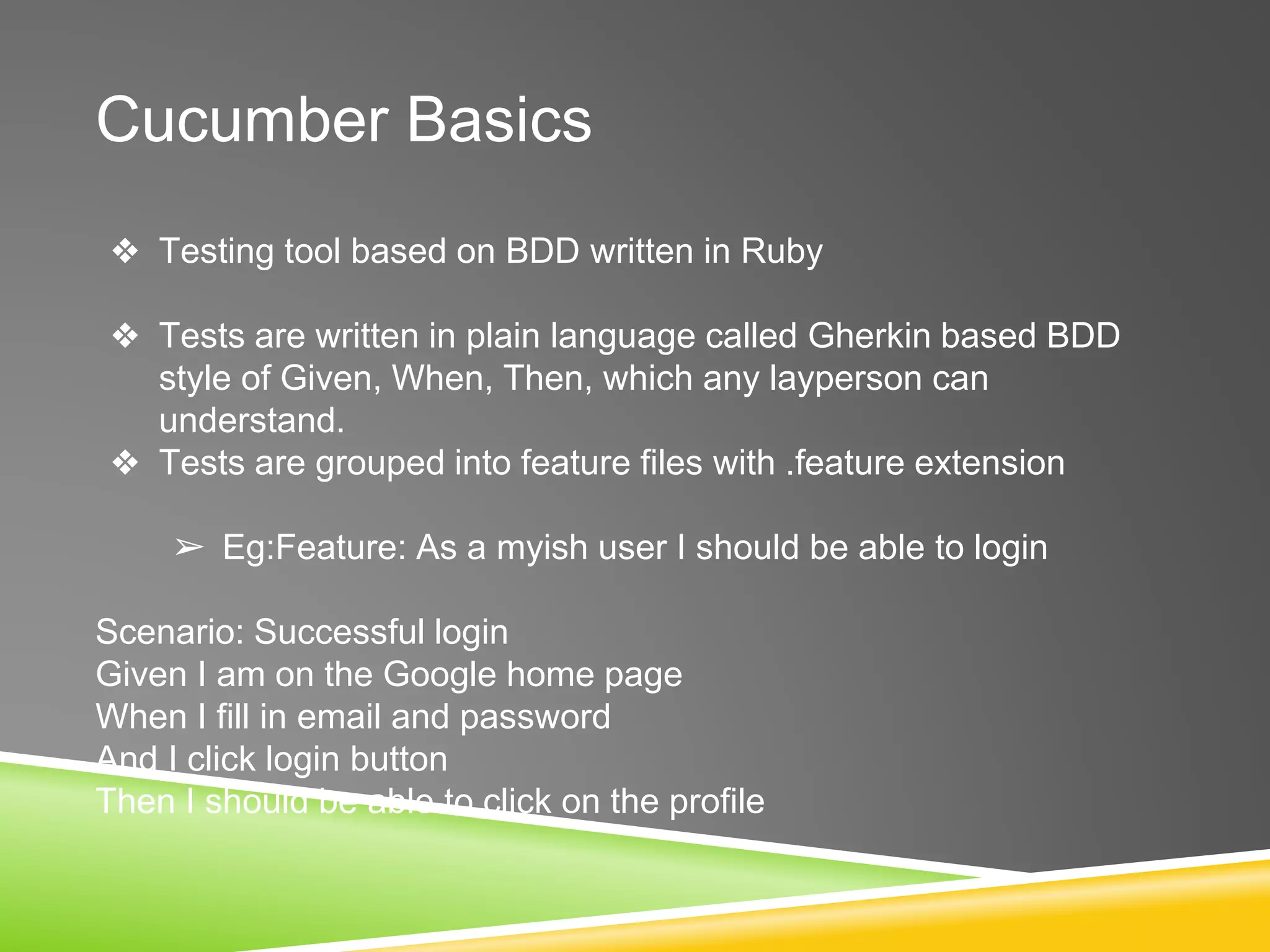
Cucumber Basics
❖ Testing tool based on BDD written in Ruby
❖ Tests are written in plain language called Gherkin based BDD
style of Given, When, Then, which any layperson can
understand.
❖ Tests are grouped into feature files with .feature extension
➢ Eg:Feature: As a myish user I should be able to login
Scenario: Successful login
Given I am on the Google home page
When I fill in email and password
And I click login button
Then I should be able to click on the profile
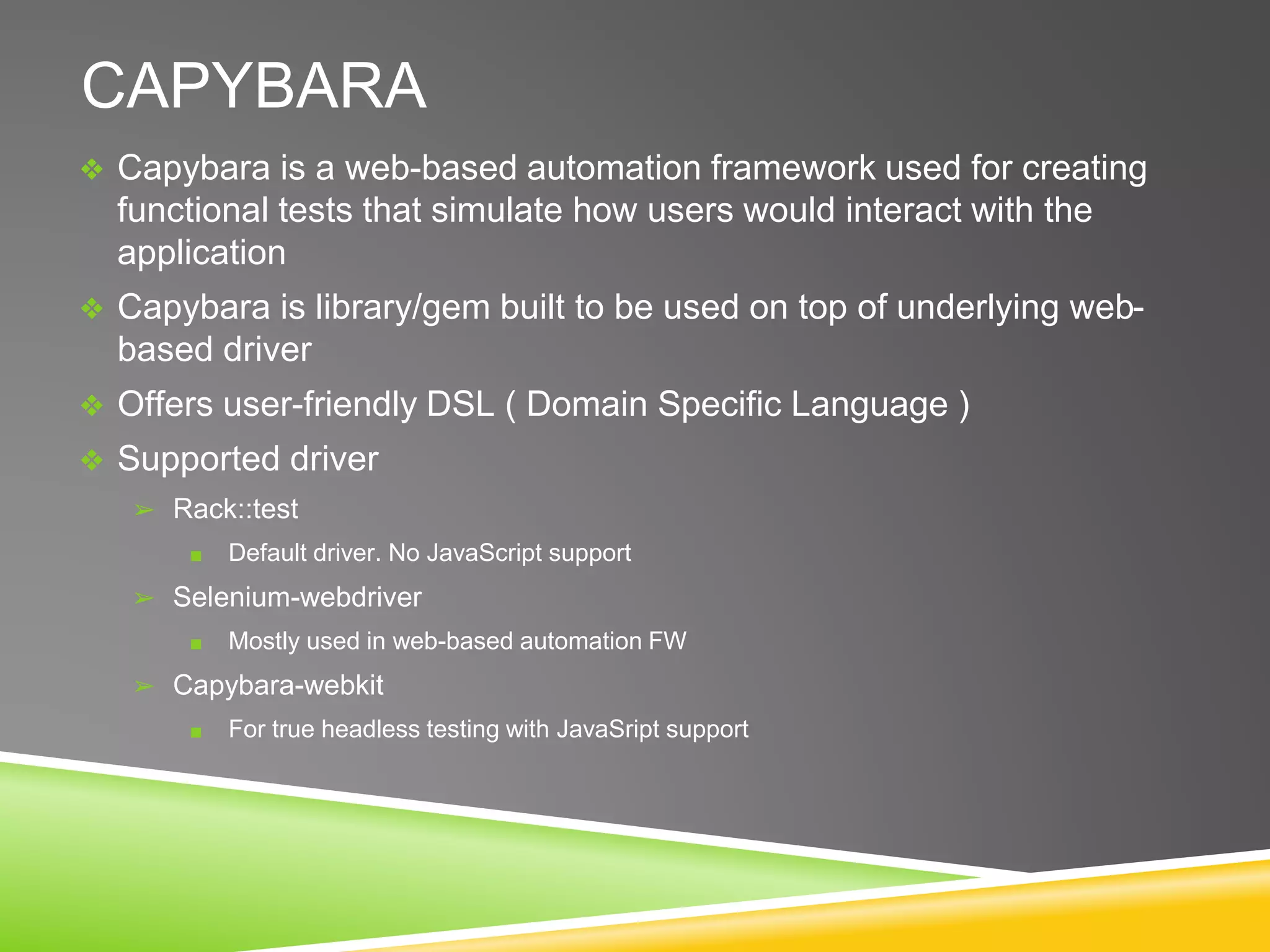
CAPYBARA
❖ Capybara is a web-based automation framework used for creating
functional tests that simulate how users would interact with the
application
❖ Capybara is library/gem built to be used on top of underlying web-
based driver
❖ Offers user-friendly DSL ( Domain Specific Language )
❖ Supported driver
➢ Rack::test
■ Default driver. No JavaScript support
➢ Selenium-webdriver
■ Mostly used in web-based automation FW
➢ Capybara-webkit
■ For true headless testing with JavaSript support
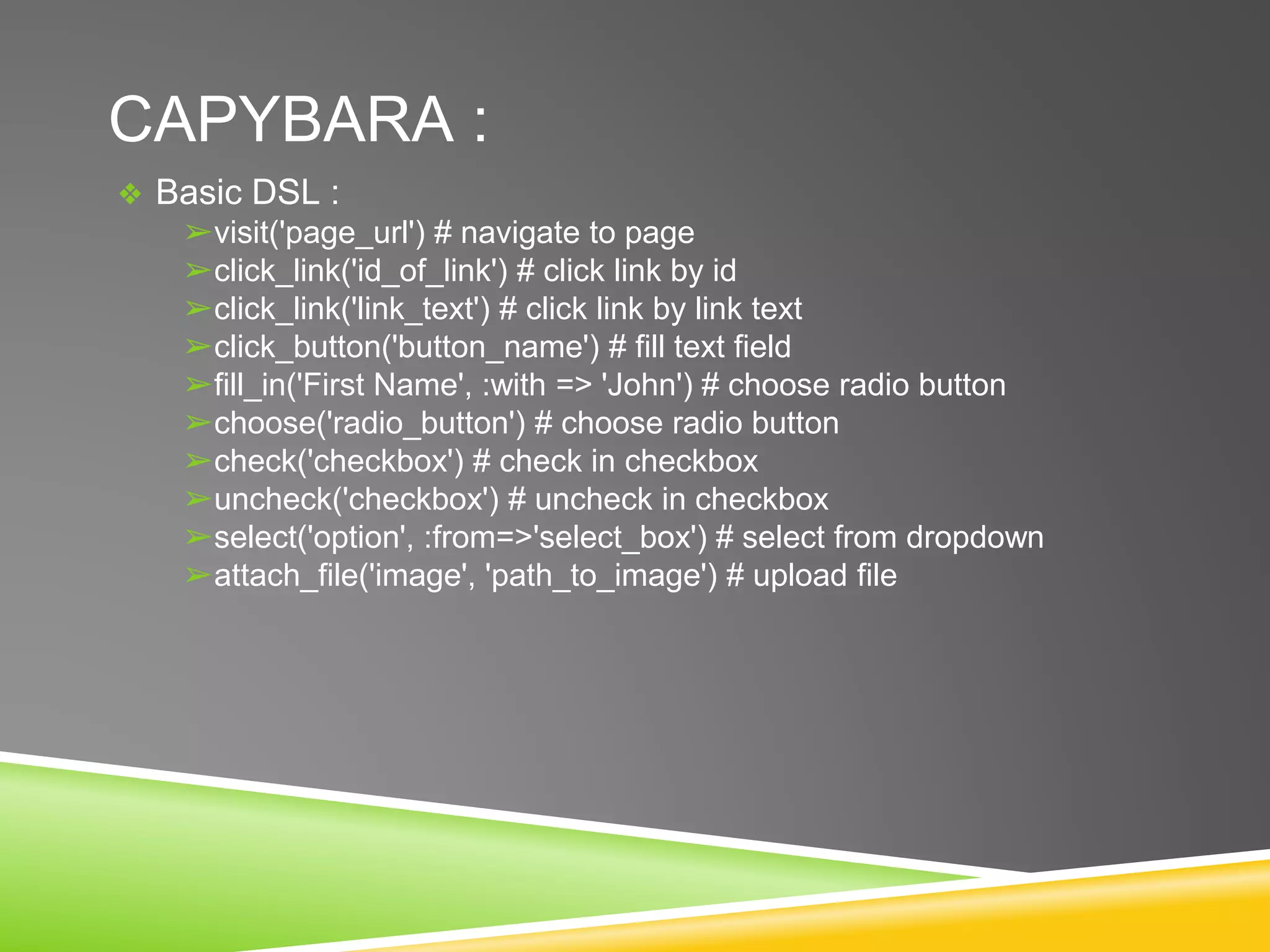
CAPYBARA :
❖ Basic DSL :
➢visit('page_url') # navigate to page
➢click_link('id_of_link') # click link by id
➢click_link('link_text') # click link by link text
➢click_button('button_name') # fill text field
➢fill_in('First Name', :with => 'John') # choose radio button
➢choose('radio_button') # choose radio button
➢check('checkbox') # check in checkbox
➢uncheck('checkbox') # uncheck in checkbox
➢select('option', :from=>'select_box') # select from dropdown
➢attach_file('image', 'path_to_image') # upload file
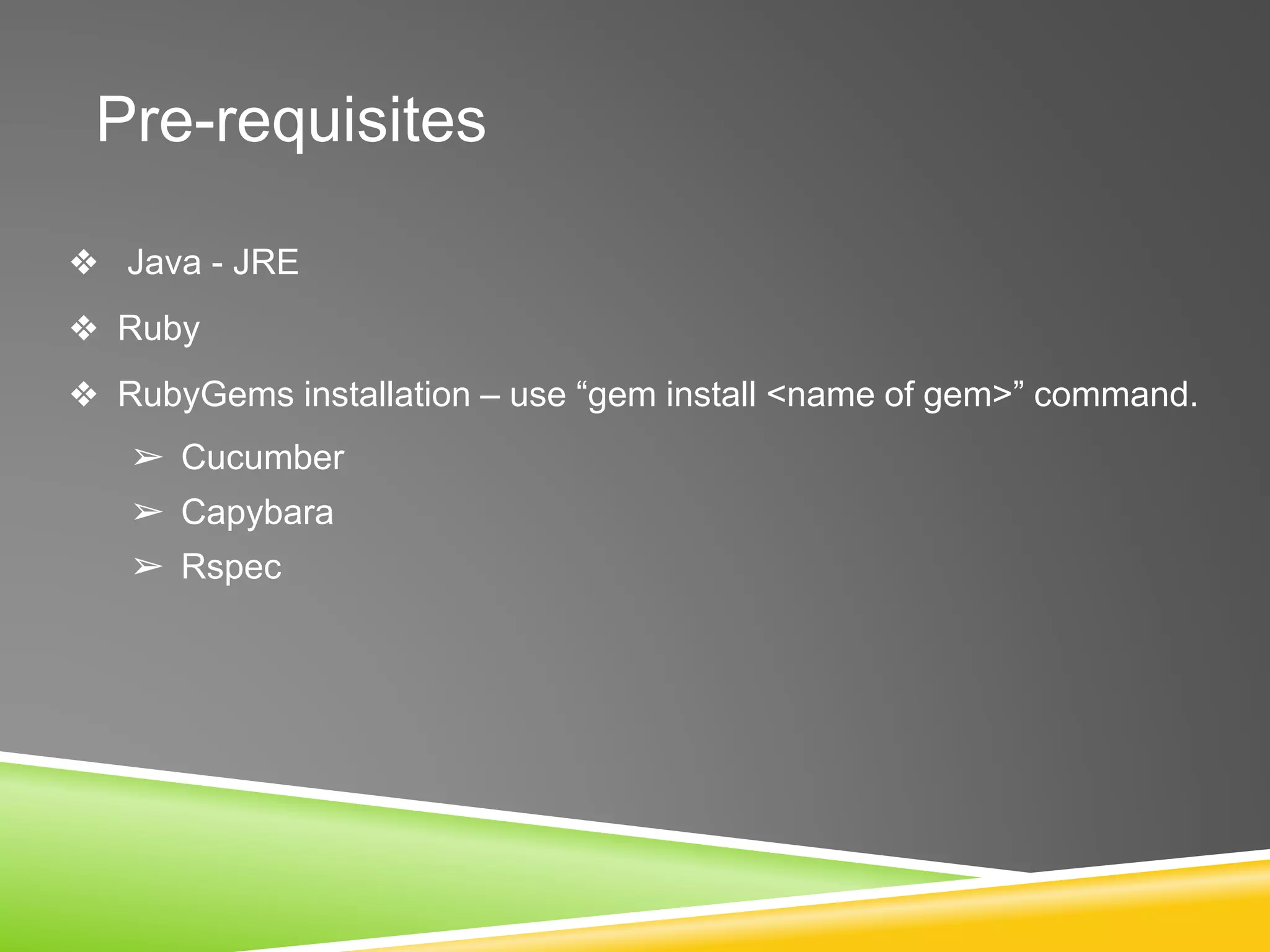
Pre-requisites
❖ Java - JRE
❖ Ruby
❖ RubyGems installation – use “gem install <name of gem>” command.
➢ Cucumber
➢ Capybara
➢ Rspec
DEMO
Project structure :
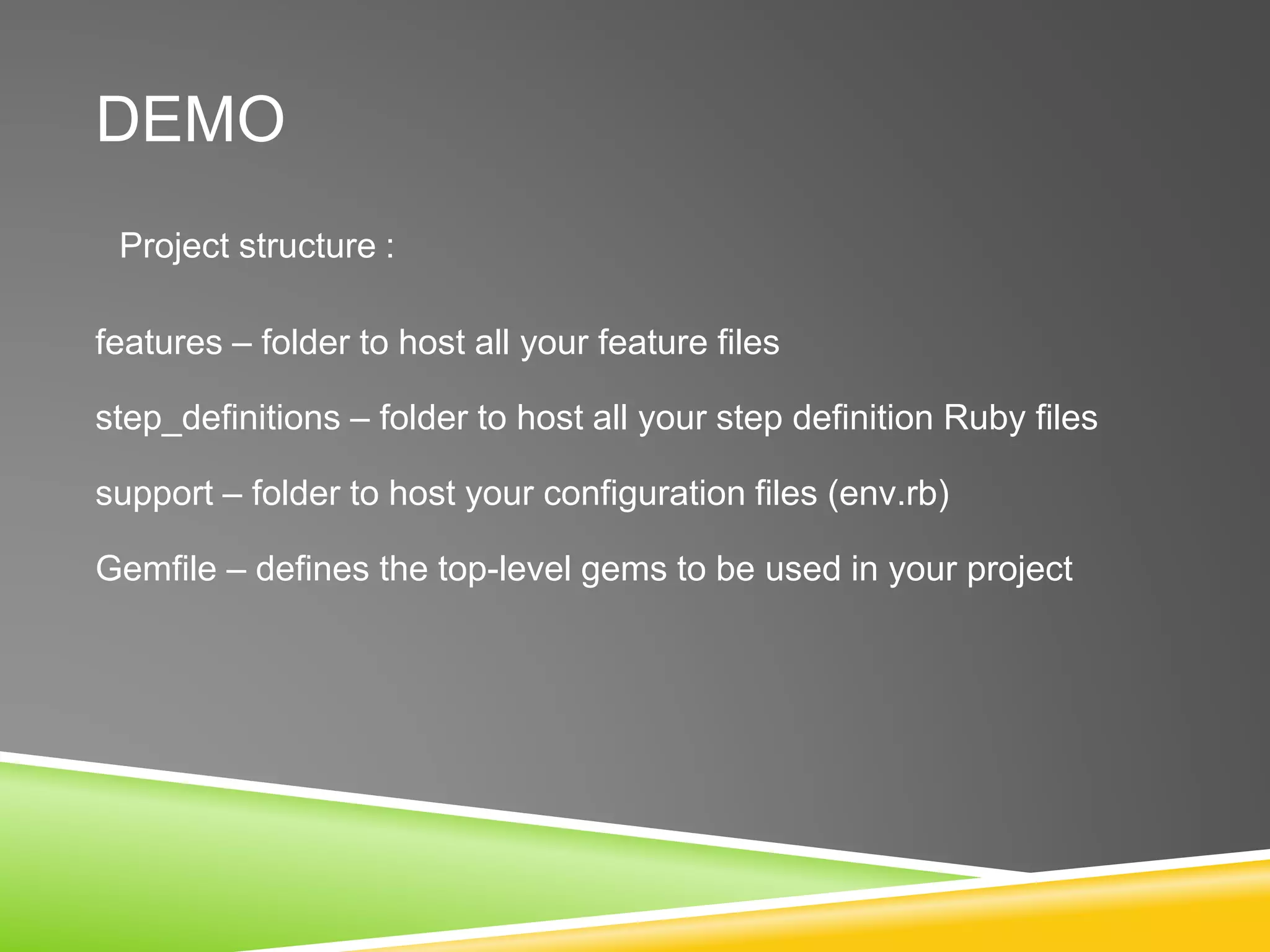
DEMO
Project structure :
features – folder to host all your feature files
step_definitions – folder to host all your step definition Ruby files
support – folder to host your configuration files (env.rb)
Gemfile – defines the top-level gems to be used in your project
DEMO
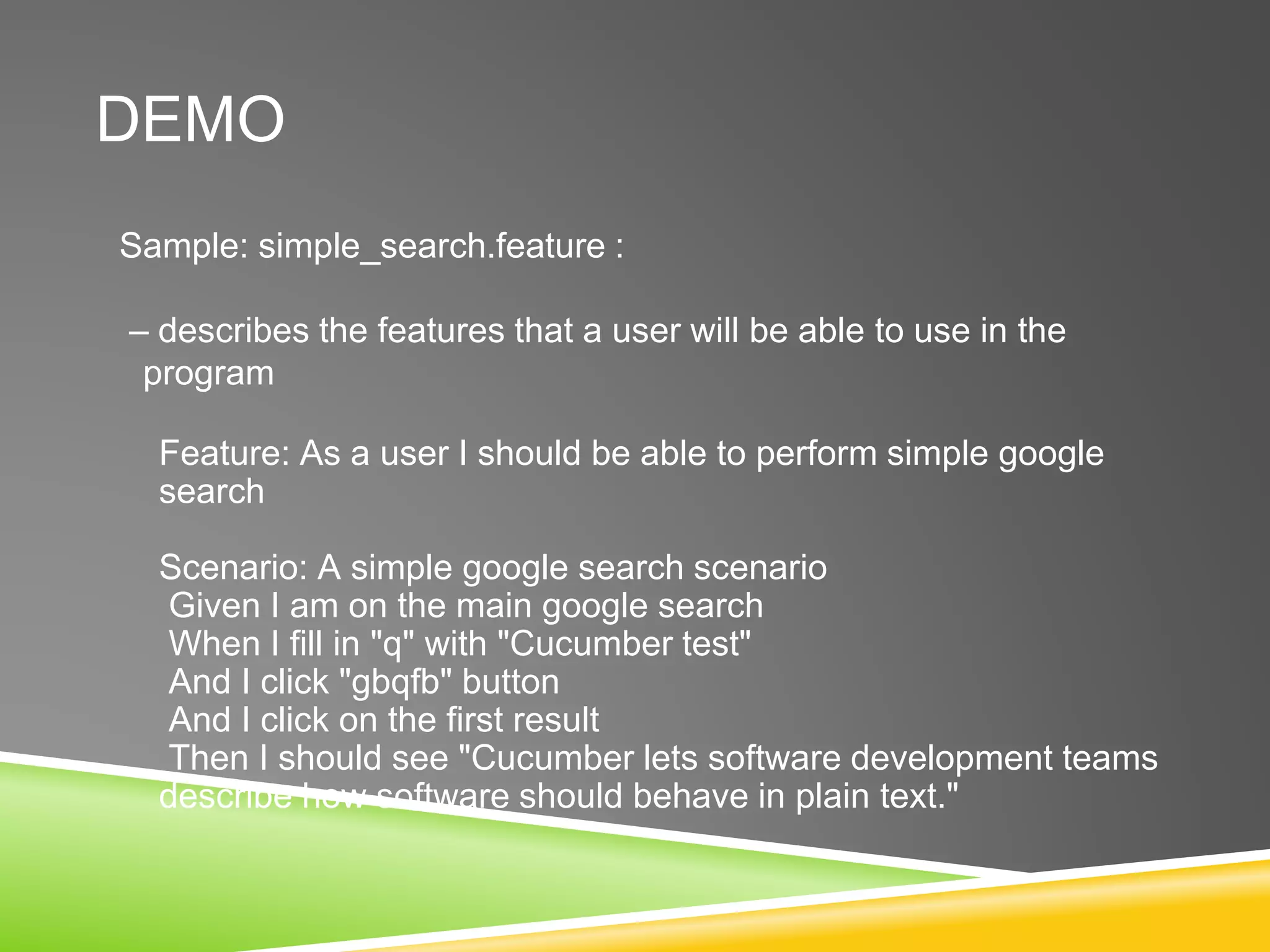
Sample: simple_search.feature :
– describes the features that a user will be able to use in the
program
Feature: As a user I should be able to perform simple google
search
Scenario: A simple google search scenario
Given I am on the main google search
When I fill in "q" with "Cucumber test"
And I click "gbqfb" button
And I click on the first result
Then I should see "Cucumber lets software development teams
describe how software should behave in plain text."
Sample: search_step.rb
– describes the actions that user will do for each step.
Given /^I am on the main google search$/ do
visit ('/')
end
When /^(?:|I )fill in "([^"]*)" with "([^"]*)"$/ do |field, value|
fill_in(field, :with => value)
end
Then /^I click "([^"]*)" button$/ do |button|
click_button(button)
end
Then /^I click on the first result$/ do
find(:xpath, "//html/body/div[3]/div[2]/div/div[5]/div[2]/div[2]/div/div[2]/div/ol/li/div/h3/a").click
end
Then /^I should see "([^"]*)"$/ do |text|
page.should have_content(text)
end
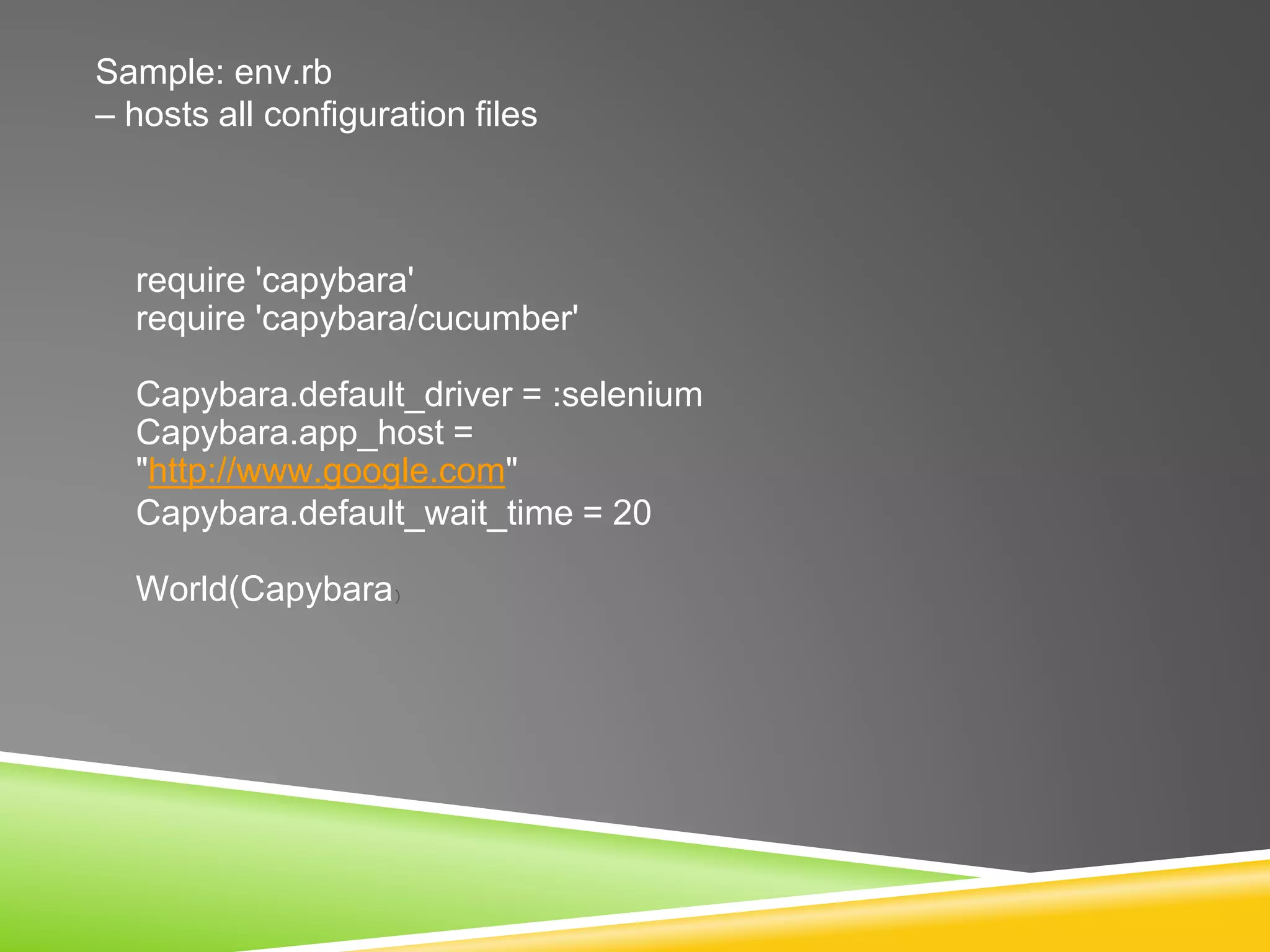
Sample: env.rb
– hosts all configuration files
require 'capybara'
require 'capybara/cucumber'
Capybara.default_driver = :selenium
Capybara.app_host =
"http://www.google.com"
Capybara.default_wait_time = 20
World(Capybara)
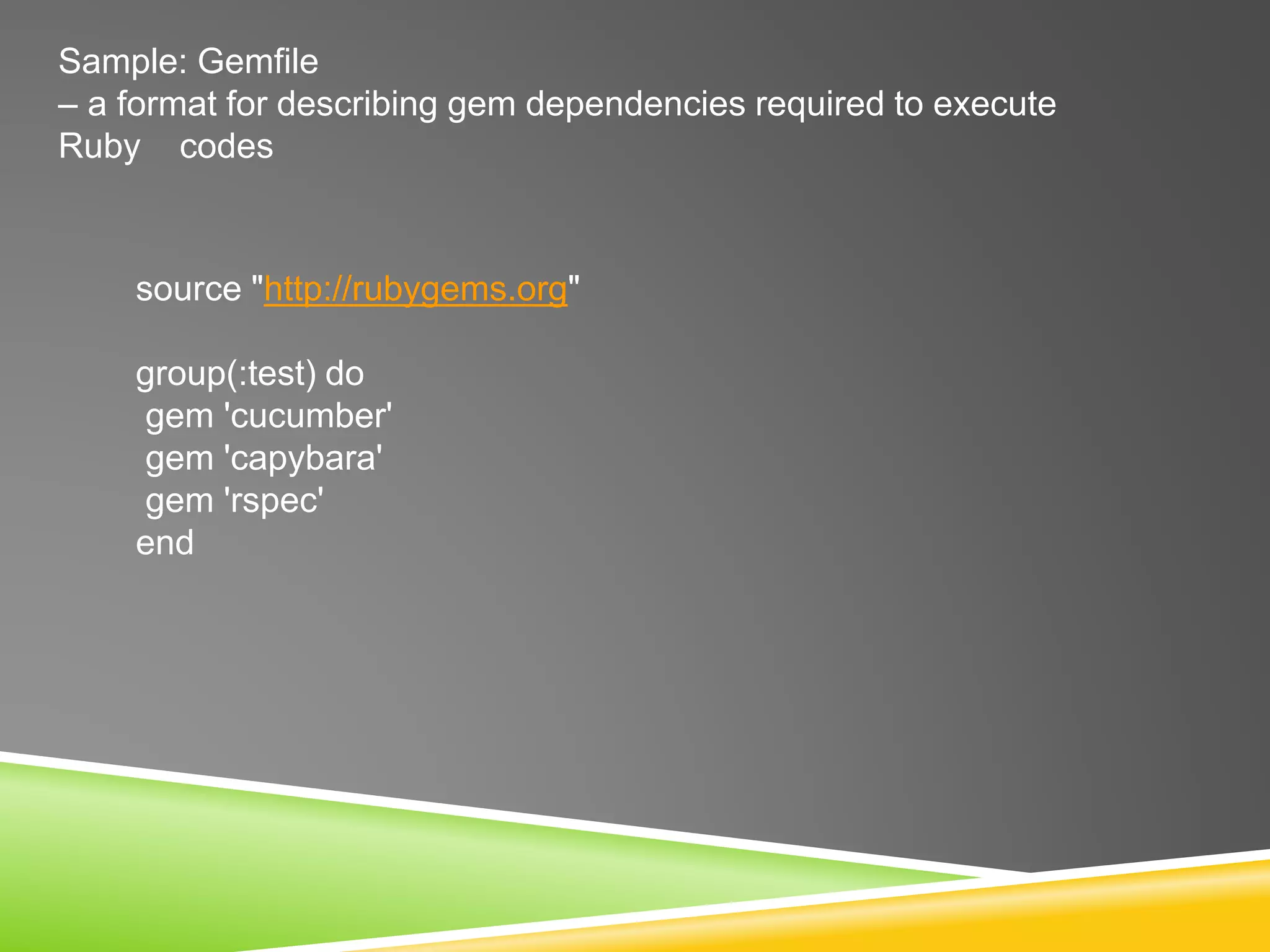
Sample: Gemfile
– a format for describing gem dependencies required to execute
Ruby codes
source "http://rubygems.org"
group(:test) do
gem 'cucumber'
gem 'capybara'
gem 'rspec'
end
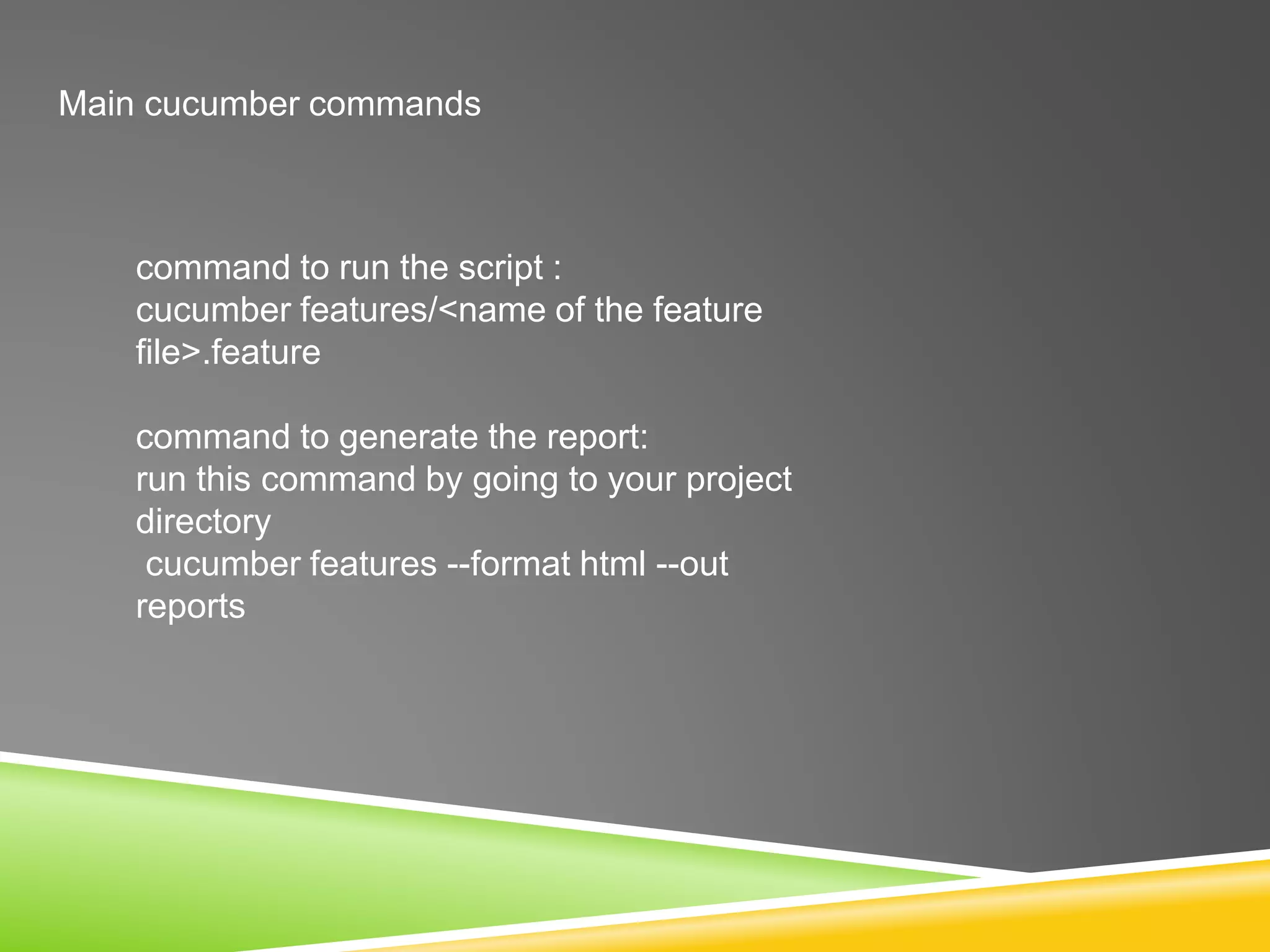
Main cucumber commands
command to run the script :
cucumber features/<name of the feature
file>.feature
command to generate the report:
run this command by going to your project
directory
cucumber features --format html --out
reports
RESOURCES :
https://github.com/jnicklas/capybara
https://shvets.github.io/blog/2013/10/12/acceptance_tricks.html
https://github.com/cucumber/cucumber/wiki
http://www.ibm.com/developerworks/library/a-automating-ria/
Useful resources (and lots of examples):
http://books.openlibra.com/pdf/cuke4ninja-2011-03-16.pdf < awesome free eBook –
fun to read, too.
http://www.slideshare.net/lunivore/behavior-driven-development-11754474 < Liz
really knows her stuff!
http://dannorth.net/2011/01/31/whose-domain-is-it-anyway/
https://www.google.co.uk/search?q=declarative+vs+imperative+BDD < go Team
Declarative!

BDD / cucumber /Capybara

  • 1.
    BEHAVIOR DRIVEN DEVELOPMENT / TESTING( BDD ) Overview of Cucumber / Capybara
  • 2.
    Behavior Driven Development/Testing ❖What is BDD? ➢ The main focus is on the expected behavior of the application and it’s components. ➢ User stories created and maintained collaboratively by all stakeholders ❖ What are the benefits? ➢ Define verifiable, executable and unambiguous requirements ➢ Developing features that truly add business value ➢ Preventing defects rather than finding defects ➢ Bring QA involvement to the forefront, great for team dynamics
  • 3.
    Cucumber Basics ❖ Testingtool based on BDD written in Ruby ❖ Tests are written in plain language called Gherkin based BDD style of Given, When, Then, which any layperson can understand. ❖ Tests are grouped into feature files with .feature extension ➢ Eg:Feature: As a myish user I should be able to login Scenario: Successful login Given I am on the Google home page When I fill in email and password And I click login button Then I should be able to click on the profile
  • 4.
    CAPYBARA ❖ Capybara isa web-based automation framework used for creating functional tests that simulate how users would interact with the application ❖ Capybara is library/gem built to be used on top of underlying web- based driver ❖ Offers user-friendly DSL ( Domain Specific Language ) ❖ Supported driver ➢ Rack::test ■ Default driver. No JavaScript support ➢ Selenium-webdriver ■ Mostly used in web-based automation FW ➢ Capybara-webkit ■ For true headless testing with JavaSript support
  • 5.
    CAPYBARA : ❖ BasicDSL : ➢visit('page_url') # navigate to page ➢click_link('id_of_link') # click link by id ➢click_link('link_text') # click link by link text ➢click_button('button_name') # fill text field ➢fill_in('First Name', :with => 'John') # choose radio button ➢choose('radio_button') # choose radio button ➢check('checkbox') # check in checkbox ➢uncheck('checkbox') # uncheck in checkbox ➢select('option', :from=>'select_box') # select from dropdown ➢attach_file('image', 'path_to_image') # upload file
  • 6.
    Pre-requisites ❖ Java -JRE ❖ Ruby ❖ RubyGems installation – use “gem install <name of gem>” command. ➢ Cucumber ➢ Capybara ➢ Rspec
  • 7.
  • 8.
    DEMO Project structure : features– folder to host all your feature files step_definitions – folder to host all your step definition Ruby files support – folder to host your configuration files (env.rb) Gemfile – defines the top-level gems to be used in your project
  • 9.
    DEMO Sample: simple_search.feature : –describes the features that a user will be able to use in the program Feature: As a user I should be able to perform simple google search Scenario: A simple google search scenario Given I am on the main google search When I fill in "q" with "Cucumber test" And I click "gbqfb" button And I click on the first result Then I should see "Cucumber lets software development teams describe how software should behave in plain text."
  • 10.
    Sample: search_step.rb – describesthe actions that user will do for each step. Given /^I am on the main google search$/ do visit ('/') end When /^(?:|I )fill in "([^"]*)" with "([^"]*)"$/ do |field, value| fill_in(field, :with => value) end Then /^I click "([^"]*)" button$/ do |button| click_button(button) end Then /^I click on the first result$/ do find(:xpath, "//html/body/div[3]/div[2]/div/div[5]/div[2]/div[2]/div/div[2]/div/ol/li/div/h3/a").click end Then /^I should see "([^"]*)"$/ do |text| page.should have_content(text) end
  • 11.
    Sample: env.rb – hostsall configuration files require 'capybara' require 'capybara/cucumber' Capybara.default_driver = :selenium Capybara.app_host = "http://www.google.com" Capybara.default_wait_time = 20 World(Capybara)
  • 12.
    Sample: Gemfile – aformat for describing gem dependencies required to execute Ruby codes source "http://rubygems.org" group(:test) do gem 'cucumber' gem 'capybara' gem 'rspec' end
  • 13.
    Main cucumber commands commandto run the script : cucumber features/<name of the feature file>.feature command to generate the report: run this command by going to your project directory cucumber features --format html --out reports
  • 14.
    RESOURCES : https://github.com/jnicklas/capybara https://shvets.github.io/blog/2013/10/12/acceptance_tricks.html https://github.com/cucumber/cucumber/wiki http://www.ibm.com/developerworks/library/a-automating-ria/ Useful resources(and lots of examples): http://books.openlibra.com/pdf/cuke4ninja-2011-03-16.pdf < awesome free eBook – fun to read, too. http://www.slideshare.net/lunivore/behavior-driven-development-11754474 < Liz really knows her stuff! http://dannorth.net/2011/01/31/whose-domain-is-it-anyway/ https://www.google.co.uk/search?q=declarative+vs+imperative+BDD < go Team Declarative!