CSS
Cascading Style Sheet
1

HOSSEIN ZAHED
AMIR KABIR UNIVERSITY OF TECHNOLOGY
HTTP://WWW.HZAHED.COM

© 2013 Hossein Zahed - www.hzahed.com
A Style
2

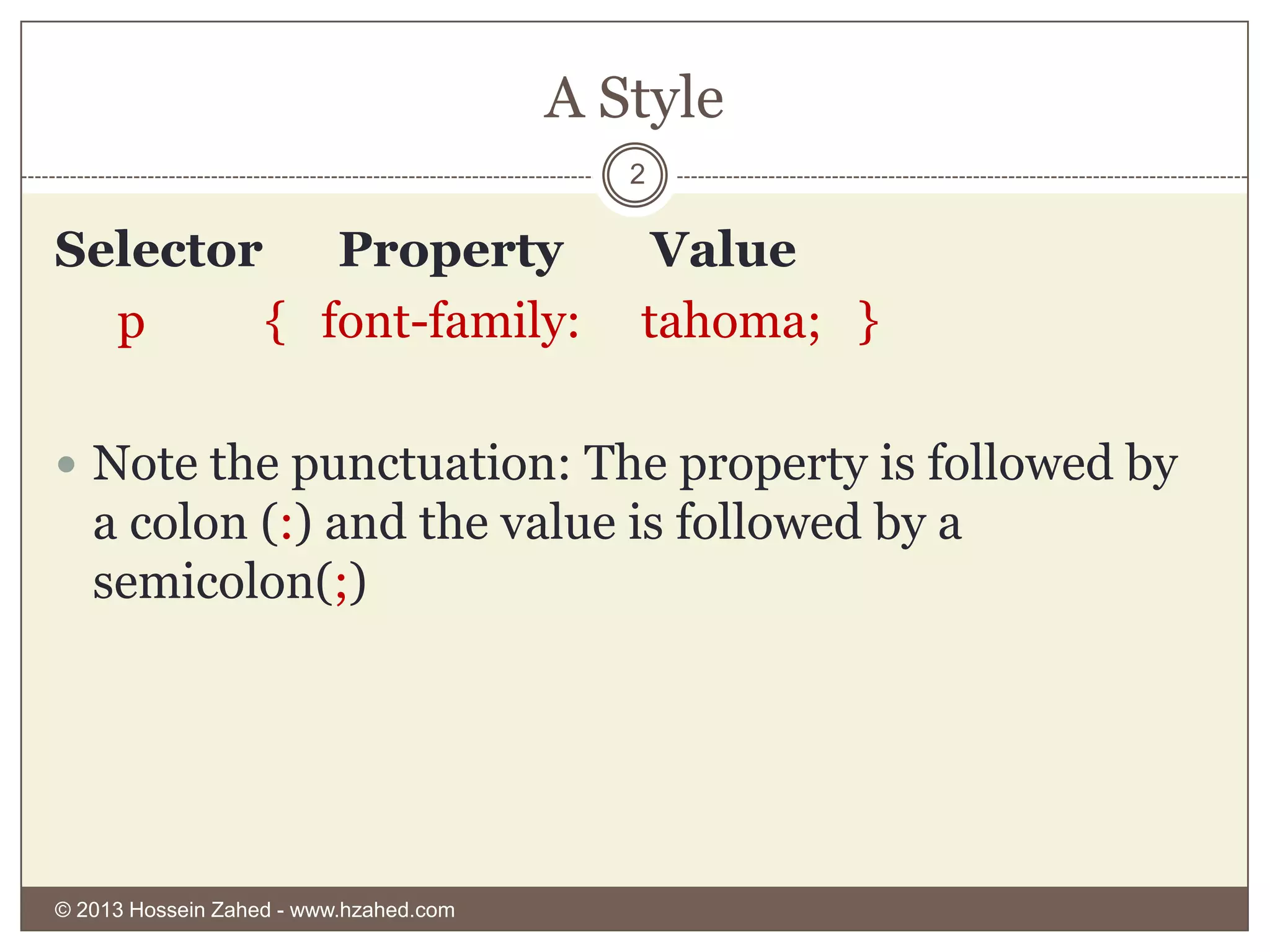
Selector
Property
p
{ font-family:

Value
tahoma; }

 Note the punctuation: The property is followed by

a colon (:) and the value is followed by a
semicolon(;)

© 2013 Hossein Zahed - www.hzahed.com
CSS Placement
3

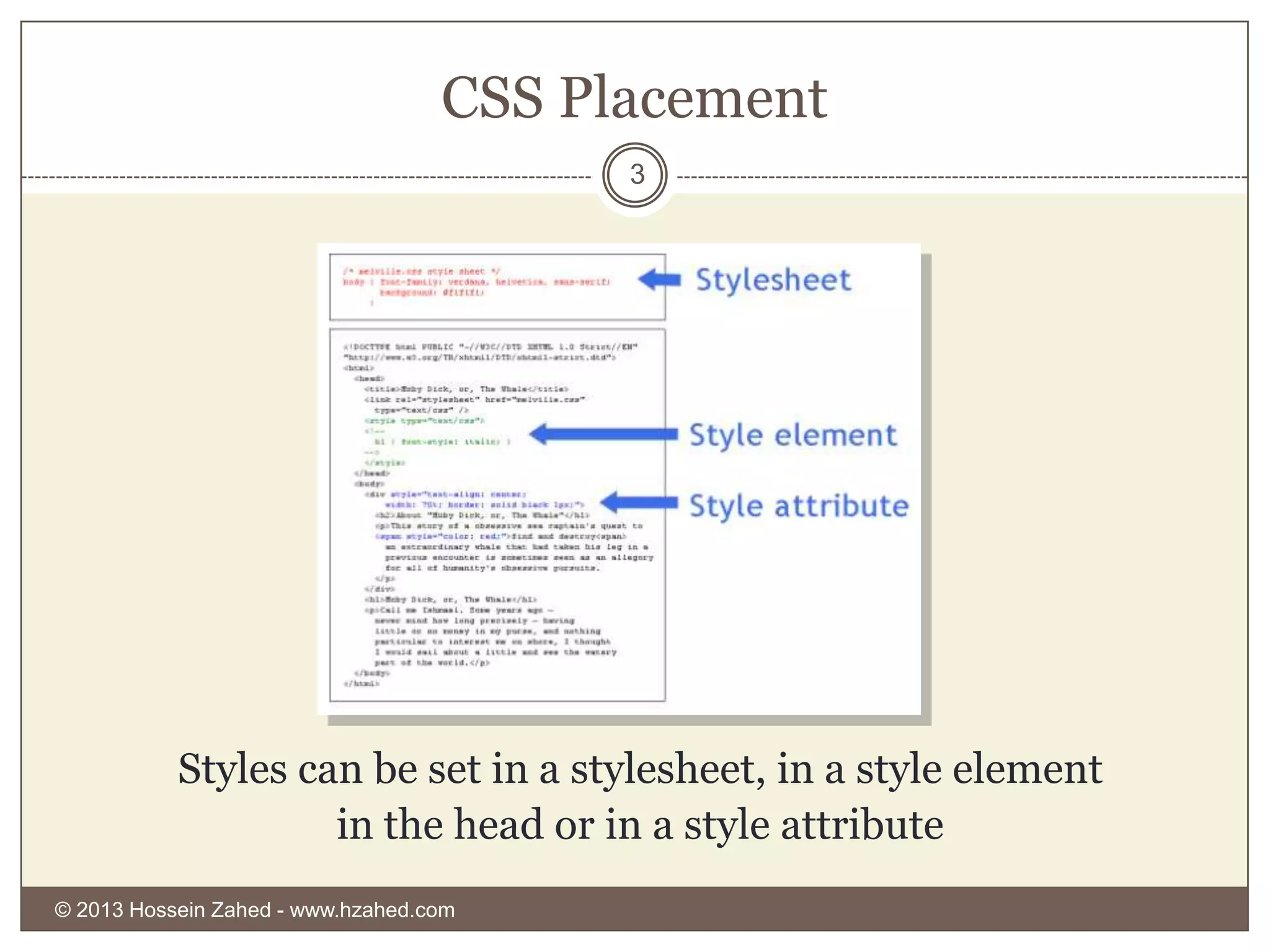
Styles can be set in a stylesheet, in a style element
in the head or in a style attribute
© 2013 Hossein Zahed - www.hzahed.com
CSS Selectors
4

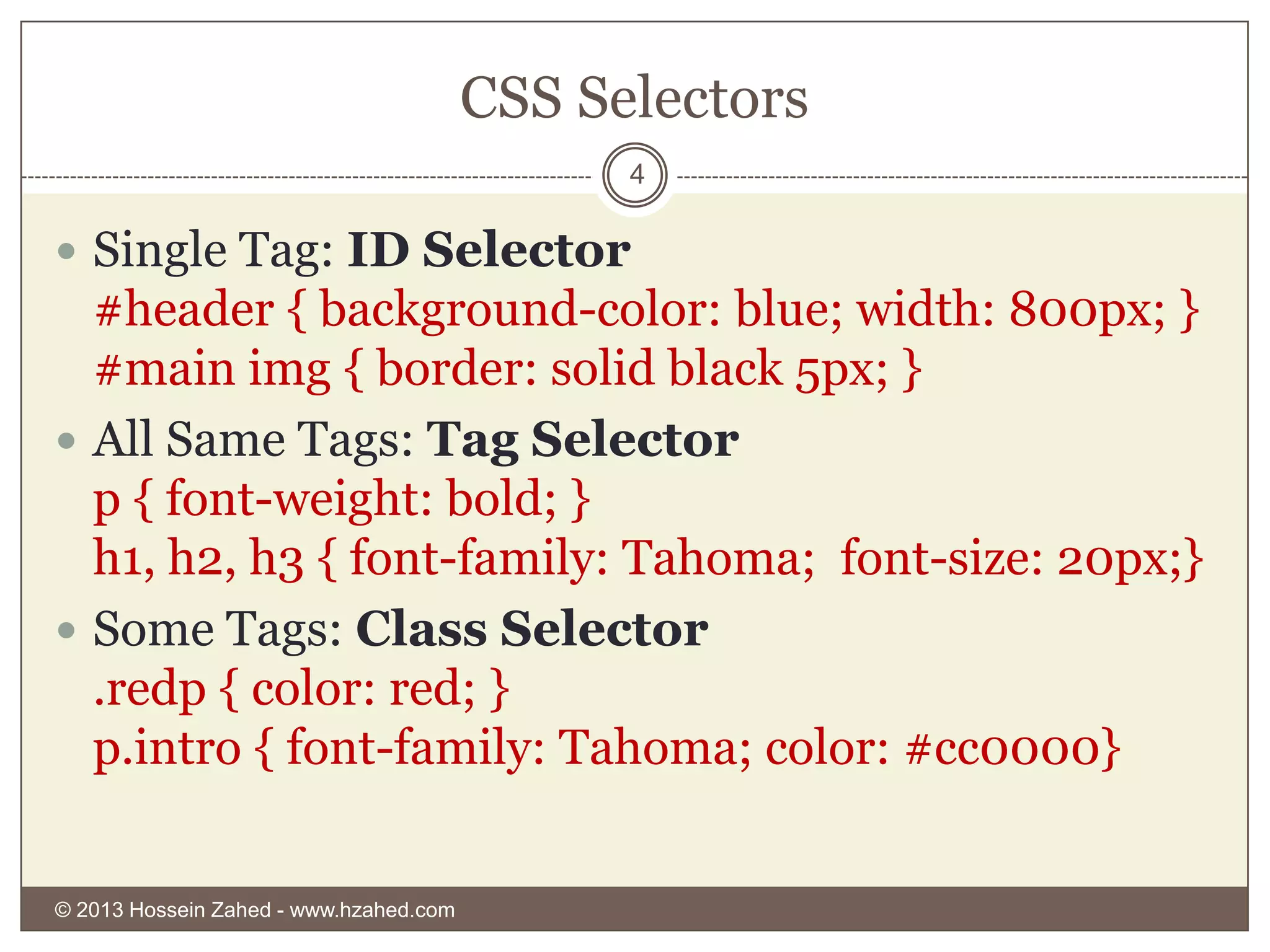
 Single Tag: ID Selector

#header { background-color: blue; width: 800px; }
#main img { border: solid black 5px; }
 All Same Tags: Tag Selector
p { font-weight: bold; }
h1, h2, h3 { font-family: Tahoma; font-size: 20px;}
 Some Tags: Class Selector
.redp { color: red; }
p.intro { font-family: Tahoma; color: #cc0000}

© 2013 Hossein Zahed - www.hzahed.com
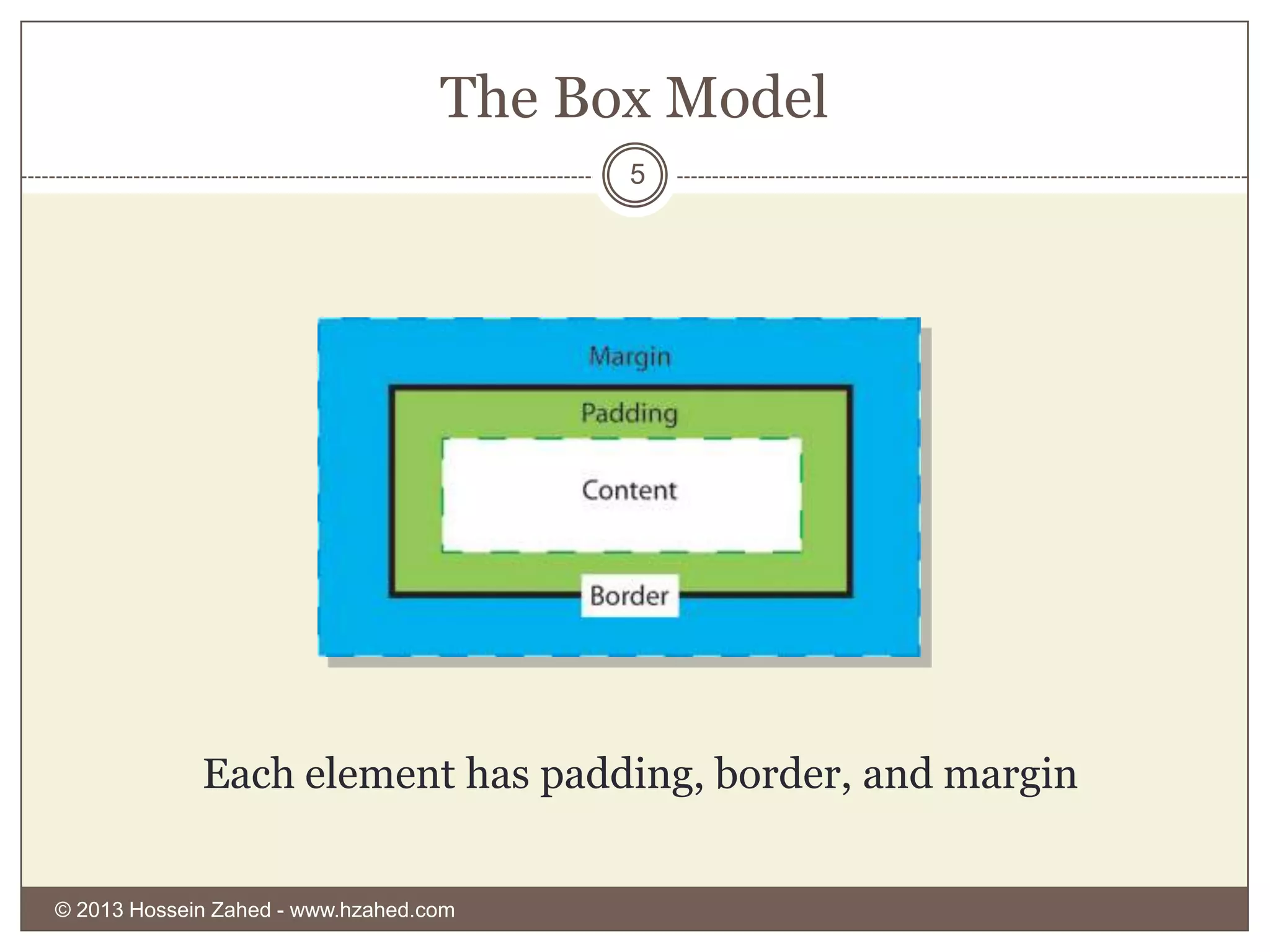
The Box Model
5

Each element has padding, border, and margin
© 2013 Hossein Zahed - www.hzahed.com
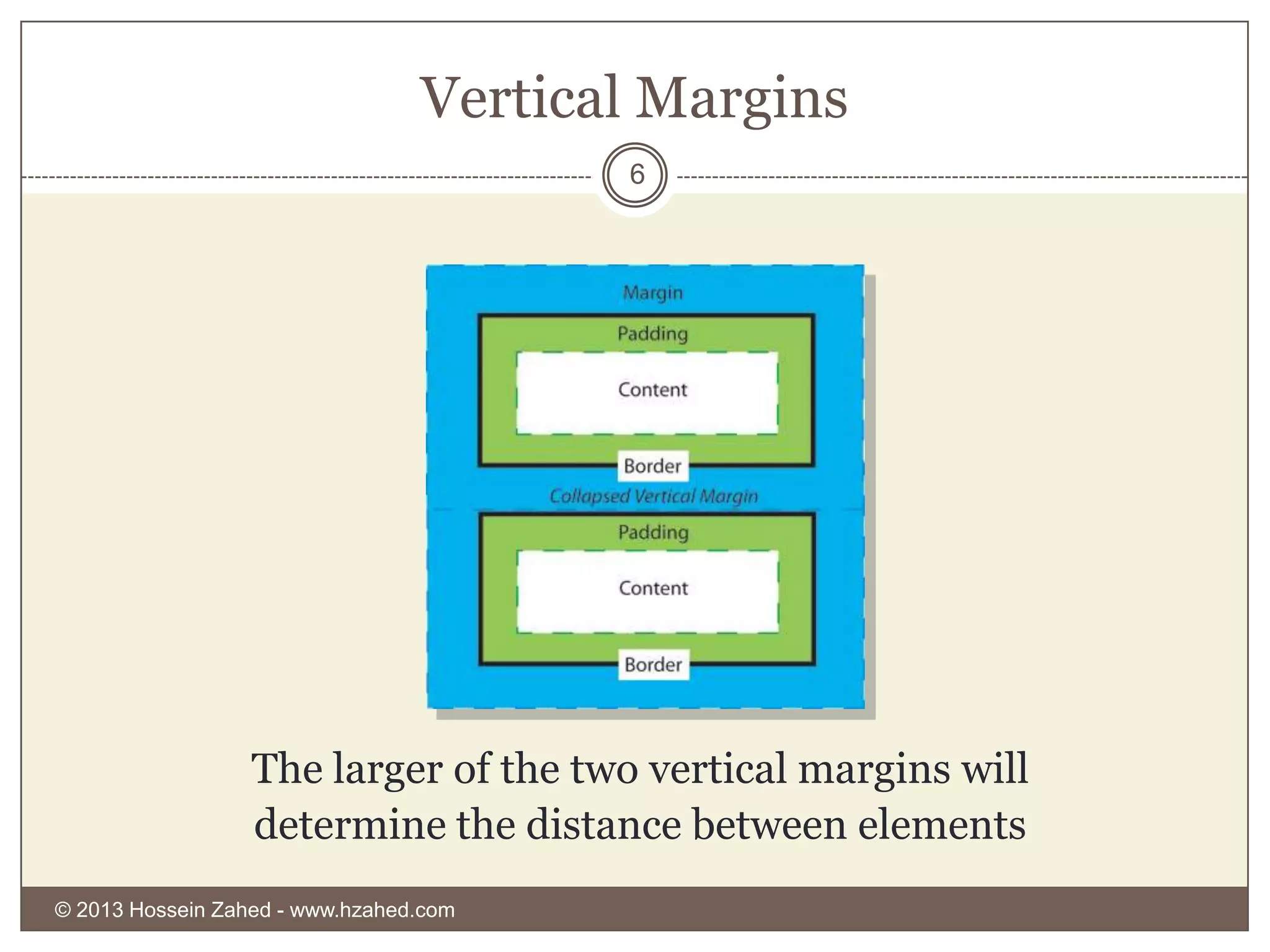
Vertical Margins
6

The larger of the two vertical margins will
determine the distance between elements
© 2013 Hossein Zahed - www.hzahed.com
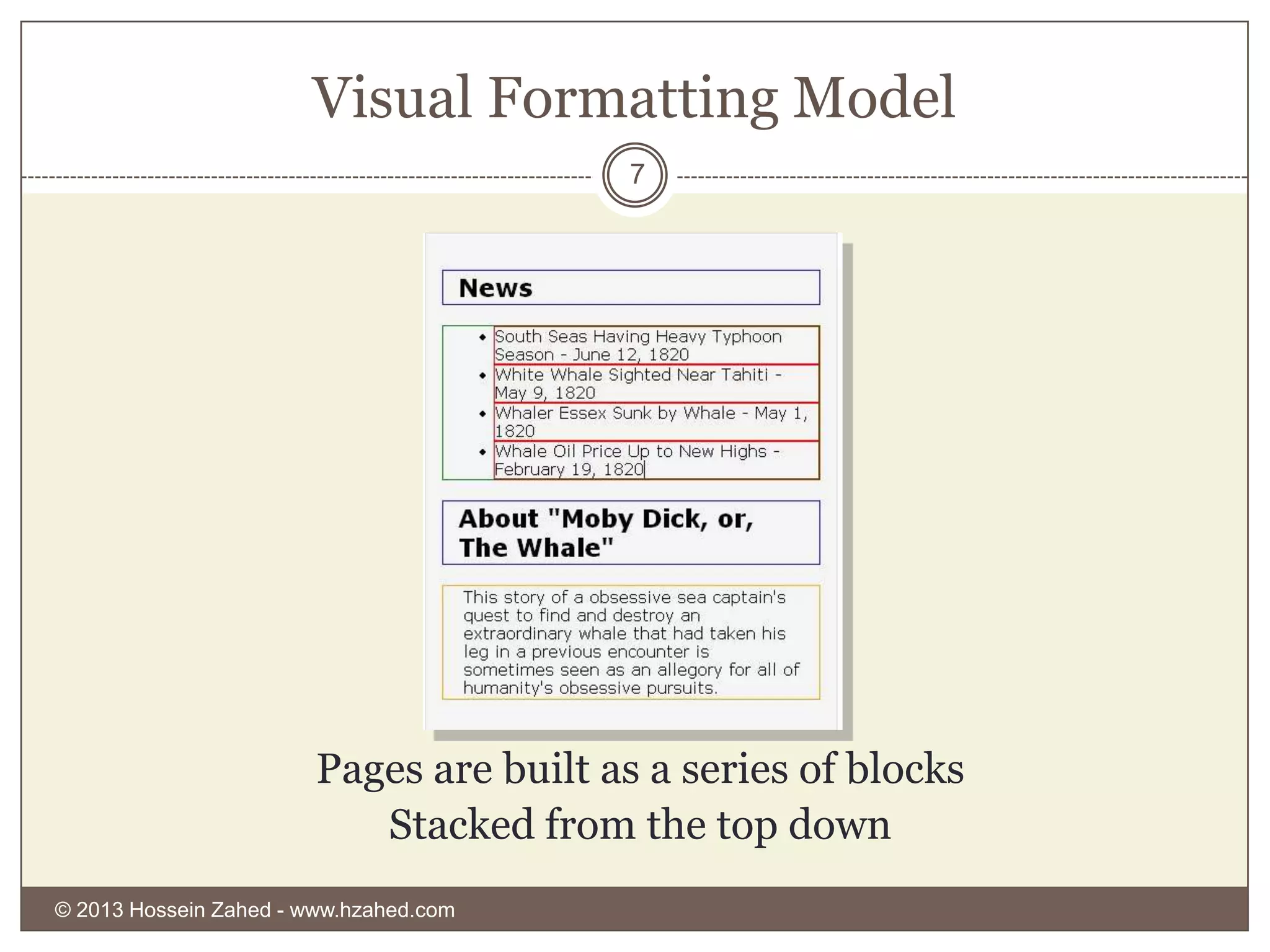
Visual Formatting Model
7

Pages are built as a series of blocks
Stacked from the top down
© 2013 Hossein Zahed - www.hzahed.com
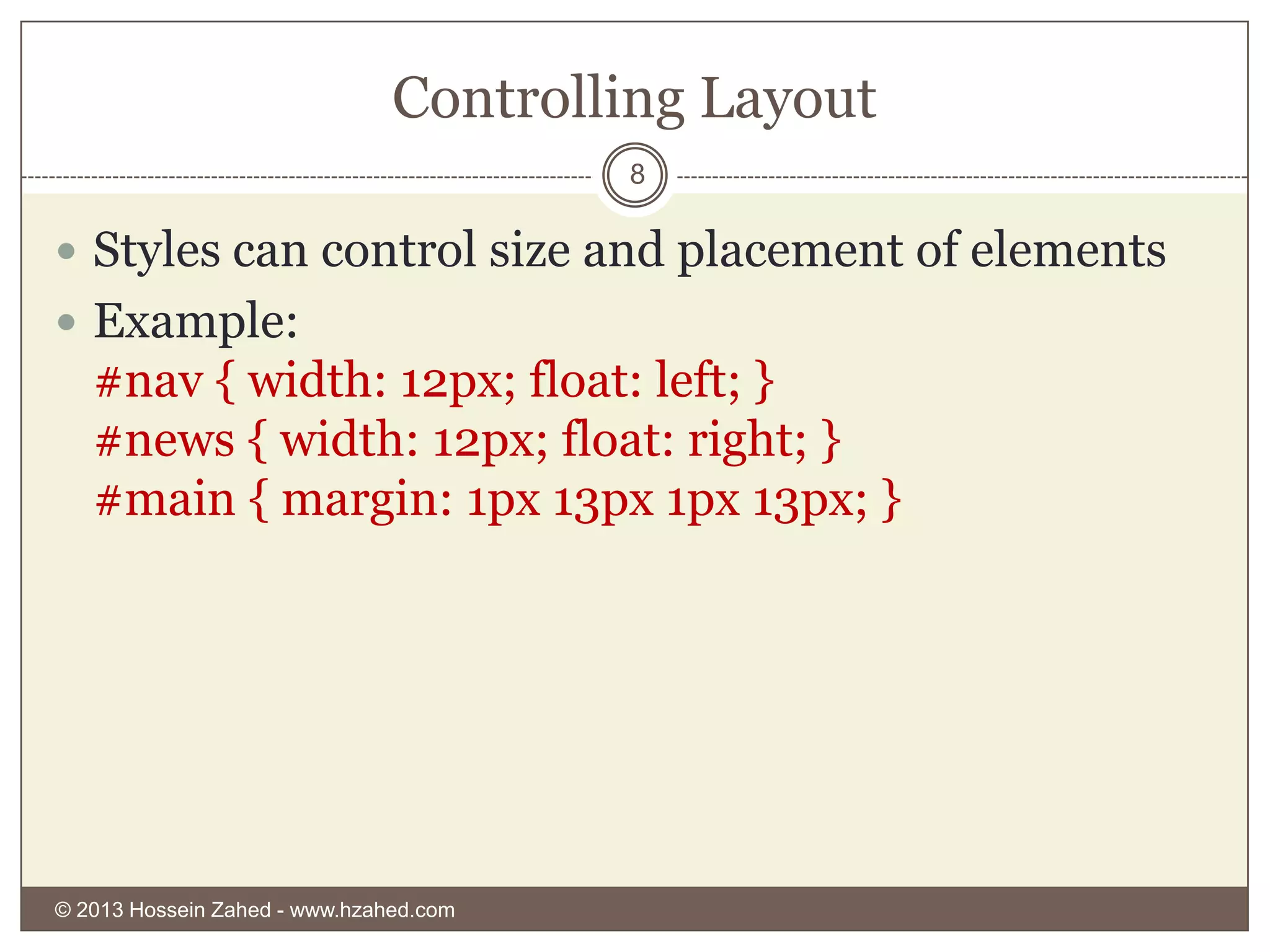
Controlling Layout
8

 Styles can control size and placement of elements

 Example:

#nav { width: 12px; float: left; }
#news { width: 12px; float: right; }
#main { margin: 1px 13px 1px 13px; }

© 2013 Hossein Zahed - www.hzahed.com
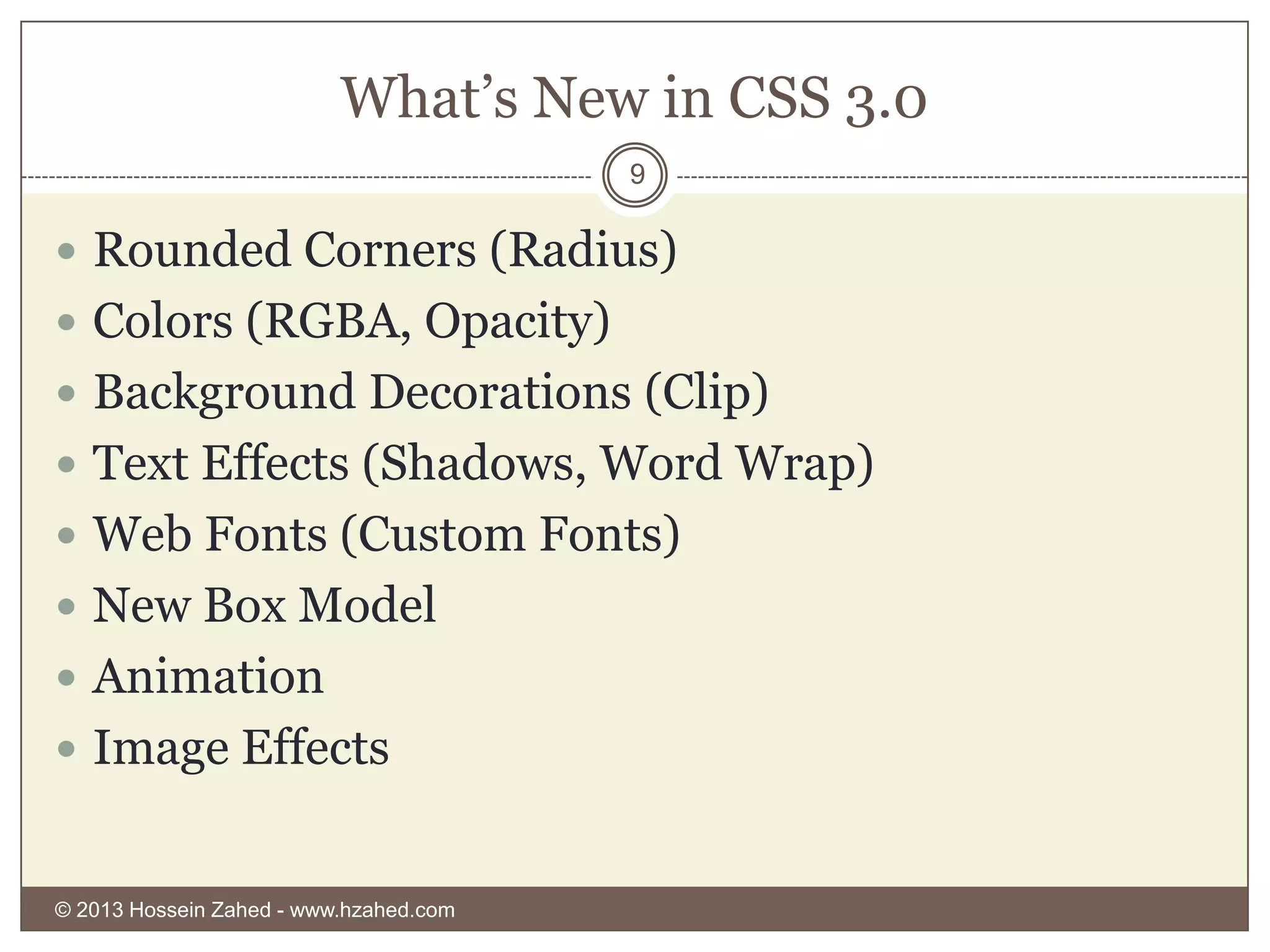
What’s New in CSS 3.0
9

 Rounded Corners (Radius)

 Colors (RGBA, Opacity)
 Background Decorations (Clip)
 Text Effects (Shadows, Word Wrap)
 Web Fonts (Custom Fonts)
 New Box Model
 Animation
 Image Effects

© 2013 Hossein Zahed - www.hzahed.com
Resources
10

 W3schools


http://www.w3schools.com/

 Developer 1(Farsi Language)


http://www.developer1.ir/CSS/

© 2013 Hossein Zahed - www.hzahed.com

CSS Basics

  • 1.
    CSS Cascading Style Sheet 1 HOSSEINZAHED AMIR KABIR UNIVERSITY OF TECHNOLOGY HTTP://WWW.HZAHED.COM © 2013 Hossein Zahed - www.hzahed.com
  • 2.
    A Style 2 Selector Property p { font-family: Value tahoma;}  Note the punctuation: The property is followed by a colon (:) and the value is followed by a semicolon(;) © 2013 Hossein Zahed - www.hzahed.com
  • 3.
    CSS Placement 3 Styles canbe set in a stylesheet, in a style element in the head or in a style attribute © 2013 Hossein Zahed - www.hzahed.com
  • 4.
    CSS Selectors 4  SingleTag: ID Selector #header { background-color: blue; width: 800px; } #main img { border: solid black 5px; }  All Same Tags: Tag Selector p { font-weight: bold; } h1, h2, h3 { font-family: Tahoma; font-size: 20px;}  Some Tags: Class Selector .redp { color: red; } p.intro { font-family: Tahoma; color: #cc0000} © 2013 Hossein Zahed - www.hzahed.com
  • 5.
    The Box Model 5 Eachelement has padding, border, and margin © 2013 Hossein Zahed - www.hzahed.com
  • 6.
    Vertical Margins 6 The largerof the two vertical margins will determine the distance between elements © 2013 Hossein Zahed - www.hzahed.com
  • 7.
    Visual Formatting Model 7 Pagesare built as a series of blocks Stacked from the top down © 2013 Hossein Zahed - www.hzahed.com
  • 8.
    Controlling Layout 8  Stylescan control size and placement of elements  Example: #nav { width: 12px; float: left; } #news { width: 12px; float: right; } #main { margin: 1px 13px 1px 13px; } © 2013 Hossein Zahed - www.hzahed.com
  • 9.
    What’s New inCSS 3.0 9  Rounded Corners (Radius)  Colors (RGBA, Opacity)  Background Decorations (Clip)  Text Effects (Shadows, Word Wrap)  Web Fonts (Custom Fonts)  New Box Model  Animation  Image Effects © 2013 Hossein Zahed - www.hzahed.com
  • 10.
    Resources 10  W3schools  http://www.w3schools.com/  Developer1(Farsi Language)  http://www.developer1.ir/CSS/ © 2013 Hossein Zahed - www.hzahed.com