CSCI 101, Introduction to Computer Science
An Essential Skill for Life
With the digital age rising, there is a need to
develop logical thinking and problem-solving
which are all part of the computer science
curriculum.
Intro
• Course Administration
• Computer hardware & software
• How to write a program?
• What is an algorithm?
 Pseudocode
 Flowcharts
Computer Science
• “Computer science is the discipline that seeks to build a scientific foundation for
topics like computer design, computer programming, information processing,
algorithmic solutions of problems, and the algorithmic process itself. It provides
the underpinnings for today’s computer applications as well as the foundations
for tomorrow’s computing infrastructure.” 1
From the book “Computer Science: an overview” by J. Glenn Brookshear
About this course
• An introduction to computer programming
• Discusses the basics of computational problem solving, algorithm
design and analysis, and data structures
• An introduction to the MATLAB programming language.
Course objectives
After completing this course, you should be able to:
• evaluate the results of programming work.
• describe the algorithm of solving any problem using flowchart.
• observe and state each step in the problem solving method (input, output, solve by hand, scientific
principles, convert to code, test code).
• use the programming language MATLAB to write computer programs that solve scientific problems.
• use data types, input/output commands, loops, control structures, functions, arrays, and other
programming language constructs in MATLAB computer programs.
• identify basic sorting and searching algorithms and their complexities.
• identify basic data structures (arrays, matrices and graphs).
• understand the role of creativity and innovation in developing computer algorithms.
• work in teamwork to solve real life problems.
Textbook(s)
• Stormy Attaway, “MATLAB: A practical Introduction to Programming and Problem
Solving”, Elsevier, 2011.
Requirements
• Quizzes & LABS 10 %
• Term Project 15 %
• Exam1 10 %
• Exam2 15 %
• Lab Exam 10 %
• Final Exam 40 %
75% attendance is required. No makeup for quiz or midterm exam. Student must
attend the laboratory to pass the course.
Requirements
Students are expected to recognize and uphold standards of intellectual and
academic integrity. Plagiarism, fabrication and cheating will not be tolerated. To
know about the university of Science and Technology’s code of conduct, please
check the university website https://www.zewailcity.edu.eg
Lectures and topics
• Basic Data structures
• Arithmetic expressions & Math functions
• Program Control: Selection statements and looping
• Input and output functions
• User defined functions
• Vectorization
• Searching, Sorting, Classification, Clustering
Algorithms
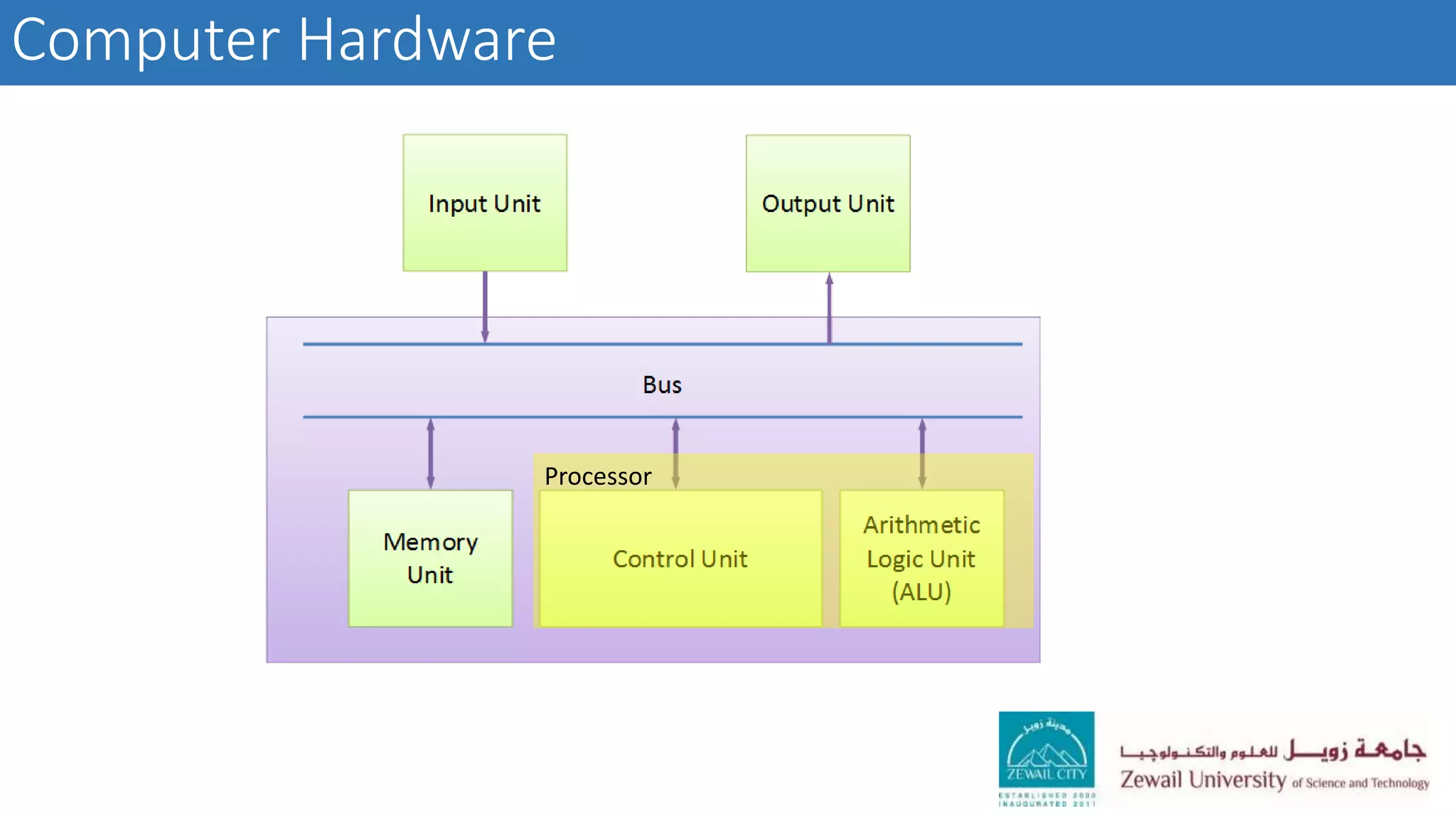
Computer Hardware
Processor
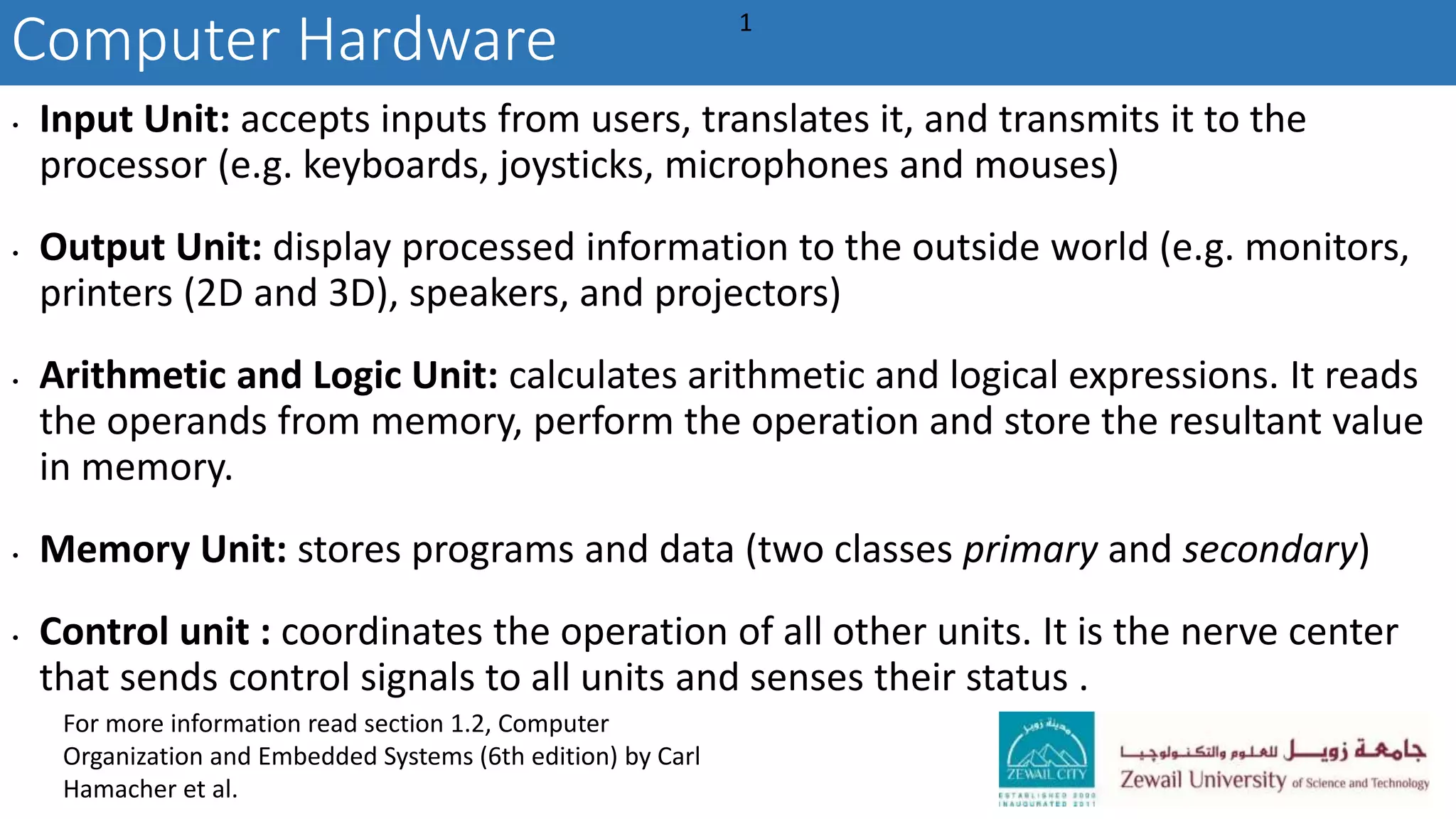
Computer Hardware
• Input Unit: accepts inputs from users, translates it, and transmits it to the
processor (e.g. keyboards, joysticks, microphones and mouses)
• Output Unit: display processed information to the outside world (e.g. monitors,
printers (2D and 3D), speakers, and projectors)
• Arithmetic and Logic Unit: calculates arithmetic and logical expressions. It reads
the operands from memory, perform the operation and store the resultant value
in memory.
• Memory Unit: stores programs and data (two classes primary and secondary)
• Control unit : coordinates the operation of all other units. It is the nerve center
that sends control signals to all units and senses their status .
1
For more information read section 1.2, Computer
Organization and Embedded Systems (6th edition) by Carl
Hamacher et al.
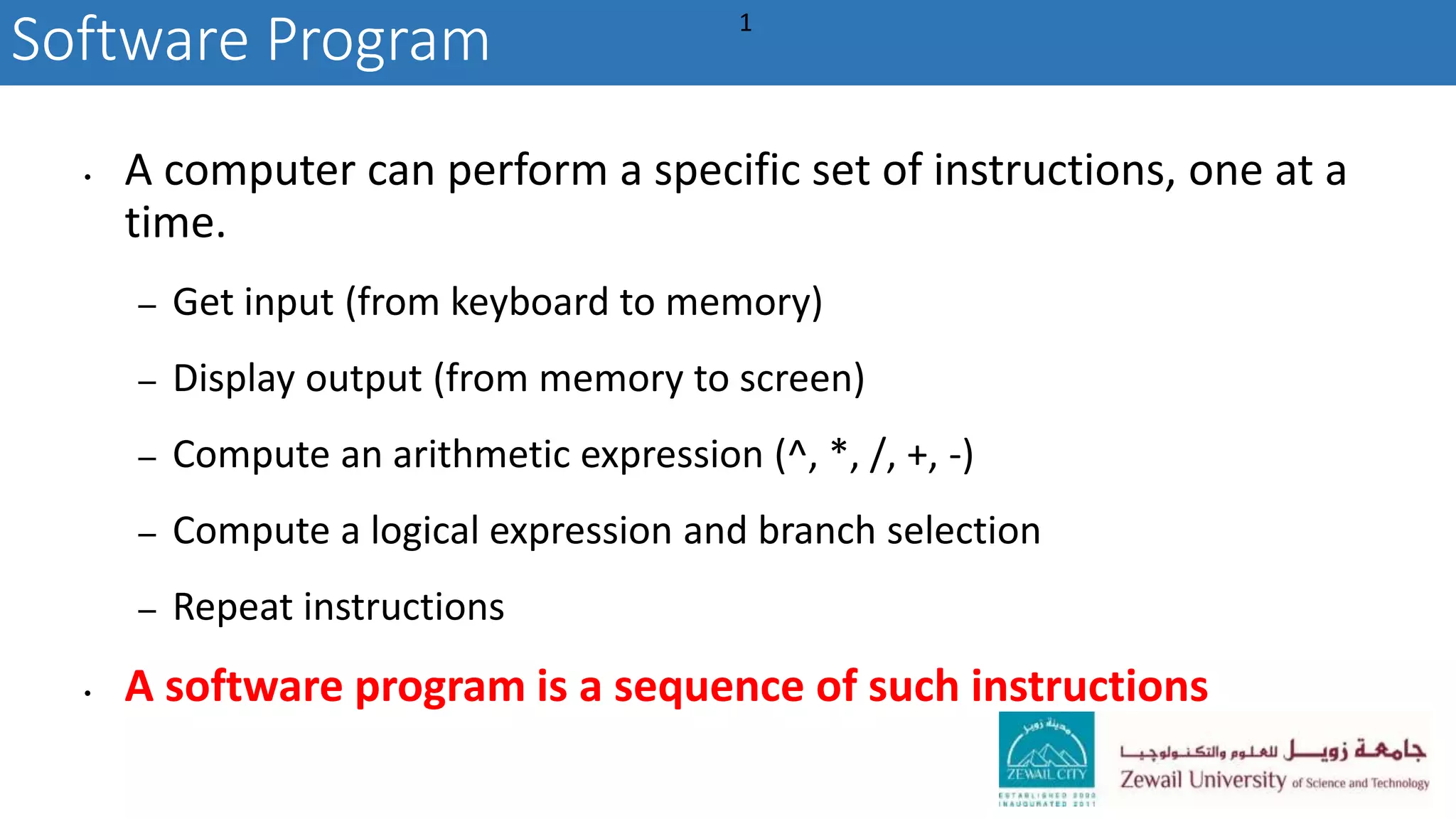
• A computer can perform a specific set of instructions, one at a
time.
– Get input (from keyboard to memory)
– Display output (from memory to screen)
– Compute an arithmetic expression (^, *, /, +, -)
– Compute a logical expression and branch selection
– Repeat instructions
• A software program is a sequence of such instructions
Software Program 1
1. Read the problem statement, and identify
– The input and its range
– The output
– The relationship between the input and the output (how to compute the
output) [Comprehend]
2. Write your thoughts as a sequence of steps. [Algorithm]
3. Convert these steps to Code. [Program]
4. Test your code and compare your program result against a human result.
[Testing]
How to write a software program?
Writing a computer program: the role of algorithms
• An algorithm is a set of steps that describes how a task can be
performed (informal definition).
• fundamental concept of computer science
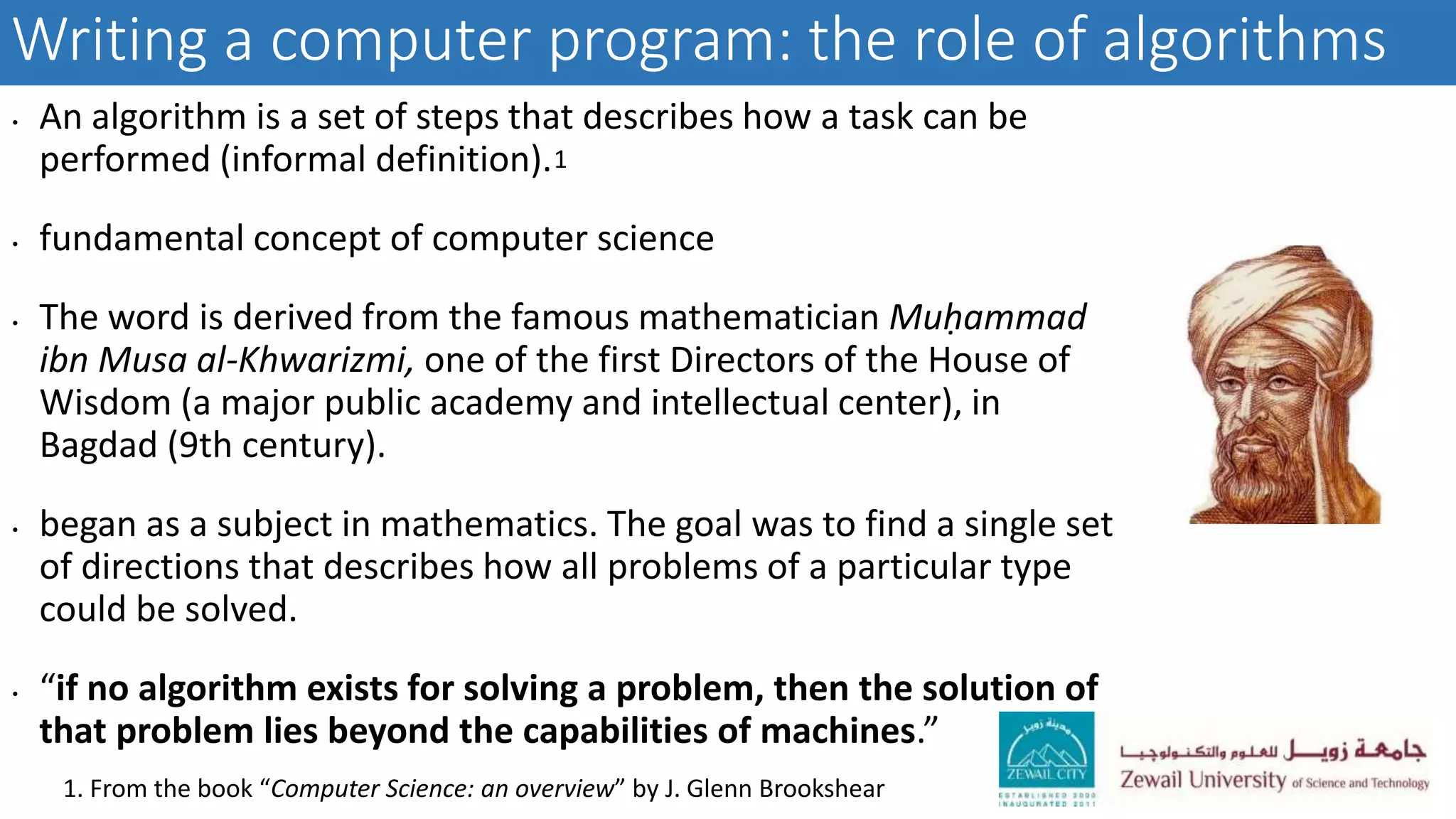
• The word is derived from the famous mathematician Muḥammad
ibn Musa al-Khwarizmi, one of the first Directors of the House of
Wisdom (a major public academy and intellectual center), in
Bagdad (9th century).
• began as a subject in mathematics. The goal was to find a single set
of directions that describes how all problems of a particular type
could be solved.
• “if no algorithm exists for solving a problem, then the solution of
that problem lies beyond the capabilities of machines.”
1. From the book “Computer Science: an overview” by J. Glenn Brookshear
1
Algorithms: a formal definition
• An algorithm is an ordered set of unambiguous, executable steps that defines a terminating process.
• Ordered: steps are executed in a sequence. (In parallel algorithms, we may have more than one
execution path)
• Unambiguous: a single and unique interpretation. the information must be sufficient to determine
uniquely and completely the required actions.
• Branch if the value of x is large enough. Is it unambiguous?
• Some algorithms (nondeterministic algorithms) do not conform to this restriction.
• Executable: A step that can be done.
• Make a list of all the positive integers. Is it executable
• Terminating: the execution must lead to an end.
• There are, however, some meaningful non terminating processes such as monitoring the vital
signs of a patient.
1
1. From the book “Computer Science: an overview” by J. Glenn Brookshear
Ways to represent an algorithm
• Pseudocode:
• An intuitive notational system in which ideas can be expressed informally.
• Less formal than target programming language.
• Flexible, less complex, and easy to understand compared to formal programming
languages.
• Flowchart:
• A graphical representation of an algorithm.
• Provides a simple way to visualize transitions and analyze the execution paths.
Pseudocode: Examples
• Write an algorithm to calculate the area of a circle
• Step 1: Get Radius
• Step 2: Set Pi = 3.14
• Step 3: Calculate Area = Pi * Radius * Radius
• Step 4: Print Area
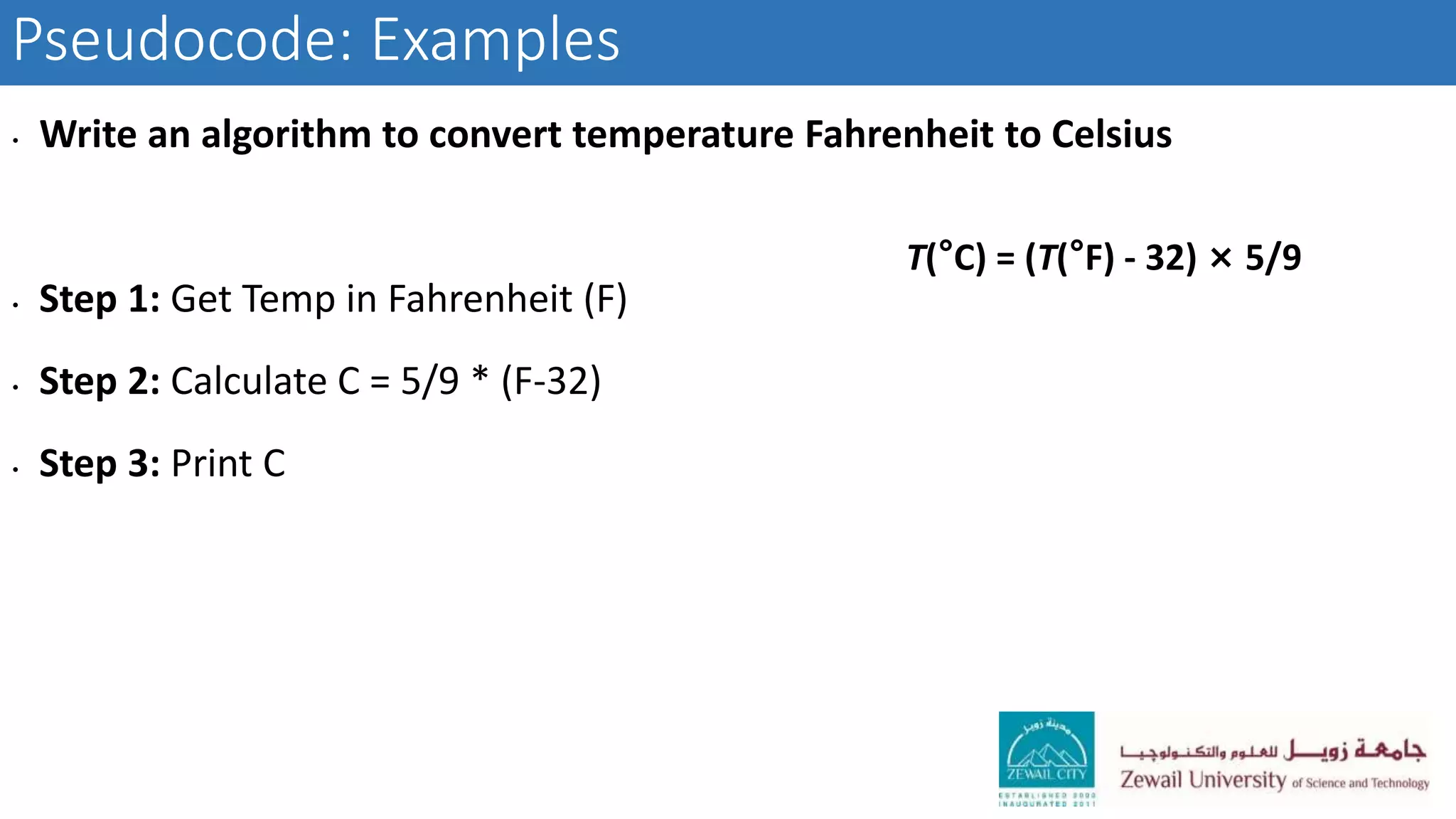
Pseudocode: Examples
• Write an algorithm to convert temperature Fahrenheit to Celsius
• Step 1: Get Temp in Fahrenheit (F)
• Step 2: Calculate C = 5/9 * (F-32)
• Step 3: Print C
T(°C) = (T(°F) - 32) × 5/9
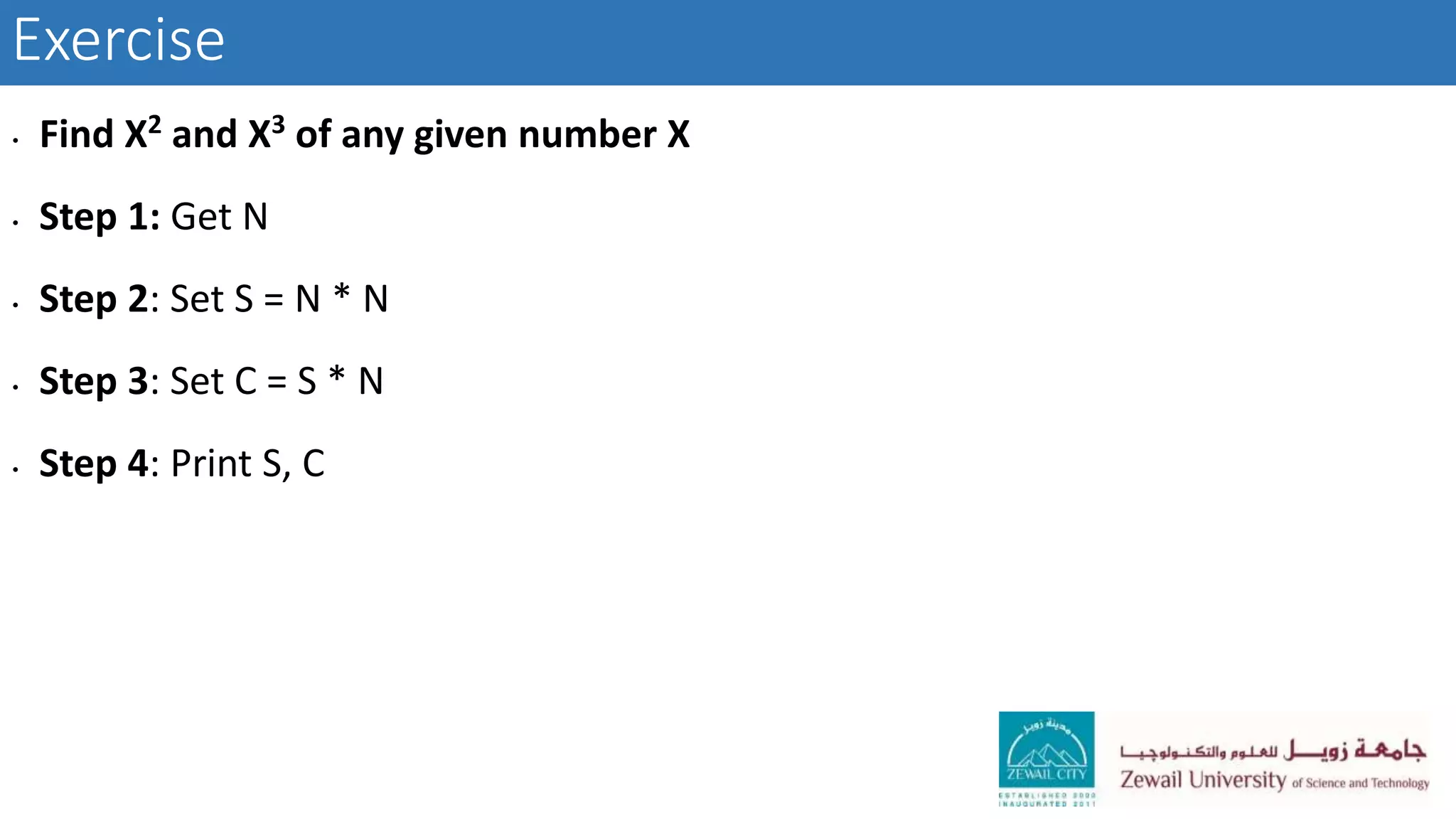
Exercise
• Find X2 and X3 of any given number X
• Step 1: Get N
• Step 2: Set S = N * N
• Step 3: Set C = S * N
• Step 4: Print S, C

Csci101 lect00 introduction

  • 1.
    CSCI 101, Introductionto Computer Science An Essential Skill for Life
  • 2.
    With the digitalage rising, there is a need to develop logical thinking and problem-solving which are all part of the computer science curriculum.
  • 3.
    Intro • Course Administration •Computer hardware & software • How to write a program? • What is an algorithm?  Pseudocode  Flowcharts
  • 4.
    Computer Science • “Computerscience is the discipline that seeks to build a scientific foundation for topics like computer design, computer programming, information processing, algorithmic solutions of problems, and the algorithmic process itself. It provides the underpinnings for today’s computer applications as well as the foundations for tomorrow’s computing infrastructure.” 1 From the book “Computer Science: an overview” by J. Glenn Brookshear
  • 5.
    About this course •An introduction to computer programming • Discusses the basics of computational problem solving, algorithm design and analysis, and data structures • An introduction to the MATLAB programming language.
  • 6.
    Course objectives After completingthis course, you should be able to: • evaluate the results of programming work. • describe the algorithm of solving any problem using flowchart. • observe and state each step in the problem solving method (input, output, solve by hand, scientific principles, convert to code, test code). • use the programming language MATLAB to write computer programs that solve scientific problems. • use data types, input/output commands, loops, control structures, functions, arrays, and other programming language constructs in MATLAB computer programs. • identify basic sorting and searching algorithms and their complexities. • identify basic data structures (arrays, matrices and graphs). • understand the role of creativity and innovation in developing computer algorithms. • work in teamwork to solve real life problems.
  • 7.
    Textbook(s) • Stormy Attaway,“MATLAB: A practical Introduction to Programming and Problem Solving”, Elsevier, 2011.
  • 8.
    Requirements • Quizzes &LABS 10 % • Term Project 15 % • Exam1 10 % • Exam2 15 % • Lab Exam 10 % • Final Exam 40 % 75% attendance is required. No makeup for quiz or midterm exam. Student must attend the laboratory to pass the course.
  • 9.
    Requirements Students are expectedto recognize and uphold standards of intellectual and academic integrity. Plagiarism, fabrication and cheating will not be tolerated. To know about the university of Science and Technology’s code of conduct, please check the university website https://www.zewailcity.edu.eg
  • 10.
    Lectures and topics •Basic Data structures • Arithmetic expressions & Math functions • Program Control: Selection statements and looping • Input and output functions • User defined functions • Vectorization • Searching, Sorting, Classification, Clustering Algorithms
  • 11.
  • 12.
    Computer Hardware • InputUnit: accepts inputs from users, translates it, and transmits it to the processor (e.g. keyboards, joysticks, microphones and mouses) • Output Unit: display processed information to the outside world (e.g. monitors, printers (2D and 3D), speakers, and projectors) • Arithmetic and Logic Unit: calculates arithmetic and logical expressions. It reads the operands from memory, perform the operation and store the resultant value in memory. • Memory Unit: stores programs and data (two classes primary and secondary) • Control unit : coordinates the operation of all other units. It is the nerve center that sends control signals to all units and senses their status . 1 For more information read section 1.2, Computer Organization and Embedded Systems (6th edition) by Carl Hamacher et al.
  • 13.
    • A computercan perform a specific set of instructions, one at a time. – Get input (from keyboard to memory) – Display output (from memory to screen) – Compute an arithmetic expression (^, *, /, +, -) – Compute a logical expression and branch selection – Repeat instructions • A software program is a sequence of such instructions Software Program 1
  • 14.
    1. Read theproblem statement, and identify – The input and its range – The output – The relationship between the input and the output (how to compute the output) [Comprehend] 2. Write your thoughts as a sequence of steps. [Algorithm] 3. Convert these steps to Code. [Program] 4. Test your code and compare your program result against a human result. [Testing] How to write a software program?
  • 15.
    Writing a computerprogram: the role of algorithms • An algorithm is a set of steps that describes how a task can be performed (informal definition). • fundamental concept of computer science • The word is derived from the famous mathematician Muḥammad ibn Musa al-Khwarizmi, one of the first Directors of the House of Wisdom (a major public academy and intellectual center), in Bagdad (9th century). • began as a subject in mathematics. The goal was to find a single set of directions that describes how all problems of a particular type could be solved. • “if no algorithm exists for solving a problem, then the solution of that problem lies beyond the capabilities of machines.” 1. From the book “Computer Science: an overview” by J. Glenn Brookshear 1
  • 16.
    Algorithms: a formaldefinition • An algorithm is an ordered set of unambiguous, executable steps that defines a terminating process. • Ordered: steps are executed in a sequence. (In parallel algorithms, we may have more than one execution path) • Unambiguous: a single and unique interpretation. the information must be sufficient to determine uniquely and completely the required actions. • Branch if the value of x is large enough. Is it unambiguous? • Some algorithms (nondeterministic algorithms) do not conform to this restriction. • Executable: A step that can be done. • Make a list of all the positive integers. Is it executable • Terminating: the execution must lead to an end. • There are, however, some meaningful non terminating processes such as monitoring the vital signs of a patient. 1 1. From the book “Computer Science: an overview” by J. Glenn Brookshear
  • 17.
    Ways to representan algorithm • Pseudocode: • An intuitive notational system in which ideas can be expressed informally. • Less formal than target programming language. • Flexible, less complex, and easy to understand compared to formal programming languages. • Flowchart: • A graphical representation of an algorithm. • Provides a simple way to visualize transitions and analyze the execution paths.
  • 18.
    Pseudocode: Examples • Writean algorithm to calculate the area of a circle • Step 1: Get Radius • Step 2: Set Pi = 3.14 • Step 3: Calculate Area = Pi * Radius * Radius • Step 4: Print Area
  • 19.
    Pseudocode: Examples • Writean algorithm to convert temperature Fahrenheit to Celsius • Step 1: Get Temp in Fahrenheit (F) • Step 2: Calculate C = 5/9 * (F-32) • Step 3: Print C T(°C) = (T(°F) - 32) × 5/9
  • 20.
    Exercise • Find X2and X3 of any given number X • Step 1: Get N • Step 2: Set S = N * N • Step 3: Set C = S * N • Step 4: Print S, C