Agenda
Starter Questions
Information SecurityObjectives
Security Domains
Standards and Laws
Security Best Practices
Protecting Data
Working in Information Security
Resources
Scenarios
3.
Starter Questions
What doyou want to do after graduation?
What’s the purpose of IT in an organization?
What is security’s role in an organization?
Why is security important?
Whose job is security?
To whom or what is security beholden?
4.
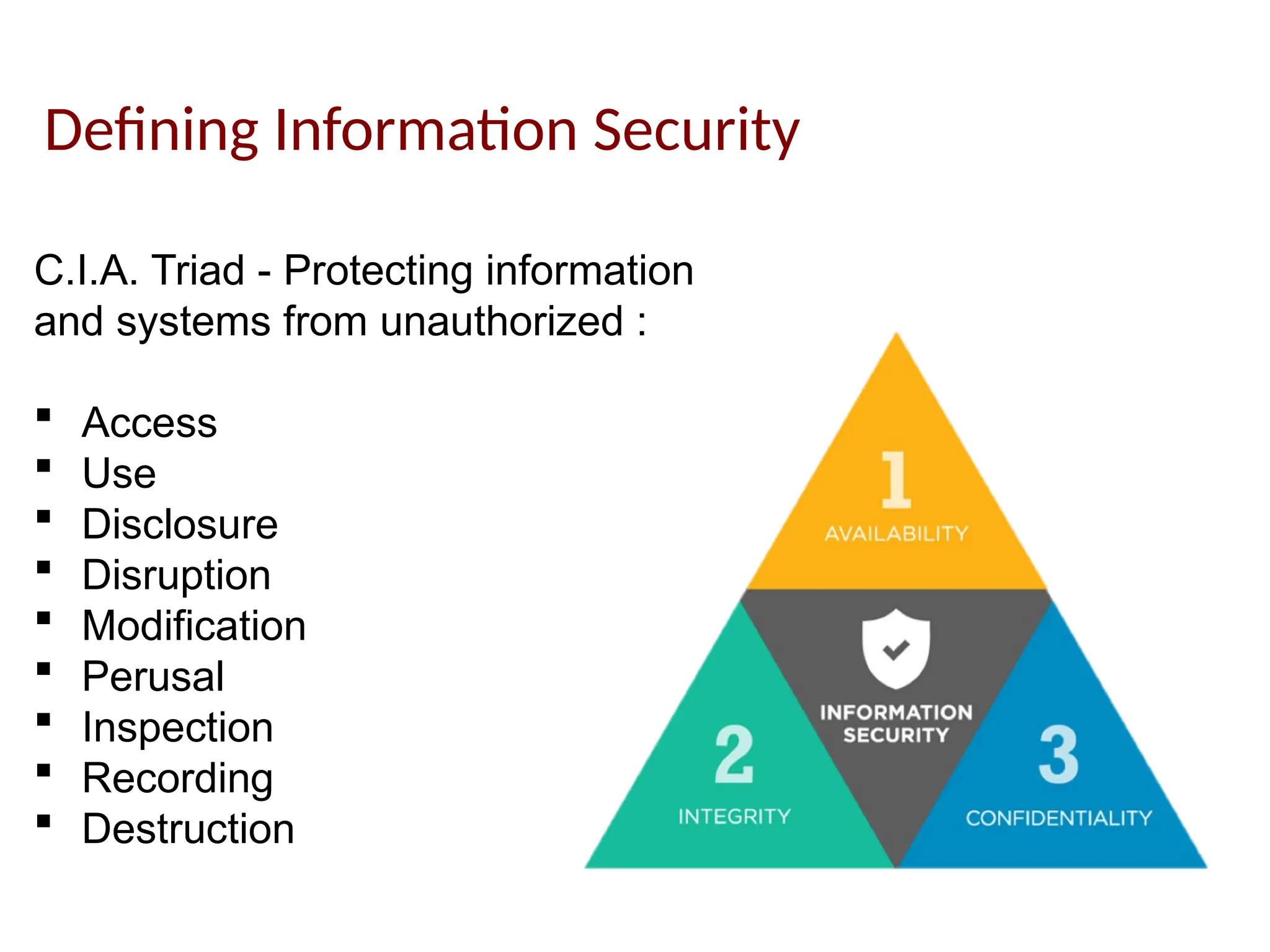
Defining Information Security
C.I.A.Triad - Protecting information
and systems from unauthorized :
Access
Use
Disclosure
Disruption
Modification
Perusal
Inspection
Recording
Destruction
5.
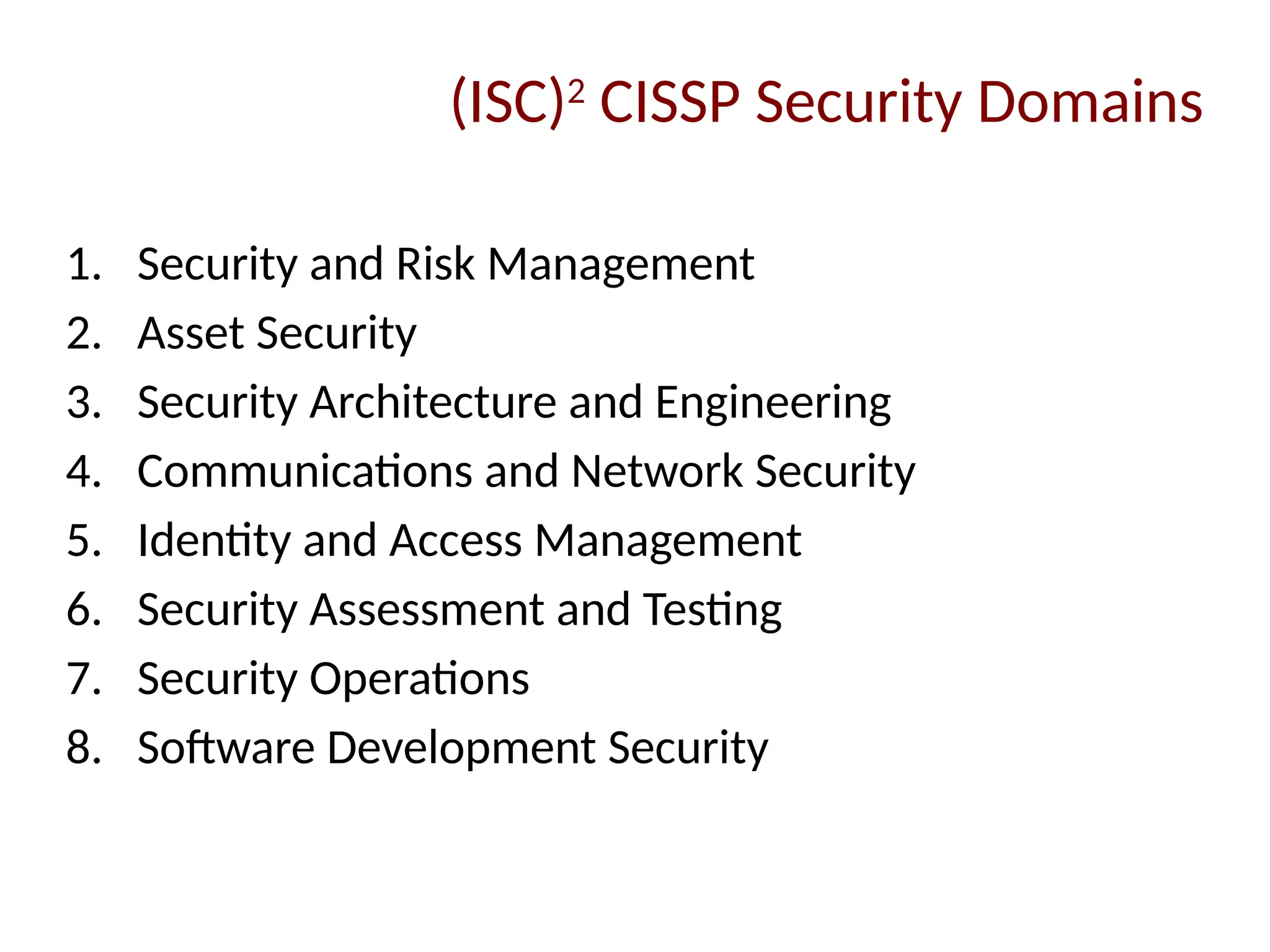
1. Security andRisk Management
2. Asset Security
3. Security Architecture and Engineering
4. Communications and Network Security
5. Identity and Access Management
6. Security Assessment and Testing
7. Security Operations
8. Software Development Security
(ISC)2
CISSP Security Domains
6.
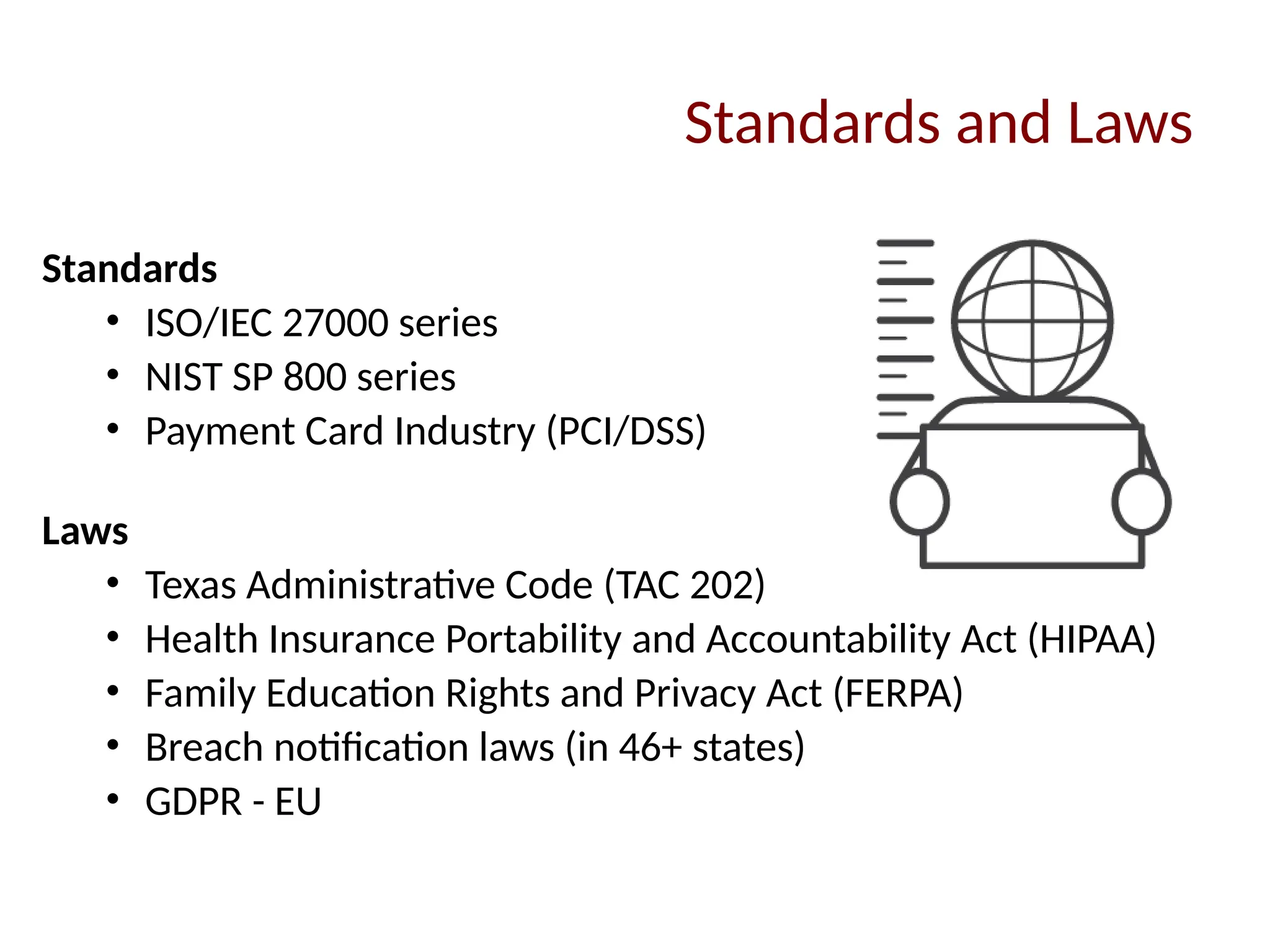
Standards and Laws
Standards
•ISO/IEC 27000 series
• NIST SP 800 series
• Payment Card Industry (PCI/DSS)
Laws
• Texas Administrative Code (TAC 202)
• Health Insurance Portability and Accountability Act (HIPAA)
• Family Education Rights and Privacy Act (FERPA)
• Breach notification laws (in 46+ states)
• GDPR - EU
7.
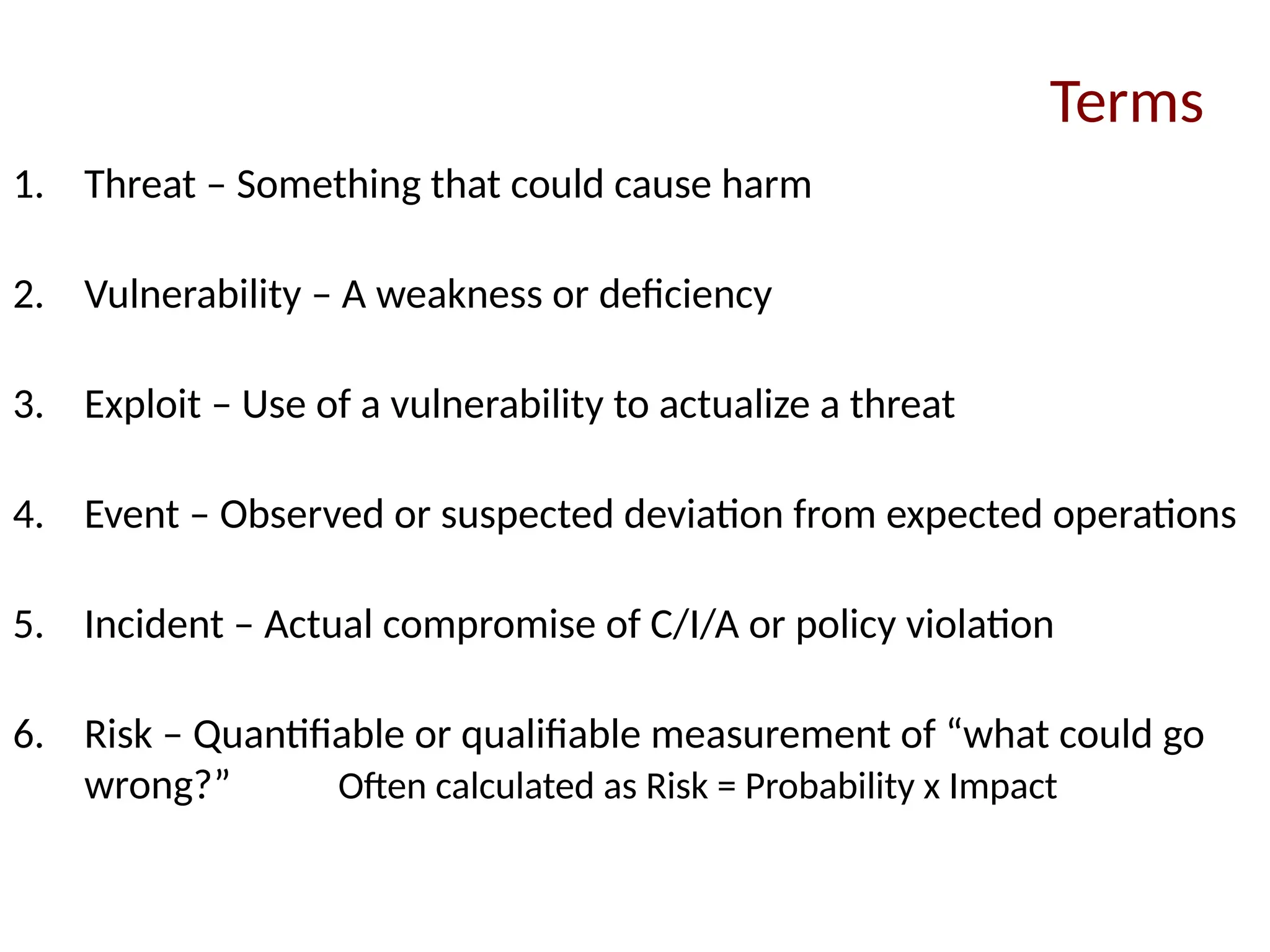
1. Threat –Something that could cause harm
2. Vulnerability – A weakness or deficiency
3. Exploit – Use of a vulnerability to actualize a threat
4. Event – Observed or suspected deviation from expected operations
5. Incident – Actual compromise of C/I/A or policy violation
6. Risk – Quantifiable or qualifiable measurement of “what could go
wrong?” Often calculated as Risk = Probability x Impact
Terms
8.
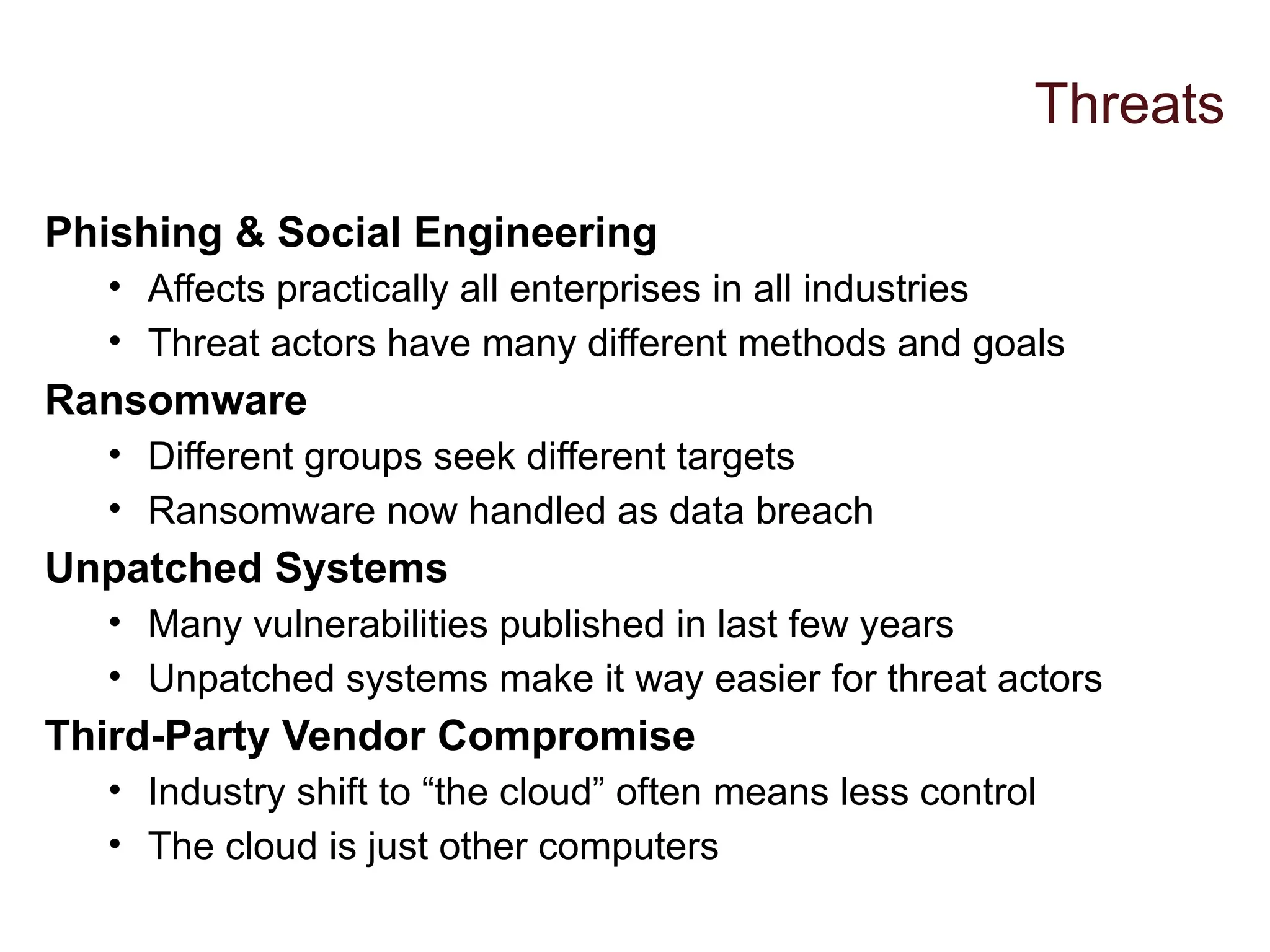
Phishing & SocialEngineering
• Affects practically all enterprises in all industries
• Threat actors have many different methods and goals
Ransomware
• Different groups seek different targets
• Ransomware now handled as data breach
Unpatched Systems
• Many vulnerabilities published in last few years
• Unpatched systems make it way easier for threat actors
Third-Party Vendor Compromise
• Industry shift to “the cloud” often means less control
• The cloud is just other computers
Threats
9.
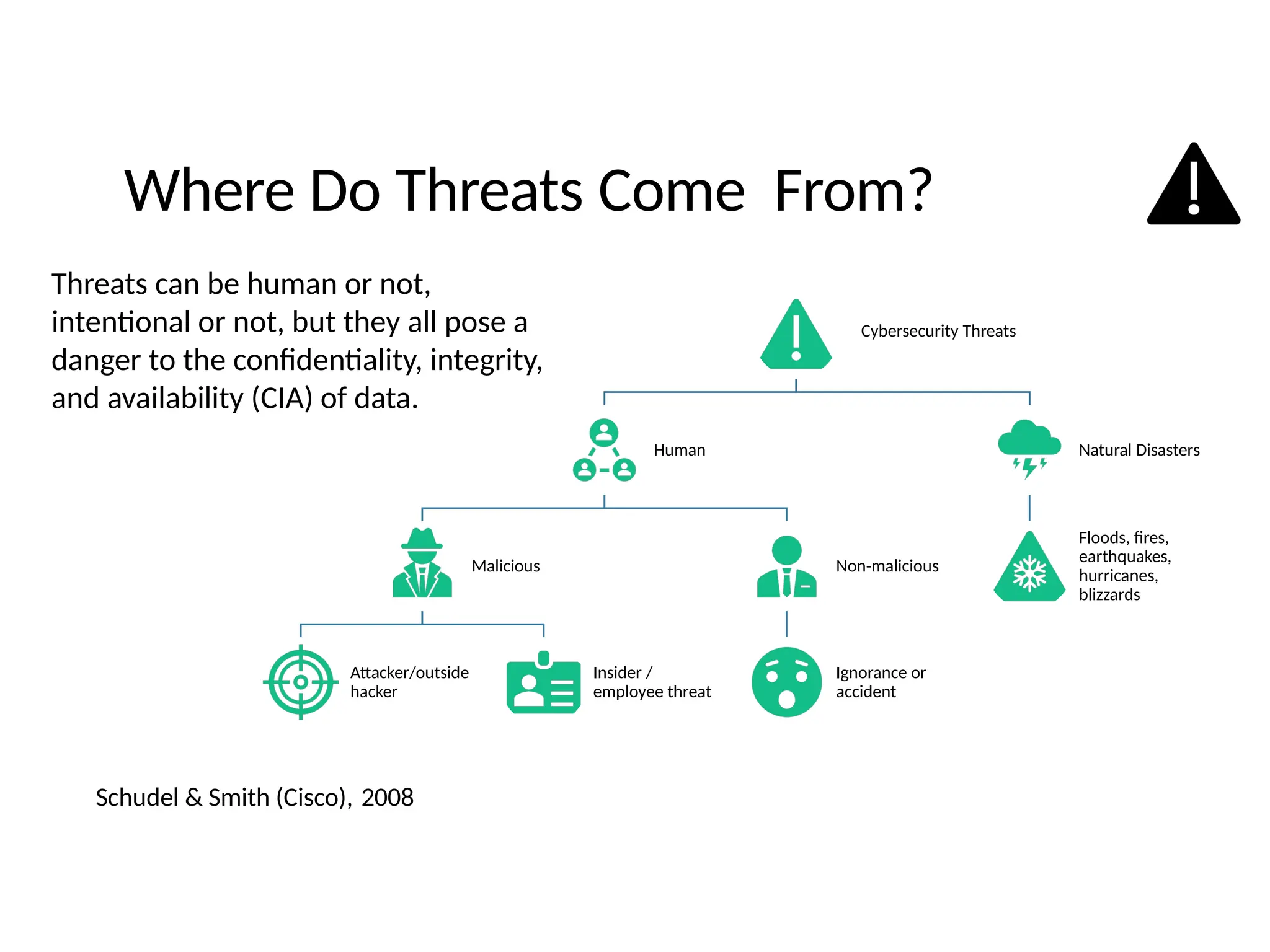
Where Do ThreatsCome From?
Schudel & Smith (Cisco), 2008
Cybersecurity Threats
Human
Malicious
Attacker/outside
hacker
Insider /
employee threat
Non-malicious
Ignorance or
accident
Natural Disasters
Floods, fires,
earthquakes,
hurricanes,
blizzards
Threats can be human or not,
intentional or not, but they all pose a
danger to the confidentiality, integrity,
and availability (CIA) of data.
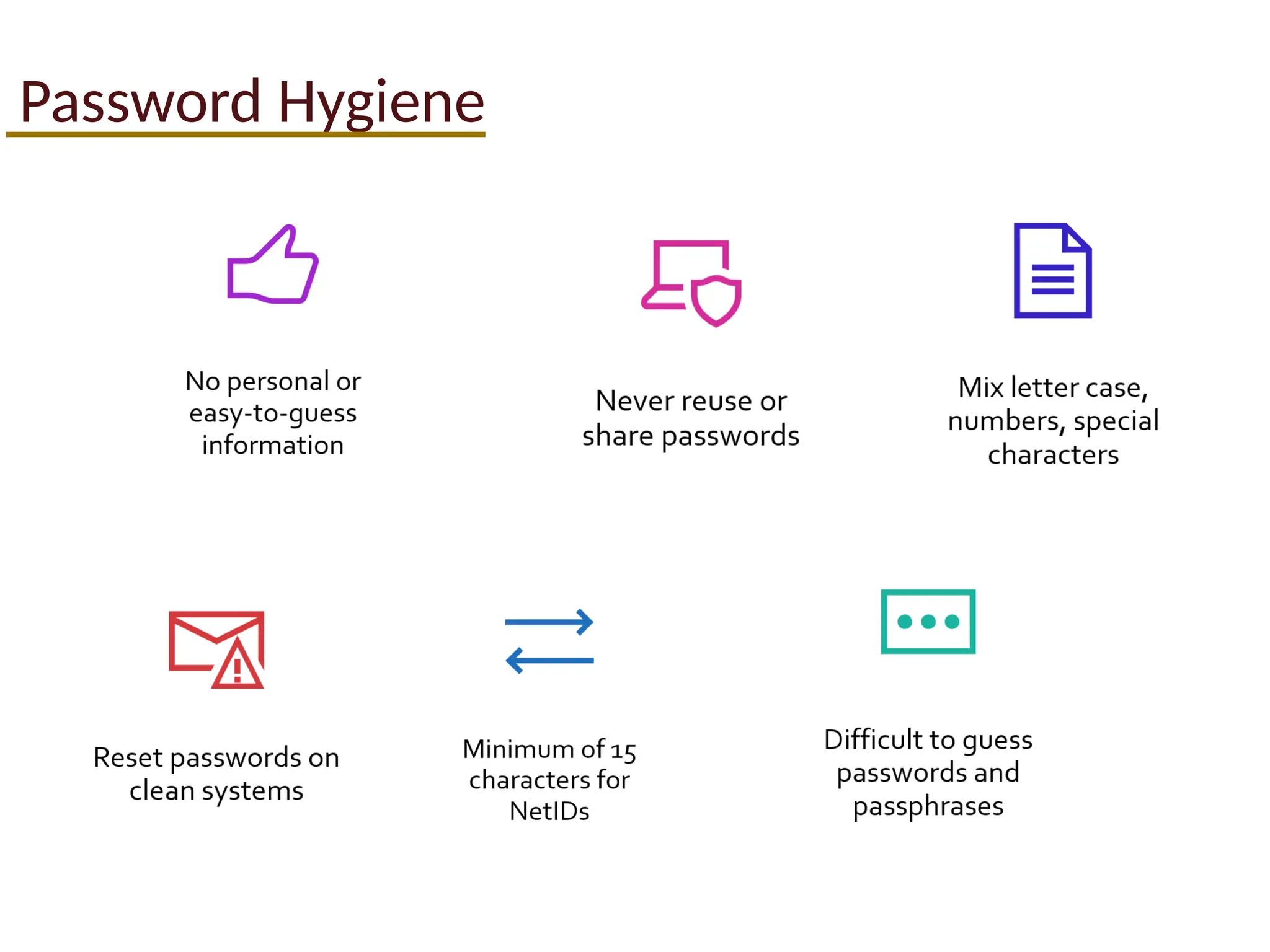
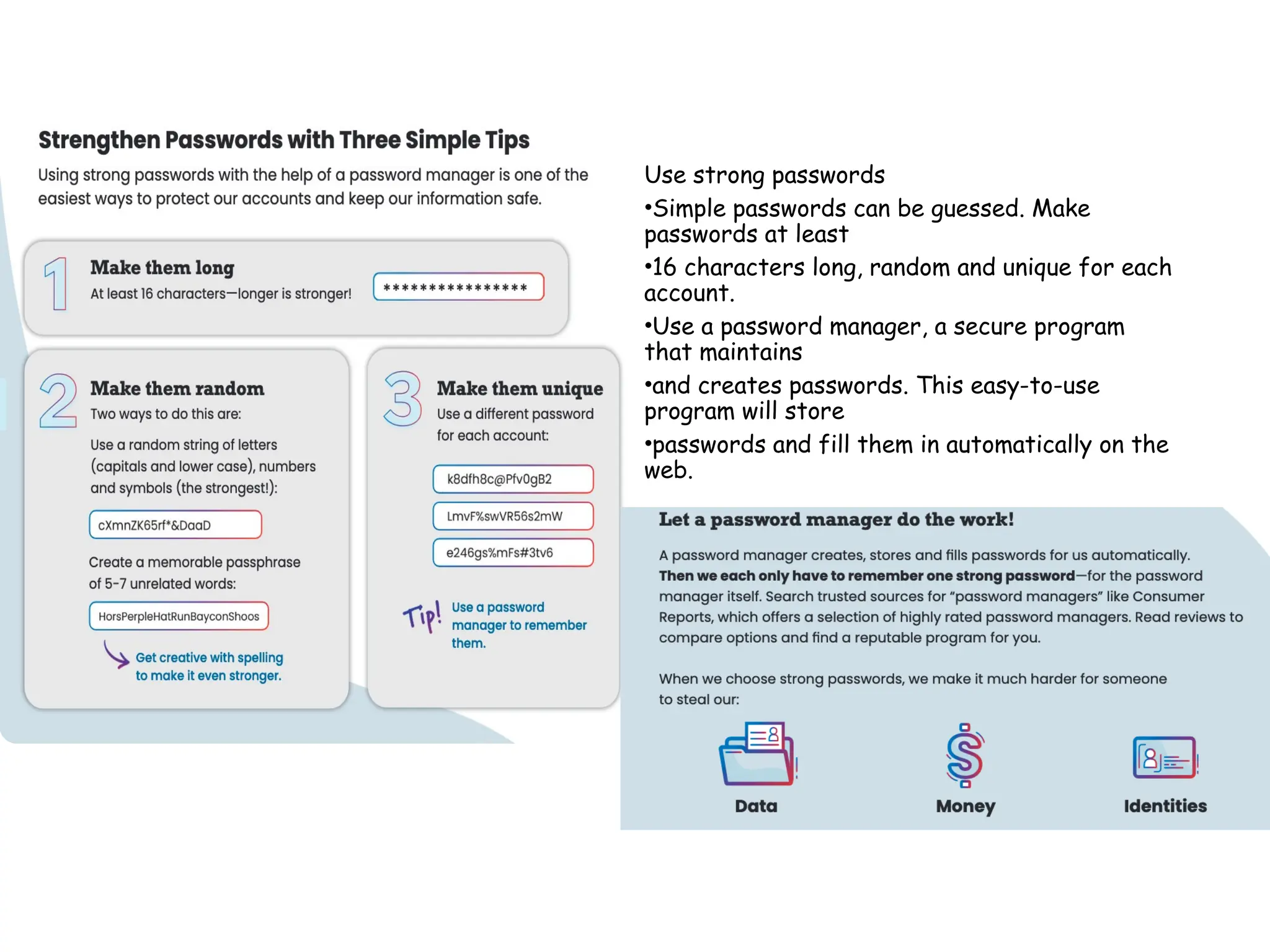
Use strong passwords
•Simplepasswords can be guessed. Make
passwords at least
•16 characters long, random and unique for each
account.
•Use a password manager, a secure program
that maintains
•and creates passwords. This easy-to-use
program will store
•passwords and fill them in automatically on the
web.
14.
Use a PasswordManager
WHY USE A PASSWORD MANAGER?
• Stores your passwords
• Alerts you of duplicate passwords
• Generates strong new passwords
• Some automatically fill your login credentials
into website to make sign-in easy
• It won't fall for a phishing website, even if
you do!
Encryption ensures that password managers
never "know" what your passwords are,
keeping them safe from cyber attacks.
15.
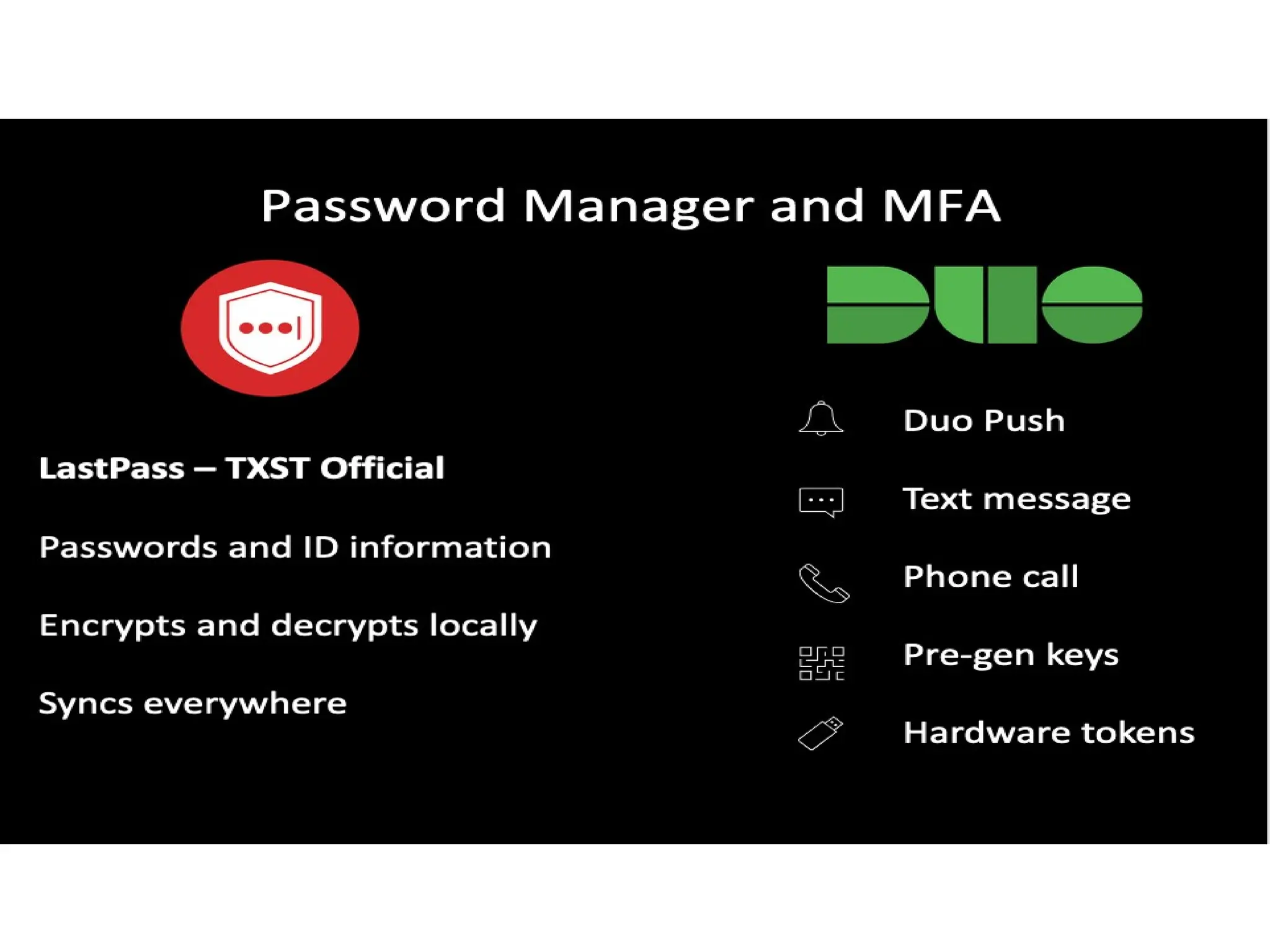
Password Manager andMFA
LastPass – TXST Official
Passwords and ID information
Encrypts and decrypts locally
Syncs everywhere
Duo Push
Text message
Phone call
Pre-gen keys
Hardware tokens
16.
Turn on MultifactorAuthentication
WHAT IS IT?
• A code sent to your phone or email
• An authenticator app
• A security key
• Biometrics
o Fingerprint
o Facial recognition
17.
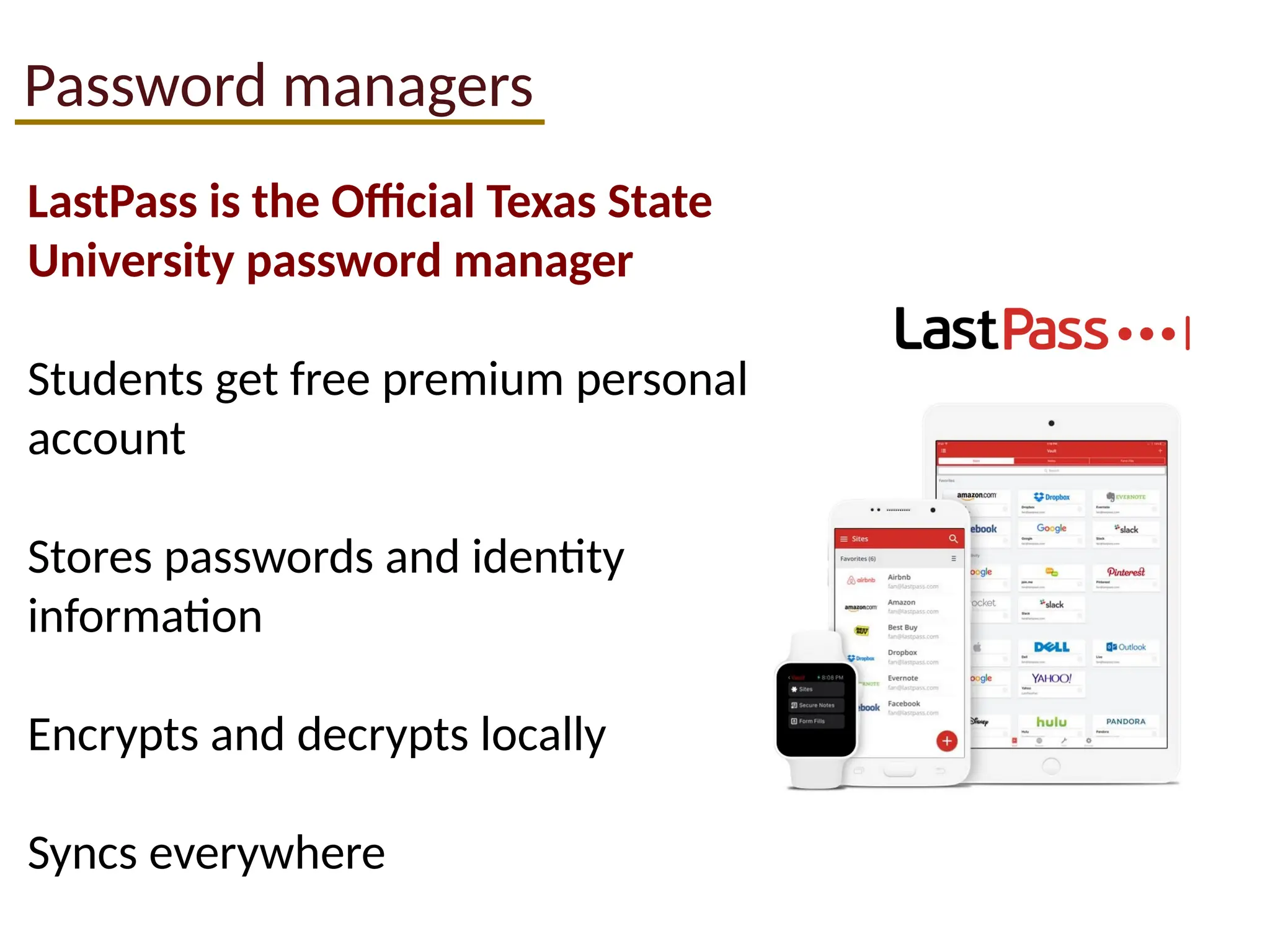
Password managers
LastPass isthe Official Texas State
University password manager
Students get free premium personal
account
Stores passwords and identity
information
Encrypts and decrypts locally
Syncs everywhere
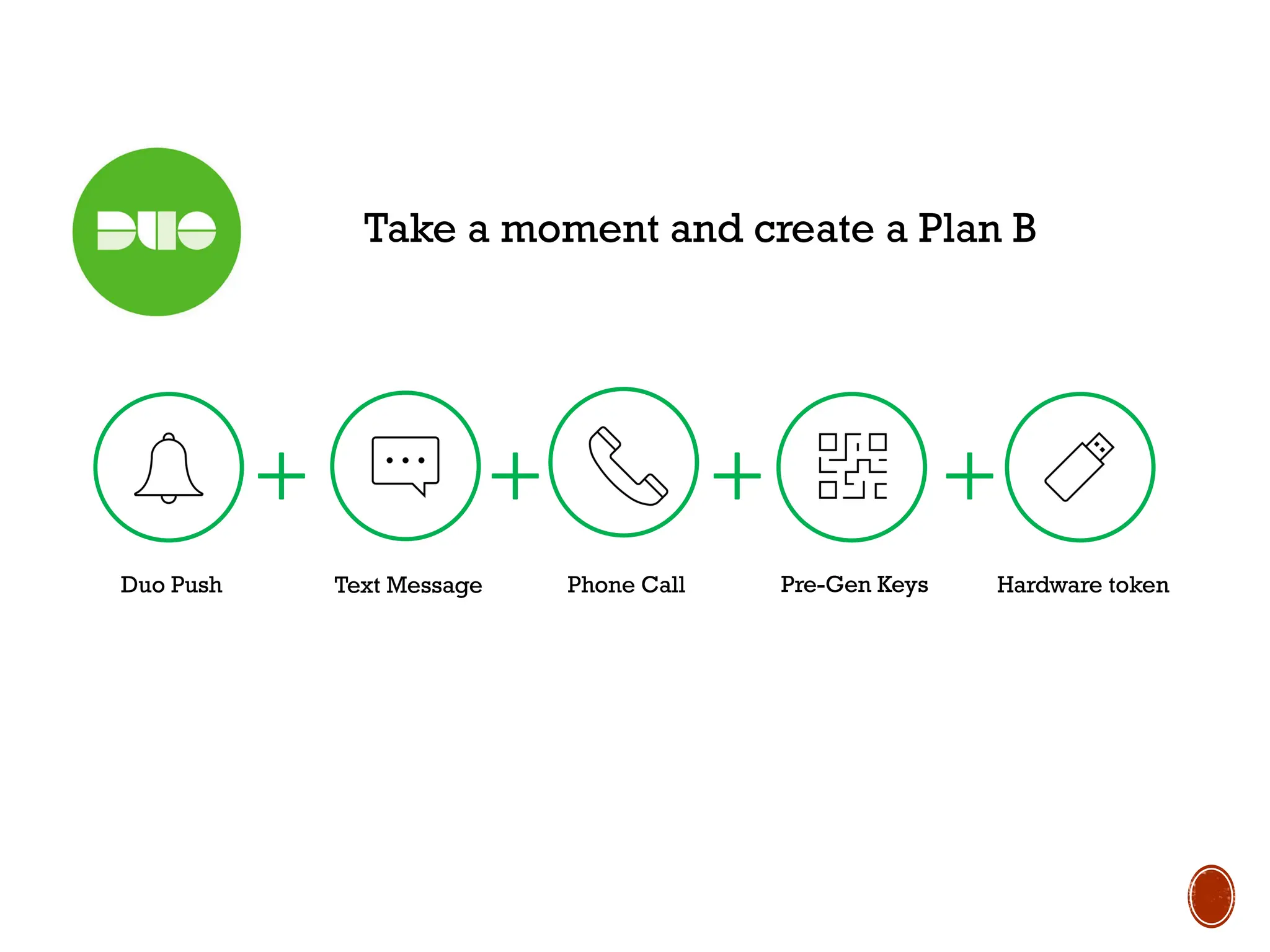
Take a momentand create a Plan B
Duo Push Text Message Phone Call Pre-Gen Keys Hardware token
21.
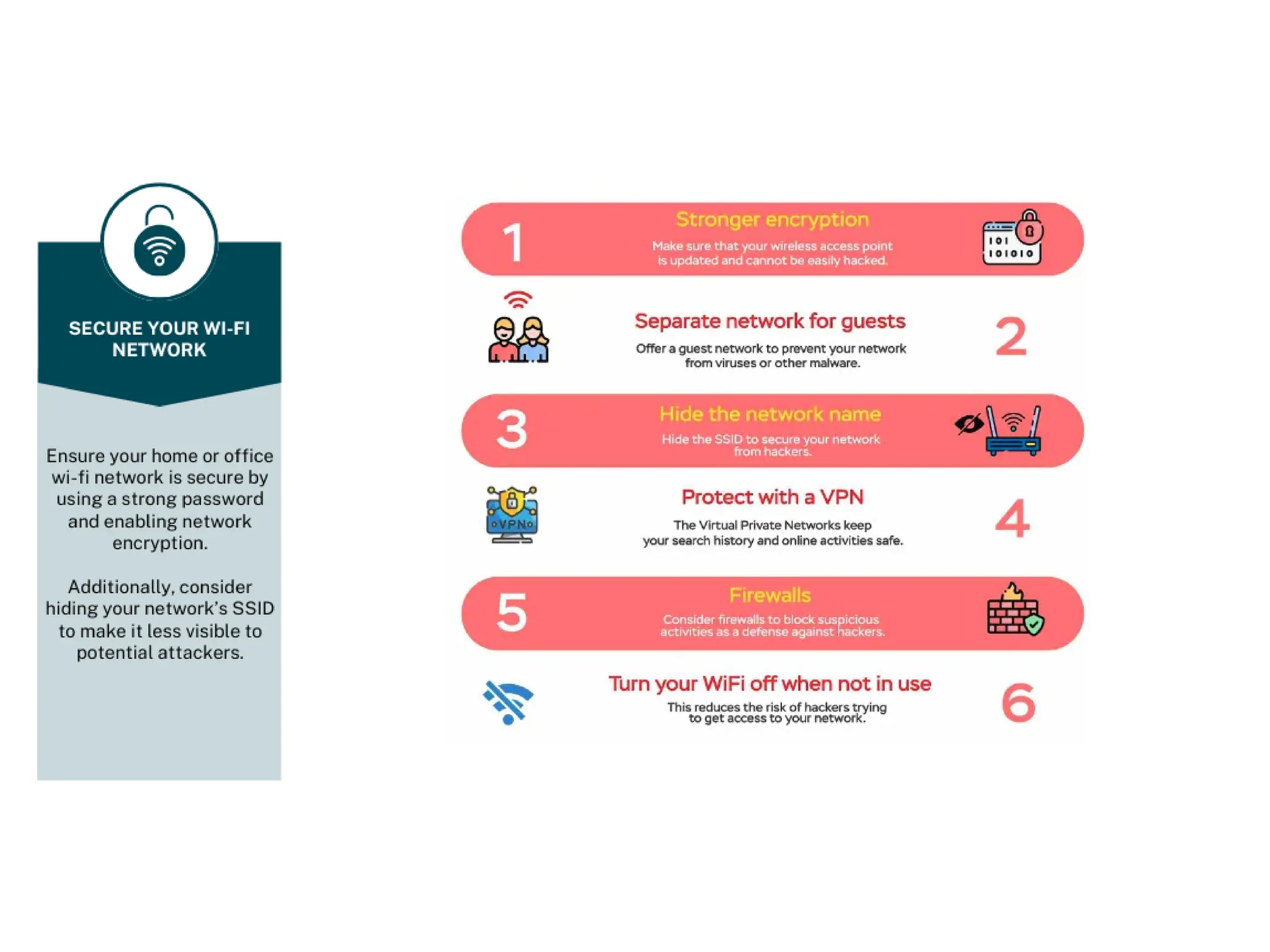
Avoid Insecure orpublic networks
Change default router passwords
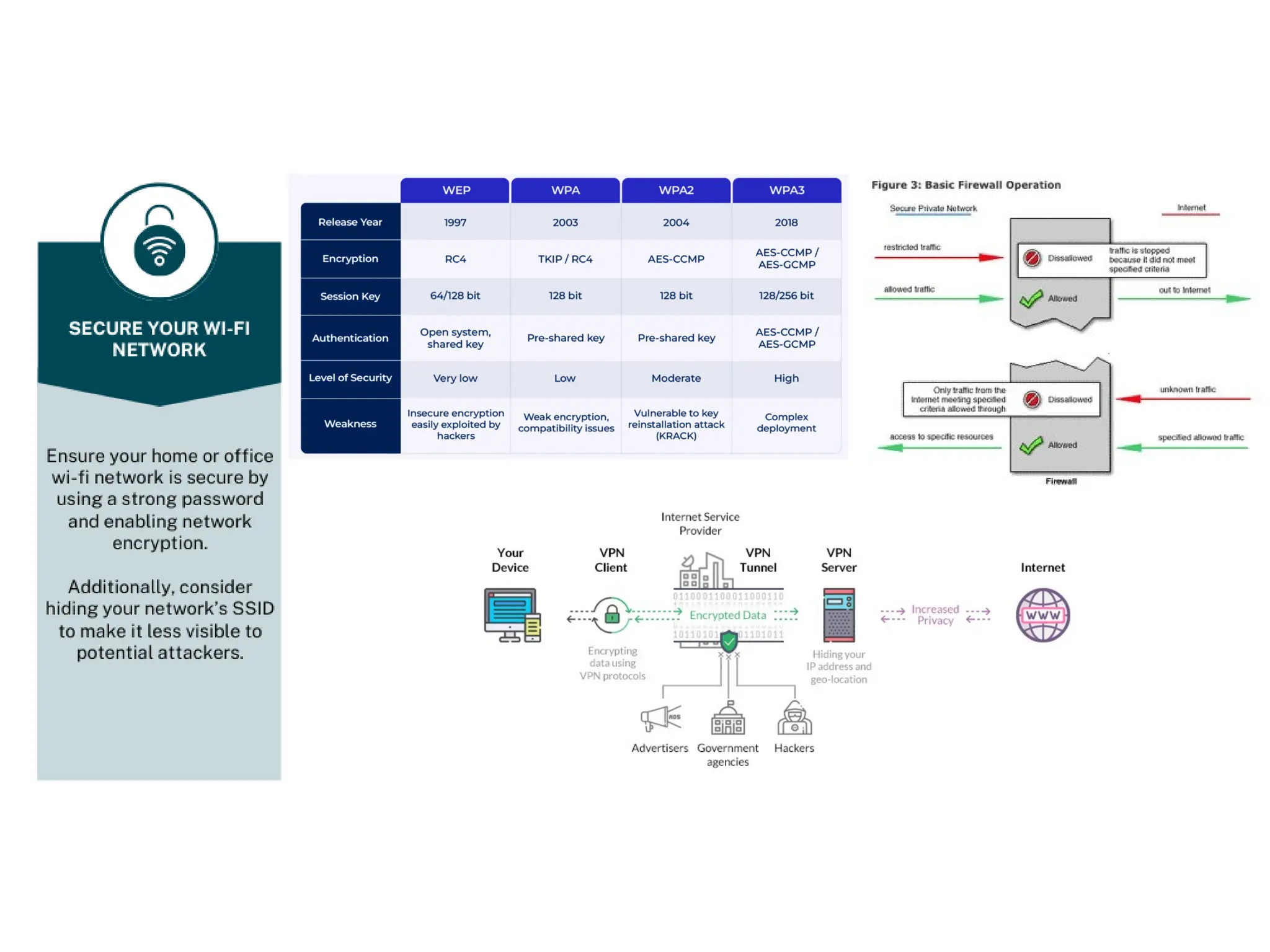
Use the strongest encryption available
Use WPA 2 or newer
Use a complex WPA password
Only use authorized wireless networks
Provide a separate guest WIFI network
Wireless connections
24.
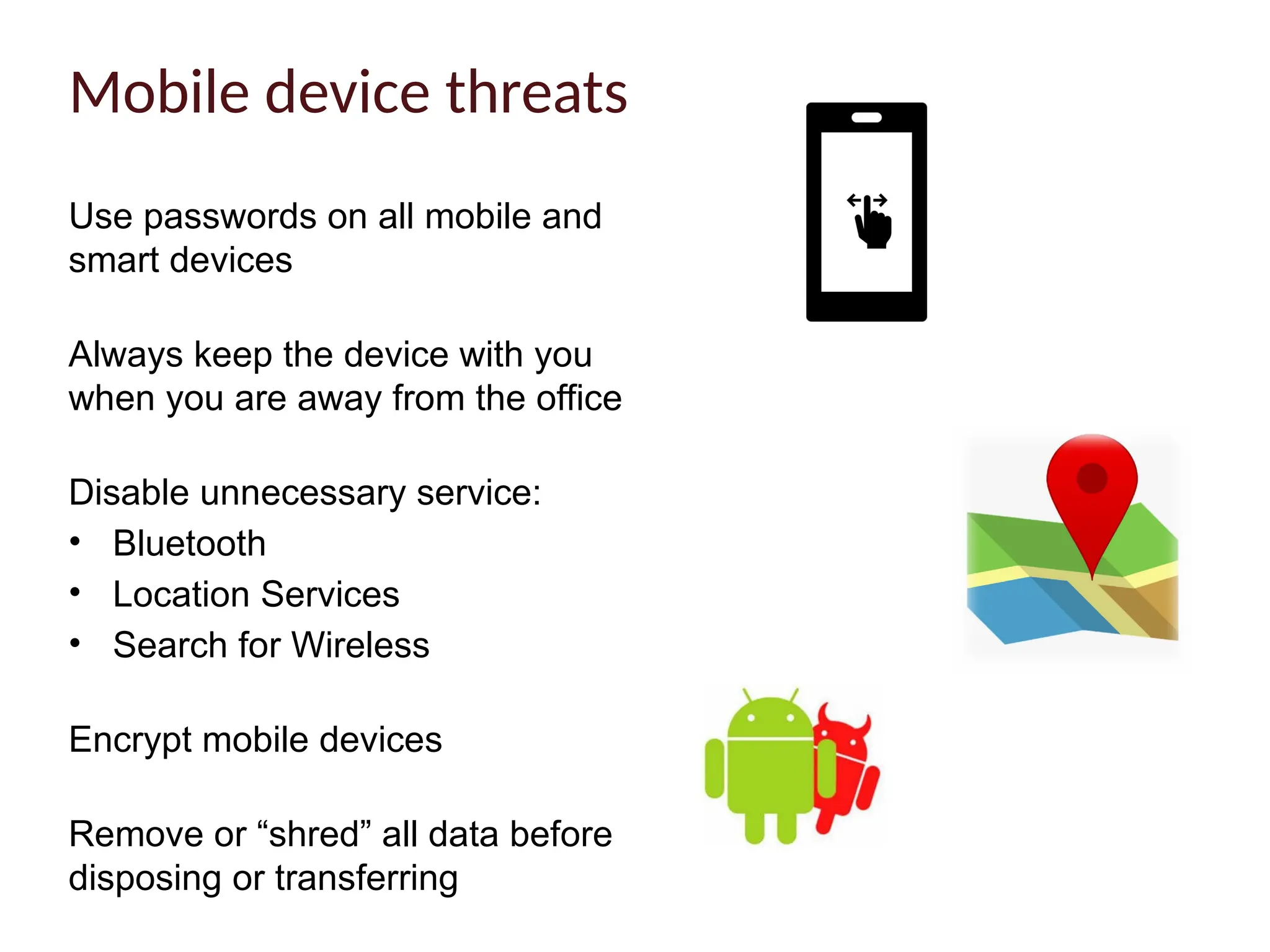
Use passwords onall mobile and
smart devices
Always keep the device with you
when you are away from the office
Disable unnecessary service:
• Bluetooth
• Location Services
• Search for Wireless
Encrypt mobile devices
Remove or “shred” all data before
disposing or transferring
Mobile device threats
25.
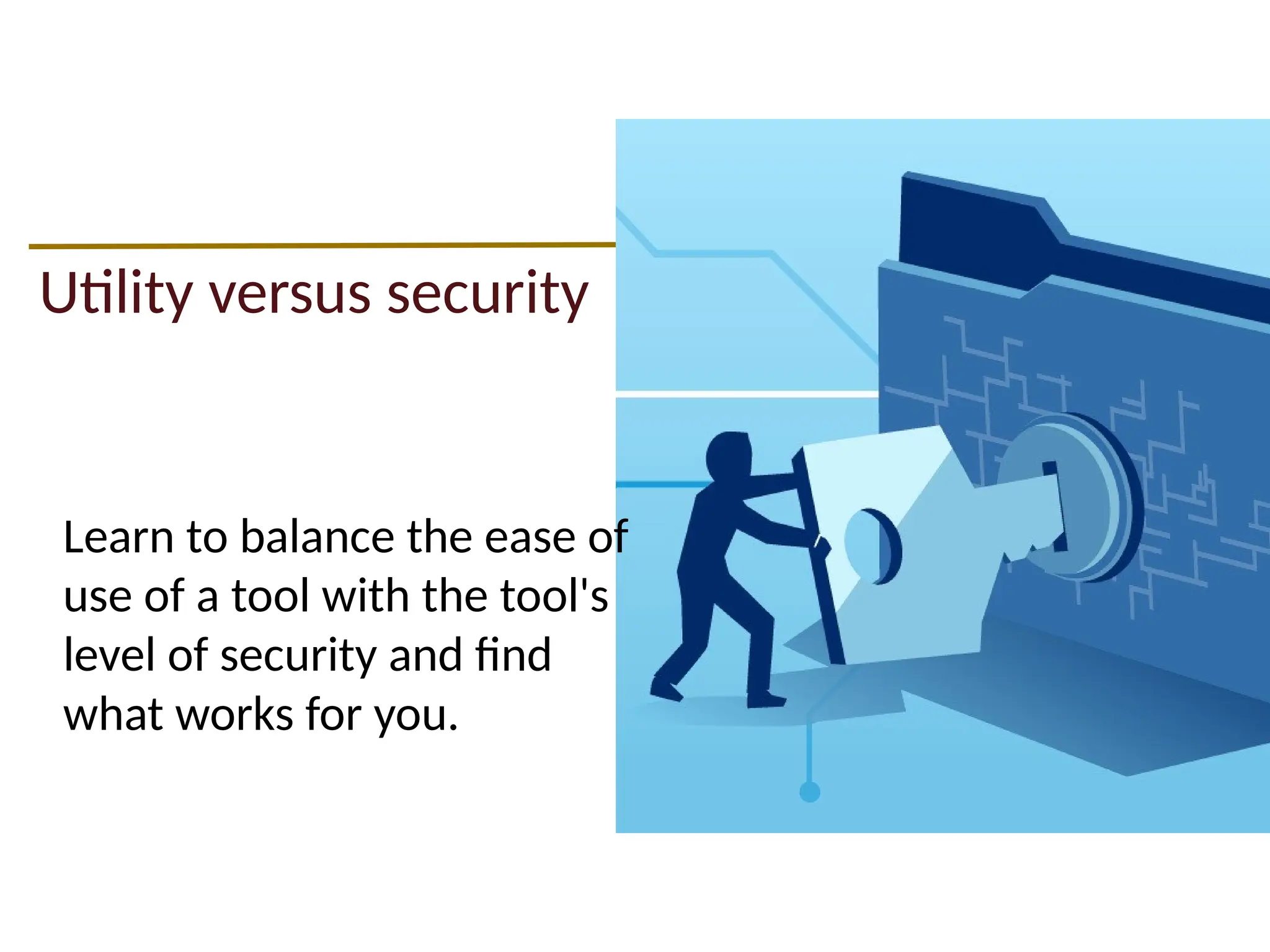
Utility versus security
Learnto balance the ease of
use of a tool with the tool's
level of security and find
what works for you.
Read and understandapplicable standards, policies, and
publications at the university and future employers.
• UPPS No. 04.01.01 Security of Information Resources
• UPPS No. 04.01.05 Network Use Policy
• UPPS No. 04.01.07 Appropriate Use of Information Resources
• UPPS No. 05.01.02 University Surplus Property
Be Informed
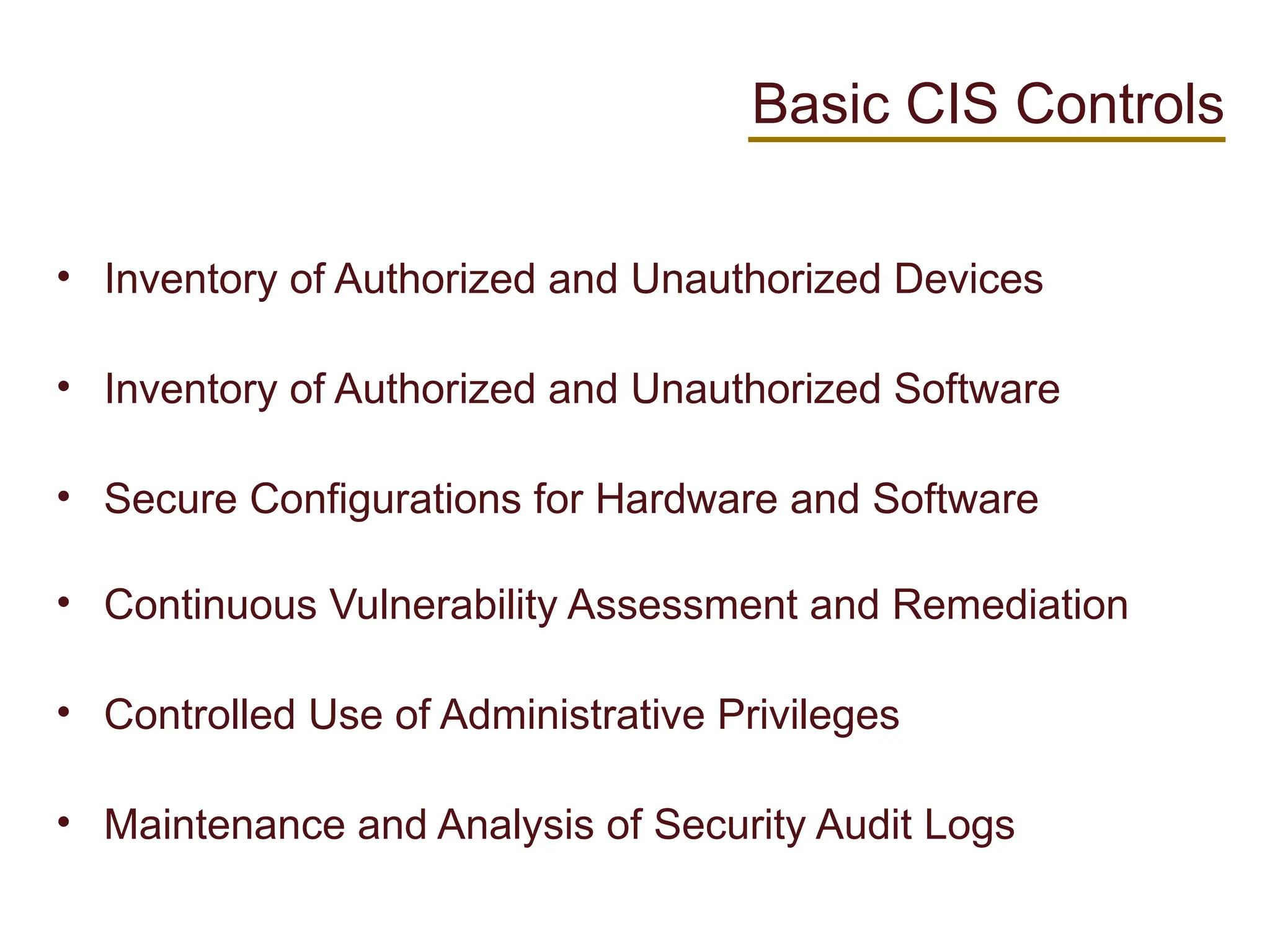
Basic CIS Controls
•Inventory of Authorized and Unauthorized Devices
• Inventory of Authorized and Unauthorized Software
• Secure Configurations for Hardware and Software
• Continuous Vulnerability Assessment and Remediation
• Controlled Use of Administrative Privileges
• Maintenance and Analysis of Security Audit Logs
34.
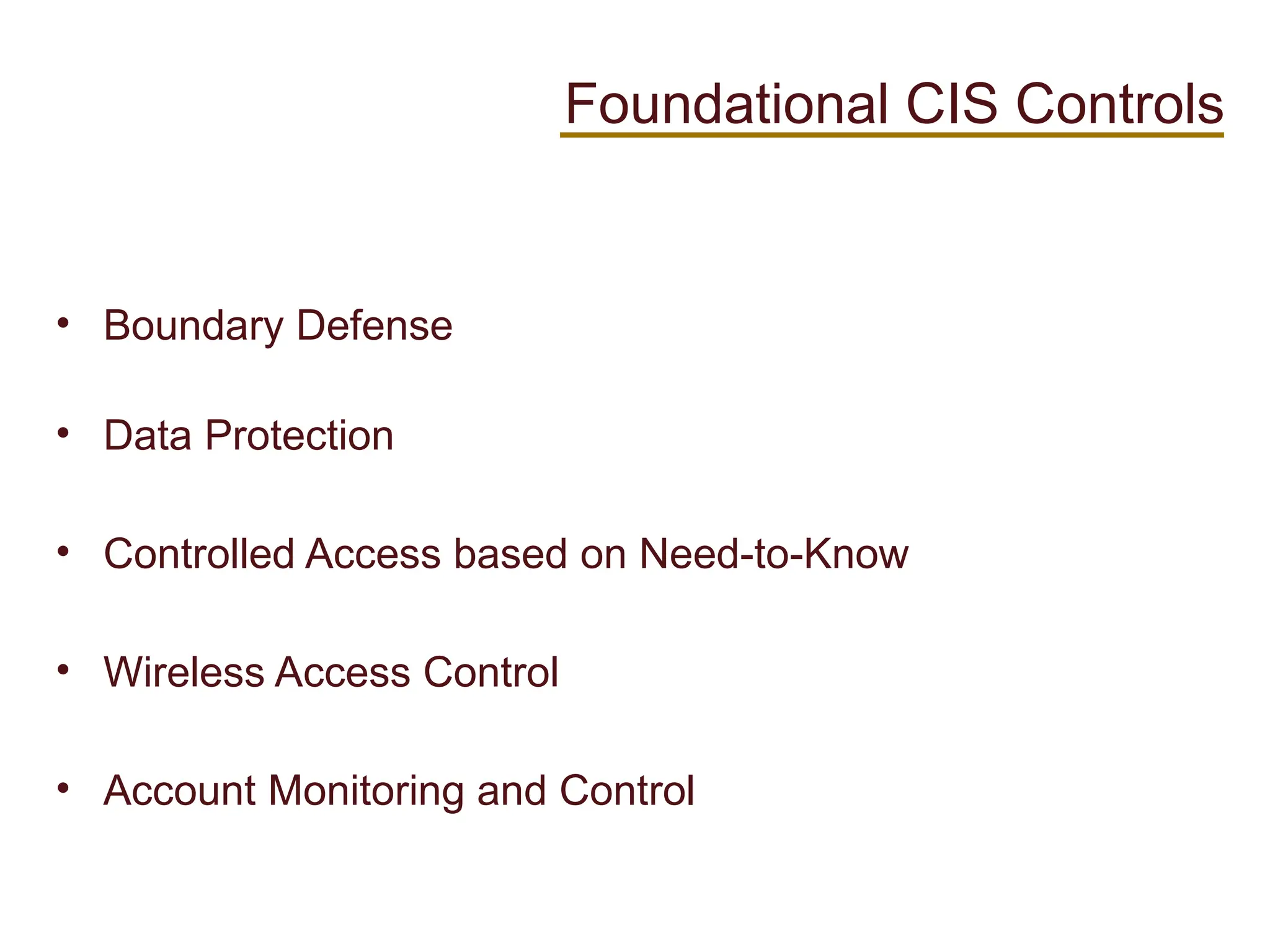
• Boundary Defense
•Data Protection
• Controlled Access based on Need-to-Know
• Wireless Access Control
• Account Monitoring and Control
Foundational CIS Controls
35.
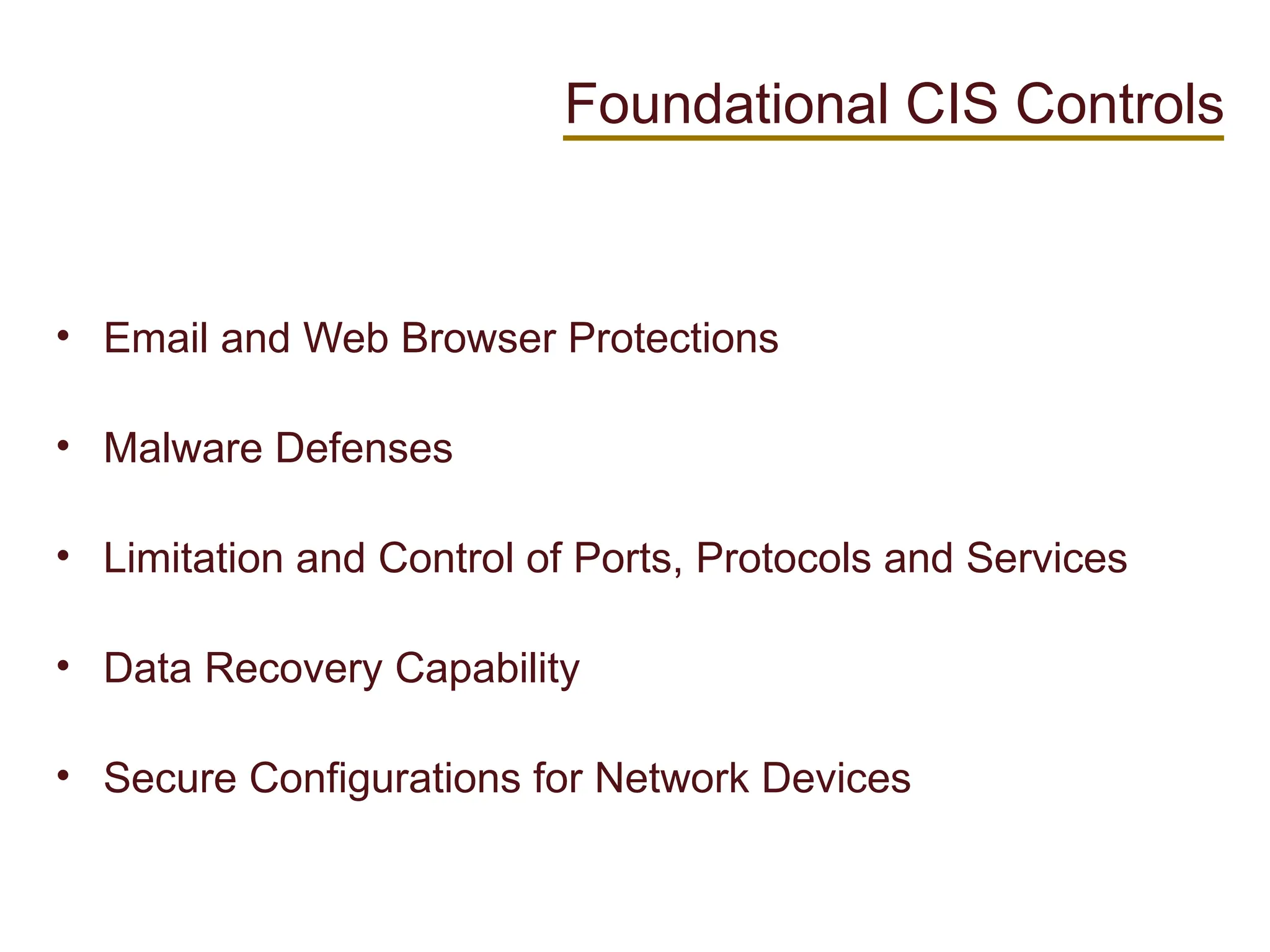
• Email andWeb Browser Protections
• Malware Defenses
• Limitation and Control of Ports, Protocols and Services
• Data Recovery Capability
• Secure Configurations for Network Devices
Foundational CIS Controls
36.
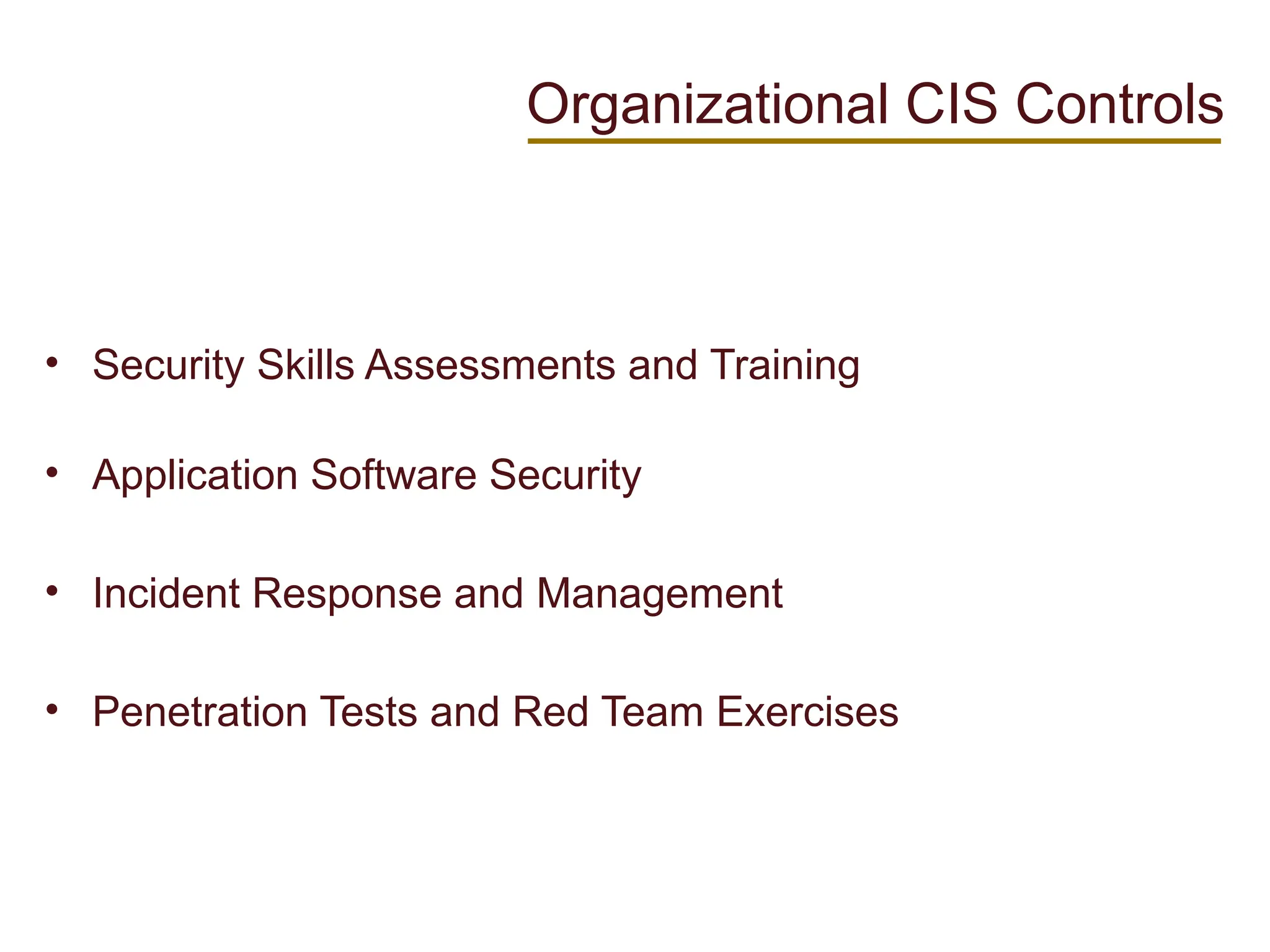
• Security SkillsAssessments and Training
• Application Software Security
• Incident Response and Management
• Penetration Tests and Red Team Exercises
Organizational CIS Controls
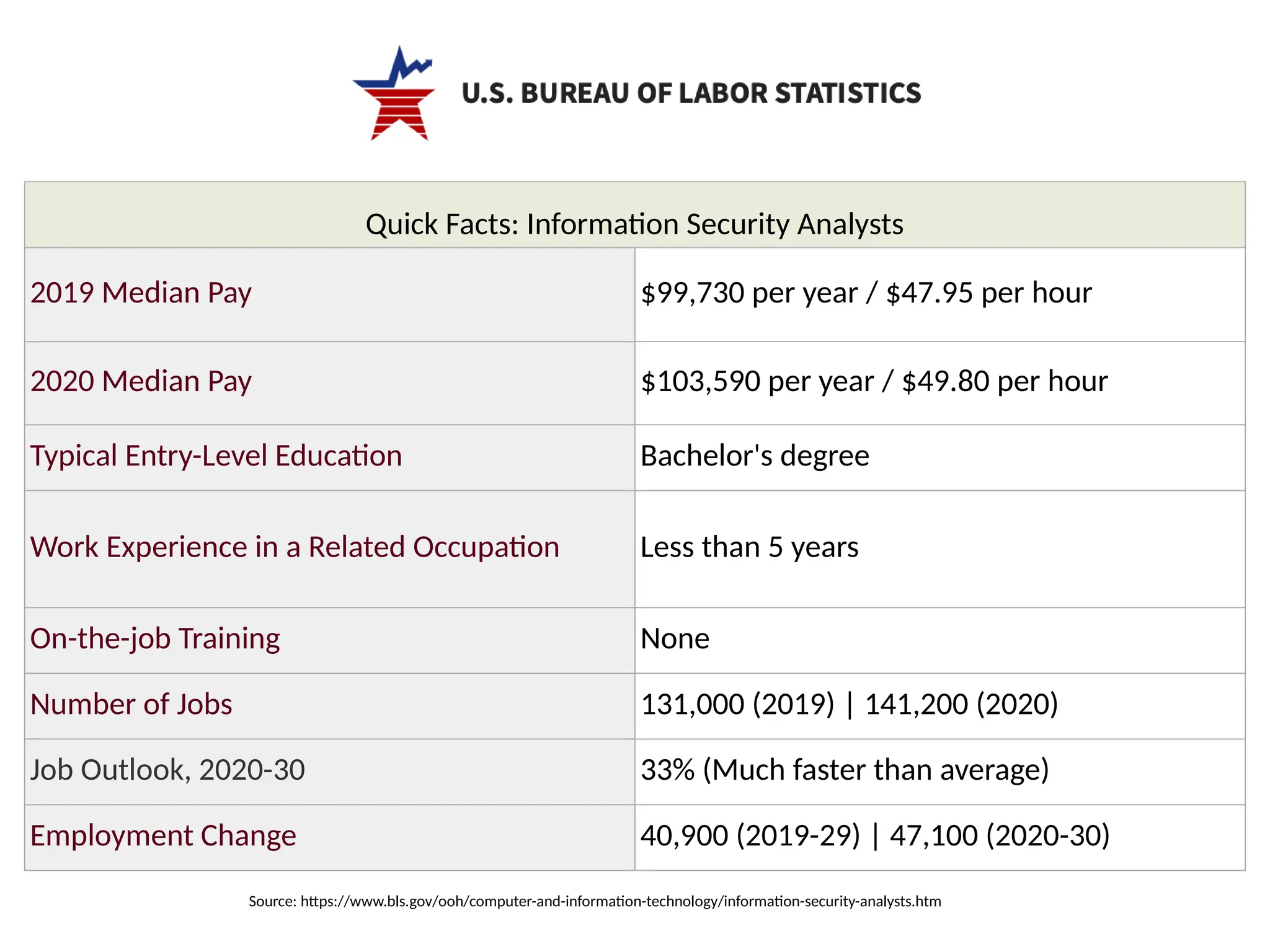
Quick Facts: InformationSecurity Analysts
2019 Median Pay $99,730 per year / $47.95 per hour
2020 Median Pay $103,590 per year / $49.80 per hour
Typical Entry-Level Education Bachelor's degree
Work Experience in a Related Occupation Less than 5 years
On-the-job Training None
Number of Jobs 131,000 (2019) | 141,200 (2020)
Job Outlook, 2020-30 33% (Much faster than average)
Employment Change 40,900 (2019-29) | 47,100 (2020-30)
Source: https://www.bls.gov/ooh/computer-and-information-technology/information-security-analysts.htm
39.
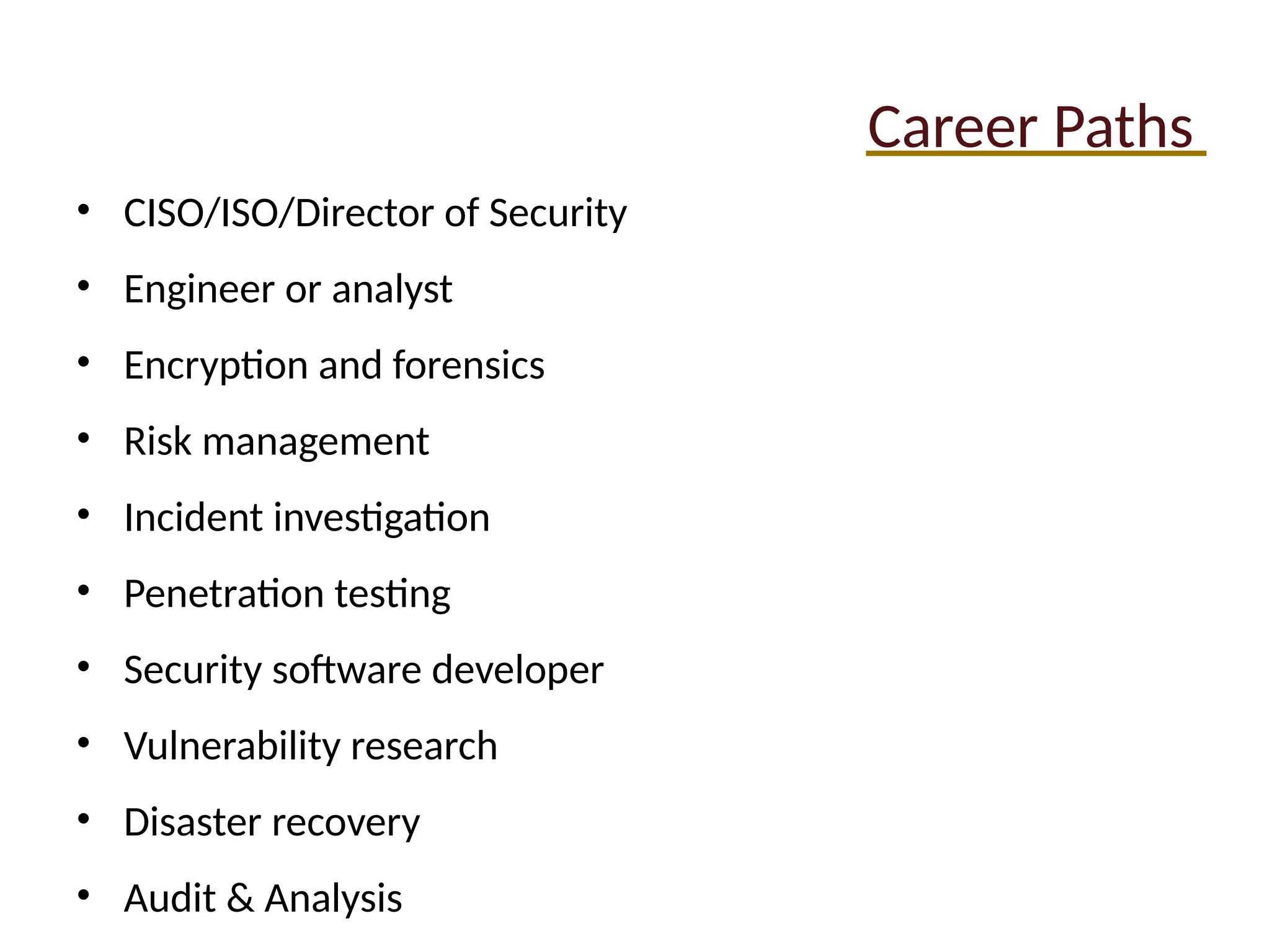
Career Paths
• CISO/ISO/Directorof Security
• Engineer or analyst
• Encryption and forensics
• Risk management
• Incident investigation
• Penetration testing
• Security software developer
• Vulnerability research
• Disaster recovery
• Audit & Analysis
40.
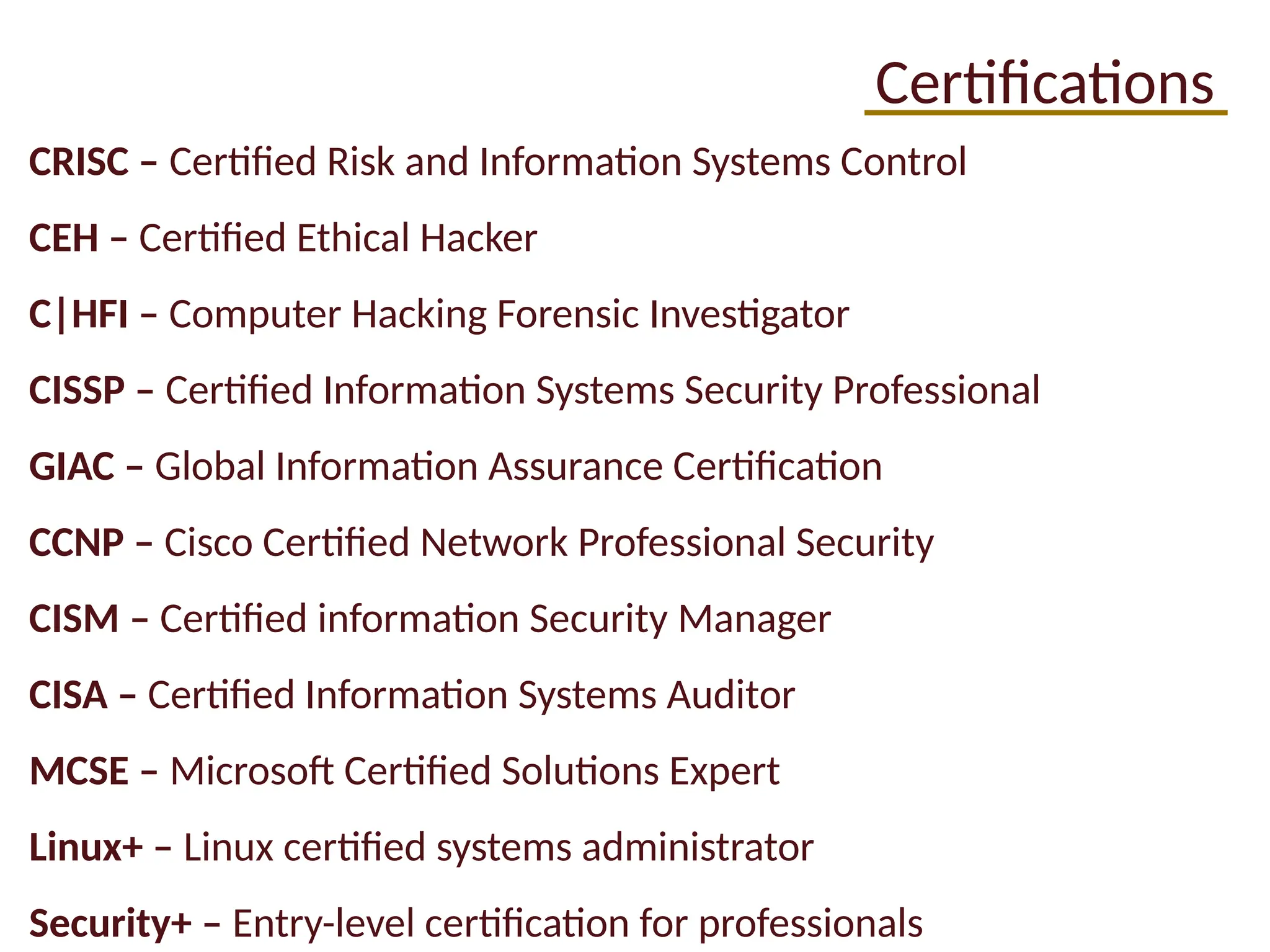
Certifications
CRISC – CertifiedRisk and Information Systems Control
CEH – Certified Ethical Hacker
C|HFI – Computer Hacking Forensic Investigator
CISSP – Certified Information Systems Security Professional
GIAC – Global Information Assurance Certification
CCNP – Cisco Certified Network Professional Security
CISM – Certified information Security Manager
CISA – Certified Information Systems Auditor
MCSE – Microsoft Certified Solutions Expert
Linux+ – Linux certified systems administrator
Security+ – Entry-level certification for professionals
41.
Resources
Gartner Group: www.gartner.com
•Business reviews, magic quadrant
Dark Reading: http://www.darkreading.com/
• Database and application security, technical security threats
OWASP: https://owasp.org
• Secure software development resources
SANS: www.sans.org
• security training and GIAC certification
(ISC)2: www.isc2.org
• CISSP certification, training, awareness, community
EDUCAUSE: http://www.educause.edu/
• Non-profit advance higher education by promoting IT
42.
Podcasts
Introductory
• Hackable?
• SmashingSecurity
True Crime
• Darknet Diaries
• Malicious Life
• CPradio
Industry News & Educational
• The CyberWire Daily
• SANS Internet Stormcenter
• Paul’s Security Weekly
• Defensive Security Podcast
43.
Your coworkers Mikeand Sam tell you about a cool flaw they
found in the software your employer develops. The flaw takes
advantage of a rounding error made when transferring money
between accounts, and they found a way to skim the fractions
of a cent from each transaction. They intend to keep the
money in a separate, hidden account since the system won’t
normally recognize more than two decimal places.
• Who hasn’t seen Office Space?
• What would you do?
• What kind of issues are apparent here, and what kind of attack
is taking place?
Scenario 1
44.
You’re responsible formaintaining a production system for
your employer. On a Tuesday morning, you learn that an
emergency patch got released for a vulnerability that’s already
been exploited in the wild. Patching would require at least 24
hours of downtime for a system that generates serious
revenue.
• What would you do?
• What if management disagreed with your instinct?
Scenario 2
45.
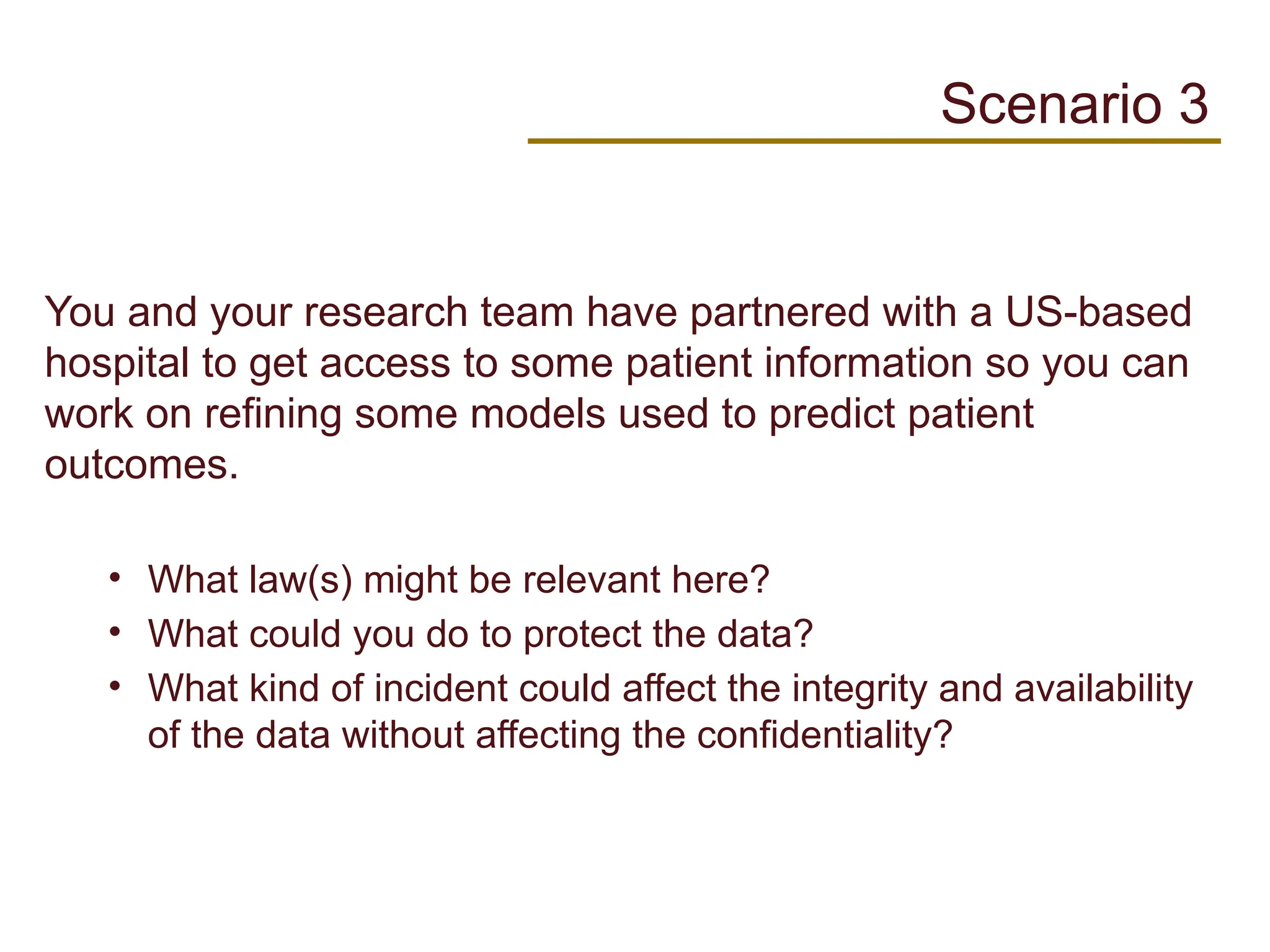
You and yourresearch team have partnered with a US-based
hospital to get access to some patient information so you can
work on refining some models used to predict patient
outcomes.
• What law(s) might be relevant here?
• What could you do to protect the data?
• What kind of incident could affect the integrity and availability
of the data without affecting the confidentiality?
Scenario 3
46.
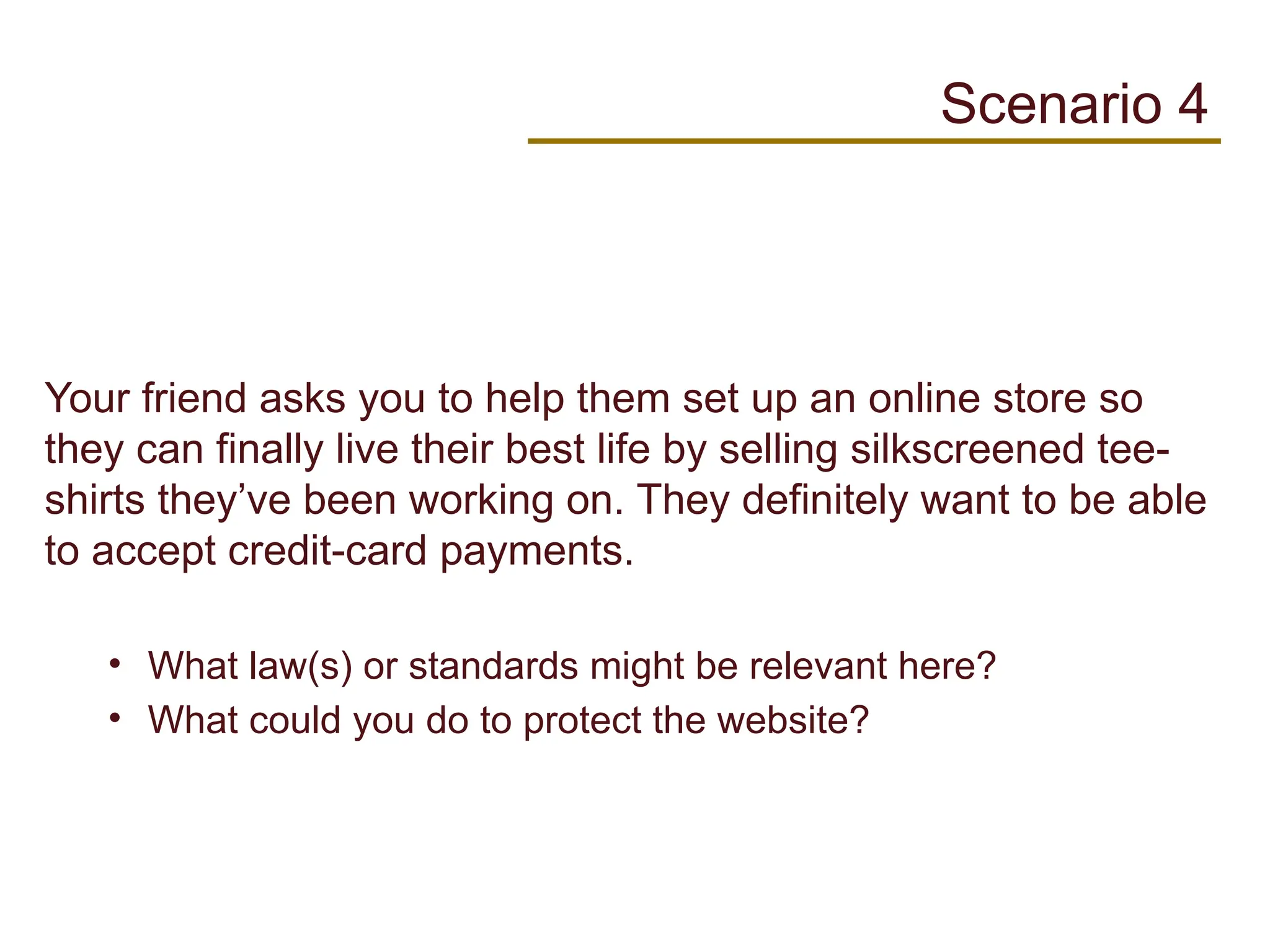
Your friend asksyou to help them set up an online store so
they can finally live their best life by selling silkscreened tee-
shirts they’ve been working on. They definitely want to be able
to accept credit-card payments.
• What law(s) or standards might be relevant here?
• What could you do to protect the website?
Scenario 4
47.
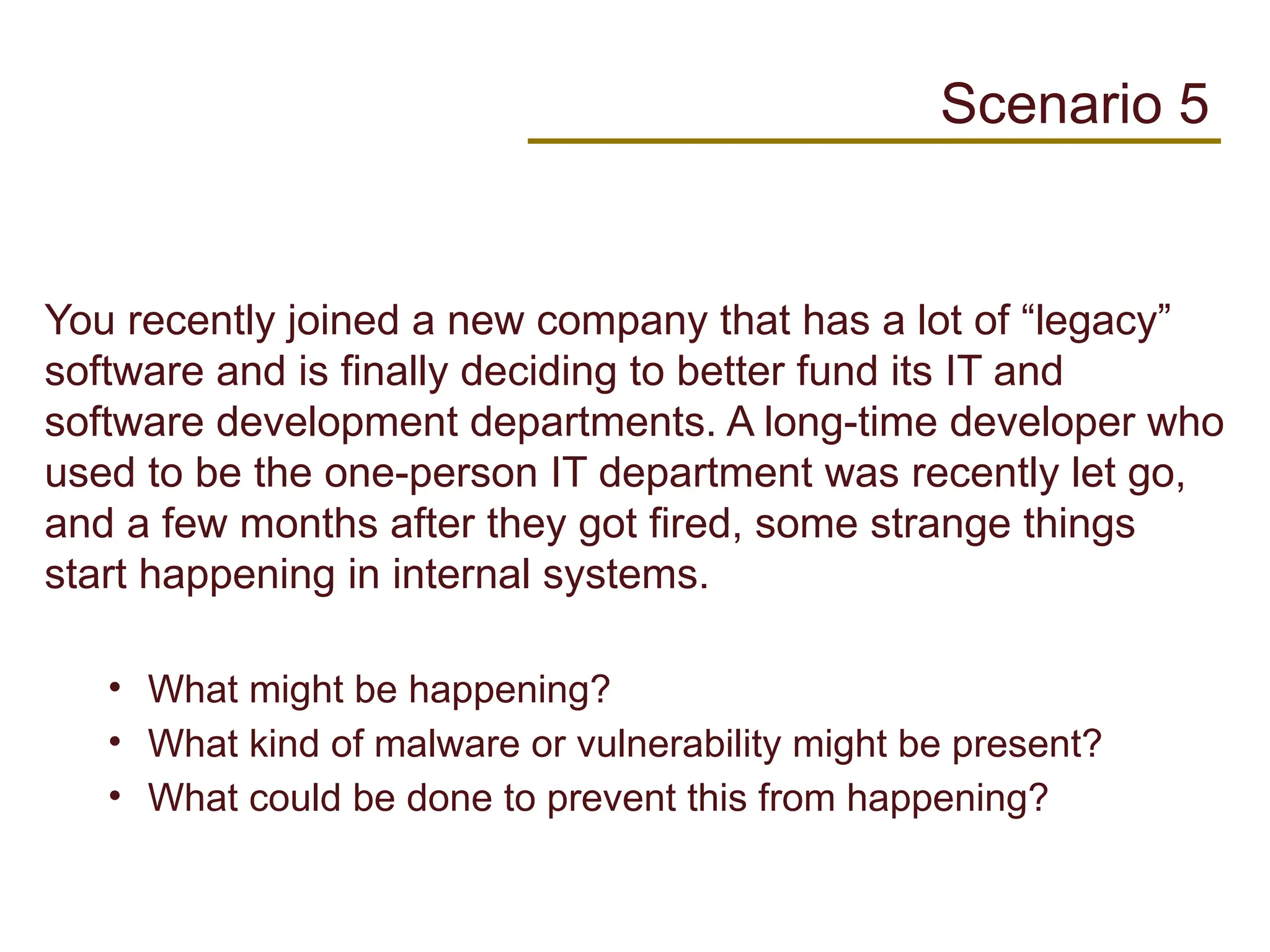
You recently joineda new company that has a lot of “legacy”
software and is finally deciding to better fund its IT and
software development departments. A long-time developer who
used to be the one-person IT department was recently let go,
and a few months after they got fired, some strange things
start happening in internal systems.
• What might be happening?
• What kind of malware or vulnerability might be present?
• What could be done to prevent this from happening?
Scenario 5
48.
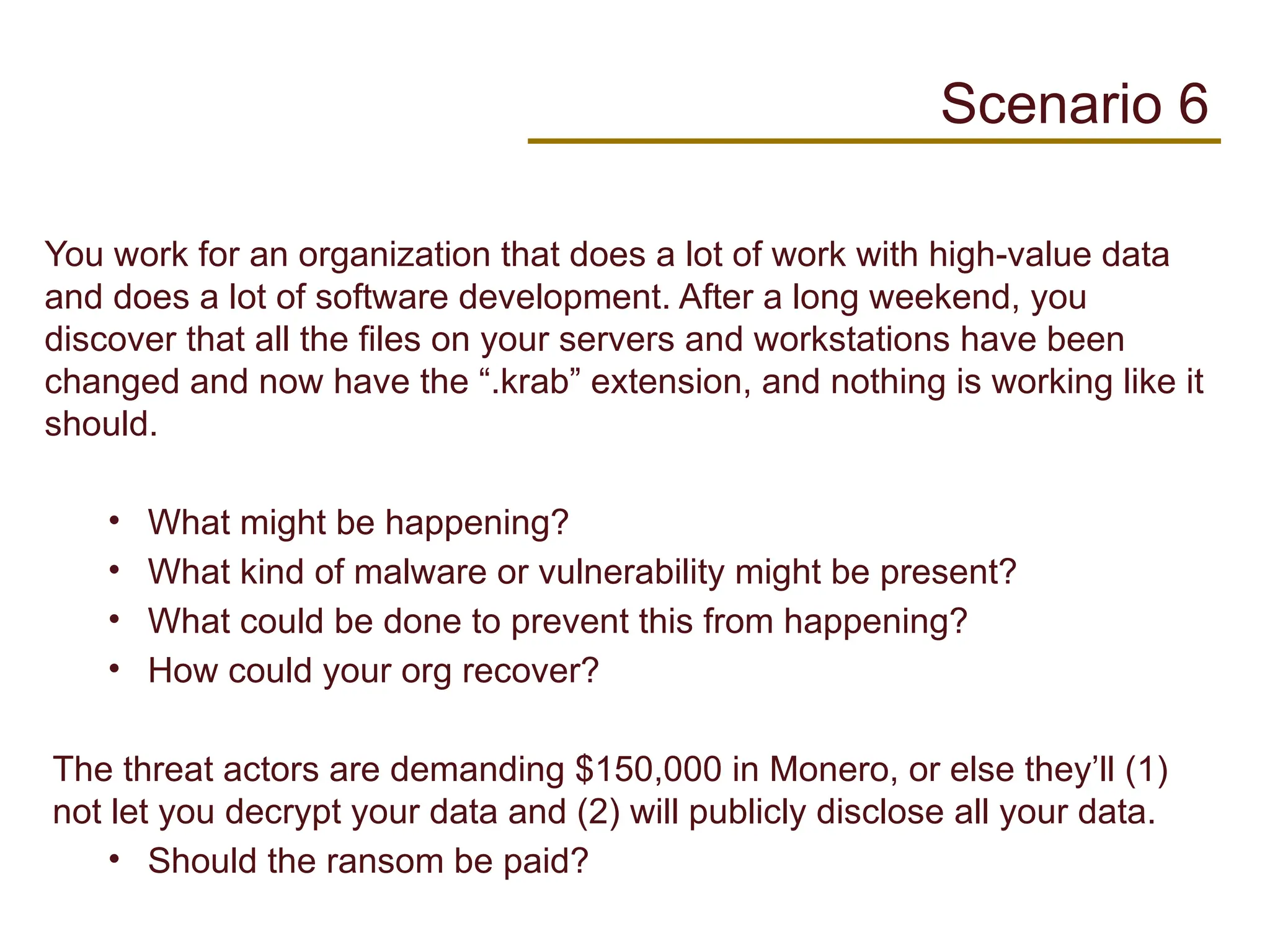
You work foran organization that does a lot of work with high-value data
and does a lot of software development. After a long weekend, you
discover that all the files on your servers and workstations have been
changed and now have the “.krab” extension, and nothing is working like it
should.
• What might be happening?
• What kind of malware or vulnerability might be present?
• What could be done to prevent this from happening?
• How could your org recover?
The threat actors are demanding $150,000 in Monero, or else they’ll (1)
not let you decrypt your data and (2) will publicly disclose all your data.
• Should the ransom be paid?
Scenario 6
49.
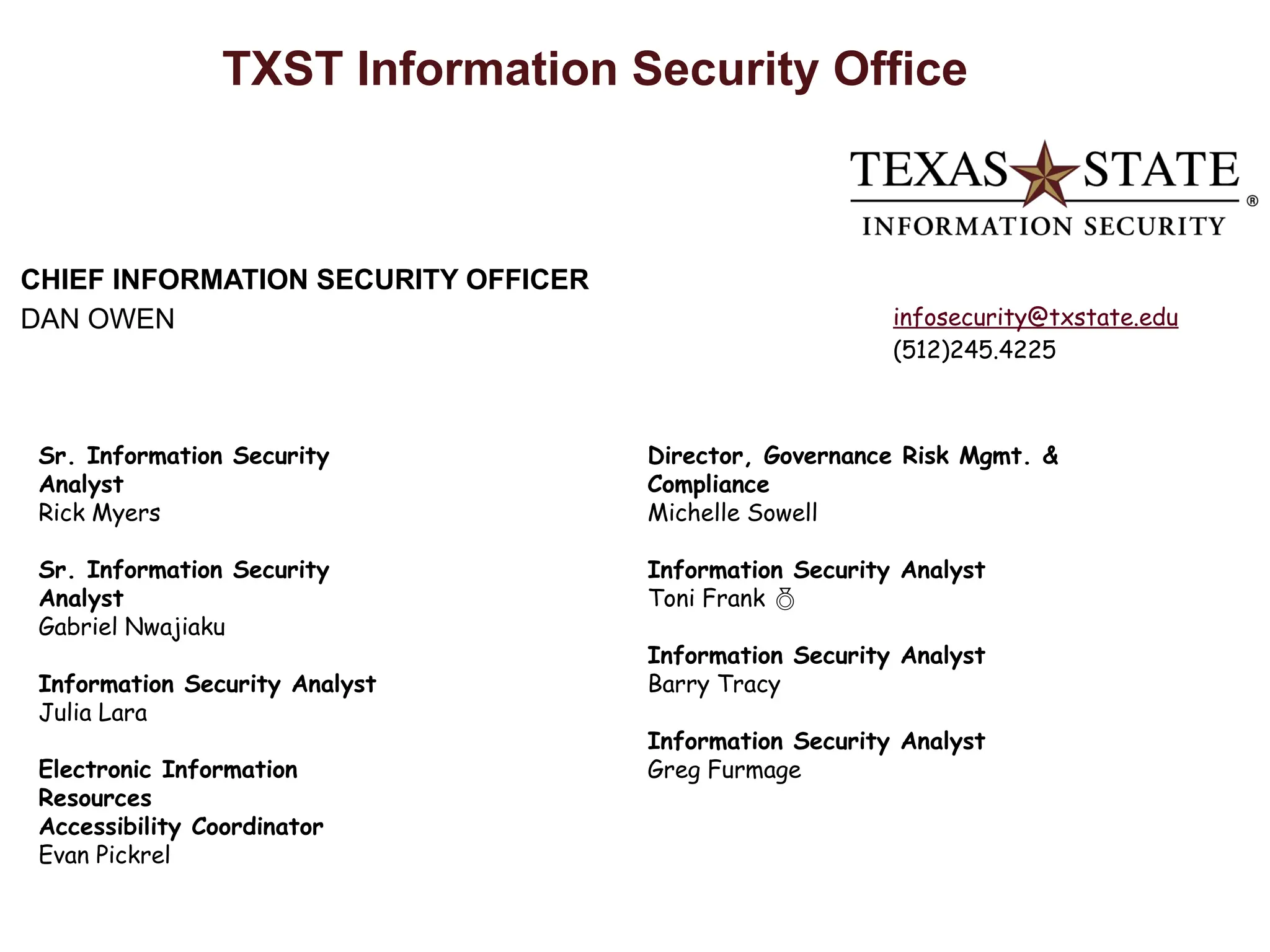
TXST Information SecurityOffice
CHIEF INFORMATION SECURITY OFFICER
DAN OWEN
Sr. Information Security
Analyst
Rick Myers
Sr. Information Security
Analyst
Gabriel Nwajiaku
Information Security Analyst
Julia Lara
Electronic Information
Resources
Accessibility Coordinator
Evan Pickrel
Director, Governance Risk Mgmt. &
Compliance
Michelle Sowell
Information Security Analyst
Toni Frank
Information Security Analyst
Barry Tracy
Information Security Analyst
Greg Furmage
infosecurity@txstate.edu
(512)245.4225
Editor's Notes
#4 ISC ^ 2 Code of Ethics Canons (in this order for a reason:
1. Protect society, the common good, necessary public trust and confidence, and the infrastructure.
2. Act honorably, honestly, justly, responsibly, and legally.
3. Provide diligent and competent service to principals.
4. Advance and protect the profession.
---
2. IT is the backbone of modern organizations, ensuring everything runs smoothly. From managing networks and data to supporting everyday tasks and securing sensitive information, IT keeps things efficient and safe. Imagine trying to navigate the digital world without it—absolute chaos! But beyond the nuts and bolts, it also drives innovation and enables strategic growth. No IT, no progress. That's the bottom line.
3. Information security keeps sensitive data from falling into the wrong hands, ensuring confidentiality, integrity, and availability of information. It's about preventing data breaches, protecting customer privacy, and maintaining trust. Without it, organizations are sitting ducks for cyberattacks. And it's not just about tech—it involves policies, employee training, and a culture of vigilance. Think of it as the unsung hero of the digital realm.
6. Information security is accountable to multiple entities: organizational leadership, regulatory bodies, stakeholders, and, crucially, the customers who trust the organization with their data. It’s a matter of ensuring compliance with laws and regulations, safeguarding company assets, maintaining stakeholder trust, and protecting individual privacy. It's the ultimate balancing act, where vigilance is key.
#6 www.isc2.org
ISC^2 is “International Information System Security Certification Consortium”, a certification group founded in 1989 that manages credentials for cybersecurity professionals
Security and Risk Management: Identifying, assessing, and managing risks to keep an organization’s data and resources safe. This is about creating policies and frameworks to handle potential threats.
Asset Security: Protecting physical and digital assets, from data and hardware to intellectual property. It's about knowing what assets you have, classifying them, and ensuring they’re protected.
Security Architecture and Engineering: Designing and building secure systems. This involves creating security models, implementing technology, and ensuring they integrate safely within the organization’s ecosystem.
Communications and Network Security: Securing data transmitted across networks. This includes safeguarding internet communications, protecting wireless networks, and encrypting data to prevent interception.
Identity and Access Management (IAM): Ensuring that only authorized users have access to certain data and systems. IAM handles user identities and permissions, making sure people have the right level of access.
Security Assessment and Testing: Evaluating and testing the security measures in place to ensure they’re effective. This can involve vulnerability scans, penetration testing, and security audits.
Security Operations: The day-to-day management of security measures. This includes monitoring for threats, responding to incidents, and maintaining security tools and infrastructure.
Software Development Security: Integrating security practices into the software development lifecycle. This means coding with security in mind, testing for vulnerabilities, and ensuring updates and patches are secure.
#7 International Organization for Standardization (ISO) and International Electrotechnical Commission (IEC)
National Institute of Standards and Technology (NIST),
Gramm-Leach-Bliley Act (GLBA), 2003
Health Insurance Portability and Accountability Act (HIPAA), 2003
Federal Information Security Management Act (FISMA), 2002
Children’s Online Privacy Protection Act (COPPA), 2001
Family Education Rights and Privacy Act (FERPA) of 1974
Computer Fraud and Abuse Act, 1984
Breach notification laws in all but Alabama, Kentucky, New Mexico, and South Dakota
Digital Millennium Copyright Act (DMCA)
#8 Why is risk important?
Get relative comparisons between varying threats
Prioritize scarce resources (time, budget, favors); only need to be as secure as necessary (e.g., wouldn’t buy a million-dollar safe for a lemonade stand)
Explain and advise organization
#9 What are some other threats?
Weather / natural disasters
Suppliers
Inside actors
#12 Regular iOS releases and patch Tuesday - second and sometimes fourth Tuesday of each month – formalized in October 2003
App updates are ongoing and unique to each app
#13 Cover what could go wrong if passwords are re-used and stolen (threat actor escalation/movement between accounts and services )
#16 Also strongly consider a OK/Better ranking for MF authenticators OK/better than nothing - Phone calls, SMS text messages, email'd verification codes
Good/Better Choices - TOTP-based apps (Authy, Google Authenticator, LastPass Authenticator, and one of Duo's features), semi/wholly proprietary apps (Duo, Microsoft Authenticator), hardware tokens (e.g., RSA tokens that generate a code on button press), U2F "universal second factor" devices (Yubikeys, TouchID modules on contemporary Macbooks)
caveat to sharing passwords - it has to be a risk-based decision. Sharing a unique Netflix password via LastPass? Probably low risk. Sharing your bank password via SMS text message? Yikes.
#18 A password manager is a service that remembers your passwords, so you don’t have to.
Plug free LastPass Premium perk
#20 Also strongly consider a OK/Better ranking for MF authenticators OK/better than nothing - Phone calls, SMS text messages, email'd verification codes
Good/Better Choices - TOTP-based apps (Authy, Google Authenticator, LastPass Authenticator, and one of Duo's features), semi/wholly proprietary apps (Duo, Microsoft Authenticator), hardware tokens (e.g., RSA tokens that generate a code on button press), U2F "universal second factor" devices (Yubikeys, TouchID modules on contemporary Macbooks)
caveat to sharing passwords - it has to be a risk-based decision. Sharing a unique Netflix password via LastPass? Probably low risk. Sharing your bank password via SMS text message? Yikes.
#21 Drive home importance of protecting email accounts with strong passwords and MFA - email is often the key to the rest of your accounts (e.g., "Forgot Password" links and pivoting example we've used for a long time now to discourage password reuse).
#22 weak passwords should include both keys used for WPA/2 PSK networks as well as the admin interfaces on WAPs / AP&Router combo units
Some of these types of attacks may not necessarily have the highest likelihood of affecting most users, pending their threat model of course. While these are still good to talk about, password re-use/weak passwords or having an unpatched Windows 7 PC will have a much higher likelihood of leading to a personal incident for someone who doesn't travel a lot or draw the ire of even moderately sophisticated threat actors. It may be worth bringing up mobile hot spots as an alternative to using "hostile" WiFi networks
#25 Bluetooth vulnerability: https://blogs.manageengine.com/desktop-mobile/mobile-device-manager-plus/2018/08/14/protect-data-bluetooth-bug-affected-billions-devices.html
https://news.softpedia.com/news/airdrop-attack-can-block-any-nearby-iphone-528584.shtml
https://gcfrng.com/2020/06/04/tens-of-thousands-of-malicious-android-apps-flooding-google-play-store/
#26 Drive home importance of protecting email accounts with strong passwords and MFA - email is often the key to the rest of your accounts (e.g., "Forgot Password" links and pivoting example we've used for a long time now to discourage password reuse).
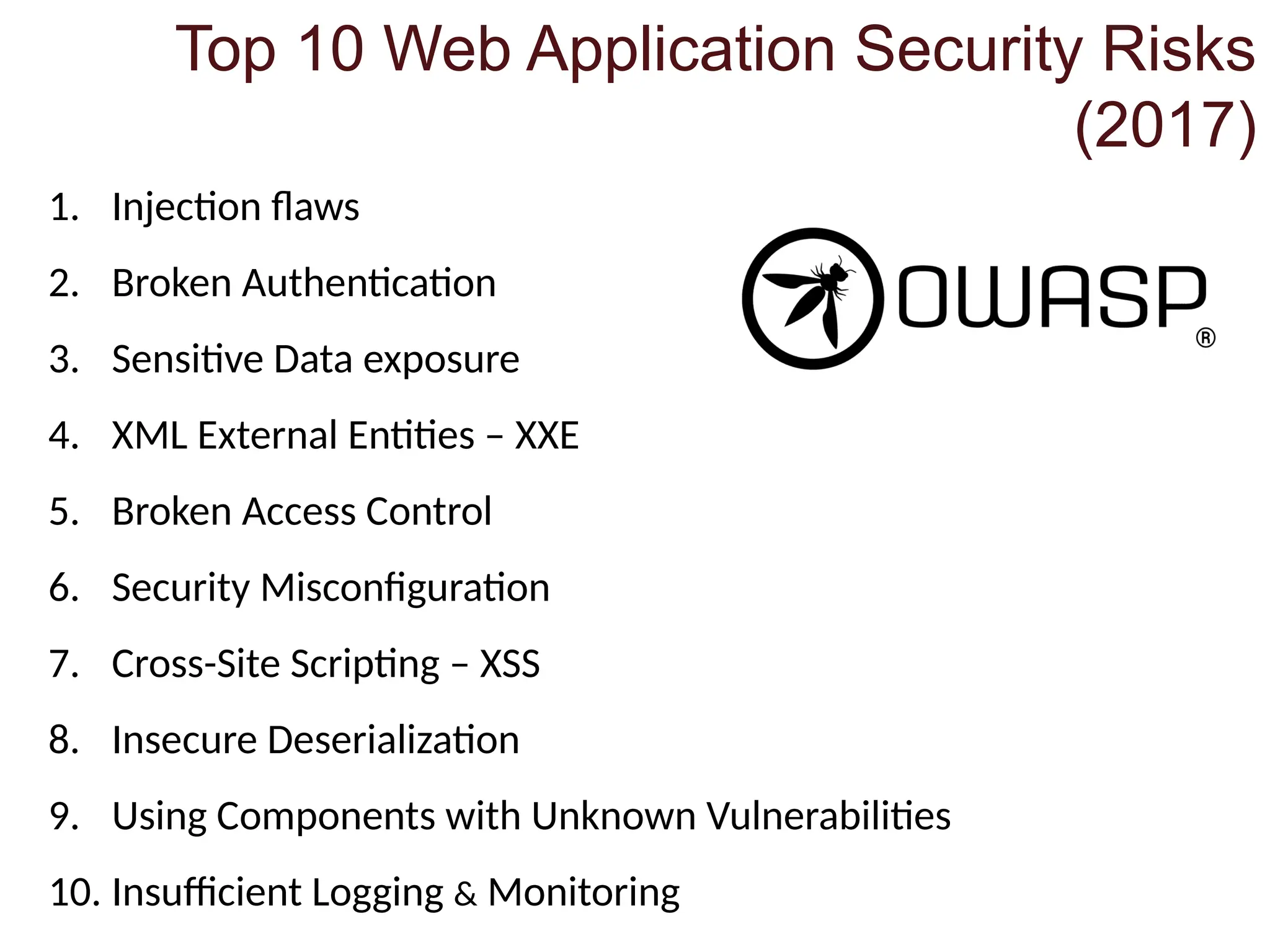
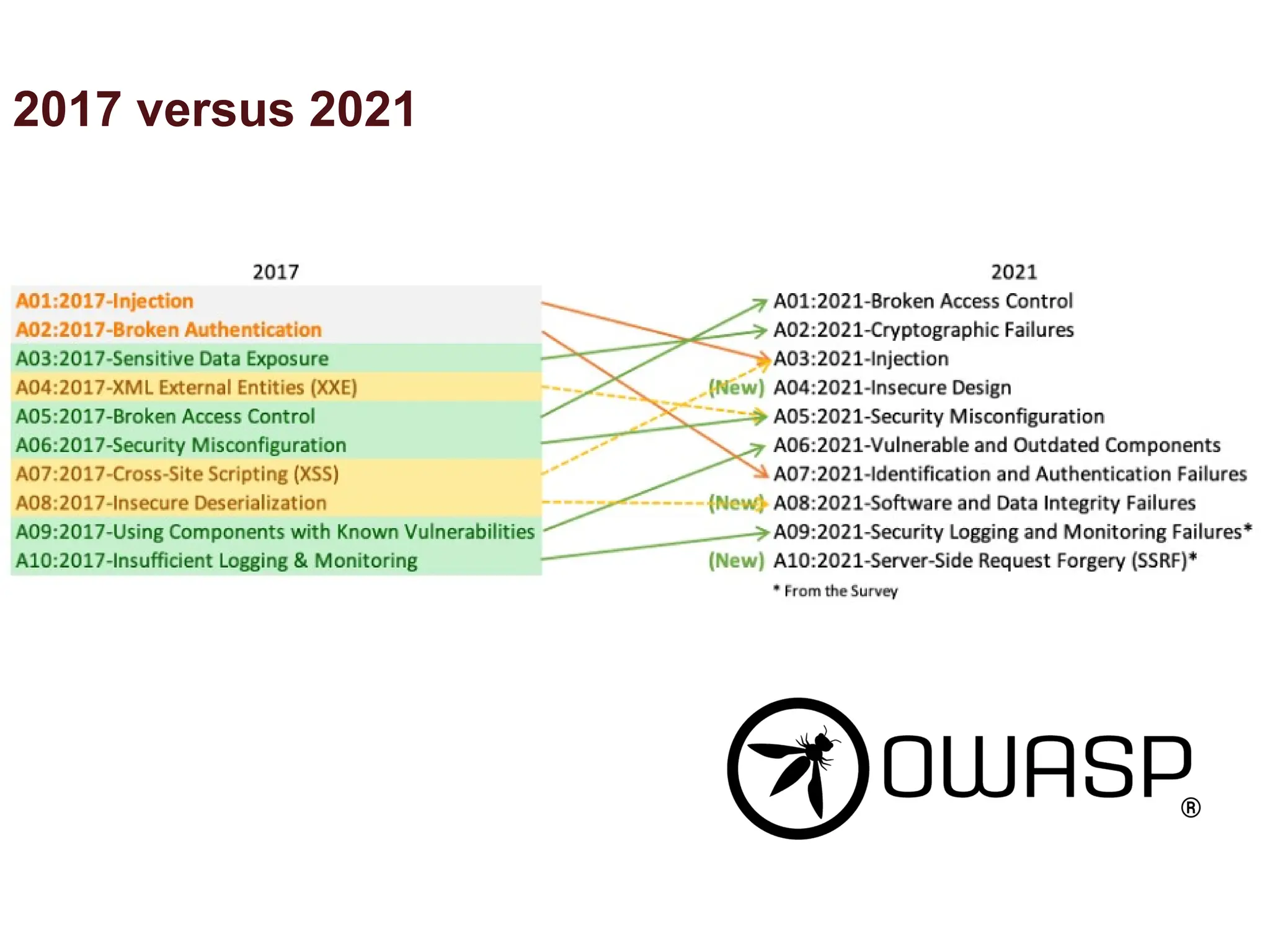
#30 Top 10 Web Application Security Risks
Injection. Injection flaws, such as SQL, NoSQL, OS, and LDAP injection, occur when untrusted data is sent to an interpreter as part of a command or query. The attacker’s hostile data can trick the interpreter into executing unintended commands or accessing data without proper authorization.
Broken Authentication. Application functions related to authentication and session management are often implemented incorrectly, allowing attackers to compromise passwords, keys, or session tokens, or to exploit other implementation flaws to assume other users’ identities temporarily or permanently.
Sensitive Data Exposure. Many web applications and APIs do not properly protect sensitive data, such as financial, healthcare, and PII. Attackers may steal or modify such weakly protected data to conduct credit card fraud, identity theft, or other crimes. Sensitive data may be compromised without extra protection, such as encryption at rest or in transit, and requires special precautions when exchanged with the browser.
XML External Entities (XXE). Many older or poorly configured XML processors evaluate external entity references within XML documents. External entities can be used to disclose internal files using the file URI handler, internal file shares, internal port scanning, remote code execution, and denial of service attacks.
Broken Access Control. Restrictions on what authenticated users are allowed to do are often not properly enforced. Attackers can exploit these flaws to access unauthorized functionality and/or data, such as access other users’ accounts, view sensitive files, modify other users’ data, change access rights, etc.
Security Misconfiguration. Security misconfiguration is the most commonly seen issue. This is commonly a result of insecure default configurations, incomplete or ad hoc configurations, open cloud storage, misconfigured HTTP headers, and verbose error messages containing sensitive information. Not only must all operating systems, frameworks, libraries, and applications be securely configured, but they must be patched/upgraded in a timely fashion.
Cross-Site Scripting XSS. XSS flaws occur whenever an application includes untrusted data in a new web page without proper validation or escaping, or updates an existing web page with user-supplied data using a browser API that can create HTML or JavaScript. XSS allows attackers to execute scripts in the victim’s browser which can hijack user sessions, deface web sites, or redirect the user to malicious sites.
Insecure Deserialization. Insecure deserialization often leads to remote code execution. Even if deserialization flaws do not result in remote code execution, they can be used to perform attacks, including replay attacks, injection attacks, and privilege escalation attacks.
Using Components with Known Vulnerabilities. Components, such as libraries, frameworks, and other software modules, run with the same privileges as the application. If a vulnerable component is exploited, such an attack can facilitate serious data loss or server takeover. Applications and APIs using components with known vulnerabilities may undermine application defenses and enable various attacks and impacts.
Insufficient Logging & Monitoring. Insufficient logging and monitoring, coupled with missing or ineffective integration with incident response, allows attackers to further attack systems, maintain persistence, pivot to more systems, and tamper, extract, or destroy data. Most breach studies show time to detect a breach is over 200 days, typically detected by external parties rather than internal processes or monitoring.
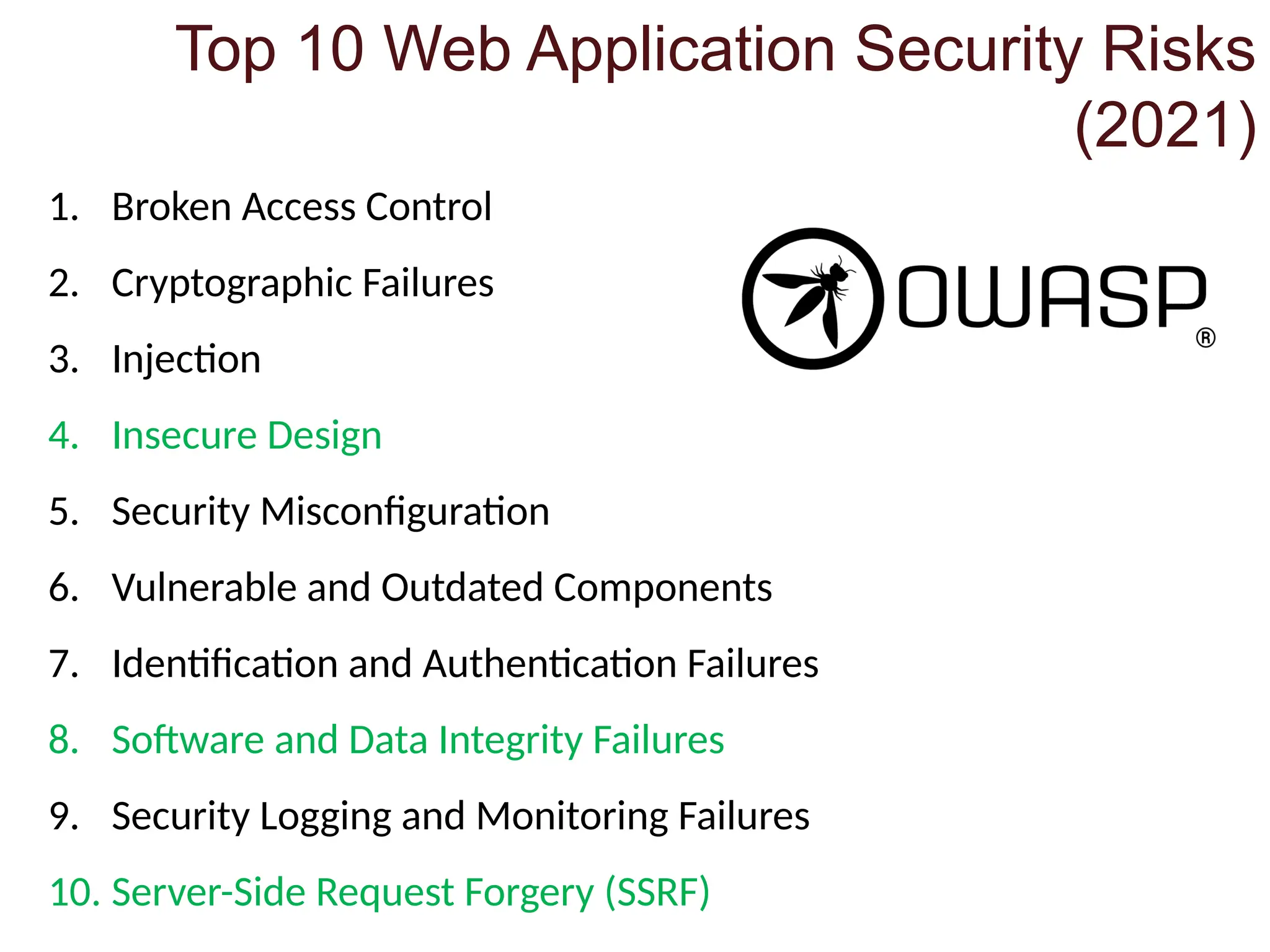
#31 Broken Access Control
Users (systems or people) have more access than intended
Bypassing least privilege, viewing/editing someone else’s account, accessing APIs, elevating privileges, manipulating metadata/tokens, getting to authenticated pages without logging in
Cryptographic Failures
Transmitting data in clear-text, weak encryption/ciphers, poor randomness, poor or no hashing/salting
Injection
No input/data validation, queries not parameterized or allow escapes
Insecure Design
Security isn’t part of the development and planning cycle
Security Misconfiguration
No hardening (extra/unnecessary features enabled), default accounts/passwords enabled, errors overly verbose in prod, settings not set to secure options
Vulnerable and Outdated Components
Updates matter throughout the stack
Identification and Authentication Failures
Allows brute force/credential stuffing/account stuffing attacks, permits weak passwords, allows username enumeration, no MFA, exposing session info in URL
Software and Data Integrity Failures
Poor security in development processes could lead to supply-chain attacks (e.g., Solar Winds, Piriform Ccleaner incidents)
Security Logging and Monitoring Failures
Auditable events log log on and high-value transactions not logged; logs aren’t monitored, logs are unclear, logs only storedlocally
Server-Side Request Forgery (SSRF)
Web app fetches remote resource without validating user-supplied URL
#41 Certified Information Systems Security Professional ((ISC)2)
Global Information Assurance Certification (GIAC)
Cisco Certified Network Professional (Cisco)
Certified Information Security manager (ISACA)
Microsoft Certified Solutions Expert (Microsoft)
#42 Additional references: US-CERT, Center for Internet Security (CIS), TX Admin Code (TAC 202), MS-ISAC
#43 Additional references: US-CERT, Center for Internet Security (CIS), TX Admin Code (TAC 202), MS-ISAC
#44 Bonus: What’s this kind of attack called?
Answer: A ”Salami” attack, as if a butcher or deli worker was shaving off just a tiny bit from each customer’s order


![Number_Guessing_Game_Dsbsbssbzboc[1].pptx](https://cdn.slidesharecdn.com/ss_thumbnails/numberguessinggamedoc1-251206215042-a076fc05-thumbnail.jpg?width=640&height=640&fit=bounds)


