To Support

Your Common Core


Chicago Principals & Administrators Association
        Annual Education Conference
                Feb 7-8, 2013


      Jeremy Dunn, Department of Libraries
        Education Tools and Technology
Today's Objectives

•
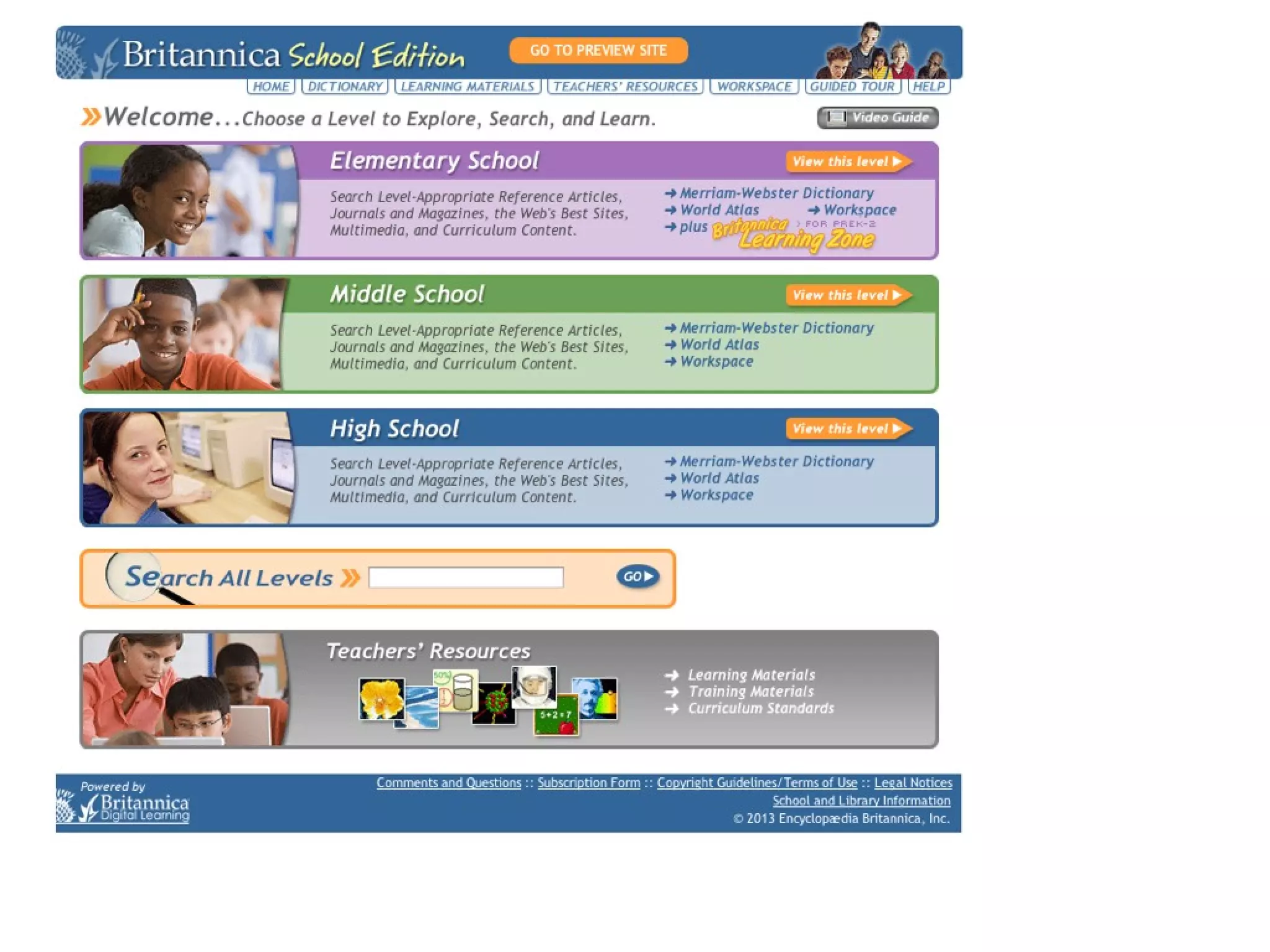
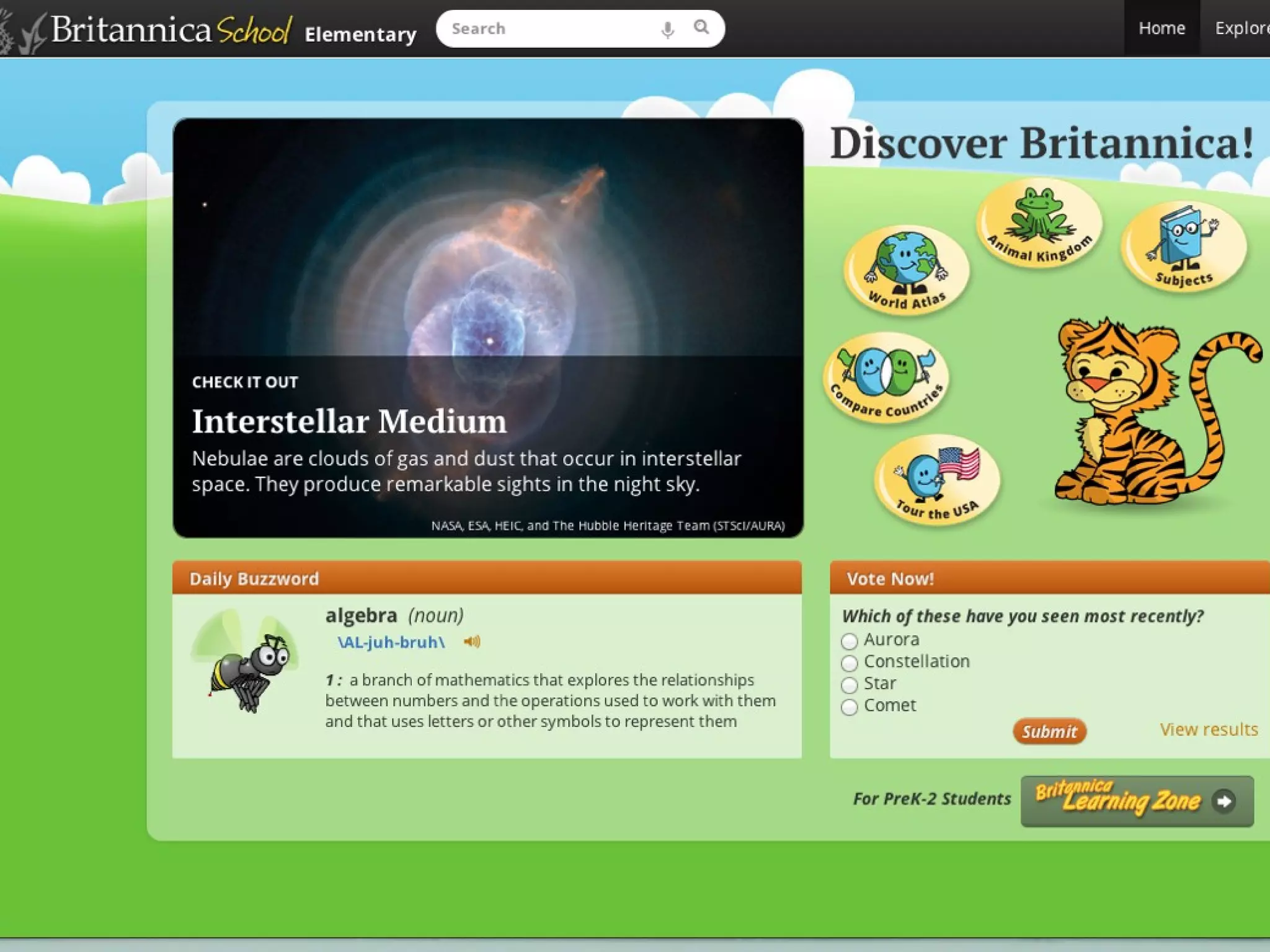
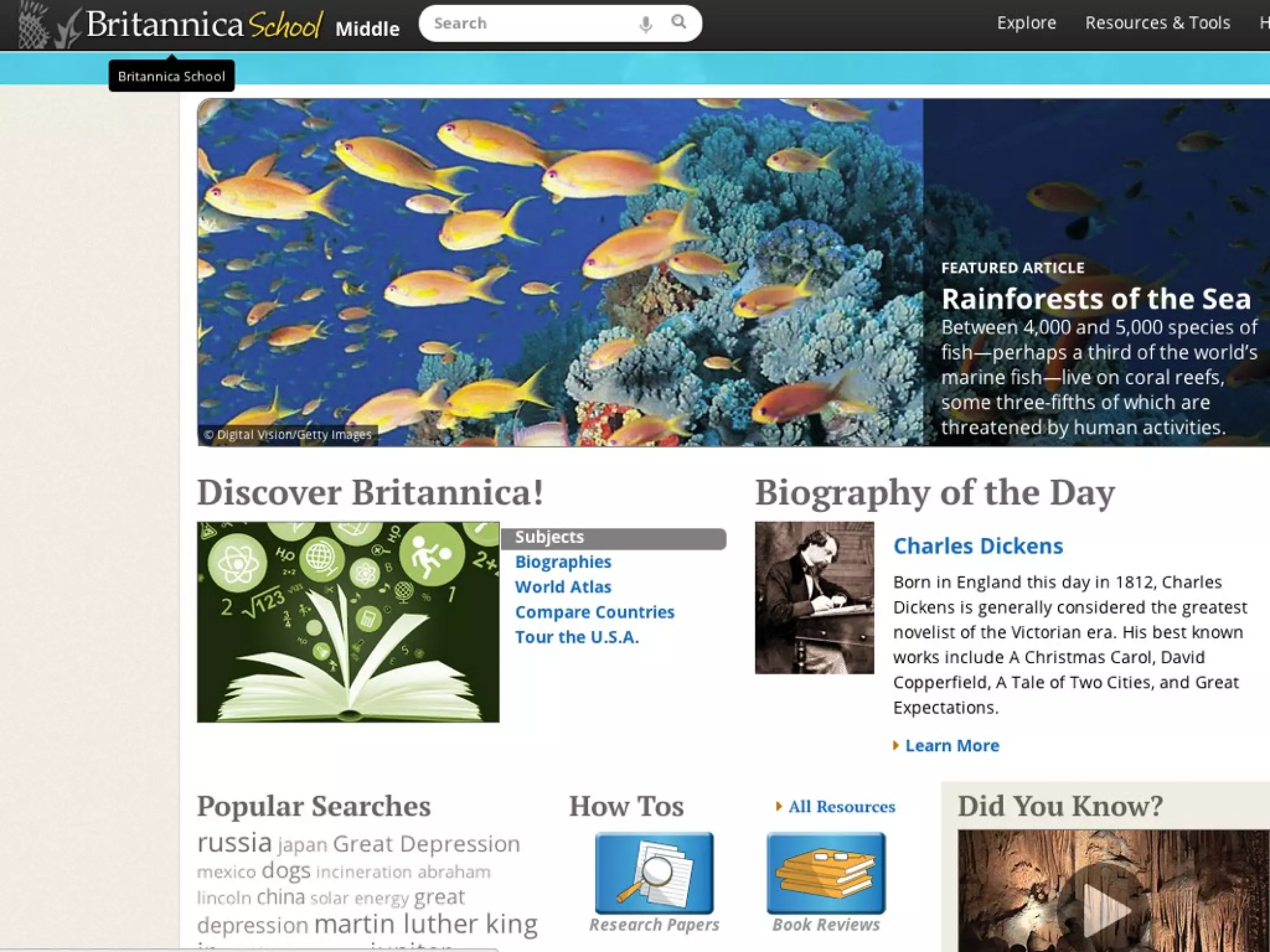
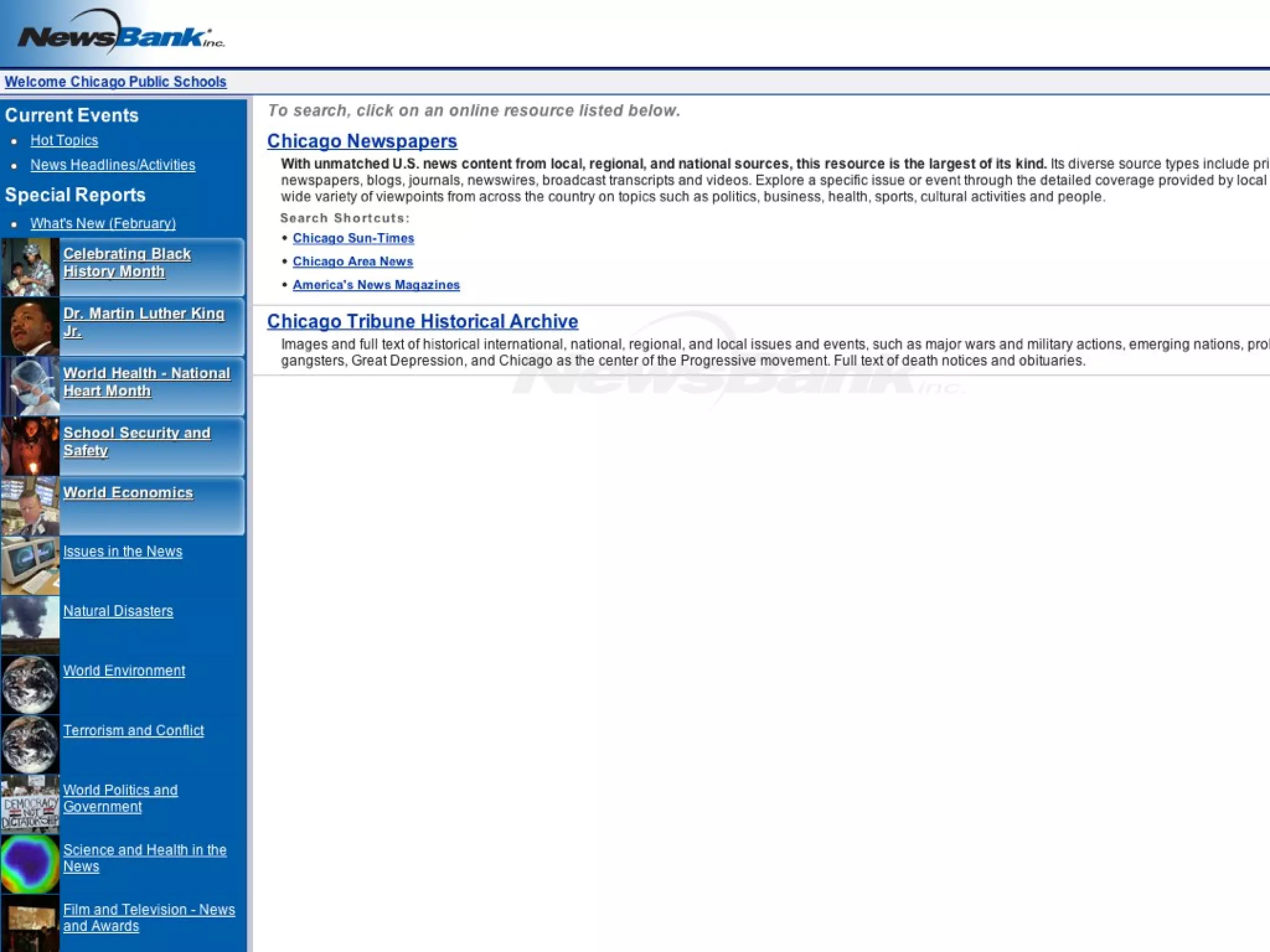
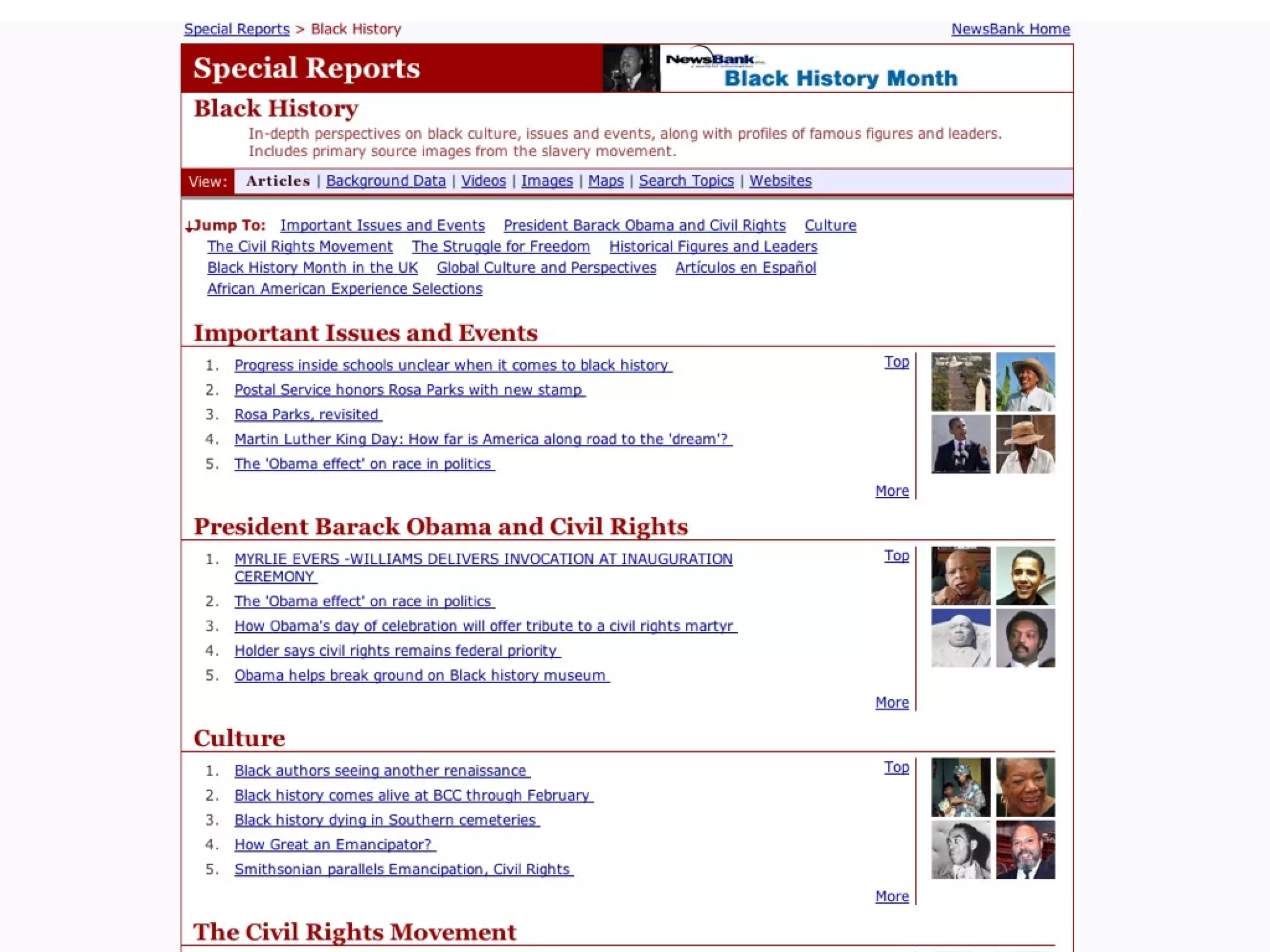
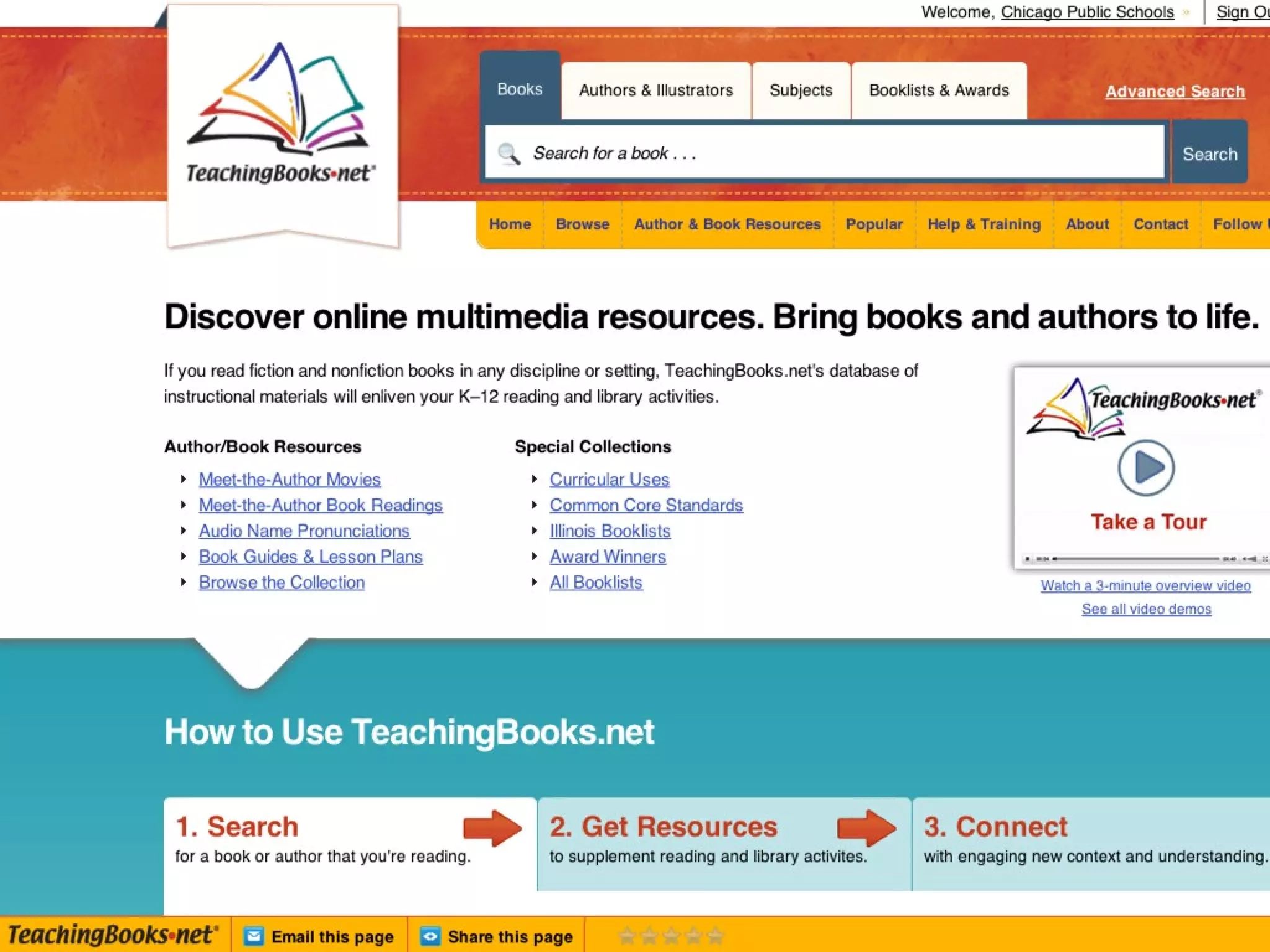
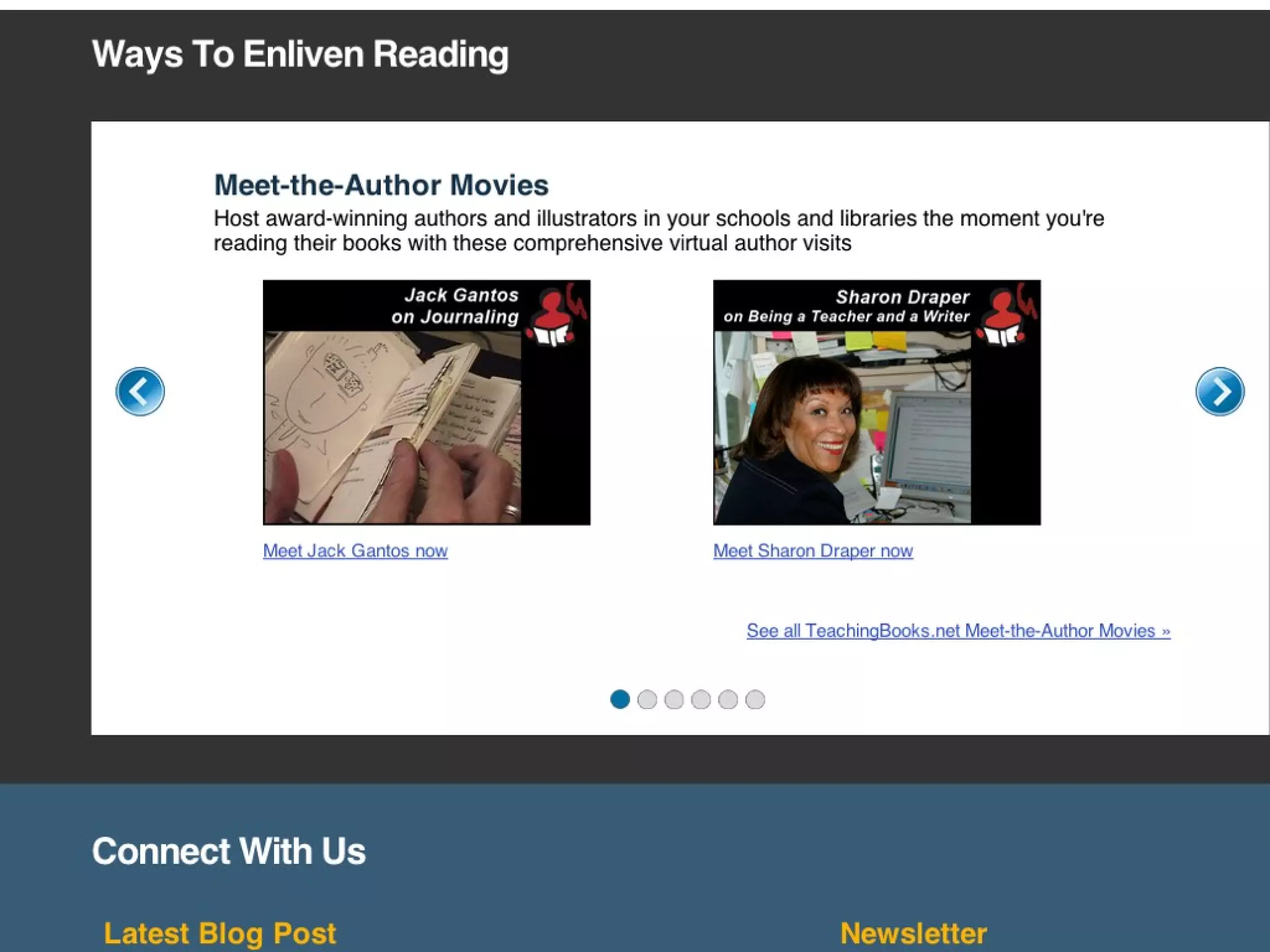
    Know the suite of free resources available to all CPS schools
•
    Understand how to access resources - from school and home
•
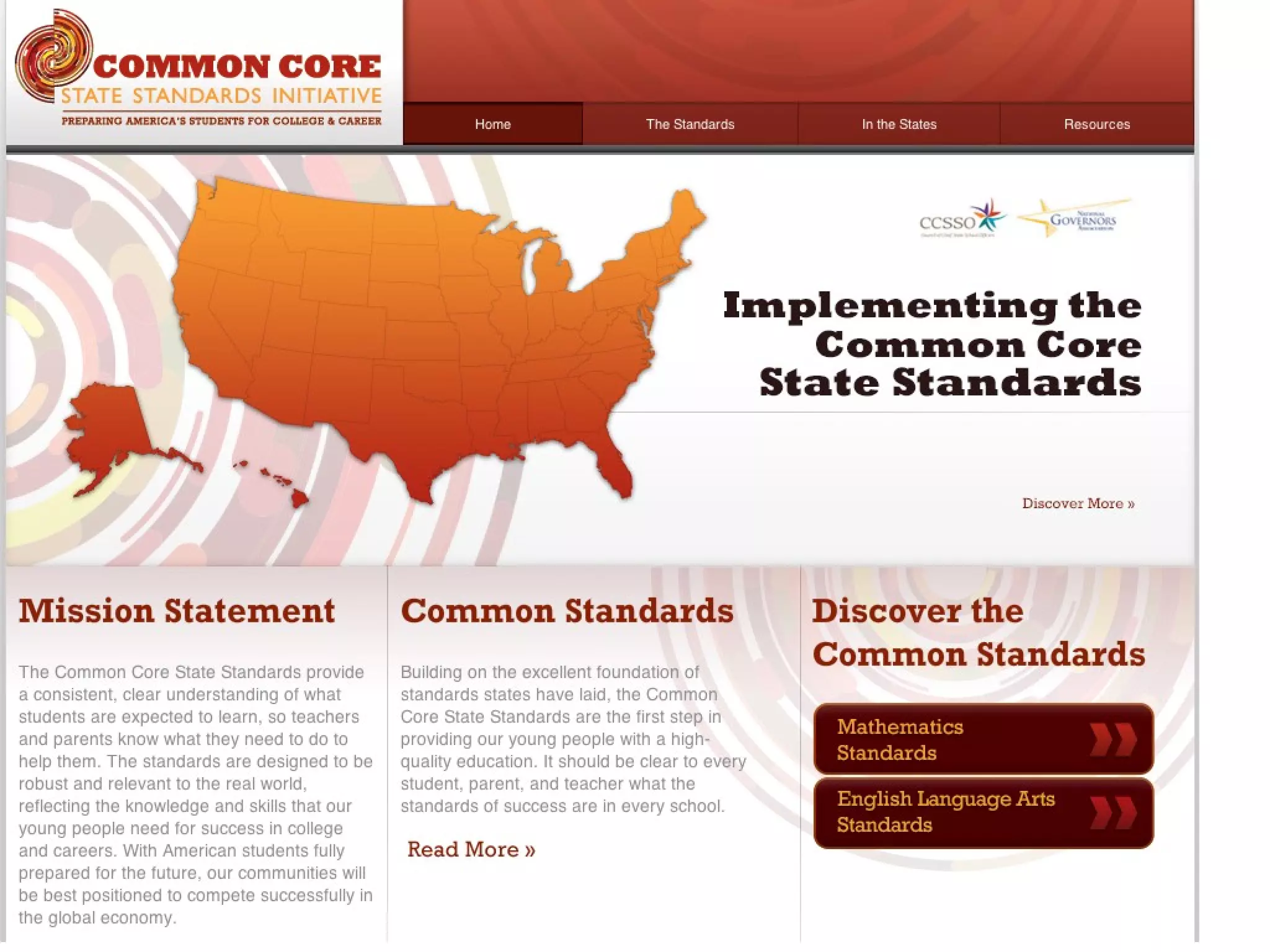
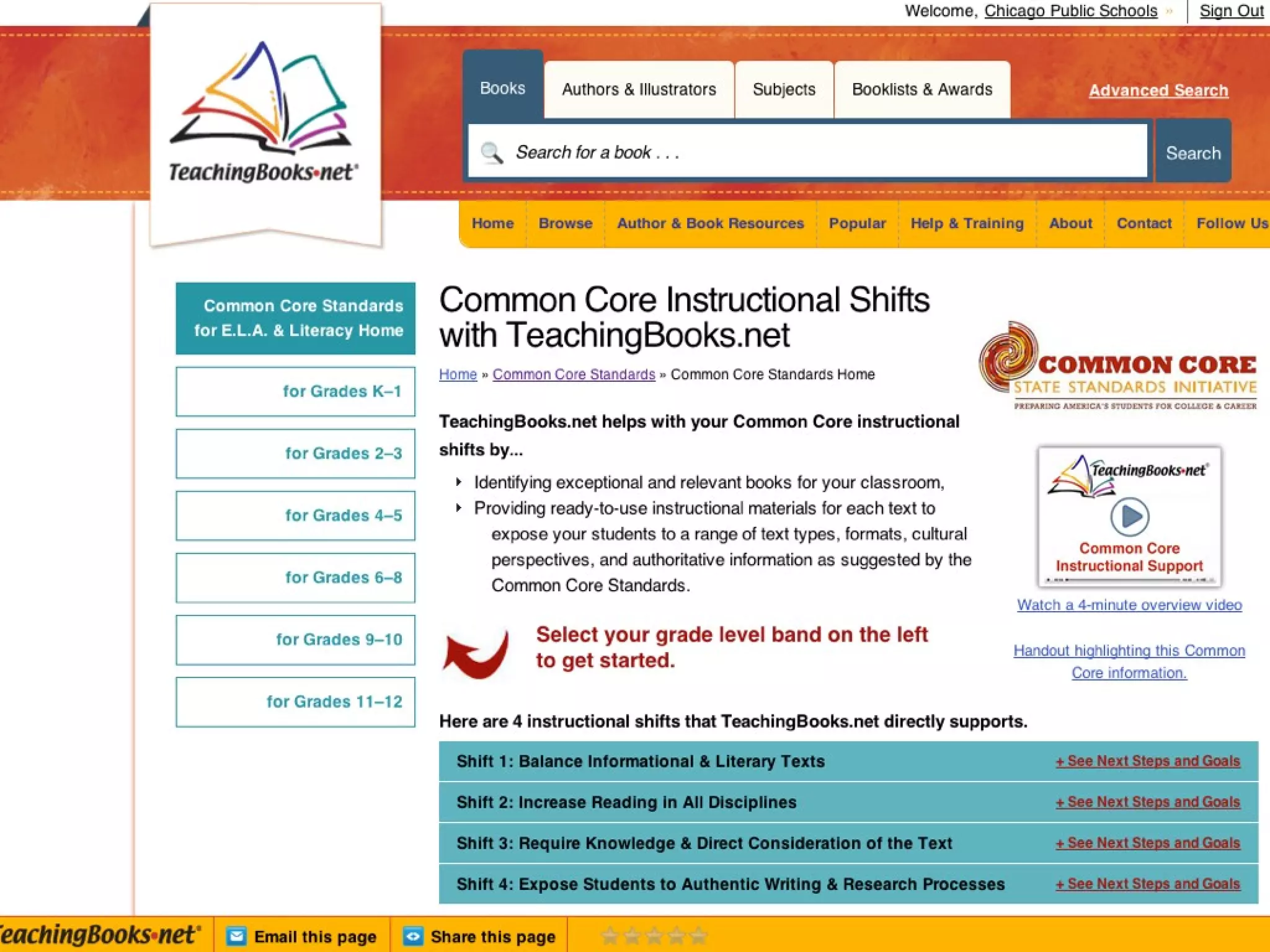
    Understand how resources can support the Common Core State
    Standards
•
    Develop strategies for creating inquiry-based projects to support CCSS-
    aligned curriculum
•
    Consider some Best Practices for using these digital resources
•
    Begin strategy development for integrating use at your school
Instructional Shifts with CCSS

1. Regular Practice with Complex Text

      •Accessible texts used in
      conjunction with complex texts
Instructional Shifts with CCSS

2. Build knowledge through informational texts

      •Inquiry-based projects = motivation
Instructional Shifts with CCSS

3. Reading and writing grounded in textual evidence

       • Elementary - Narrative, Informational,
         Argument

       • Middle - Multiple sources; explain; convince

       • HS - Sophisticated arguments; variety of
         sources
Common Core State Standards

            +

Authentic Learning Experiences

 =   Inquiry-based learning


     This is Research!
Research Project Ingredients
• Inquiry-based

• Aligned to CCSS

• Aligned to Research and Technology Skills

• Guided by a Process
Inquiry-based projects
• Driven by student questions / interests

• Guided by teacher

• Grounded in a thematic focus

• Personally relevant, Socially significant
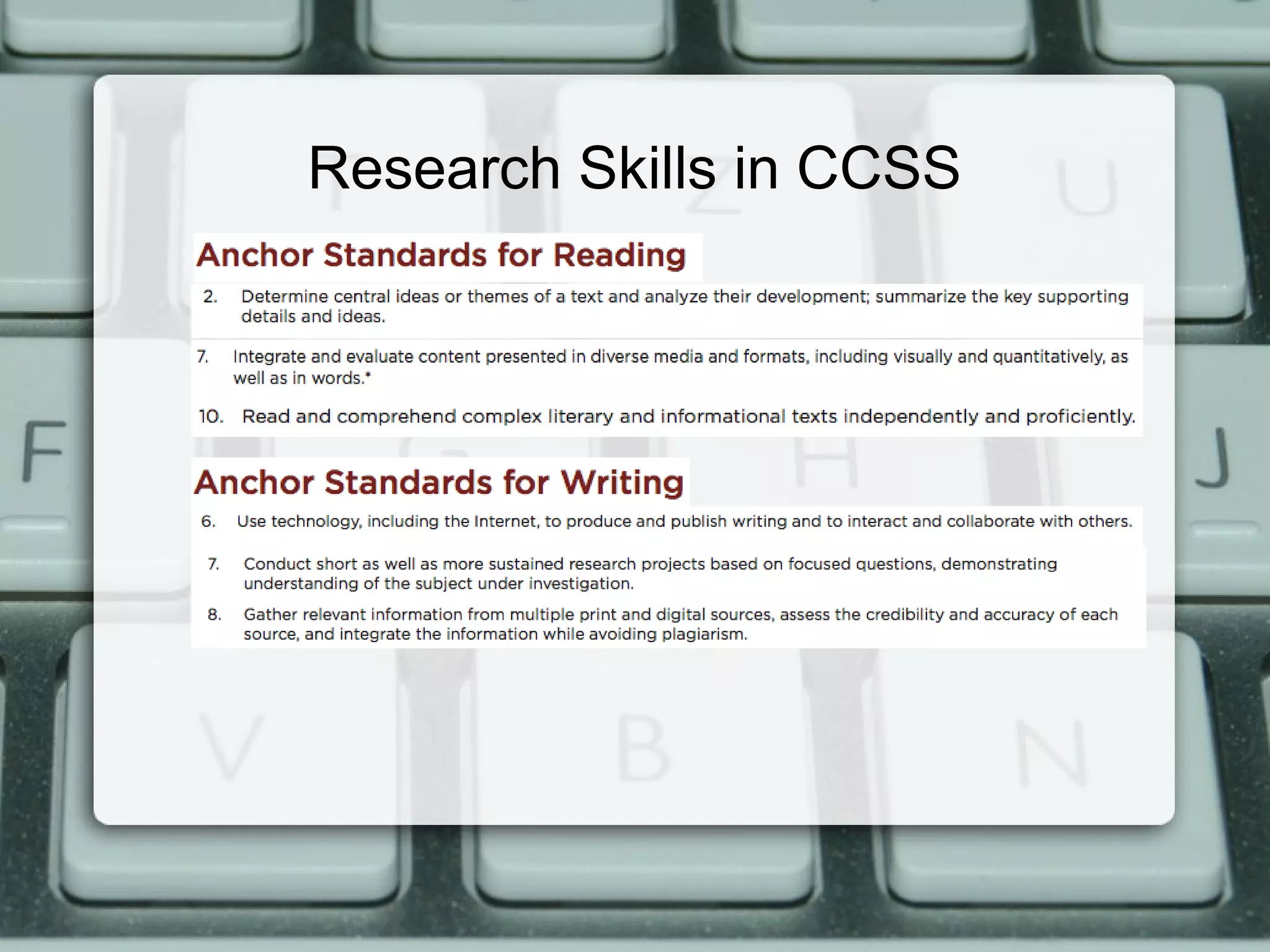
Research Skills in CCSS


<Insert image here for LCF>
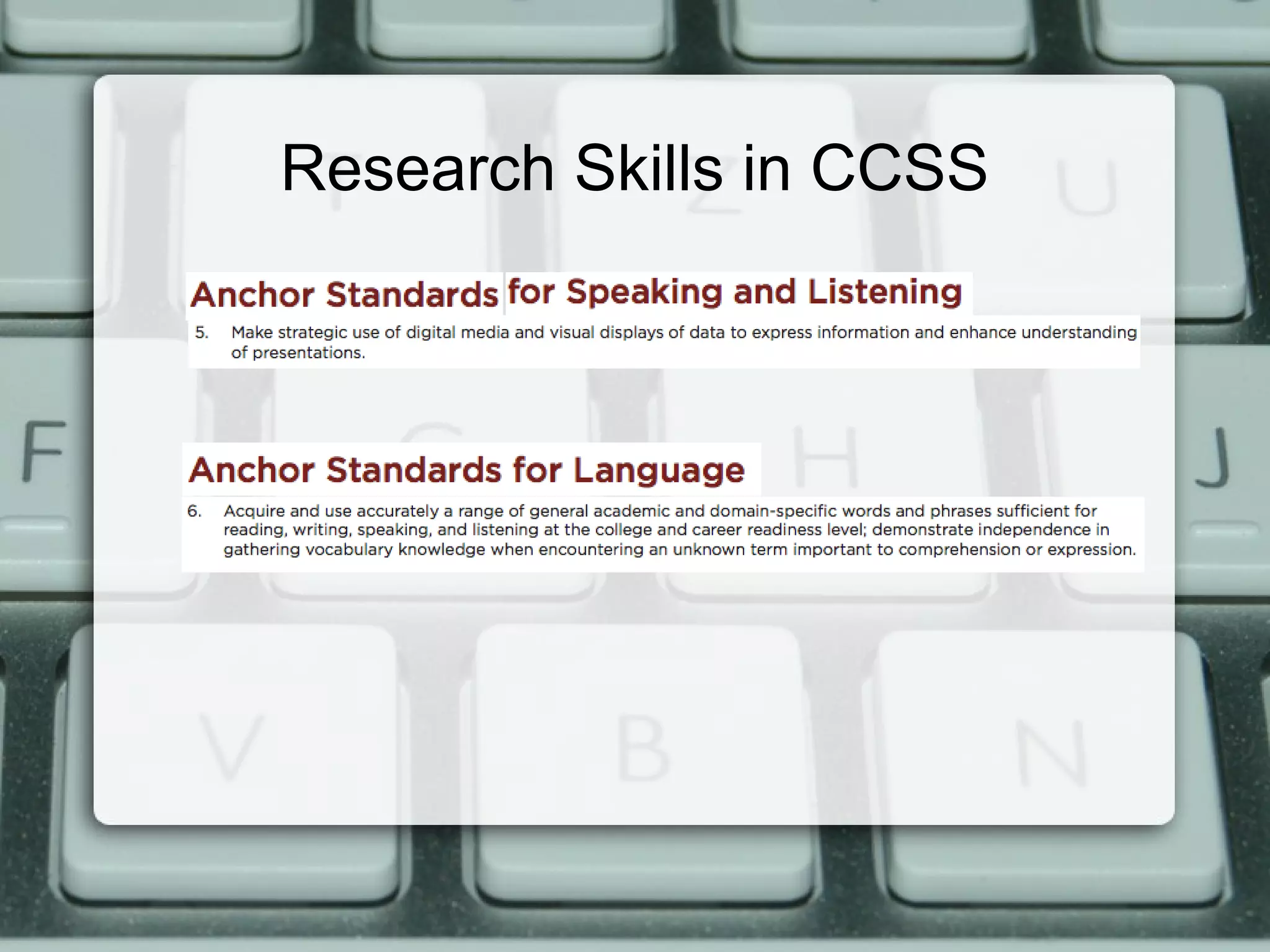
Research Skills in CCSS
CCSS Standards > Research

 • Short / sustained research based on focused ?s

 • Gathering information, assessing credibility

 • Integrating information

 • Textual evidence to support analysis, reflection
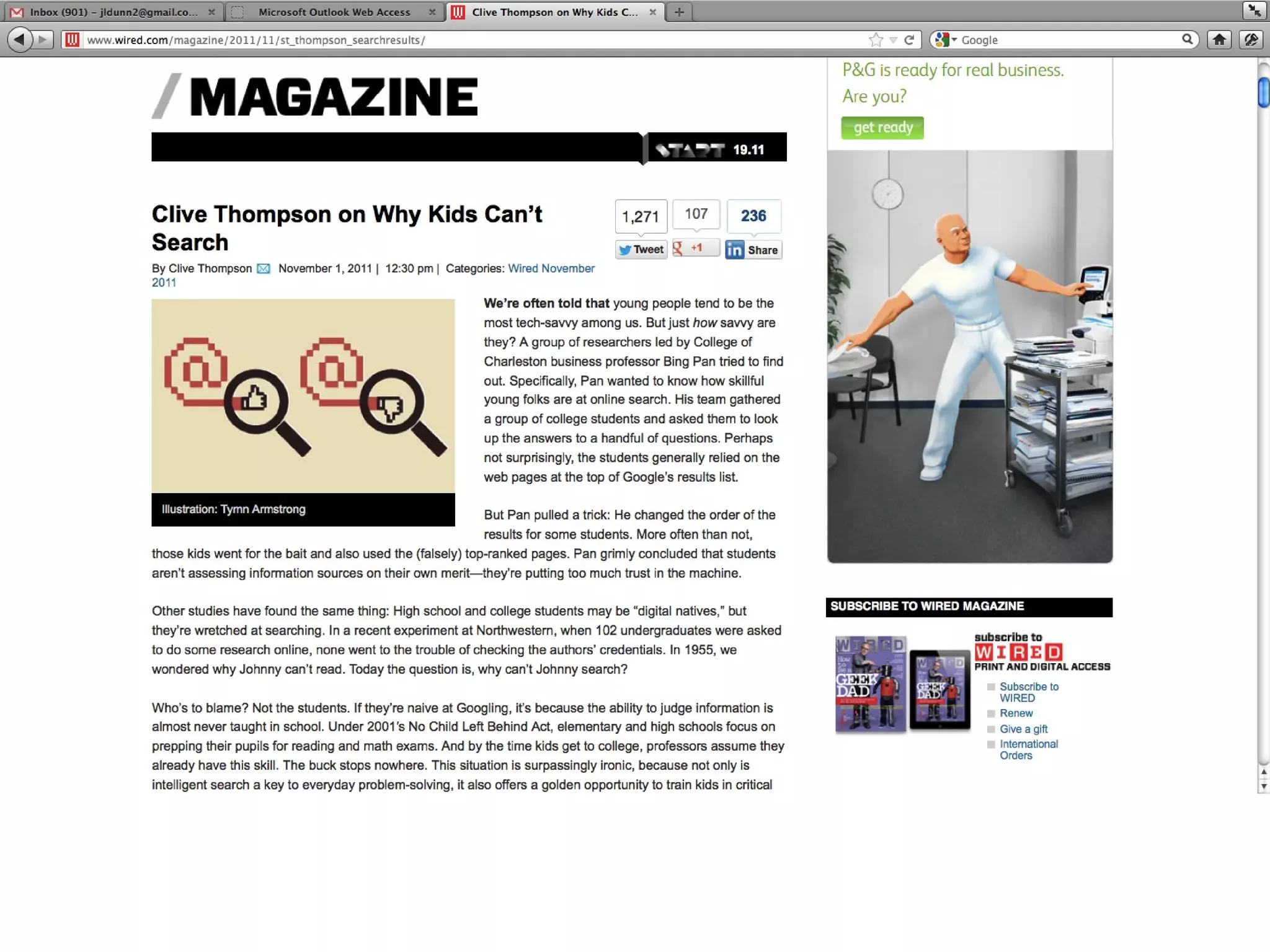
What do you think?


Are students naturally skillful, or
   naturally not skillful, when
 conducting Internet research?
Research Process
1. Developing the question

2. Identifying Source Information

3. Evaluating Data/Information

4. Organizing Information

5. Synthesizing Information

6. Sharing with Others

7. Reflect and Assess
Research Process
1. Developing the question

2. Identifying Source
   Information

3. Evaluating Data/Information

4. Organizing Information

5. Synthesizing Information

6. Sharing with Others

7. Reflect and Assess
a
                                   mport earning.
                              ain i tury l
                      s  cont st cen
             ta base ort 21
      e da             p
nlin es to sup
         c
e sour e:
          r
They a                     ards
                         d
                   s ta n c y
         n ed to ccura
 •Alig        for a                               l
  •Ve   tted ative                         s choo
              rit                     e or ations
   •A  ut h o t                    hom d cit
           ren           / 7 from il an       ration
    •Cur          le 24 ty to ema udio nar
          ailab abili
     •Av         e              ave a
      • Pr ovid sources h
                   e
       •So  me r


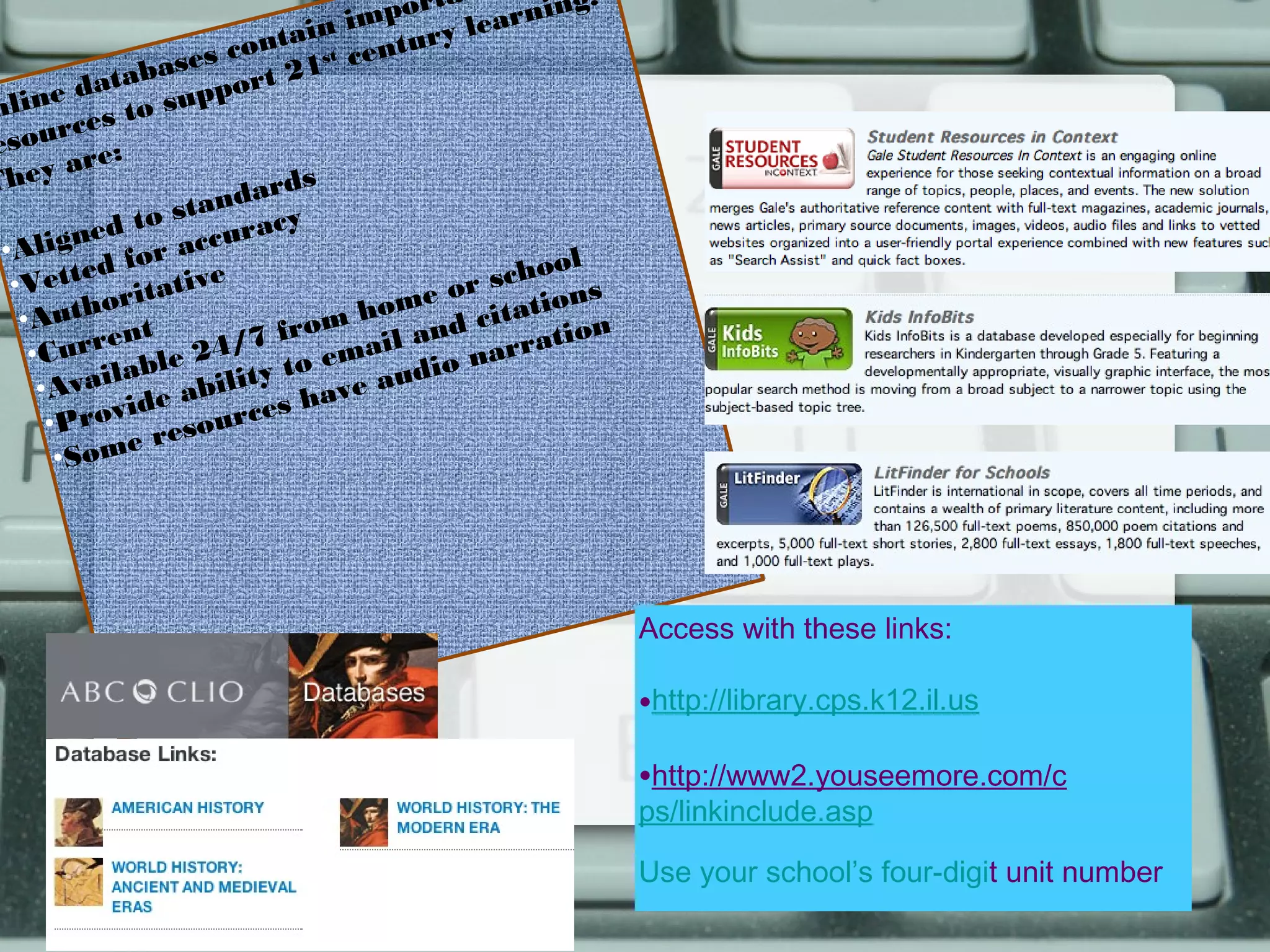
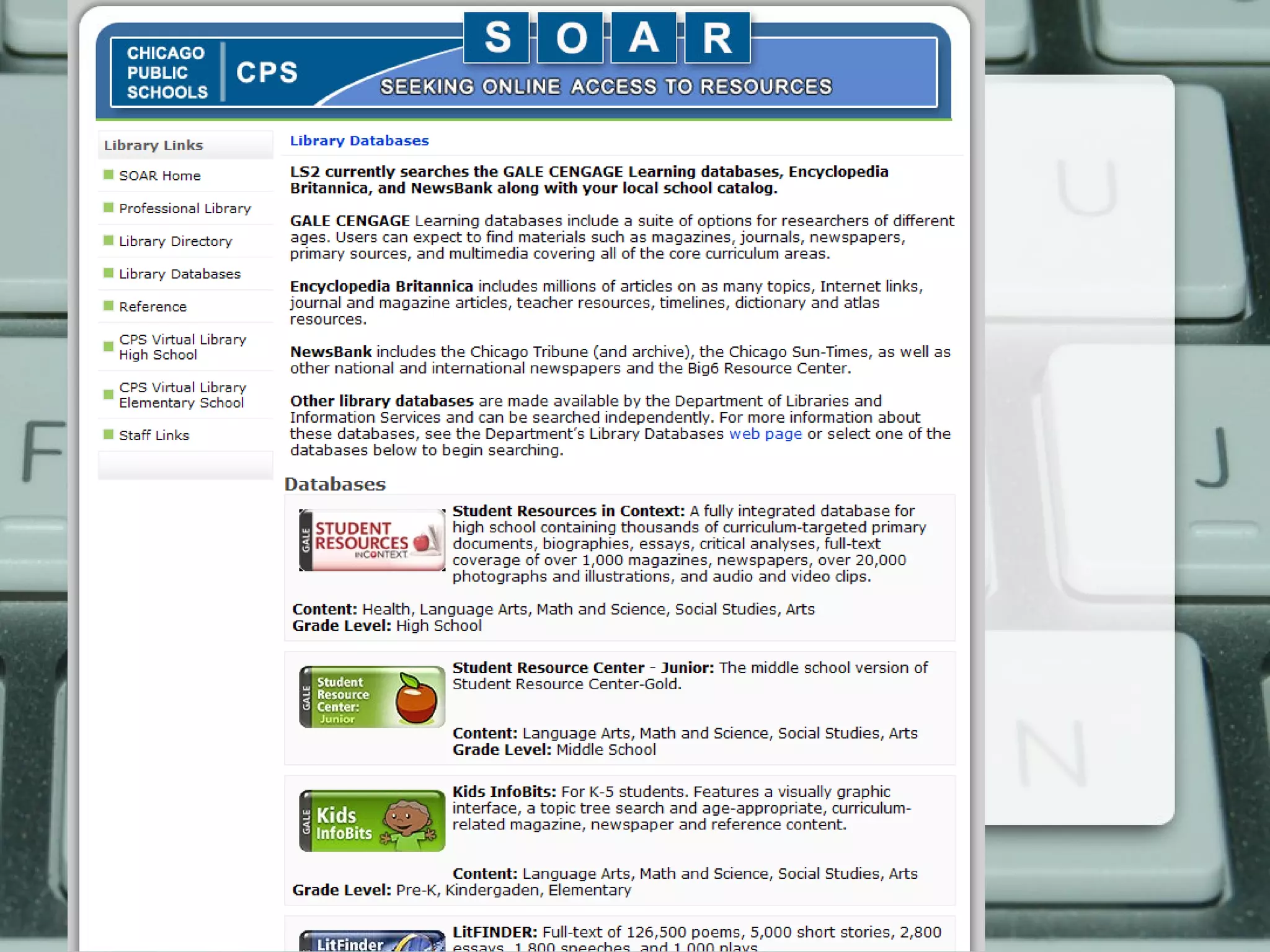
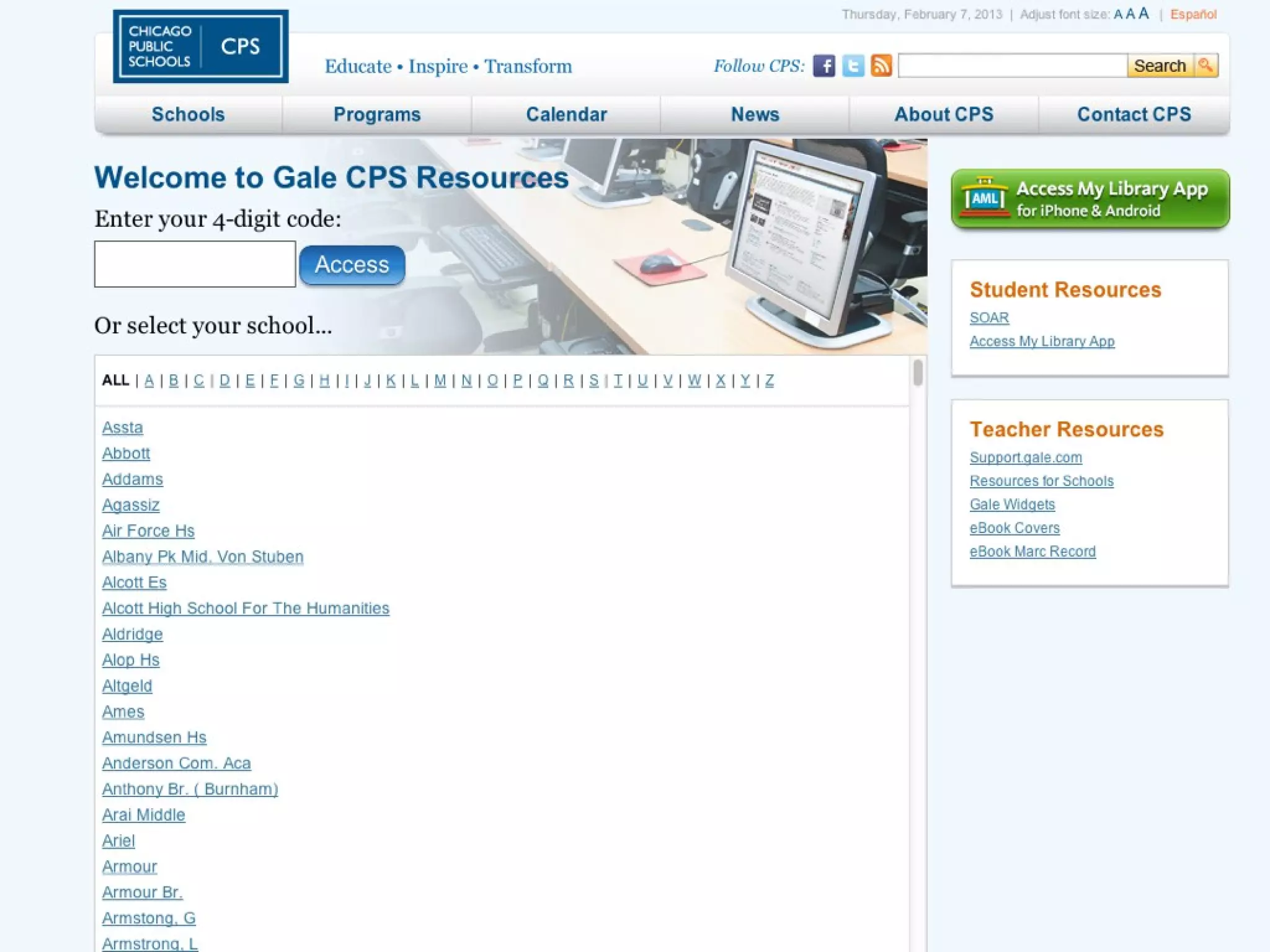
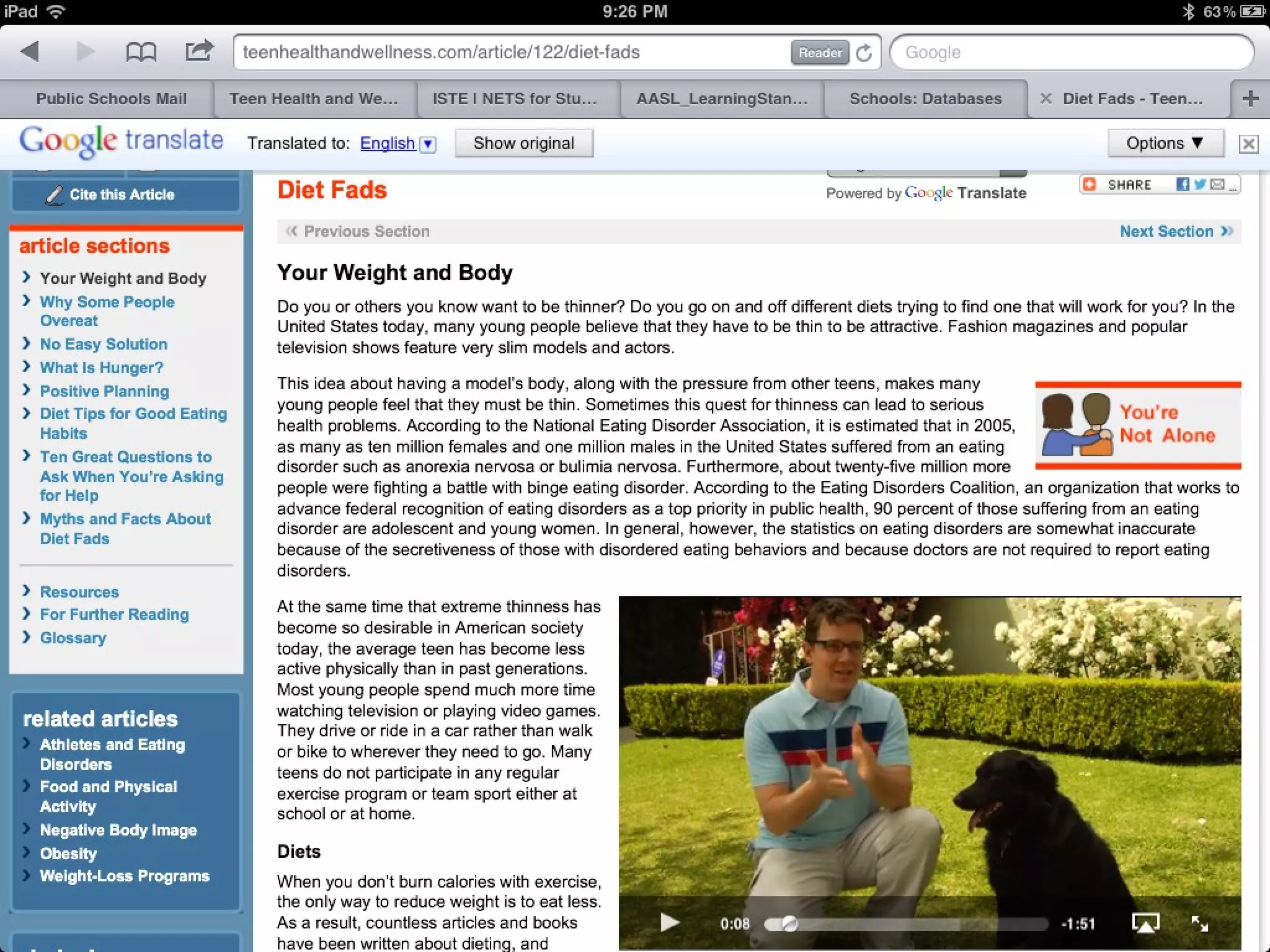
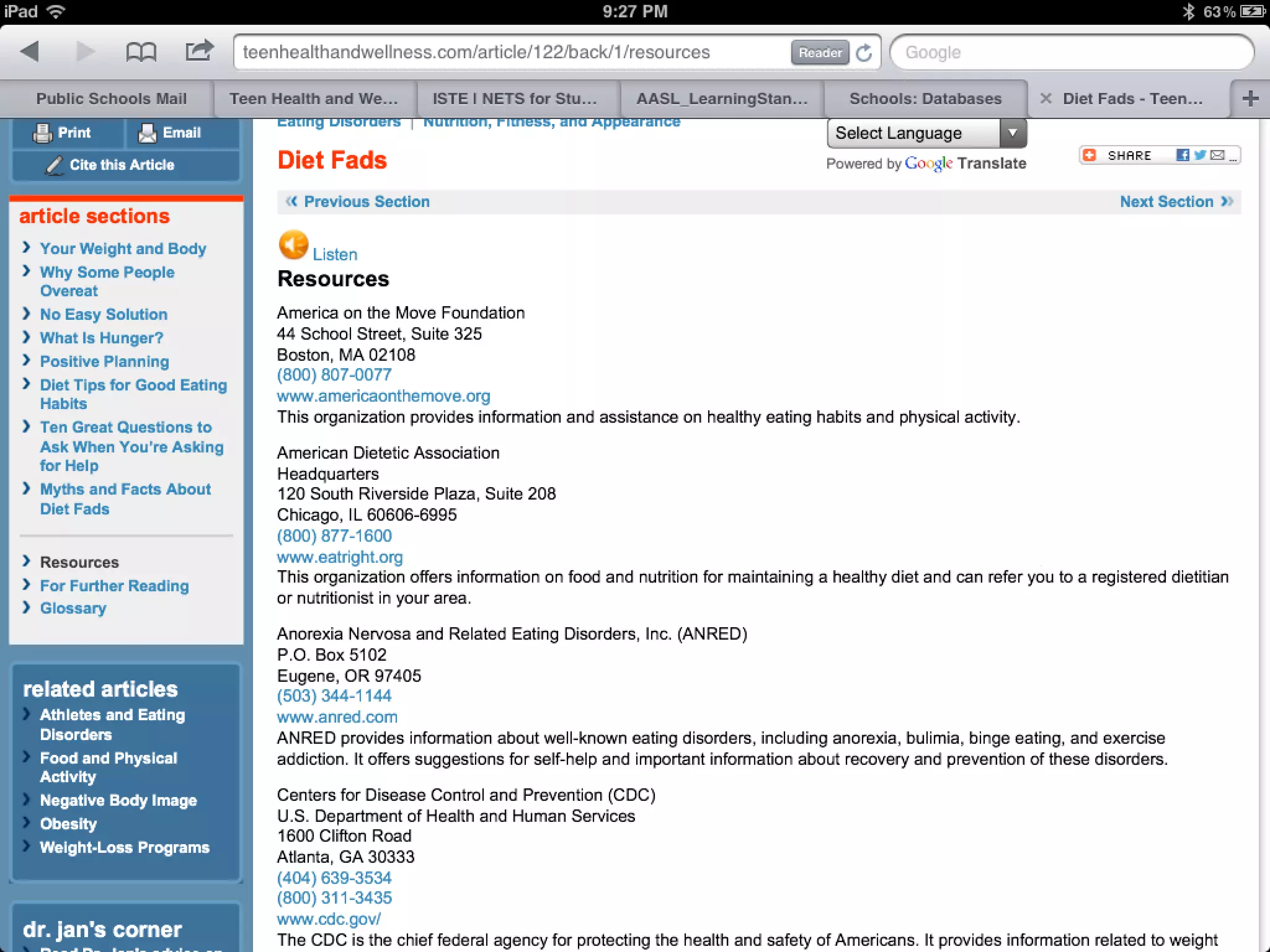
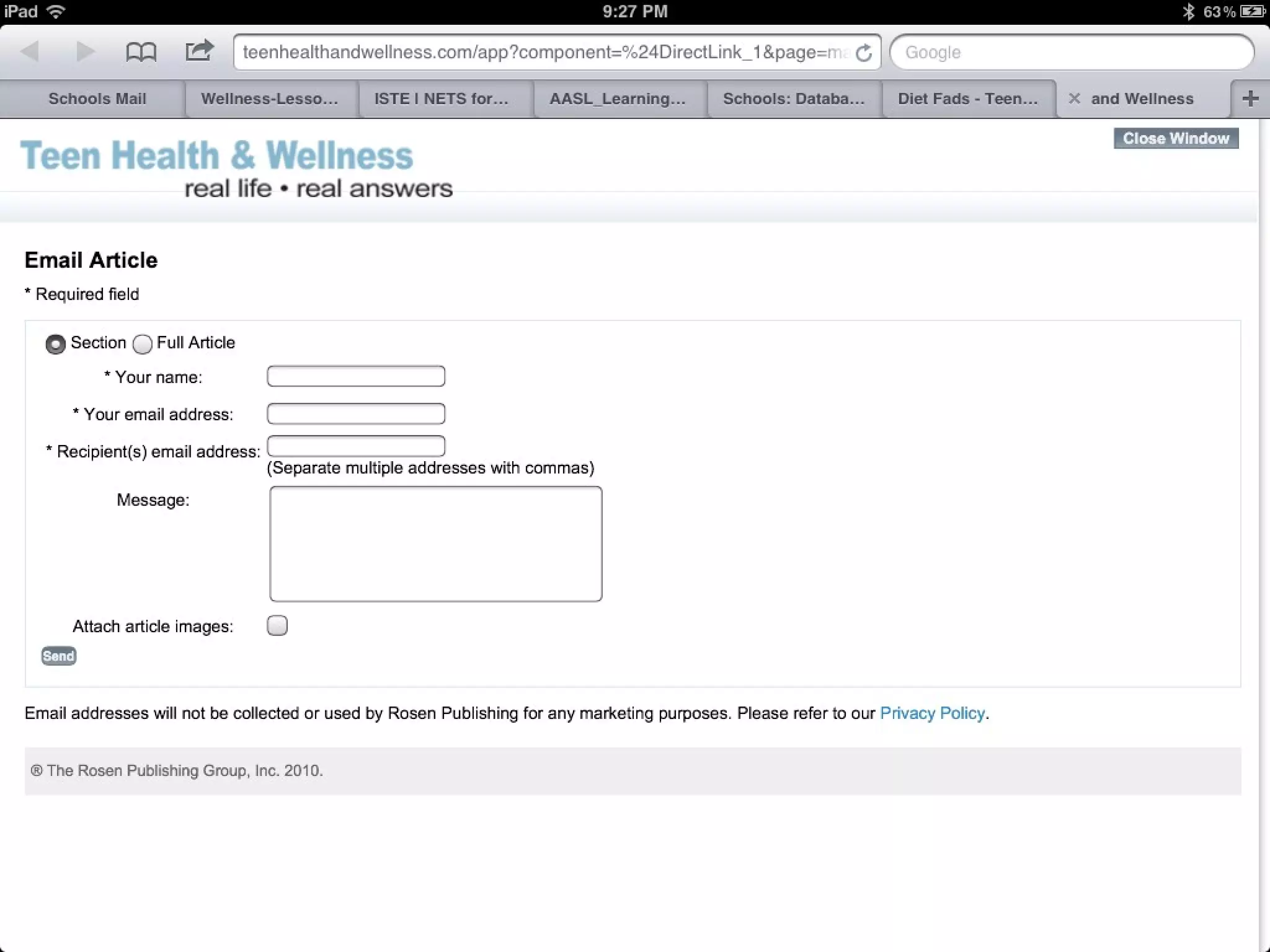
                                                       Access with these links:

                                                       •http://library.cps.k12.il.us
                                                       •http://www2.youseemore.com/c
                                                       ps/linkinclude.asp

                                                       Use your school’s four-digit unit number
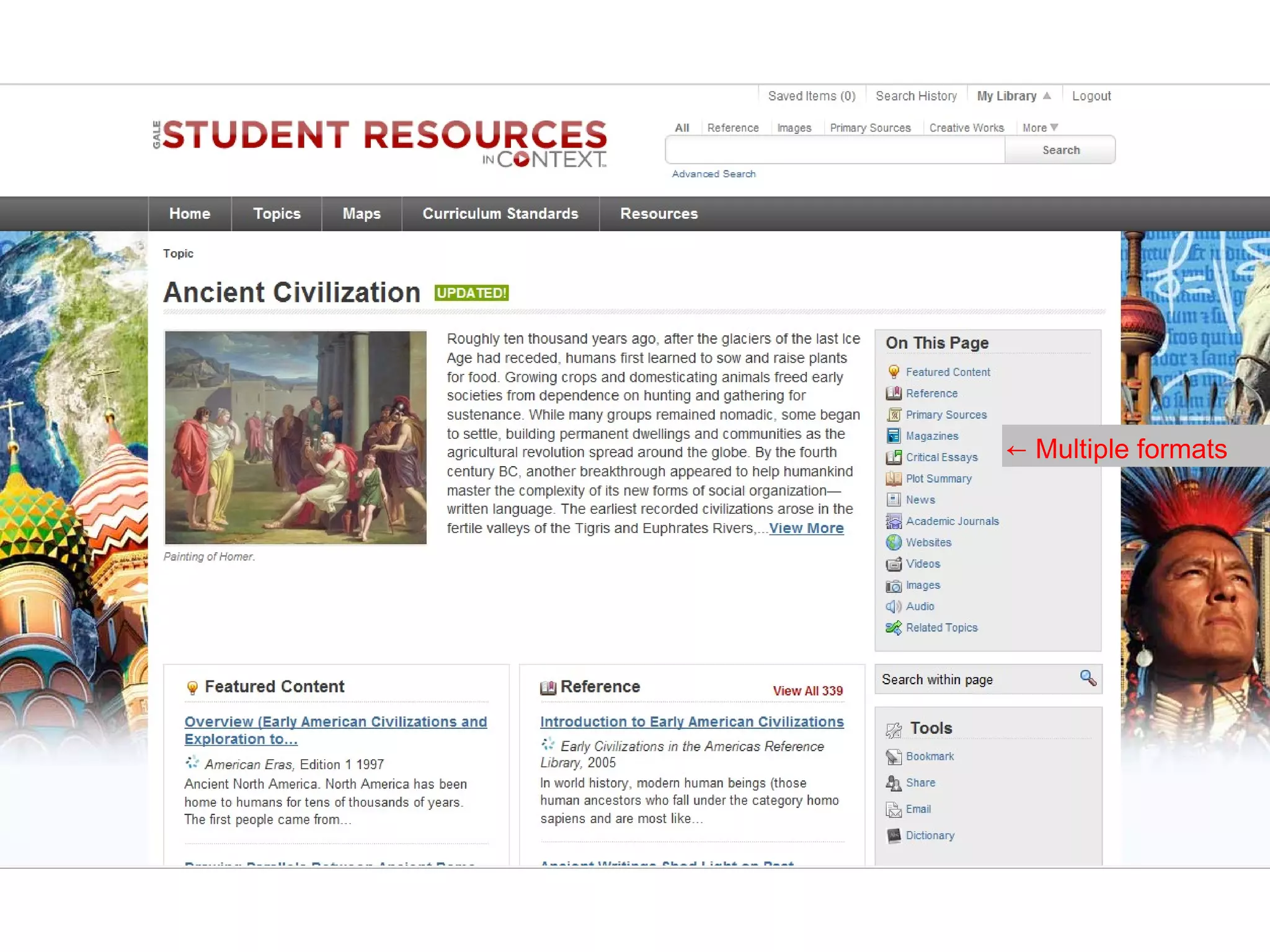
← Multiple formats
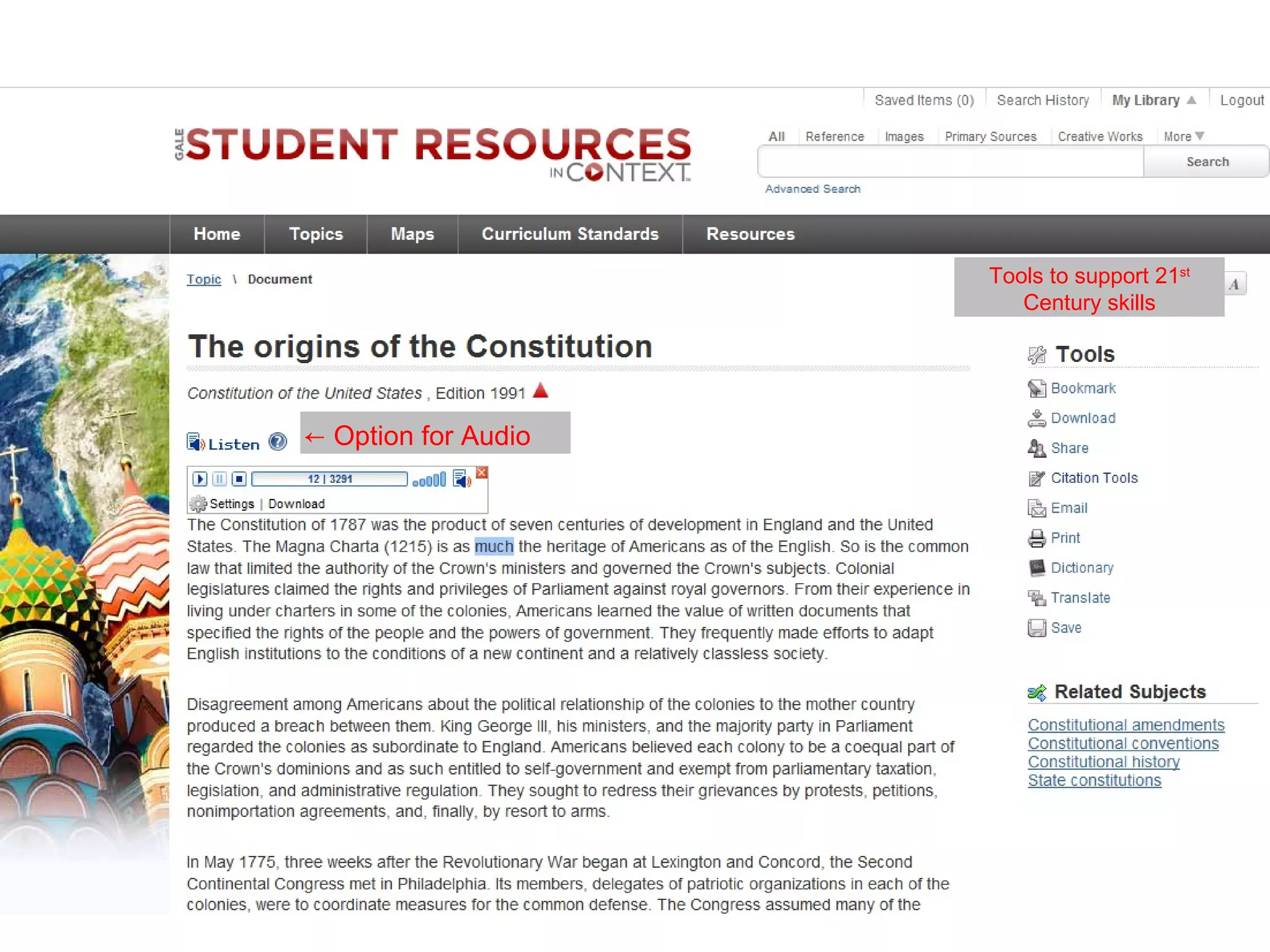
Tools to support 21st
                        Century skills


← Option for Audio
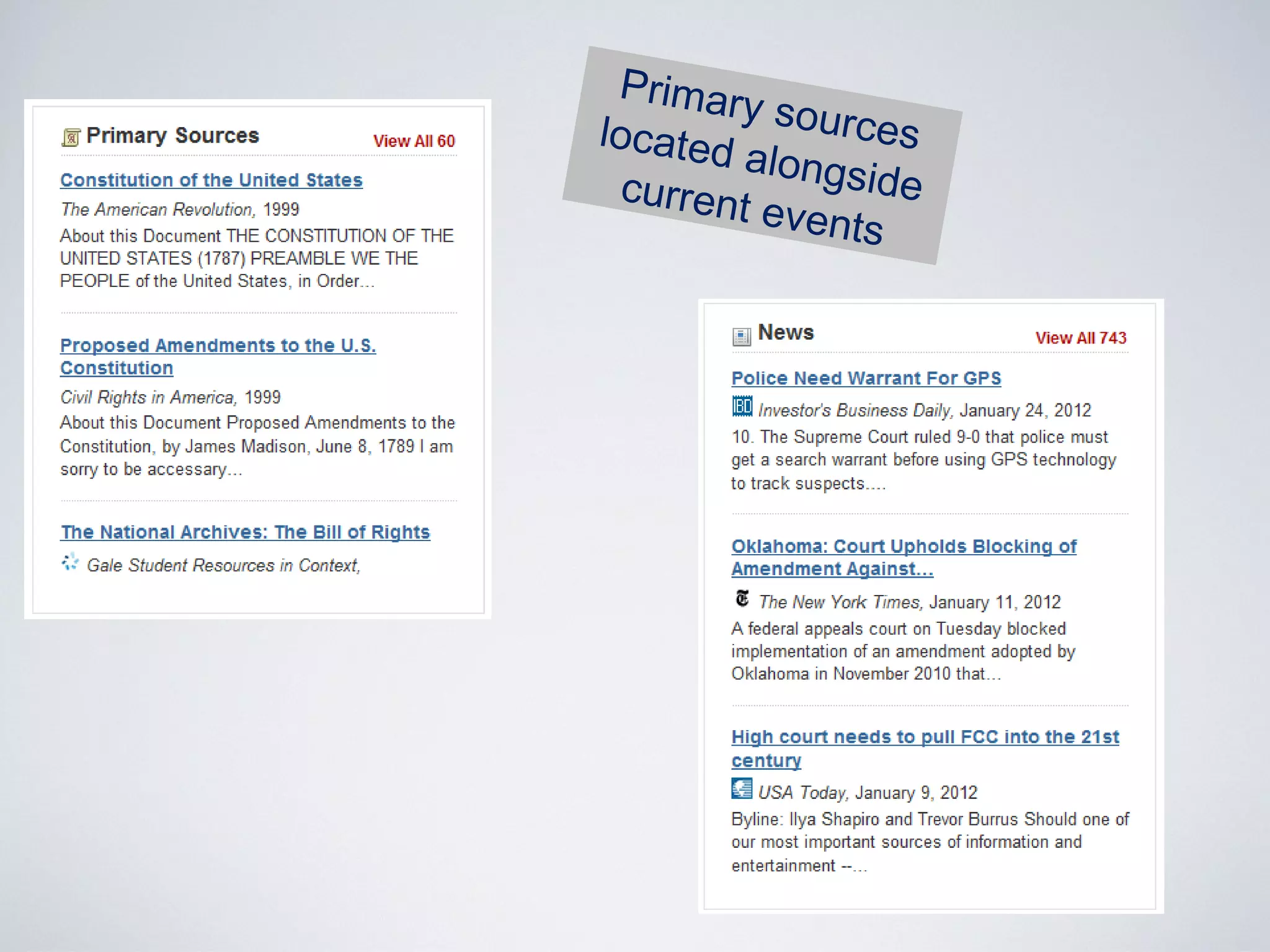
Primar
        y sourc
located          es
         alongs
  current       ide
          events
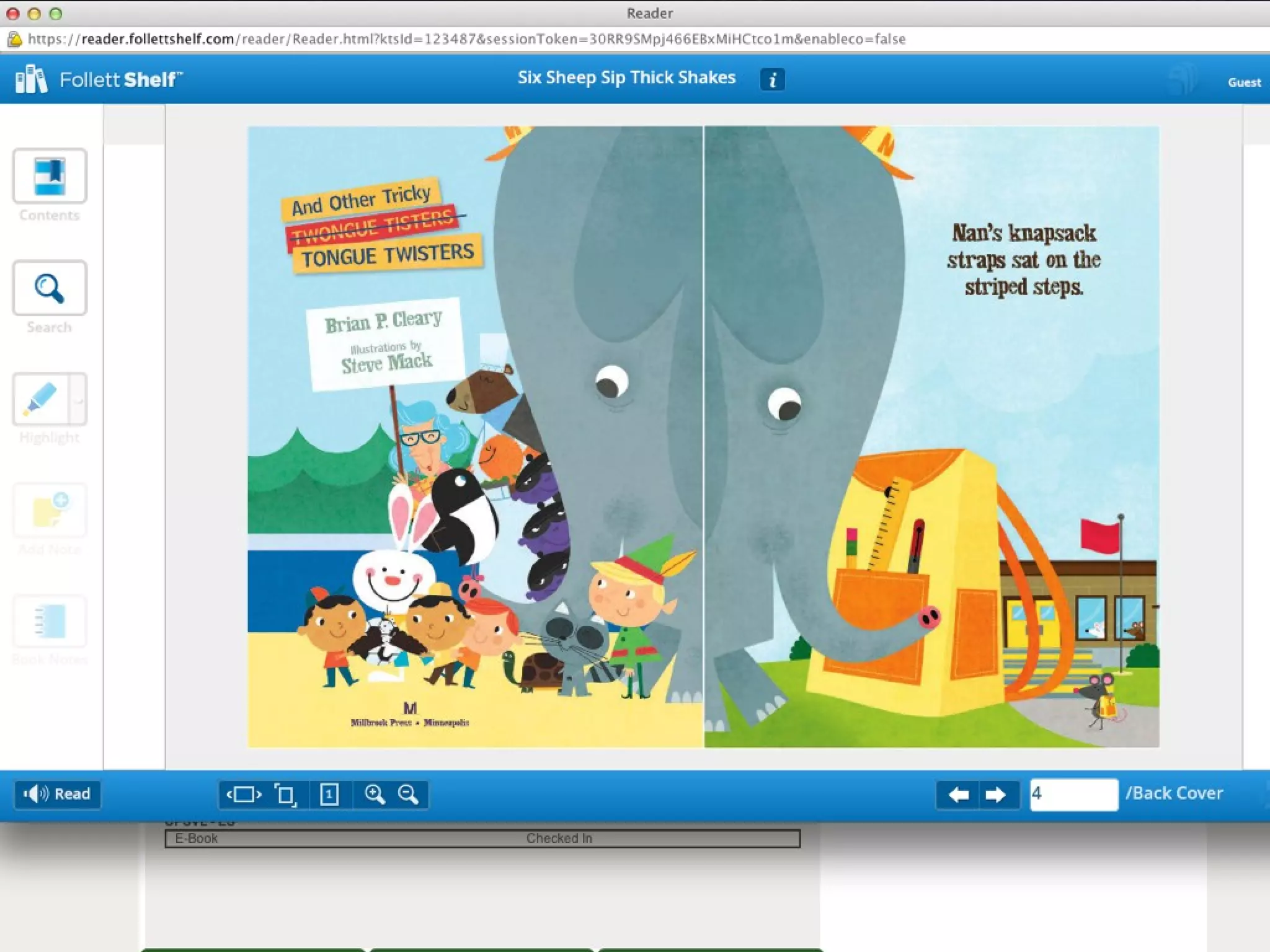
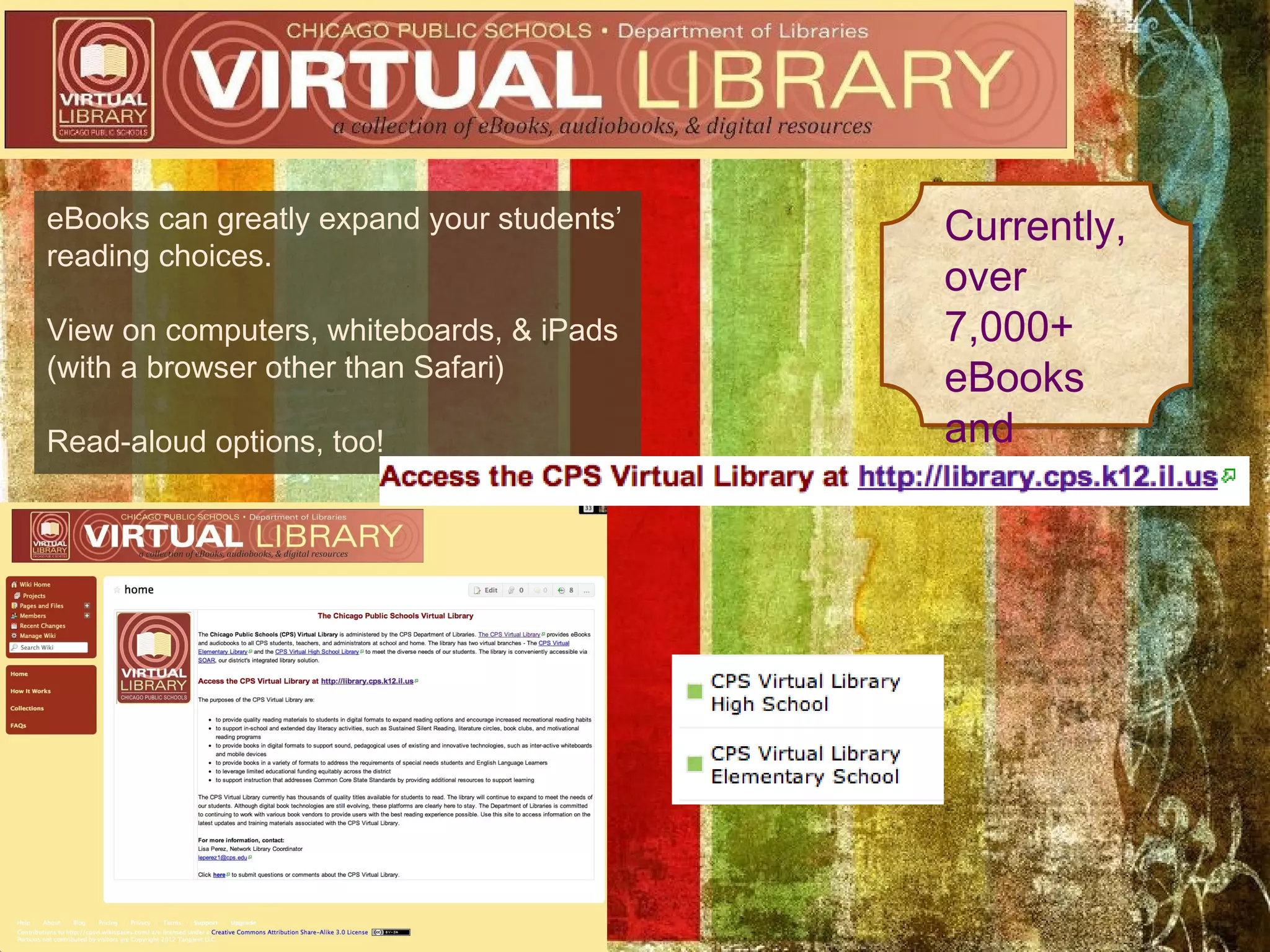
eBooks can greatly expand your students’   Currently,
reading choices.
                                           over
View on computers, whiteboards, & iPads    7,000+
(with a browser other than Safari)         eBooks
Read-aloud options, too!                   and
                                           growing!
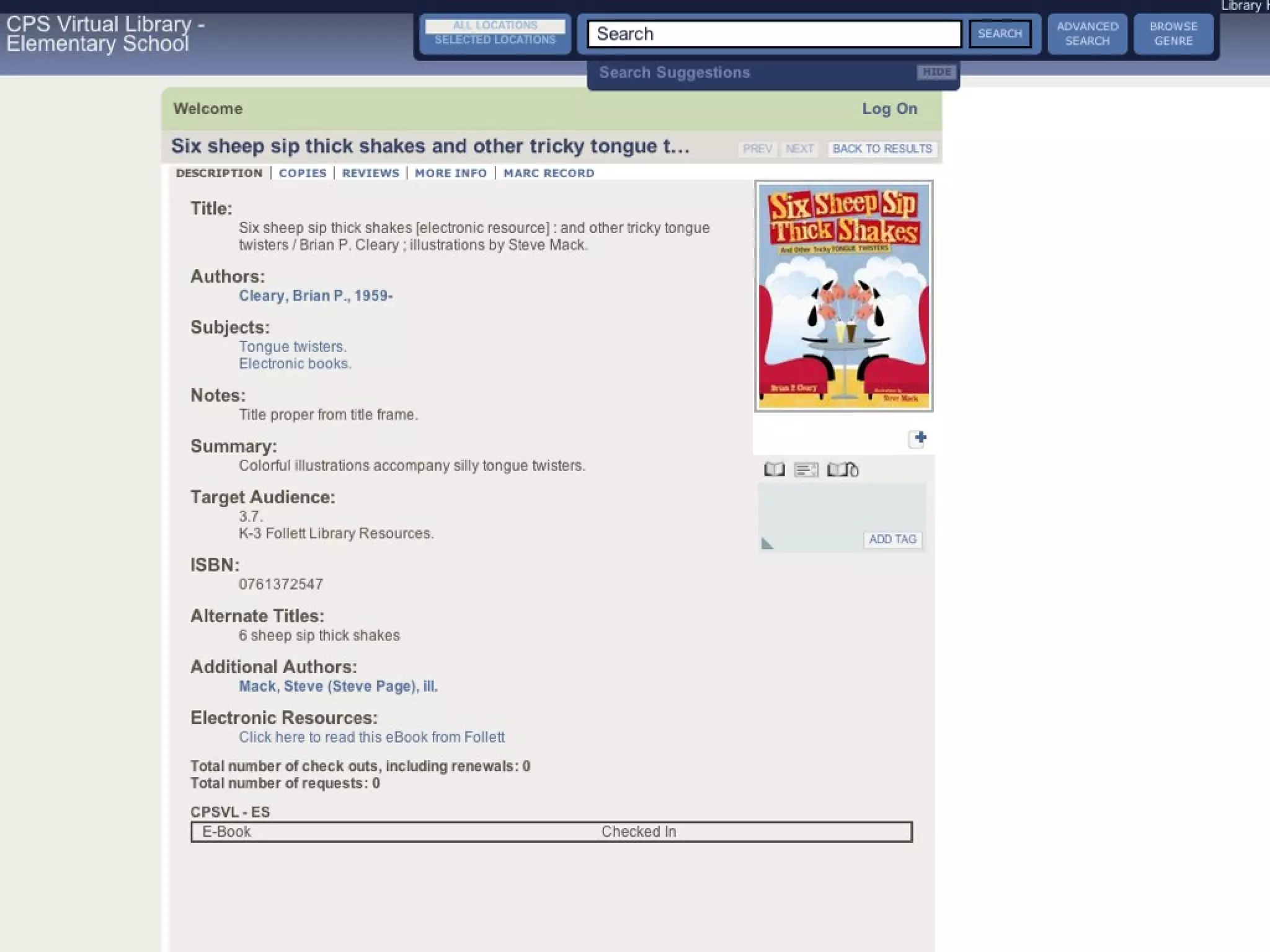
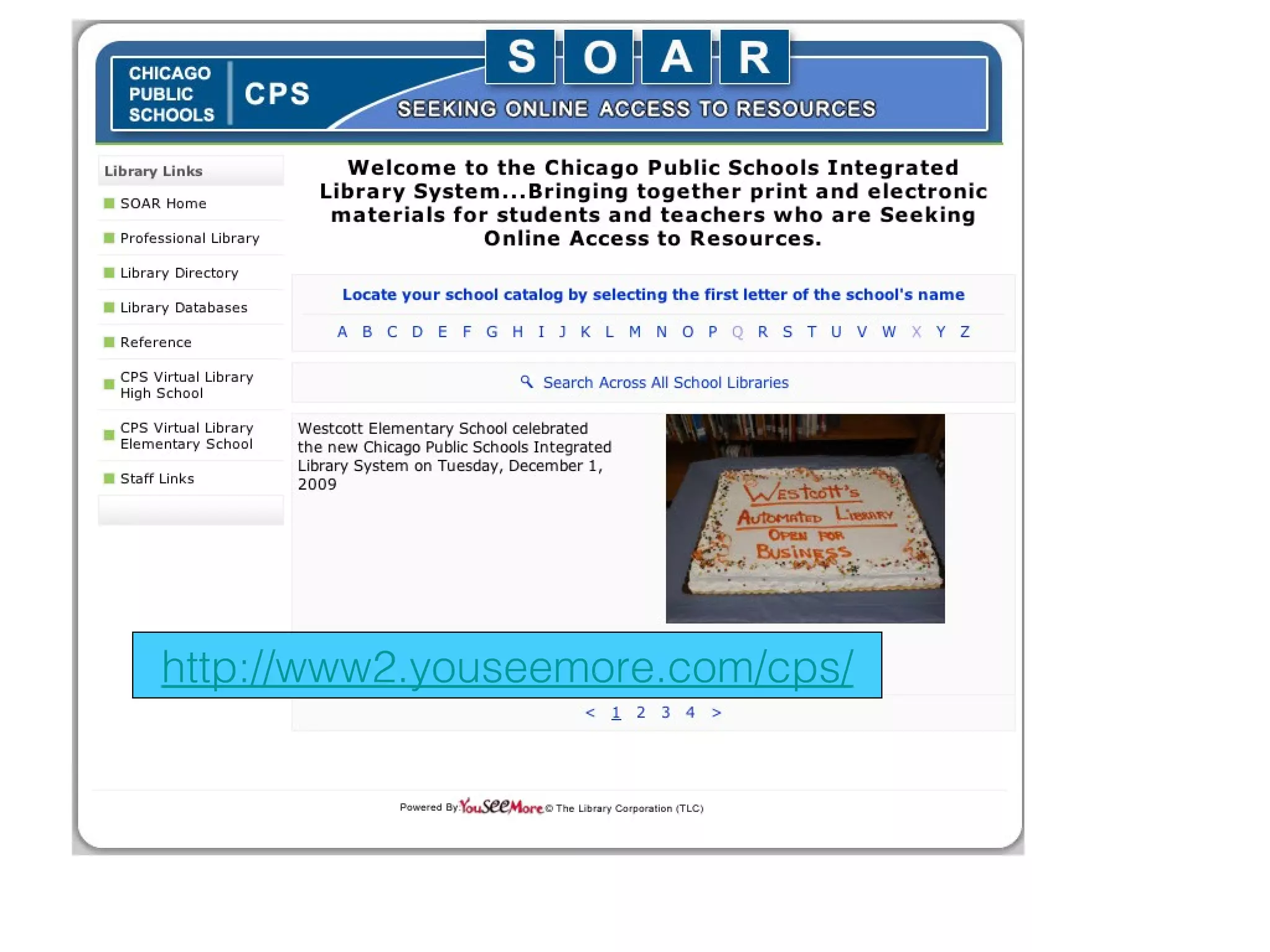
http://www2.youseemore.com/cps/
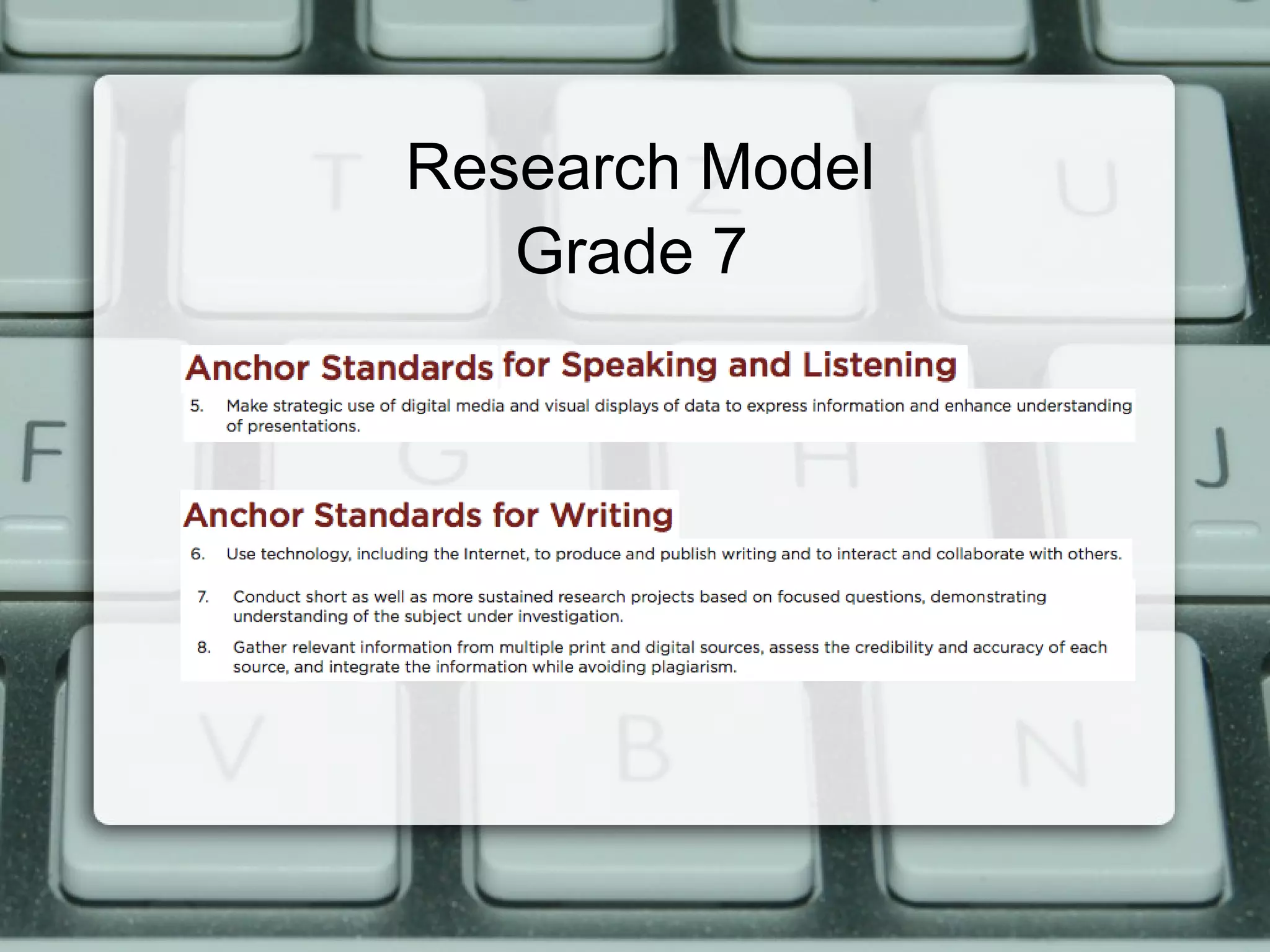
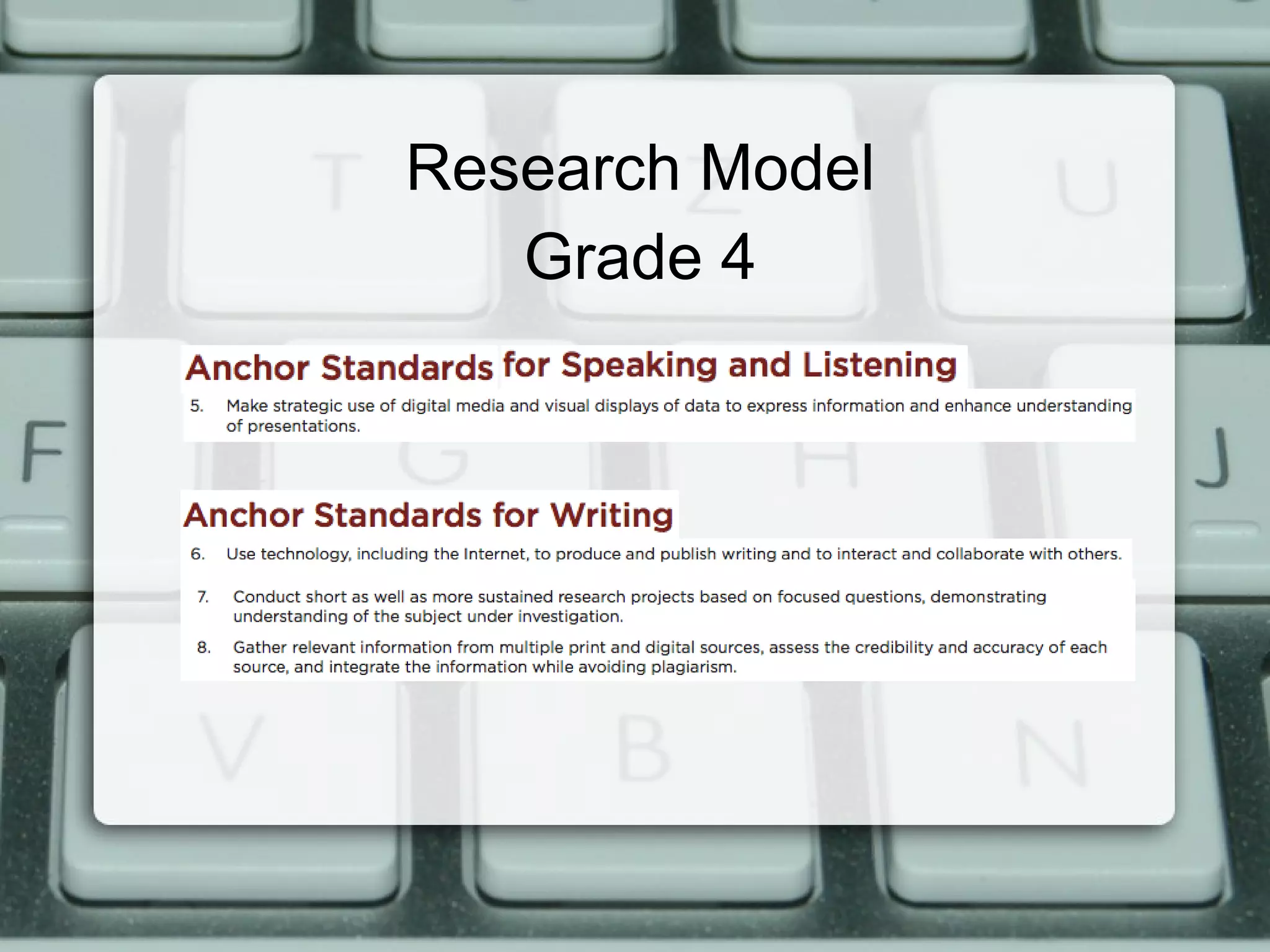
Research Model
   Grade 7
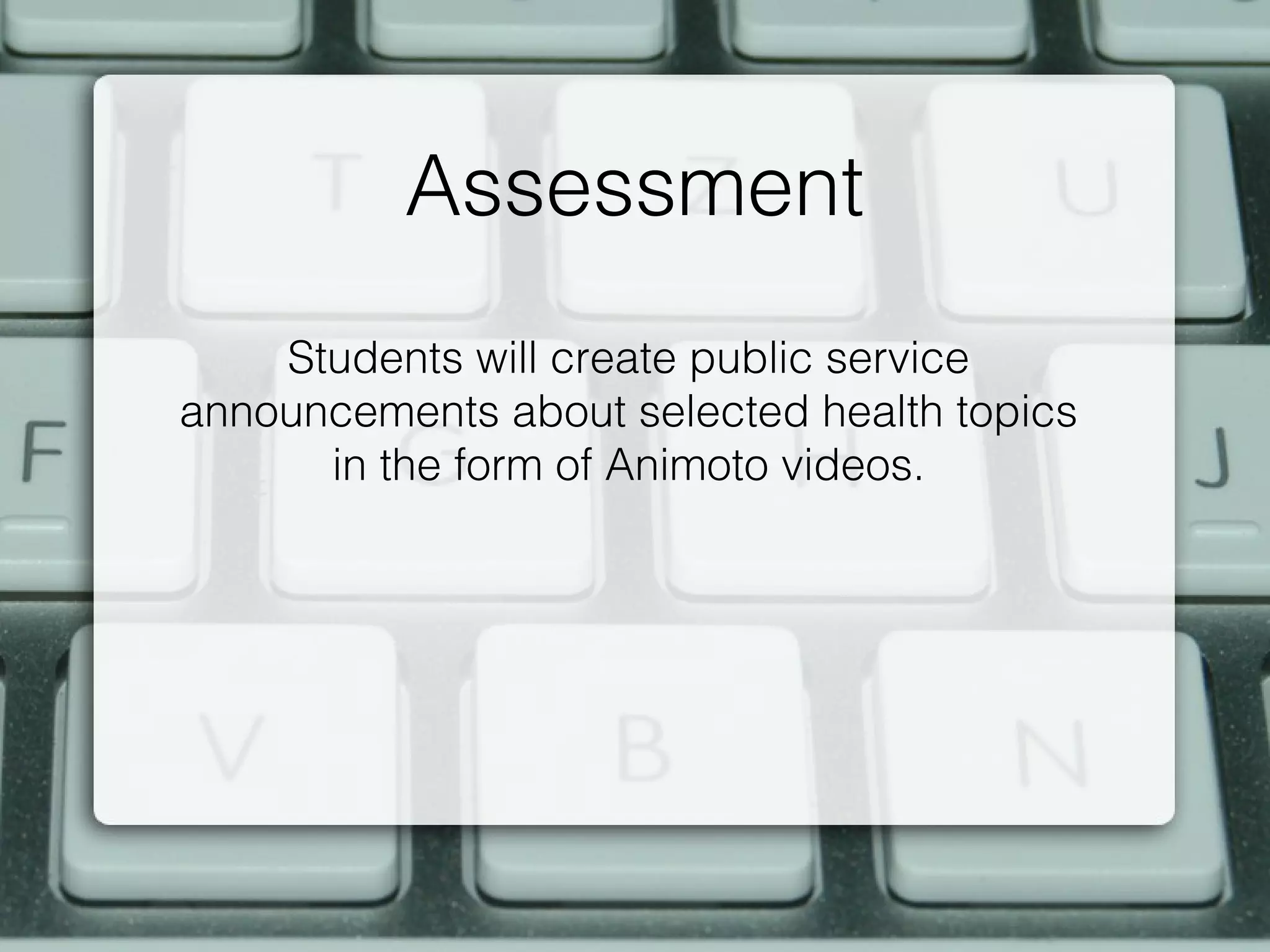
Assessment
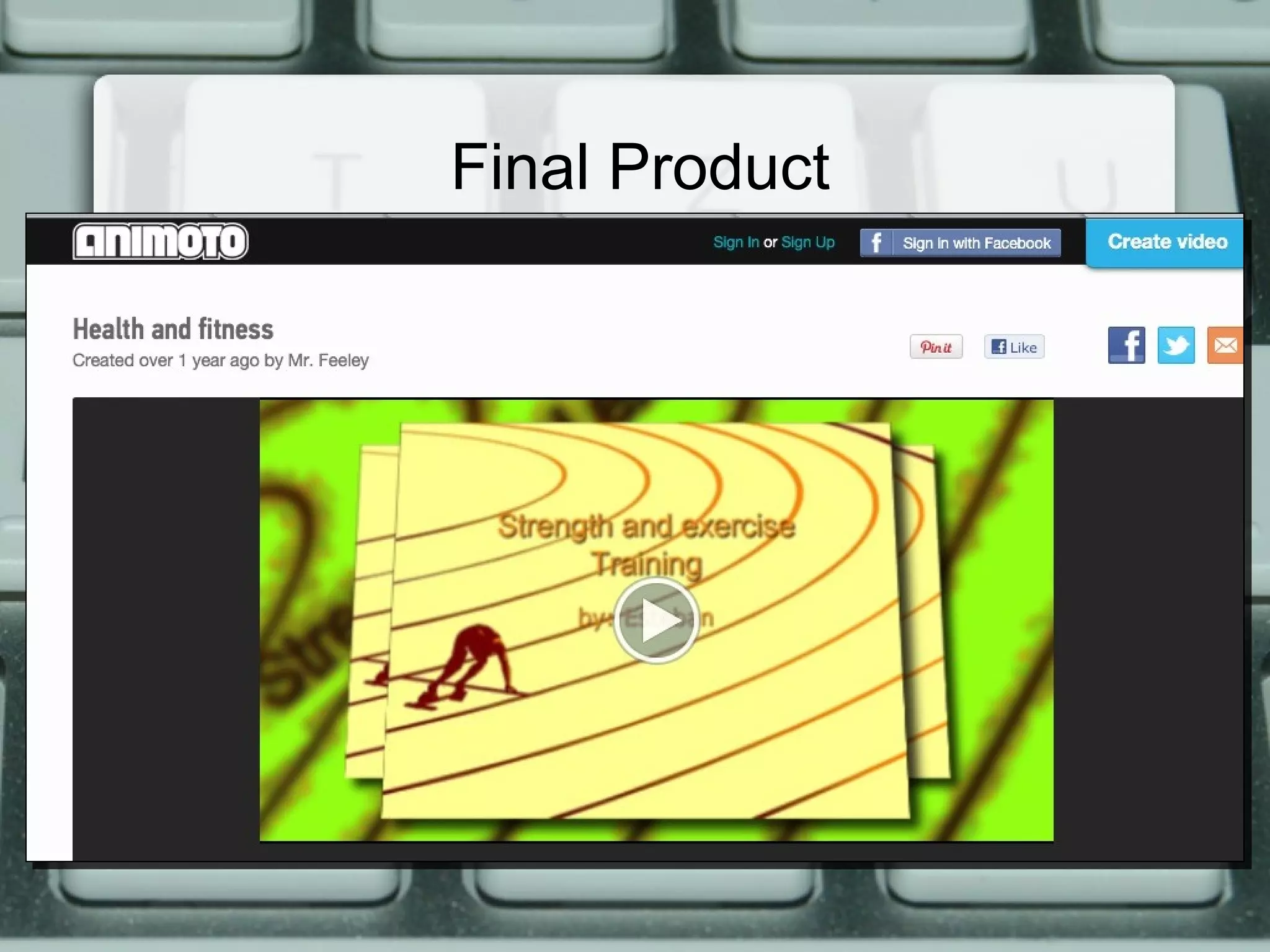
    Students will create public service
announcements about selected health topics
      in the form of Animoto videos.
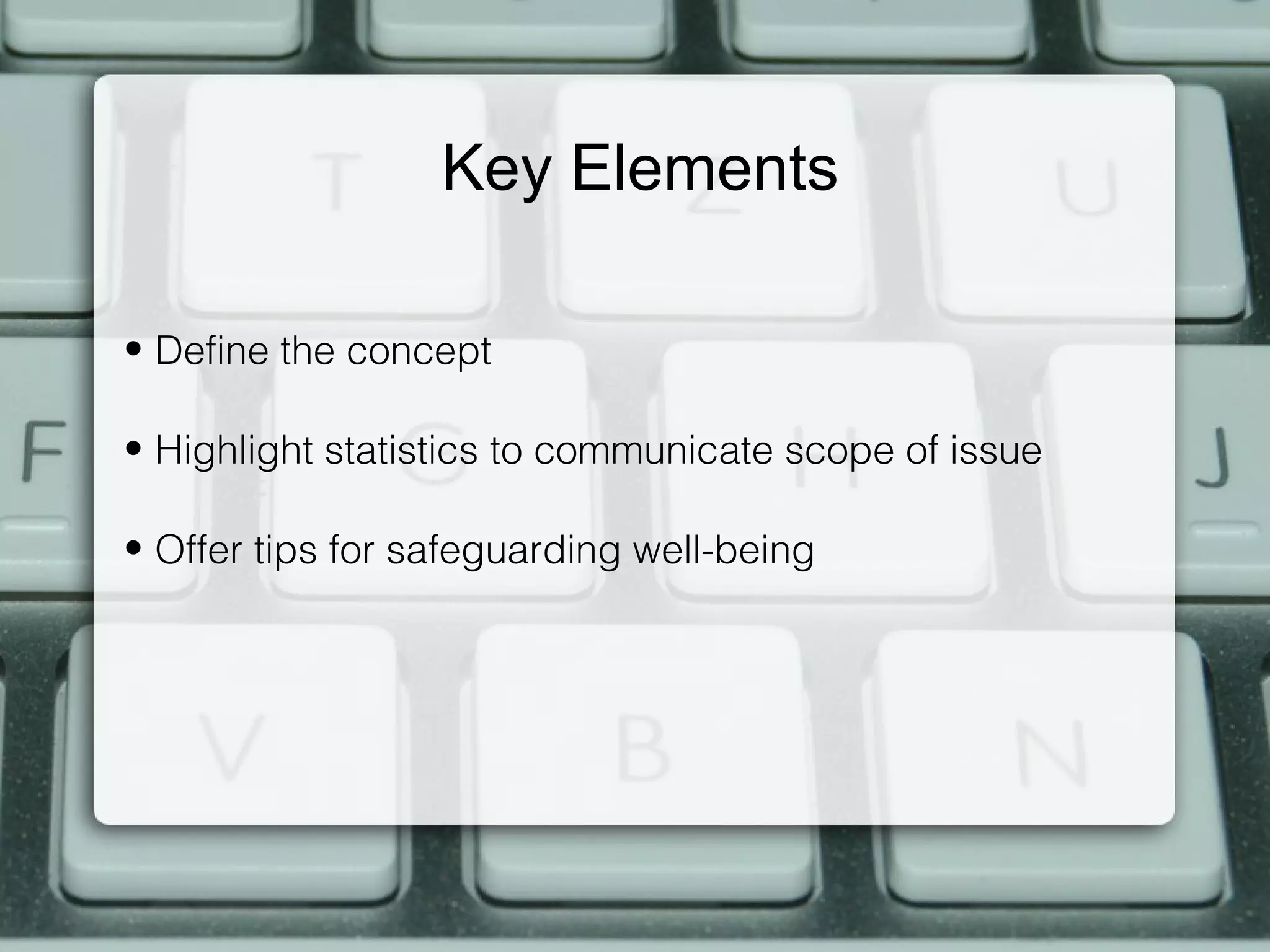
Key Elements

• Define the concept

• Highlight statistics to communicate scope of issue

• Offer tips for safeguarding well-being
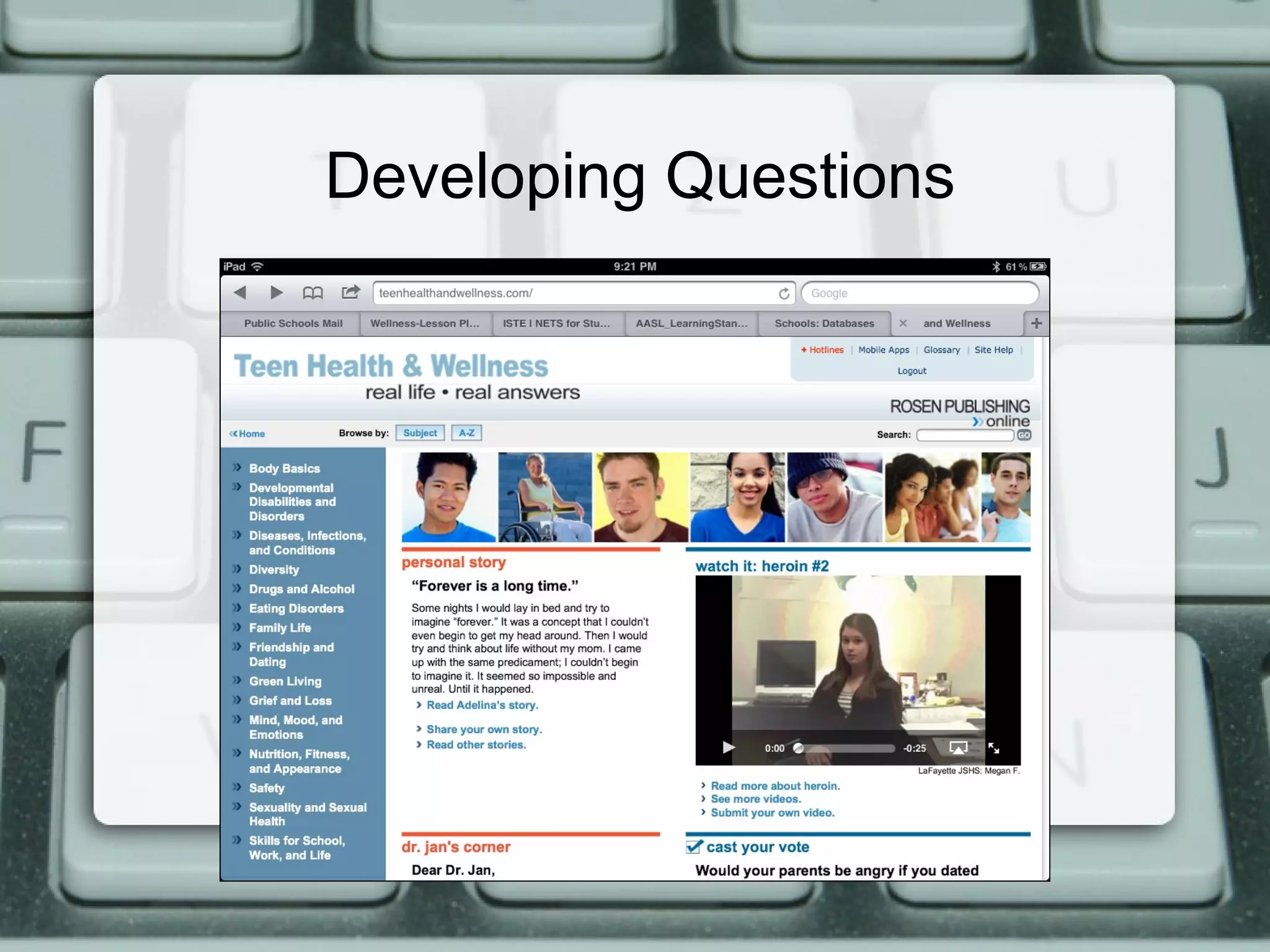
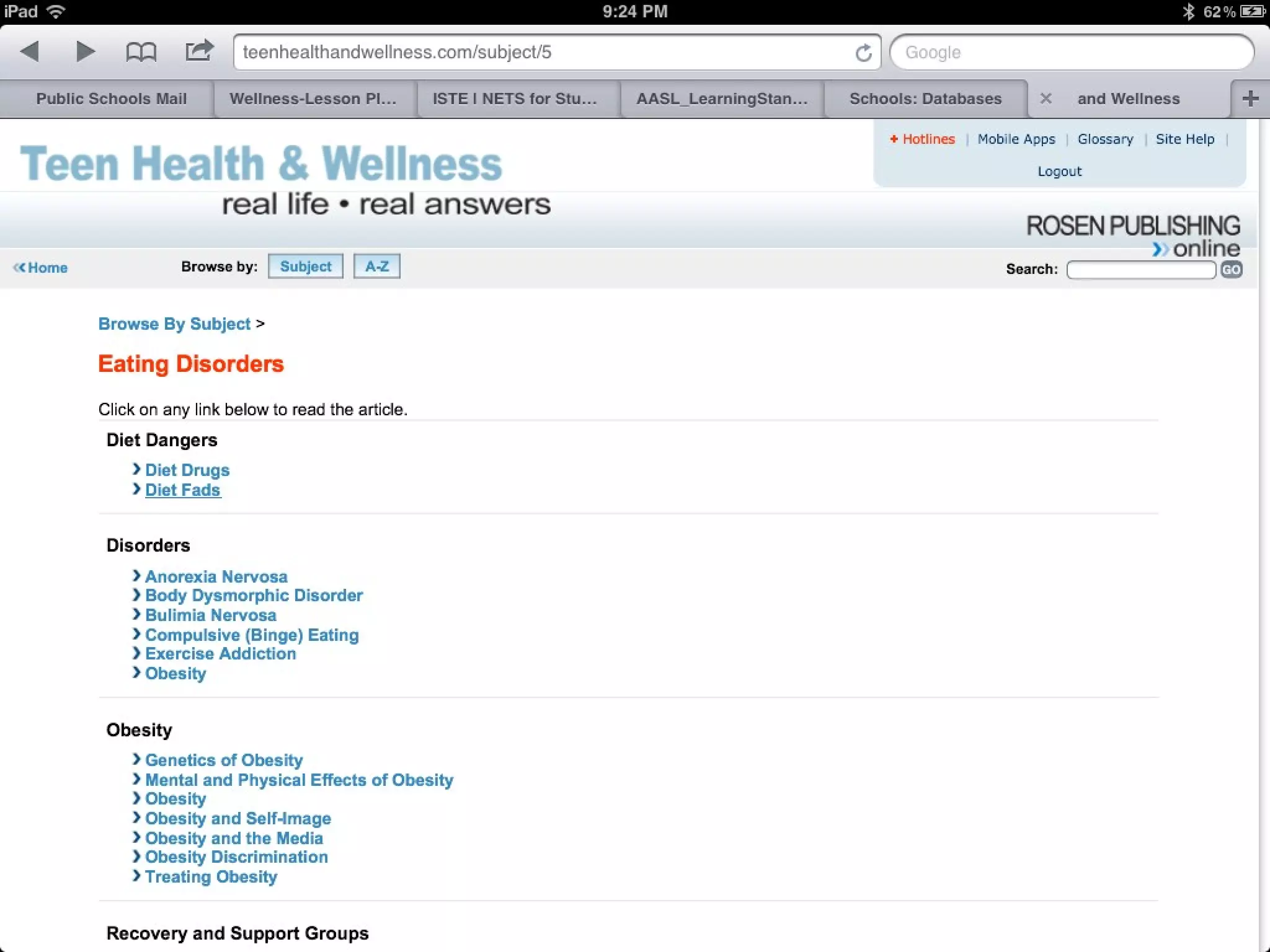
Developing Questions
21st Century Tools
21st Century Tools
Process continues
1. Developing the question

2. Identifying Source Information

3. Evaluating Data/Information

4. Organizing Information

5. Synthesizing Information

6. Sharing with Others

7. Reflect and Assess
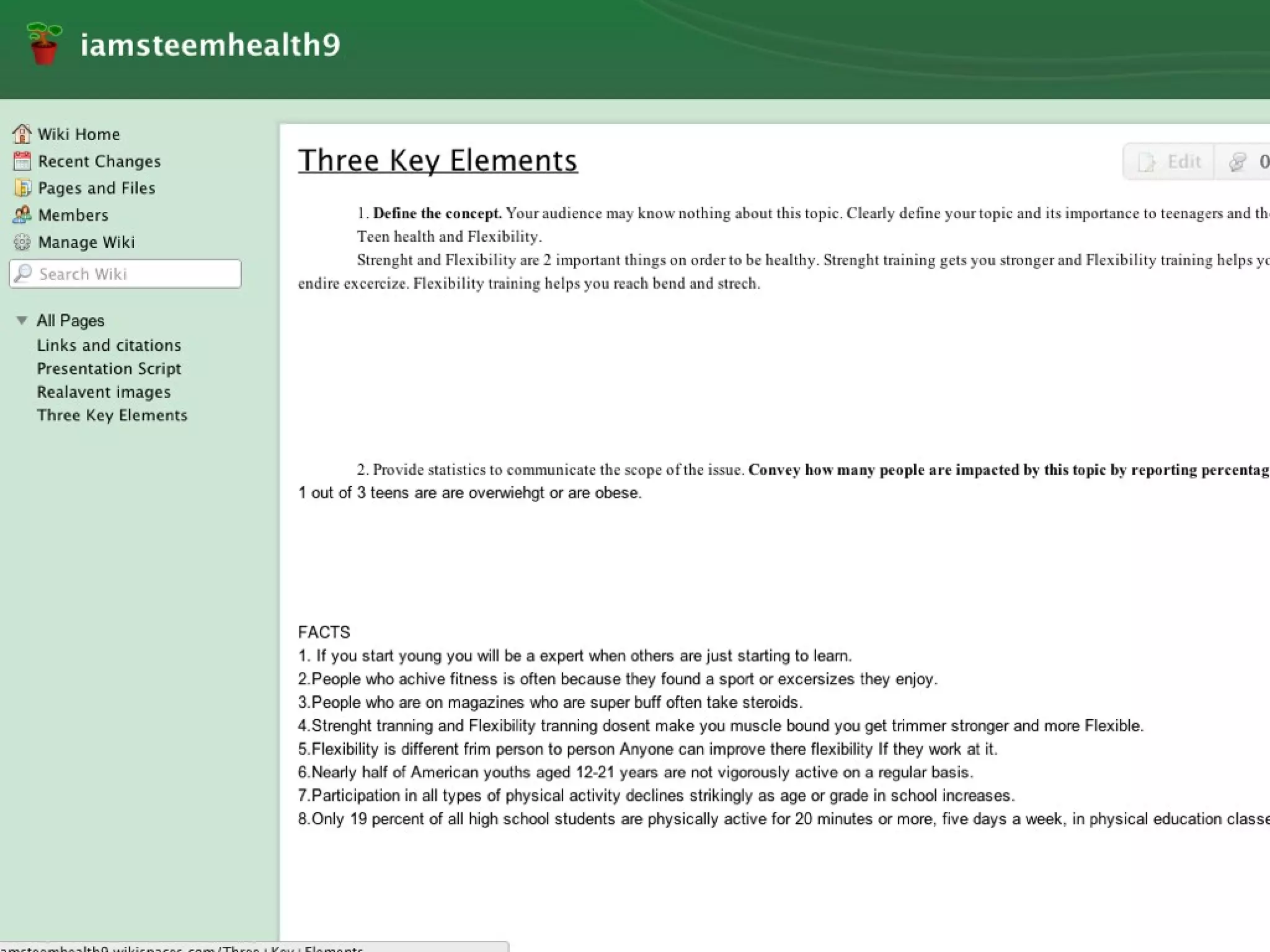
Organizing Information
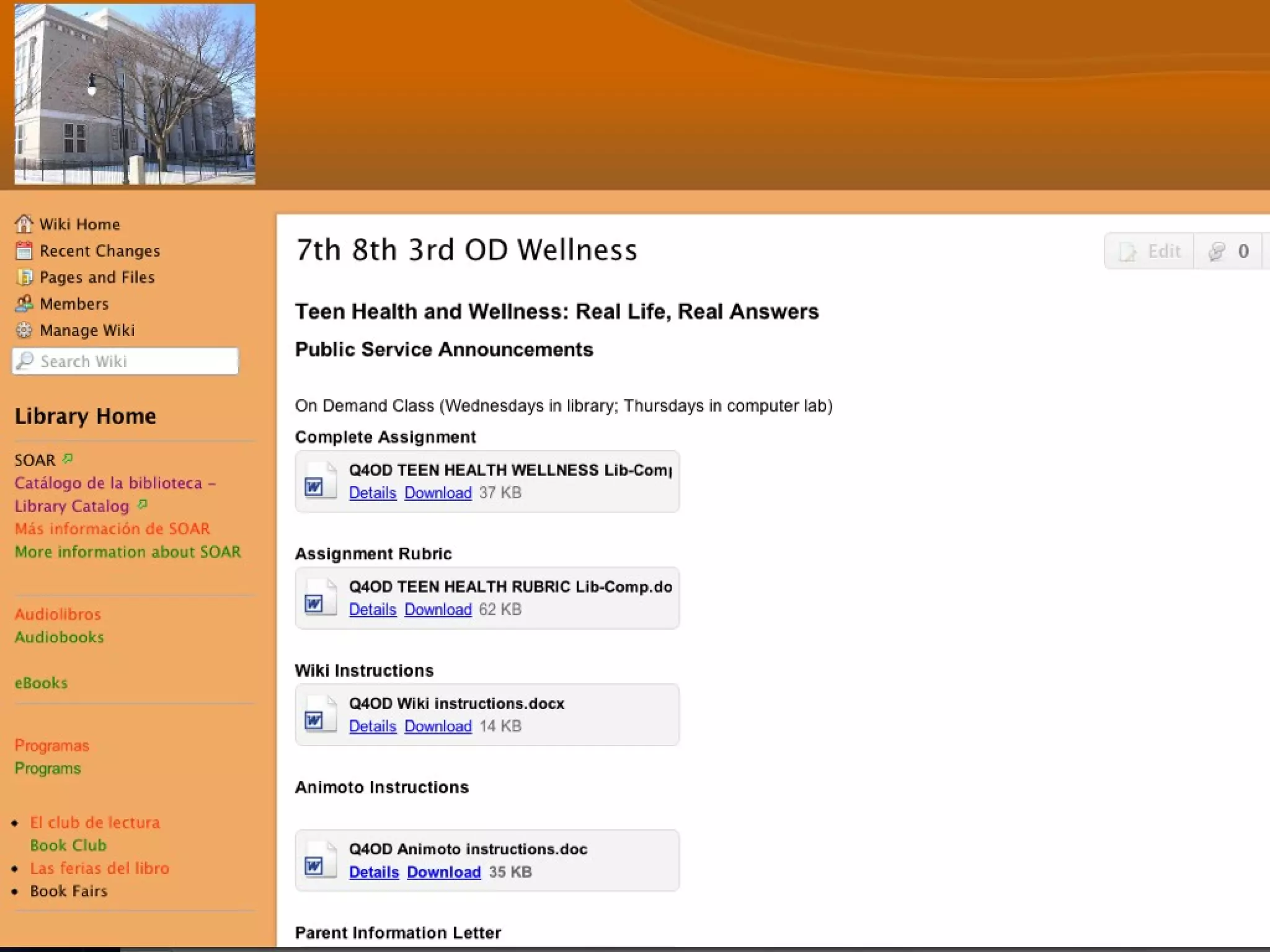
           Students use Wikispaces

• Identify three key elements

• Relevant images with URLs

• Citations and links
Final Product


http://animoto.com/play/50uJDtHkvxw789zKj9DYqA
Research Model
   Grade 4
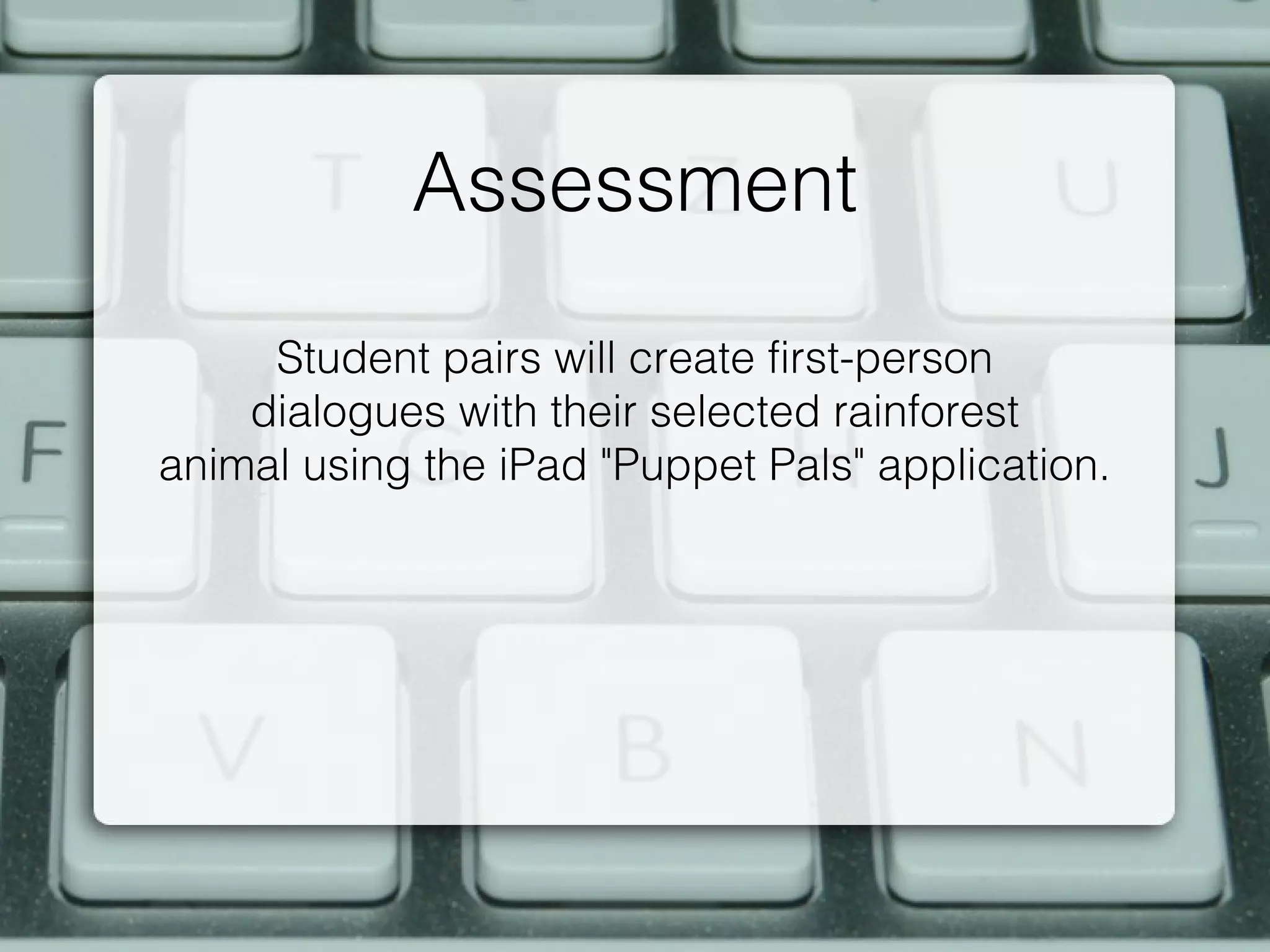
Assessment
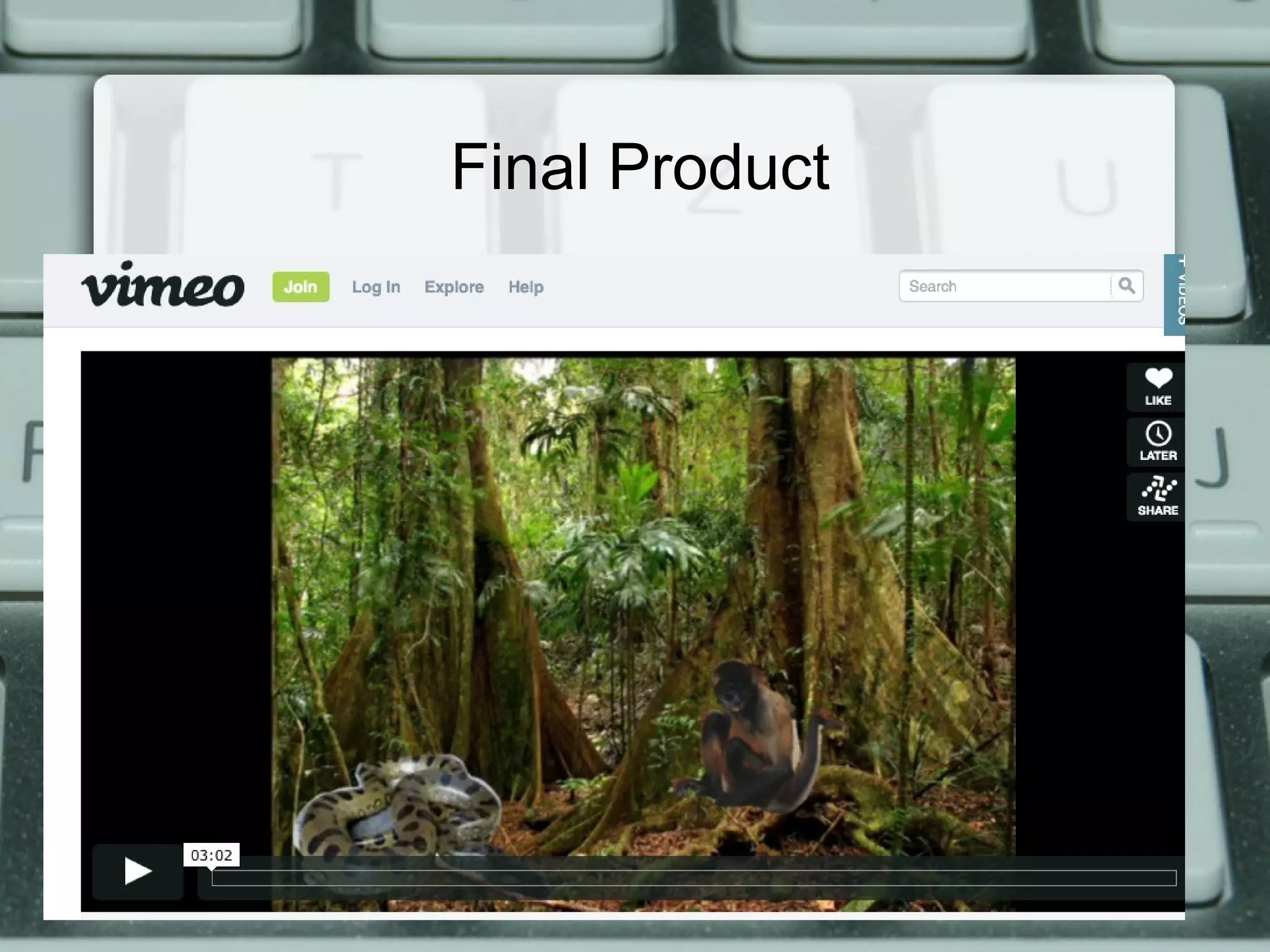
     Student pairs will create first-person
    dialogues with their selected rainforest
animal using the iPad "Puppet Pals" application.
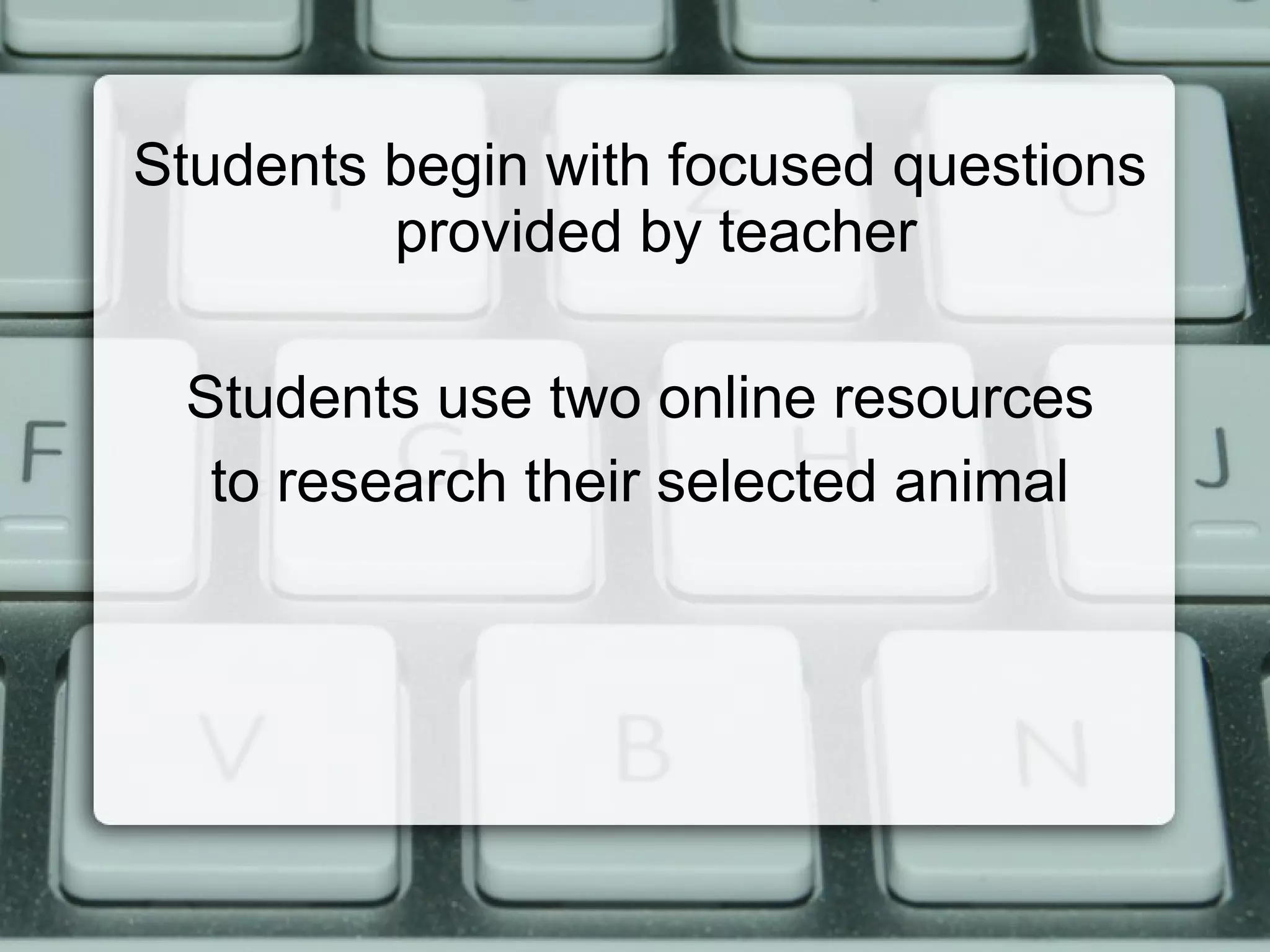
Students begin with focused questions
         provided by teacher

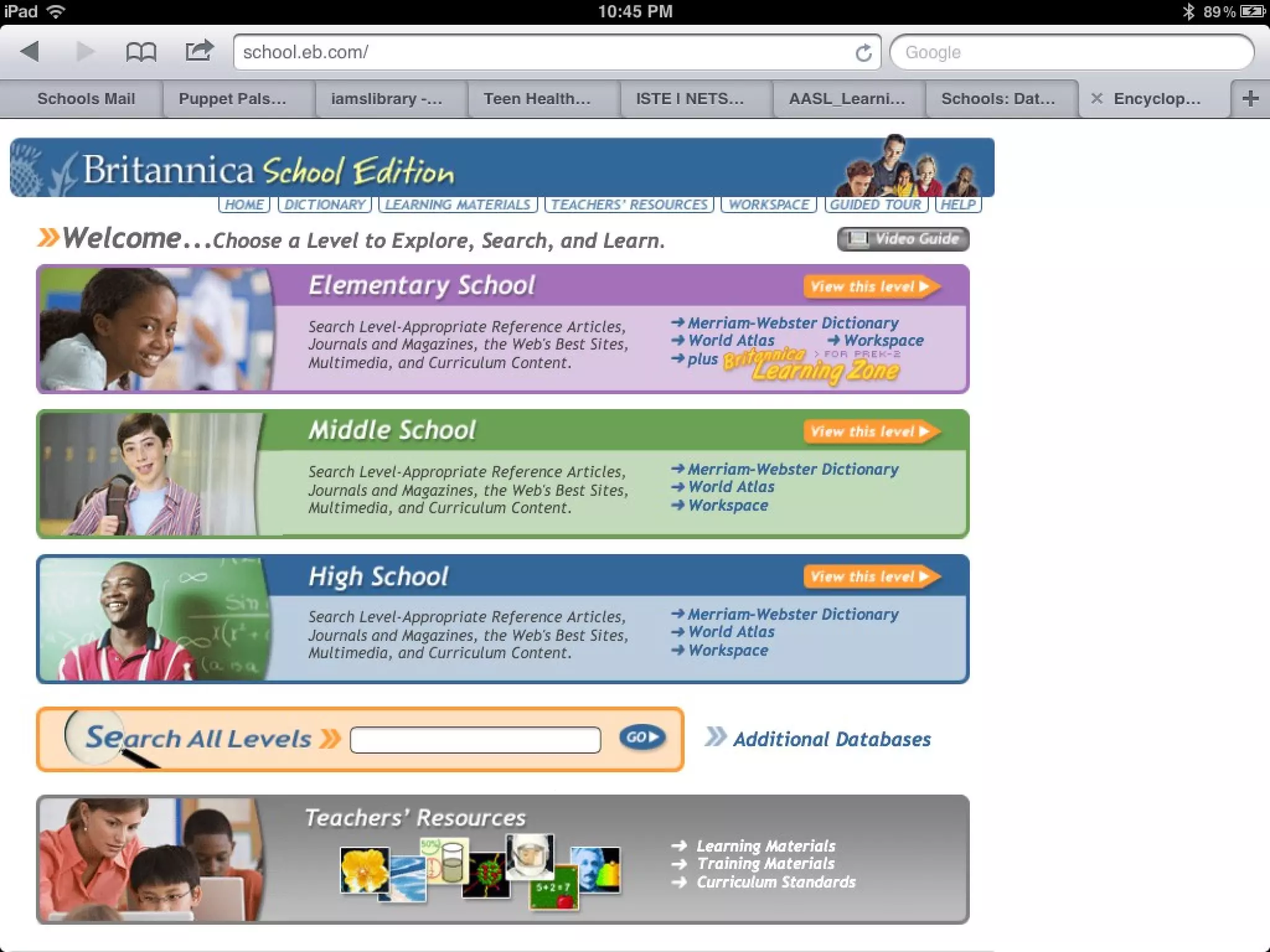
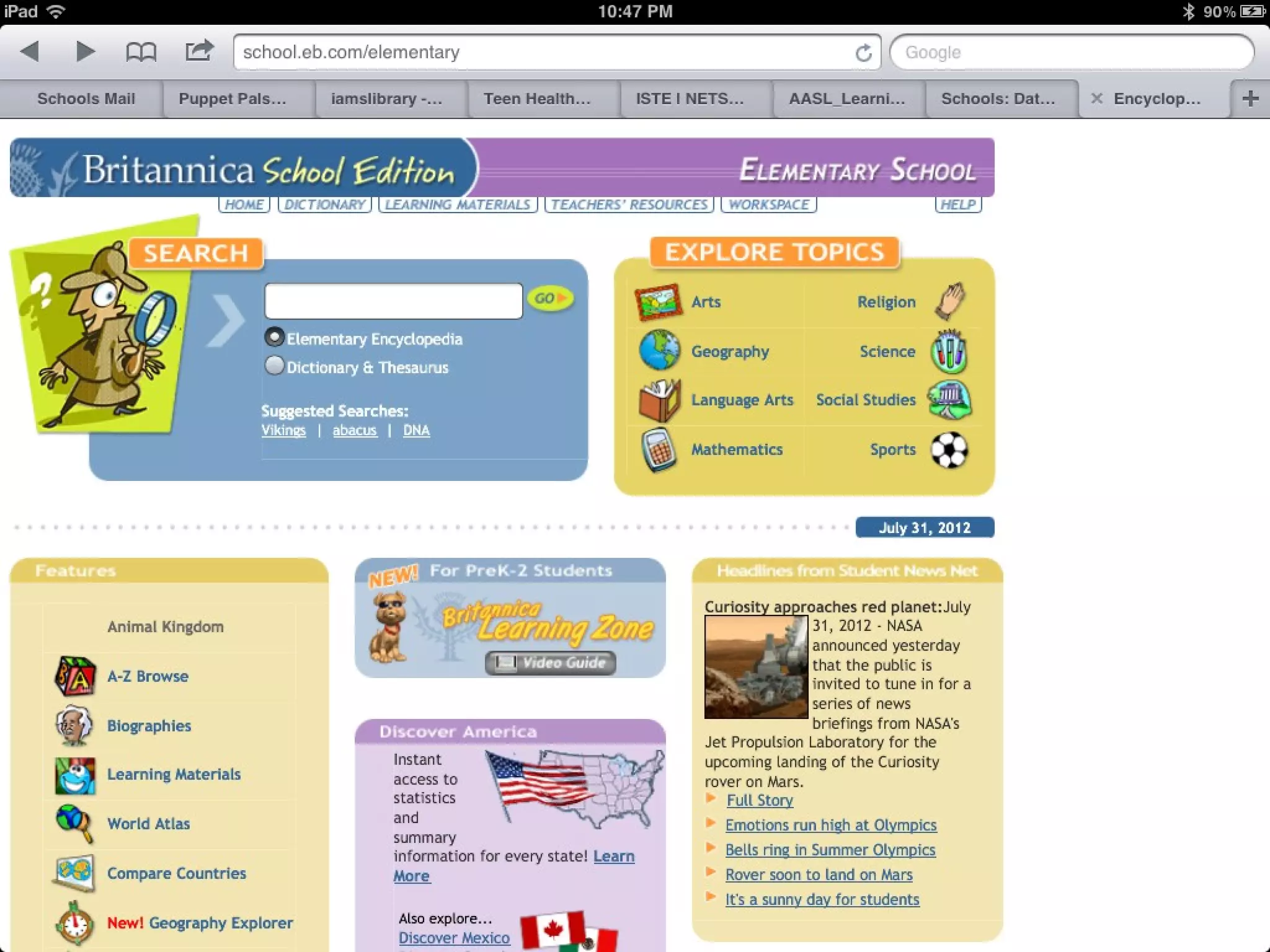
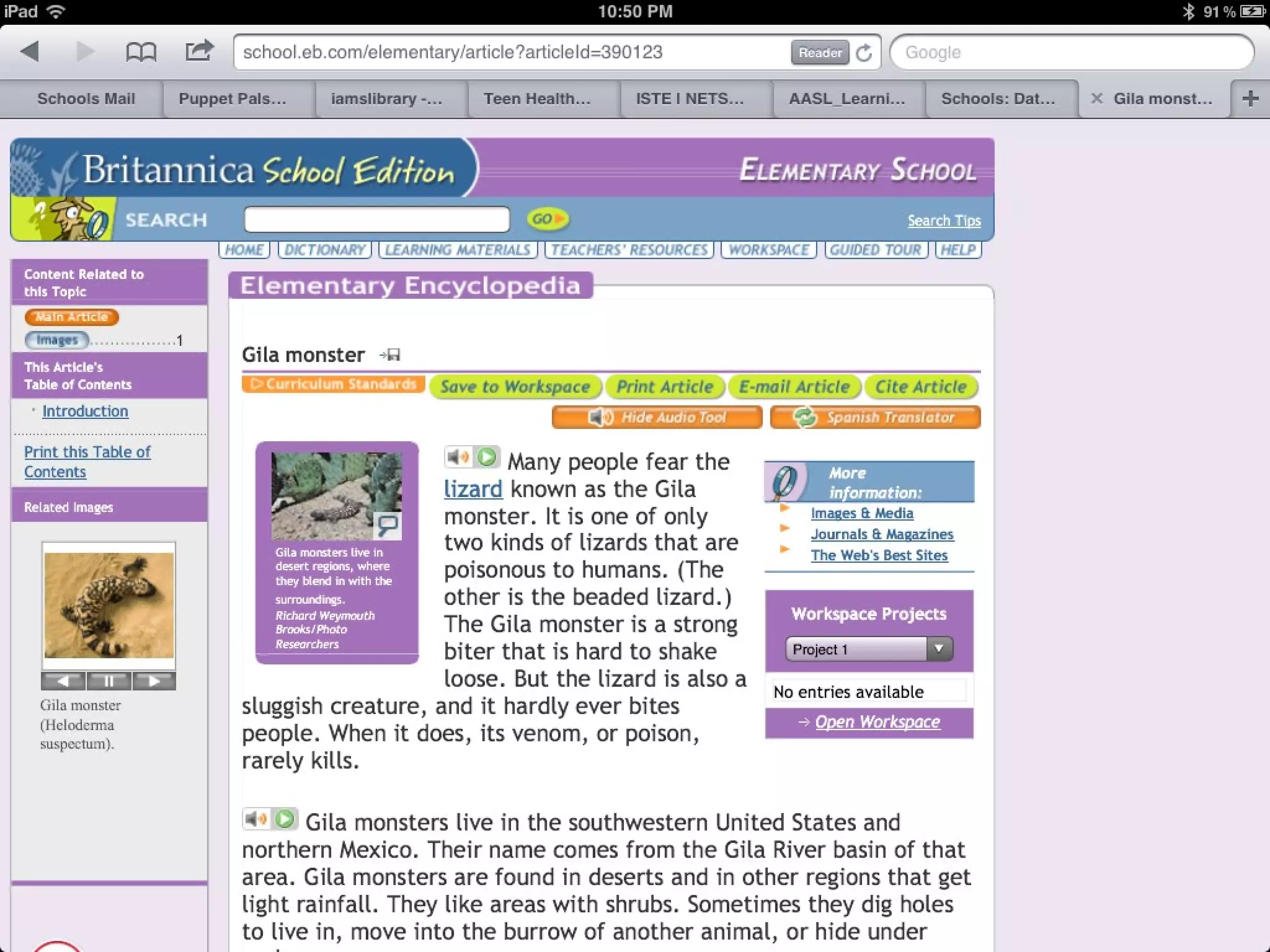
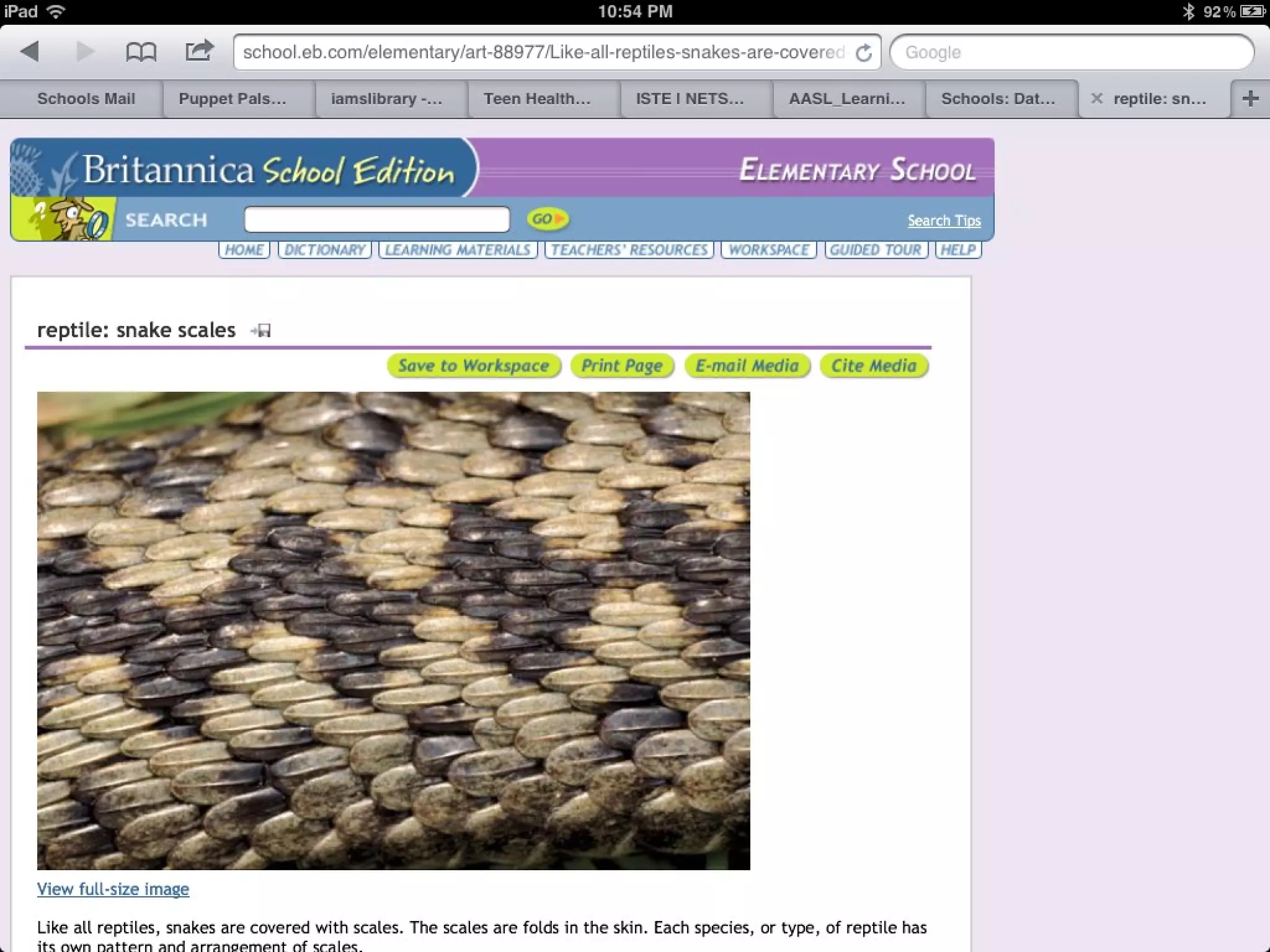
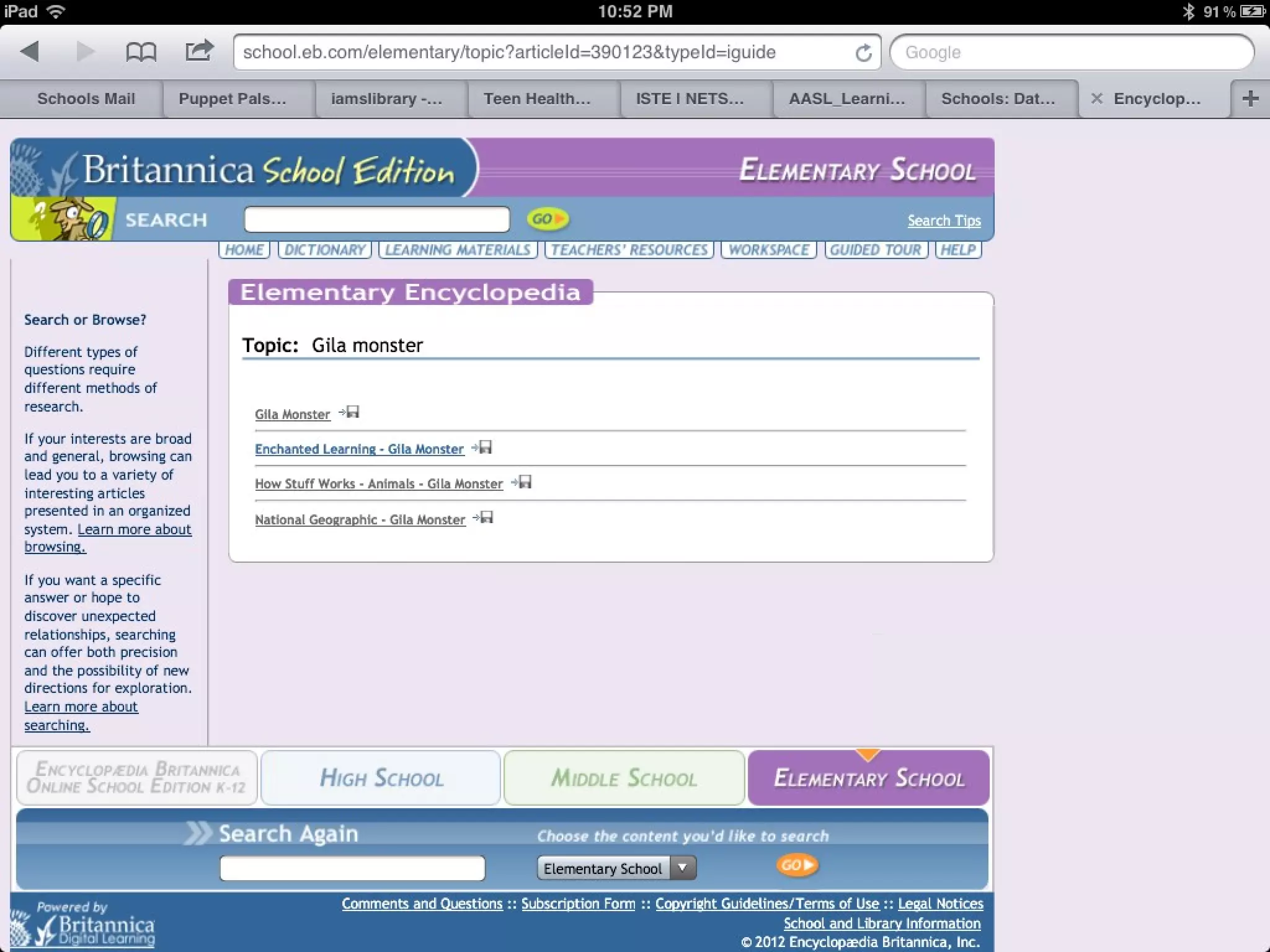
 Students use two online resources
  to research their selected animal
21st Century Tools
Final Product
Review of Best Practices
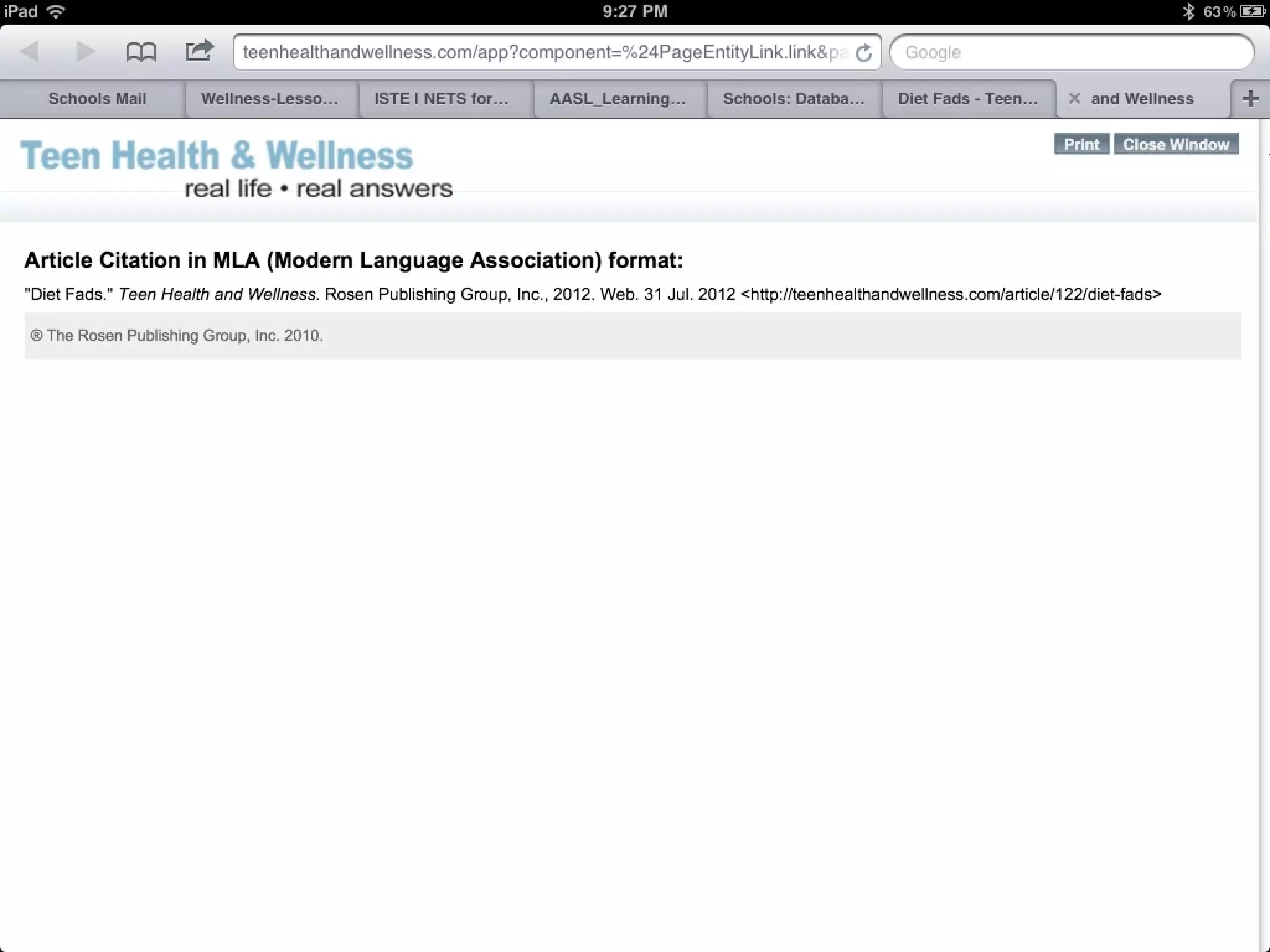
• Link to resources from your school’s library or resource web page
• Embed resources into units and lessons - disintermediate -
  “cutting out the middleman”
• Use deep linking on project pages to facilitate discovery
• Use a research process that guides students through steps and provides
  academic language that they should understand
• Use online resources in the context of lessons built on inquiry
  providing an authentic reason to go on a hunt for information.
Review of Best Practices

•Leverage model teachers to demonstrate use to other teachers
•Ask the librarian to develop online resource guides for major curriculum
projects
•Showcase student work so students are “published”
•Communicate with parents about the available resources
•Encourage students to access these resources from home
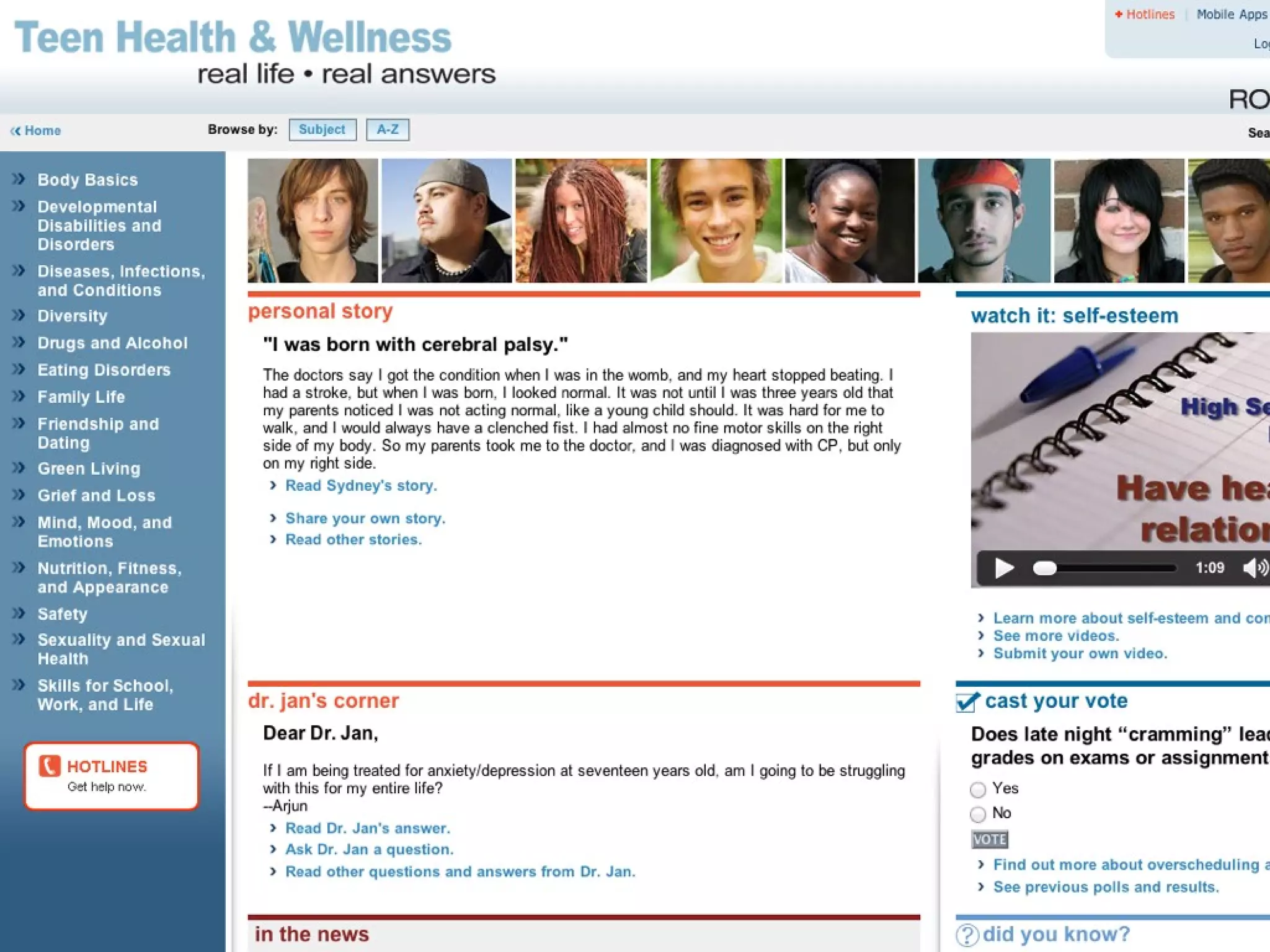
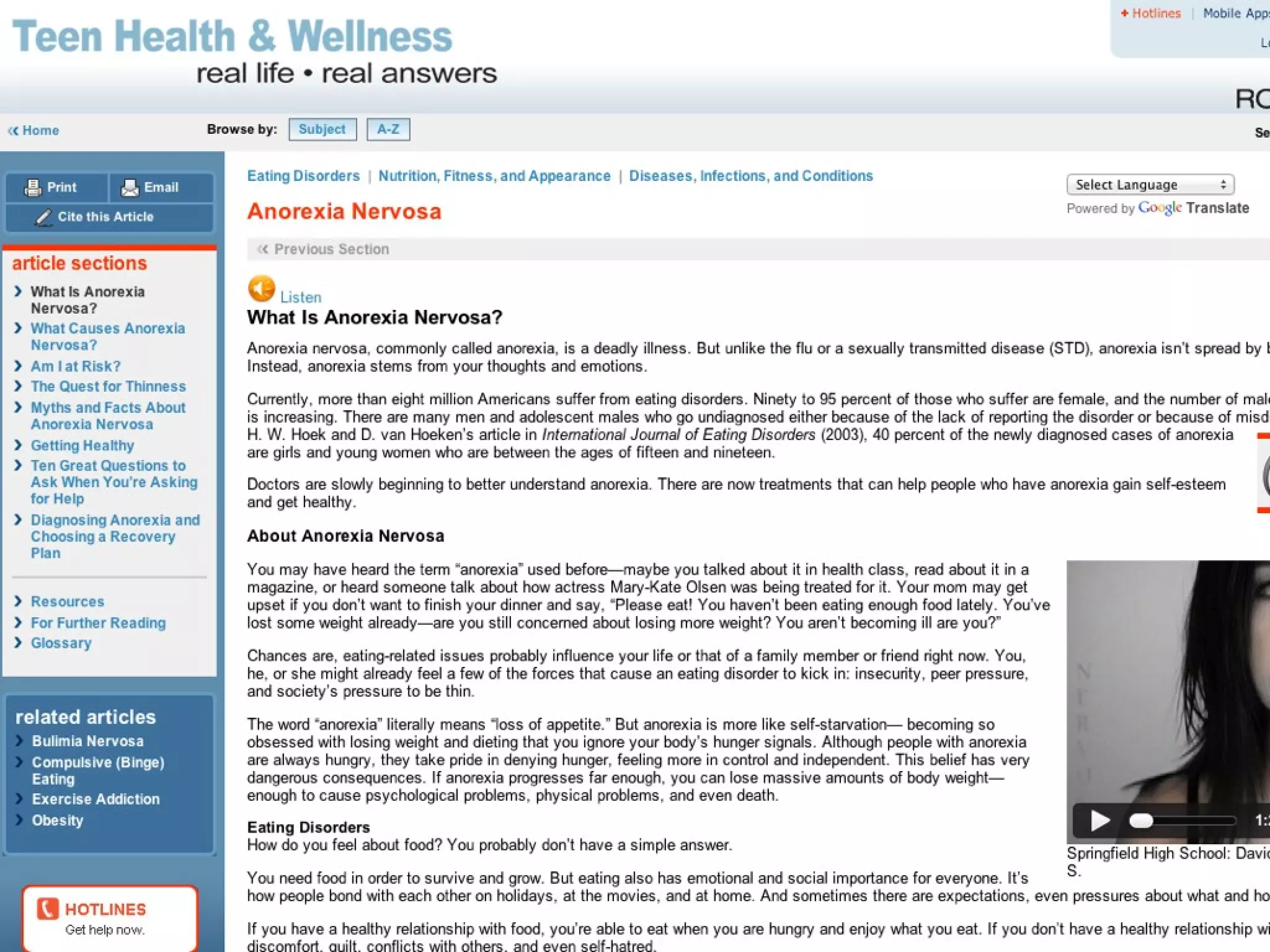
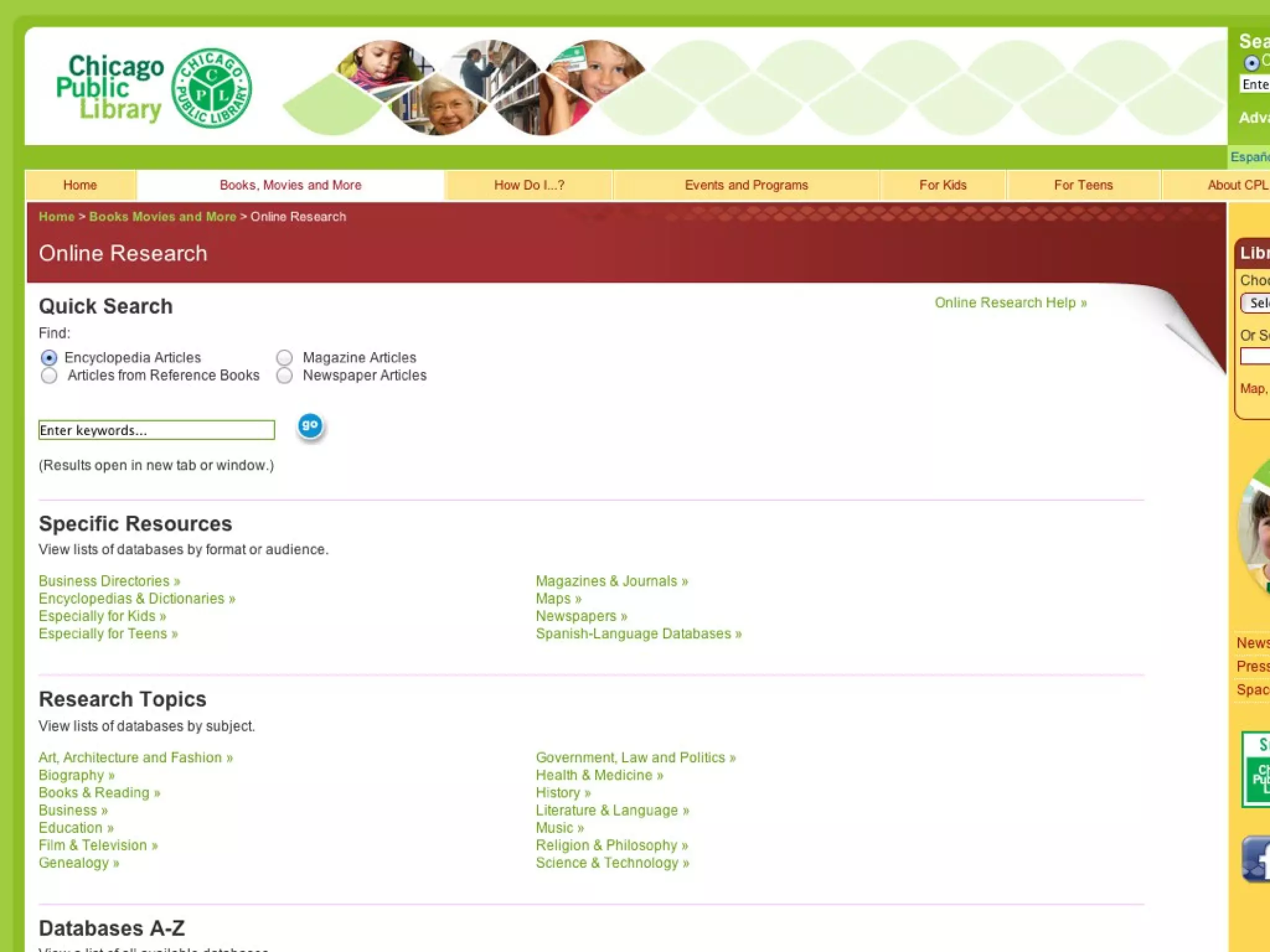
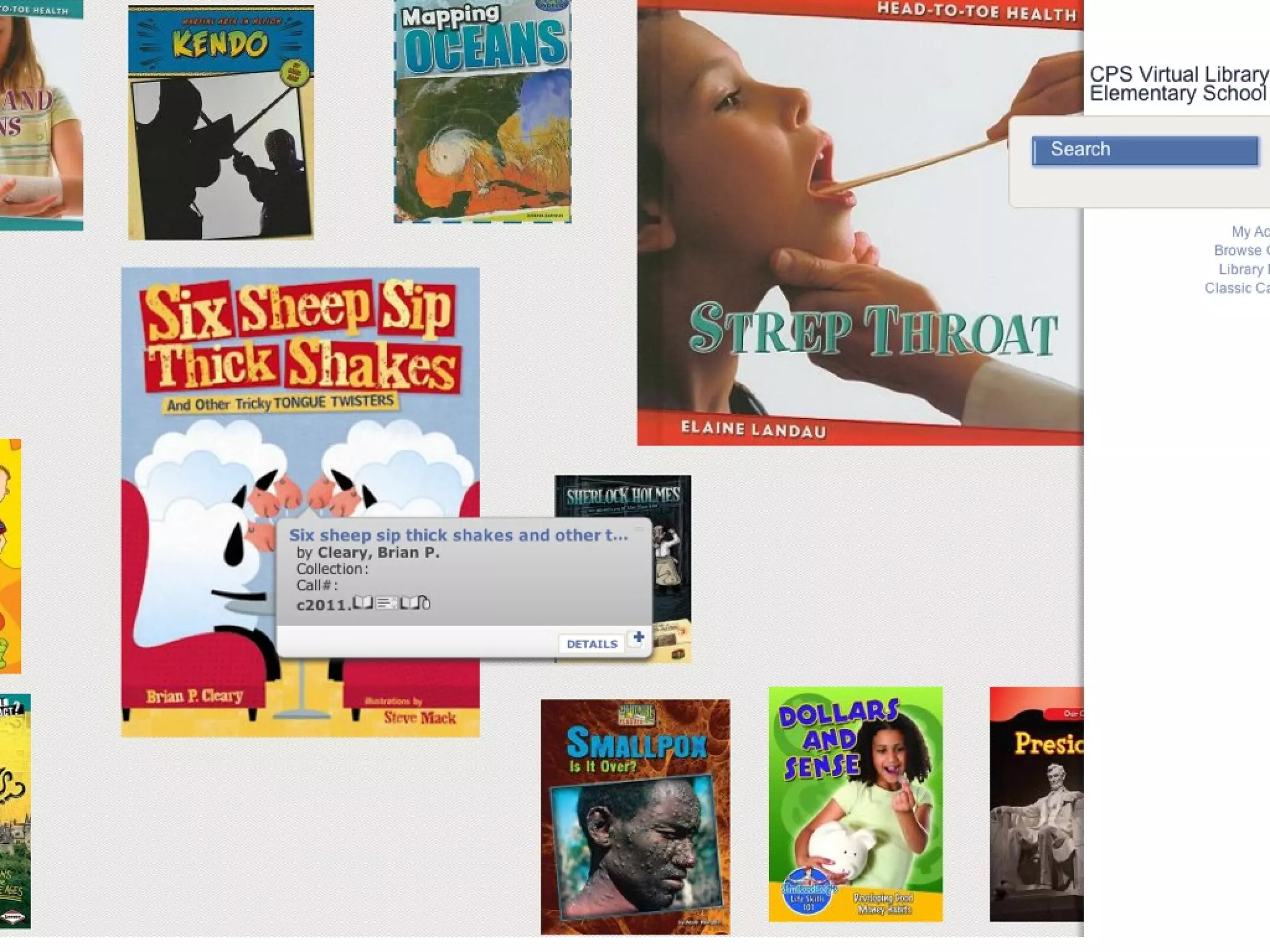
Cps Digital Resources to Support CCSS

Cps Digital Resources to Support CCSS

  • 1.
    To Support Your CommonCore Chicago Principals & Administrators Association Annual Education Conference Feb 7-8, 2013 Jeremy Dunn, Department of Libraries Education Tools and Technology
  • 2.
    Today's Objectives • Know the suite of free resources available to all CPS schools • Understand how to access resources - from school and home • Understand how resources can support the Common Core State Standards • Develop strategies for creating inquiry-based projects to support CCSS- aligned curriculum • Consider some Best Practices for using these digital resources • Begin strategy development for integrating use at your school
  • 4.
    Instructional Shifts withCCSS 1. Regular Practice with Complex Text •Accessible texts used in conjunction with complex texts
  • 5.
    Instructional Shifts withCCSS 2. Build knowledge through informational texts •Inquiry-based projects = motivation
  • 6.
    Instructional Shifts withCCSS 3. Reading and writing grounded in textual evidence • Elementary - Narrative, Informational, Argument • Middle - Multiple sources; explain; convince • HS - Sophisticated arguments; variety of sources
  • 7.
    Common Core StateStandards + Authentic Learning Experiences = Inquiry-based learning This is Research!
  • 8.
    Research Project Ingredients •Inquiry-based • Aligned to CCSS • Aligned to Research and Technology Skills • Guided by a Process
  • 9.
    Inquiry-based projects • Drivenby student questions / interests • Guided by teacher • Grounded in a thematic focus • Personally relevant, Socially significant
  • 10.
    Research Skills inCCSS <Insert image here for LCF>
  • 11.
  • 12.
    CCSS Standards >Research • Short / sustained research based on focused ?s • Gathering information, assessing credibility • Integrating information • Textual evidence to support analysis, reflection
  • 13.
    What do youthink? Are students naturally skillful, or naturally not skillful, when conducting Internet research?
  • 15.
    Research Process 1. Developingthe question 2. Identifying Source Information 3. Evaluating Data/Information 4. Organizing Information 5. Synthesizing Information 6. Sharing with Others 7. Reflect and Assess
  • 16.
    Research Process 1. Developingthe question 2. Identifying Source Information 3. Evaluating Data/Information 4. Organizing Information 5. Synthesizing Information 6. Sharing with Others 7. Reflect and Assess
  • 17.
    a mport earning. ain i tury l s cont st cen ta base ort 21 e da p nlin es to sup c e sour e: r They a ards d s ta n c y n ed to ccura •Alig for a l •Ve tted ative s choo rit e or ations •A ut h o t hom d cit ren / 7 from il an ration •Cur le 24 ty to ema udio nar ailab abili •Av e ave a • Pr ovid sources h e •So me r Access with these links: •http://library.cps.k12.il.us •http://www2.youseemore.com/c ps/linkinclude.asp Use your school’s four-digit unit number
  • 21.
  • 22.
    Tools to support21st Century skills ← Option for Audio
  • 23.
    Primar y sourc located es alongs current ide events
  • 38.
    eBooks can greatlyexpand your students’ Currently, reading choices. over View on computers, whiteboards, & iPads 7,000+ (with a browser other than Safari) eBooks Read-aloud options, too! and growing!
  • 39.
  • 43.
  • 44.
    Assessment Students will create public service announcements about selected health topics in the form of Animoto videos.
  • 45.
    Key Elements • Definethe concept • Highlight statistics to communicate scope of issue • Offer tips for safeguarding well-being
  • 47.
  • 49.
  • 50.
  • 53.
    Process continues 1. Developingthe question 2. Identifying Source Information 3. Evaluating Data/Information 4. Organizing Information 5. Synthesizing Information 6. Sharing with Others 7. Reflect and Assess
  • 54.
    Organizing Information Students use Wikispaces • Identify three key elements • Relevant images with URLs • Citations and links
  • 56.
  • 57.
  • 58.
    Assessment Student pairs will create first-person dialogues with their selected rainforest animal using the iPad "Puppet Pals" application.
  • 59.
    Students begin withfocused questions provided by teacher Students use two online resources to research their selected animal
  • 63.
  • 66.
  • 67.
    Review of BestPractices • Link to resources from your school’s library or resource web page • Embed resources into units and lessons - disintermediate - “cutting out the middleman” • Use deep linking on project pages to facilitate discovery • Use a research process that guides students through steps and provides academic language that they should understand • Use online resources in the context of lessons built on inquiry providing an authentic reason to go on a hunt for information.
  • 68.
    Review of BestPractices •Leverage model teachers to demonstrate use to other teachers •Ask the librarian to develop online resource guides for major curriculum projects •Showcase student work so students are “published” •Communicate with parents about the available resources •Encourage students to access these resources from home

Editor's Notes

  • #84 ·  STUDENTS &amp; student learning, especially: ü  content standards ü  creative thinking ü  problem solving ü  critical thinking-evaluation ü  information ethics ü  responsibility and safety ü  authentic, real-world applications ü  Collaboration with other teachers and members of the learning community ü  Technology integration ü  Assessment ü   Equitable access for all students