Modern Container
Orchestration
Kubernetes, CoreOS, and more
@coreoslinux
@brandonphilips
Brandon Philips
CTO, CoreOS
github.com/philips
Easy CoreOS+Kubernetes Setup
vagrant, aws, bare metal, etc
coreos.com/kubernetes/docs/latest/
Demo Instructions
github.com/philips/hacks
2015-all-things-open
What is CoreOS?
What is CoreOS?
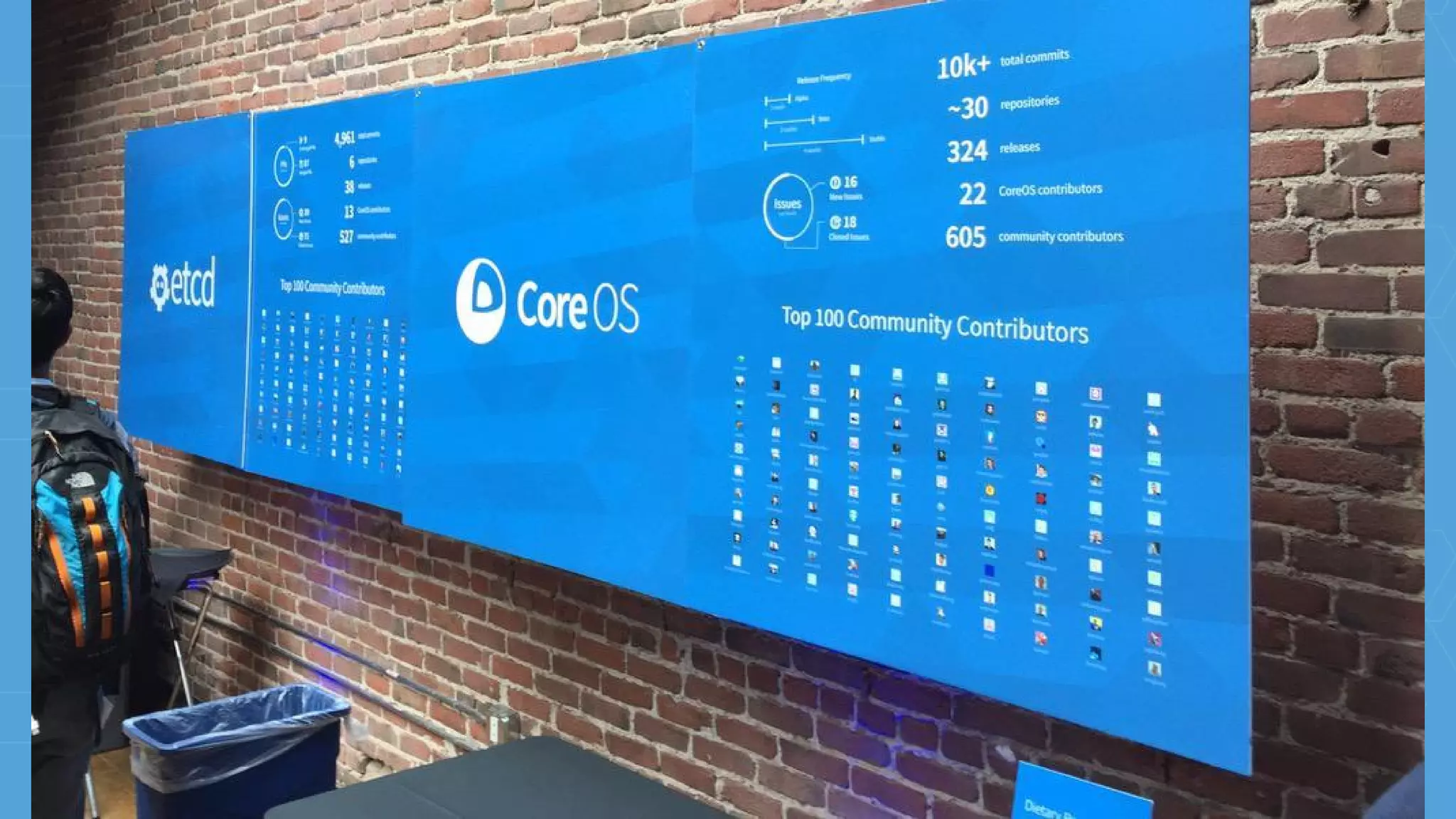
What is CoreOS?
The smartest way to run your container infrastructure.
tectonic.com @tectonic
QUAY
Secure hosting for private Docker repositories
quay.io @quayio
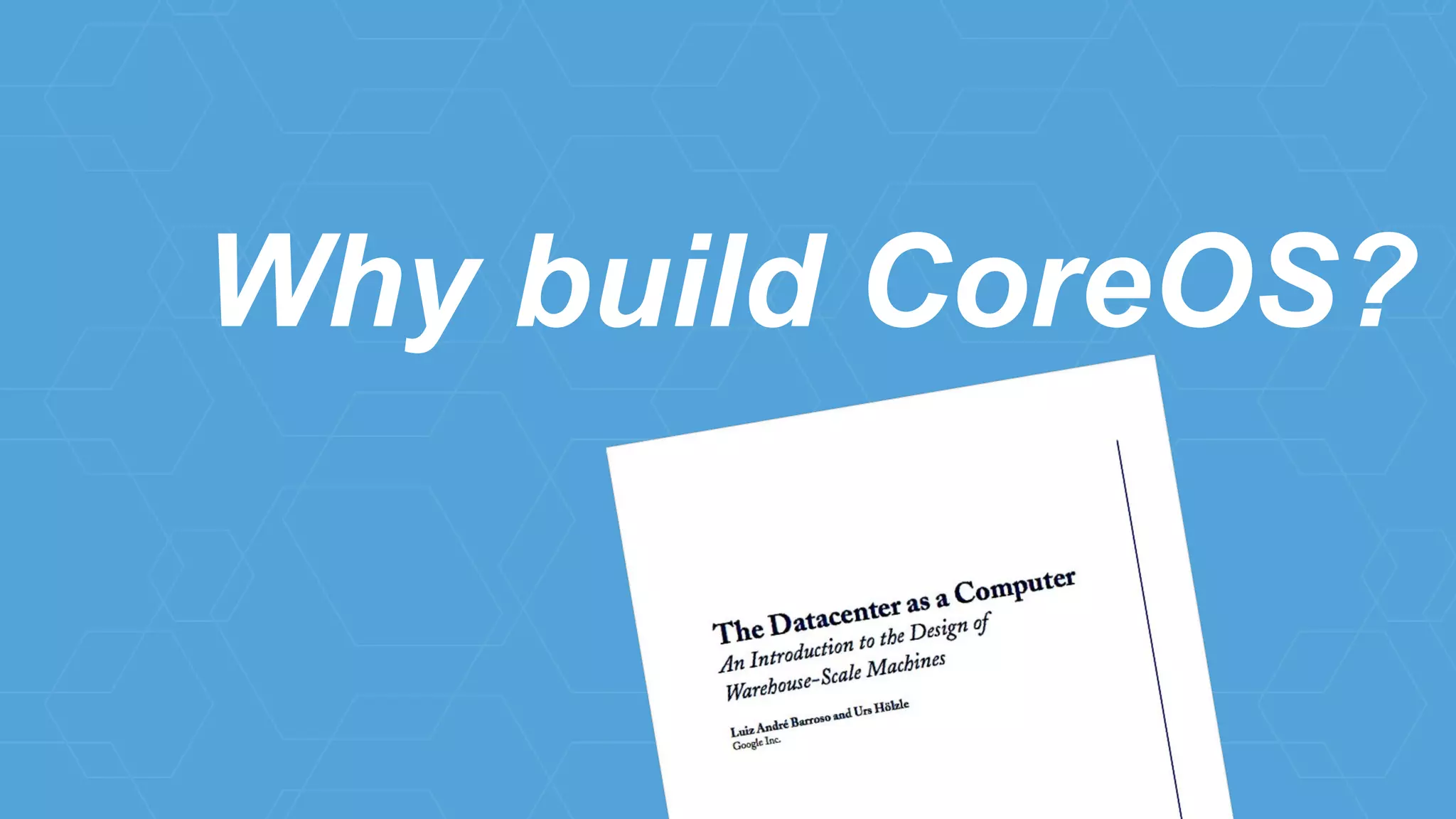
Why build CoreOS?
you
you as a sw engineer
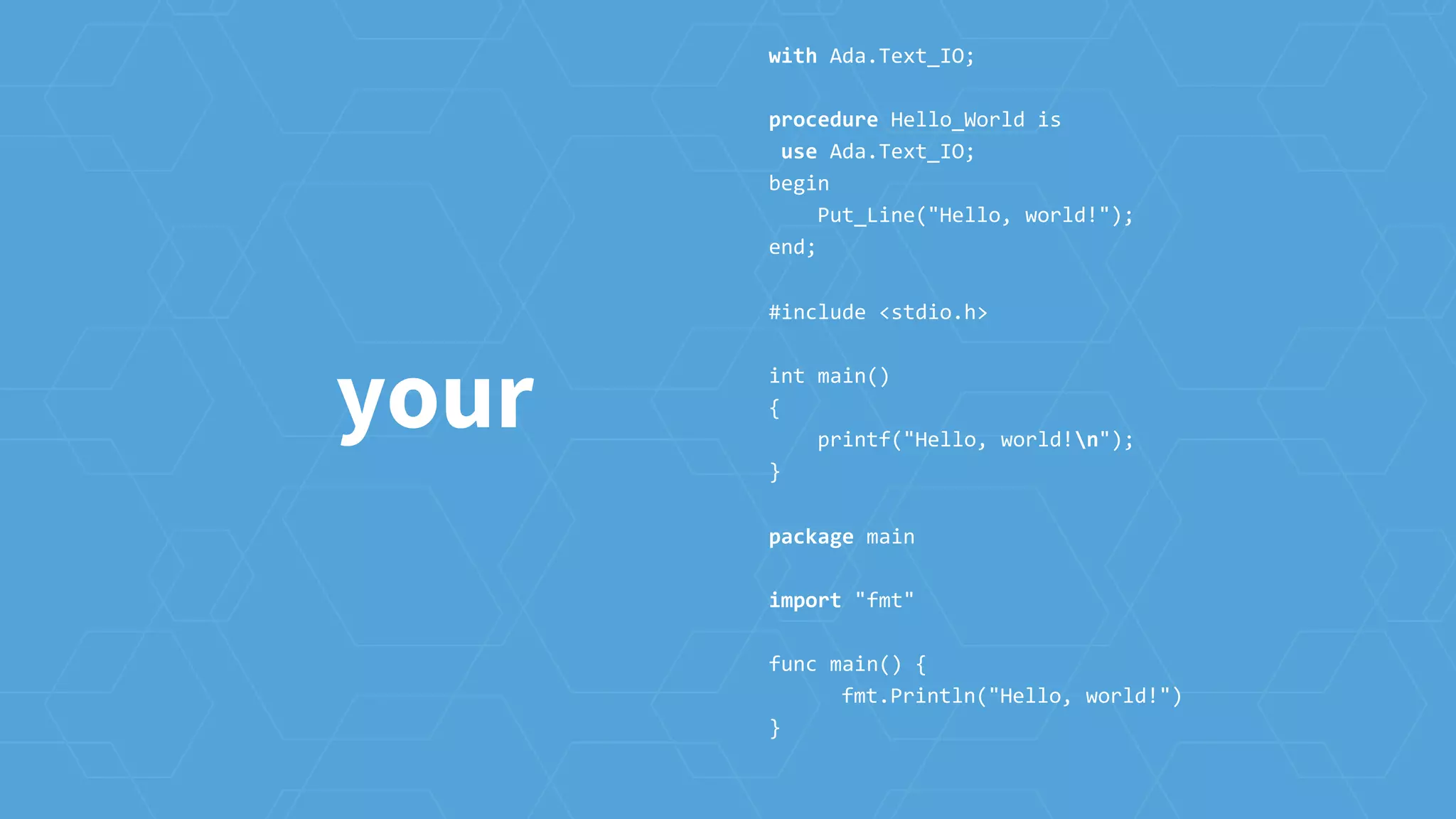
your
with Ada.Text_IO;
procedure Hello_World is
use Ada.Text_IO;
begin
Put_Line("Hello, world!");
end;
#include <stdio.h>
int main()
{
printf("Hello, world!n");
}
package main
import "fmt"
func main() {
fmt.Println("Hello, world!")
}
your container
image
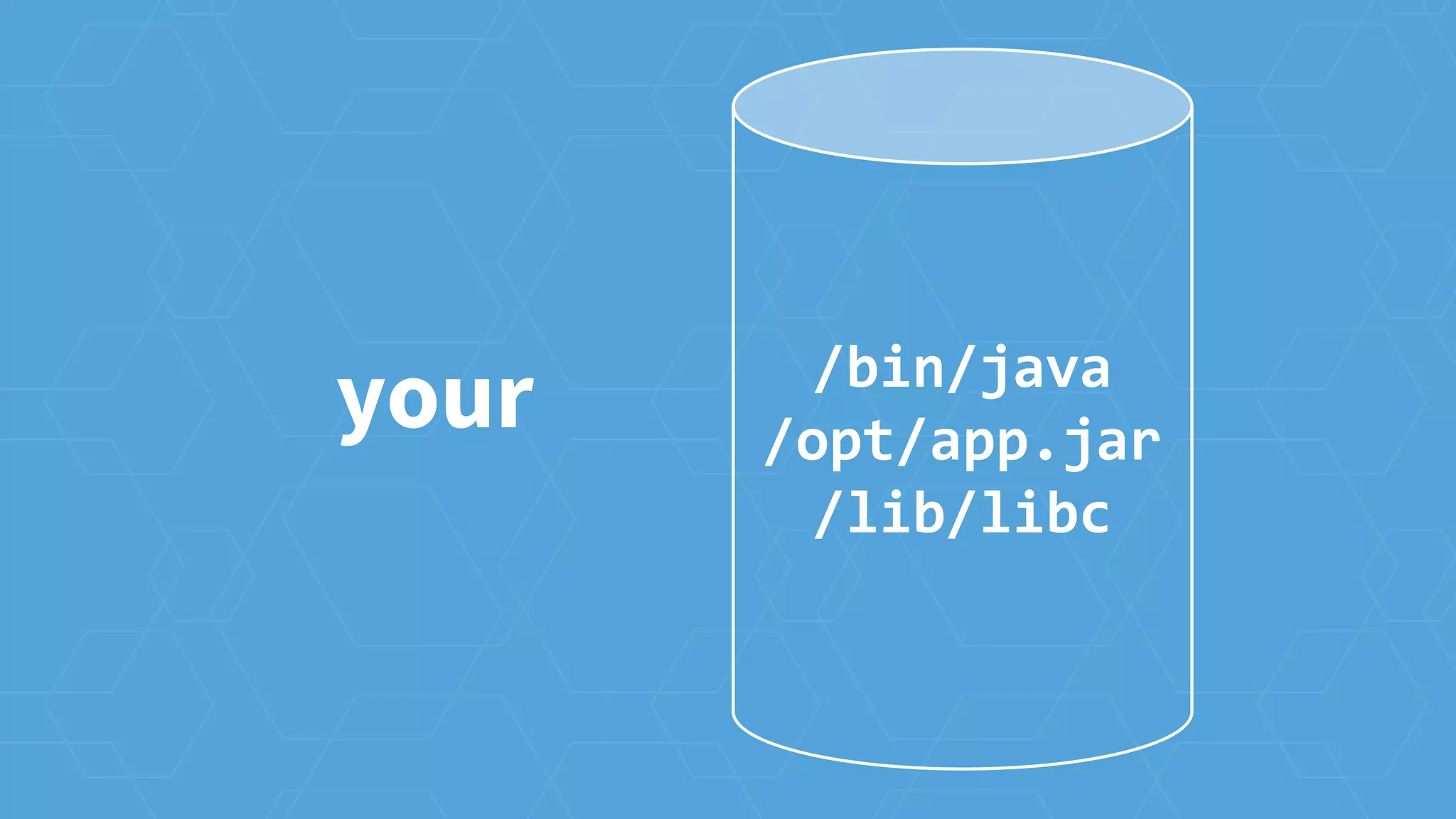
your /bin/java
/opt/app.jar
/lib/libc
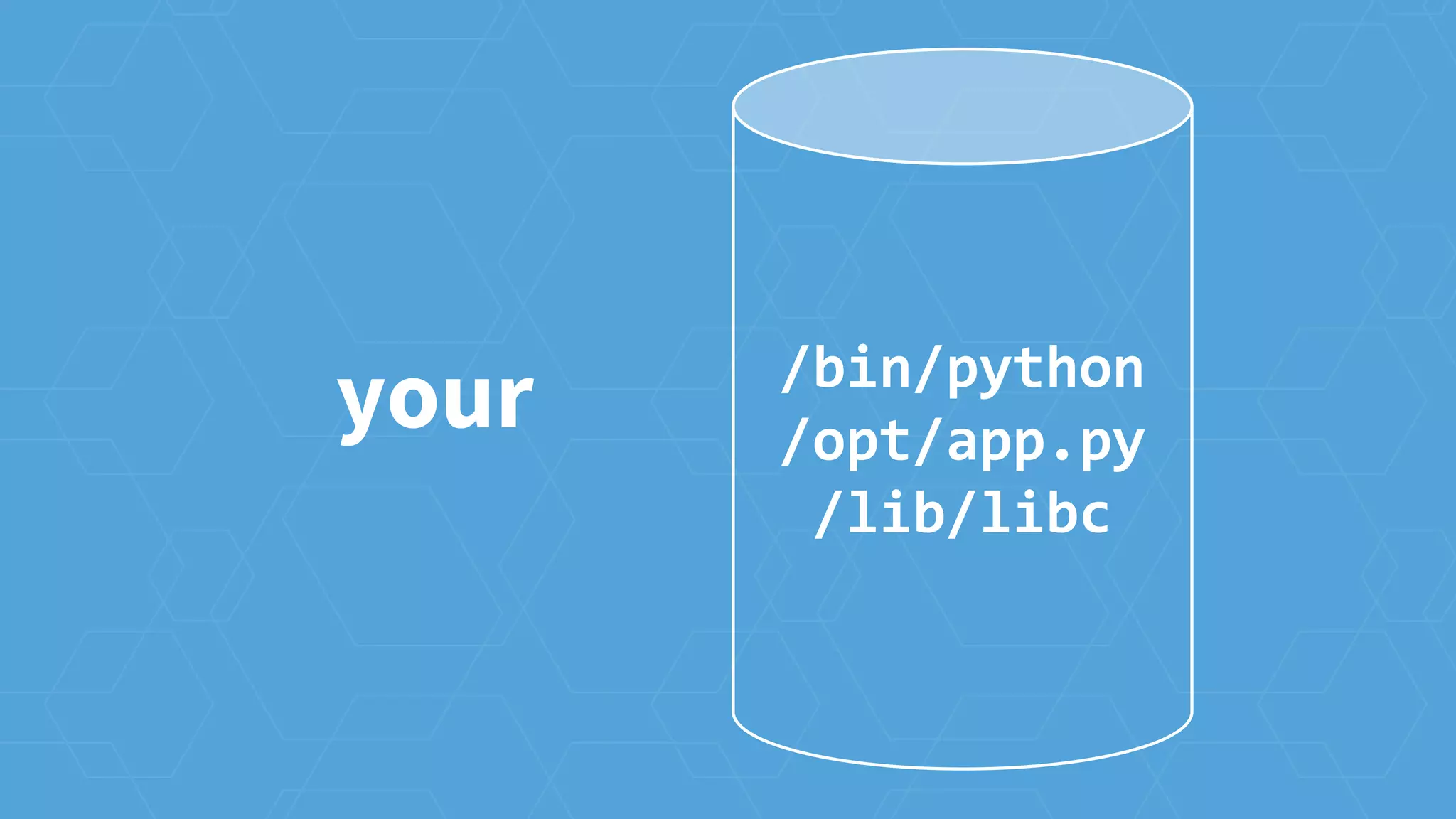
your /bin/python
/opt/app.py
/lib/libc
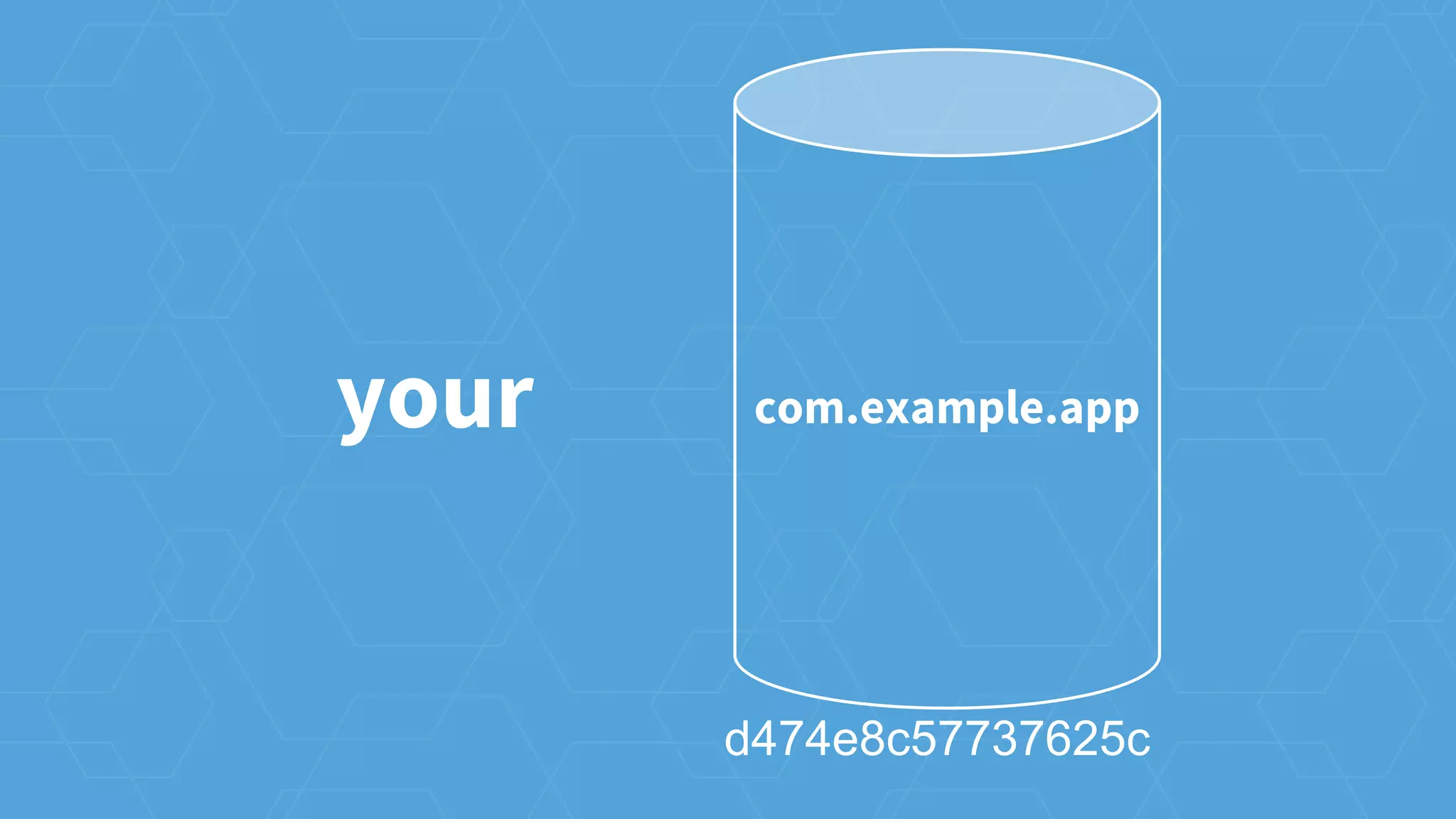
your com.example.app
d474e8c57737625c
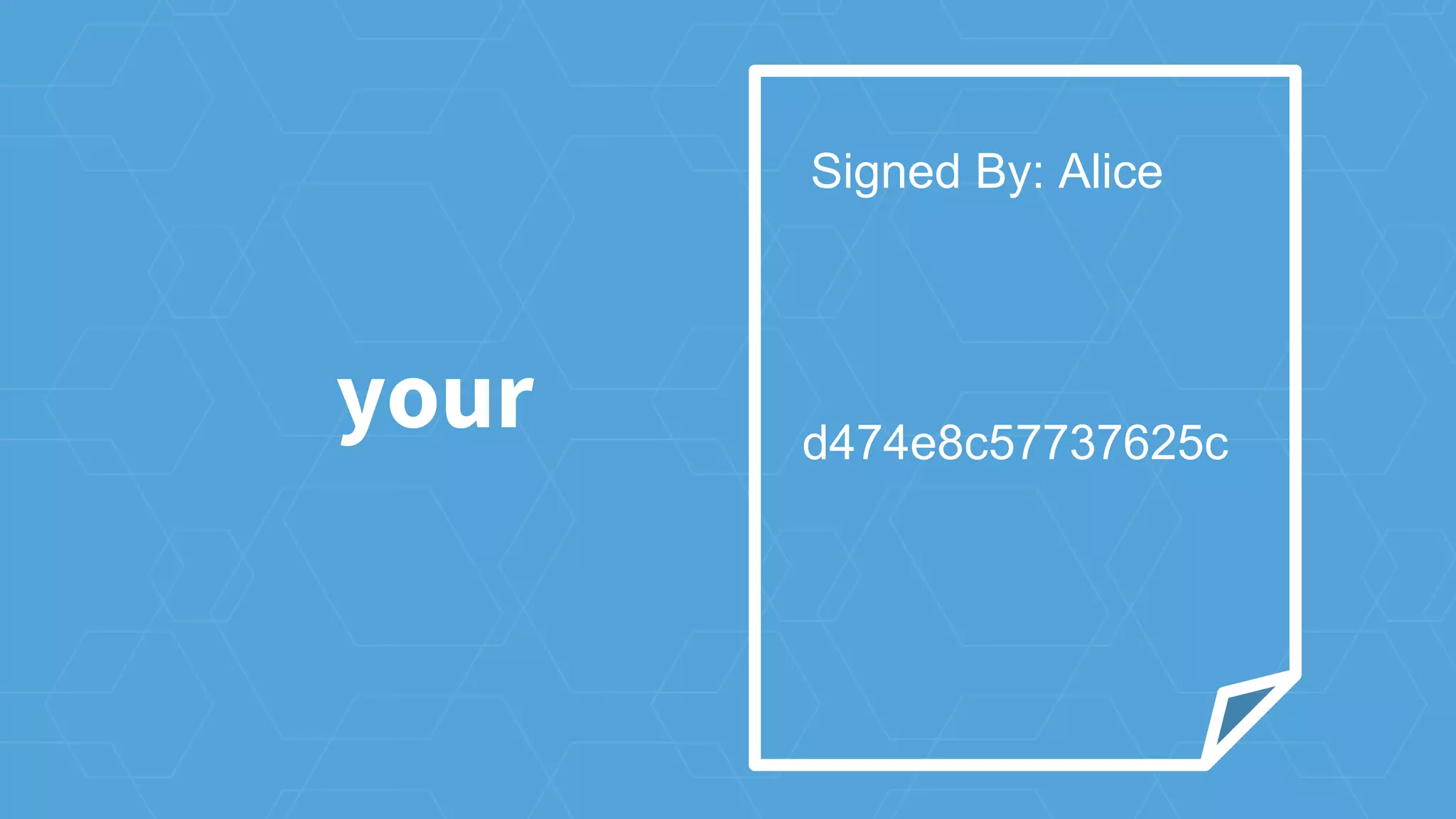
your d474e8c57737625c
Signed By: Alice
you as an ops engineer
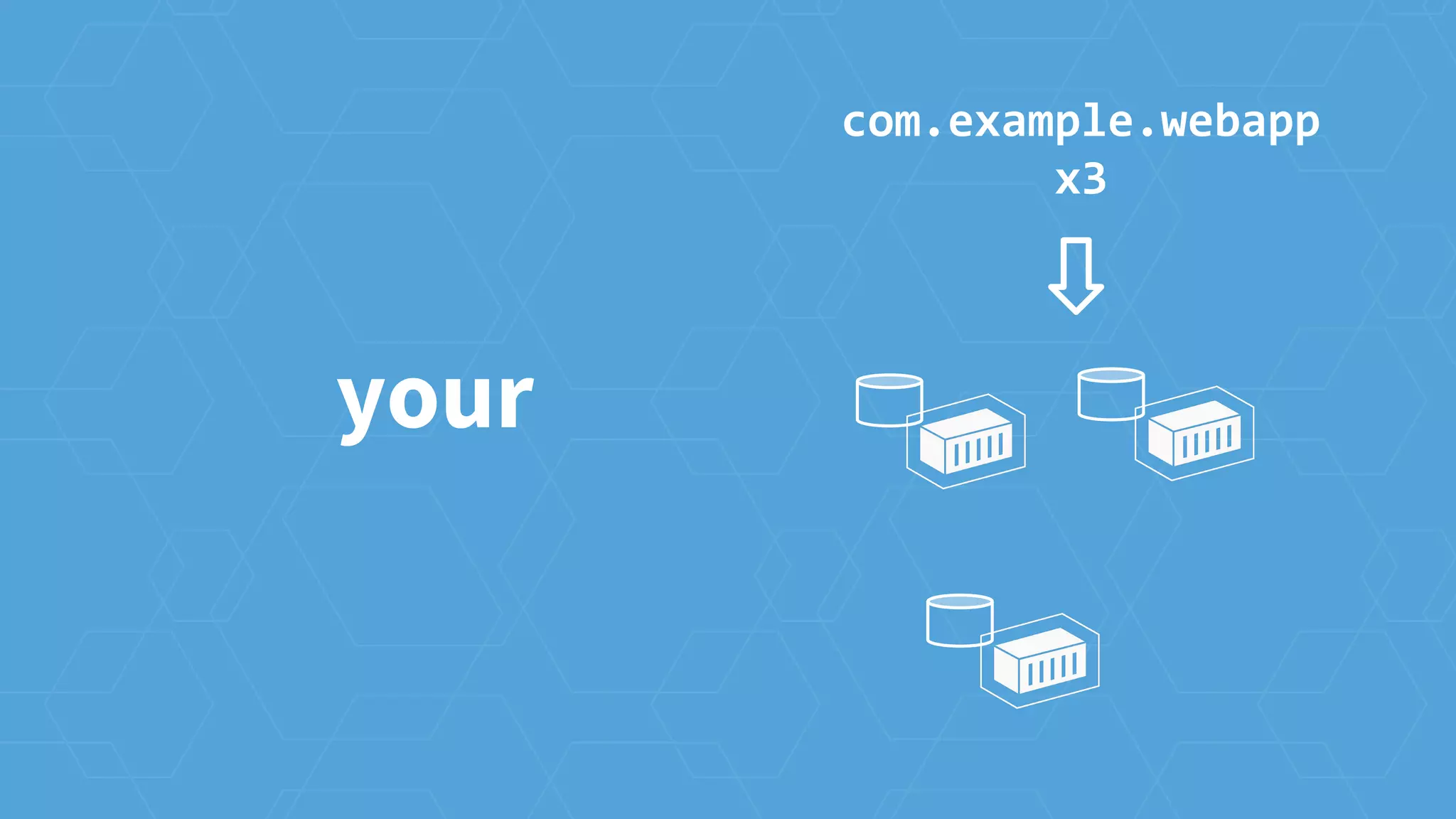
your
your
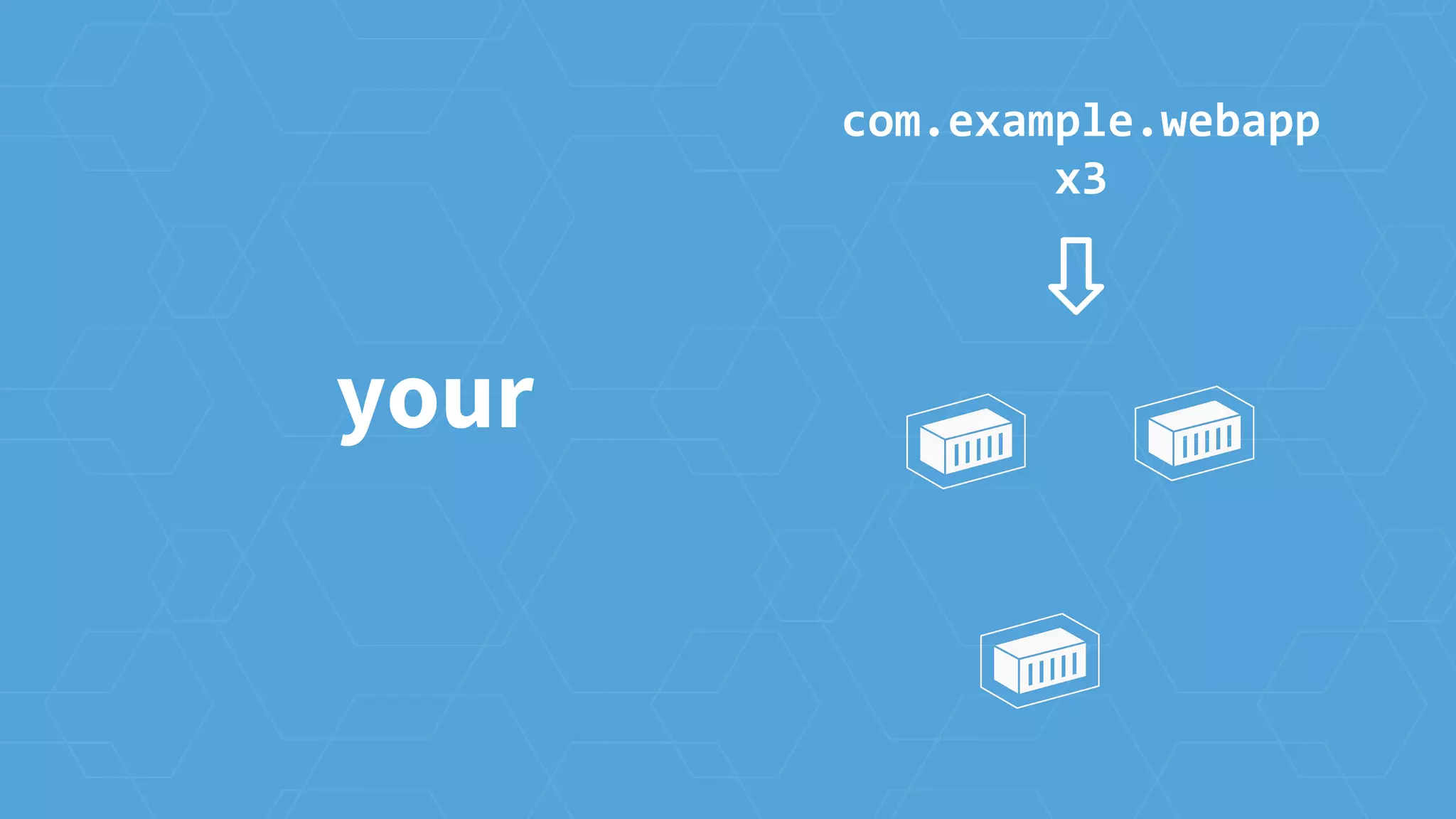
com.example.webapp
x3
your
com.example.webapp
x3
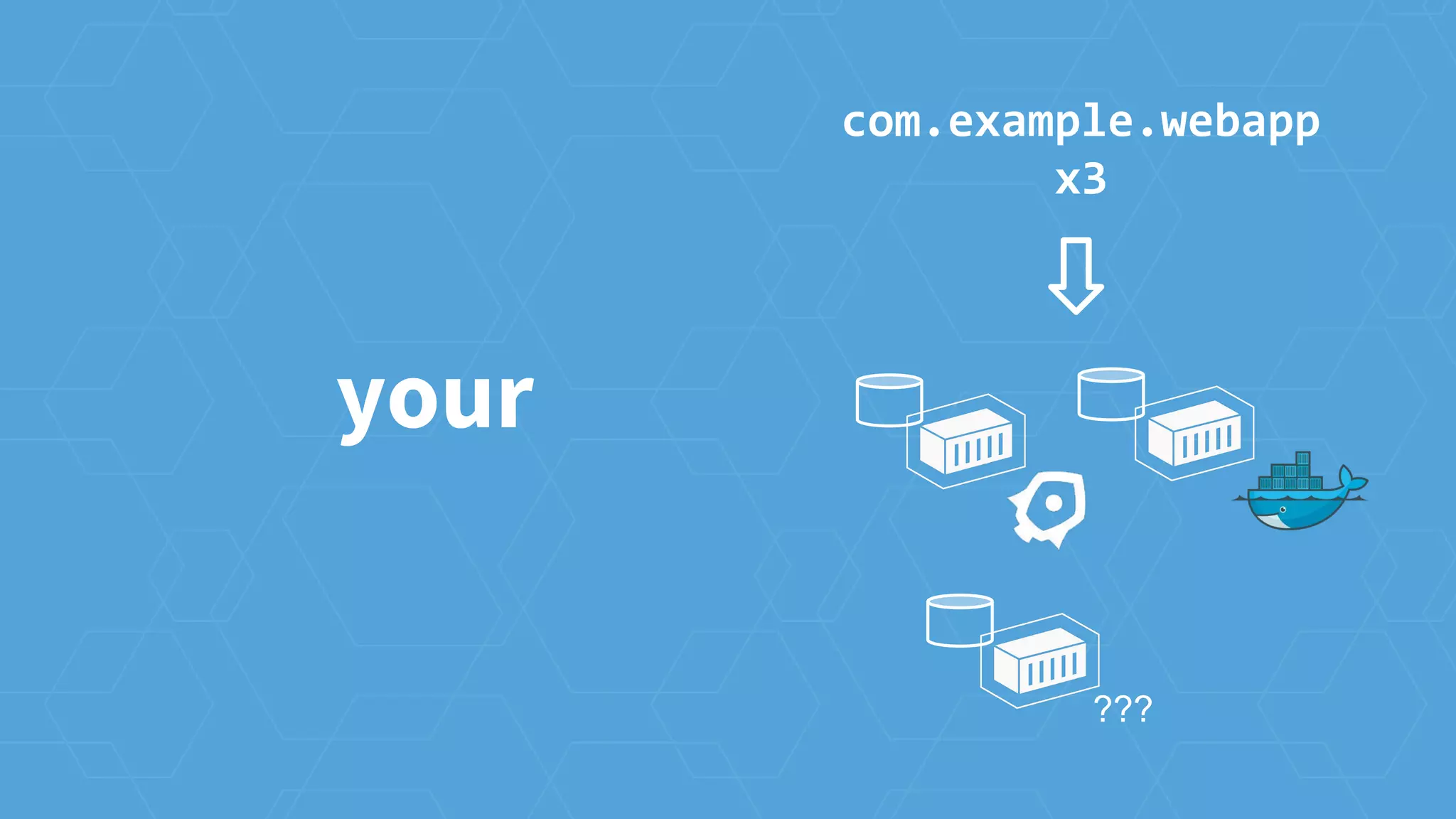
your
???
com.example.webapp
x3
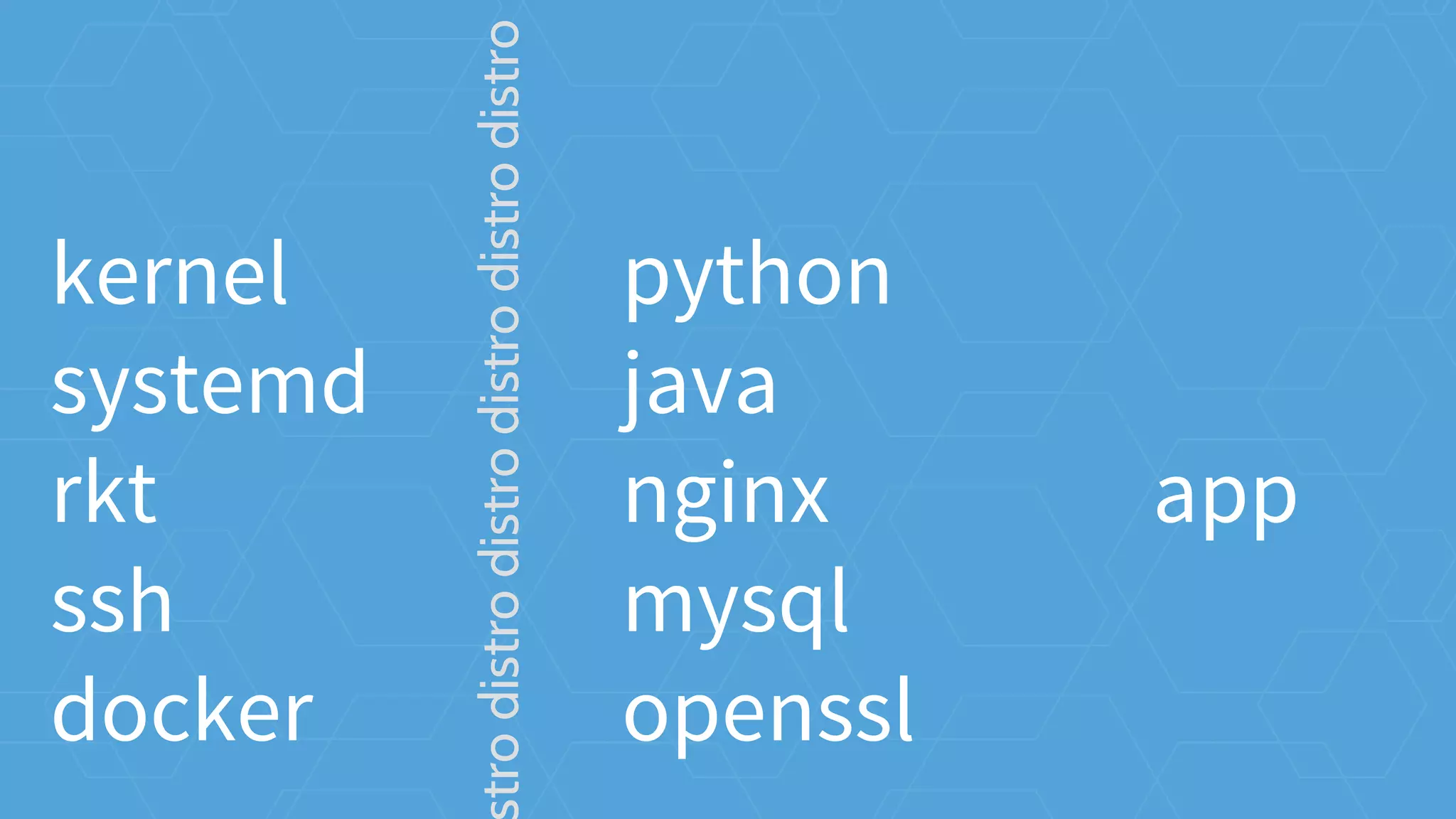
How do we do it?
reduce API contracts
minimal
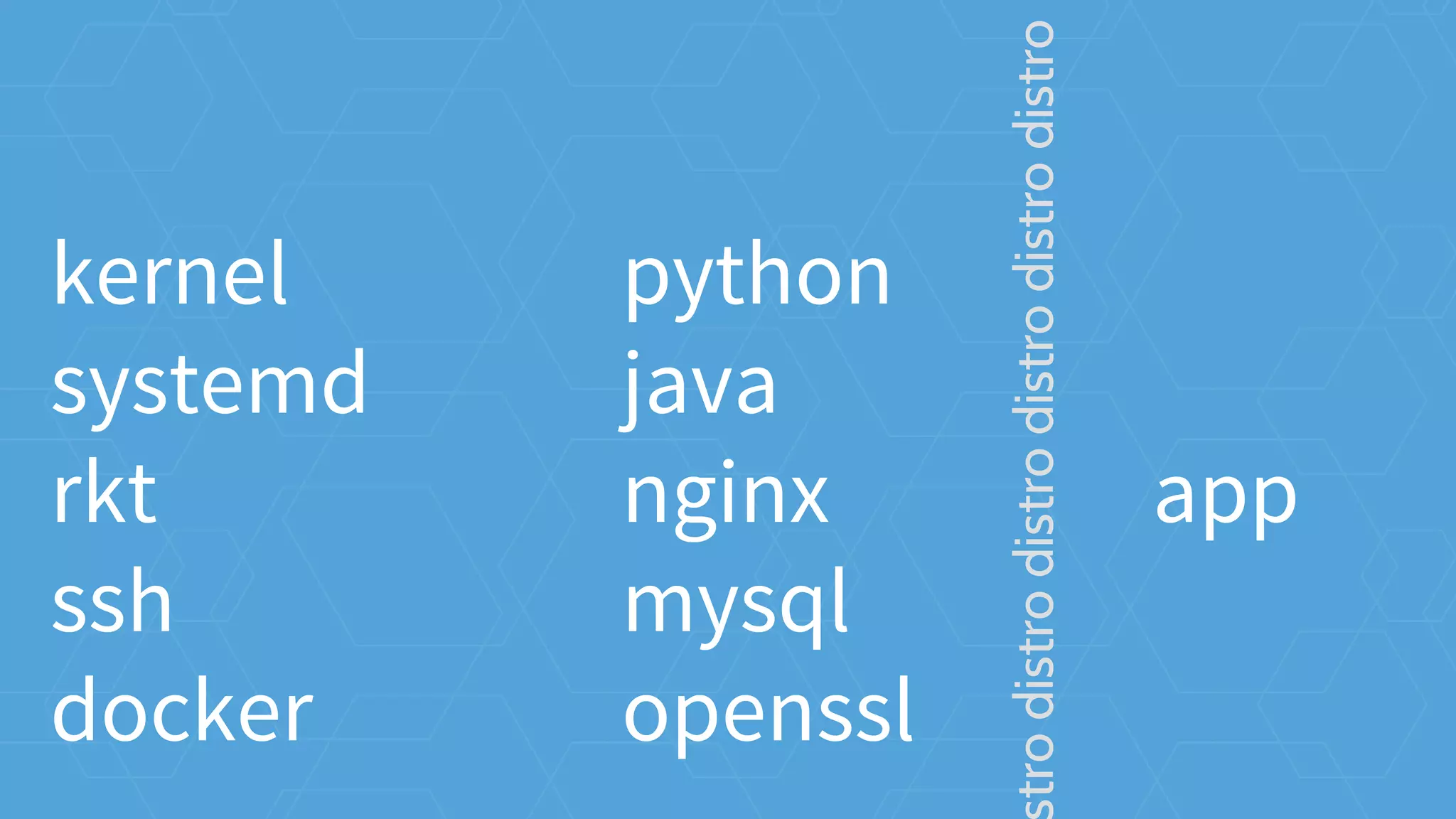
kernel
systemd
rkt
ssh
docker
python
java
nginx
mysql
openssl
app
trodistrodistrodistrodistrodistro
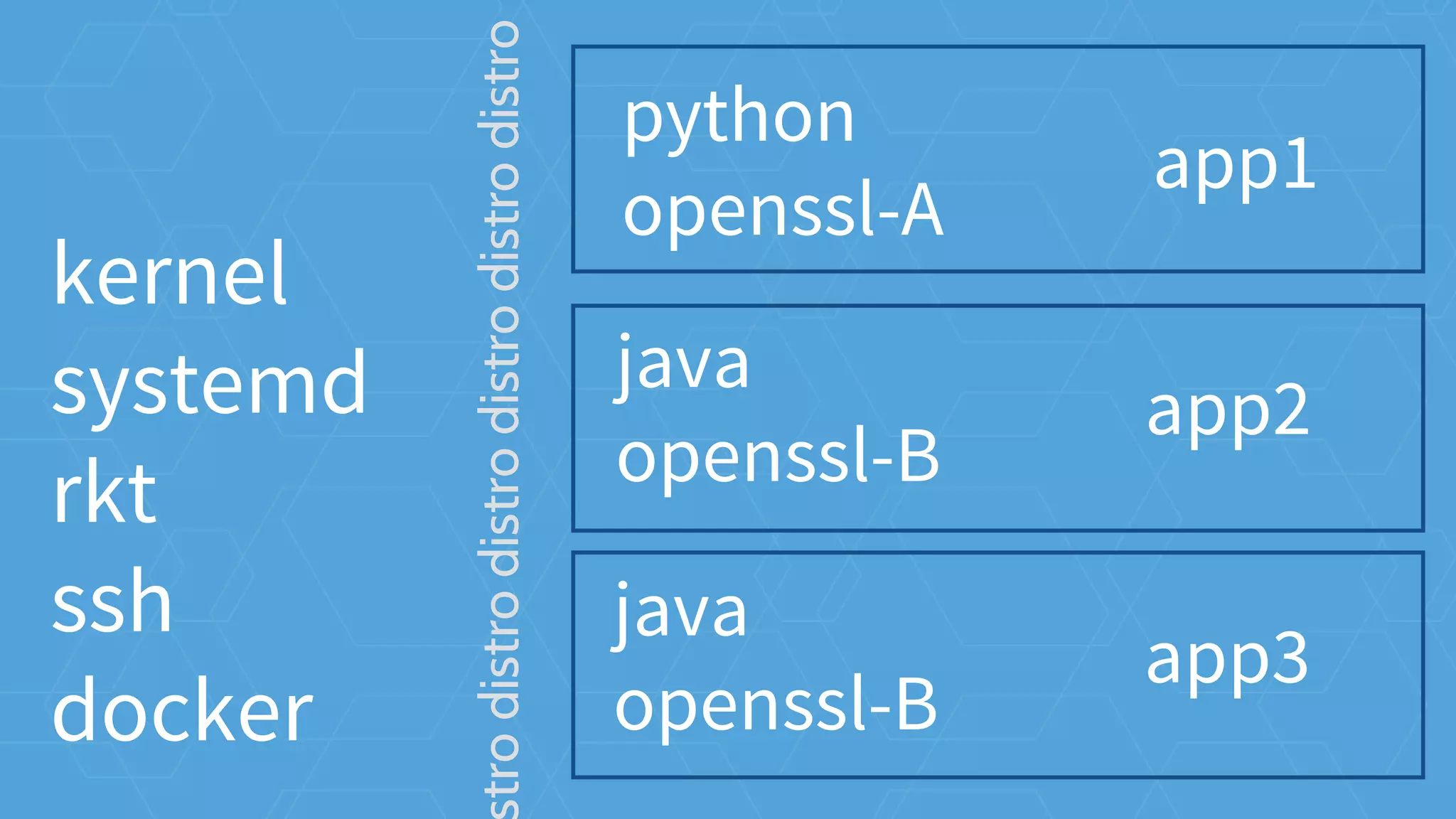
python
java
nginx
mysql
openssl
apptrodistrodistrodistrodistrodistro
kernel
systemd
rkt
ssh
docker
python
openssl-A
app1
trodistrodistrodistrodistrodistro
java
openssl-B
app2
java
openssl-B
app3
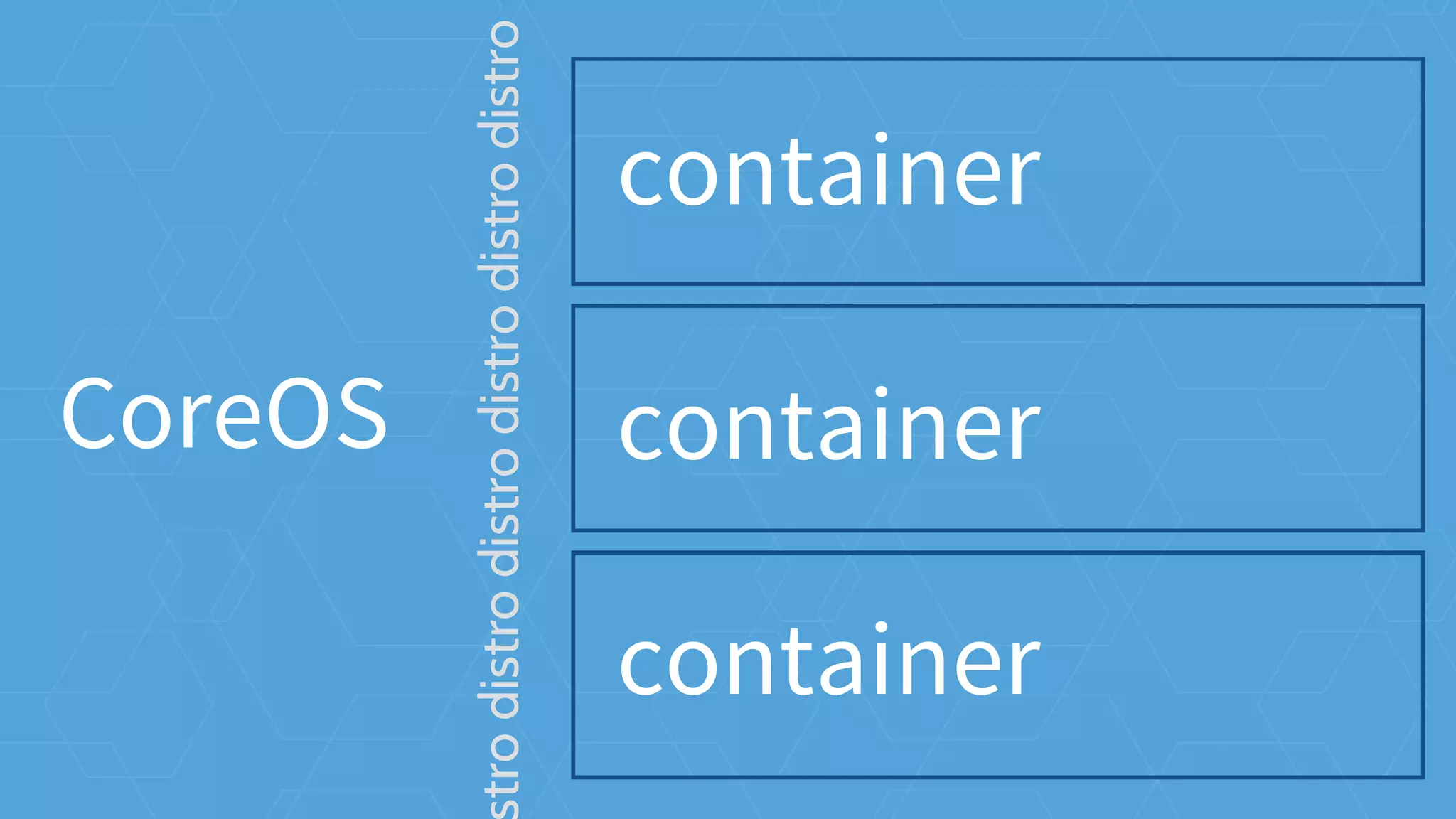
kernel
systemd
rkt
ssh
docker
CoreOS
container
trodistrodistrodistrodistrodistro
container
container
OS operations
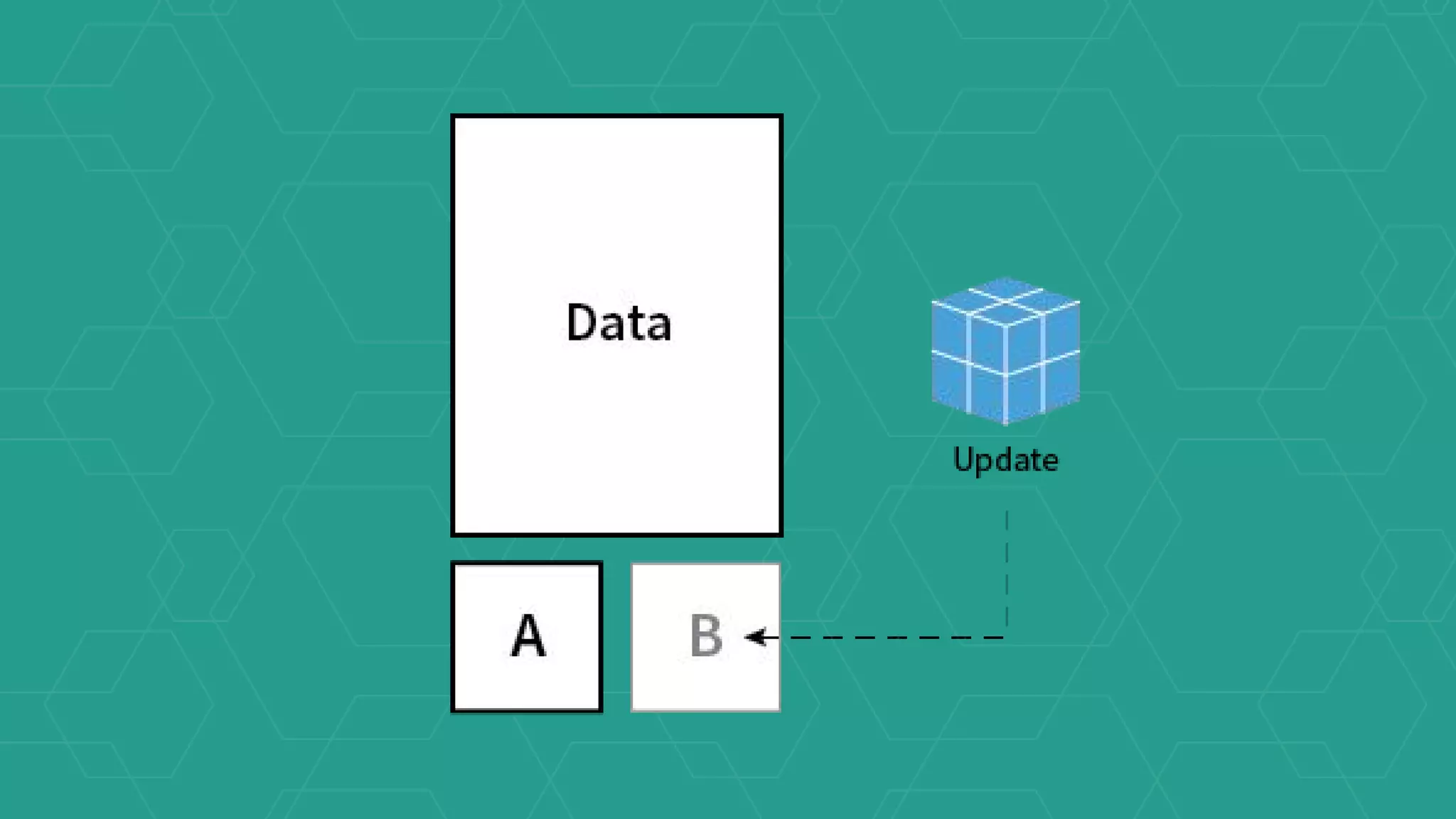
updates
OS operations
manual updates
automatic updates
automatic updates
atomic update with rollback
CoreOS Updates
machine configuration
OS operations
get into the cluster
machine config
[Service]
ExecStart=/usr/bin/kubelet --
api_servers=https://172.17.4.101 --
register-node=true --hostname-
override=172.17.4.201 --cluster_dns=10.
3.0.10 --cluster_domain=cluster.local
--tls-cert-file=worker.pem --tls-
private-key-file=worker-key.pem
[Service]
ExecStart=/usr/bin/kubelet --
api_servers=https://172.17.4.101 --
register-node=true --hostname-
override=172.17.4.201 --cluster_dns=10.
3.0.10 --cluster_domain=cluster.local
--tls-cert-file=worker.pem --tls-
private-key-file=worker-key.pem
[Service]
ExecStart=/usr/bin/kubelet --
api_servers=https://172.17.4.101 --
register-node=true --hostname-
override=172.17.4.201 --cluster_dns=10.
3.0.10 --cluster_domain=cluster.local
--tls-cert-file=worker.pem --tls-
private-key-file=worker-key.pem
[Service]
ExecStart=/usr/bin/kubelet --
api_servers=https://172.17.4.101 --
register-node=true --hostname-
override=172.17.4.201 --cluster_dns=10.
3.0.10 --cluster_domain=cluster.local
--tls-cert-file=worker.pem --tls-
private-key-file=worker-key.pem
distributed configuration
cluster operations
etcd
/etc
distributed
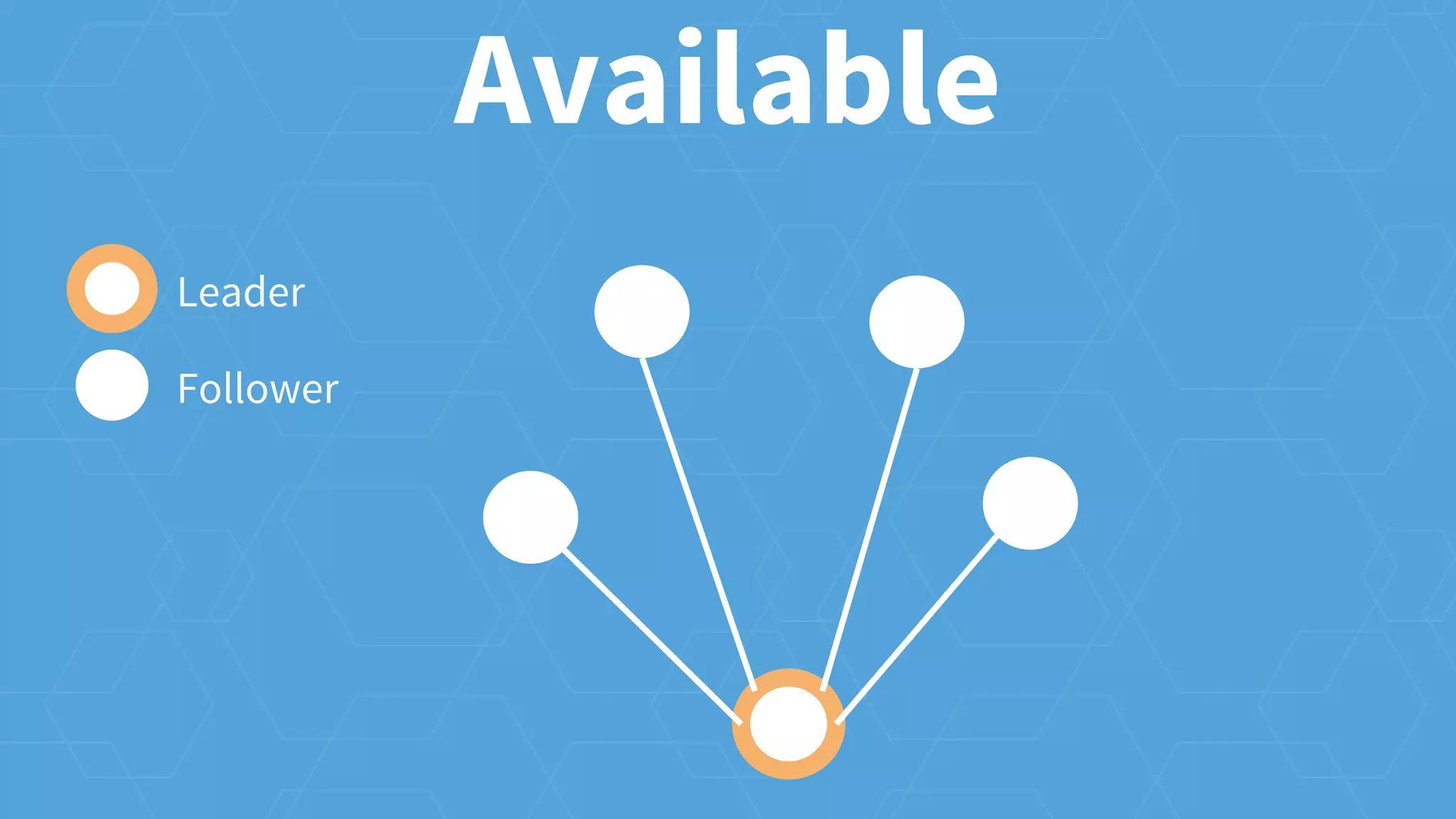
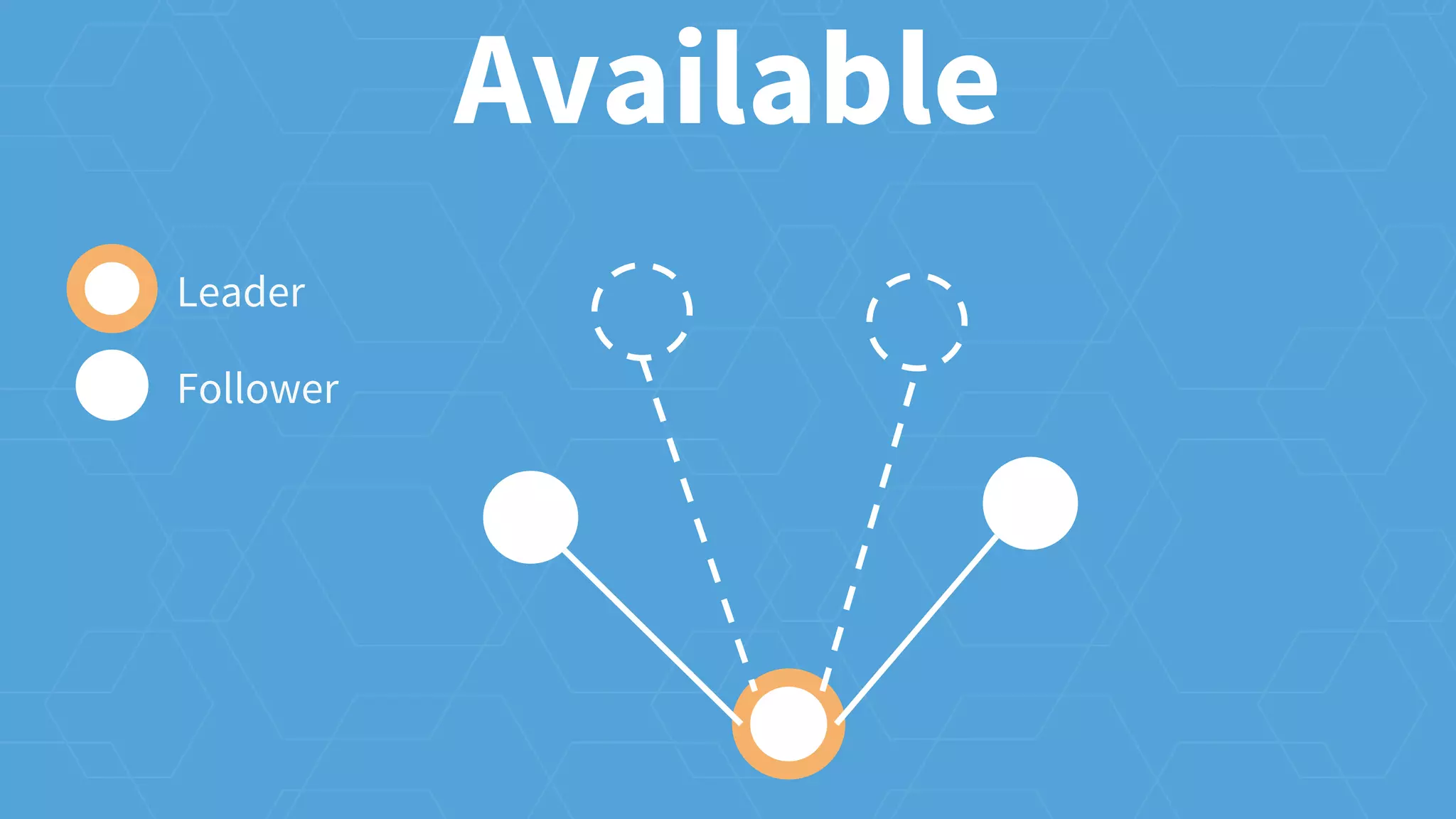
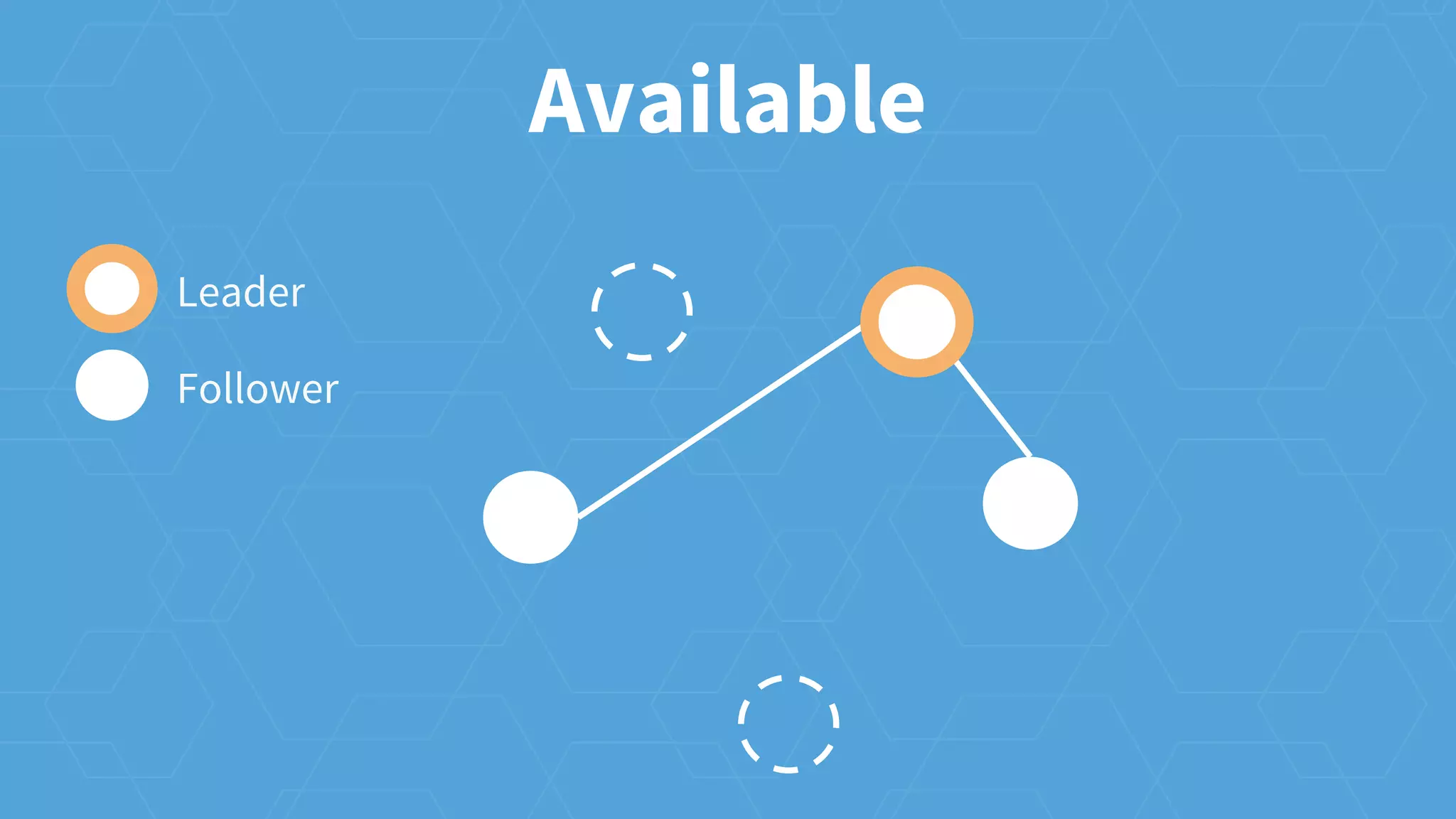
Available
Leader
Follower
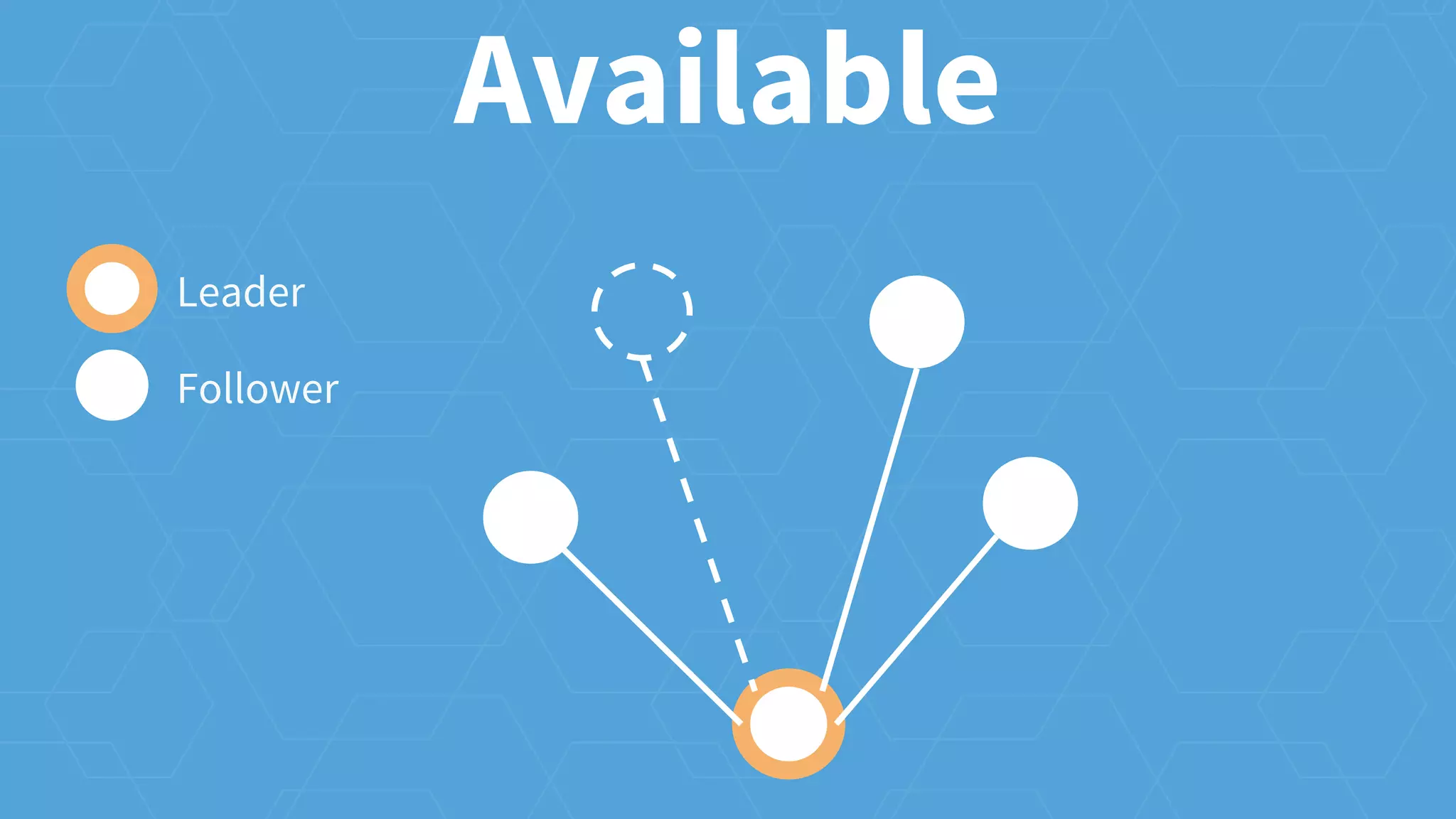
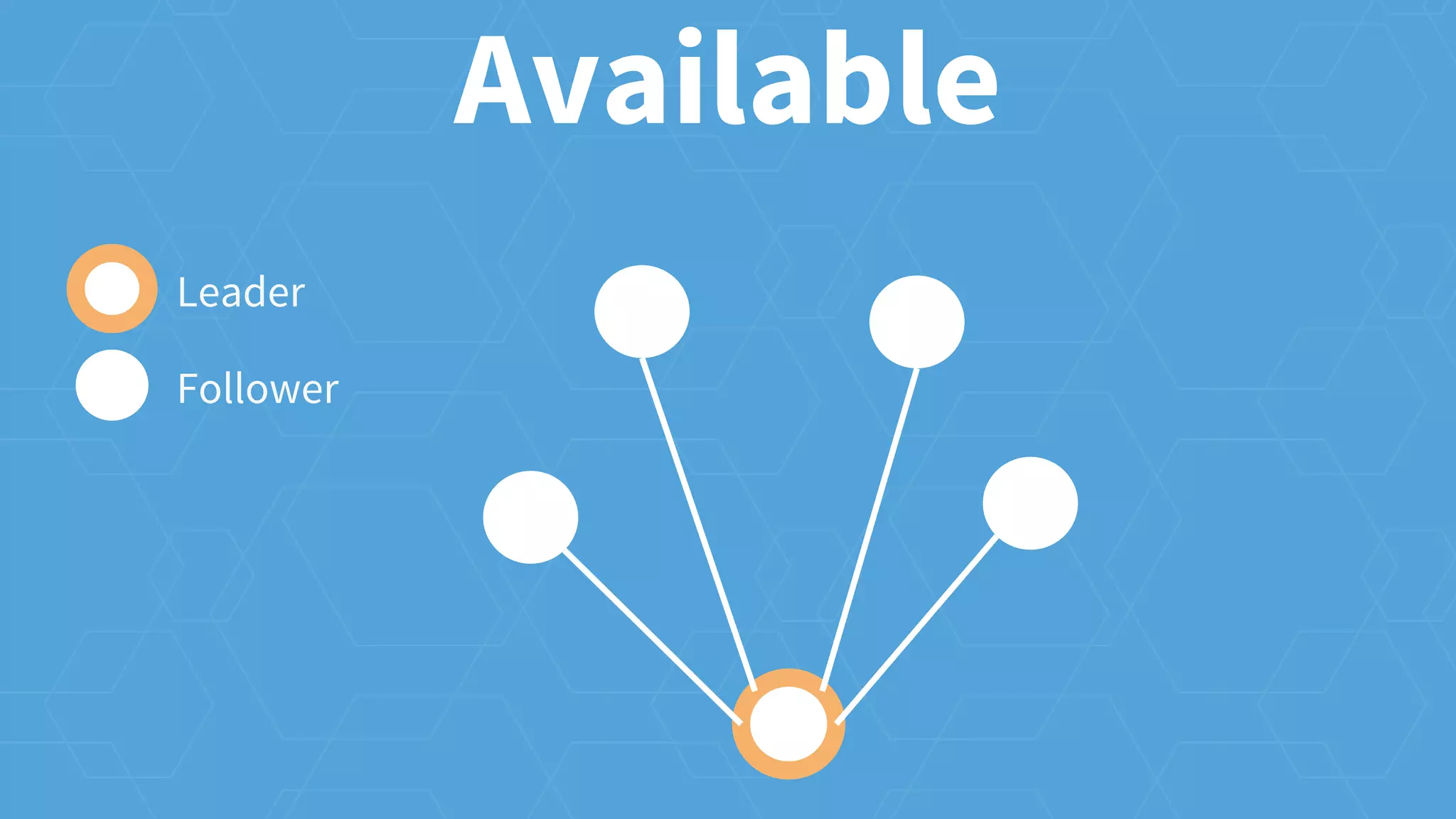
Available
Leader
Follower
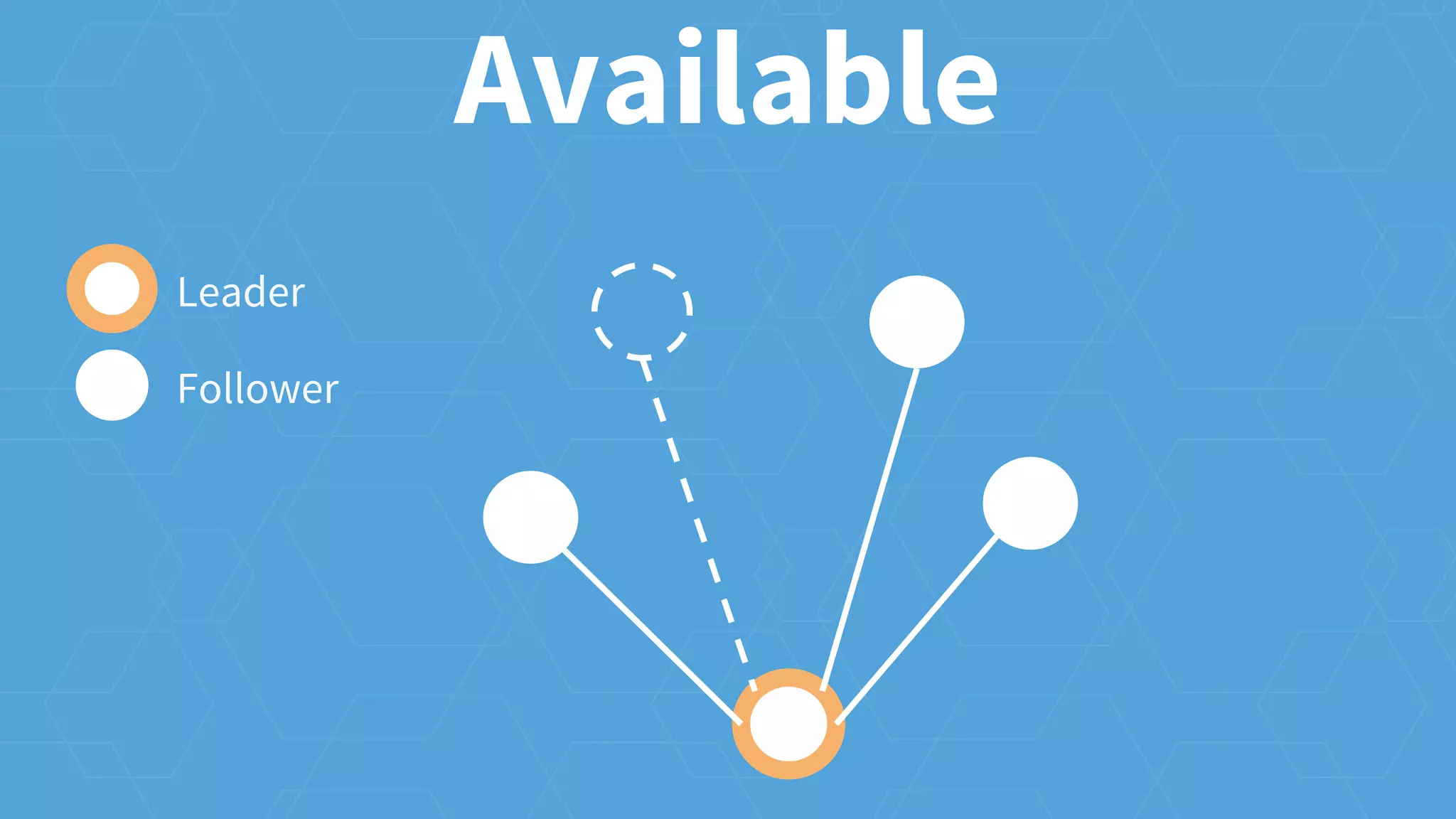
Available
Leader
Follower
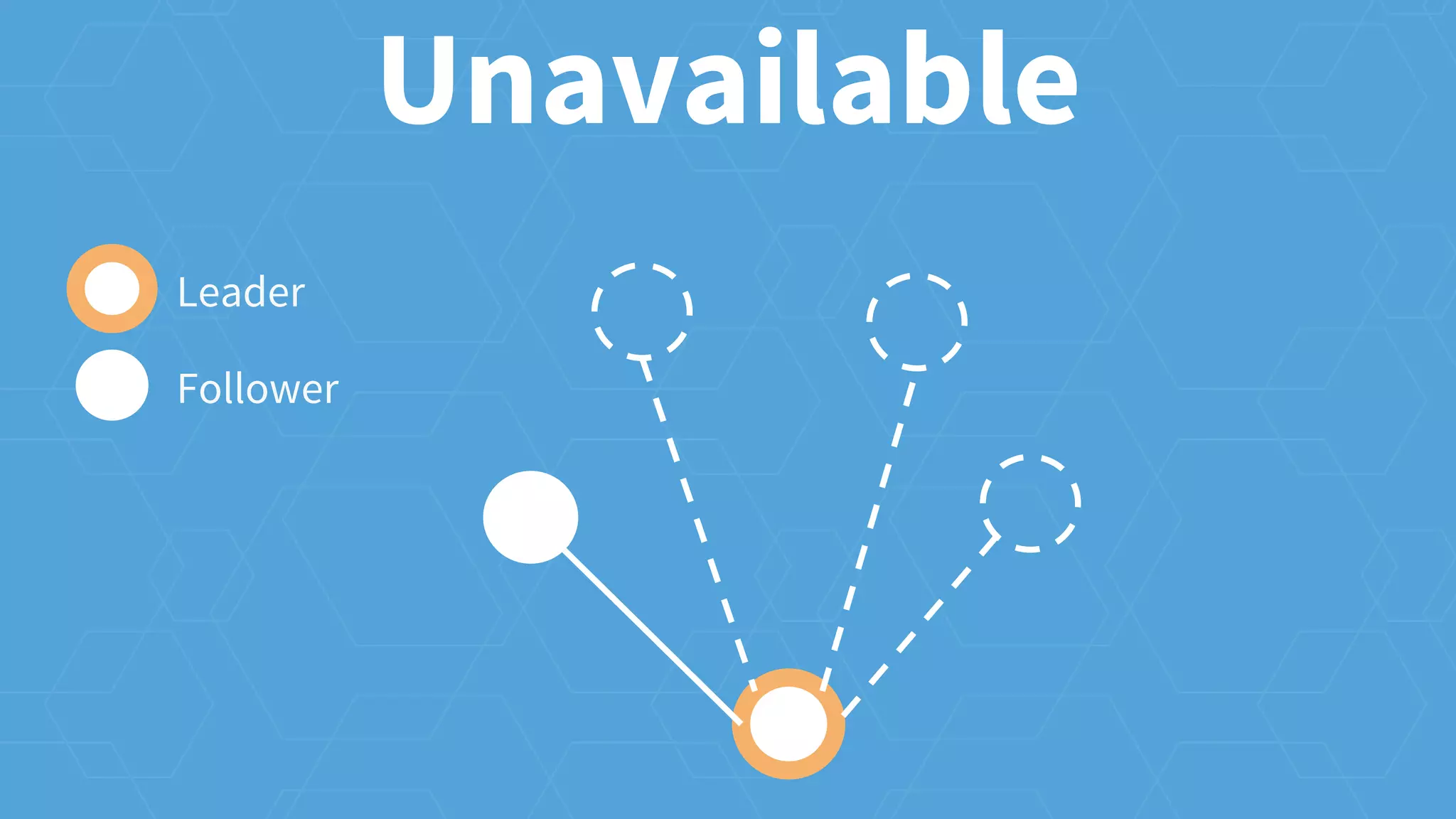
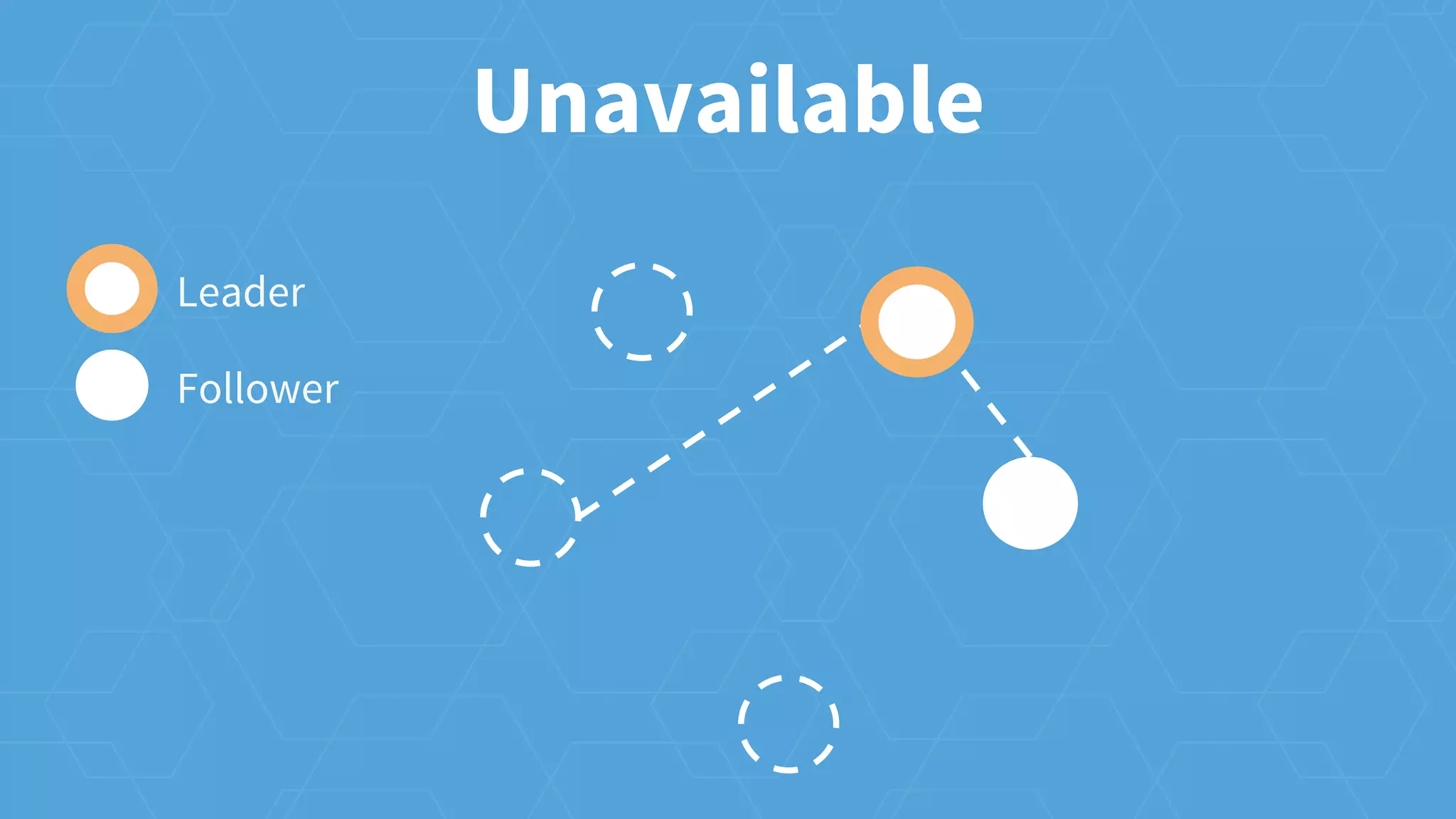
Unavailable
Leader
Follower
Available
Leader
Follower
Available
Leader
Follower
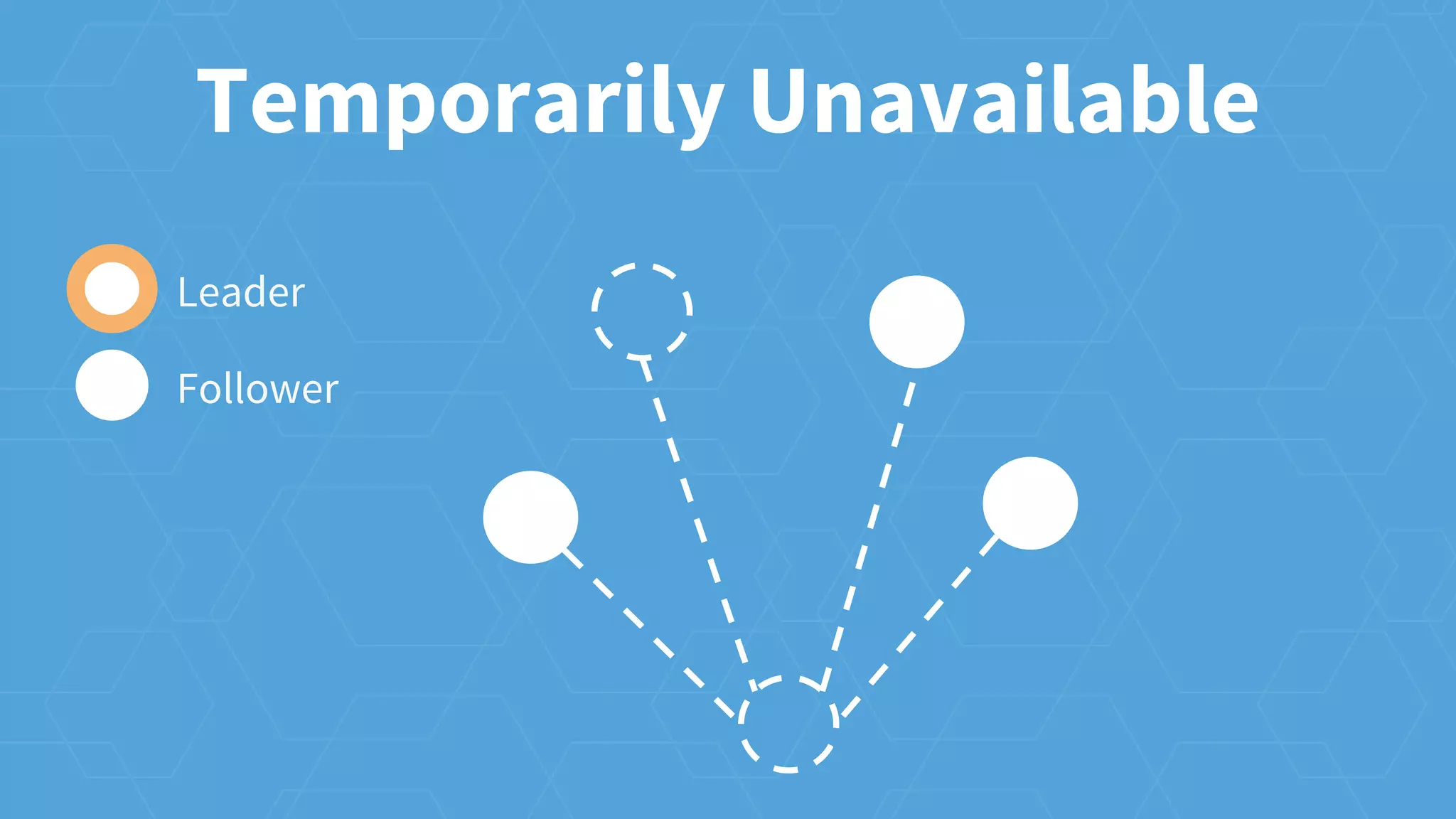
Temporarily Unavailable
Leader
Follower
Available
Leader
Follower
Unavailable
Leader
Follower
what should run
cluster operations
k8s/mesos/etc scheduler
scheduling
getting work to servers
scheduling
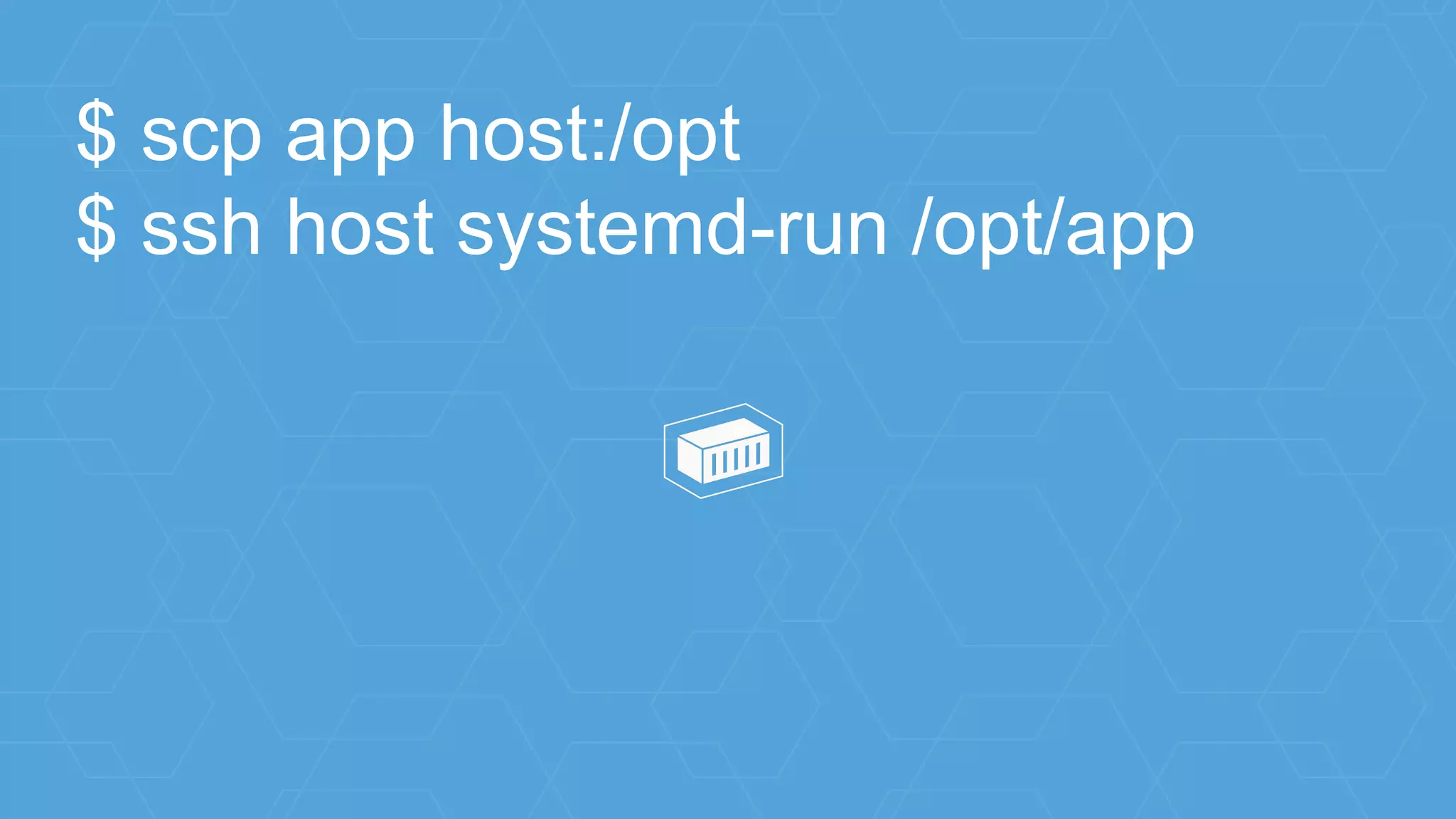
$ scp app host:/opt
$ ssh host systemd-run /opt/app
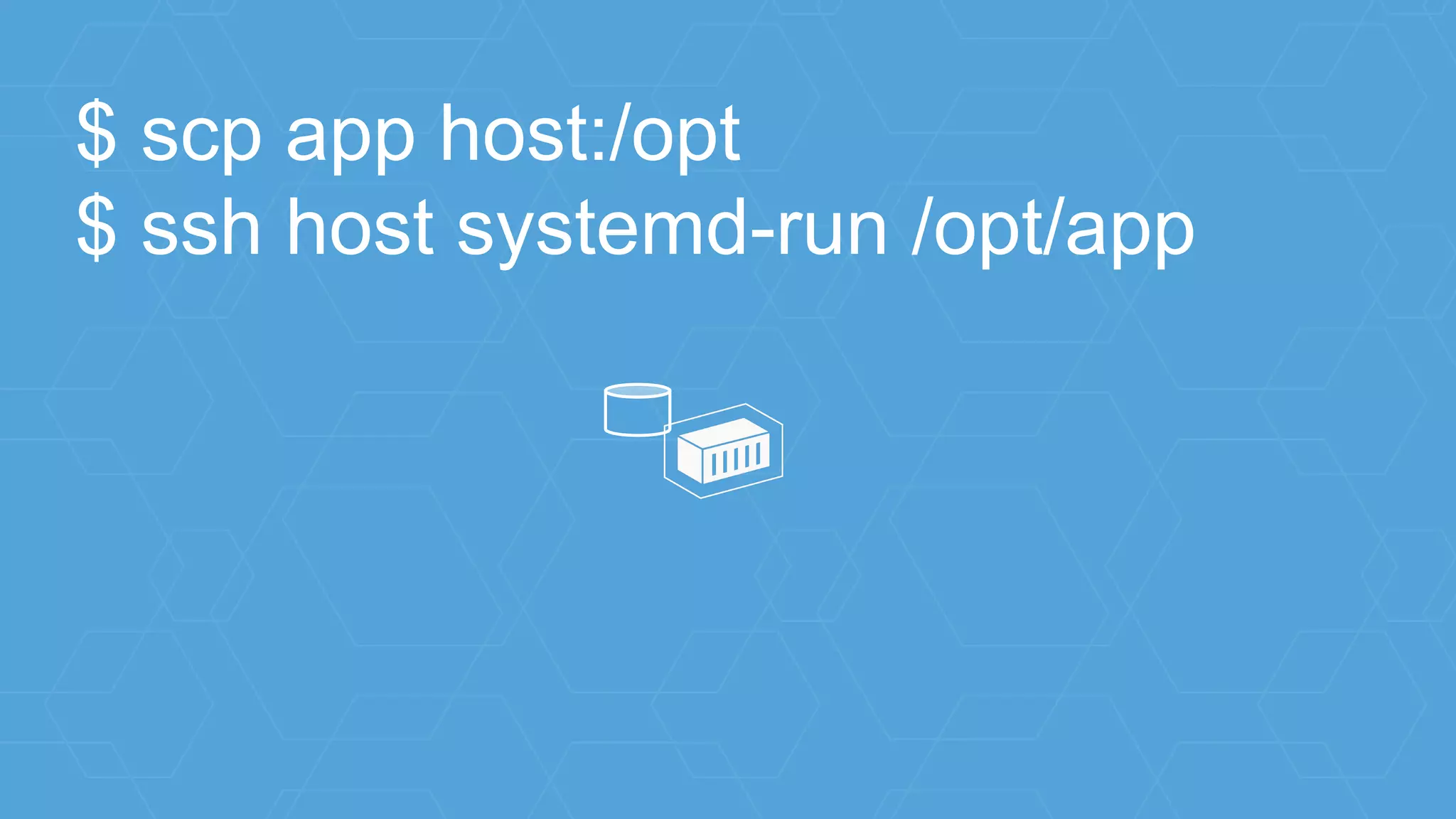
$ scp app host:/opt
$ ssh host systemd-run /opt/app
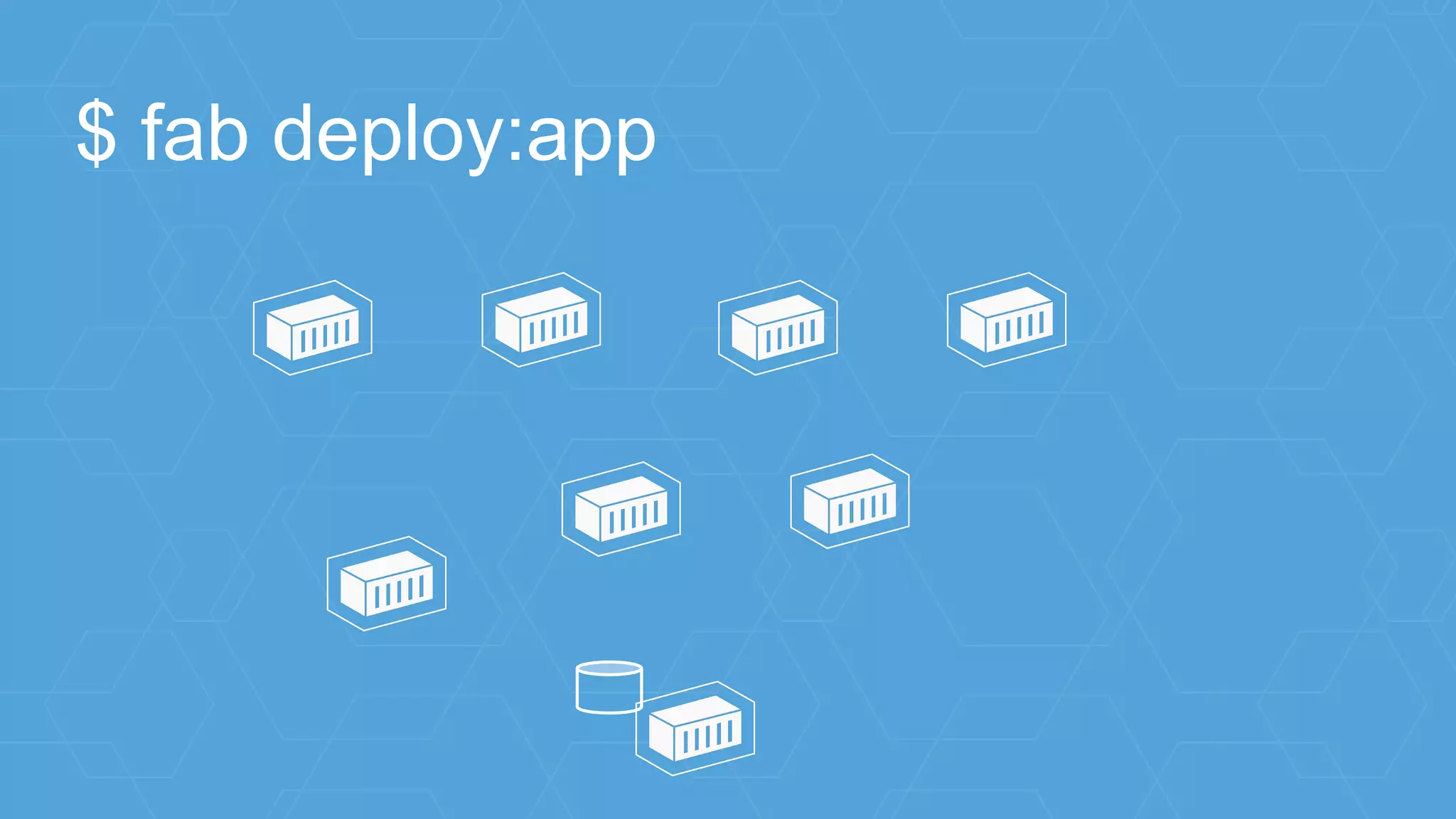
$ fab deploy:app
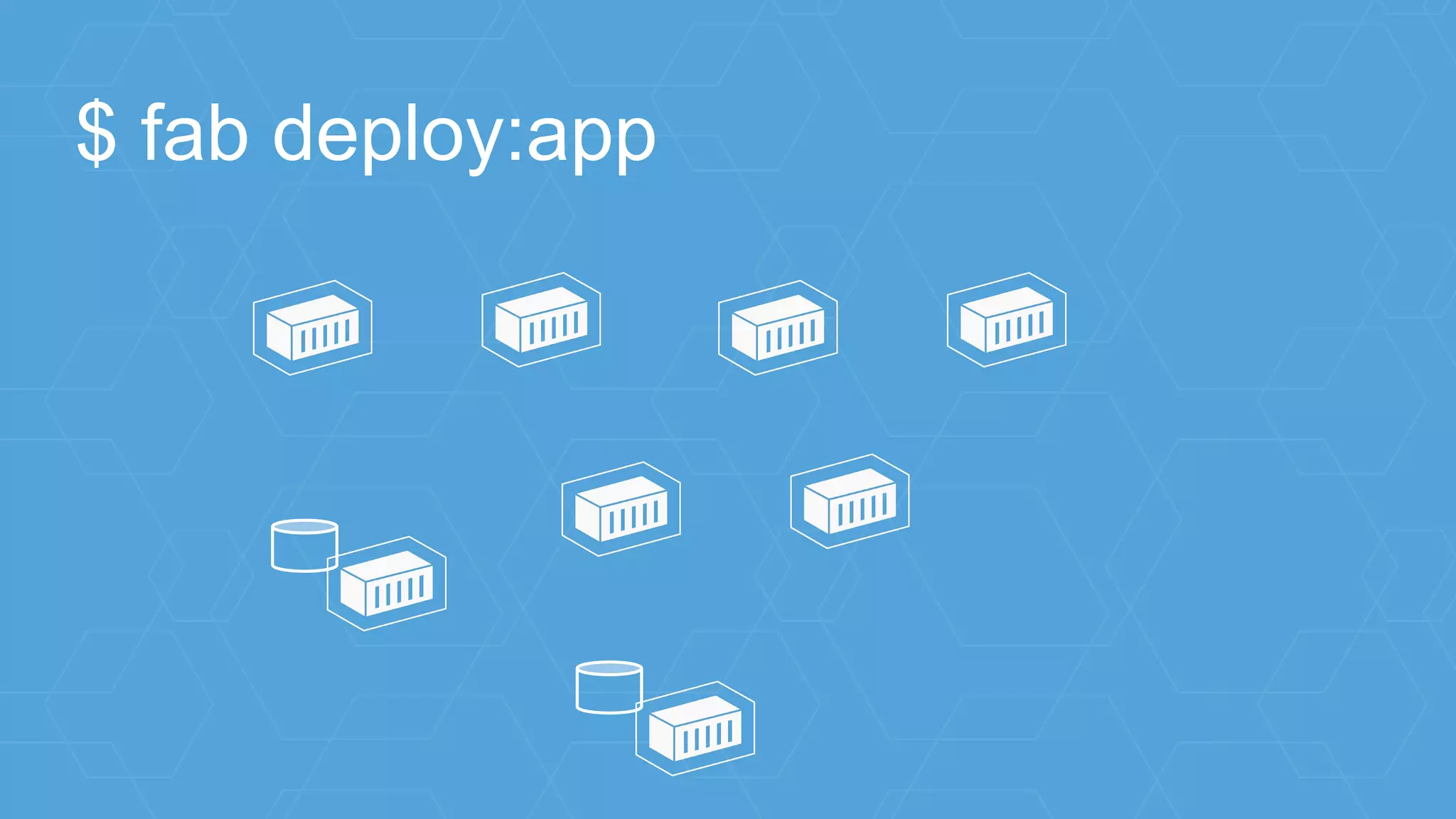
$ fab deploy:app
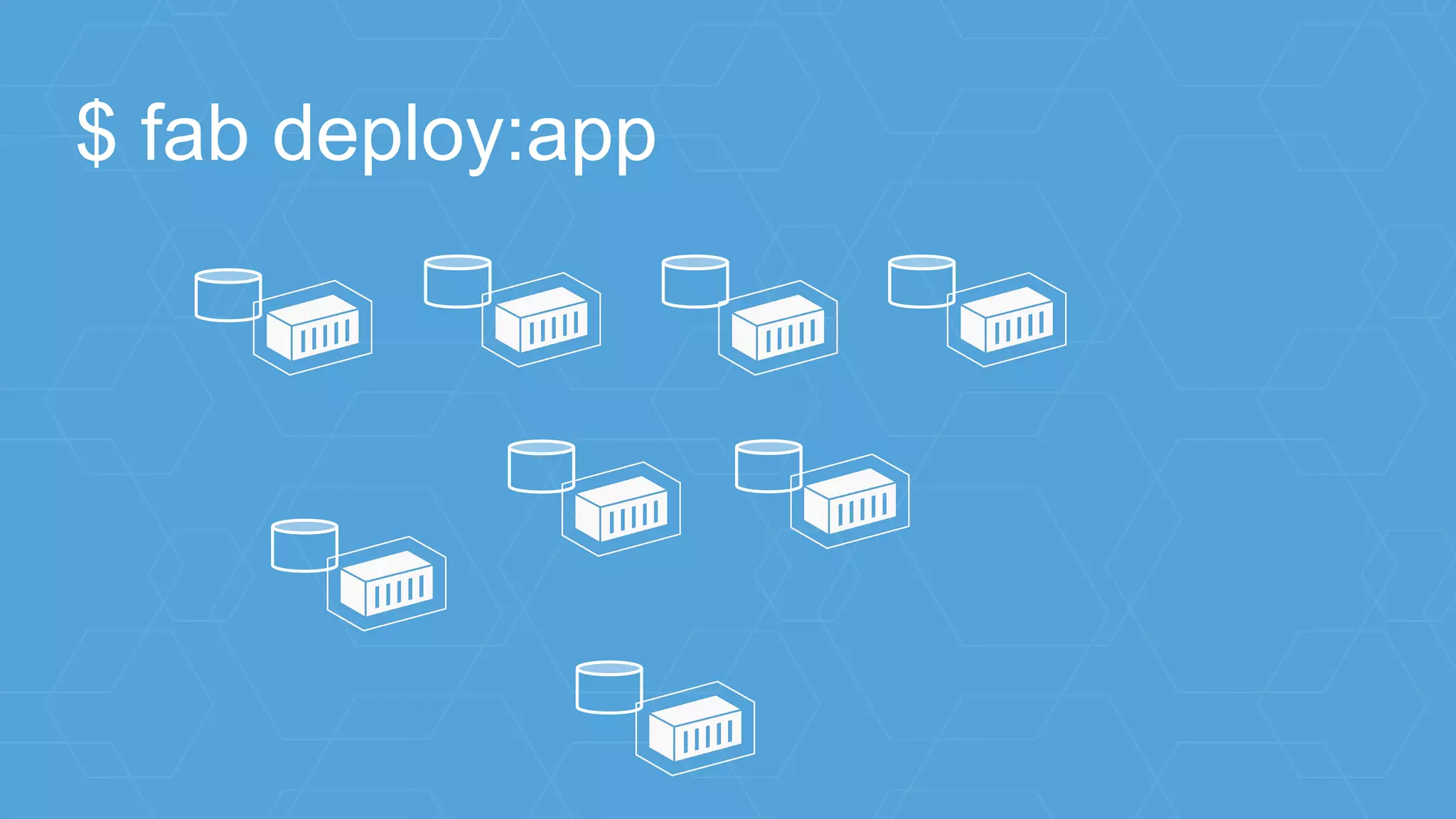
$ fab deploy:app
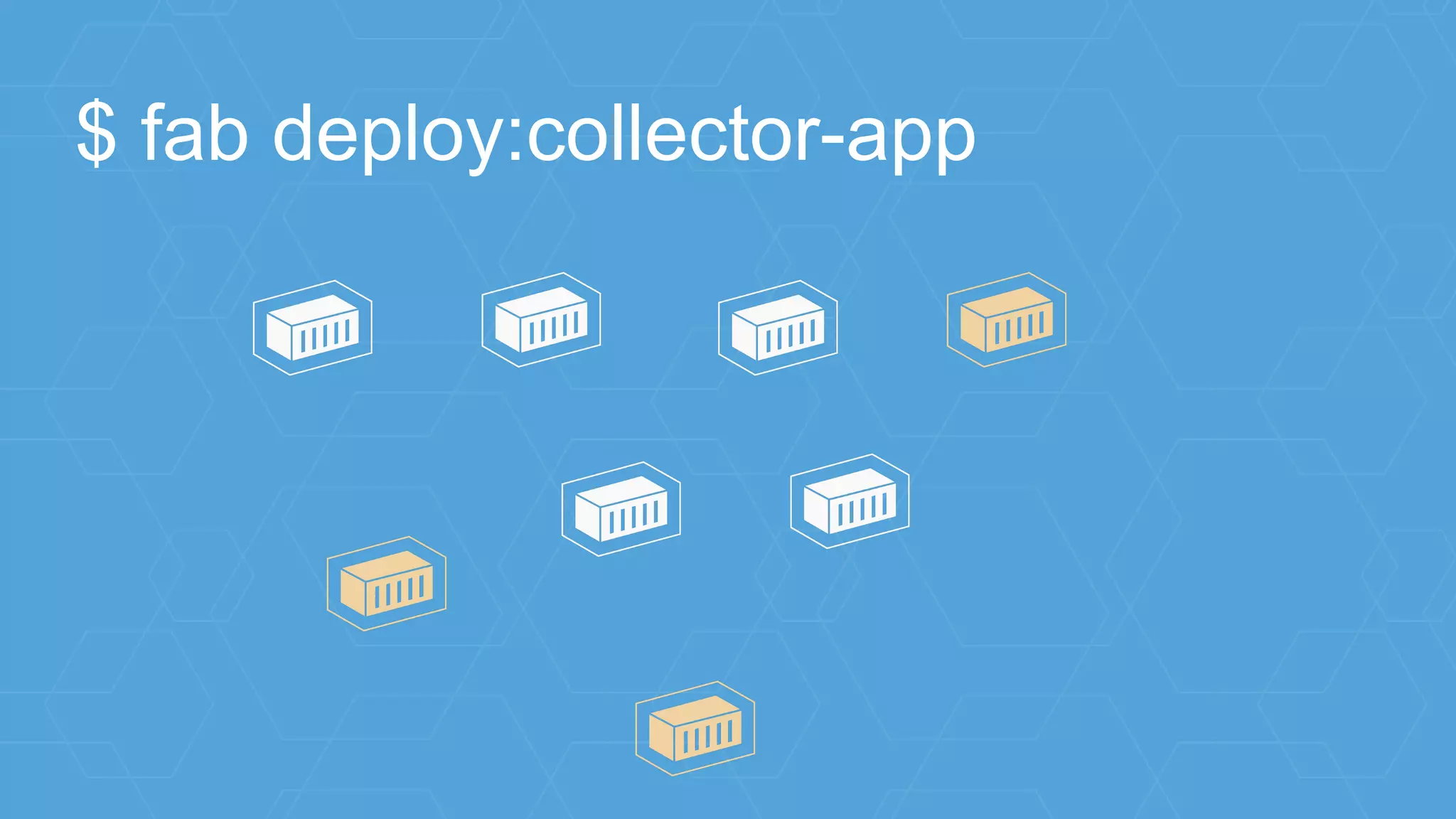
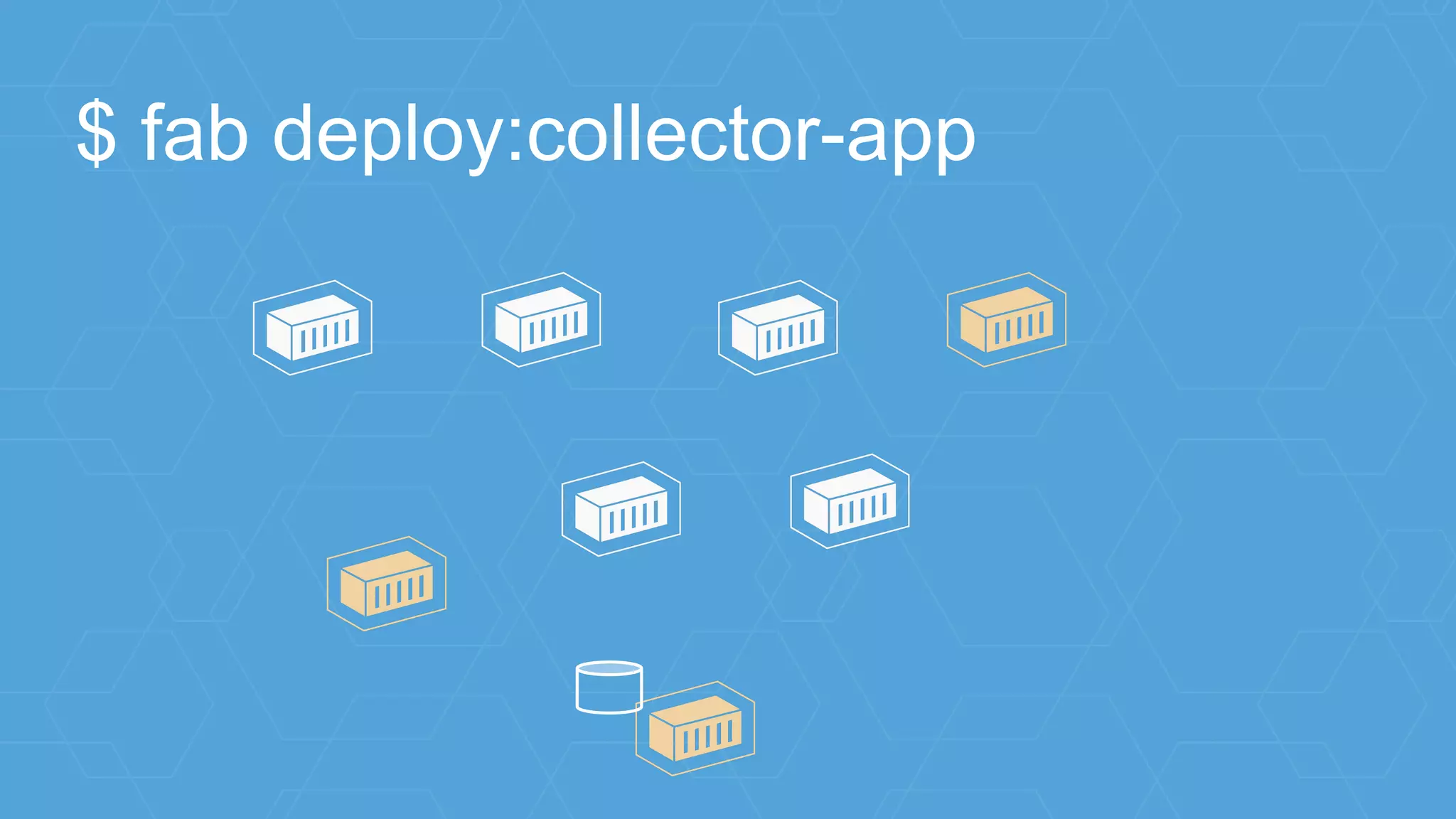
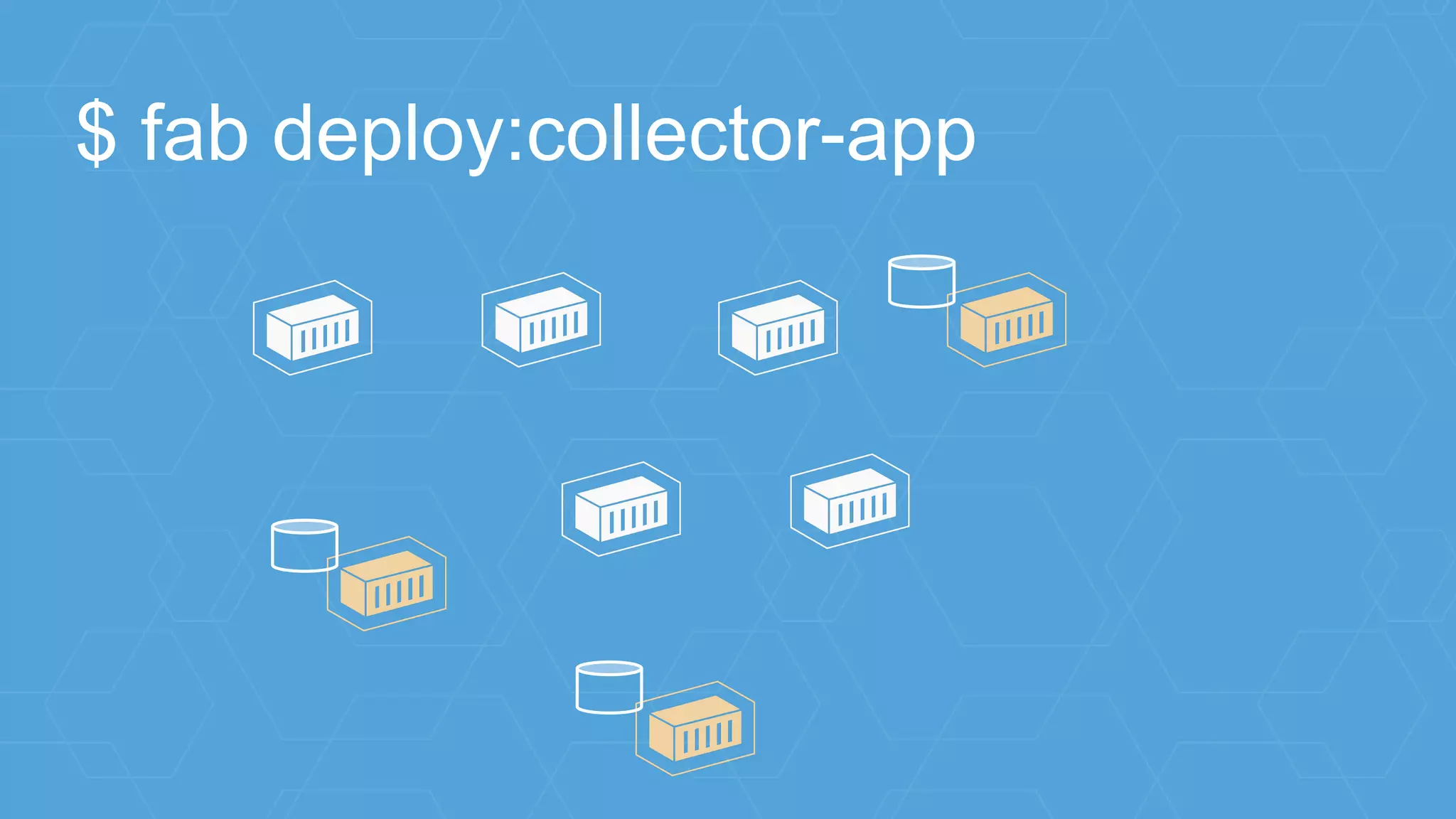
$ fab deploy:collector-app
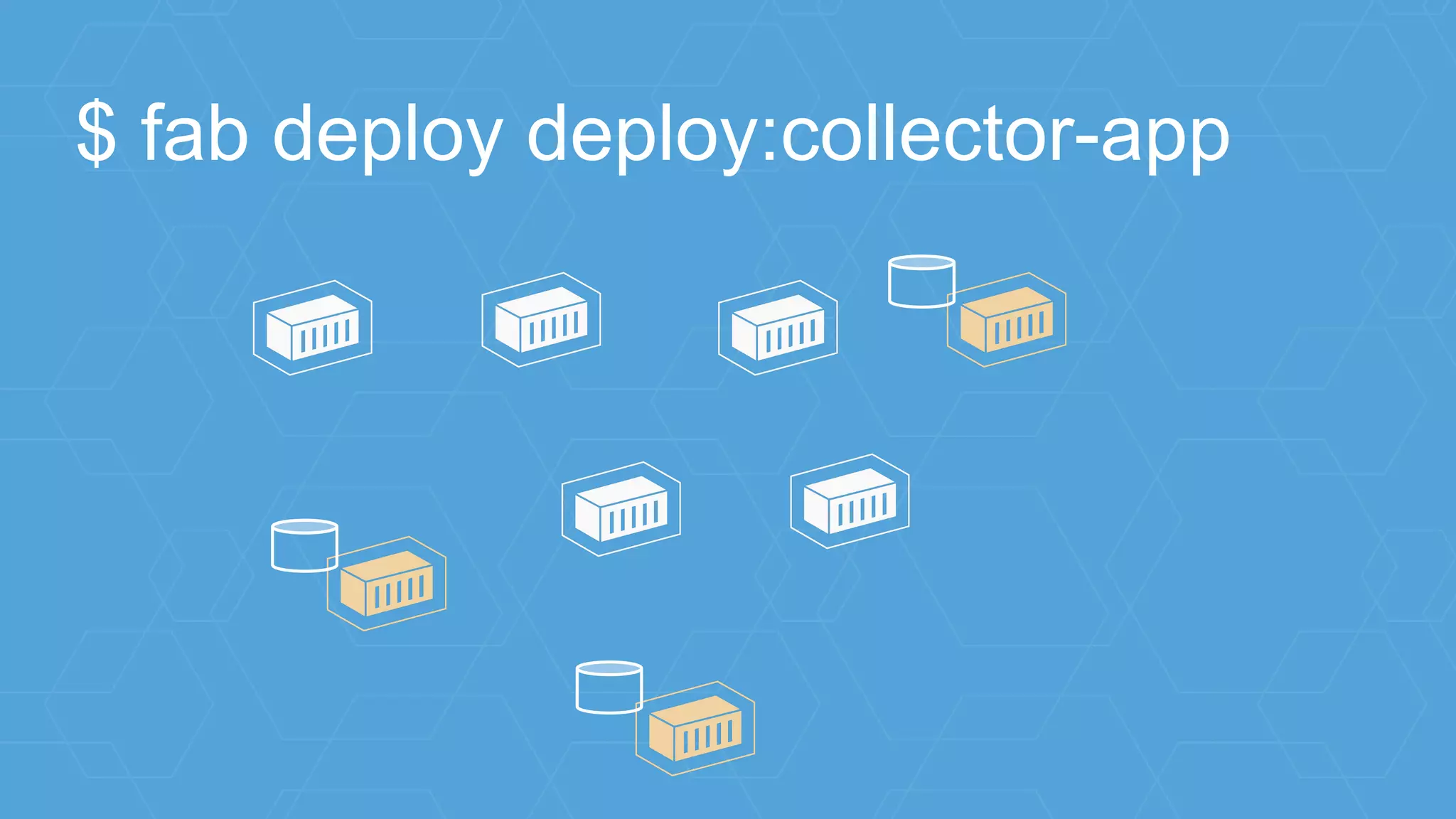
$ fab deploy deploy:collector-app
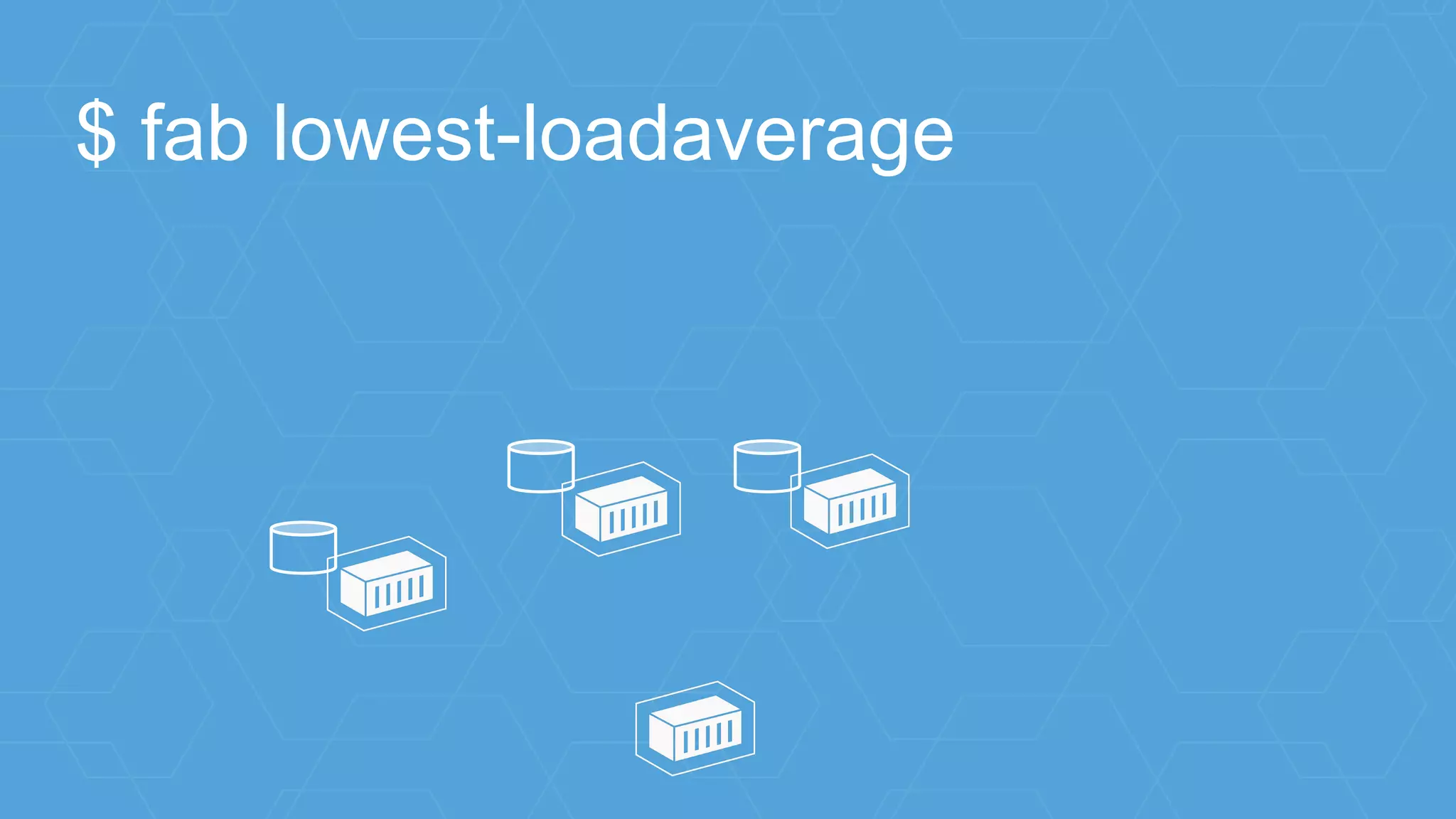
$ fab lowest-loadaverage
host1
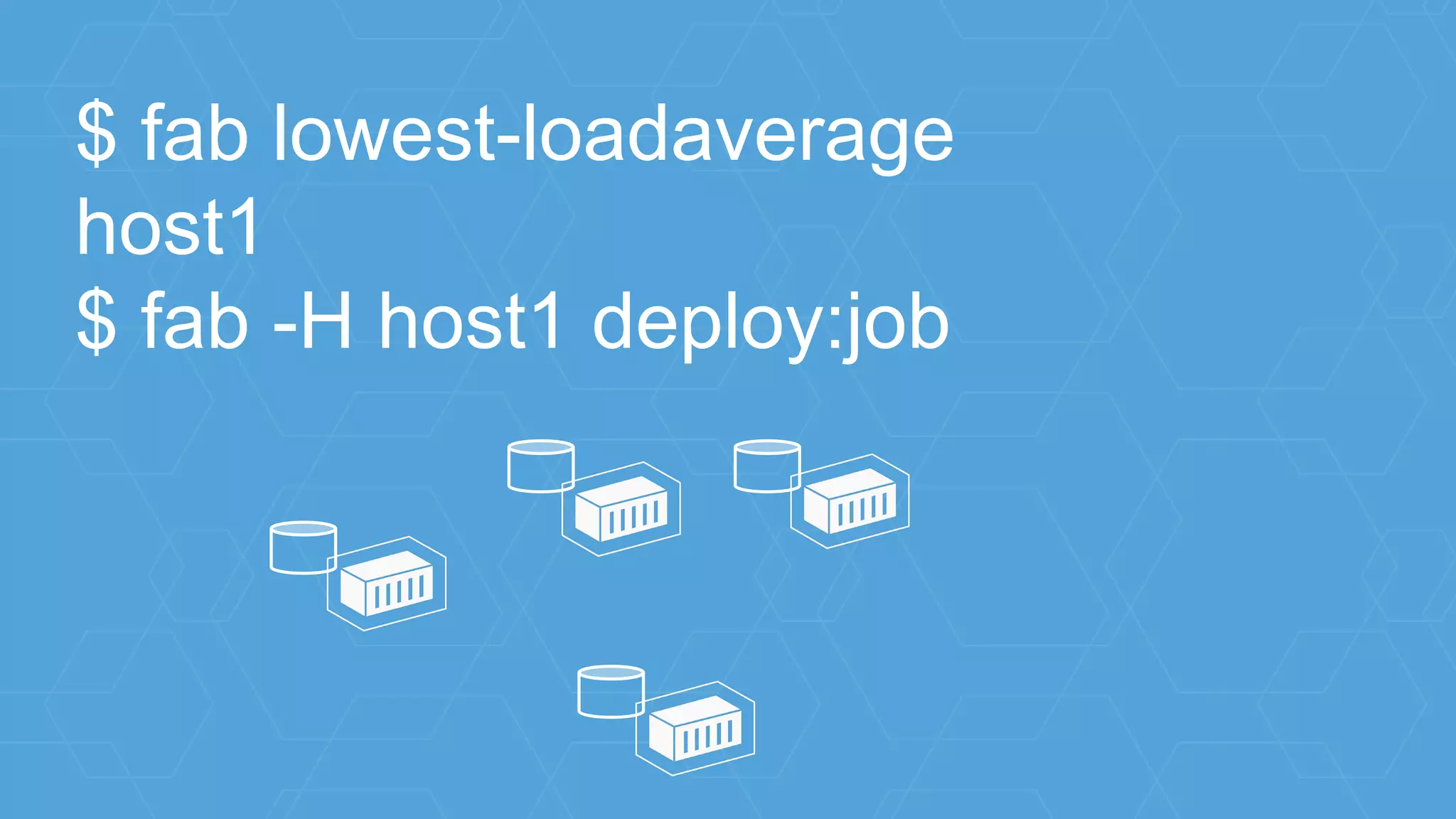
$ fab lowest-loadaverage
host1
$ fab -H host1 deploy:job
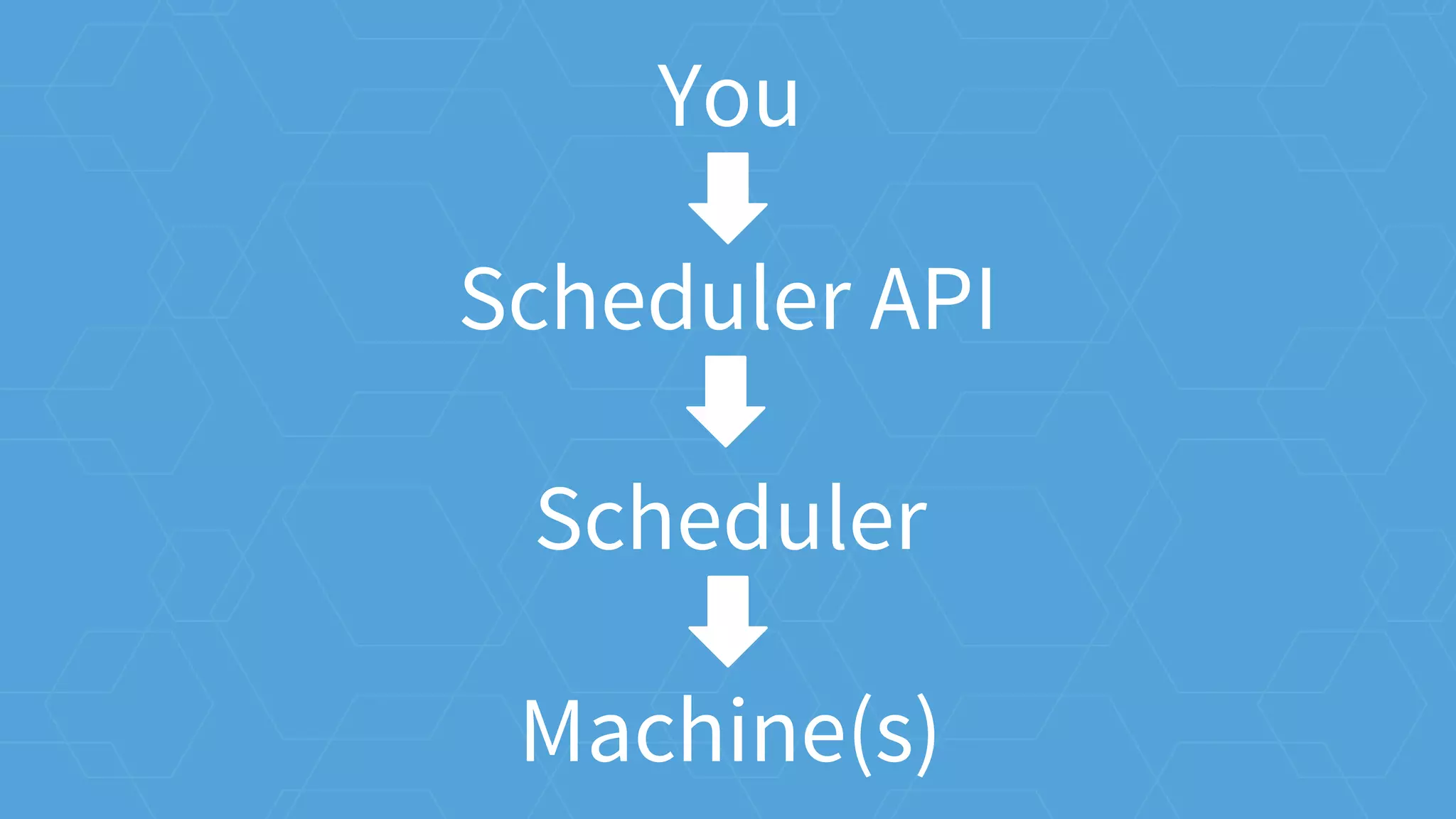
You
Scheduler API
Scheduler
Machine(s)
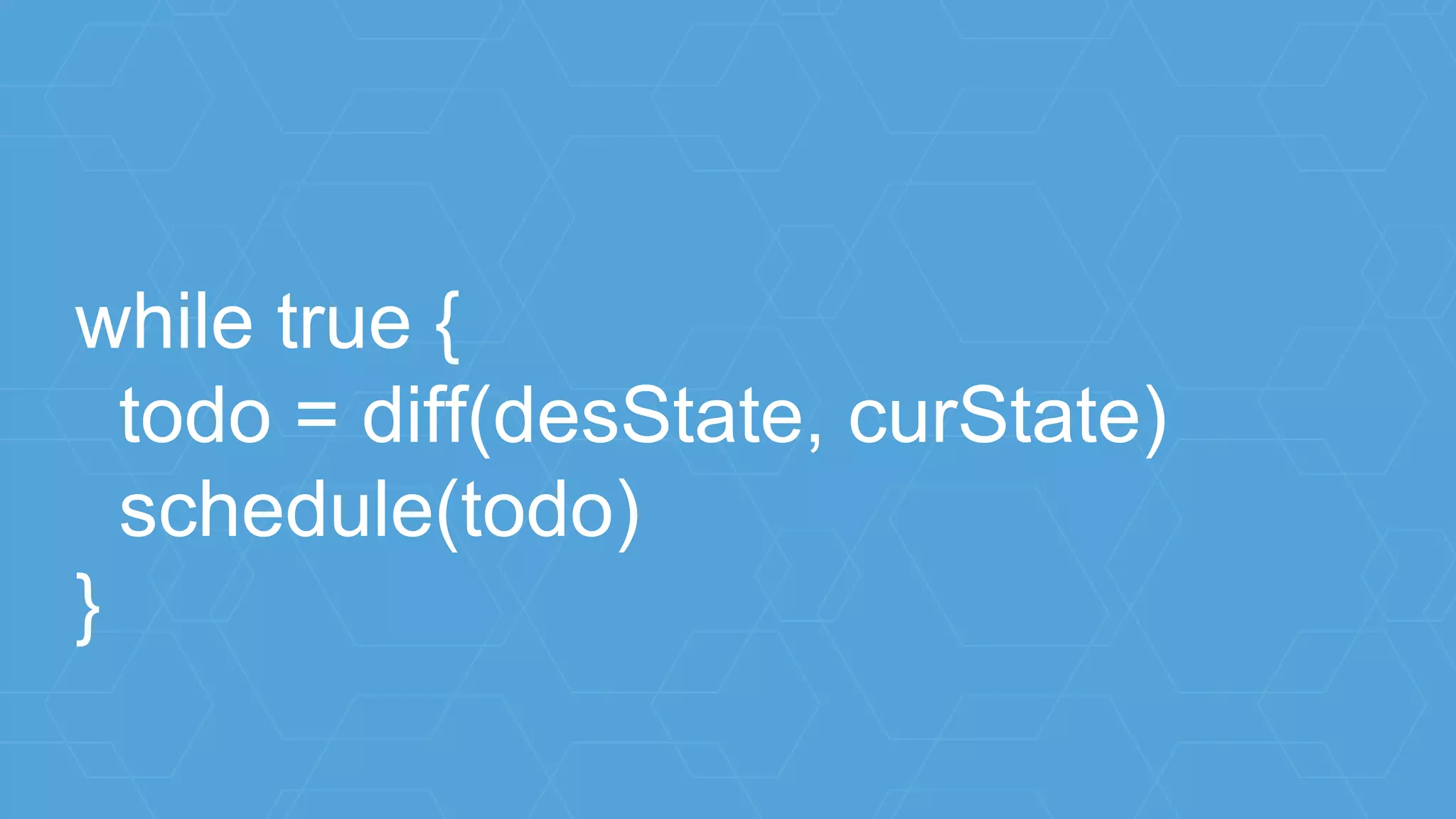
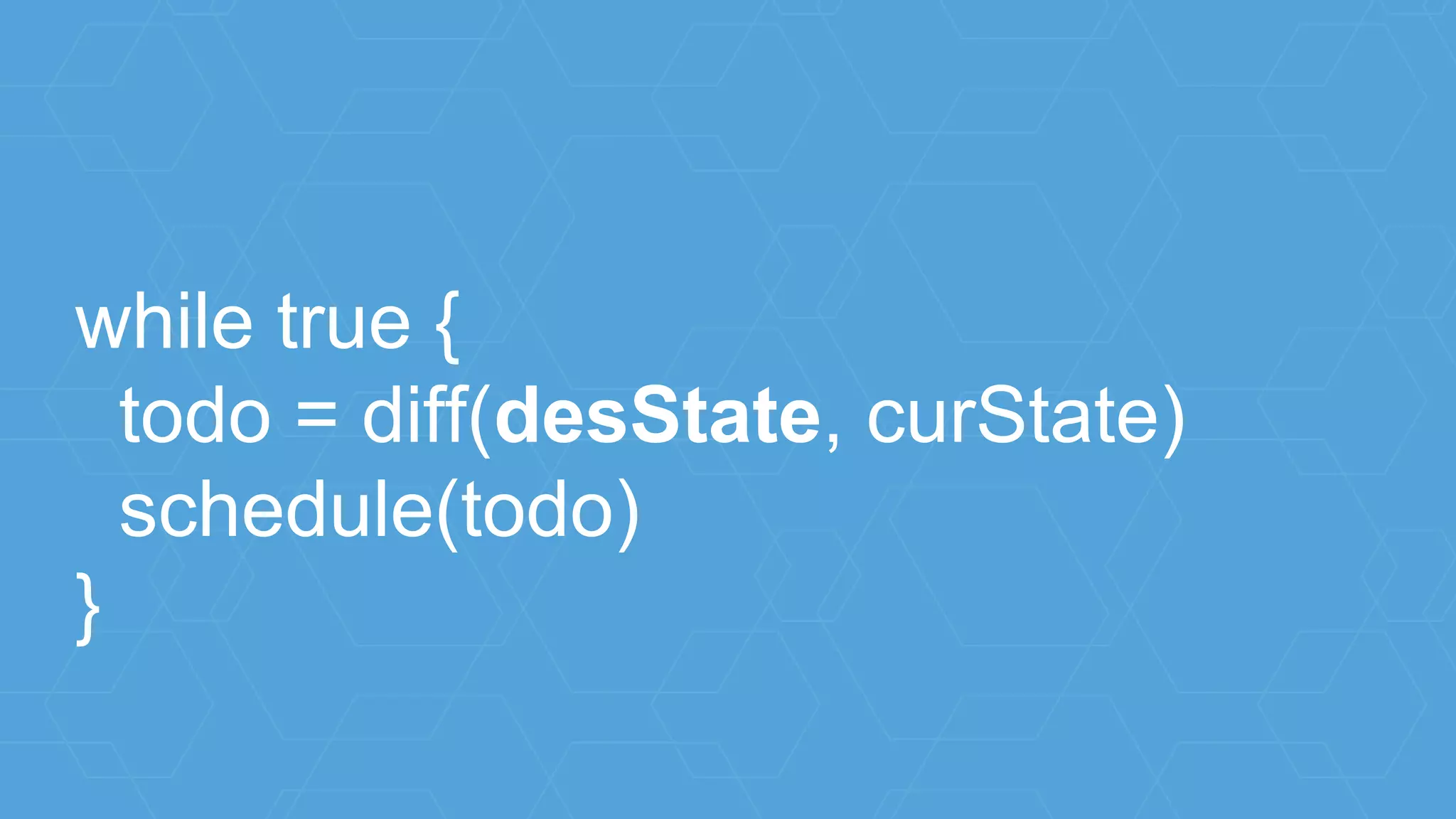
while true {
todo = diff(desState, curState)
schedule(todo)
}
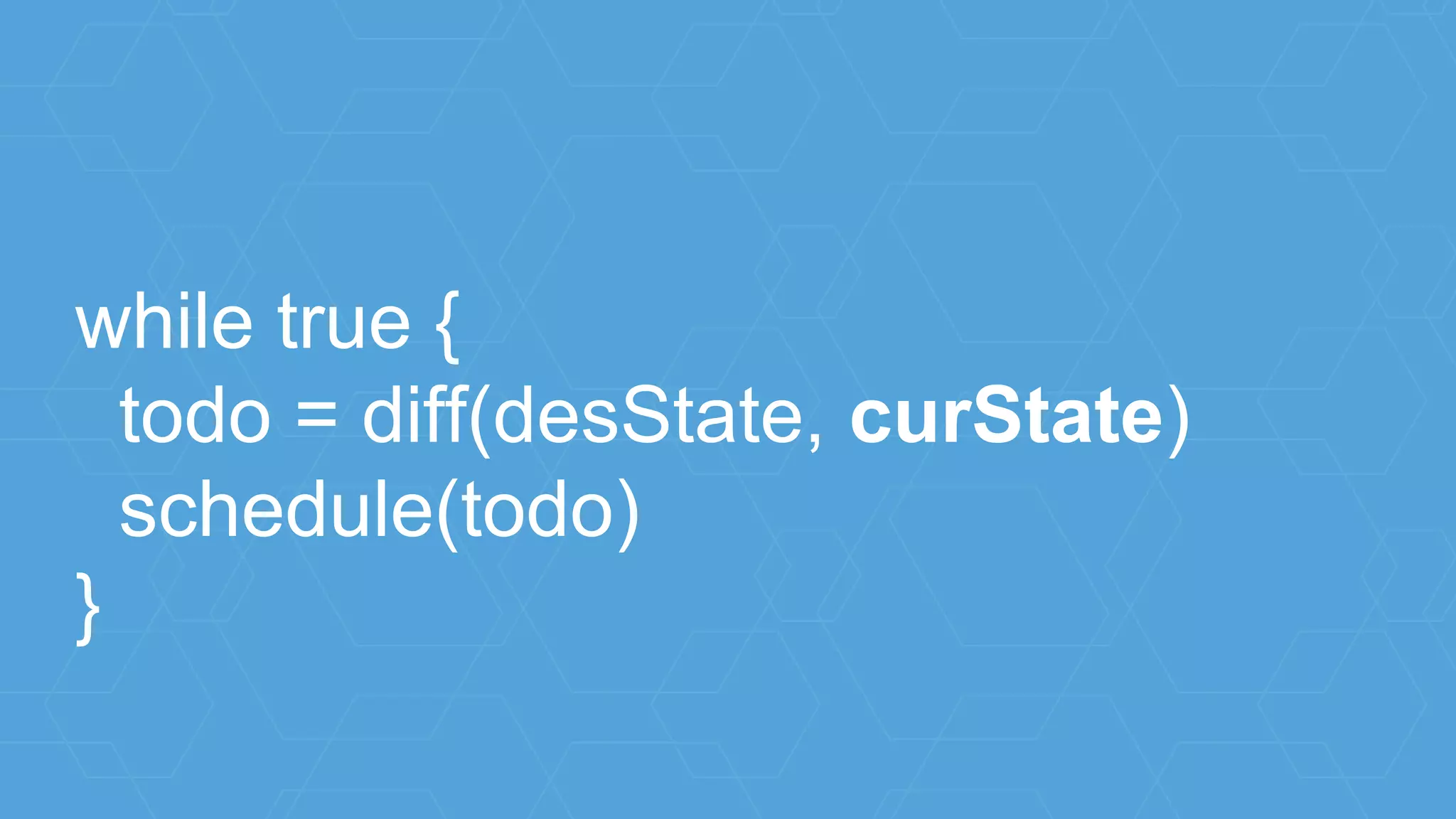
while true {
todo = diff(desState, curState)
schedule(todo)
}
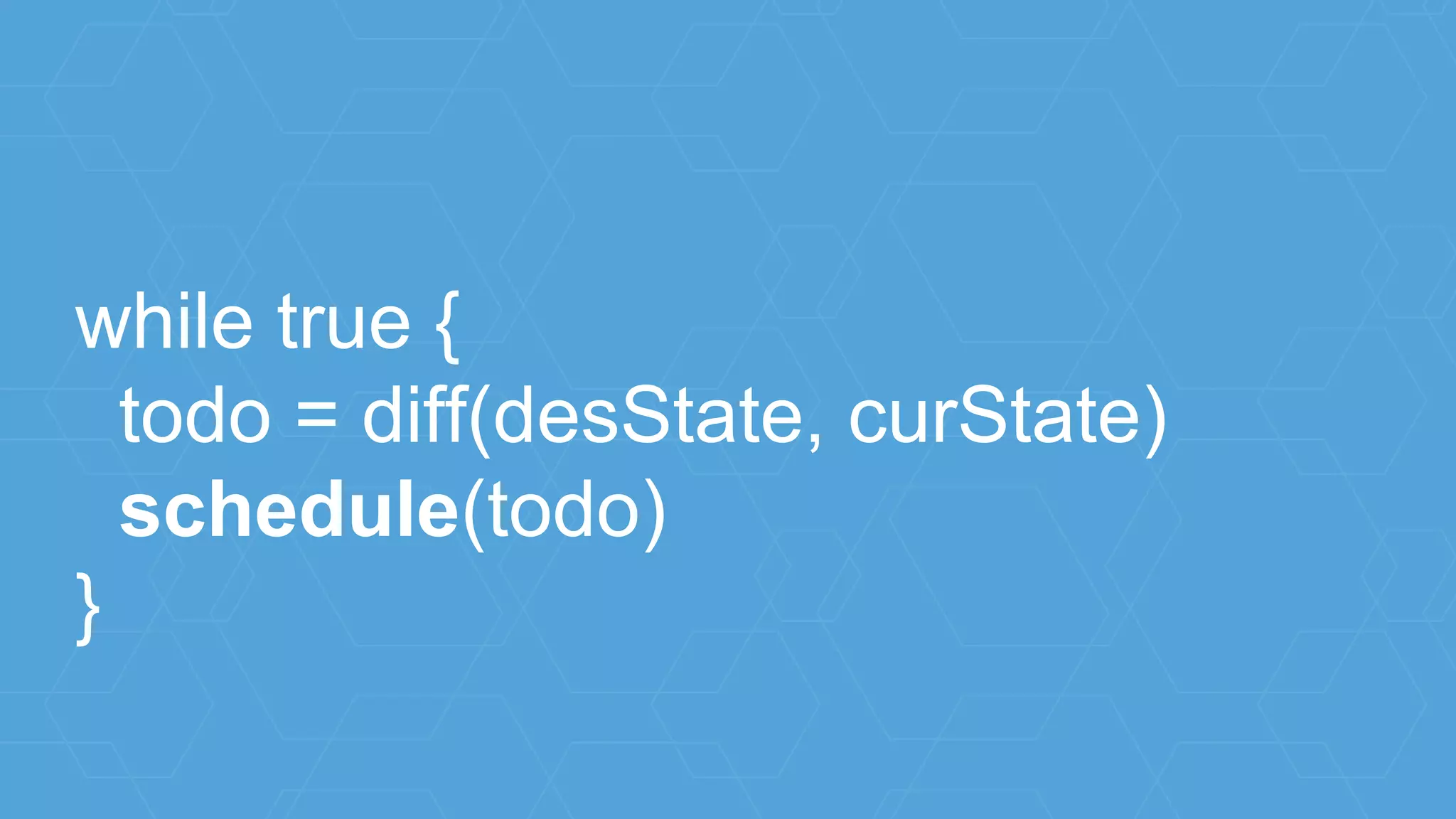
while true {
todo = diff(desState, curState)
schedule(todo)
}
while true {
todo = diff(desState, curState)
schedule(todo)
}
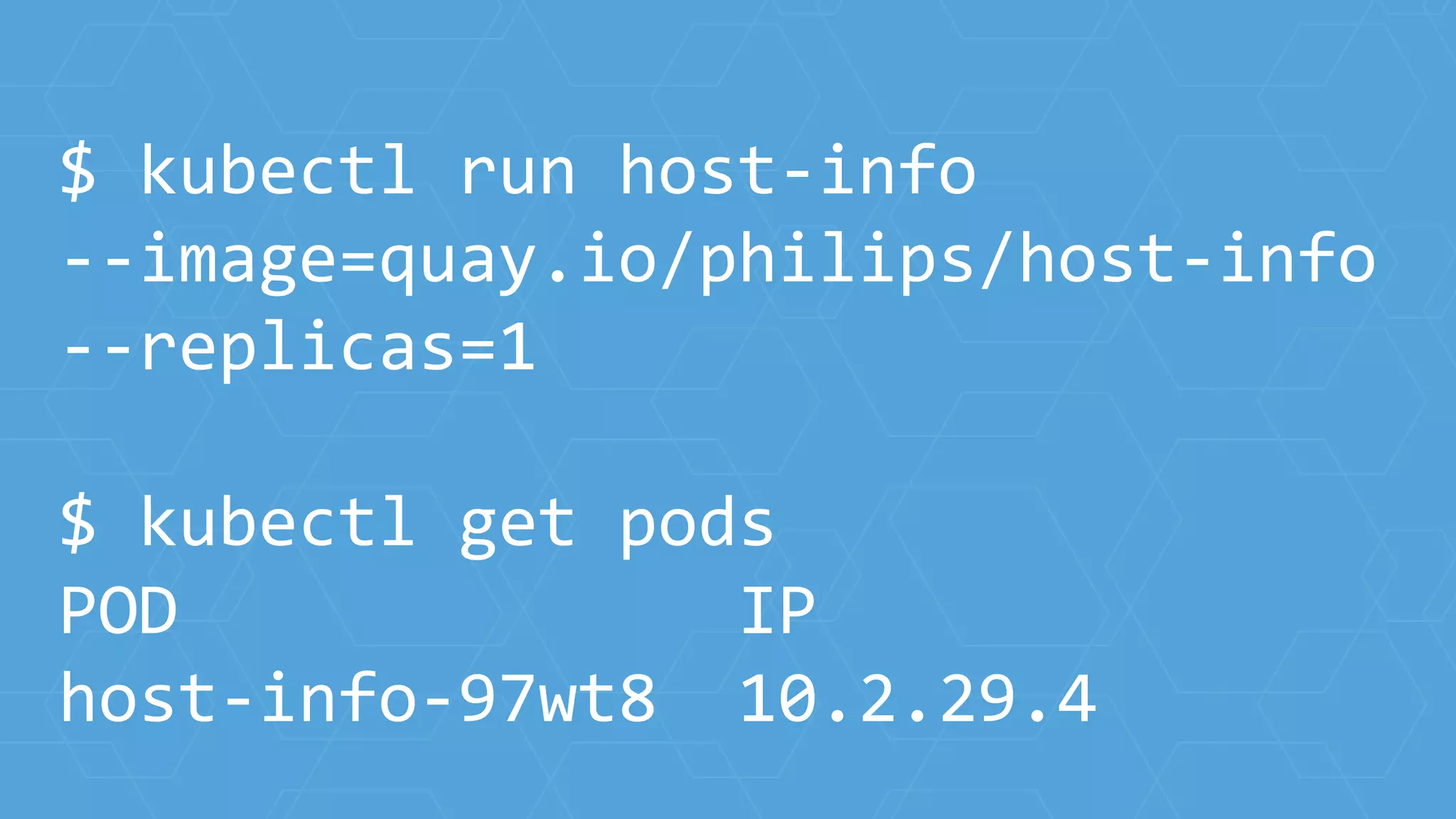
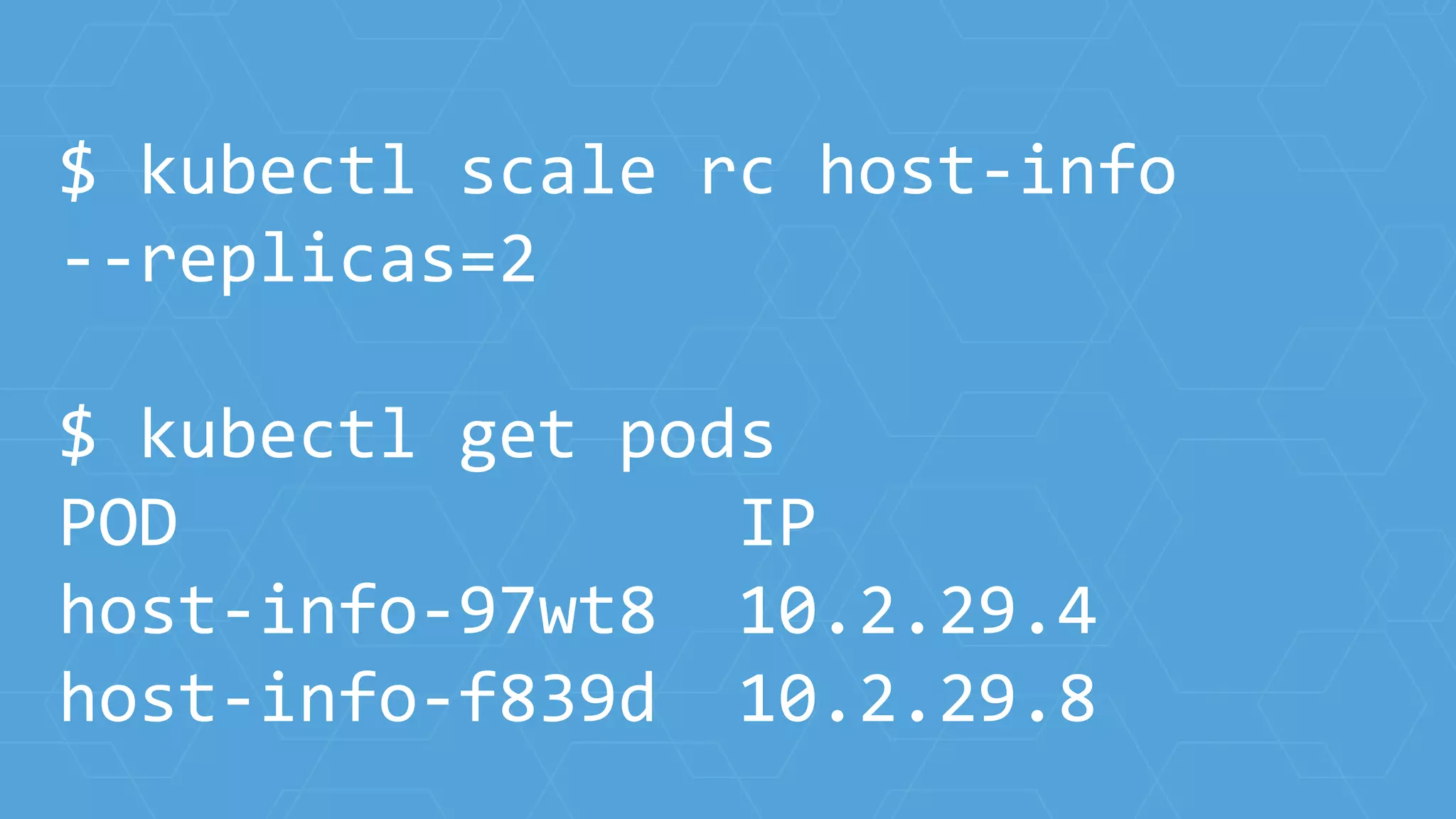
$ kubectl run host-info
--image=quay.io/philips/host-info
--replicas=1
$ kubectl get pods
POD IP
host-info-97wt8 10.2.29.4
$ kubectl scale rc host-info
--replicas=2
$ kubectl get pods
POD IP
host-info-97wt8 10.2.29.4
host-info-f839d 10.2.29.8
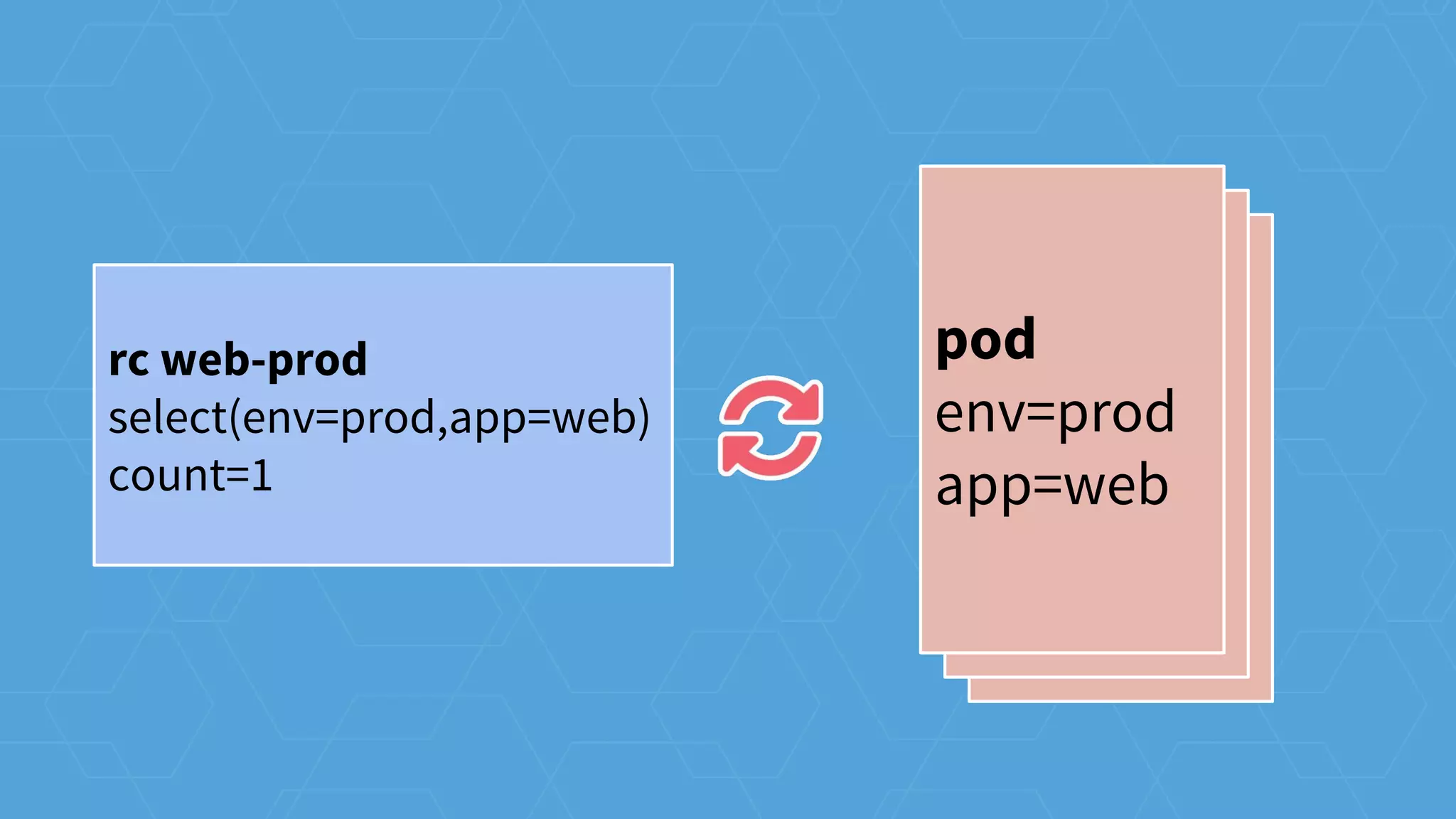
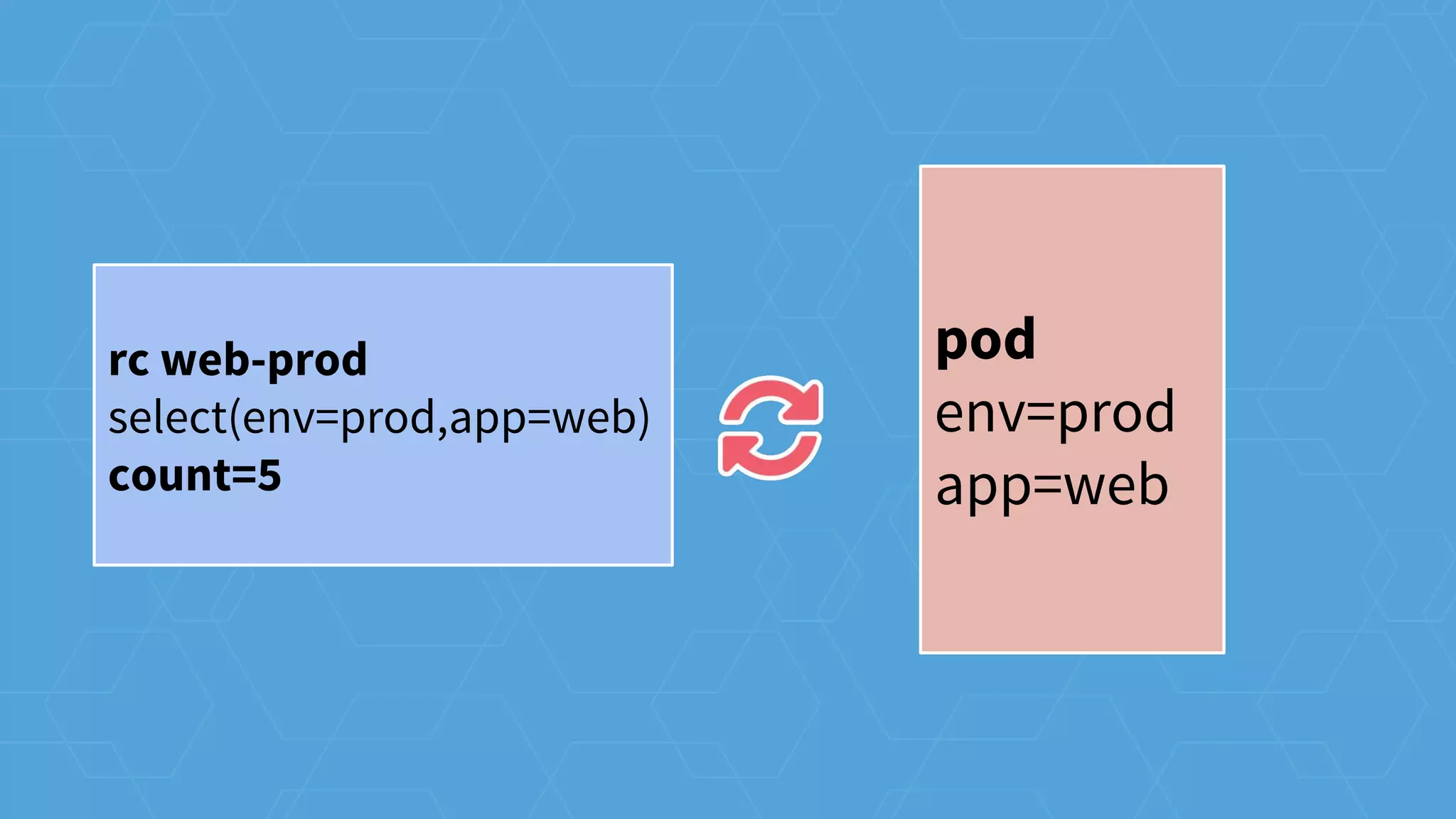
pod
env=prod
app=web
pod
env=prod
app=web
pod
env=prod
app=web
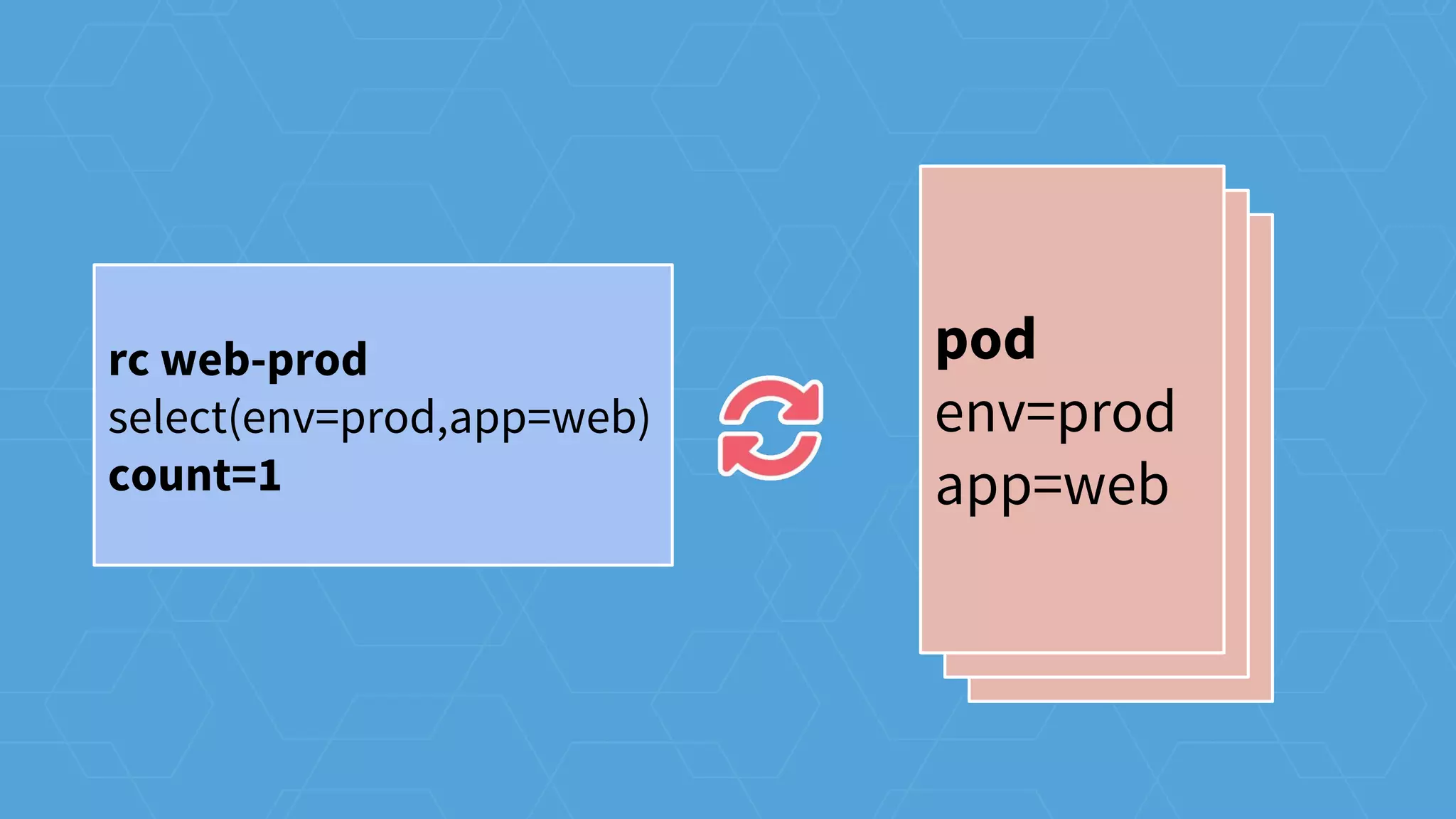
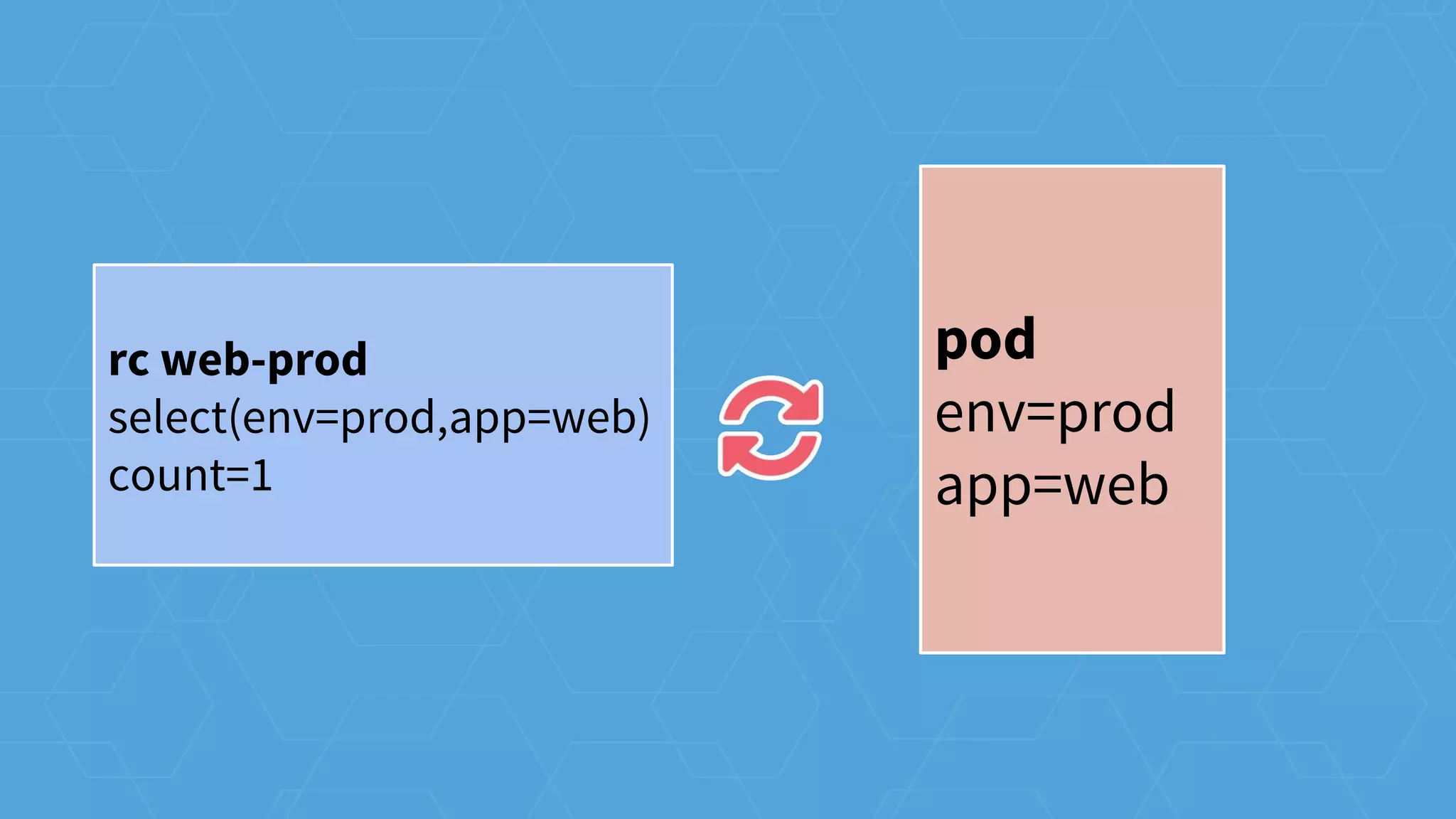
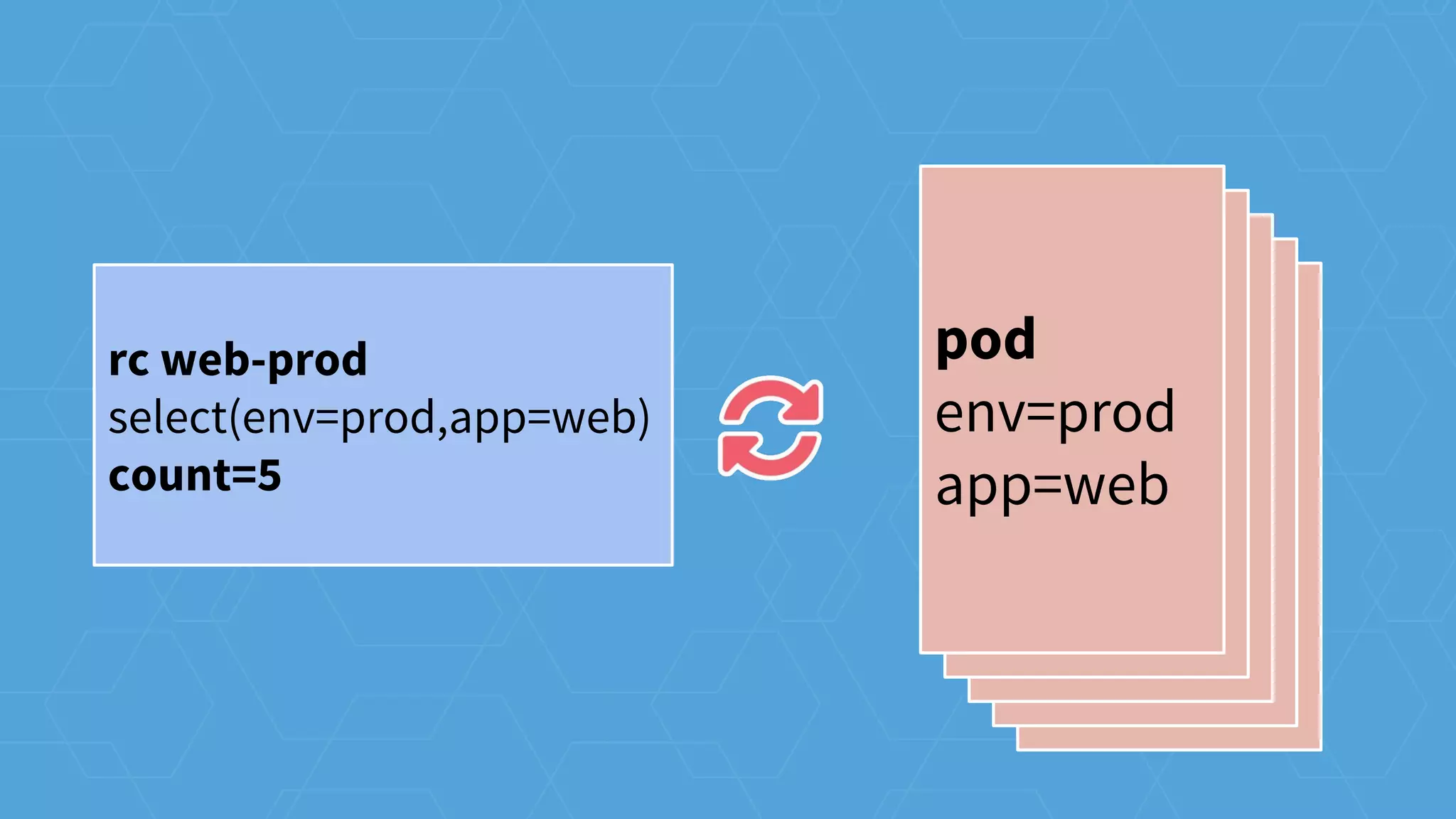
rc web-prod
select(env=prod,app=web)
count=1
pod
env=prod
app=web
pod
env=prod
app=web
pod
env=prod
app=web
rc web-prod
select(env=prod,app=web)
count=1
pod
env=prod
app=web
rc web-prod
select(env=prod,app=web)
count=1
pod
env=prod
app=web
rc web-prod
select(env=prod,app=web)
count=5
pod
env=prod
app=web
pod
env=prod
app=web
pod
env=prod
app=web
pod
env=prod
app=web
pod
env=prod
app=web
rc web-prod
select(env=prod,app=web)
count=5
where is it running
cluster operations
dns, LBs, k8s labels
services
flexible service discovery
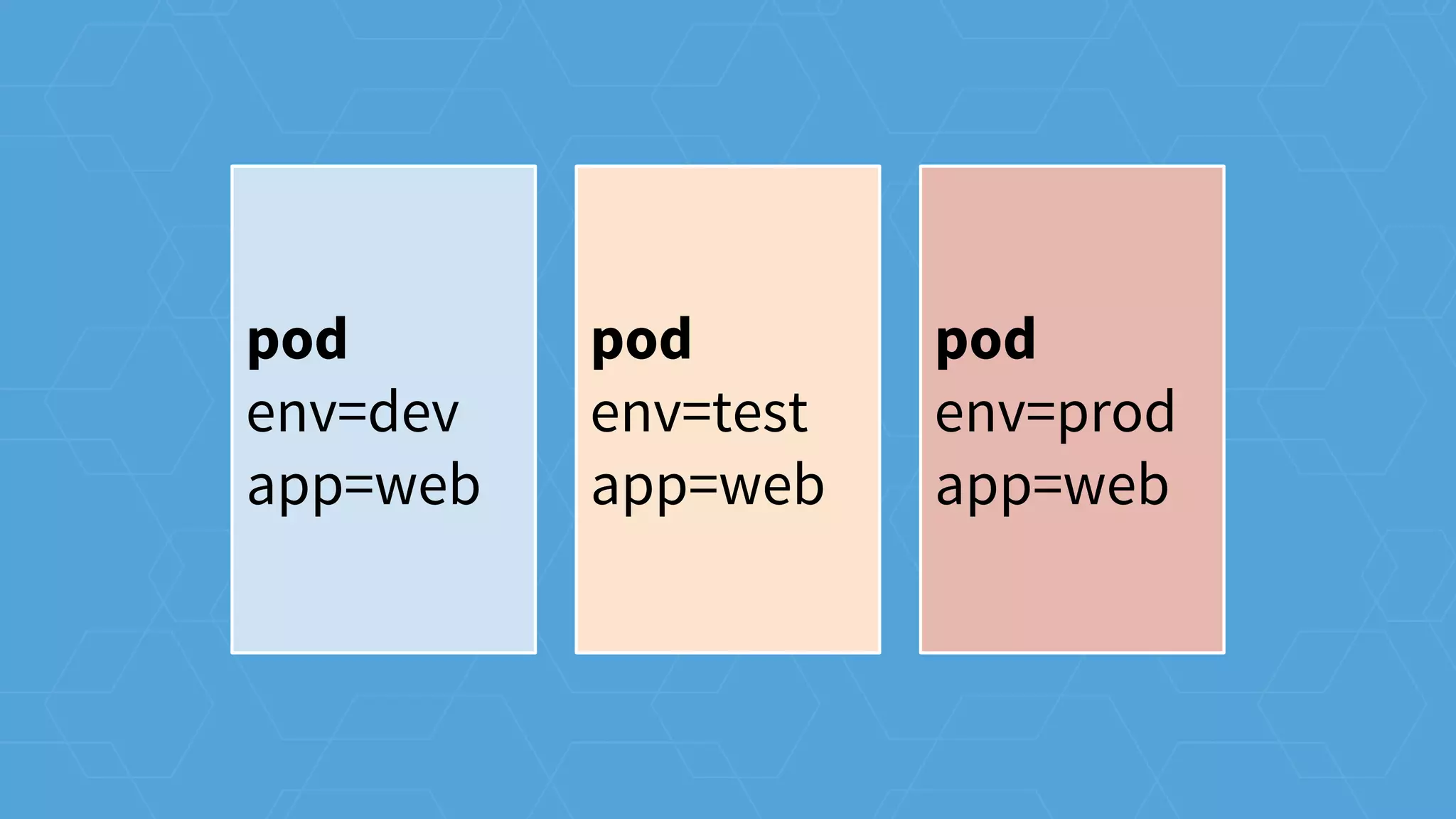
k8s labels
pod
env=dev
app=web
pod
env=test
app=web
pod
env=prod
app=web
pod
env=dev
app=web
pod
env=test
app=web
pod
env=prod
app=web
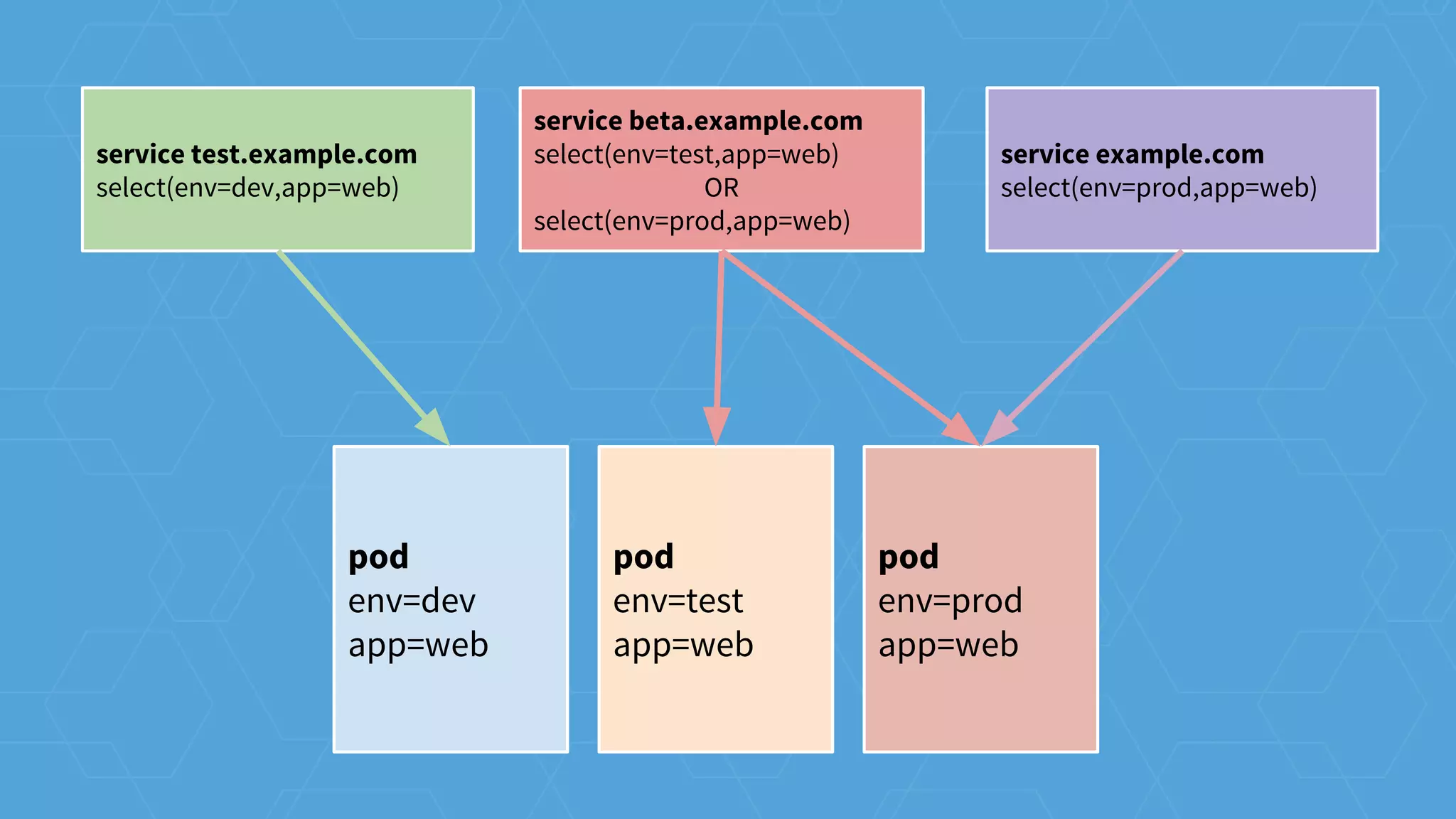
service test.example.com
select(env=dev,app=web)
service beta.example.com
select(env=test,app=web)
OR
select(env=prod,app=web)
service example.com
select(env=prod,app=web)
pod
env=test
app=web
pod
env=prod
app=web
pod
env=prod
app=web
pod
env=dev
app=web
pod
env=test
app=web
pod
env=prod
app=web
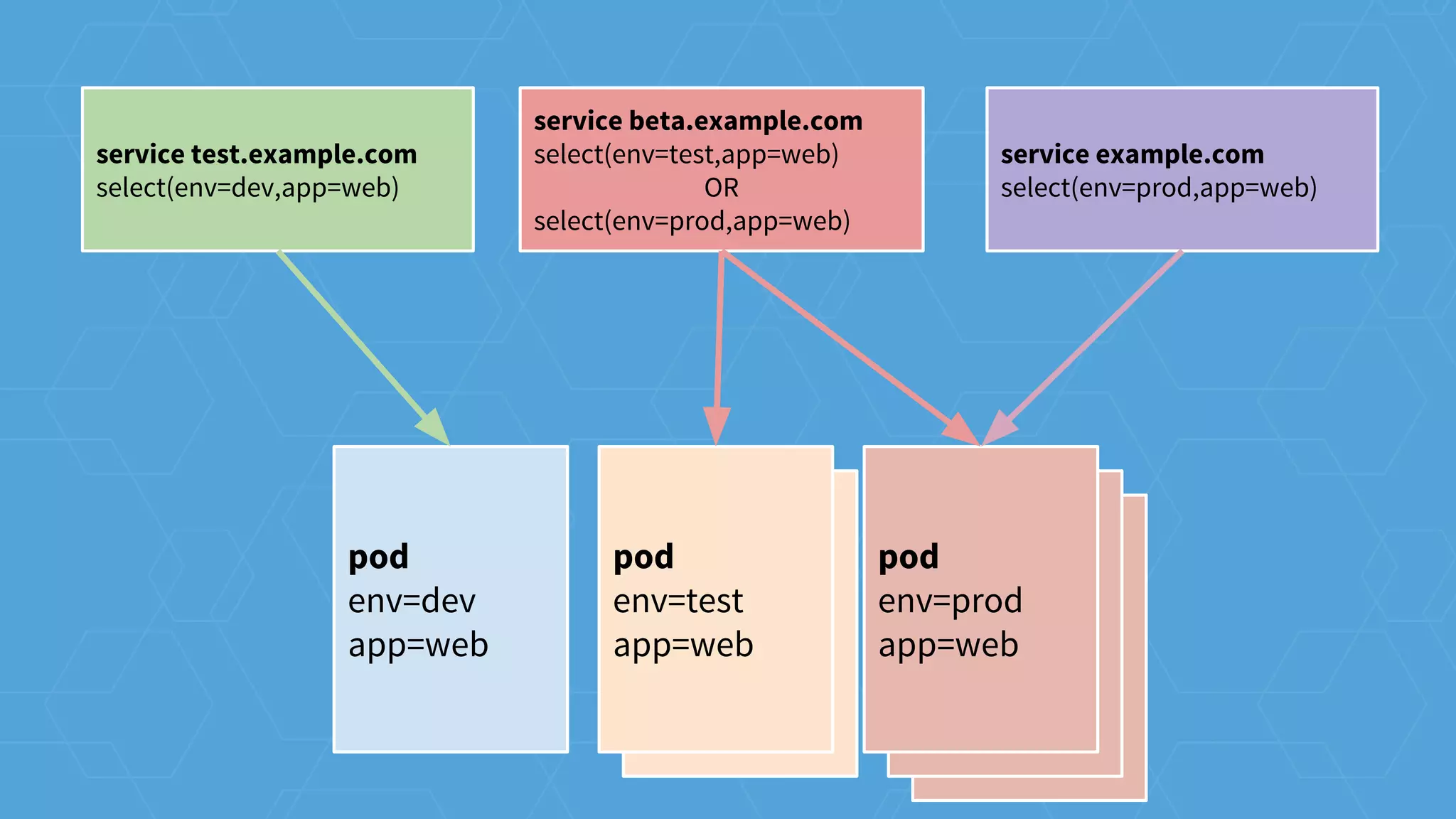
service test.example.com
select(env=dev,app=web)
service beta.example.com
select(env=test,app=web)
OR
select(env=prod,app=web)
service example.com
select(env=prod,app=web)
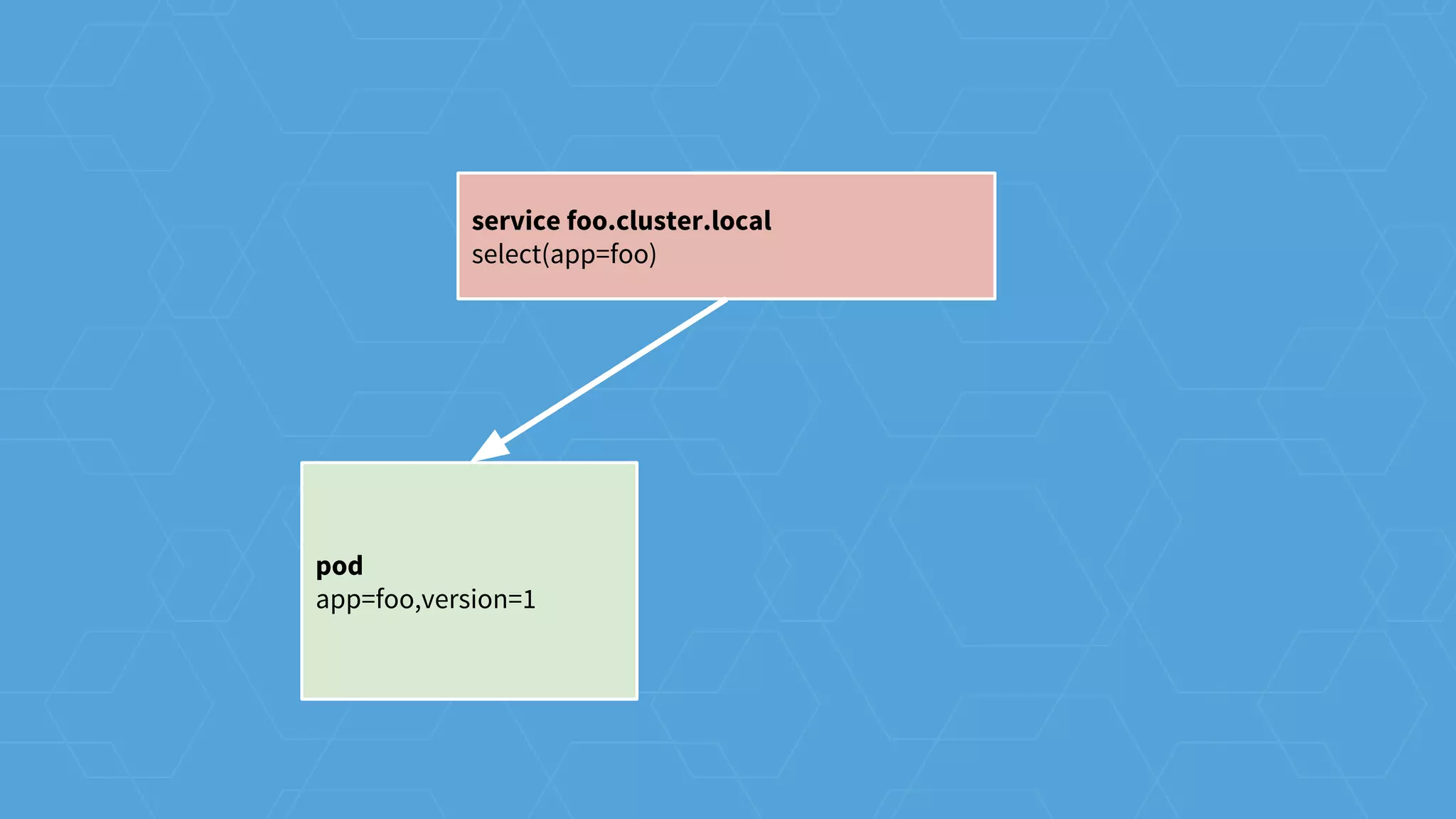
pod
app=foo,version=1
service foo.cluster.local
select(app=foo)
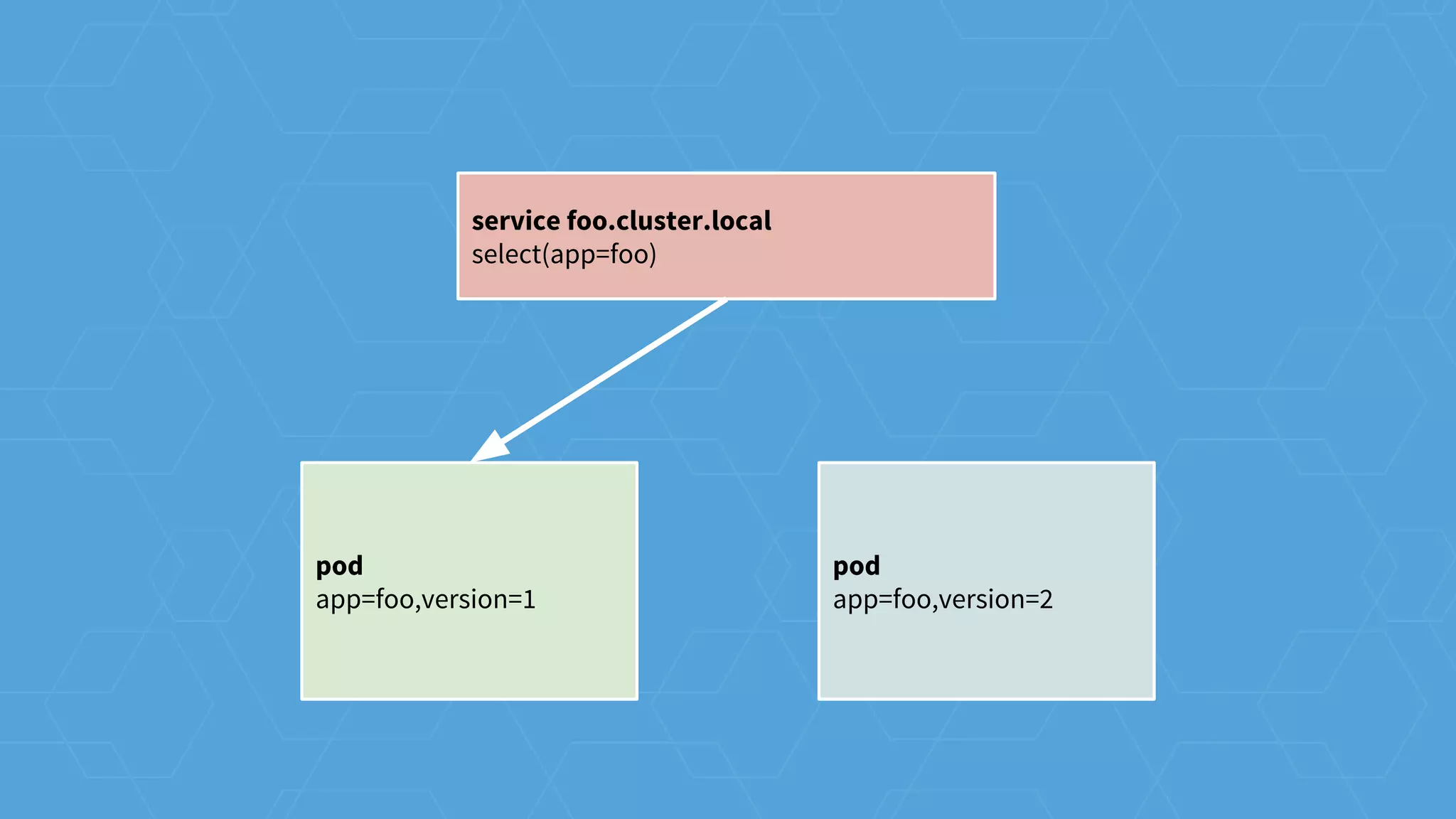
pod
app=foo,version=1
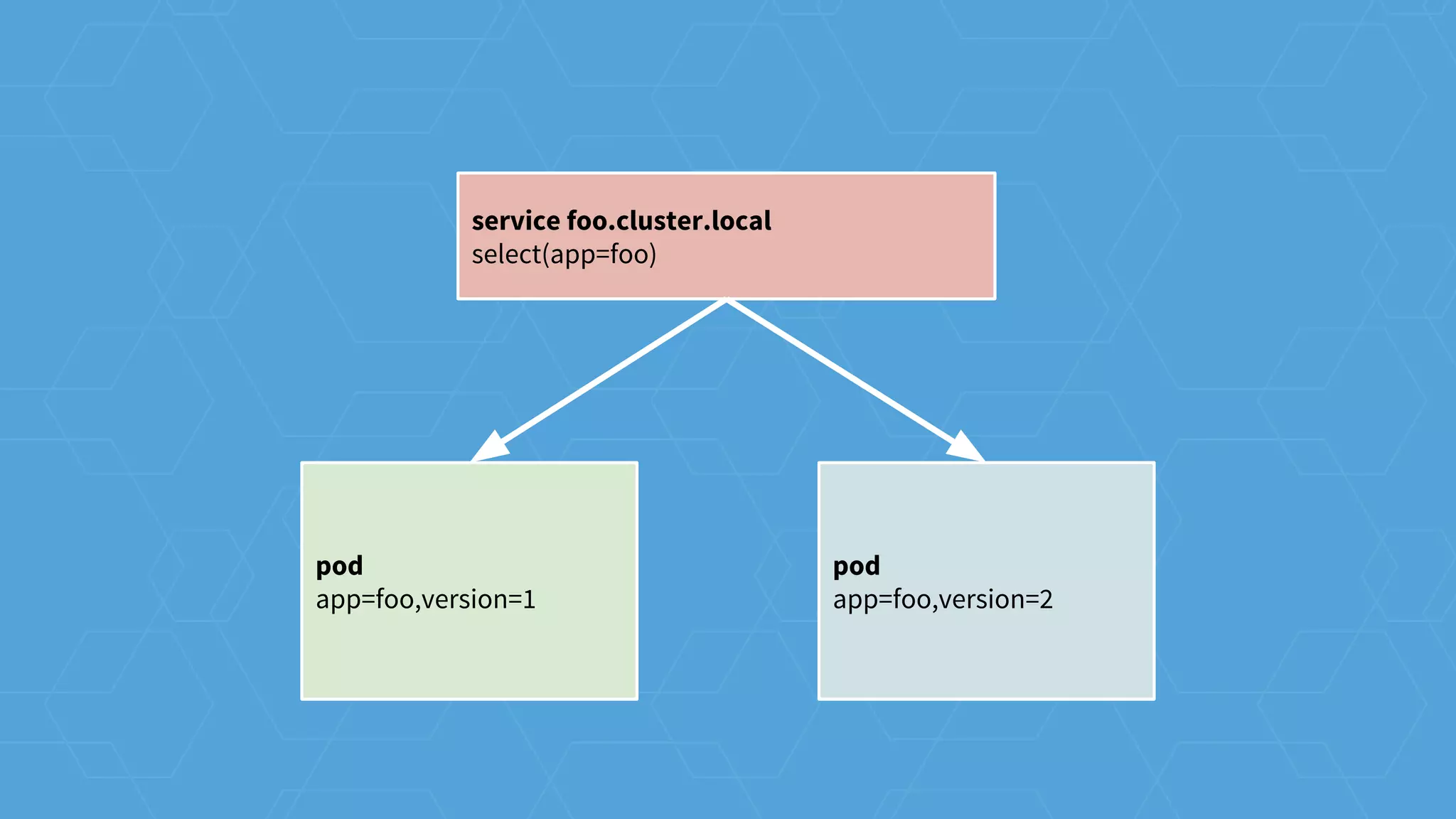
pod
app=foo,version=2
service foo.cluster.local
select(app=foo)
pod
app=foo,version=1
pod
app=foo,version=2
service foo.cluster.local
select(app=foo)
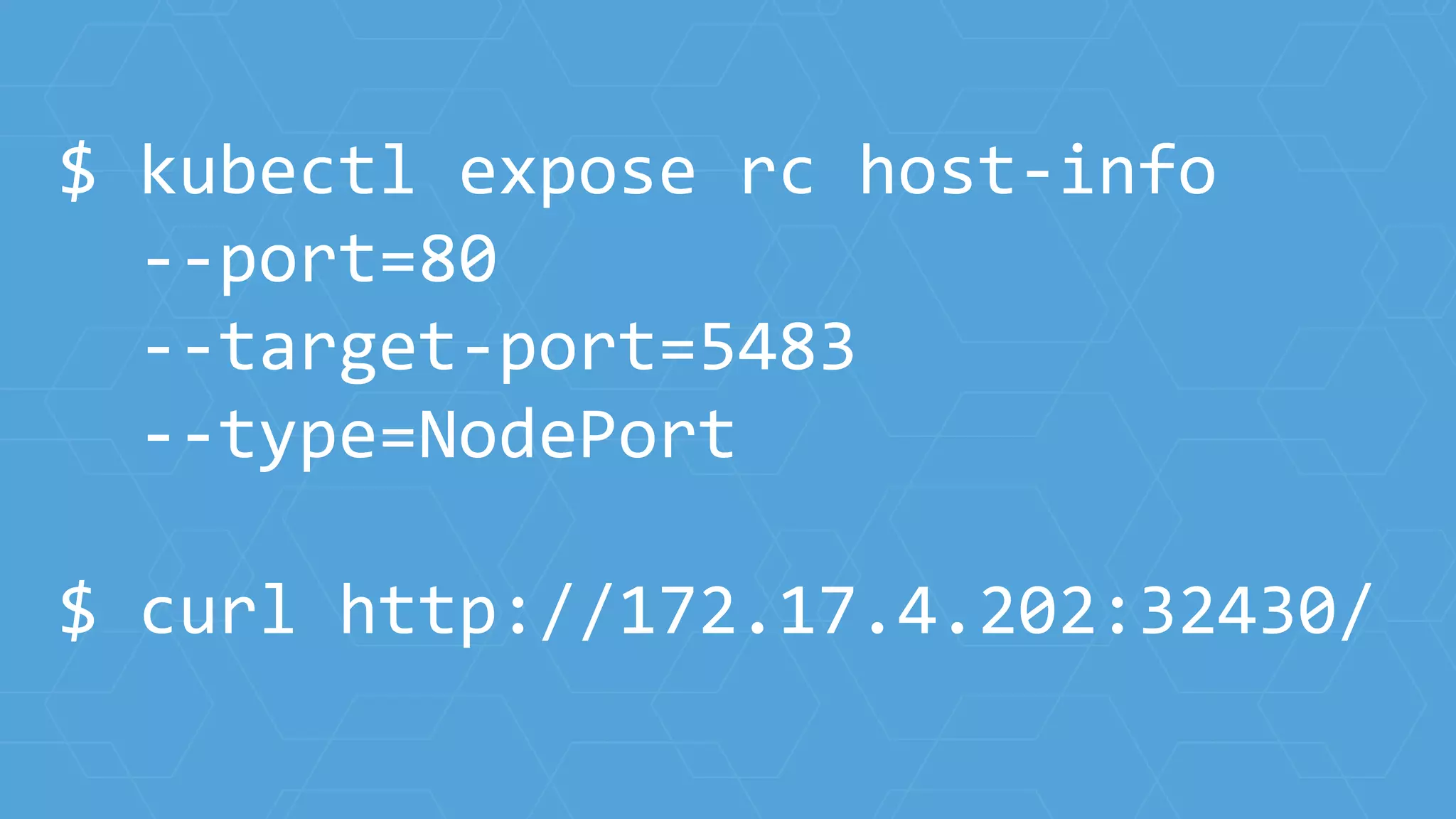
$ kubectl expose rc host-info
--port=80
--target-port=5483
--type=NodePort
$ curl http://172.17.4.202:32430/
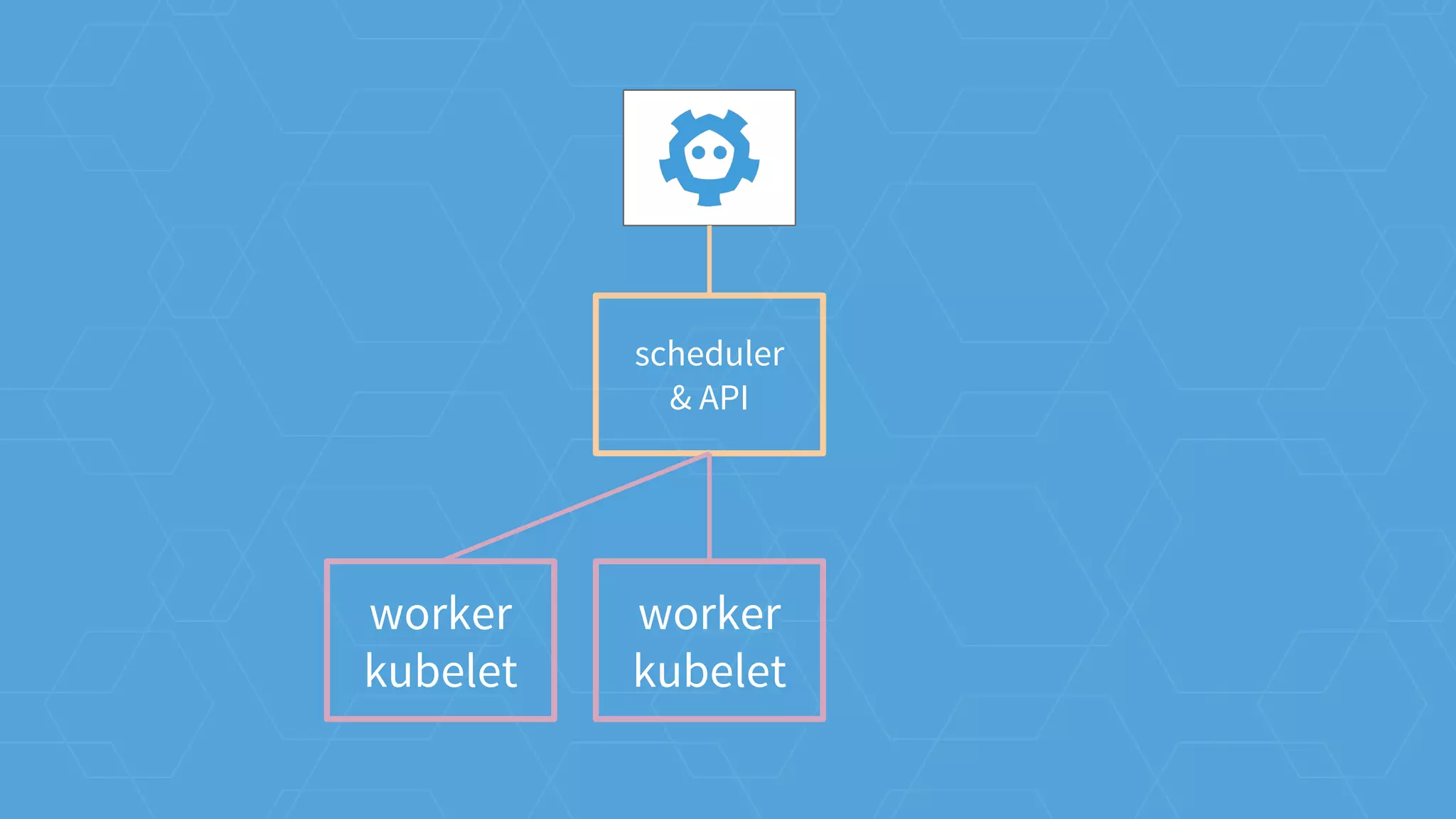
architecture in practice
cluster operations
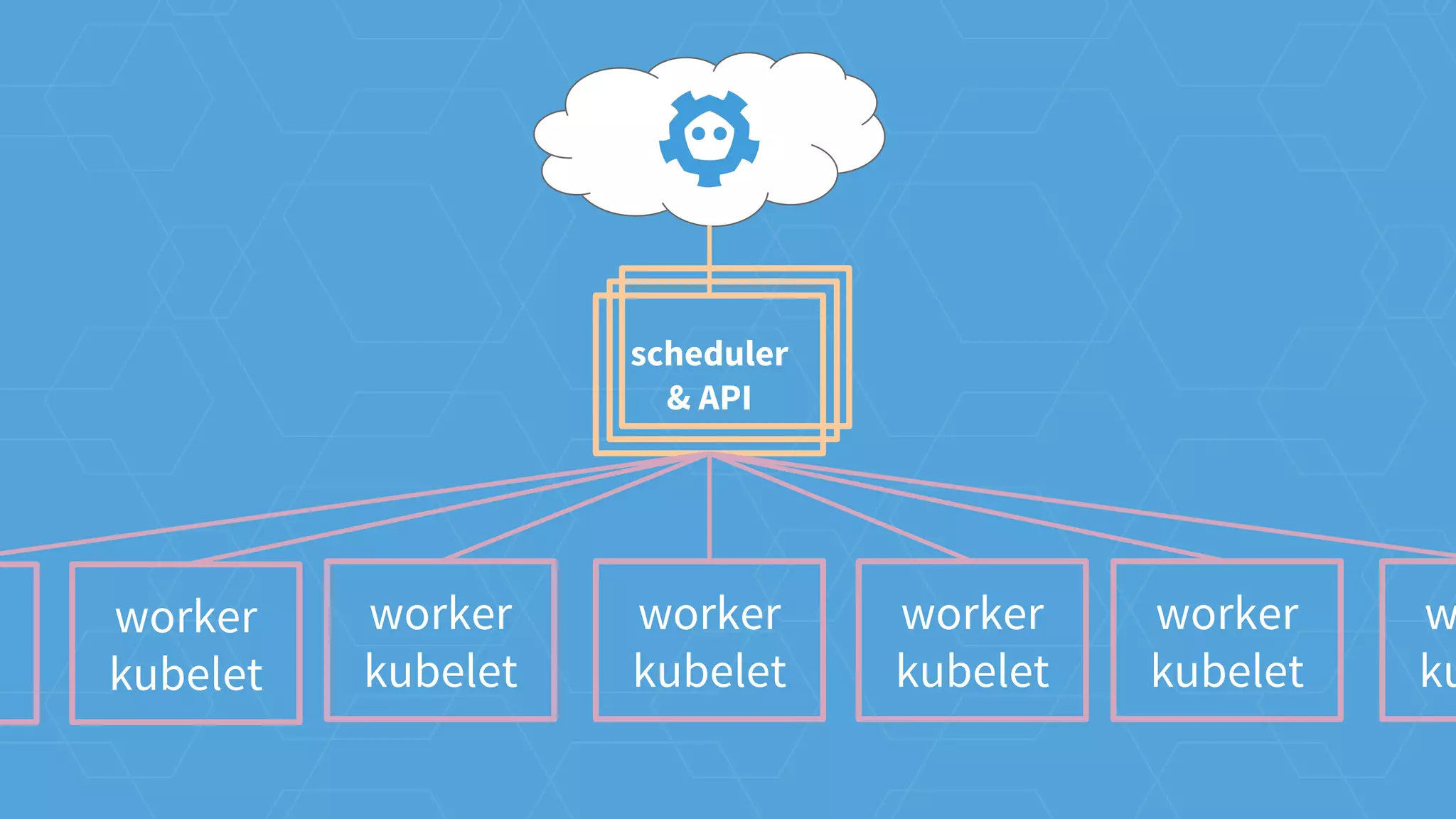
worker
kubelet
worker
kubelet
worker
kubelet
scheduler
& API
worker
kubelet
w
kut
worker
kubelet
worker
kubelet
worker
kubelet
scheduler
& API
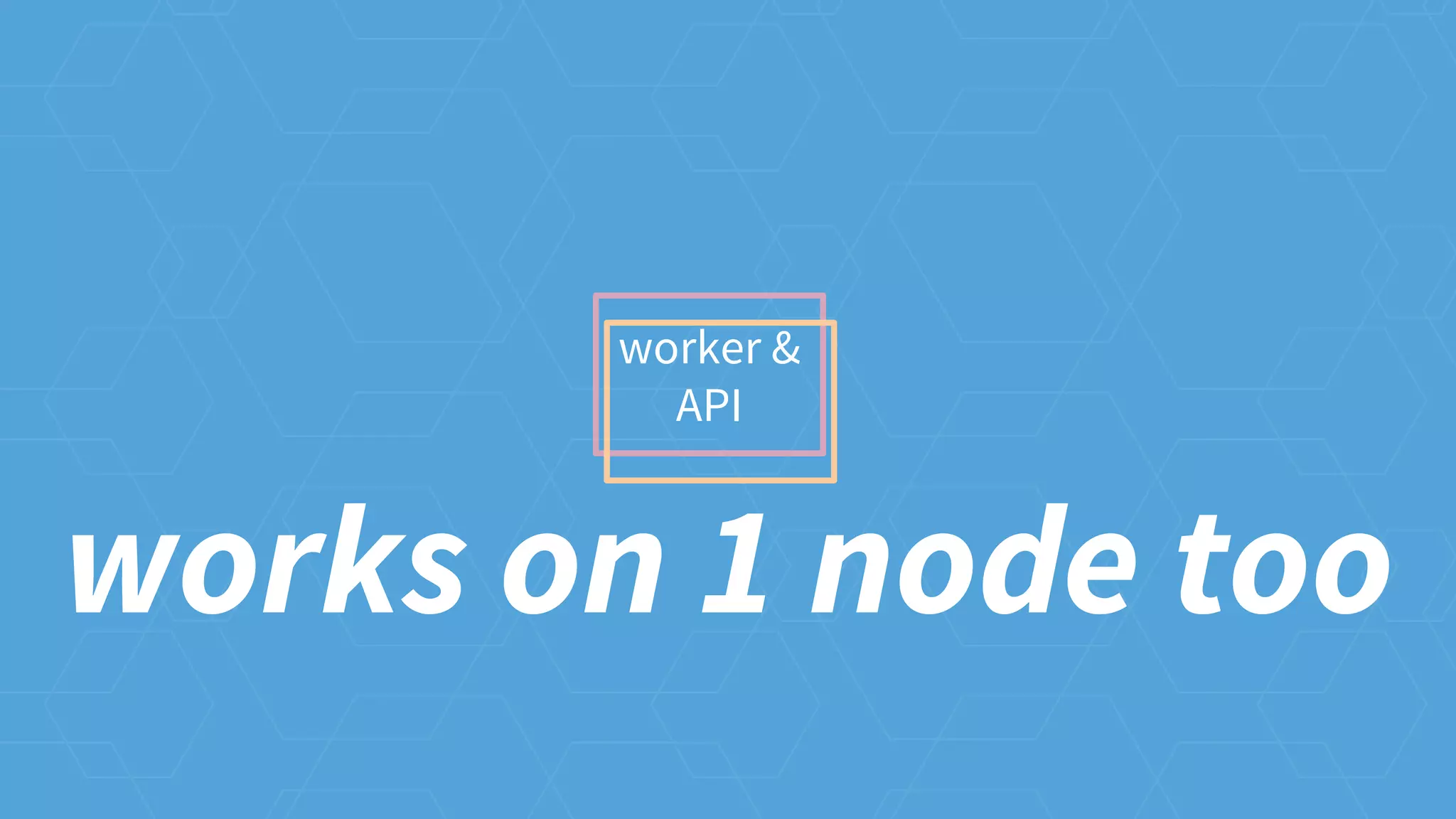
worker &
API
works on 1 node too
Easy CoreOS+Kubernetes Setup
vagrant, aws, bare metal, etc
coreos.com/kubernetes/docs/latest/
coreos.com/careers
work with us
@coreoslinux
@tectonicstack
@brandonphilips
thank you
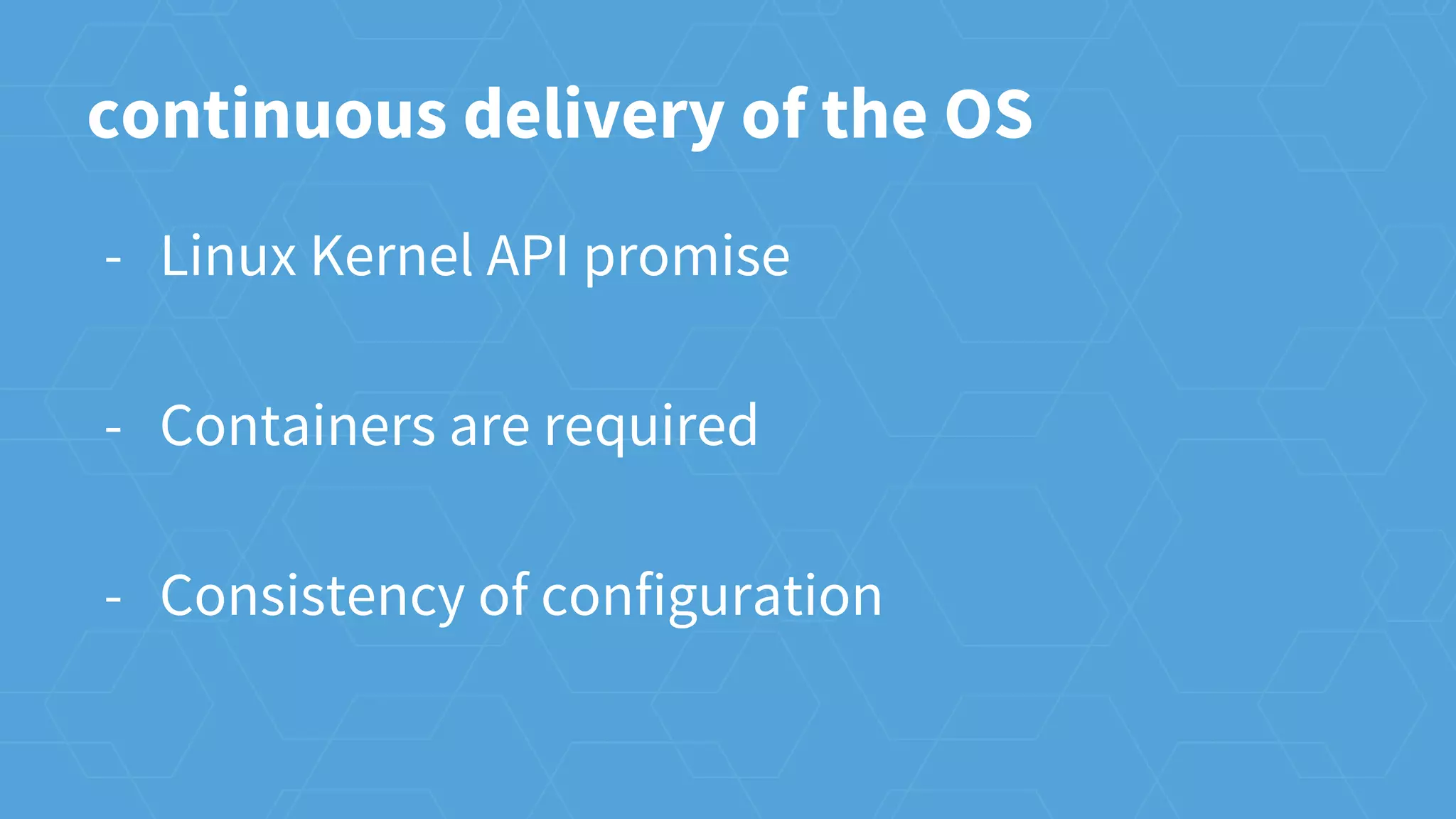
continuous delivery of the OS
- Linux Kernel API promise
- Containers are required
- Consistency of configuration
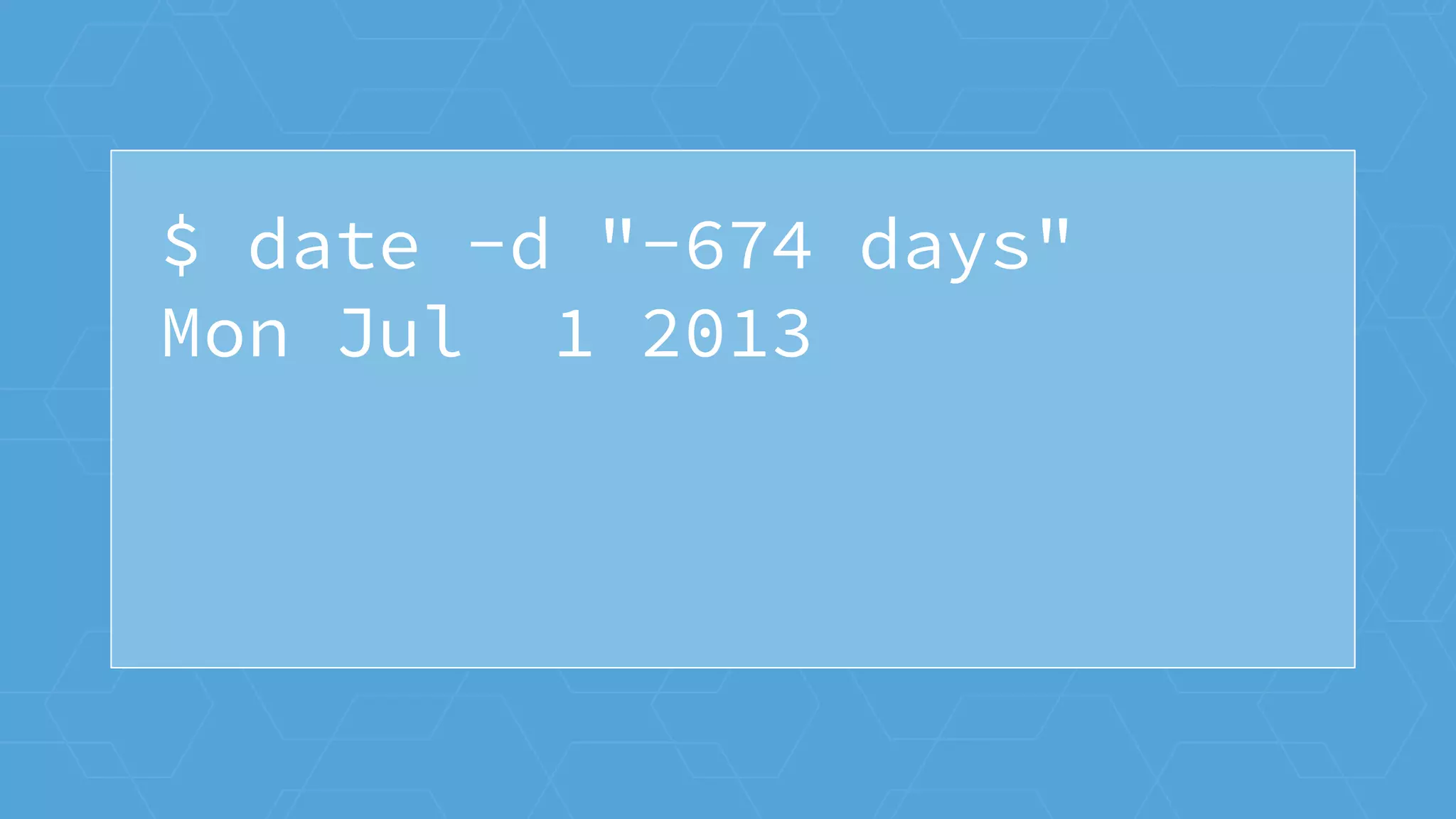
$ date -d "-674 days"
Mon Jul 1 2013
Alpha
α
Alpha Beta
α β
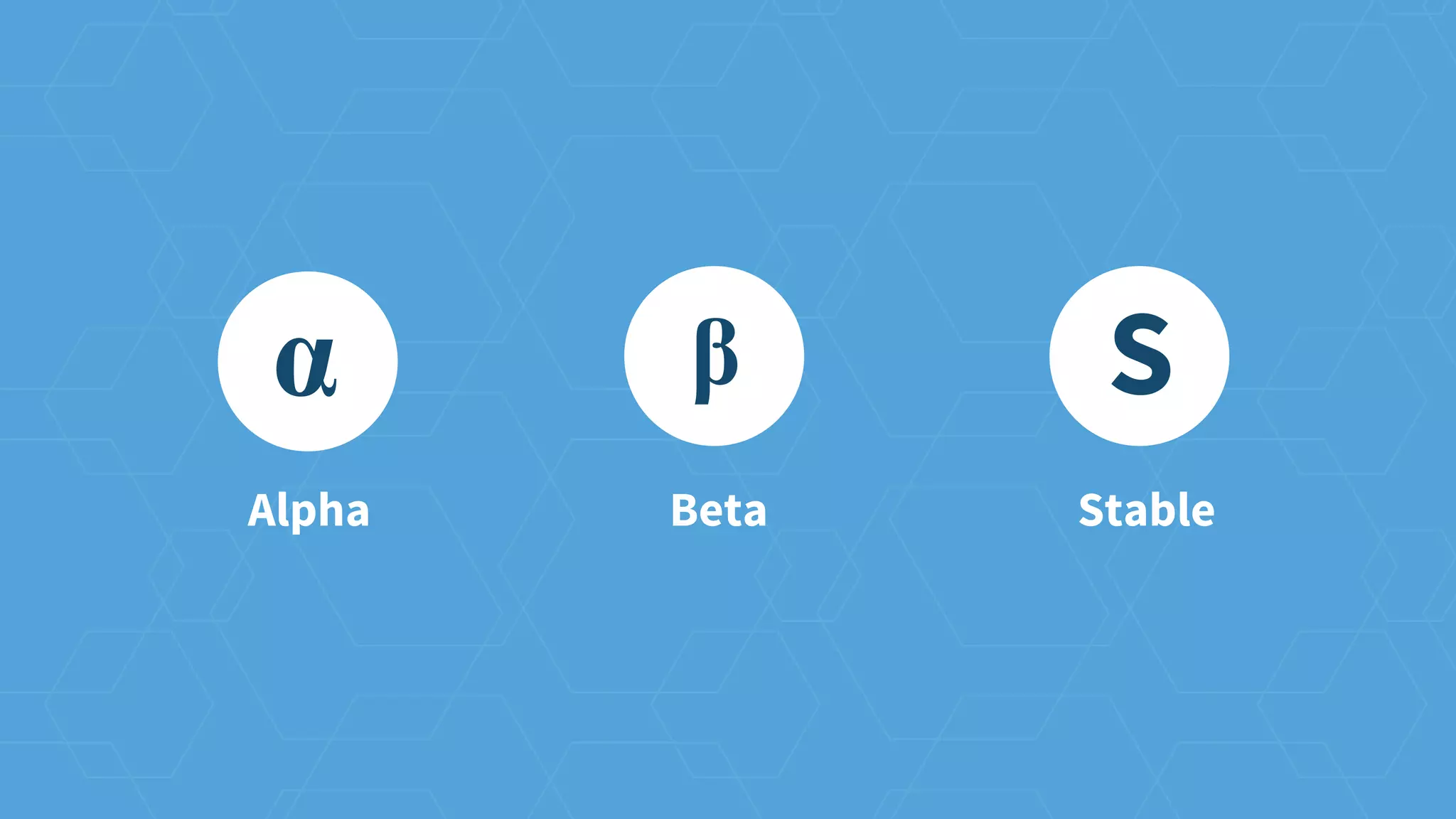
Alpha Beta Stable
α β S
$ cd coreos/manifest
$ git tag | wc -l
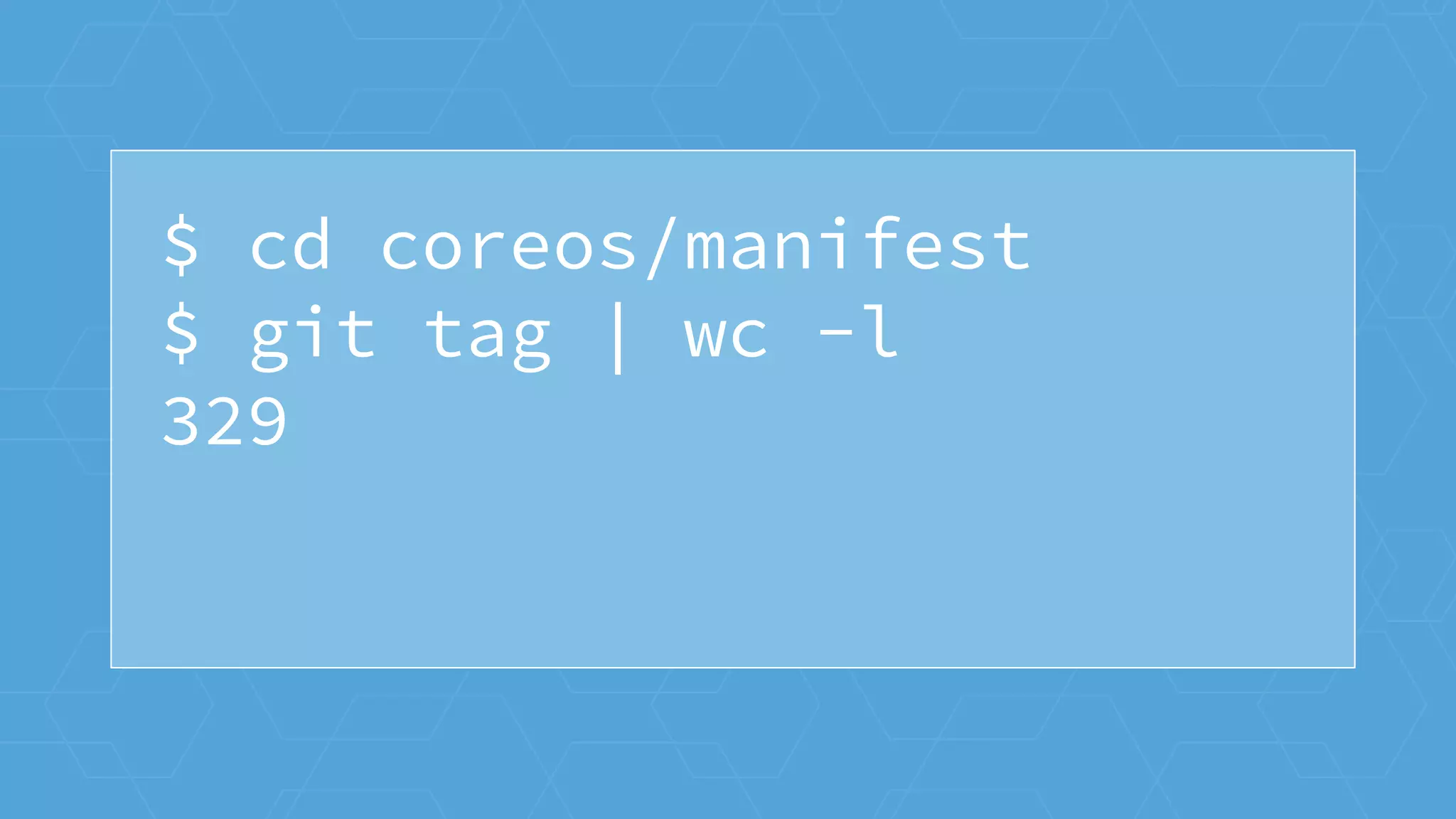
$ cd coreos/manifest
$ git tag | wc -l
329
$ uname -r
3.8.0
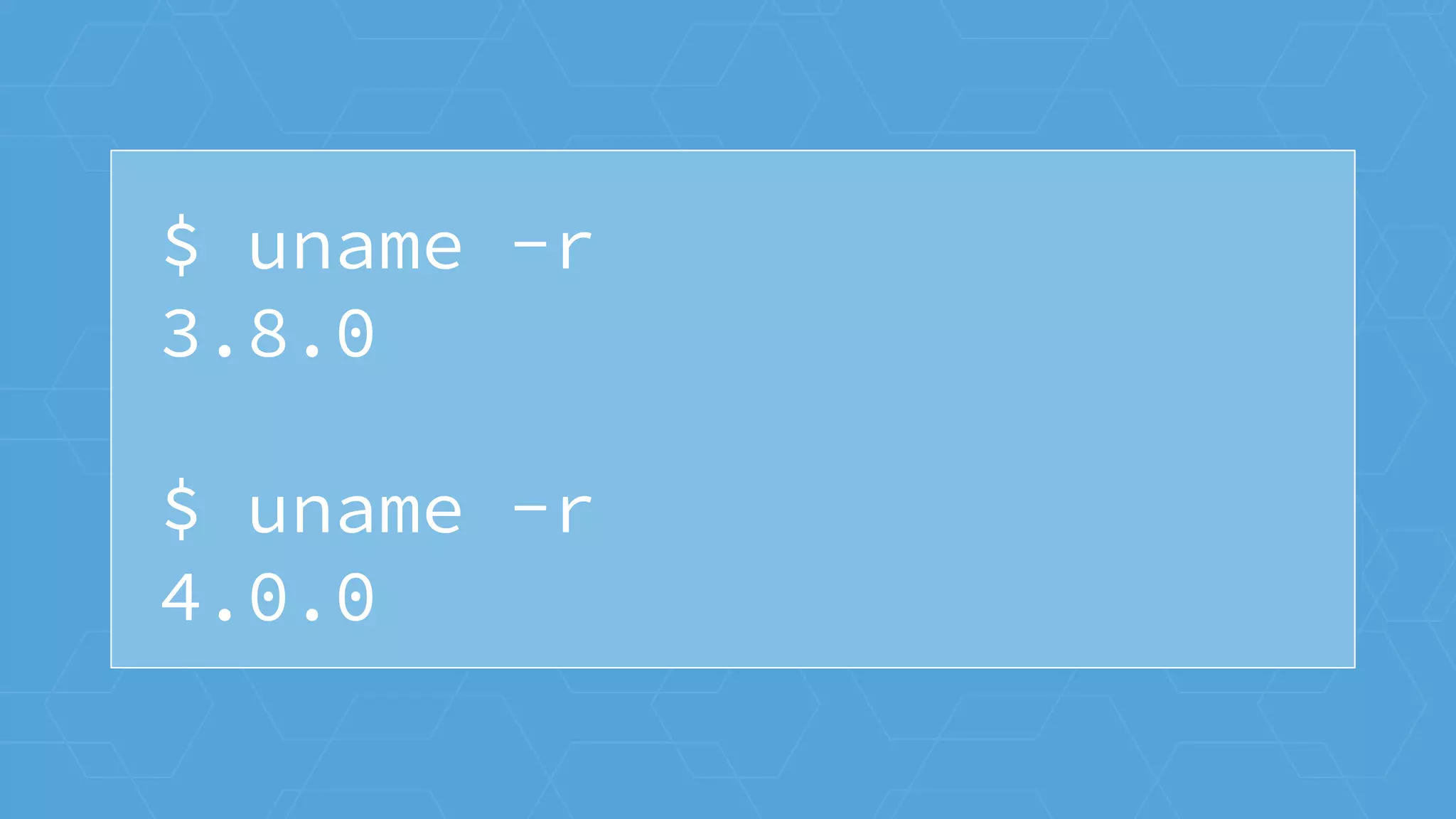
$ uname -r
3.8.0
$ uname -r
4.0.0
$ init --version
systemd 207
$ init --version
systemd 207
$ init --version
systemd 219
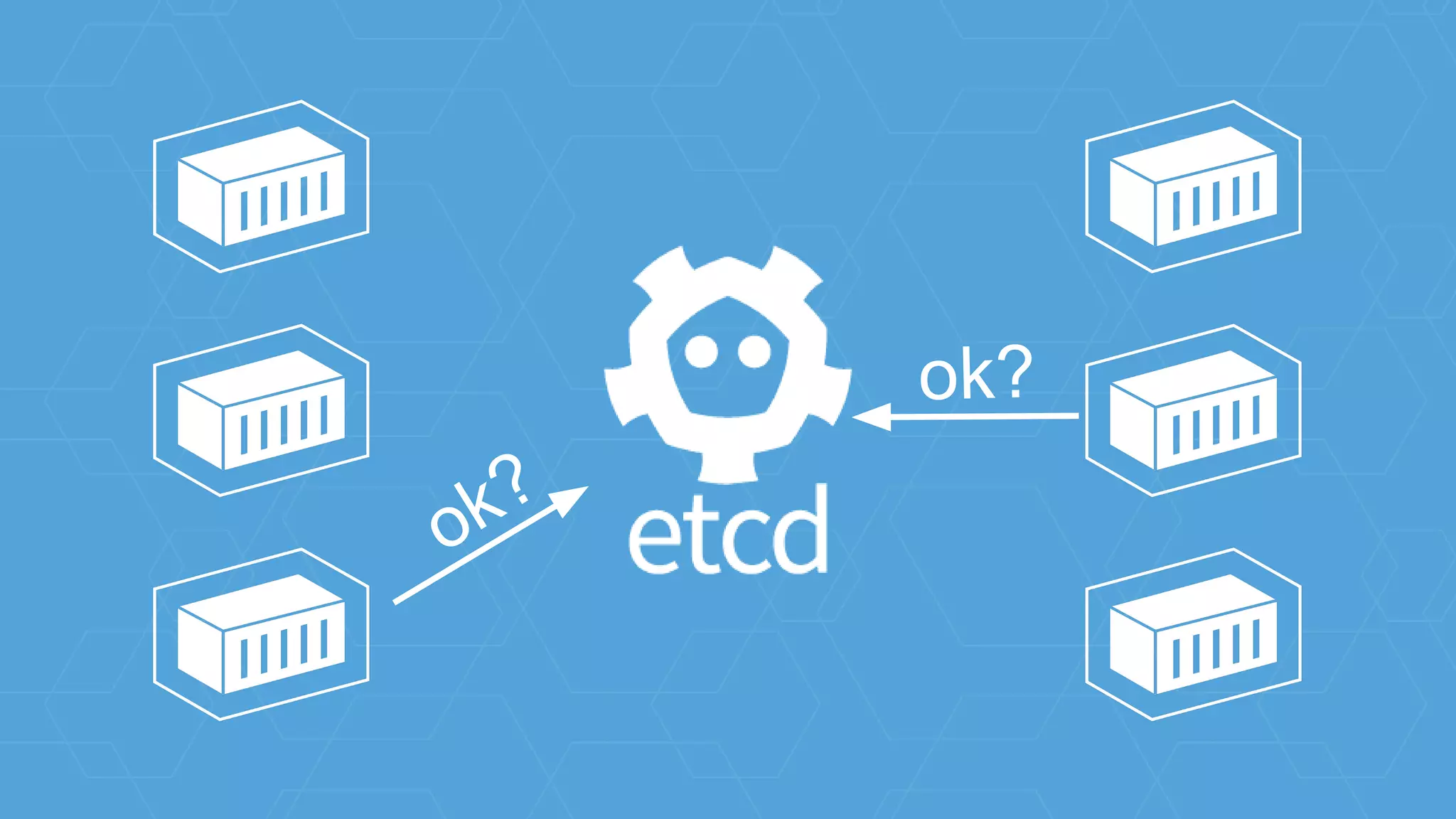
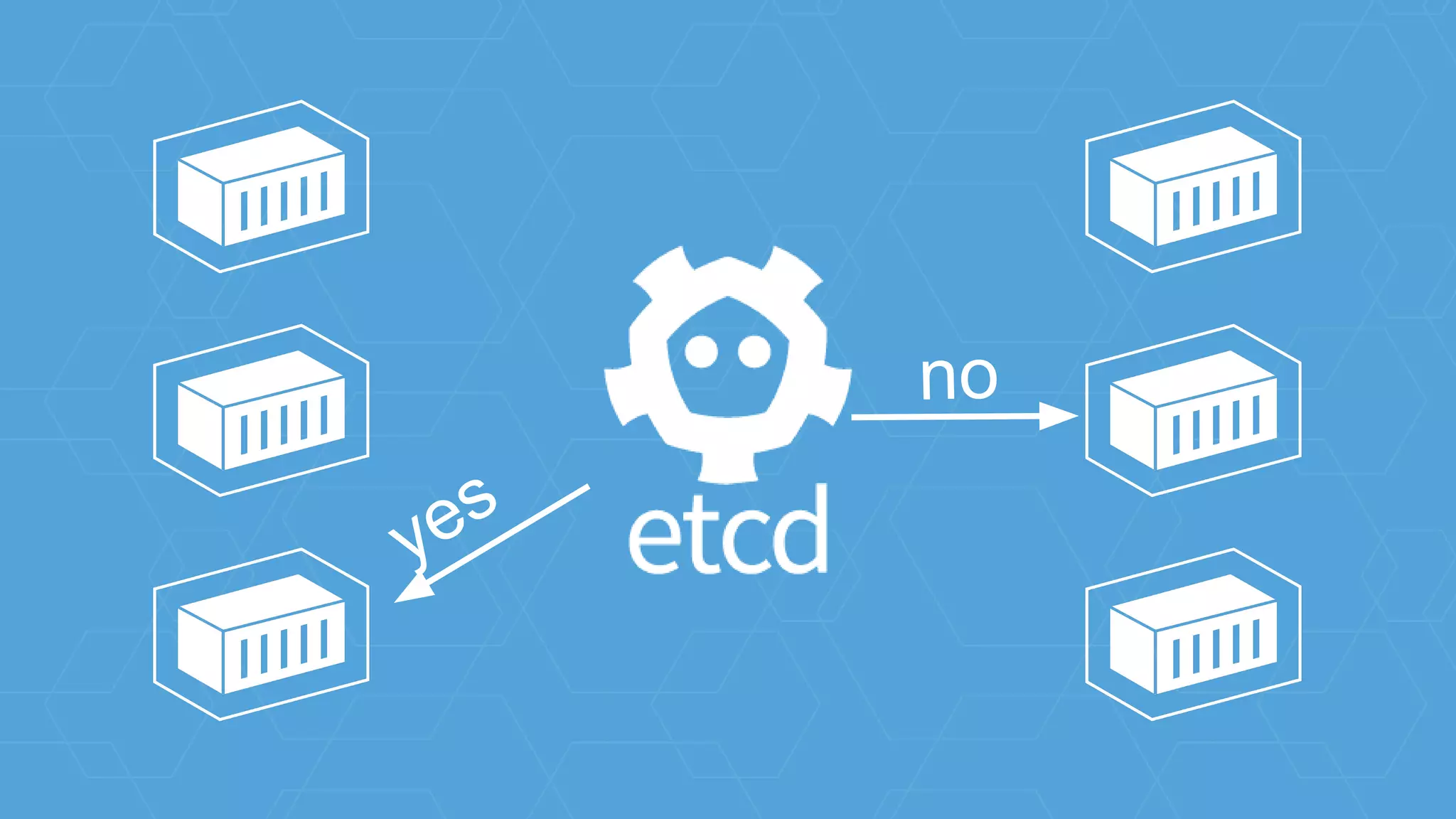
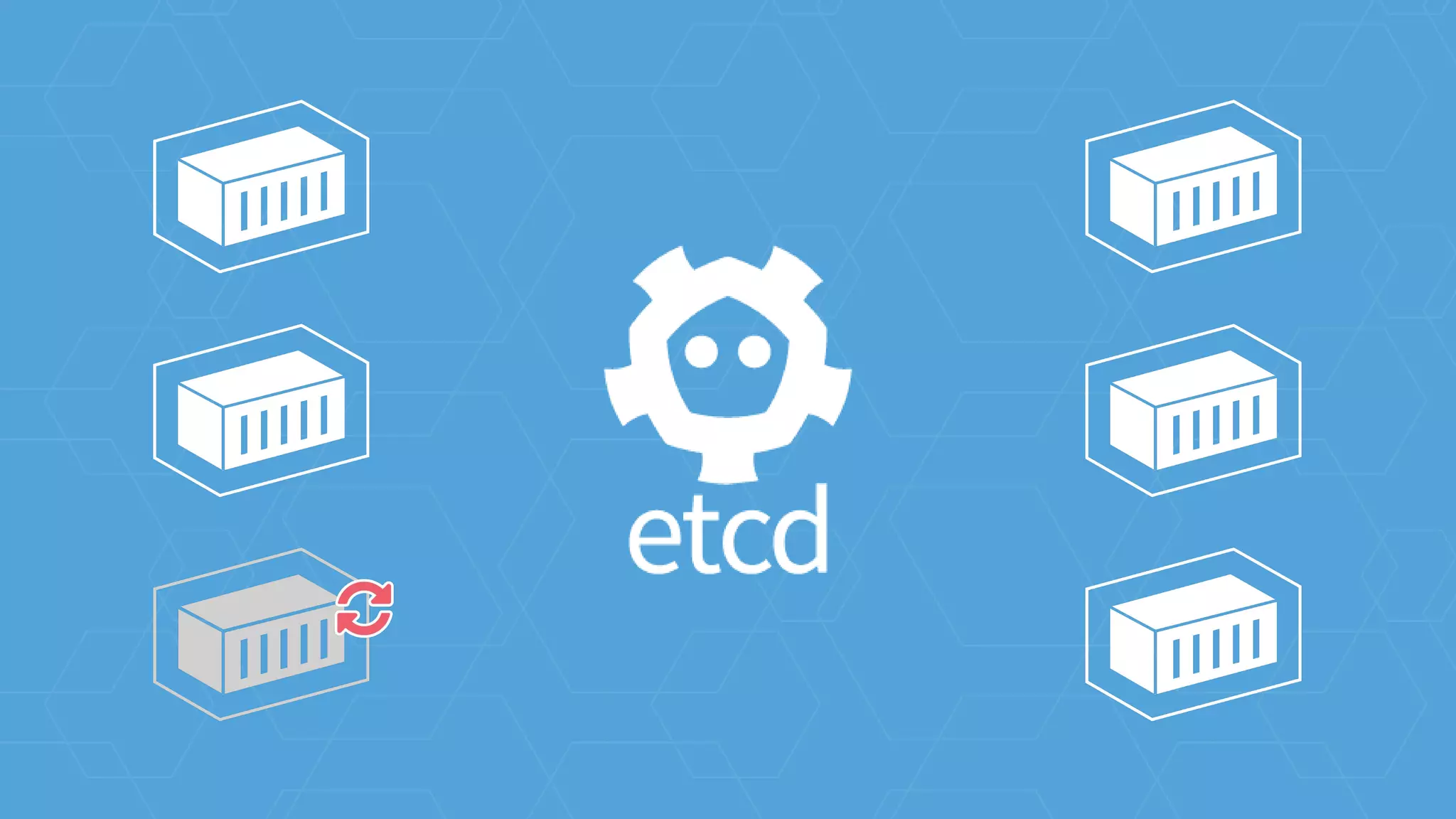
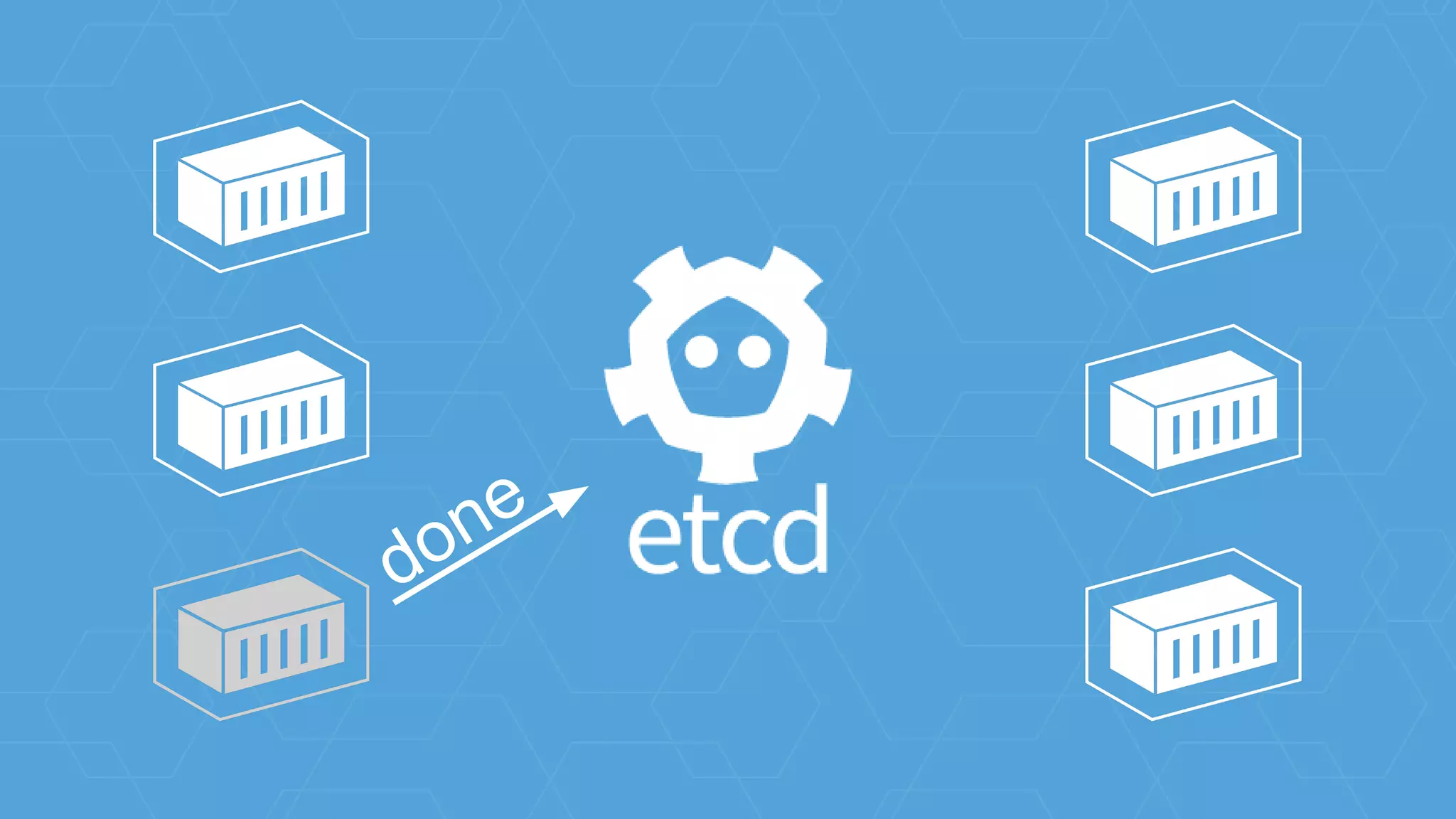
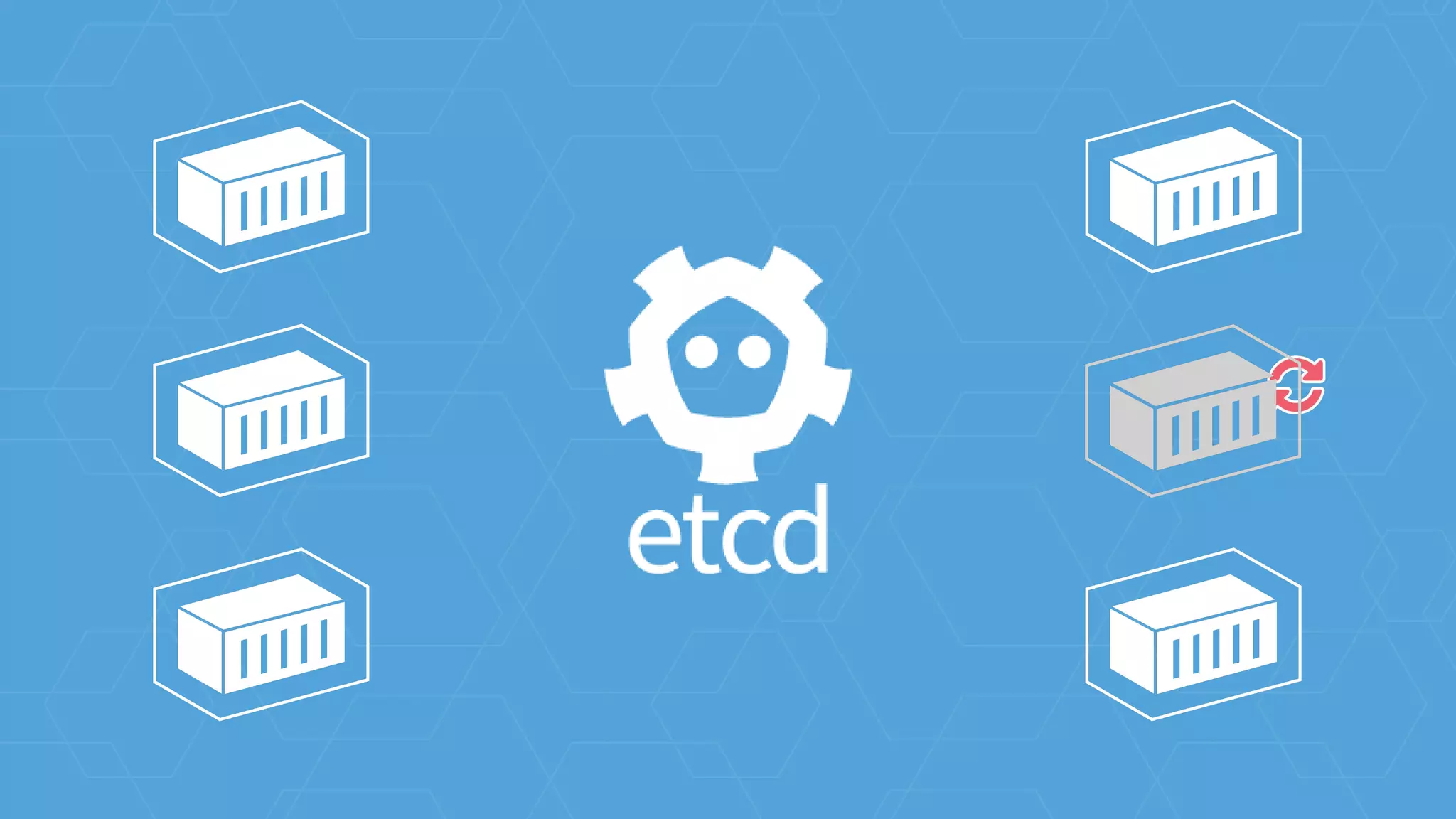
github.com/coreos/etcd
...
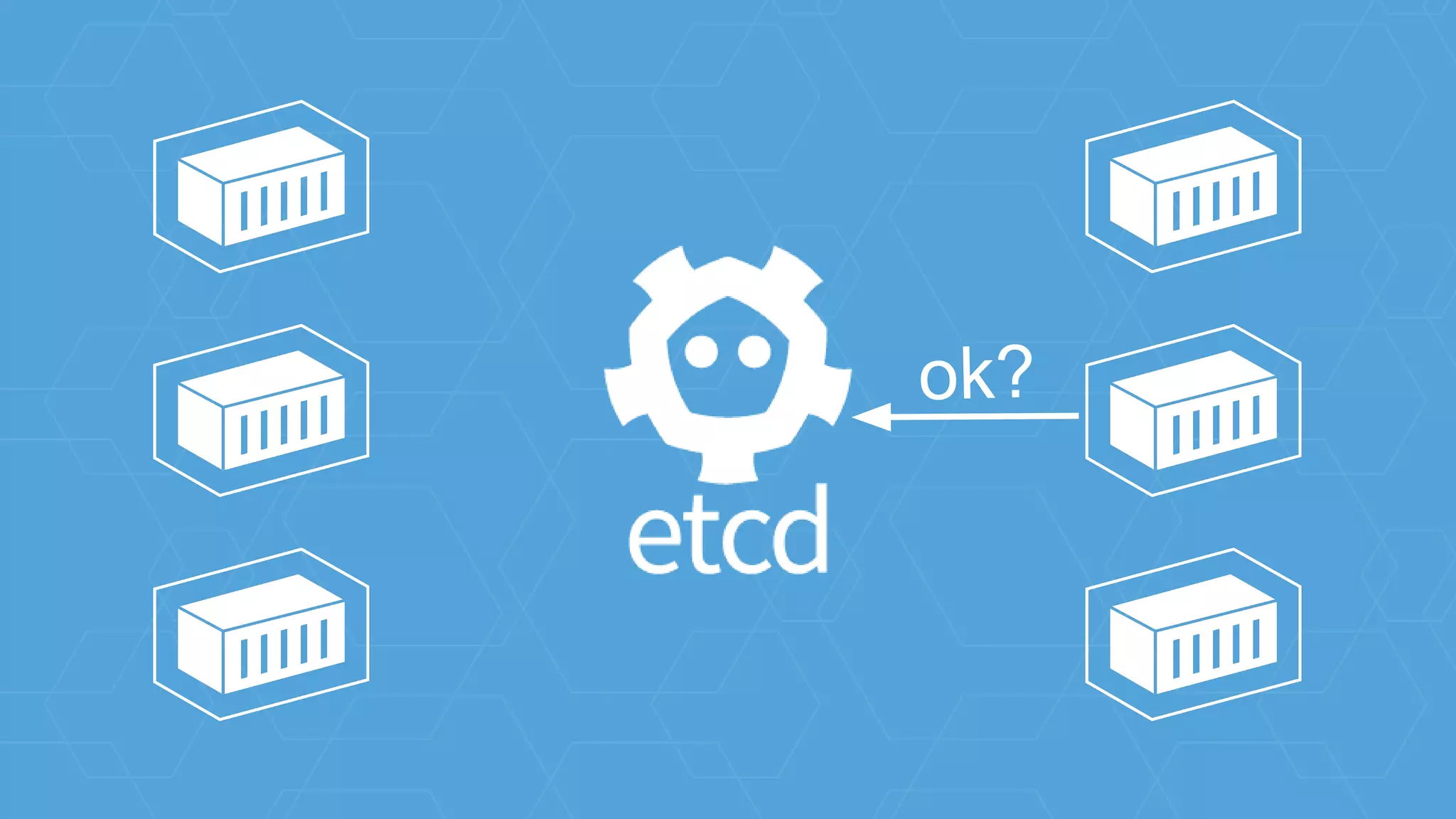
ok?
ok?
no
yes
done
ok?
github.com/coreos/etcd
container
networking
github.com/appc/cni
- Defining external plugins e.g. ipvlan, bridge, etc
- Used in rkt today for setting up network namespaces
- Collaborating with folks from Red Hat, Cisco, and
others
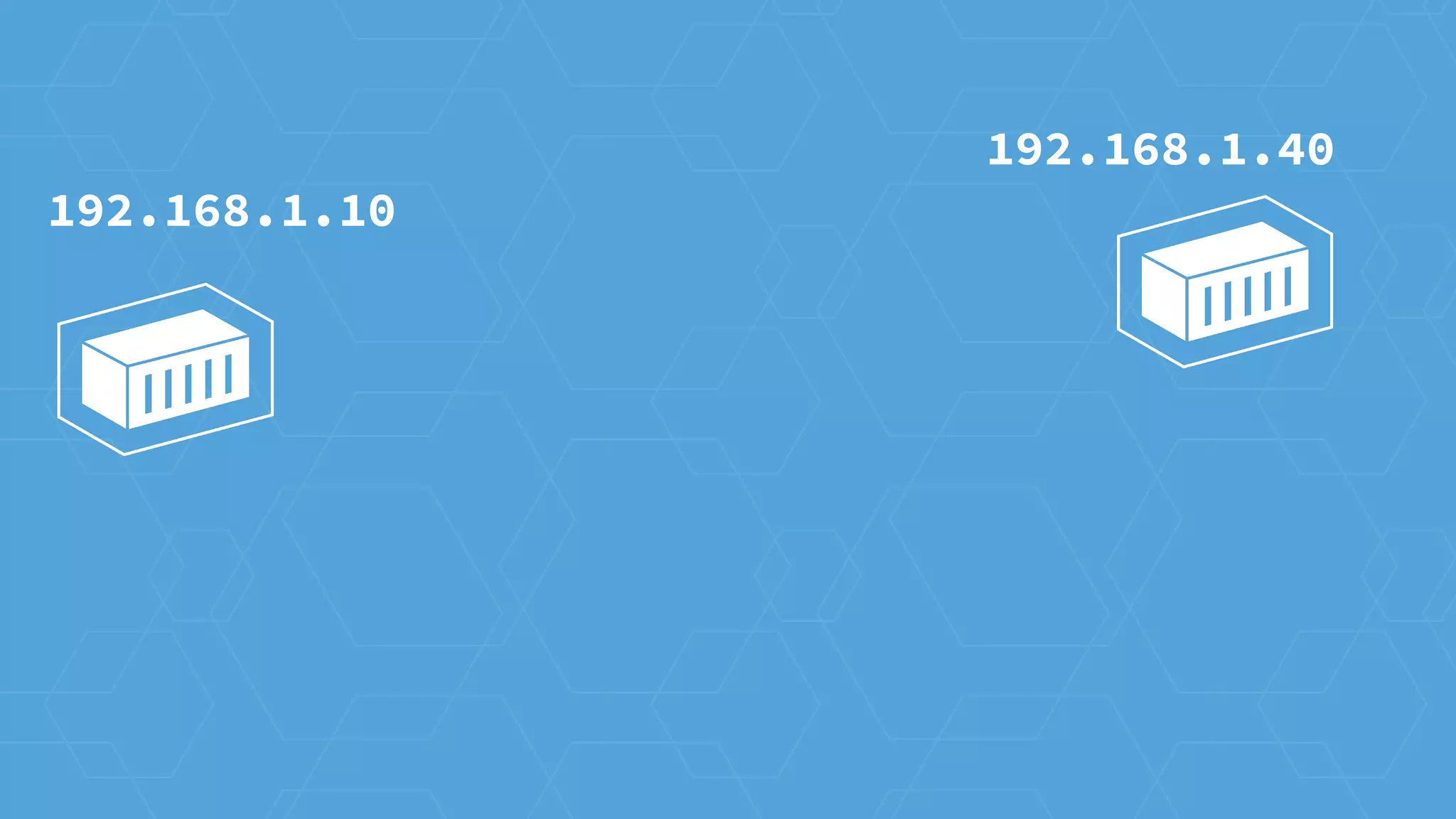
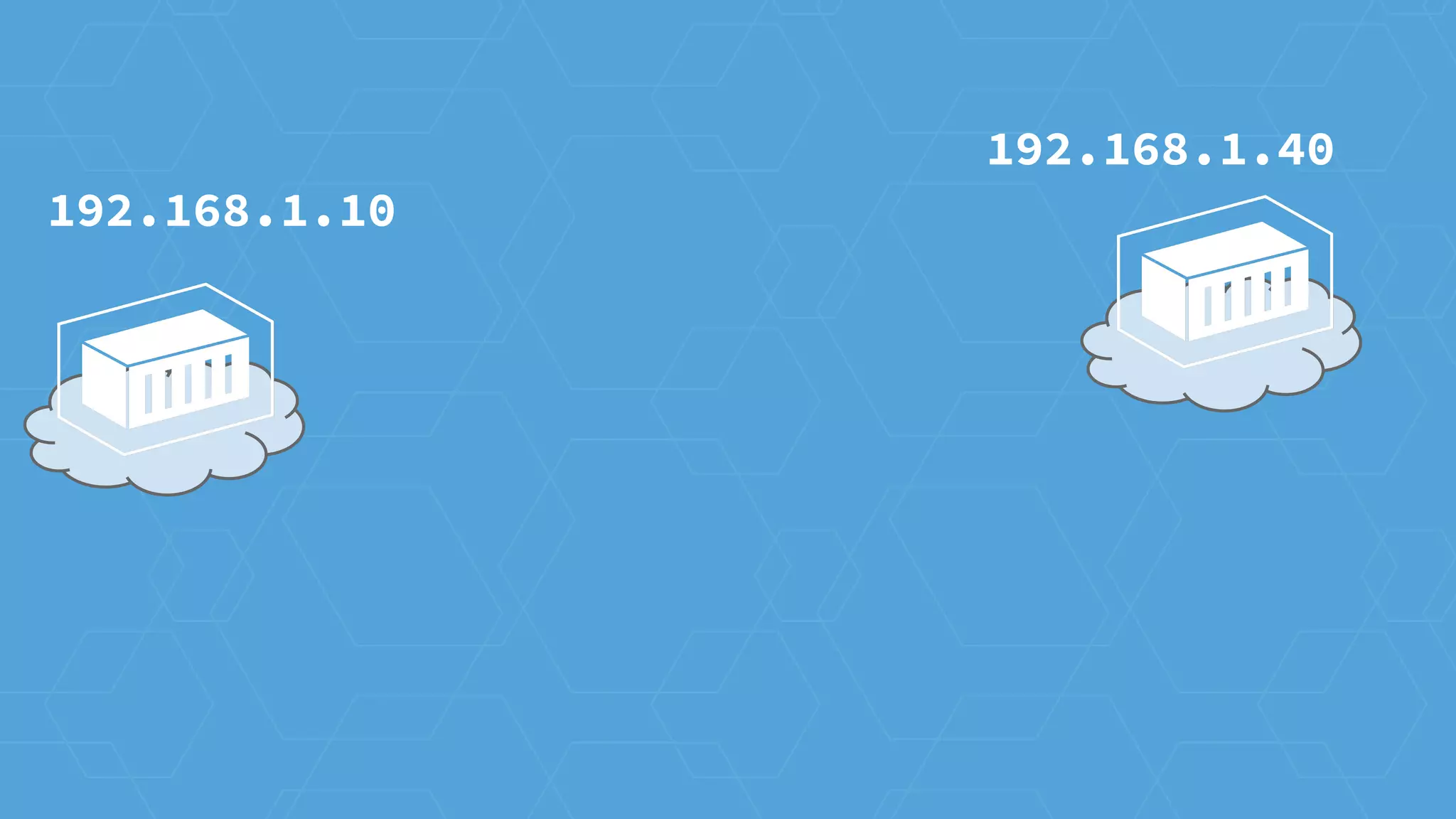
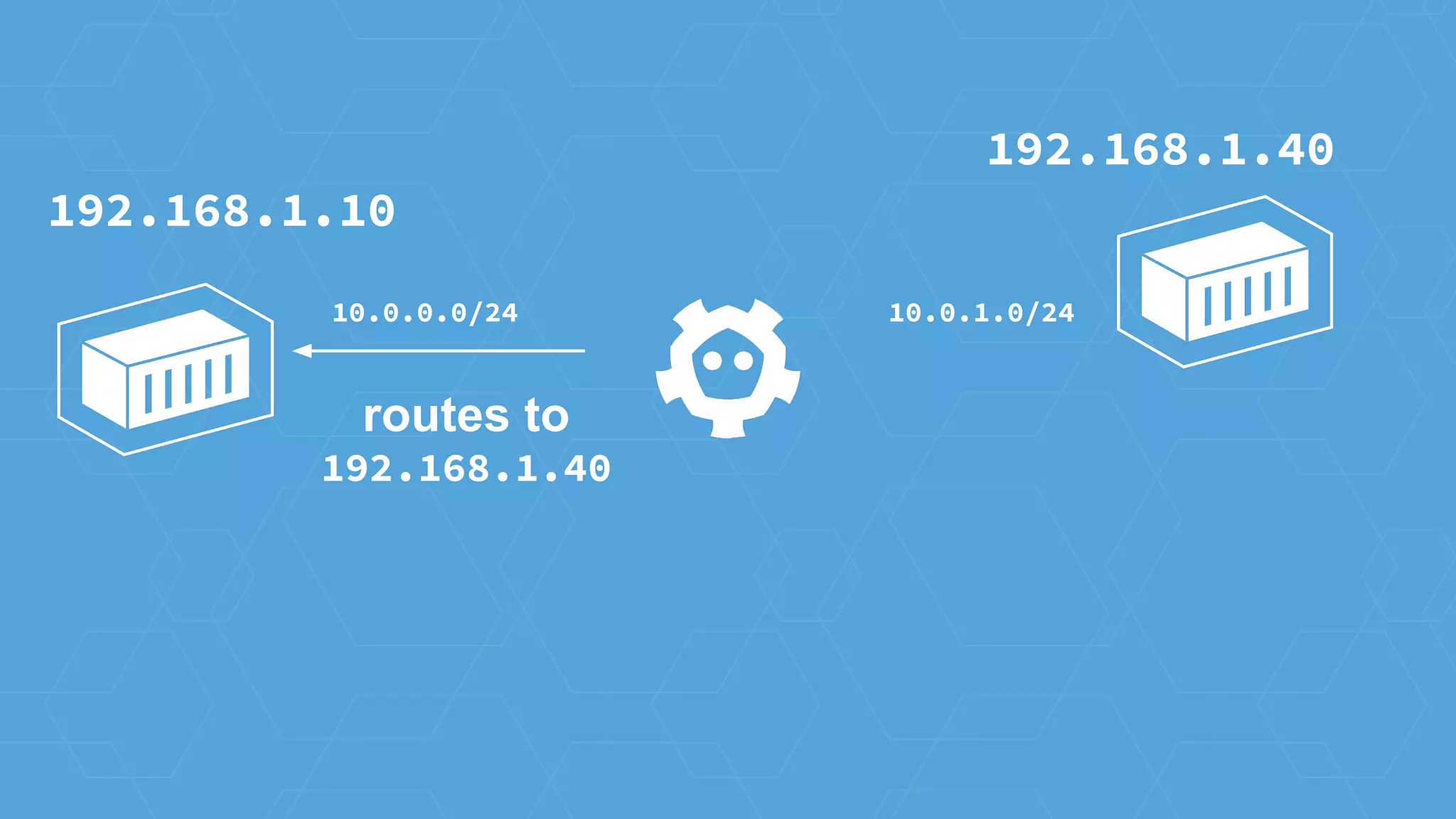
192.168.1.10
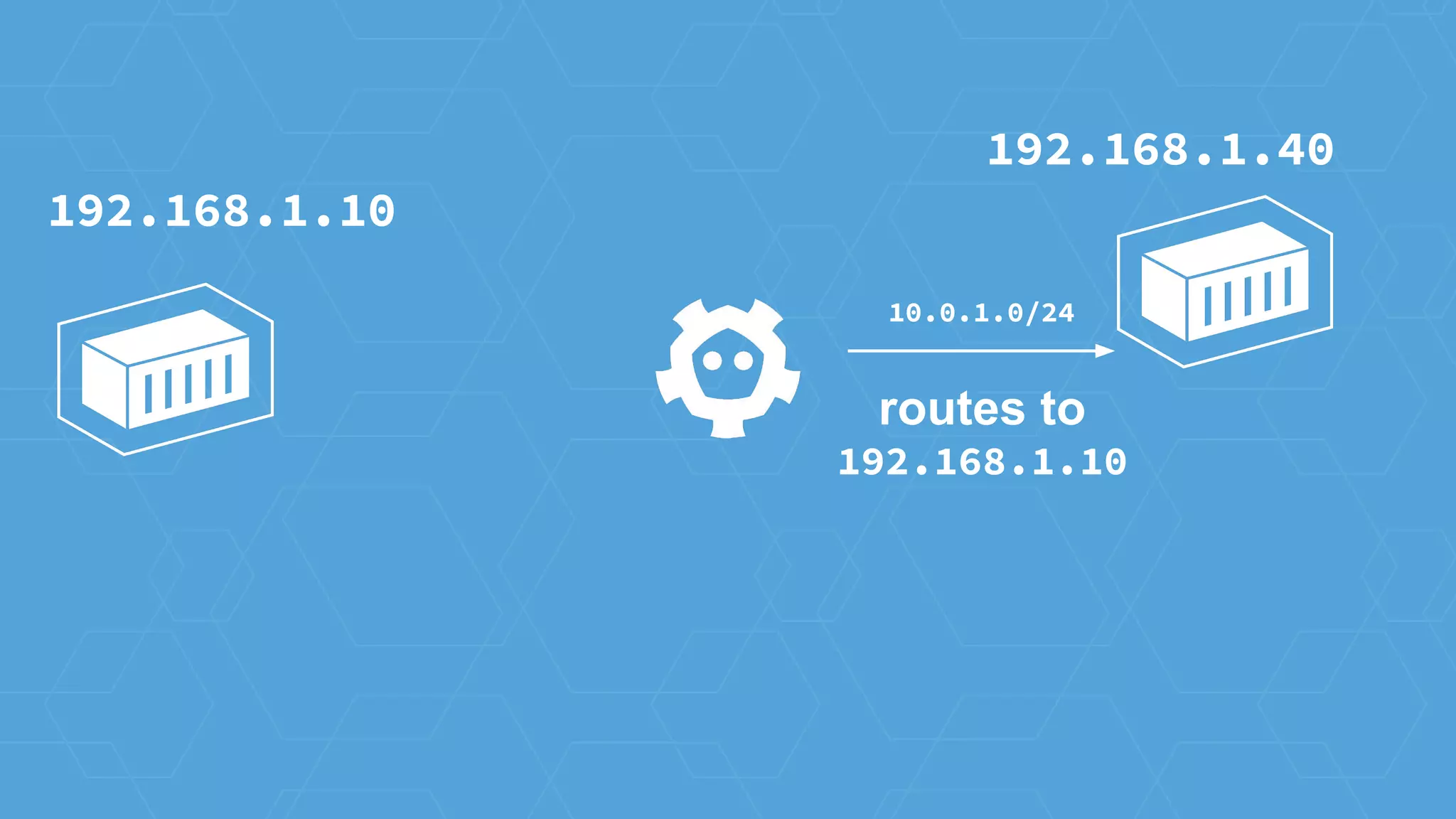
192.168.1.40
192.168.1.10
192.168.1.40
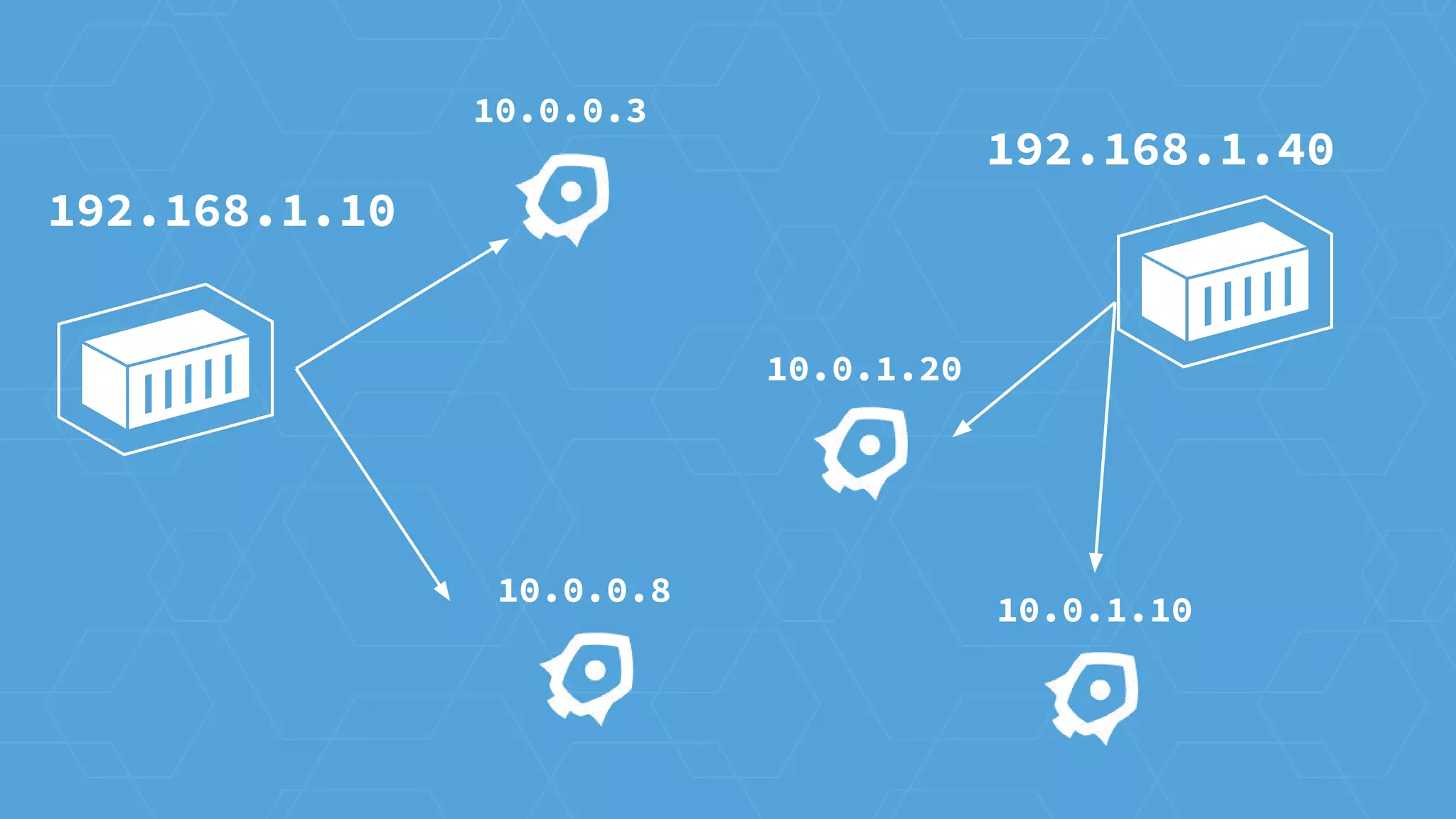
10.0.0.3
10.0.0.8
10.0.1.10
10.0.1.20
192.168.1.10
192.168.1.40
192.168.1.10
192.168.1.40
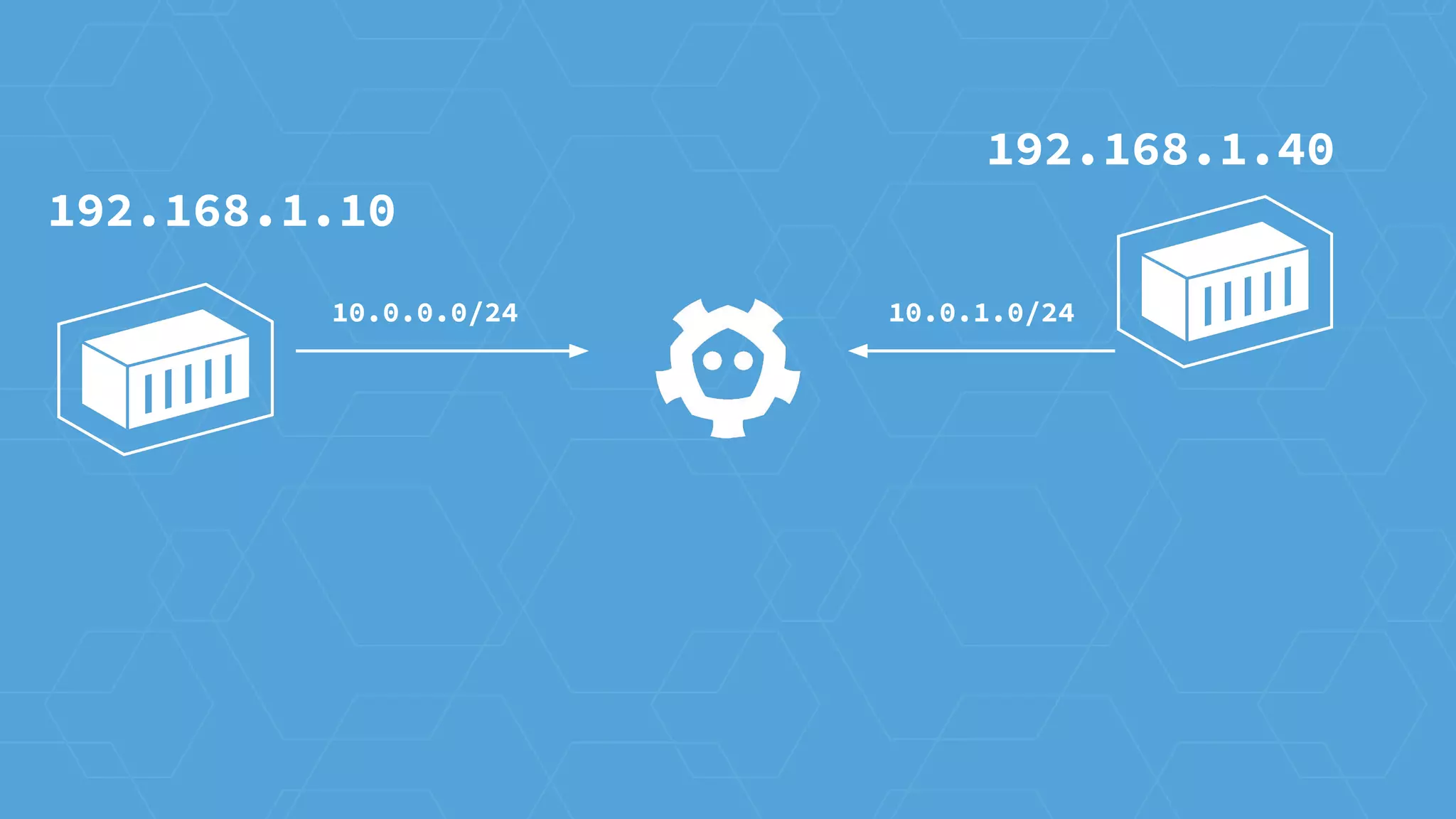
10.0.0.0/24 10.0.1.0/24
routes to
192.168.1.40
192.168.1.10
192.168.1.40
10.0.0.0/24 10.0.1.0/24
192.168.1.40
10.0.1.0/24
192.168.1.10
routes to
192.168.1.10

CoreOS + Kubernetes @ All Things Open 2015