
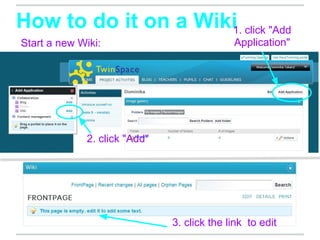
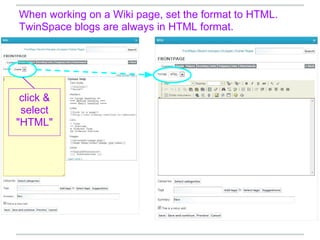
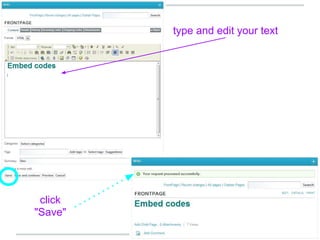
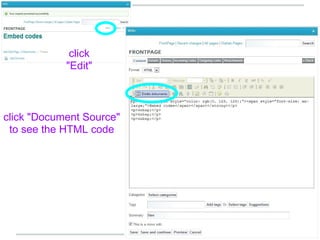
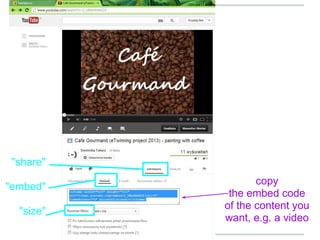
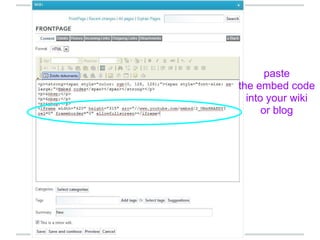
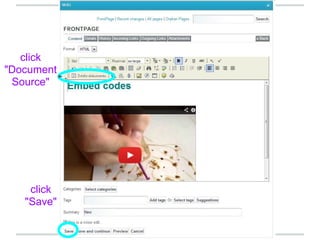
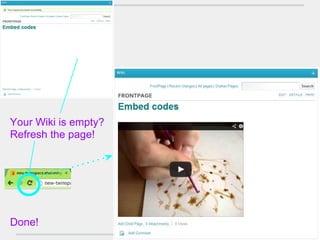

To embed content in a TwinSpace wiki or blog, start by creating a new wiki page and selecting HTML format. Copy the embed code from the desired content, such as a video, and paste it into the wiki or blog page source code. Save the page to display the embedded content on the refreshed wiki or blog.


