The document discusses various control flow statements in Python including conditional statements like if, if-else, if-elif-else, loop statements like while and for loops, and jump statements like break and continue. Indentation is used to declare blocks in Python instead of curly braces or parentheses. Conditional statements allow performing different computations depending on conditions. Loop statements repeat a block of code a specified number of times. Jump statements alter the flow of loops by skipping or terminating parts of a loop.
Indentation in Python
•In Python, indentation is used to declare a block. If two
statements are at the same indentation level, then they are
the part of the same block.
• For the ease of programming and to achieve simplicity, python
doesn't allow the use of curly braces or parentheses for the
block level code.
• Indentation is the most used part of the python programming
language.
• Generally, a tab space or four spaces are given to indent the
statements in python.
Conditional Statements inPython
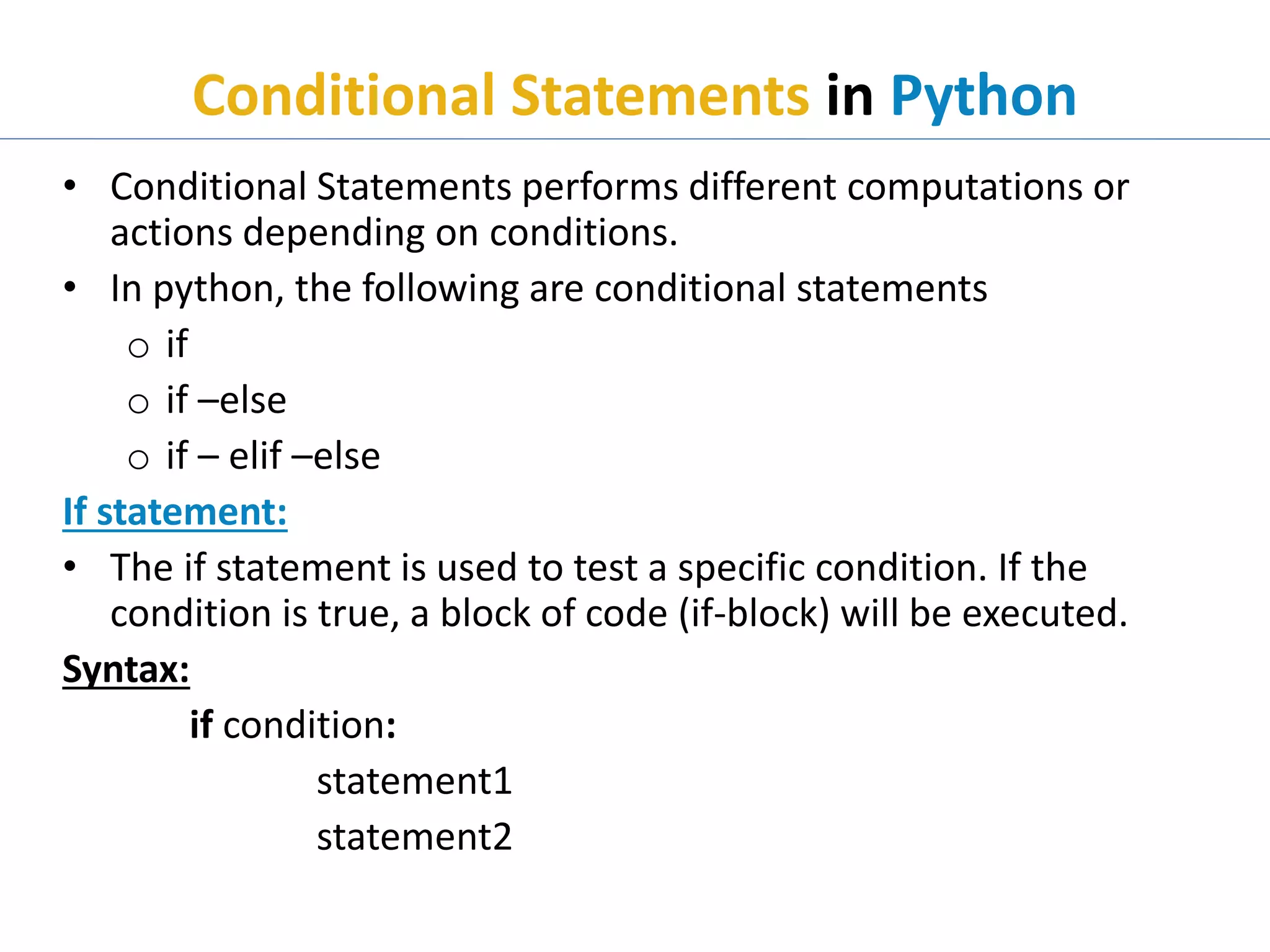
• Conditional Statements performs different computations or
actions depending on conditions.
• In python, the following are conditional statements
o if
o if –else
o if – elif –else
If statement:
• The if statement is used to test a specific condition. If the
condition is true, a block of code (if-block) will be executed.
Syntax:
if condition:
statement1
statement2
6.
Conditional Statements inPython Cont..
Example: ifdemo.py
a = 33
b = 200
if b > a:
print ("b is greater than a")
print ("done…")
Remember:
input () function is used to get input from user.
Example:
a=input (“Enter a value”)
Output:
python ifdemo.py
b is greater than a
done…
7.
Conditional Statements inPython Cont..
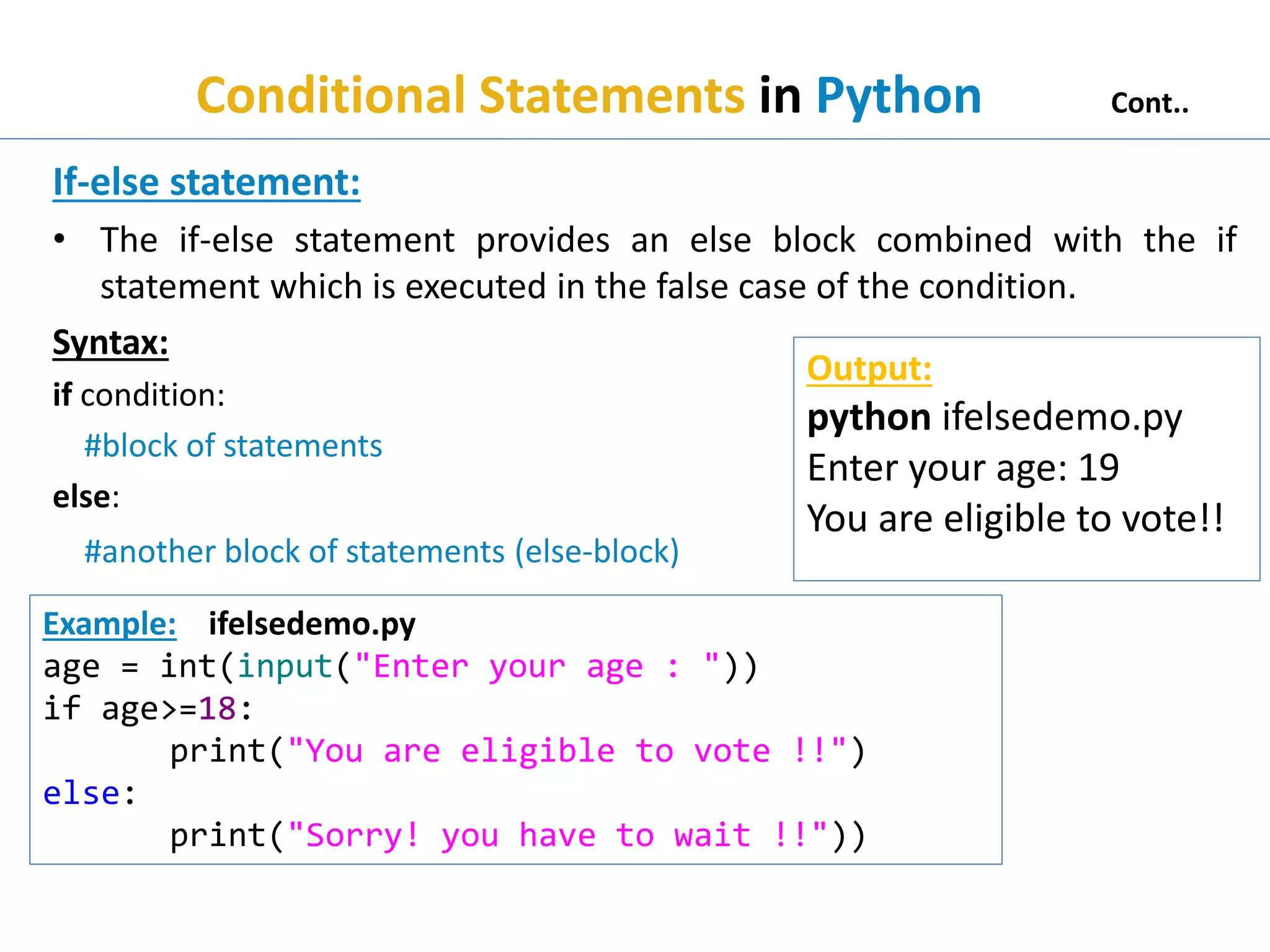
If-else statement:
• The if-else statement provides an else block combined with the if
statement which is executed in the false case of the condition.
Syntax:
if condition:
#block of statements
else:
#another block of statements (else-block)
Example: ifelsedemo.py
age = int(input("Enter your age : "))
if age>=18:
print("You are eligible to vote !!")
else:
print("Sorry! you have to wait !!"))
Output:
python ifelsedemo.py
Enter your age: 19
You are eligible to vote!!
8.
Conditional Statements inPython Cont..
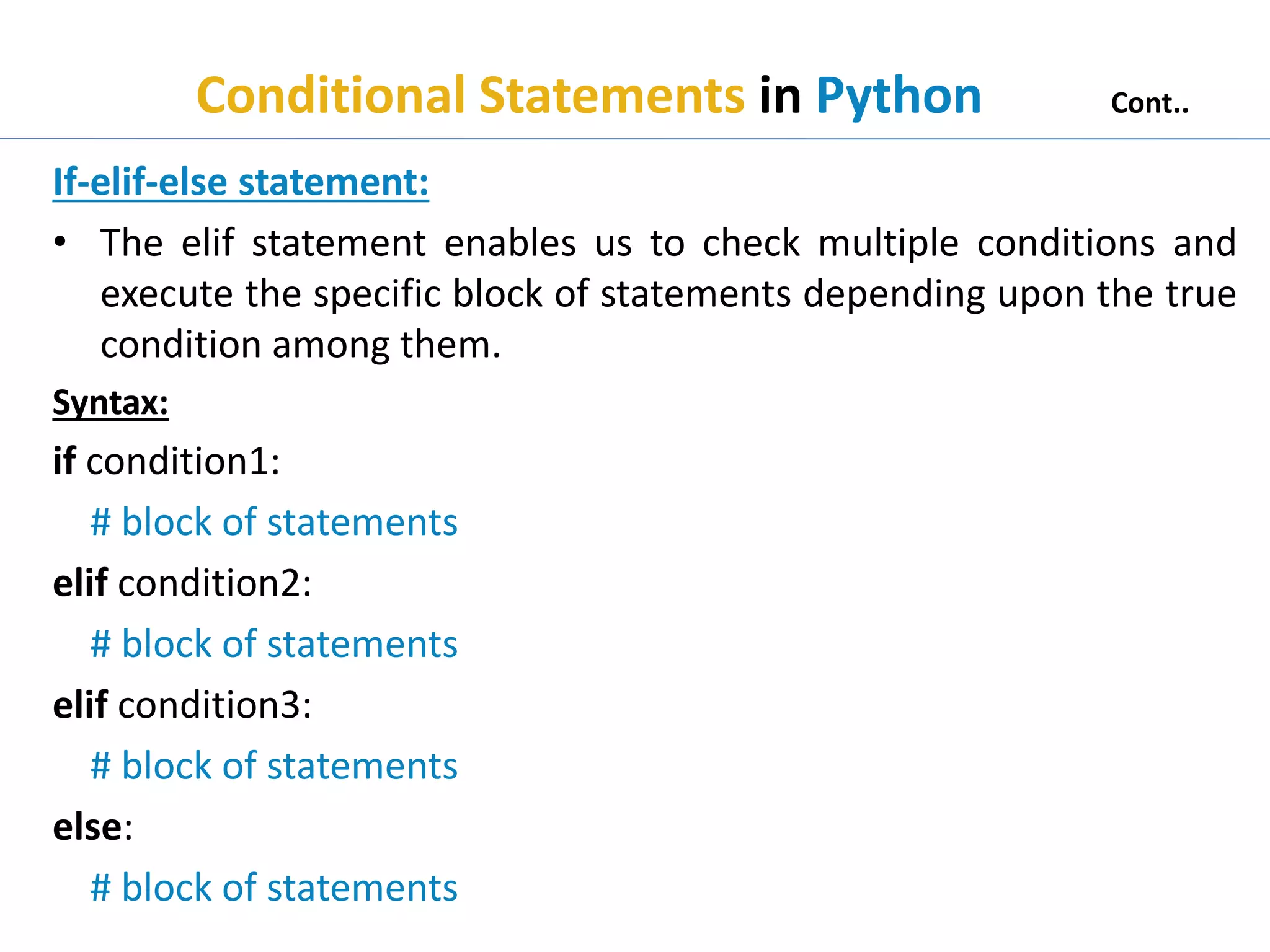
If-elif-else statement:
• The elif statement enables us to check multiple conditions and
execute the specific block of statements depending upon the true
condition among them.
Syntax:
if condition1:
# block of statements
elif condition2:
# block of statements
elif condition3:
# block of statements
else:
# block of statements
9.
Conditional Statements inPython Cont..
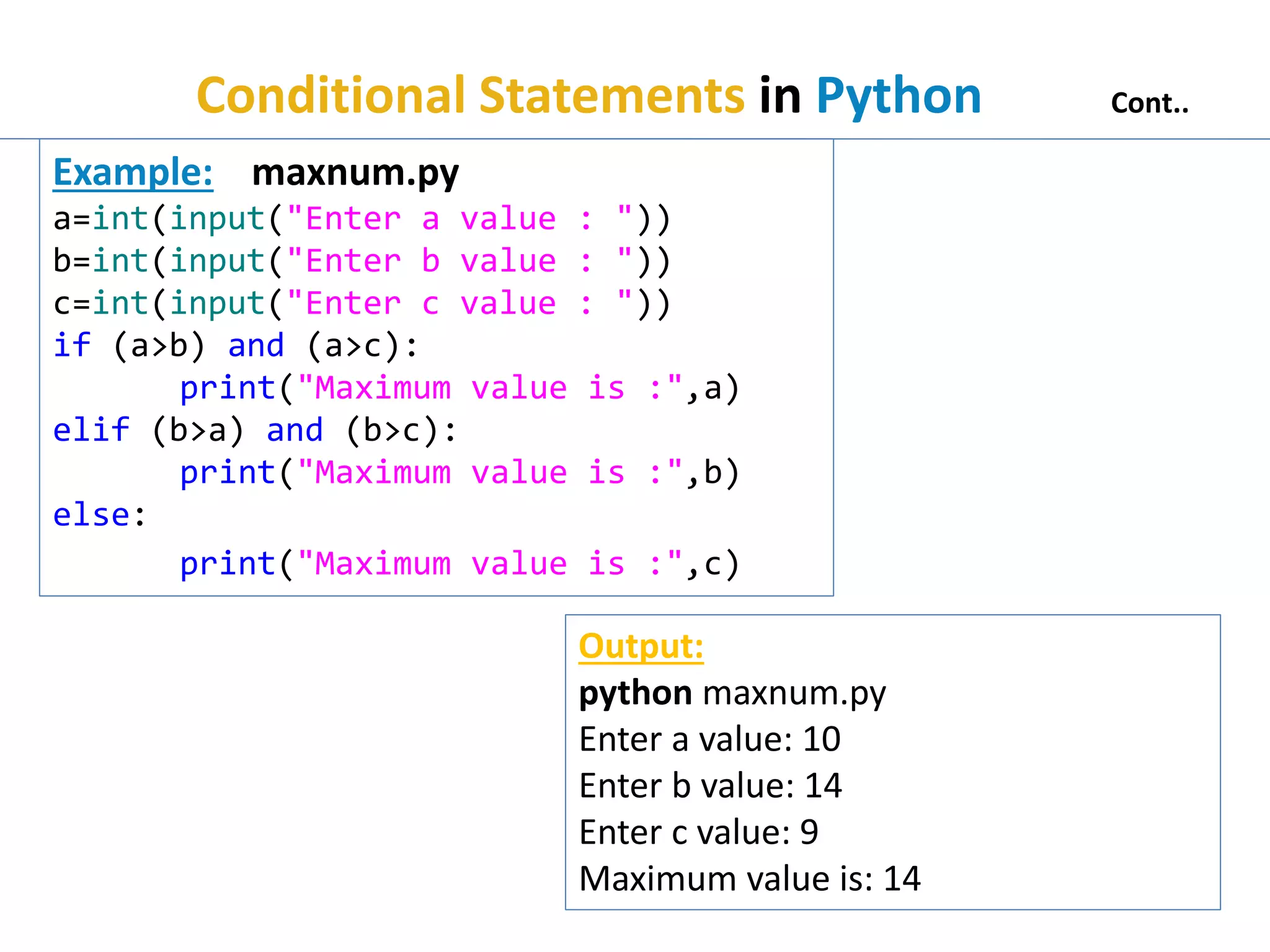
Example: maxnum.py
a=int(input("Enter a value : "))
b=int(input("Enter b value : "))
c=int(input("Enter c value : "))
if (a>b) and (a>c):
print("Maximum value is :",a)
elif (b>a) and (b>c):
print("Maximum value is :",b)
else:
print("Maximum value is :",c)
Output:
python maxnum.py
Enter a value: 10
Enter b value: 14
Enter c value: 9
Maximum value is: 14
Loop Statements inPython
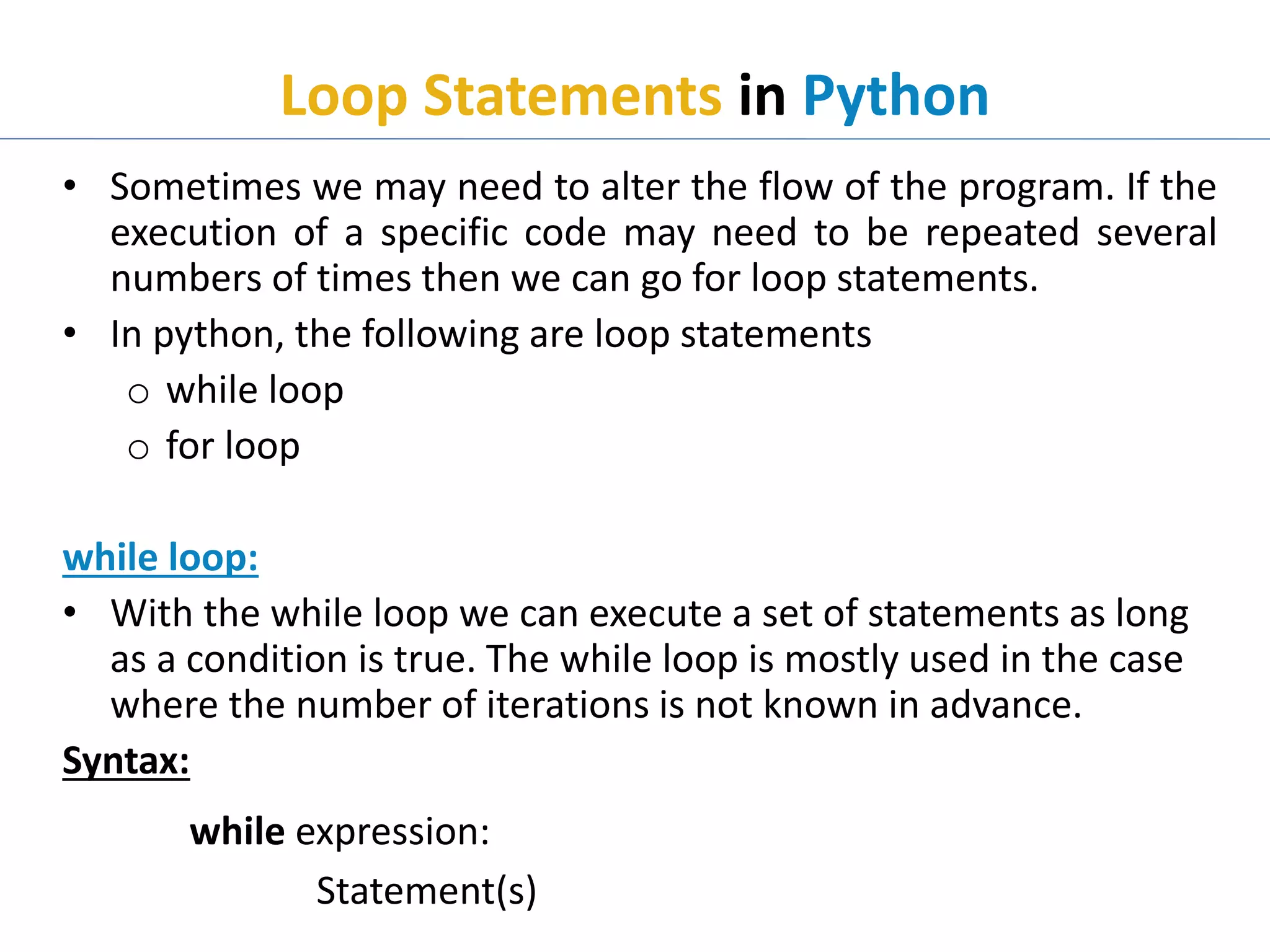
• Sometimes we may need to alter the flow of the program. If the
execution of a specific code may need to be repeated several
numbers of times then we can go for loop statements.
• In python, the following are loop statements
o while loop
o for loop
while loop:
• With the while loop we can execute a set of statements as long
as a condition is true. The while loop is mostly used in the case
where the number of iterations is not known in advance.
Syntax:
while expression:
Statement(s)
12.
Loop Statements inPython Cont..
Using else with while loop
• Python enables us to use the while loop with the else block
also. The else block is executed when the condition given in
the while statement becomes false.
Example: whiledemo.py
i=1;
while i<=3:
print(i);
i=i+1;
Output:
python whiledemo.py
1
2
3
Example: wedemo.py
i=1;
while i<=3:
print(i);
i=i+1;
else:
print("while loop terminated")
Output:
python wedemo.py
1
2
3
while loop terminated
13.
Loop Statements inPython Cont..
for loop:
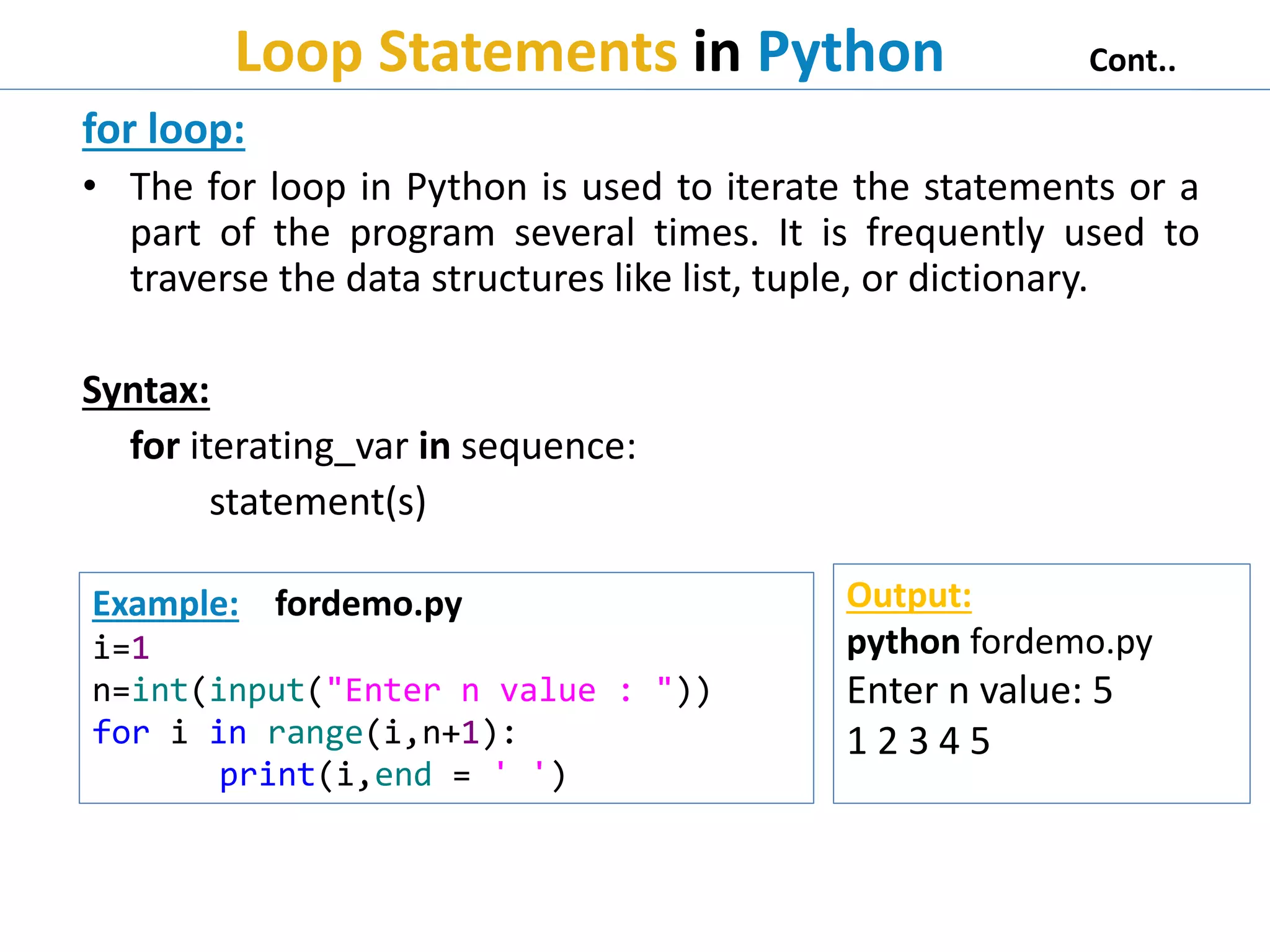
• The for loop in Python is used to iterate the statements or a
part of the program several times. It is frequently used to
traverse the data structures like list, tuple, or dictionary.
Syntax:
for iterating_var in sequence:
statement(s)
Example: fordemo.py
i=1
n=int(input("Enter n value : "))
for i in range(i,n+1):
print(i,end = ' ')
Output:
python fordemo.py
Enter n value: 5
1 2 3 4 5
14.
Loop Statements inPython Cont..
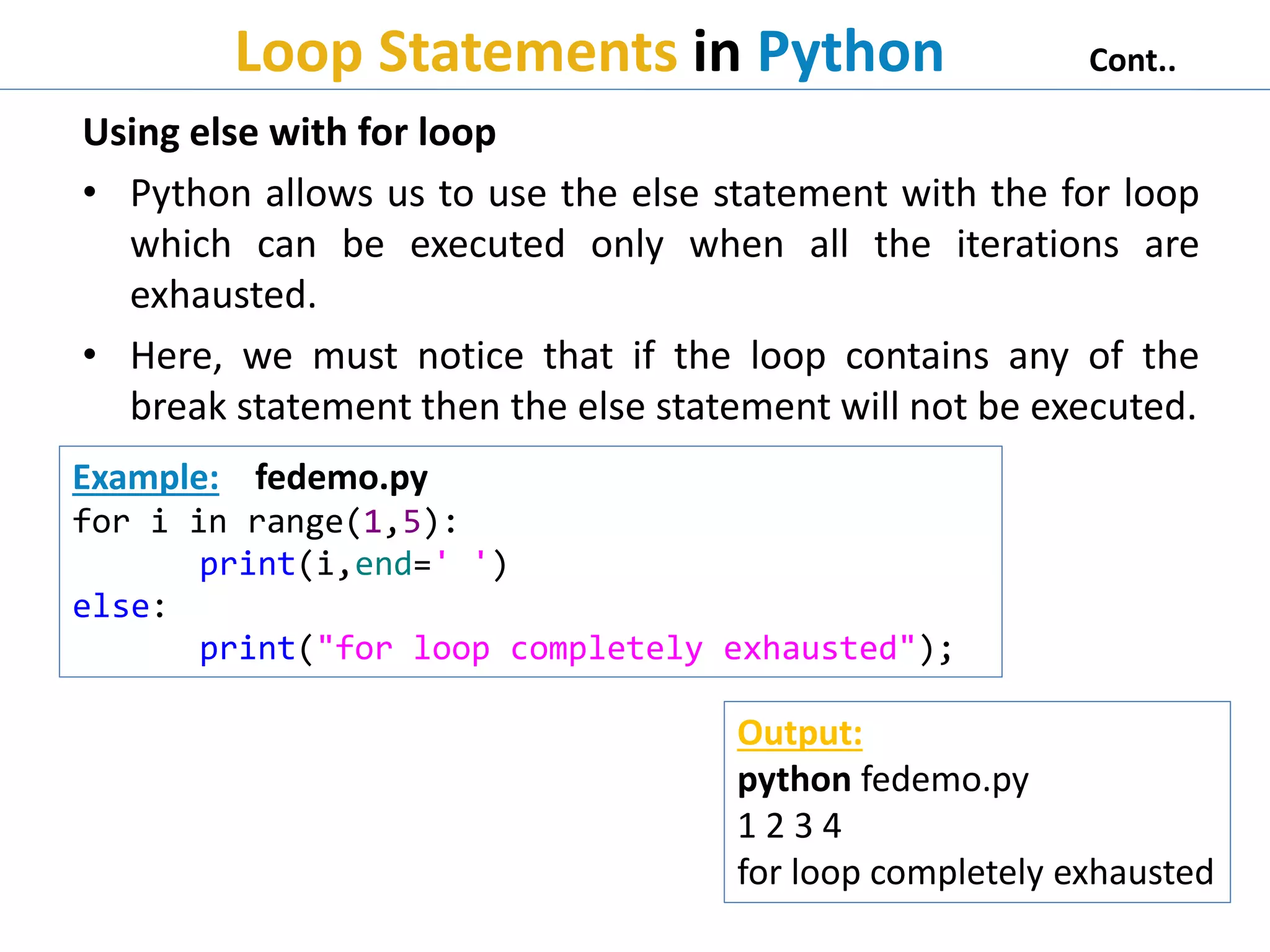
Using else with for loop
• Python allows us to use the else statement with the for loop
which can be executed only when all the iterations are
exhausted.
• Here, we must notice that if the loop contains any of the
break statement then the else statement will not be executed.
Example: fedemo.py
for i in range(1,5):
print(i,end=' ')
else:
print("for loop completely exhausted");
Output:
python fedemo.py
1 2 3 4
for loop completely exhausted
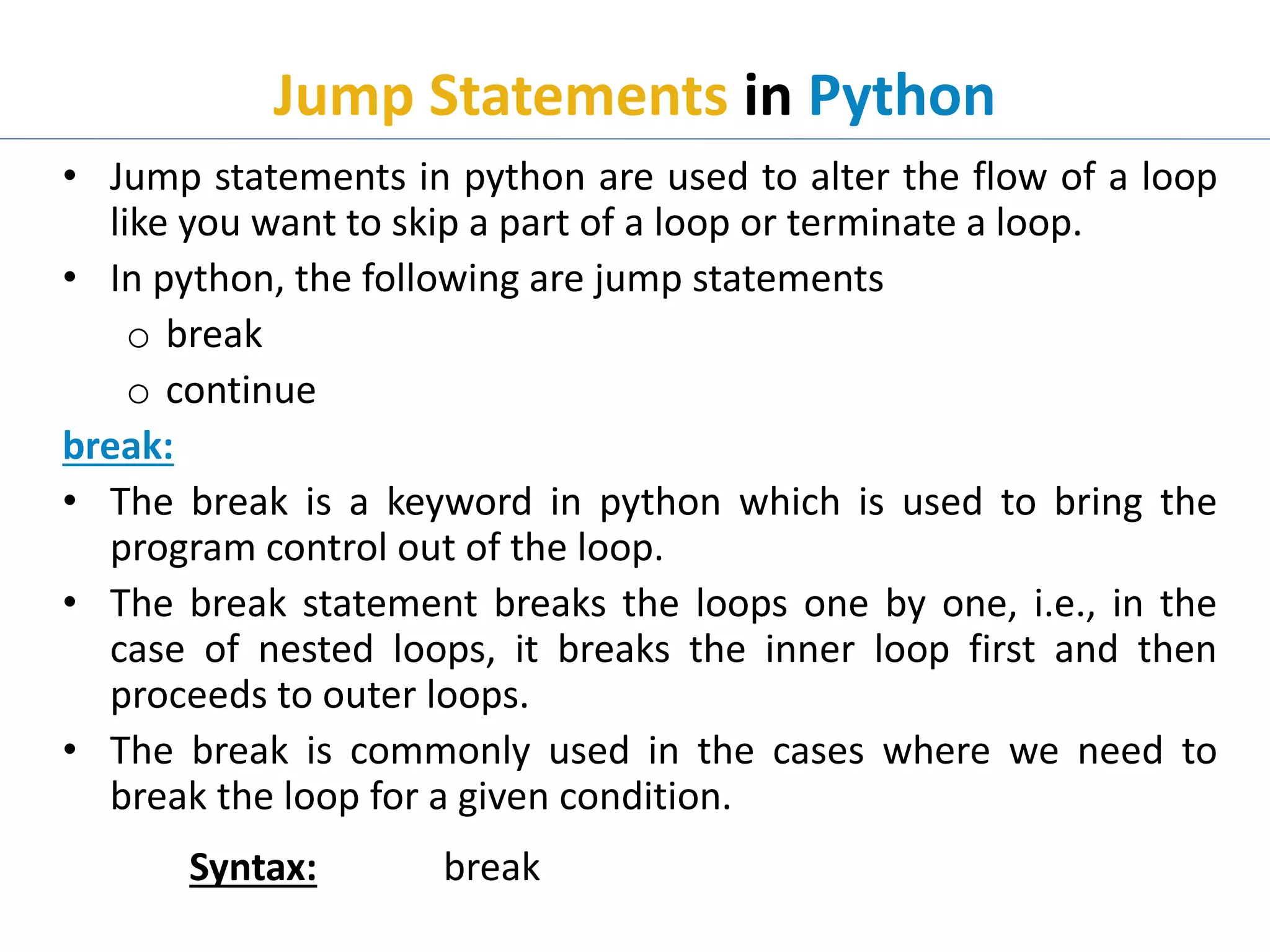
Jump Statements inPython
• Jump statements in python are used to alter the flow of a loop
like you want to skip a part of a loop or terminate a loop.
• In python, the following are jump statements
o break
o continue
break:
• The break is a keyword in python which is used to bring the
program control out of the loop.
• The break statement breaks the loops one by one, i.e., in the
case of nested loops, it breaks the inner loop first and then
proceeds to outer loops.
• The break is commonly used in the cases where we need to
break the loop for a given condition.
Syntax: break
17.
Jump Statements inPython Cont..
continue:
• The continue statement in python is used to bring the program
control to the beginning of the loop.
• The continue statement skips the remaining lines of code inside
the loop and start with the next iteration.
• It is mainly used for a particular condition inside the loop so
that we can skip some specific code for a particular condition.
Syntax: continue
Example: breakdemo.py
i = 1
while i < 6:
print(i)
if i == 3:
break
i += 1
Output:
python breakdemo.py
1
2
3
18.
Jump Statements inPython Cont..
Example: continuedemo.py
str =input("Enter any String : ")
for i in str:
if i == 'h':
continue;
print(i,end=" ");
Output:
python continuedemo.py
Enter any String : python
p y t o n




![Database System Concepts AND architecture [Autosaved].pptx](https://cdn.slidesharecdn.com/ss_thumbnails/databasesystemconceptsandarchitectureautosaved-230817173311-be7f8590-thumbnail.jpg?width=640&height=640&fit=bounds)


