Control structures are the building blocks of logic flow in a program. They determine the order in which statements are executed, allowing programs to make decisions, repeat actions, or branch into different paths.
Similar to Control structures are the building blocks of logic flow in a program. They determine the order in which statements are executed, allowing programs to make decisions, repeat actions, or branch into different paths.
Control structures are the building blocks of logic flow in a program. They determine the order in which statements are executed, allowing programs to make decisions, repeat actions, or branch into different paths.
CONTROL STRUCTURES IN
PROGRAMMING
Inprogramming, control structures are
constructs that determine the flow of
execution within a program. They enable
developers to dictate the order in which
statements are executed based on certain
conditions or loops.
1. CONTROL STATEMENTSIN JAVA /
CONDITIONAL BRANCHES IN JAVA
Java control statements
use to choose the path for
execution.
5.
1. CONTROL STATEMENTSIN JAVA /
CONDITIONAL BRANCHES IN JAVA
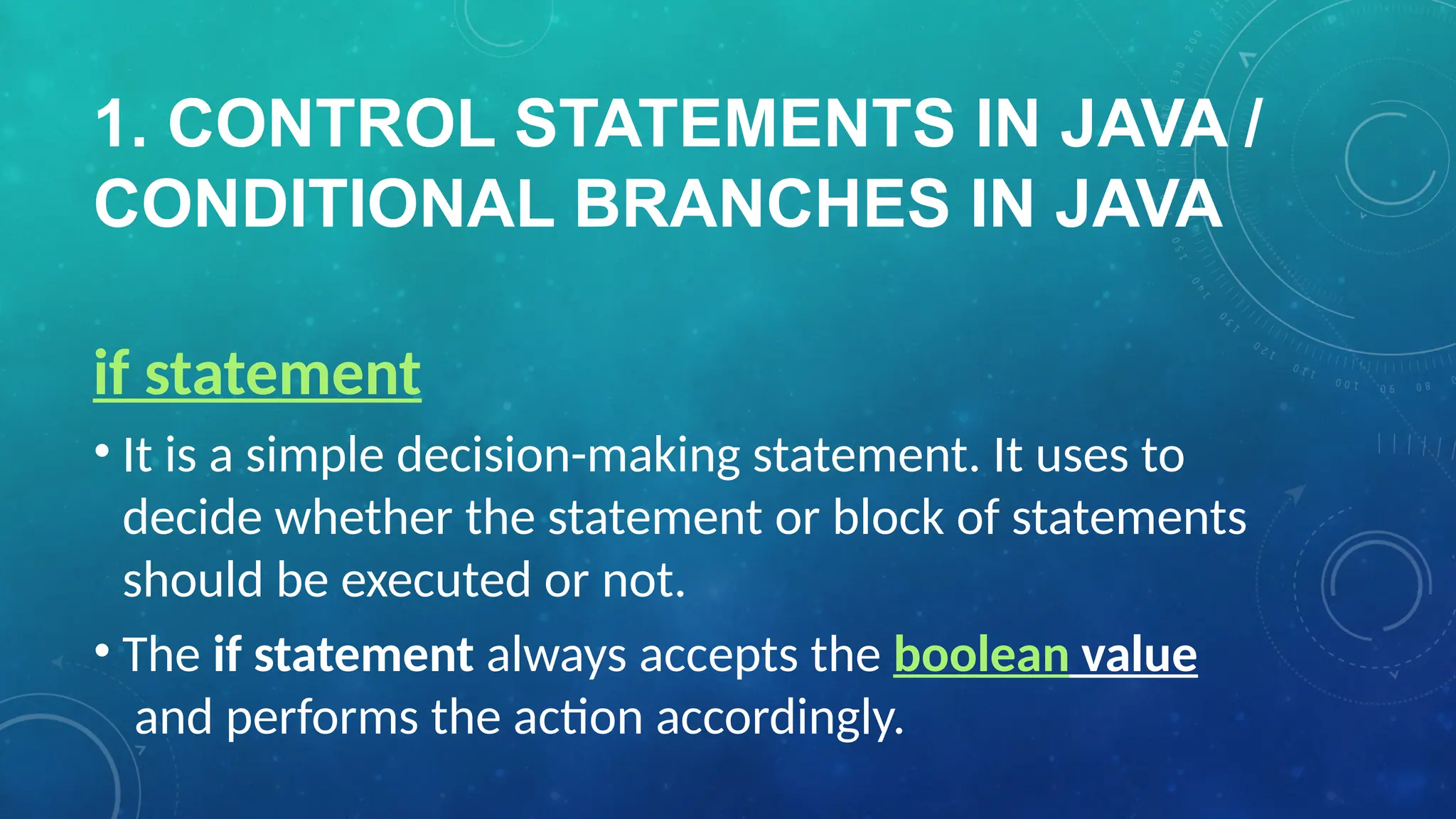
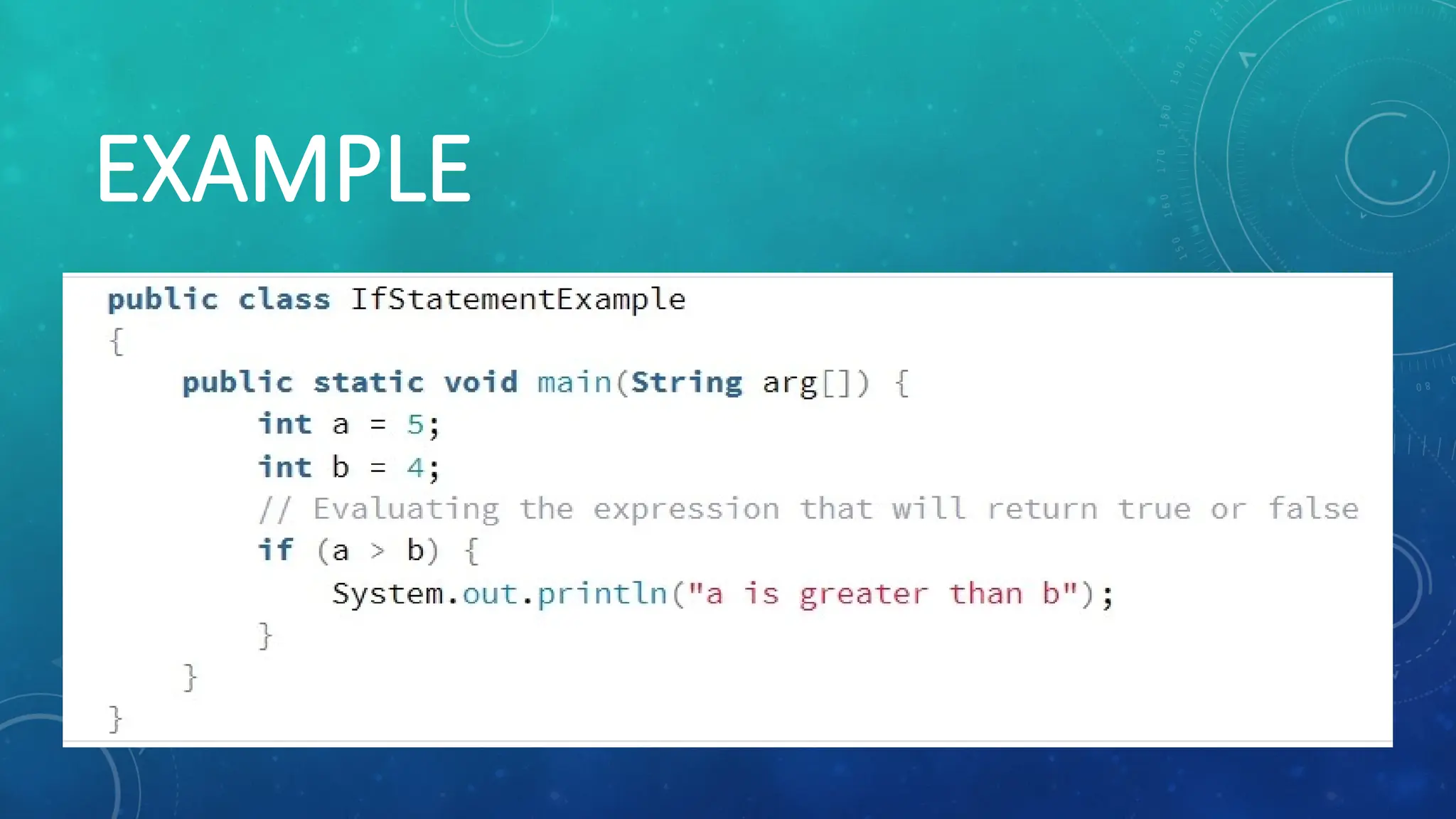
if statement
• It is a simple decision-making statement. It uses to
decide whether the statement or block of statements
should be executed or not.
• The if statement always accepts the boolean value
and performs the action accordingly.
1. CONTROL STATEMENTSIN JAVA /
CONDITIONAL BRANCHES IN JAVA
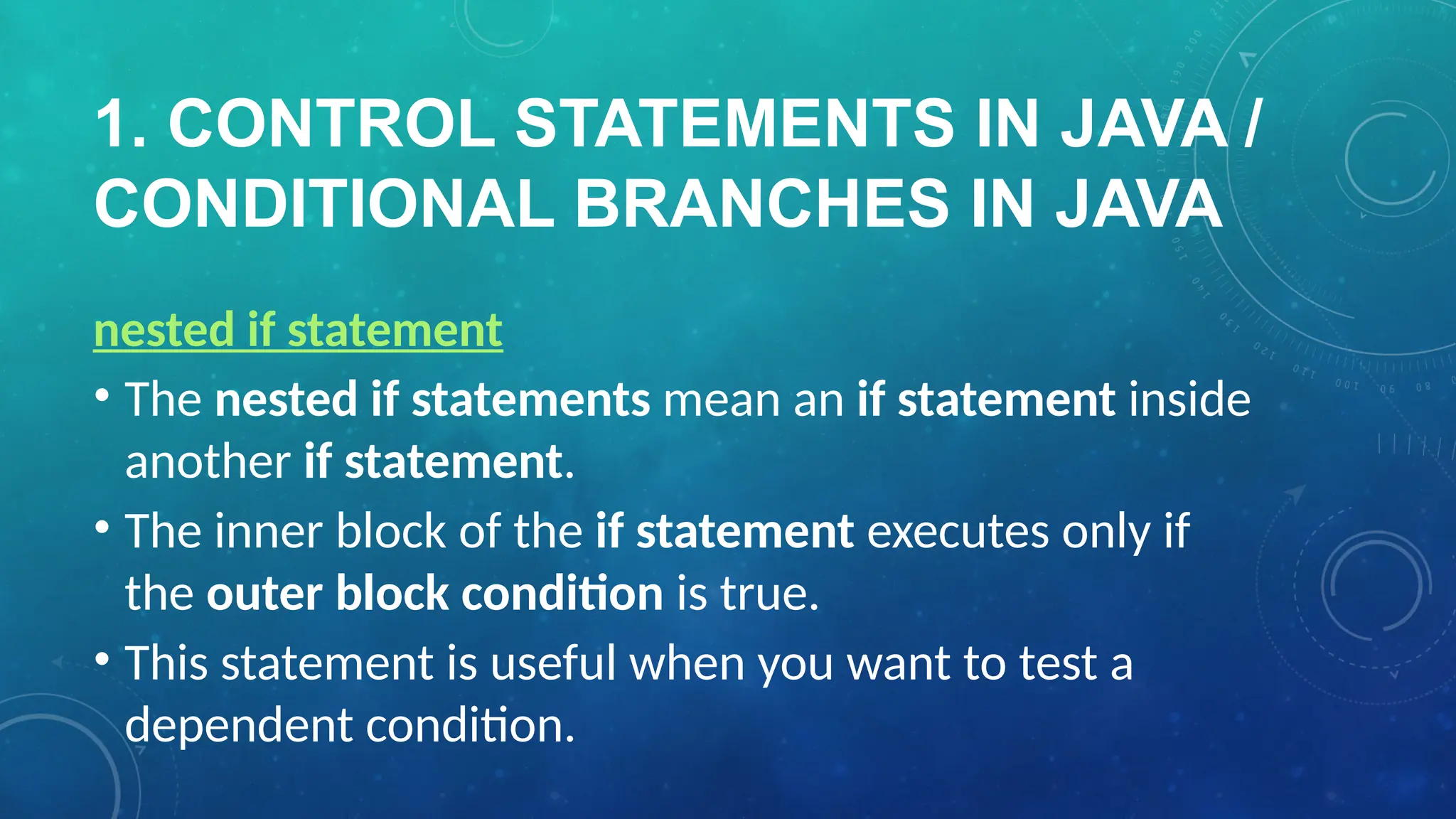
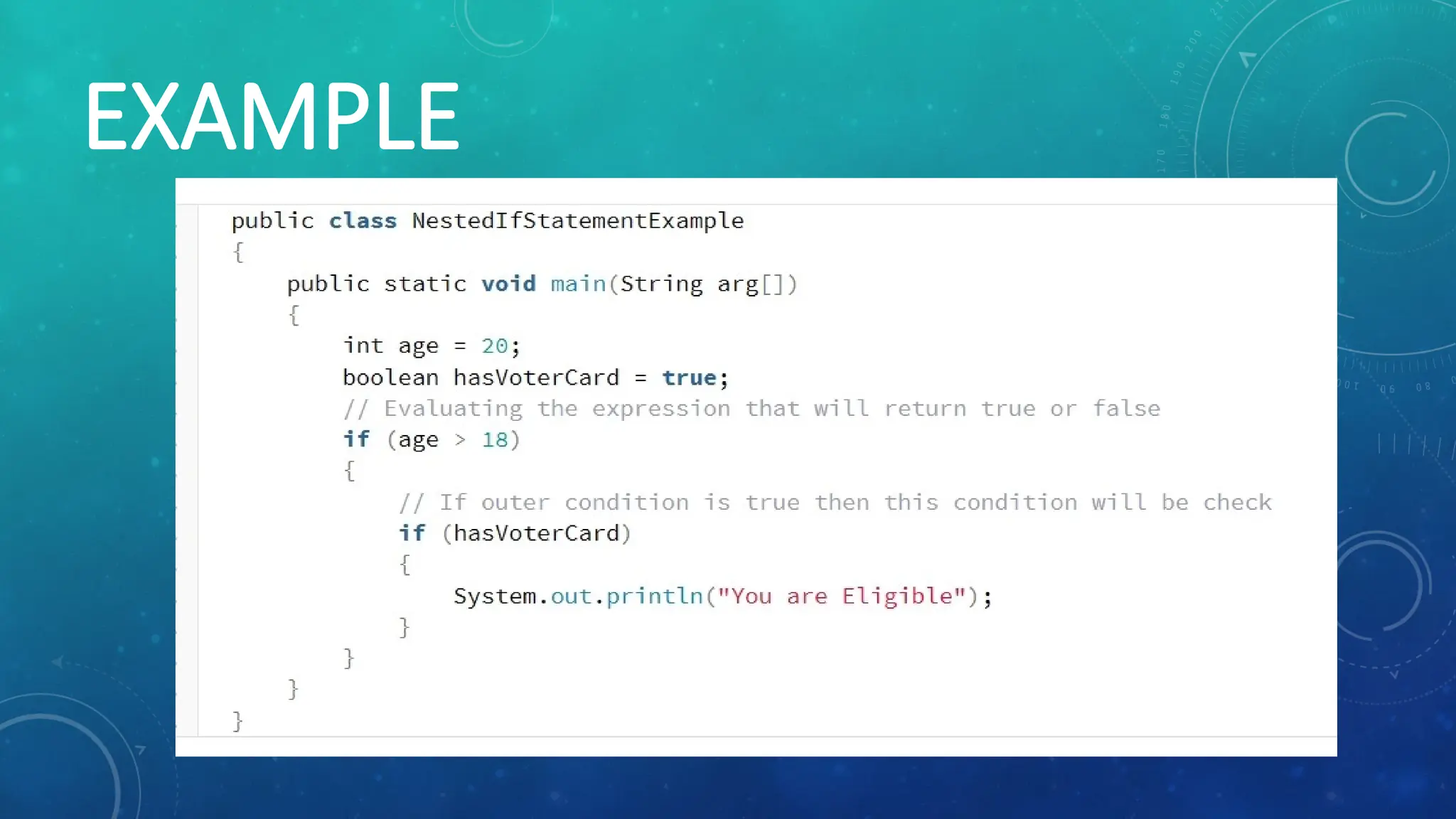
nested if statement
• The nested if statements mean an if statement inside
another if statement.
• The inner block of the if statement executes only if
the outer block condition is true.
• This statement is useful when you want to test a
dependent condition.
1. CONTROL STATEMENTSIN JAVA /
CONDITIONAL BRANCHES IN JAVA
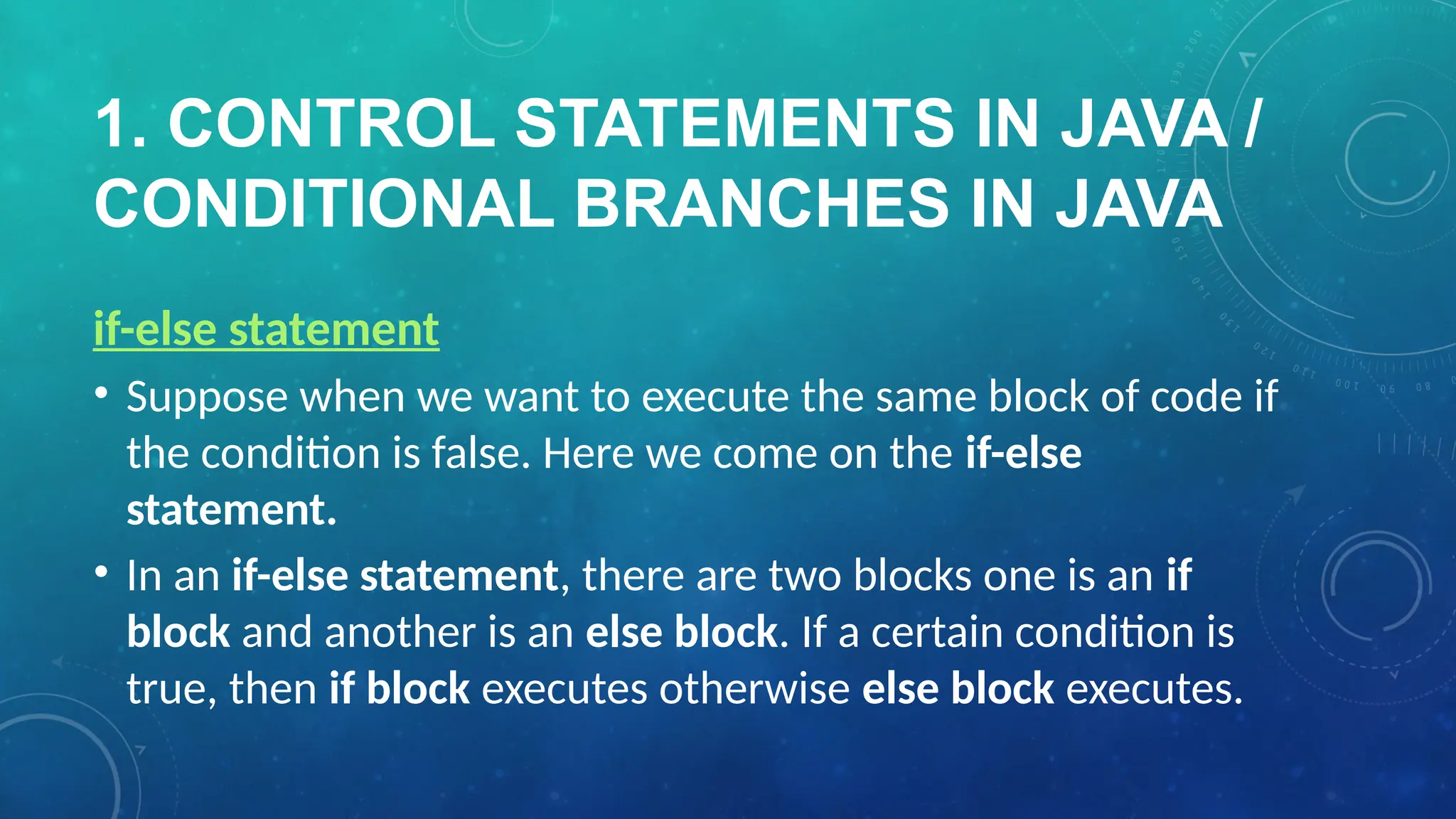
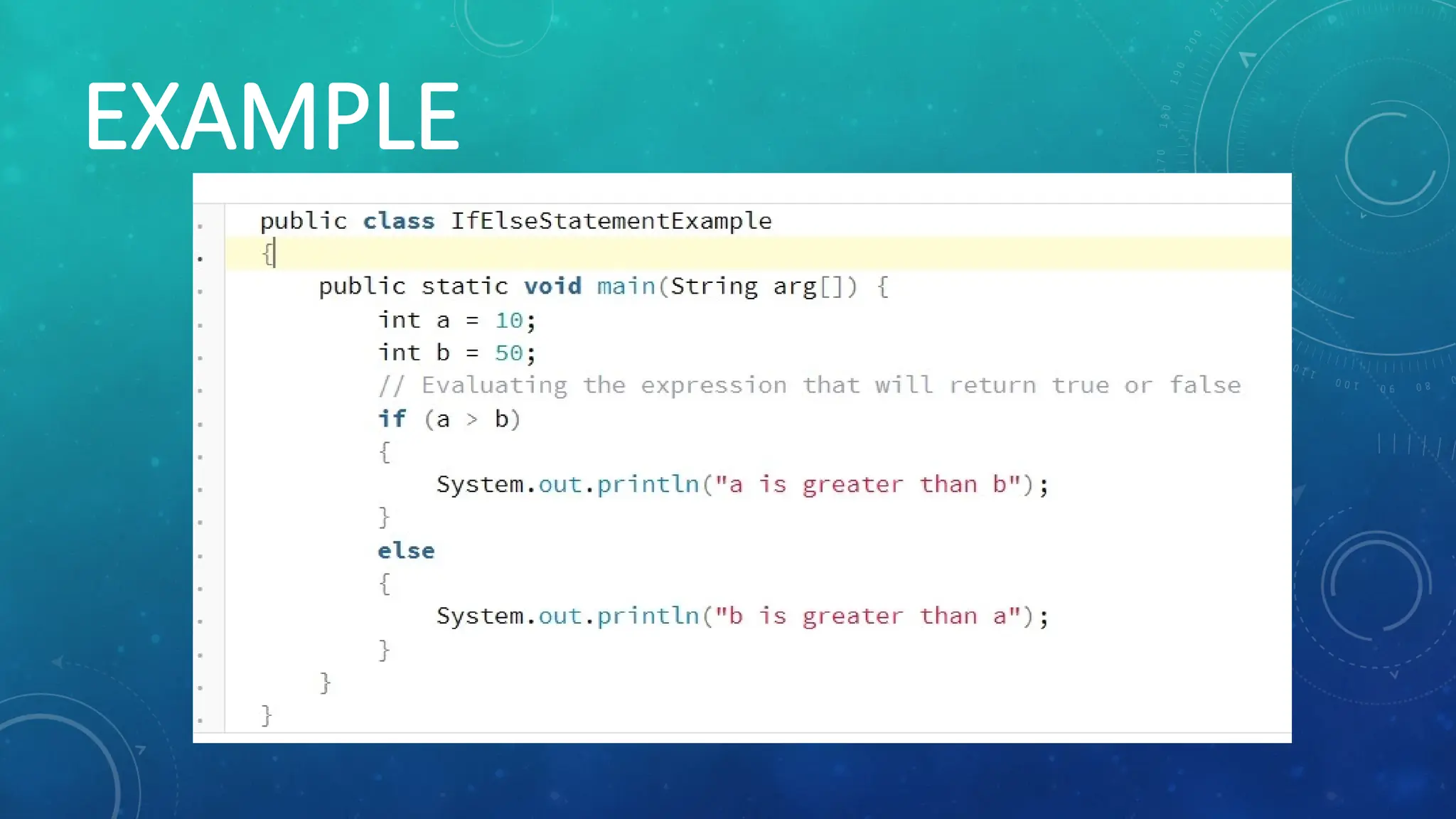
if-else statement
• Suppose when we want to execute the same block of code if
the condition is false. Here we come on the if-else
statement.
• In an if-else statement, there are two blocks one is an if
block and another is an else block. If a certain condition is
true, then if block executes otherwise else block executes.
1. CONTROL STATEMENTSIN JAVA /
CONDITIONAL BRANCHES IN JAVA
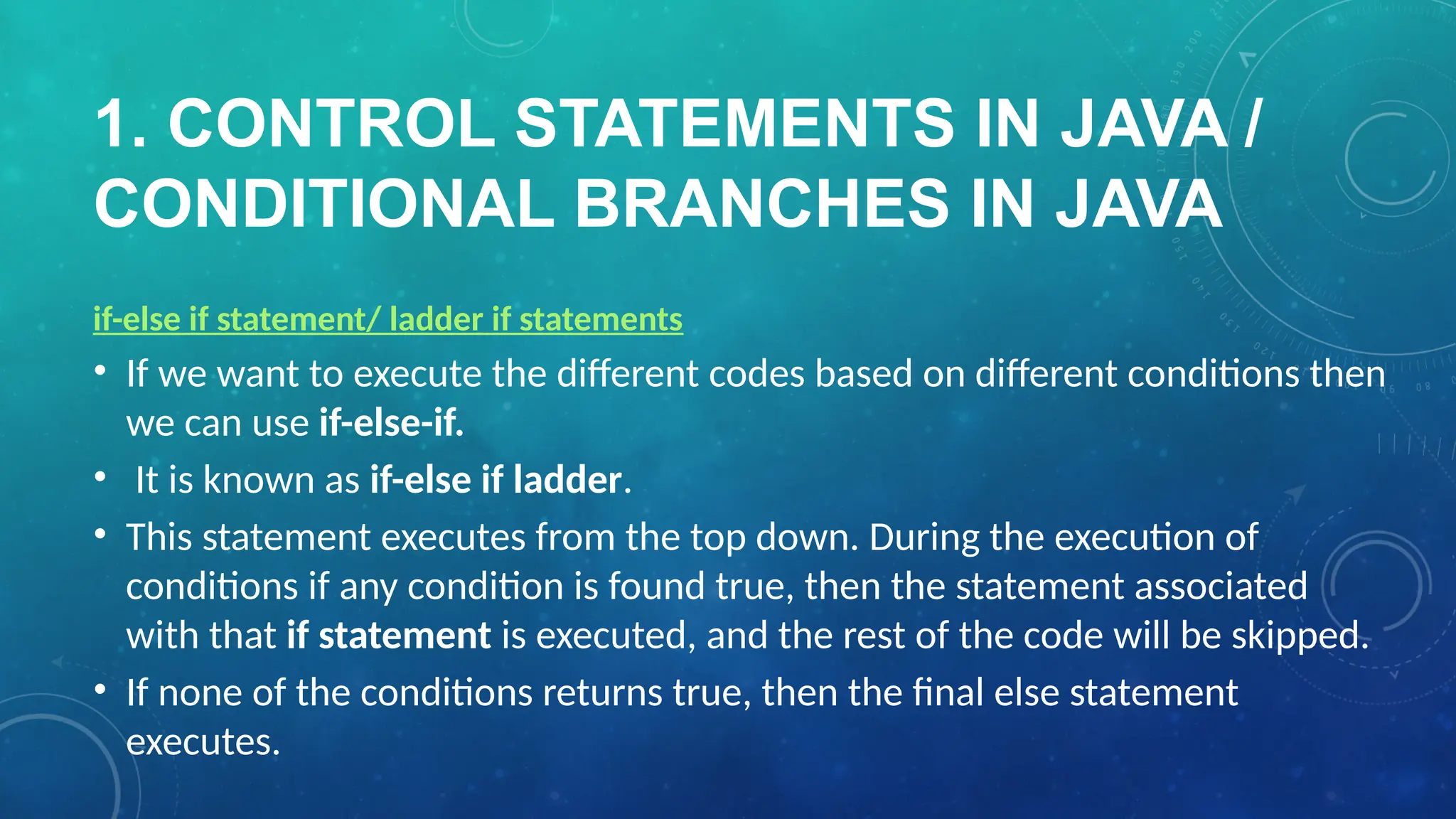
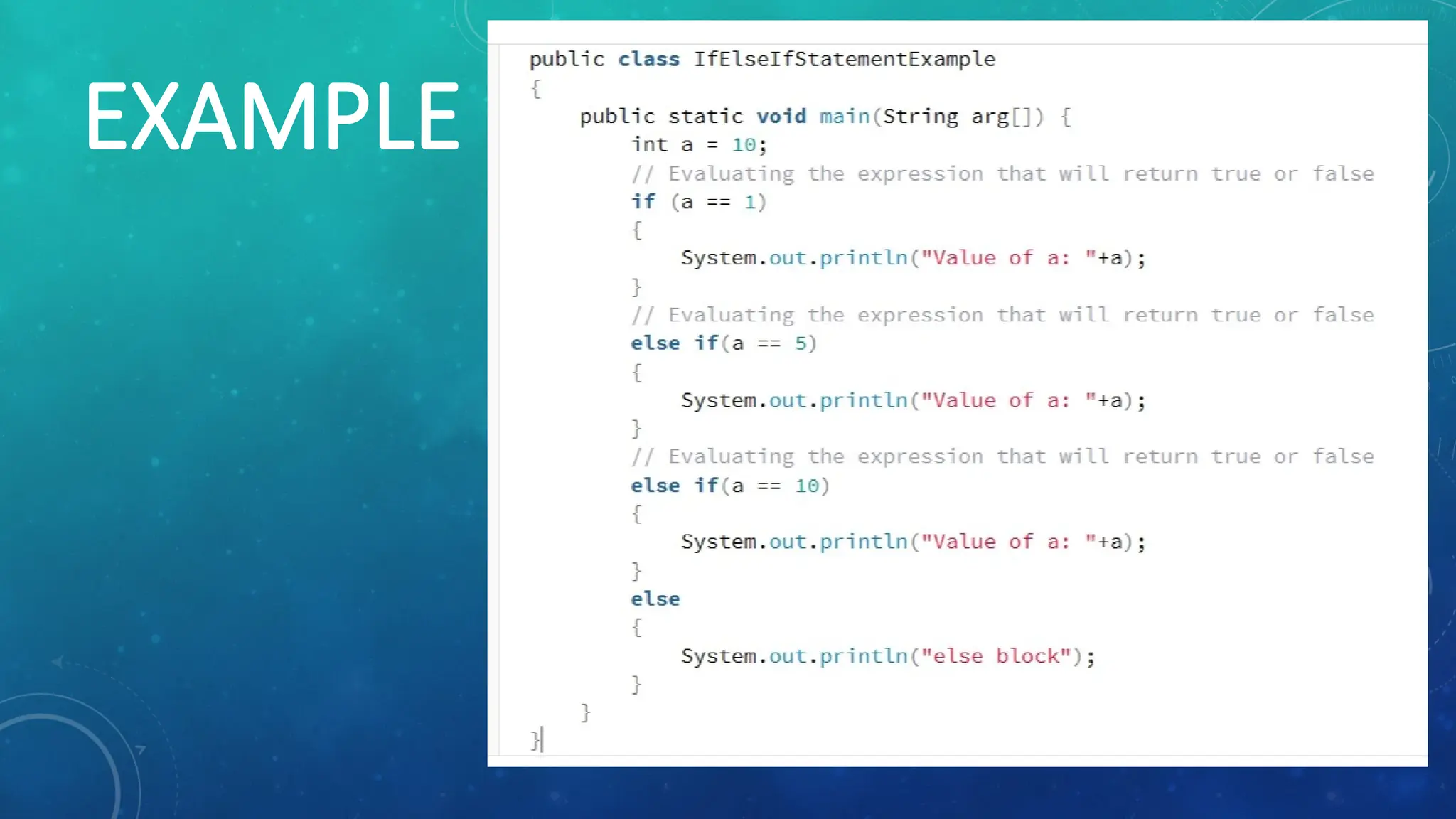
if-else if statement/ ladder if statements
• If we want to execute the different codes based on different conditions then
we can use if-else-if.
• It is known as if-else if ladder.
• This statement executes from the top down. During the execution of
conditions if any condition is found true, then the statement associated
with that if statement is executed, and the rest of the code will be skipped.
• If none of the conditions returns true, then the final else statement
executes.
1. CONTROL STATEMENTSIN JAVA /
CONDITIONAL BRANCHES IN JAVA
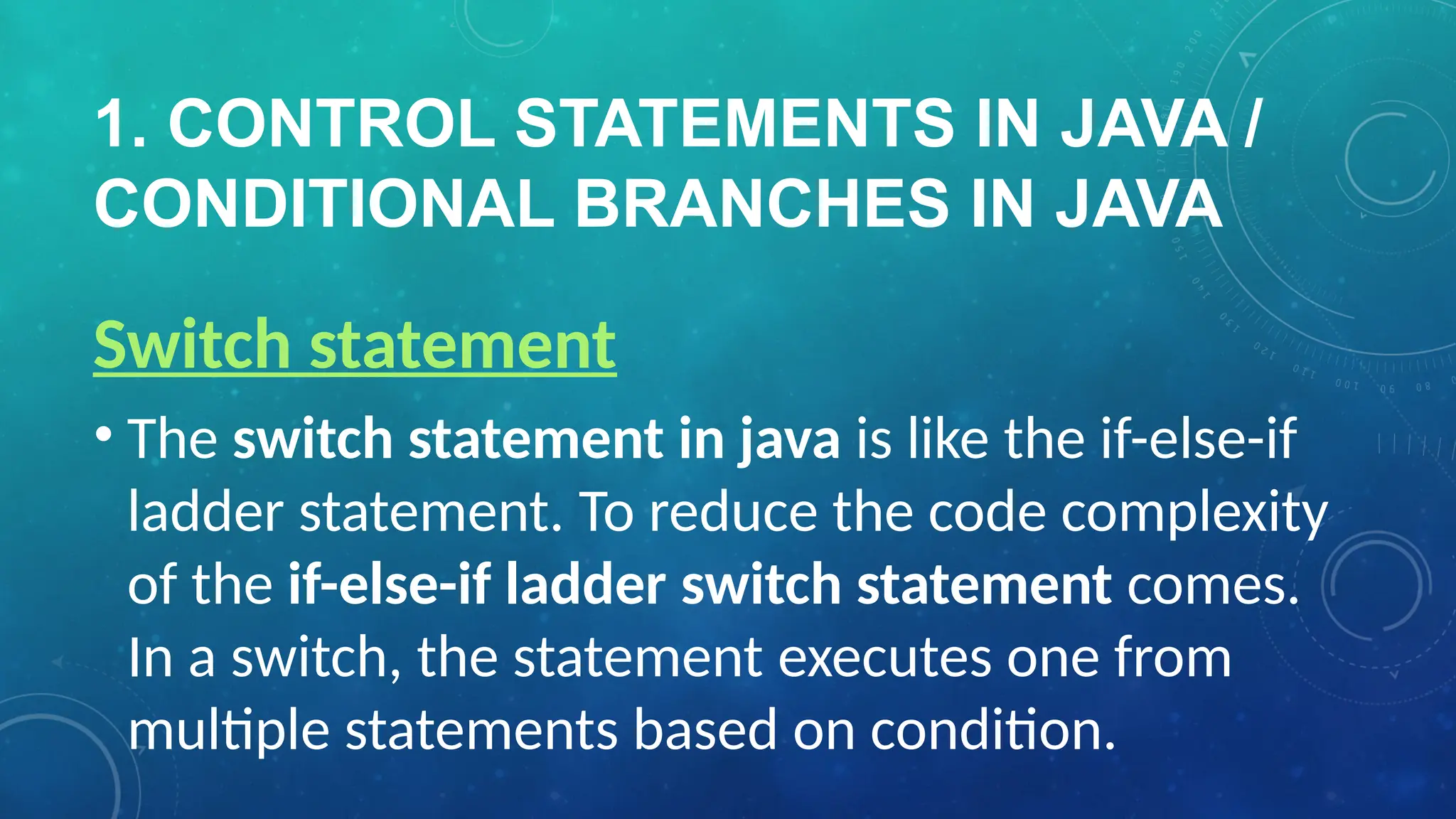
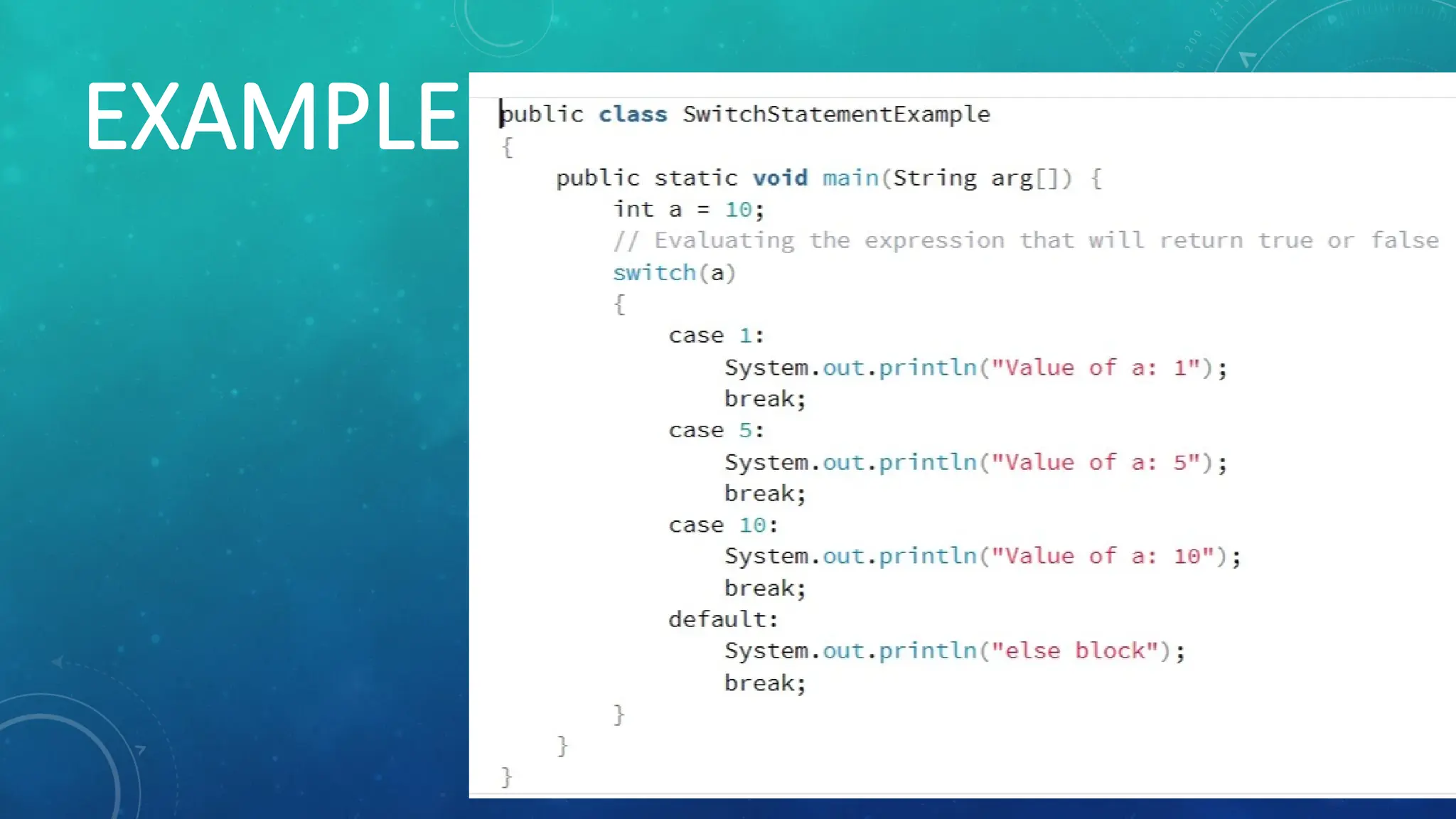
Switch statement
• The switch statement in java is like the if-else-if
ladder statement. To reduce the code complexity
of the if-else-if ladder switch statement comes.
In a switch, the statement executes one from
multiple statements based on condition.
2. LOOPS INJAVA / LOOPING
STATEMENTS IN JAVA
The loop in java uses to iterate the
instruction multiple times. When we
want to execute the statement a
number of times then we use loops in
java.
16.
2. LOOPS INJAVA / LOOPING
STATEMENTS IN JAVA
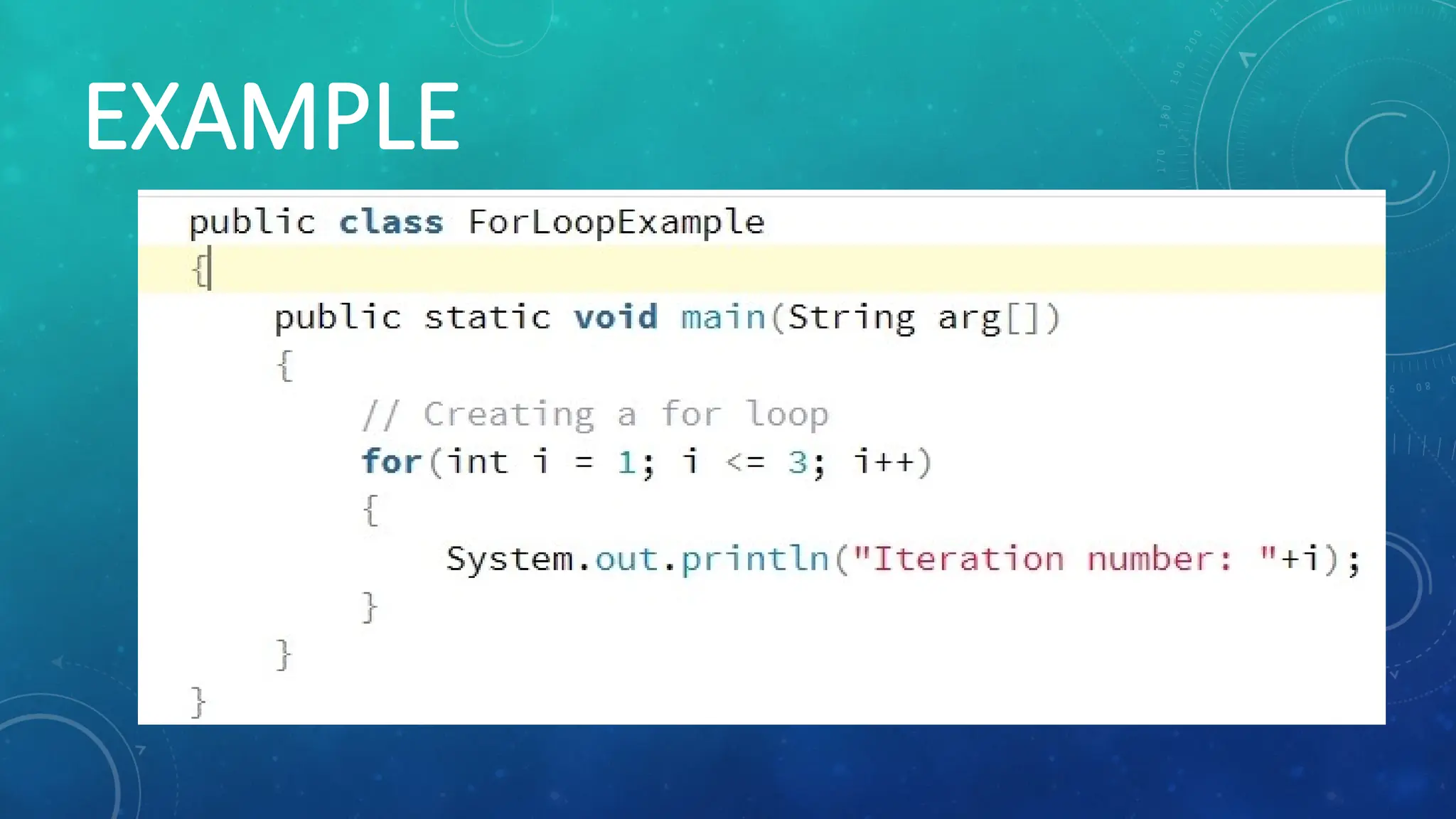
for loop
• A for loop executes the block of code several
times. It means the number of iterations is
fixed. JAVA provides a concise way of writing the
loop structure.
2. LOOPS INJAVA / LOOPING
STATEMENTS IN JAVA
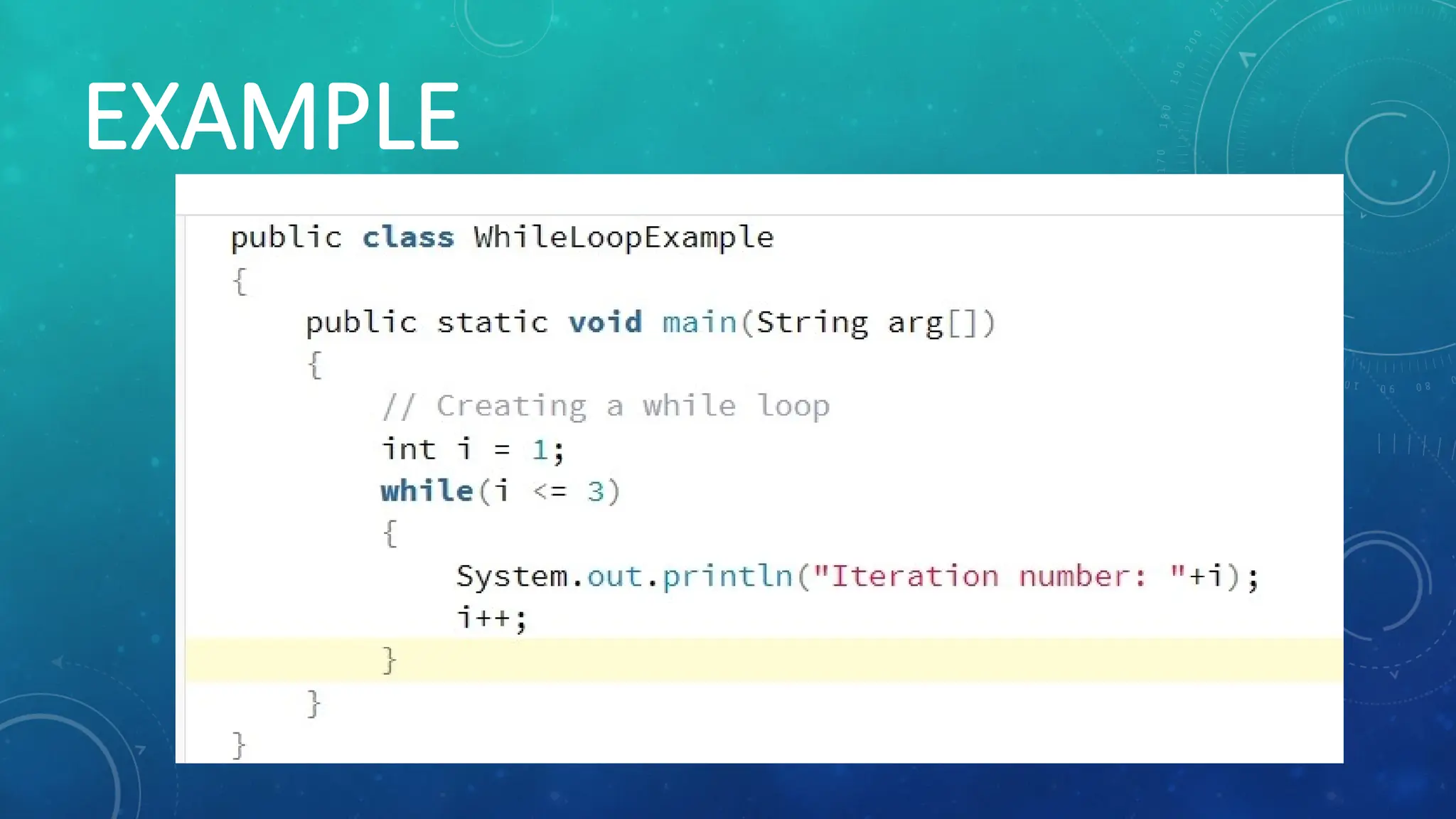
while loop
A while loop allows code to execute repeatedly
until the given condition returns true. If the
number of iterations doesn’t fix, it recommends
using a while loop. It is also known as an entry
control loop.
2. LOOPS INJAVA / LOOPING
STATEMENTS IN JAVA
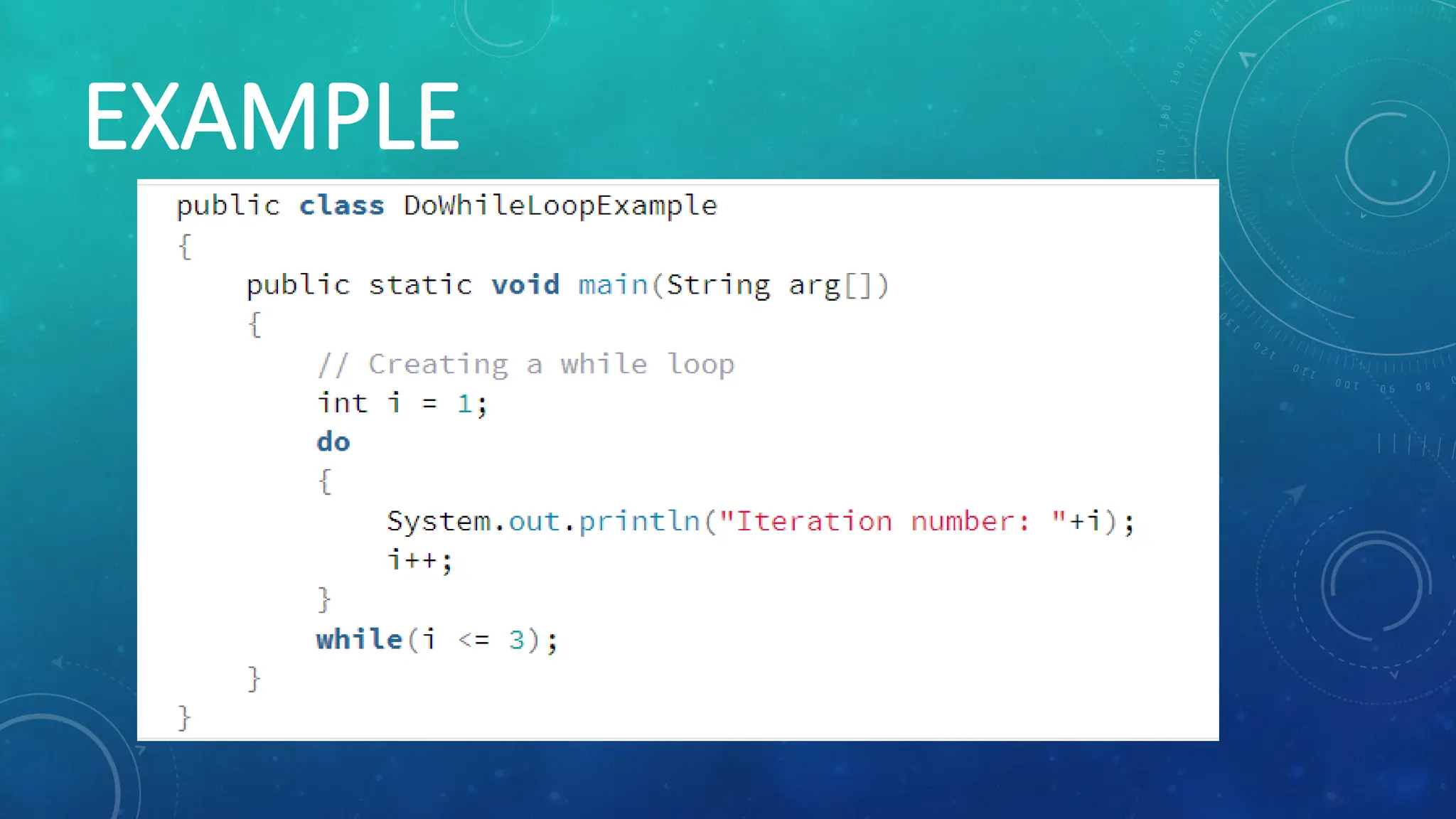
do-while loop
It is like a while loop with the only difference
being that it checks for the condition after the
execution of the body of the loop. It is also
known as Exit Control Loop.
3. BRANCHING STATEMENTSIN
JAVA
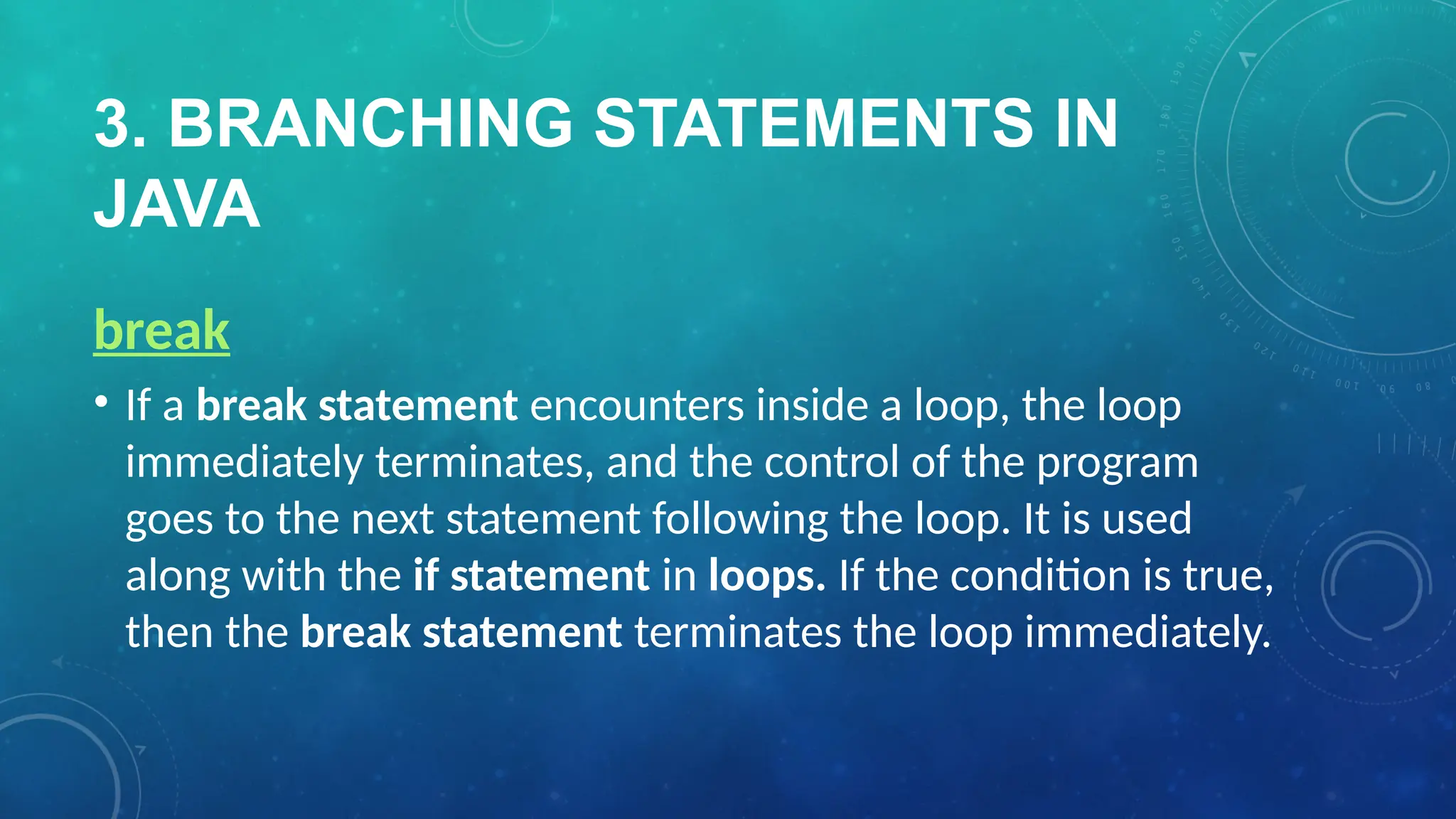
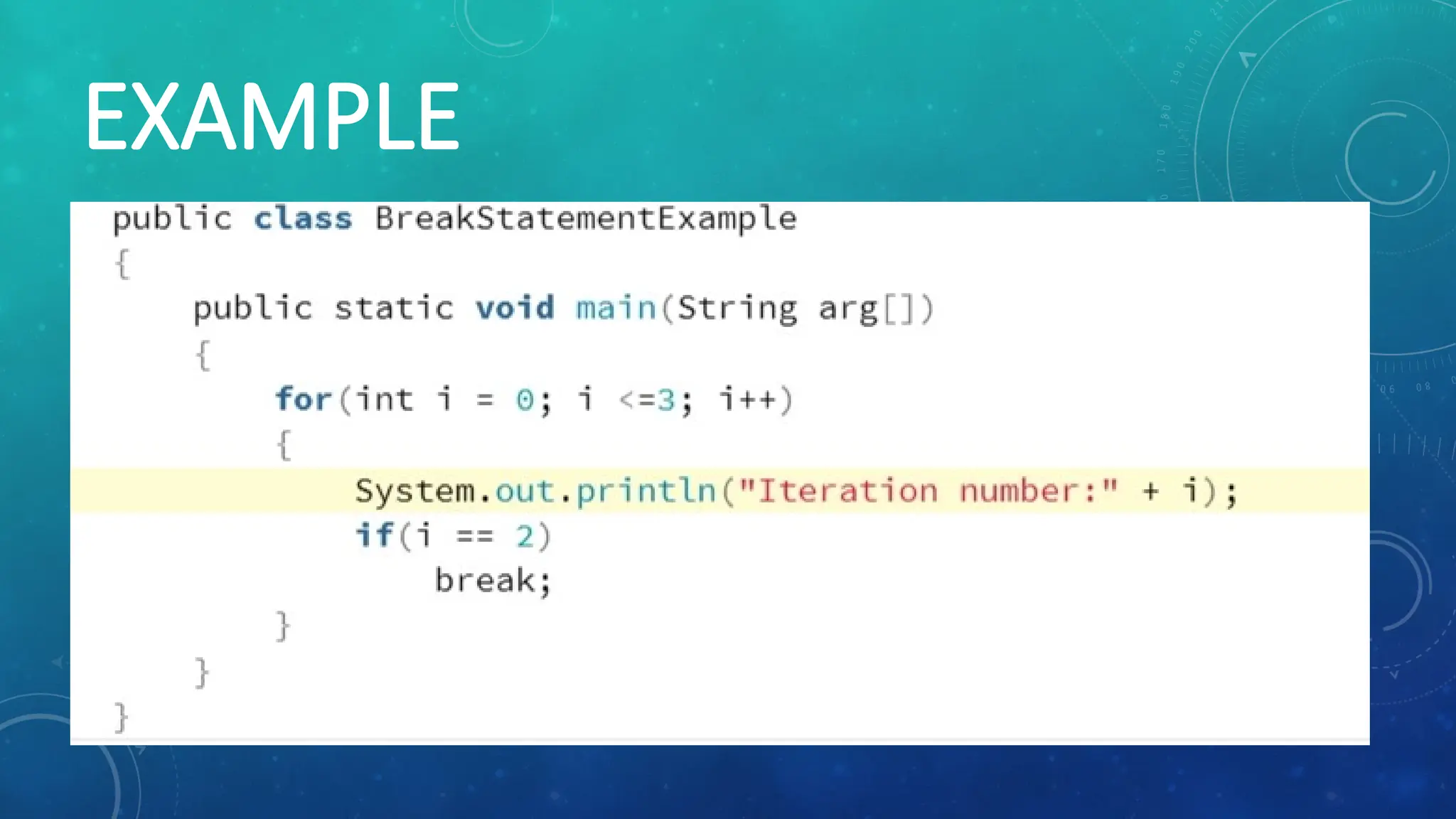
break
• If a break statement encounters inside a loop, the loop
immediately terminates, and the control of the program
goes to the next statement following the loop. It is used
along with the if statement in loops. If the condition is true,
then the break statement terminates the loop immediately.
3. BRANCHING STATEMENTSIN
JAVA
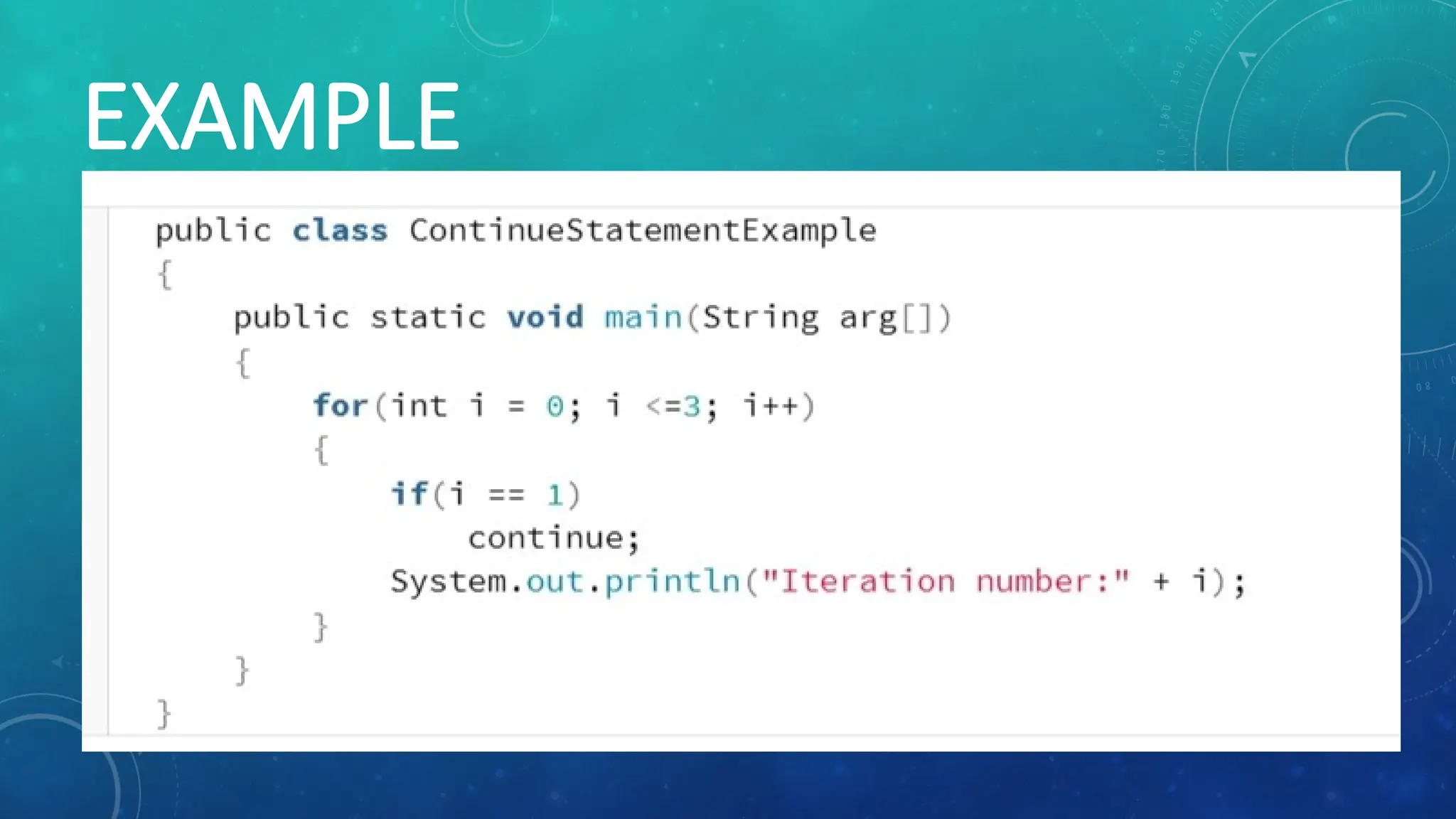
continue
The continue statement uses in a loop control
structure. If you want to skip some code and need
to jump to the next iteration of the loop
immediately. Then you can use a continue
statement. It can be used in for loop or a while loop.


![[DSC Europe 25] Hans Kleinsman - The Compliance Gearbox: How Tax Tech Mediate...](https://cdn.slidesharecdn.com/ss_thumbnails/dxdytie1toel0hr90bjs-2-251212103250-174fdbe7-thumbnail.jpg?width=640&height=640&fit=bounds)

![[DSC Europe 25] Branko Urosevic -Rethinking Financial Talent: Integrating Cod...](https://cdn.slidesharecdn.com/ss_thumbnails/8jjrus8ttko6qj64f58f-3-251212103250-642c6374-thumbnail.jpg?width=640&height=640&fit=bounds)
![[DSC Europe 25] Jon Dajci - Bridging TradFi and DeFi: Building the Future of ...](https://cdn.slidesharecdn.com/ss_thumbnails/fqmhfvlbqhkihjvqvhmu-7-251211083849-6af7e325-thumbnail.jpg?width=640&height=640&fit=bounds)
![[DSC Europe 25] Jovan Bogicevic - Legacy to AI-Driven Defense: Transforming D...](https://cdn.slidesharecdn.com/ss_thumbnails/rsarluadt563hntyfc8q-3-251211083849-3e7bc4c0-thumbnail.jpg?width=640&height=640&fit=bounds)
![[DSC Europe 25] Behzad Hosseini - AI Agents in the Wild: Deploying Models tha...](https://cdn.slidesharecdn.com/ss_thumbnails/3qtejajvsjqrzwfept2c-10-251212103250-7f2b1068-thumbnail.jpg?width=640&height=640&fit=bounds)

![[DSC Europe 25] Kaja Kandare - LLM as a judge.pptx](https://cdn.slidesharecdn.com/ss_thumbnails/arxyccaxsdsd1ba99wjw-7-251212104007-2b4e3f64-thumbnail.jpg?width=640&height=640&fit=bounds)

