START WITH FUNCTIONS
oStandard library function, are predefined functions that C compiler provides. Using them by point out
the header files of where to find those functions (include directive)
o Programmer-defined function, or user defined function are functions that are created by the
programmer/developer to be used inside a program
5.
OUTPUT OPERATION
o Toshow data on the display screen/monitor. Some of standard library function in C :
printf();
putchar();
putch();
puts();
etc.
6.
OUTPUT OPERATION: PRINTF
FUNCTION
oTo display some data on the standard output, using certain format
o Standard output is the monitor.
o Syntax:
printf(const char *format[,argument, …]);
o Header file : stdio.h
7.
OUTPUT OPERATION: PRINTF()
FUNCTION
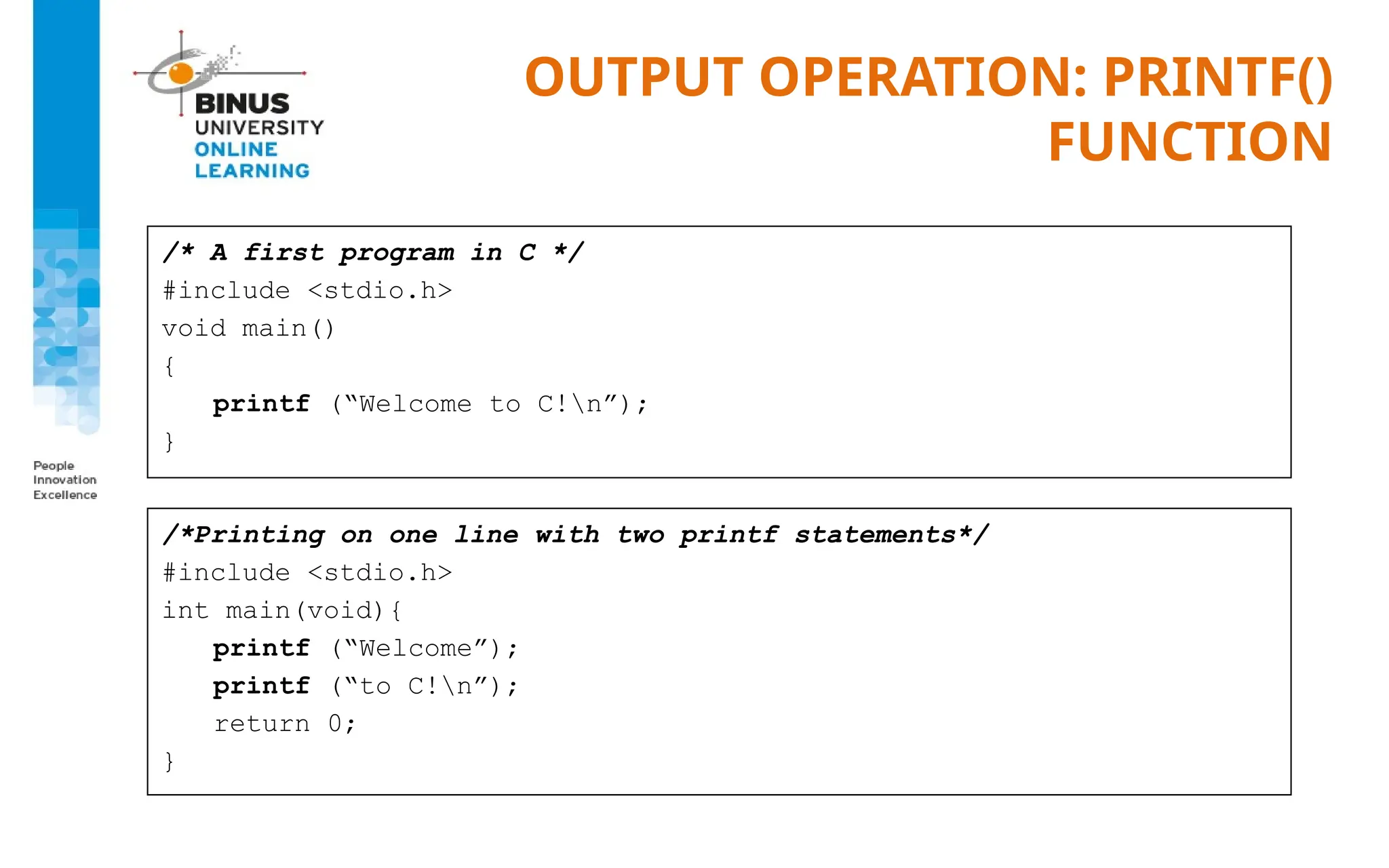
/*A first program in C */
#include <stdio.h>
void main()
{
printf (“Welcome to C!n”);
}
/*Printing on one line with two printf statements*/
#include <stdio.h>
int main(void){
printf (“Welcome”);
printf (“to C!n”);
return 0;
}
8.
OUTPUT FORMATTING
o Outputalso has formatted specification:
%[flags][width][.precision] type
width : number of columns provided
precision : digit number
flags :
can be changed into:
none : right justify
- : left justify
-+ : for positive & negative value
type :
d –or- i : signed decimal
o : unsigned octal
u : unsigned decimal
x : unsigned hexadecimal
f : floating point
e : floating point (exponent)
c : single character
s : string
% : % character
p : pointer
9.
OUTPUT FORMATTING
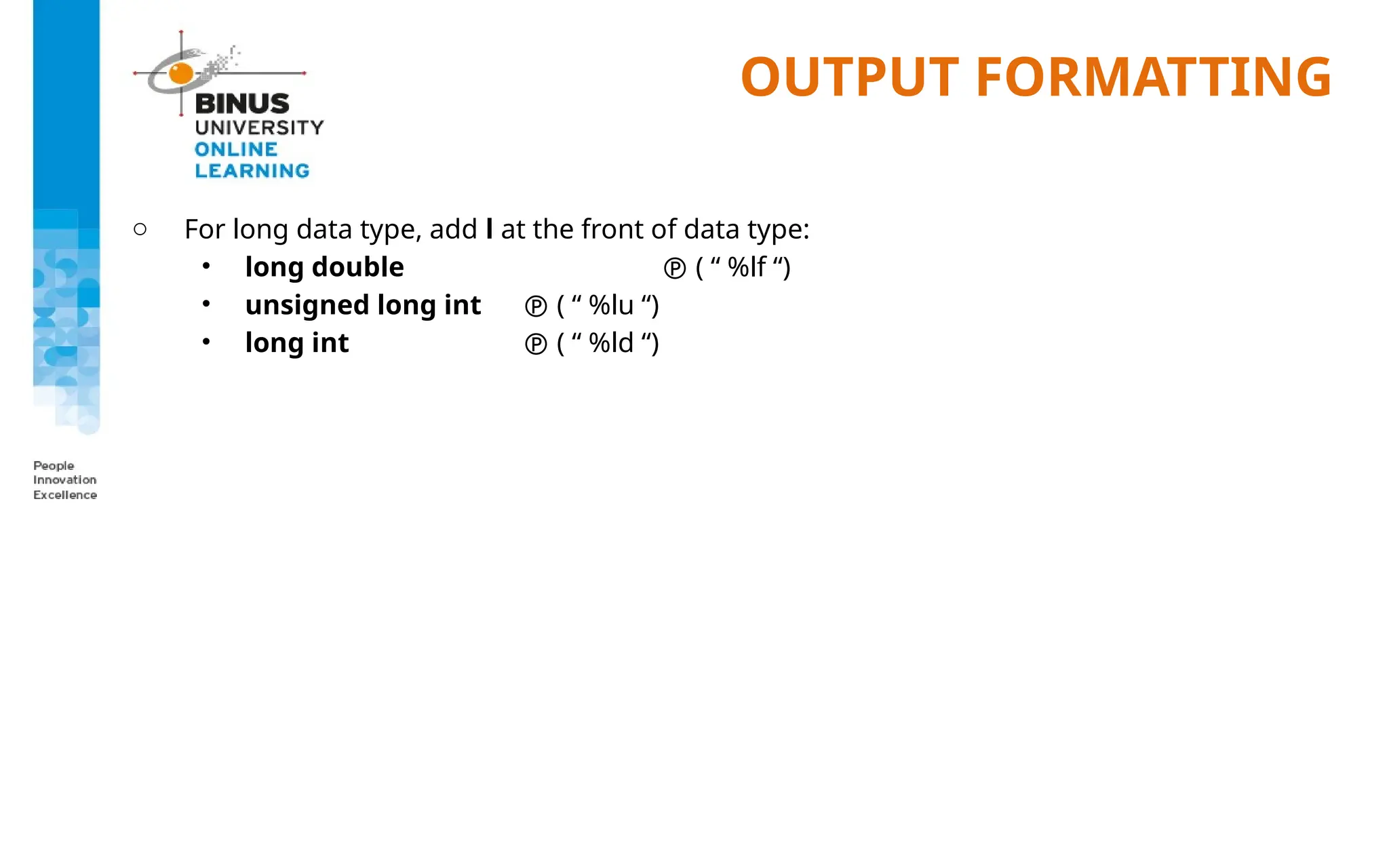
o Forlong data type, add l at the front of data type:
• long double ( “ %lf “)
• unsigned long int ( “ %lu “)
• long int ( “ %ld “)
10.
OUTPUT EXAMPLE
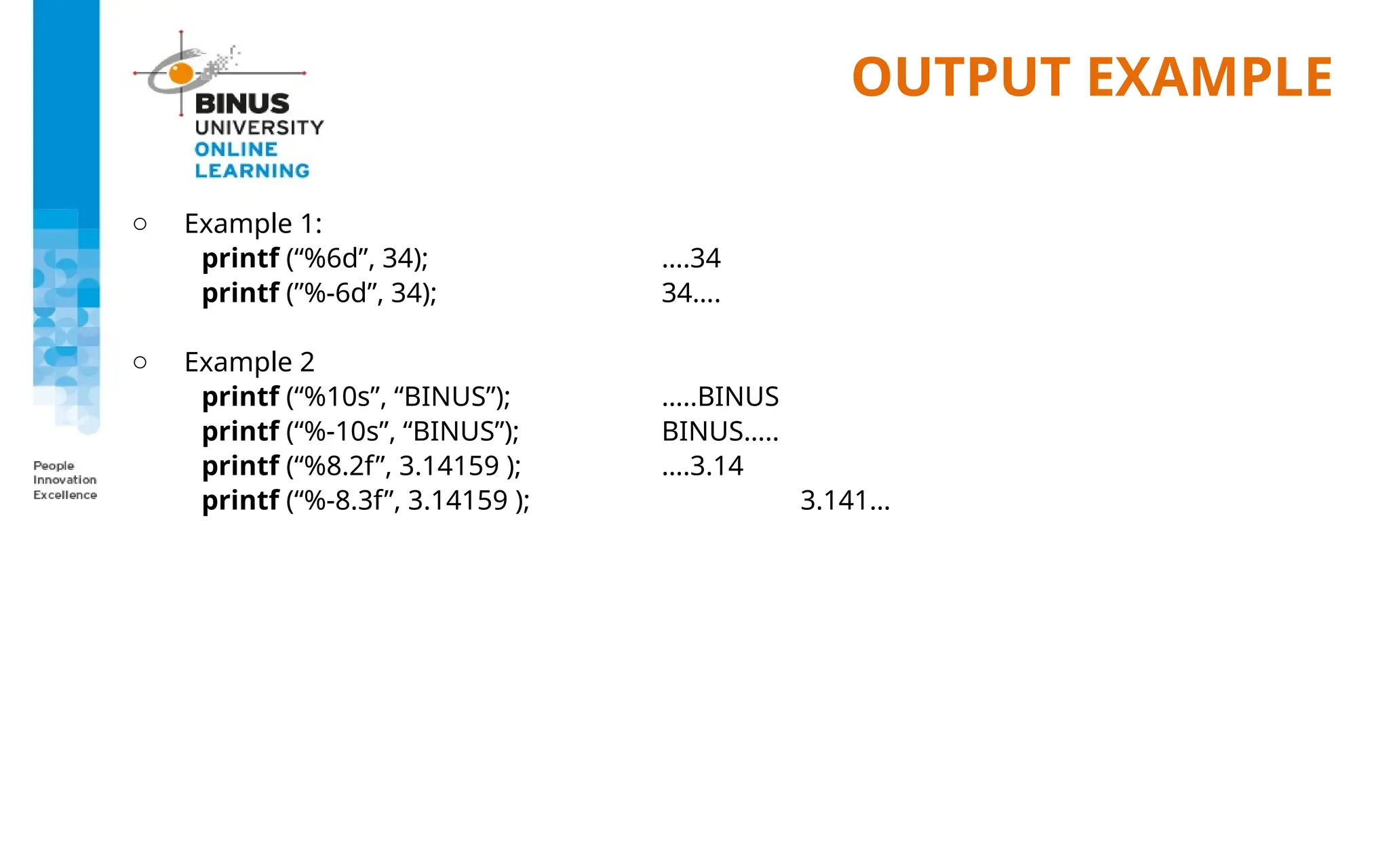
o Example1:
printf (“%6d”, 34); ….34
printf (”%-6d”, 34); 34….
o Example 2
printf (“%10s”, “BINUS”); …..BINUS
printf (“%-10s”, “BINUS”); BINUS…..
printf (“%8.2f”, 3.14159 ); ….3.14
printf (“%-8.3f”, 3.14159 ); 3.141…
11.
OUTPUT OPERATION: PUTCHAR()
FUNCTION
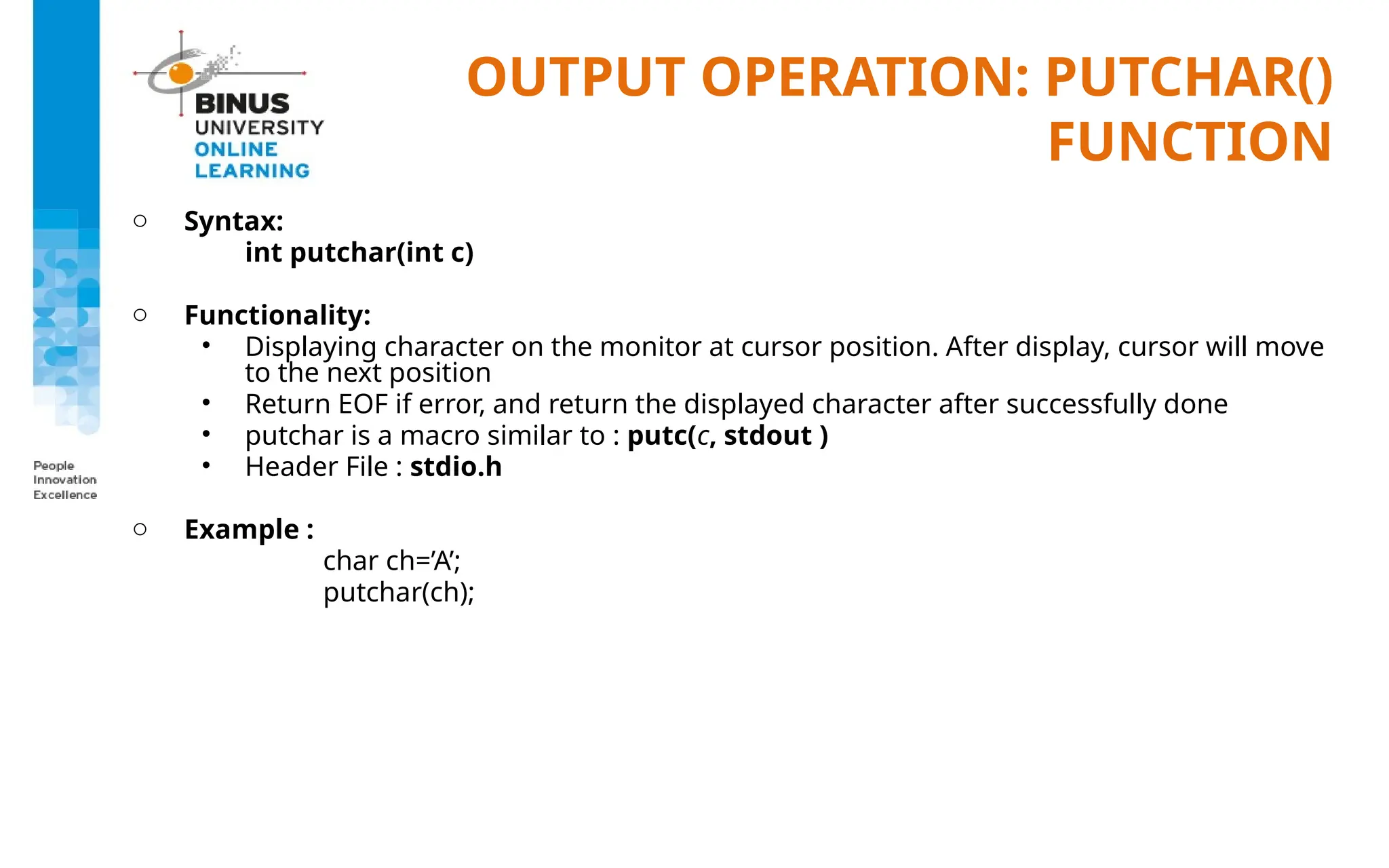
oSyntax:
int putchar(int c)
o Functionality:
• Displaying character on the monitor at cursor position. After display, cursor will move
to the next position
• Return EOF if error, and return the displayed character after successfully done
• putchar is a macro similar to : putc(c, stdout )
• Header File : stdio.h
o Example :
char ch=’A’;
putchar(ch);
12.
OUTPUT OPERATION: PUTCH()
FUNCTION
oSyntax:
int putch(int ch)
o Functionality:
• Display ASCII character to the monitor without moving cursor to its next position
• Return EOF if error, and return the displayed character after successfully done
• Header file : conio.h
o Example :
char ch=’b’;
putch(ch);
13.
OUTPUT OPERATION: PUTS()
FUNCTION
oSyntax:
int puts(const char *str);
o Functionality :
• Display string to the monitor and move the cursor to new line
• Return non-negative value when successful and EOF if error
• Header file: stdio.h
o Example :
puts(”Welcome”);
puts(”to Binus”);
Output on monitor:
Welcome
to Binus
14.
INPUT OPERATION
o Standardlibrary function that is related to input operations are:
scanf();
getchar();
getch();
getche();
gets();
etc.
o Input operation: function/operation of getting the data into the memory using standard
I/O devices (keyboard, disk, etc.)
15.
INPUT OPERATION: SCANF()
FUNCTION
oHeader file: stdio.h
o Format:
int scanf( const char *format [,argument]... );
o All the argument type are pointers (address of a variable)
o To get the address of a variable use “&” sign
o Example :
int aValue;
scanf(”%d”,&aValue);
o Input format: ”%type”
where type can be substituted with one of the following list:
(next page)
16.
INPUT OPERATION: SCANF()
FUNCTION
oFormat Type:
Type Used to scan
d
u
x
e, f, g
c
integer
unsigned integer
hexadecimal
floating point
single character
s
o
[…]
[^..]
string ended with white space
data unsigned octal
string ended with non of the value inside [...]
string ended with the value inside [...]
17.
INPUT OPERATION: SCANF()
FUNCTION
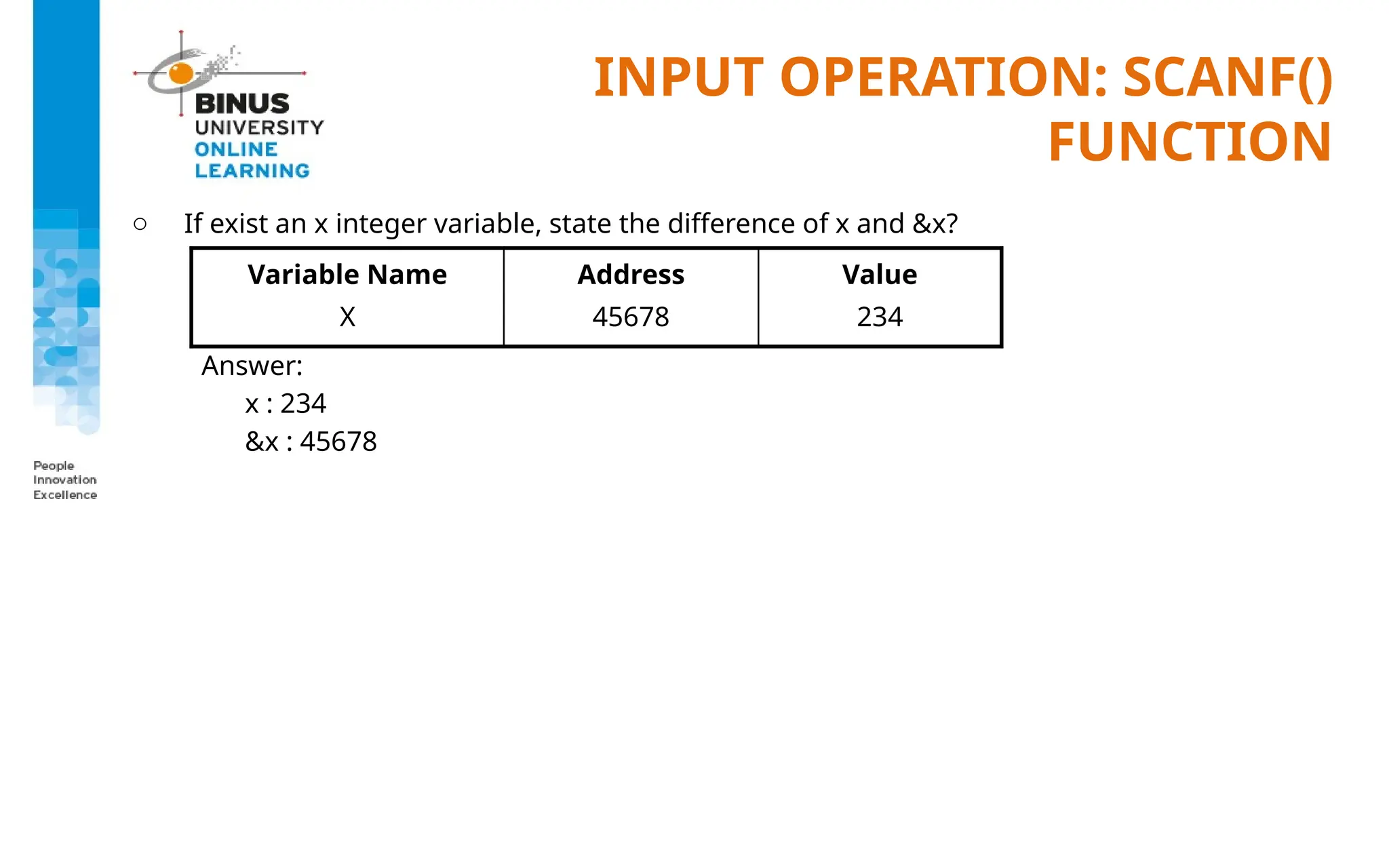
oIf exist an x integer variable, state the difference of x and &x?
Answer:
x : 234
&x : 45678
Variable Name
X
Address
45678
Value
234
18.
INPUT OPERATION: SCANF()
FUNCTION
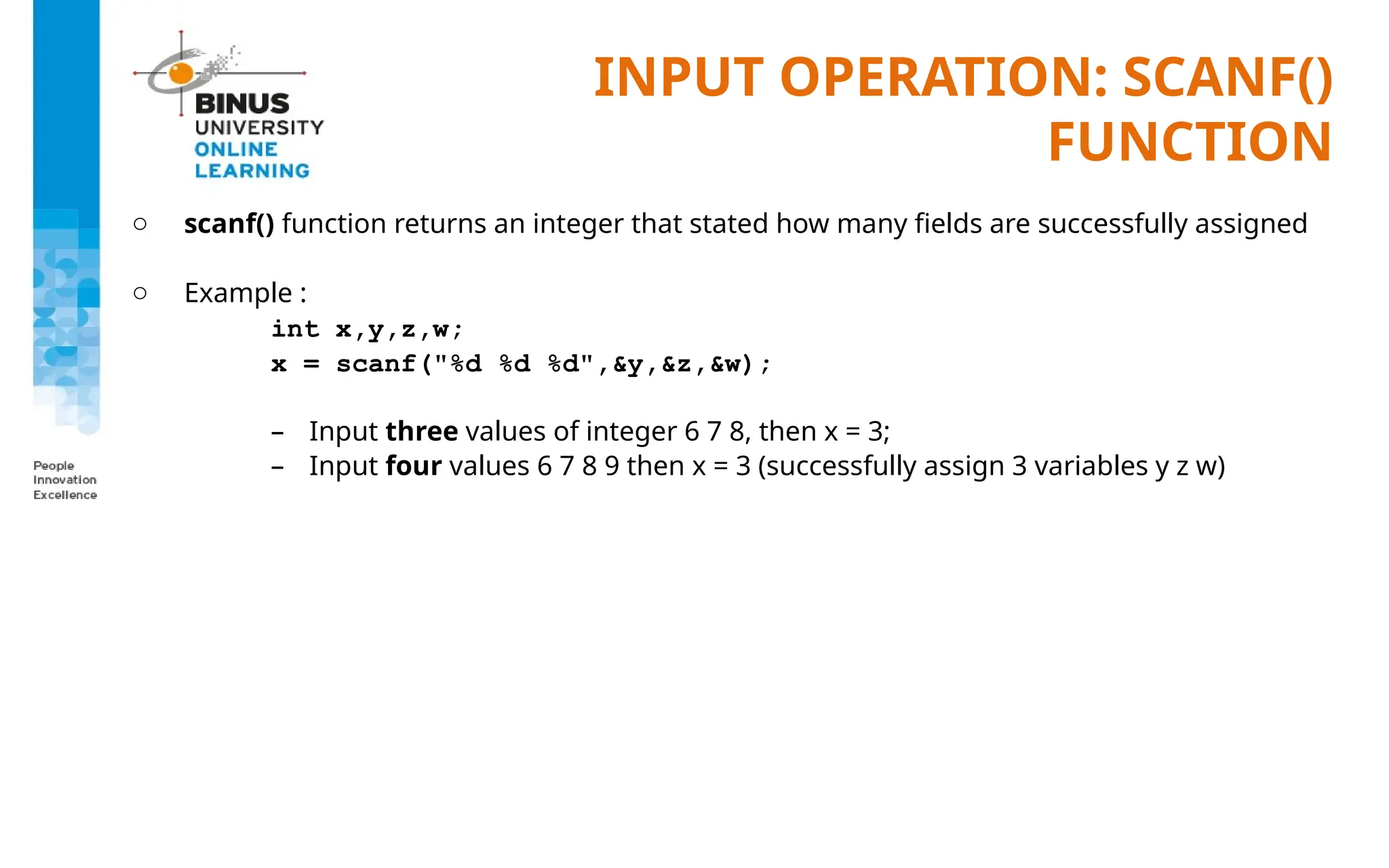
oscanf() function returns an integer that stated how many fields are successfully assigned
o Example :
int x,y,z,w;
x = scanf("%d %d %d",&y,&z,&w);
– Input three values of integer 6 7 8, then x = 3;
– Input four values 6 7 8 9 then x = 3 (successfully assign 3 variables y z w)
19.
INPUT OPERATION: SCANF()
FUNCTION
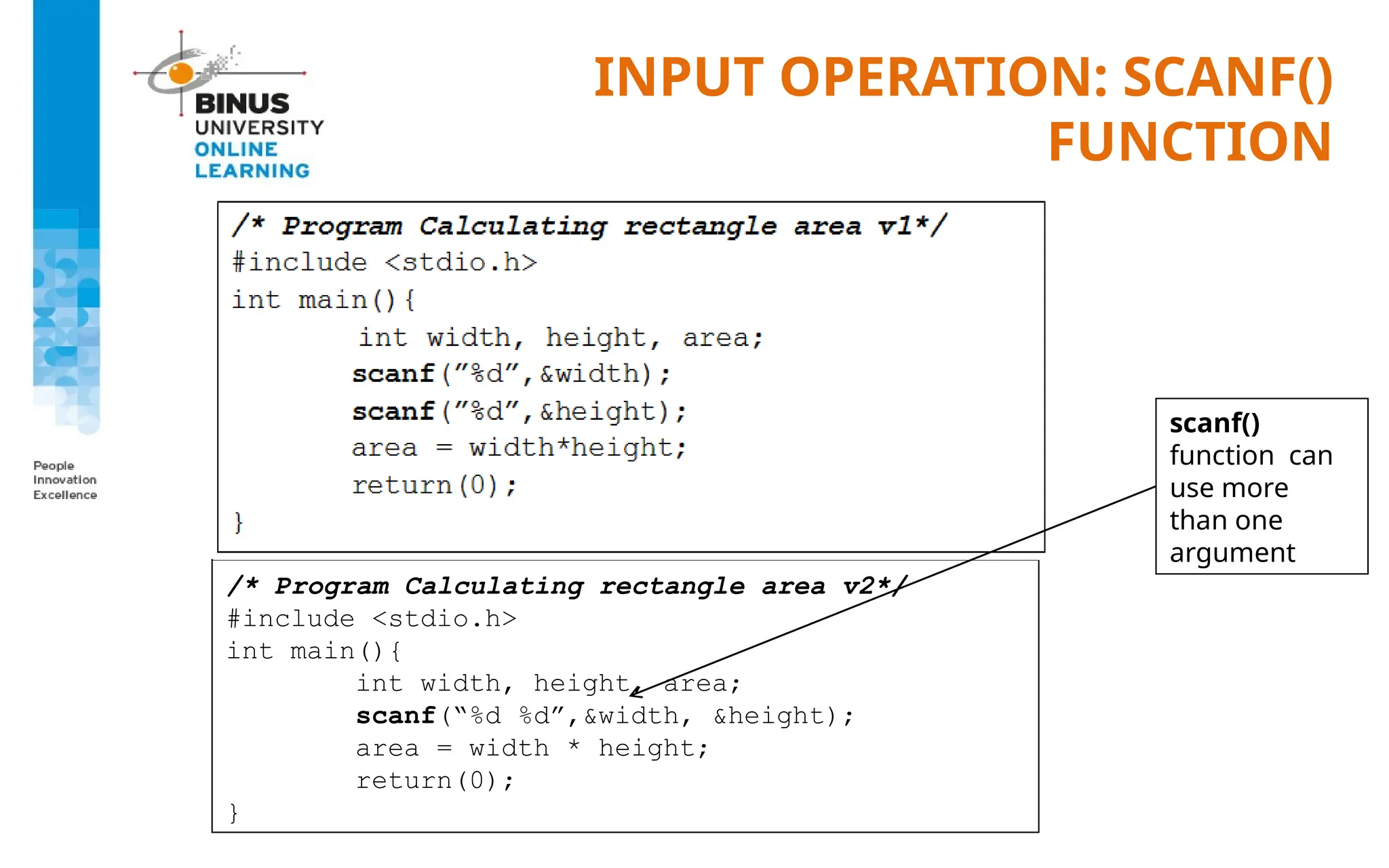
/*Program Calculating rectangle area v2*/
#include <stdio.h>
int main(){
int width, height, area;
scanf(“%d %d”,&width, &height);
area = width * height;
return(0);
}
scanf()
function can
use more
than one
argument
20.
INPUT OPERATION: SCANF()
FUNCTION
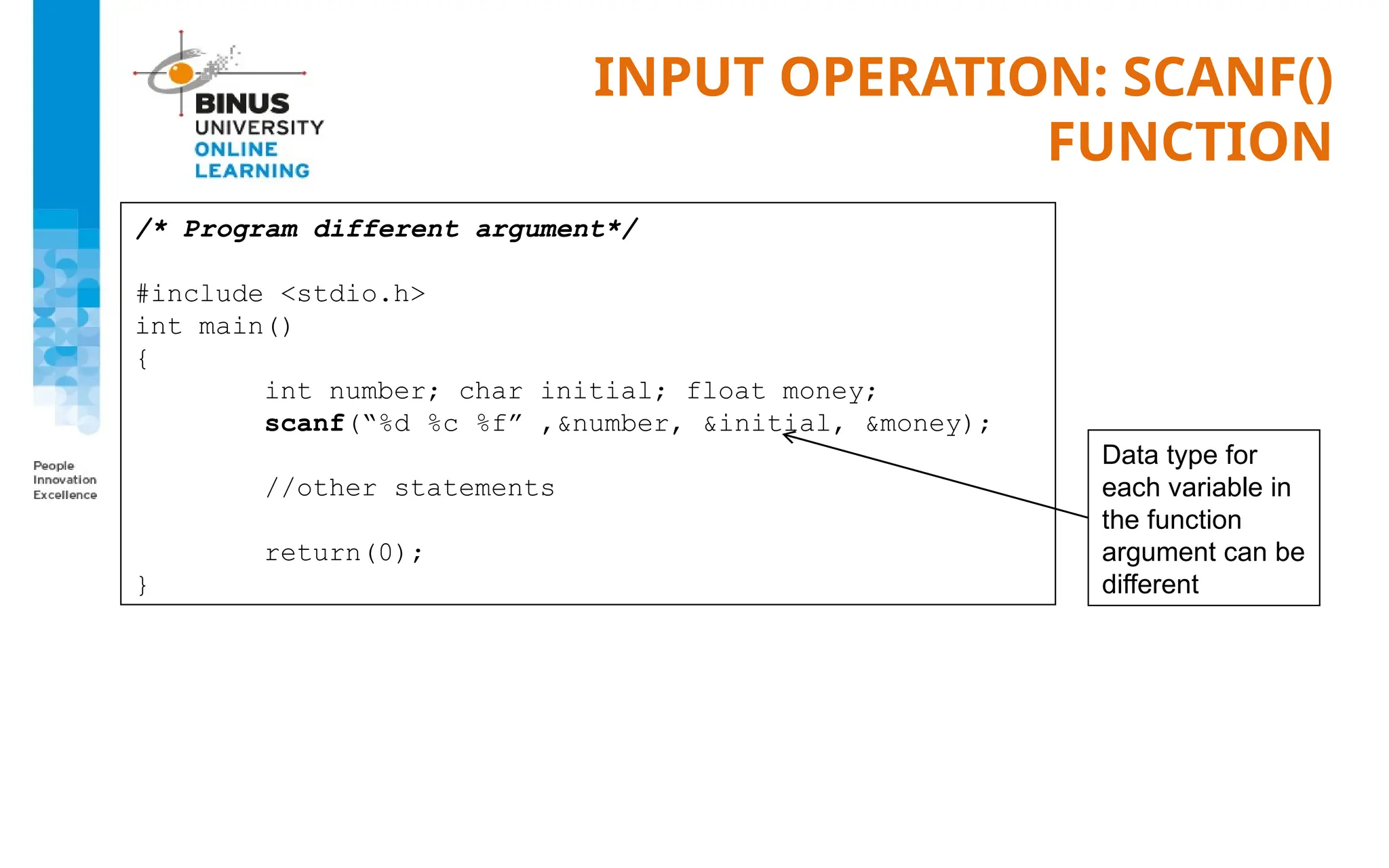
/*Program different argument*/
#include <stdio.h>
int main()
{
int number; char initial; float money;
scanf(“%d %c %f” ,&number, &initial, &money);
//other statements
return(0);
}
Data type for
each variable in
the function
argument can be
different
21.
INPUT OPERATION: SCANF()
FUNCTION
oGetting string data from keyboard using scanf() using format: %s
o Example :
char ss[40];
scanf(”%s”, ss);
o Note for the example above, as the ss variable is a pointer then we need not putting extra
& sign (&ss) in the function argument
(pointer will be discussed later separately)
o String takes only till the first whitespace found
22.
INPUT FORMATTING
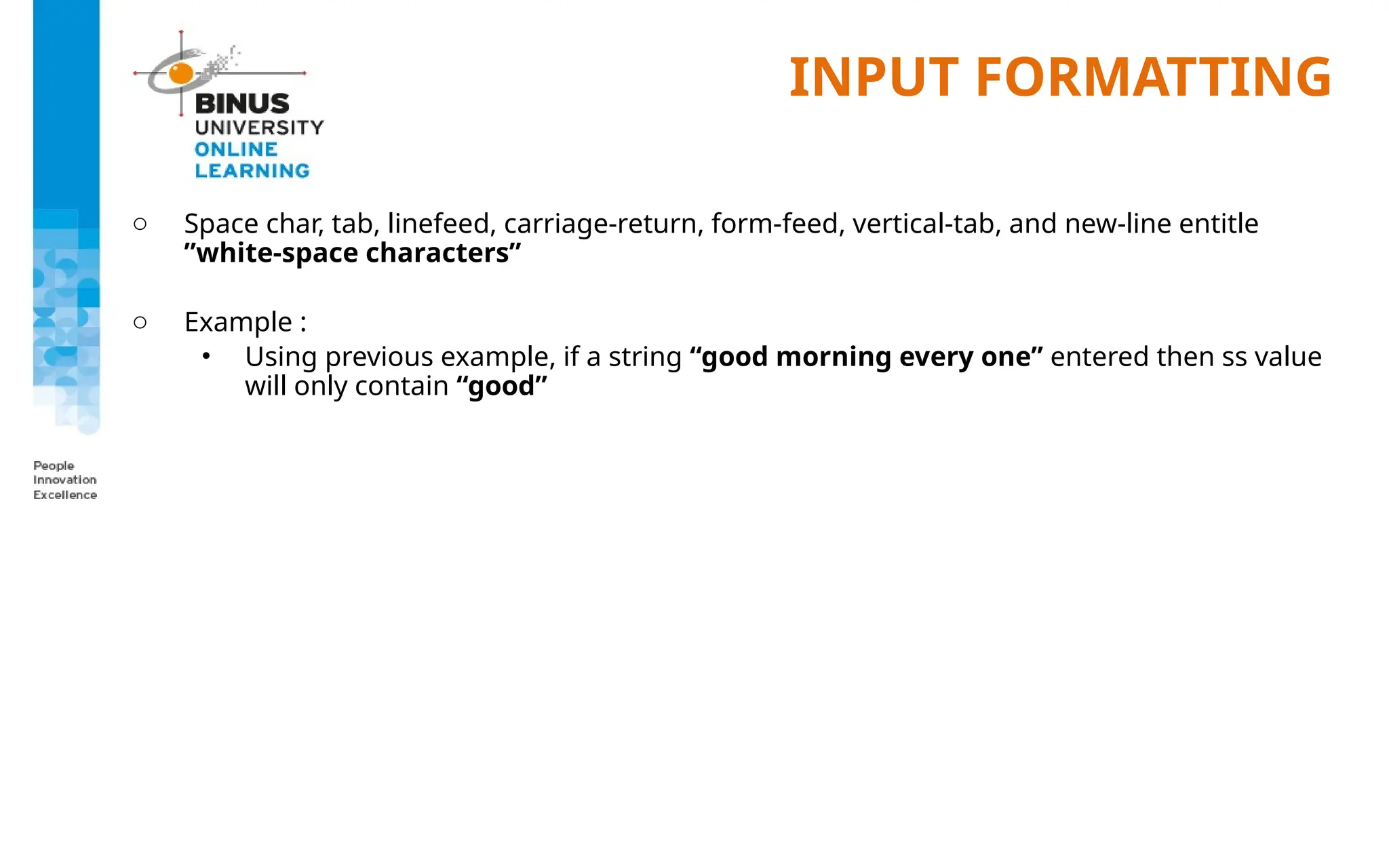
o Spacechar, tab, linefeed, carriage-return, form-feed, vertical-tab, and new-line entitle
”white-space characters”
o Example :
• Using previous example, if a string “good morning every one” entered then ss value
will only contain “good”
23.
INPUT FORMATTING &EXAMPLE
o To get string that ended with certain character for example Enter, use scanf() with format:
[^n]
o Example:
char ss[40];
scanf(”%[^n]”,ss);
o Using the previous example, if a string “good morning every one” then ENTER, the ss
variable will contain “good morning every one”
24.
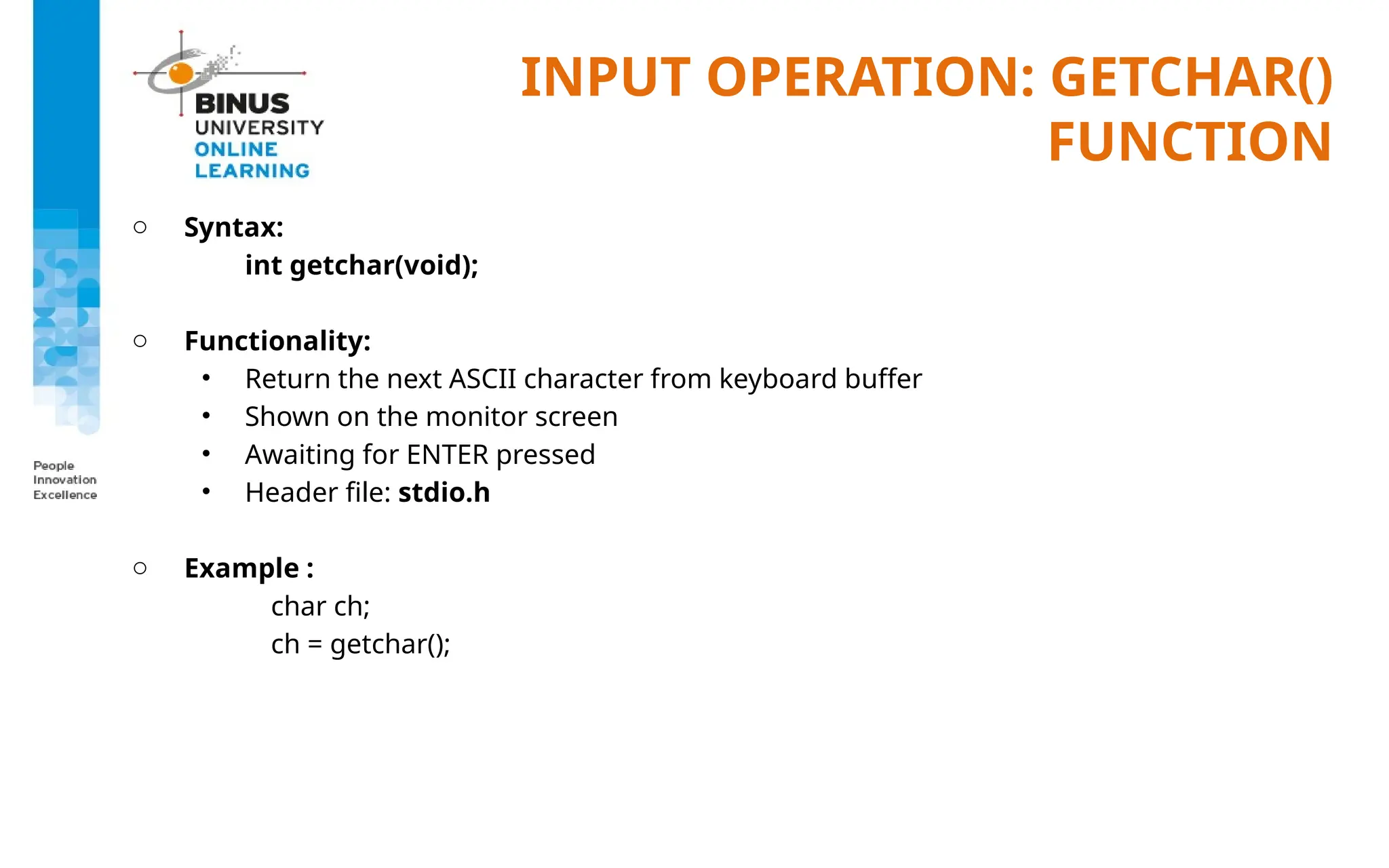
INPUT OPERATION: GETCHAR()
FUNCTION
oSyntax:
int getchar(void);
o Functionality:
• Return the next ASCII character from keyboard buffer
• Shown on the monitor screen
• Awaiting for ENTER pressed
• Header file: stdio.h
o Example :
char ch;
ch = getchar();
25.
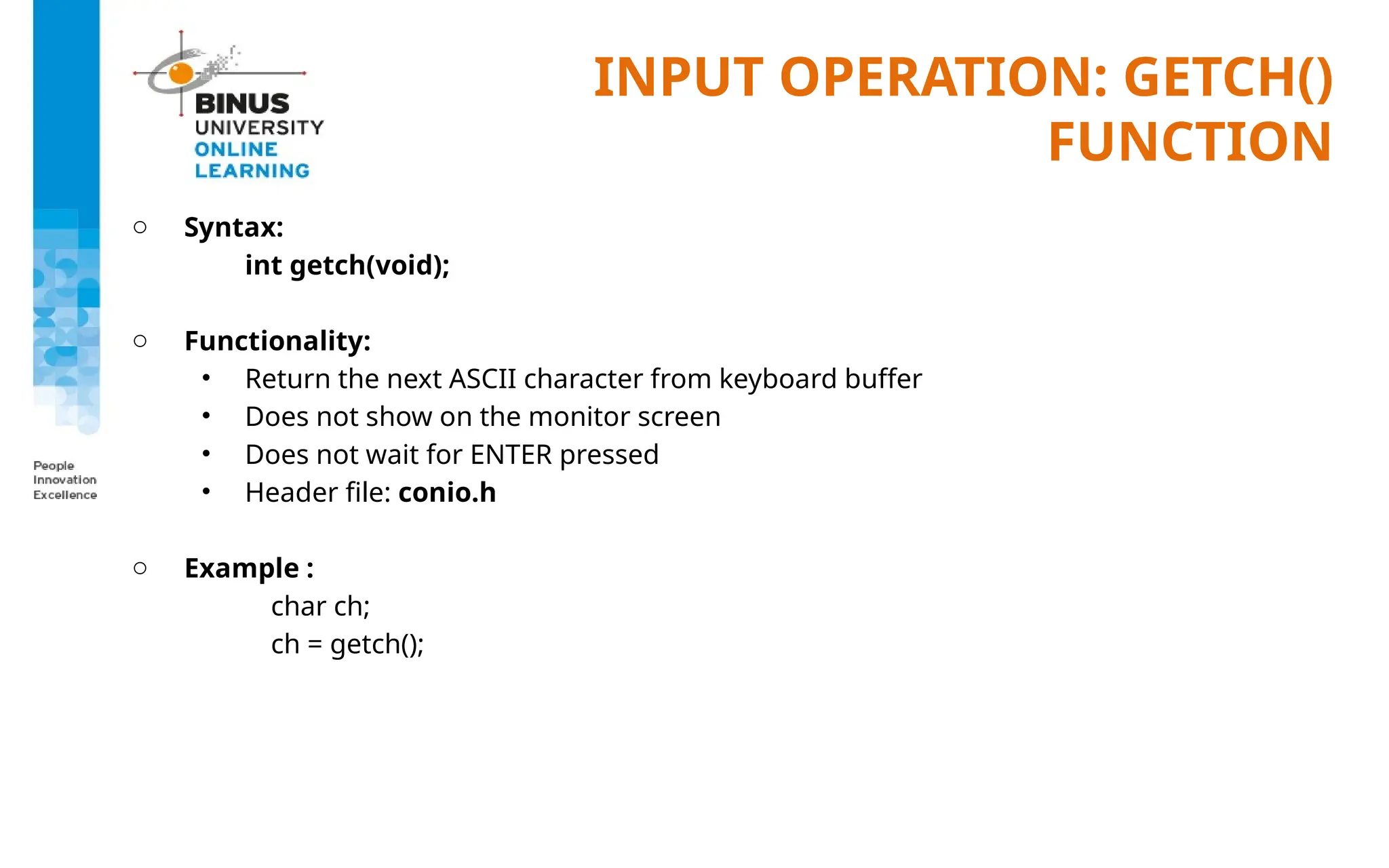
INPUT OPERATION: GETCH()
FUNCTION
oSyntax:
int getch(void);
o Functionality:
• Return the next ASCII character from keyboard buffer
• Does not show on the monitor screen
• Does not wait for ENTER pressed
• Header file: conio.h
o Example :
char ch;
ch = getch();
26.
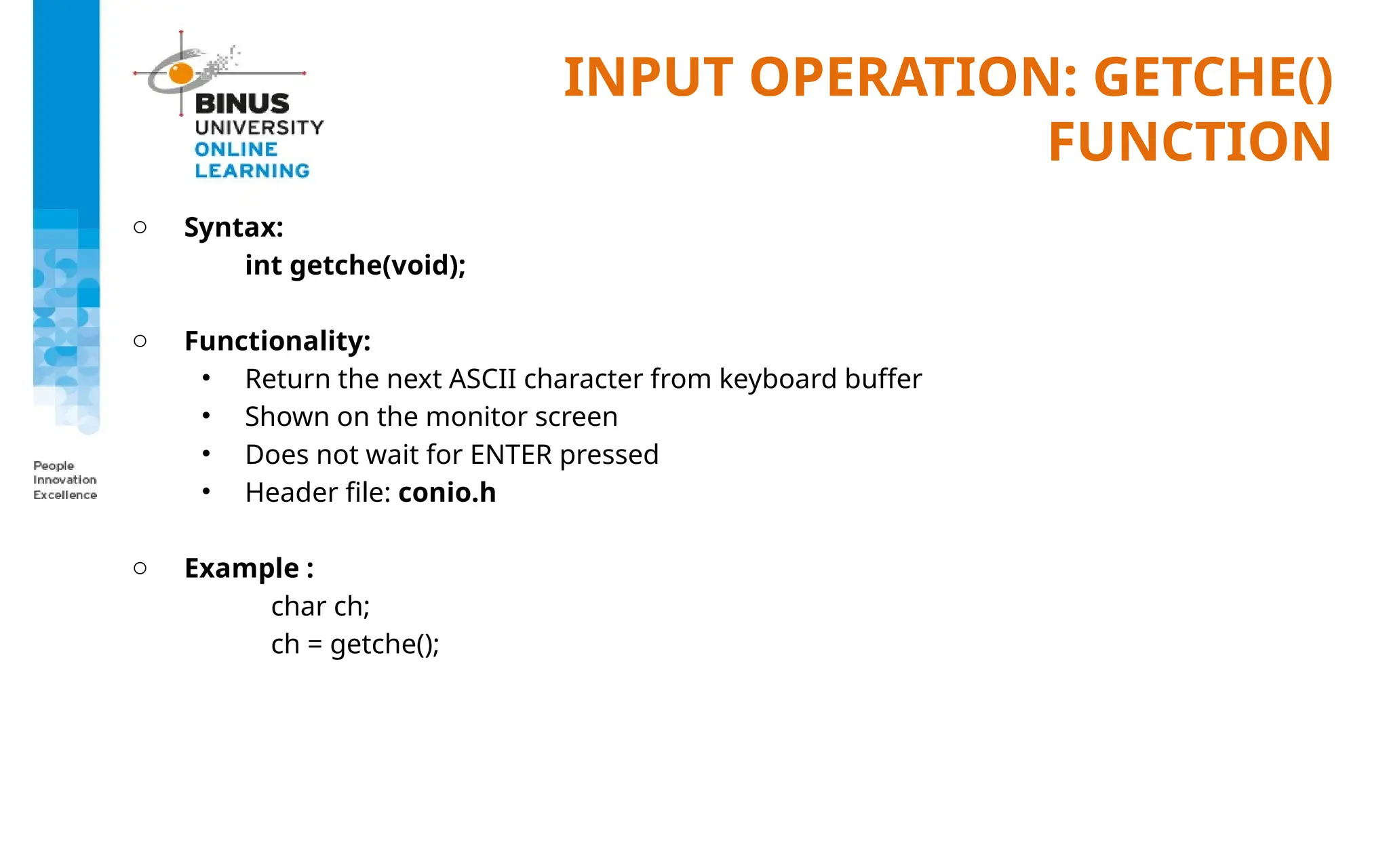
INPUT OPERATION: GETCHE()
FUNCTION
oSyntax:
int getche(void);
o Functionality:
• Return the next ASCII character from keyboard buffer
• Shown on the monitor screen
• Does not wait for ENTER pressed
• Header file: conio.h
o Example :
char ch;
ch = getche();
27.
INPUT OPERATION: GETS()
FUNCTION
oSyntax:
char *gets(char *buffer)
o Functionality :
• read a string from keyboard till find new-line and save in buffer
• new-line will later on replaced with null character
• will return NULL if error and return its argument (buffer) if success
o Example :
char buffer[40];
char *ptr;
ptr = gets(buffer);
28.
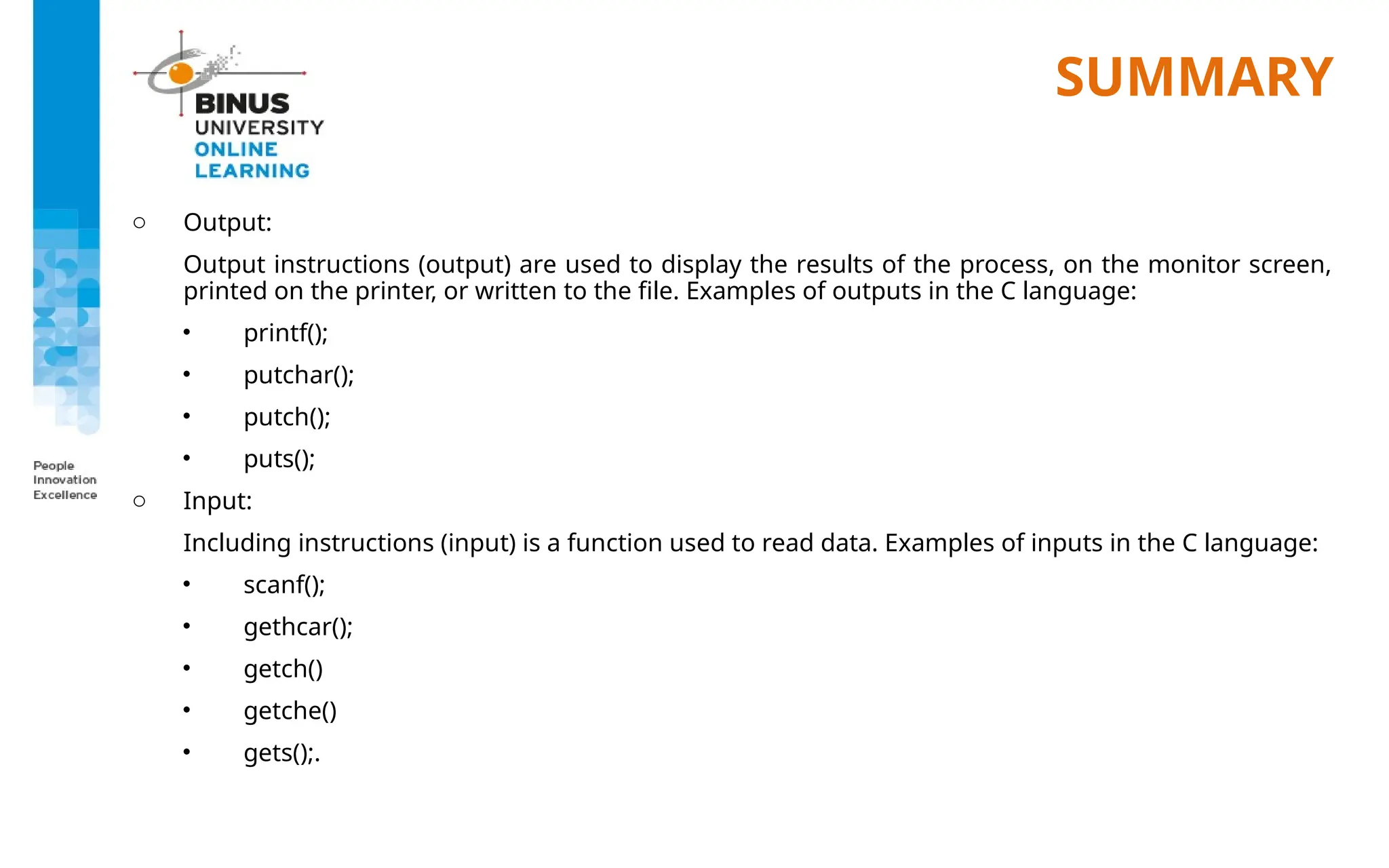
SUMMARY
o Output:
Output instructions(output) are used to display the results of the process, on the monitor screen,
printed on the printer, or written to the file. Examples of outputs in the C language:
• printf();
• putchar();
• putch();
• puts();
o Input:
Including instructions (input) is a function used to read data. Examples of inputs in the C language:
• scanf();
• gethcar();
• getch()
• getche()
• gets();.
REFERENCES
o Paul Deitel& Harvey Deitel. (2022). C how to program. 09. Pearson Education. Hoboken.
ISBN: 978-0-13-739839-3. Chapter 9
o Reading from and Writing to Standard I/O: http://aelinik.free.fr/c/ch05.htm
o https://www.codesansar.com/c-programming/putch.htm#:~:text=The%20putch()
%20function%20is,h%20.
o https://www.cs.utah.edu/~germain/PPS/Topics/C_Language/file_IO.html
o https://www.youtube.com/watch?v=-LqUMHoBo6o
o https://www.youtube.com/watch?v=01QsW5_fuek

![OUTPUT OPERATION: PRINTF
FUNCTION
o To display some data on the standard output, using certain format
o Standard output is the monitor.
o Syntax:
printf(const char *format[,argument, …]);
o Header file : stdio.h](https://image.slidesharecdn.com/20220823094225ppt02-formattedinputandoutput-250320181633-235b7139/75/20220823094225_PPT02-Formatted-Input-and-Output-pptx-6-2048.jpg)
![OUTPUT FORMATTING
o Output also has formatted specification:
%[flags][width][.precision] type
width : number of columns provided
precision : digit number
flags :
can be changed into:
none : right justify
- : left justify
-+ : for positive & negative value
type :
d –or- i : signed decimal
o : unsigned octal
u : unsigned decimal
x : unsigned hexadecimal
f : floating point
e : floating point (exponent)
c : single character
s : string
% : % character
p : pointer](https://image.slidesharecdn.com/20220823094225ppt02-formattedinputandoutput-250320181633-235b7139/75/20220823094225_PPT02-Formatted-Input-and-Output-pptx-8-2048.jpg)
![INPUT OPERATION: SCANF()
FUNCTION
o Header file: stdio.h
o Format:
int scanf( const char *format [,argument]... );
o All the argument type are pointers (address of a variable)
o To get the address of a variable use “&” sign
o Example :
int aValue;
scanf(”%d”,&aValue);
o Input format: ”%type”
where type can be substituted with one of the following list:
(next page)](https://image.slidesharecdn.com/20220823094225ppt02-formattedinputandoutput-250320181633-235b7139/75/20220823094225_PPT02-Formatted-Input-and-Output-pptx-15-2048.jpg)
![INPUT OPERATION: SCANF()
FUNCTION
o Format Type:
Type Used to scan
d
u
x
e, f, g
c
integer
unsigned integer
hexadecimal
floating point
single character
s
o
[…]
[^..]
string ended with white space
data unsigned octal
string ended with non of the value inside [...]
string ended with the value inside [...]](https://image.slidesharecdn.com/20220823094225ppt02-formattedinputandoutput-250320181633-235b7139/75/20220823094225_PPT02-Formatted-Input-and-Output-pptx-16-2048.jpg)
![INPUT OPERATION: SCANF()
FUNCTION
o Getting string data from keyboard using scanf() using format: %s
o Example :
char ss[40];
scanf(”%s”, ss);
o Note for the example above, as the ss variable is a pointer then we need not putting extra
& sign (&ss) in the function argument
(pointer will be discussed later separately)
o String takes only till the first whitespace found](https://image.slidesharecdn.com/20220823094225ppt02-formattedinputandoutput-250320181633-235b7139/75/20220823094225_PPT02-Formatted-Input-and-Output-pptx-21-2048.jpg)
![INPUT FORMATTING & EXAMPLE
o To get string that ended with certain character for example Enter, use scanf() with format:
[^n]
o Example:
char ss[40];
scanf(”%[^n]”,ss);
o Using the previous example, if a string “good morning every one” then ENTER, the ss
variable will contain “good morning every one”](https://image.slidesharecdn.com/20220823094225ppt02-formattedinputandoutput-250320181633-235b7139/75/20220823094225_PPT02-Formatted-Input-and-Output-pptx-23-2048.jpg)
![INPUT OPERATION: GETS()
FUNCTION
o Syntax:
char *gets(char *buffer)
o Functionality :
• read a string from keyboard till find new-line and save in buffer
• new-line will later on replaced with null character
• will return NULL if error and return its argument (buffer) if success
o Example :
char buffer[40];
char *ptr;
ptr = gets(buffer);](https://image.slidesharecdn.com/20220823094225ppt02-formattedinputandoutput-250320181633-235b7139/75/20220823094225_PPT02-Formatted-Input-and-Output-pptx-27-2048.jpg)



![[DSC Europe 25] Boris Perkovic - Lost in performance.pptx](https://cdn.slidesharecdn.com/ss_thumbnails/uq5hrp7vsuahqkxzifux-1-251204082258-fd2ee09d-thumbnail.jpg?width=640&height=640&fit=bounds)

![[DSC Europe 25] Jim Sterne - Adopting Generative AI Capabilities Into the Ent...](https://cdn.slidesharecdn.com/ss_thumbnails/sxhpofuorcagxsaulkmt-3-251204082258-7e66bc48-thumbnail.jpg?width=640&height=640&fit=bounds)
![[DSC Europe 25] Dragana Ilic - AI for Big Data in Astronomy.pptx](https://cdn.slidesharecdn.com/ss_thumbnails/8palya86qaatvjhva1ms-2-dragana-ilic-ai-ilic-251208151906-652b819c-thumbnail.jpg?width=640&height=640&fit=bounds)


