Creating and Connecting in a
       1:1 Classroom
         Catherine Laguna
 Quakertown Comm. School District
        claguna@qcsd.org
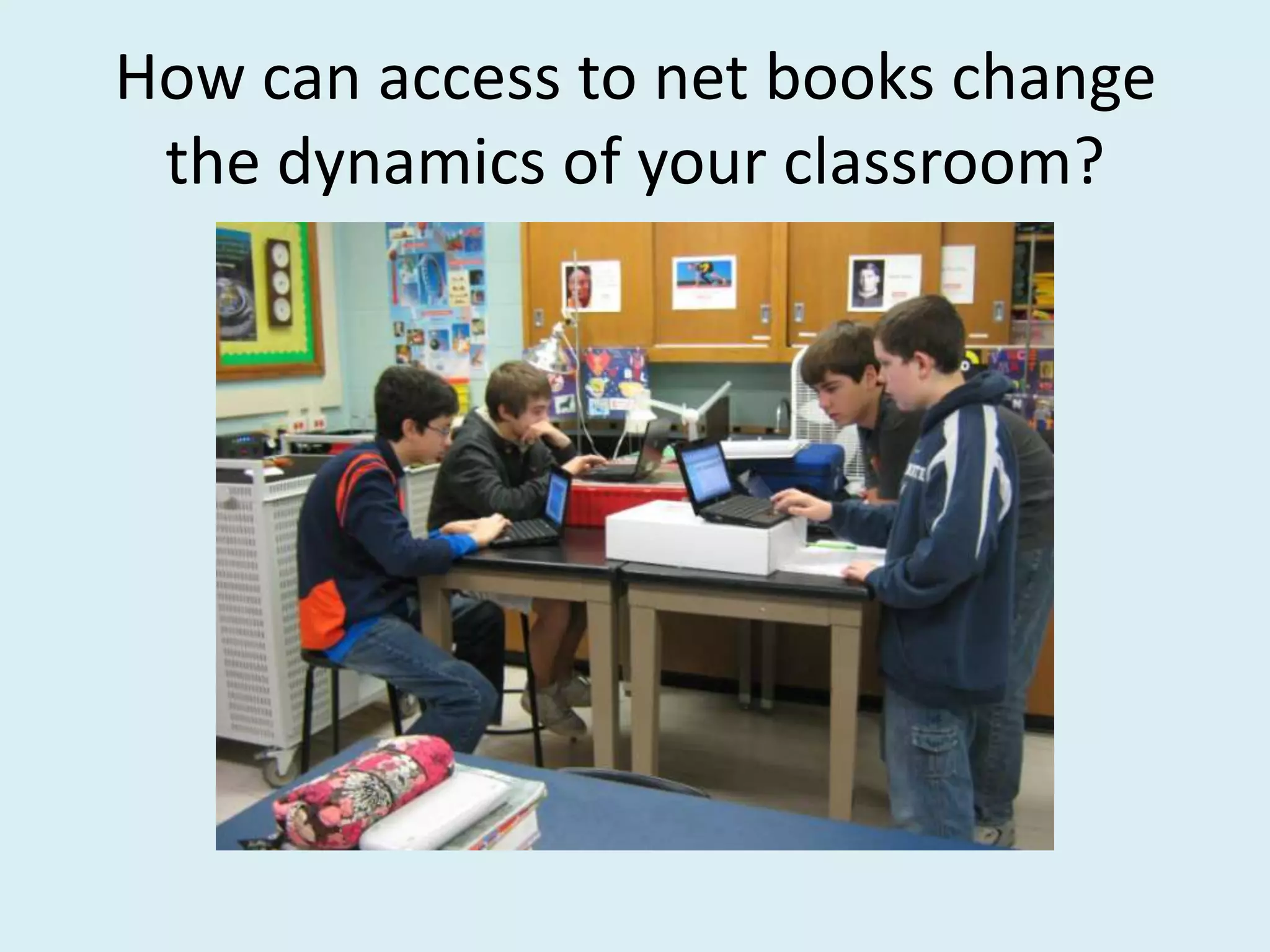
How can access to net books change
 the dynamics of your classroom?
How can access to net books change
 the dynamics of your classroom?
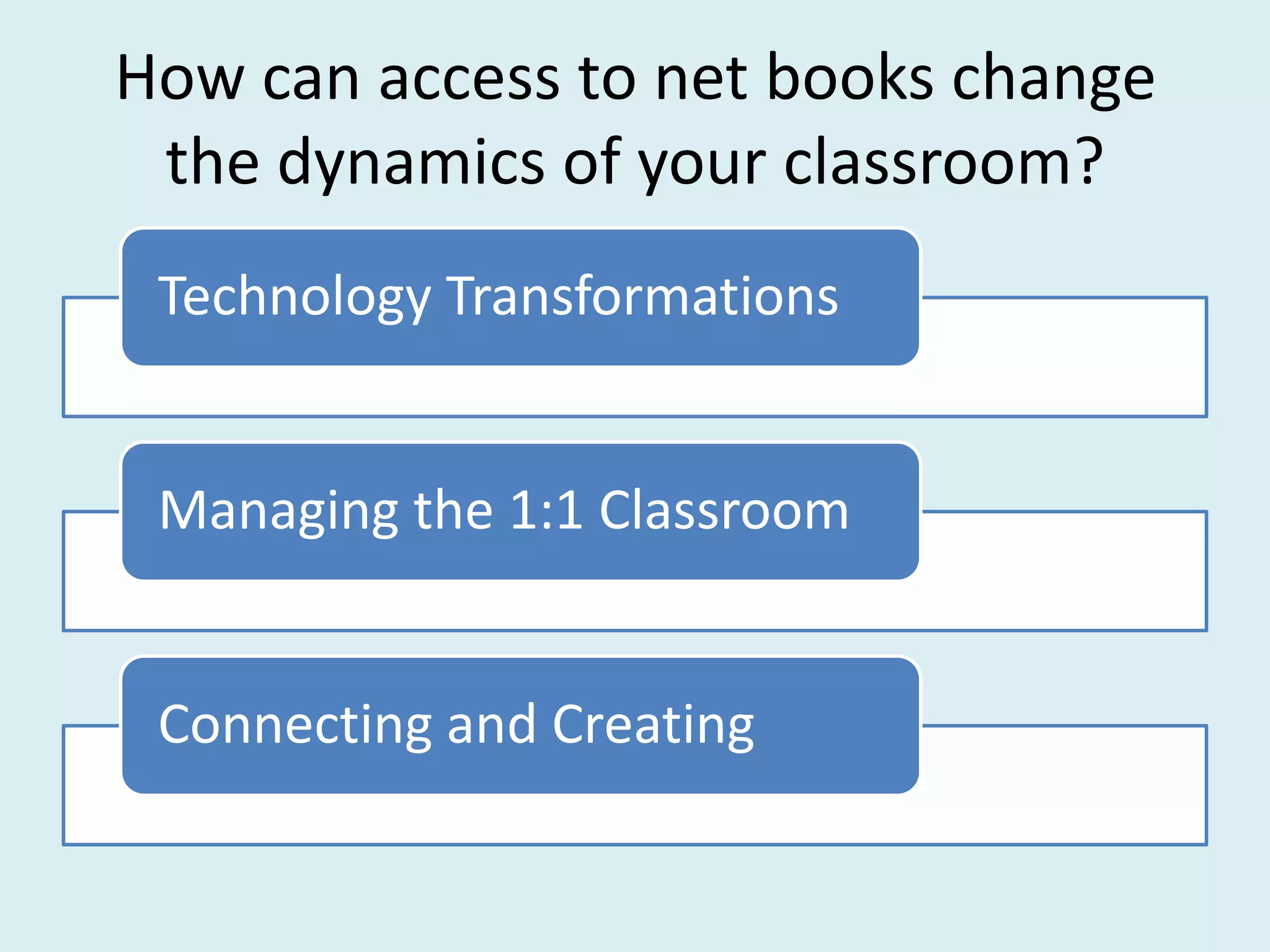
 Technology Transformations


 Managing the 1:1 Classroom


 Connecting and Creating
Technology Transformations

Creativity coach Julia Cameron comments
that her clients reap the fruit of their
labors only if they are willing to go out
and "shake the trees," but weirdly, the
fruit that falls almost never comes from
the tree the person is shaking.
                                Martha Beck
Technology Transformations


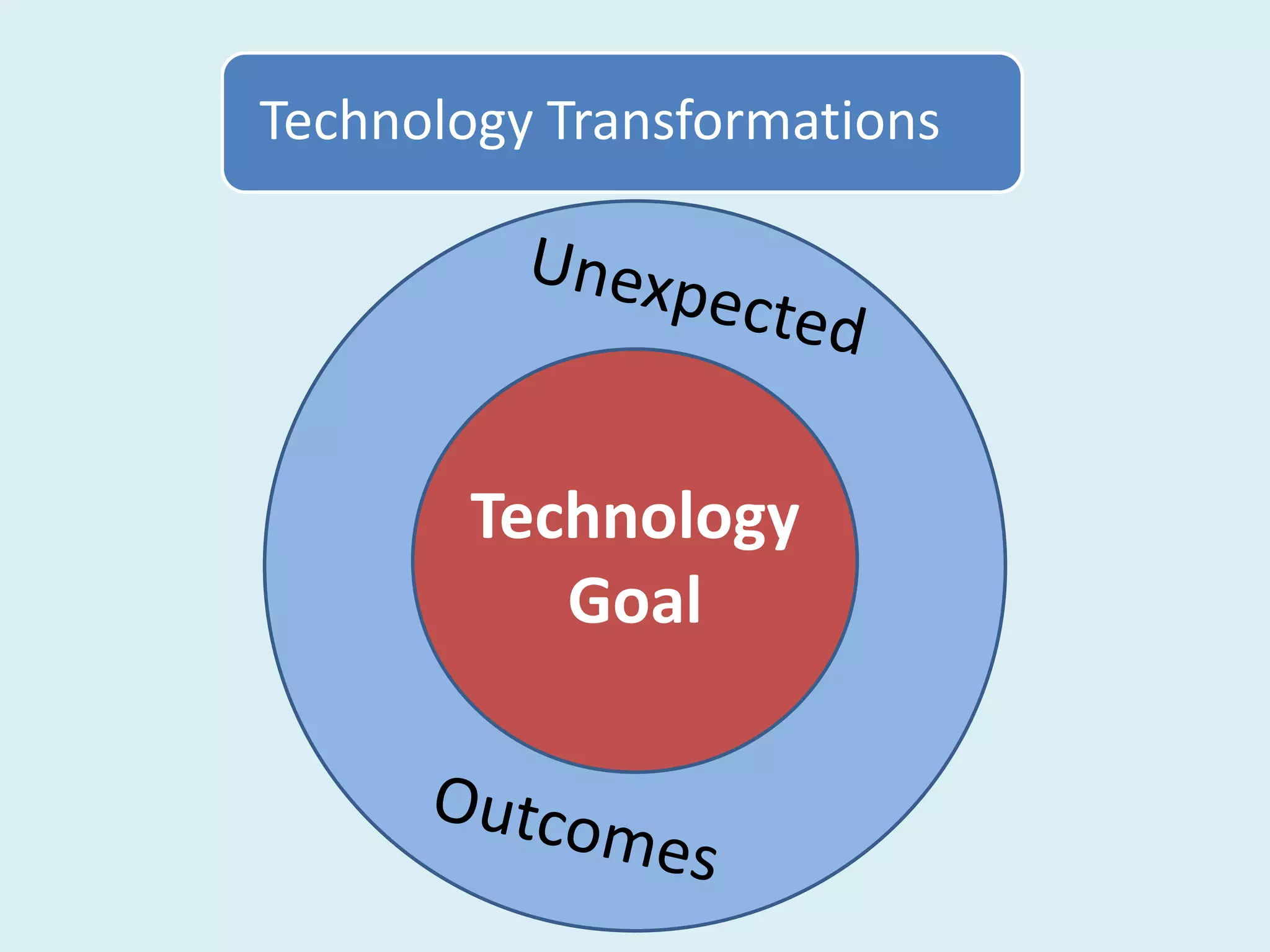
        Technology
           Goal
Technology Transformations


        Even if the notes are on a
        Power Point, teacher
        centered lessons can still
        be boring to the students.
Technology Transformations


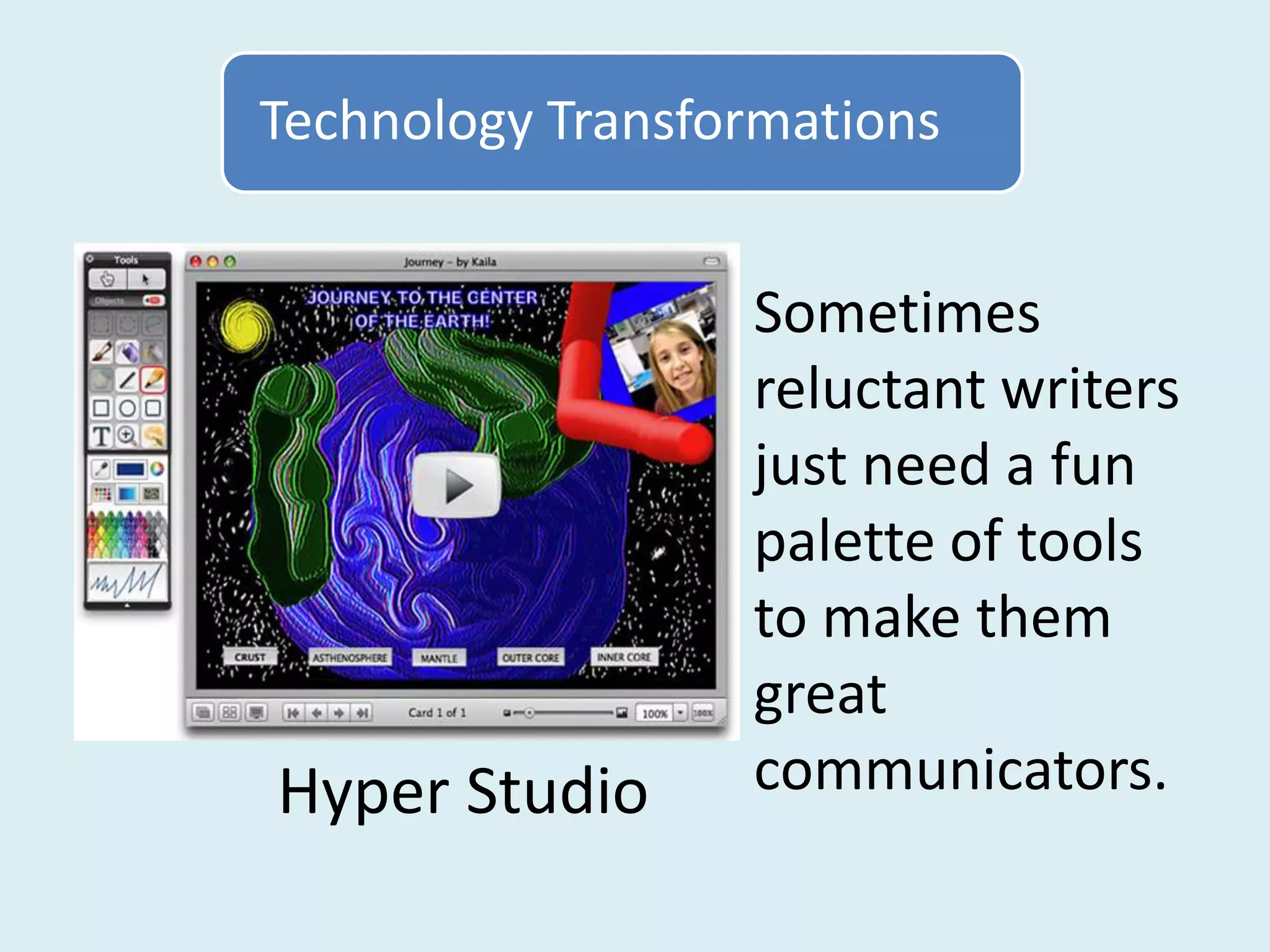
                  Sometimes
                  reluctant writers
                  just need a fun
                  palette of tools
                  to make them
                  great
Hyper Studio      communicators.
Technology Transformations

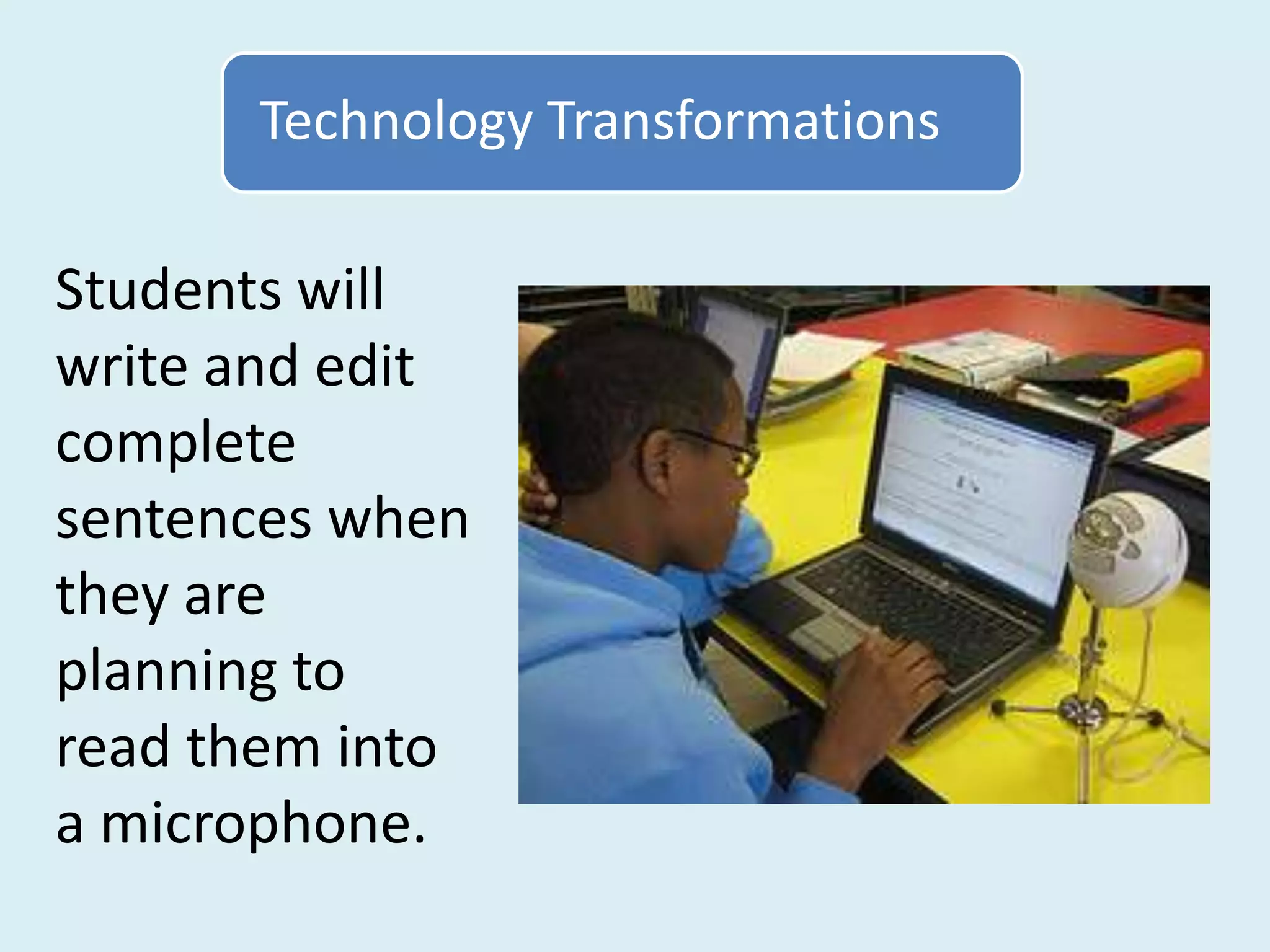
Students will
write and edit
complete
sentences when
they are
planning to
read them into
a microphone.
Technology Transformations

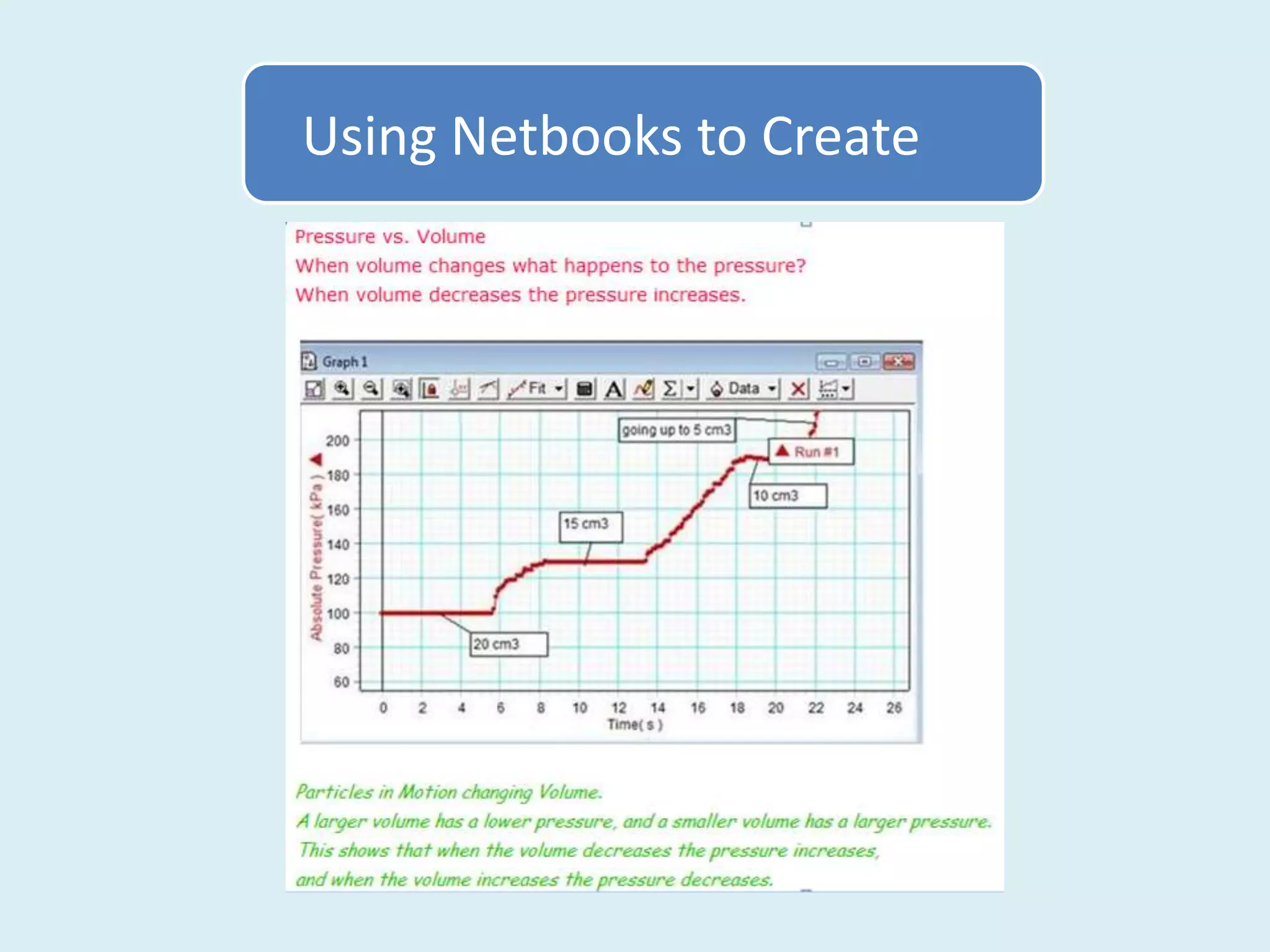
                   Students can
                   easily explain
                   the results of
                   their experiment
                   after they have
                   watched it being
                   graphed in real
                   time.
Technology Transformations


When I began to give students a voice, I
learned that I was never really in control
in the first place.
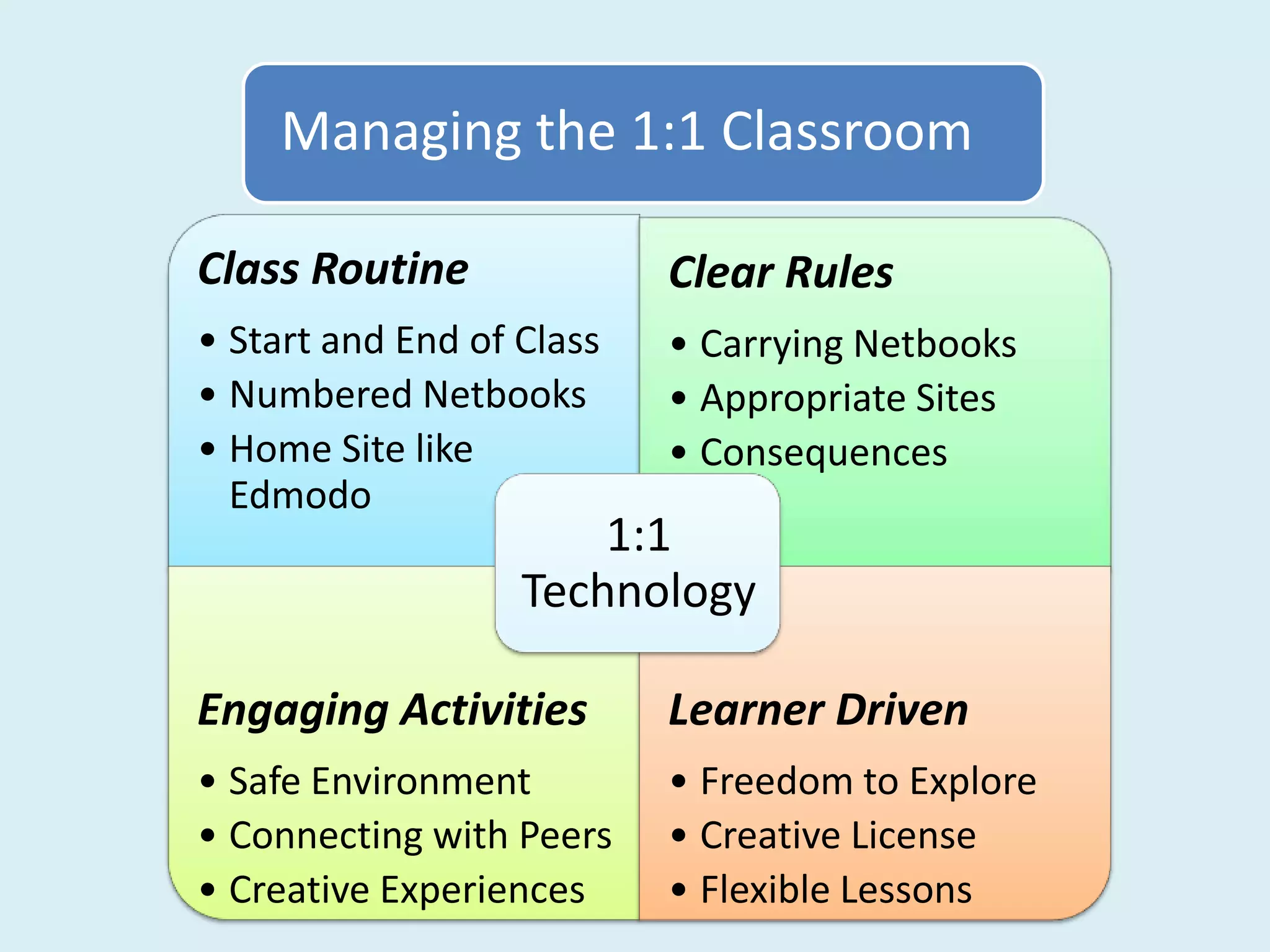
Managing the 1:1 Classroom

Class Routine              Clear Rules
• Start and End of Class   • Carrying Netbooks
• Numbered Netbooks        • Appropriate Sites
• Home Site like           • Consequences
  Edmodo
                       1:1
                   Technology

Engaging Activities        Learner Driven
• Safe Environment         • Freedom to Explore
• Connecting with Peers    • Creative License
• Creative Experiences     • Flexible Lessons
Connecting and Creating


A dream is about building something
– relationships, identity, quality of
experience. Because dreams rise out
of human need, they feed the spirit
in a profoundly satisfying way.
                           Bill Strickland
             Make the Impossible Possible
Connecting and Creating

every human being … is born full of
potential, and that the way to unlock
that potential is to place individuals in a
nurturing environment and expose them
to the kind of stimulating and
empowering creative experiences that
feed the human spirit.
                              Bill Strickland
                Make the Impossible Possible
Connecting and Creating

Isolated skill practice is contrary to the brain's
instinct to preserve its energy, because the brain
does not tend to have the expectation of
pleasure in such learning environments.
                                          Judy Willis
        Writing and the Brain: Neuroscience Shows the
                                 Pathways to Learning
Connecting and Creating

On the other hand, when students know
information will be used to create solutions to
problems that interest them or to create
products they want to create, that is when the
brain predicts pleasure and applies efforts to
achieve the desirable goal.
                                           Judy Willis
       Writing and the Brain: Neuroscience Shows the
                                Pathways to Learning
Connecting and Creating

                            Content: Forms of
                                 Energy


                Delivery:                       Product:
                Research                        Project
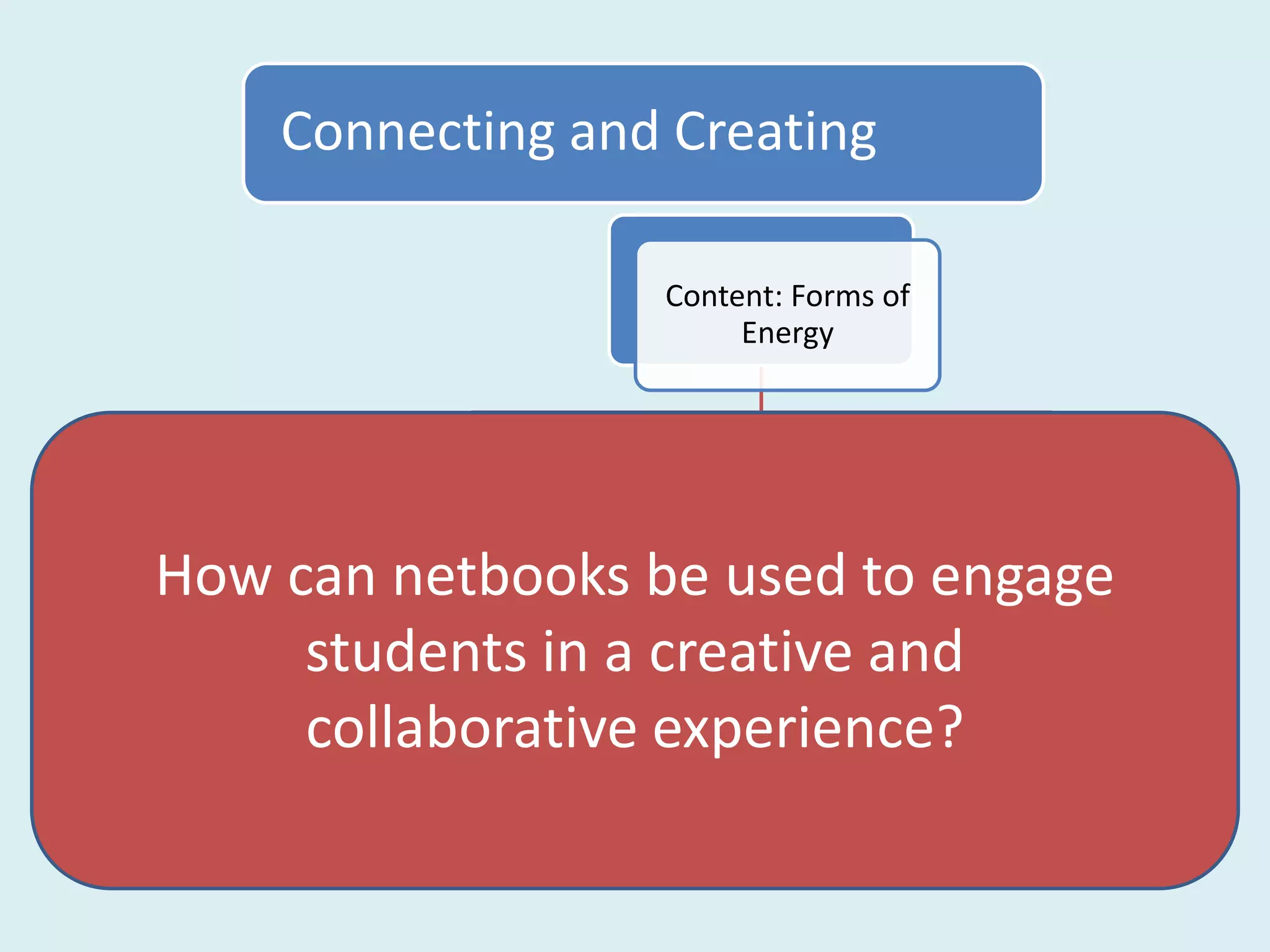
  How can netbooks be used to engage
             students in a creative and
Live Binders collaborative experience? Choice of
        Connect Docs
                  Google
                              Text Book:
                             Online Lesson Create
                                              Creative
                             and Workbook       Projects
Connecting and Creating

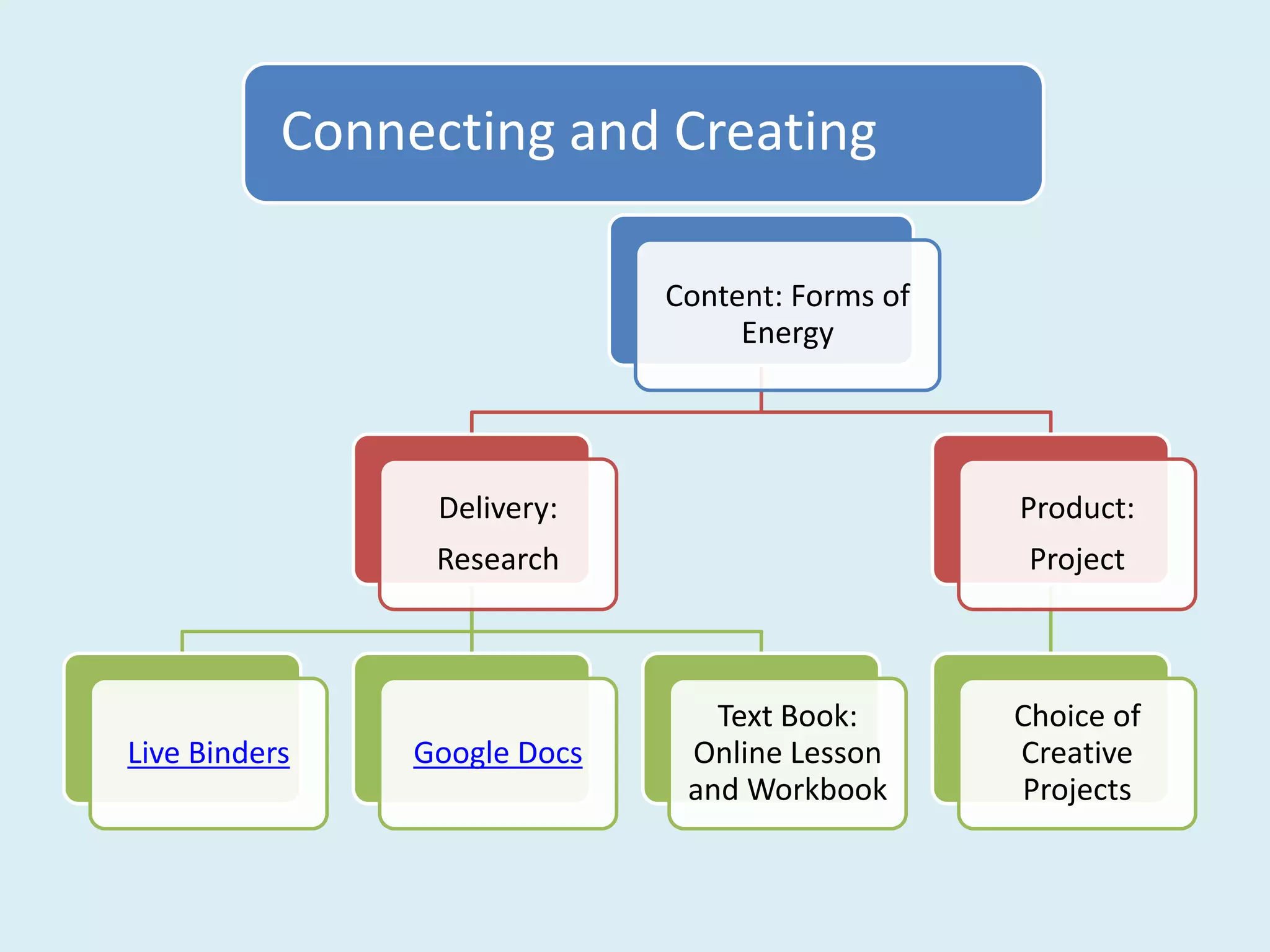
                              Content: Forms of
                                   Energy


                 Delivery:                        Product:
                 Research                          Project


                                 Text Book:       Choice of
Live Binders    Google Docs    Online Lesson      Creative
                               and Workbook       Projects
Connecting and Creating


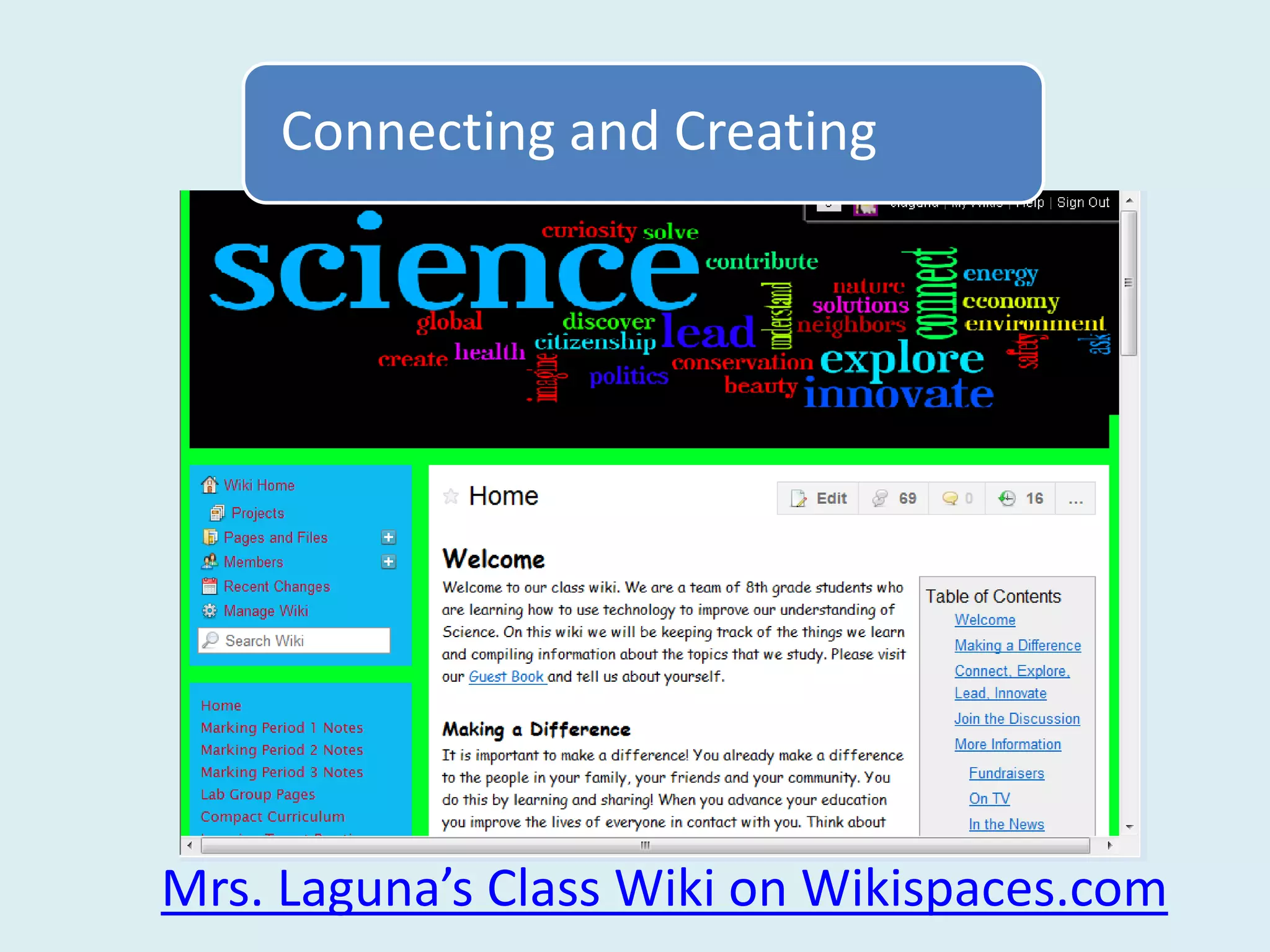
        A Wiki can become an
          outlet for student
         creativity and ideas.


Mrs. Laguna’s Class Wiki on Wikispaces.com
Connecting and Creating


                     Mixbook
Connecting and Creating
Using Netbooks to Connect


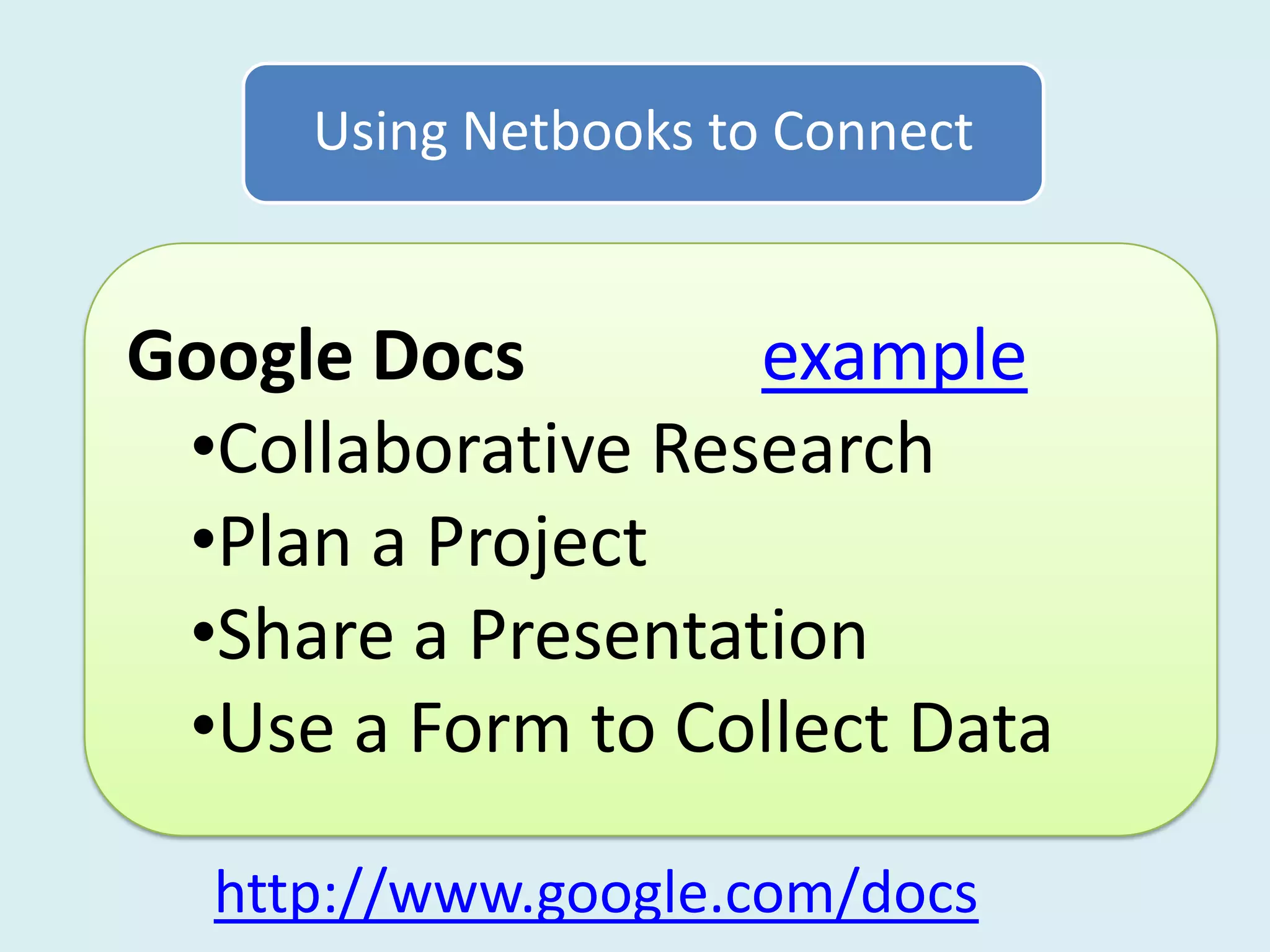
Google Docs        example
 •Collaborative Research
 •Plan a Project
 •Share a Presentation
 •Use a Form to Collect Data

  http://www.google.com/docs
Using Netbooks to Connect


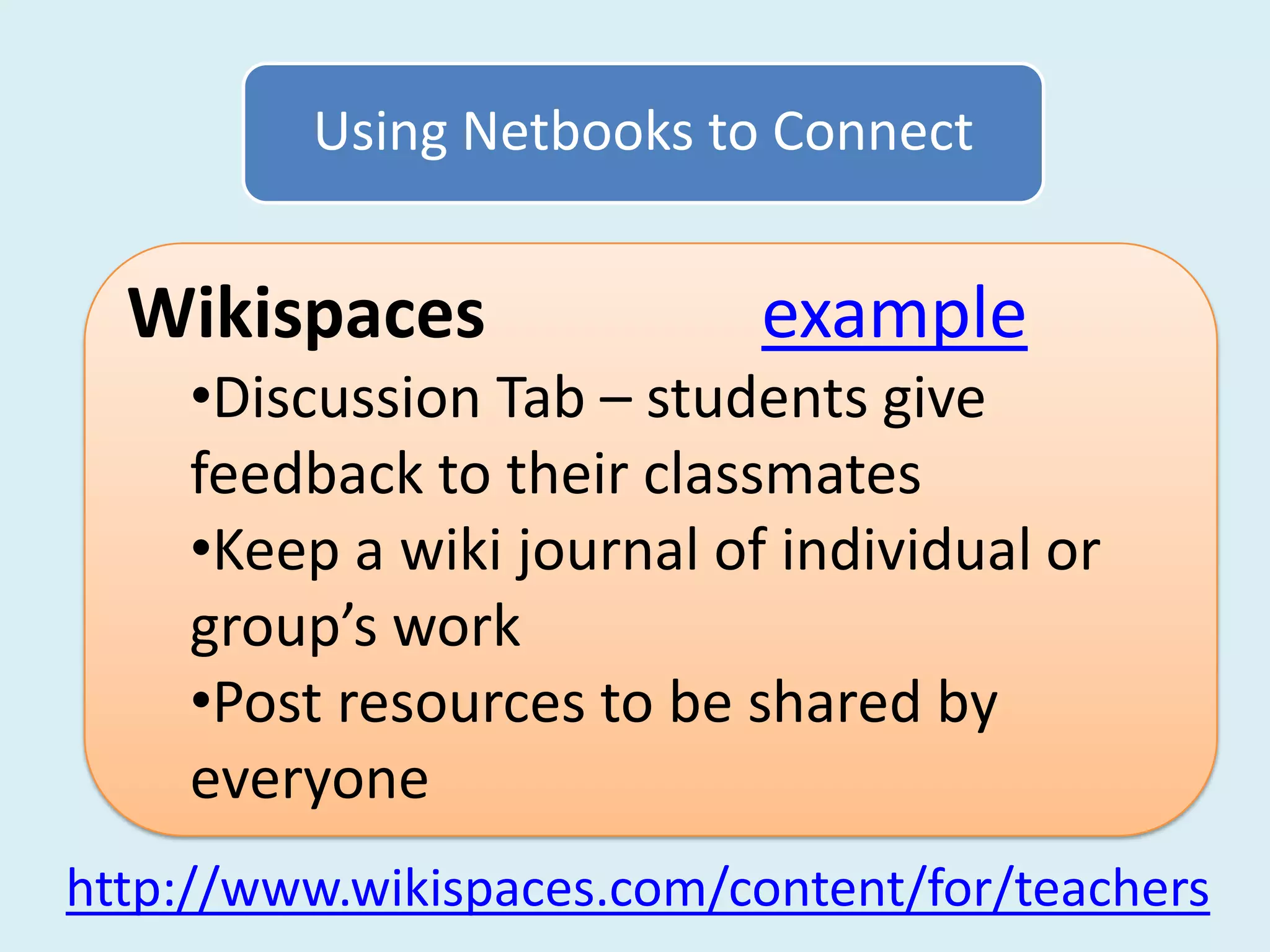
  Wikispaces               example
    •Discussion Tab – students give
    feedback to their classmates
    •Keep a wiki journal of individual or
    group’s work
    •Post resources to be shared by
    everyone
http://www.wikispaces.com/content/for/teachers
Using Netbooks to Connect


Social Bookmarking – Diigo example
  •Students find online resources or
  upload pictures or notes
  •Uploaded bookmarks or notes are
  shared with a class “Group”
  •Tags are used to find resources easily


  http://www.diigo.com/education
Using Netbooks to Connect


Edmodo                     example
 •Class discussion – students pose or
 respond to a question
 •Upload work or project to share with
 the class
 •Survey – share and tally responses

     http://www.edmodo.com
Using Netbooks to Connect


Wall Wisher                 example
 •Students pose or respond to a
 question.
 •Students brainstorm ideas on a topic
 •Different classes share ideas together


   http://www.wallwisher.com
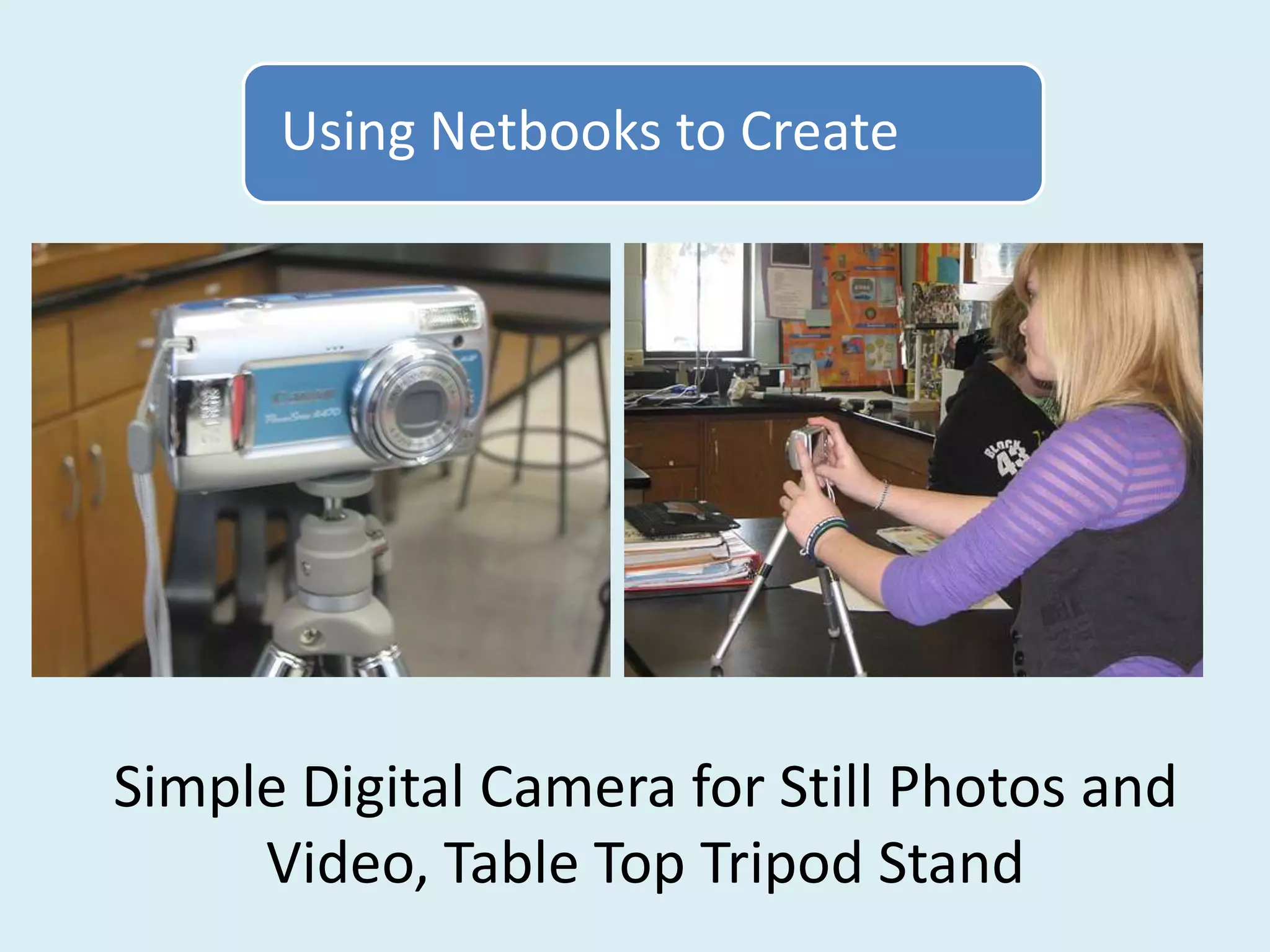
Using Netbooks to Create


Simple Digital Camera for Still Photos and
     Video, Table Top Tripod Stand
Using Netbooks to Create


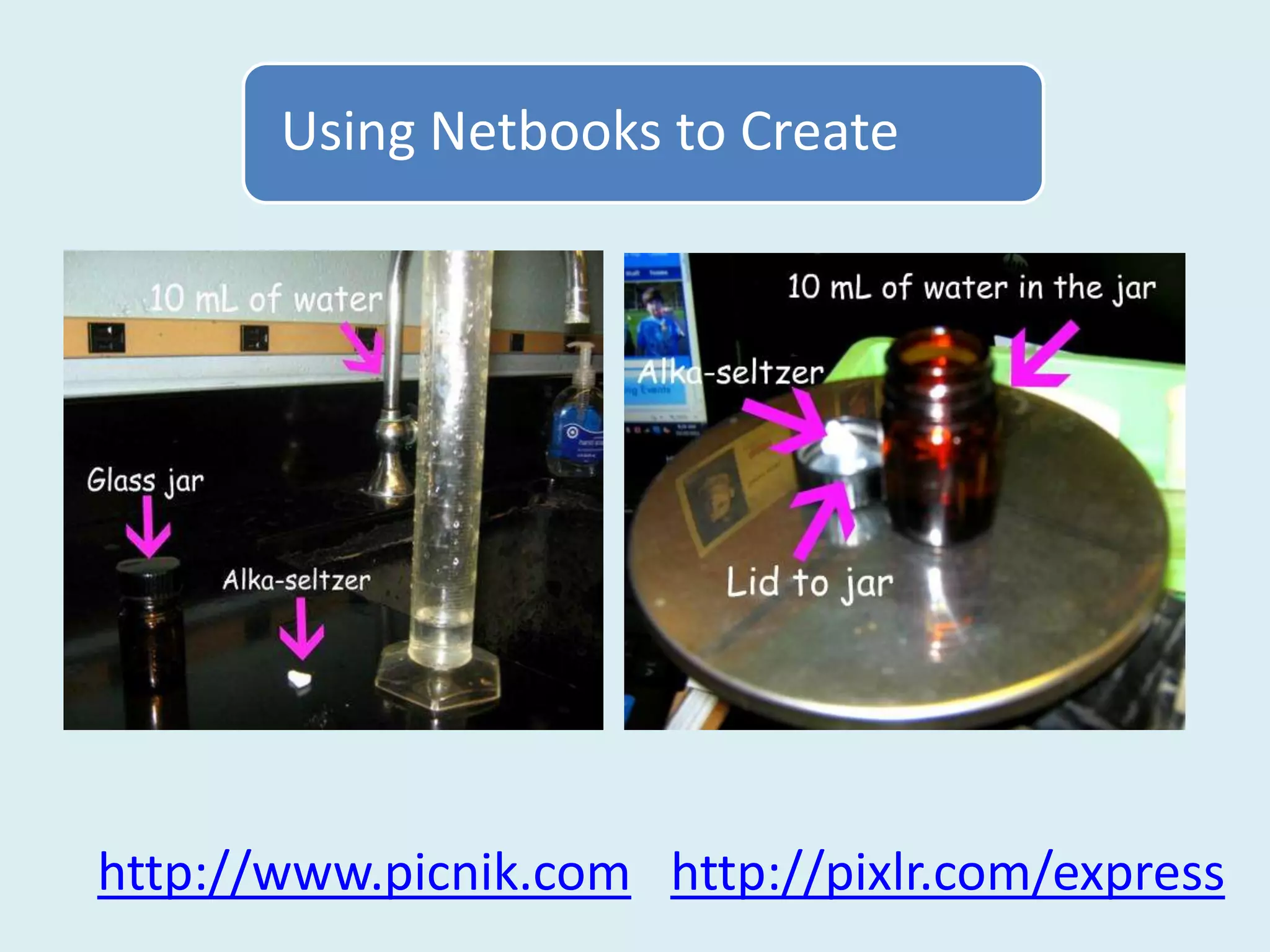
http://www.picnik.com http://pixlr.com/express
Using Netbooks to Create


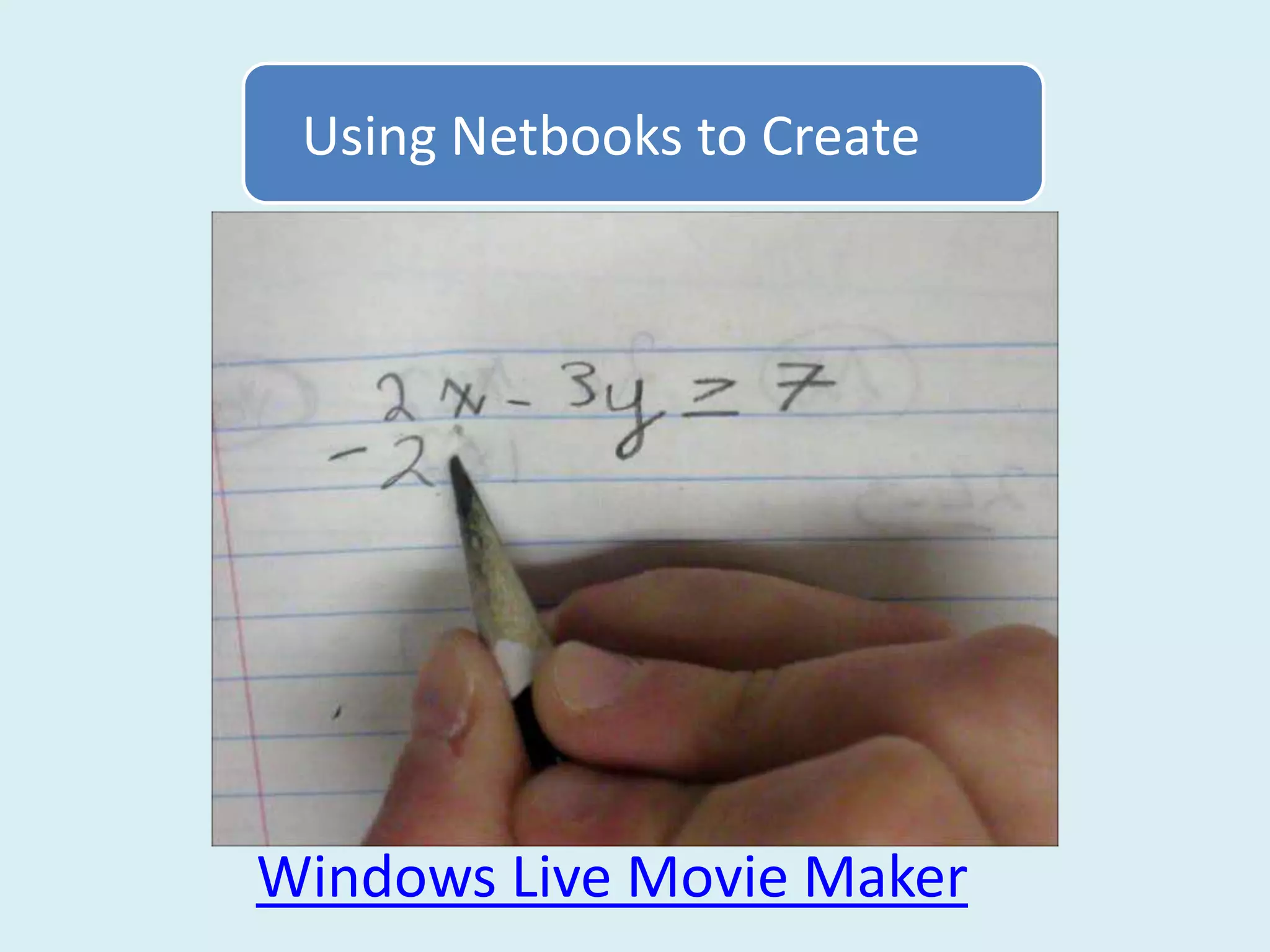
Windows Live Movie Maker
Using Netbooks to Create


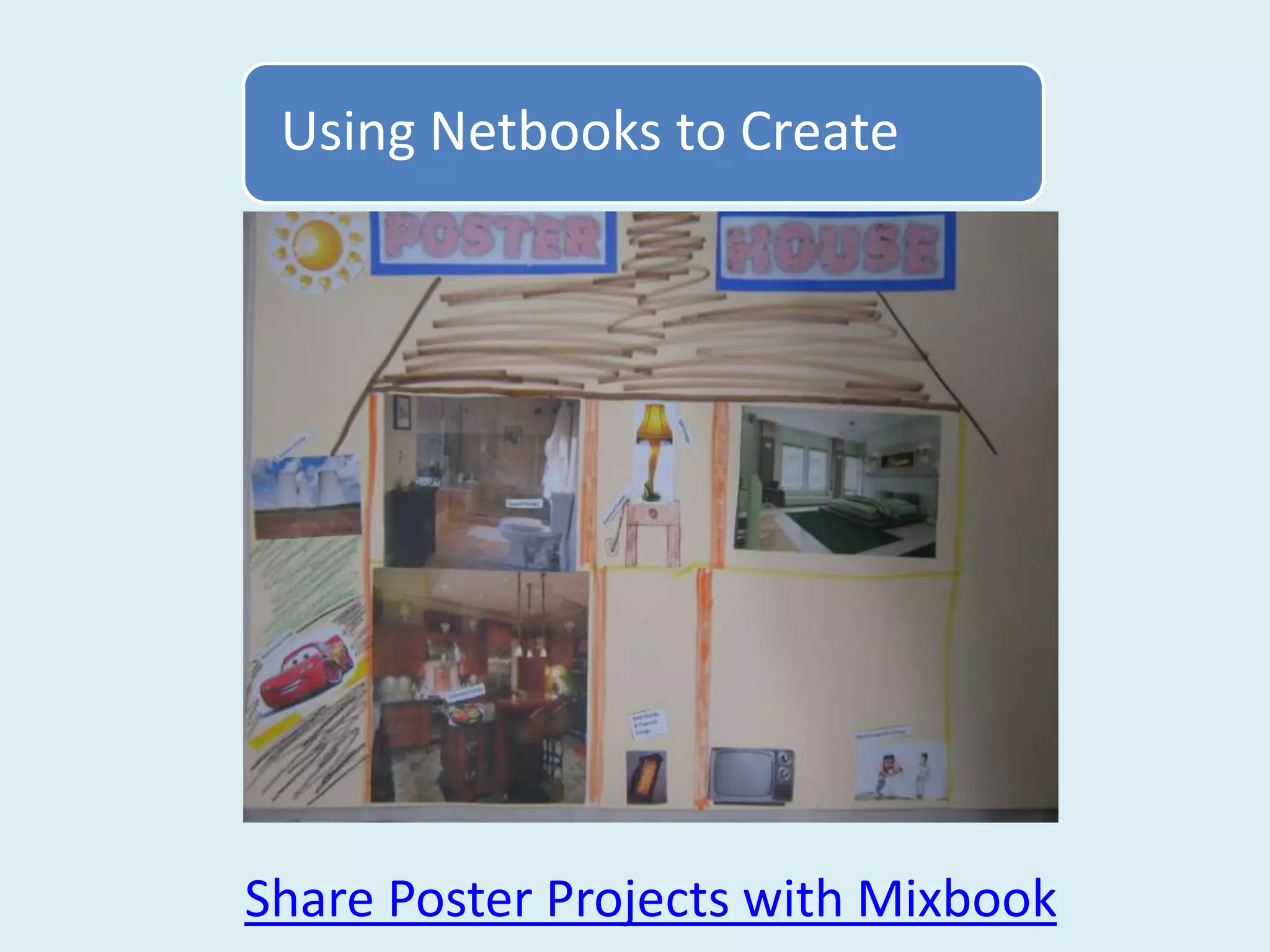
Share Poster Projects with Mixbook
Using Netbooks to Create


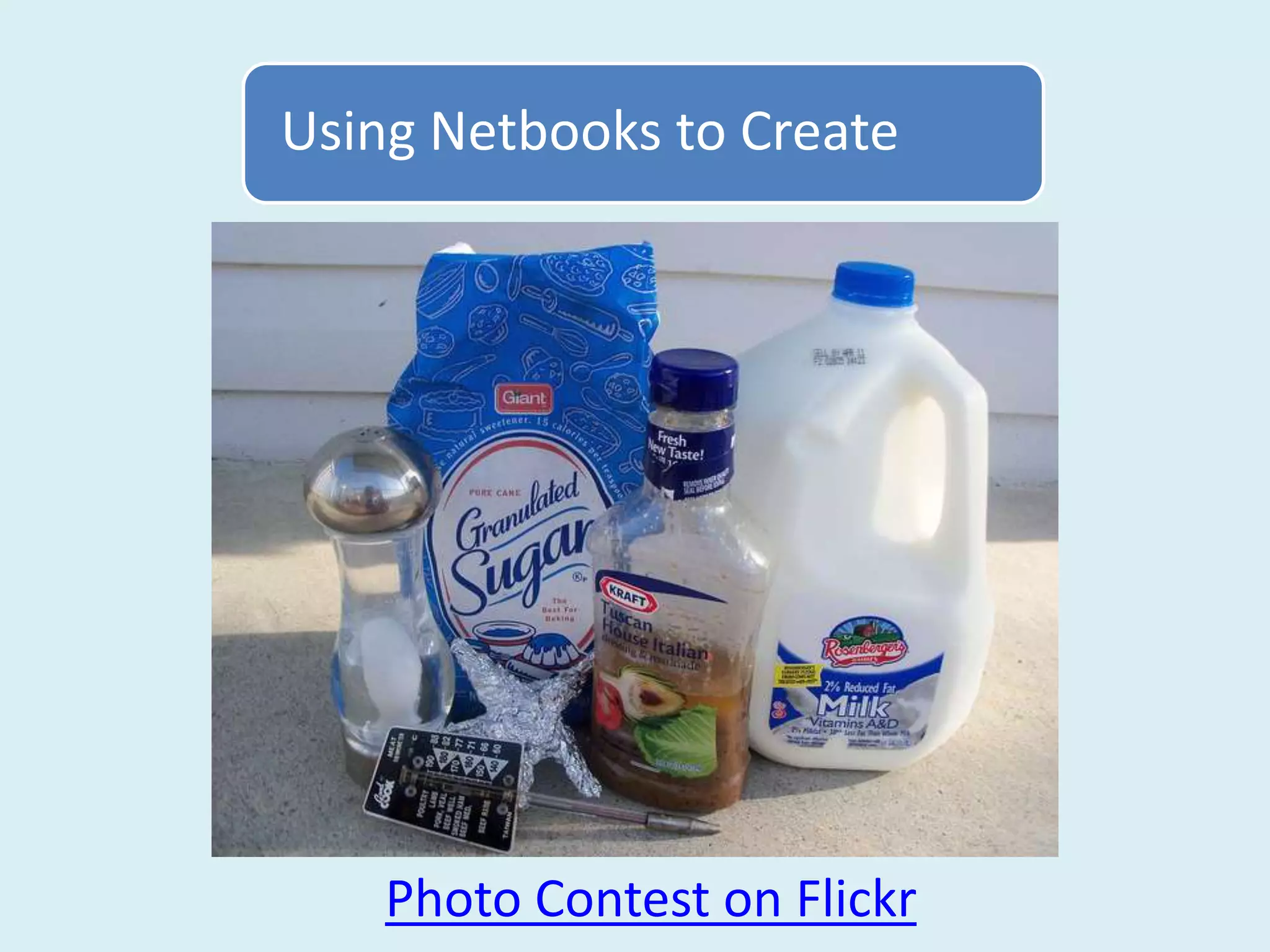
    Photo Contest on Flickr
Using Netbooks to Create


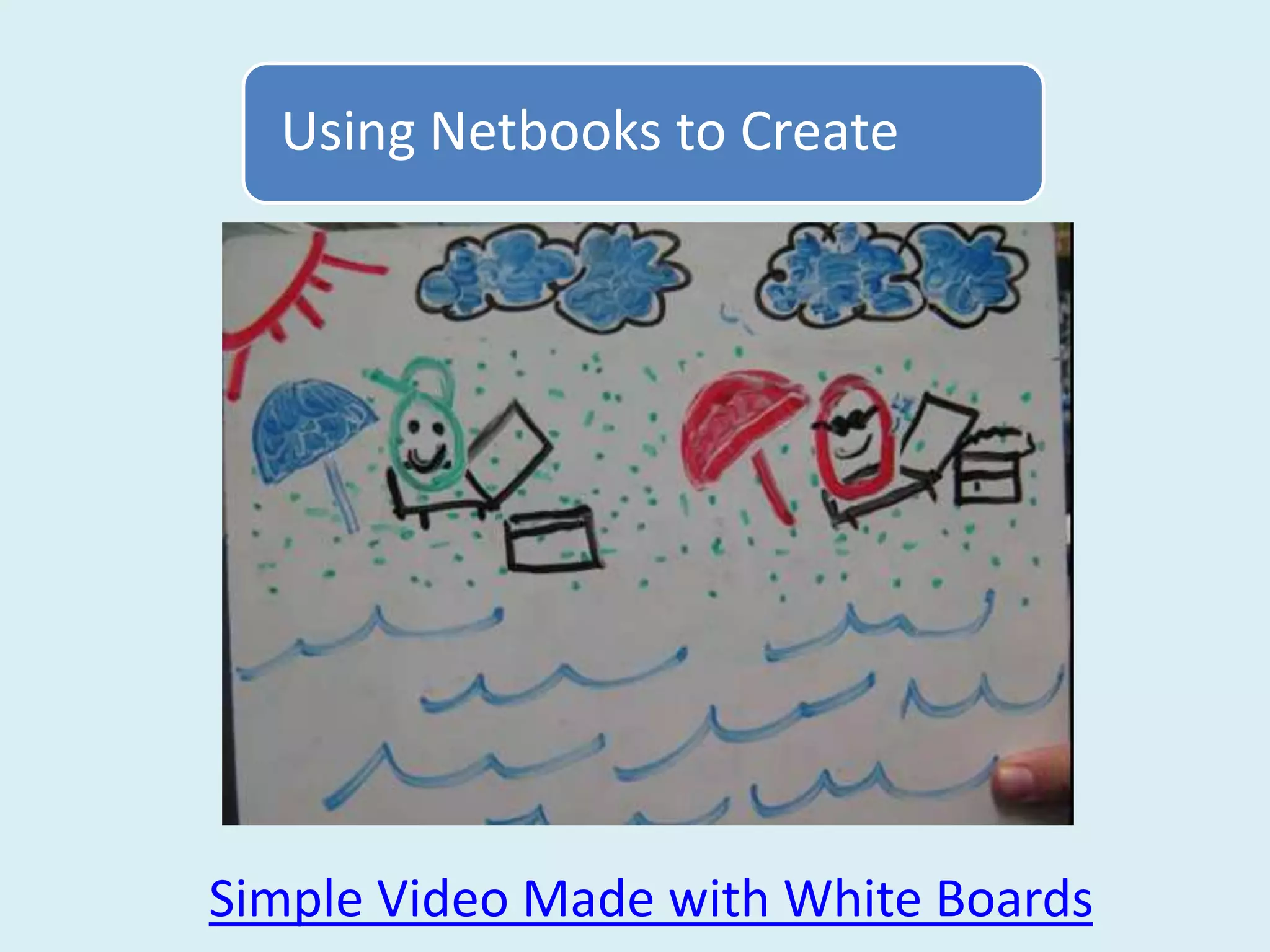
Simple Video Made with White Boards
Using Netbooks to Create


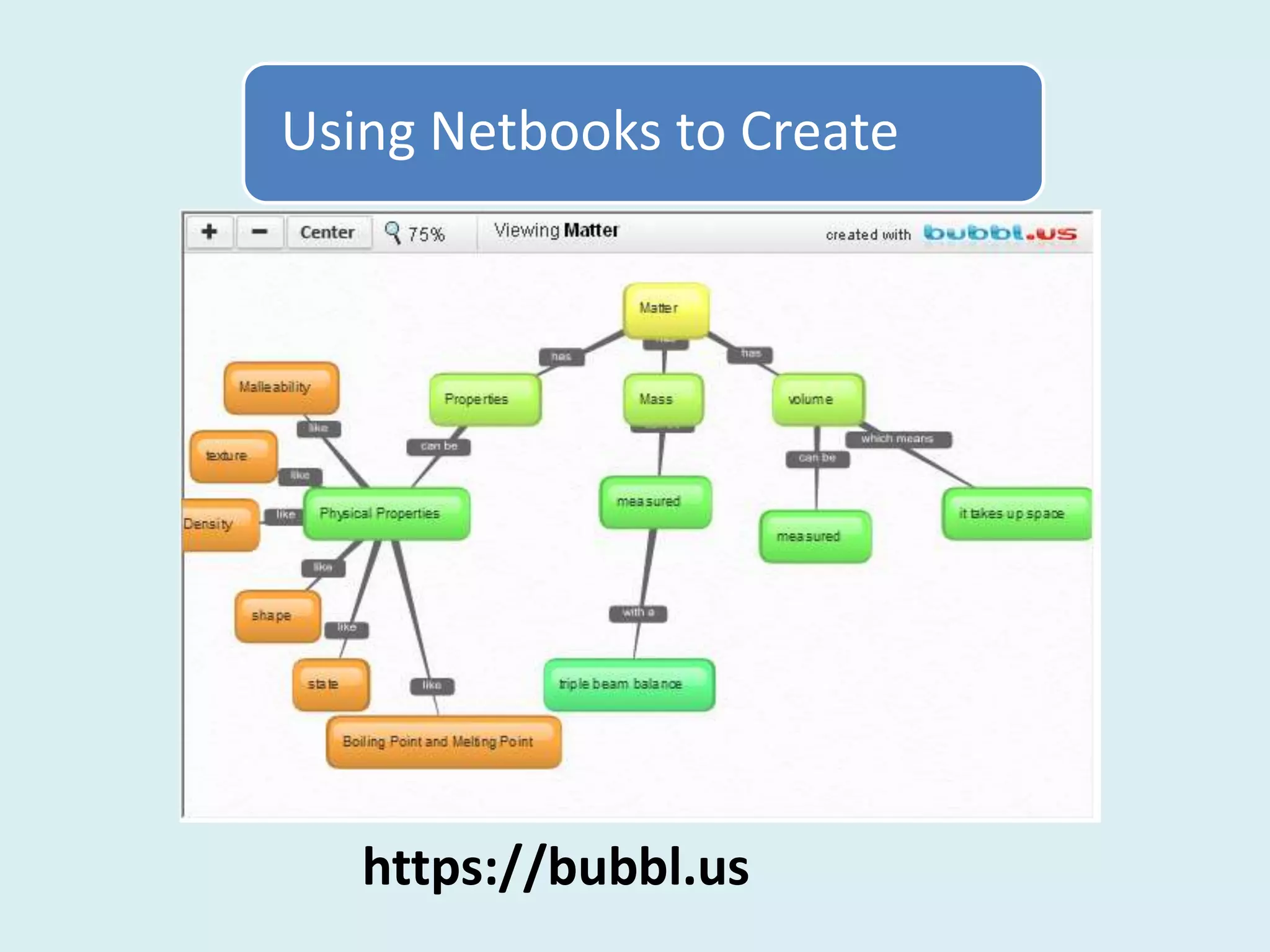
   https://bubbl.us
Using Netbooks to Create


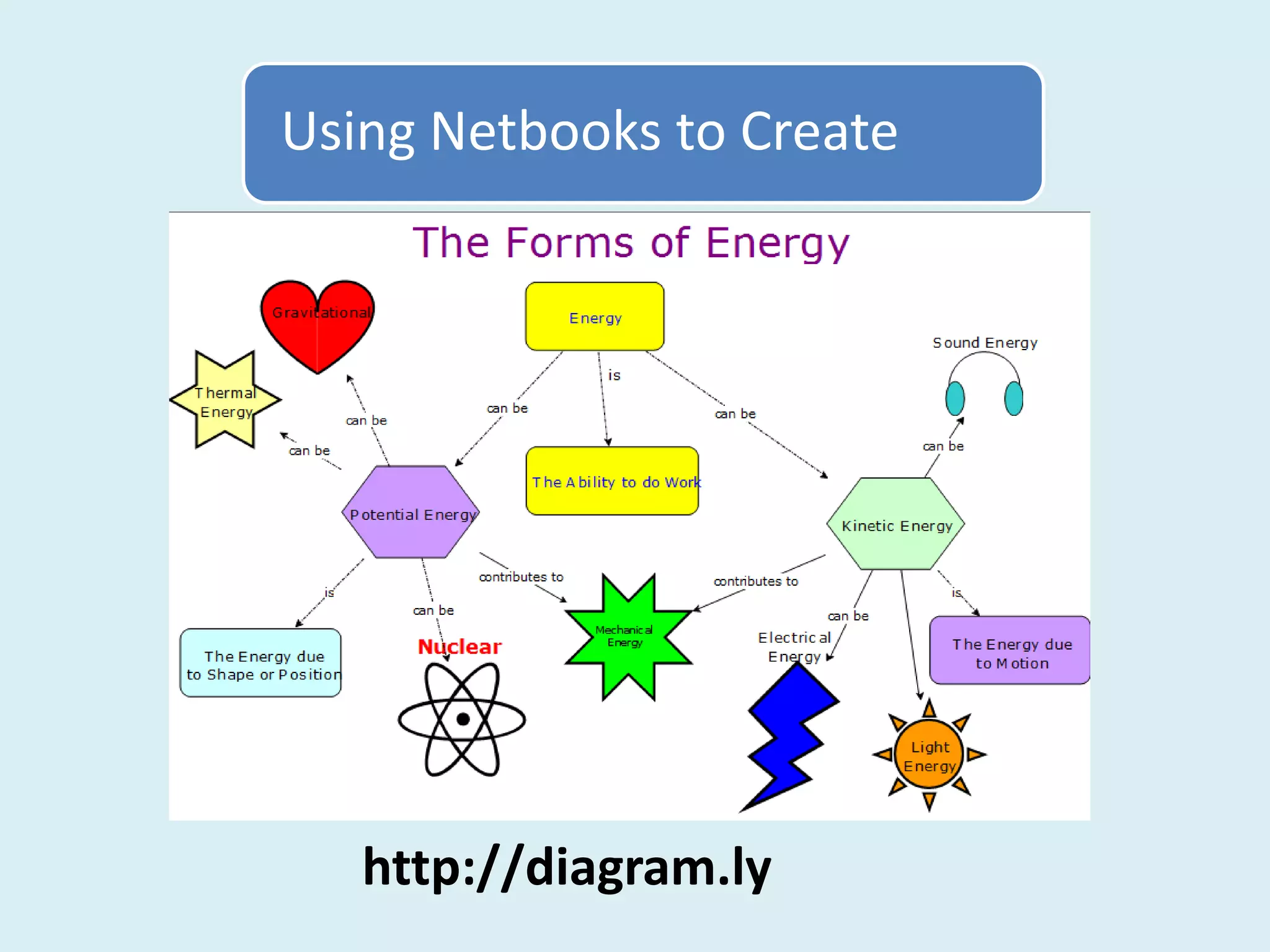
   http://diagram.ly

Connecting and Creating in a 1:1 Classroom

  • 1.
    Creating and Connectingin a 1:1 Classroom Catherine Laguna Quakertown Comm. School District claguna@qcsd.org
  • 2.
    How can accessto net books change the dynamics of your classroom?
  • 3.
    How can accessto net books change the dynamics of your classroom? Technology Transformations Managing the 1:1 Classroom Connecting and Creating
  • 4.
    Technology Transformations Creativity coachJulia Cameron comments that her clients reap the fruit of their labors only if they are willing to go out and "shake the trees," but weirdly, the fruit that falls almost never comes from the tree the person is shaking. Martha Beck
  • 5.
  • 6.
    Technology Transformations Even if the notes are on a Power Point, teacher centered lessons can still be boring to the students.
  • 7.
    Technology Transformations Sometimes reluctant writers just need a fun palette of tools to make them great Hyper Studio communicators.
  • 8.
    Technology Transformations Students will writeand edit complete sentences when they are planning to read them into a microphone.
  • 9.
    Technology Transformations Students can easily explain the results of their experiment after they have watched it being graphed in real time.
  • 10.
    Technology Transformations When Ibegan to give students a voice, I learned that I was never really in control in the first place.
  • 11.
    Managing the 1:1Classroom Class Routine Clear Rules • Start and End of Class • Carrying Netbooks • Numbered Netbooks • Appropriate Sites • Home Site like • Consequences Edmodo 1:1 Technology Engaging Activities Learner Driven • Safe Environment • Freedom to Explore • Connecting with Peers • Creative License • Creative Experiences • Flexible Lessons
  • 12.
  • 13.
    Connecting and Creating Adream is about building something – relationships, identity, quality of experience. Because dreams rise out of human need, they feed the spirit in a profoundly satisfying way. Bill Strickland Make the Impossible Possible
  • 14.
    Connecting and Creating everyhuman being … is born full of potential, and that the way to unlock that potential is to place individuals in a nurturing environment and expose them to the kind of stimulating and empowering creative experiences that feed the human spirit. Bill Strickland Make the Impossible Possible
  • 15.
  • 16.
    Connecting and Creating Isolatedskill practice is contrary to the brain's instinct to preserve its energy, because the brain does not tend to have the expectation of pleasure in such learning environments. Judy Willis Writing and the Brain: Neuroscience Shows the Pathways to Learning
  • 17.
  • 18.
    Connecting and Creating Onthe other hand, when students know information will be used to create solutions to problems that interest them or to create products they want to create, that is when the brain predicts pleasure and applies efforts to achieve the desirable goal. Judy Willis Writing and the Brain: Neuroscience Shows the Pathways to Learning
  • 19.
    Connecting and Creating Content: Forms of Energy Delivery: Product: Research Project How can netbooks be used to engage students in a creative and Live Binders collaborative experience? Choice of Connect Docs Google Text Book: Online Lesson Create Creative and Workbook Projects
  • 20.
    Connecting and Creating Content: Forms of Energy Delivery: Product: Research Project Text Book: Choice of Live Binders Google Docs Online Lesson Creative and Workbook Projects
  • 21.
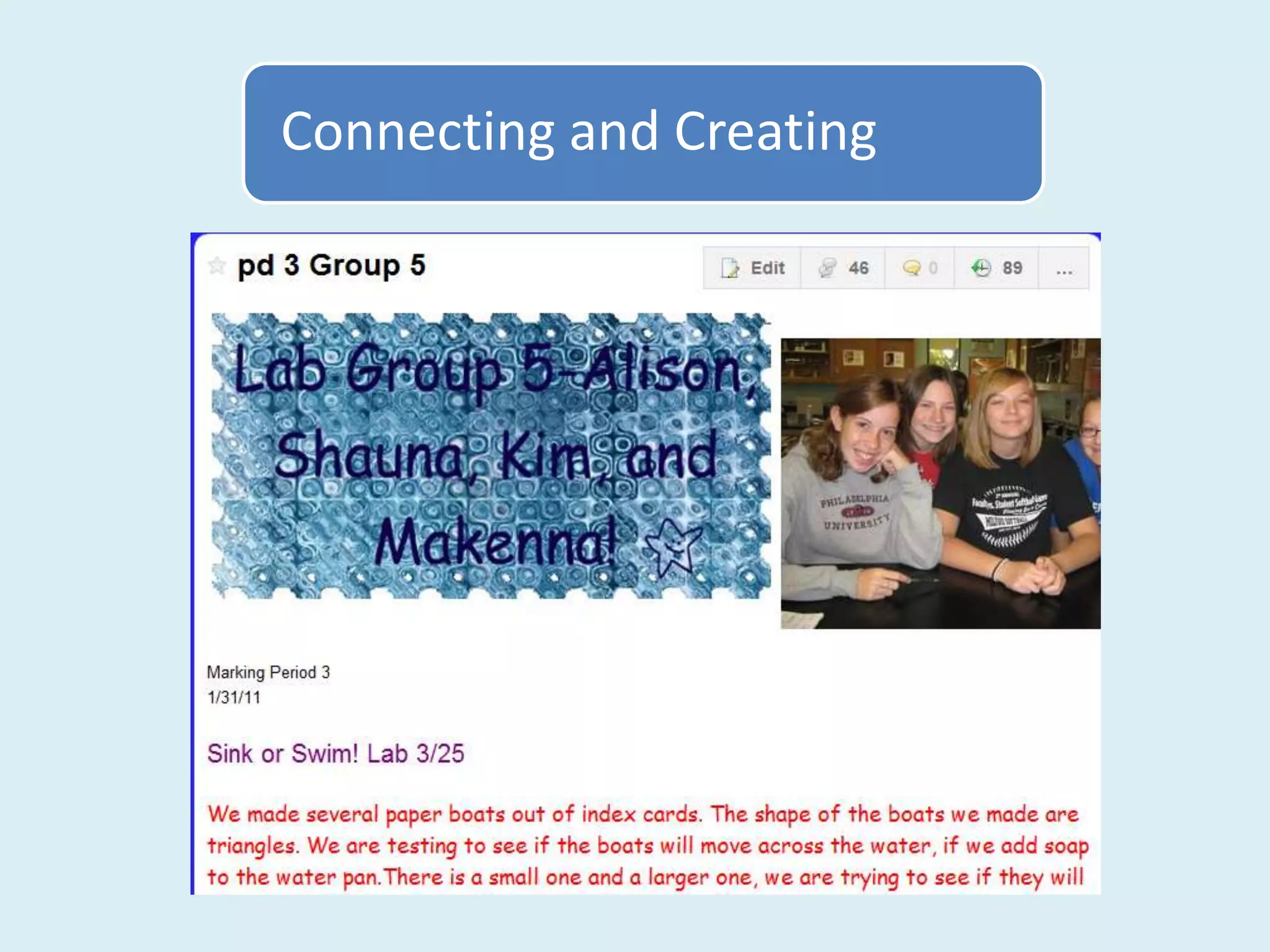
    Connecting and Creating A Wiki can become an outlet for student creativity and ideas. Mrs. Laguna’s Class Wiki on Wikispaces.com
  • 22.
  • 23.
  • 24.
  • 25.
  • 26.
  • 27.
  • 28.
    Using Netbooks toConnect Google Docs example •Collaborative Research •Plan a Project •Share a Presentation •Use a Form to Collect Data http://www.google.com/docs
  • 29.
    Using Netbooks toConnect Wikispaces example •Discussion Tab – students give feedback to their classmates •Keep a wiki journal of individual or group’s work •Post resources to be shared by everyone http://www.wikispaces.com/content/for/teachers
  • 30.
    Using Netbooks toConnect Social Bookmarking – Diigo example •Students find online resources or upload pictures or notes •Uploaded bookmarks or notes are shared with a class “Group” •Tags are used to find resources easily http://www.diigo.com/education
  • 31.
    Using Netbooks toConnect Edmodo example •Class discussion – students pose or respond to a question •Upload work or project to share with the class •Survey – share and tally responses http://www.edmodo.com
  • 32.
    Using Netbooks toConnect Wall Wisher example •Students pose or respond to a question. •Students brainstorm ideas on a topic •Different classes share ideas together http://www.wallwisher.com
  • 33.
    Using Netbooks toCreate Simple Digital Camera for Still Photos and Video, Table Top Tripod Stand
  • 34.
    Using Netbooks toCreate http://www.picnik.com http://pixlr.com/express
  • 35.
    Using Netbooks toCreate Windows Live Movie Maker
  • 36.
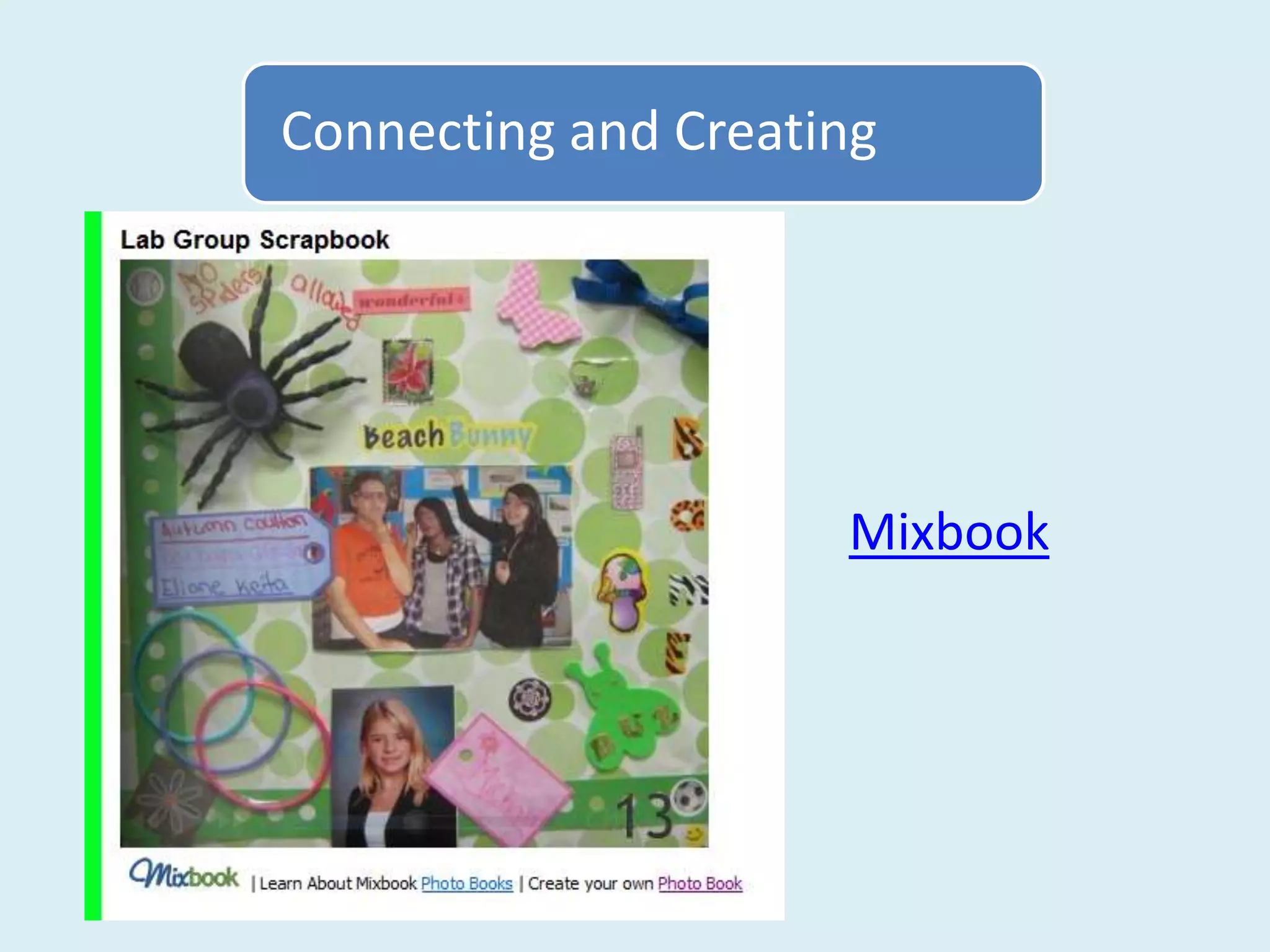
    Using Netbooks toCreate Share Poster Projects with Mixbook
  • 37.
    Using Netbooks toCreate Photo Contest on Flickr
  • 38.
    Using Netbooks toCreate Simple Video Made with White Boards
  • 39.
  • 40.
    Using Netbooks toCreate https://bubbl.us
  • 41.
    Using Netbooks toCreate http://diagram.ly

Editor's Notes

  • #3 Would you be surprised if I told you that I wasn’t initially too excited when I was asked to try 1:1 computing in my science class? Until this year I had used 6-15 computers in class depending on the availability of our 8th grade lap top cart. The kids used the computers in groups or in pairs so there was a social or collaborative aspect to using the computers that fit with the atmosphere of our class. The prospect of 1:1 netbooks made me think of students with blank stares hidden behind the computer screens. I’ve since changed my mind. I thought about what was worrying me and made the decision that if I was to go 1:1 I would try to only use the netbooks for creative or collaborative purposes.
  • #4 But I didn’t start from scratch like many teachers are asked to do in our district. For example, a few years ago our district rolled out 1:1 netbooks in the 9th grade and I’m sure there were many teachers who just weren’t sure what they would do with new technology. I want to start then with a little bit about how I was using technology before getting the netbooks and then how the netbooks have changed what I do in the classroom. I’ll share how focusing on two themes of connecting and creating can guide a teachers lesson plans and some things to consider when you are managing a 1:1 classroom.
  • #5 Martha Beck described a phenomenon that I know well when she wrote this in an article for O magazine. She says that if we are willing to go out and shake the trees, then we will reap the fruit of our labors, but the fruit that falls almost never comes from the tree we are shaking! This has been my experience with implementing new technology in my classroom.
  • #6 I may start out with a specific goal, for example using clickers in the classroom to make it easier to give formative assessments, but I end up learning that the real value of the technology is something completely different than what I expected. In this case, my aha moment was realizing how skilled my students were at hiding their misunderstanding or confusion! It all came out in the clicker assessments. The students in the room that need our help are not always the ones with confusion on their faces!
  • #7 Here are some more examples. I started using power point to motivate my students to take notes. But power point taught me unless note taking is student driven it isn’t a very motivating activity for anyone, including me!
  • #8 I began using Hyperstudio because a colleague told me how much fun it was for students and that it was easy to grade the projects (as opposed to posters.) Hyperstudio taught me that I had underestimated some of my low writers. They were able to express their scientific insights and understanding very well when using the tools that Hyperstudio offered, like drawing tools, action buttons and a non-linear format.
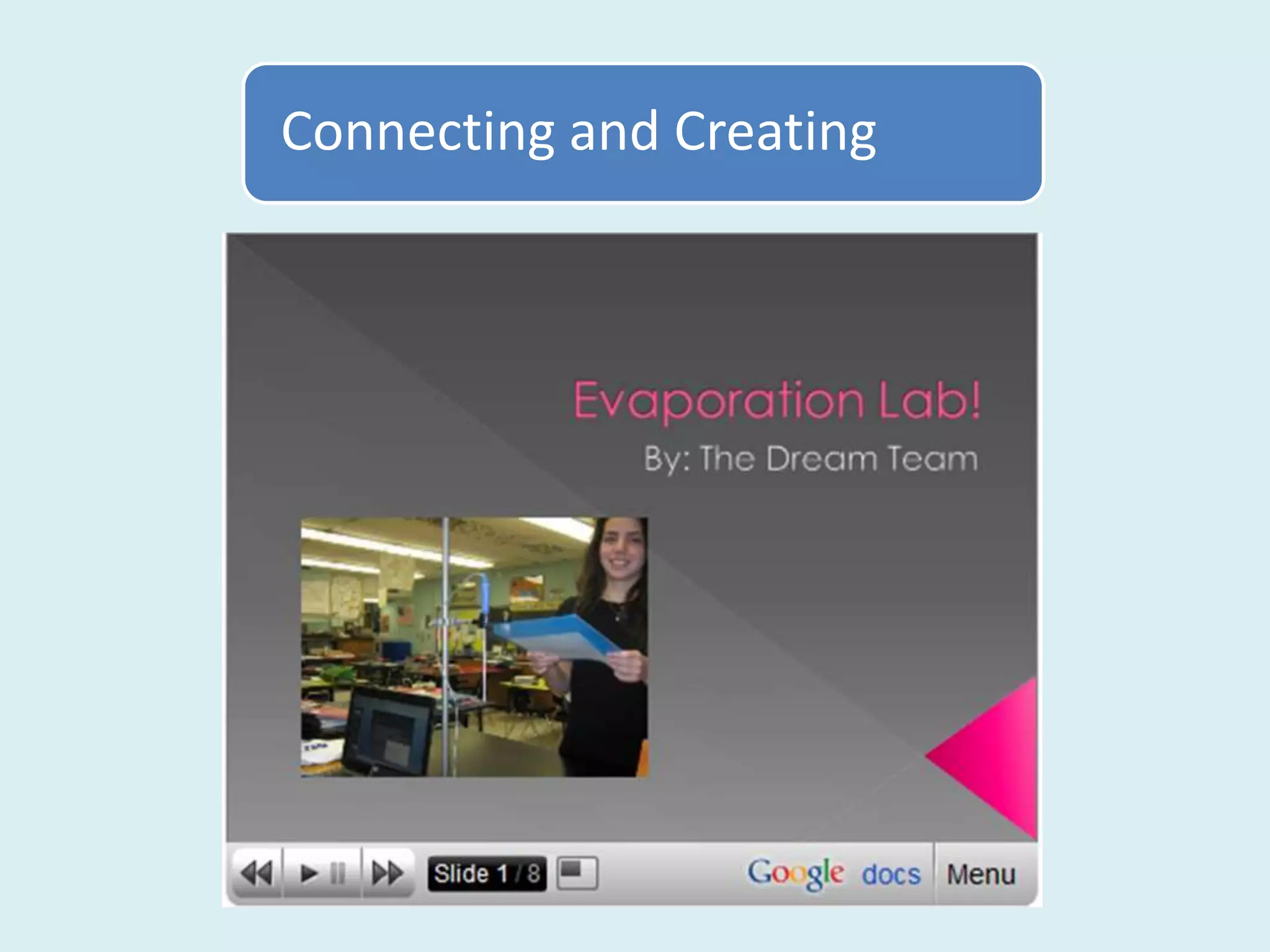
  • #9 I began using movie maker and voice thread because they were fun for students and I wanted to hook some students who weren’t “into science”. But what kept me using this technology was the realization that my students were planning what to say, practicing saying their lines several times, and editing their work before they recorded it with the microphone. The repetition and editing was helping them learn some difficult concepts.
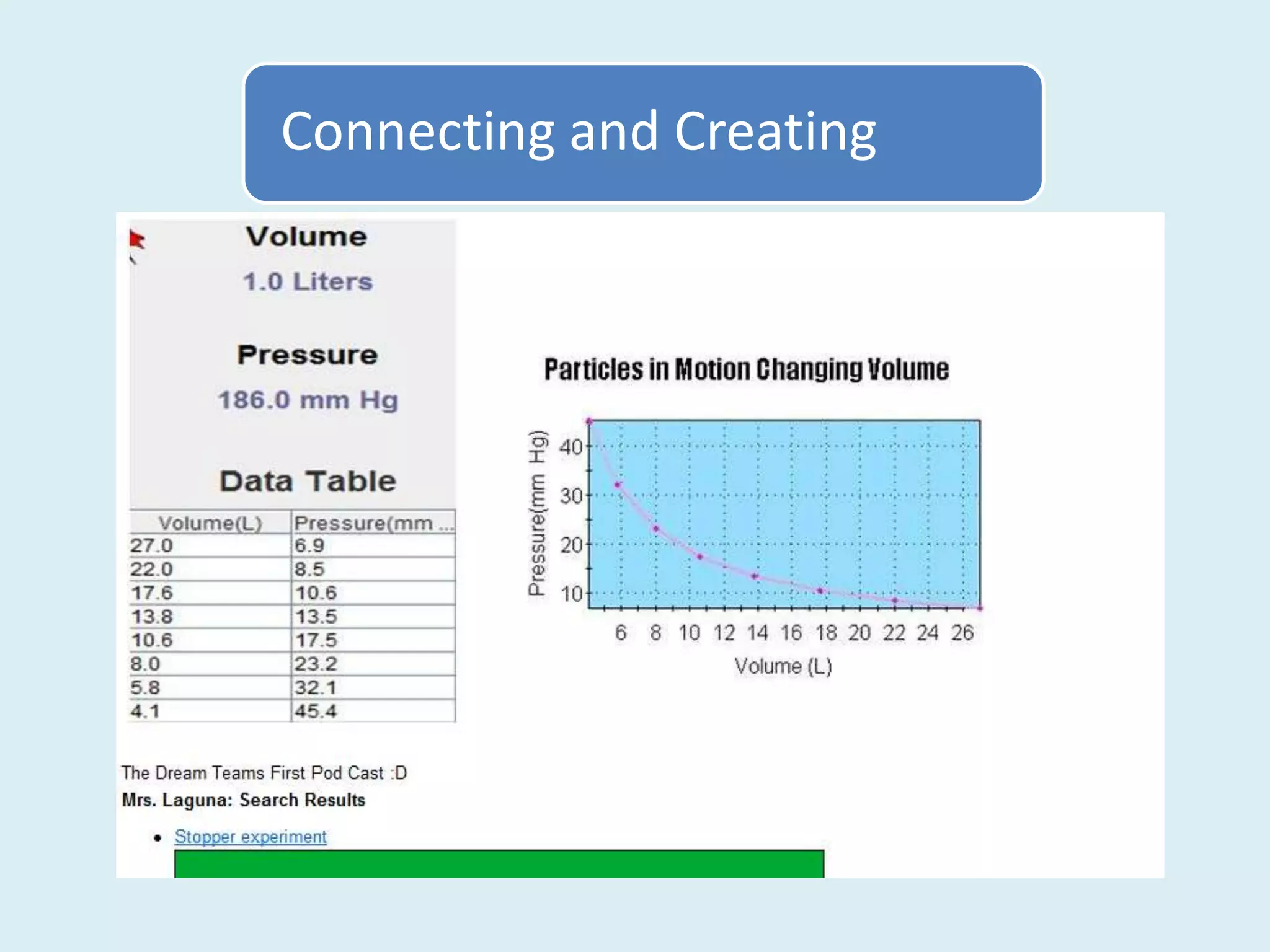
  • #10 I actually found a box of Pasco sensors on my desk one day with a note from another teacher, if you can’t use these, just throw them away. He didn’t want them taking up space in the store room I guess. So, I slowly learned how to use the temperature sensor and the pressure sensor but the magic came when students were interpreting graphs. This isn’t an easy skill for middle schoolers but they had no trouble since they had watch the data being graphed as they collected it. It made such a big difference.
  • #11 Using Wikispaces, however, completely changed the way I teach now. It was through wikispaces that I learned the importance of relinquishing control to the students whenever possible. Here’s how it happened.
  • #13 So, I already had some ideas about using technology but I still had some hesitation about the net books. Former students had reported that when they were given netbooks in 9th grade their teachers only used them for writing papers and viewing web pages. I actually suggested that our new cart of netbooks should be shared between two or three teachers where students could work in groups using a 1:4 scenario. But my principal really wanted to see what 1:1 would look like at the middle school. Ok. I’ll try it but I probably won’t like it!I reflected on what I liked about using the old laptops and decided that the in the best lessons the students were either sharing and connecting with each other or they were creating something original. Sometimes there were doing both. The goal would be to use the new netbooks to try to accomplish these two things.
  • #14 I am always influenced by professional development and books and so I wanted to share how Bill Strickland inspired me last year at PETE &C. After hearing him speak I bought his book and have kept some of his ideas in mind this year. He talks about how our dreams lead us to success and how the best dreams involve building, creating, and having quality experiences. In my mind I want to provide students with the opportunity to pursue dreams. Our students practice dreaming in school every time they have their own idea and are allowed to pursue it.
  • #15 He talked about schools as nurturing environments where children are exposed to empowering creative experiences. That is what I want for my students.
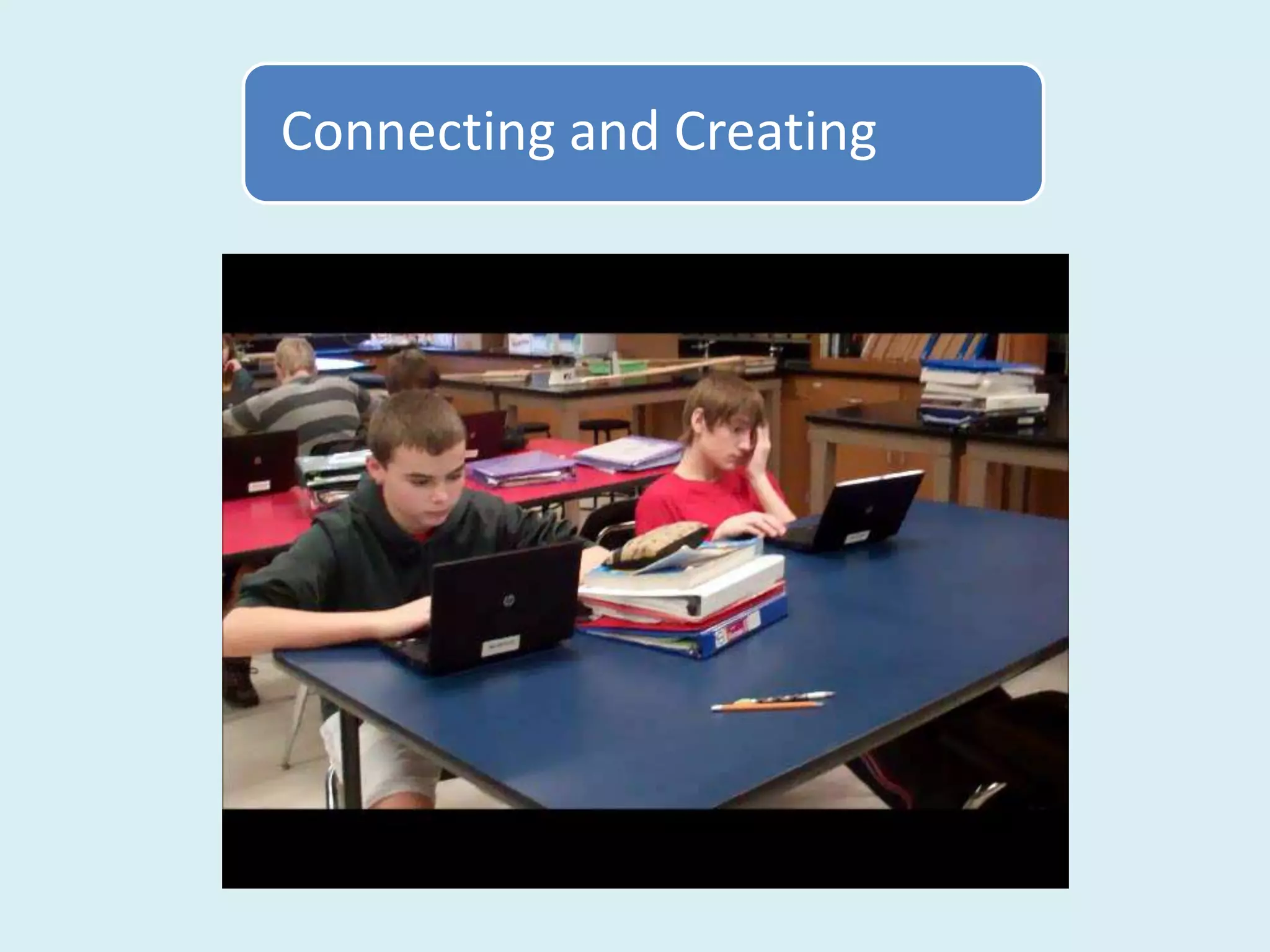
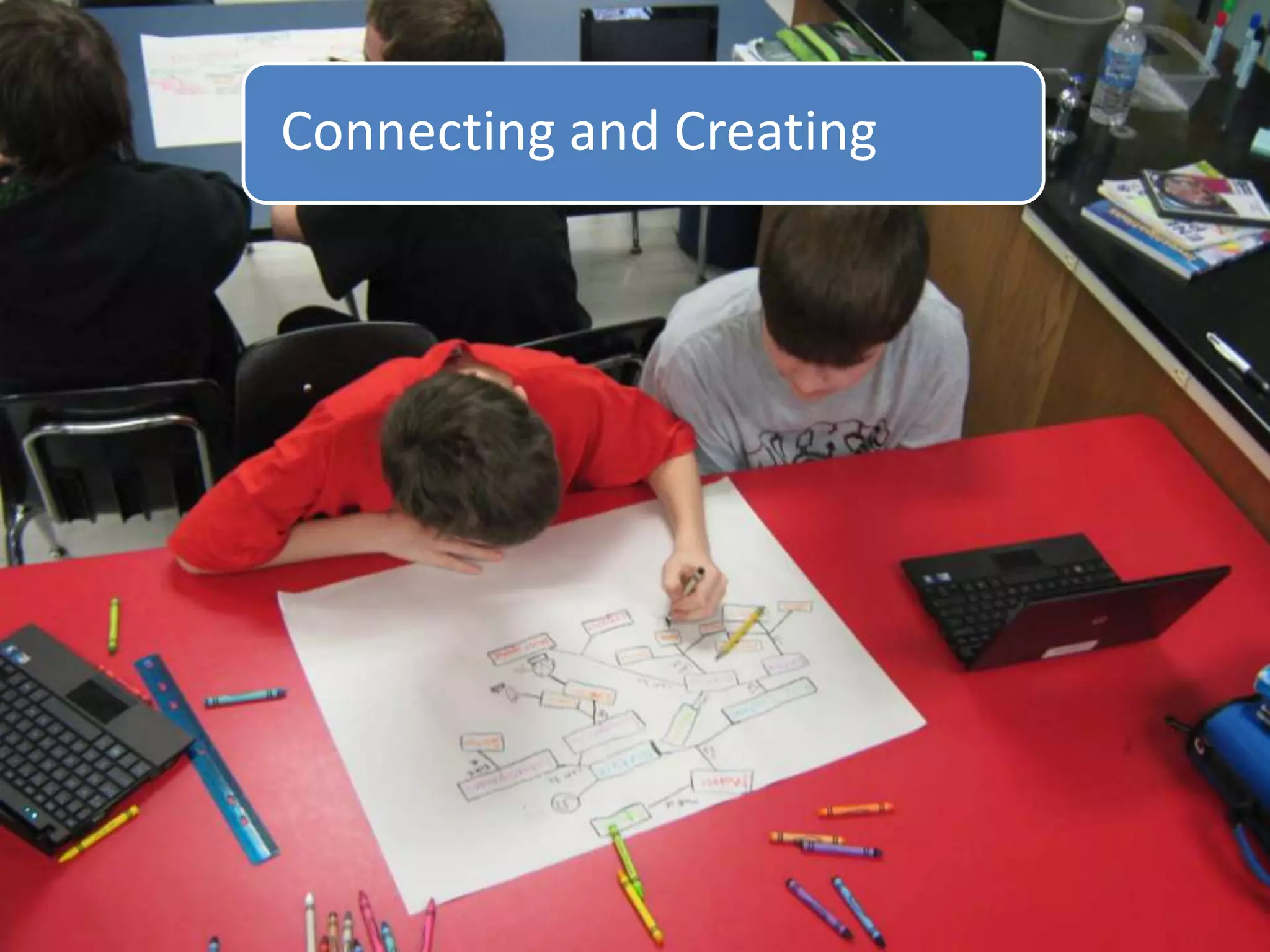
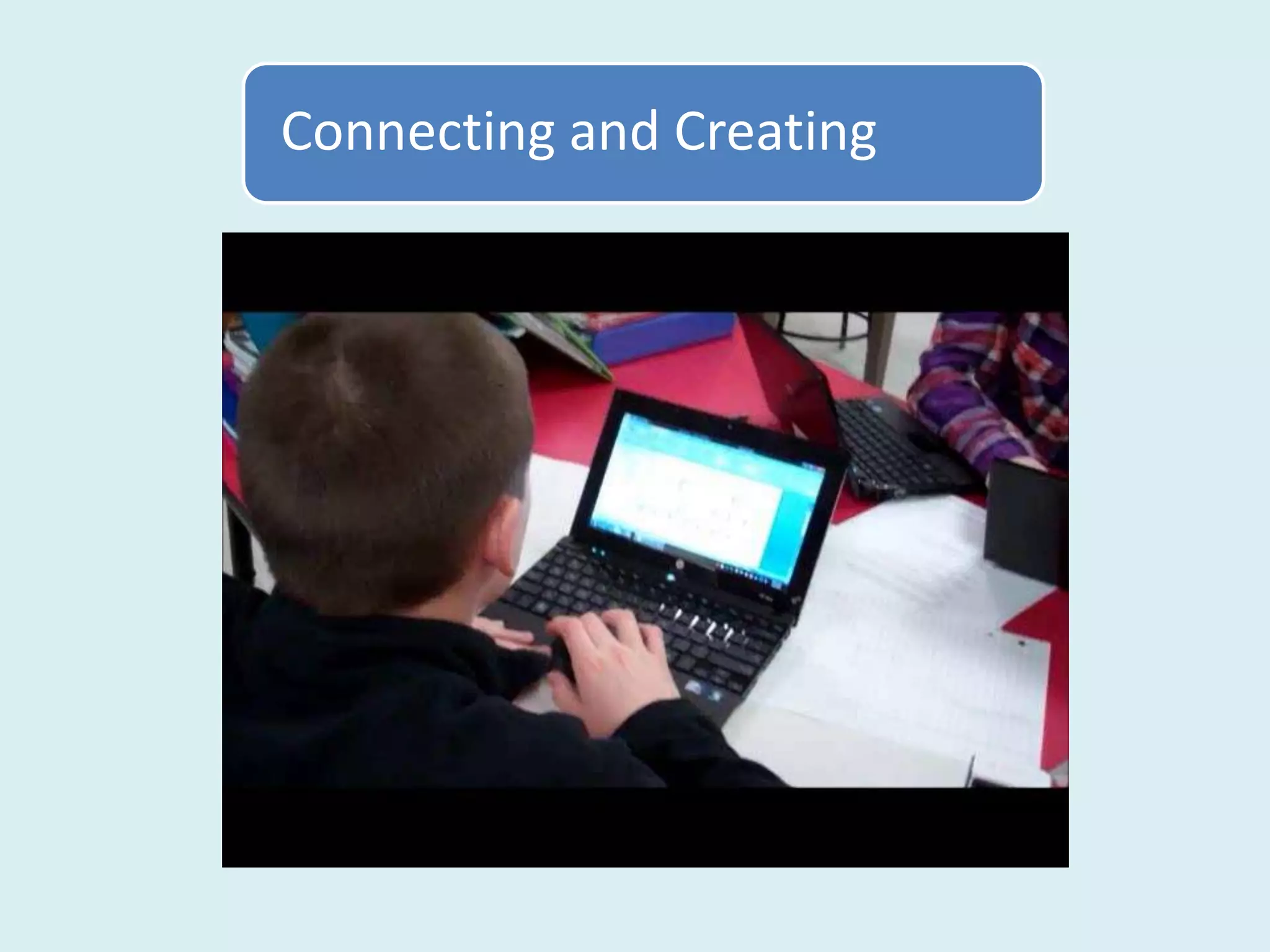
  • #16 But when I thought of netbooks I still envisioned the blank stares of students zoned out infront of the screens. Kind of like this. Here my students are reading from websites about energy. I was immediately discouraged .
  • #17 The key, according to Dr. Willis, is to give students expectations of a pleasurable experience before a lesson, what will they be creating or what problem will they be solving after doing their research, for example.
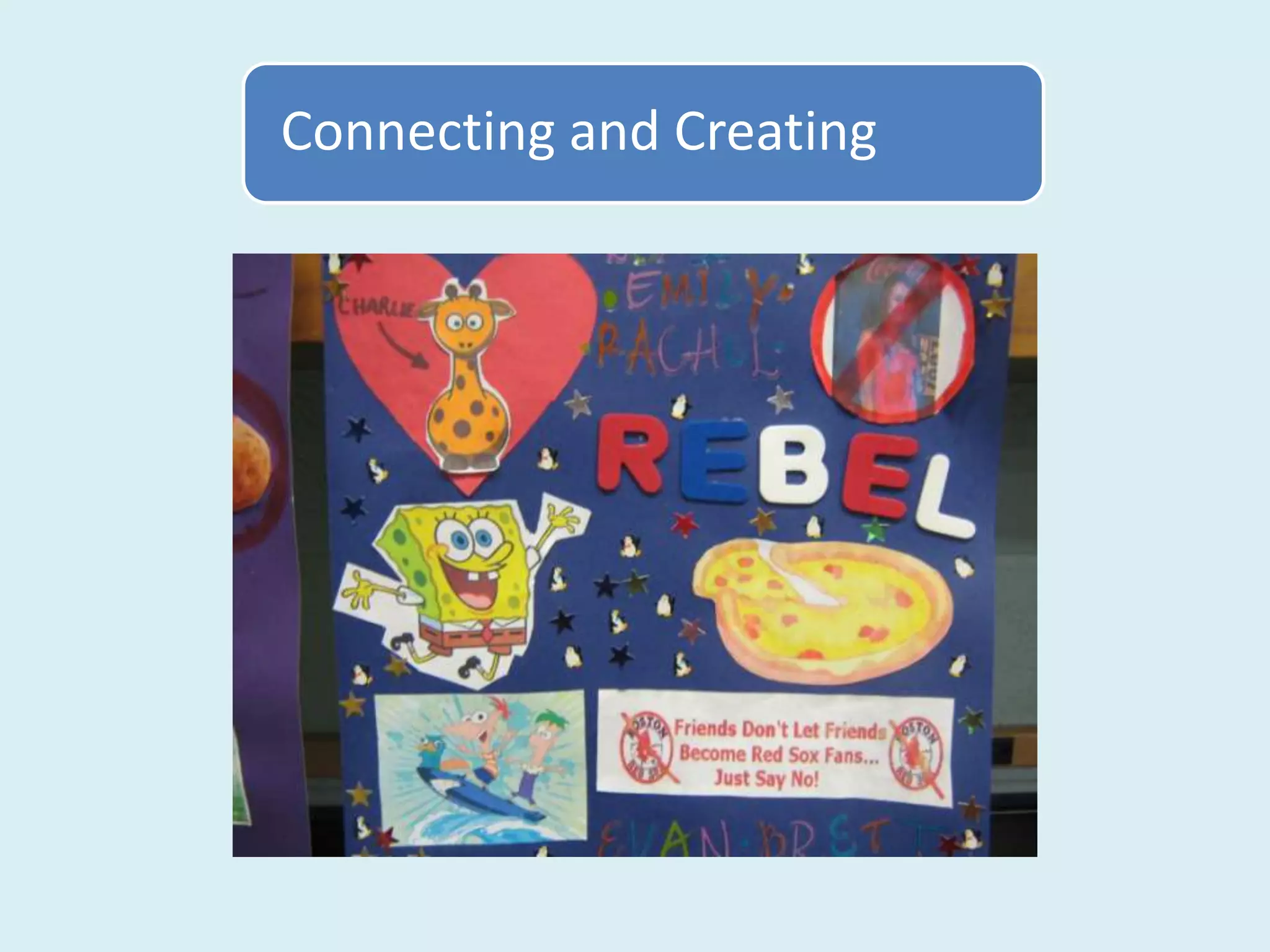
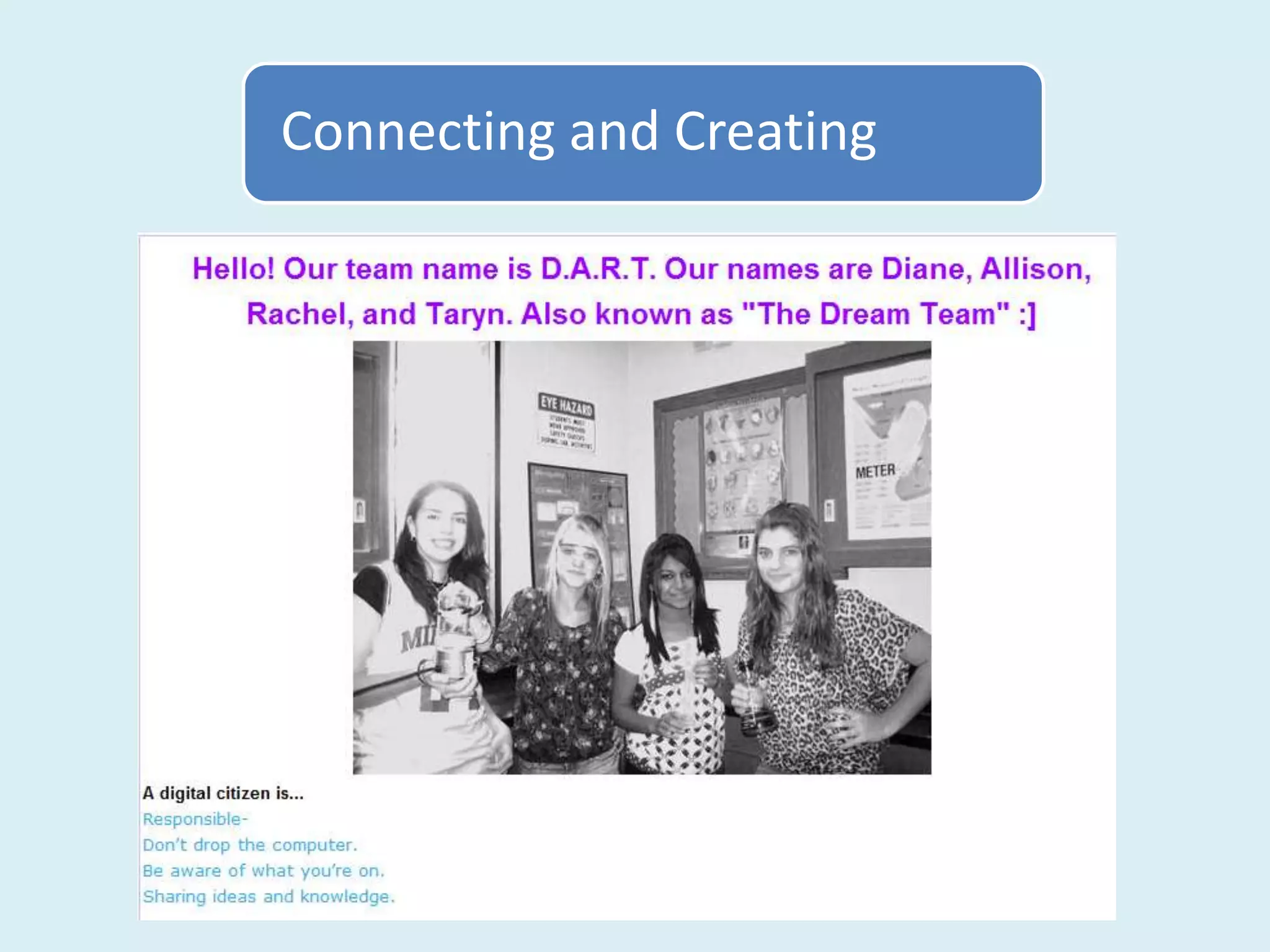
  • #22 Wiki can be used like a scrapbook or a portfolio or a journal – an outlet for student creativity and ideas and a way to showcase student work. I began by putting students into random groups. Students don’t automatically feel safe in social situations so I do a few ice breaker activities in the group – a common interest scavenger hunt and a team scrap book contest/activity. Usually, after our Likes/Dislikes Scavenger hunt and the scrapbook activity, the groups gel somewhat and enjoy working together.
  • #25 Wiki can be used like a scrapbook or a portfolio or a journal – an outlet for student creativity and ideas. I began by putting students into random groups. Students don’t automatically feel safe in social situations so I do a few ice breaker activities in the group – a common interest scavenger hunt and a team scrap book contest/activity.
  • #31 http://www.diigo.com/education
  • #36 Using Print screen or jing.com anything on the computer screen becomes a picture you can use on a wiki or a presentation.
  • #40 Using Print screen or jing.com anything on the computer screen becomes a picture you can use on a wiki or a presentation.